Client guest access in 2026: Jira, Confluence, Notion, Figma, Miro and Canva compared for freelancers and small studios
Freelancers and small studios pay for six tools, then need a seventh decision: how to let the client see the work without buying the client a seat. We read the 2026 guest rules of Jira, Confluence, Notion, Figma, Miro and Canva, and show how a brief, a clickable prototype and your own coding agent can live in one place the client opens with a link.
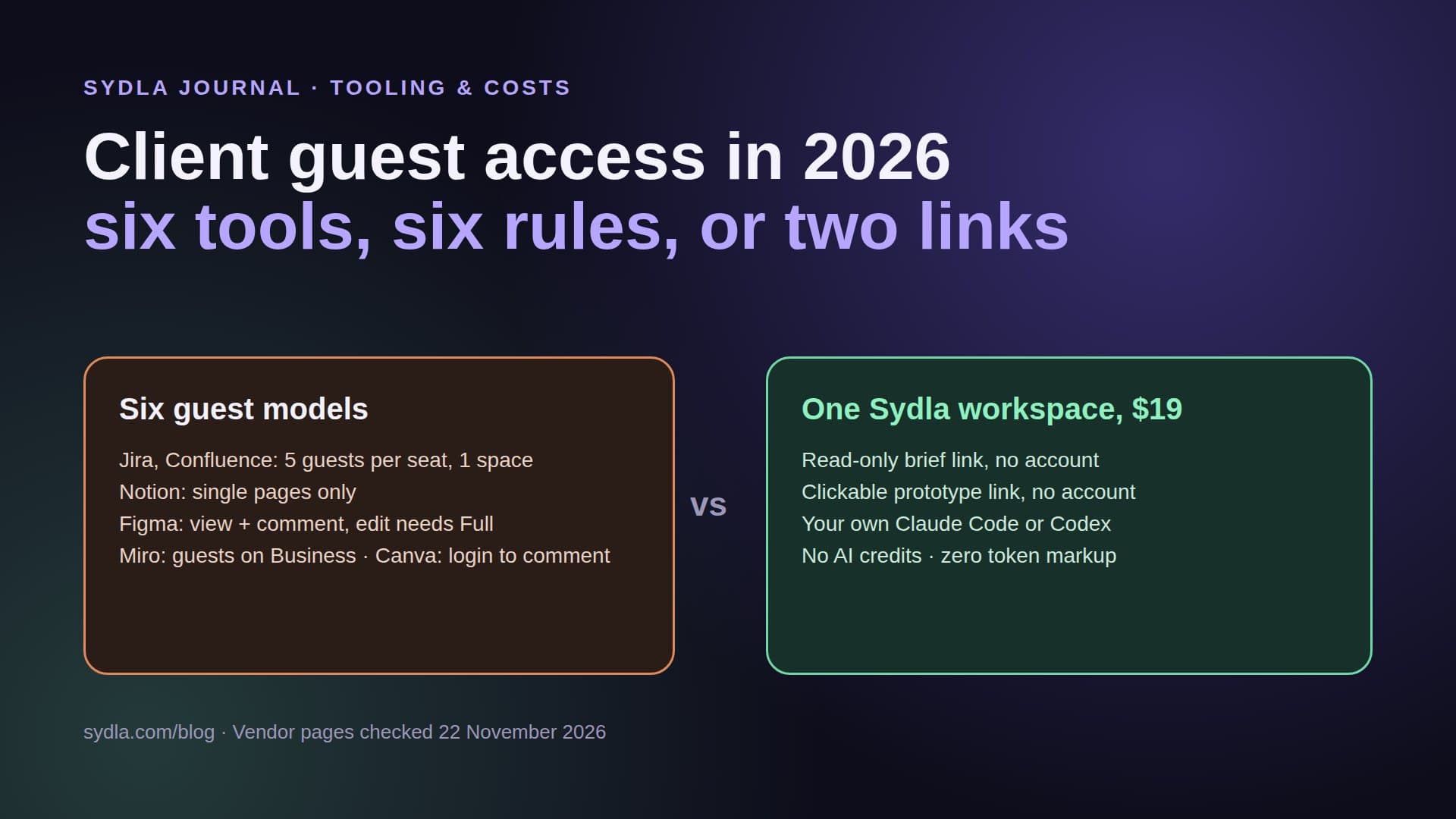
The seventh tool decision: what does the client see?
A freelance developer or a three-person studio usually runs the same stack as a product team: a tracker, a wiki, a docs tool, a design tool, a whiteboard and a visual tool. Then the client asks to follow along. Each tool has a different answer to that question, and in 2026 each answer also comes with a different AI meter, because the client's comments end up in the context your coding agent reads.
That is where AI credit fatigue meets client work. You pay six seats, you track six sets of AI credits, and you send the client six kinds of links: a Jira guest invite for the board, a Confluence space for the spec, a Notion page for the meeting notes, a Figma prototype for the screens, a Miro board for the workshop and a Canva link for the launch visual. Every link is another place where feedback lands, and another MCP hop before Claude Code or Codex can act on it.
This guide reads the guest rules each vendor published, checked on 22 November 2026, and shows a simpler setup for small teams that build client software with their own coding agent.
Guest access rules in 2026, tool by tool
Most vendors now let clients in for free, but the free access is narrow, tied to a plan, and easy to break by inviting the wrong person.
- Jira. Since April 2026, Jira Cloud gives each paid user up to five free guests on Standard, Premium and Enterprise. A guest can belong to only one Jira space per site, gets a restricted permission set and no global permissions, and paid users plus guests must stay within the site's user limit. Former paid users cannot be turned into guests, and Atlassian says it may change the ratio.
- Confluence. The same rule: five free guests per paid user on Standard and up, one space per guest, and guests must be outside your organization. A client who needs both the spec space and a second project space needs a paid seat.
- Notion. Guests are free, but only on the individual pages they are invited to; they cannot see teamspaces. The Free plan caps guests at 10, and anyone using an email on your own domain is added as a billed member. Notion also offers temporary members that do not use a paid seat, with an expiry up to one year.
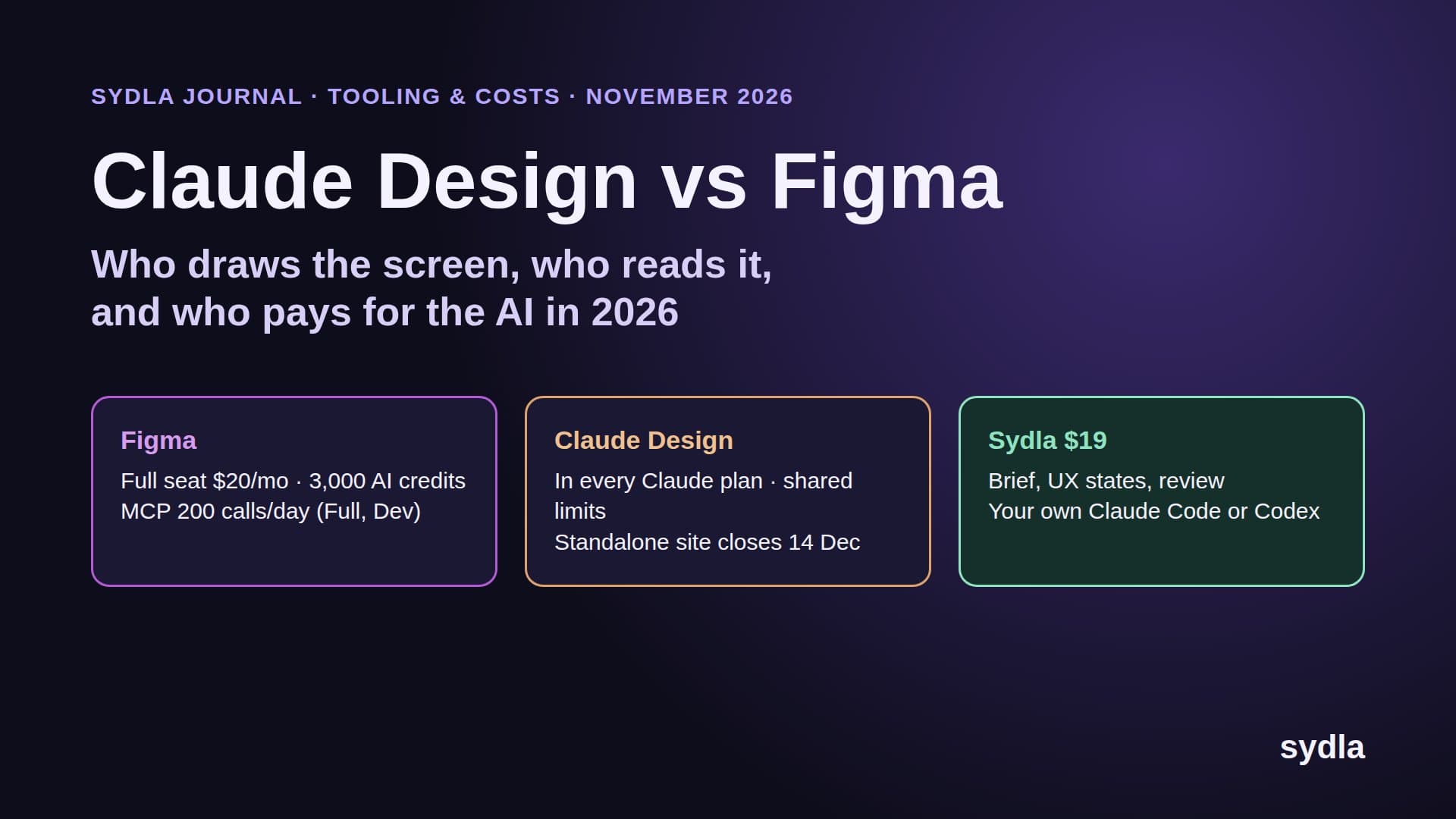
- Figma. On a paid plan, others can view and comment on your files without extra seats, and prototype links are made for showing designs to clients. A client who wants to edit needs a Full seat, $16 a month billed yearly or $20 monthly; a Collab seat at $3 covers view and comment in Figma Design plus FigJam. Non-Full seats get 500 AI credits a month and 20 MCP tool calls a month.
- Miro. Guests are free and do not use a paid seat, but the guest role exists only on Business ($20 per member billed yearly) and Enterprise. Visitors can open a public board link without an account; on Free that link is view-only.
- Canva. A public view link gives a read-only copy of a design. Reading comments works without logging in, but adding or replying to a comment needs a Canva account.
None of these rules is unreasonable on its own. Together they mean a client sees one slice per tool, and you keep a mental map of who is a guest where, on which plan, until which renewal date. Our tool sprawl audit shows how those handoffs add up for a whole team.
What a client project costs per seat, and what the client can reach
The table puts the seat price of each tool next to what a client gets for free and how an AI agent reaches the content. Prices are USD list prices per user per month from our November 2026 snapshot.
| Tool | Seat price | Free client access | AI meter on the content |
|---|---|---|---|
| Jira Standard | $9.70 | 5 guests per paid user, one space each | Rovo credits, 25 per user on Standard |
| Confluence Standard | $7.15 | 5 guests per paid user, one space each | Rovo credits; enriched MCP search 1 to 10 credits |
| Notion Plus | $12.00 | Page-level guests; Free plan 10 guests | Notion AI credits; Custom Agents $10 per 1,000 |
| Figma Professional Full | $20.00 | View and comment on paid plans; prototype links | AI credits per seat; 20 MCP calls a month on non-Full seats |
| Miro Starter | $10.00 | Public links; guests on Business only | Pooled AI credits per team |
| Canva Business | $25.00 | Public view link; comments need a login | Canva AI allowance per plan |
| Six tools combined | $83.85 | Six guest models, six links per client | Six AI meters |
| Sydla | $19.00 | Read-only document link and prototype link, no account | No AI credits: your own Claude Code or Codex |
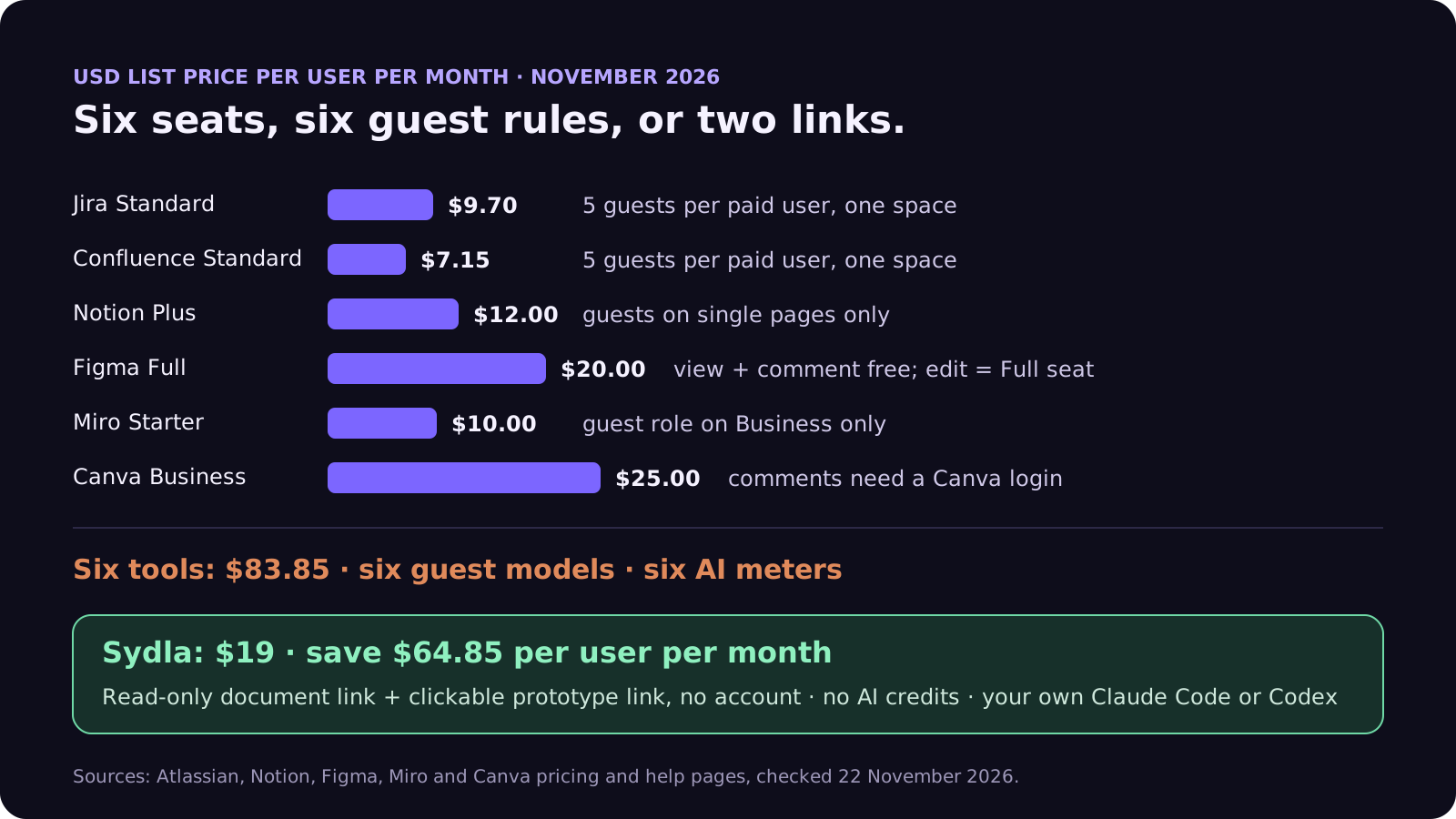
For a solo developer, the gap is $64.85 a month, or $778.20 a year, before any AI add-on. Our solo founder stack guide walks through that budget in detail, and the comparison hub has a page for each tool.
Why guest feedback matters more once an agent does the coding
When a person codes the change, client feedback is read by a person who knows the project. When Claude Code or Codex codes it, the feedback becomes part of the agent's context. That changes two things.
- Feedback has to land in the brief, not in six comment threads. An agent cannot act on a Figma comment it never reads, and it should not act on a Miro sticky that nobody confirmed. Turn agreed feedback into numbered acceptance criteria; our acceptance criteria guide shows the format.
- Guest content is untrusted input. A comment written by someone outside your team can carry instructions aimed at the agent. Keep guest text out of the agent's direct reach, or treat it like any external input. Our prompt injection guide lists the guardrails.
- Every tool the agent reads is a meter. Reading a Confluence page through enriched MCP search, a Figma frame through the Figma MCP server or a Notion page through a Custom Agent each spends a different allowance. Our AI credit fatigue guide adds them up.
The same client project in one Sydla workspace
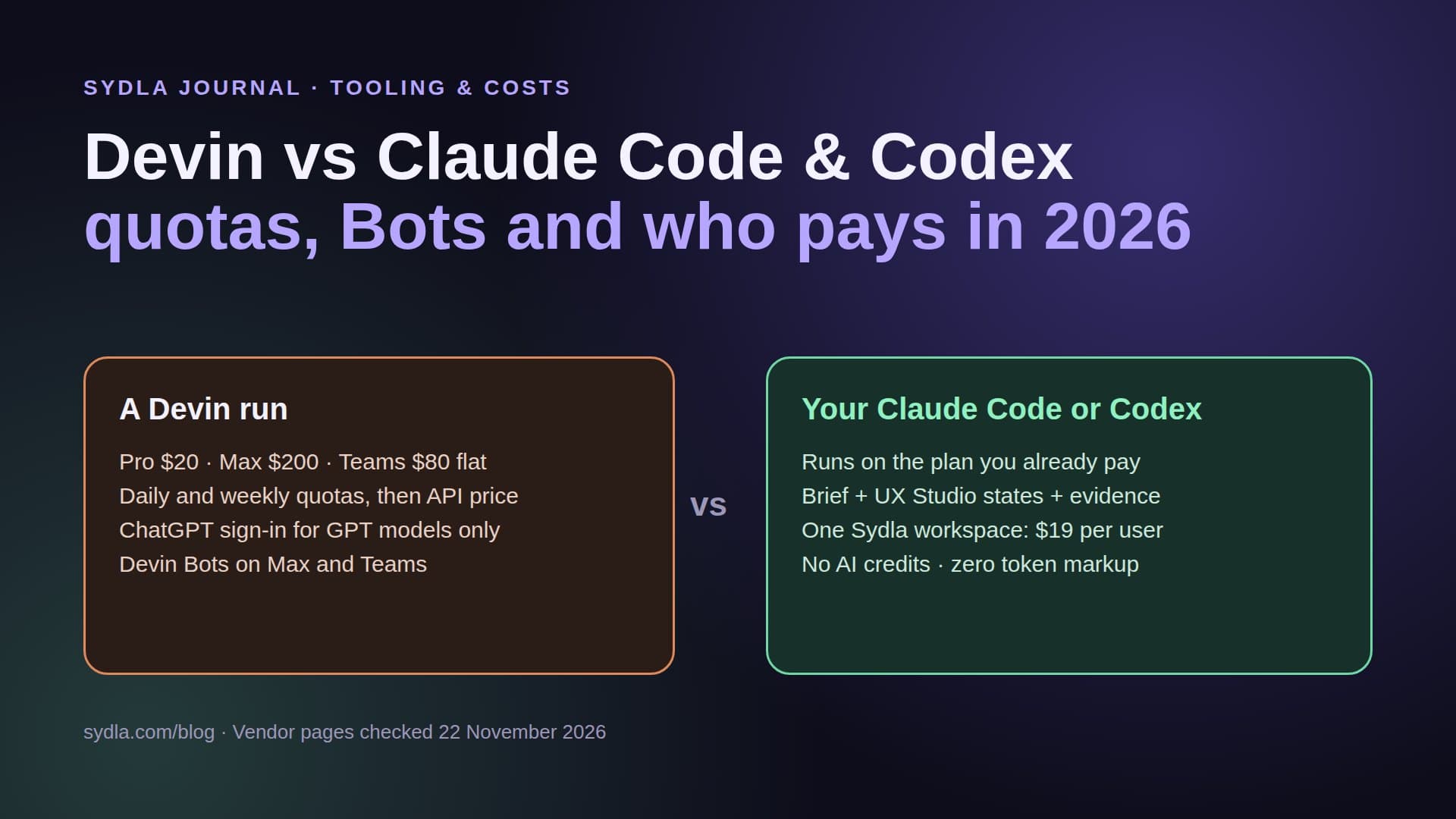
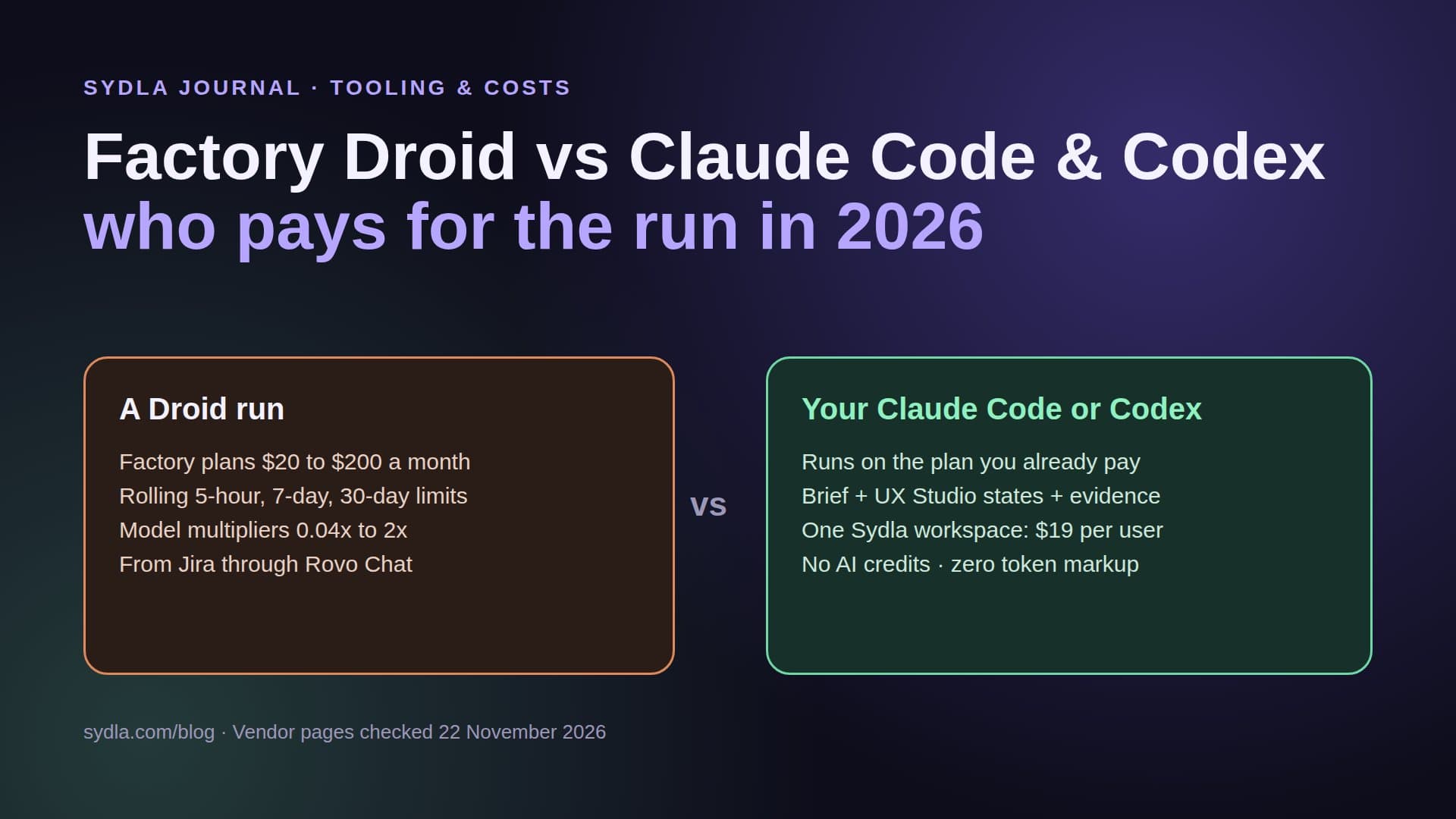
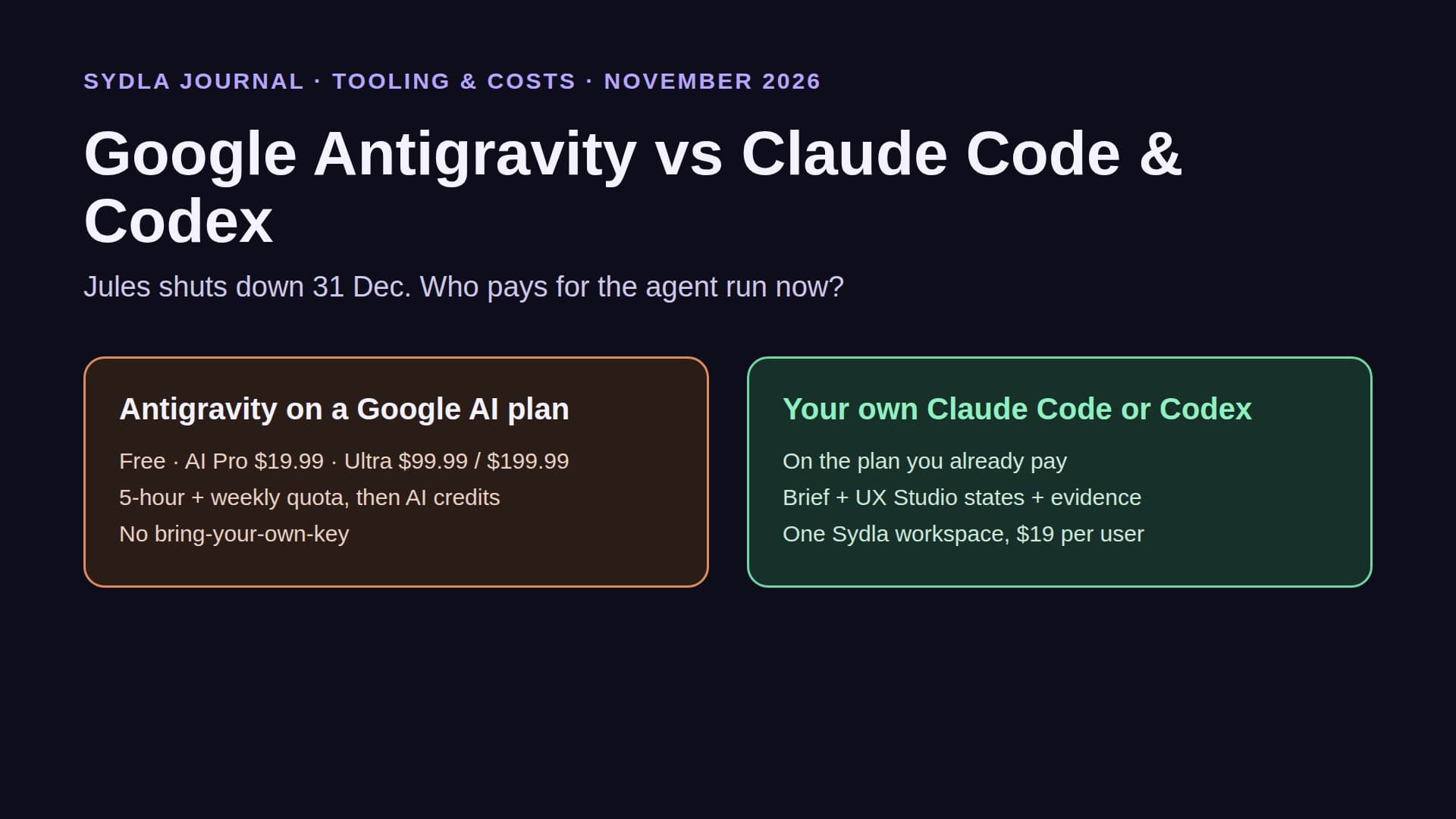
Sydla is an AI SDLC workspace at $19 per user that replaces Jira, Confluence, Notion, Figma, Miro and Canva for small teams, and runs your own Claude Code or Codex with zero token markup. For client work, the useful part is that the client does not need an account at all to follow along.
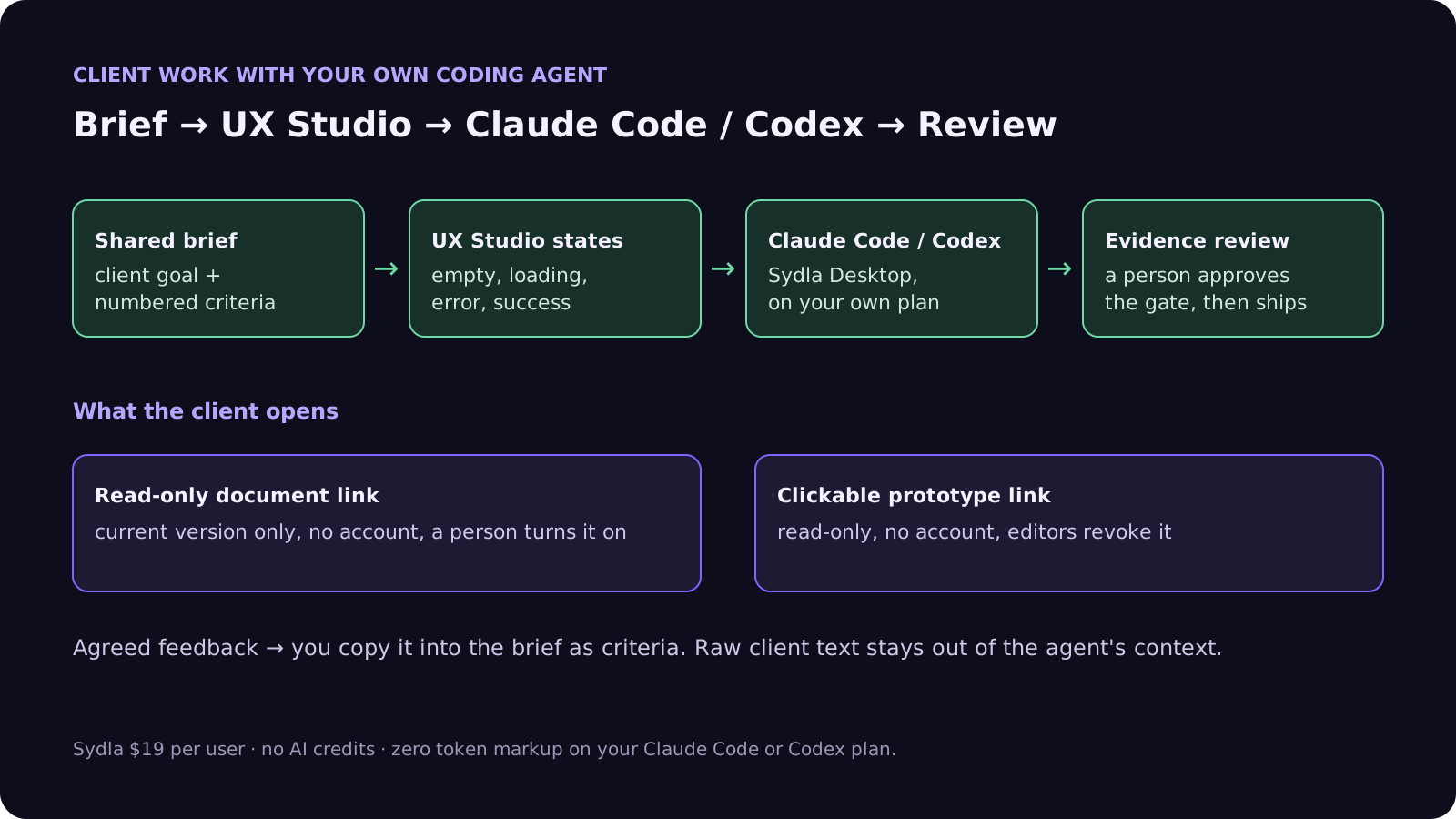
- Brief and decisions: one read-only link. A person turns on the public link of a document in the dashboard. The client opens it without an account and sees only that document's current version, nothing else of the workspace. Turning the link off forgets it. Agents can read whether a document is shared, but no agent tool can turn the link on or off.
- Screens and states: one prototype link. An editor creates a share link for a UX Studio design. The client plays the clickable prototype, read-only, without signing up. Only a hash of the link's token is stored, each design can have up to 50 links, and editors revoke them one by one.
- Weekly update: Slack, not email. A shared document can post to your Slack channel now or every Monday at 9:00, so the status update the client reads is the brief itself.
- Coding: your own agent, on your own plan. Claude Code or Codex reads the brief, the criteria and the UX Studio states through one MCP connection or through Sydla Desktop, codes the change, and records evidence a person reviews before anything ships.
Both share pages are kept out of search engines and send no referrer, because the token is in the address. If your client later wants to work inside the workspace, they join as a member like anyone else; until then, a link is enough.
A client feedback loop in five steps
Here is the loop we suggest for a freelance or studio project with an agent doing most of the implementation.
- 1. Write the brief with the client's goal and numbered criteria, and share its read-only link. The client reads one document, not a space.
- 2. Draw the states in UX Studio: empty, loading, error, success. Share the prototype link so the client clicks through the flow before any code exists. Our design-to-code handoff guide explains why states beat screenshots.
- 3. Turn agreed feedback into criteria. You, not the agent, copy what the client decided into the brief. The client's raw words stay out of the agent's context.
- 4. Run Claude Code or Codex from Sydla Desktop on the ticket. The agent reads the brief and the states, codes, and records evidence. Setup takes a few minutes with our Desktop setup guide.
- 5. Review the evidence, approve the gate, ship, then send the client the same two links. They always show the current version.
When the six tools still make sense
If your client already lives in their own Jira and Confluence and expects you to work there, use their guest seats: five per paid user is generous, and you do not pay for it. If the client's design team owns a Figma library, work in their file. Sydla fits best when you own the project setup, which is the usual case for freelancers, indie hackers and small studios that build an app for a client from the brief up.
See the per-tool pages for Jira, Confluence, Notion, Figma, Miro and Canva for the detail on each switch.
Start your next client project in one place
Sydla is $19 per user per month with every feature included and no AI credits to buy. Your Claude Code or Codex plan does the coding, and the client follows the brief and the prototype with two links. See the pricing section, read how Sydla works, then start your workspace and keep your Claude Code and Codex accounts.
Frequently asked questions
Does Jira have free guest access in 2026?
Yes. Since April 2026, Jira Cloud gives each paid user up to five free guests on Standard, Premium and Enterprise plans. Each guest can belong to only one Jira space per site, has restricted permissions and no global permissions, and paid users plus guests must stay within the site's user limit.
How many free guests does Confluence allow?
Confluence Cloud allows up to five free guests per paid user on Standard, Premium and Enterprise. Each guest is limited to a single space and must be outside your organization. A client who needs access to more than one space needs a paid seat.
Can a client view a Figma prototype without paying for a seat?
Yes, on a paid Figma plan others can view and comment on your files without extra seats, and prototype links are designed for clients and stakeholders. A client who wants to edit needs a Full seat at $16 a month billed yearly, or $20 monthly.
Are Notion guests free?
Yes. Notion guests are free but can only access the individual pages they are invited to, not teamspaces. The Free plan allows up to 10 guests, and anyone using an email on your own domain is added as a billed member rather than a guest.
What is the cheapest way to share a brief and a prototype with a client?
In Sydla, a person can turn on a read-only public link for a document and create share links for a UX Studio prototype. The client opens both without an account. Sydla costs $19 per user per month, replaces Jira, Confluence, Notion, Figma, Miro and Canva ($83.85 combined), and runs your own Claude Code or Codex with zero token markup.