Tool sprawl in 2026: count the handoffs, not the seats
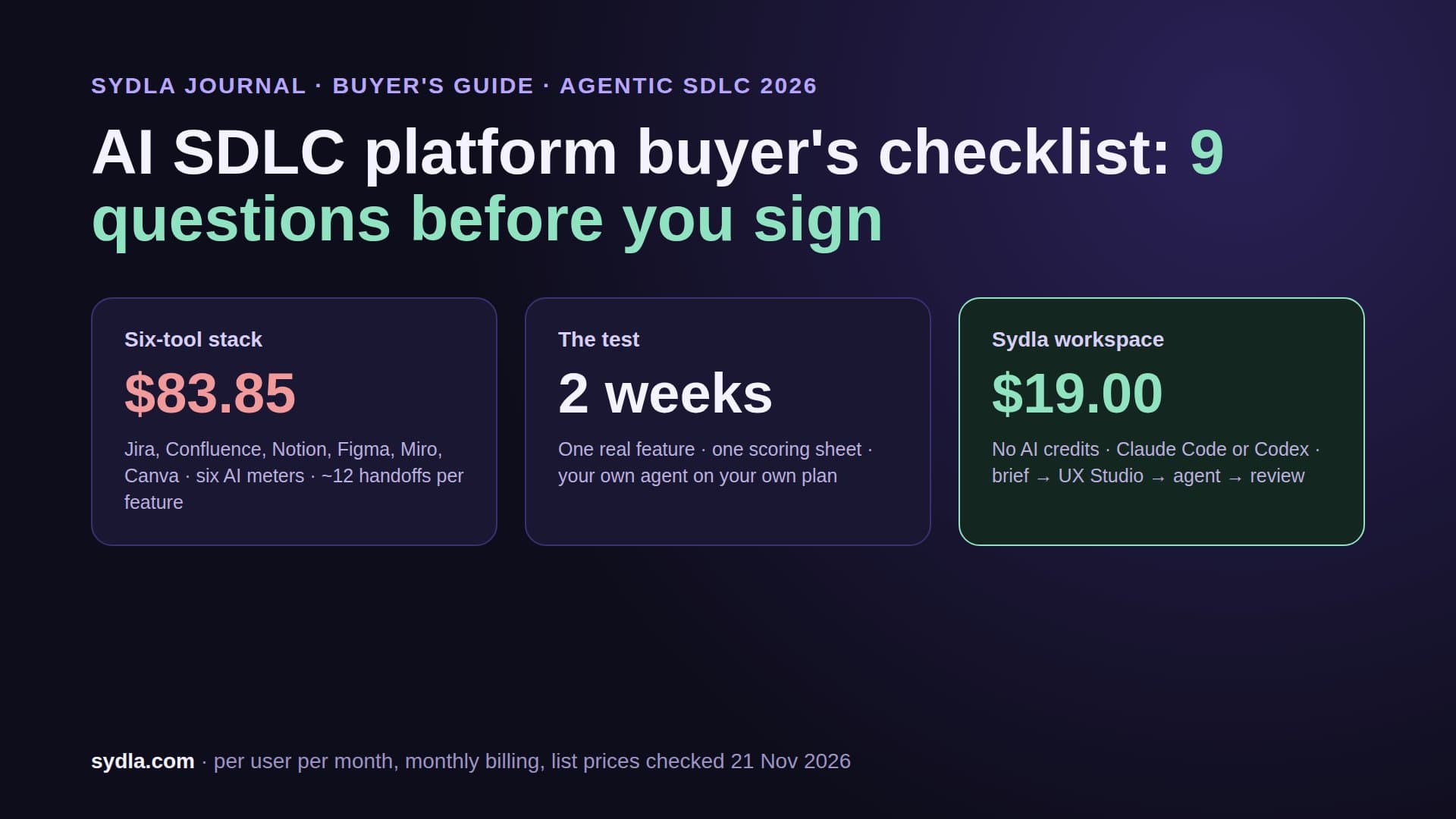
Your team pays $83.85 per person for six tools, six AI meters and six sign-ins. The seat bill is the small part. The real cost is every time a requirement is copied from one tool into another, by a person or by an agent. Here is a one-hour handoff audit you can run on your last feature, and how to get from twelve handoffs to three.
AI made coding faster. The tools around it did not.
Atlassian published its State of Developer Experience 2026 report on 20 October. The headline is uncomfortable for anyone selling AI features: 87% of developers say AI helps them ship faster, yet 72% feel the same or more friction than before AI. The share who save ten or more hours a week with AI fell from 68% in 2025 to 25% in 2026.
The causes are not in the editor. Finding information is the top source of friction for the second year running, at 51% according to InfoQ's write-up of the survey of 1,155 developers and 405 engineering leaders. Meetings follow at 50%, then context switching at 45%. And 49% of developers now spend four or more hours a week managing AI tools.
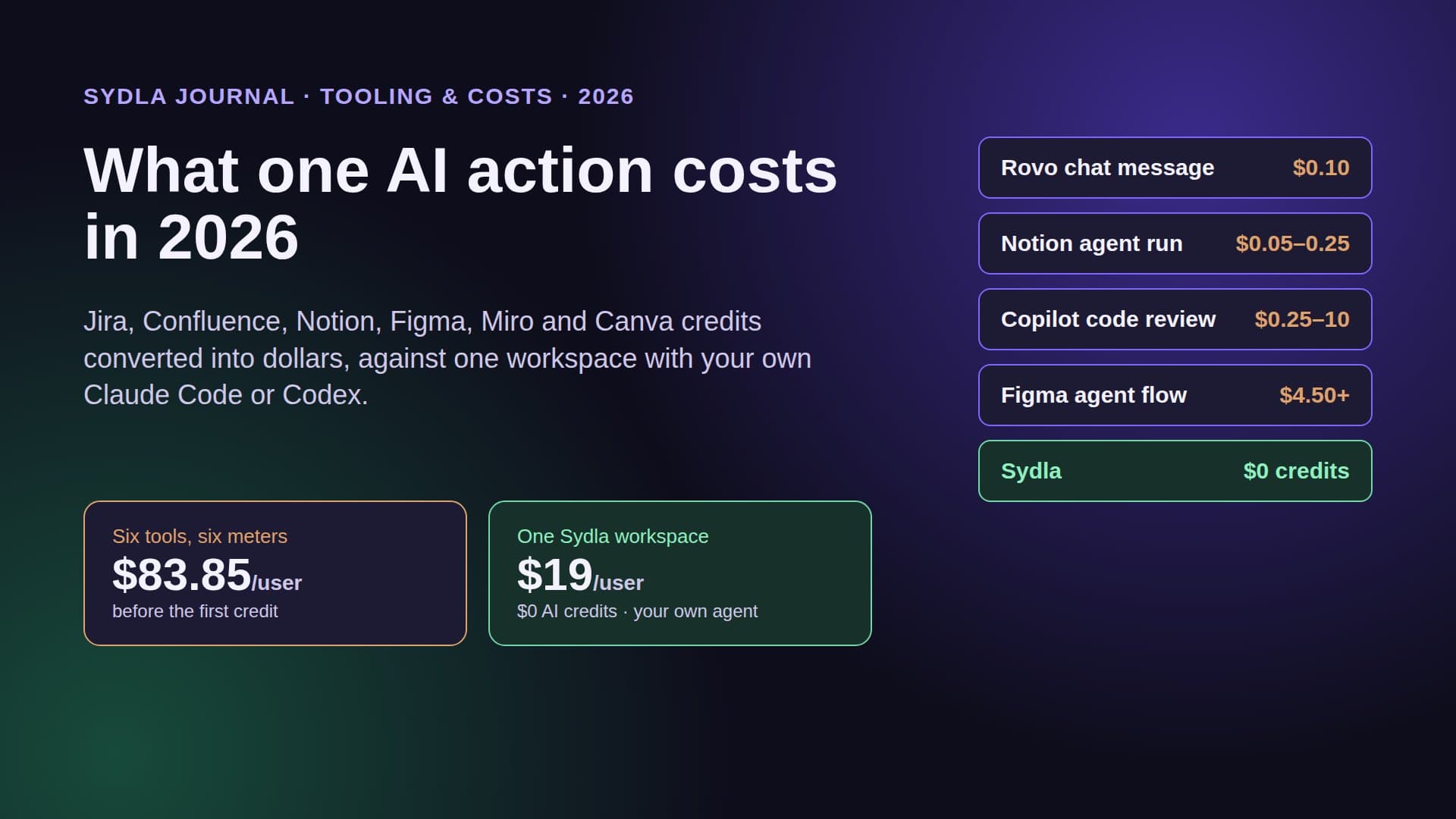
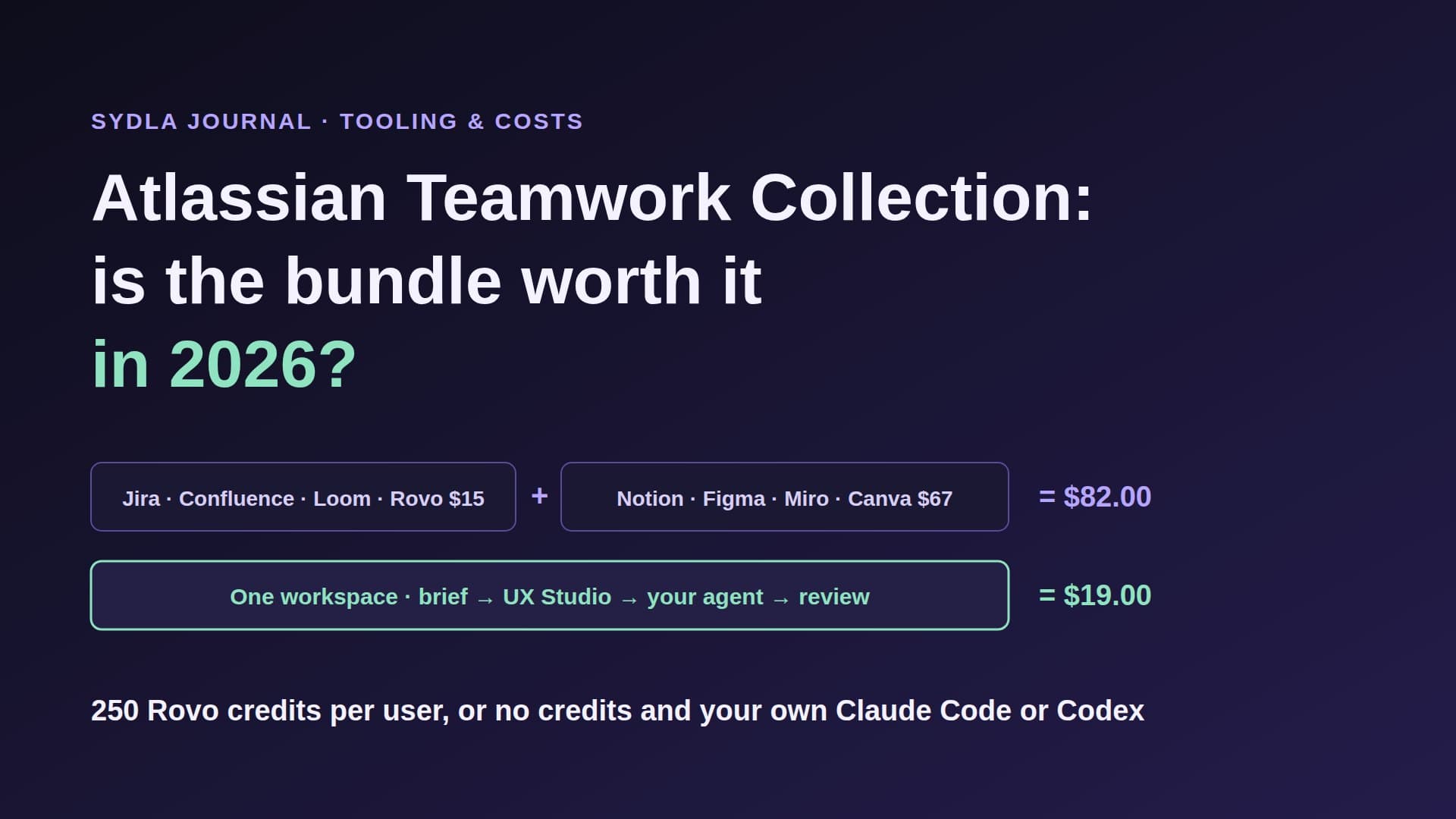
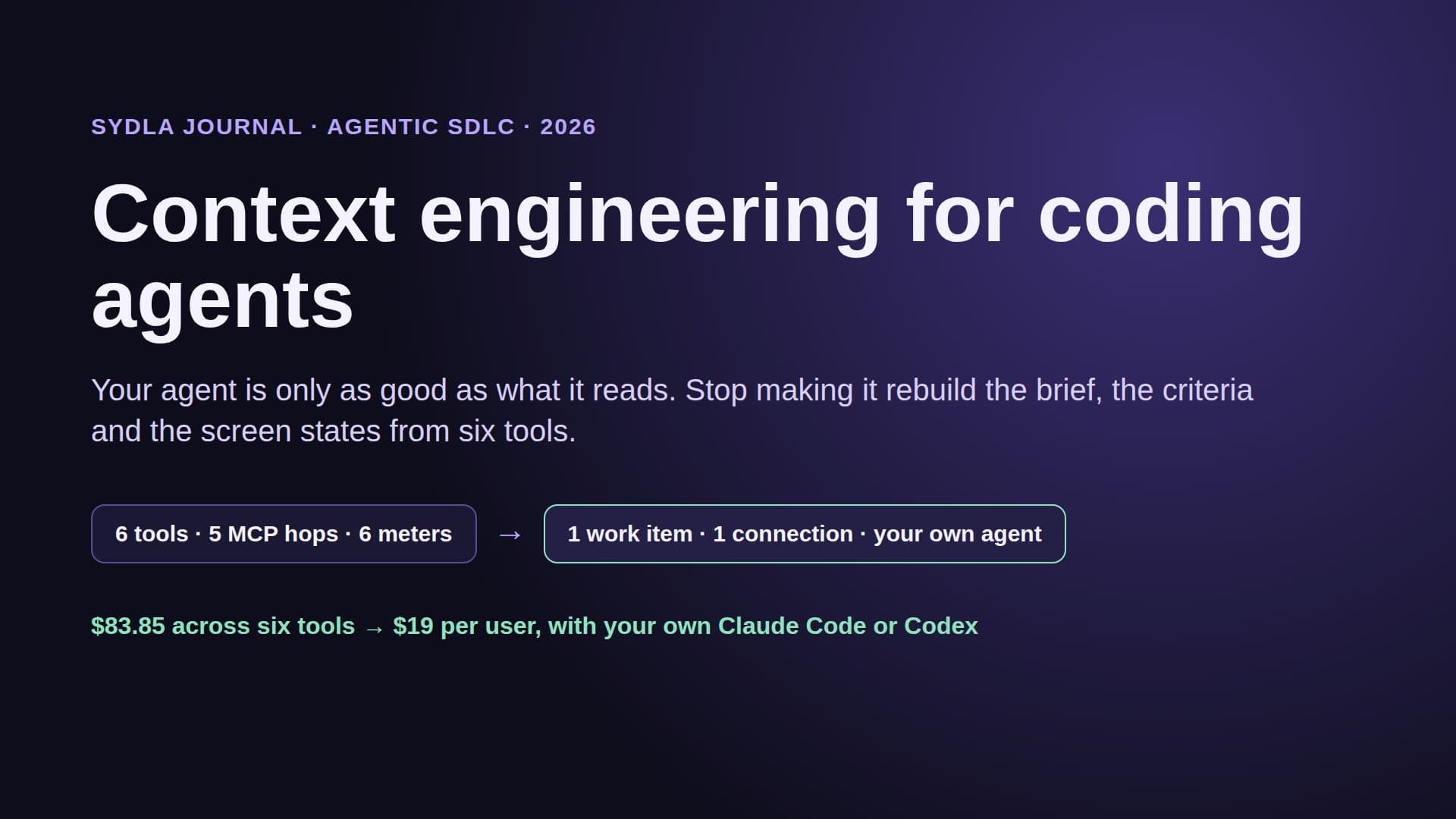
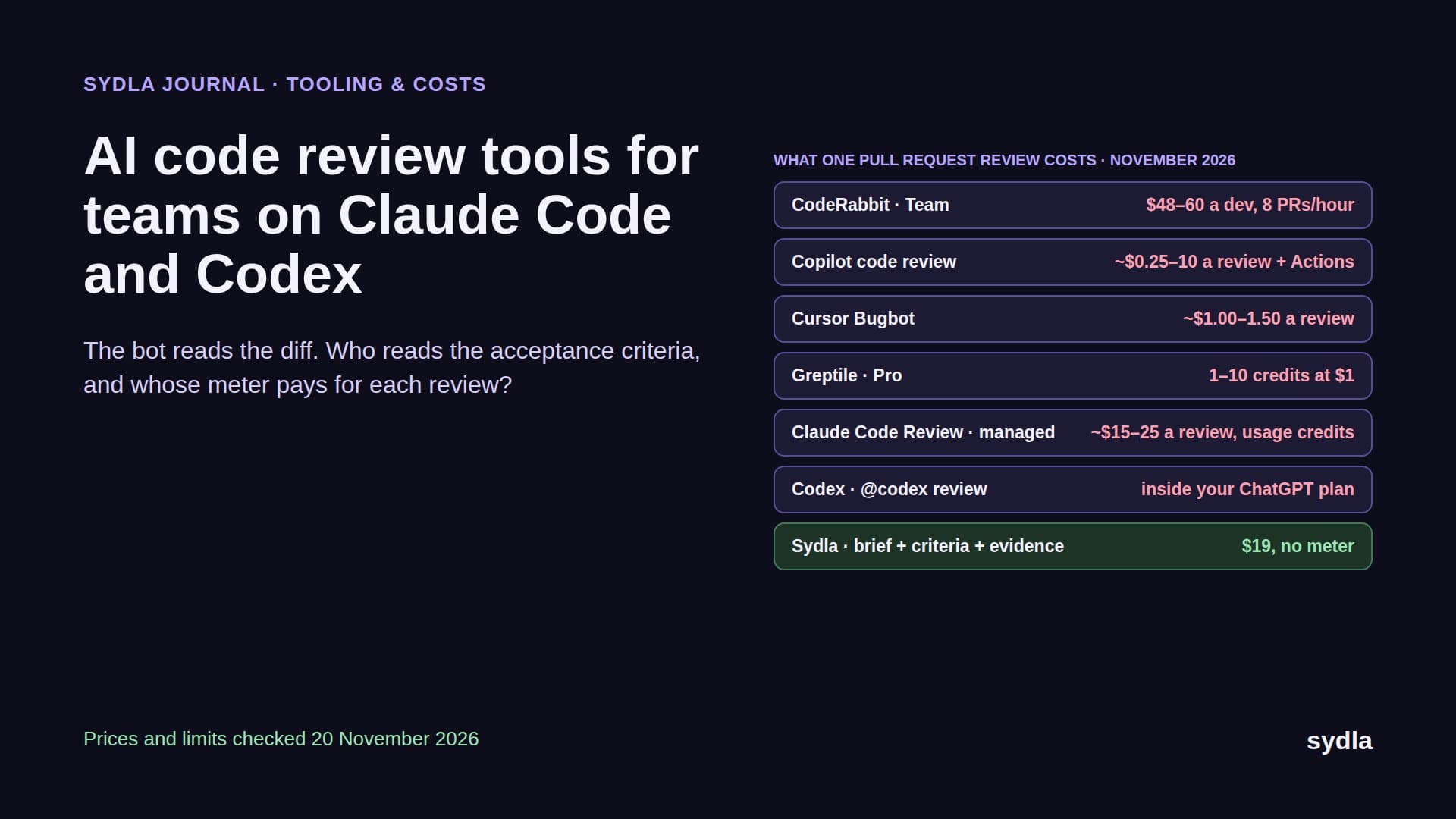
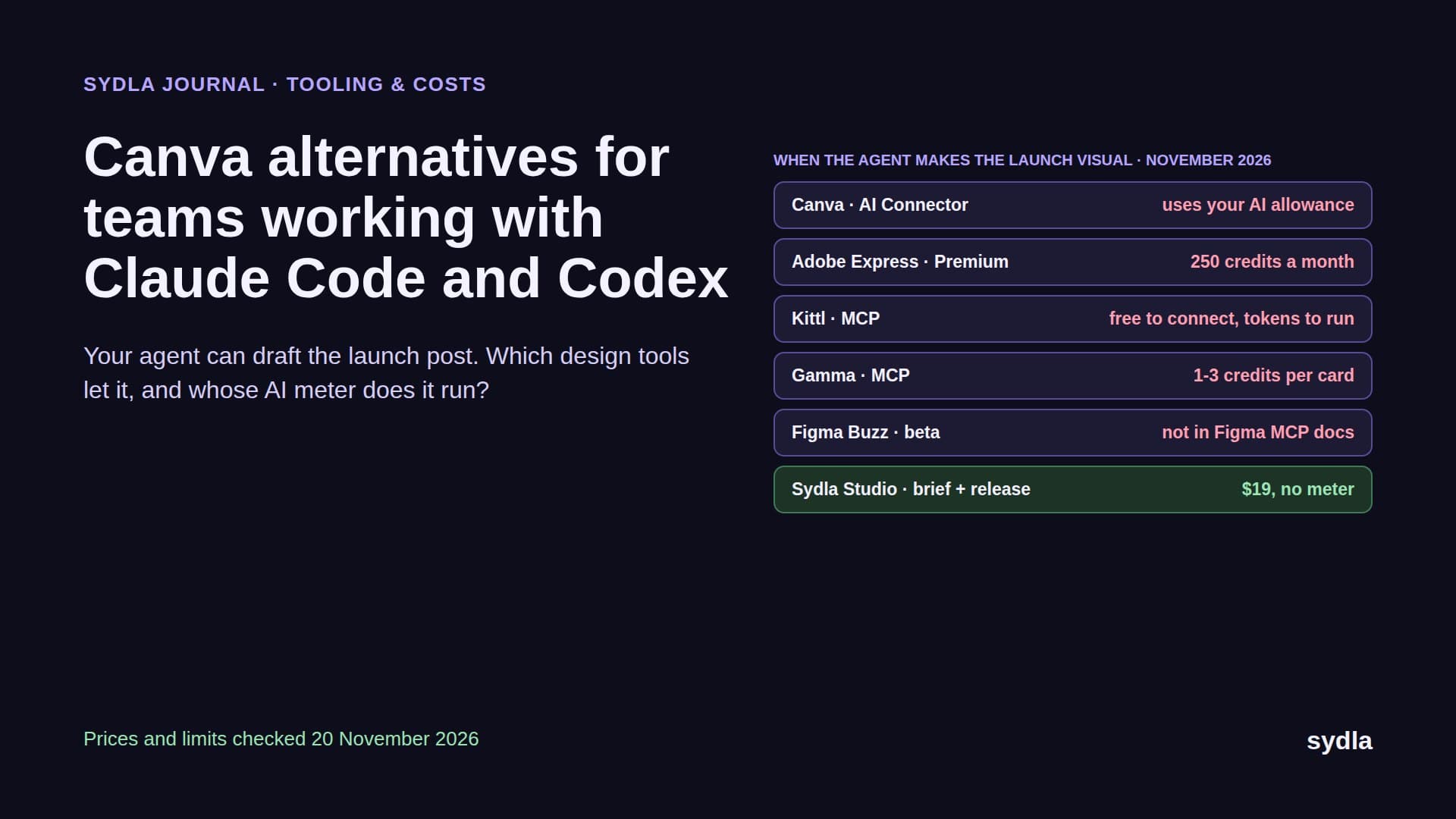
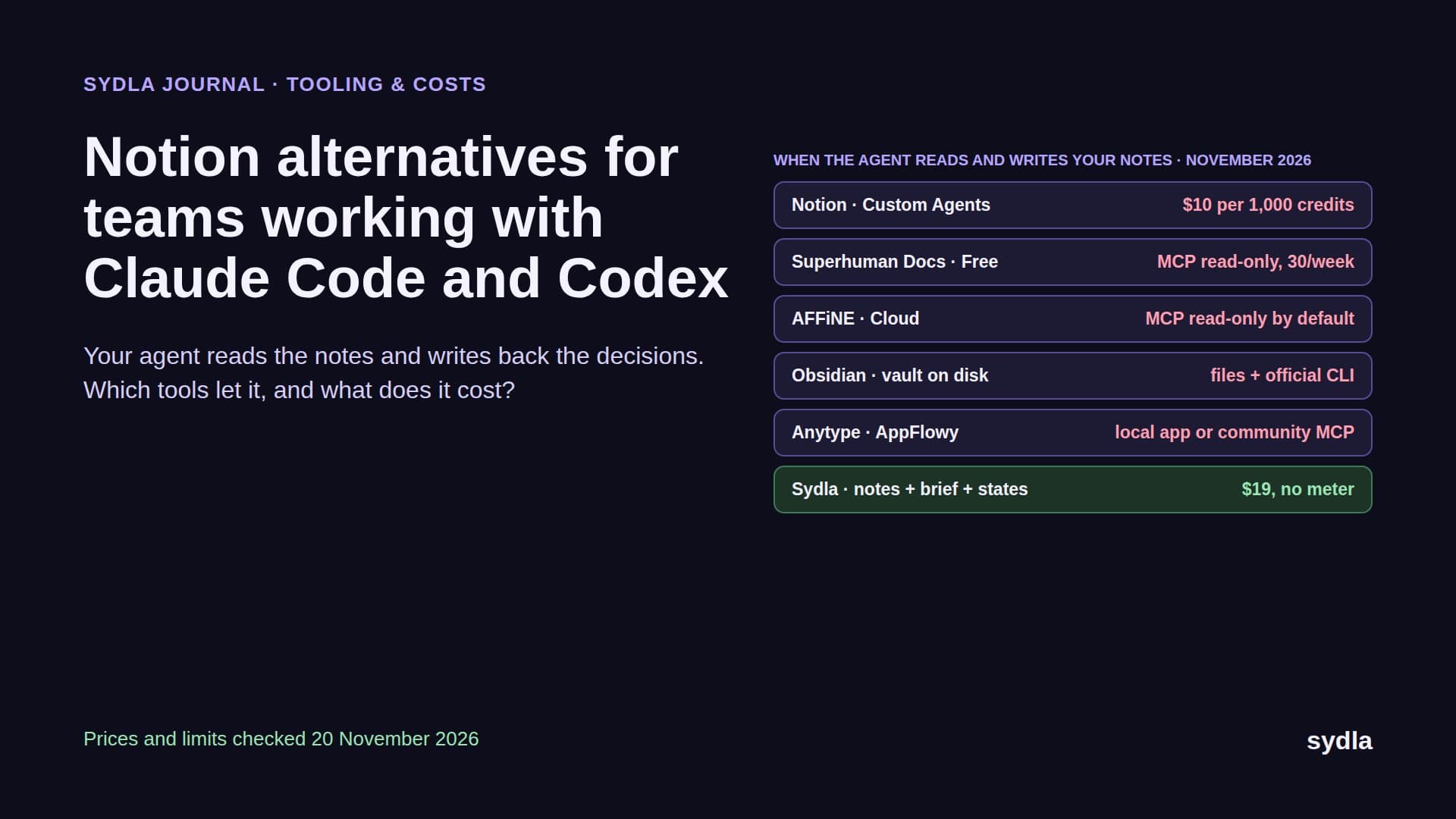
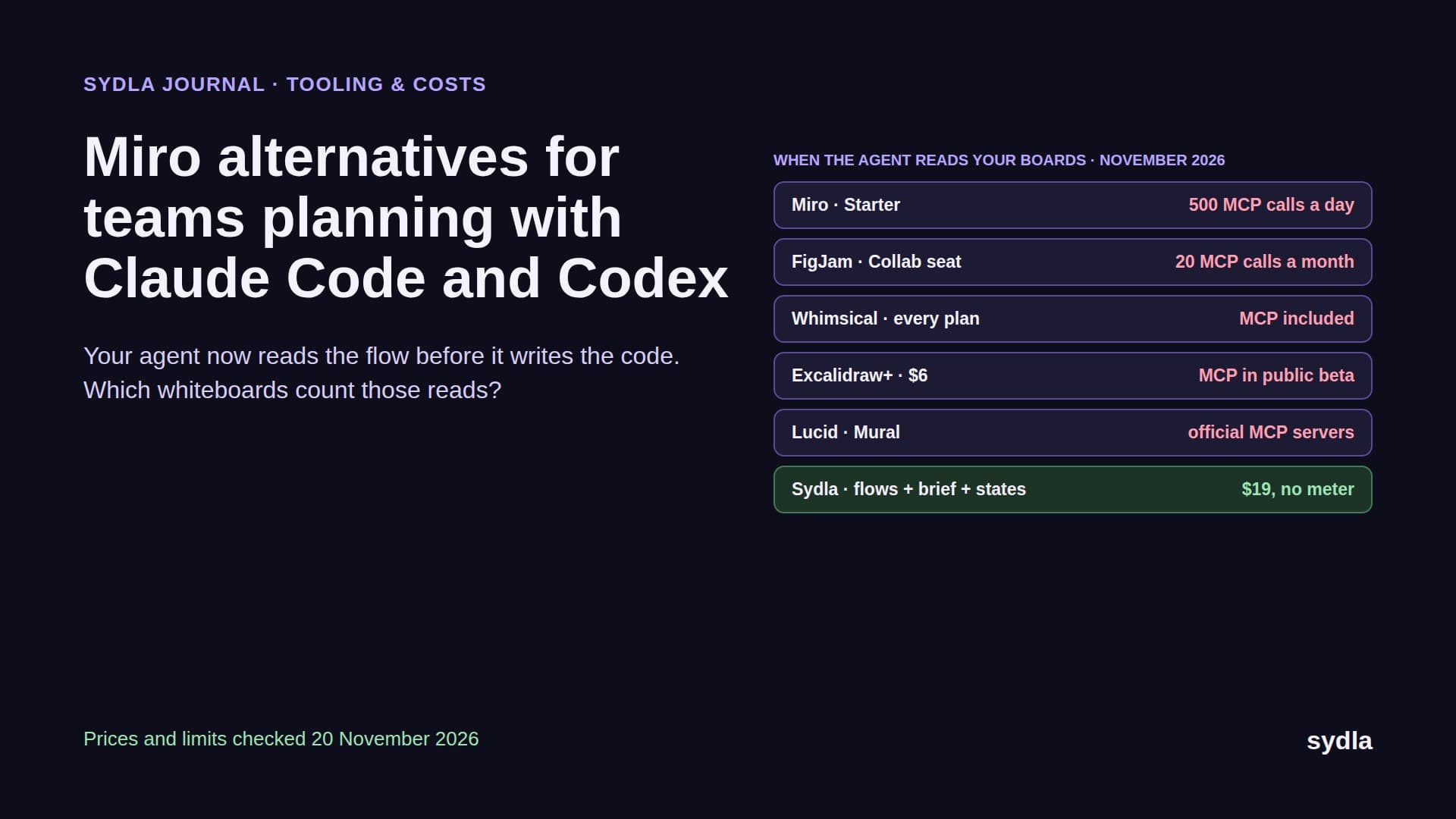
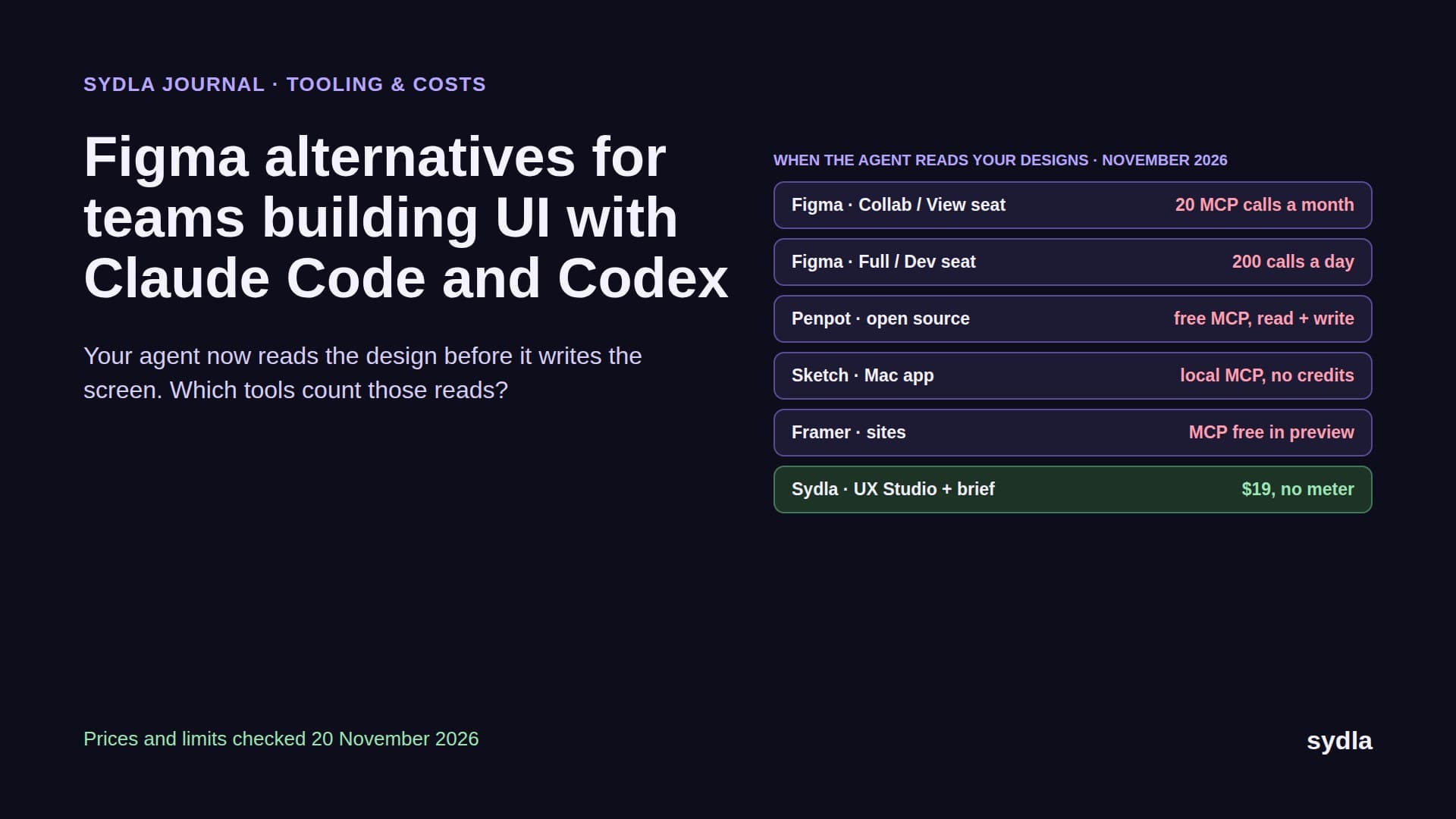
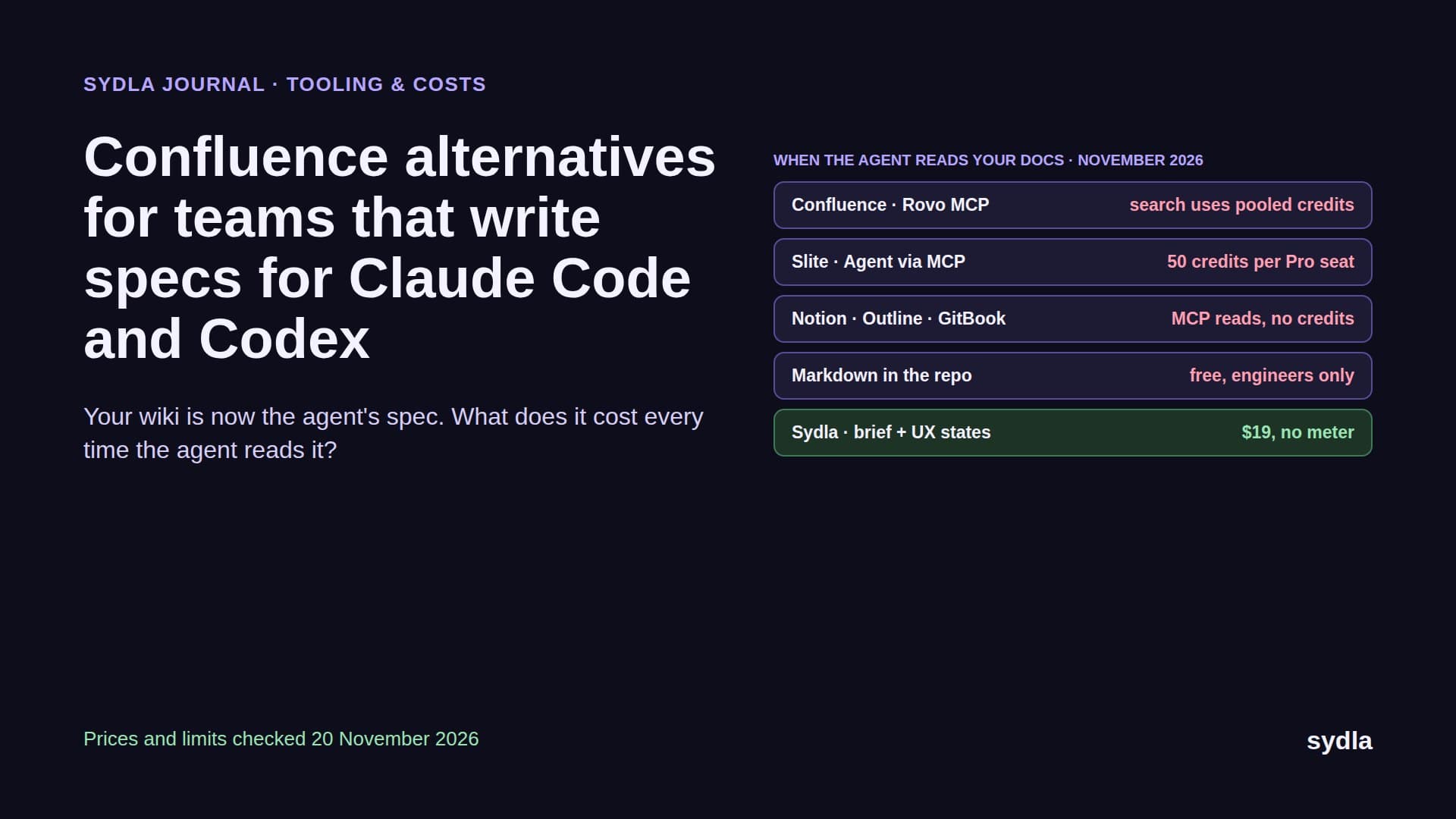
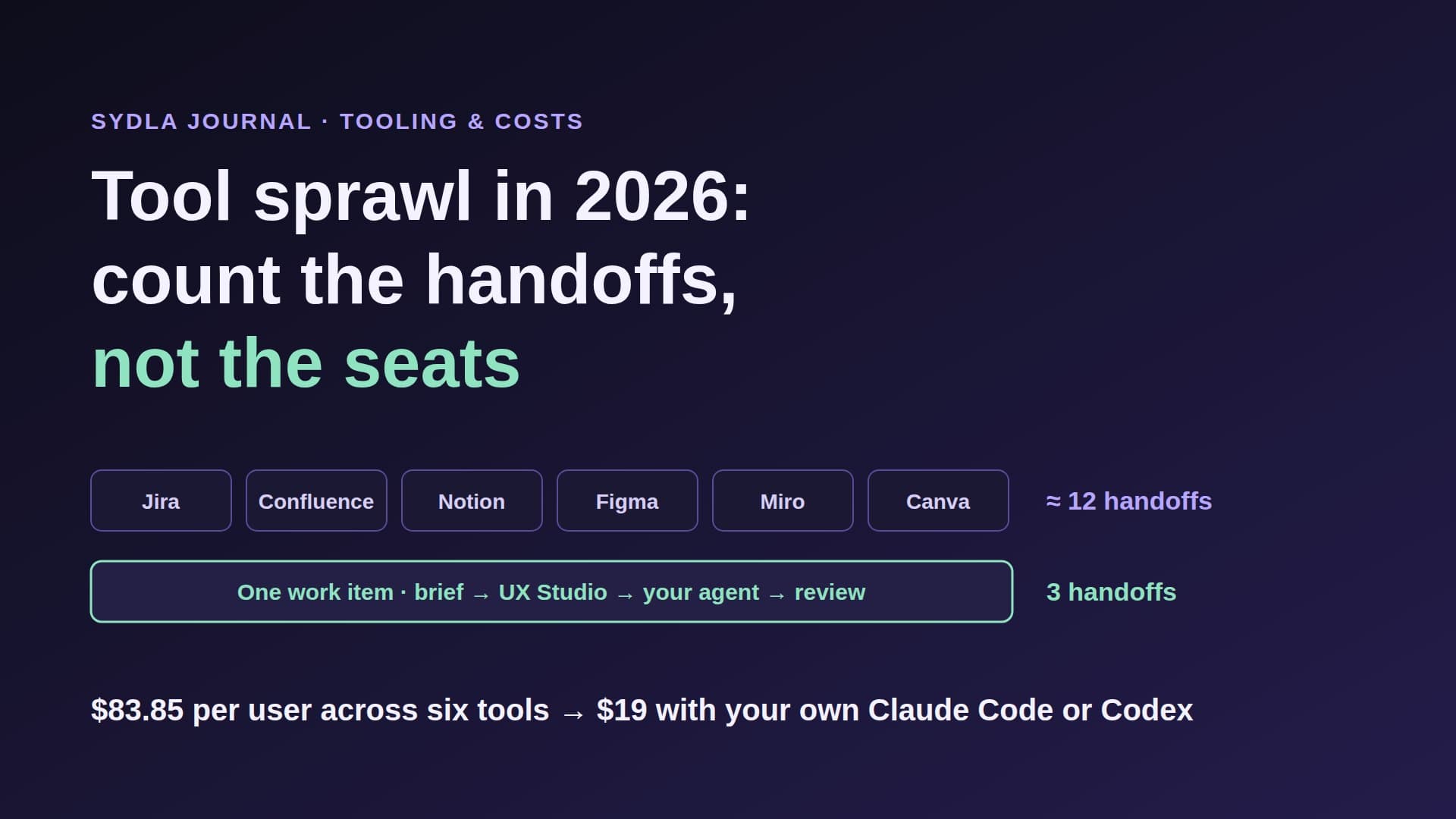
That is what tool sprawl looks like in 2026. A typical product team still splits one feature across Jira, Confluence, Notion, Figma, Miro and Canva. Each tool now ships its own AI on its own meter, so the team juggles six seats, six credit balances and six sign-ins. Your coding agent, the one that actually writes the code, has to reach into the same six places to find out what to build. We called the money side of this AI credit fatigue. This guide is about the other side: the handoffs.
What tool sprawl really costs: seats, meters and handoffs
Tool sprawl is the cost of spreading one piece of work across more tools than it needs. Most teams measure it in seats, because seats show up on an invoice. In practice it has three layers, and the seat bill is the smallest.
- Seats. The monthly list price per person for each tool. Easy to count, easy to cut, and usually the only number in a renewal meeting.
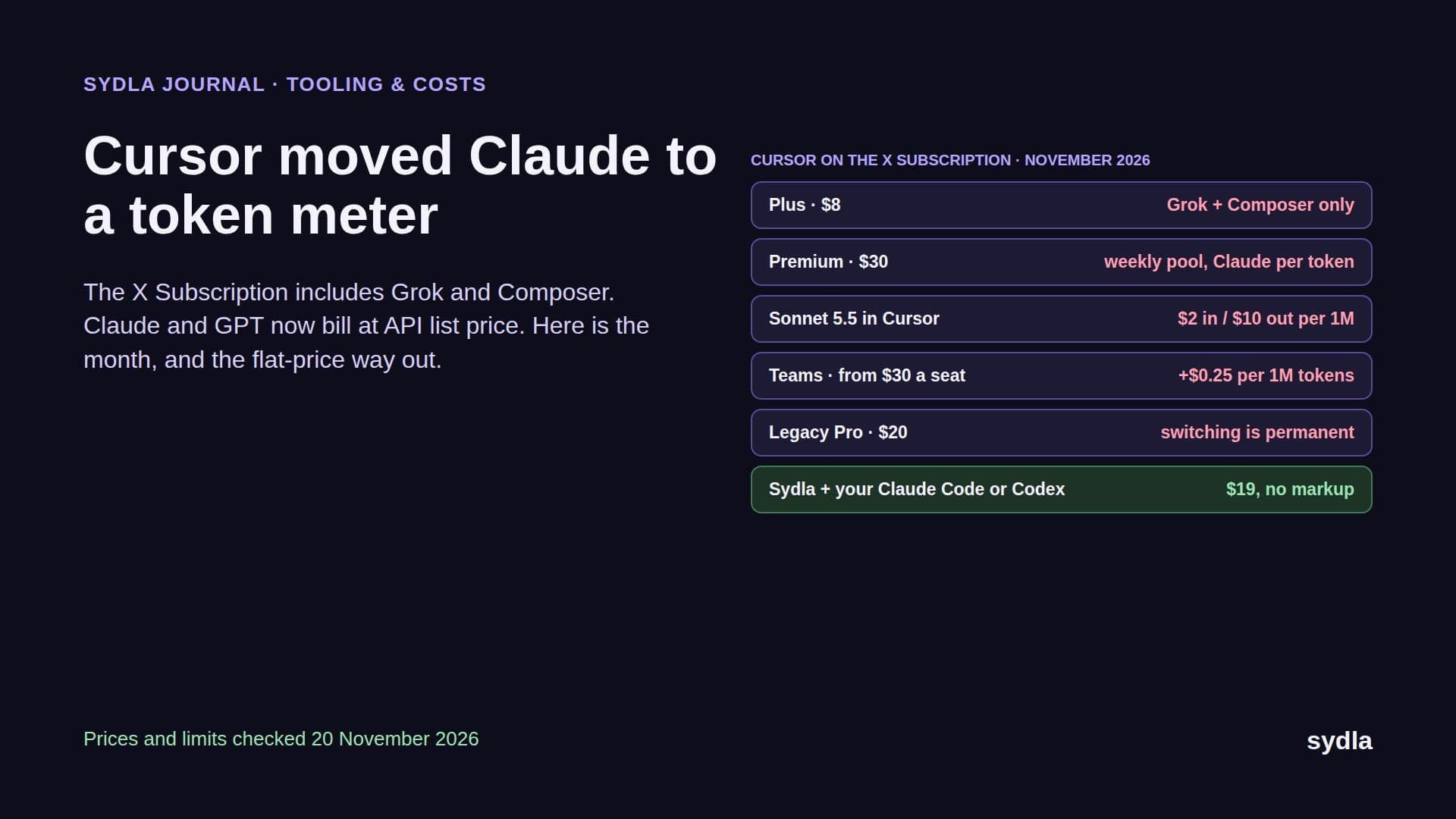
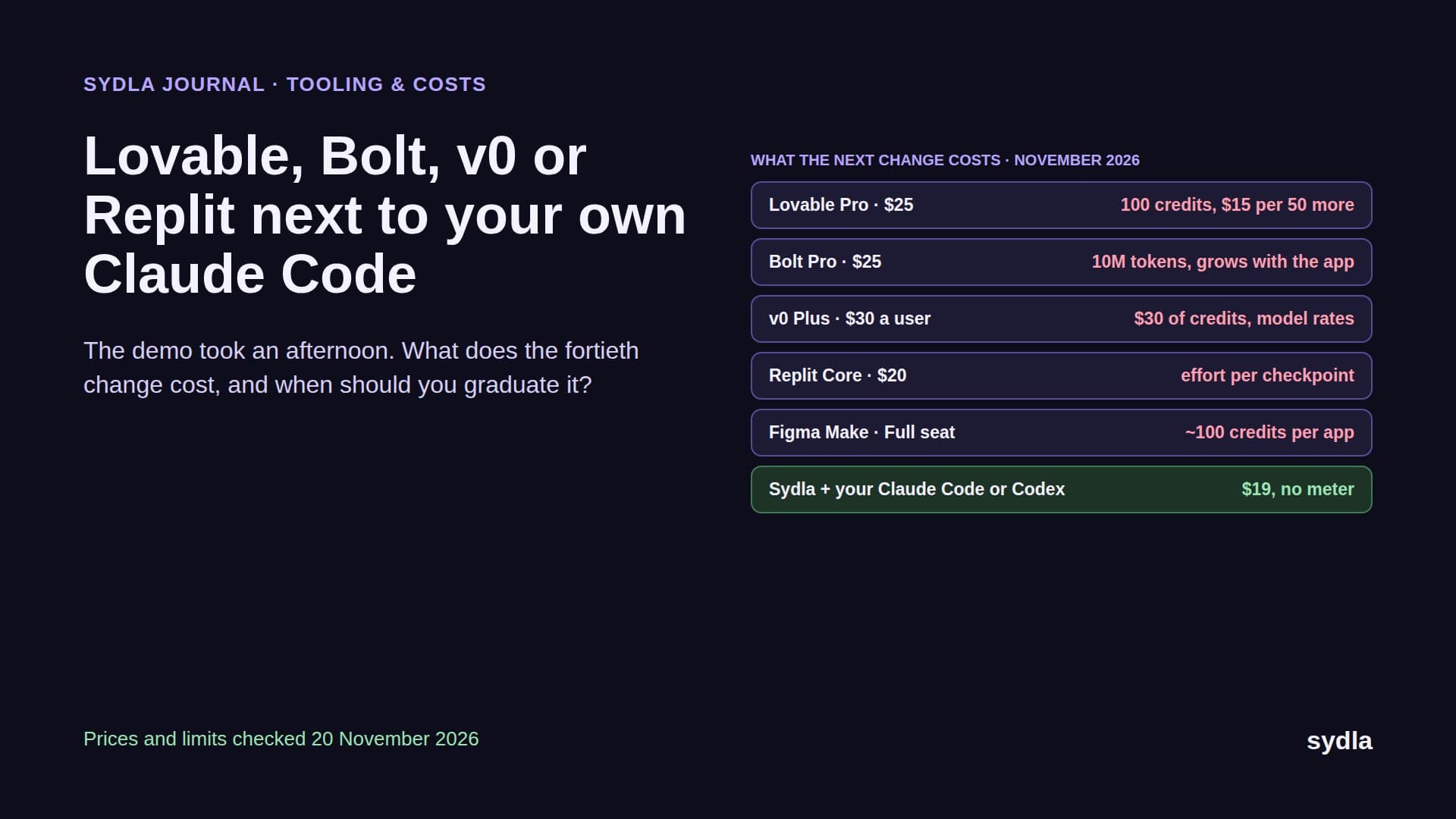
- Meters. Every tool's AI runs on its own allowance: Rovo credits in Jira and Confluence, AI credits in Figma and Miro, Custom Agent credits in Notion, AI usage in Canva. Each one runs out on a different day and is topped up on a different invoice.
- Handoffs. Every time a requirement, a decision or a design is copied from one tool into another, by a person pasting a link or by an agent making an MCP call. Each handoff costs time, risks a stale copy, and for an agent costs tokens and sometimes credits.
Handoffs are where the friction in the Atlassian report comes from. Finding information is hard because the information has been copied into several places and only one of them is current. Context switching is the human version of a handoff. An agent going wrong because it read last week's spec is the machine version.
The 2026 stack: seat prices, AI meters and the handoffs each tool adds
Here is the six-tool stack at November 2026 list prices, with the AI meter each tool runs on and the handoff it usually adds to one feature.
| Tool | Price per user | AI meter in November 2026 | Handoff it adds to one feature |
|---|---|---|---|
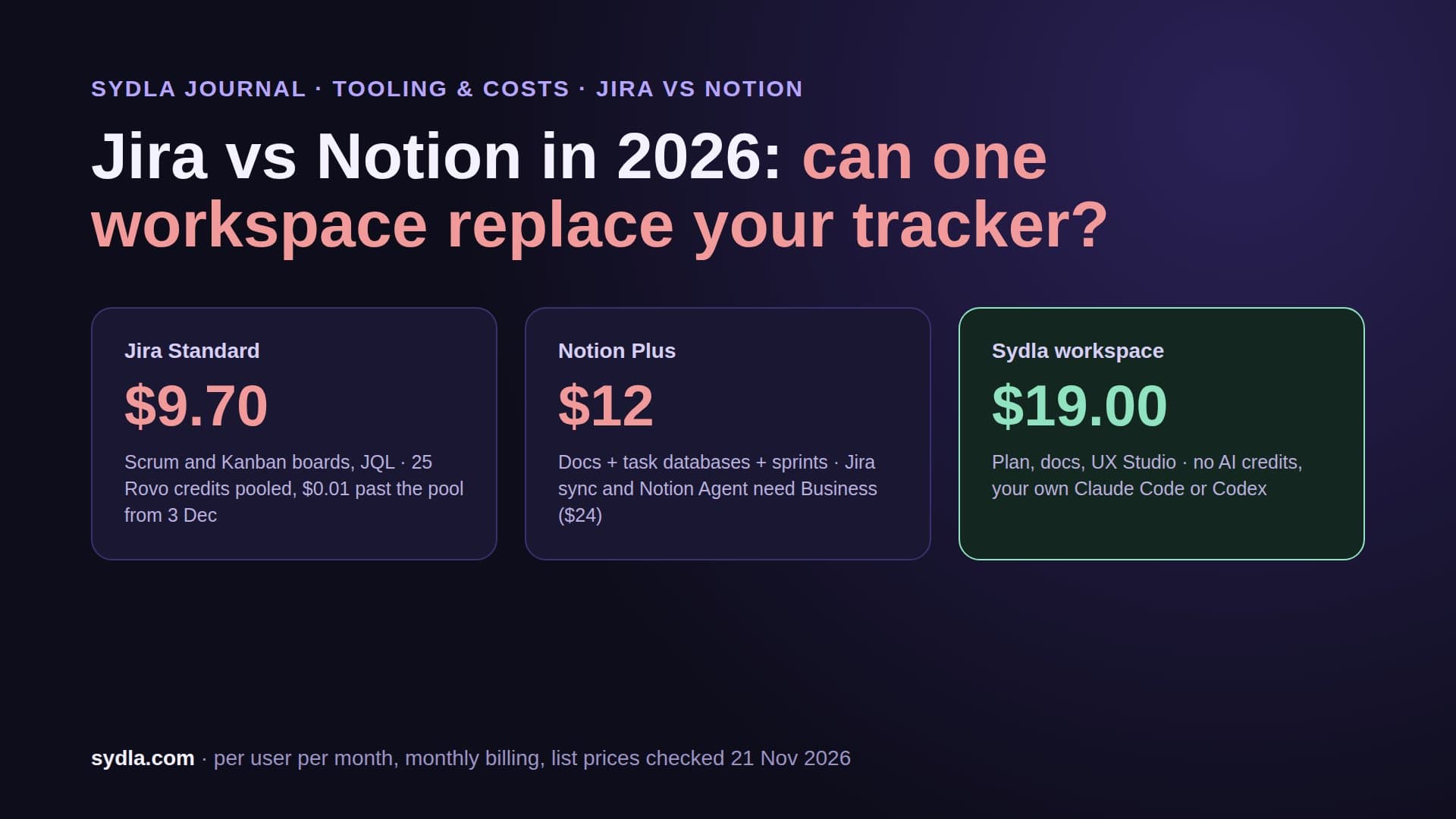
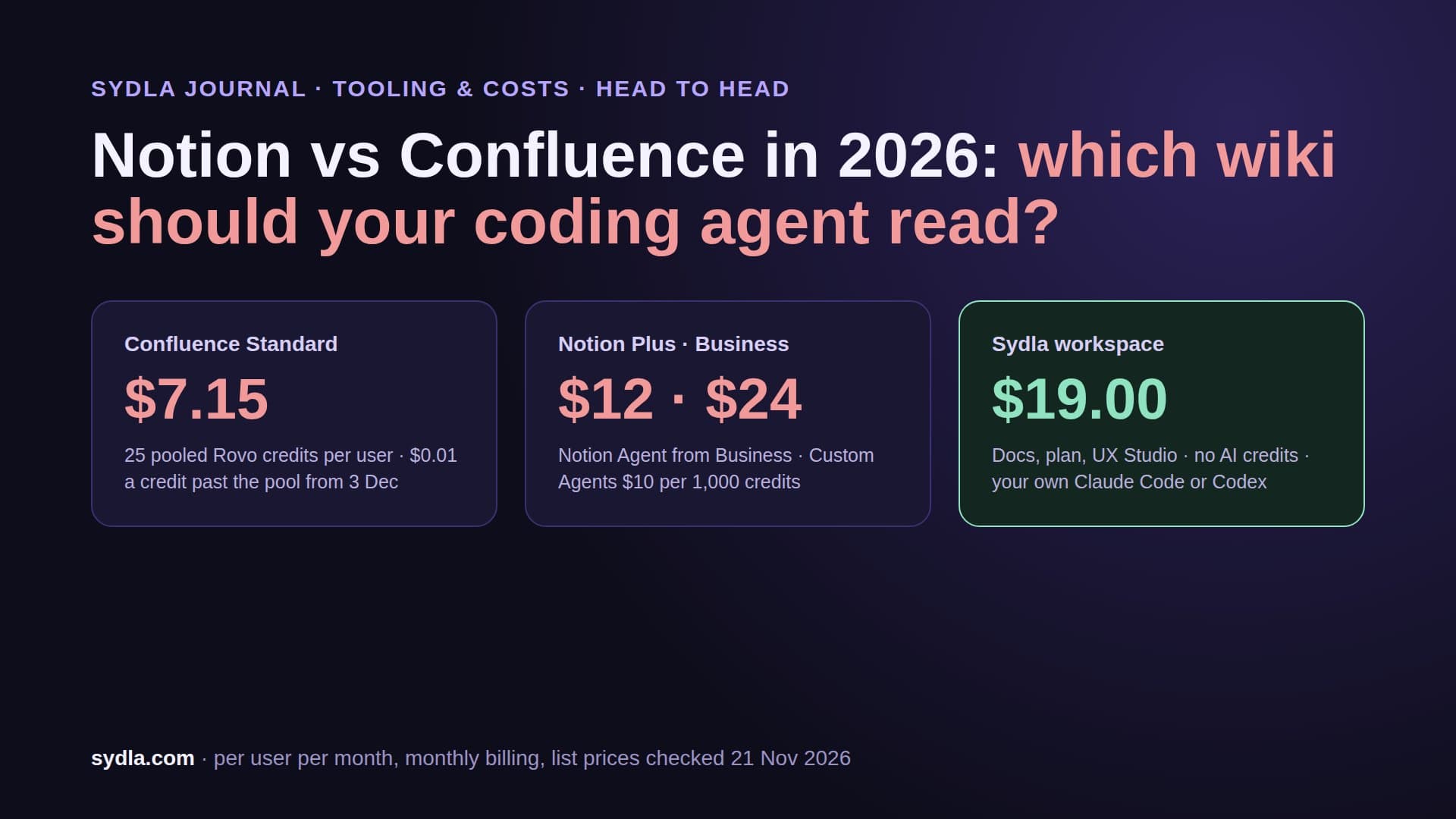
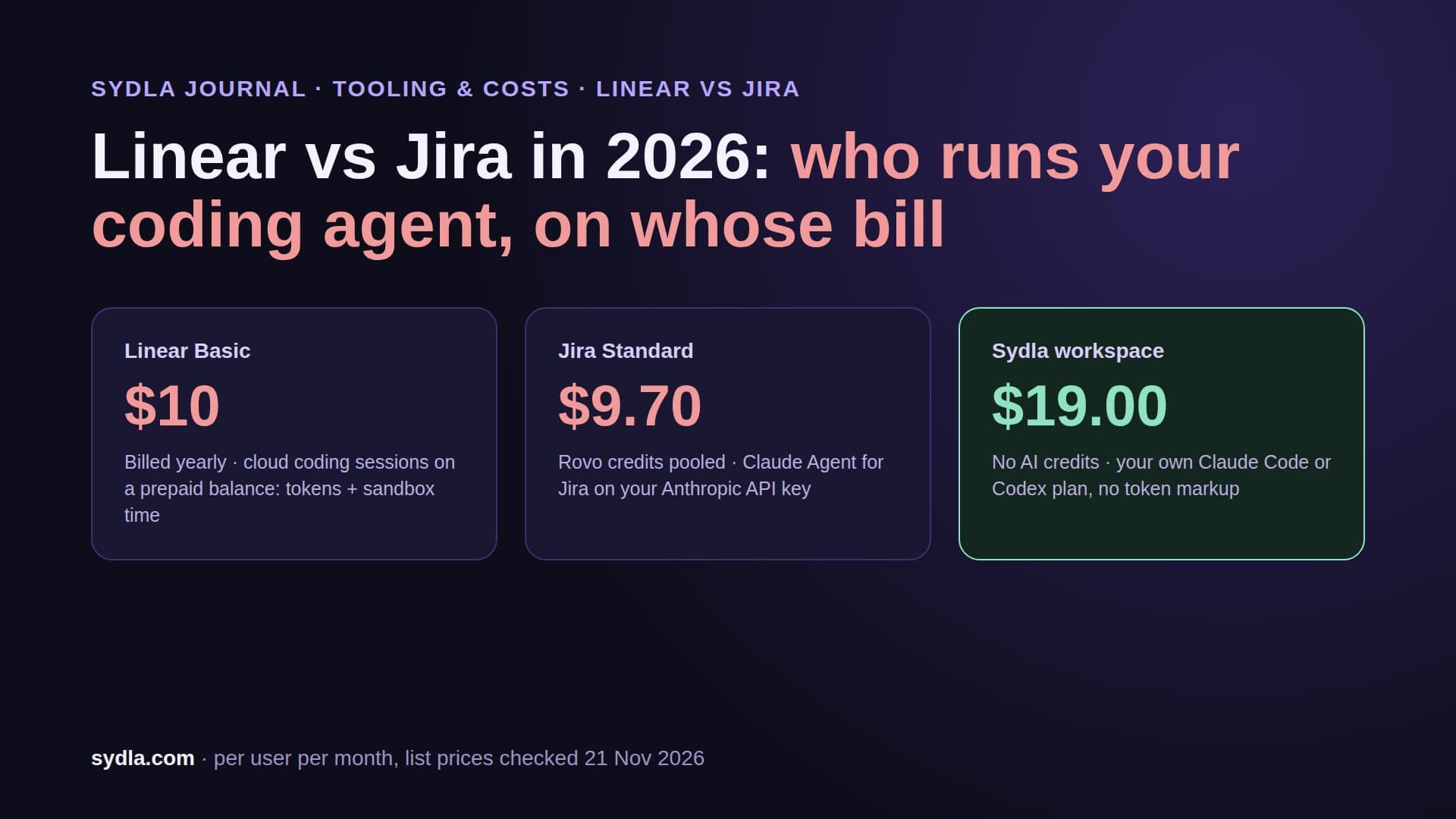
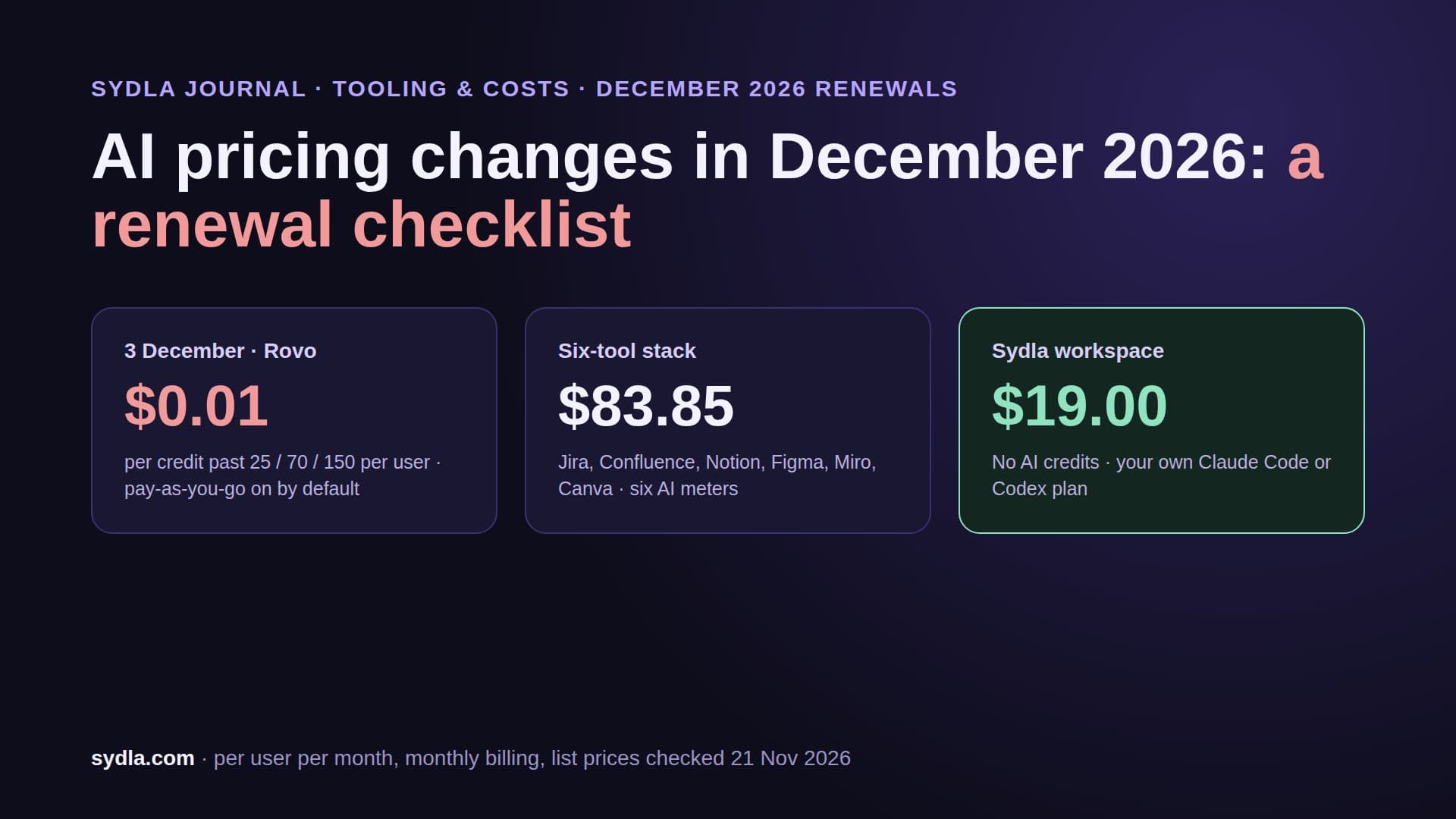
| Jira Standard | $9.70 | Rovo credits, 25 per user pooled across the org; $0.01 per extra credit, on by default from 3 December 2026 | The request is retyped as a ticket; status is updated by hand after each step |
| Confluence Standard | $7.15 | Same Rovo pool; enriched MCP searches cost 1 to 10 credits per call | The ticket is rewritten as a spec, then the two drift apart |
| Notion Plus | $12.00 | Custom Agents need Business; extra credits $10 per 1,000 | Decisions stay in meeting notes instead of on the ticket |
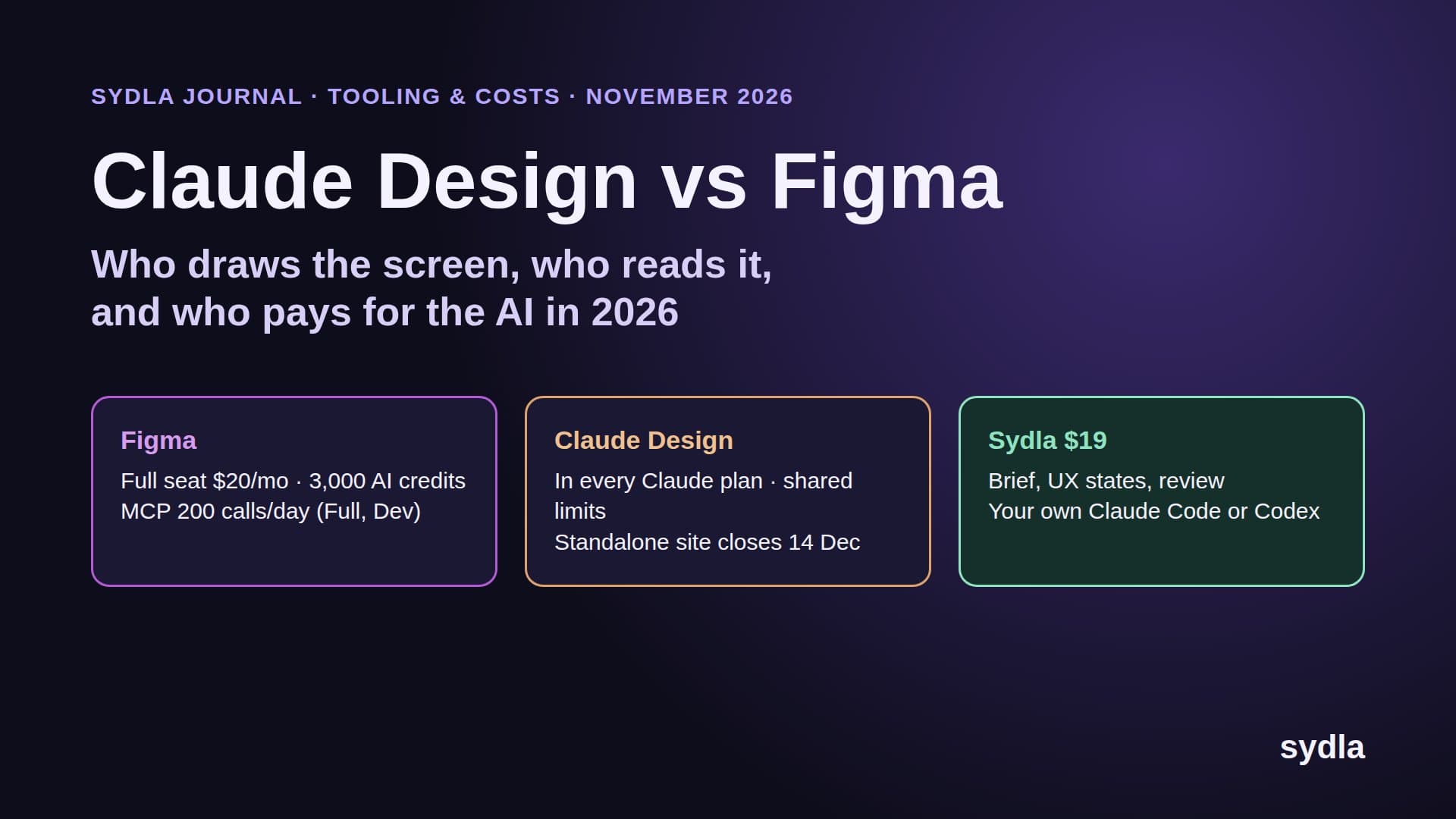
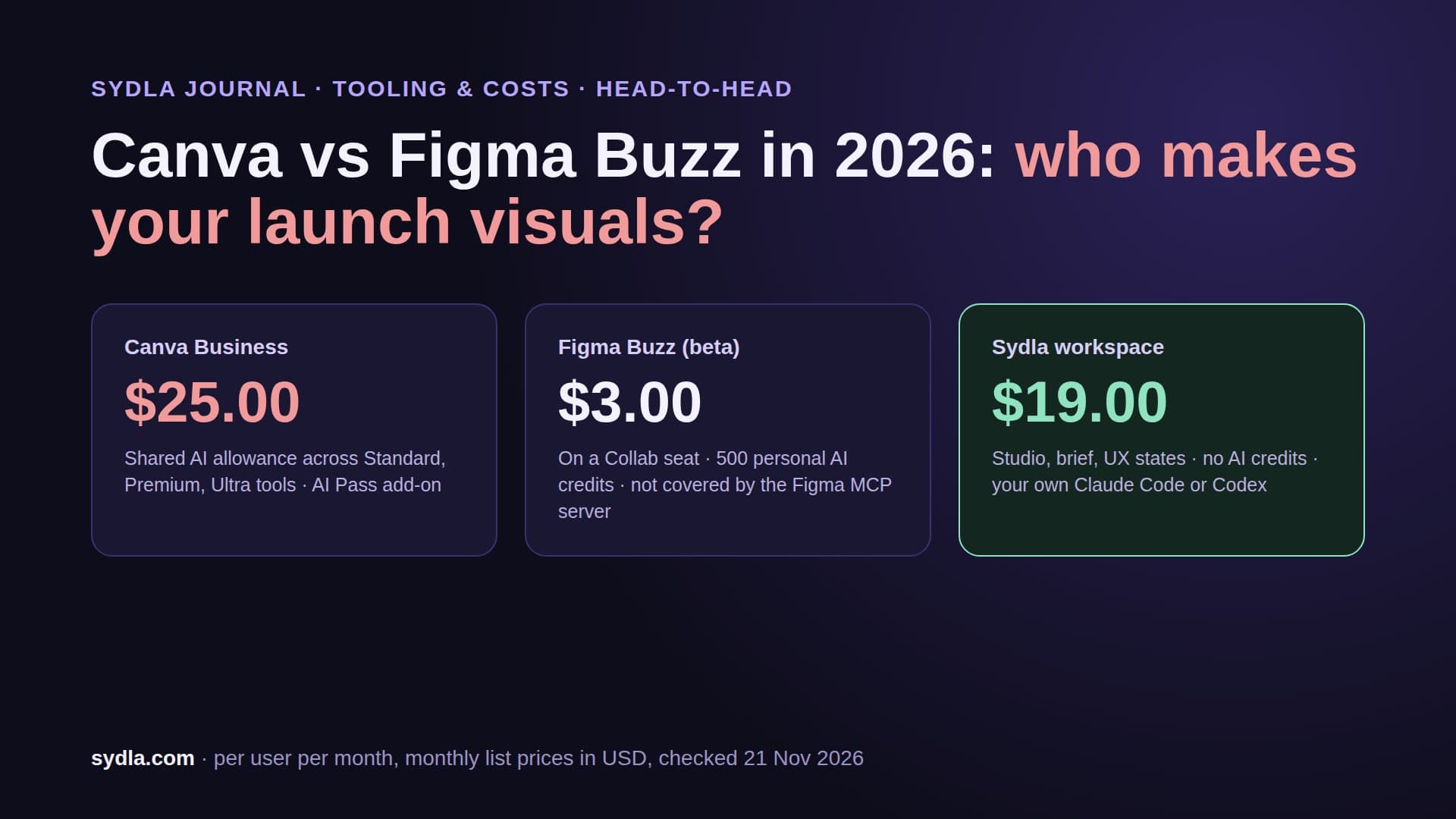
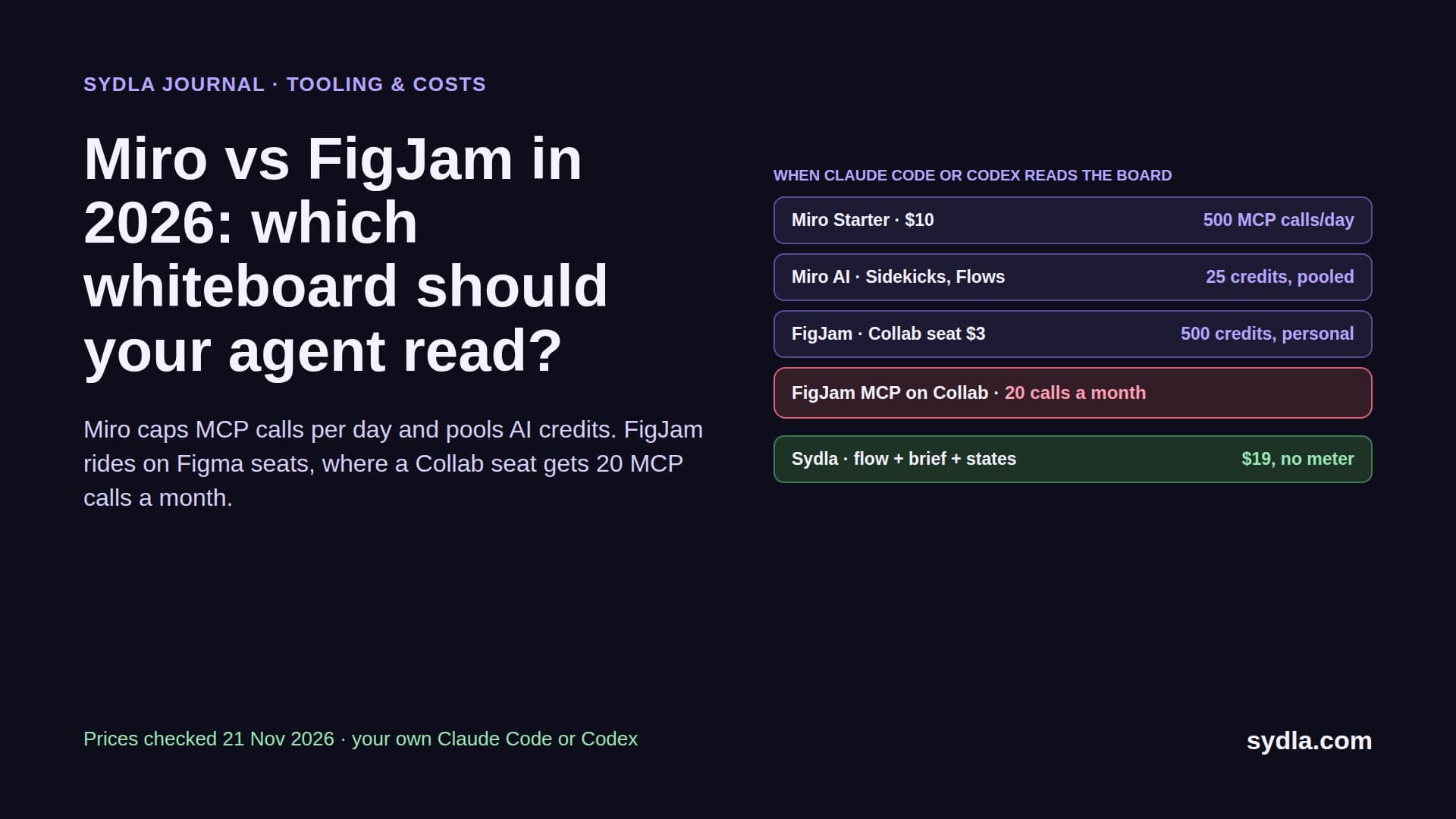
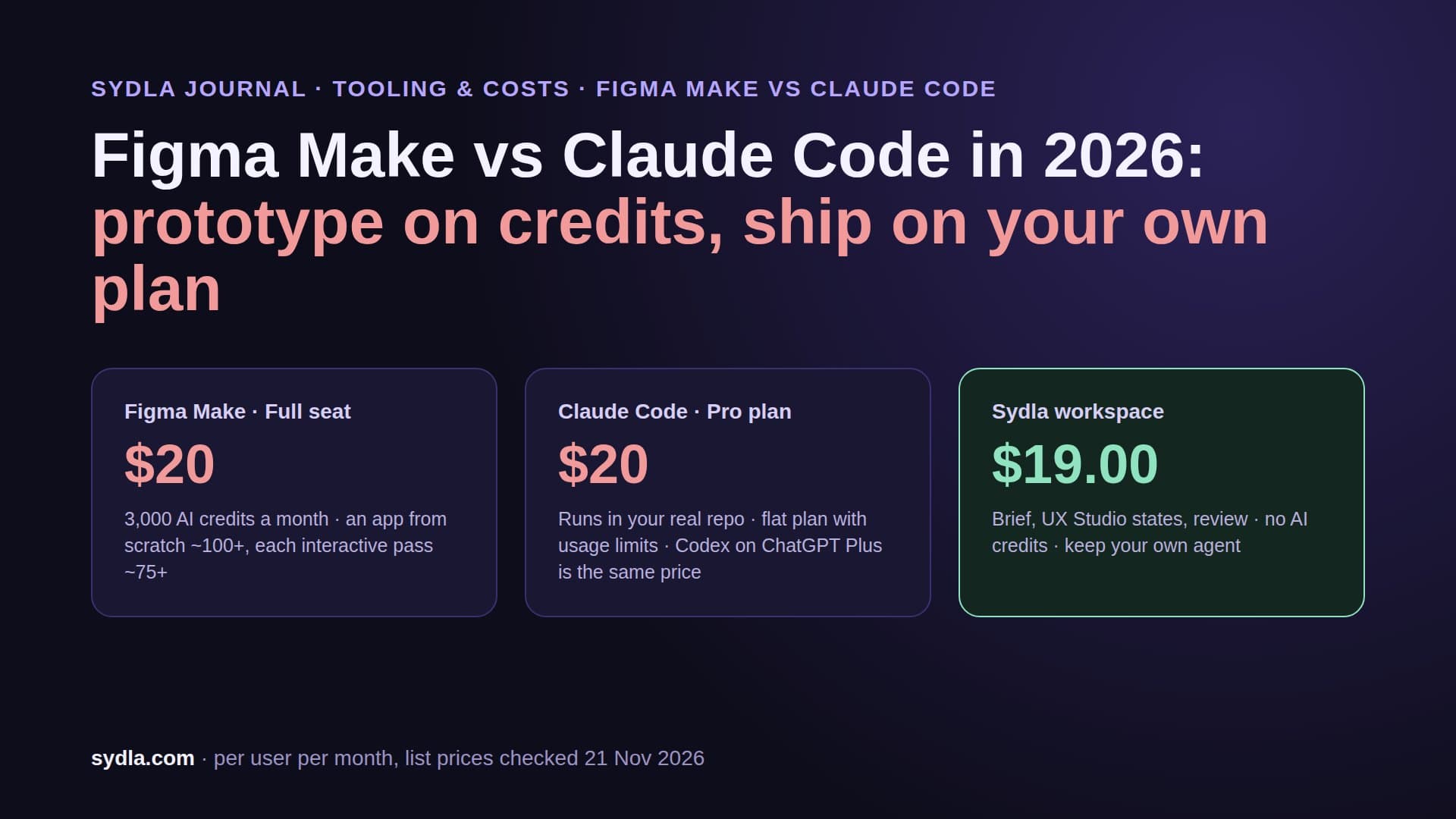
| Figma Professional Full | $20.00 | 3,000 AI credits per Full seat; MCP reads 200 a day on Full and Dev seats, 20 a month on View and Collab | Frames are linked or screenshotted into the ticket and the spec |
| Miro Starter | $10.00 | 25 AI credits per license, pooled per team; AI pauses for everyone at zero | The user flow is redrawn as frames |
| Canva Business | $25.00 | AI usage allowance per plan | Shipped screens are exported again for launch visuals |
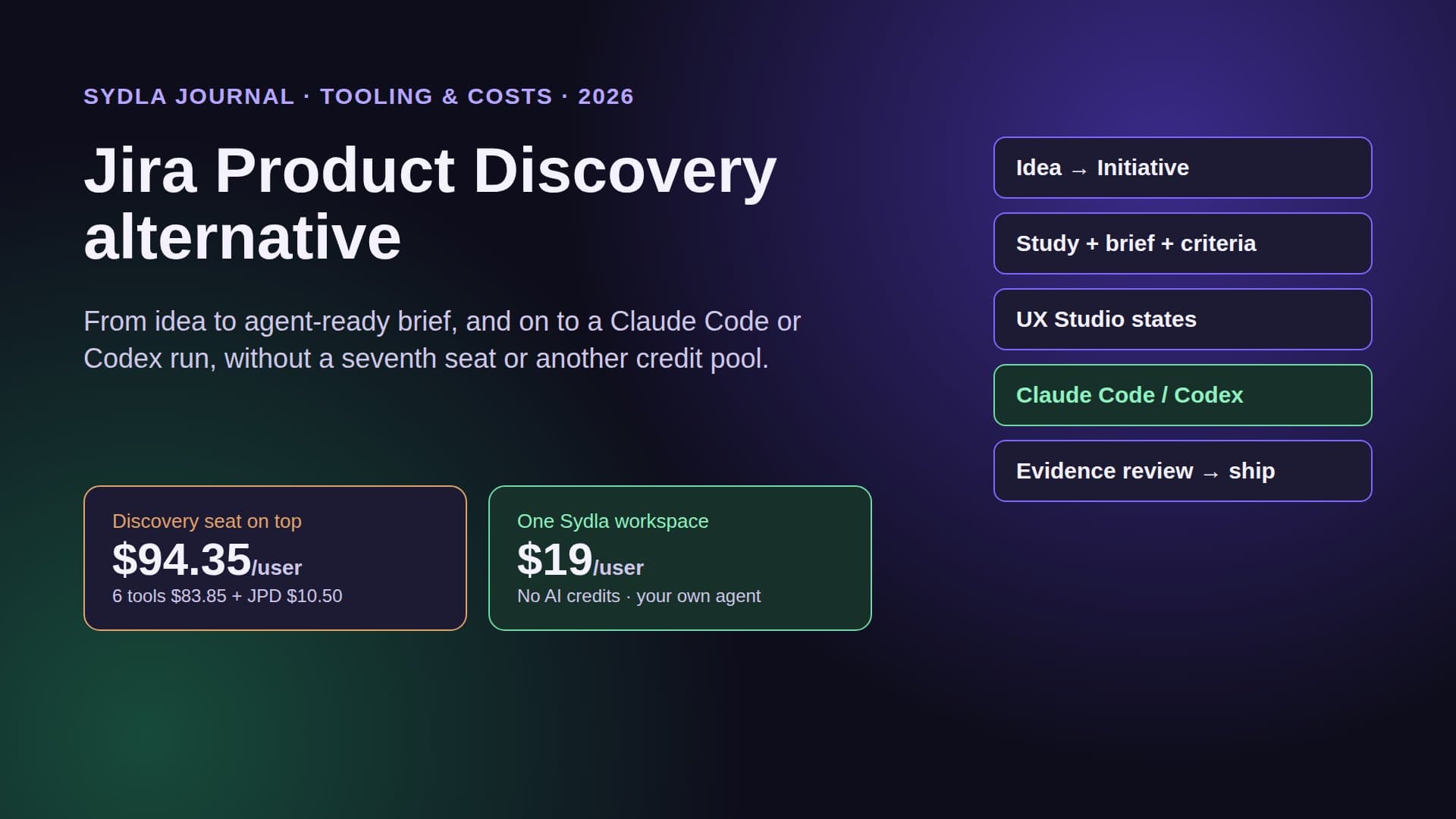
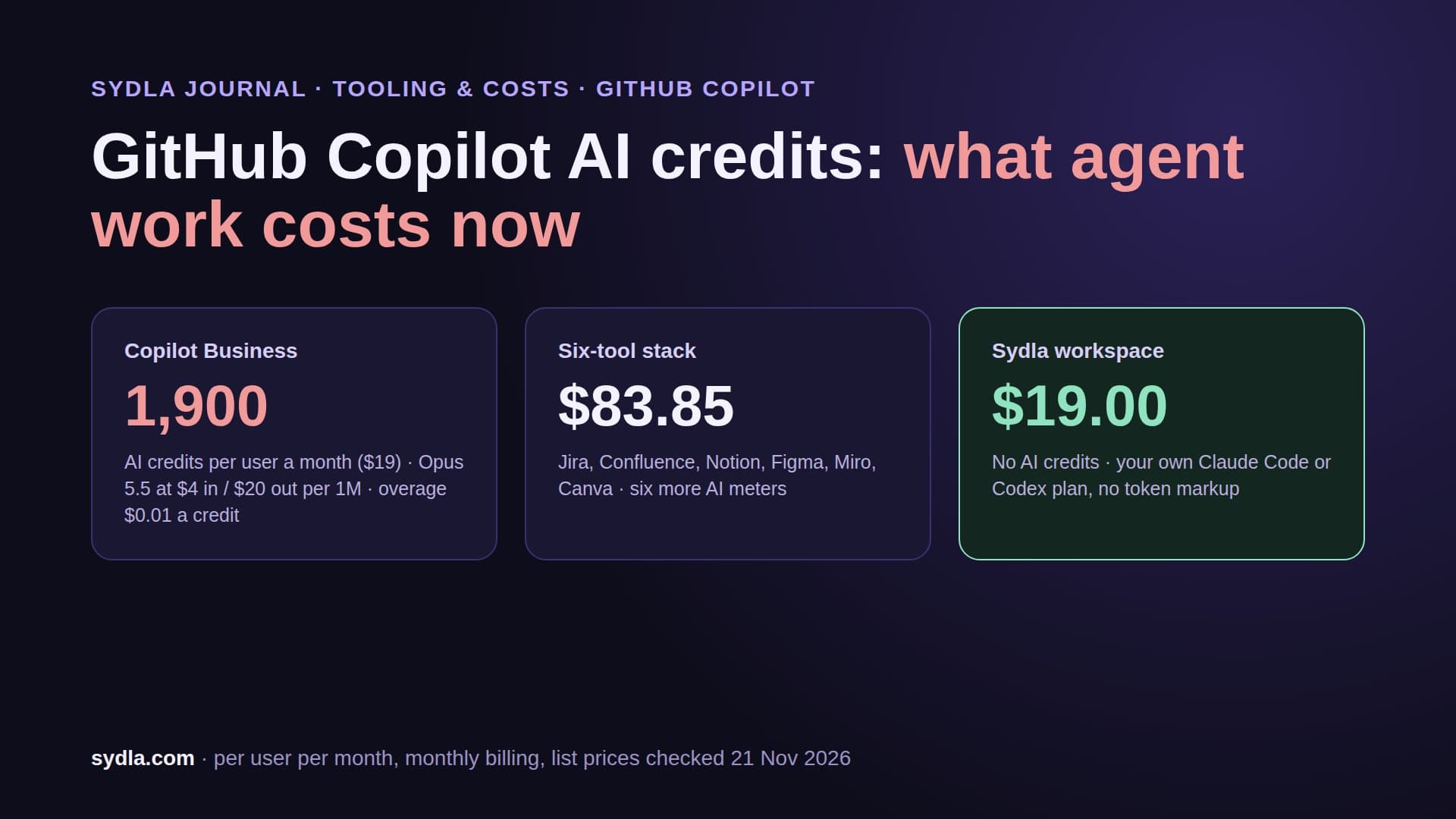
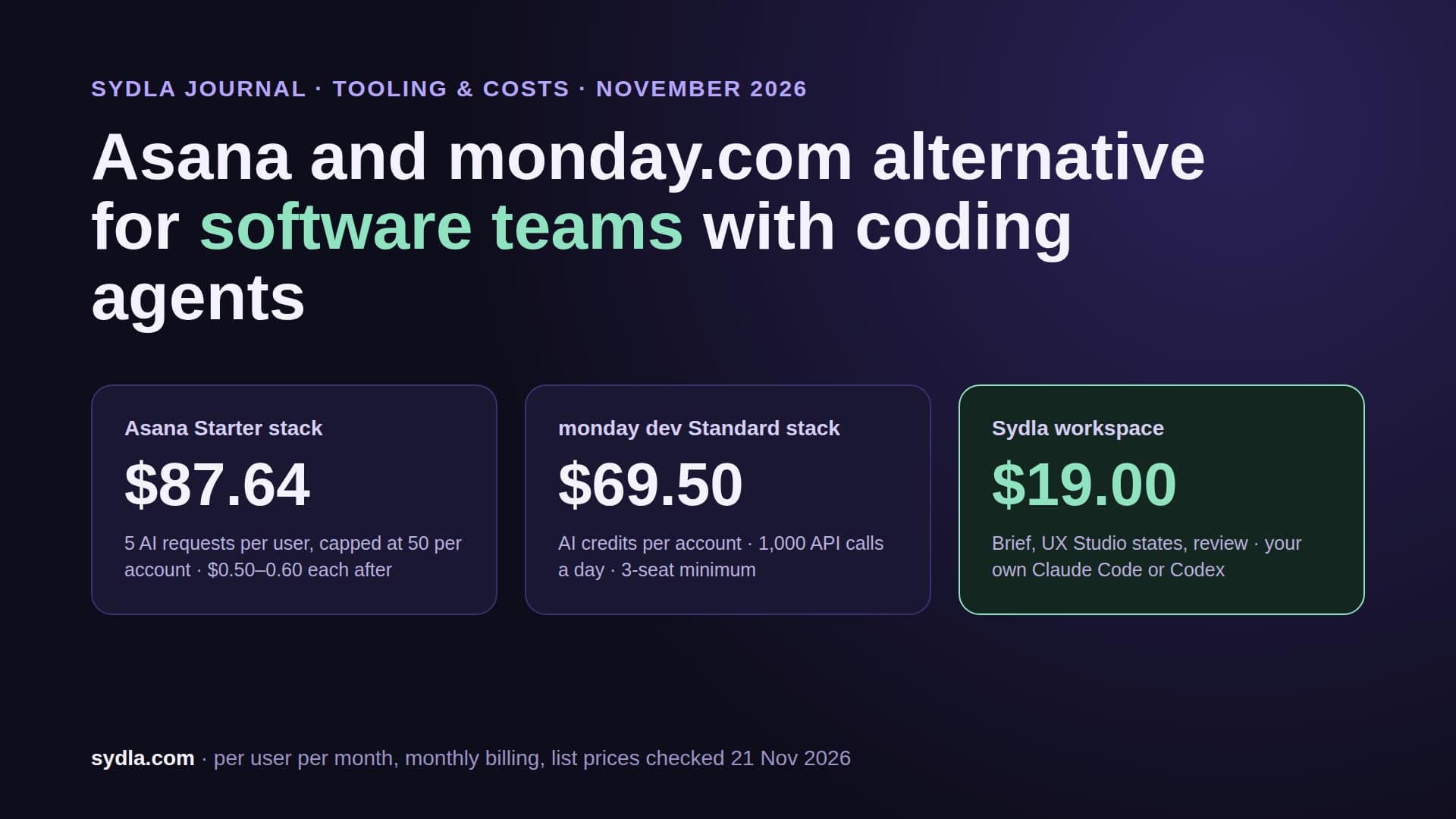
| Six-tool stack | $83.85 | Six meters, six renewal dates | About twelve handoffs per feature in the example below |
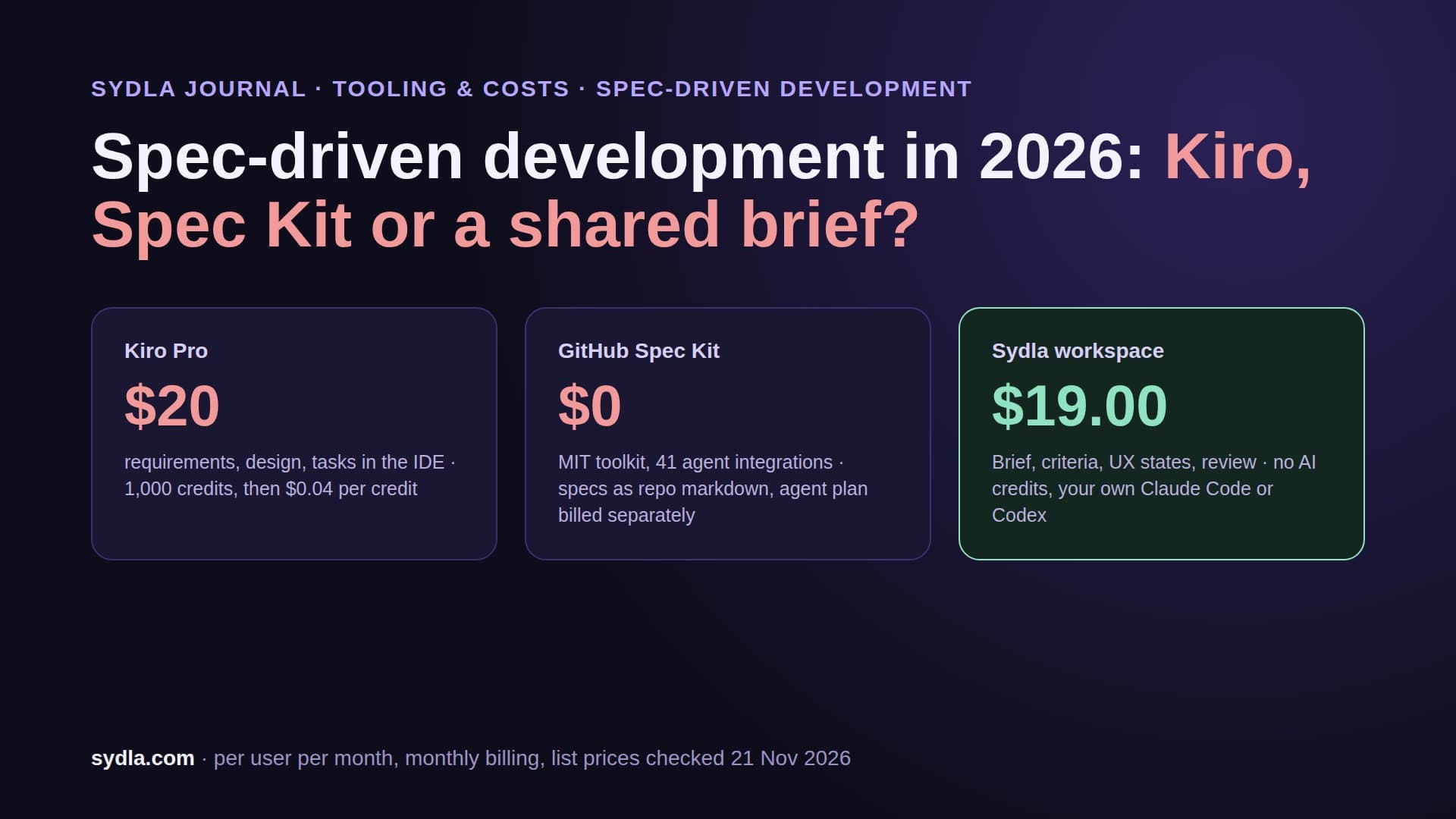
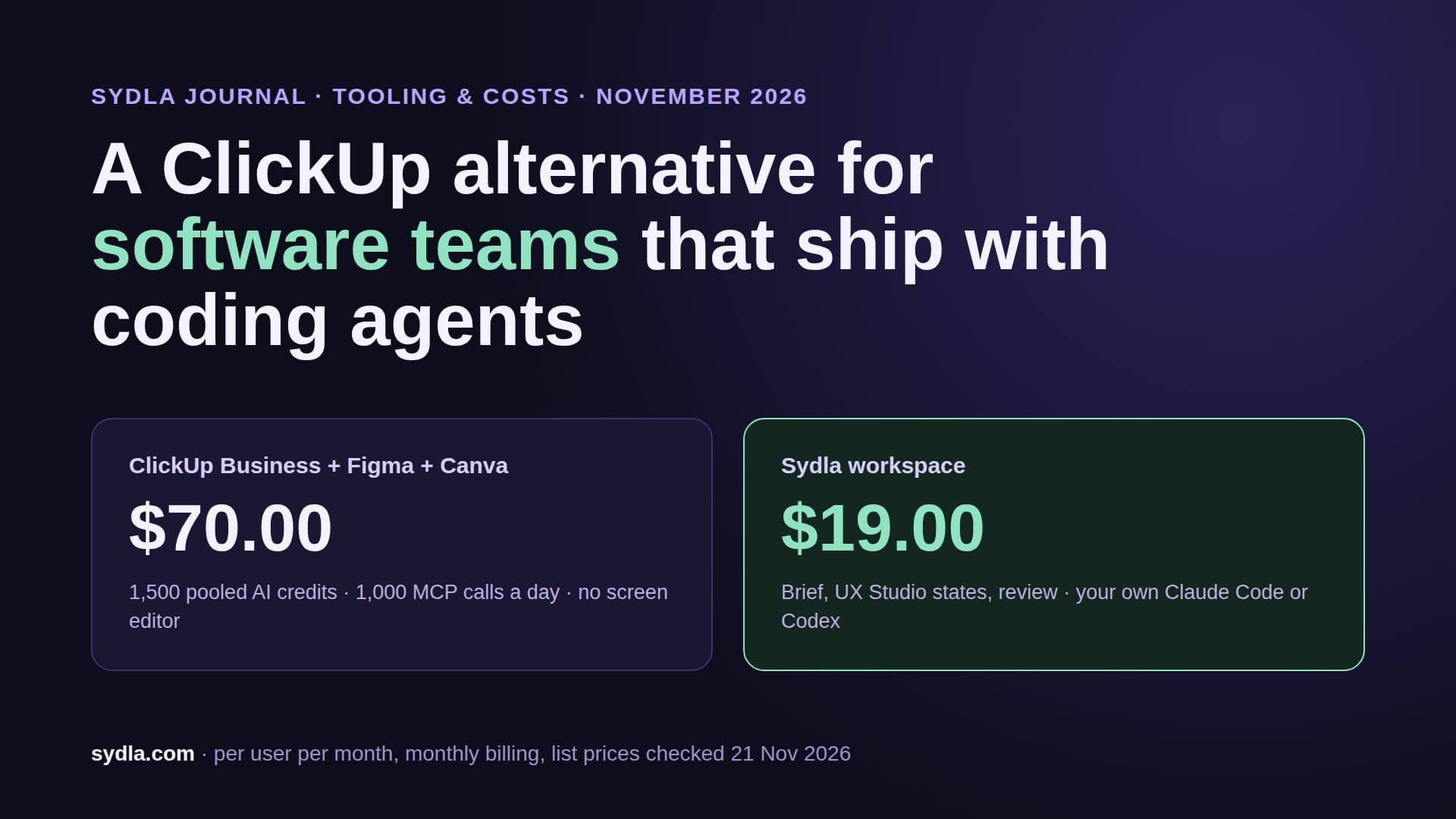
| Sydla workspace | $19.00 | No Sydla AI credits; your own Claude Code or Codex plan | Three handoffs, all on one work item |
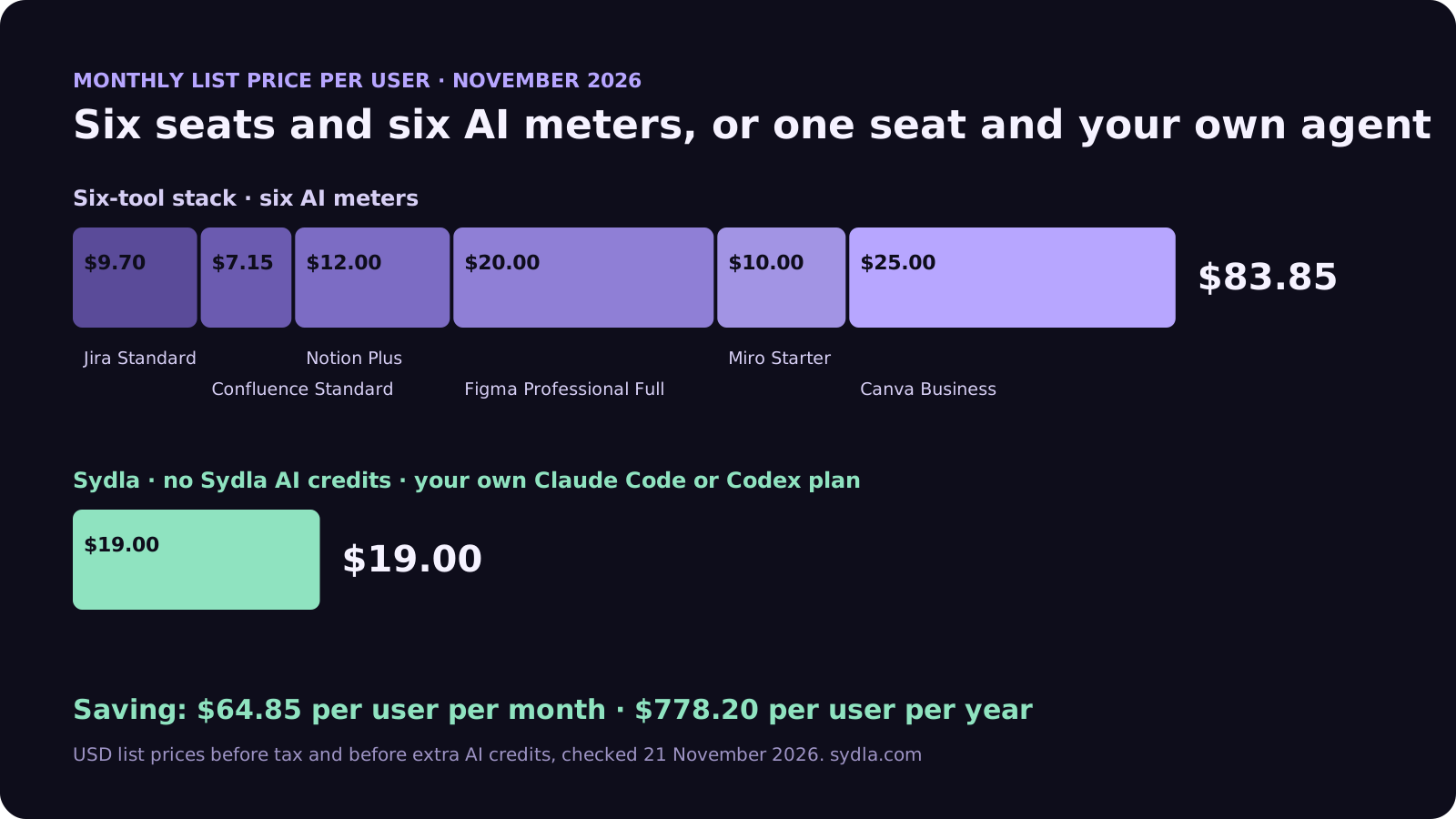
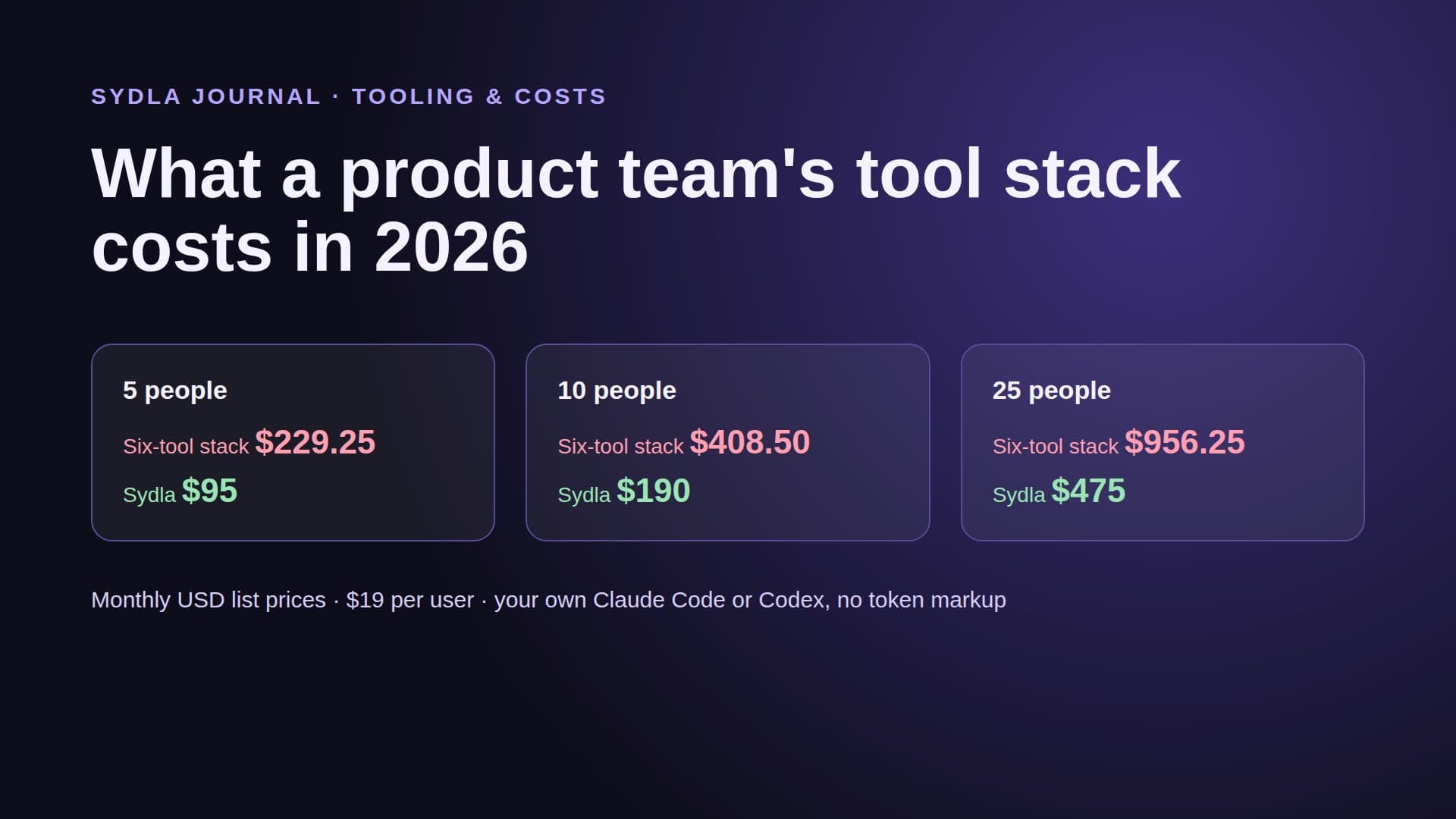
The seat gap is $64.85 per user per month, or $778.20 a year, before a single extra credit. Our team stack cost breakdown does the math for teams of 5, 10 and 25, and the comparison hub is honest about where each tool still wins.
Run a one-hour handoff audit on your last feature
You can measure your own sprawl without buying anything. Pick the last feature your team shipped, block one hour with the person who wrote the ticket and the engineer who built it, and work through these five steps.
- Trace the feature back to the request. Find where it started: a customer email, a sales call, a Notion page, a Slack thread. Write that down as step zero.
- List every place the feature lived. Ticket, spec, decision notes, flow board, frames, prompt, pull request, review comments, release note, launch visual. For each one, note the tool.
- Count the copies. Every time the same information was retyped, pasted, linked with a summary or screenshotted into another tool, that is one handoff. Mark the ones that went stale before the feature shipped.
- Count the meters and sign-ins. Which AI features did the team or the agent use, and on whose credits? How many MCP servers or connectors did the coding agent need to read the context? Our MCP servers guide lists the limits per tool.
- Find the first wrong read. Ask the engineer where the agent, or the person, first read something out of date. That handoff is the one to remove first.
Don't be surprised by a double-digit handoff count on an ordinary feature, a few stale copies, and at least one place where a coding agent built against an old version of the spec. The number matters less than the pattern: most handoffs exist only because the same feature has to be described again for each tool.
A worked example: twelve handoffs down to three
Take a common request: a customer wants to export billing history as CSV. In a six-tool stack the trail often looks like this. A call note lands in Notion. A product owner retypes it as a Jira ticket. The ticket is expanded into a Confluence spec. A designer sketches the flow on a Miro board and redraws it as Figma frames. The frames are linked back into the ticket and the spec. An engineer pastes the spec into Claude Code, and the agent reads the ticket through Rovo MCP, the frames through Figma MCP and the decision through Notion MCP. The result goes into a pull request description, review notes go back into Jira, the release note is written in Confluence, and marketing exports the screens again in Canva.
That is twelve handoffs, four MCP connections and four AI meters for one export button. By the time the agent starts, three of those copies, the spec, the frames link and the decision note, can easily disagree. The acceptance criteria guide uses the same billing export feature and shows what the criteria should have said.
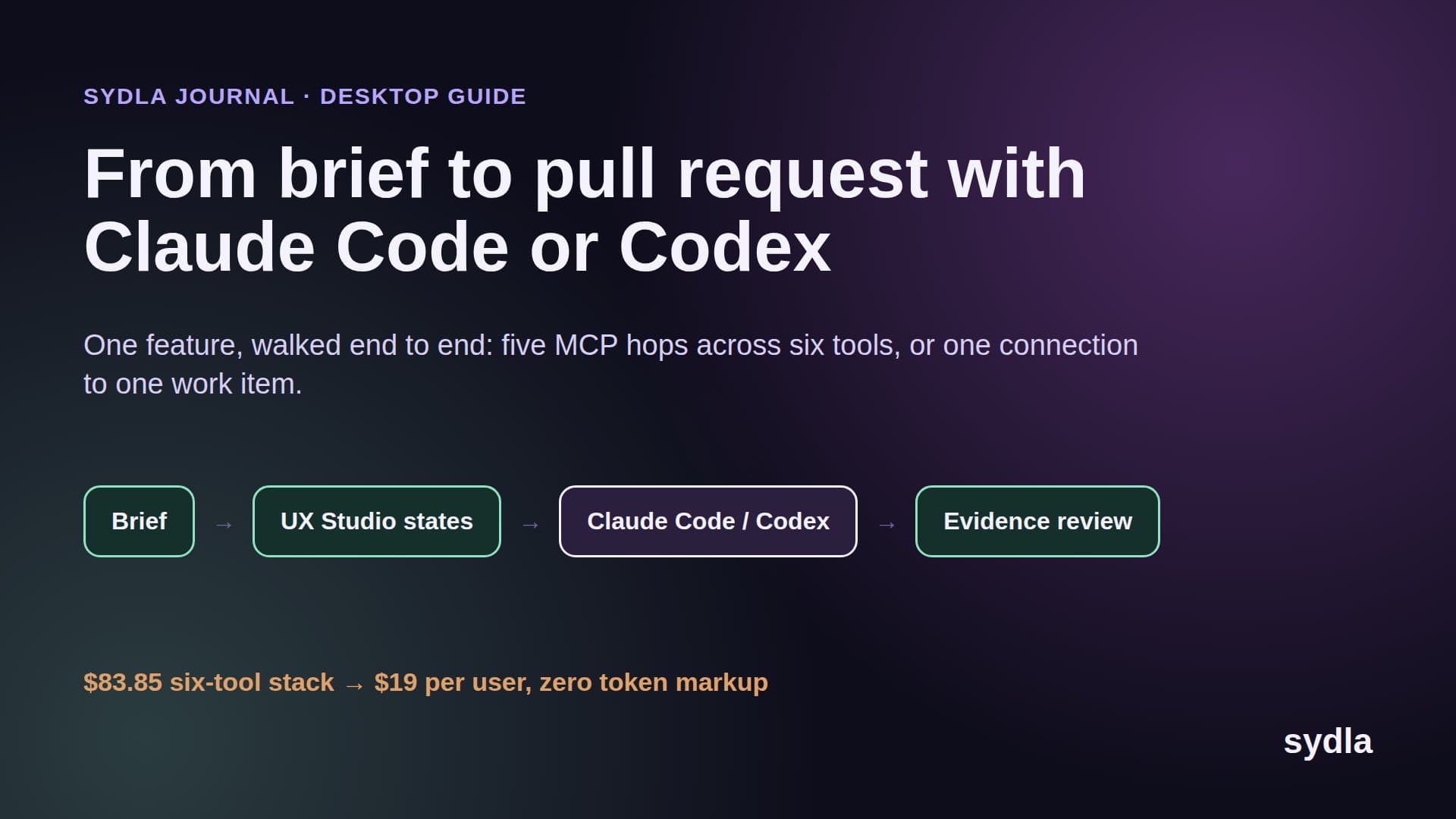
In one workspace the same feature has three handoffs, and none of them is a copy. The product owner writes the brief and criteria on one work item. The designer adds the states in UX Studio on the same item. The agent reads that item, builds the change and writes its evidence back to it. The reviewer reads the evidence where it was written. Each step is a read of the same source, so nothing can go stale.
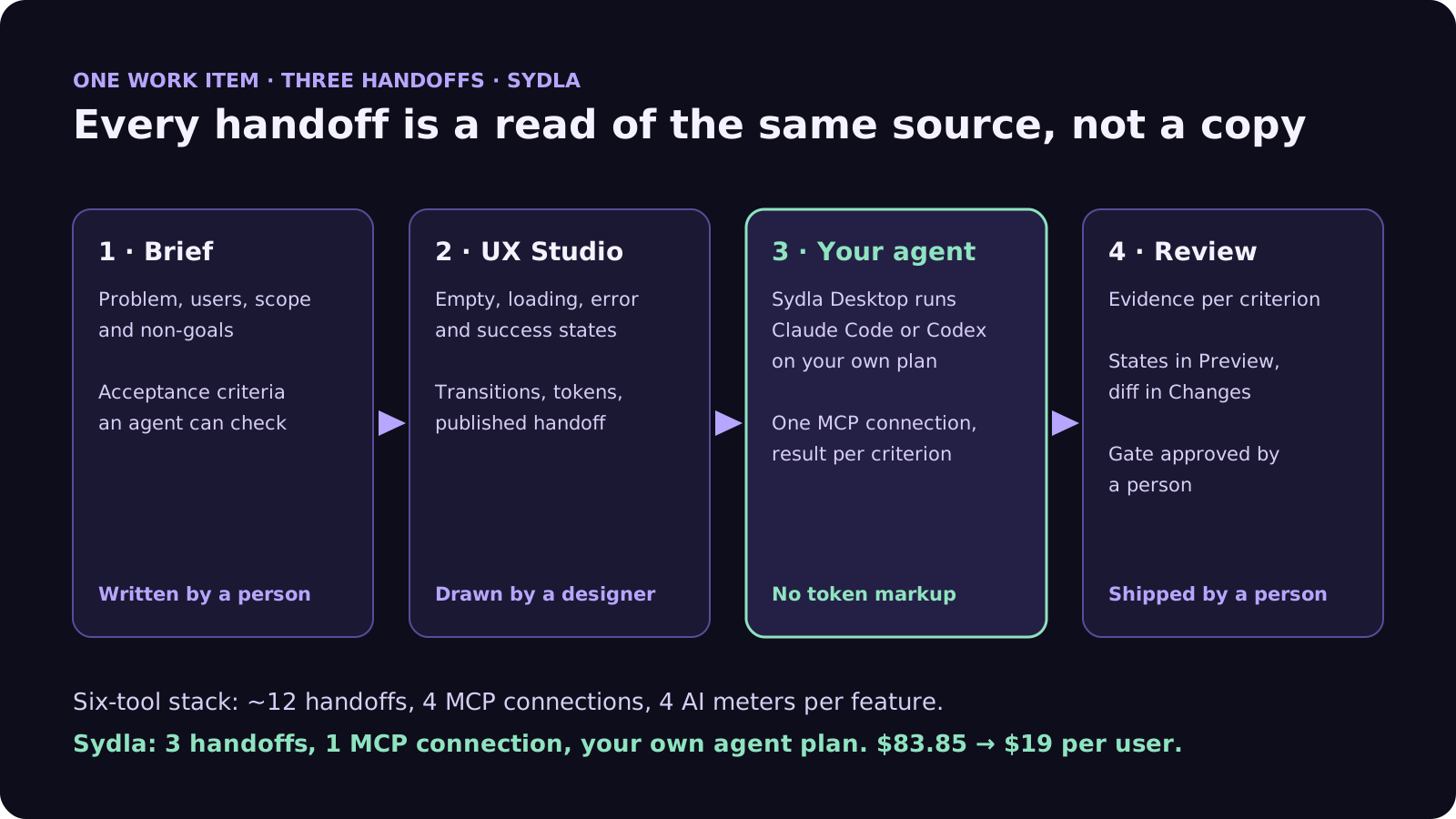
How Sydla Desktop connects Claude Code or Codex to the brief and UX Studio
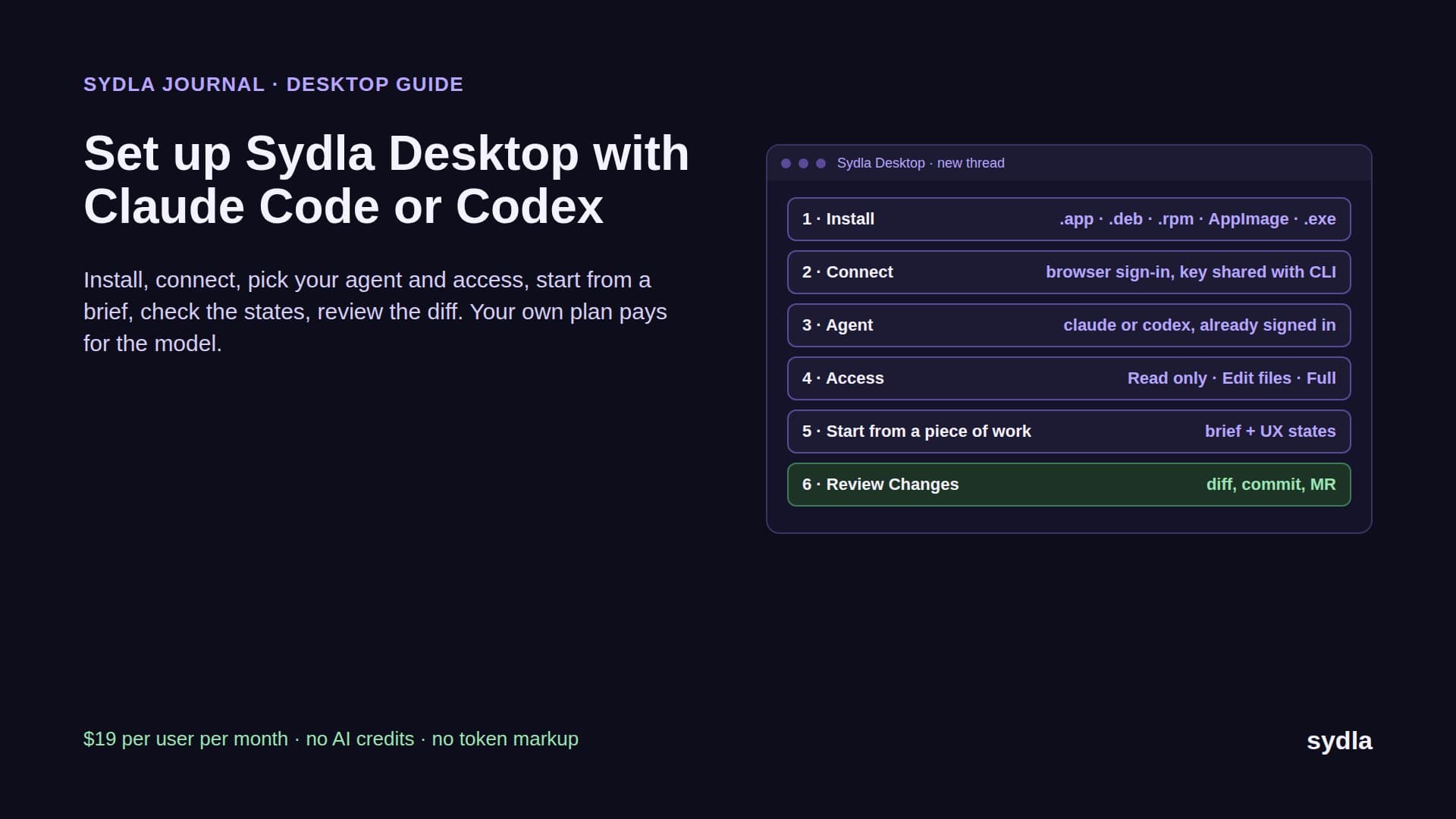
Sydla is built so the agent reads what people wrote, where they wrote it. Here is the CSV export feature, step by step, in Sydla Desktop.
- The product owner writes the brief. Problem, users, scope, non-goals and acceptance criteria go into one Sydla doc linked to the initiative. It replaces the Jira ticket, the Confluence spec and the Notion decision note. Our PRD template for AI coding agents has the seven sections to fill.
- The designer draws the states in UX Studio. The export screen gets its empty, loading, error and success states, the transitions between them and the design tokens, then a published handoff. Engineers and agents read it without a design seat and without a monthly read quota.
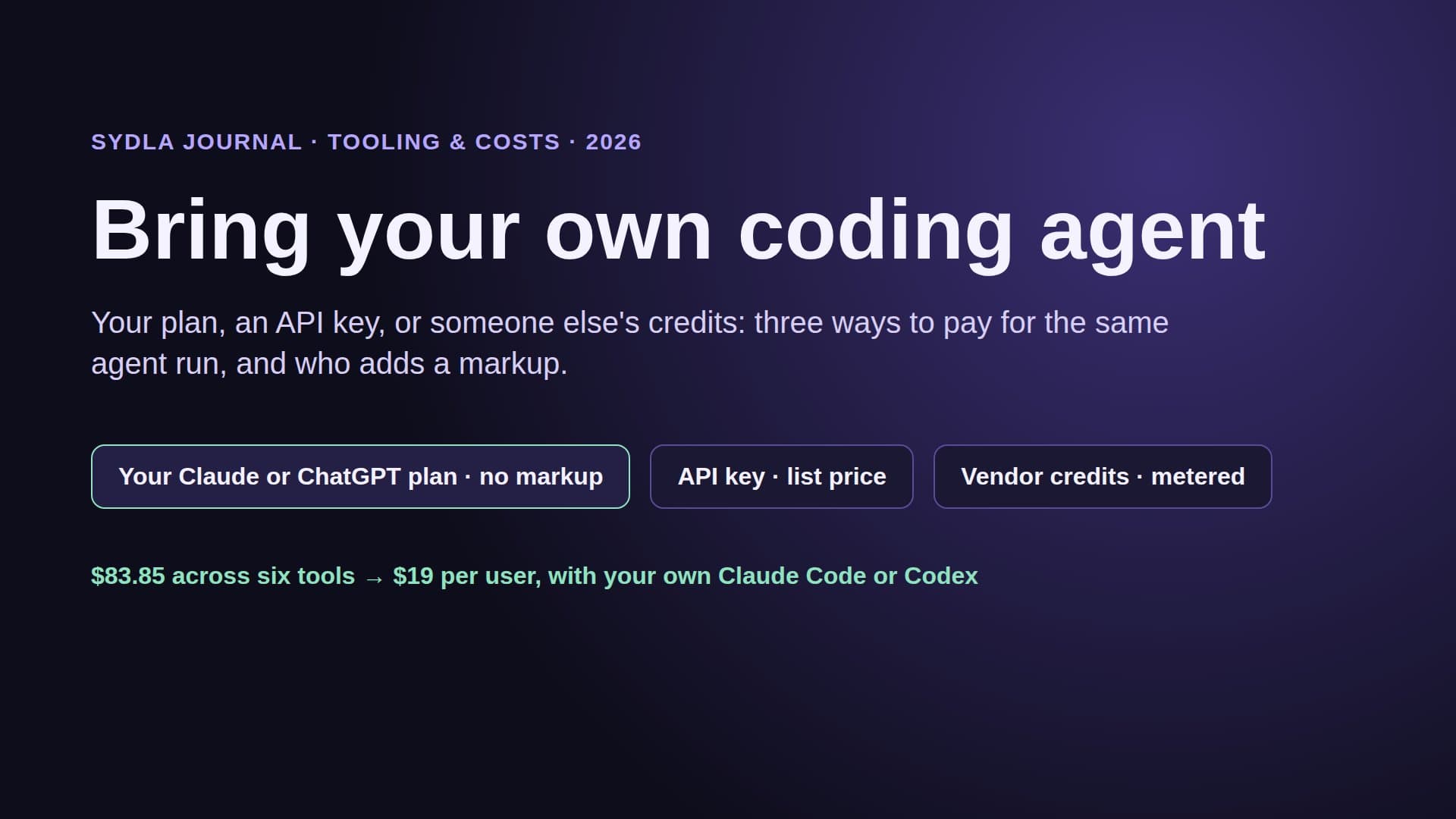
- The engineer starts a thread in Sydla Desktop. They open the piece of work, pick Claude Code or Codex and the model. Desktop runs the claude or codex CLI already installed and signed in on their machine, with their own Claude or ChatGPT plan or their own API key. Sydla adds no token markup and sells no AI credits.
- The agent reads the work item through one MCP connection. It loads the initiative context, the ticket with its criteria and the UX handoff with every state, when it needs each one. The repo's CLAUDE.md or AGENTS.md still applies, because it is the real CLI with the engineer's own settings.
- The agent records evidence per criterion. As it works in a branch and runs tests, it marks each acceptance criterion passed or failed with a note, on the work item itself.
- A person reviews and ships. The engineer checks the states in Preview and the diff in Changes, using the four-pass review. The agent can request a gate; only a person approves it. Finish and Ship then walks through the commit, merge request, merge and tag one step at a time.
Because each engineer runs the agent on their own plan, a team can mix Claude Code and Codex on the same initiative. The Claude Code vs Codex comparison helps decide who uses which, and bring your own coding agent explains why your own plan carries no markup.
When some sprawl is fine
Consolidation is not always the answer, and the audit will tell you where it is not.
- Handoffs that leave the product loop. A sales deck in Canva or a company wiki in Confluence may never touch a feature. If no ticket and no agent reads it, it is not costing you handoffs.
- Deep specialist work. A design team maintaining a large design system in Figma may keep it and publish only the states engineers need. See Figma alternatives for coding agents.
- Compliance history. If audits rely on years of Jira workflows, keep the archive and move new work. The Jira alternatives guide covers the trade-offs.
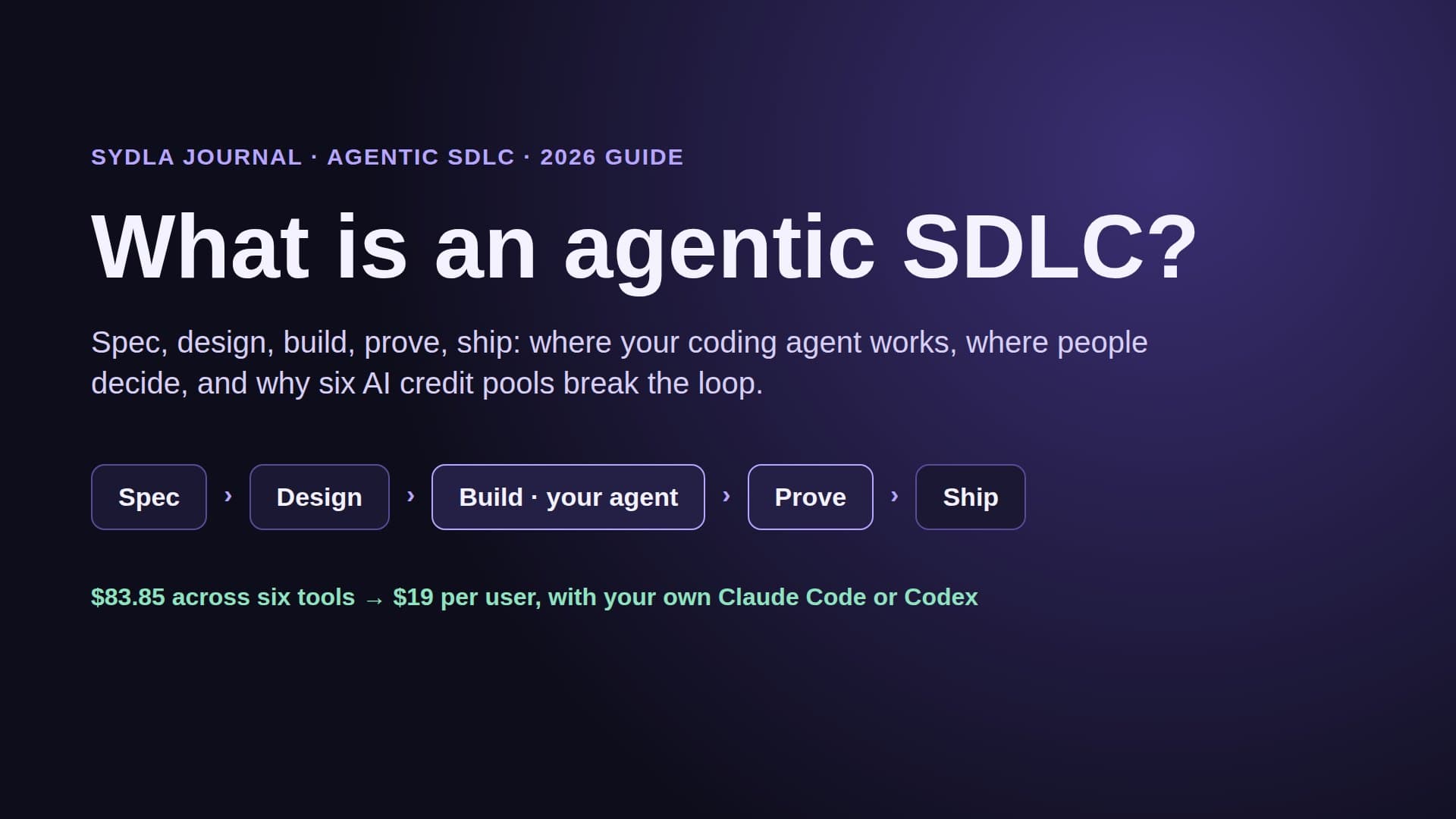
For everything between the request and the merged pull request, fewer handoffs is the cheapest fix most lean teams can make. The pricing section has the plan: $19 per user per month and no AI credits to buy, and you can start a workspace today. If you decide to move, the 30-day migration plan shows what to export first, and what is an agentic SDLC shows how the stages fit together.
Frequently asked questions
What is tool sprawl in software development?
Tool sprawl is when one piece of work is spread across more tools than it needs. For a product team in 2026 it usually means a feature split across Jira, Confluence, Notion, Figma, Miro and Canva, with six seats, six AI meters and many handoffs where the same requirement is copied from one tool to another.
How do you measure tool sprawl?
Run a handoff audit on your last shipped feature. List every place the feature lived, count each time information was retyped, pasted or screenshotted into another tool, count the AI meters and sign-ins used, and find the first place someone or an agent read an out-of-date copy.
How much does a Jira, Confluence, Notion, Figma, Miro and Canva stack cost per user in 2026?
At monthly list prices in November 2026 the stack costs $83.85 per user: Jira Standard $9.70, Confluence Standard $7.15, Notion Plus $12.00, Figma Professional Full $20.00, Miro Starter $10.00 and Canva Business $25.00, before AI credits. Sydla replaces the six for $19 per user per month, a saving of $64.85 per user per month or $778.20 a year.
Does AI reduce context switching for developers?
Not by itself. Atlassian's State of Developer Experience 2026 found that 87% of developers say AI helps them ship faster, but 72% feel the same or more friction than before AI, and context switching is still the third biggest source of friction at 45%. AI speeds up coding; it does not remove the handoffs between tools.
Can I use my own Claude Code or Codex subscription with Sydla?
Yes. Sydla Desktop runs the Claude Code or Codex CLI installed and signed in on your machine, with your own Claude or ChatGPT plan or your own API key. Sydla has no AI credits and adds no token markup; the agent reads the brief, acceptance criteria and UX Studio states through one MCP connection.