AI pricing changes in December 2026: a renewal checklist for Jira, Confluence, Notion, Figma, Miro and Canva
On 3 December 2026 Rovo pay-as-you-go switches on by default, Atlassian starts billing Code Reviewer, and Notion meeting notes begin spending credits. Figma, Miro and Canva already meter AI per seat or per team. Here is what changes in each of the six tools, a seven-step checklist to run before your renewal, and how to stop paying twice for one agent run.
December is when the AI meters switch on
For most of 2026, AI inside your product tools felt free. It came with the seat, the allowance was generous, and nobody read the usage page. That ends this quarter. On 3 December 2026, Atlassian turns on pay-as-you-go billing for Rovo credits, enabled by default, and starts billing its Code Reviewer on the same pool. In December, Notion's AI Meeting Notes start spending the monthly credits your members already use for Notion AI. Figma, Miro and Canva switched to hard AI allowances earlier in the year.
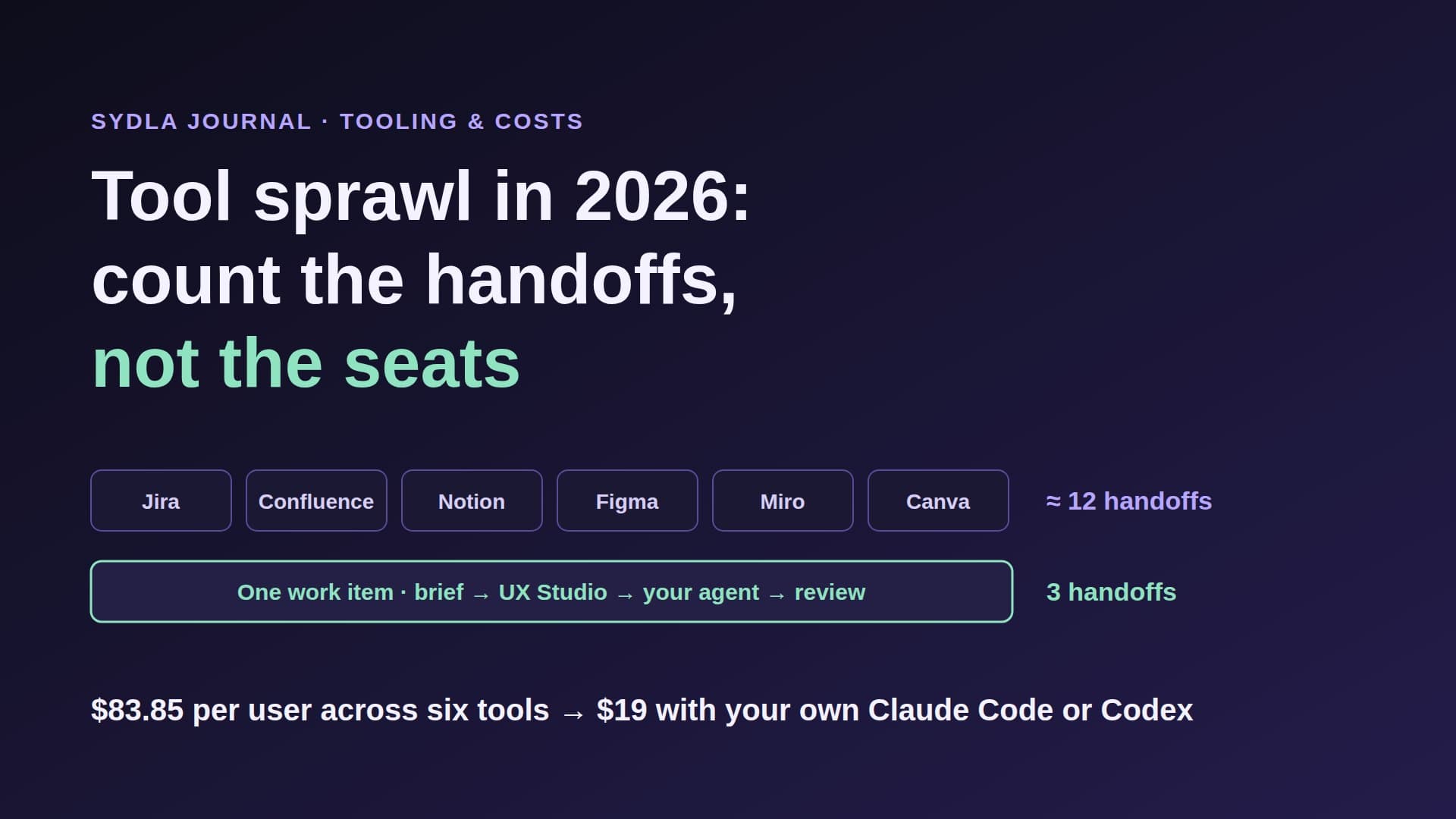
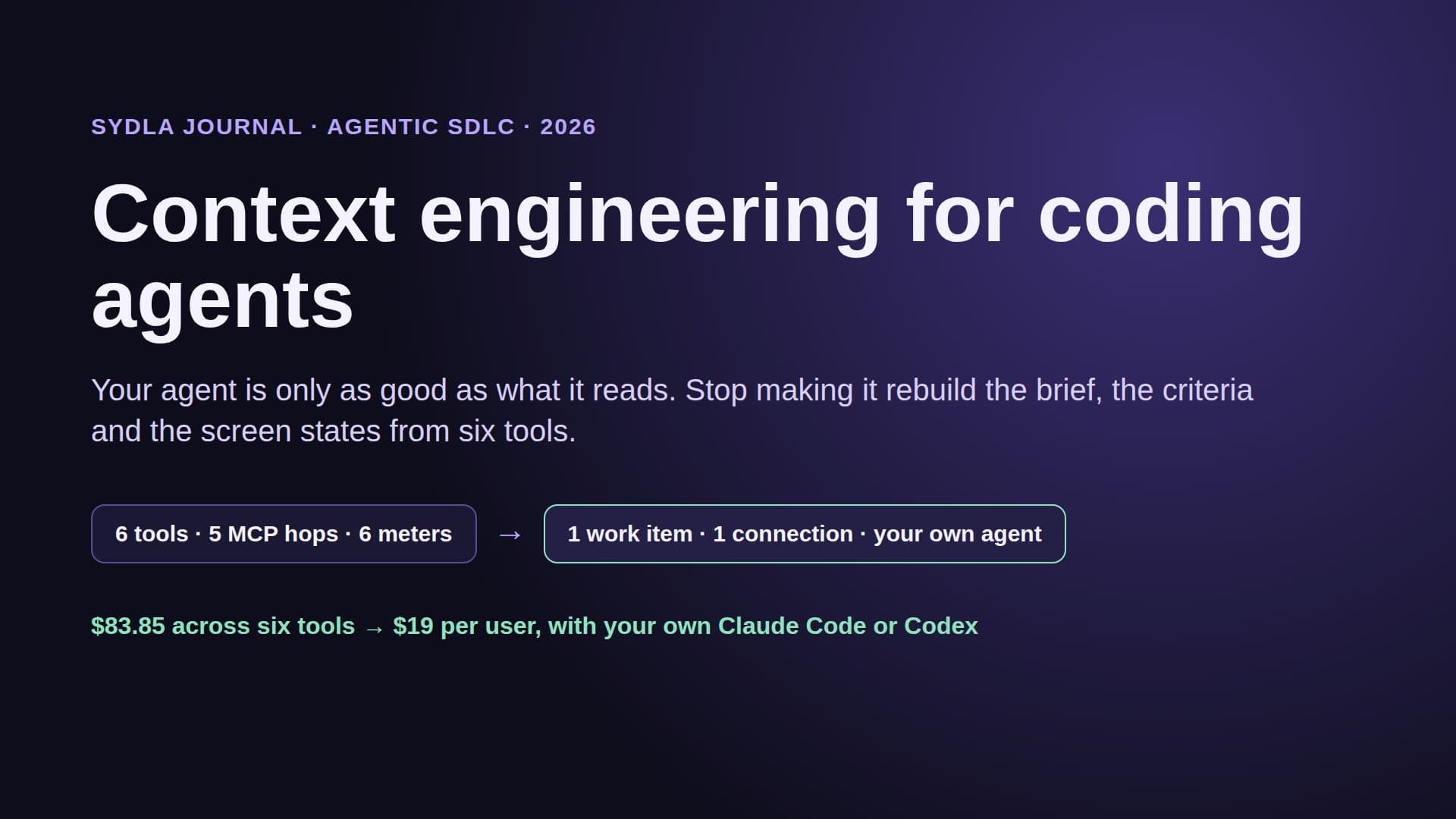
None of these changes is outrageous on its own. Together they create what we call AI credit fatigue: six tools, six allowances, six reset dates, six admins, and a coding agent that has to hop through six MCP servers to read one feature. Each hop costs context in the agent's window and, more and more often, a credit in the vendor's meter.
If your Jira, Confluence, Notion, Figma, Miro or Canva contract renews in the next few months, this is the moment to look. Below: what changes in each tool, a table of the 2026 numbers, a seven-step checklist, and the setup we use at Sydla so the agent run is paid for once.
What changes, tool by tool
Dates and numbers come from each vendor's own help pages, checked on 20 and 21 November 2026.
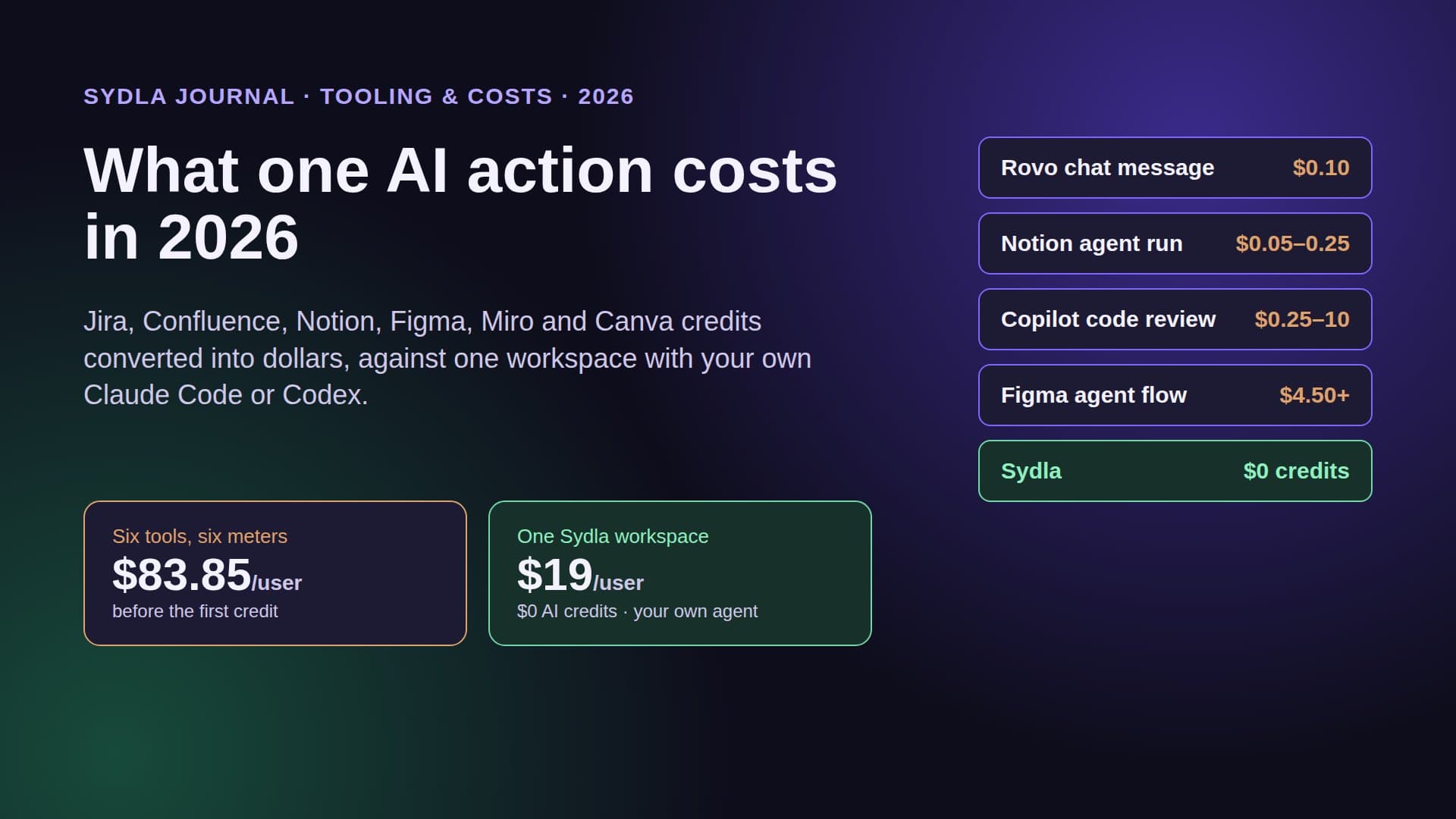
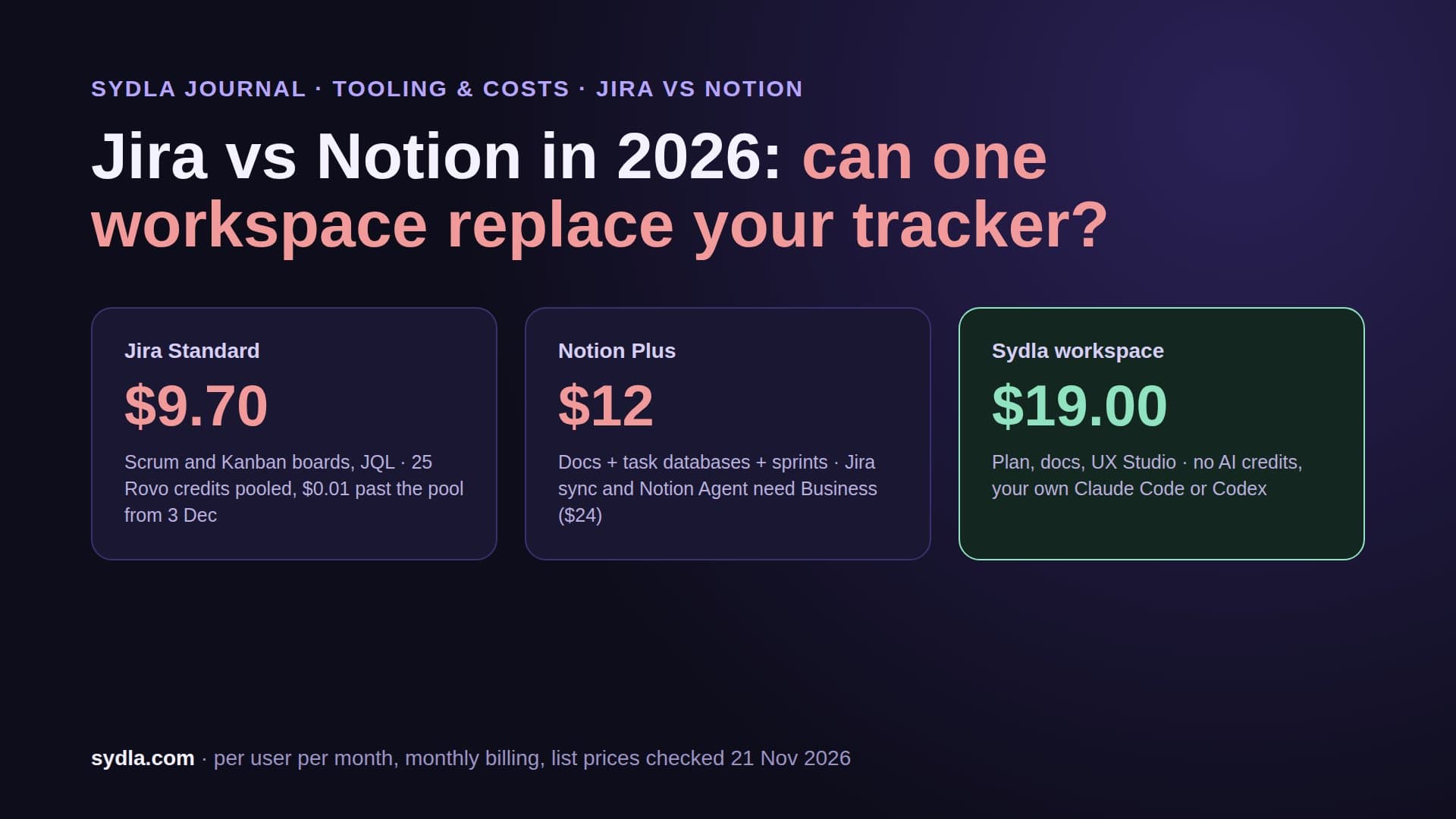
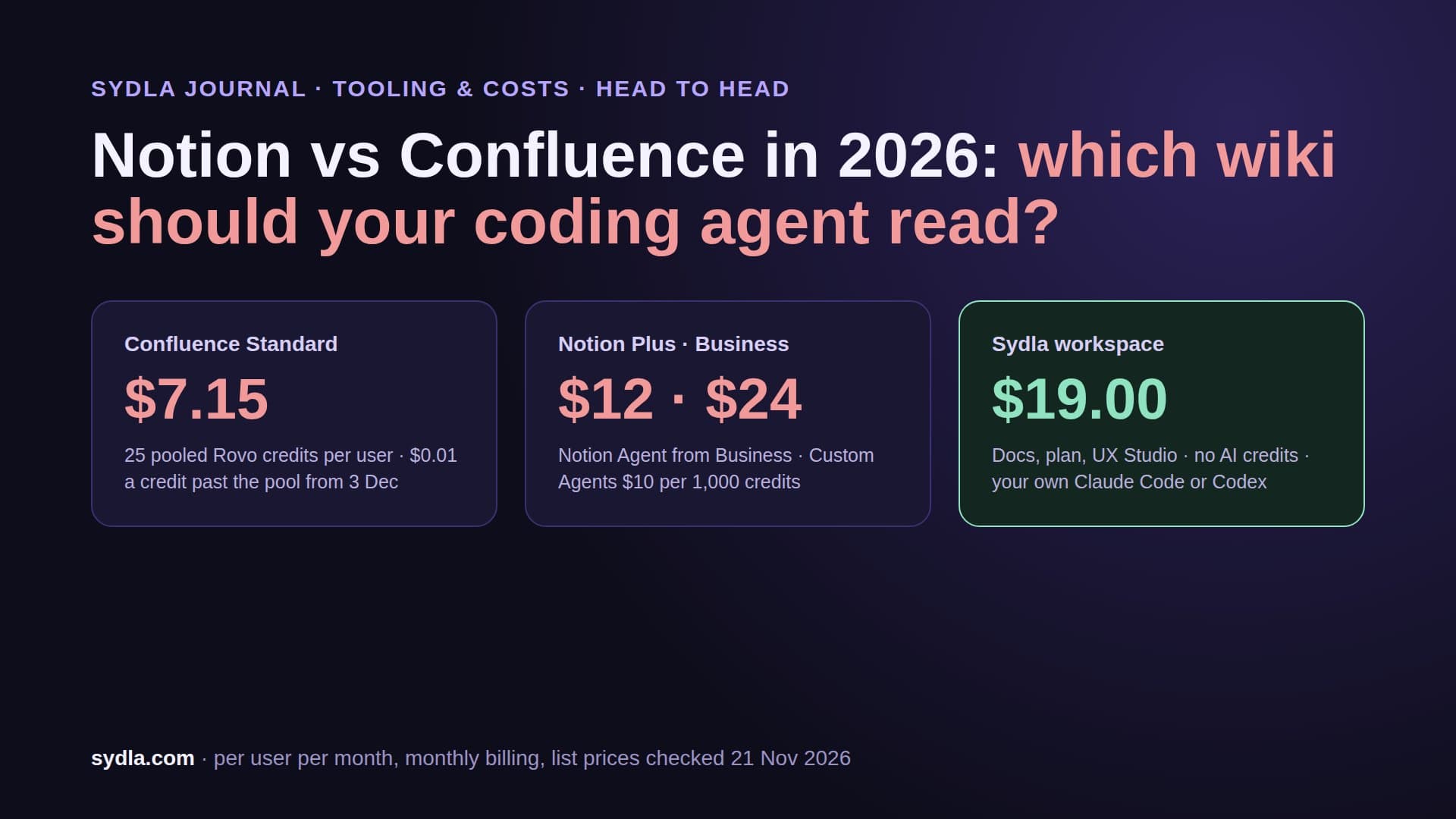
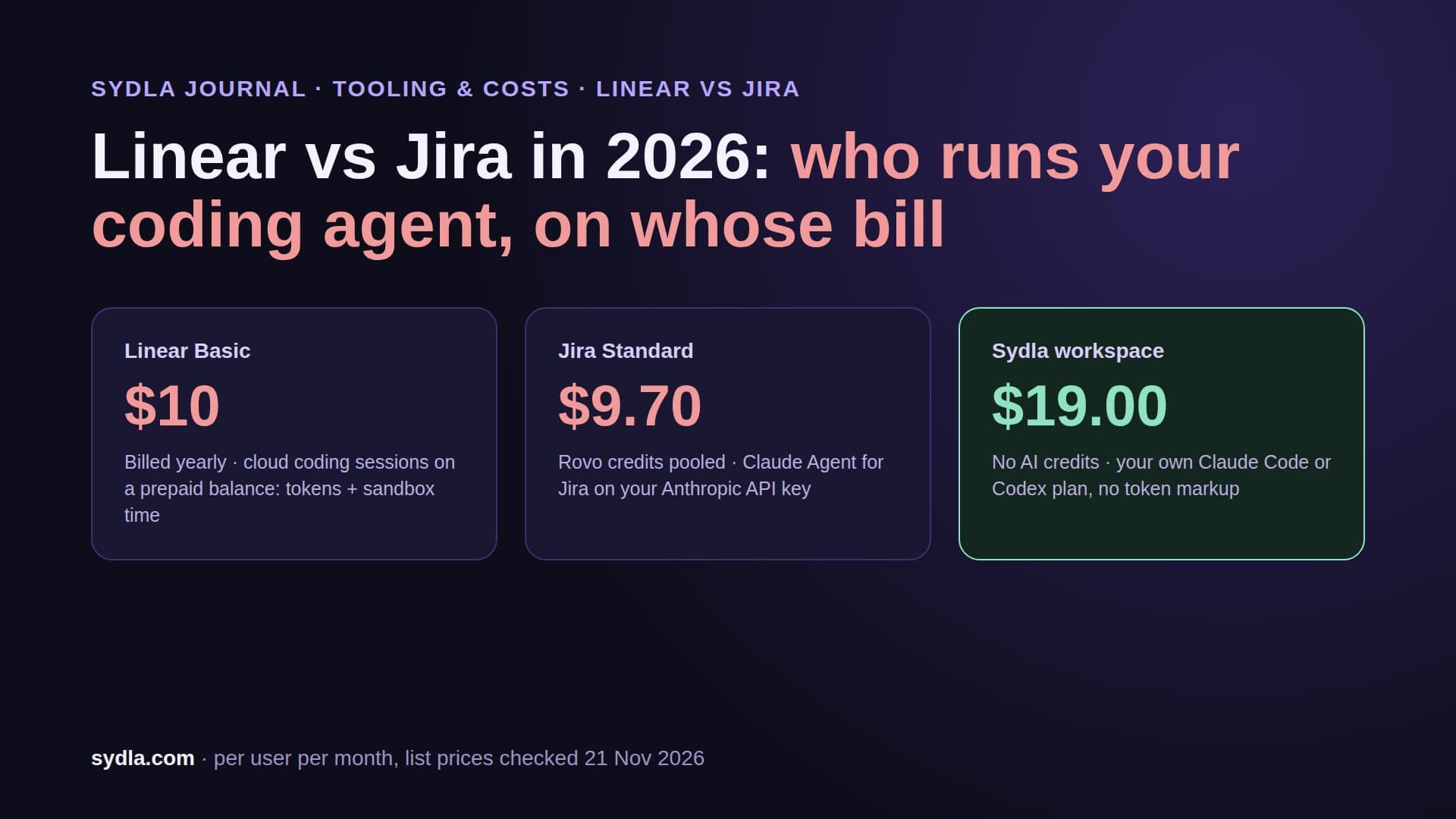
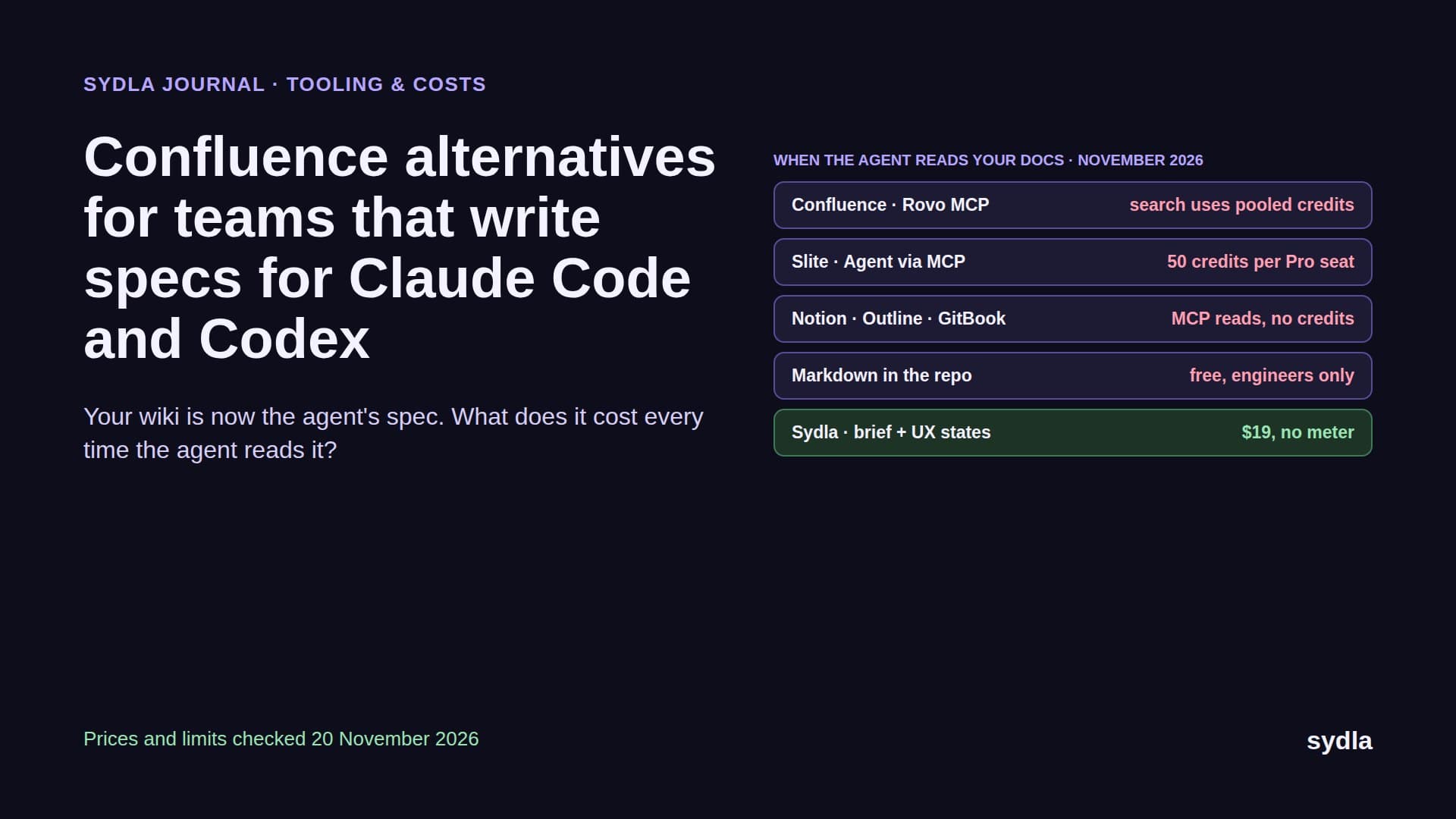
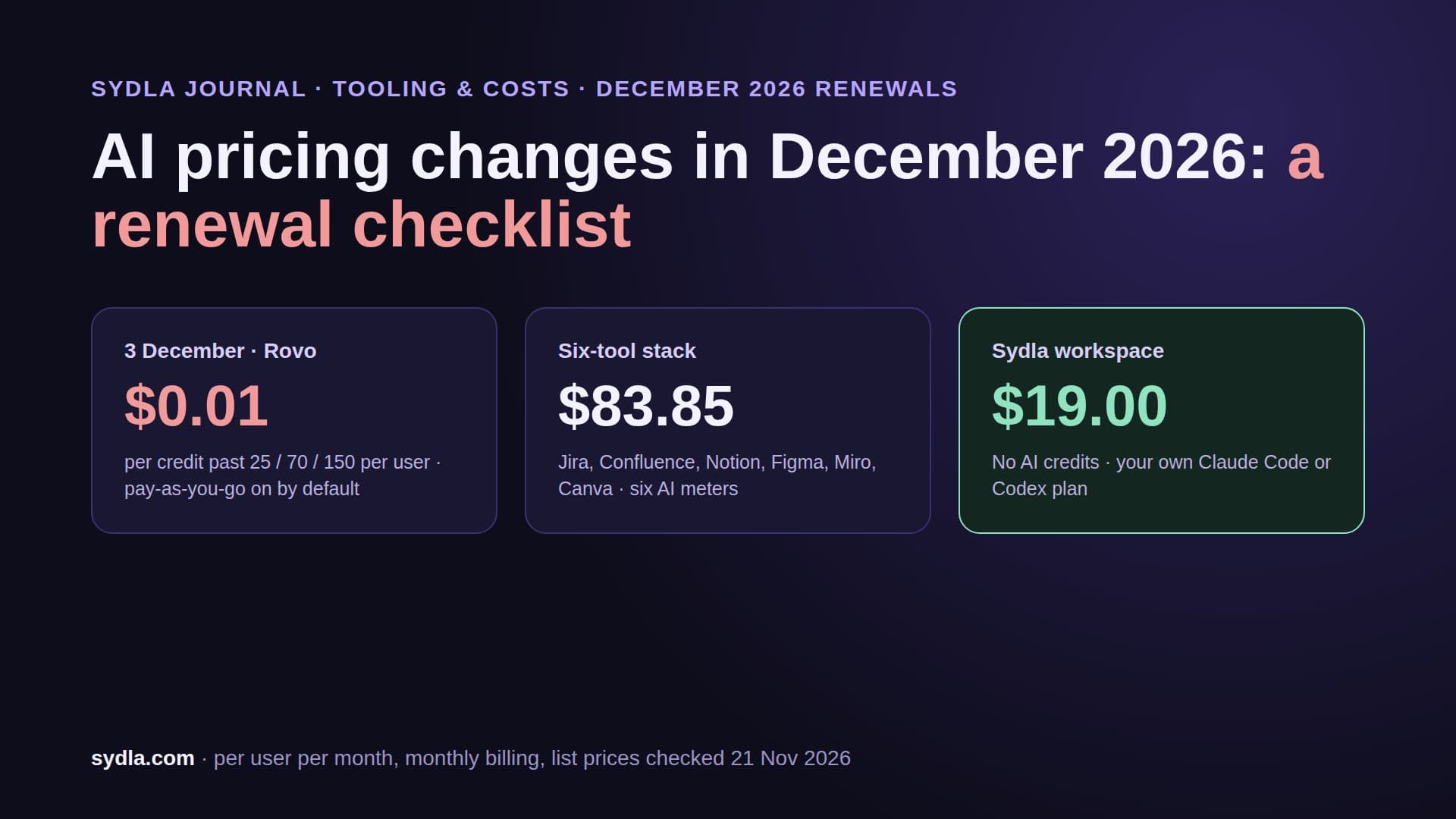
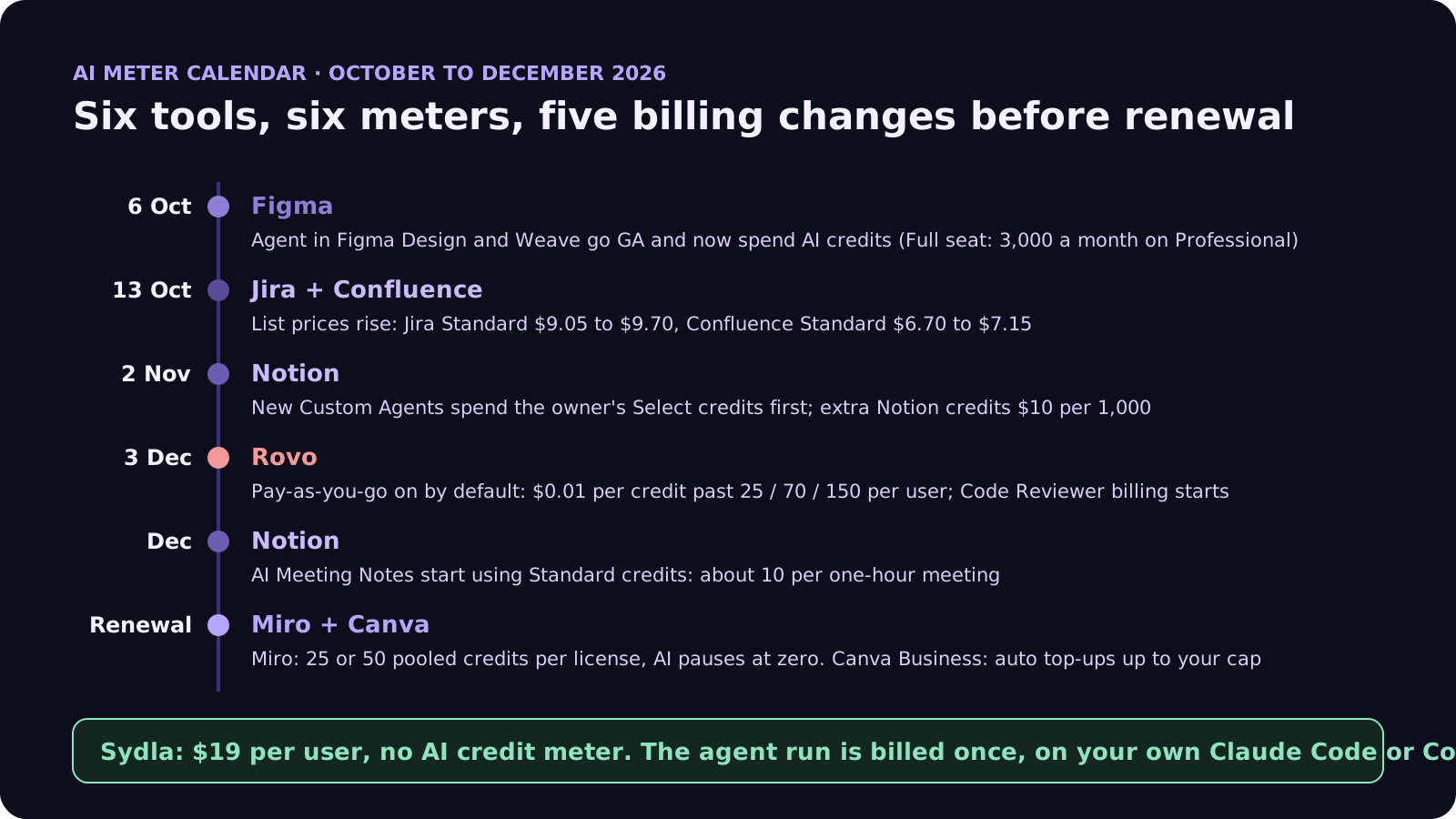
- Jira and Confluence (Rovo): each user brings 25 credits a month on Standard, 70 on Premium and 150 on Enterprise, pooled across the organization with no rollover. From 3 December, usage past the pool is billed at $0.01 per credit, $10 per 1,000, and pay-as-you-go is on by default. Admins can switch it off or set a limit. List prices already rose on 13 October: Jira Standard from $9.05 to $9.70 and Confluence Standard from $6.70 to $7.15 per user. Our Rovo credits guide has the full rate card.
- Atlassian Code Reviewer: available with paid Jira or Teamwork Collection since early November, it spends a variable number of Rovo credits per review. Billing for those credits starts on 3 December.
- Notion: since 2 November, a new Custom Agent spends its owner's Select credits first, then the owner's extra allowance, then workspace credits if allowed. In December, AI Meeting Notes start using Standard credits, about 10 for a one-hour meeting. Extra credits cost $10 per 1,000, on Business and Enterprise only. Details in our Notion credits guide.
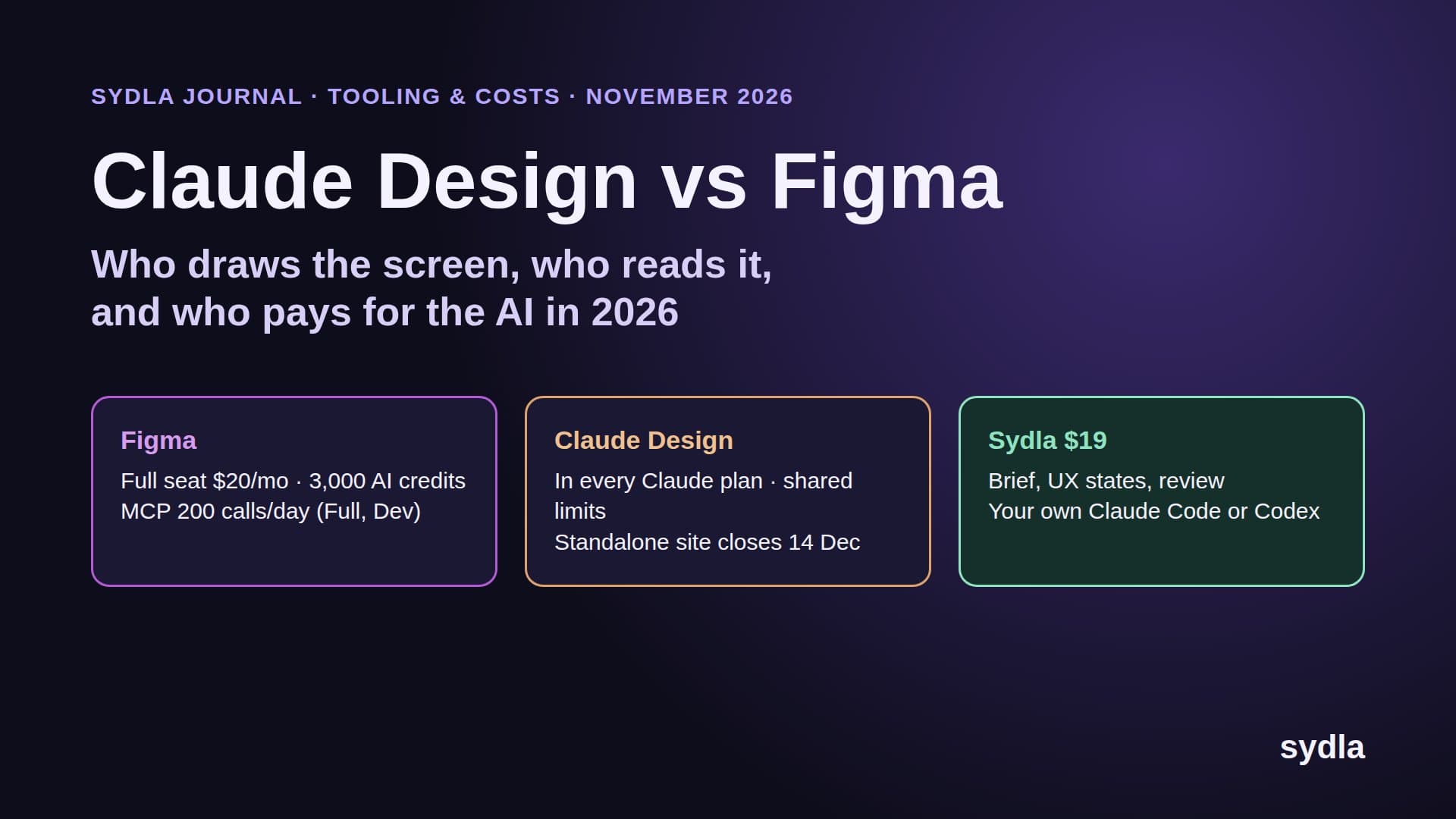
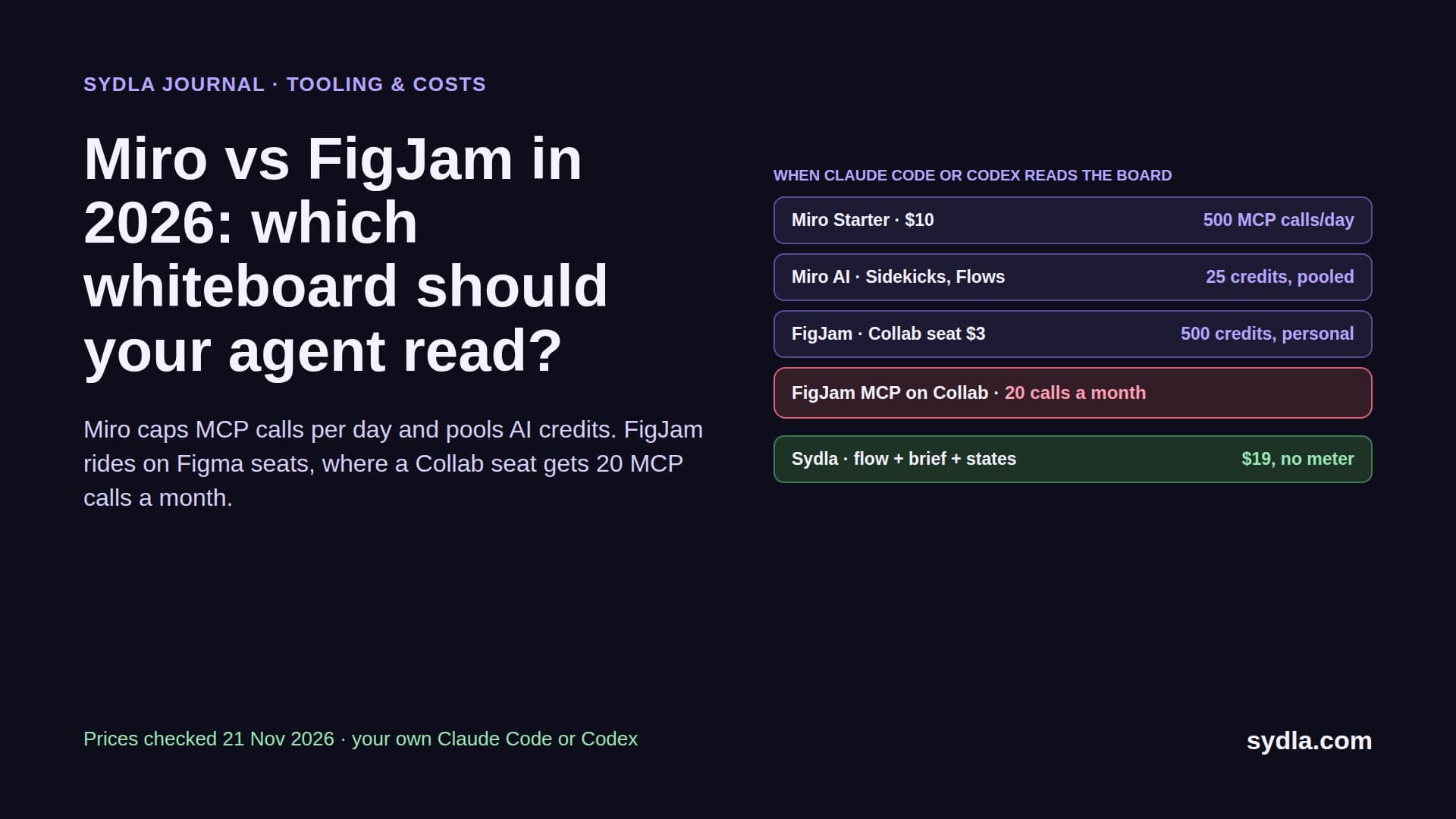
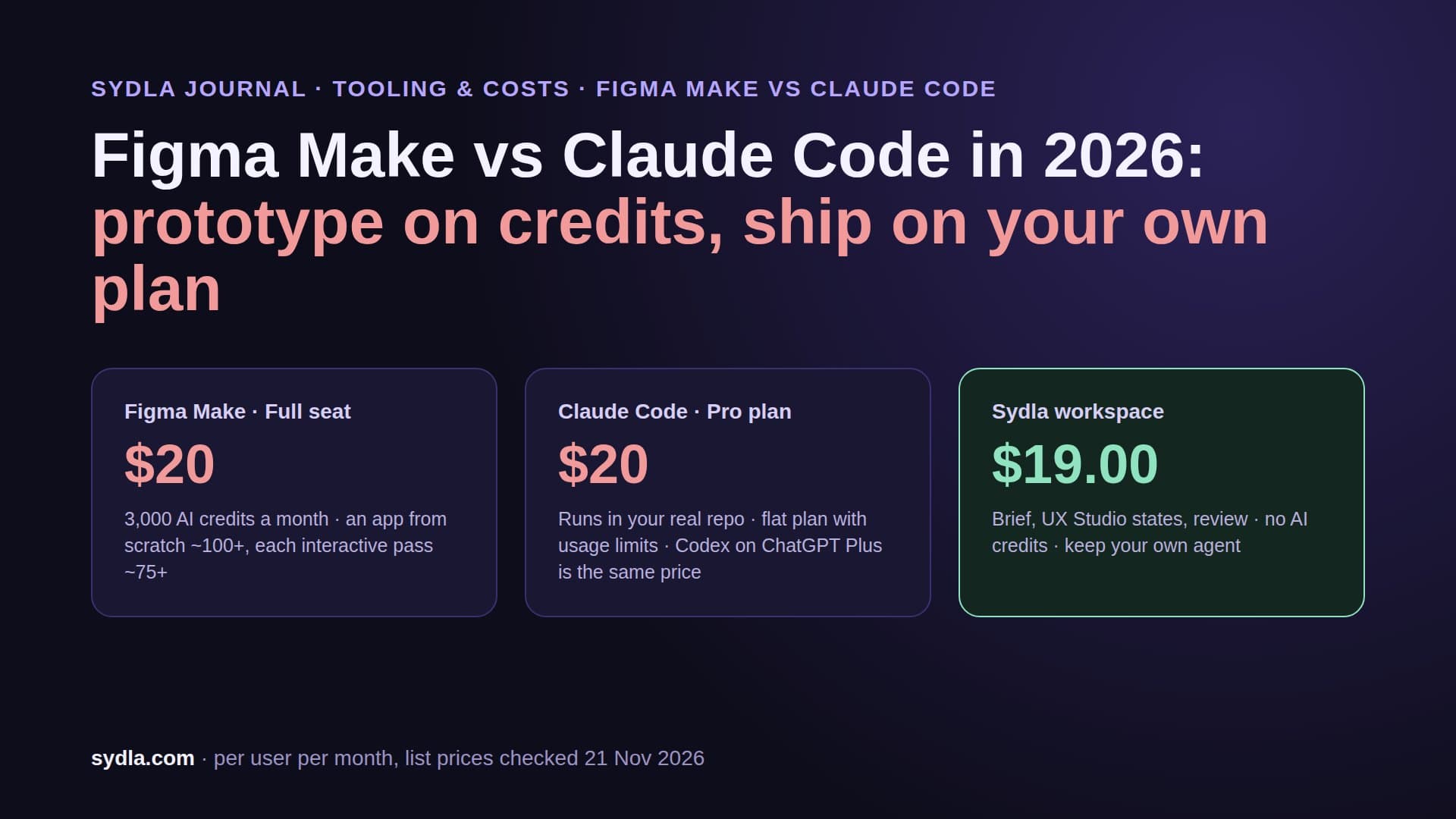
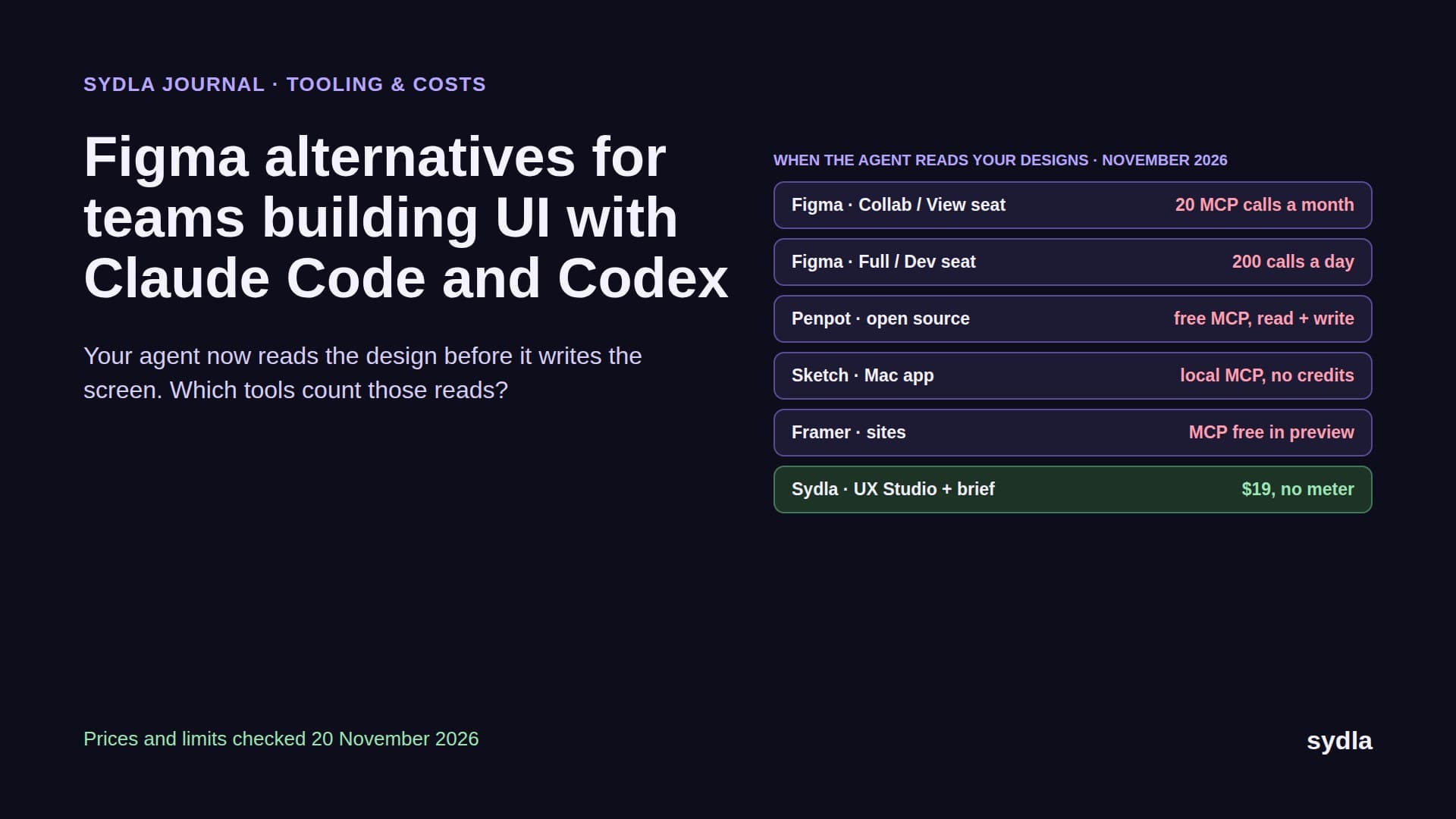
- Figma: a Full seat includes 3,000 AI credits a month on Professional; Dev, Collab and View seats get 500. Credits are per person, never pooled, and reset monthly. Since 6 October the agent in Figma Design and Weave spend the same credits as Figma Make. MCP reads are capped separately: 20 tool calls a month on View and Collab, 200 a day on Full and Dev. See the Figma credits guide.
- Miro: 25 credits per Starter license and 50 per Business license, pooled for the whole team. When the pool hits zero, AI pauses for everyone until the refresh date. MCP calls are capped at 500 a day on Starter and 2,000 on Business.
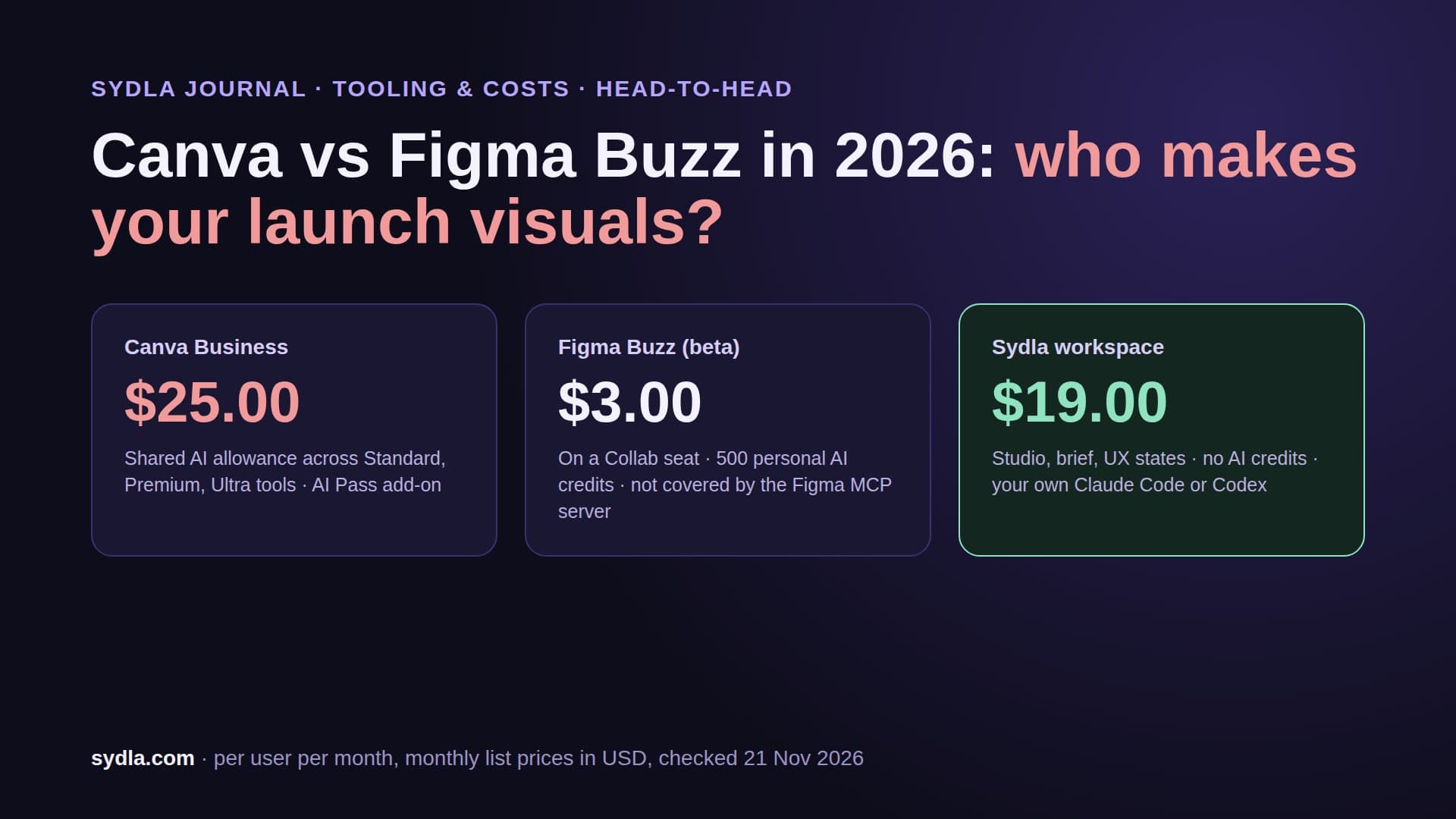
- Canva: each Business member has their own AI allowance, not pooled. Business teams can buy top-ups, including automatic ones up to a spend cap per billing period, or an AI Pass at $100 per person per month. Both are covered in our Miro and Canva credits guide.
The 2026 numbers side by side
Here is the usual product stack at November 2026 list prices, with what each seat includes for AI and how a coding agent such as Claude Code or Codex reaches it.
| Tool and plan | Price per user | AI included | After the allowance | How your agent reads it |
|---|---|---|---|---|
| Jira Standard | $9.70 | 25 Rovo credits, pooled | $0.01 per credit from 3 Dec, on by default | Rovo MCP; enriched calls 1 to 10 credits |
| Confluence Standard | $7.15 | 25 Rovo credits, pooled | Same Rovo pool and rate | Rovo MCP, same pool |
| Notion Plus | $12.00 | Standard and Select credits per member | $10 per 1,000, Business and Enterprise only | Notion MCP; reads free, agents spend credits |
| Figma Professional Full | $20.00 | 3,000 credits, per person | Shared credits, subscription or pay as you go | Figma MCP, 200 calls a day |
| Miro Starter | $10.00 | 25 credits per license, pooled | Bundles; AI pauses at zero | Miro MCP, 500 calls a day |
| Canva Business | $25.00 | Own allowance per member | Top-ups or AI Pass at $100 | Canva AI Connector |
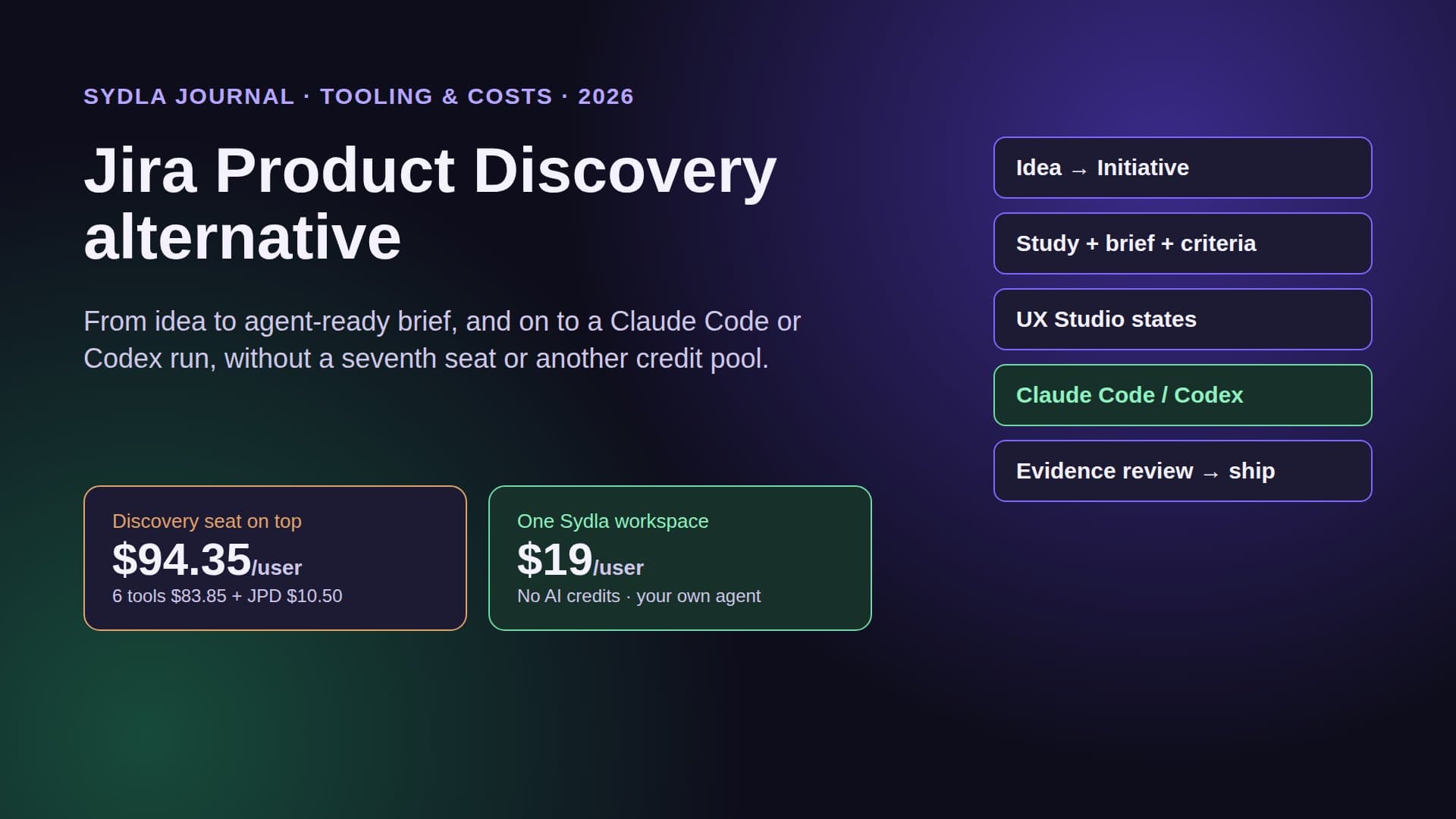
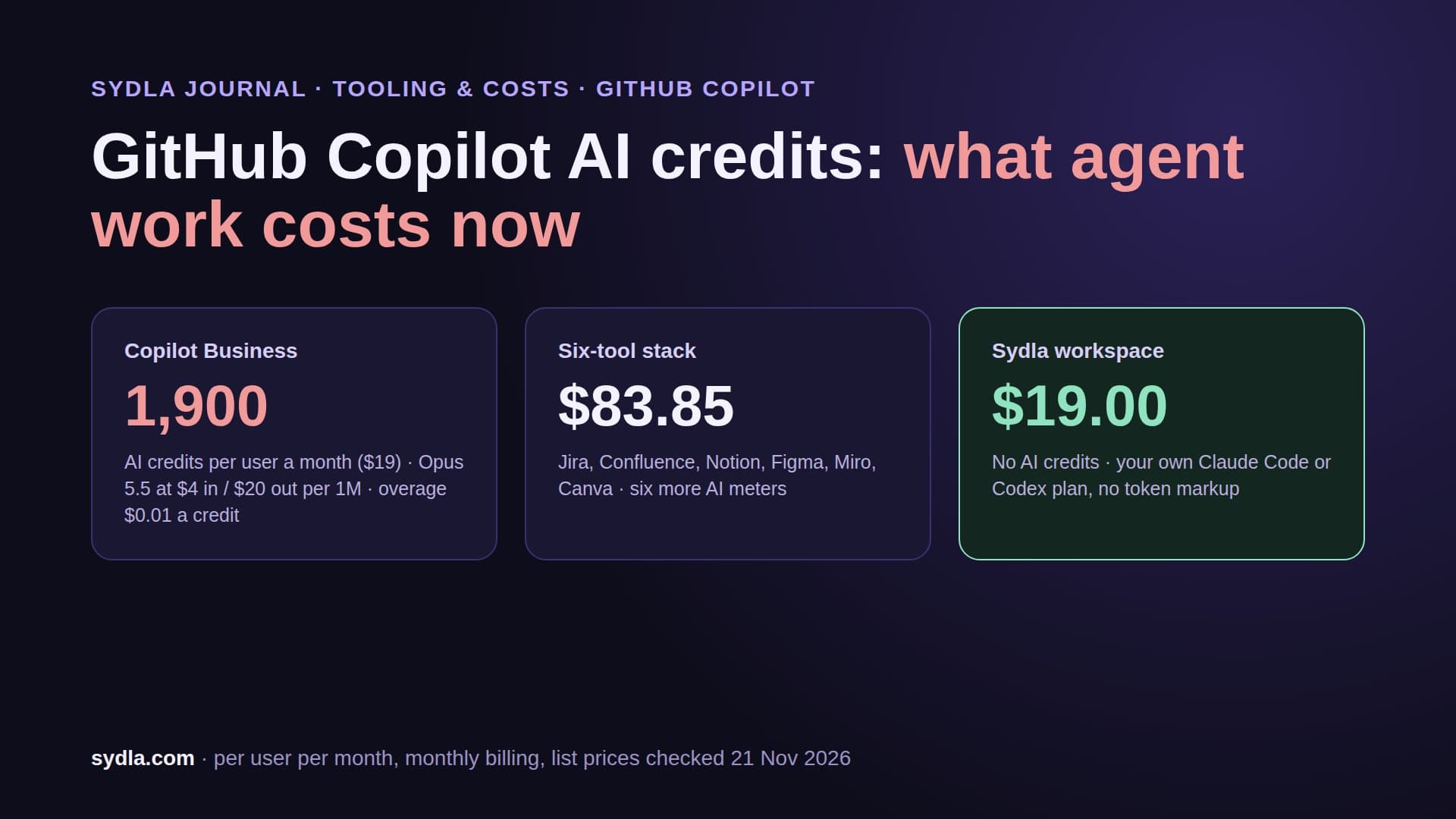
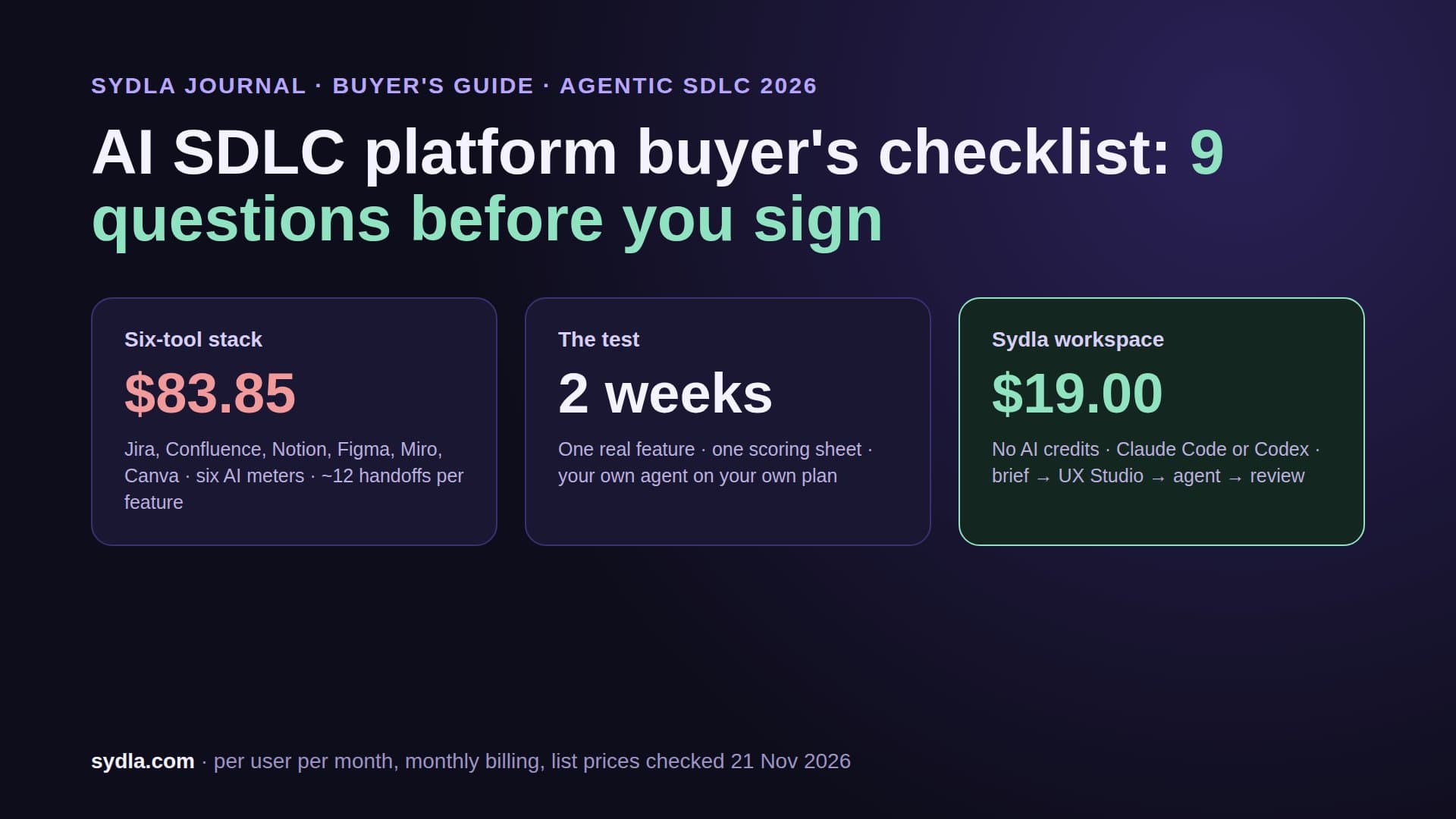
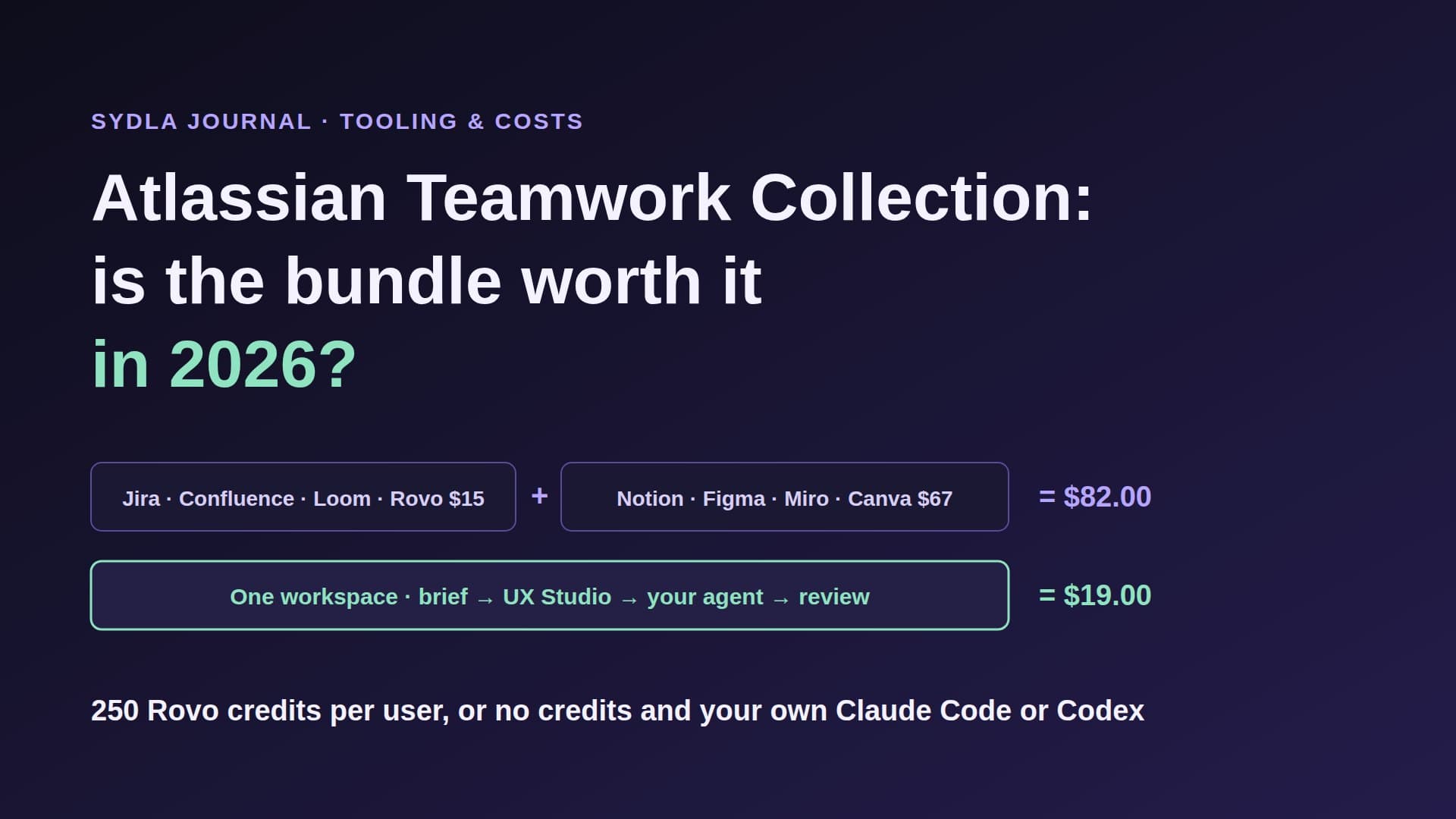
| Six-tool stack | $83.85 | Six allowances, six reset dates | Six bills to watch | Six MCP servers |
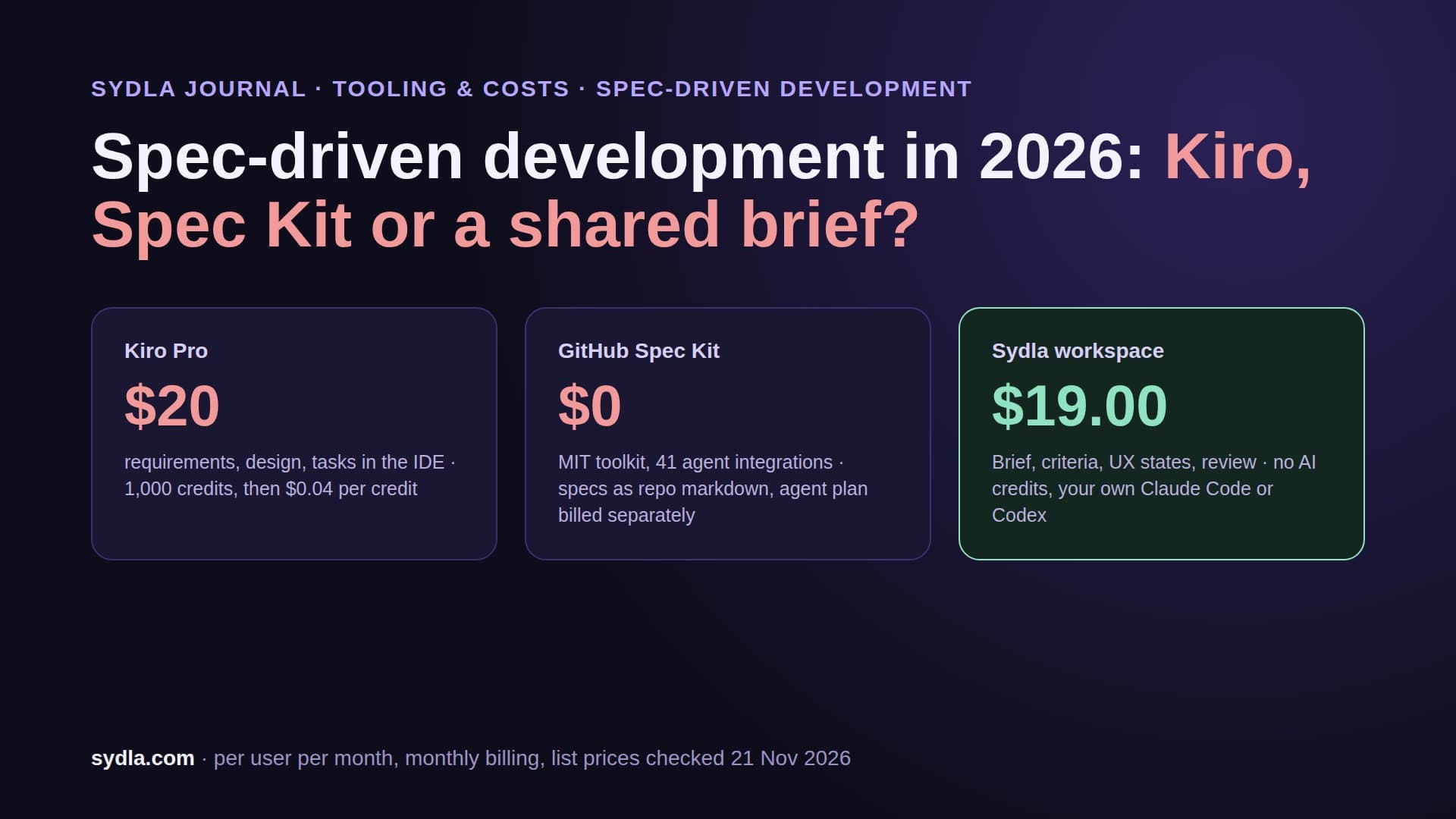
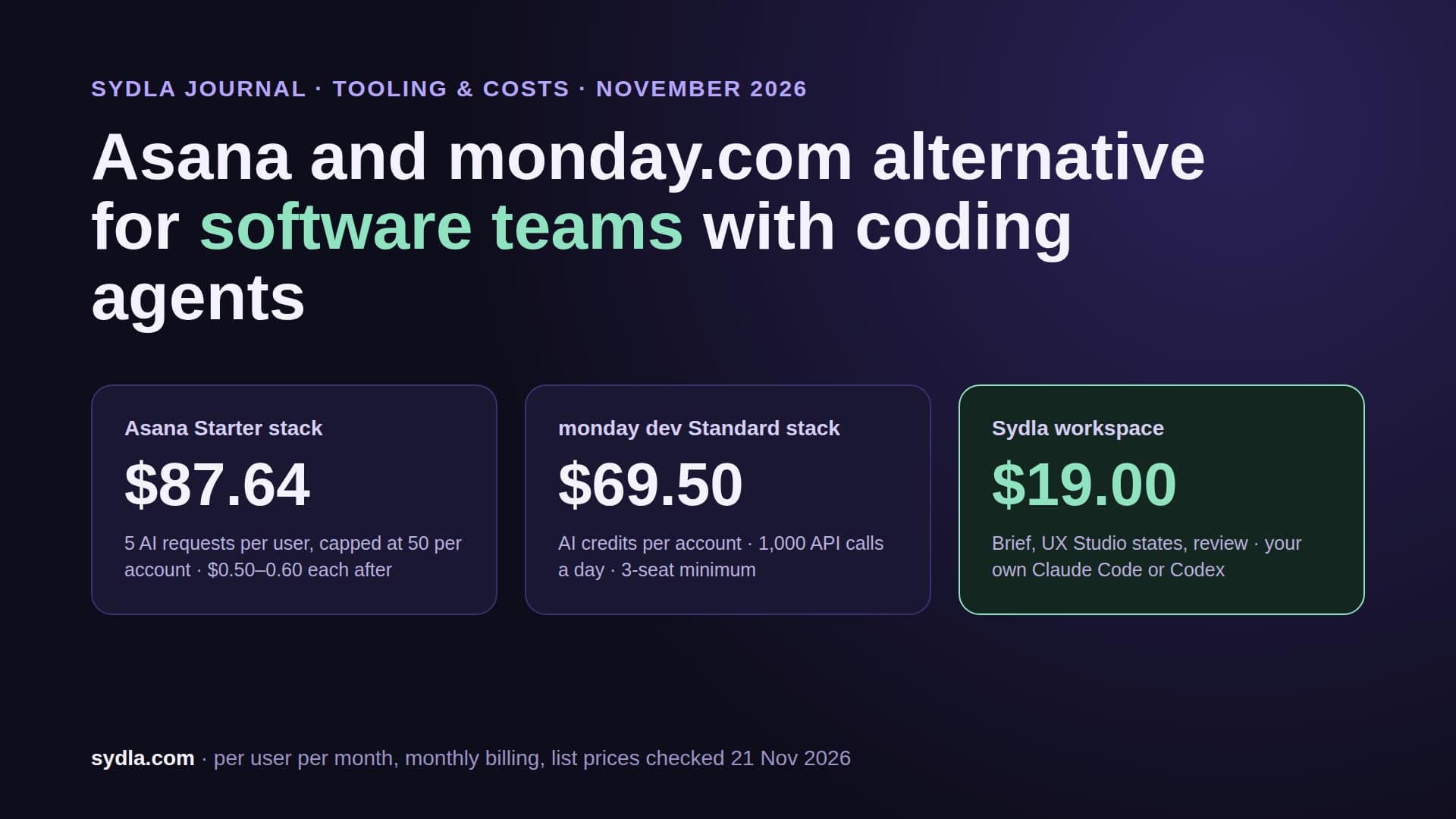
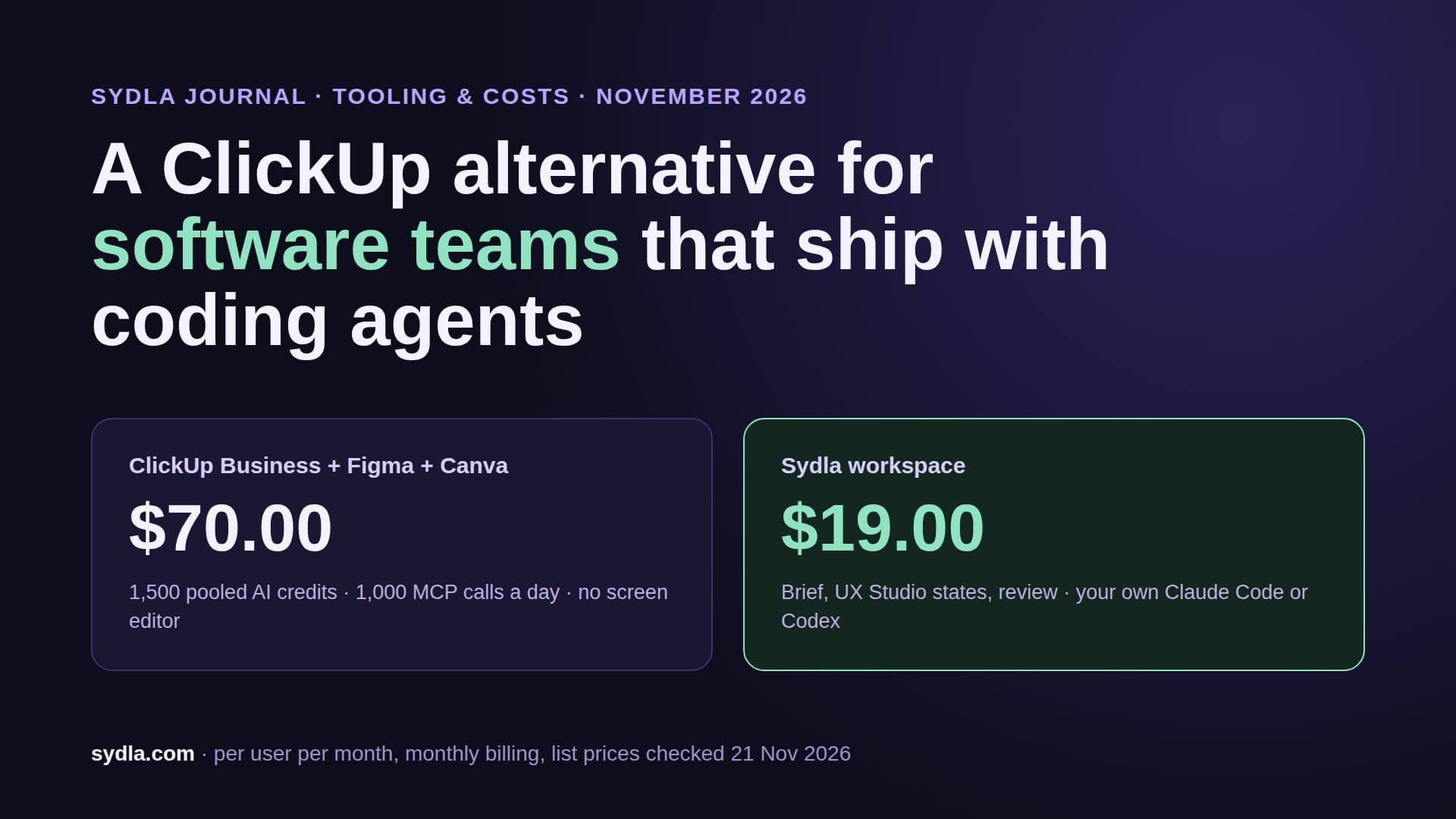
| Sydla workspace | $19.00 | No Sydla AI credits | Nothing: the run is on your own plan | One MCP connection |
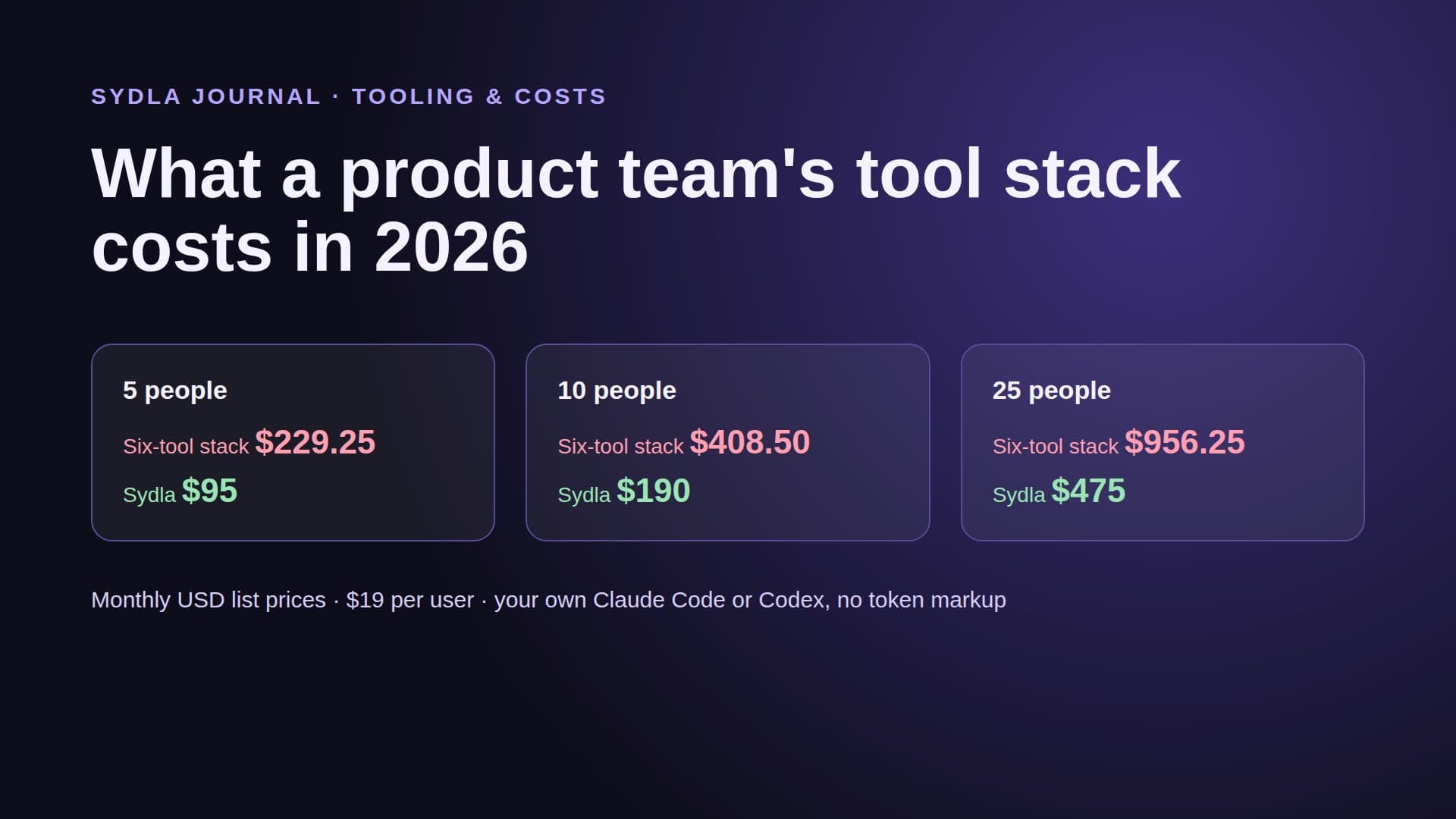
Sydla saves $64.85 per user per month against the six-tool stack, $778.20 per user per year, before any overage. For a team view, our team tool stack cost calculator works the numbers for 5, 10 and 25 people, and the comparison pages go tool by tool. See pricing for plan details.
What 3 December can cost a 10-person team
An example, with usage that is our assumption, not Atlassian's. A 10-person team on Jira and Confluence Standard has a pooled 500 Rovo credits a month (25 per user per product). Basic chat answers cost 10 credits per message, so 50 chat messages use the whole pool. Add an engineer who asks Rovo 10 questions a day, an agent making 100 enriched MCP calls a week at a few credits each, and Code Reviewer on every pull request, and a team can run past the pool in the first week.
At $0.01 per credit, 5,000 extra credits is $50 a month: small next to the seats, but it lands on the invoice without anyone approving it, because pay-as-you-go is on by default. Multiply the pattern by Notion meeting notes, Figma agent sessions and Miro diagrams, and you get the real problem. Nobody owns the total, and each meter resets on a different day.
A seven-step renewal checklist
Run this before 3 December, and again 30 days before each contract renews.
- List every renewal date and every meter. One row per tool: seat count, plan, renewal date, AI allowance, overage rate and who the admin is. Our tool sprawl audit has a template.
- Decide on Rovo pay-as-you-go before 3 December. In Atlassian Administration, either switch it off or set a usage limit. A limit below current spend pauses metered features until the reset, so tell the team first.
- Set Notion budgets per agent. Owners can set a budget and a spending cap per Custom Agent and a credit limit per member. Check which meetings really need AI notes now that they cost Standard credits.
- Put a spending limit on Figma shared credits. Seat credits stop at zero; shared credits do not unless you set a monthly limit.
- Check who can buy Miro bundles and Canva top-ups. Turn off Canva auto top-ups or give them a cap you would sign for.
- Count your agent's reads per tool. For one real feature, log how many MCP calls the agent made to each tool and which ones spent credits. That number is your true cost per ticket, as we showed in cost per ticket.
- Drop the seats that only exist for reading. If engineers keep a Figma or Confluence seat only so they or their agent can read specs, that seat is the first saving. Our 30-day migration plan shows what to move first.
How Sydla connects your own agent to the brief and the screens
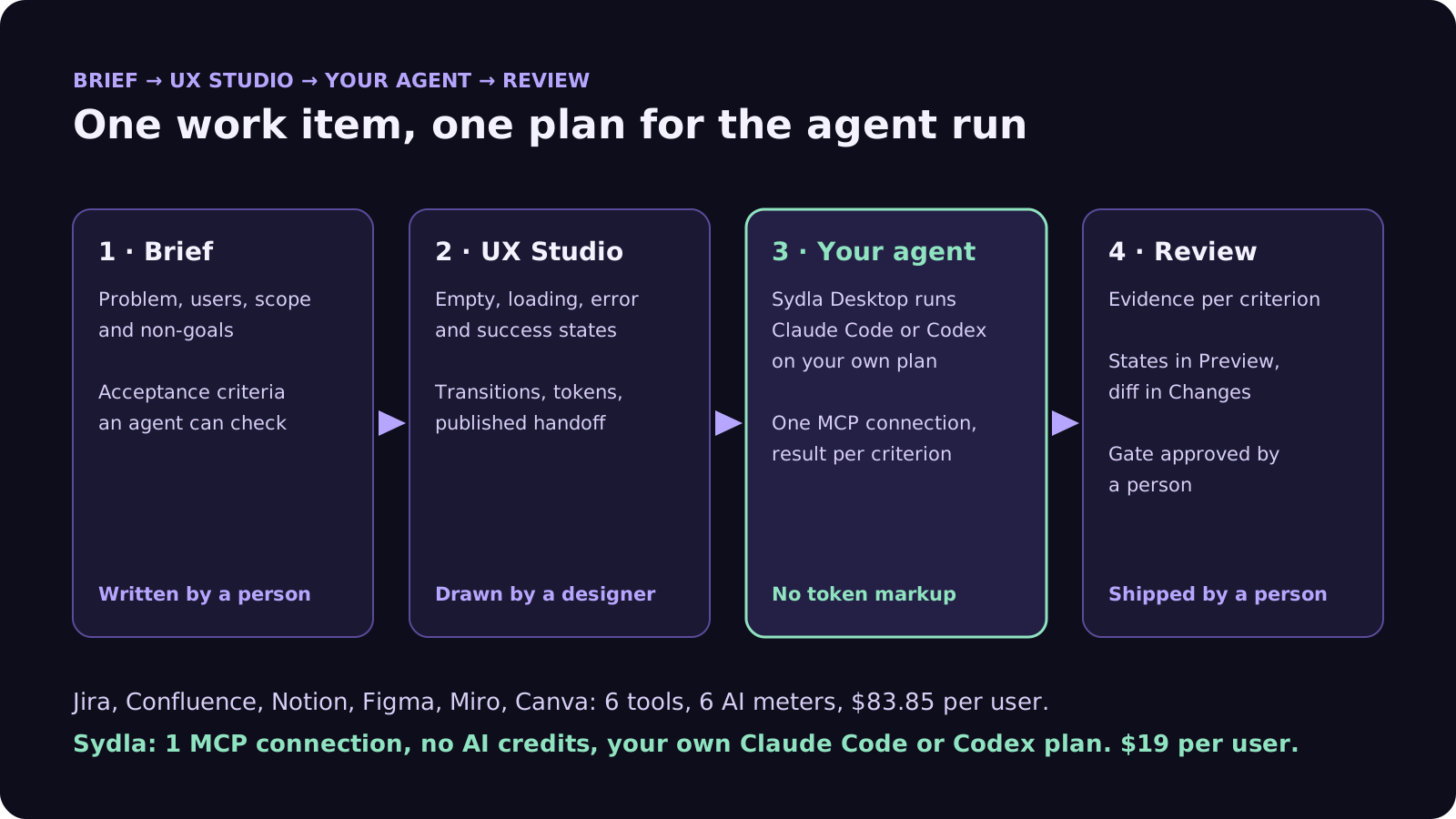
Sydla is an all-in-one AI SDLC workspace at $19 per user per month: tickets, docs, UX Studio screens and states, launch visuals and review in one place. It has no AI credits, because the agent is the one your engineer already pays for. This is the loop in Sydla Desktop.
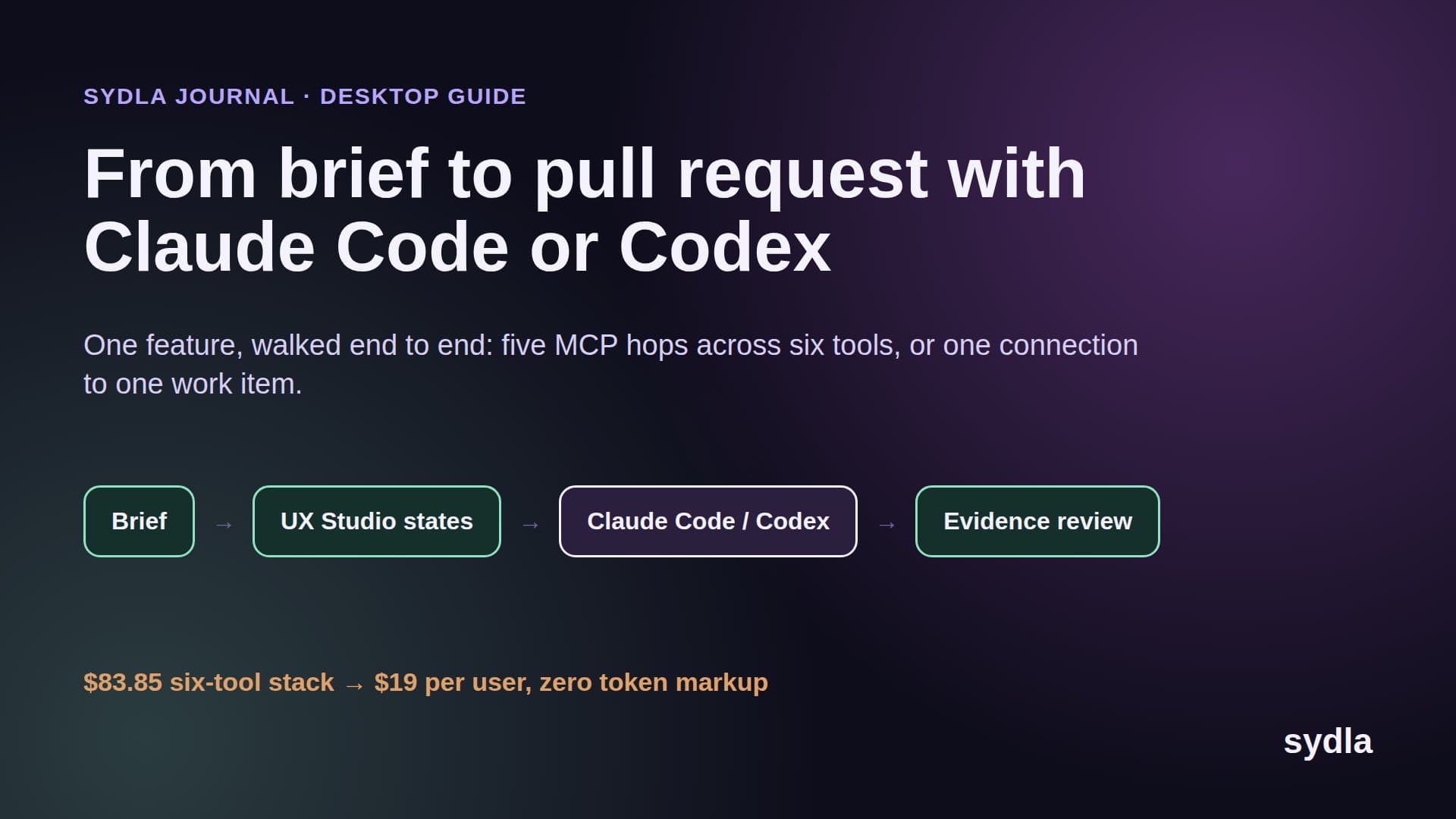
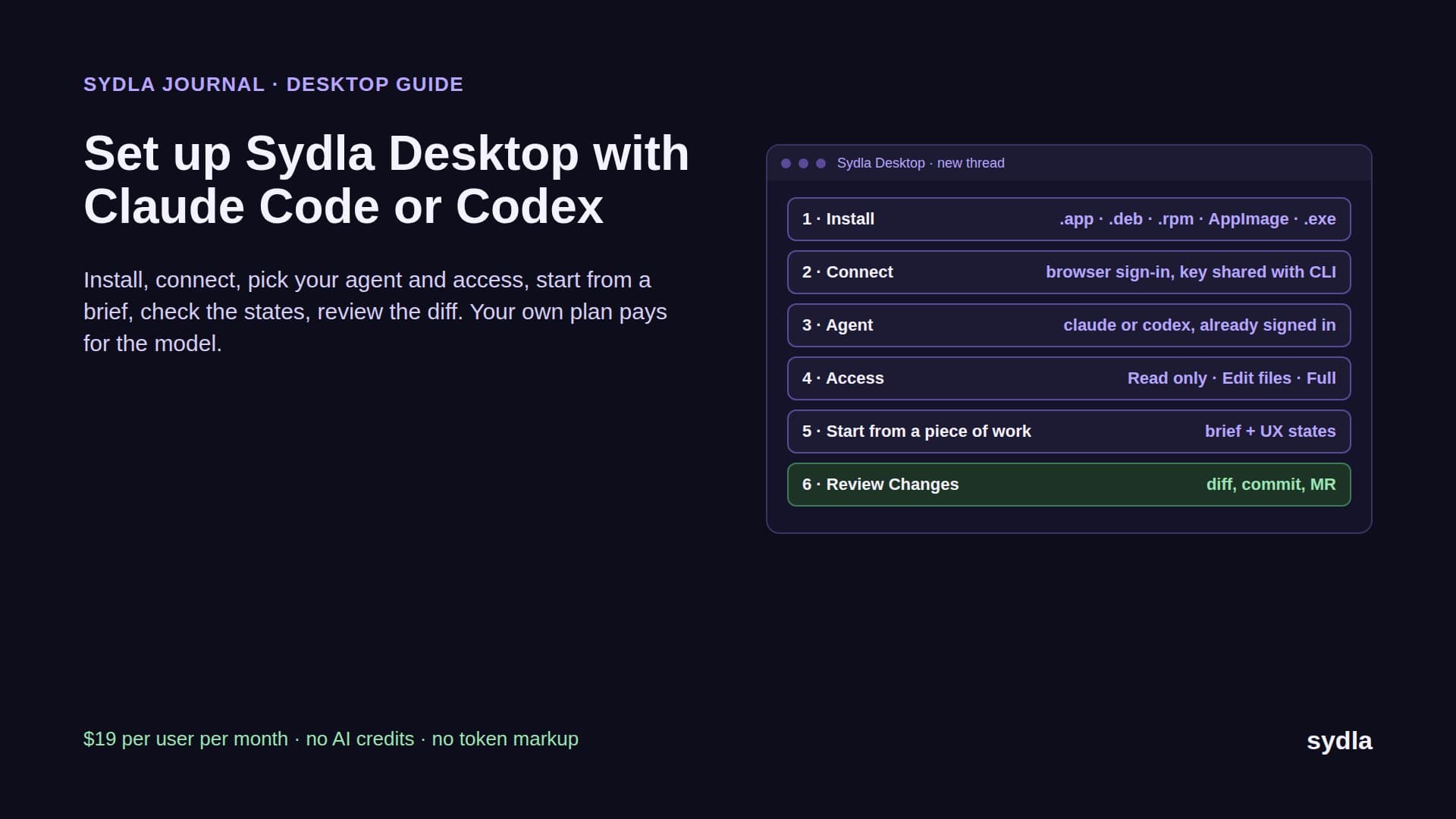
- Write the brief once. A person writes the problem, scope, non-goals and acceptance criteria in a Sydla doc linked to the work item. The PRD template for AI coding agents lists the seven sections.
- Draw the states in UX Studio. A designer adds the empty, loading, error and success screens with transitions and tokens, then publishes a handoff. Nobody needs a design seat to read it.
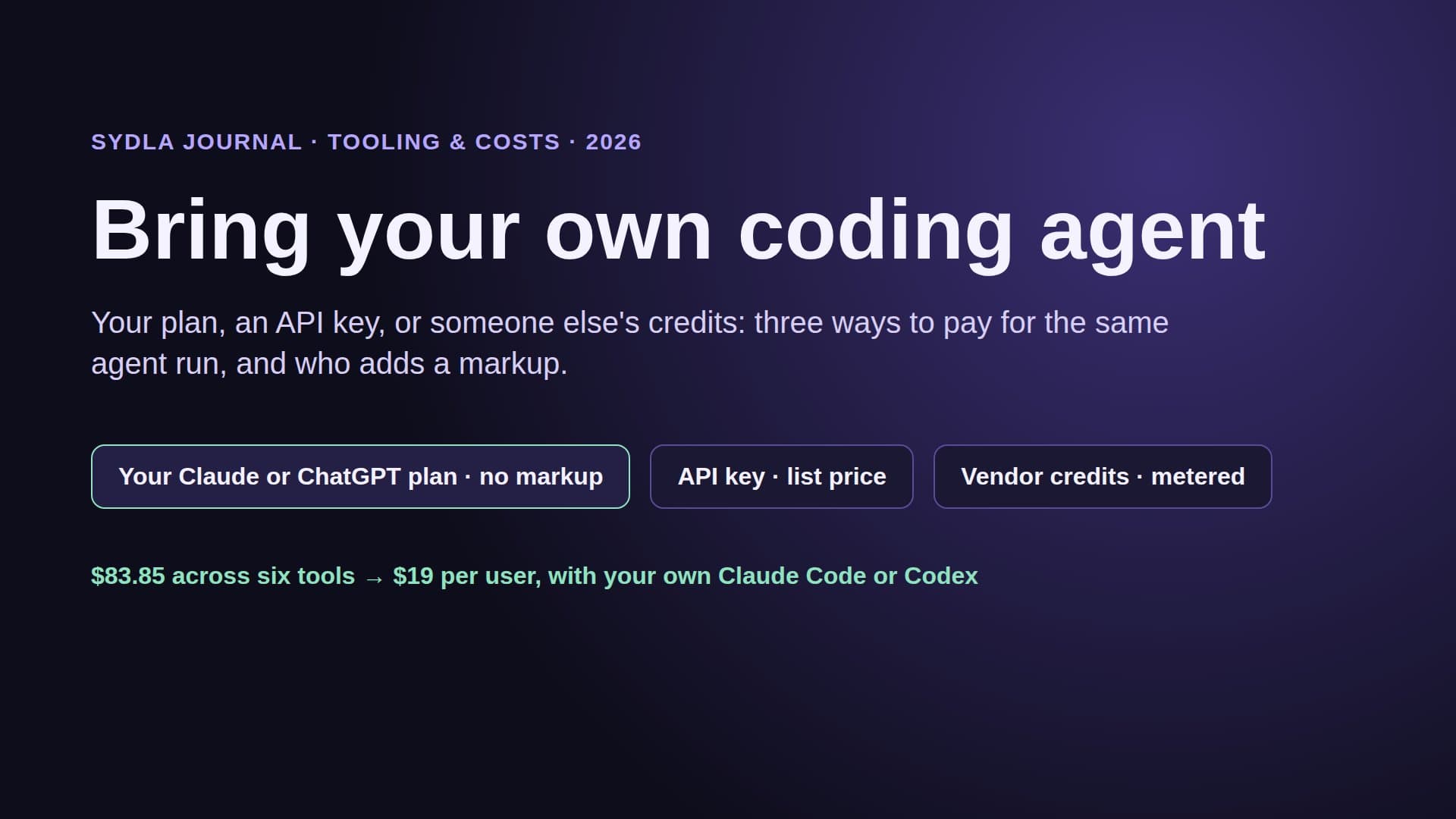
- Open a thread in Sydla Desktop. The engineer picks Claude Code or Codex and a model. Desktop runs the claude or codex CLI already signed in on their machine, on their own subscription or API key, with their CLAUDE.md or AGENTS.md. Sydla adds no token markup.
- The agent reads through one MCP connection. It loads the brief, the criteria and each UX state when it needs them, with no daily call cap and no credit per read on the Sydla side.
- Evidence lands on the work item. As the agent works in a branch and runs the tests, it marks each acceptance criterion passed or failed with a note.
- A person reviews and ships. The reviewer checks Preview, Changes and the evidence per criterion. The agent may request a gate; only a person approves it.
Some engineers prefer Claude Code and others Codex; both can work on the same item. Our Claude Code vs Codex comparison helps split the work, and bring your own coding agent explains why paying for the run once matters.
When to keep your current tools
The six tools are strong products, and a renewal is not always the moment to leave.
- Your company runs on Atlassian beyond engineering. If service desks, HR and finance live in Jira Service Management and Confluence, the Rovo pool is shared value, and a usage limit may be all you need.
- Designers live in Figma all day. A full design team gets real value from Figma's canvas and plugins. Engineers and agents who only read specs are a different case.
- You want the vendor's agents to do the work. If Rovo agents, Notion Custom Agents or Figma's agent are your main AI, paying per credit is fair, as long as someone owns the meter.
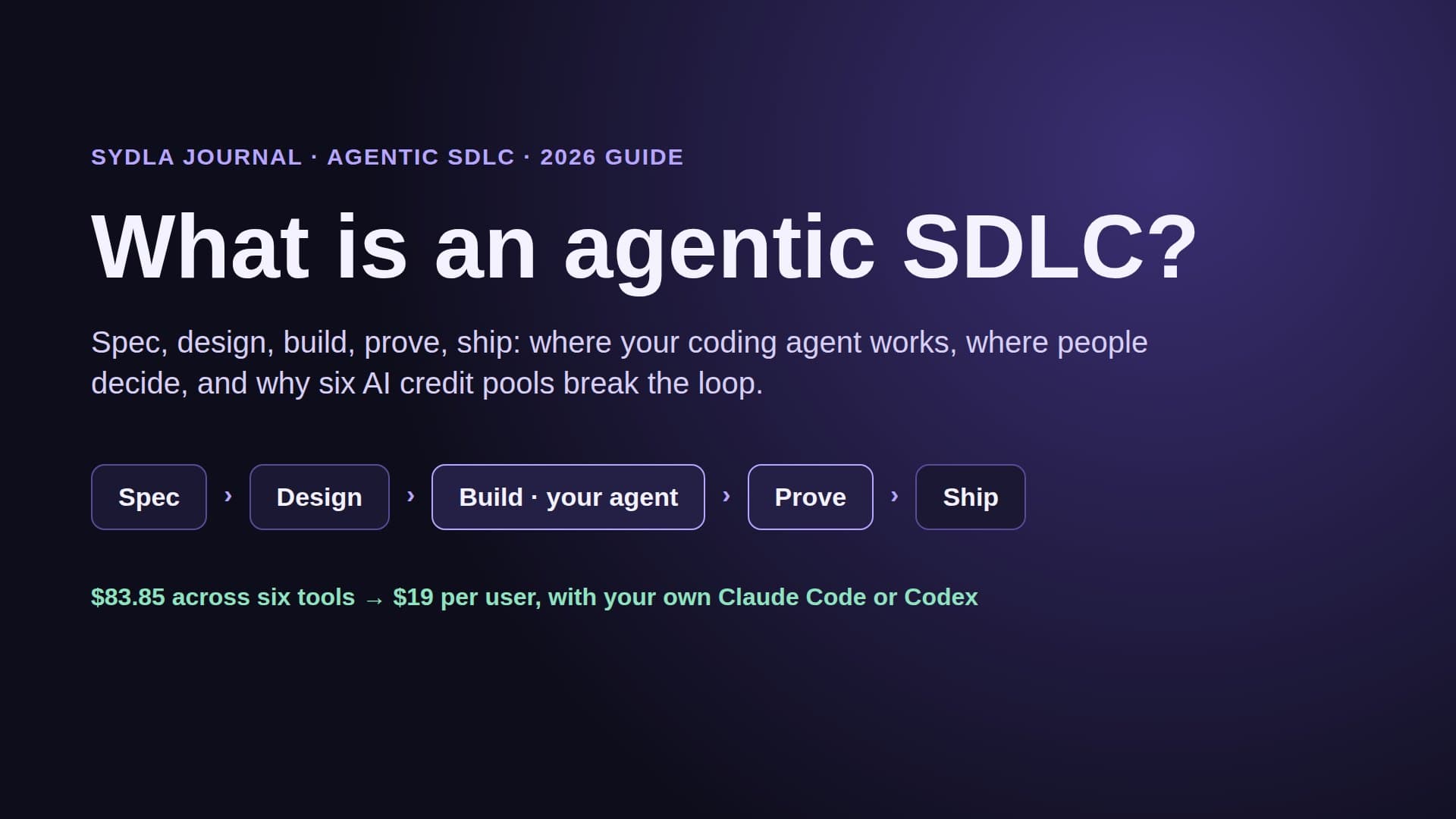
For a solo founder, a founding engineer or a lean product team that ships with Claude Code or Codex, the question is simpler: where do the brief, the states and the evidence live, and who pays for the run? Our solo founder stack and what is an agentic SDLC guides go further. Start your $19/mo AI SDLC workspace and keep your Claude Code and Codex accounts.
Frequently asked questions
What changes for Rovo credits on 3 December 2026?
From 3 December 2026, Atlassian bills Rovo credit usage beyond the included pool at $0.01 per credit, or $10 per 1,000. Pay-as-you-go is enabled by default. Organization and billing admins can switch it off at any time or set a usage limit in Atlassian Administration. Jira and Confluence include 25 credits per user a month on Standard, 70 on Premium and 150 on Enterprise, pooled across the organization.
Does Atlassian Code Reviewer cost extra?
Code Reviewer comes with paid Jira and Teamwork Collection plans and spends a variable number of Rovo credits per review from the shared pool. Atlassian starts billing those credits on 3 December 2026, so reviews past the pool are charged at the pay-as-you-go rate unless an admin turns it off or sets a limit.
Do Notion AI Meeting Notes use credits?
Yes, from December 2026. Notion says AI Meeting Notes will start consuming each member's monthly Standard credit allowance, with a one-hour meeting estimated at about 10 Standard credits. Credits are per member, reset monthly and do not roll over. Extra Notion credits cost $10 per 1,000 on Business and Enterprise.
How can I avoid surprise AI charges at renewal?
List every tool's renewal date, AI allowance and overage rate; switch off or cap Rovo pay-as-you-go before 3 December; set per-agent budgets in Notion and a spending limit on Figma shared credits; cap Canva auto top-ups; and measure how many credit-spending calls your coding agent makes per ticket. Then drop seats that exist only for reading specs.
Is there an all-in-one alternative without AI credits?
Sydla is an AI SDLC workspace at $19 per user per month that replaces Jira, Confluence, Notion, Figma, Miro and Canva, a stack of $83.85 per user. It has no AI credits: engineers connect their own Claude Code or Codex plan in Sydla Desktop, the agent reads the brief and UX Studio states through one MCP connection, and Sydla adds no token markup.