Jira vs Notion in 2026: can one workspace replace your tracker?
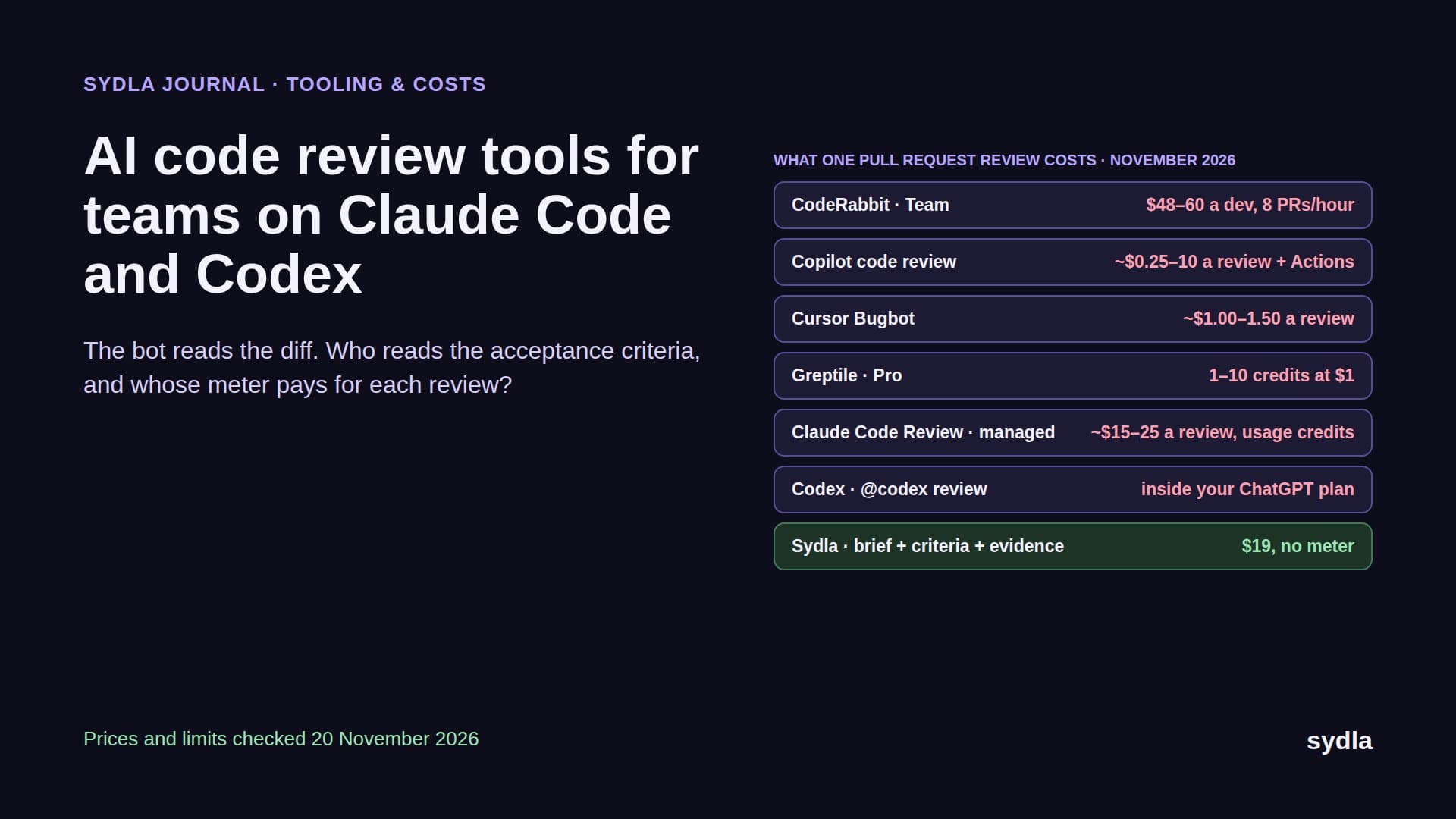
Notion now ships sprints, backlogs and a Jira sync; Jira now hands tickets to Claude Code and Codex. Both meter the AI around the work. Here is the head-to-head on price, planning depth, agent access and migration, checked on 21 November 2026.
The tracker and the wiki are now one argument
For years Jira vs Notion was not a real contest. Jira tracked the work; Notion held the docs, and most teams paid for both. In 2026 the line blurred from both sides. Notion now ships task databases with sprints, a backlog view and timeline dependencies. Jira now opens a ticket straight in Claude Code or Codex, and Claude Agent for Jira can draft the pull request itself.
A third reader also joined. Before your coding agent writes a line, it wants the ticket, the spec and the edge cases, and it pays a little every time it looks. Jira meters enriched agent searches in pooled Rovo credits that go pay-as-you-go on 3 December 2026. Notion keeps MCP reads free but puts its own agents behind Business seats and Notion credits. That is the AI credit fatigue teams now budget for.
So the real question is: can one workspace hold the plan and the docs your agent reads, and what does each choice cost? This guide compares Jira and Notion on vendor pages read on 21 November 2026, then shows a third option, Sydla, where the plan, the brief, the UX states and the agent run share one work item.
Jira vs Notion at a glance: prices and AI meters
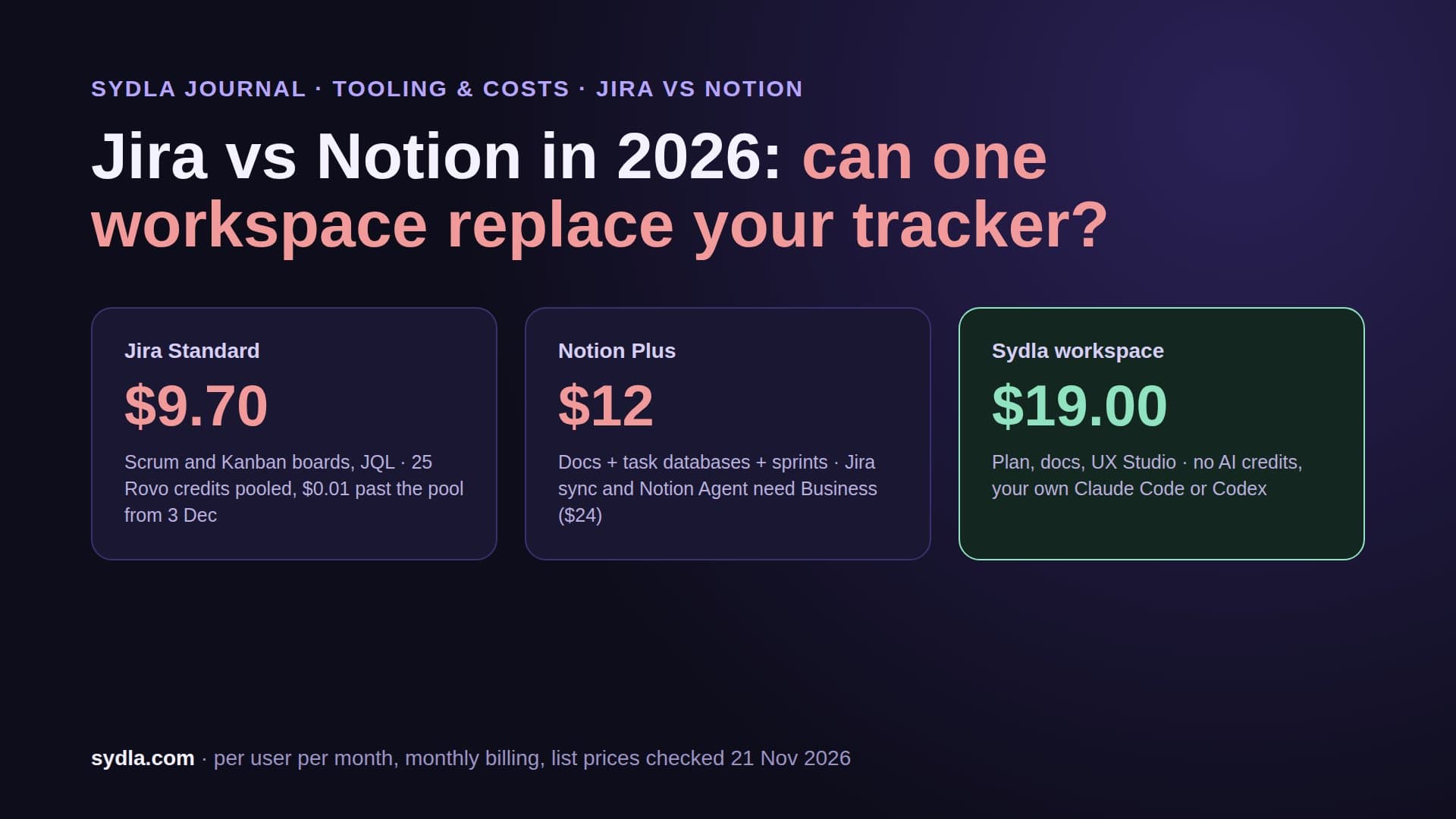
List prices first, monthly billing per user in USD. Atlassian raised Jira Standard and Premium on 13 October 2026. Notion bills Plus and Business 20% cheaper yearly.
| Plan | Seat / month | Planning | What an agent read costs | Limits to know |
|---|---|---|---|---|
| Jira Free | $0 | Scrum and Kanban boards, backlog | Rovo needs a paid plan | Up to 10 users, no Rovo |
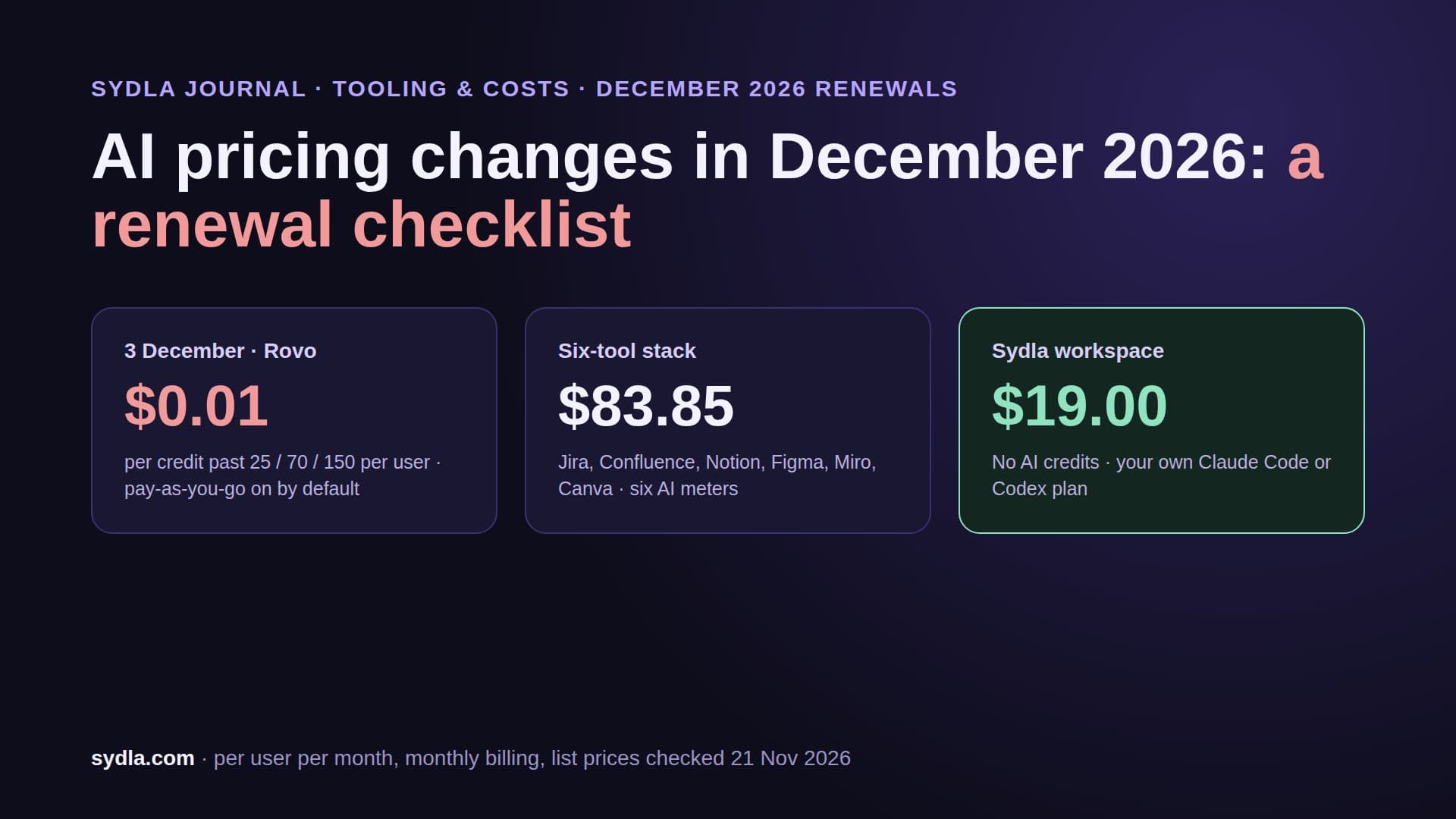
| Jira Standard | $9.70 | Boards, workflows, JQL, releases | Fetch by key free; enriched searches 1 to 10 credits; $0.01 a credit past a 25-per-user pool from 3 December 2026 | Pool shared across the site, no rollover |
| Jira Premium | $19.60 | Plus cross-team plans and advanced roadmaps | Same rate card, 70-credit pool per user | Higher admin and uptime controls |
| Notion Free | $0 | Task databases, sprints, timelines | Notion MCP reads spend no credits | Trial of Notion AI, 7-day page history |
| Notion Plus | $12 ($10 yearly) | Same, plus basic connections | Notion MCP reads spend no credits | No managed Jira sync |
| Notion Business | $24 ($20 yearly) | Same, plus premium connections and the Jira sync | MCP reads free; Notion Agent included; Custom Agents $10 per 1,000 credits | Jira sync is one-way and read-only |
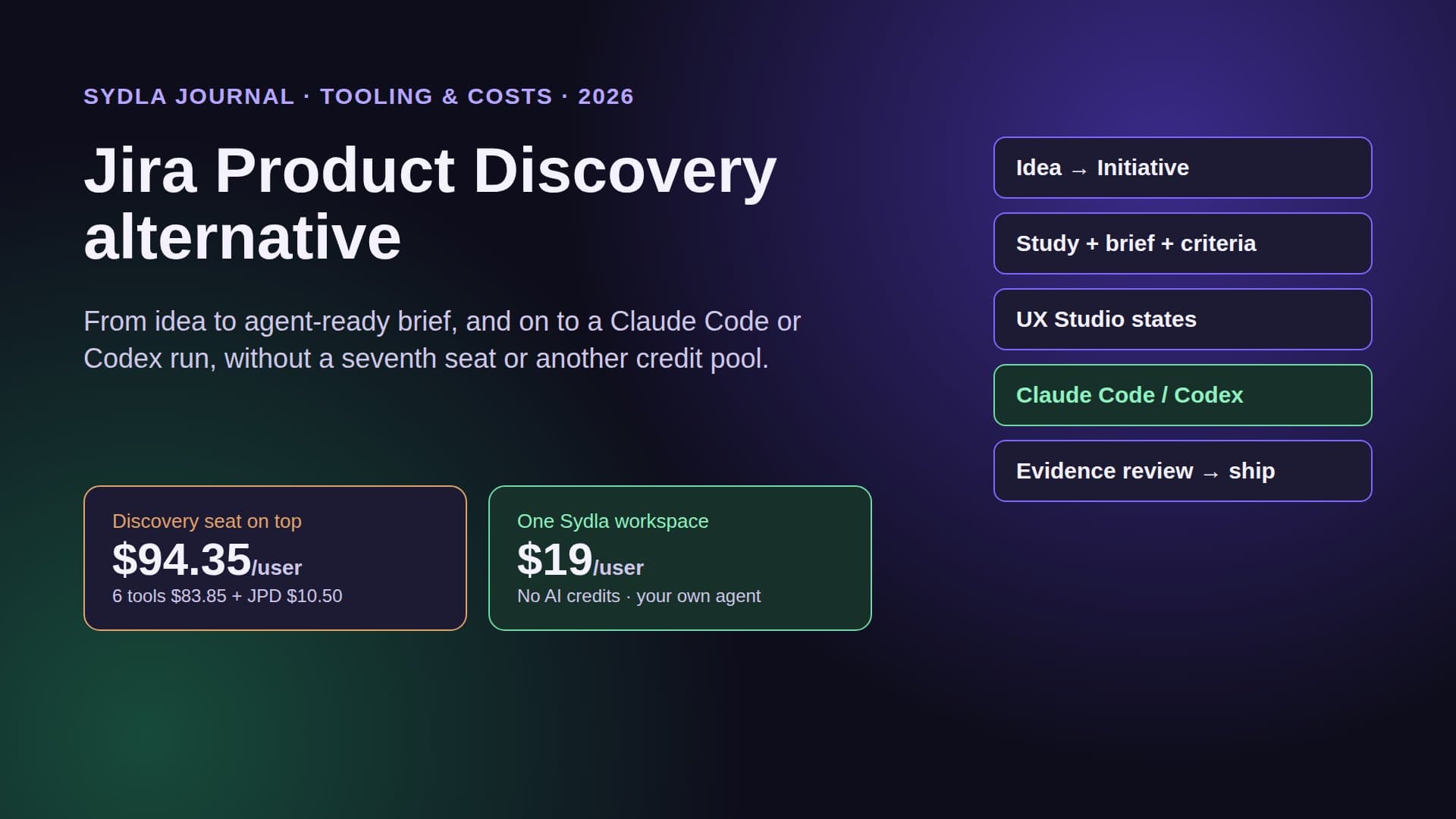
| Sydla | $19.00 | Initiatives, epics, tickets, milestones | Your own Claude Code or Codex reads the plan through one MCP, no markup | Docs, UX Studio and threads included |
On seats, Jira Standard is the cheapest paid tracker, and Notion Plus is the cheapest way to get a tracker and a wiki under one login. The AI column decides the rest. Our Rovo credits guide and Notion credits guide list both rate cards in full.
Where Jira still wins
Jira is a tracker first. Workflows have states and rules you can enforce, JQL finds any ticket by any field, and boards, story points, versions and releases are built in, not assembled from database properties. Premium adds cross-team plans for organisations that run several squads against one roadmap. If you have compliance needs, service desks or a Marketplace app you depend on, that depth matters.
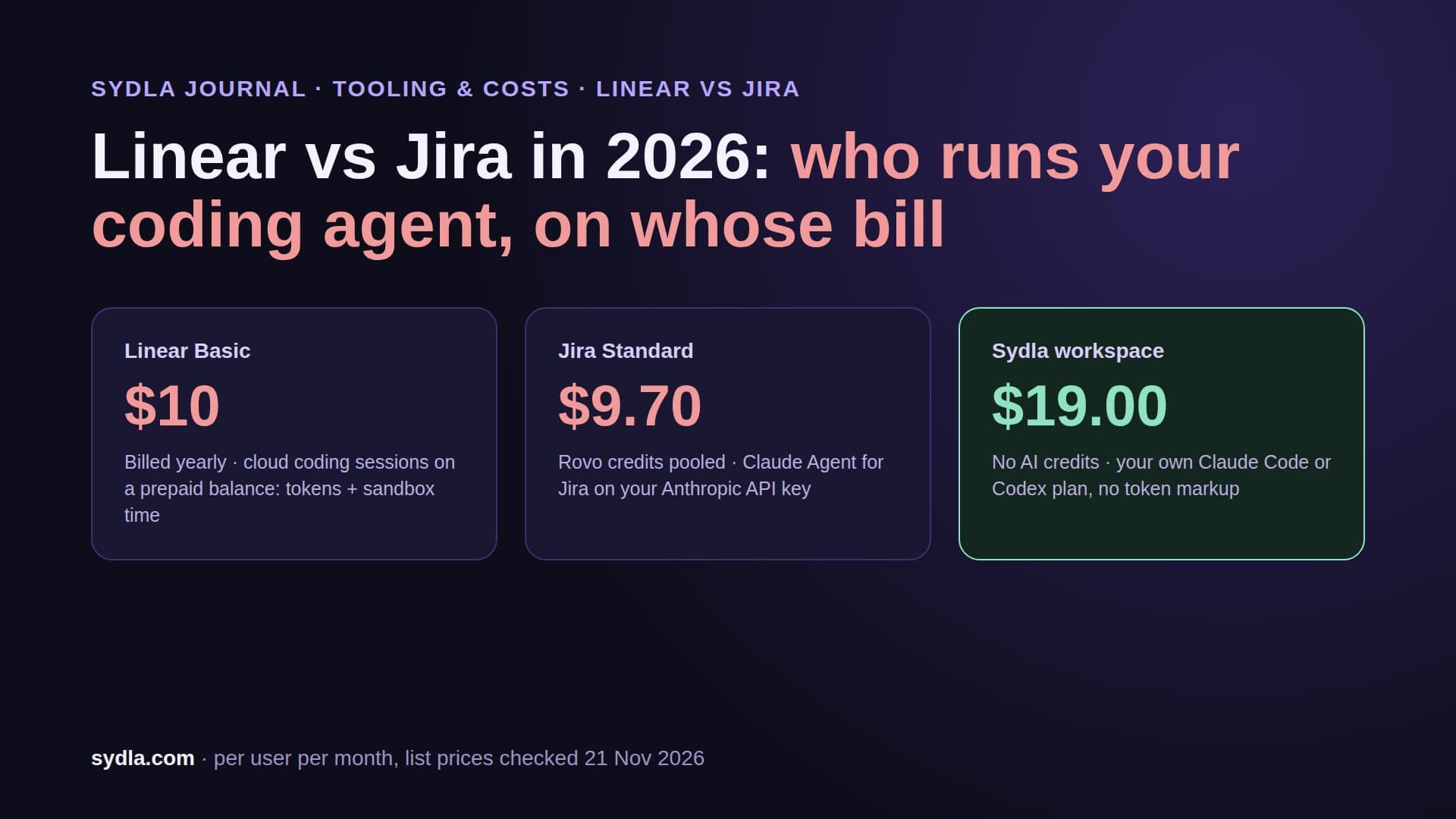
Jira also moved fastest on coding agents. Since 16 June 2026 a work item can open straight in Claude Code, Codex, Cursor or Copilot, with context packaged through the Atlassian MCP server. Since 18 June Claude Agent for Jira can take a ticket and draft a pull request, but it runs on your own Anthropic API key, on Standard or above with Rovo. Our Linear vs Jira guide prices one of those sessions.
The catch is the meter. Fetching a ticket by key is free; asking Rovo to search across projects or pull Teamwork Graph context is an enriched call worth 1 to 10 credits. A Standard seat brings 25 a month to a shared pool, and from 3 December usage past it is billed at $0.01 a credit, on by default. Tell your agent in CLAUDE.md or AGENTS.md to fetch tickets by key and stop searching once it has the spec.
Where Notion is now good enough
Notion's projects template is no longer a to-do list. A task database with status, assignee and due date can turn on sprints: Current Sprint, Sprint planning and Backlog views, sprints of one to eight weeks, automated sprint rollover, and a rule for unfinished tasks (next sprint, backlog or keep). Timelines show when one task blocks another, and AI Autofill can draft user stories and updates for each deliverable.
For a lean product team that is often enough. The spec, the decision log and the tasks share one data model, so a ticket can link the page it came from without a second login. Notion's hosted MCP server lets Claude Code or Codex read and update pages and databases with your Notion permissions, and those reads spend no credits. Only a Notion agent run does.
Two limits show up quickly. Sprints are a database feature, so there is no enforced workflow, no JQL and no release management; turn sprints off and Notion deletes the sprints database and its relations. And Notion's own AI is gated: Free and Plus get a trial, Notion Agent comes with Business at $24, and Custom Agents cost $10 per 1,000 Notion credits after the free trial.
Using both: the Notion Jira sync
Many teams settle on Jira for engineering and Notion for product. Notion's managed Jira sync connects them, with conditions. It creates two databases, Jira Spaces and Jira Work Items, and fills them with summary, key, status, type, priority, assignee, reporter, labels, parent, sub-items and dates, plus the description in the page body. Comments and attachments do not come across.
The sync is one-way. Synced properties are read-only in Notion, and Notion's own help page says to make changes in Jira. It needs Notion Business or Enterprise, works with Jira Cloud only, not Server or Data Center, and can be limited to items updated in the last 30, 90 or 365 days. So the both-tools setup costs a Jira seat plus a $24 Notion seat for anyone who wants the live view, and your agent still reads two systems.
Worked example: a 10-person team for one month
Take a 10-person product team with four engineers who each run 40 Claude Code or Codex sessions a month. Assume each session makes 2 enriched ticket searches at about 5 credits, plus 1 doc search when a wiki sits on Rovo too. The team shape and search counts are our assumptions; the prices and rate cards are published.
On Jira Standard alone, 10 seats cost $97.00 and the pool holds 250 credits, so 1,350 of the 1,600 credits go pay-as-you-go: $13.50, $110.50 in total, with no wiki. Add Confluence Standard and the seats rise to $168.50, the pool to 500 and the overage to $19.00: $187.50. Notion Plus covers tasks and docs for $120.00 with free MCP reads, but no Notion Agent and no Jira sync. Notion Business is $240.00.
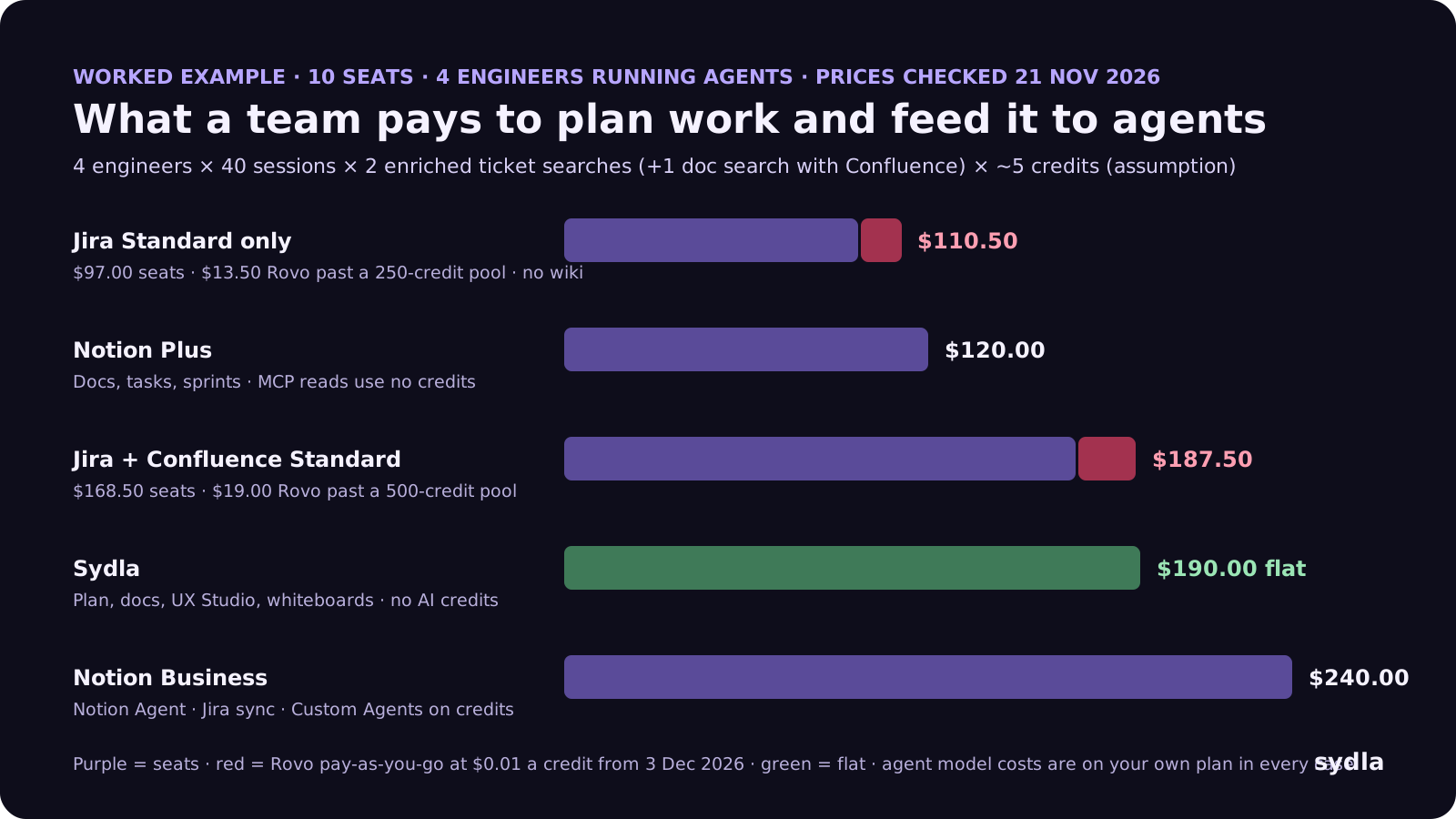
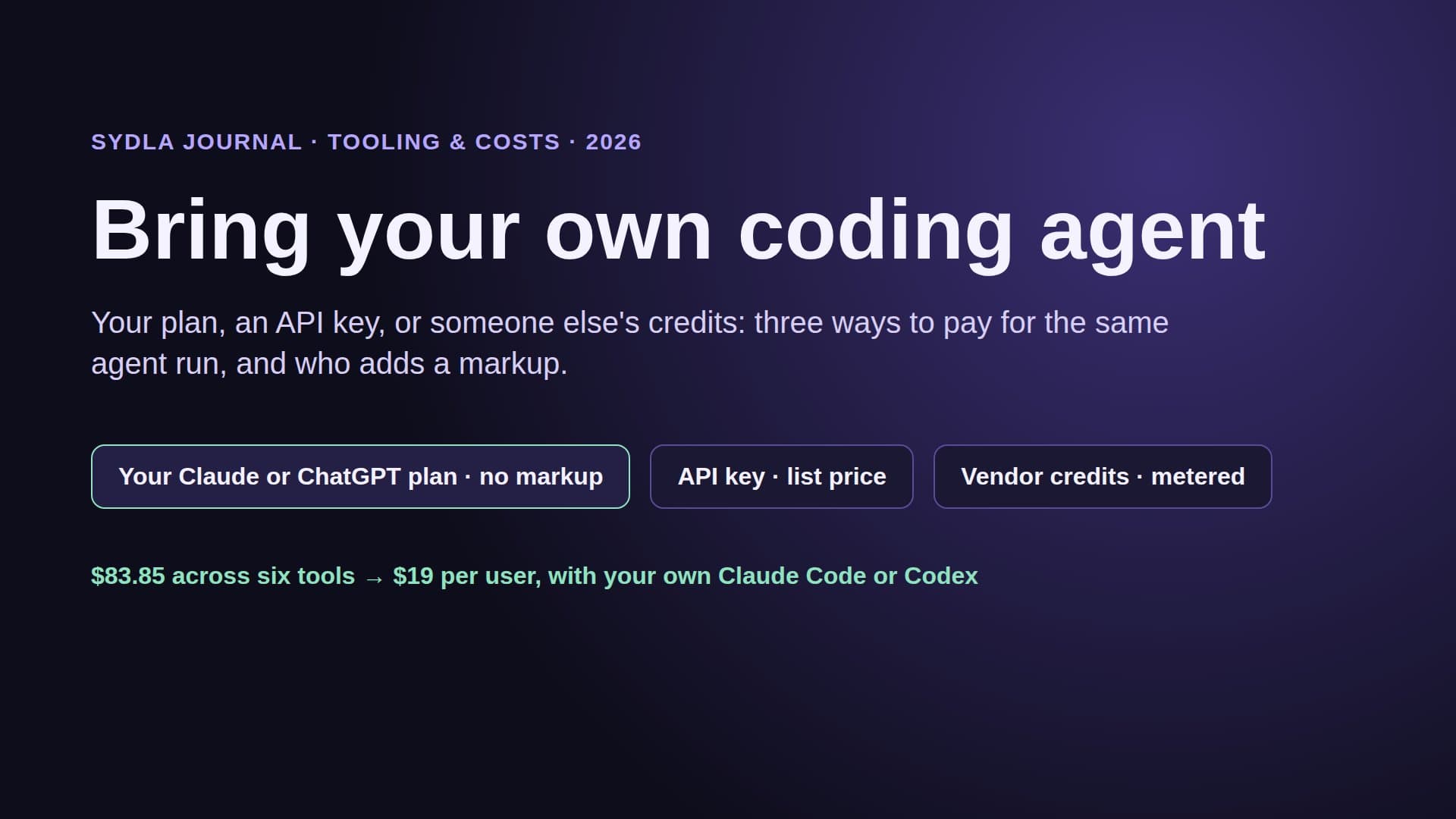
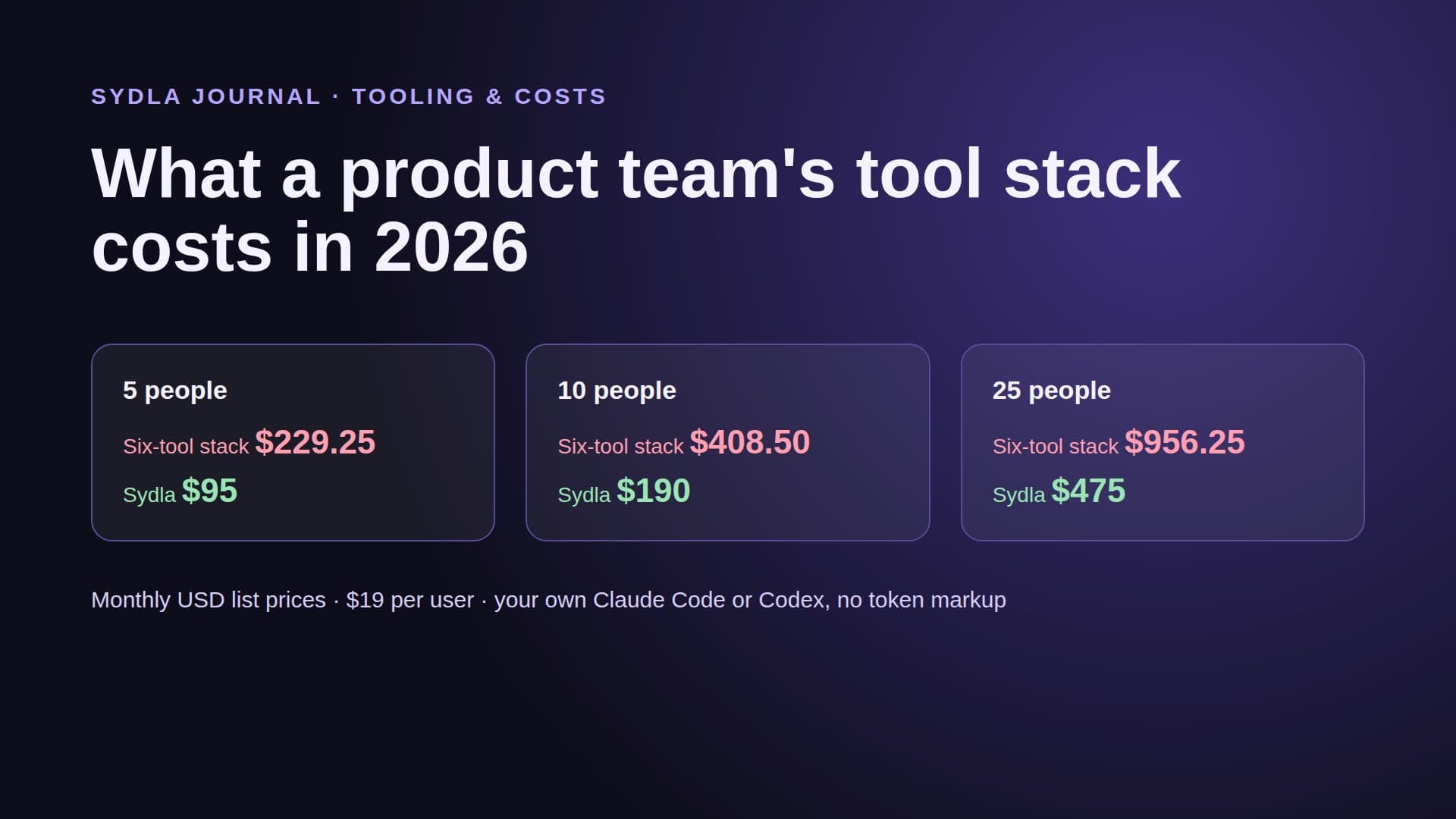
For about the price of Jira plus Confluence, a Sydla team gets the plan, docs, UX Studio and whiteboards with no meter. In every case the model itself runs on your own Claude or ChatGPT plan. Our team stack cost guide runs the same maths at 5, 10 and 25 people.
What neither tool holds
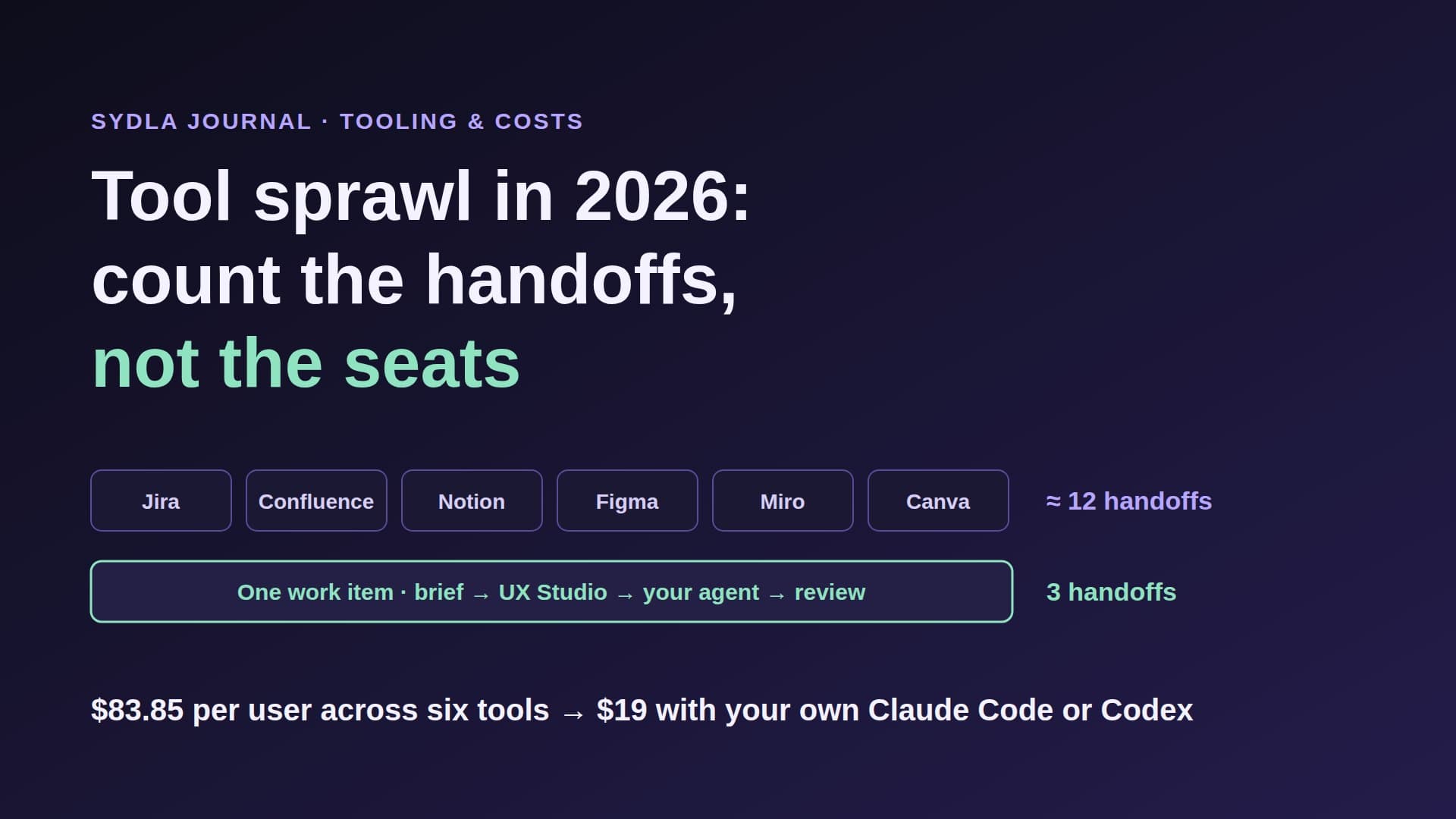
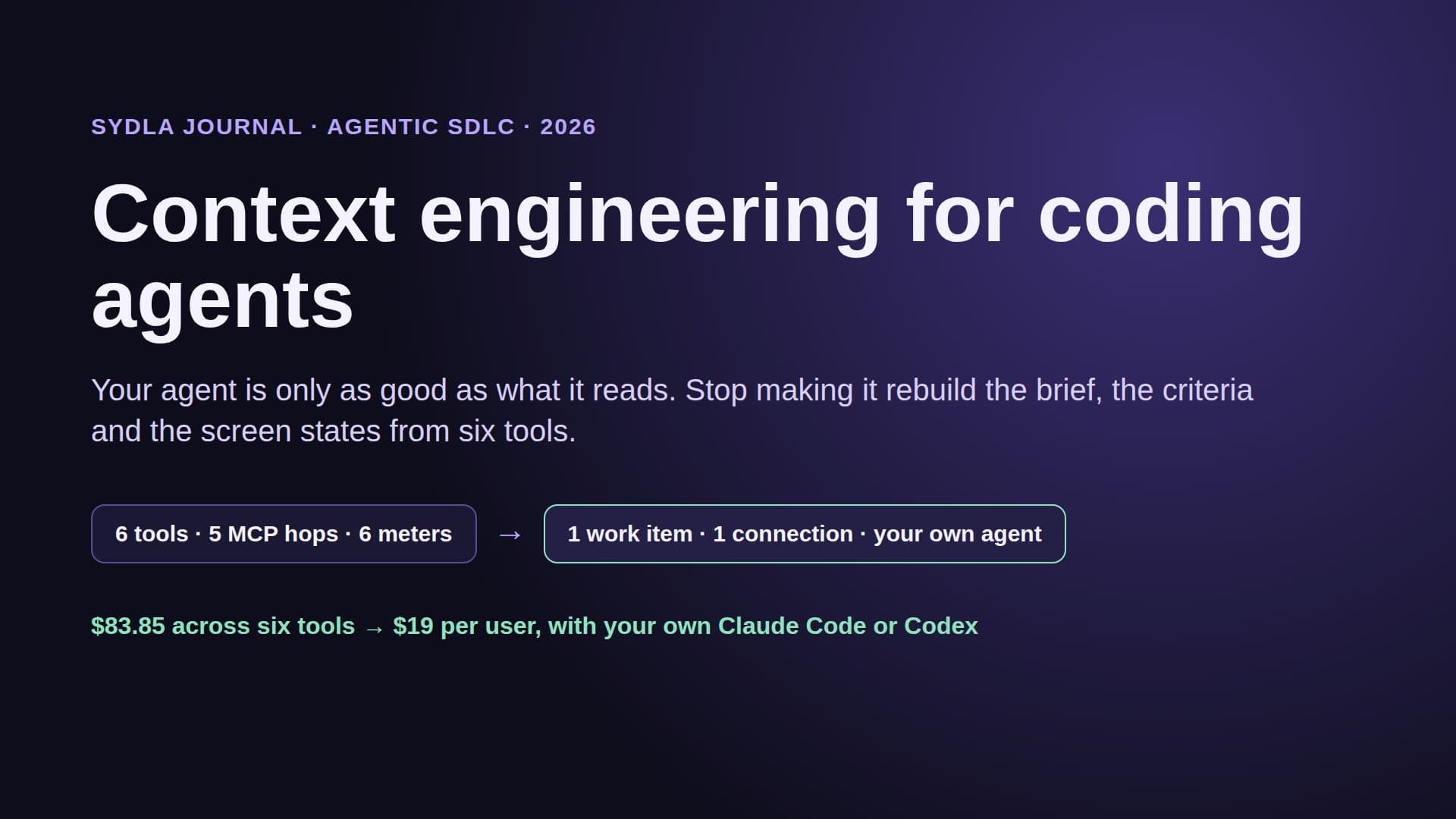
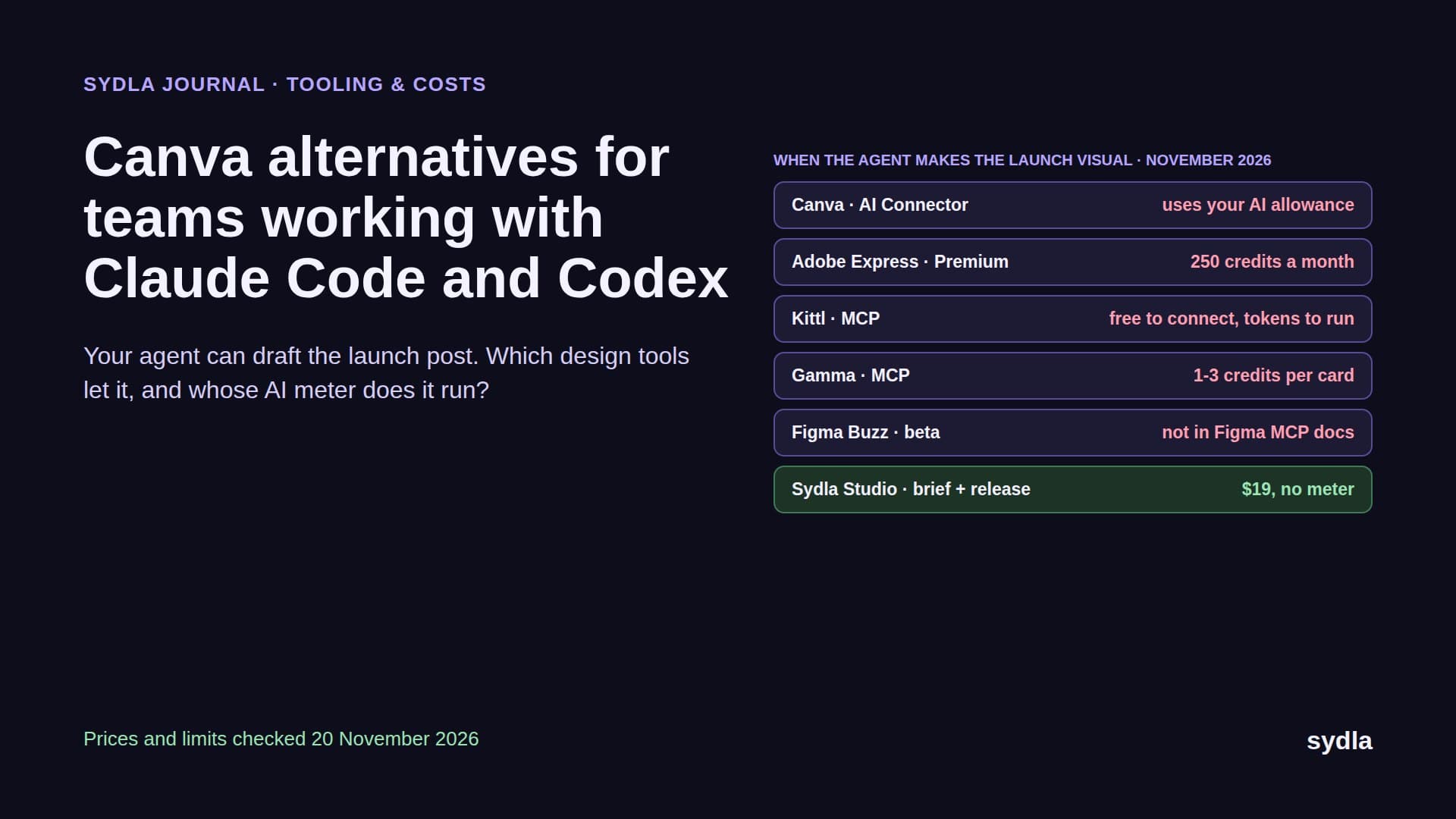
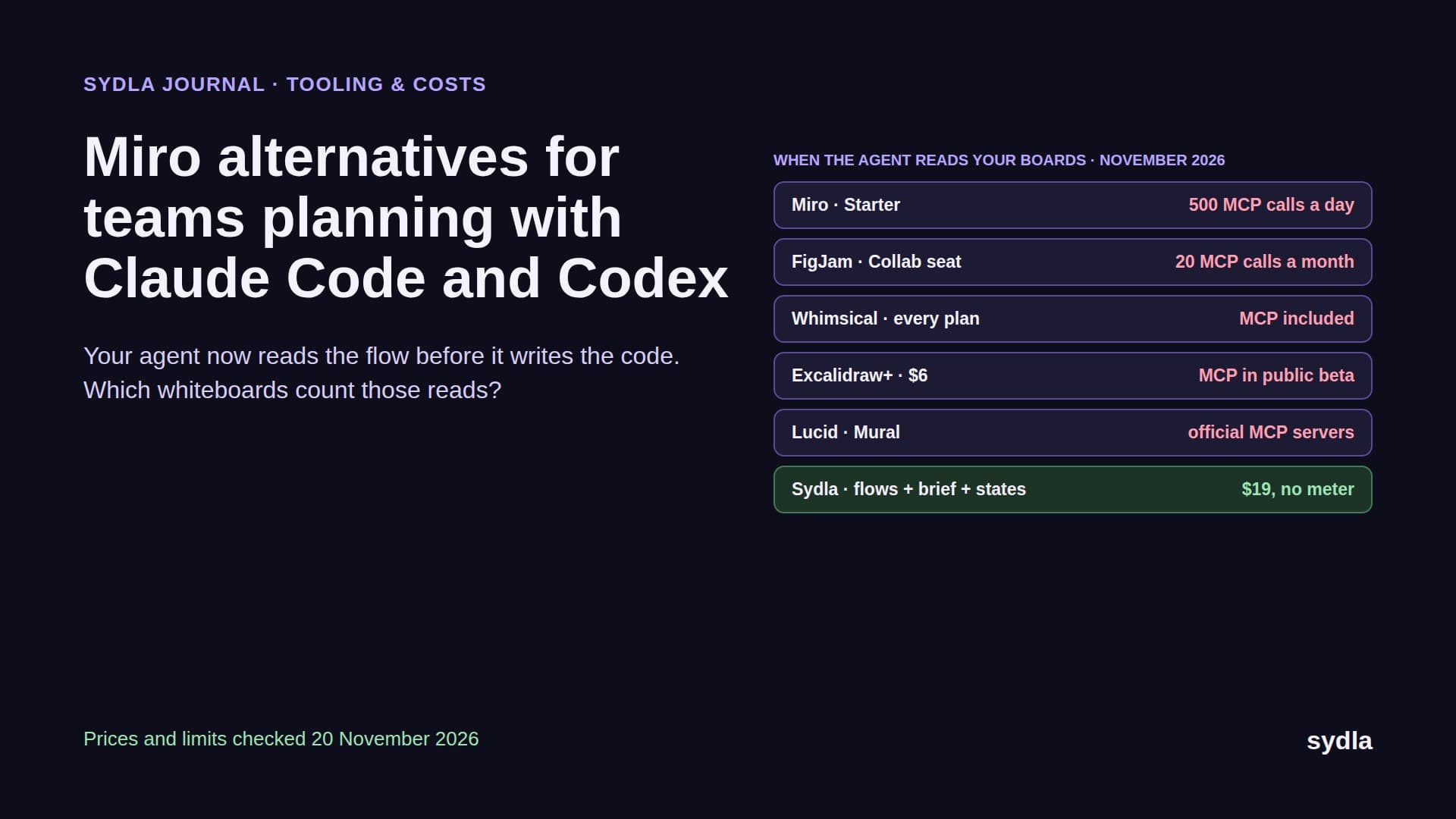
Pick Jira, Notion or both, and the ticket and the spec have a home. The rest of the context does not. The screens and their states live in a design file, the flow on a whiteboard, and the launch visuals in a design app. Each adds a seat, an AI meter and an MCP server your agent must call before it builds anything.
| Tool and plan | Seat / month | Built-in AI billing | Handoff it adds to one feature |
|---|---|---|---|
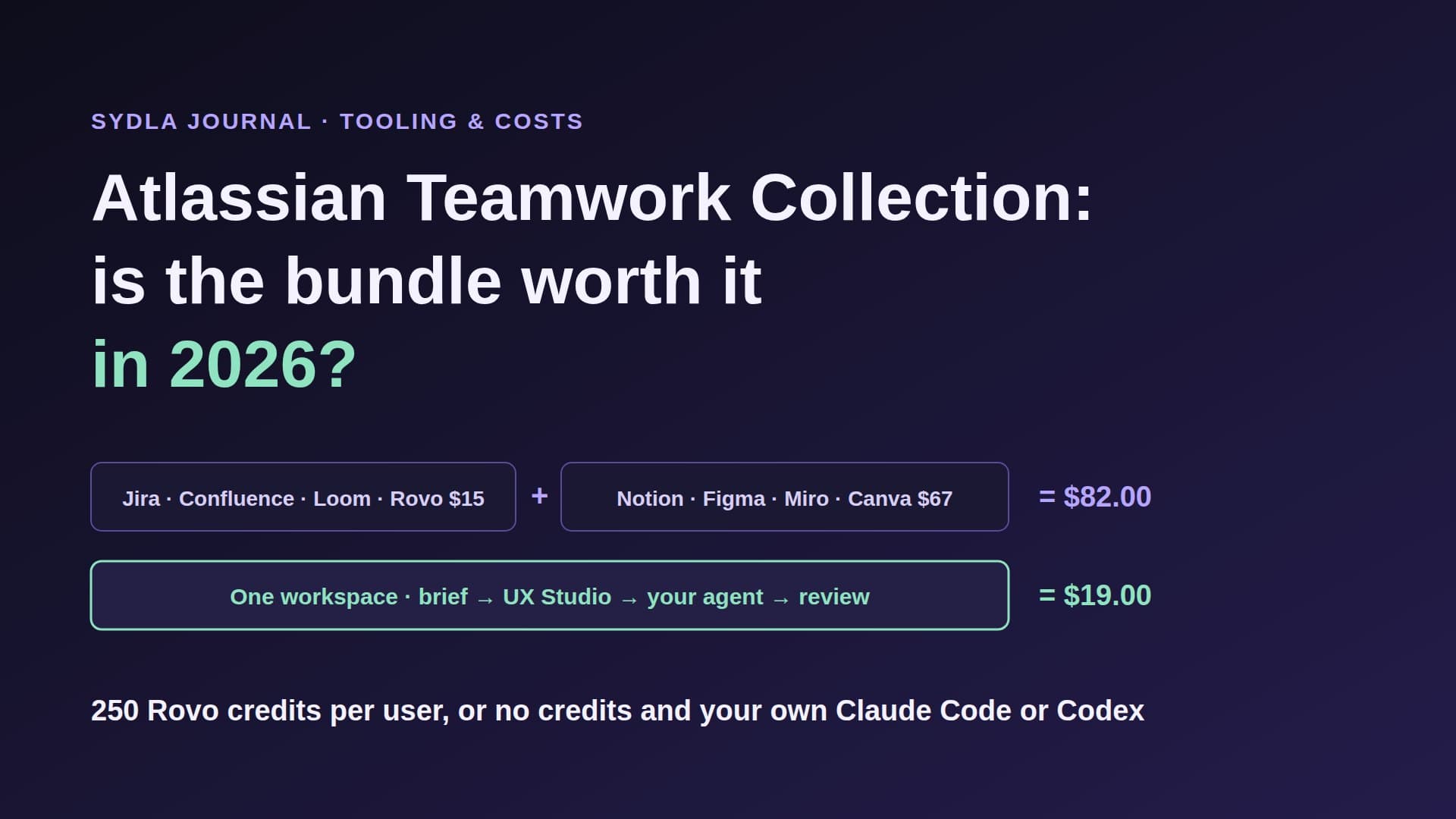
| Jira Standard | $9.70 | 25 Rovo credits per user, pooled | The request is retyped as a ticket |
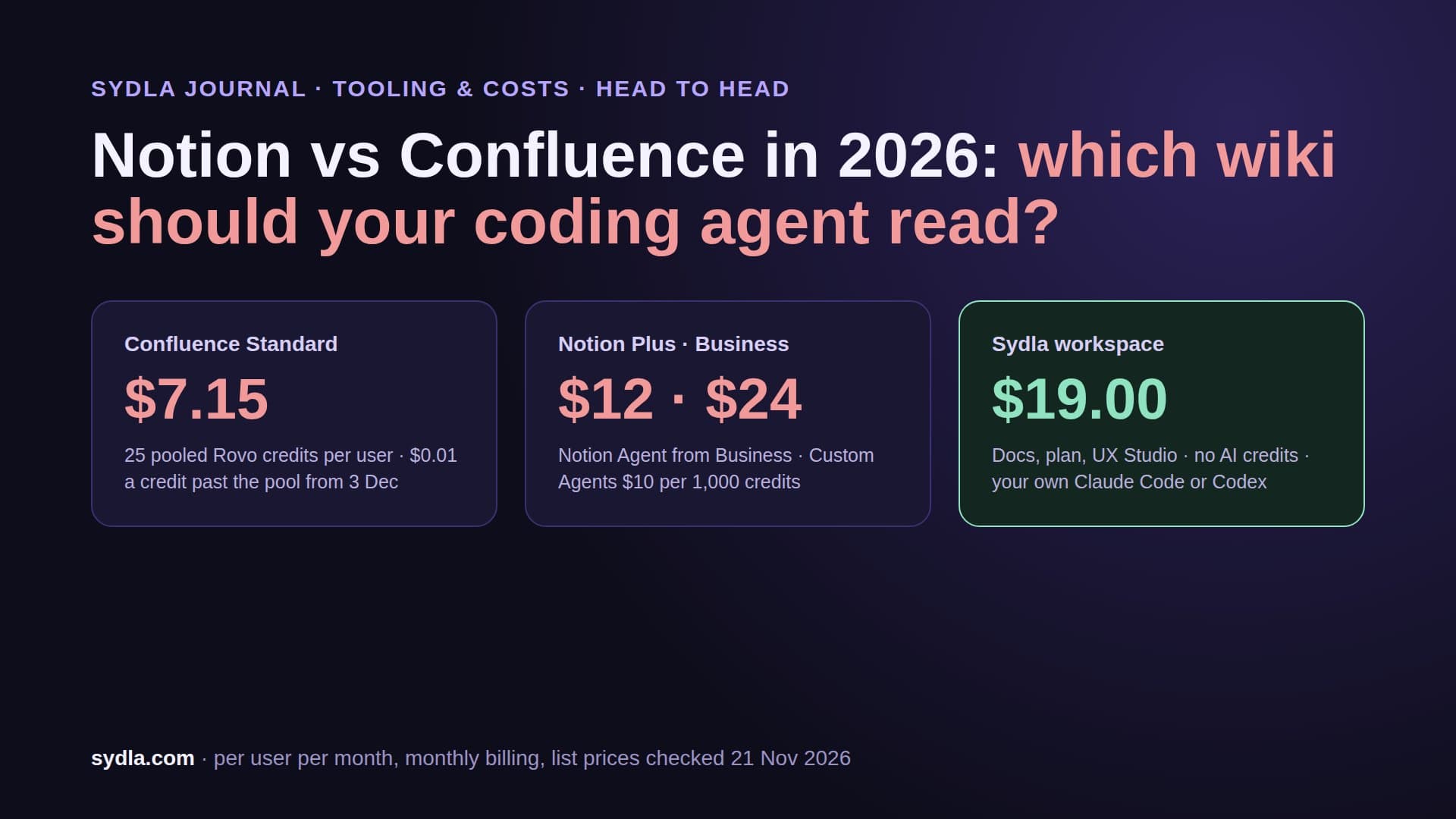
| Confluence Standard | $7.15 | Same Rovo pool; enriched MCP searches 1 to 10 credits | The ticket becomes a spec |
| Notion Plus | $12.00 | Custom Agents need Business, then $10 per 1,000 credits | Decisions stay in meeting notes |
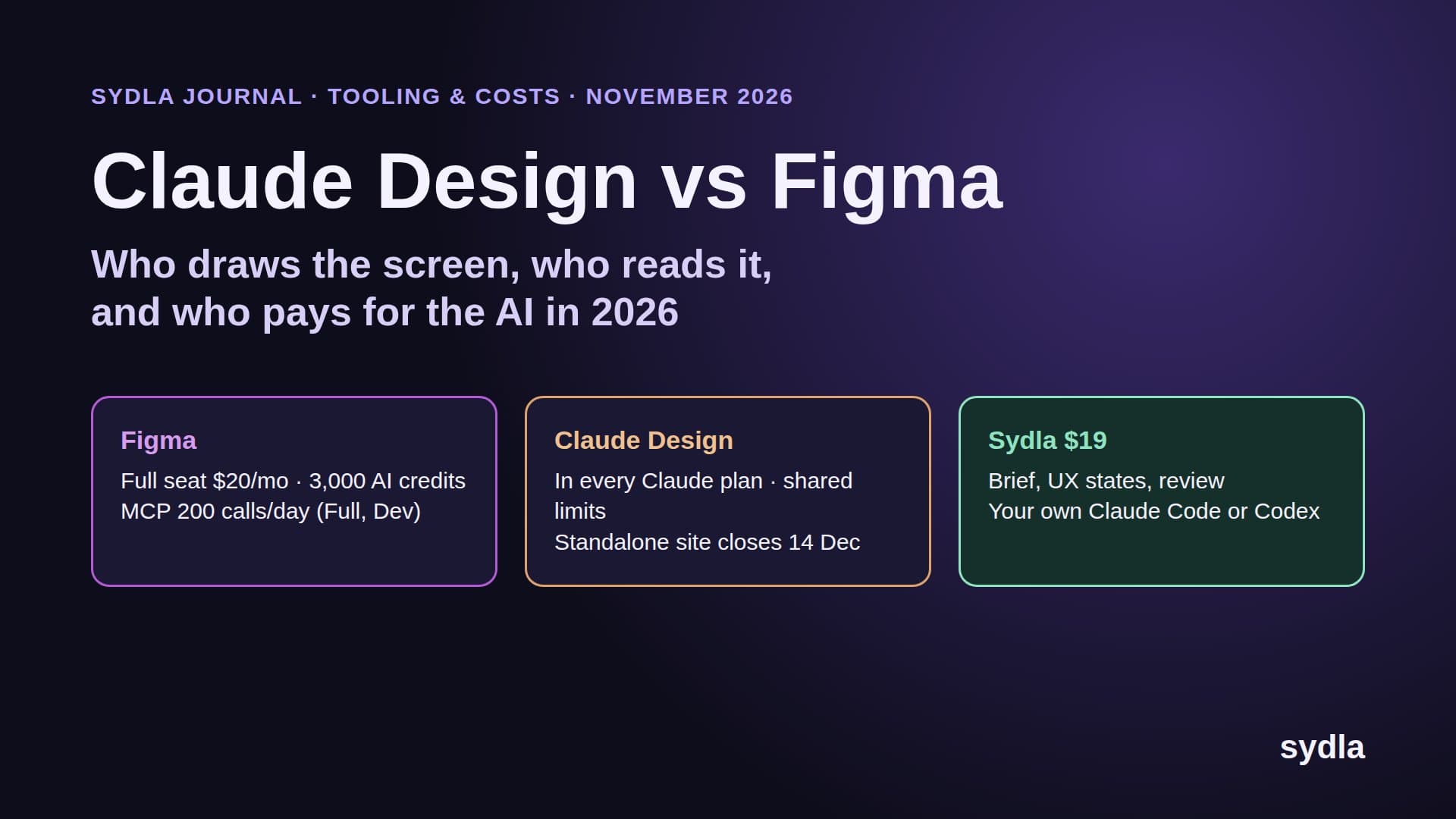
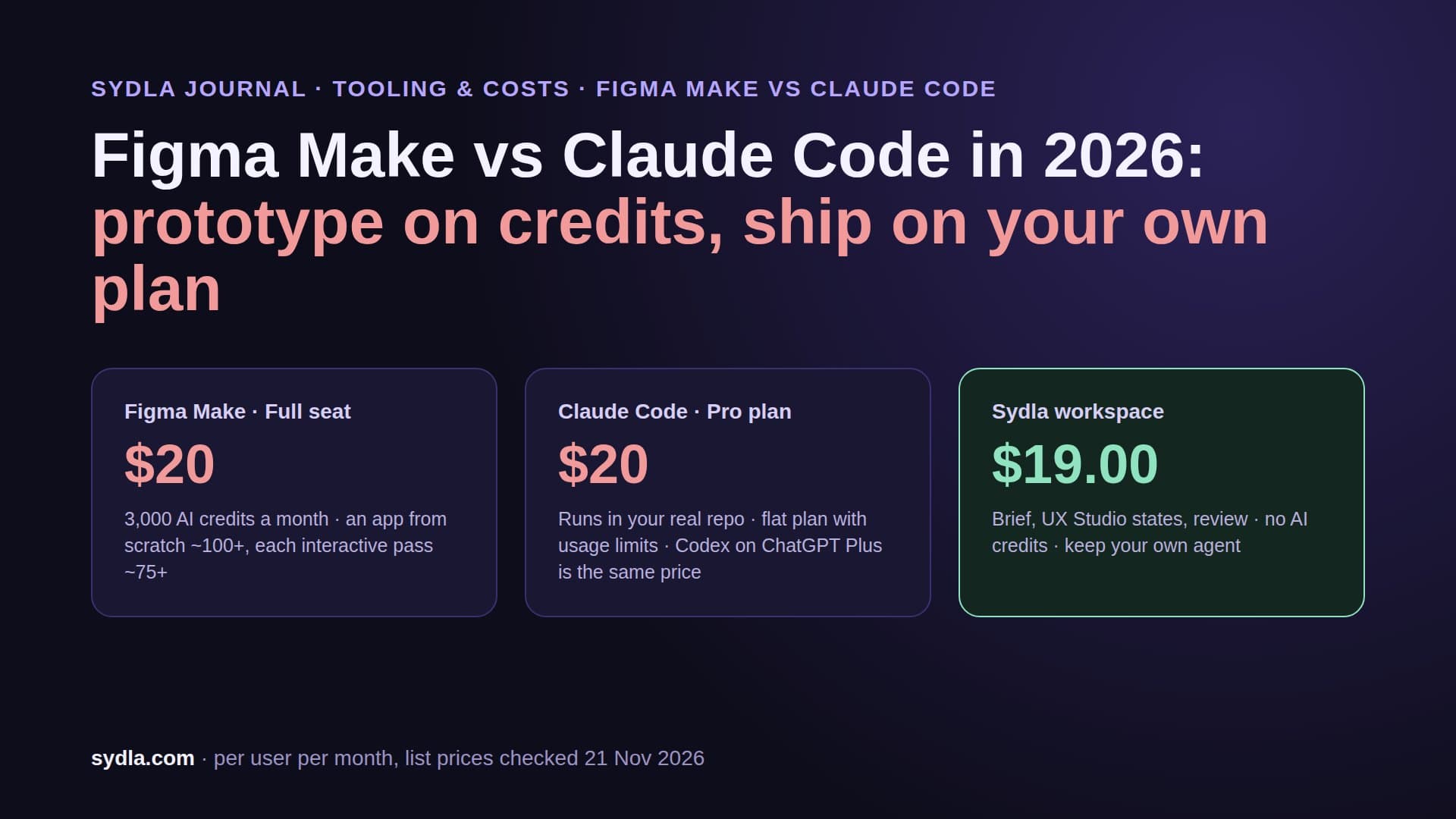
| Figma Professional, Full seat | $20.00 | 3,000 AI credits; MCP reads 200 a day | Frames are screenshotted into the ticket |
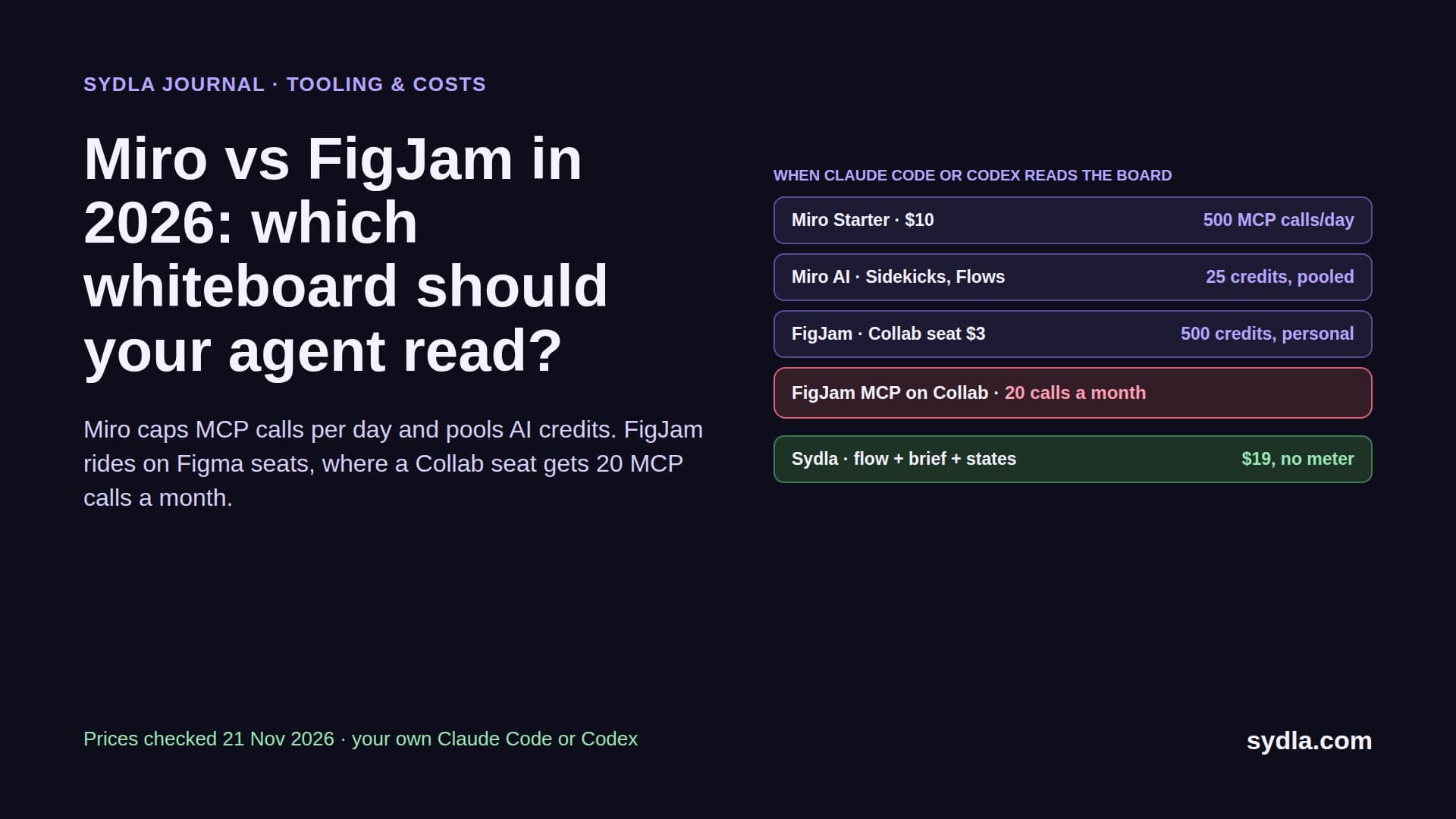
| Miro Starter | $10.00 | 25 credits per member, pooled | The flow is redrawn as frames |
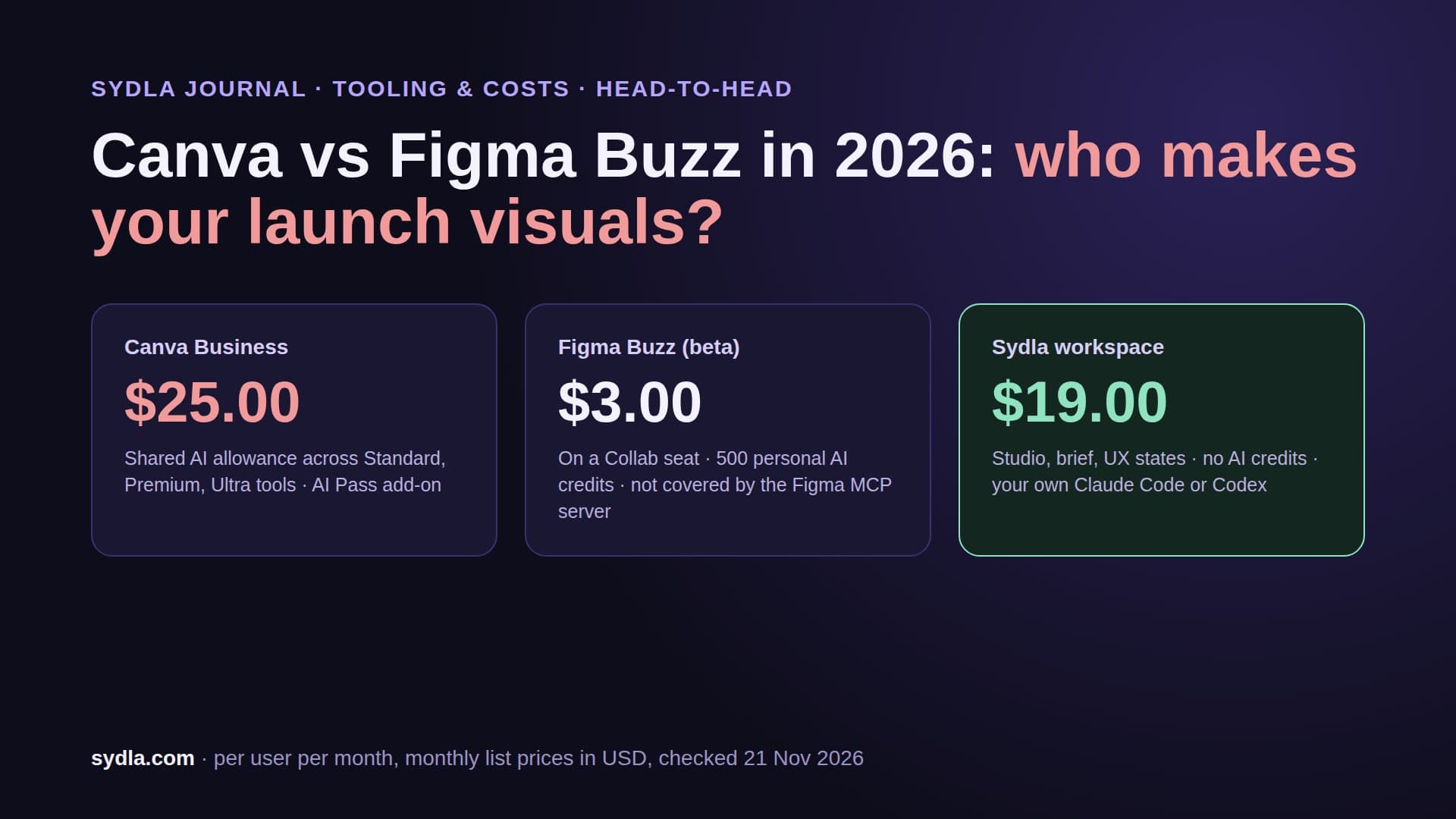
| Canva Business | $25.00 | AI allowance per plan | Screens are exported again for launch |
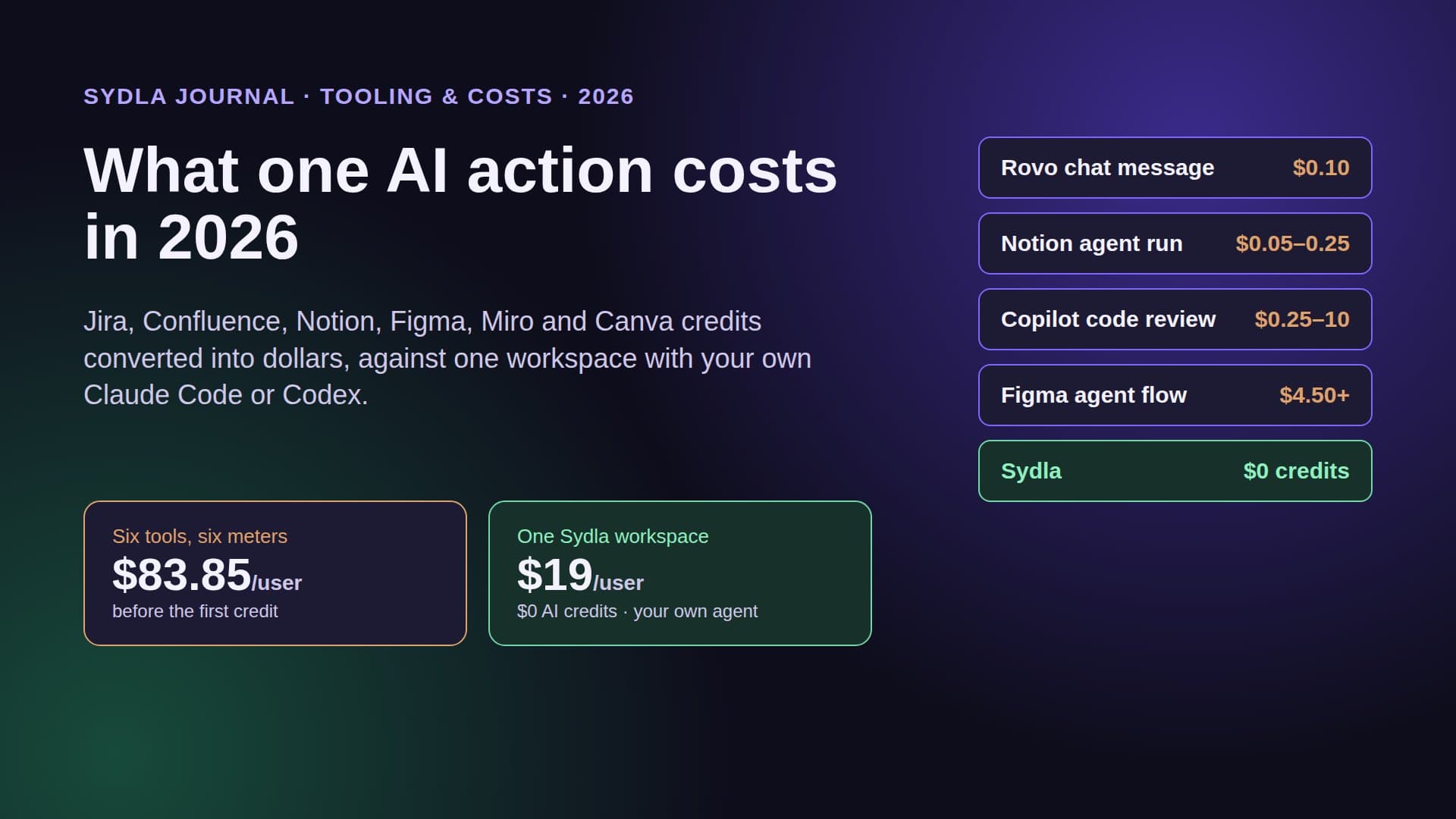
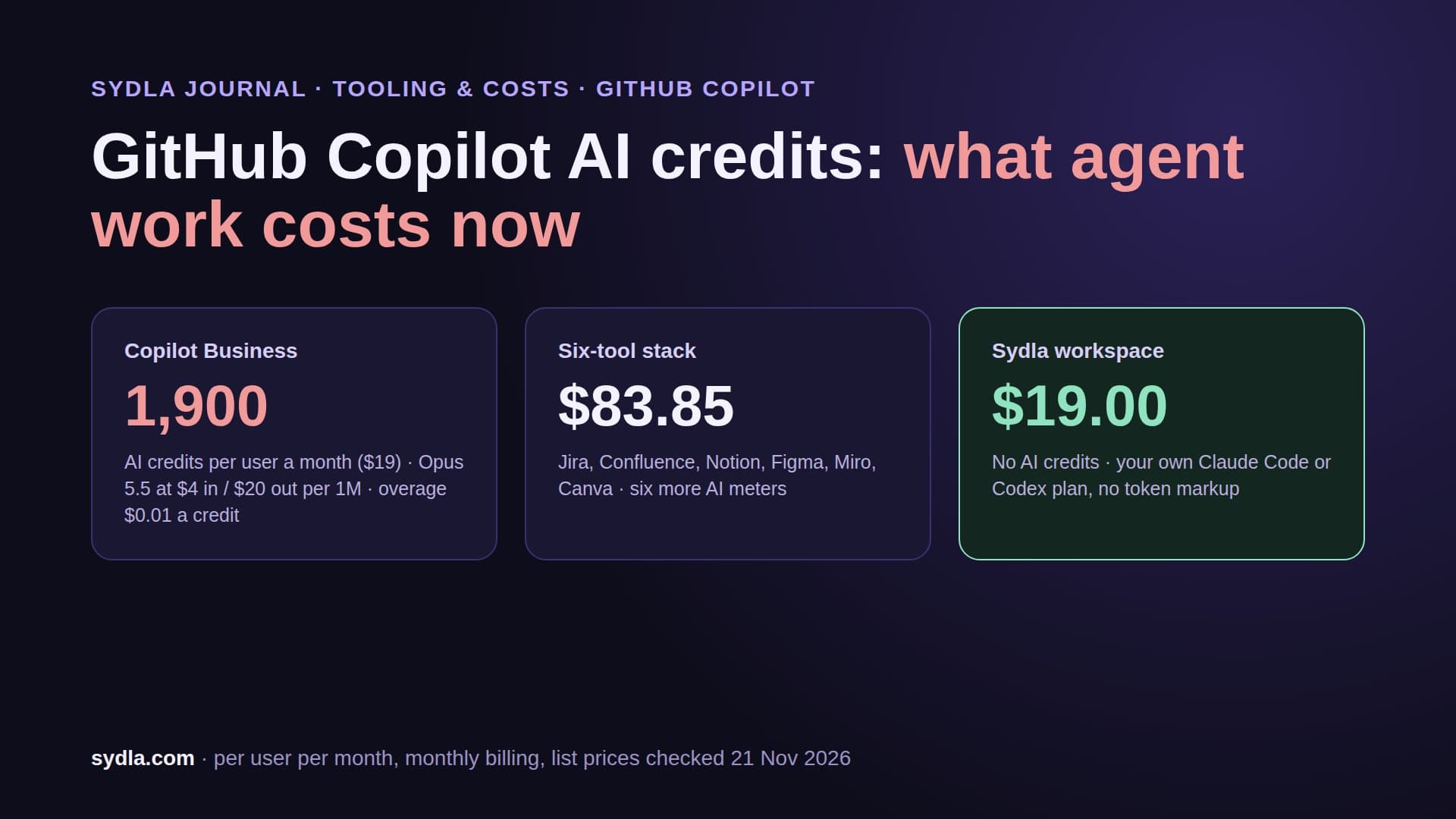
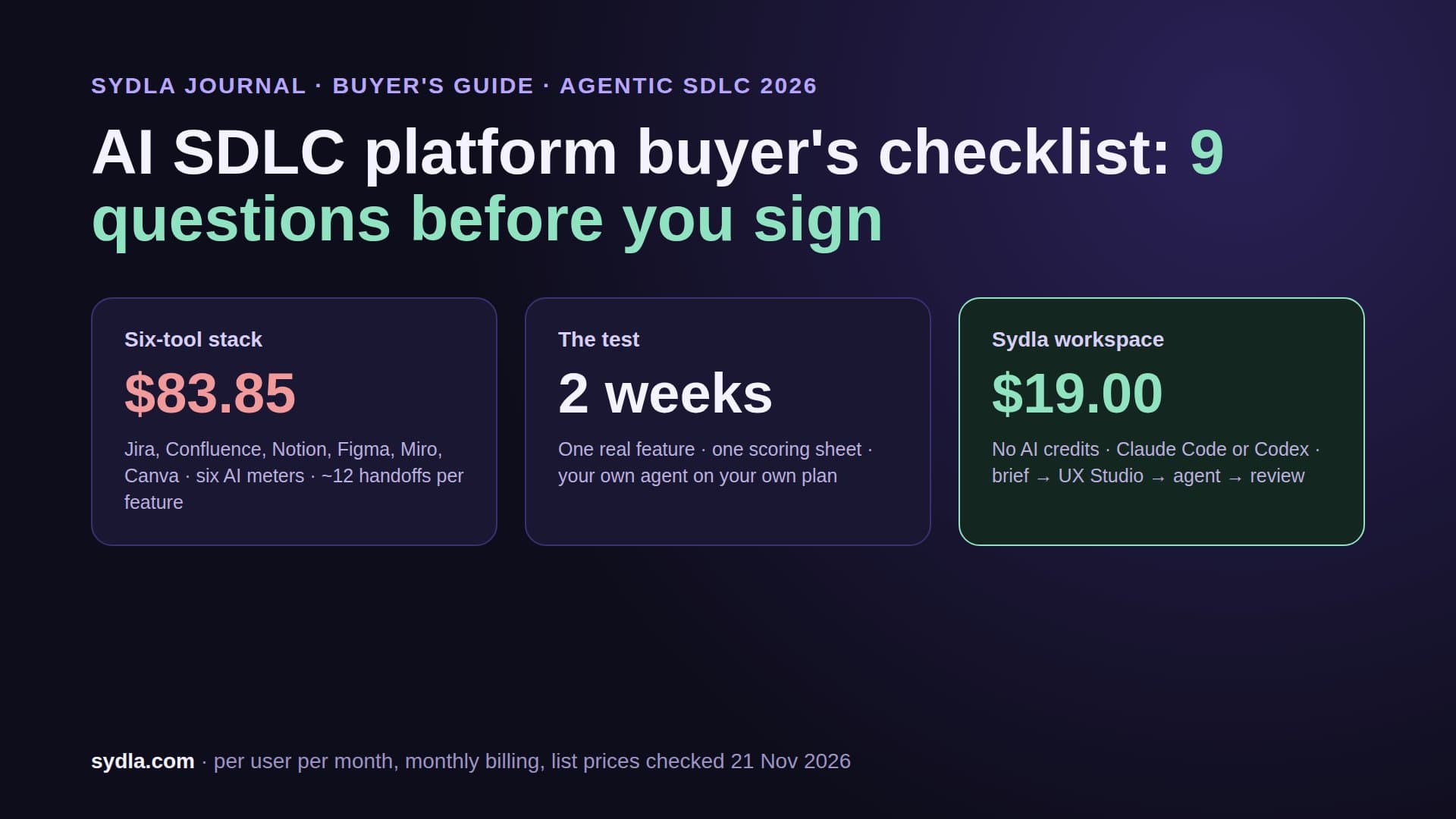
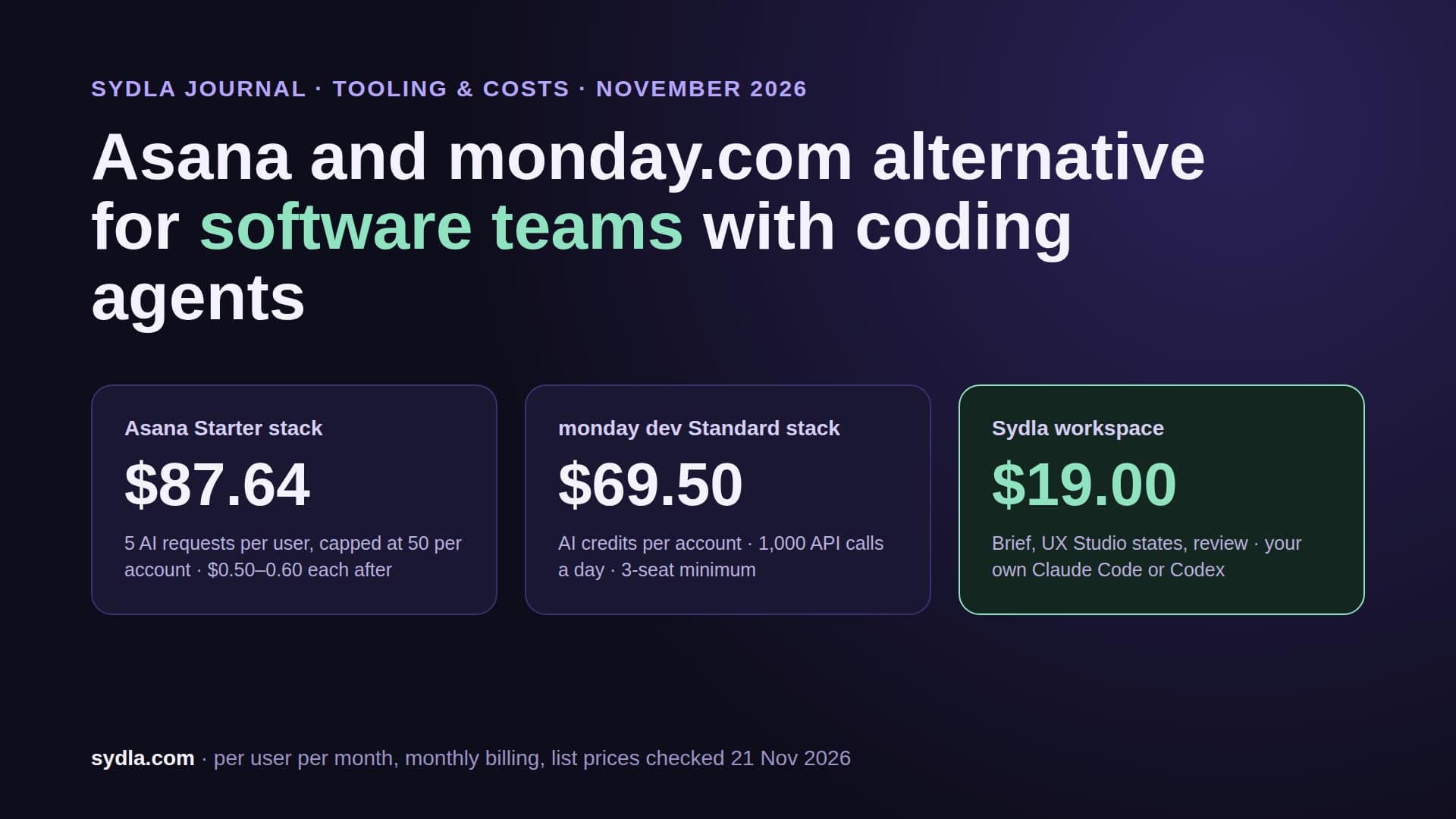
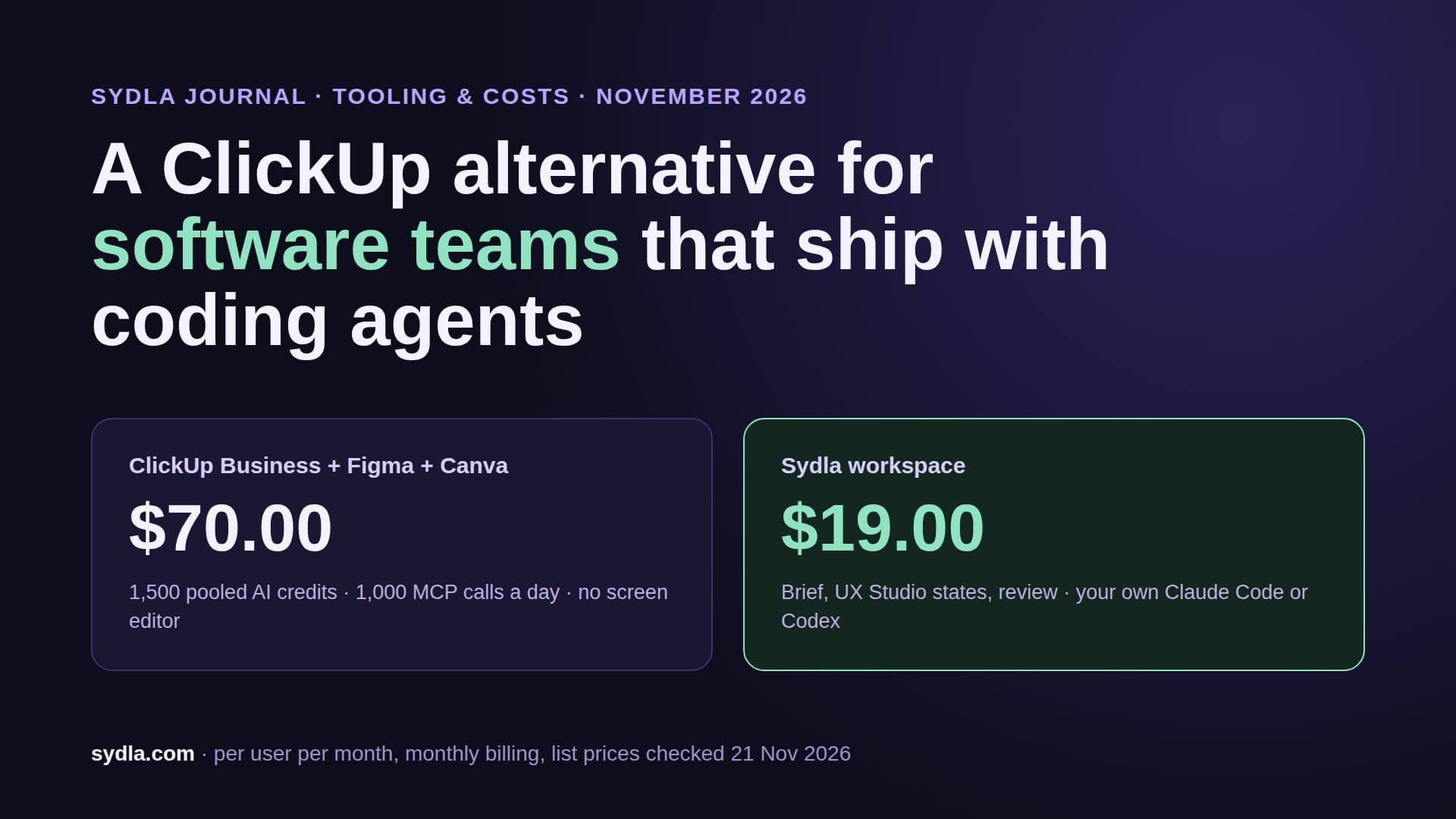
| Six-tool stack | $83.85 | Six meters, six renewal dates | About twelve handoffs per feature |
| Sydla | $19.00 | No Sydla AI credits; your own Claude Code or Codex | One work item: brief, criteria, UX states, runs, evidence |
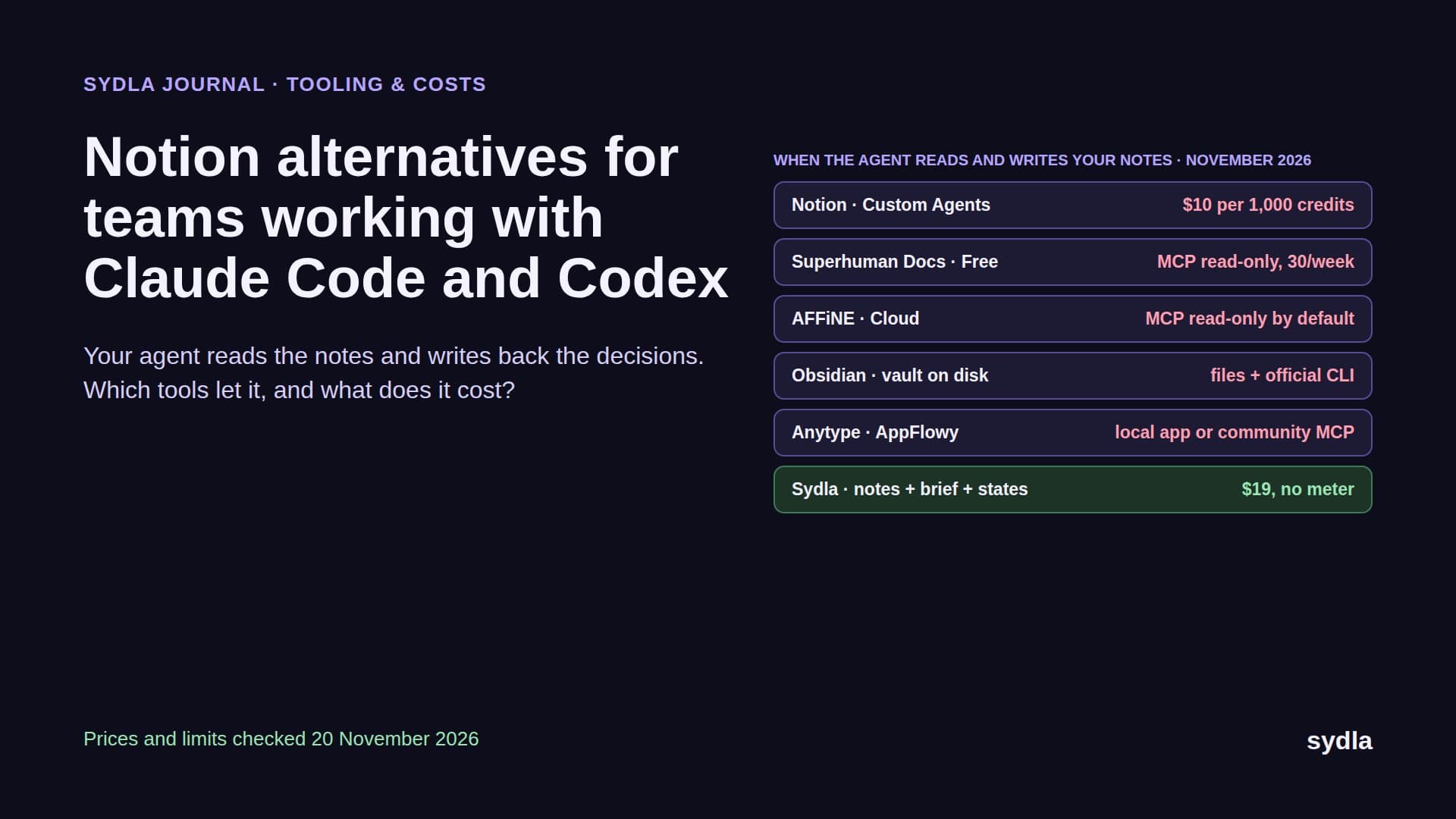
Against the full stack, Sydla saves $64.85 per user per month, $778.20 a year, before any agent spend. The pricing section has the plan, and the comparison hub is honest about where each specialist tool still wins. For wider shortlists, see our Jira alternatives and Notion alternatives guides, or Notion vs Confluence if the wiki is the open question.
Walkthrough: your own Claude Code or Codex on one work item in Sydla Desktop
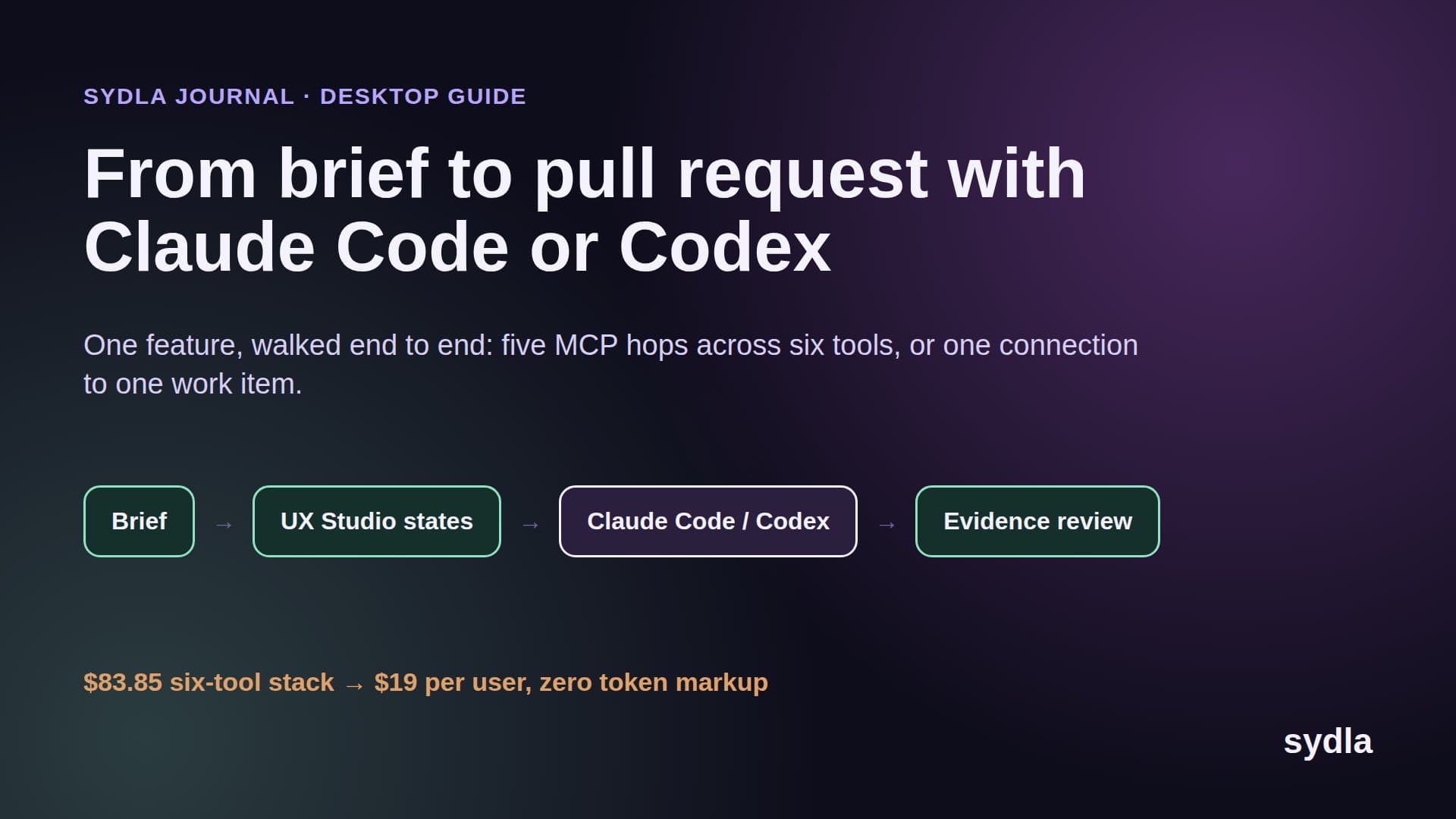
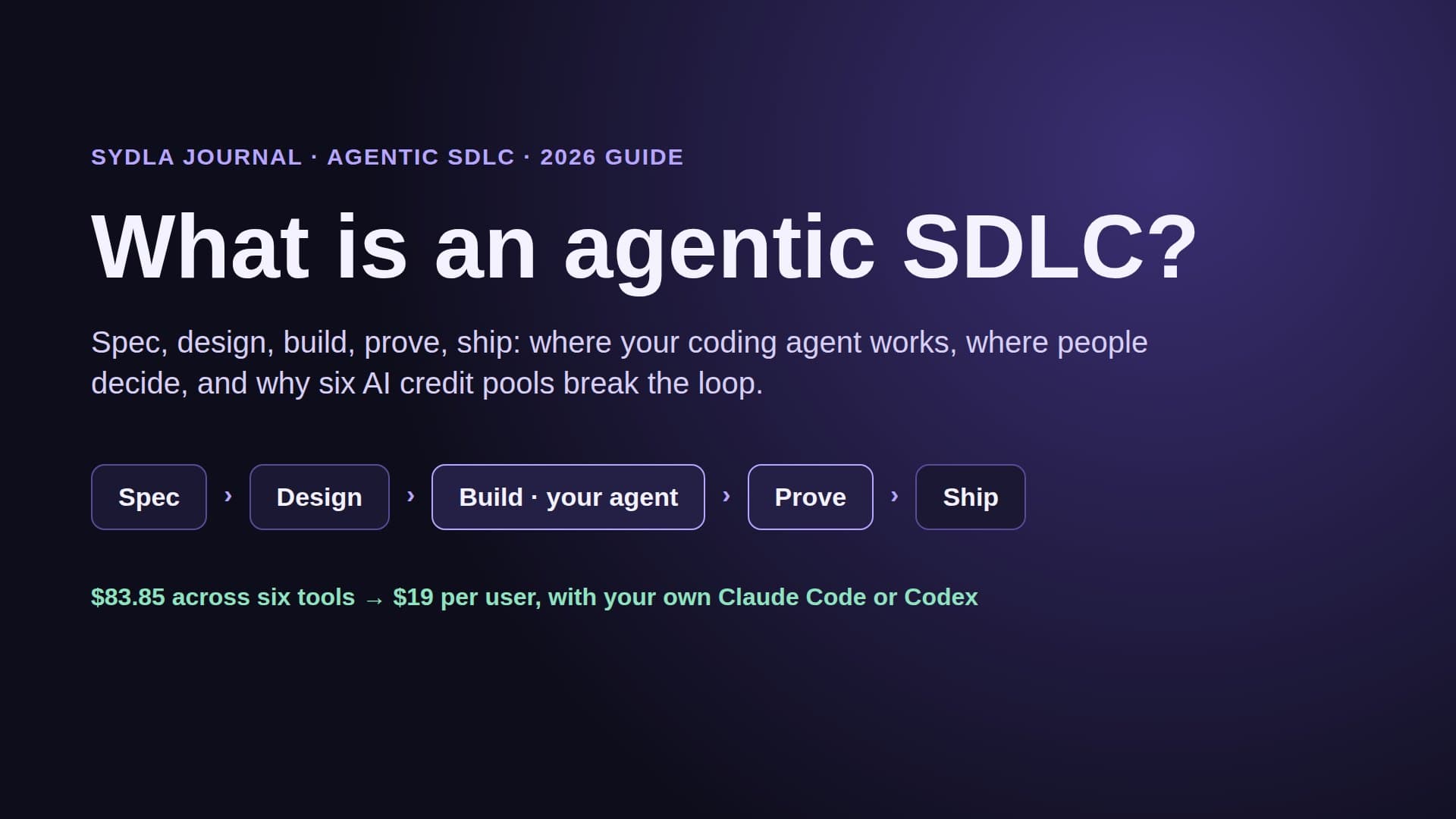
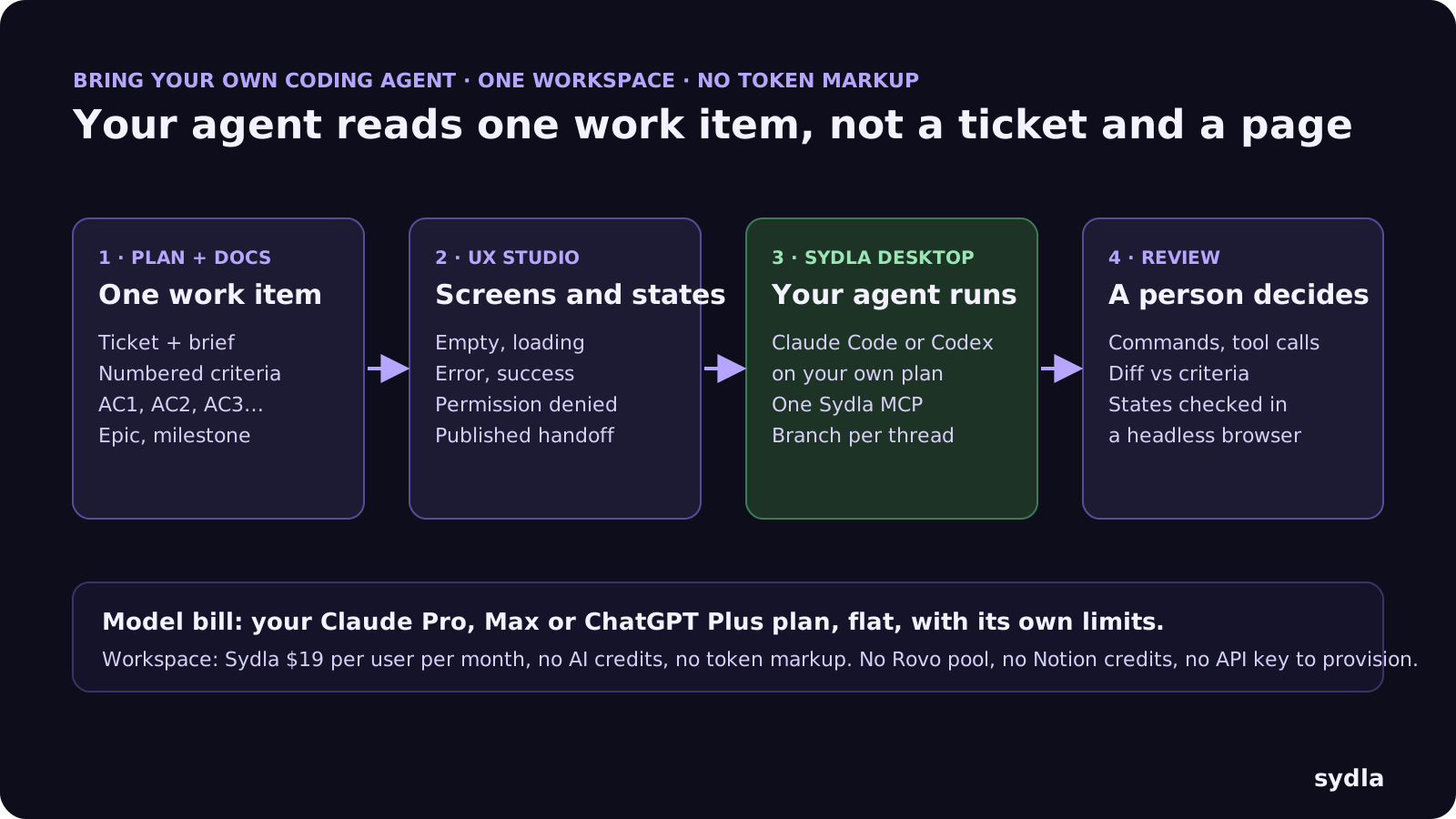
In Sydla the Jira ticket and the Notion page are the same object. A work item carries the brief, the acceptance criteria, its place in the plan, its UX states and its agent runs. The agent runs on your machine with the CLI and plan you already have. Here is the loop:
- Plan and write once. Add the ticket under its epic and milestone, then write the brief on it: goal, users, out of scope and numbered acceptance criteria, for example AC2, a sprint that ends with unfinished tickets moves them to the next sprint and says so. The PRD template for coding agents lists the seven sections that matter.
- Draw the states in UX Studio. Add the empty, loading, error, success and permission-denied screens next to the happy path and publish the handoff on the same initiative. The agent reads states, not a screenshot pasted into a ticket. See design-to-code handoff.
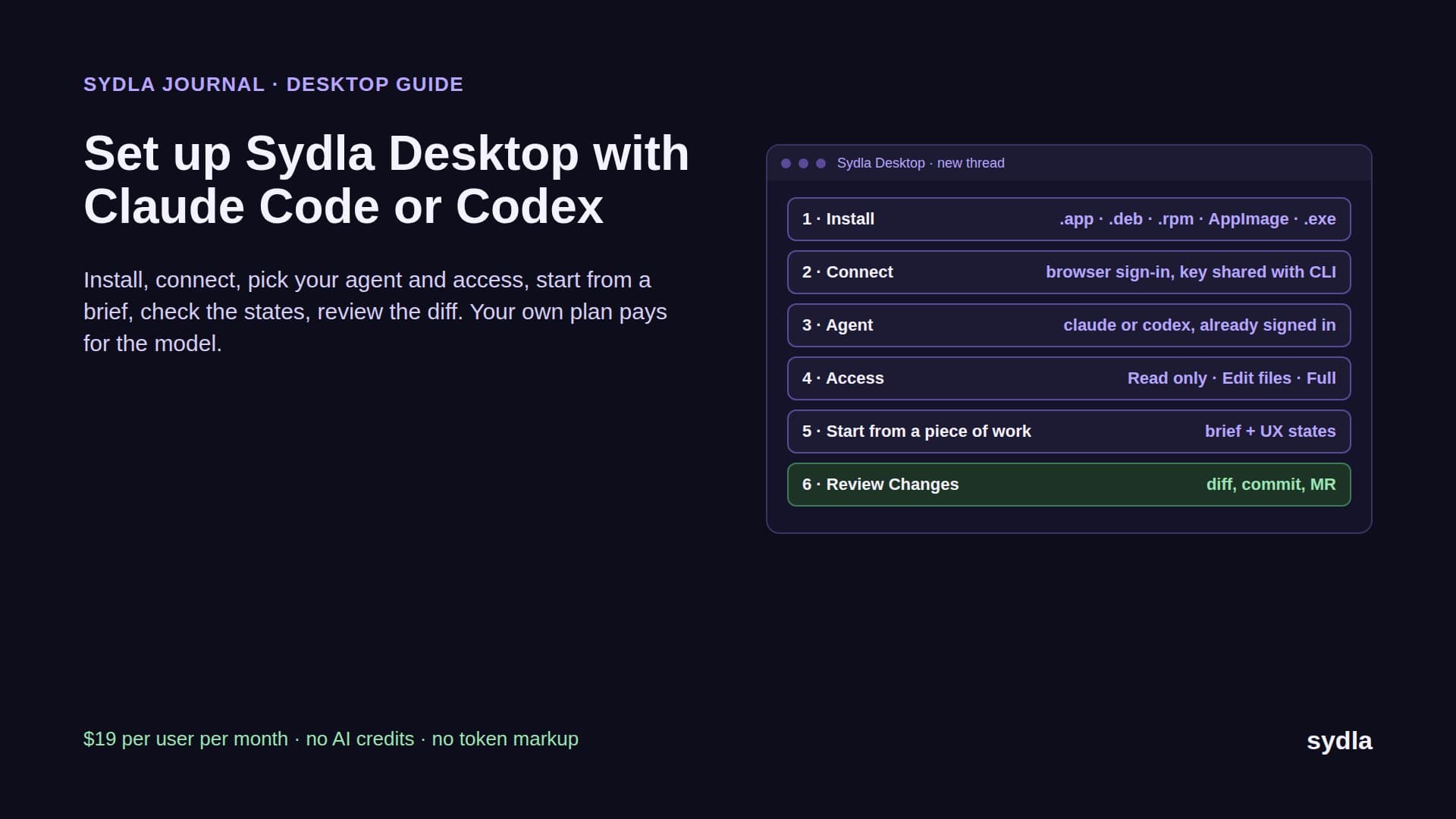
- Open a thread in Sydla Desktop. Add your repository folder. Desktop matches its Git remote to your Sydla project, so a thread started from a piece of work opens in that folder on its own branch. It launches the Claude Code or Codex CLI already signed in on your machine, on your own plan and limits, in Read only, Edit files or Full access mode.
- Let the agent read the work item. Through one Sydla MCP connection the agent opens the brief, the criteria and the UX handoff by reference. No enriched search to pay for, no second system to sync. It edits, runs the tests and opens the dev server in its own headless browser to check each state.
- Review the evidence, then decide. The thread shows every command and tool call; Changes shows the diff. Check it against the criteria and the states, commit on the thread's branch and open the merge request. A person makes the gate decision, never the agent. The AI pull request review guide has the four-pass checklist.
The Sydla Desktop setup guide covers installation, sprint planning with AI coding agents shows how to plan around review capacity, and Claude Code vs Codex for product teams helps you pick an agent, or both.
Which one should you pick?
There is no single winner. It depends on your size, how much process you need and how much your agents read:
- Pick Jira if you run several teams against one roadmap, need enforced workflows, service desks or Marketplace apps, or want Claude Agent for Jira on your Anthropic API key. Set a Rovo budget before 3 December and tell your agents to fetch tickets by key.
- Pick Notion if you are a small team that wants tasks, sprints and specs in one flexible place and your agents mostly read. MCP reads are free; budget for Business if you want Notion Agent or a live Jira view.
- Pick Sydla if you are a solo founder, a founding engineer or a lean product team that already pays for Claude Code or Codex and wants the plan, the brief, the UX states and the evidence on one work item instead of six tools. See the solo founder stack for the one-person version and the 30-day migration plan to move only what is alive.
Keep your agent. Drop the meters.
Jira and Notion are converging: one adds docs-like context through Rovo, the other adds sprints to its databases. Both put a meter near the agent, and neither gives it the states it should build or the evidence a reviewer needs.
Take the next ticket you were going to file in Jira and spec in Notion. Write it as one work item in Sydla this week, add its states, open a Desktop thread and let your own Claude Code or Codex build it. Start your $19/mo AI SDLC workspace and keep your Claude Code and Codex accounts exactly as they are.
Frequently asked questions
Can Notion replace Jira in 2026?
For small teams, often yes. Notion task databases support sprints of one to eight weeks with Current Sprint, Sprint planning and Backlog views, automated rollover and timeline dependencies. Notion lacks Jira's enforced workflows, JQL, release management and cross-team plans, so larger engineering organisations usually keep Jira.
Is Notion cheaper than Jira?
Not per seat. Jira Standard is $9.70 and Premium $19.60 per user per month; Notion Plus is $12 and Business $24, or $10 and $20 billed yearly. But Notion Plus covers tasks and docs together, while Jira usually needs Confluence at $7.15 more. Jira also bills Rovo credits past a 25-per-user pool at $0.01 from 3 December 2026; Notion MCP reads spend no credits.
Does Notion sync with Jira?
Yes, one way. Notion's managed Jira sync creates Jira Spaces and Jira Work Items databases with summary, key, status, priority, assignee, labels, parent and dates. Synced properties are read-only in Notion, comments and attachments are not synced, it supports Jira Cloud only, and it requires Notion Business or Enterprise.
Can Claude Code read Jira tickets and Notion pages?
Yes. The Atlassian Rovo MCP server lets Claude Code or Codex read and update Jira work items; fetching by key is free, while enriched searches cost 1 to 10 pooled Rovo credits. Notion's MCP server reads and writes pages and databases with your Notion permissions and spends no credits unless a Notion agent runs.
Is there an alternative to Jira and Notion for teams using AI coding agents?
Sydla is an AI SDLC workspace at $19 per user per month that combines the plan, docs, UX Studio and whiteboards with no AI credits. Sydla Desktop runs your own Claude Code or Codex CLI on your plan and connects it to the brief, acceptance criteria and UX states through one MCP connection, replacing a six-tool stack that costs $83.85 per user per month.