Spec-driven development in 2026: Kiro, Spec Kit or a shared brief?
Every coding agent now wants a spec before it writes code. Kiro builds the spec into its IDE and bills it in credits. GitHub Spec Kit turns it into free markdown in your repository. Neither puts the spec where the product manager and the designer already work. Here is how the options compare in November 2026, and a workflow that keeps the spec, the screens and the review on one work item.
The spec is back, and it has a meter
In 2025, vibe coding was the joke and the warning. In 2026, the industry answered with a new name for an old discipline: spec-driven development. Before an agent writes a line, it writes down what it is going to build, how, and how you will know it worked. Kiro made it the default in its IDE. GitHub open-sourced Spec Kit and shipped version 1.0 in August. Claude Code and Codex both plan before they edit.
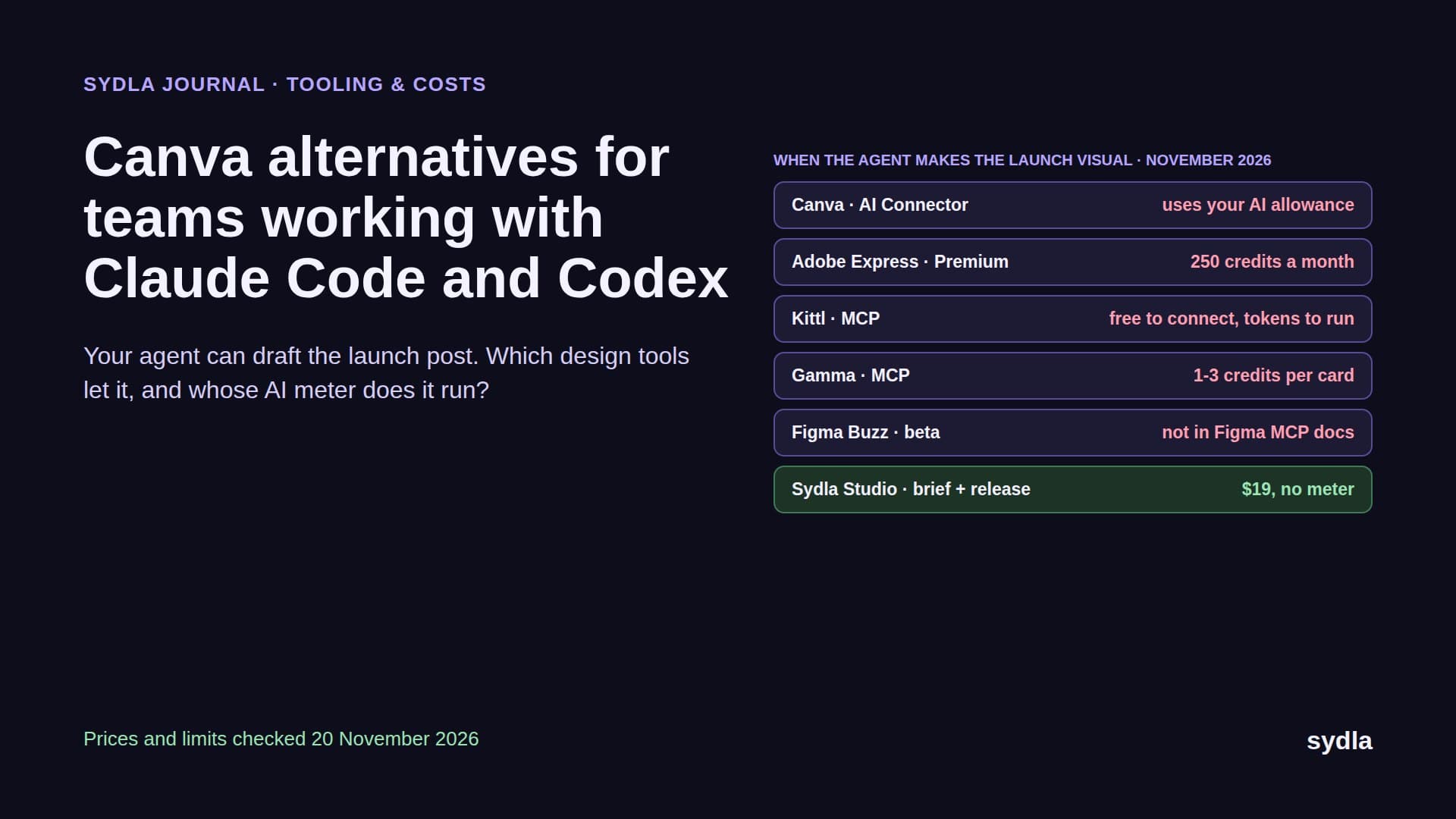
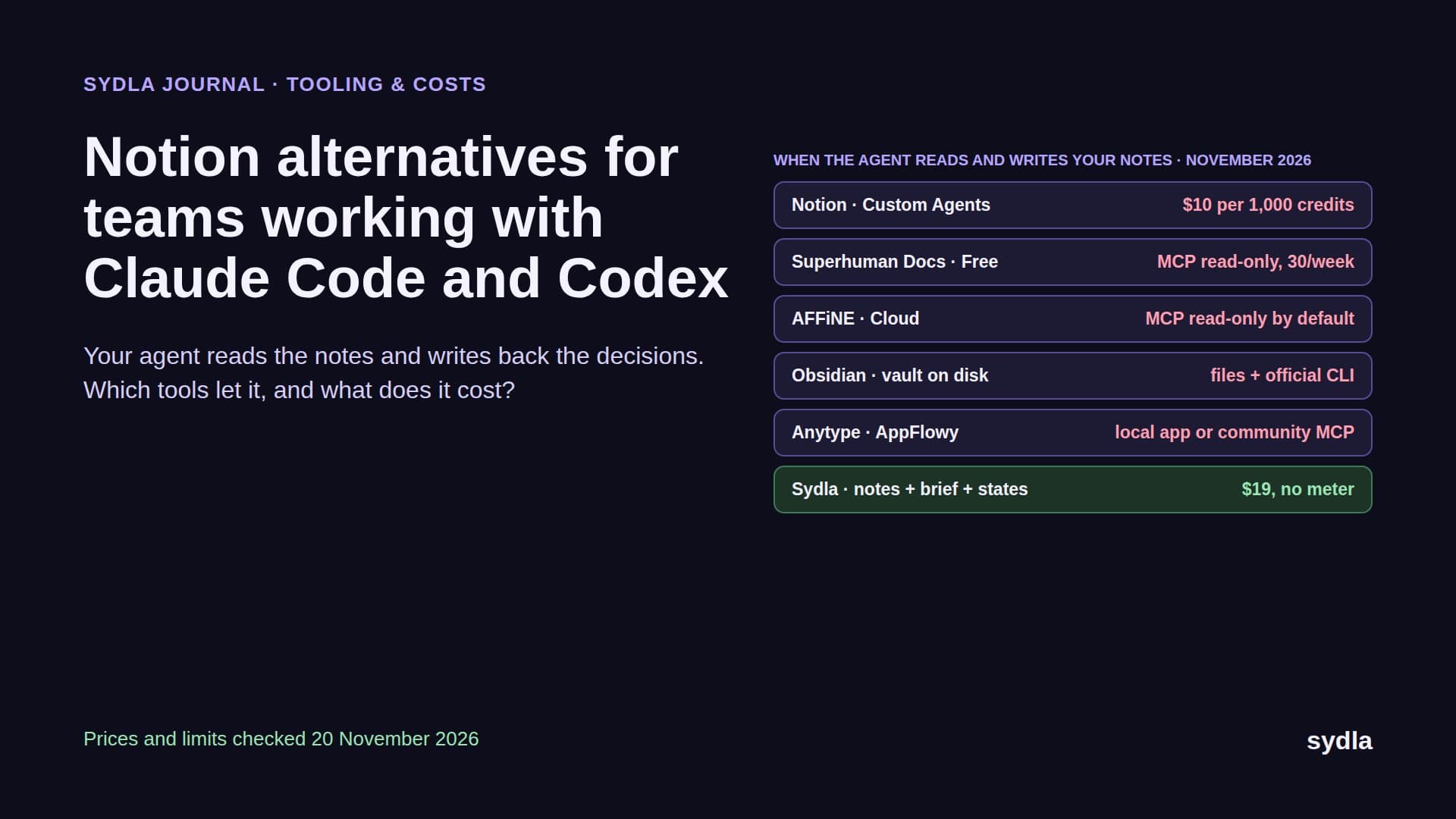
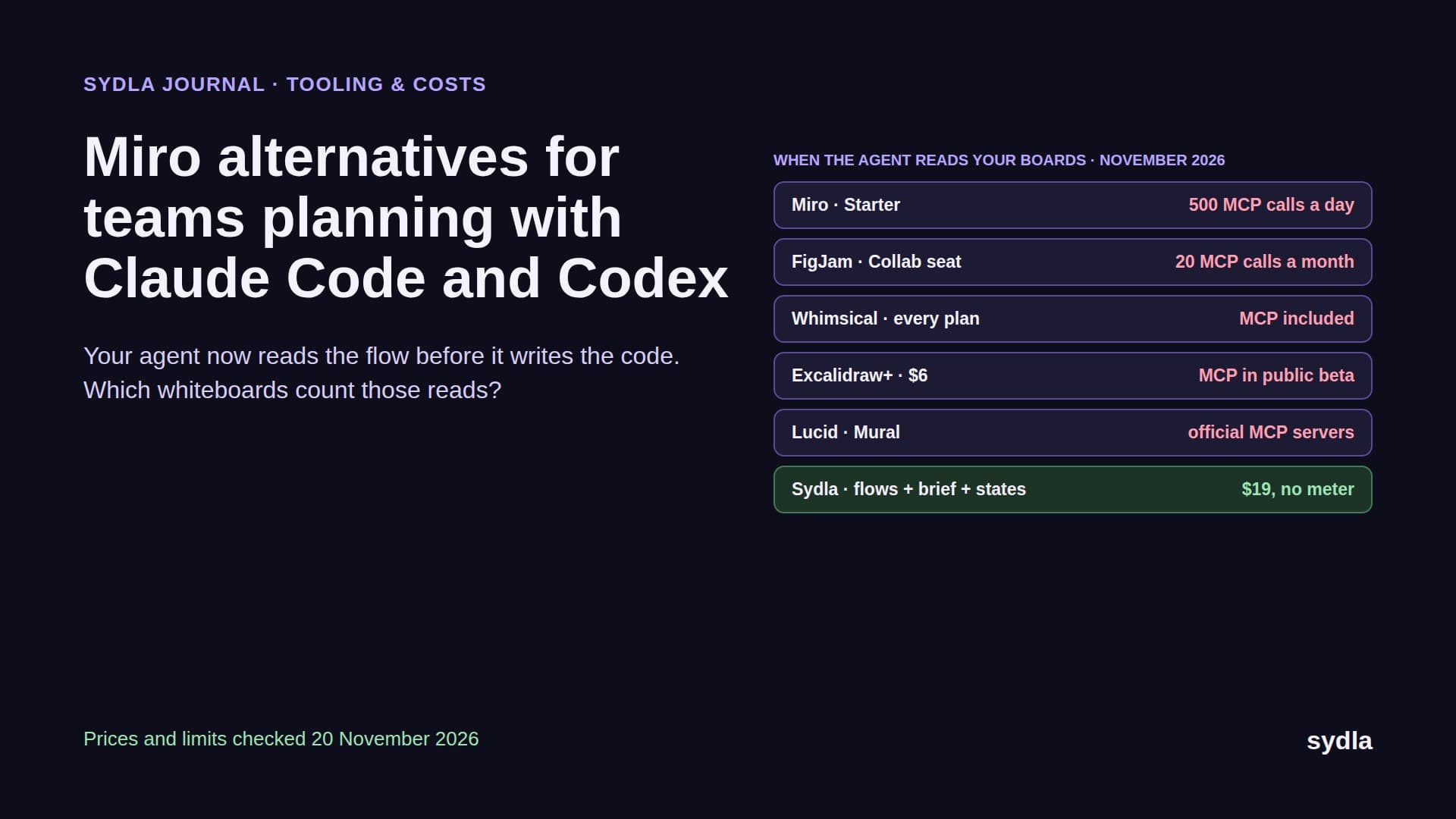
That is good news. A written spec is the cheapest place to catch a wrong idea. But look at where the specs go. Kiro keeps them inside the Kiro editor and bills each spec task in credits. Spec Kit keeps them as markdown in the repository, where your product manager and designer rarely look. Meanwhile the real requirements still start in Jira, the context sits in Confluence or Notion, the screens live in Figma, the flow on a Miro board and the launch visual in Canva.
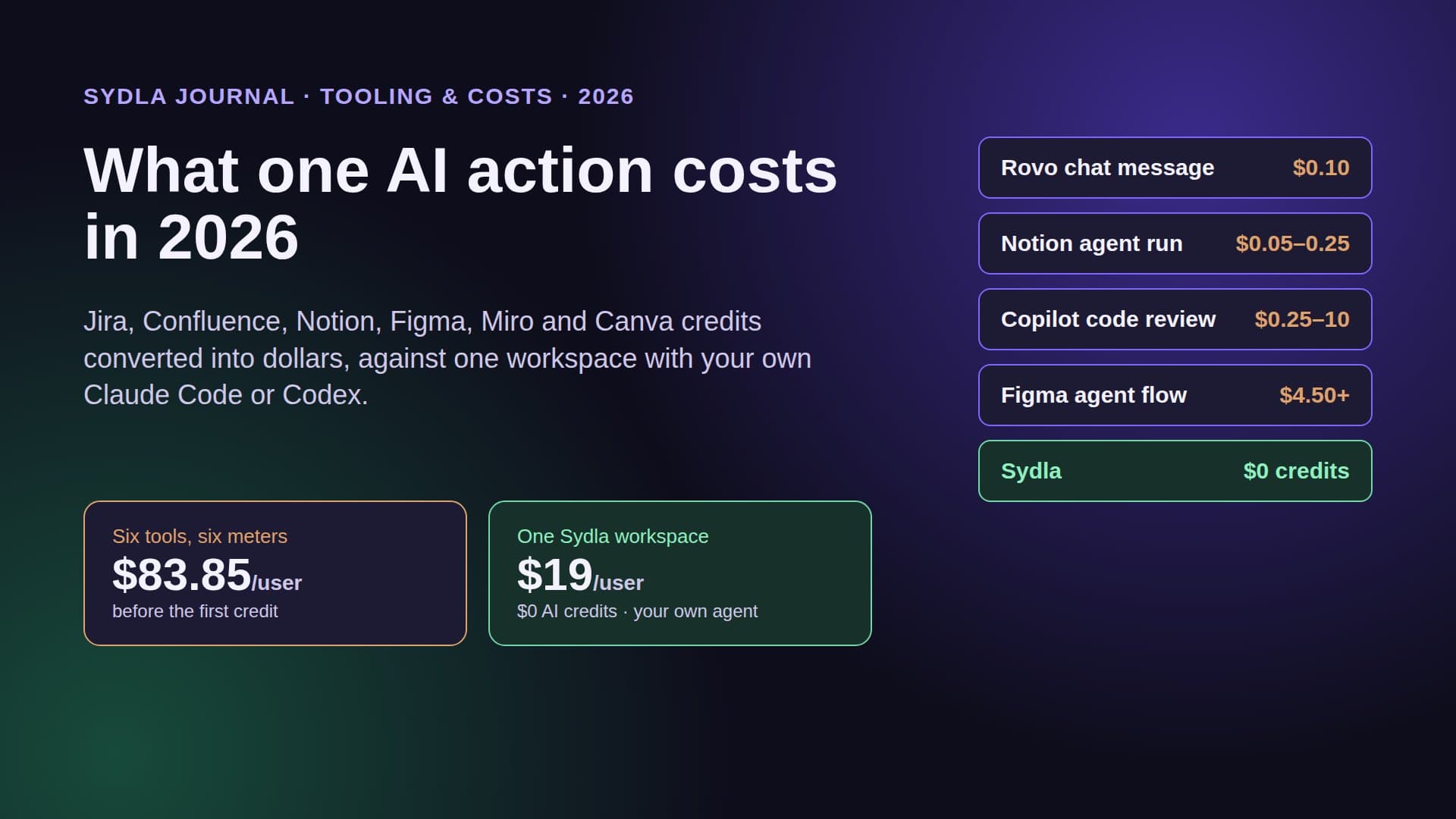
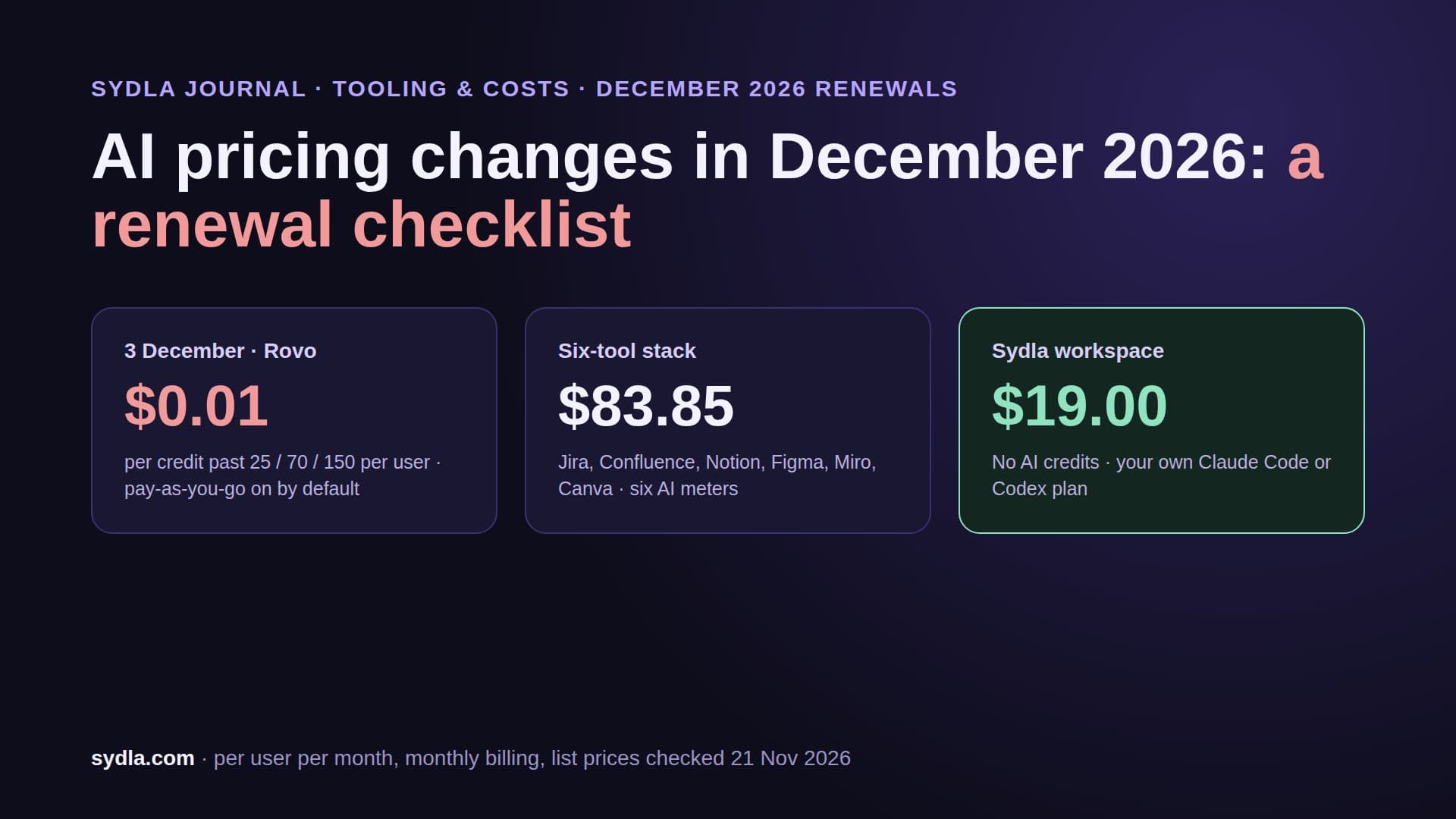
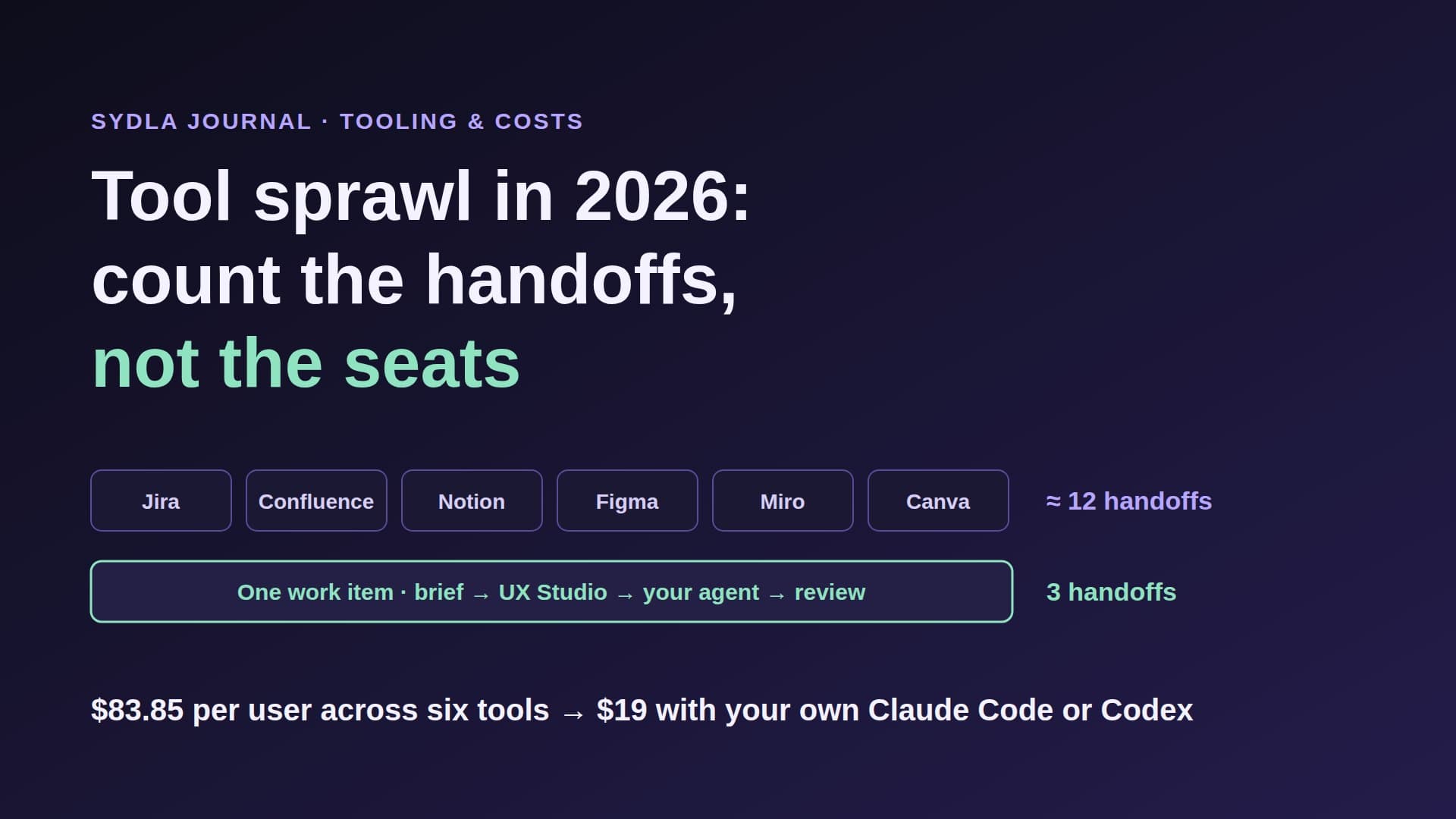
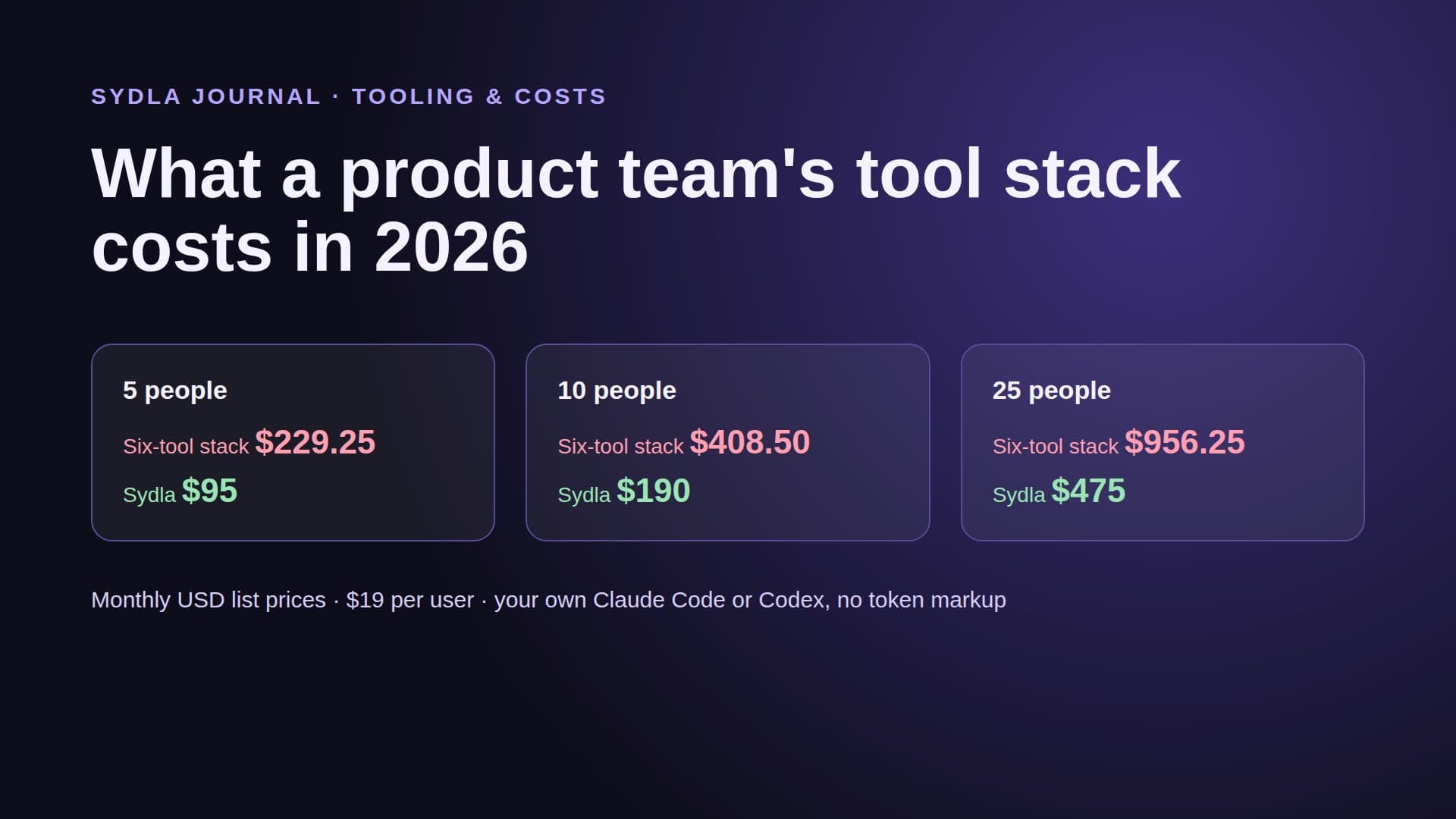
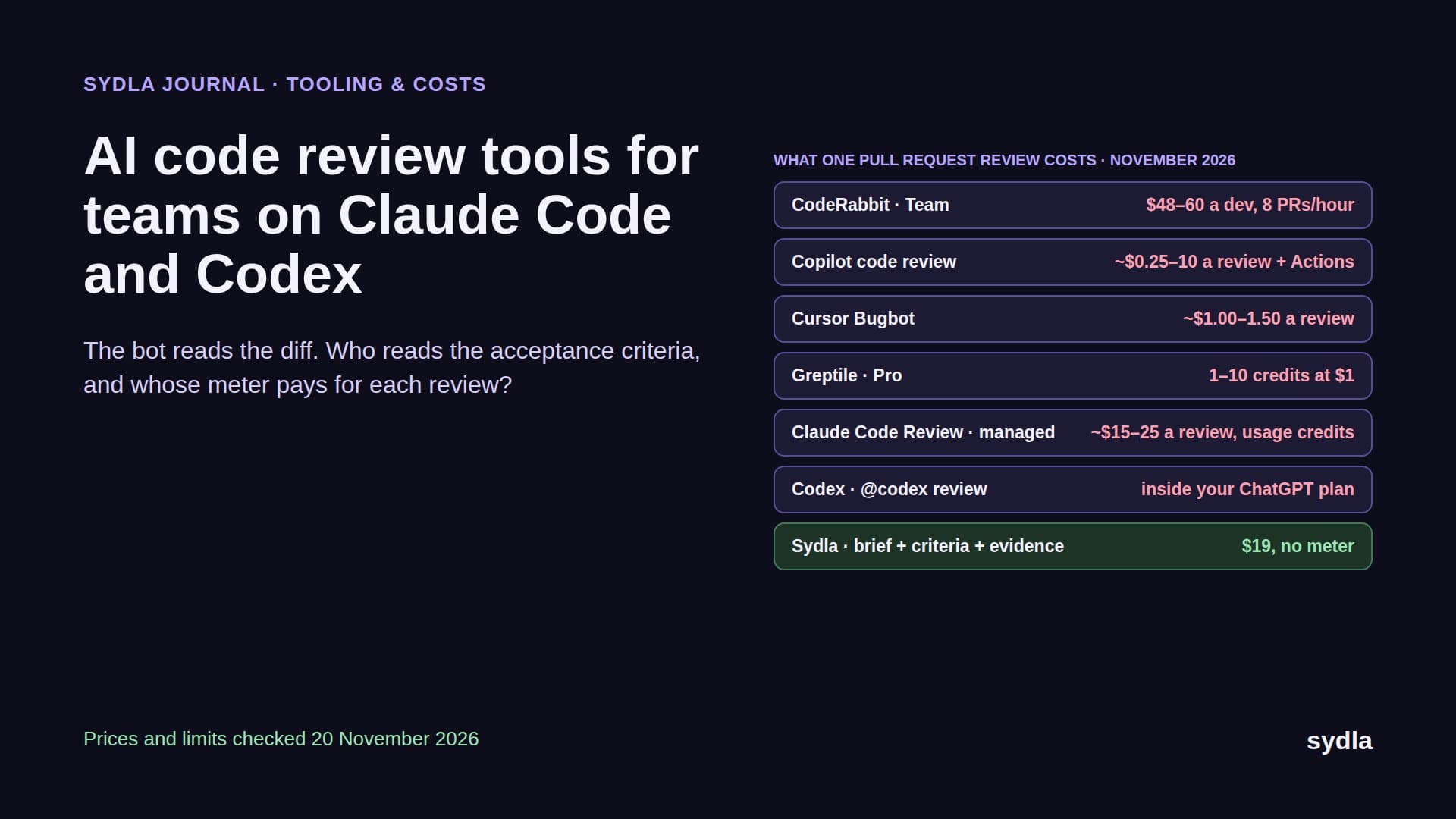
So a feature crosses six tools before the agent sees it, each with its own AI meter, and the spec the agent writes is a seventh copy nobody else reviews. That is AI credit fatigue with an extra document. This guide compares the main ways to do spec-driven development on vendor pages read on 21 November 2026, then shows how to run it with one shared brief and your own Claude Code or Codex.
What spec-driven development actually means
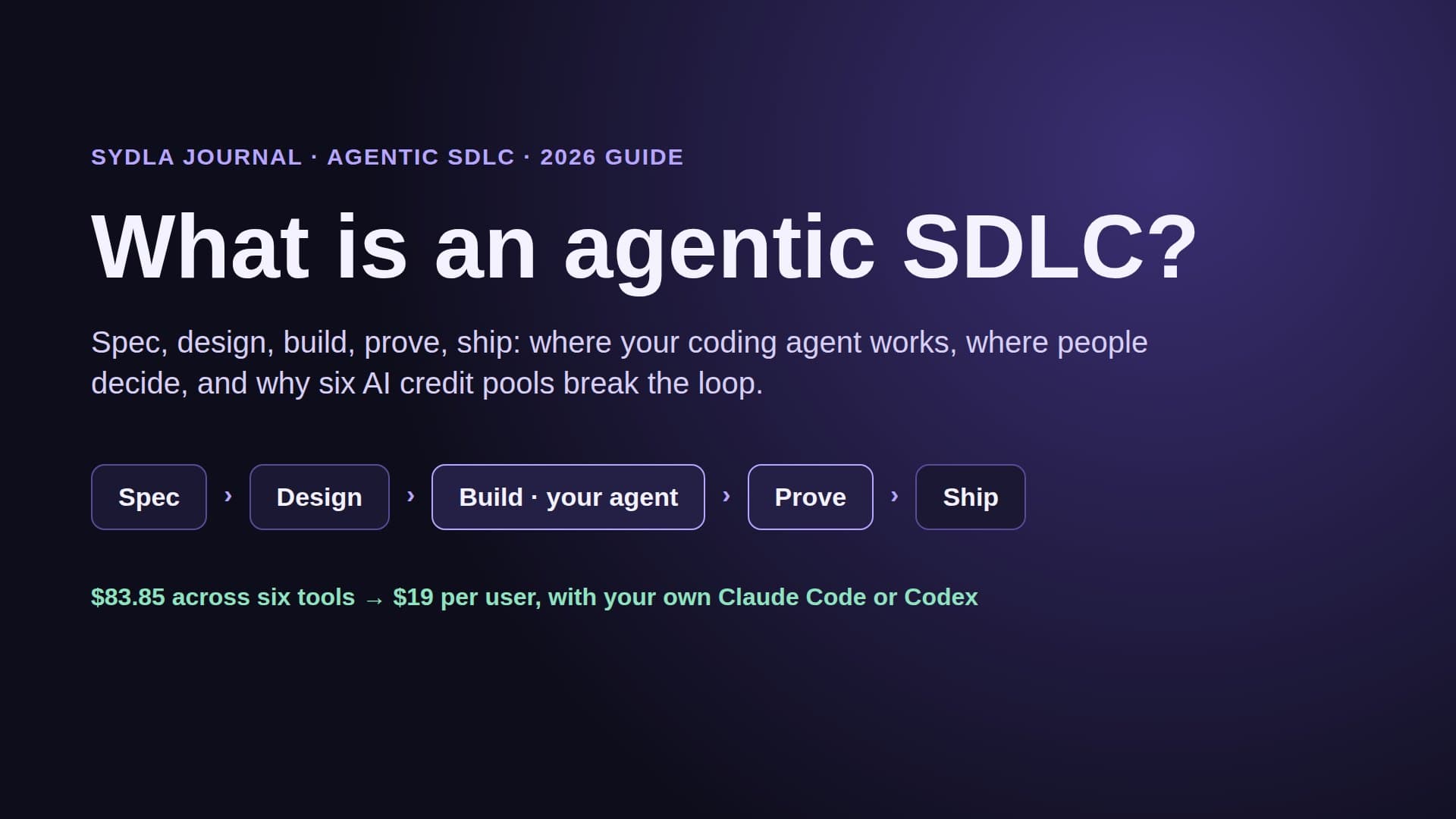
Strip the branding and every spec-driven workflow has the same four steps. First, requirements: who the change is for and numbered acceptance criteria that can be checked. Second, a design: the technical approach, the data, the screens and the states. Third, tasks: small, ordered pieces an agent can finish and a person can review. Fourth, verification: proof that each criterion holds, not just that the tests are green.
The difference between tools is not the steps. It is who can read the spec, who pays when the agent works through it, and whether anyone checks the result against it. A spec only the agent reads is a long prompt. A spec the product manager, the designer and the reviewer all read is a contract. Our guide to acceptance criteria for coding agents covers the six rules that make criteria checkable.
Kiro: specs inside the IDE, billed in credits
Kiro is the most opinionated option. Ask for a feature and it produces three files: requirements.md with user stories and acceptance criteria, design.md with the technical design, and tasks.md with the implementation steps. Since its November documentation update it also offers Bugfix specs (a bugfix.md instead of requirements), Quick specs and a Plan mode, across the IDE, CLI, web and mobile.
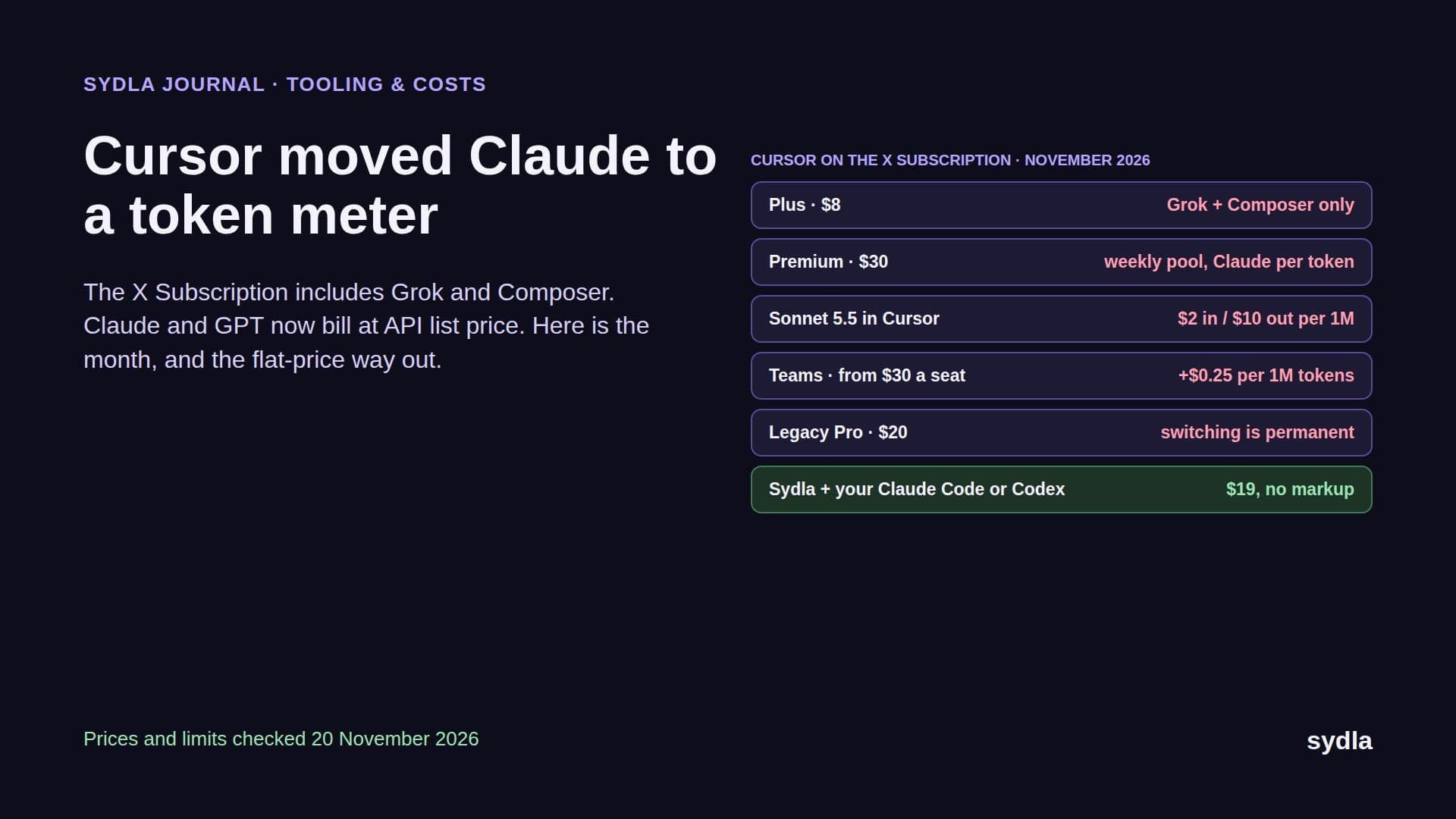
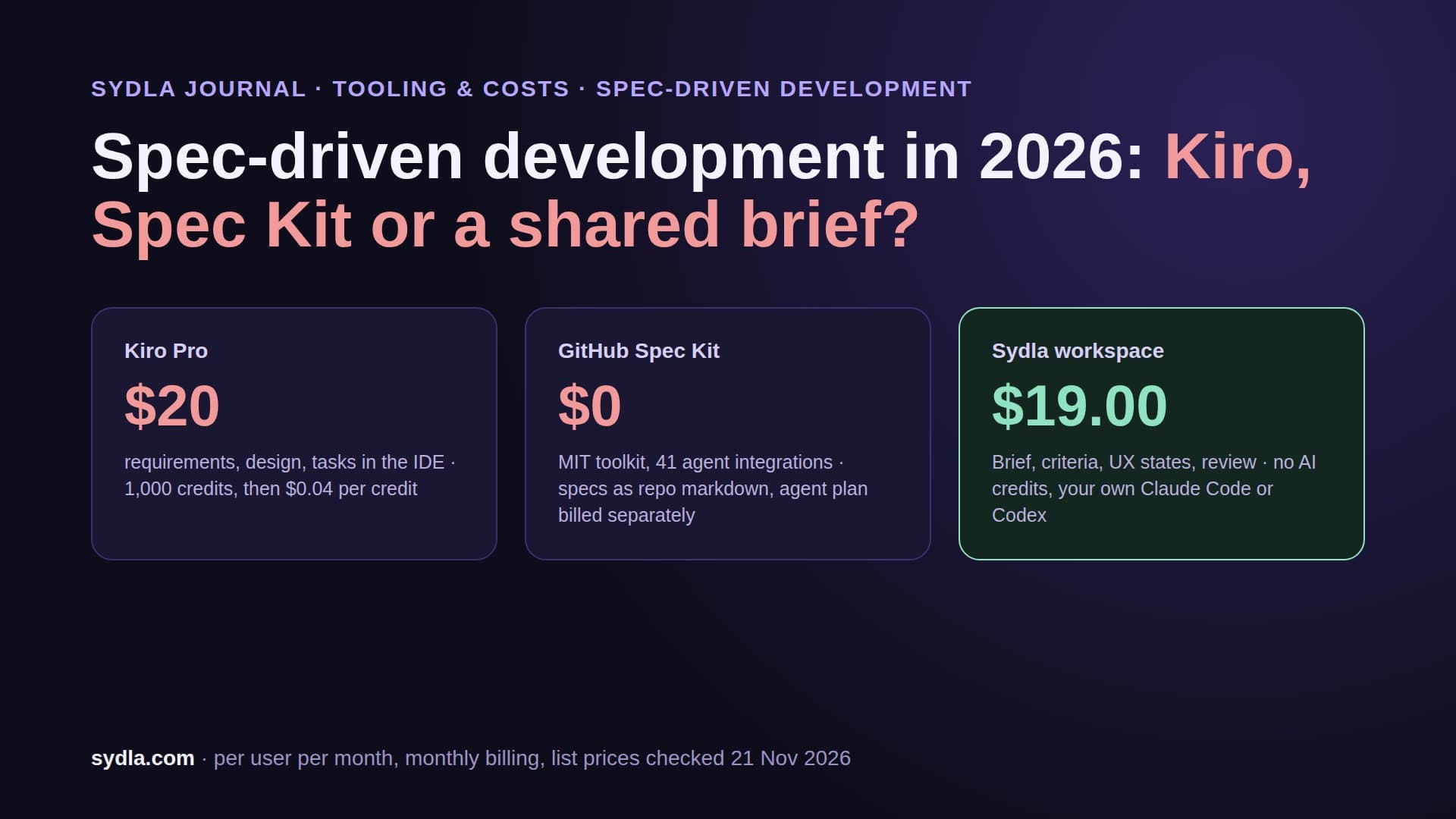
The bill is credits. Kiro Free is $0 with 50 credits a month. Pro is $20 per user with 1,000 credits, Pro+ $40 with 2,000, Pro Max $100 with 5,000 and Power $200 with 10,000. Past the plan, add-on credits cost $0.04 each. Kiro dropped its original split between spec requests and vibe requests for one pool, and its own pricing page notes that executing a spec task typically costs more than one credit. In other words, the more carefully you work, the faster the meter runs.
Kiro is a good fit if you want the discipline enforced and you are happy to work in its editor with its models. It is a weaker fit if your team already pays for Claude Code or Codex: you pay for a second agent and a second meter, and the spec still lives where only developers look.
GitHub Spec Kit: free, open and in the repo
Spec Kit takes the opposite approach. It is an MIT licensed toolkit you install with uv, which then adds commands to the agent you already use. The flow is constitution (the project's rules), specify, plan, tasks and implement, plus a converge step that checks the code against the spec after implementation. Version 1.0.0 shipped on 21 August 2026; the project now lists 41 coding-agent integrations, including Claude Code and Codex, and an experimental MCP server since October.
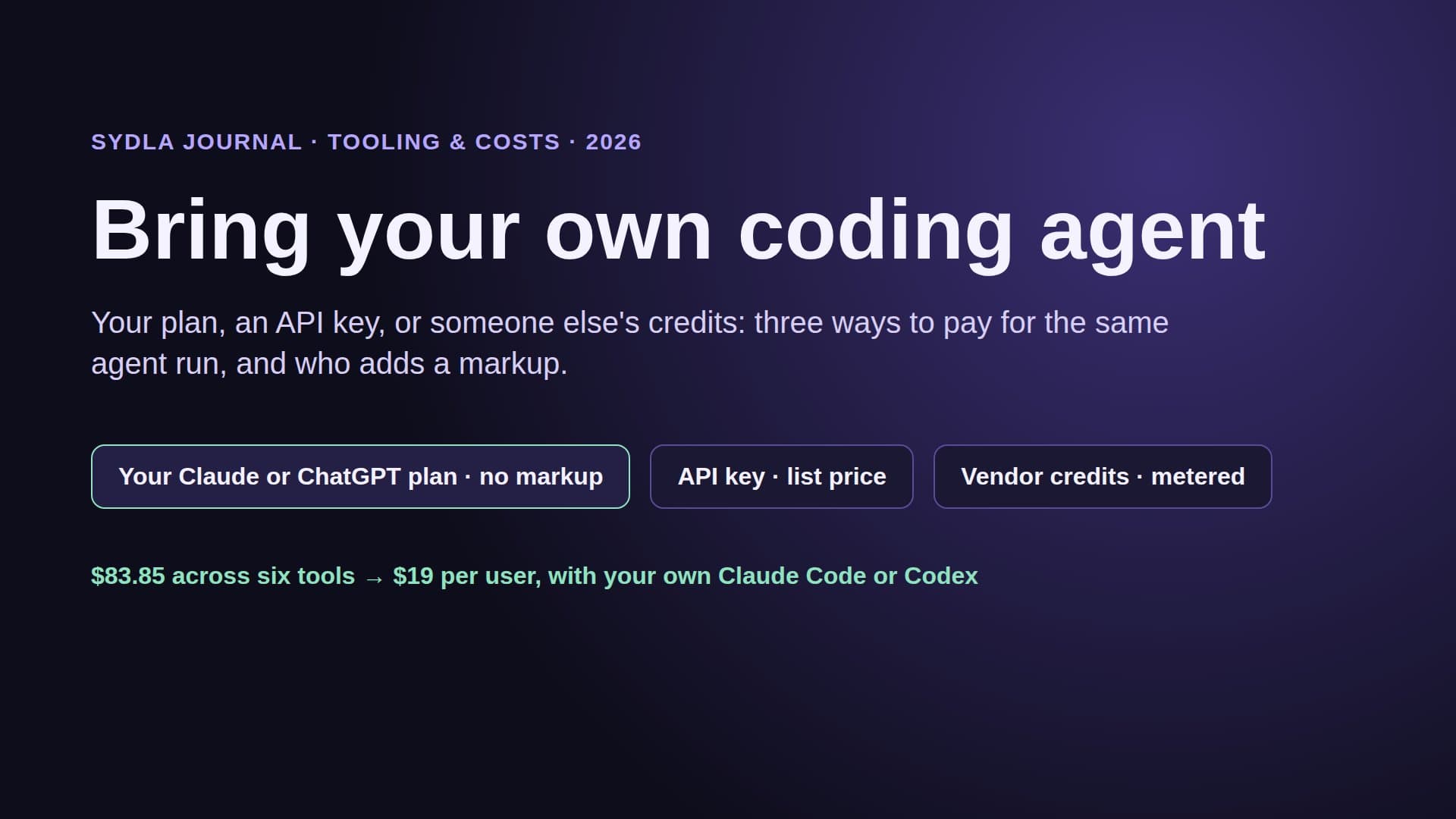
Spec Kit itself costs nothing. The agent work is billed by whatever plan your agent runs on, which is exactly the bring your own coding agent model. The trade-off is weight and reach. A single feature produces several markdown files, and they live in a branch. Product managers and designers have to open a pull request to see or change the spec, so in practice they write it in Confluence or Notion first and a developer retypes it.
Kiro vs Spec Kit vs a shared workspace
Here is how the three approaches compare on the questions that decide whether a spec actually reaches production.
| Question | Kiro | GitHub Spec Kit | Sydla with your own agent |
|---|---|---|---|
| Price to start | $0 Free (50 credits), $20 Pro | $0, MIT licence | $19 Sydla, plus the agent plan you already have |
| AI billing | 1,000 credits on Pro, $0.04 per extra credit | Your agent's own plan | No Sydla AI credits, no token markup |
| Spec artifacts | requirements.md, design.md, tasks.md | Constitution, spec, plan, tasks as markdown | Brief with numbered criteria, UX states, plan of work |
| Who reads the spec | Developers in the Kiro editor | Developers in the repository | PM, designer, developer and agent on one work item |
| Screens and states | Described in design.md | Described in the plan | Drawn in UX Studio with tokens and published handoff |
| Coding agents | Kiro's agent | 41 integrations incl. Claude Code and Codex | Claude Code or Codex in Sydla Desktop or threads |
| Verification | Task checklist in the IDE | Converge step against the spec | Pass or fail per criterion, evidence, human gate |
| Best at | Enforced discipline in one editor | Open, portable, agent-agnostic | Spec, design and review shared by the whole team |
The fair reading: Kiro wins on enforcement, Spec Kit wins on openness and price, and both are developer tools. Neither replaces the tracker, the docs or the design file, so the rest of your stack stays, and so do its meters. If your developers love Spec Kit, keep it: Sydla can hold the shared brief and the agent can still run its own plan and tasks commands.
The six-tool stack around your spec
A spec tool is one tool. The work that feeds it and checks it uses six, each with a seat, an AI meter and a handoff.
| Tool and plan | Seat / month | Built-in AI billing | Handoff it adds |
|---|---|---|---|
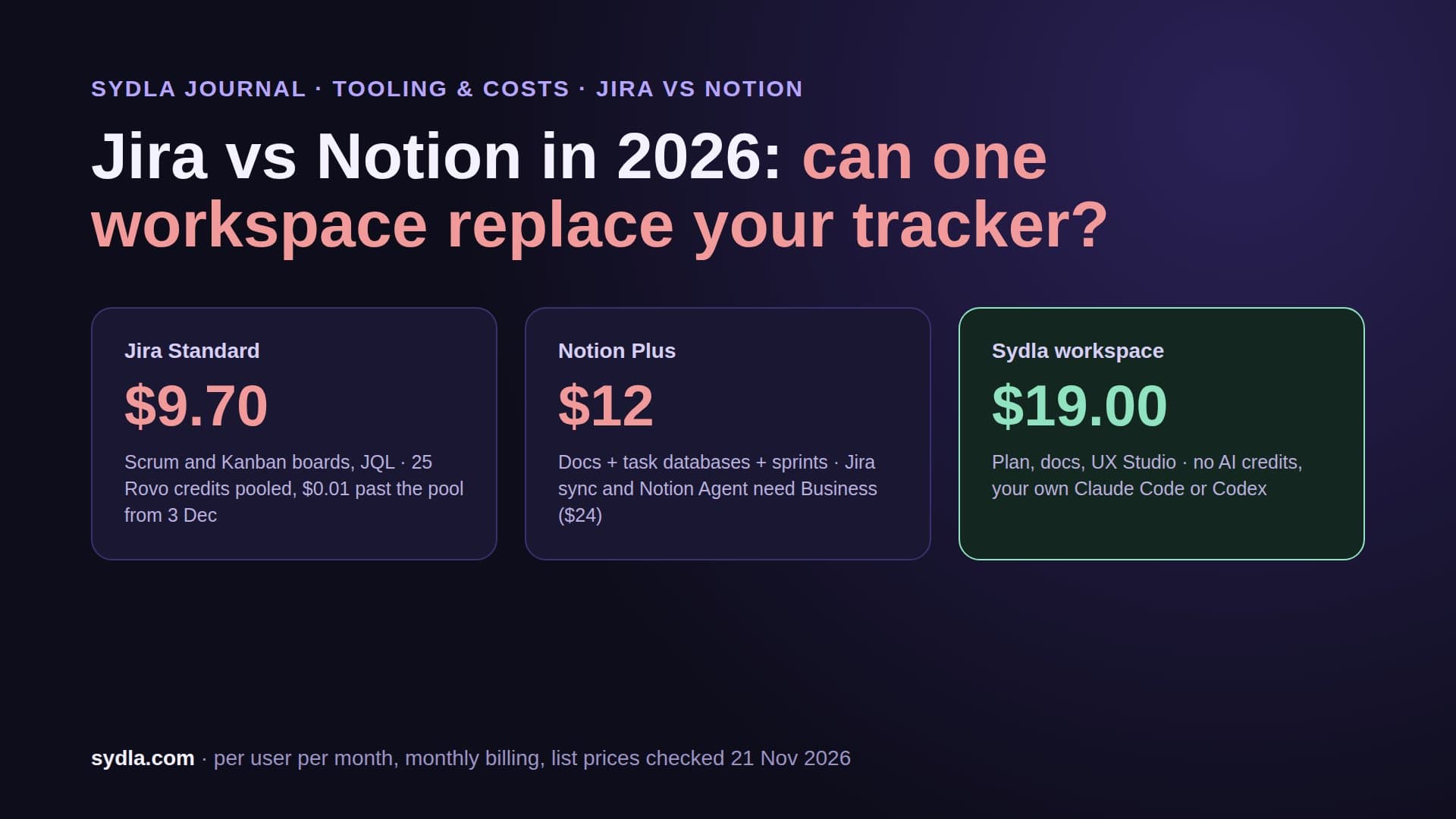
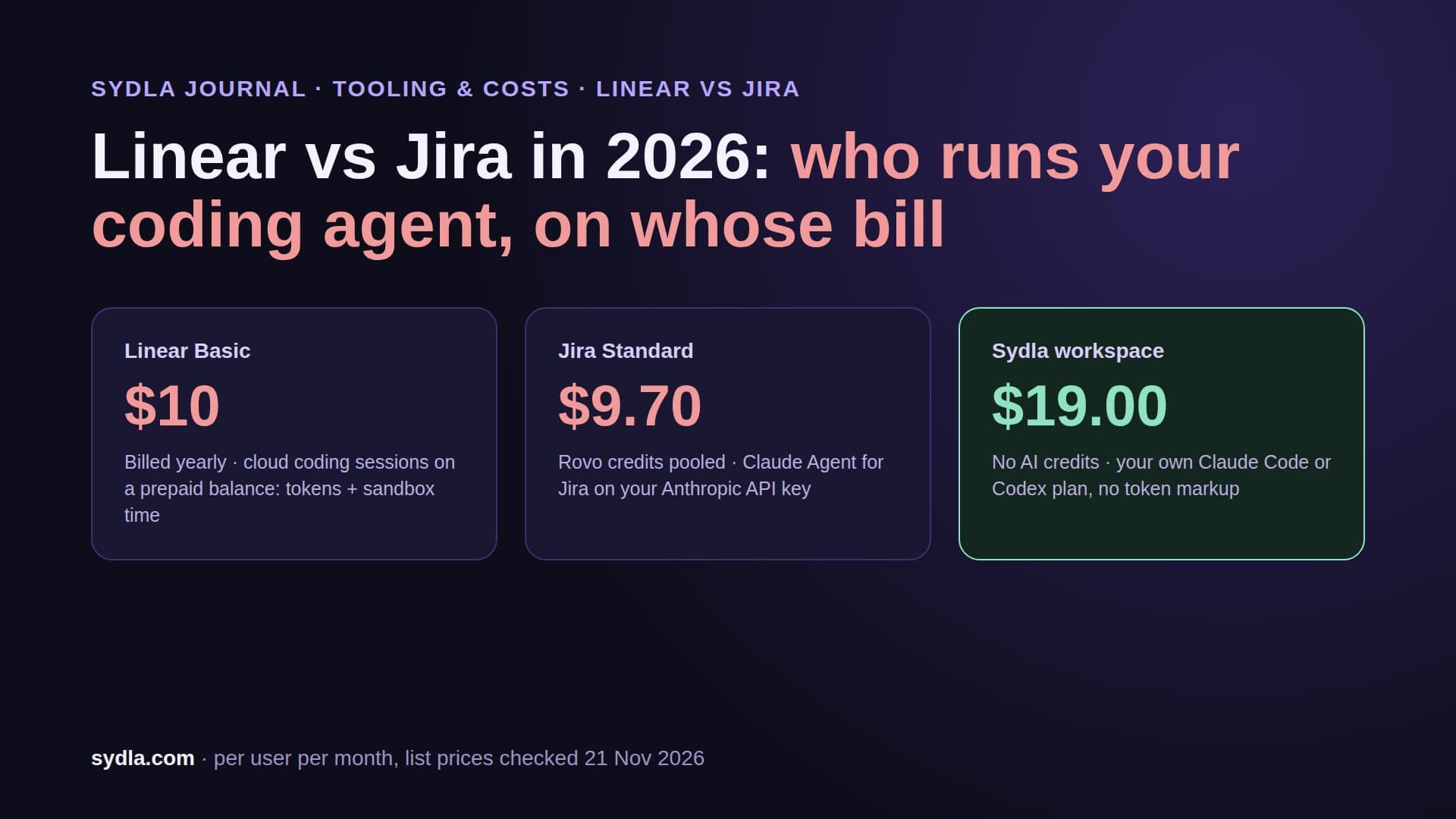
| Jira Standard | $9.70 | 25 Rovo credits per user, pooled | The request is retyped as a ticket |
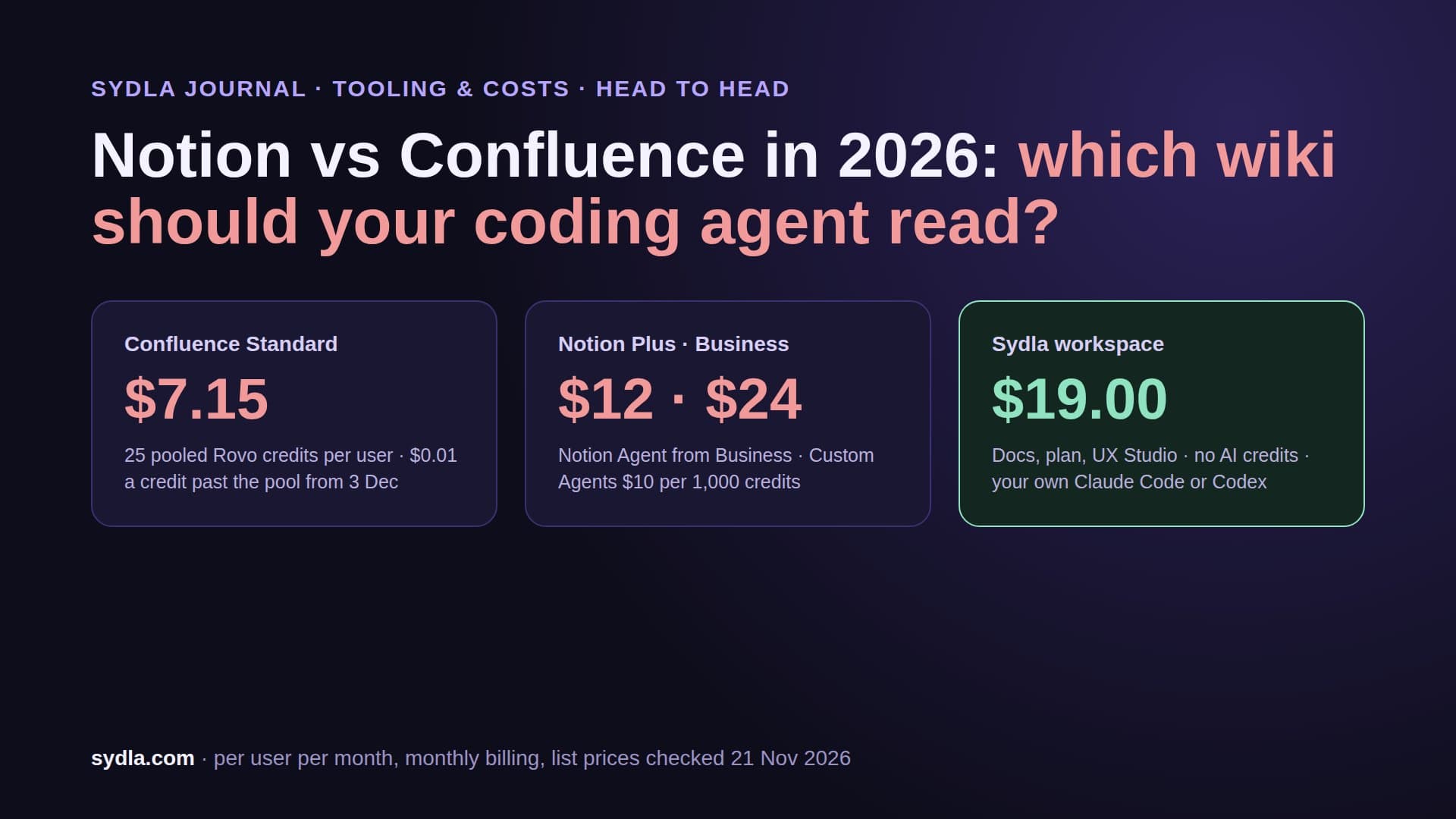
| Confluence Standard | $7.15 | Same Rovo pool; enriched MCP searches 1 to 10 credits | The ticket becomes a spec page |
| Notion Plus | $12.00 | Custom Agents need Business, then $10 per 1,000 credits | Decisions stay in meeting notes |
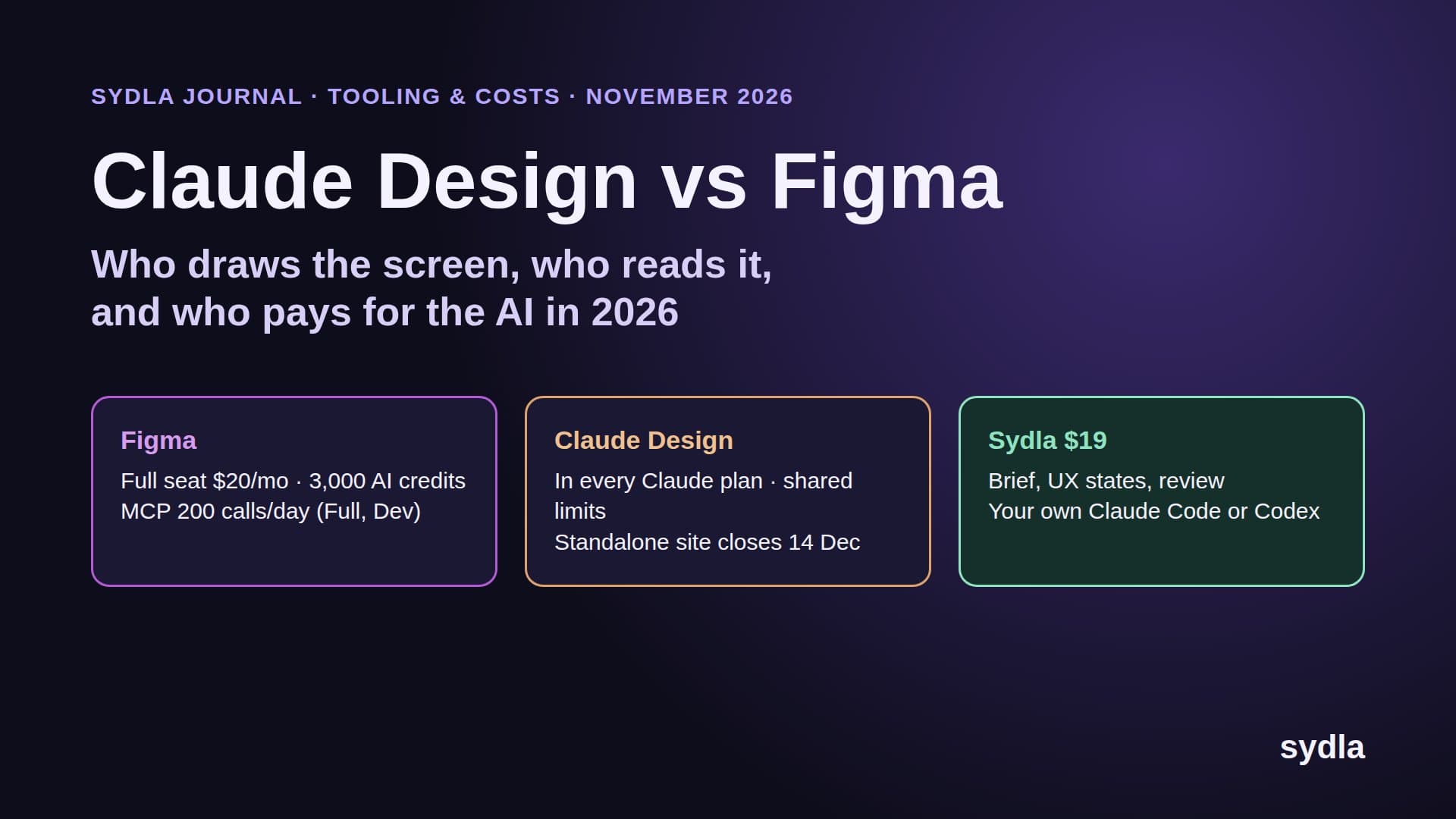
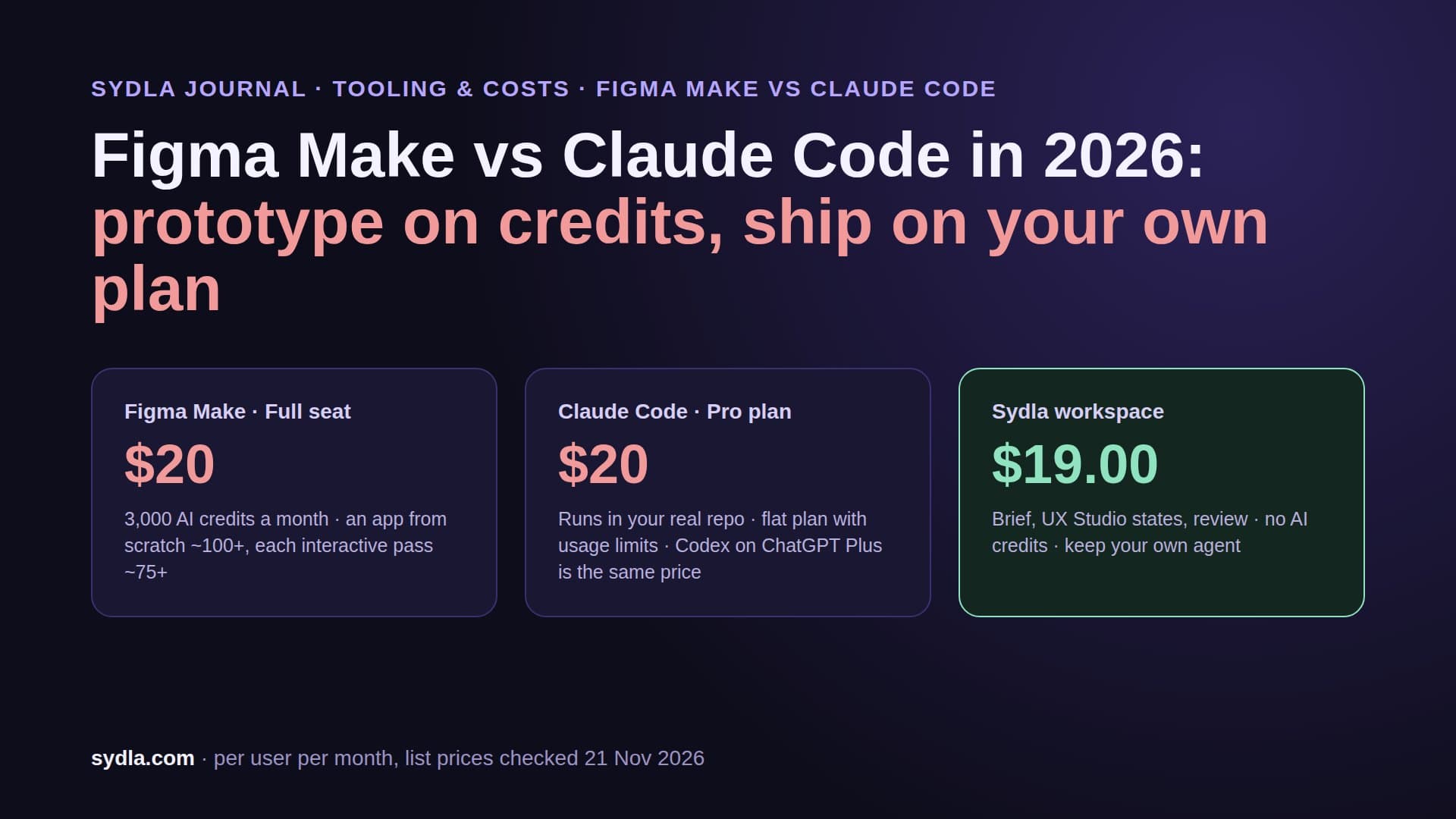
| Figma Professional, Full seat | $20.00 | 3,000 AI credits; MCP 200 calls a day | States are rebuilt in the repo |
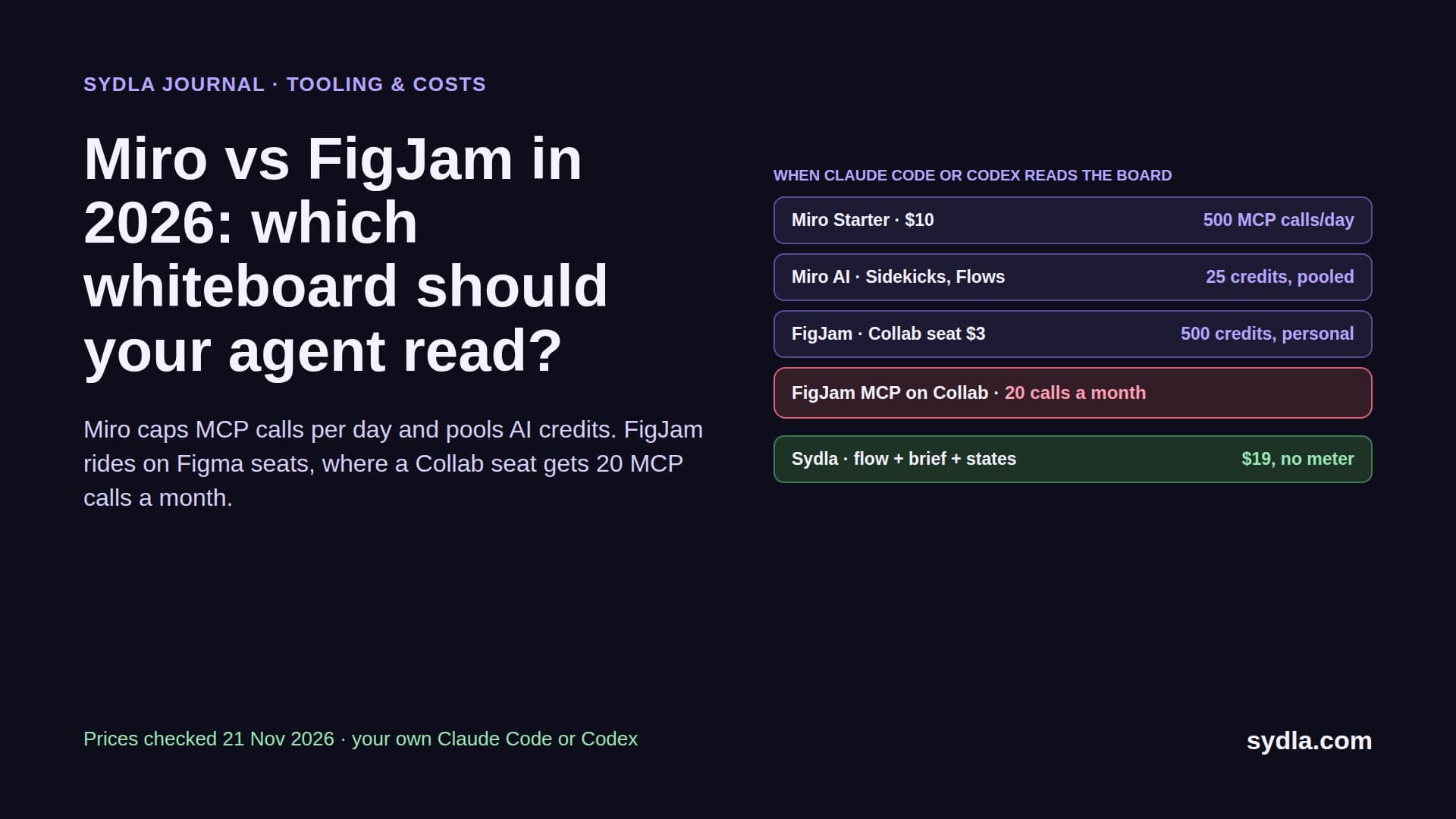
| Miro Starter | $10.00 | 25 credits per member, pooled | The flow is redrawn as frames |
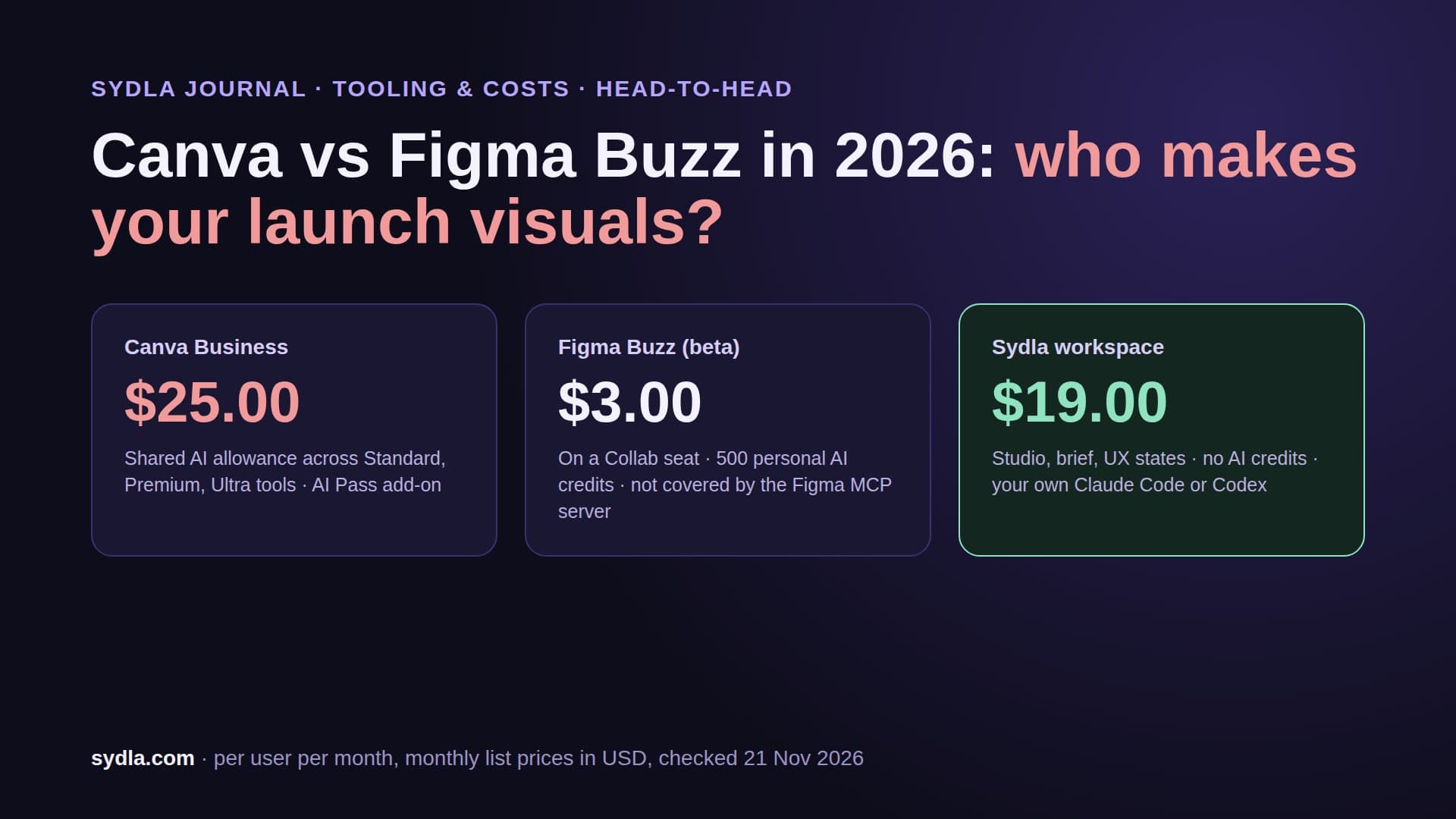
| Canva Business | $25.00 | AI allowance per plan | Screens are exported again for launch |
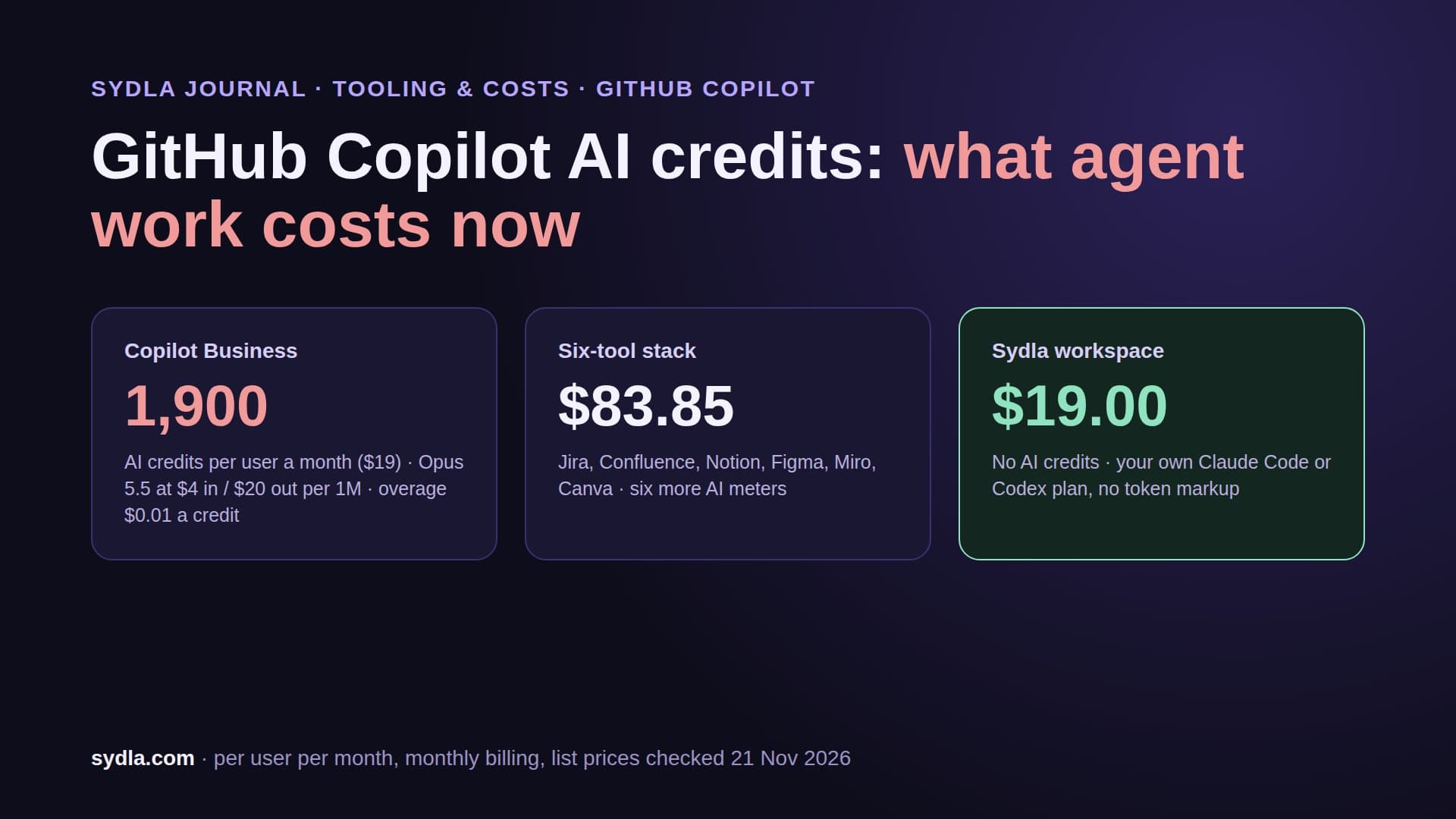
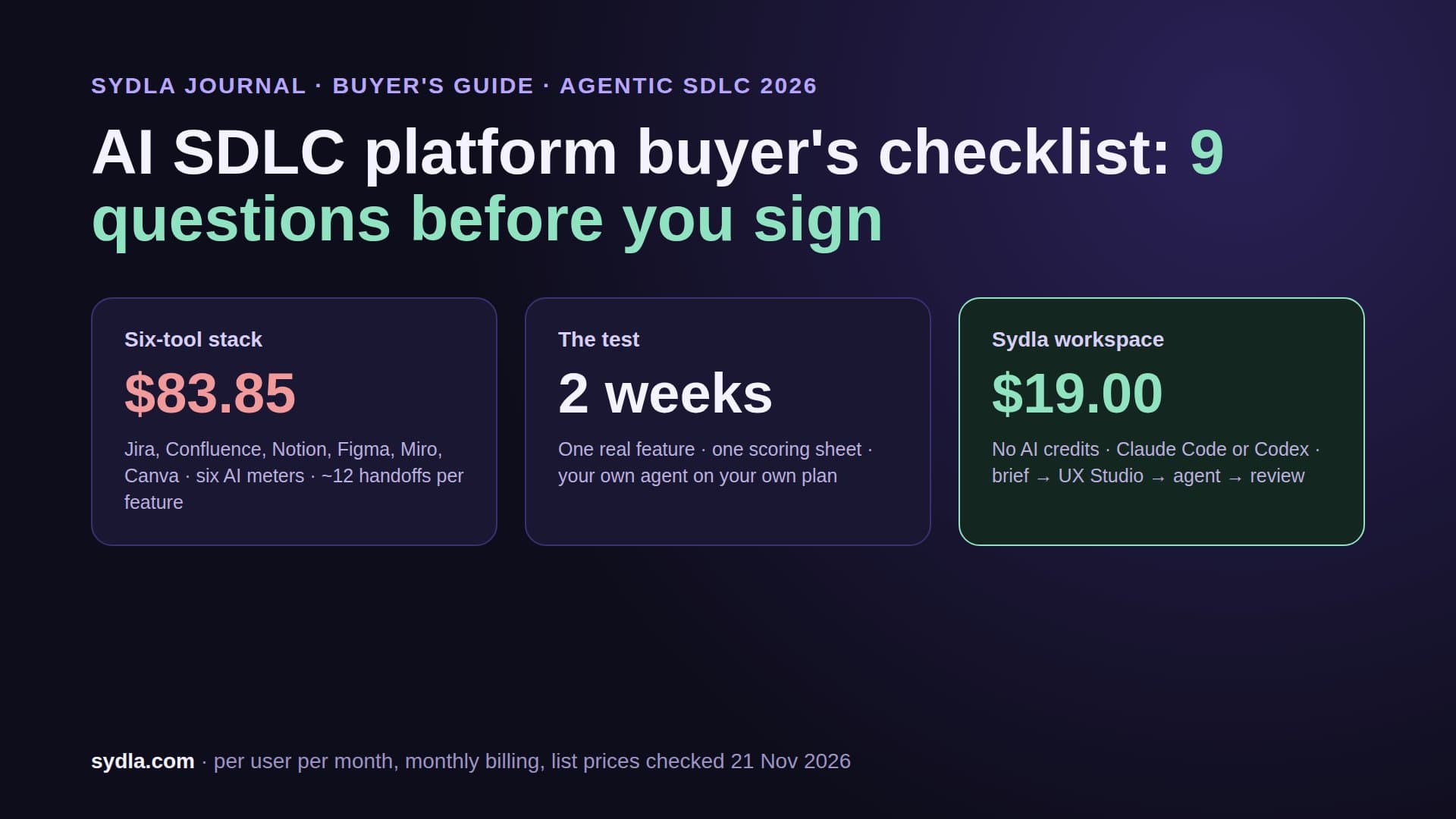
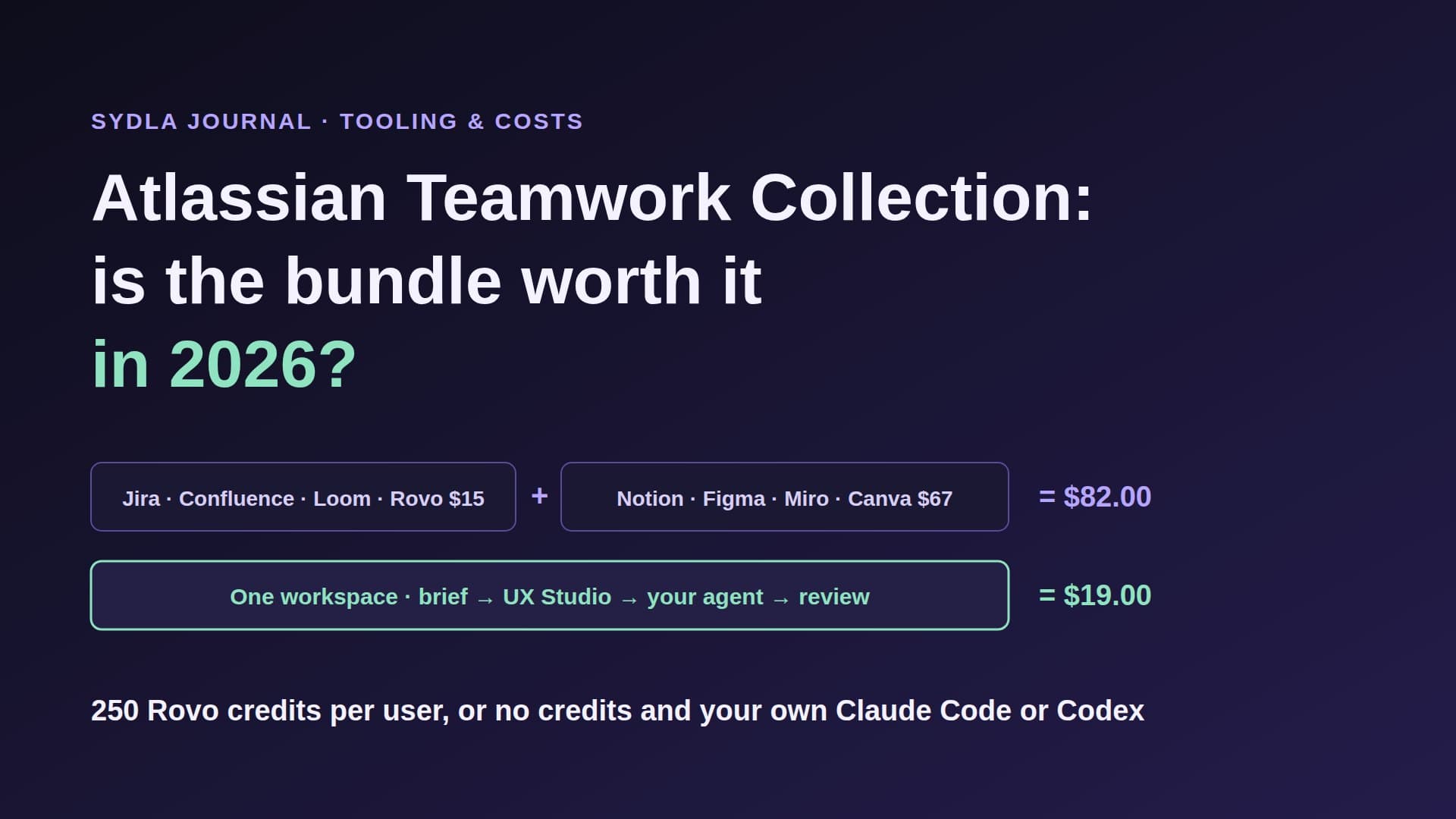
| Six-tool stack | $83.85 | Six meters, six renewal dates | The agent's spec becomes a seventh copy |
| Sydla | $19.00 | No Sydla AI credits; your own Claude Code or Codex | One work item: brief, criteria, UX states, runs, evidence |
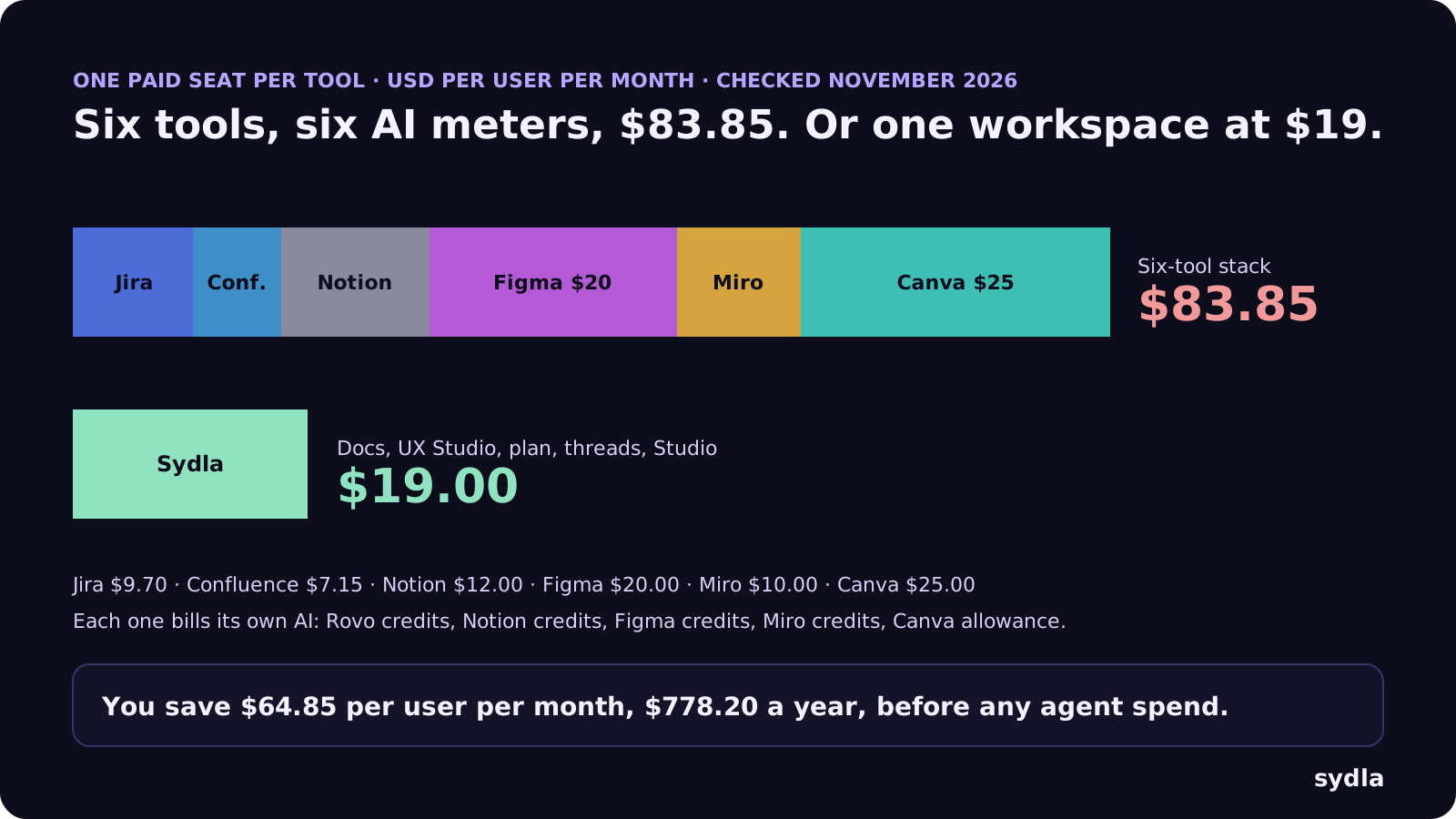
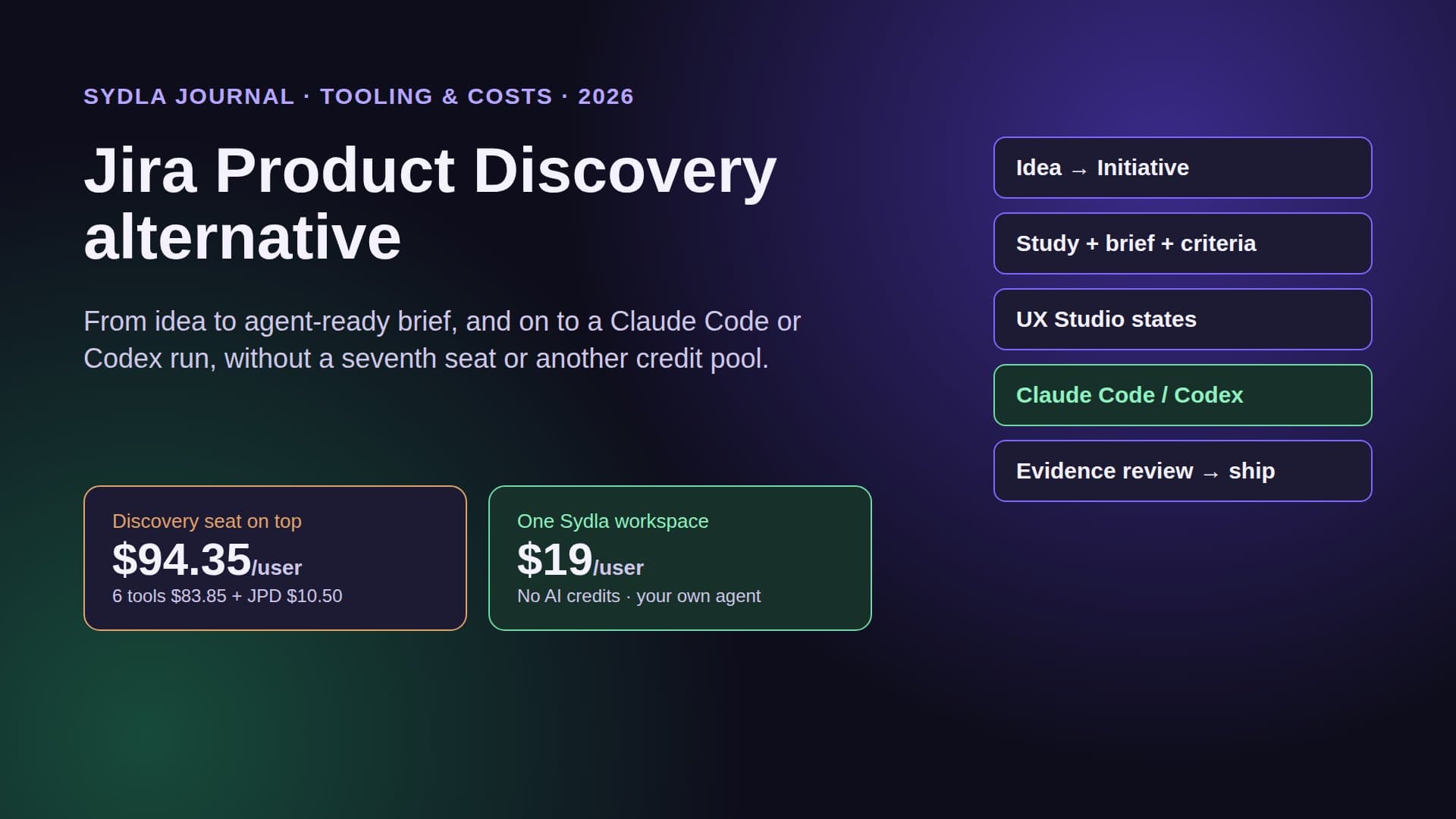
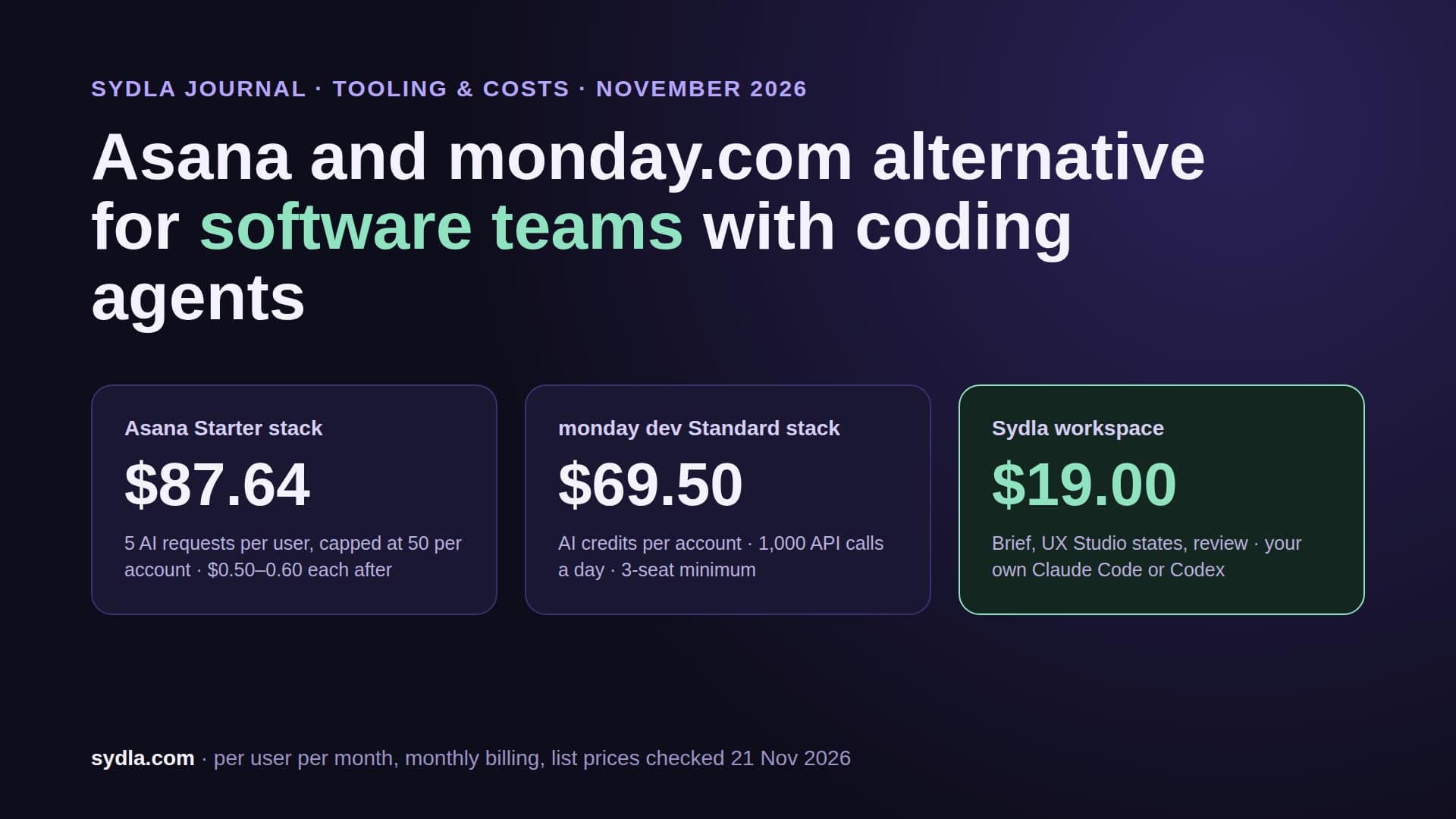
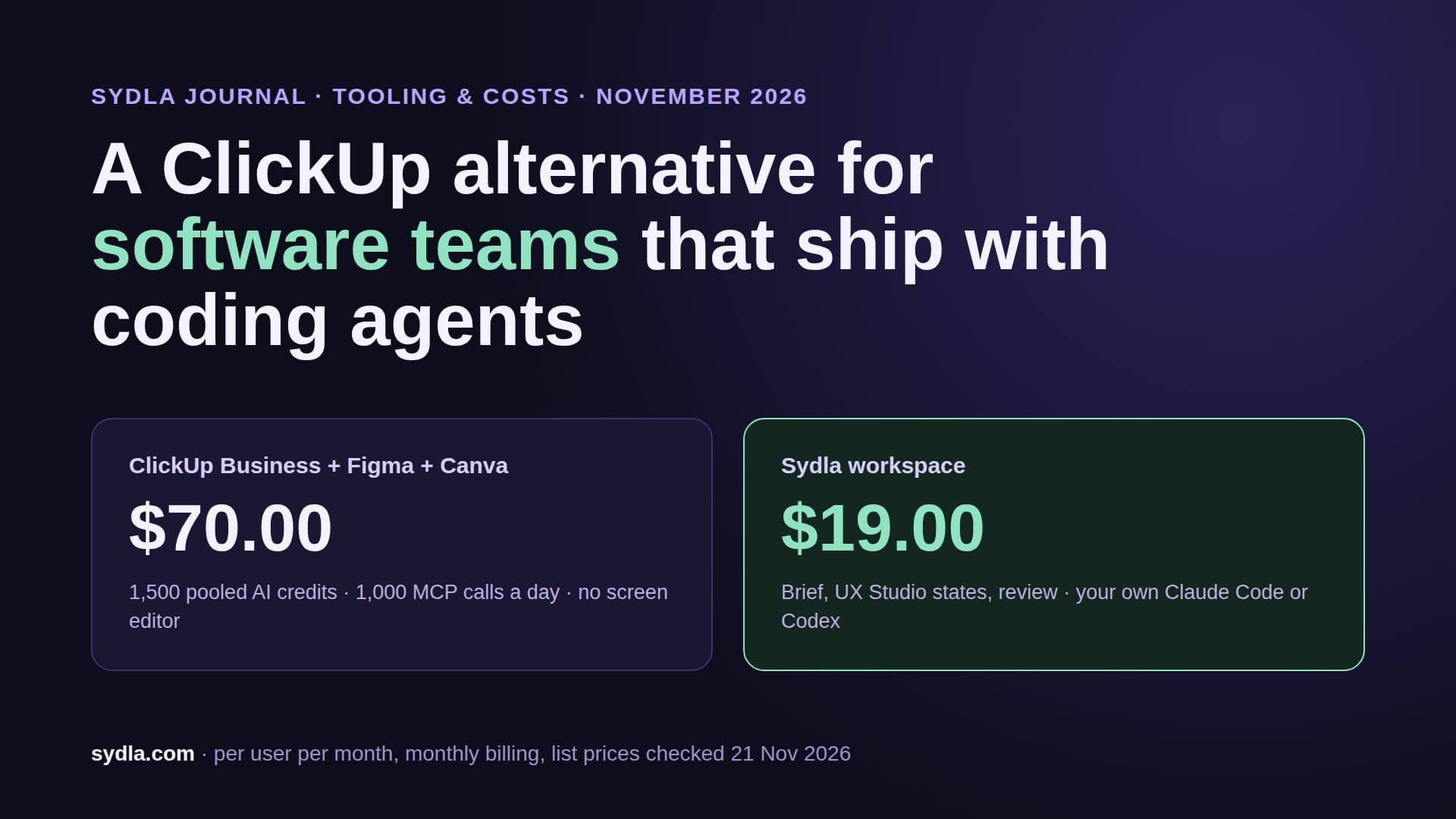
Against the stack, Sydla saves $64.85 per user per month, $778.20 a year, before any agent spend. Add Kiro Pro on top of the stack and you pay $103.85 a seat with seven meters. The pricing section has the plan, and the comparison hub is honest about where each specialist tool still wins.
Walkthrough: spec-driven development in Sydla with Claude Code or Codex
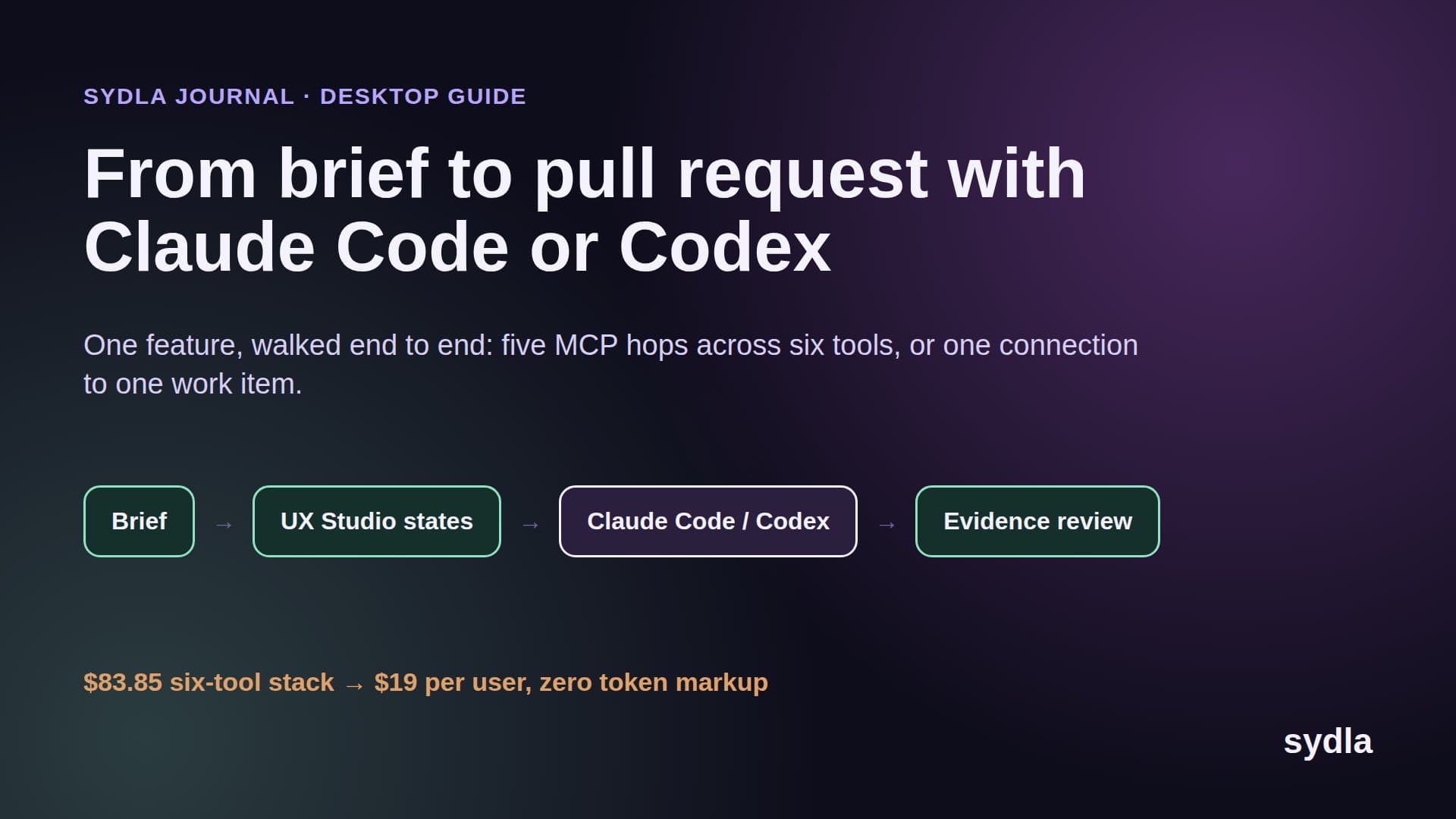
Here is the same four-step discipline, with the spec in a place the whole team uses and the agent running on your machine and your plan:
- Write the requirements as a shared brief. In Sydla Docs, record the goal, the users, the non-goals and numbered acceptance criteria, for example: AC1, an owner who exports invoices gets a CSV with one row per invoice; AC2, an empty month returns a file with headers only. Criteria are attached to the work item, so the product manager edits the same text the agent reads. The PRD template for coding agents lists the seven sections that matter.
- Design the states, not just the happy path. In UX Studio, draw the empty, loading, error, success and permission-denied screens with your design tokens and publish the handoff on the same initiative. A design.md describes a screen; a published state shows it. See design-to-code handoff.
- Break it into a plan of work. The agent can propose pieces of work and forecast their cost; a person chooses who does each one. That is the tasks.md step, visible on the plan instead of buried in a branch. Sprint planning with coding agents explains how to size around review capacity.
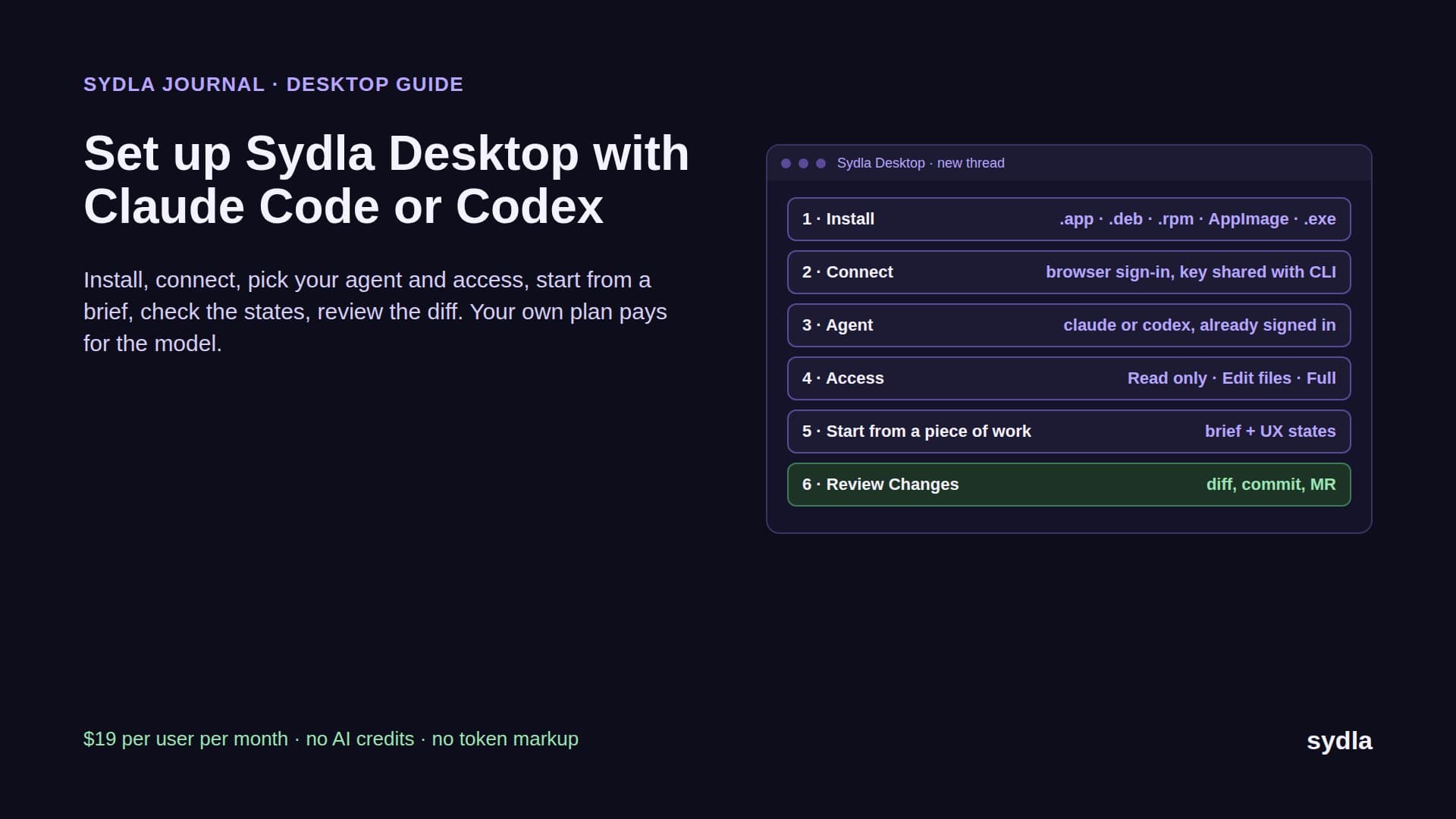
- Implement with your own agent in Sydla Desktop. Add your repository folder; Desktop matches its Git remote to your Sydla project and opens a thread from the piece of work on its own branch. It launches the Claude Code or Codex CLI already signed in on your machine, in Read only, Edit files or Full access mode. Through one Sydla MCP connection the agent reads the brief, the criteria and the UX handoff. If your repository already uses Spec Kit, the agent can still run its plan and tasks commands from that brief.
- Verify against every criterion, then a person decides. The agent records a pass or fail result for each criterion with its evidence: the test, the command output, the screen checked in a headless browser. The thread shows every tool call and Changes shows the diff. A person reviews and makes the gate decision, never the agent. The AI pull request review guide has the four-pass checklist.
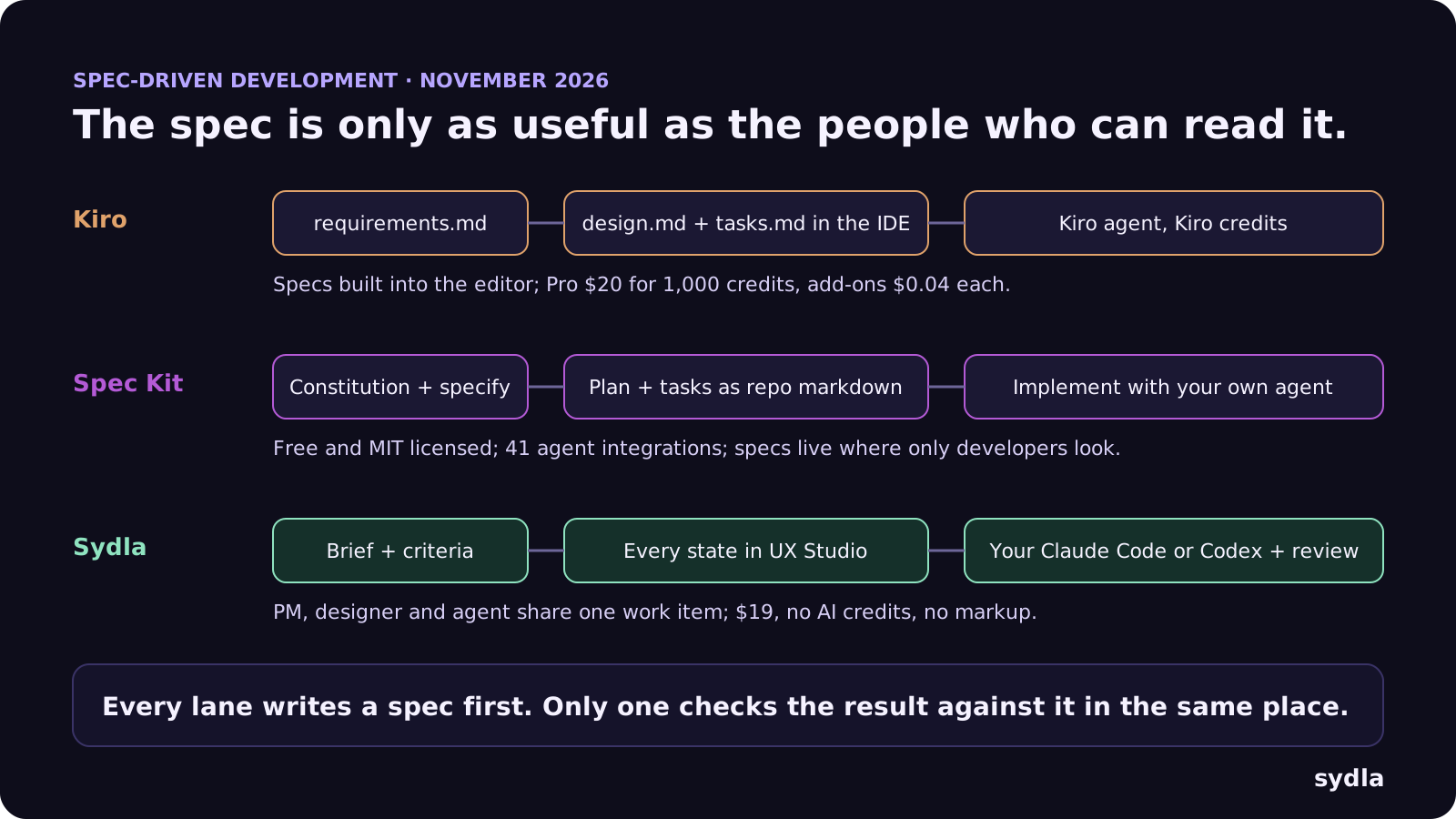
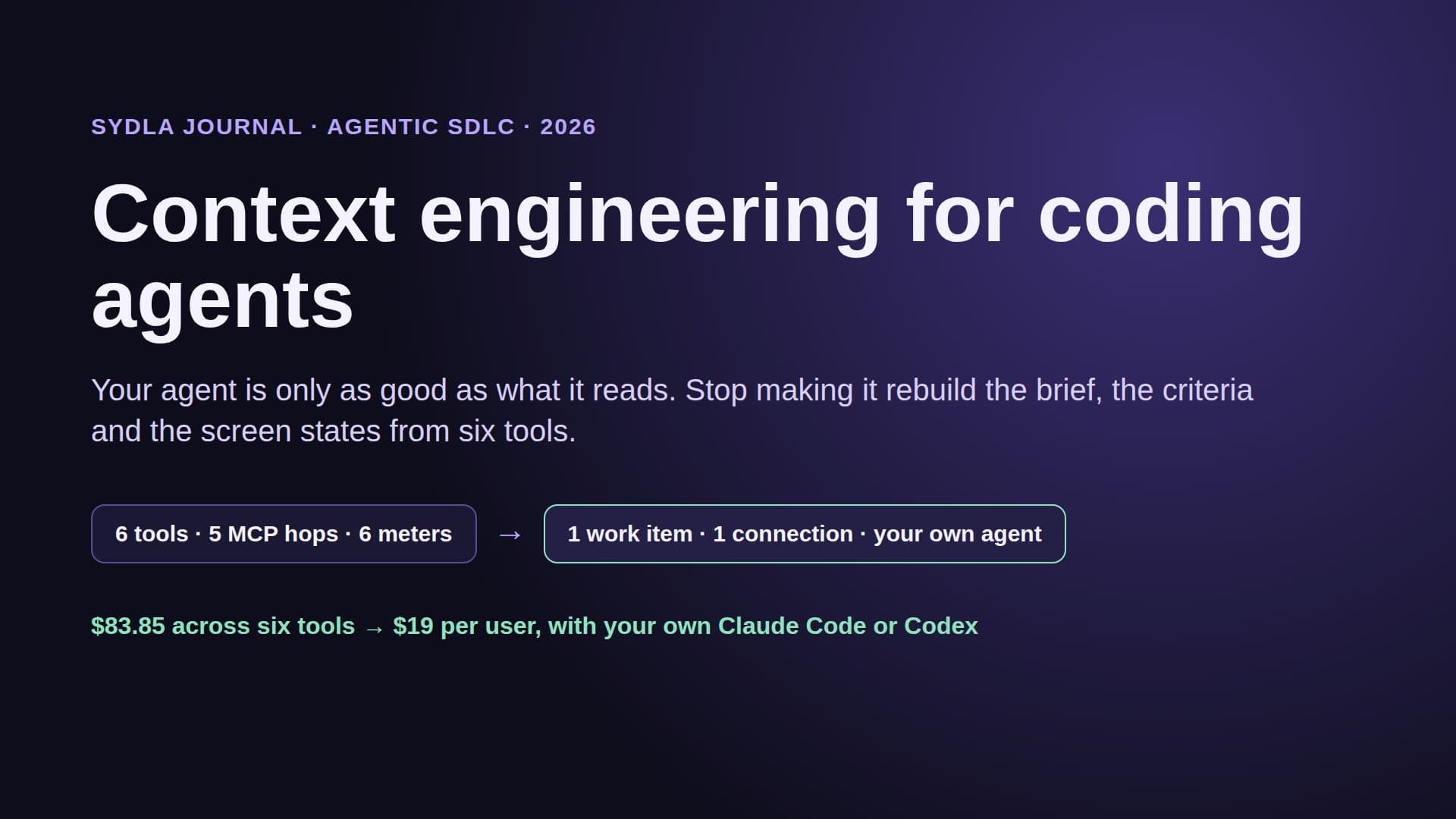
The money changes at step four: the model bill is your Claude or ChatGPT plan, flat, and Sydla adds no meter on top. The Sydla Desktop setup guide covers installation in about ten minutes, and context engineering for coding agents explains what to put in the brief and what to leave out.
Which approach should you choose?
Pick by who needs to read the spec and who pays for the agent:
- Choose Kiro if you want spec discipline enforced by the editor, you are comfortable with its agent and its credits, and your team works mostly on AWS. Budget for spec tasks costing more than one credit each.
- Choose Spec Kit if you are a developer-led team, you want an open, free and portable format, and you already pay for Claude Code, Codex or another supported agent. Plan how non-developers will review the spec.
- Choose Sydla around your agent if the spec has to be shared by product, design and engineering, you want the screens, the plan and the review next to it, and you want to keep Claude Code or Codex on your own plan. That is most solo founders, founding engineers and lean product teams. The solo founder stack shows the one-person version and what is an agentic SDLC explains the five stages.
Write the spec once. Let everyone read it.
Spec-driven development fixed the biggest problem with vibe coding: the agent now says what it will build before it builds it. What it did not fix is the six tools around the spec, the meter on every careful step, and the spec that only the agent reads.
Take the next feature on your roadmap. Write its brief, criteria and states in Sydla this week, open a Desktop thread and let your own Claude Code or Codex build it and prove each criterion. Start your $19/mo AI SDLC workspace and keep your Claude Code and Codex accounts exactly as they are.
Frequently asked questions
What is spec-driven development?
Spec-driven development is a way of working with AI coding agents where a written specification comes before the code. It has four steps: requirements with numbered acceptance criteria, a technical and UX design, a list of small tasks, and verification that each criterion holds. Tools such as Kiro and GitHub Spec Kit structure these steps; Sydla keeps them on one shared work item.
How much does Kiro cost in 2026?
As of November 2026, Kiro Free is $0 with 50 credits a month, Pro is $20 per user with 1,000 credits, Pro+ $40 with 2,000, Pro Max $100 with 5,000 and Power $200 with 10,000. Extra credits cost $0.04 each. Spec and vibe work draw from one credit pool, and a spec task typically costs more than one credit.
Is GitHub Spec Kit free, and does it work with Claude Code and Codex?
Yes. Spec Kit is MIT licensed and free; version 1.0.0 shipped on 21 August 2026. It lists 41 coding-agent integrations, including Claude Code and Codex, and adds constitution, specify, plan, tasks, implement and converge commands to your agent. The agent work is billed by your agent's own plan.
Kiro vs Spec Kit: which is better?
Kiro is better if you want the spec workflow enforced inside one editor and accept its credit billing. Spec Kit is better if you want an open, agent-agnostic format and already pay for Claude Code or Codex. Both keep the spec in developer tools; if product managers and designers must review it, keep the brief in a shared workspace such as Sydla.
Can I do spec-driven development without a new AI subscription?
Yes. Use the Claude Code or Codex plan you already have, write the brief and acceptance criteria in a shared workspace, and have the agent record evidence against each criterion. Sydla costs $19 per user per month, charges no AI credits and adds no token markup to your agent.