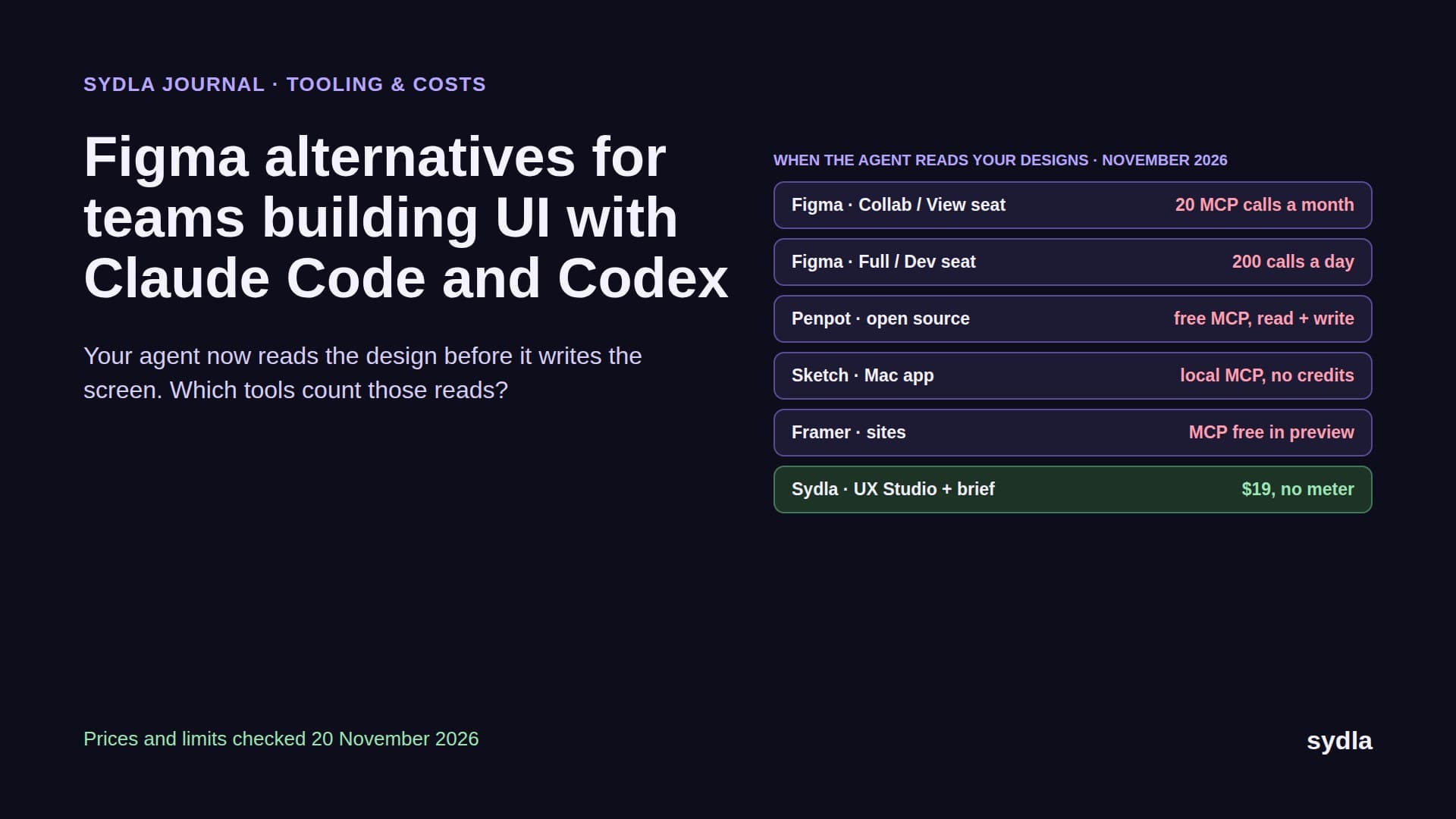
Figma alternatives for teams building UI with Claude Code and Codex (2026)
Your coding agent now reads the design before it writes the screen, and Figma counts those reads per seat. Here is Figma next to Penpot, Sketch, Framer, UXPin and Sydla UX Studio, with prices, MCP limits and credit rules checked in November 2026.
Your design file has a new reader
A year ago a developer opened Figma, inspected a frame, copied a spacing value and went back to the editor. In 2026 that developer is often Claude Code or Codex. Before the agent writes a component, it asks a design MCP server for the frame's structure, a screenshot and the variables behind the colours and spacing. Then it builds, compares and asks again.
That makes a Figma alternative a different purchase from what it was in 2023. Vector tools and prototyping still matter, but three questions now decide the bill and the quality of the pull request: what each agent read costs and who has a quota, whether the agent can see every state of a screen and not only the happy path, and whether the design sits anywhere near the brief and the ticket the agent is working from. Add the meters already running in Jira, Confluence, Notion, Miro and Canva, and you get the AI credit fatigue most product teams feel this year.
This guide compares Figma with five alternatives on those terms: Penpot, Sketch, Framer, UXPin and Sydla UX Studio. It completes our series after the Jira alternatives and Confluence alternatives guides. Every price and limit comes from the vendor's own page, checked on 20 November 2026.
Four questions to ask before you leave Figma
Every design tool can draw a button. Ask how it behaves when an agent is the one looking at it:
- Who has an MCP quota, and how big is it? Figma's MCP server limits calls by seat type. A developer on a Dev seat has 200 calls a day; a product manager on a Collab seat has 20 a month. Some alternatives put no limit on MCP at all.
- Can the agent write, and will writing cost money later? Writing to the canvas lets an agent turn a running build back into frames or fix a design token. Figma says this is free during the beta and will become usage-based. Penpot and Sketch servers write today with no meter.
- Does the agent see states or only screens? Agents build what they are shown. If empty, loading, error and permission states are not drawn, the agent guesses. Our design-to-code handoff guide explains why states beat screenshots.
- Where is the brief? A frame tells the agent what a screen looks like, not why it exists or what done means. If the brief lives in another tool, every ticket costs another connection, another sign-in and often another meter.
Figma and five alternatives, side by side
The table lists the plan a small product team would realistically buy, in USD per editor per month before tax. Where a vendor only shows a yearly price, the table says so.
| Tool and plan | Seat / month | AI billing | How Claude Code or Codex reaches it | What the agent still reads elsewhere |
|---|---|---|---|---|
| Figma Professional | $20 Full monthly ($16 shown yearly), $12 Dev, $3 Collab | 3,000 AI credits per Full seat, 500 on Dev and Collab; personal, no rollover | Figma MCP server: 200 calls a day on Full and Dev, 20 a month on View and Collab; canvas writes free in beta, then usage-based | Brief, tickets, flows |
| Penpot Unlimited | $0 Professional, $7 Unlimited (capped at $175 a month) | No AI credits; bring your own agent and model | Official open-source MCP server, read and write, hosted or local, no paywall | Brief, tickets, states only if you draw them |
| Sketch Standard | $12 (billed yearly), Mac app | No AI credits for MCP | Local MCP server inside the Mac app: layer tree, assets, screenshots, comments, and writes through the Sketch API | Brief, tickets; no MCP from Windows or Linux |
| Framer Pro | $30 per site plus $20 per extra editor | Workspace credits shared by every editor for Framer's own agents | Official MCP server, free during preview; works with Claude Code and Codex on canvas, components and CMS | Brief, tickets; built for websites, not app UI |
| UXPin Core | $29 yearly, $49 monthly | 250 AI credits a month (600 on Growth), packs from $13 | Forge generates UI from React components and exports JSX; no MCP server found on its pages | Brief, tickets |
| [Sydla](/) UX Studio | $19 for the whole workspace | None: your own Claude Code or Codex plan pays for the model | One Sydla MCP connection for brief, criteria, screens and states, from Sydla Desktop or any MCP client | Nothing else: the ticket, brief and states are one work item |
What each one does well, and where it stops
Figma is still the deepest design tool on the market, and its MCP server is good: it returns the structure, variables and Code Connect mappings an agent needs to reuse your real components. The catch is who gets to use it. Read limits follow the seat, so the cheap seats you give to product managers and reviewers are nearly useless for agent work, and canvas writes are free only until the beta ends. Our Figma AI credits guide covers the credit side.
Penpot is the most agent-friendly alternative on cost. It is open source, the core plan is free, and the official MCP server reads and writes design files with no credits and no paywall. Designs are stored in open web standards, so what the agent reads maps closely to CSS. The trade-off is ecosystem: fewer plugins and community files, and you need to bring the brief from somewhere else.
Sketch now ships a free MCP server inside the Mac app. It runs locally, so reads never leave the machine and never touch a quota, and the run_code tool gives the agent the full Sketch API for writes. It only works while the Mac app is open, which suits a designer pairing with an agent more than a developer on Linux or a cloud runner.
Framer is a website builder first. Its MCP server lets Claude Code or Codex edit the canvas, components and CMS of a marketing site, free during the preview. Framer's own agents spend credits shared across the workspace. Pick it for the site, not for the app your agents are building.
UXPin designs with real React components, and Forge generates UI from your library and exports JSX. That narrows the design-to-code gap from the design side. It bills its AI in credits per plan and, on its public pages, offers no MCP server for an outside agent to read.
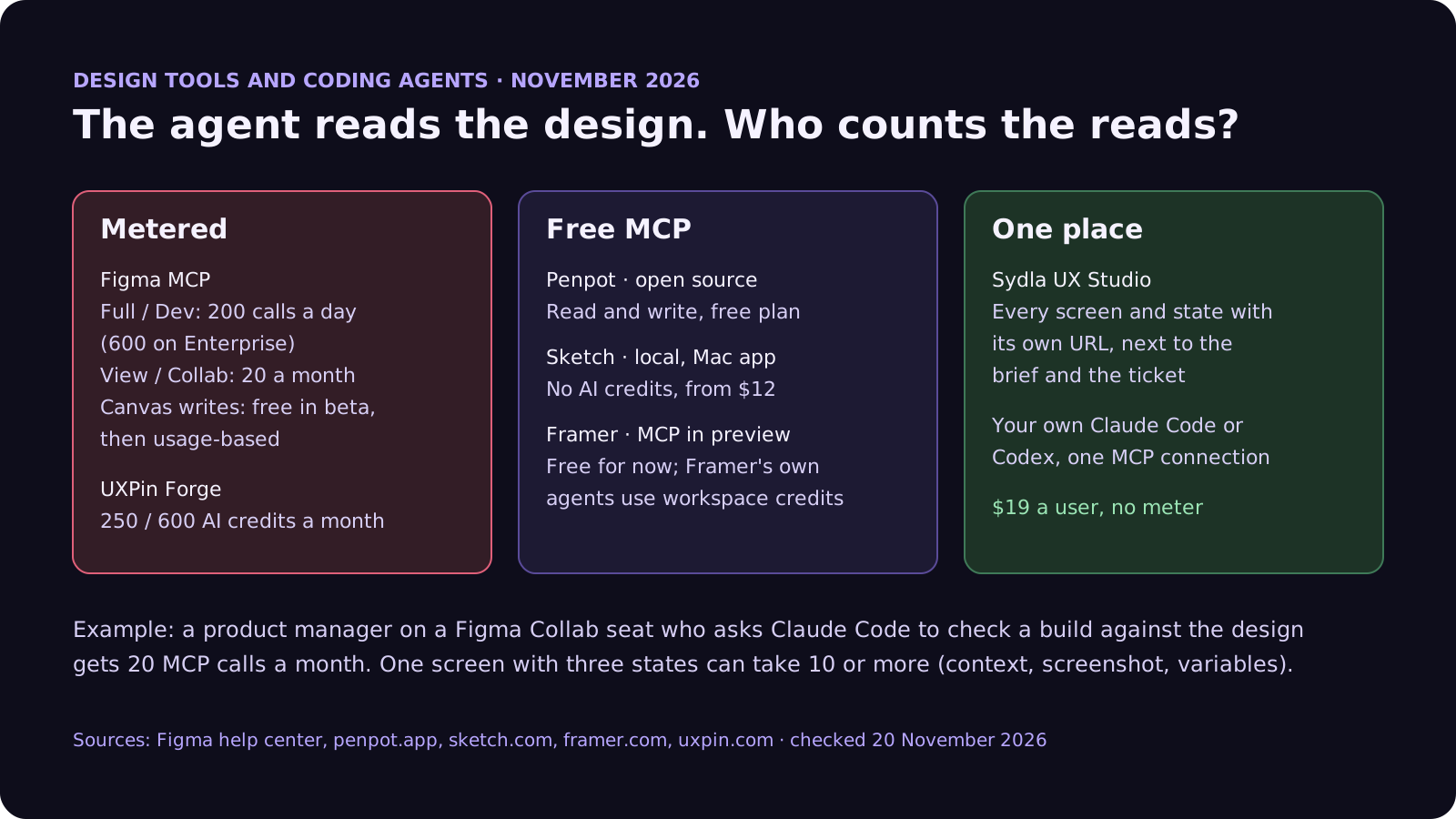
To make the quota concrete: take a five-person team on Figma Professional with one Full seat for the designer, two Dev seats for engineers and two Collab seats for a product manager and a QA lead. That is $20 + 2 × $12 + 2 × $3 = $50 a month. Say one screen with three states takes 10 MCP calls for context, screenshots and variables, and the team ships 12 screens a month. That is 120 calls, well inside the engineers' 200 a day. But if the product manager asks Claude Code to check a build against the design, the 20-call monthly allowance is gone after two screens. Screen and call counts are our assumptions; the limits are Figma's. Upgrading those two seats to Dev adds $18 a month and still leaves the brief in another tool.
Switching design tools fixes one meter out of six
Moving off Figma changes where the screens live. It does not change where the tickets, the spec, the notes, the flows and the launch assets live, and each of those tools runs its own AI meter. Here is one paid seat of the typical stack next to Sydla. Each tool has a page on our comparison hub.
| Tool and plan | Seat / month | Built-in AI billing | What the agent needs from it |
|---|---|---|---|
| Jira Standard | $9.70 | 25 Rovo credits per user per month, pooled | The ticket and acceptance criteria |
| Confluence Standard | $7.15 | 25 Rovo credits per user per month, same pool | The spec and decisions |
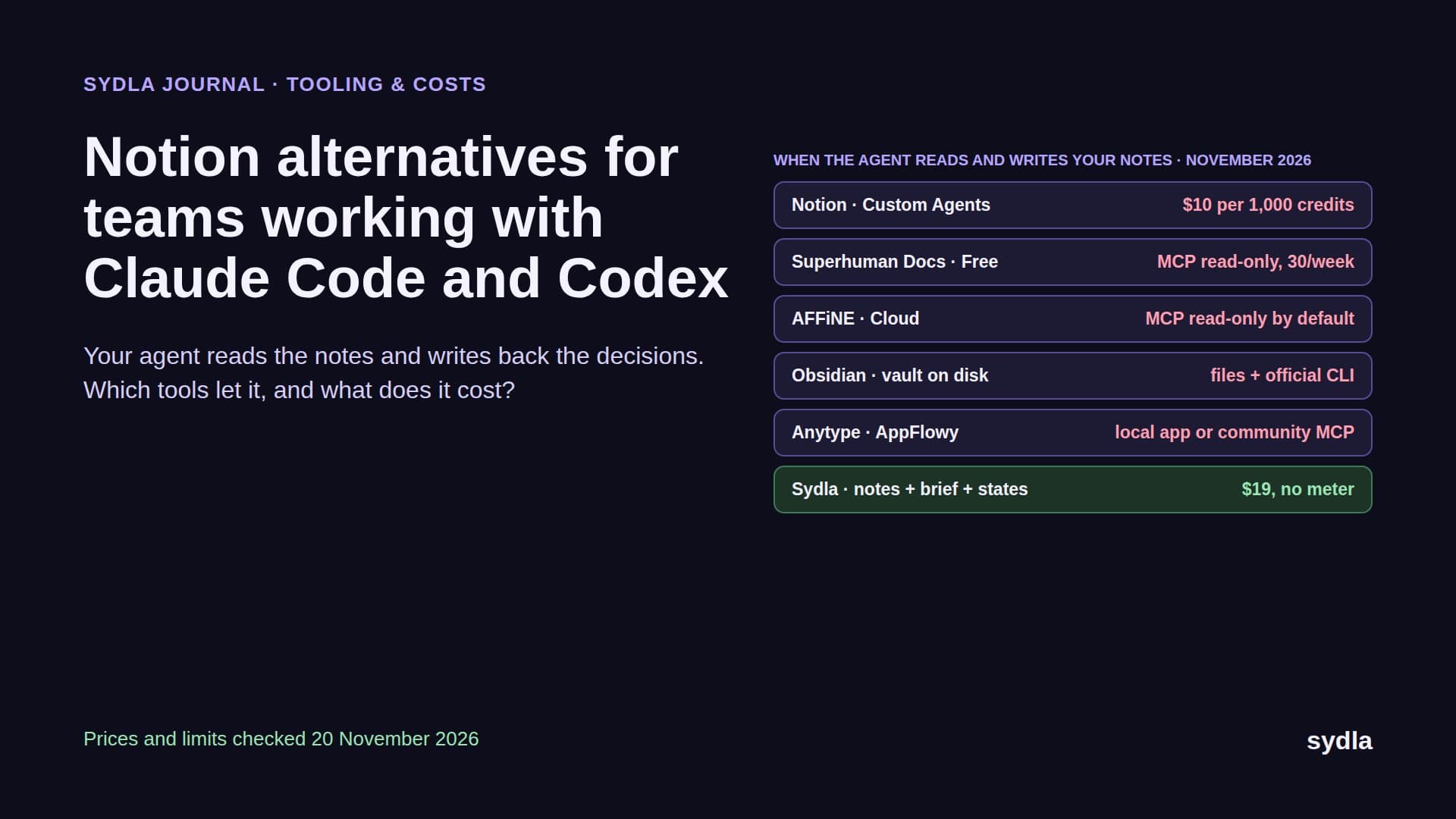
| Notion Plus | $12.00 | Custom Agents need Business or Enterprise, then $10 per 1,000 credits | Notes and research |
| Figma Professional, Full seat | $20.00 | 3,000 AI credits a month, personal; MCP 200 calls a day | Screens and states |
| Miro Starter | $10.00 | 25 AI credits per seat a month, pooled, pauses at zero | Flows and diagrams |
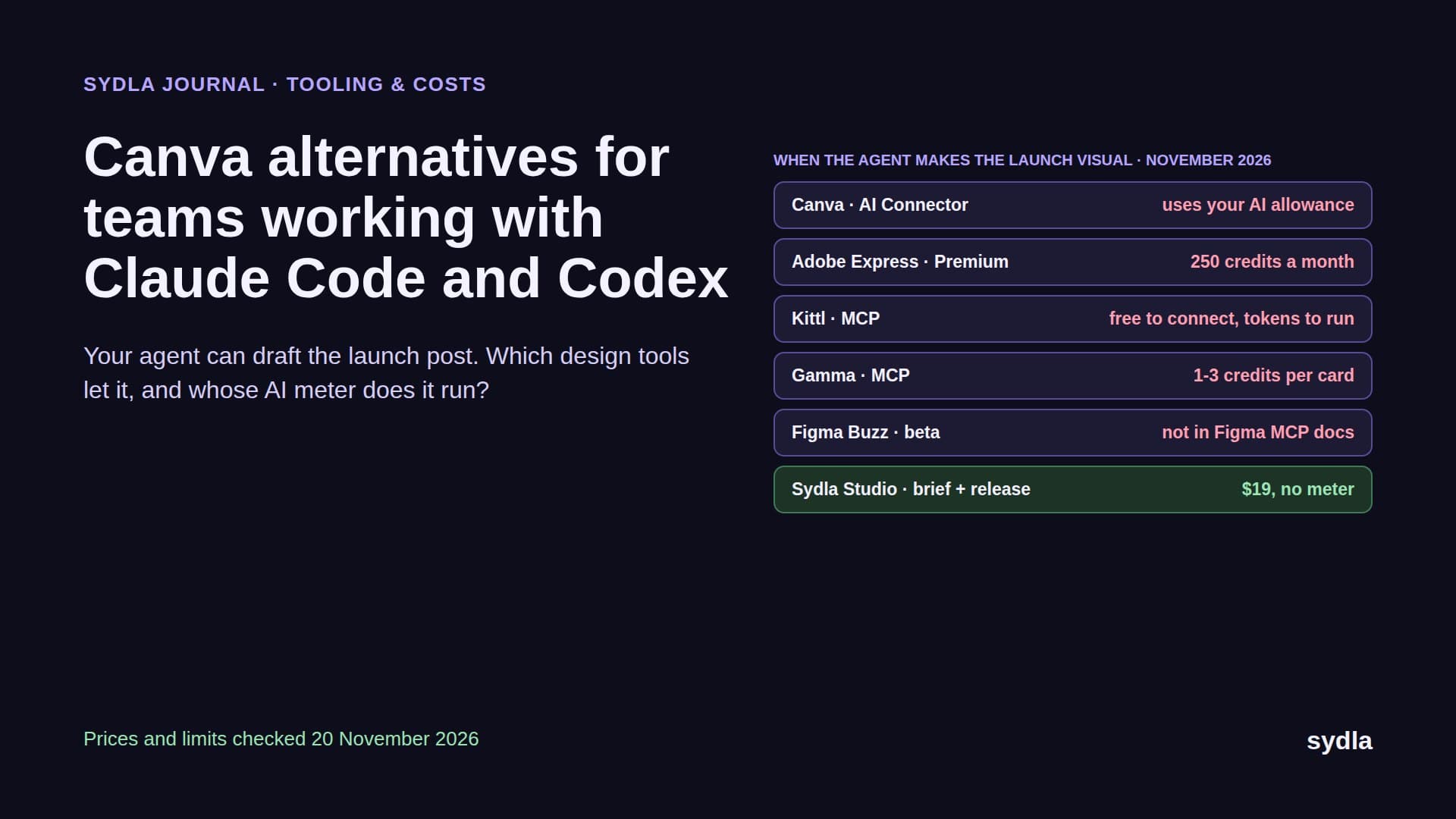
| Canva Business | $25.00 | Personal allowance; top-ups or AI Pass at $100 | Launch visuals |
| Six-tool total | $83.85 | Six meters, plus your coding agent | Six context hops per ticket |
| [Sydla](/) | $19.00 | None: your own Claude Code or Codex plan pays for the model | One work item: brief, docs, criteria, states, runs and evidence |
That is $64.85 per user per month less than the six-tool stack, before any extra credits. Swapping Figma for free Penpot saves $20 a seat and leaves five meters running. The pricing section has the details.
Which alternative fits which team
There is no single winner. Each option suits a different shape of team:
- Stay on Figma if your design system, Code Connect mappings and community libraries live there and your designers depend on its depth. Put agent work on Full or Dev seats, not Collab, and budget for canvas writes once the beta ends.
- Pick Penpot if you want free, open-source design with an MCP server that reads and writes without a meter, or you need to self-host for compliance.
- Pick Sketch if your designers are on Macs and want to pair with an agent locally, with no quota and no data leaving the machine.
- Pick Framer for the marketing site, where an agent can edit pages and CMS directly. Keep app UI elsewhere.
- Pick UXPin if your design system is a React library and you want designers to compose with the real components.
- Pick Sydla if you want the brief, the UX states, the agent run and the review on one work item, with the Claude Code or Codex account your developers already have. It replaces the design tool and the five around it, which is where the $64.85 comes from.
How Sydla Desktop connects your own agent to UX Studio
Here is what a feature looks like when the screens, the brief and the ticket are the same place, and the agent is the one already installed on your laptop.
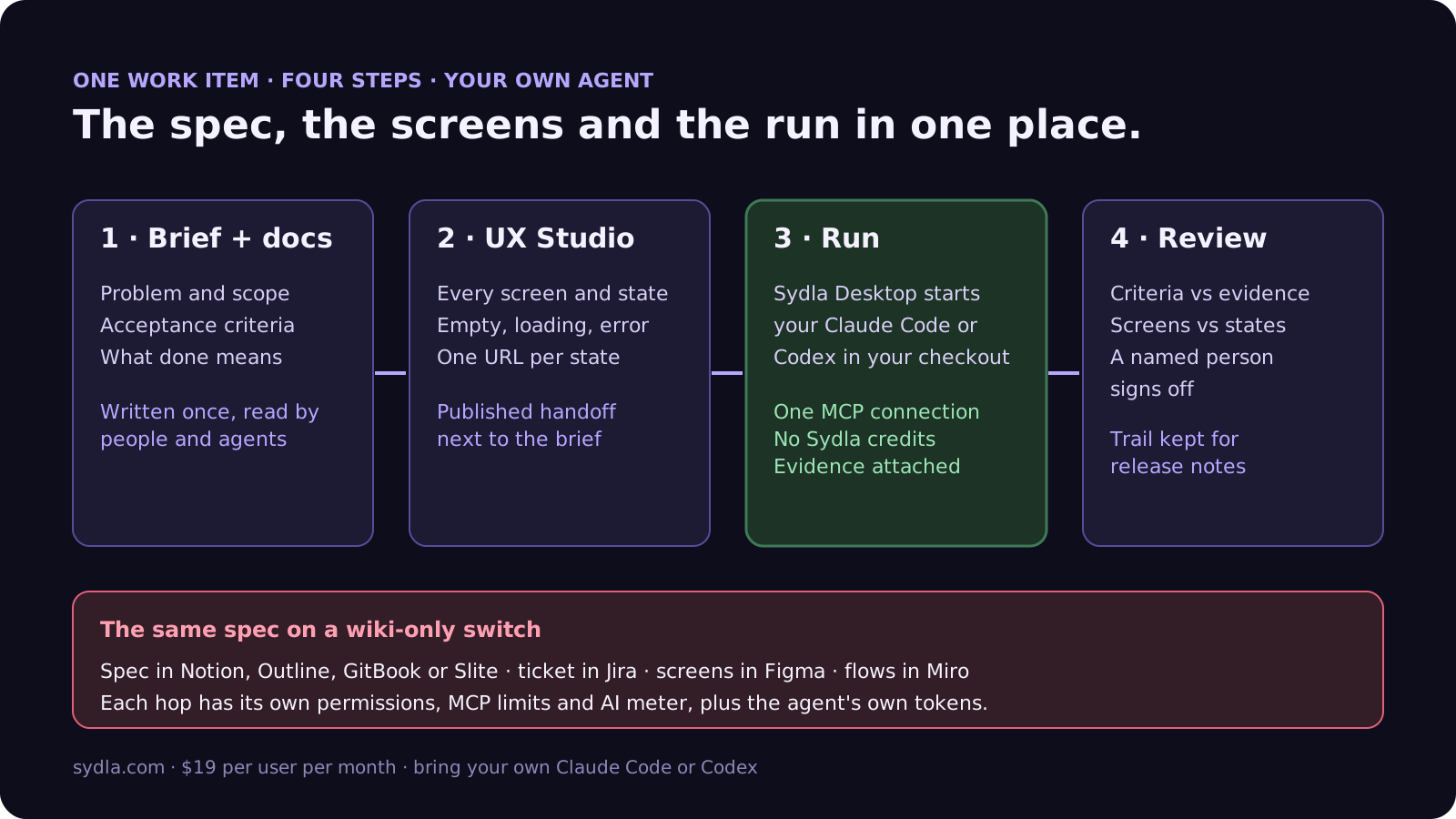
- Write the brief. Problem, scope, acceptance criteria and what done means live on the work item. Our PRD template for agents gives the seven sections, and our acceptance criteria rules make each one testable.
- Design the states in UX Studio. Draw every screen with its empty, loading, error and permission states. Each state has its own URL and a published handoff linked to the brief, so the agent never has to guess which frame is current.
- Run it in Sydla Desktop. Desktop launches the Claude Code or Codex CLI on your machine, in your checkout, signed in with your own account. The agent reads the brief and the published states through one Sydla MCP connection, with no per-seat call limit, then builds, runs the tests and attaches screenshots of each state next to the design. The Desktop guide covers the first run.
- Review and sign off. A reviewer checks each criterion against the evidence and each screen against its state. Our design QA guide lists the six passes, and the review guide covers the code.
Moving over does not need a big-bang import. Our 30-day migration plan covers Figma .fig exports and moving only the screens that are still alive. If you work alone, the solo founder stack runs the same math for one person. When you are ready, start your workspace.
Frequently asked questions
What is the best Figma alternative for teams using Claude Code or Codex?
It depends on who needs to read the design and where the brief lives. Penpot has a free, open-source MCP server that reads and writes. Sketch has a free local MCP server in its Mac app. Framer's MCP server is free in preview but is built for websites. Sydla keeps UX Studio states next to the brief and ticket and runs your own Claude Code or Codex for $19 per user per month with no credit meter.
What are the Figma MCP server rate limits in 2026?
Figma limits MCP calls by seat. Full and Dev seats get 200 calls a day on Professional and Organization and 600 a day on Enterprise, with per-minute caps of 10, 15 and 20. View and Collab seats get up to 20 calls a month on every plan. Writing to the canvas is free during the beta and will become a usage-based paid feature.
Is Penpot a good free alternative to Figma?
Yes, for many teams. Penpot's Professional plan is free and fully featured, the Unlimited plan is $7 per editor per month capped at $175 a month, and it can be self-hosted. Its official MCP server reads and writes design files with no AI credits or paywall, so Claude Code or Codex can use it without a quota.
Does Sketch have an MCP server?
Yes. Sketch includes a free, local-only MCP server in the Mac app from version 2025.2.4, not in the Mac App Store version. It exposes the layer tree, assets, screenshots and comments, and a run_code tool with the full Sketch API for writes. Sketch says it needs no AI credits or add-ons. Plans start at $12 per editor per month billed yearly.
How much does Sydla cost compared with Figma and the rest of the stack?
Sydla costs $19 per user per month with no AI credit meter. One paid seat each of Jira Standard, Confluence Standard, Notion Plus, Figma Professional Full, Miro Starter and Canva Business costs $83.85 per user per month, so the saving is $64.85 per user per month before any extra credits. You bring your own Claude Code or Codex account, so your Anthropic or OpenAI plan pays for the model with no markup.