Figma Make vs Claude Code in 2026: prototype on credits, ship on your own plan
Figma Make turns a design into a working prototype on seat credits. Claude Code and Codex change your real repository on a flat plan. Here is what each one does in November 2026, what a prototype week costs, where Make stops, and how to get from prototype to merged code without six tools in between.
The prototype is not the product
Figma Make is the fastest way to turn a frame into something you can click. Type a prompt, attach a design, and a minute later there is a working React app with a URL you can send to a customer. Then someone asks the real question: can we ship this?
Usually the answer is no. The prototype lives outside your repository, uses its own components instead of yours, talks to a demo backend and has never met your tests. So a developer opens Claude Code or Codex in the real codebase and builds it again. The design team paid in AI credits for the first version; the engineering team pays its own plan for the second.
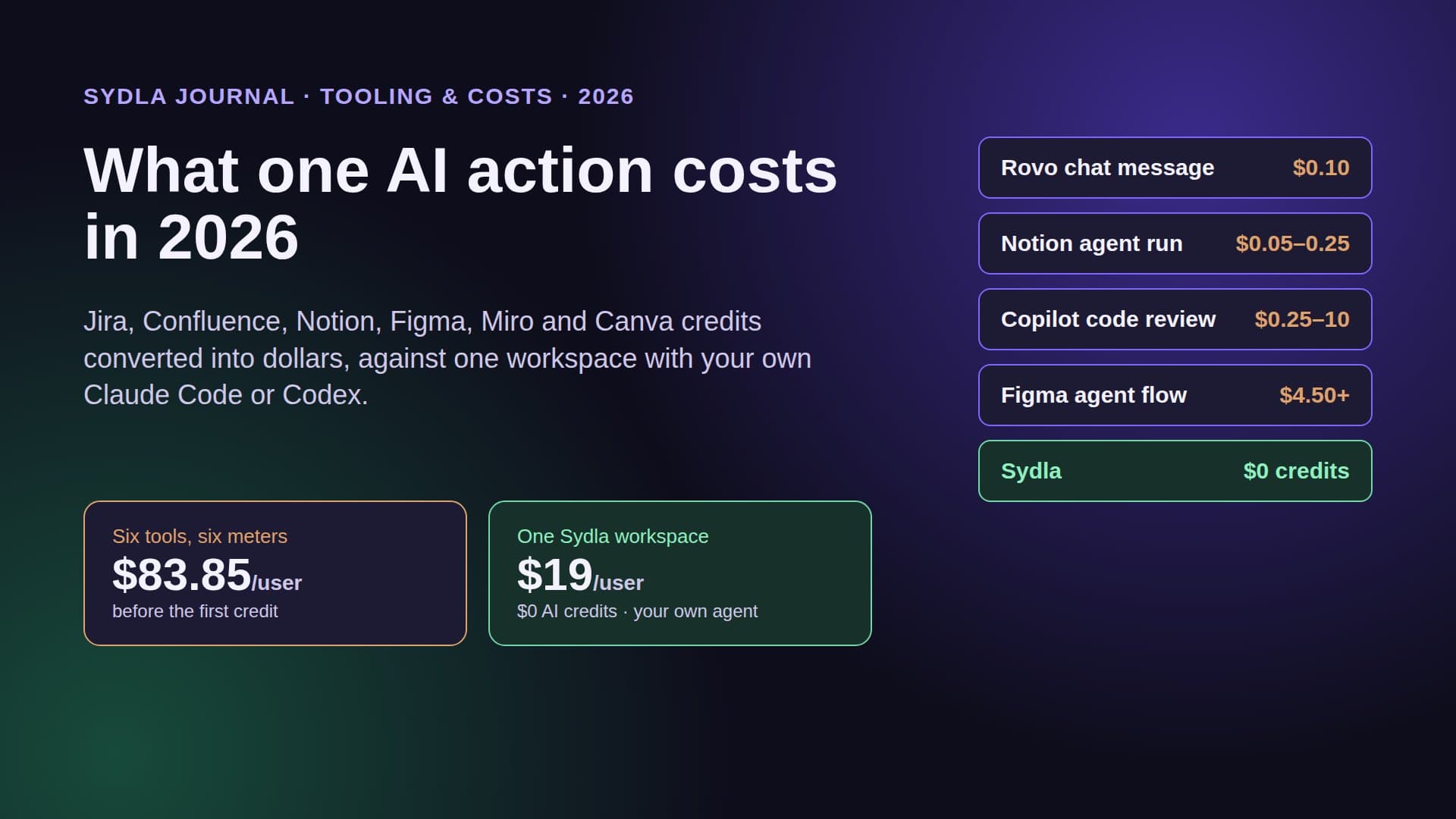
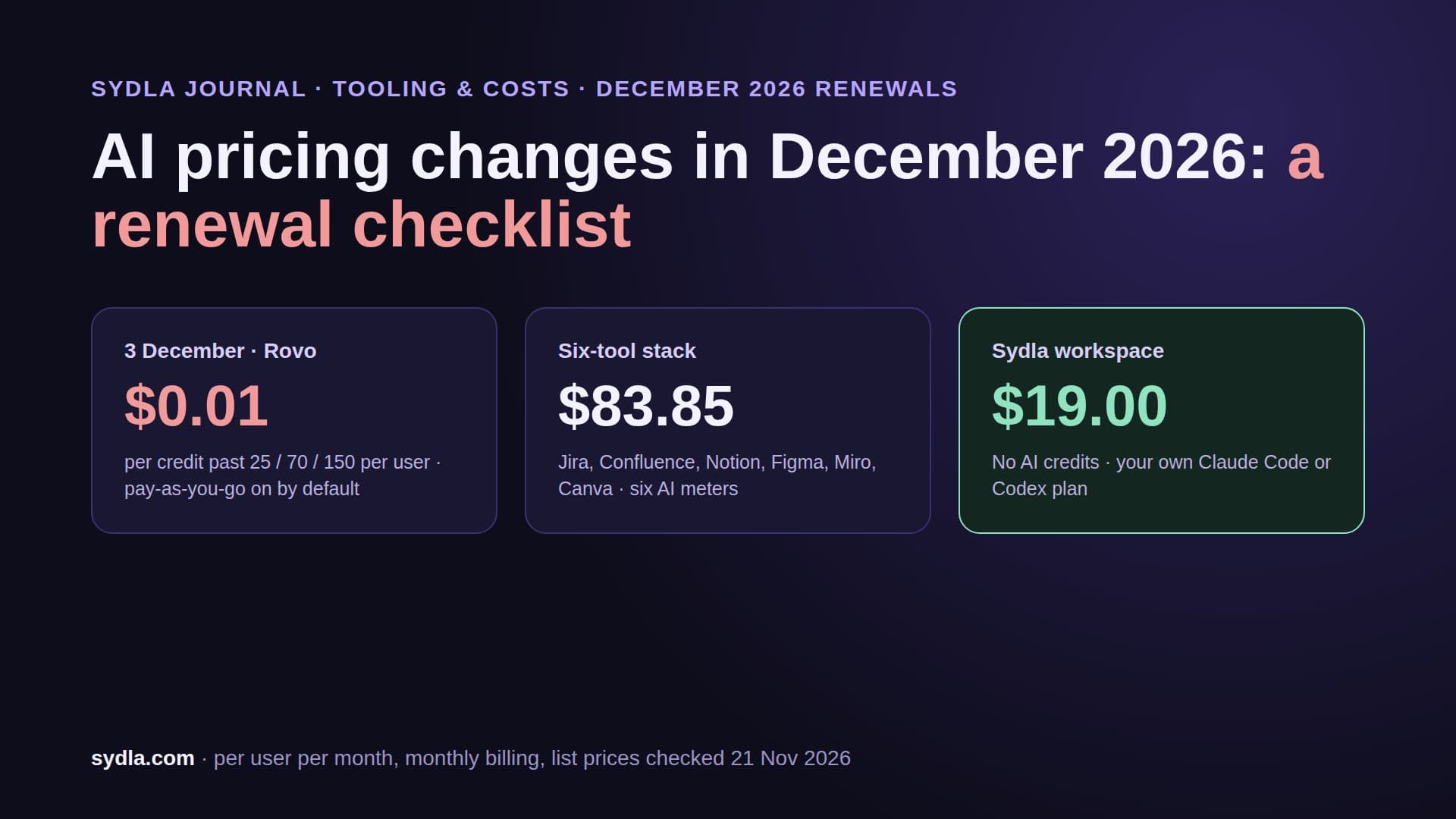
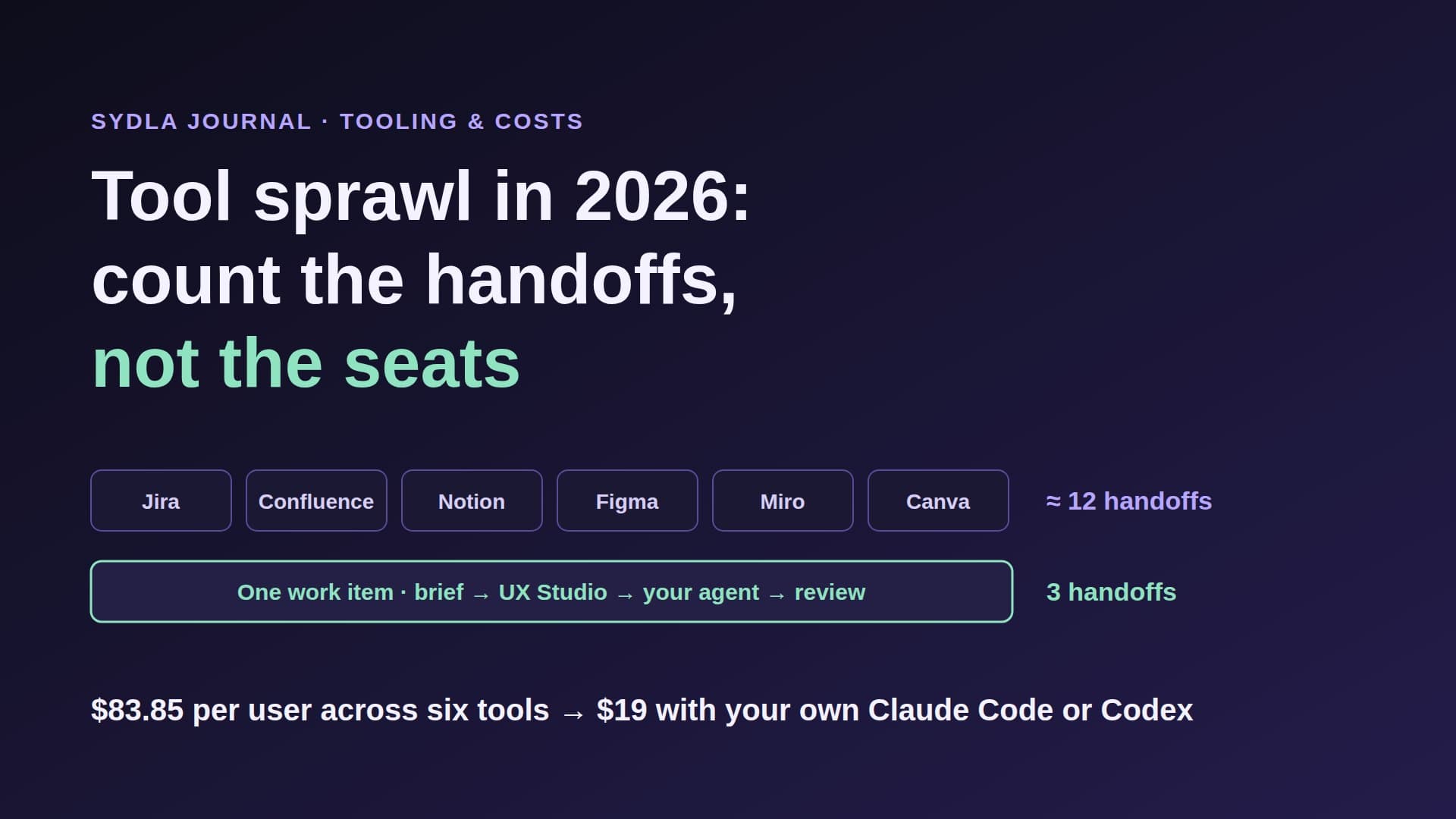
That double bill is AI credit fatigue in a new place. And between the two builds the context hops across six tools: the request in Jira, the spec in Confluence or Notion, the frames in Figma, the flow on a Miro board and the launch visuals in Canva. This guide compares Figma Make and Claude Code on vendor pages read on 21 November 2026, then shows a workflow where the prototype becomes evidence for the brief, and your own agent ships the real thing.
What Figma Make does in November 2026
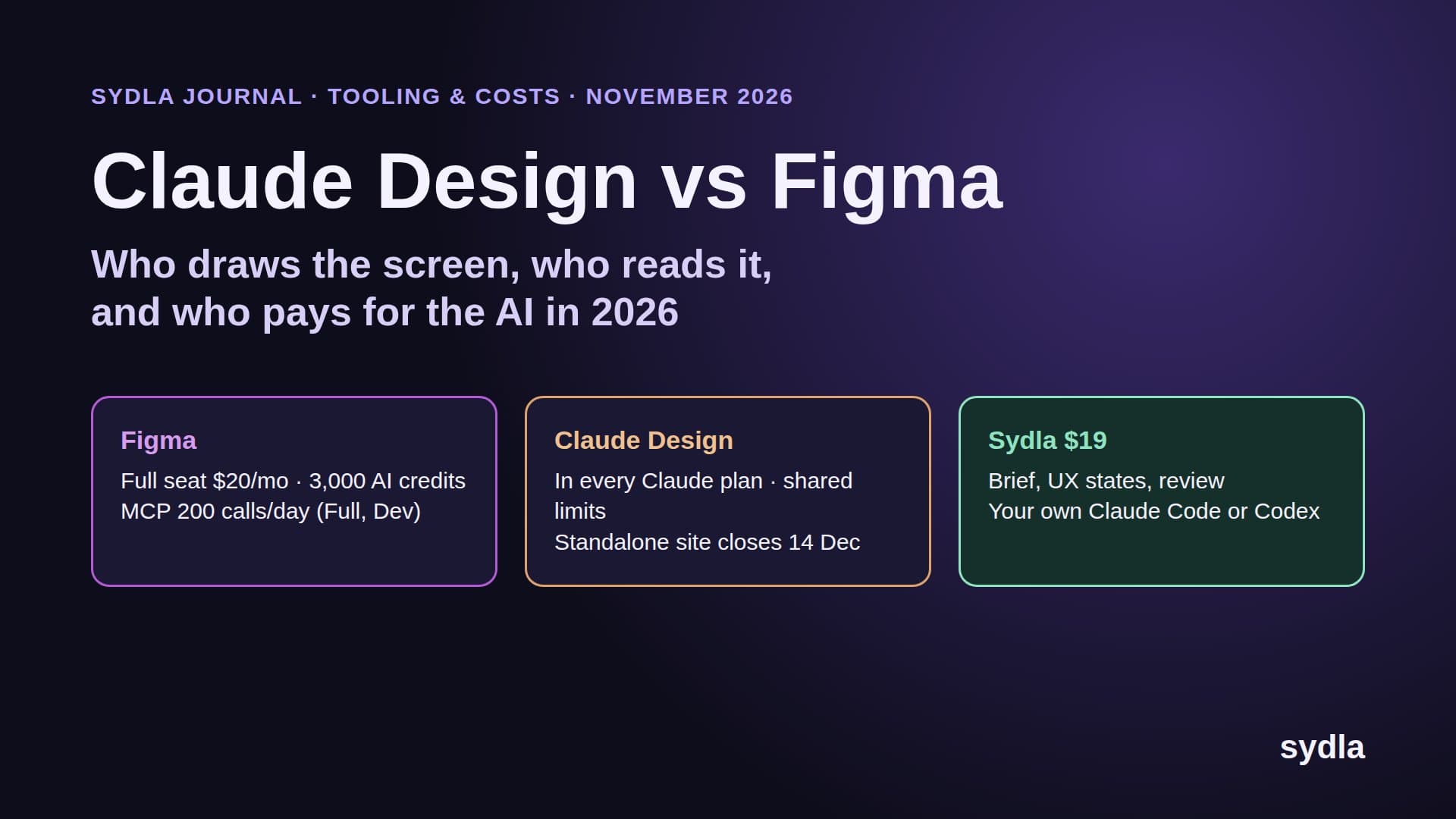
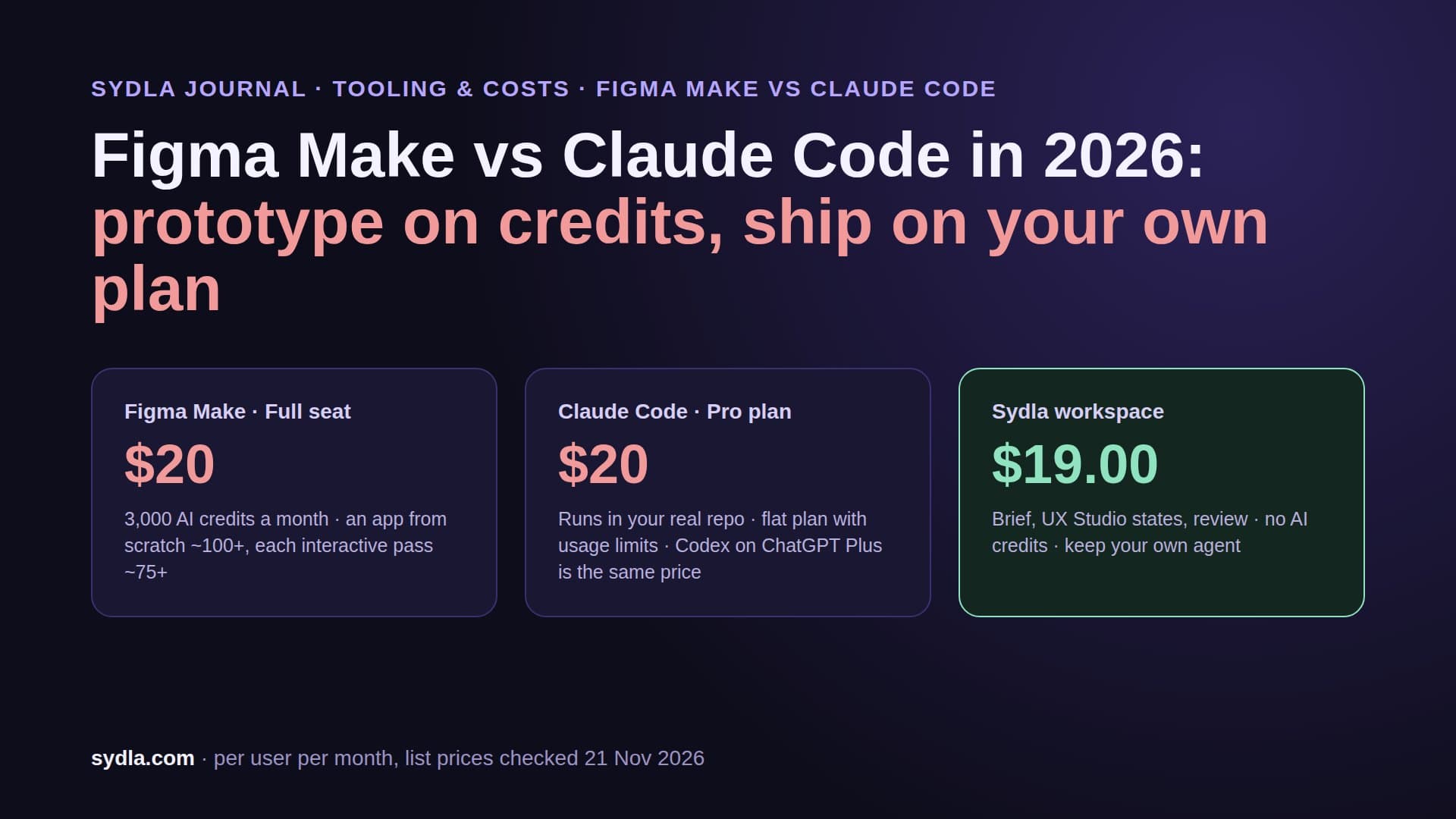
Figma Make is Figma's prompt-to-app tool. It lives in the Full seat, $20 a month on Professional billed monthly or $16 billed yearly, and runs on the same AI credits as the Figma agent. A Full seat brings 3,000 credits a month on Professional, 3,500 on Organization and 4,250 on Enterprise. Seat credits belong to one person, reset every month and do not roll over.
Figma's help centre lists what typical Make tasks cost at today's rates: about 30 credits or more to change a font, 75 or more to make an attached design interactive, and 100 or more to generate an app from scratch. Plan mode and conversation mode use credits too. Auto fix is free.
What you get out is a hosted app. You can publish it to the web, behind a password or to your organisation, download the code as a ZIP, or push it to a new GitHub repository. Backends come two ways. A Payload backend gives a database, file storage, authentication and an admin panel, with the TypeScript and Next.js code in your Make project, hosted in the eastern United States. Supabase can be connected too, but Figma's own help page says Make currently uses key-value stores rather than setting up a full SQL database.
On 28 May 2026 Figma announced Make on your local codebase: direct edits, annotations and pull requests from Make on your real repository. Read the small print. It is a limited beta behind a waitlist, only in the Beta desktop app for Mac, and the Make page still says shipping from any codebase is coming soon. GitHub and local code workflows are not yet available for Payload-backed apps. The beta does not use credits for now, and Figma says pricing will follow.
What Claude Code and Codex do instead
Claude Code and Codex start from the other end. They are coding agents that run in your terminal or desktop app, inside the repository you already ship from. They read your components, your design tokens, your tests and your instruction files, change the code, run the test suite and leave a diff on a branch.
They are bad at the thing Make is good at: there is no canvas, no click-through preview for a stakeholder in a minute, and nobody outside engineering will open a terminal. They are good at the thing Make is not yet good at: the change lands in production code, under review, with tests.
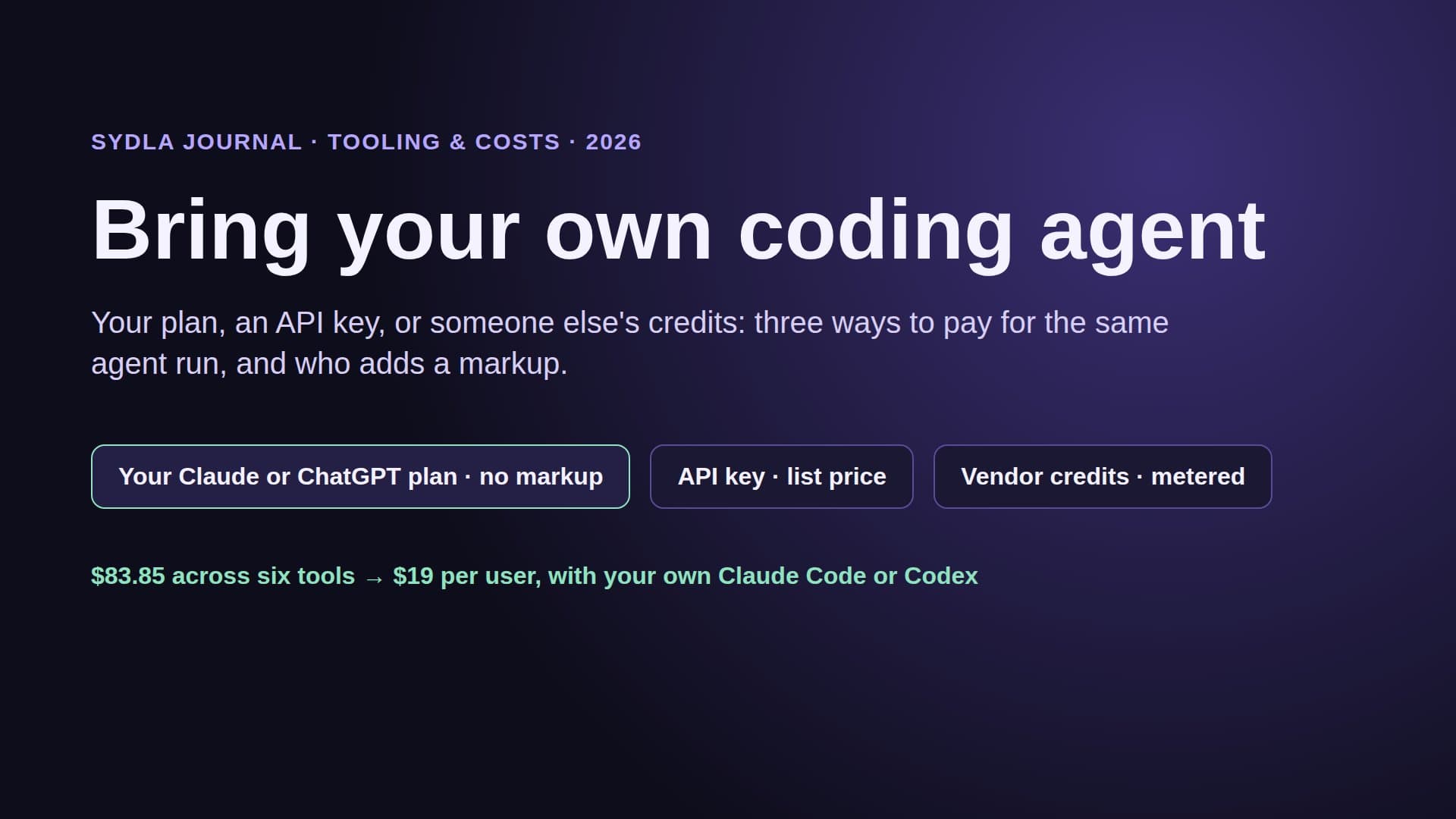
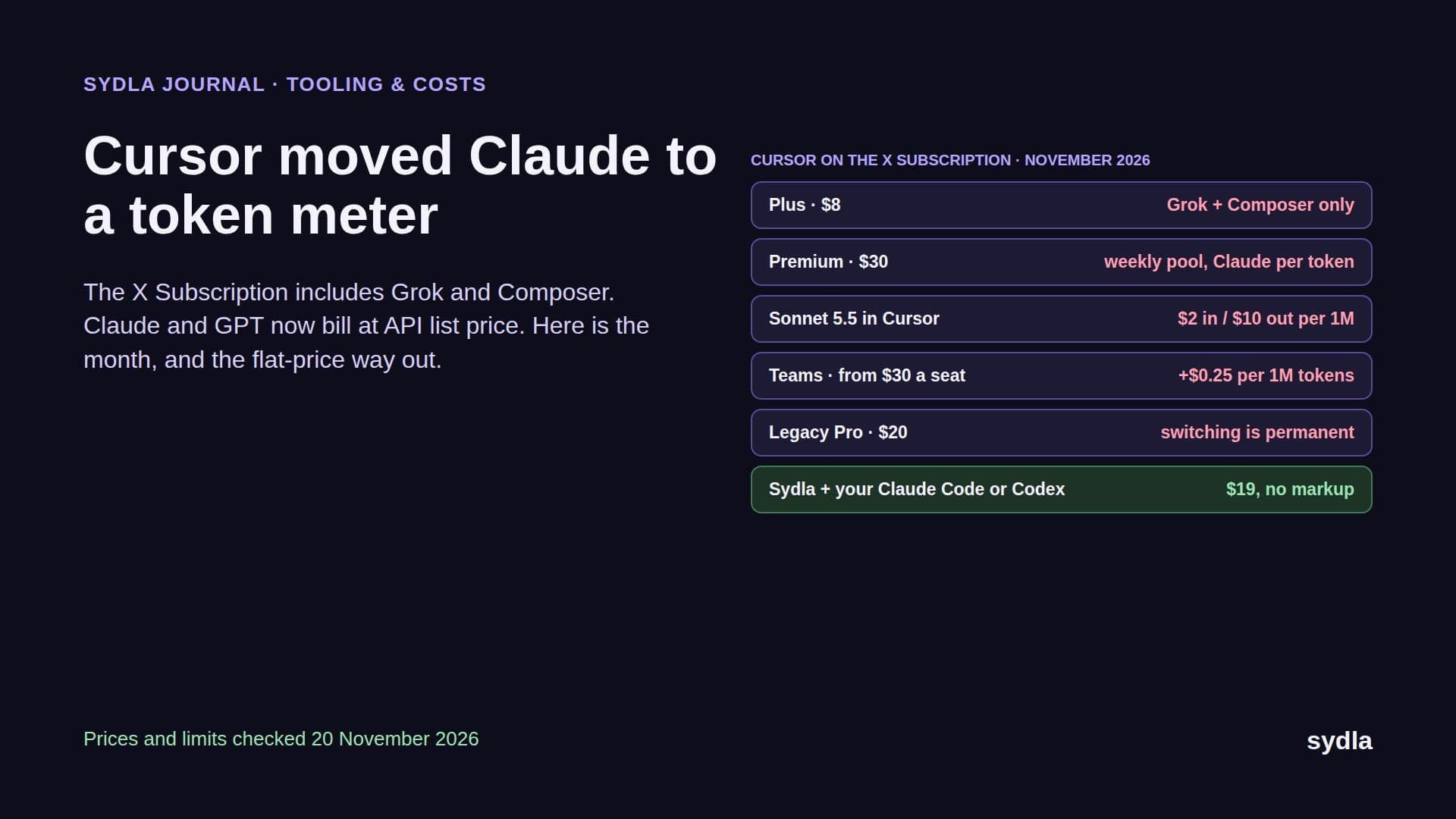
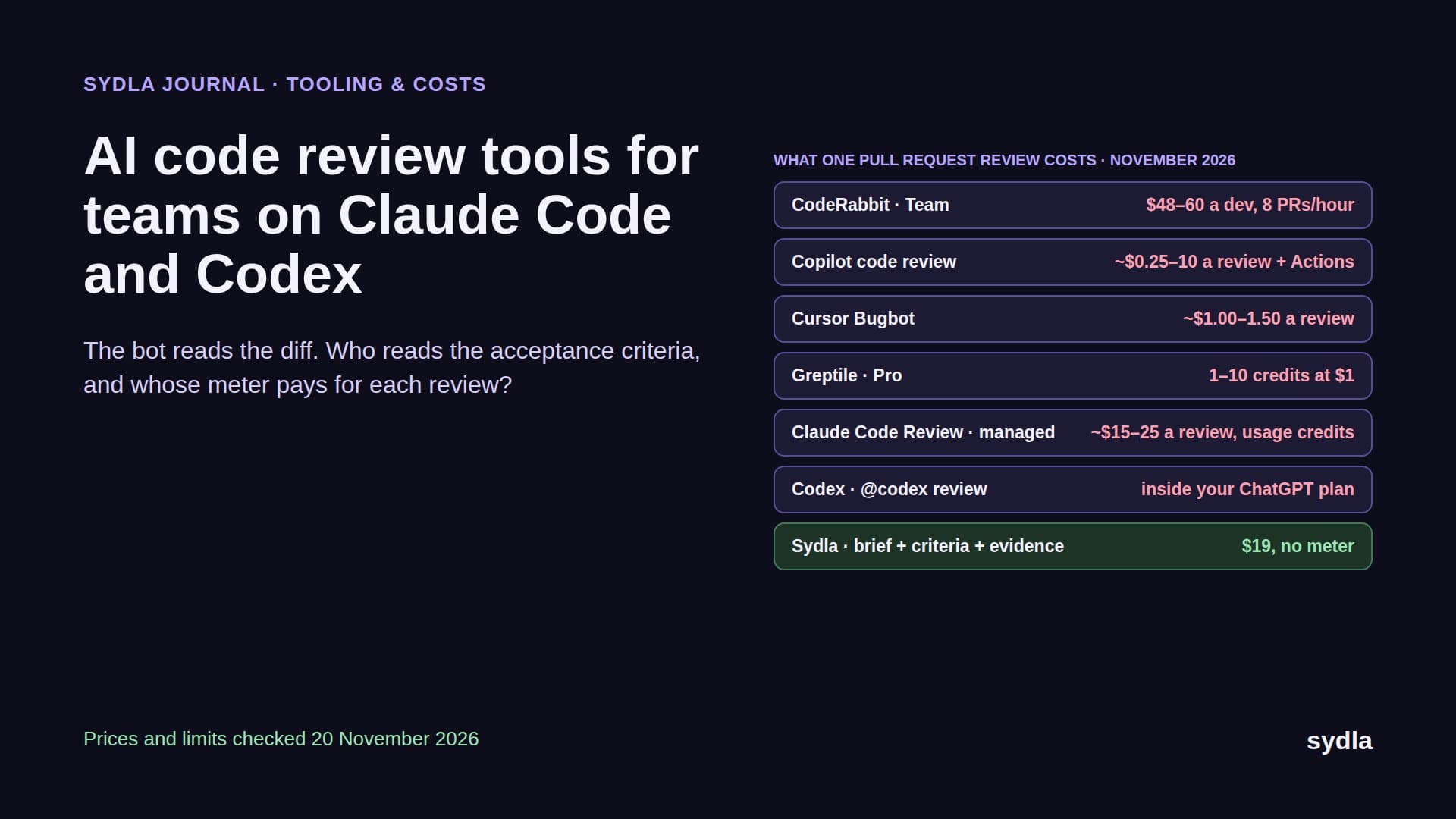
The billing is also different. Claude Code is included in Claude Pro at $20 a month, Max at $100 and Ultra at $200, each with usage limits. Codex is included in ChatGPT Plus at $20. A limit is a ceiling on a known price, not a meter per prompt. Our Claude Code vs Codex guide helps you pick one, or both.
Figma Make vs Claude Code at a glance
Here is the head-to-head on the questions that decide whether a screen reaches production.
| Question | Figma Make | Claude Code or Codex | Sydla with your own agent |
|---|---|---|---|
| Price to start | $20 Full seat (monthly), $16 yearly | $20 Claude Pro or ChatGPT Plus | $19 Sydla, plus the plan you already have |
| AI billing | Seat credits: 3,000 a month, ~100+ per new app, ~75+ per interactive pass | Flat plan with usage limits | No Sydla AI credits, no token markup |
| Where the code lives | Make's hosted project; ZIP or a new GitHub repo | Your real repository | Your real repository, one branch per thread |
| Uses your components | Through Make kits and attachments | Yes, reads the code and tokens | Yes, plus the UX Studio handoff |
| Backend | Payload (hosted, US East) or Supabase key-value | Whatever your stack already runs | Whatever your stack already runs |
| Pull requests | Local codebase beta: waitlist, Mac desktop app | Yes, from the terminal or app | Yes, after a person reviews the evidence |
| Every screen state | What you prompt for | What the ticket says | Empty, loading, error, success and denied states drawn in UX Studio |
| Best at | Clickable prototype in minutes | Production change with tests | Brief to merged code with review |
The fair reading: Make wins the first hour and loses the last mile. Claude Code and Codex win the last mile but need something to build from. Neither one owns the brief, the states or the evidence. That is the gap the rest of this guide fills.
What a prototype week costs on each
Take one designer prototyping a new checkout flow in Make for a week. One app from scratch is about 100 credits. Twenty passes that make attached designs interactive are about 1,500. Forty small edits, a font here and a spacing fix there, are about 1,200. That is about 2,800 credits, close to the whole 3,000 a Full seat gets for the month, and Figma's rates are minimums. The second prototype of the month needs an add-on pack bought by an admin. Our Figma AI credits guide has the rate card and the pack prices.
Now the developer who rebuilds that flow in the real repository with Claude Code on Pro, or Codex on Plus: $20 for the month whatever the number of prompts, until the plan's usage limit asks them to wait or upgrade. Heavy agent users move to Max at $100. Our cost per ticket guide runs the numbers by ticket type.
The expensive part is not either tool. It is doing the work twice: once on credits to learn what the screen should be, once on a plan to build it properly, with a spec and a set of states retyped in between.
The six-tool stack around both
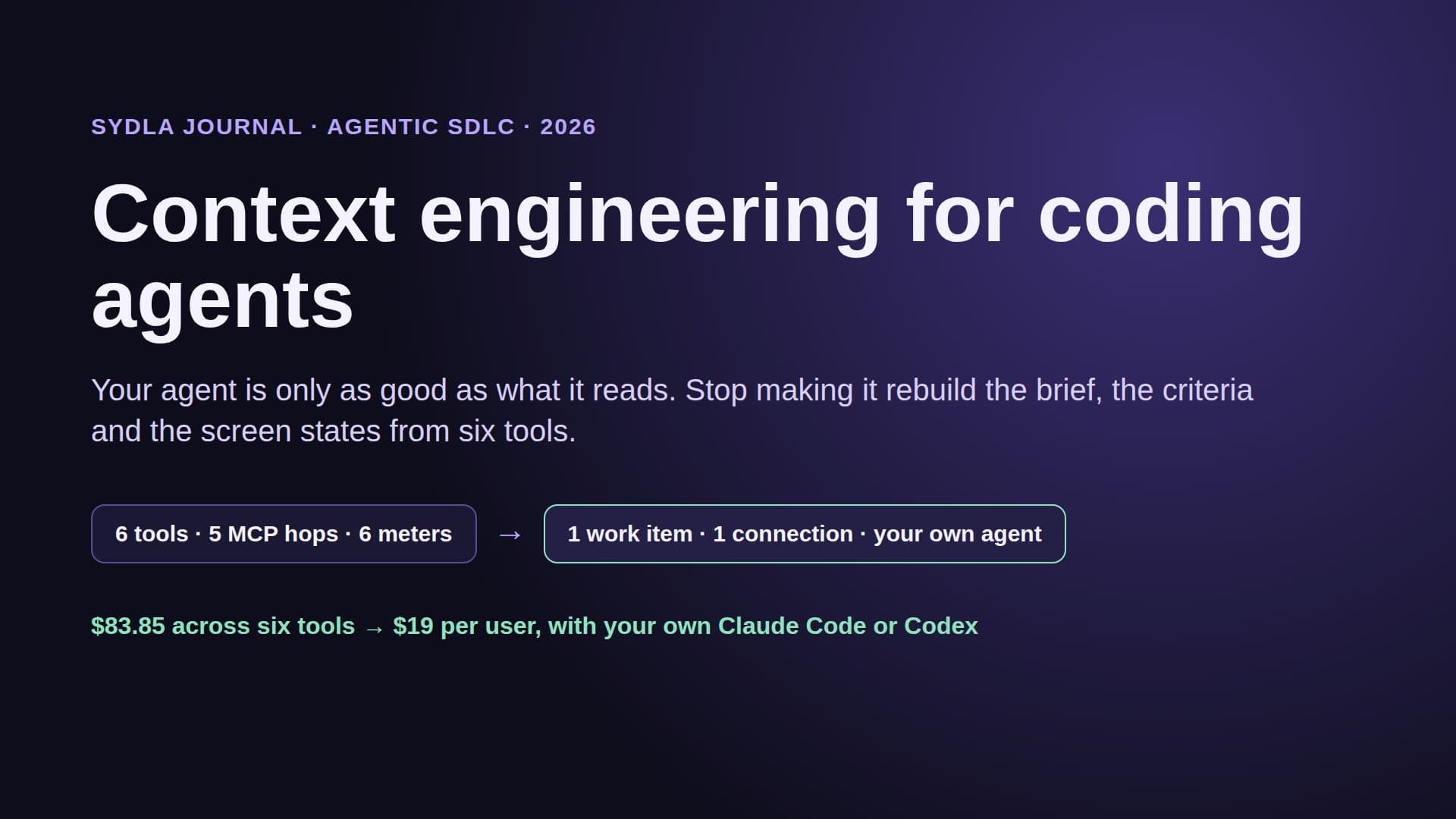
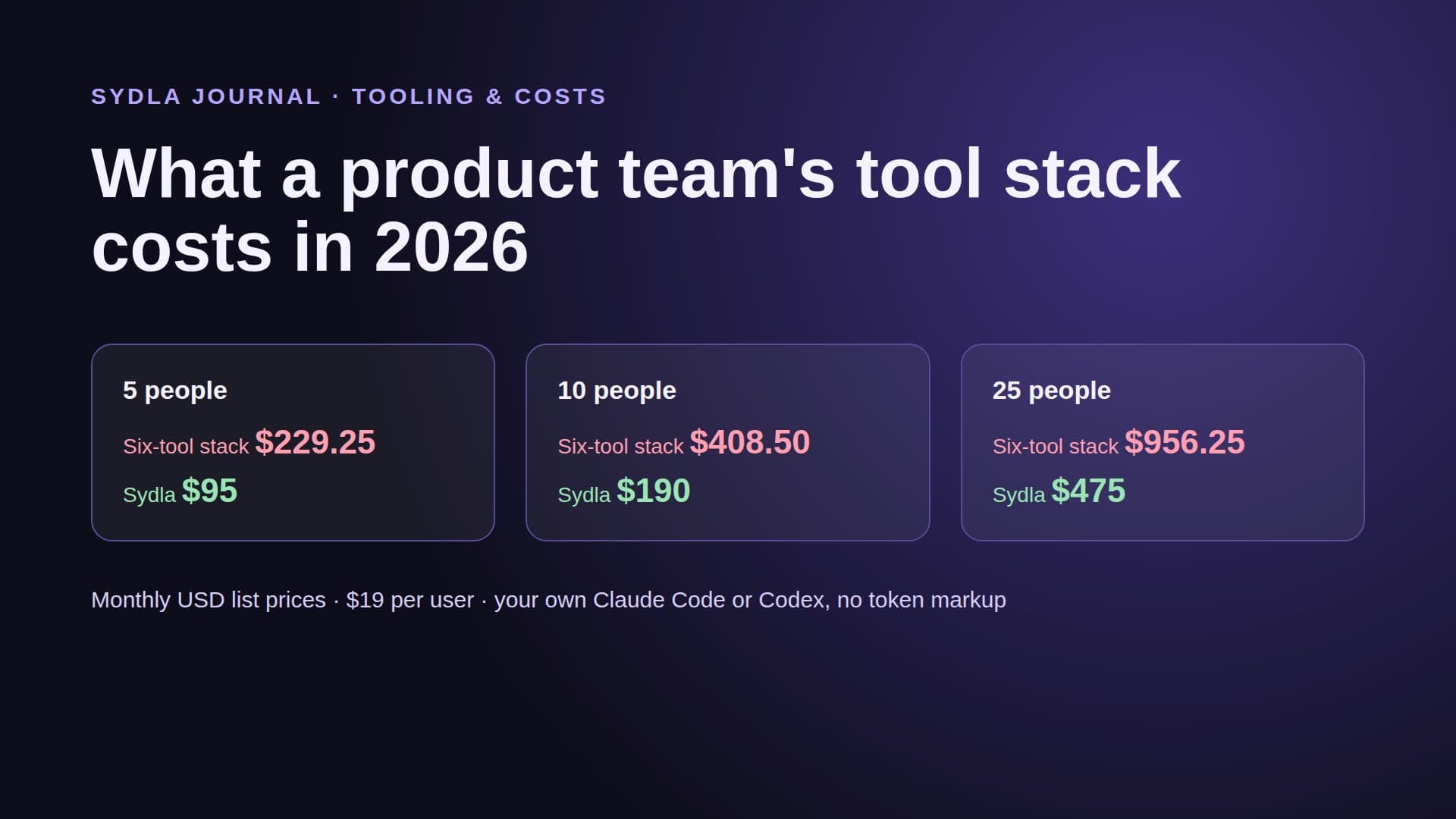
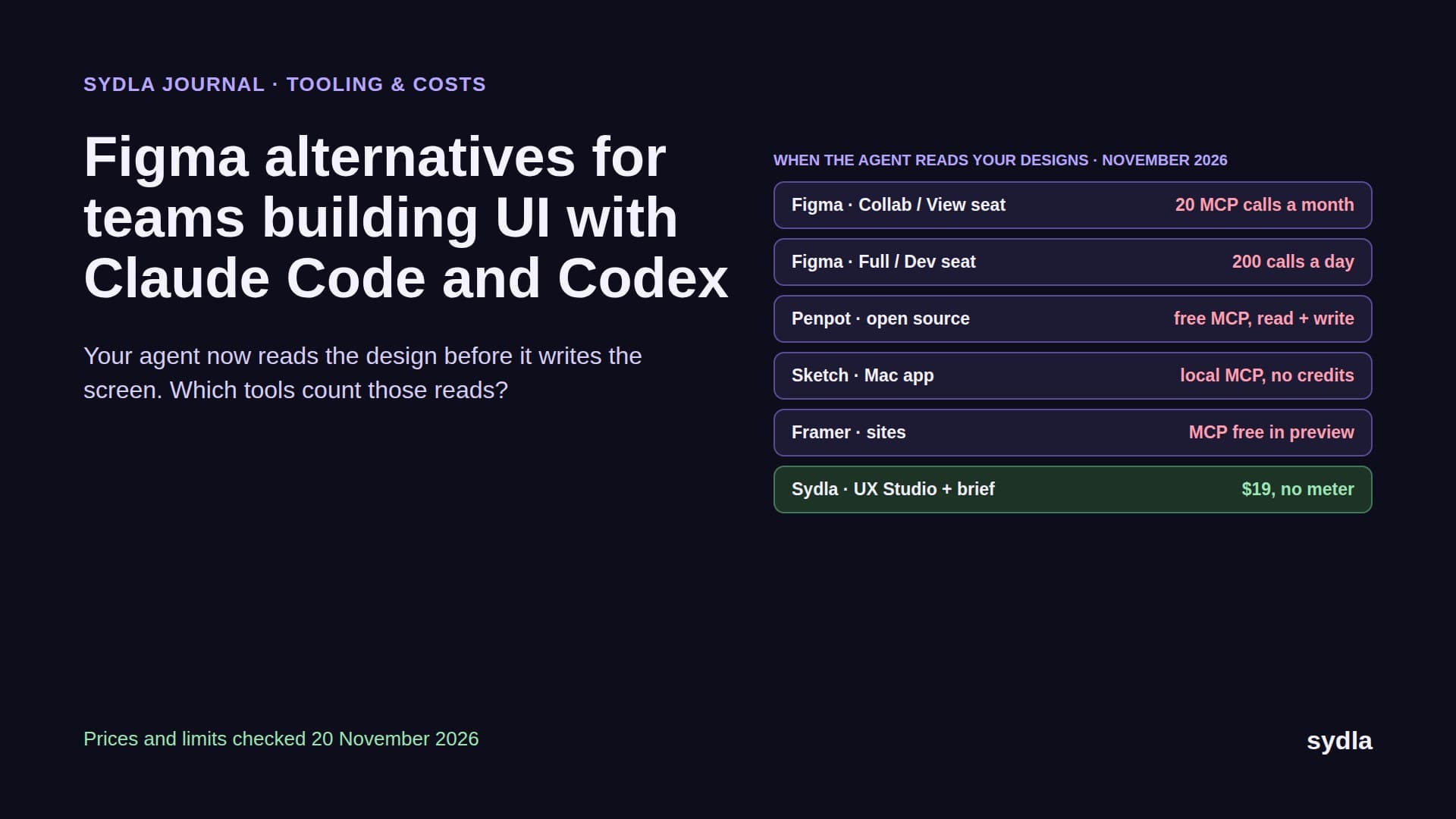
Make and Claude Code are two tools. The work around them uses six, and each one adds a seat, an AI meter and a handoff.
| Tool and plan | Seat / month | Built-in AI billing | Handoff it adds |
|---|---|---|---|
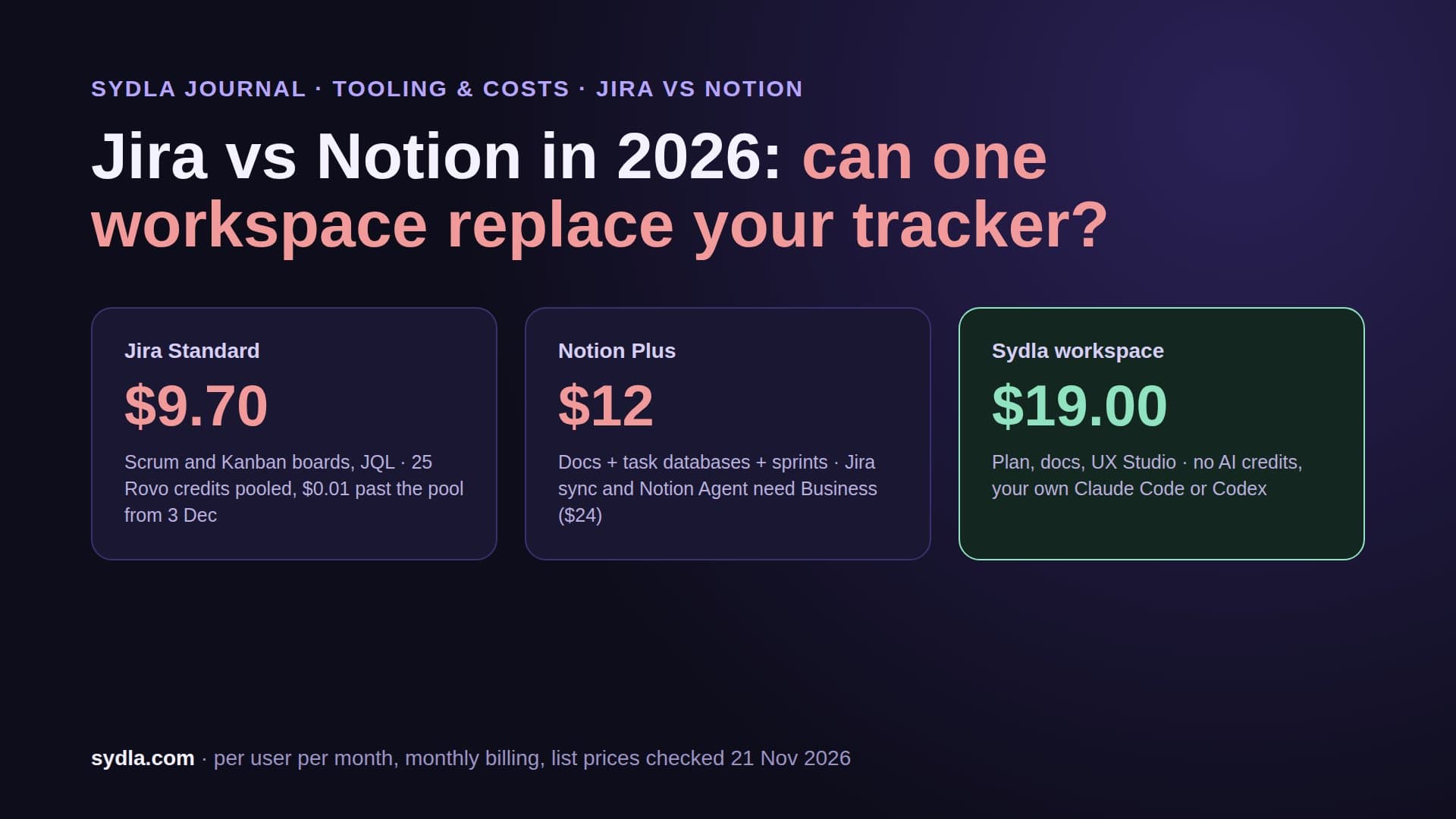
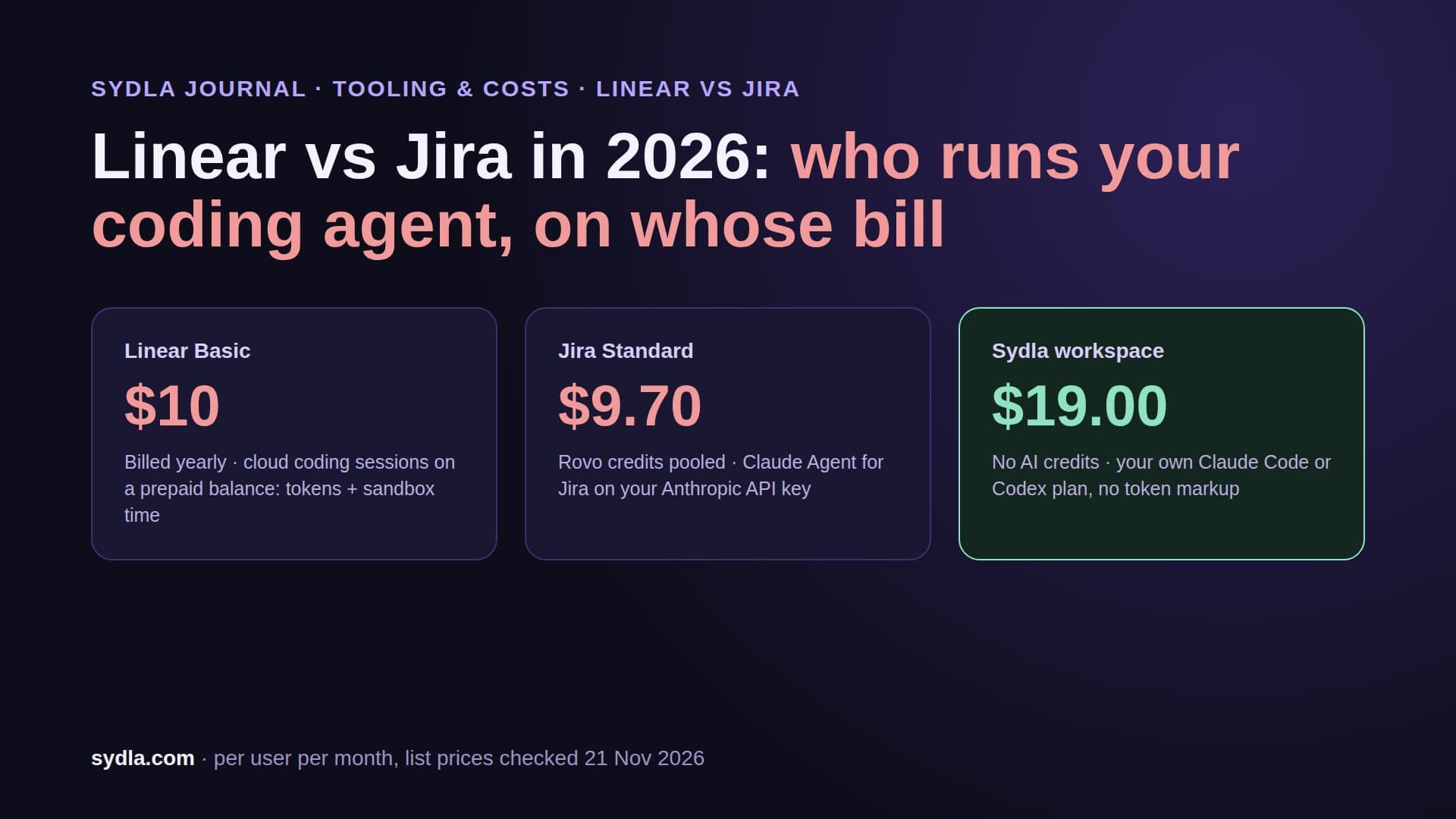
| Jira Standard | $9.70 | 25 Rovo credits per user, pooled | The request is retyped as a ticket |
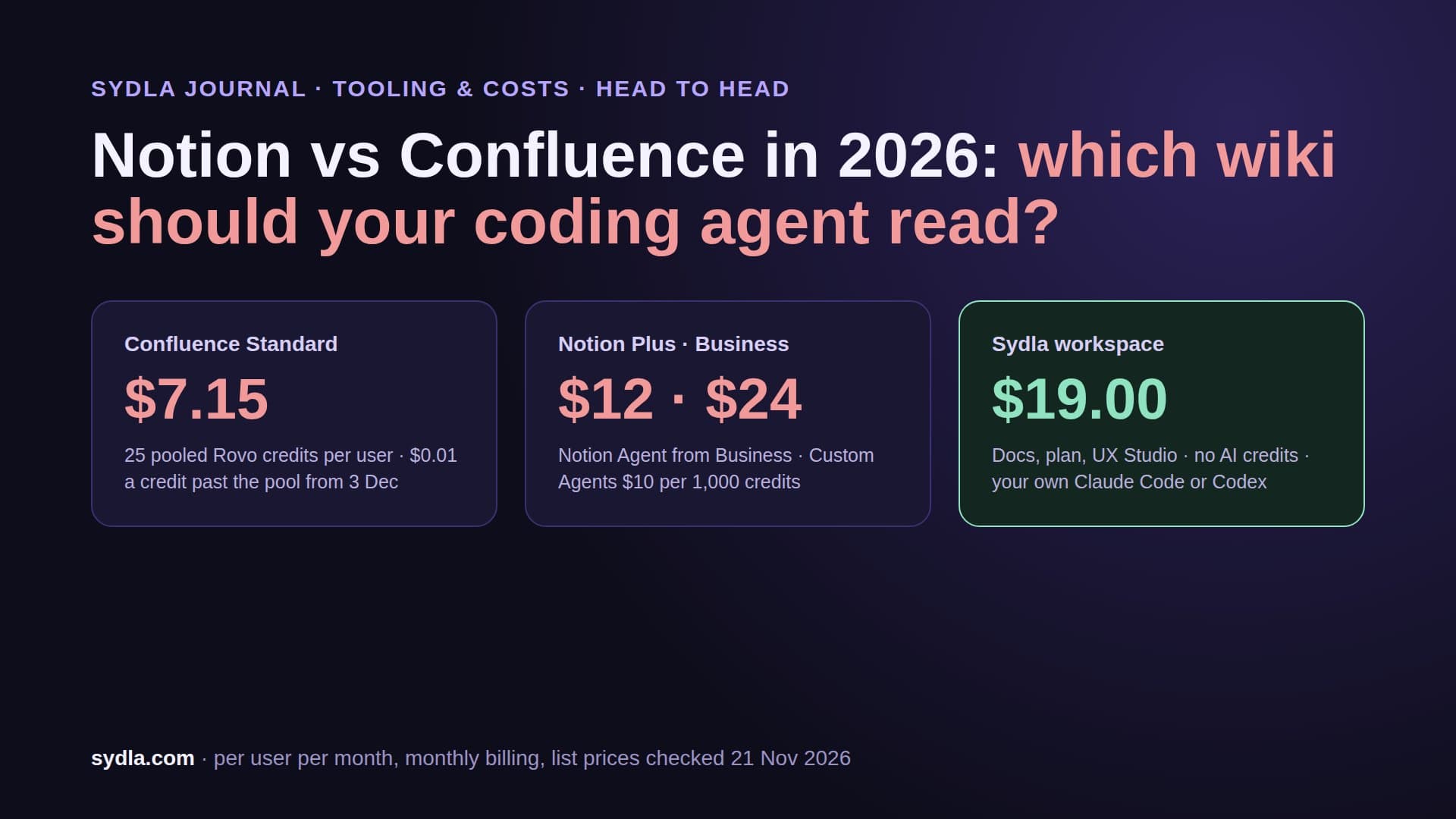
| Confluence Standard | $7.15 | Same Rovo pool; enriched MCP searches 1 to 10 credits | The ticket becomes a spec |
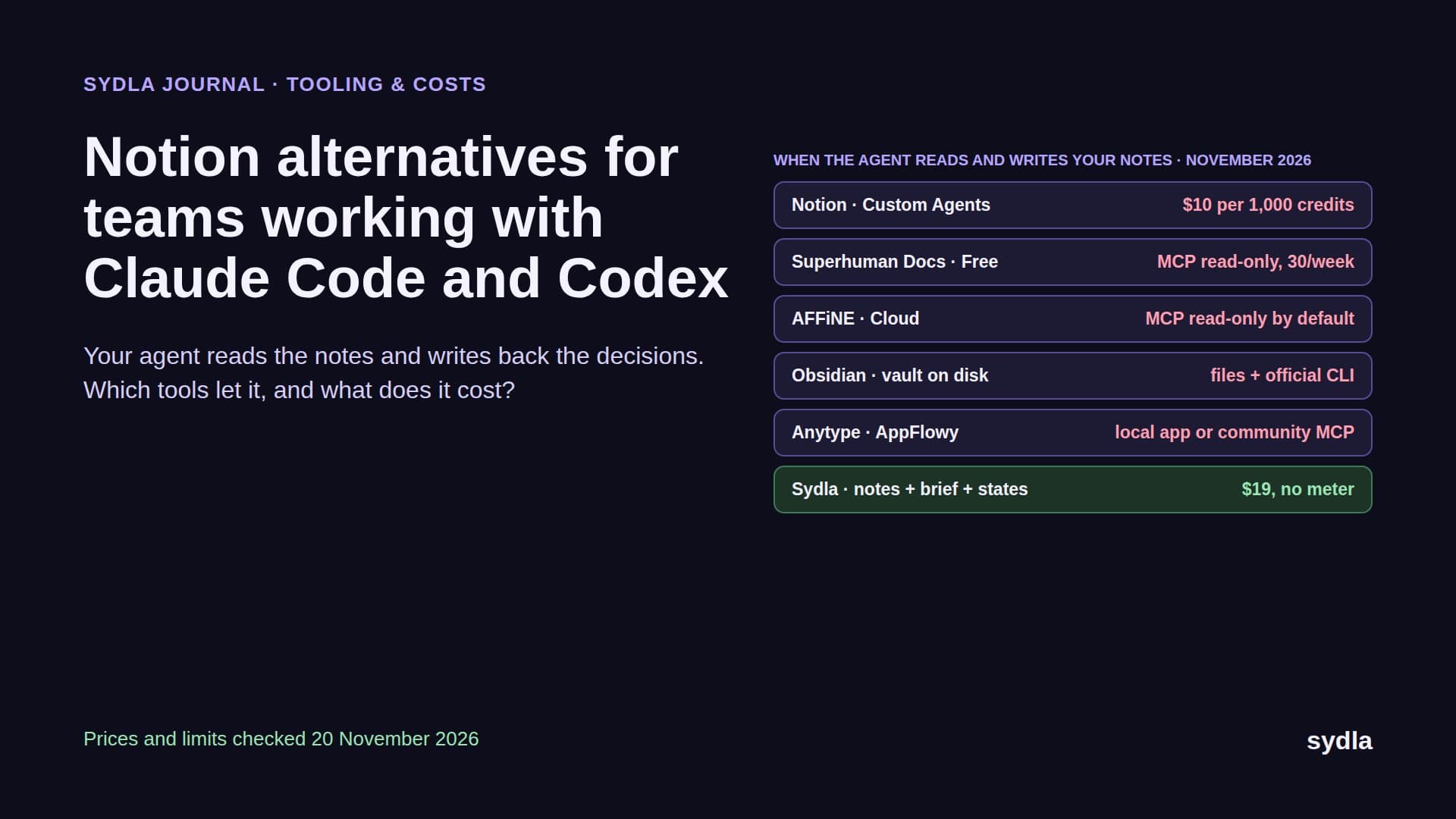
| Notion Plus | $12.00 | Custom Agents need Business, then $10 per 1,000 credits | Decisions stay in meeting notes |
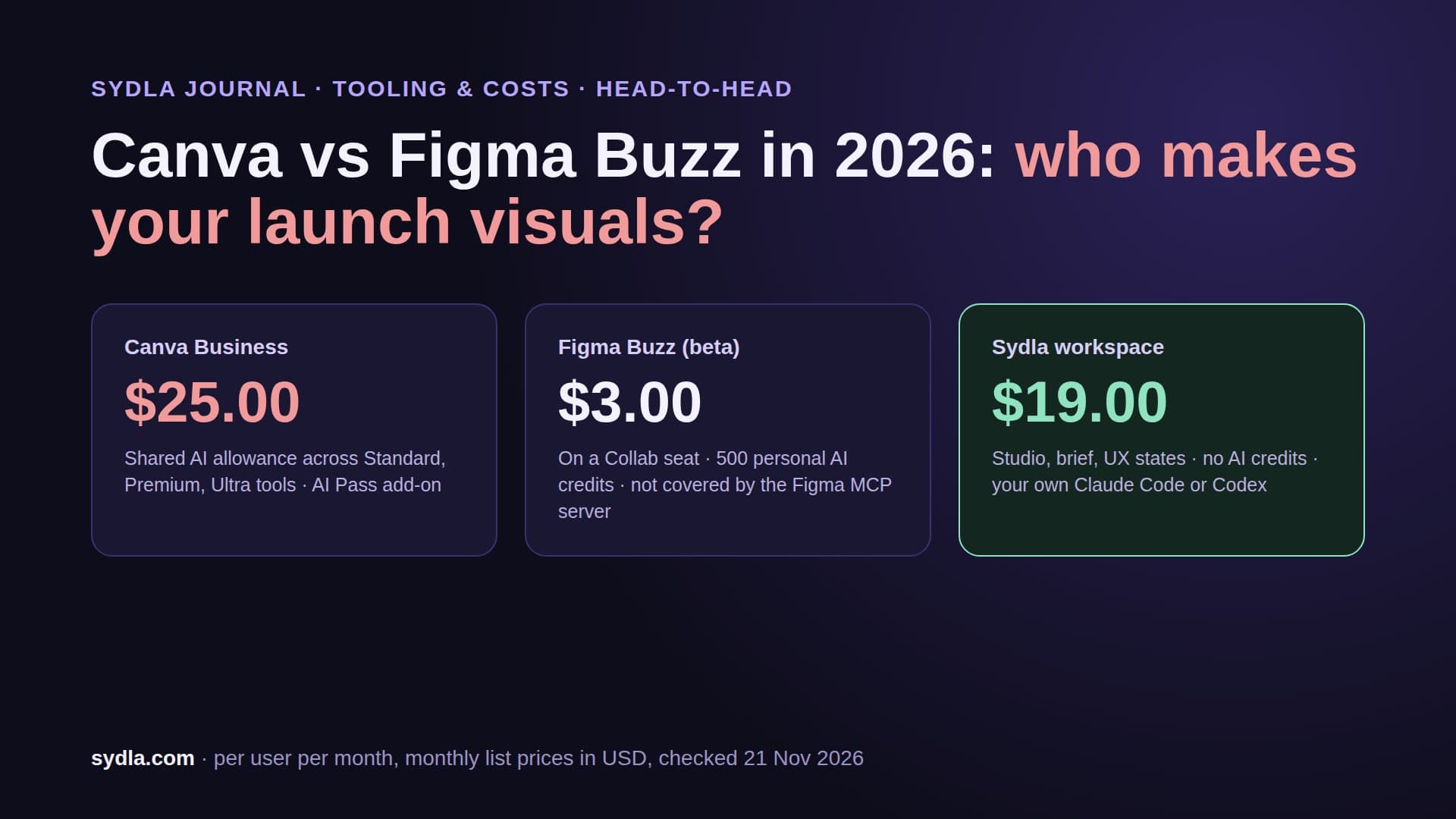
| Figma Professional, Full seat | $20.00 | 3,000 AI credits shared by Make and the agent | The prototype is rebuilt in the repo |
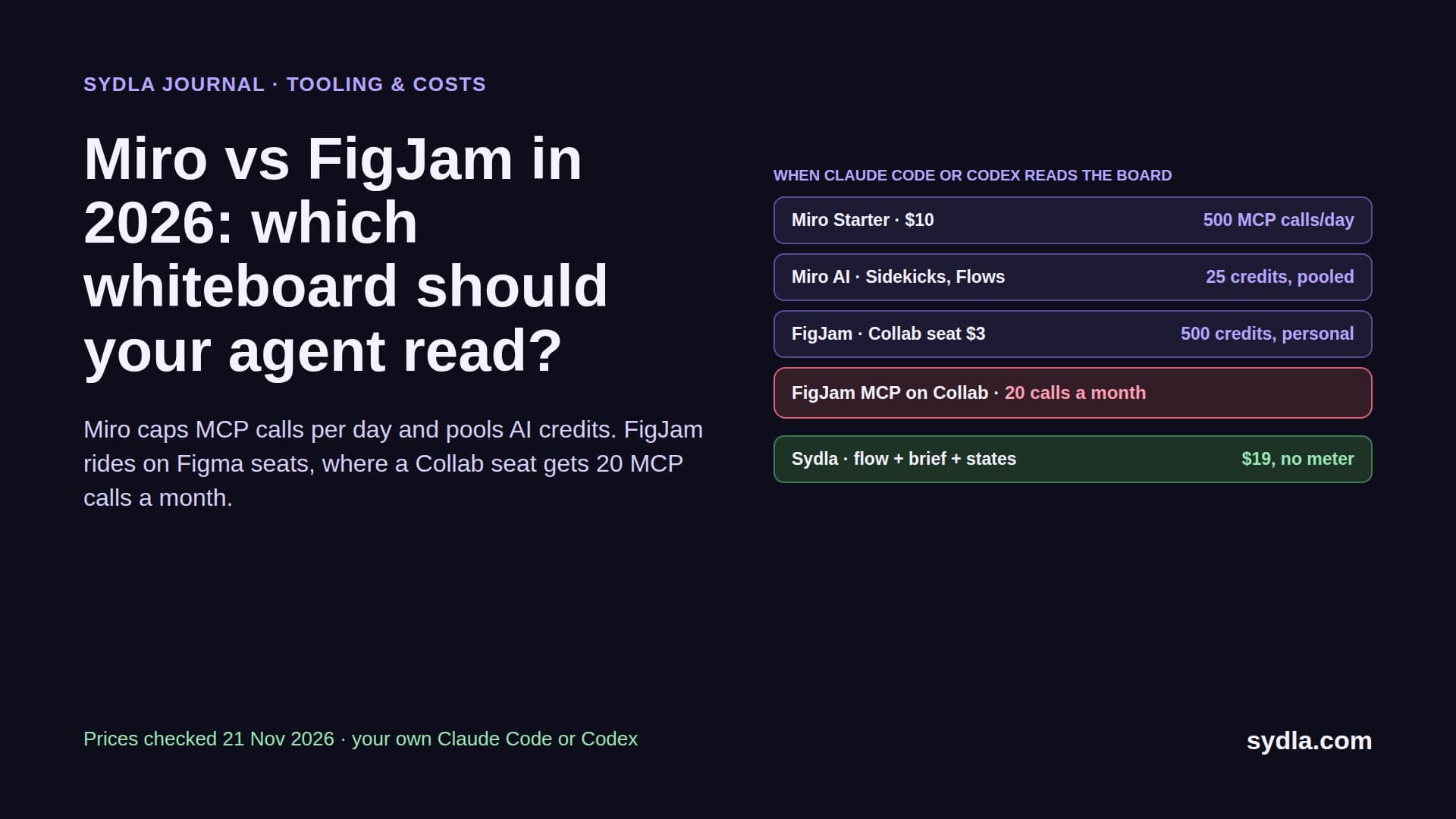
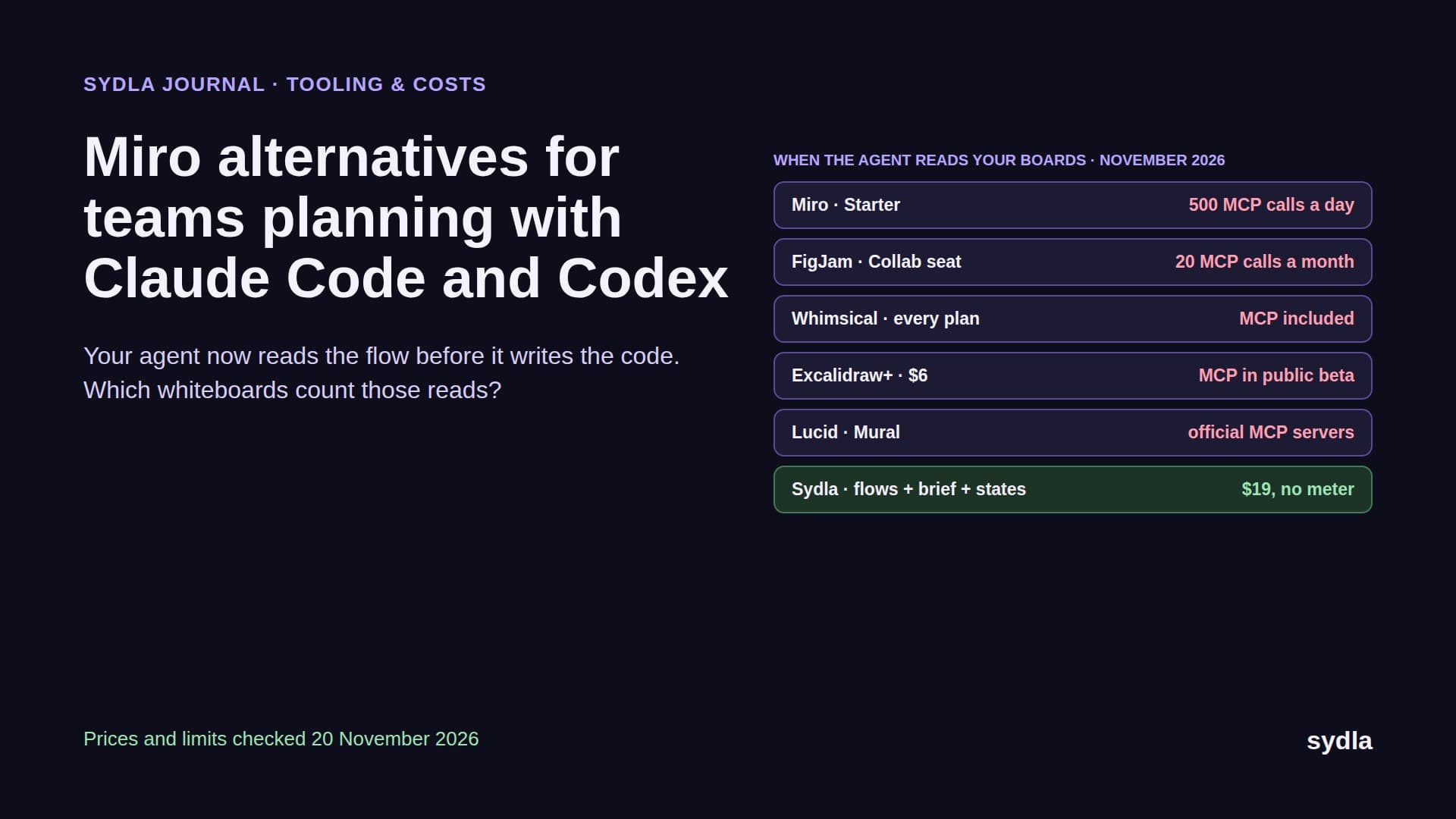
| Miro Starter | $10.00 | 25 credits per member, pooled | The flow is redrawn as frames |
| Canva Business | $25.00 | AI allowance per plan | Screens are exported again for launch |
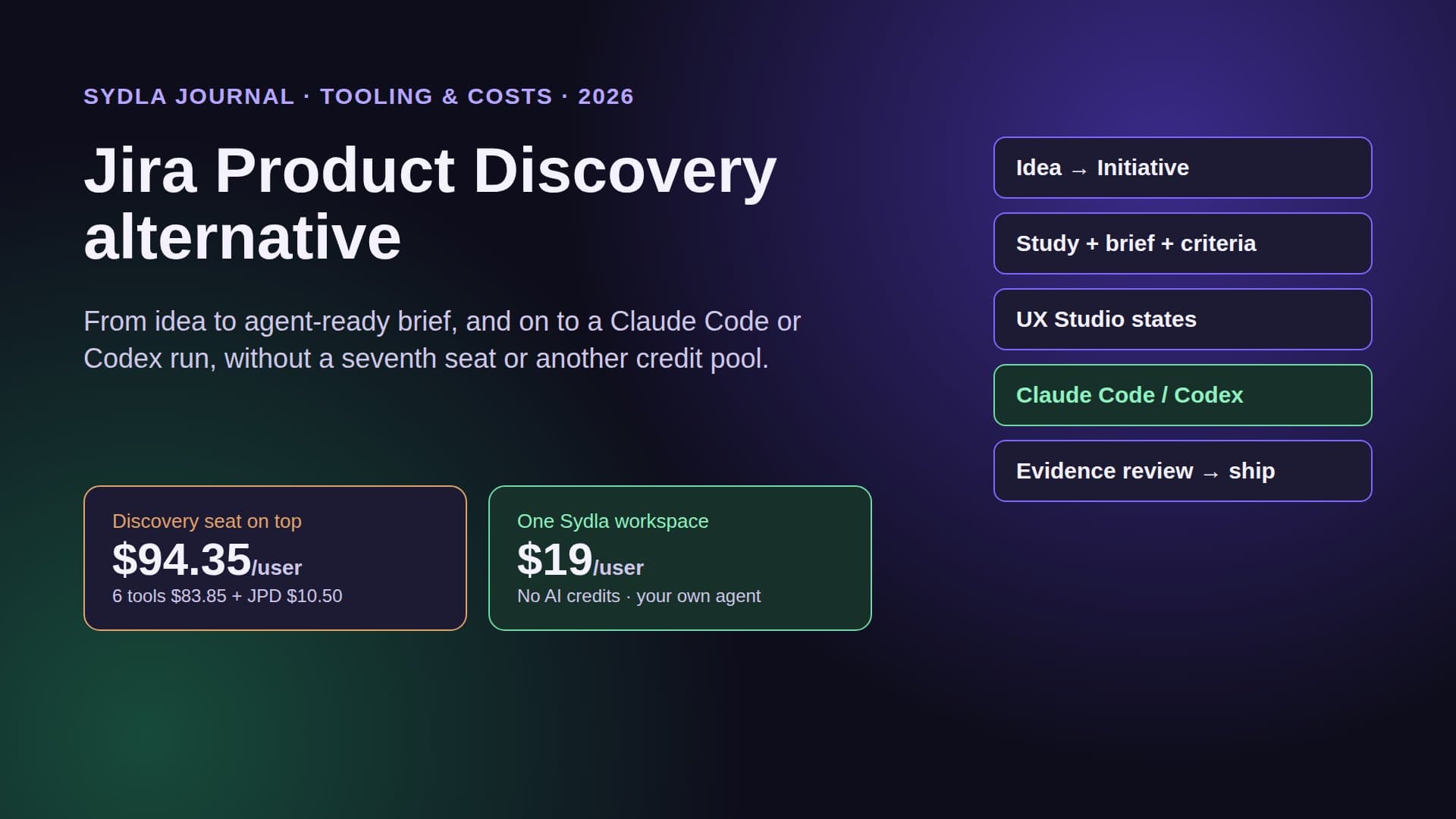
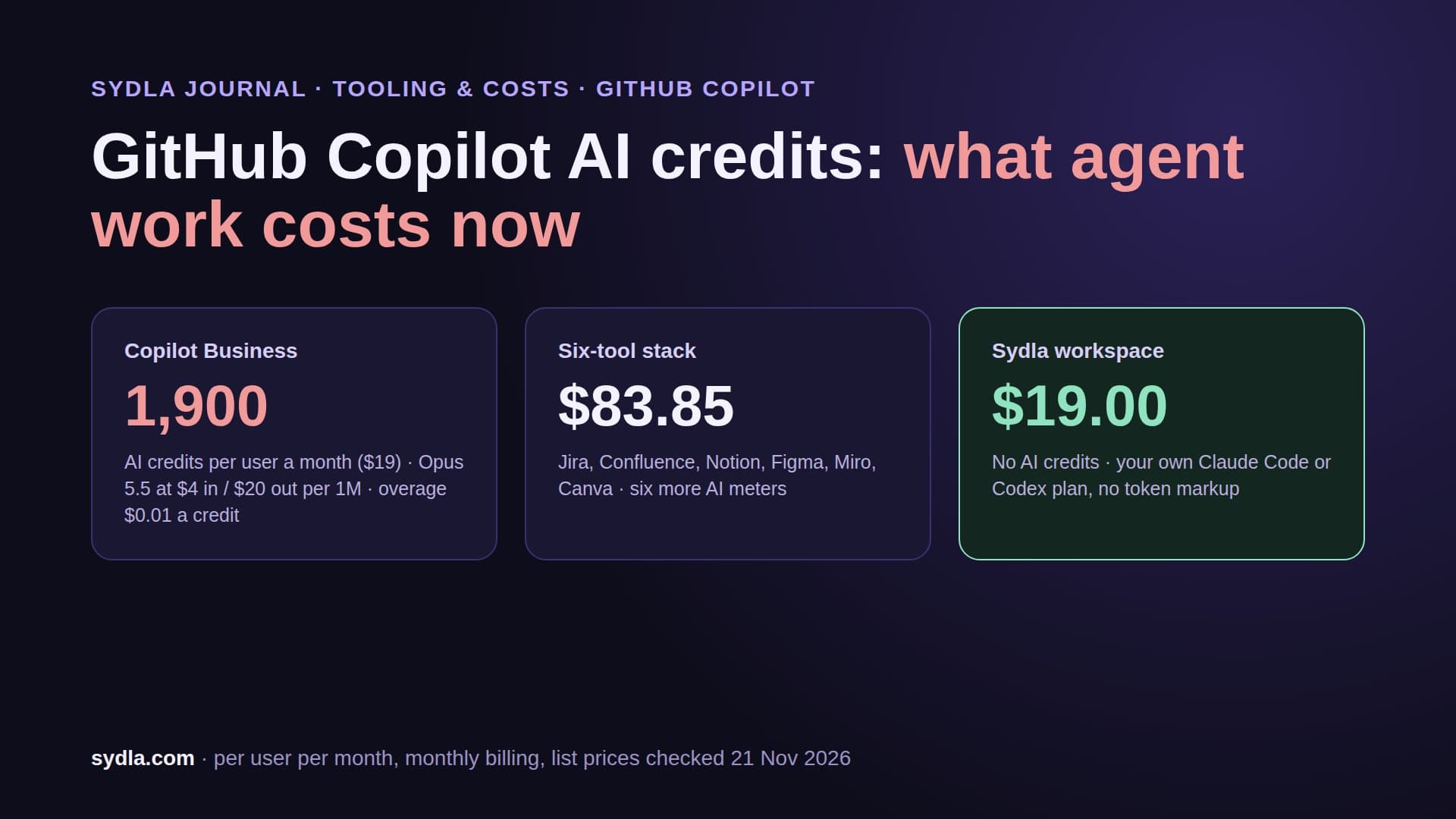
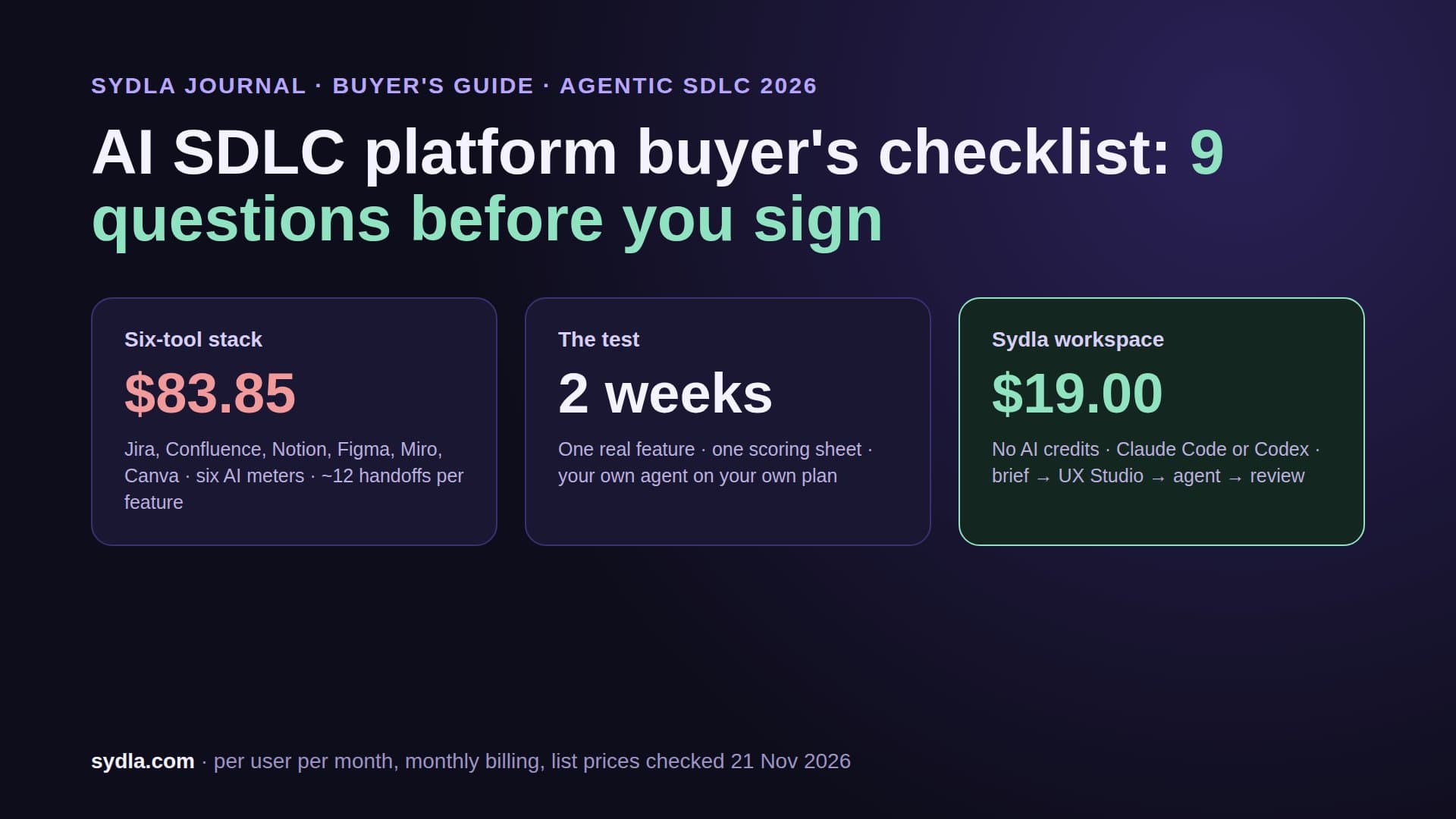
| Six-tool stack | $83.85 | Six meters, six renewal dates | About twelve handoffs per feature |
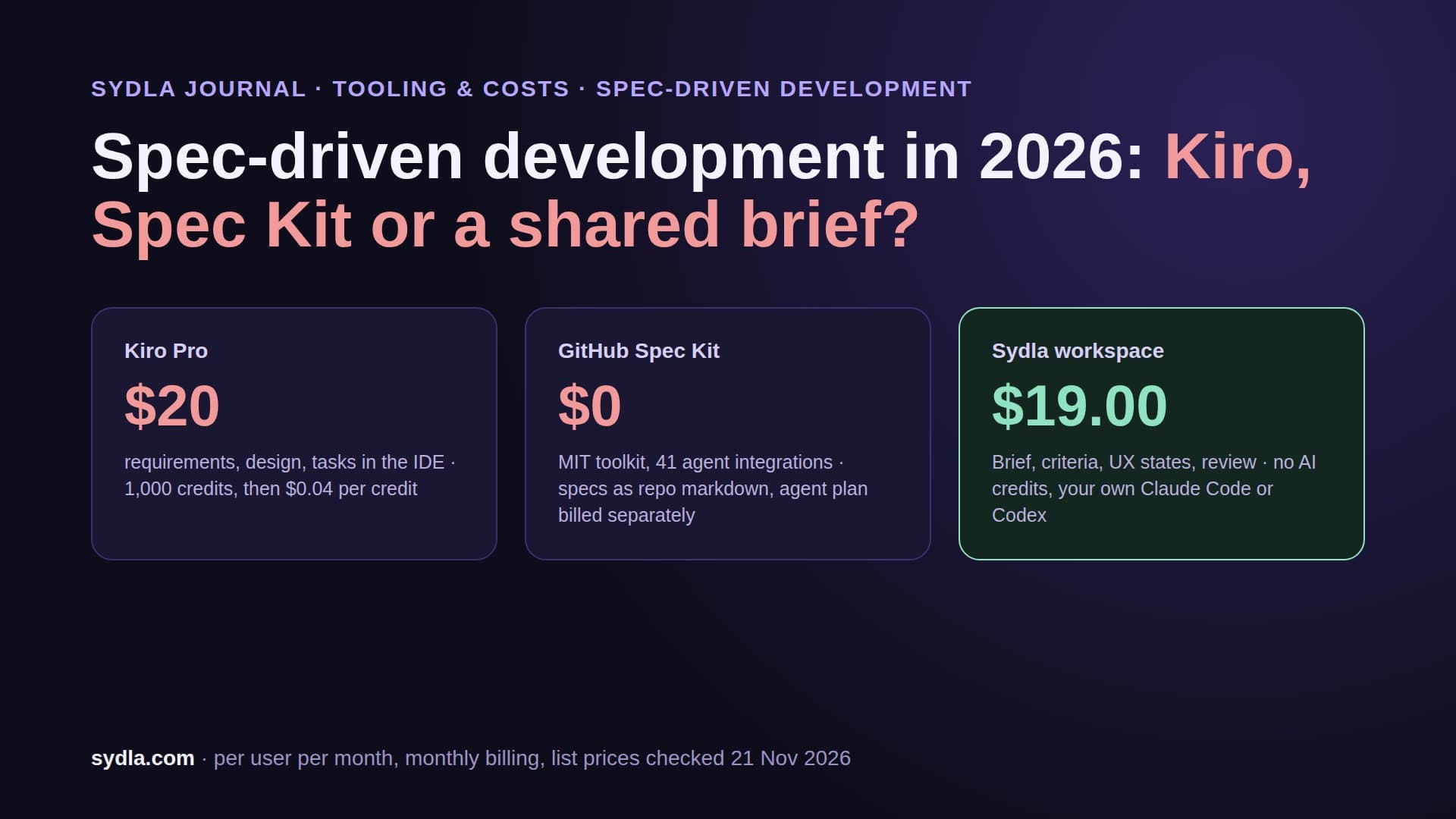
| Sydla | $19.00 | No Sydla AI credits; your own Claude Code or Codex | One work item: brief, criteria, UX states, runs, evidence |
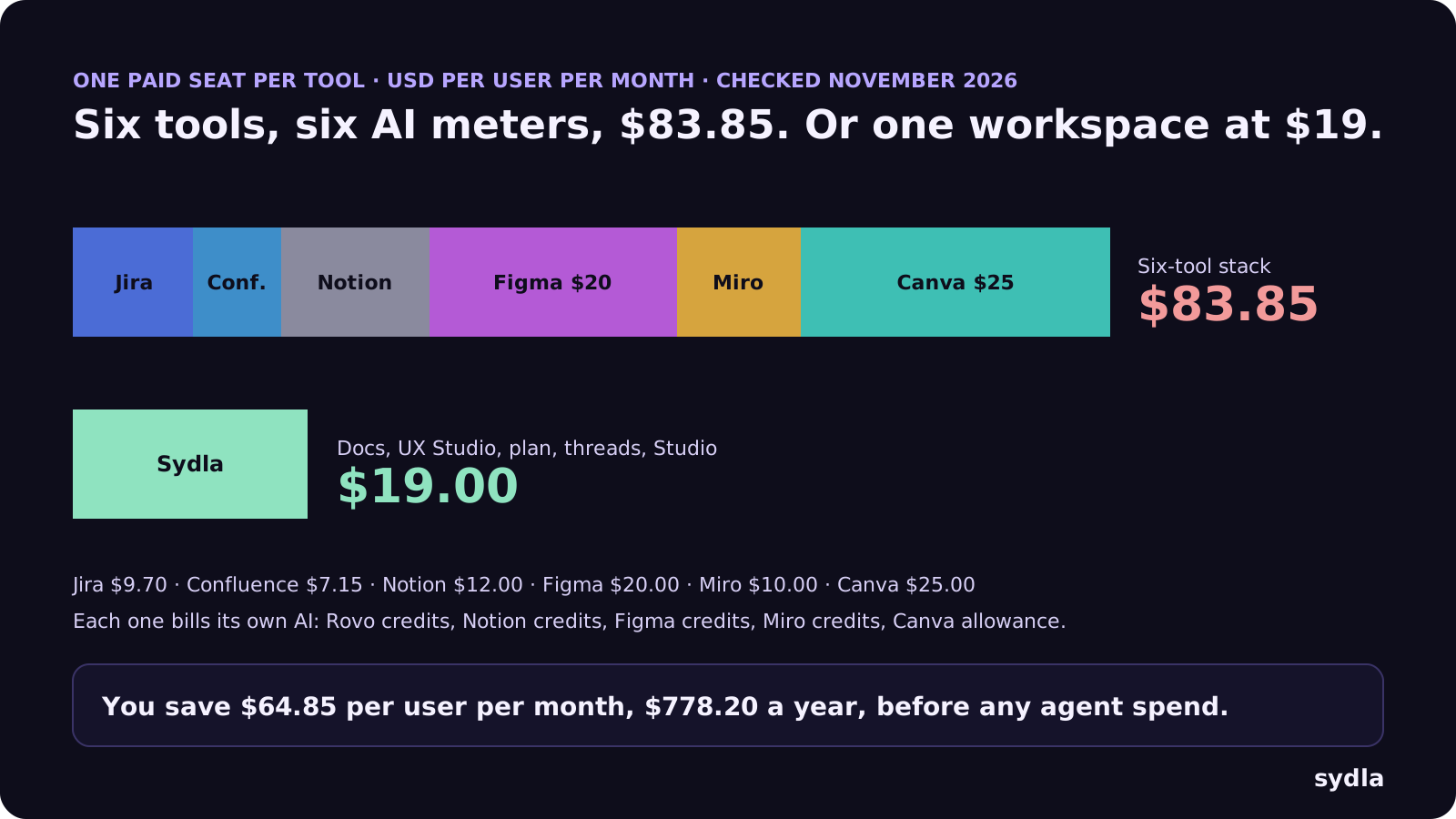
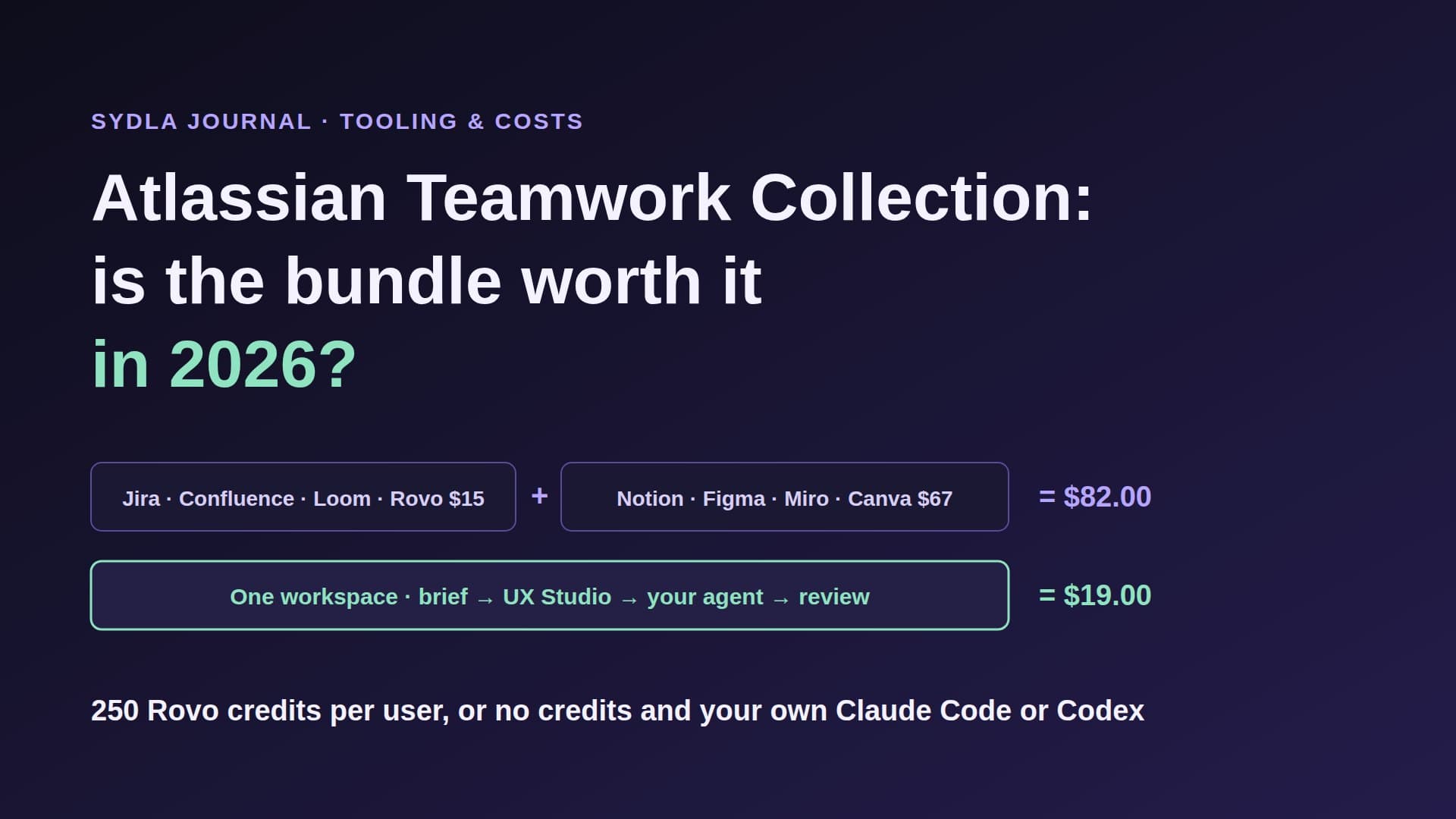
Against the stack, Sydla saves $64.85 per user per month, $778.20 a year, before any agent spend. The pricing section has the plan and the comparison hub is honest about where each specialist tool still wins. If you are only replacing the design tool, our Figma alternatives guide compares Penpot, Framer, UXPin and Sydla UX Studio.
Walkthrough: from prototype to merged code with Sydla Desktop
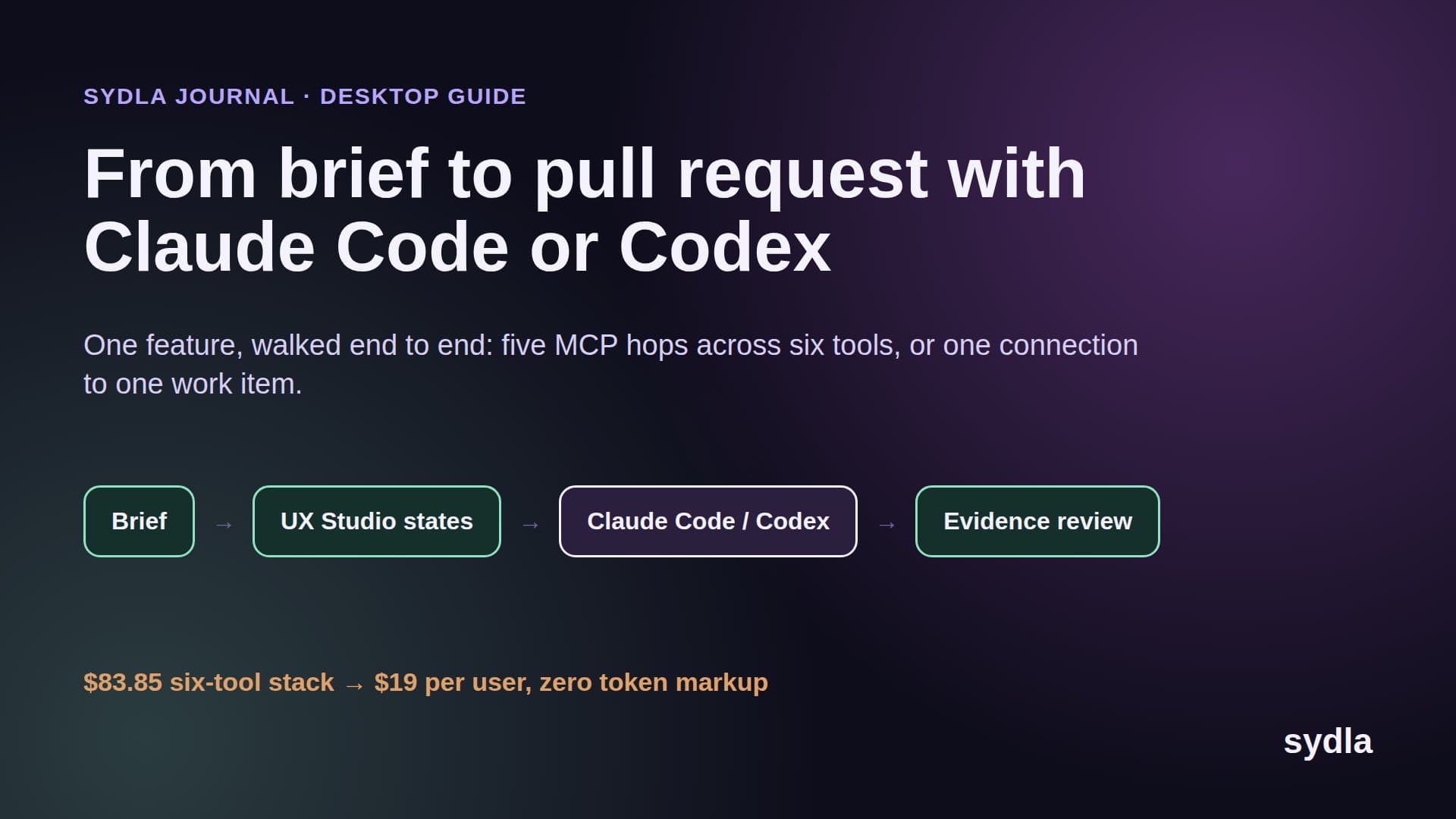
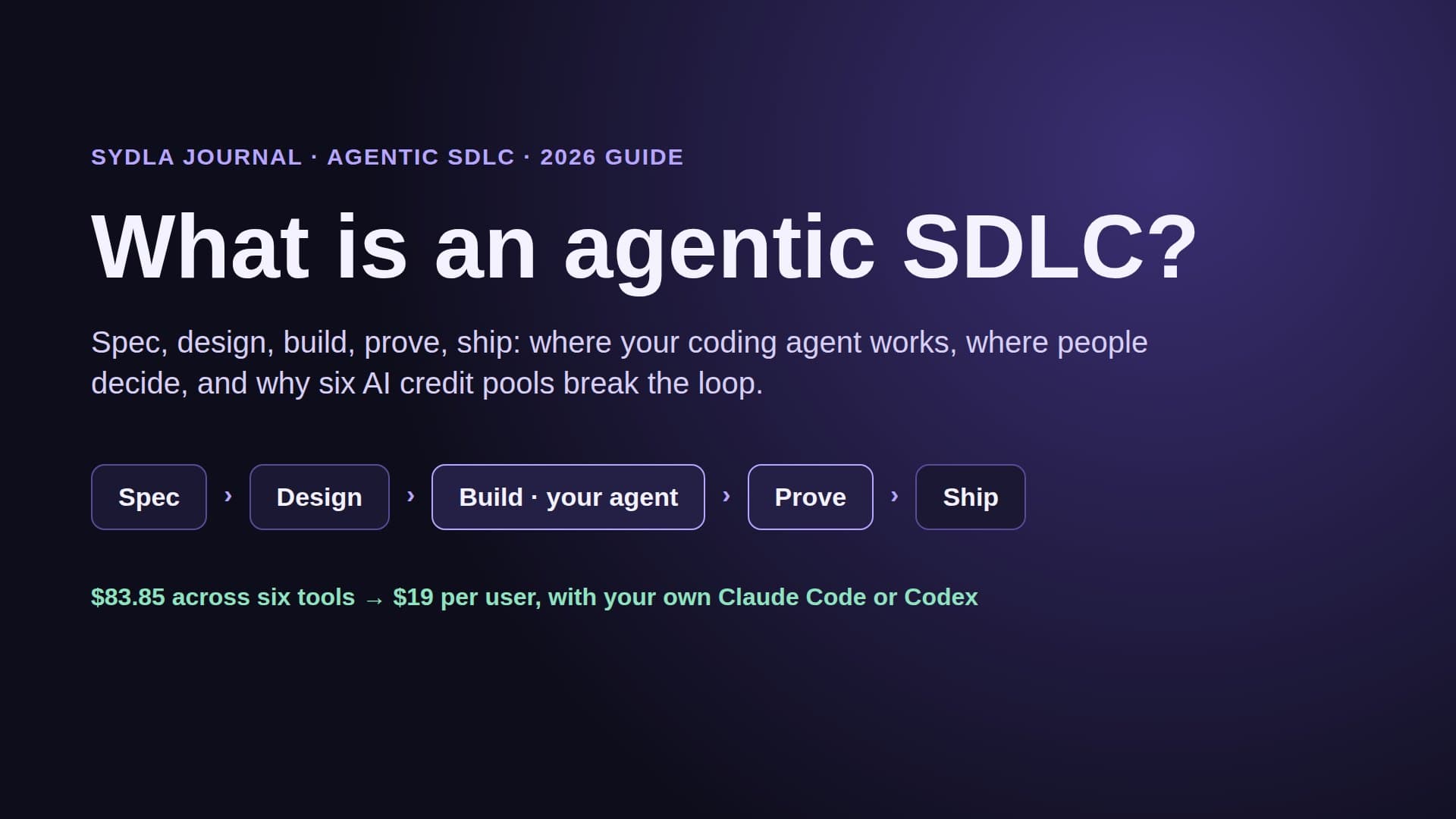
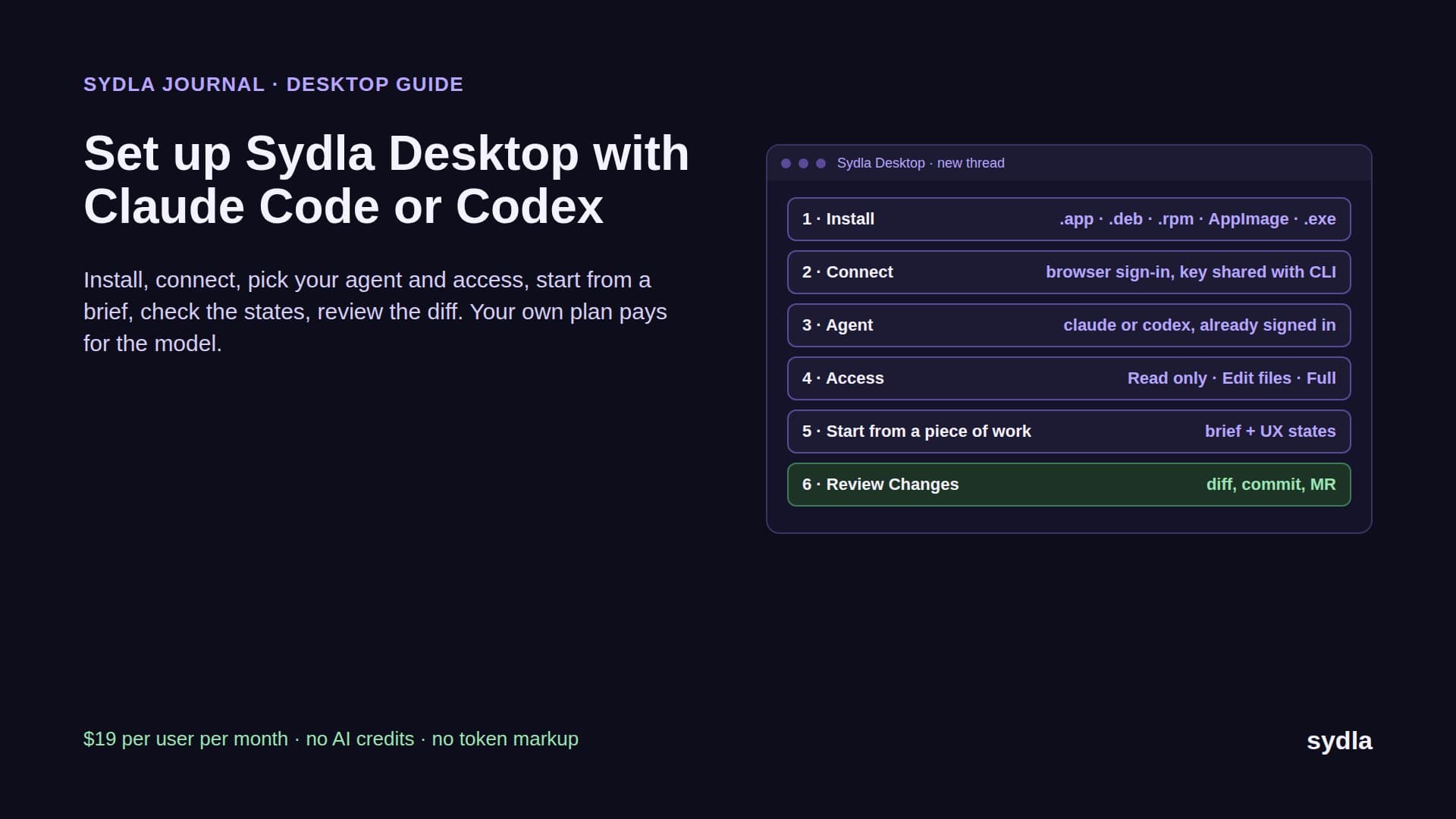
Keep the prototype if you have one. It is great evidence. Just do not ship it. Here is the loop in Sydla, with Claude Code or Codex running on your machine and your plan:
- Write the brief once. In Sydla Docs, record the goal, the users, the non-goals and numbered acceptance criteria, for example: AC3, a shopper whose card is declined keeps the basket and sees which field to fix. Link the Make prototype as a reference, not as the spec. The PRD template for coding agents lists the seven sections that matter.
- Draw every state in UX Studio. Prototypes show the happy path. Add the empty, loading, error, success and permission-denied screens, use your design tokens, and publish the handoff on the same initiative. The agent reads states, not a screenshot. See design-to-code handoff.
- Open a thread in Sydla Desktop. Add your repository folder. Desktop matches its Git remote to your Sydla project, so a thread started from a piece of work opens in that folder on its own branch. It launches the Claude Code or Codex CLI already signed in on your machine, in Read only, Edit files or Full access mode.
- Let the agent read the initiative. Through one Sydla MCP connection the agent opens the brief, the criteria and the UX handoff, instead of six MCP servers with six rate limits. It edits your real components, runs the tests and opens the dev server in its own headless browser to check each state against the design.
- Review the evidence, then decide. The thread shows every command and tool call; Changes shows the diff. Check it against the criteria and the states, commit on the thread's branch and open the merge request. A person makes the gate decision, never the agent. The AI pull request review guide has the four-pass checklist.
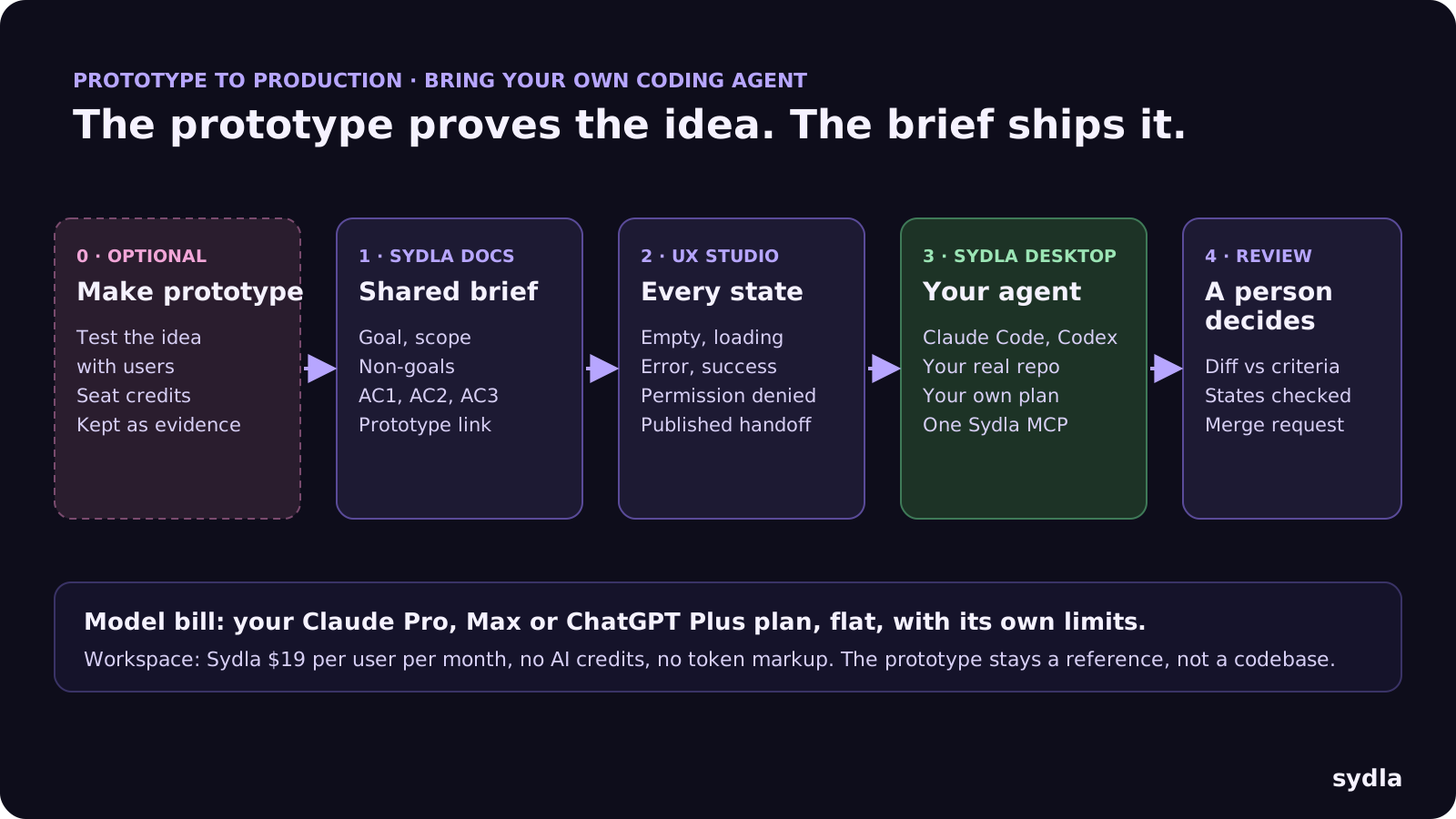
The money changes at step three: the model bill is your Claude or ChatGPT plan, flat, and Sydla adds no meter. The Sydla Desktop setup guide covers installation in about ten minutes.
Which one should you use?
They are not really rivals. They answer different questions:
- Use Figma Make when the question is whether the idea works: a demo for an investor, a test with five users, a flow the team cannot picture yet. Budget the credits, and treat the output as a sketch.
- Use Claude Code or Codex when the question is how to ship it: a change in your real repository, with your components, your backend and your tests, on a plan you already pay for. See bring your own coding agent for the billing models.
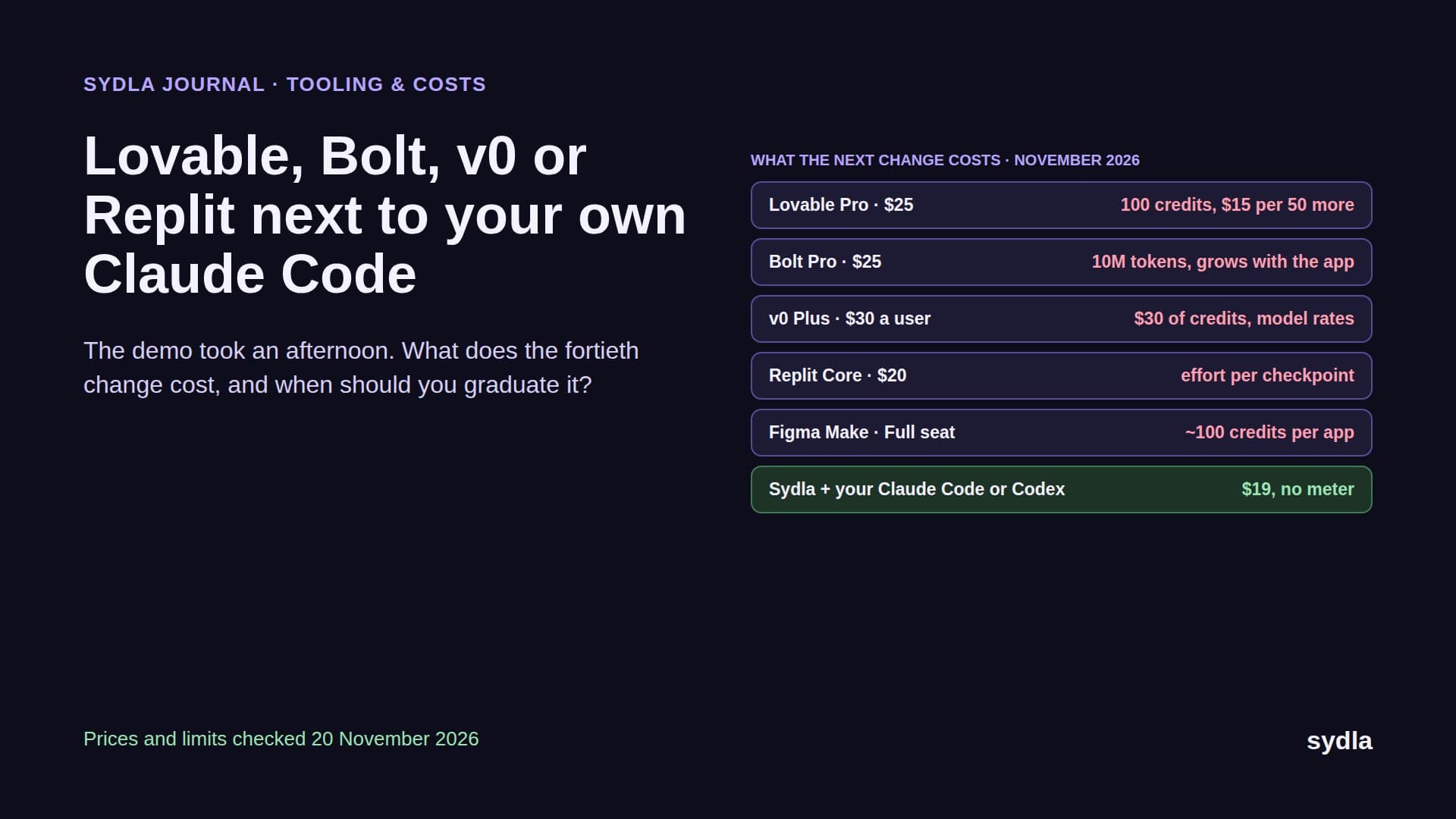
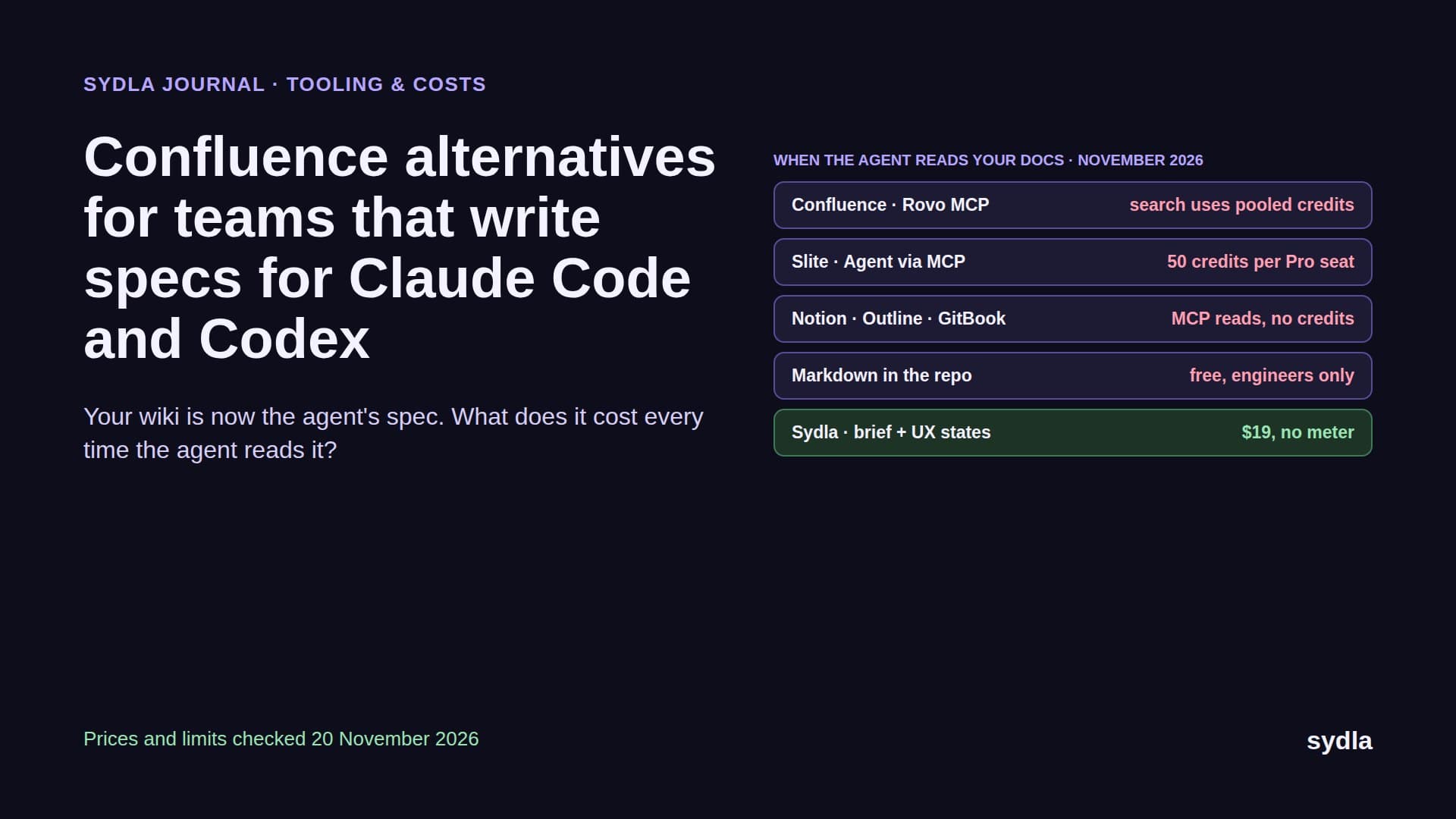
- Use Sydla around your agent when you want the brief, the states, the plan and the review in one place instead of six. That is most solo founders, founding engineers and lean product teams. The solo founder stack shows the one-person version, and the app builders comparison covers Lovable, Bolt, v0 and Replit if you are weighing those too.
Prototype anywhere. Ship from one place.
Figma Make made prototypes cheap in time and expensive in credits. Claude Code and Codex made production changes fast on a flat plan. What still costs the most is the gap between them: a spec retyped, states forgotten, a review with no evidence.
Take the next screen your team prototyped. Write its brief and states in Sydla this week, open a Desktop thread and let your own Claude Code or Codex build it in the real repository. Start your $19/mo AI SDLC workspace and keep your Claude Code and Codex accounts exactly as they are.
Frequently asked questions
Is Figma Make better than Claude Code?
They do different jobs. Figma Make turns prompts and designs into a hosted, clickable prototype in minutes on Figma AI credits. Claude Code changes your real repository with your components and tests on a flat Claude plan. Use Make to test an idea and Claude Code, or Codex, to ship it.
How many credits does Figma Make use?
Figma's rates as of 19 November 2026 are about 30 credits or more to change a font, 75 or more to make an attached design interactive and 100 or more to generate an app from scratch. Plan mode and conversation mode also use credits; Auto fix is free. A Professional Full seat includes 3,000 credits a month, with no rollover.
Can Figma Make push code to GitHub?
Yes. Any Make user can push a project to a new GitHub repository or download the code as a ZIP. Working on an existing codebase with branches and pull requests from Make is a limited beta announced on 28 May 2026, behind a waitlist and only in Figma's Beta desktop app for Mac. It is not yet available for Payload-backed apps.
Is Figma Make code production-ready?
Treat it as a prototype. Make builds its own React project with its own components, a Payload backend hosted by Figma or Supabase used as a key-value store, and no link to your tests. Most teams rebuild the screen in their real repository, which is where a coding agent such as Claude Code or Codex fits.
Can I use Claude Code with my design states without Figma?
Yes. In Sydla, you draw empty, loading, error, success and permission-denied states in UX Studio next to the brief and acceptance criteria. Sydla Desktop runs your own Claude Code or Codex CLI on your plan, and the agent reads the brief and the UX handoff through one Sydla MCP connection. Sydla is $19 per user per month with no AI credits.