Bring your own coding agent in 2026: plan, API key or vendor credits?
Every tool in your stack now wants to run the agent for you, on its own meter. There are only three ways to pay for an agent run in 2026: your own Claude or ChatGPT plan, an API key, or a vendor's credits. Here is what each costs, who adds a markup, and how to keep the agent you already pay for.
Everyone wants to run your agent for you
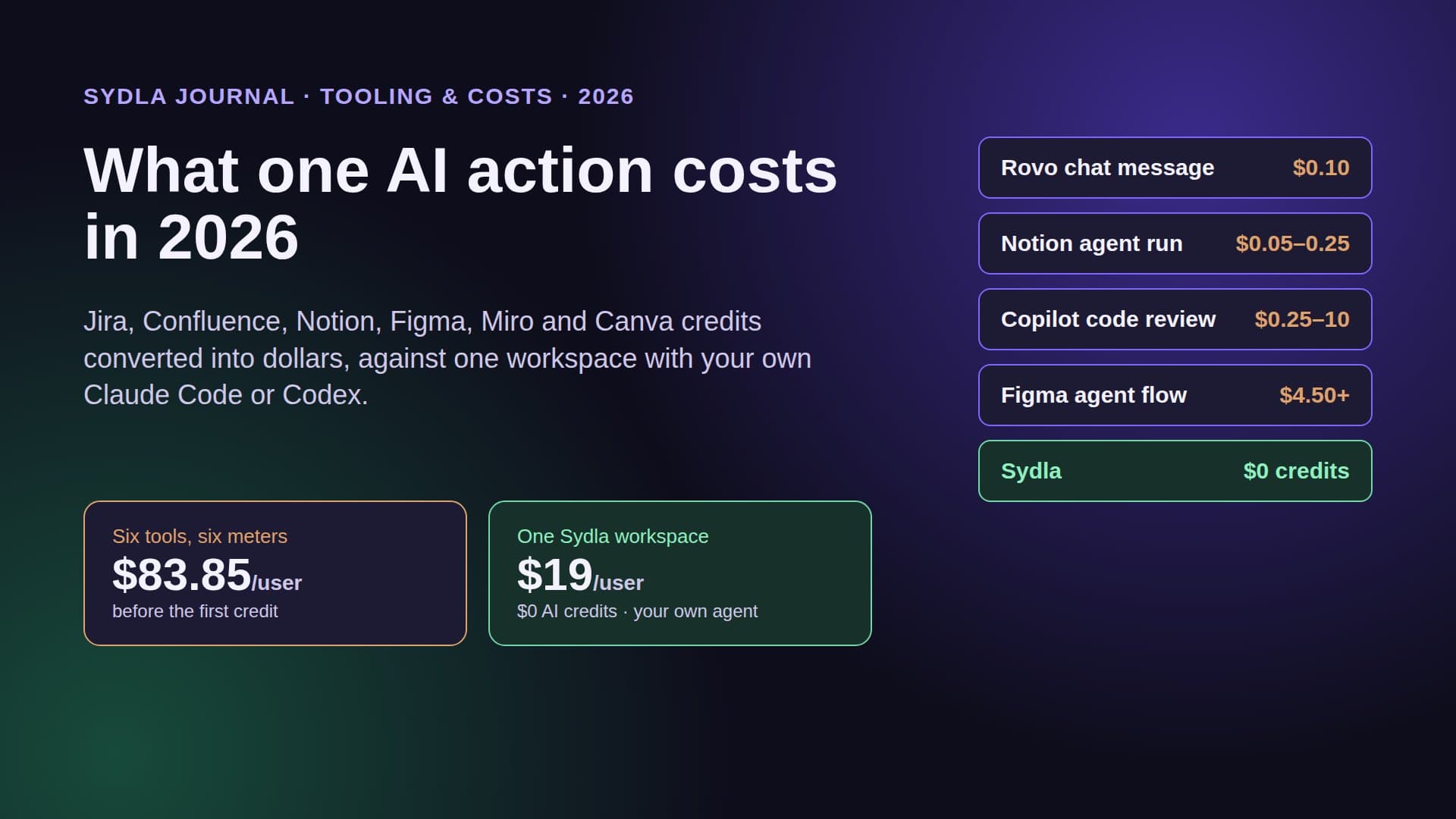
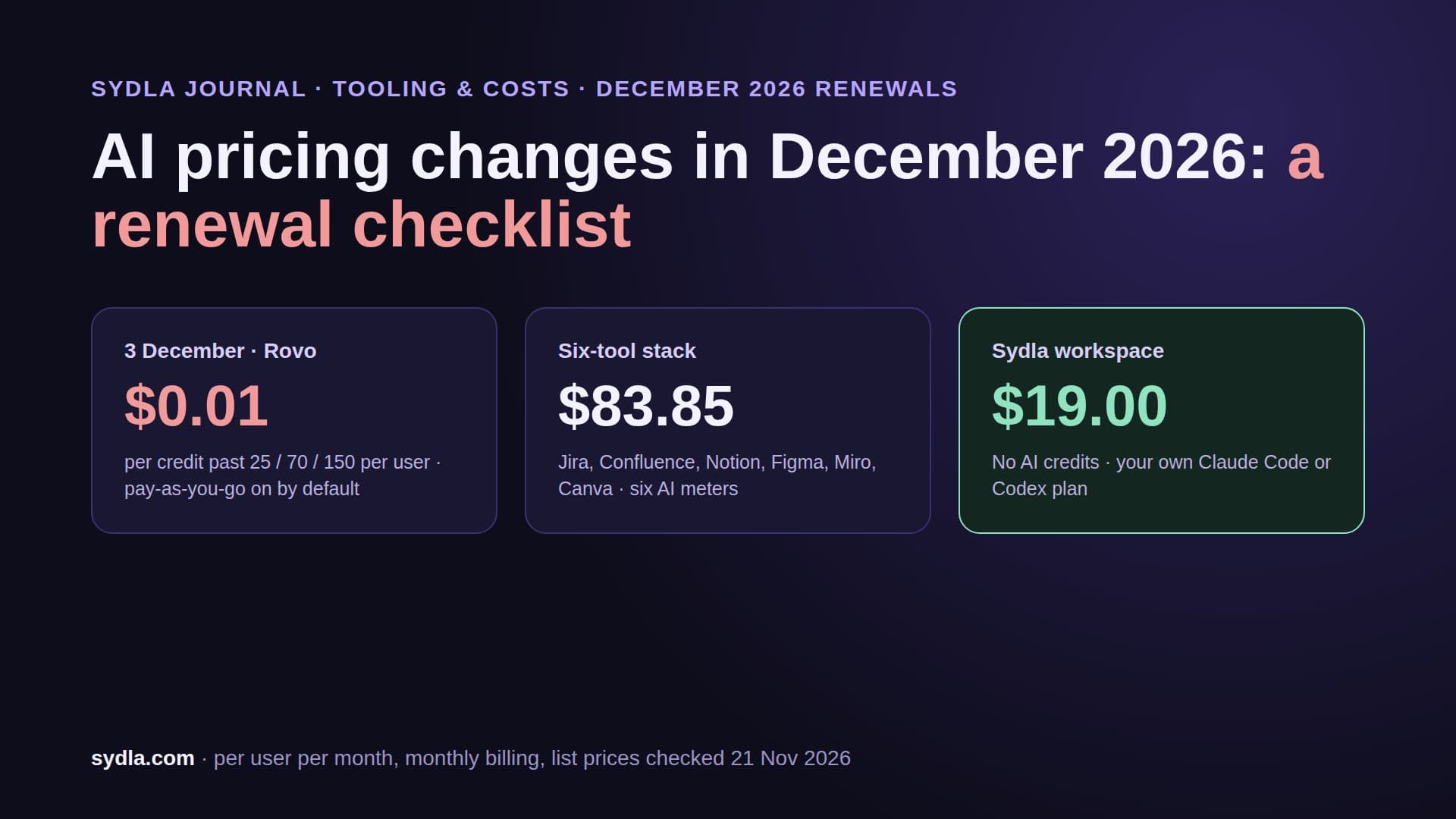
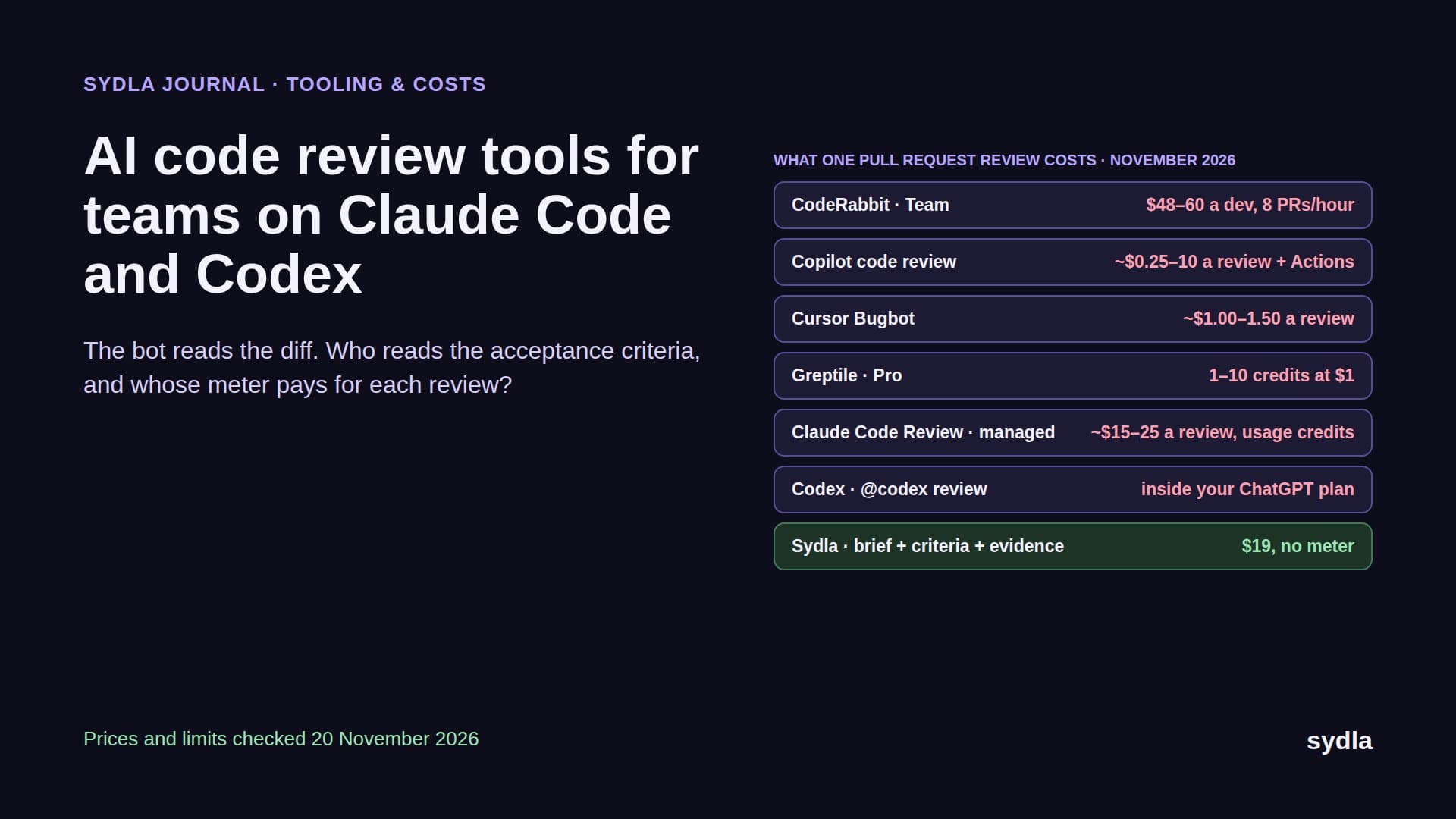
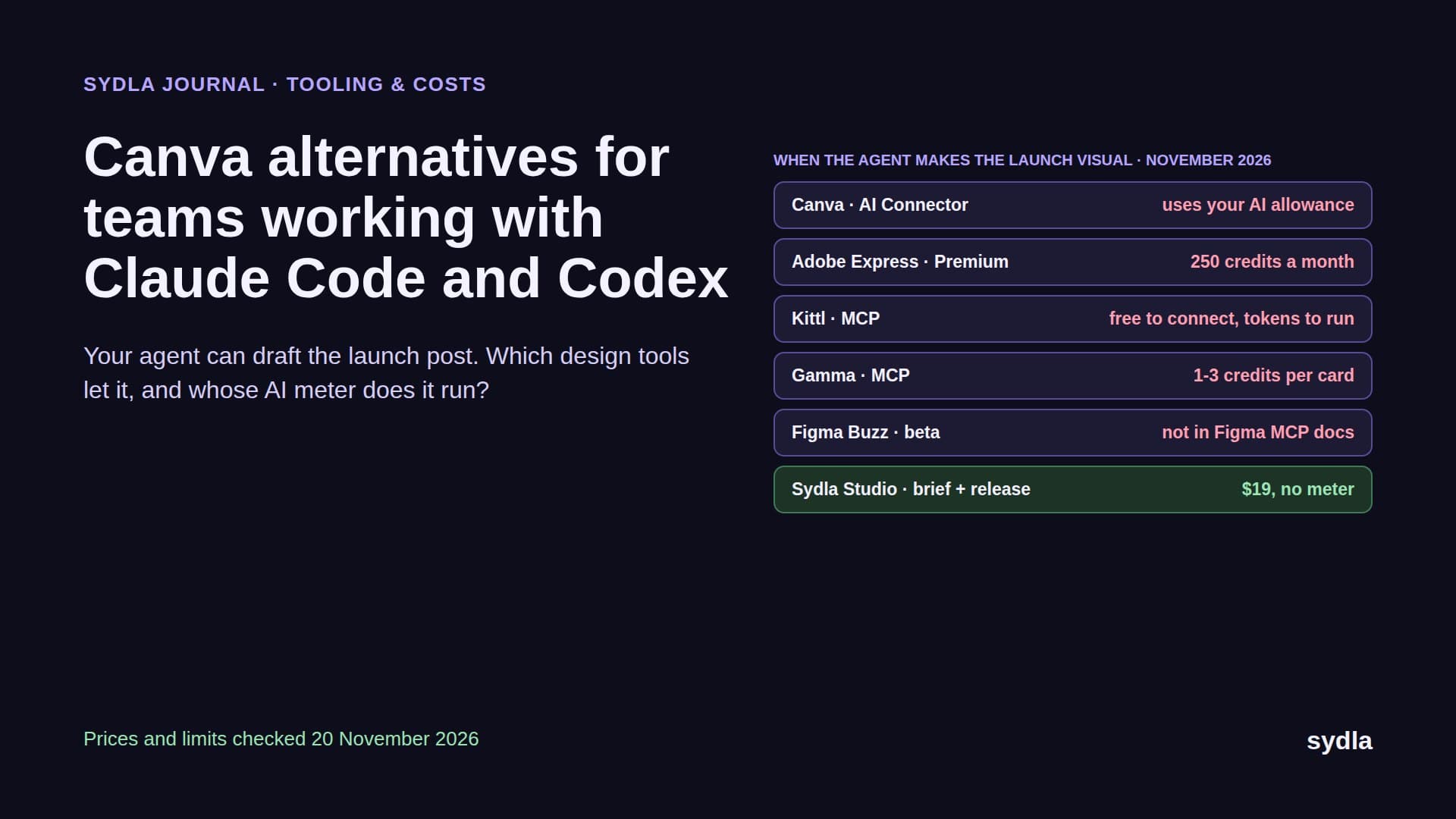
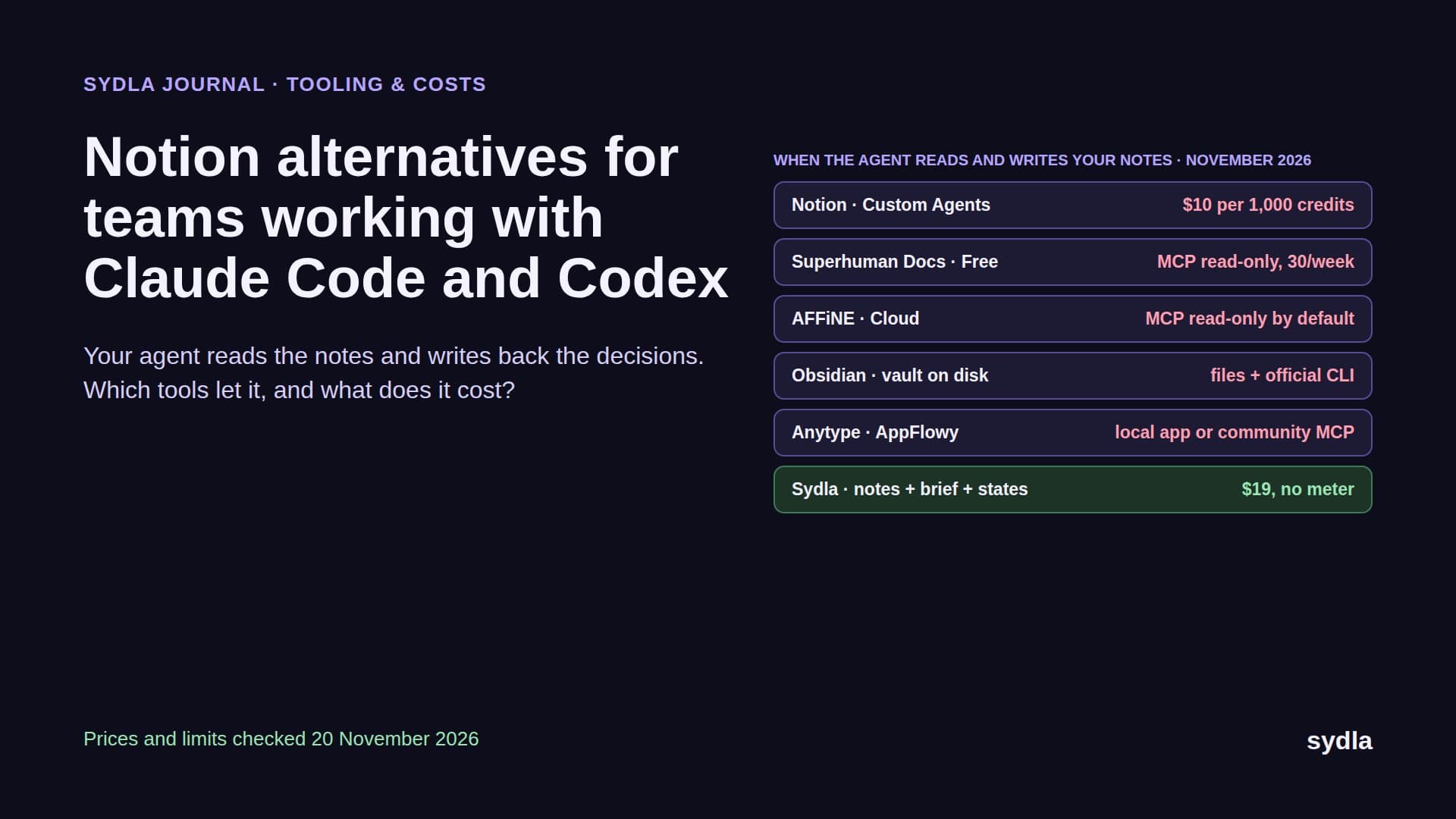
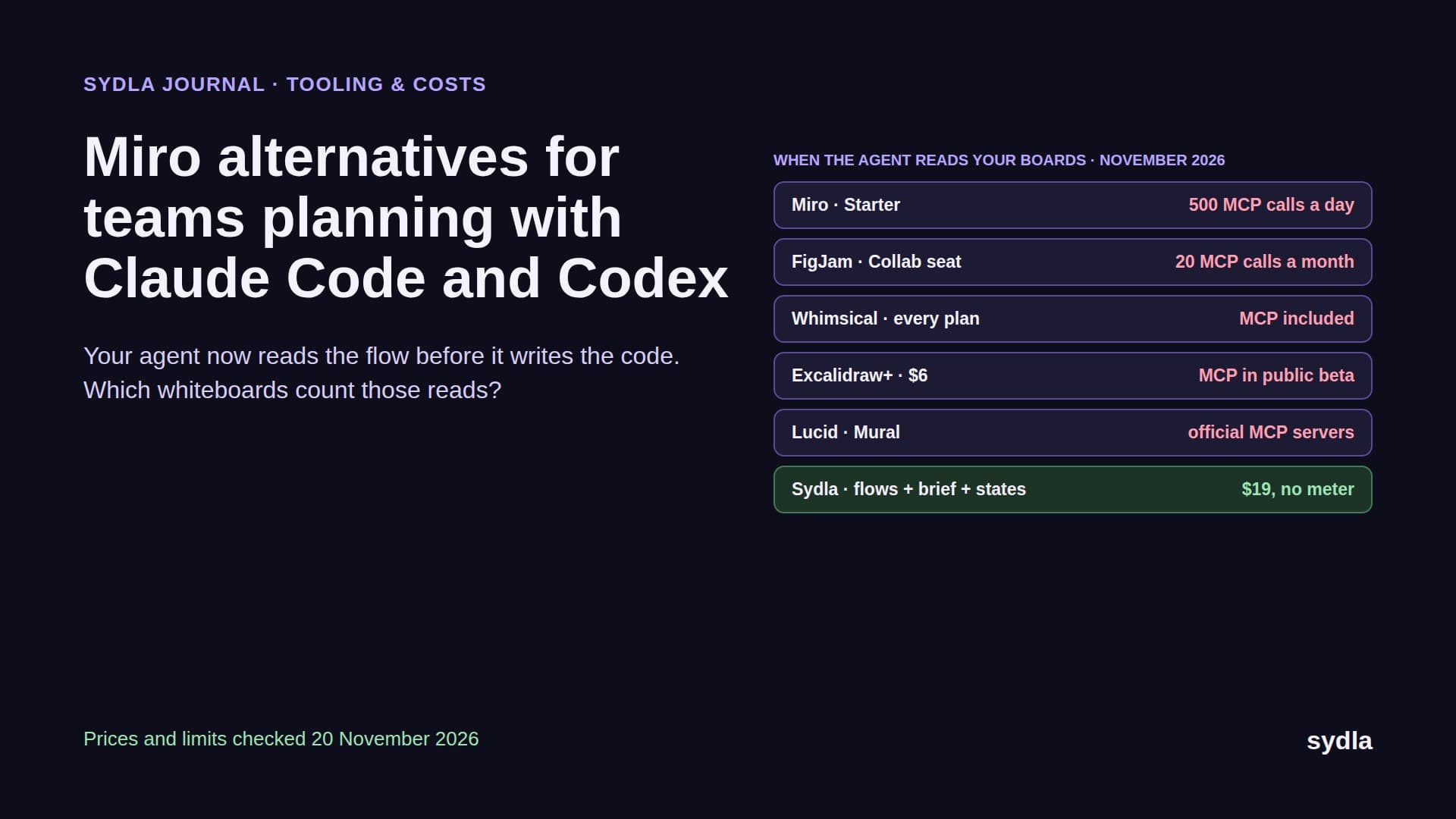
In 2026 every tool in a product team's stack ships an agent. Jira and Confluence have Rovo. Figma has Make and its own agent. Notion has Custom Agents. Miro has Flows and Sidekicks. Canva has its own AI. Each one runs on a meter: pooled Rovo credits that turn pay-as-you-go on 3 December 2026, Figma credits per seat with a hard stop, Notion credits at $10 per 1,000, Miro credits that pause for the whole team at zero.
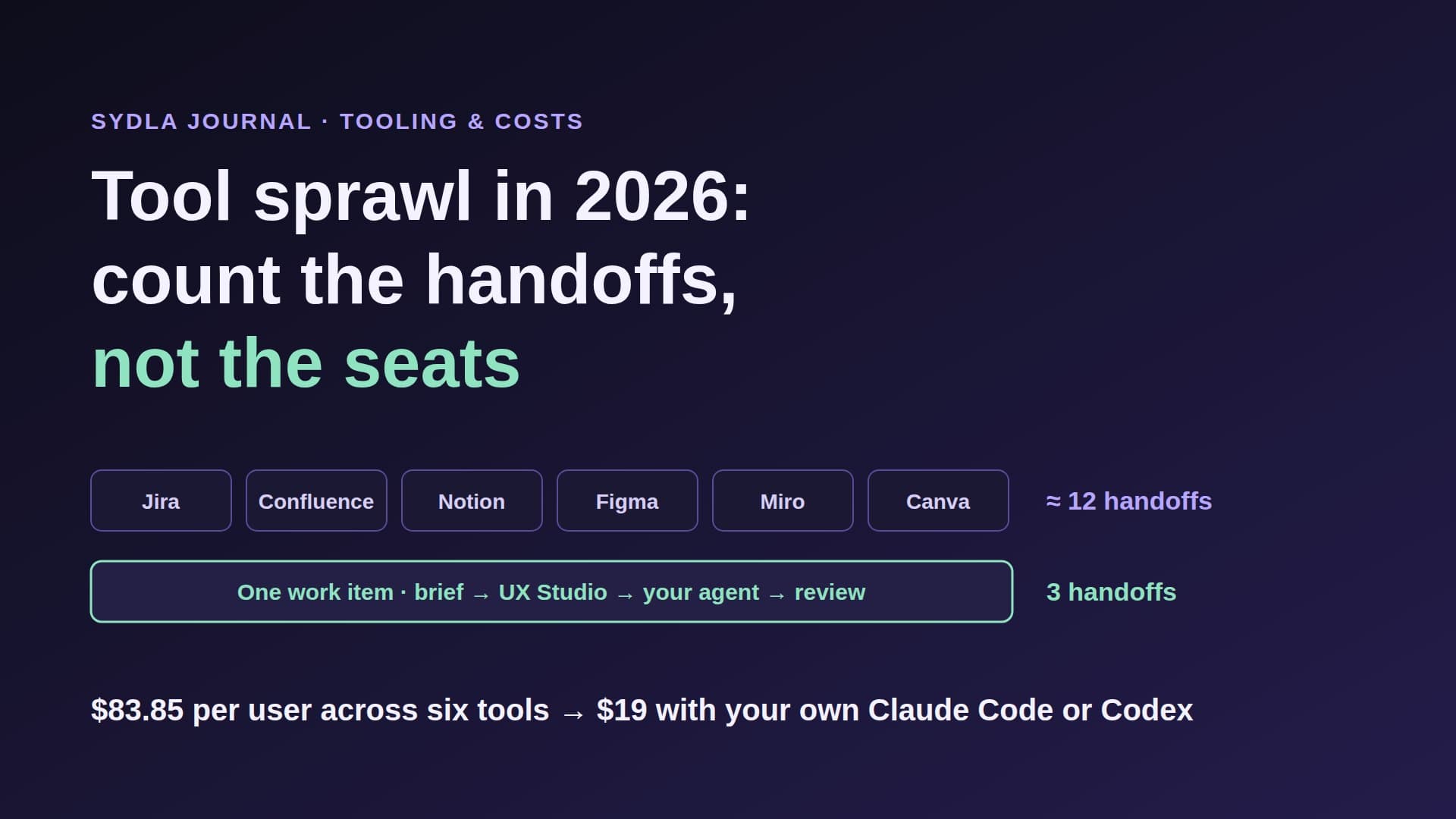
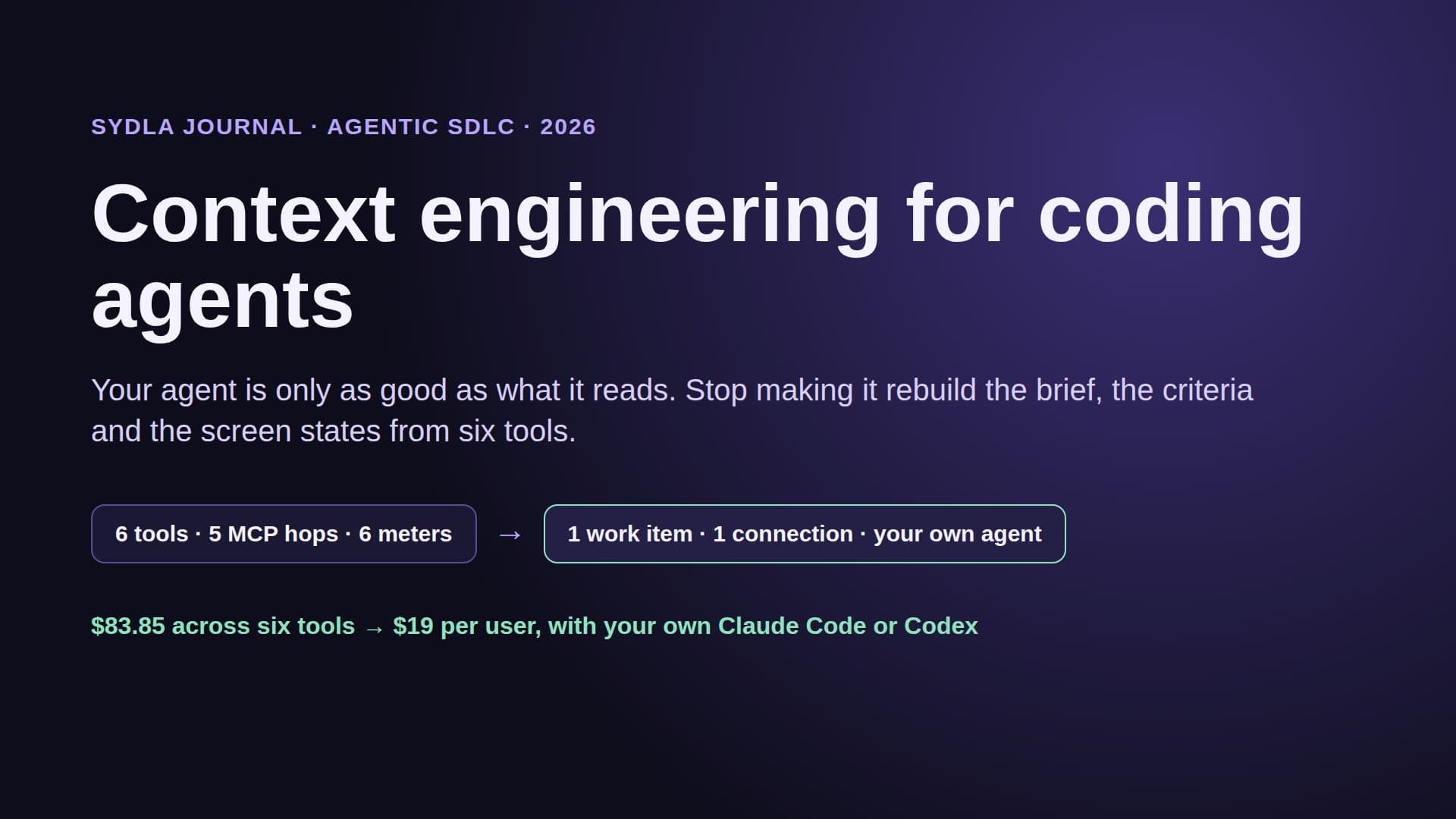
Meanwhile the engineers on the same team already pay for Claude Code or Codex, and those agents are the ones that actually write and test the code. So the same feature gets paid for twice: once in the tracker's credits to summarize and plan it, once in the engineer's own plan to build it. Then the agent hops through five MCP servers to rebuild the context it needs, and some of those reads are metered too. We called this AI credit fatigue.
Bring your own coding agent is the answer most lean teams are reaching for. But the phrase hides three very different billing models, and only one of them has no markup. This guide separates them.
Three ways to pay for an agent run
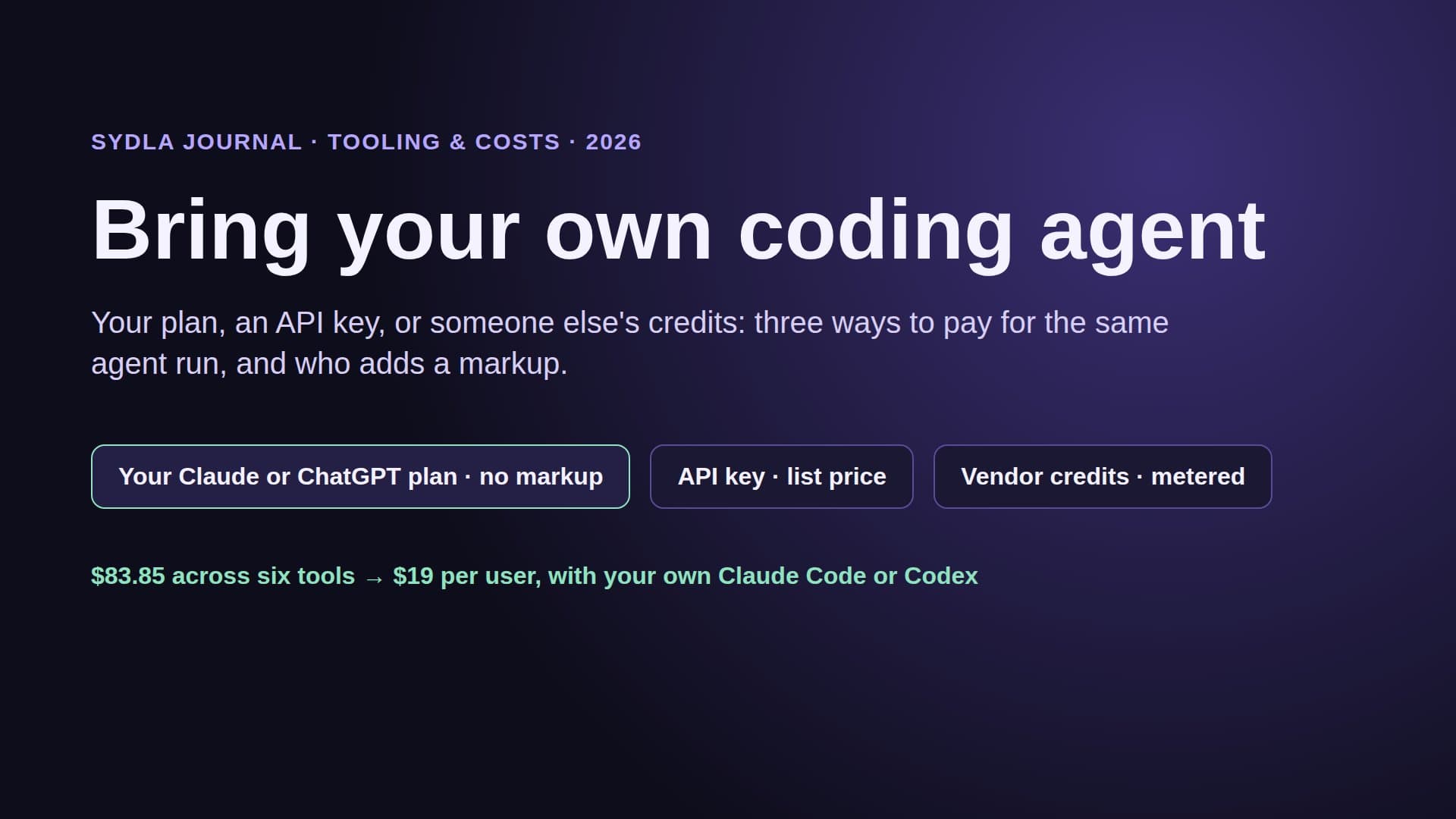
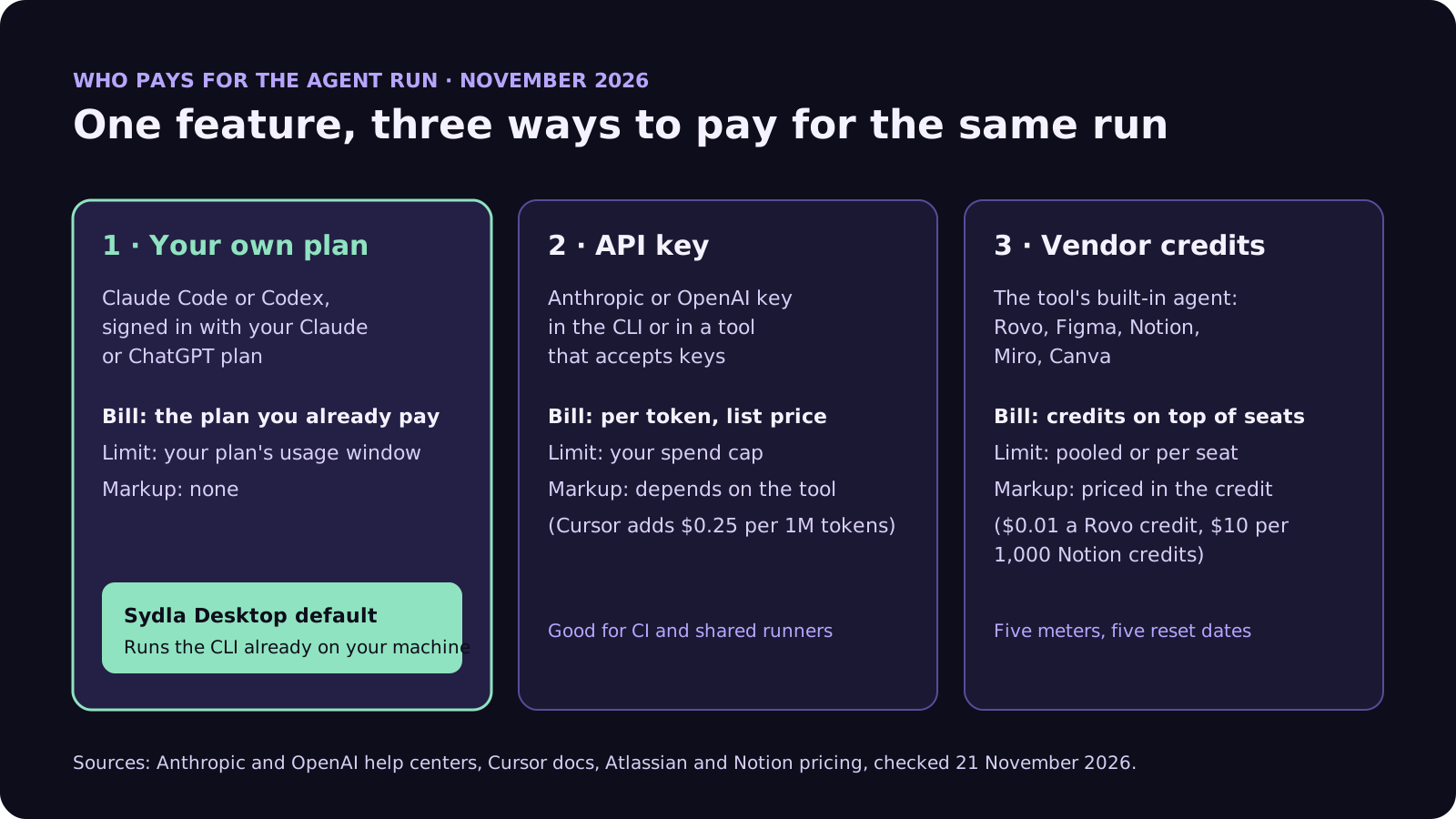
Every coding agent run in 2026 is paid for in one of three ways: from your own Claude or ChatGPT plan, from an API key billed per token, or from a tool vendor's credits. The work is the same. The bill, the limit and the markup are not.
- Your own plan. You sign in to Claude Code with a Claude Pro, Max, Ultra or Team plan, or to Codex with a ChatGPT plan. The run draws on that plan's usage window. There is no per-token bill and nobody in between adds a margin. Anthropic's help center confirms that claude -p and the Agent SDK still draw from your subscription limits when you are signed in with your plan; OpenAI says Codex usage on a ChatGPT plan comes from the plan's included allowance.
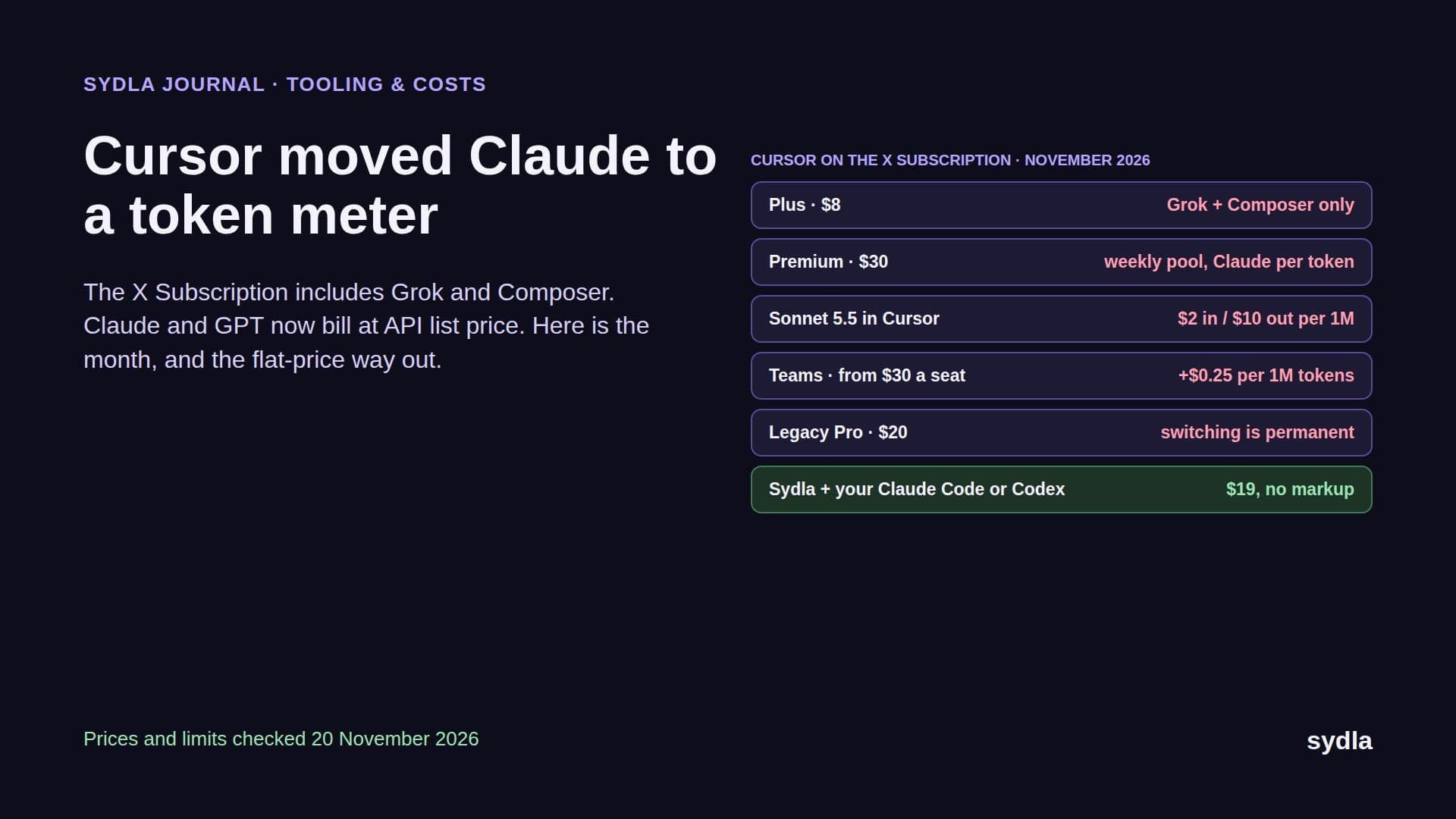
- An API key. You give the CLI, or a tool that accepts keys, an Anthropic or OpenAI API key. Every token is billed at list price on your provider account. This is the right model for CI and shared runners. Watch the tool, though: Cursor adds its Cursor Token Rate of $0.25 per million tokens even on requests made with your own key, and its zero data retention policy does not cover them.
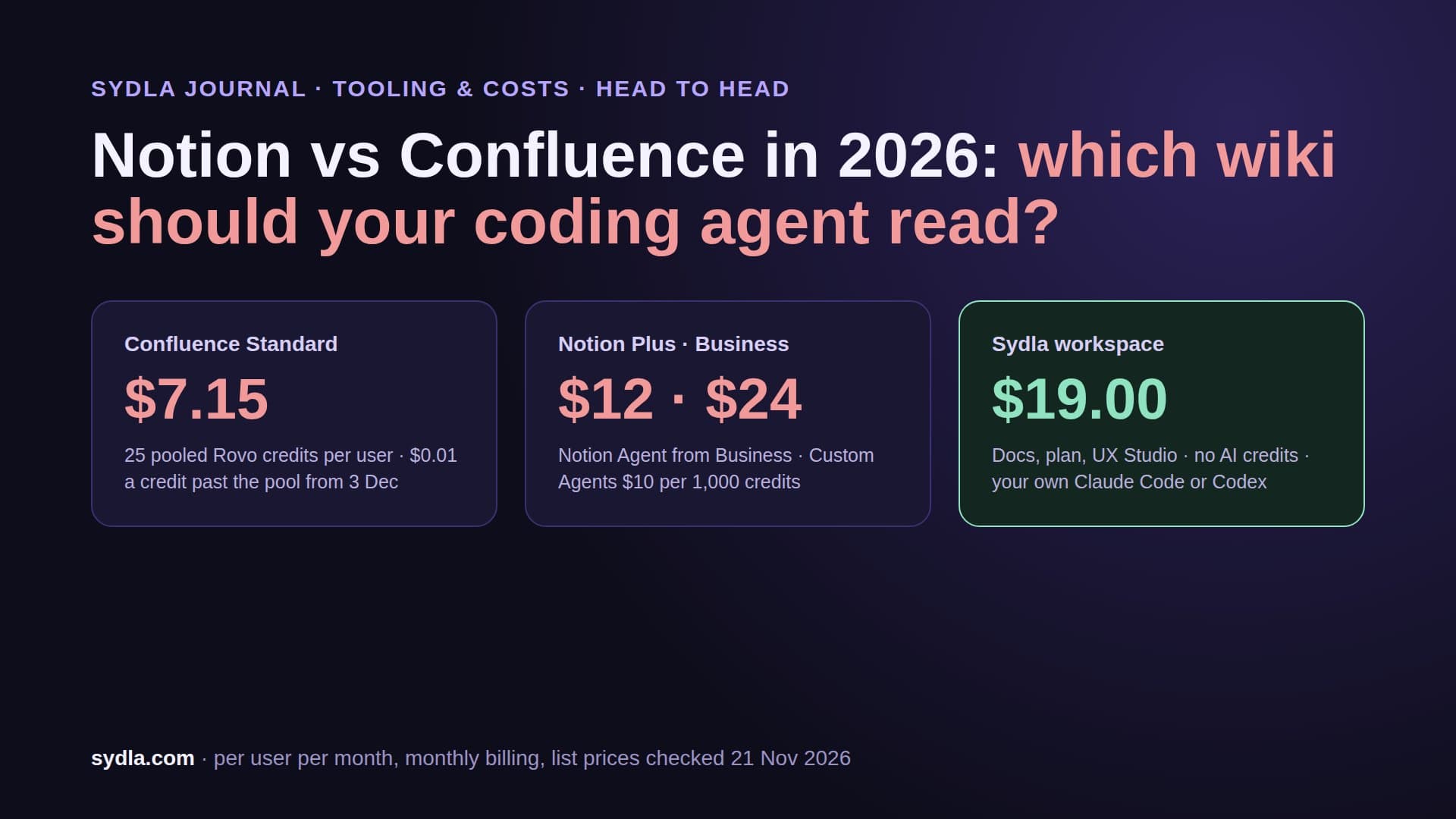
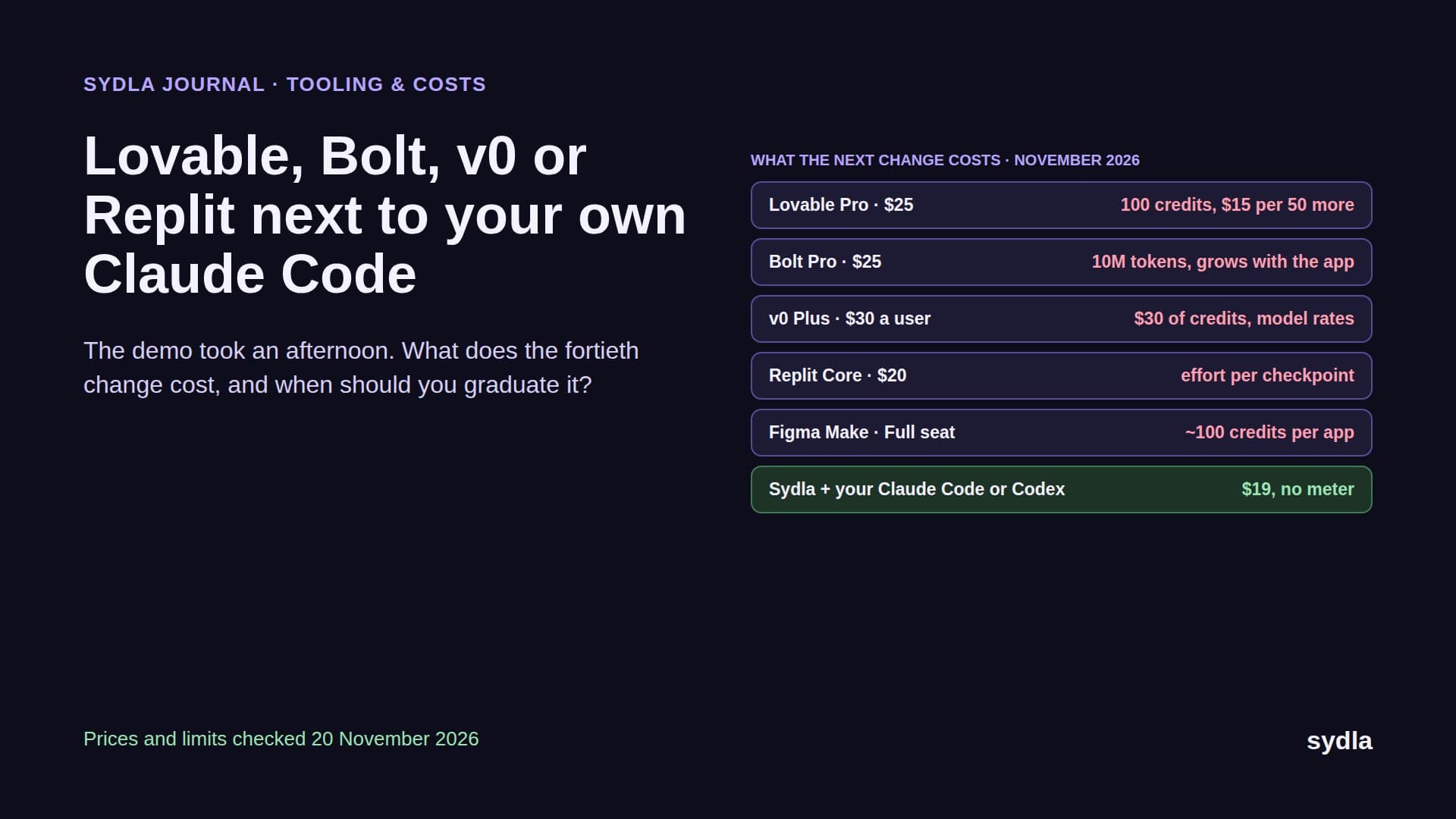
- Vendor credits. You use the agent built into Jira, Confluence, Figma, Notion, Miro or Canva. You pay for the seat, then for credits on top: $0.01 per Rovo credit once the pooled allowance runs out, $10 per 1,000 Notion credits on Business and Enterprise only. The model price and the vendor's margin are both inside the credit, so you can't see either.
One rule from early 2026 still matters: Anthropic does not let third-party products offer claude.ai sign-in or plan limits inside their own apps without approval. A tool that says it runs on your Claude subscription should be running the official claude CLI that you signed in to yourself, on your machine. That is the supported path, and it is how Sydla Desktop works.
What each tool charges for agent work in 2026
Here is the stack most product teams still run, with the seat price, the AI meter attached to it and how it treats an agent you bring yourself.
| Tool | Price per user | Built-in AI meter | Bring your own agent? |
|---|---|---|---|
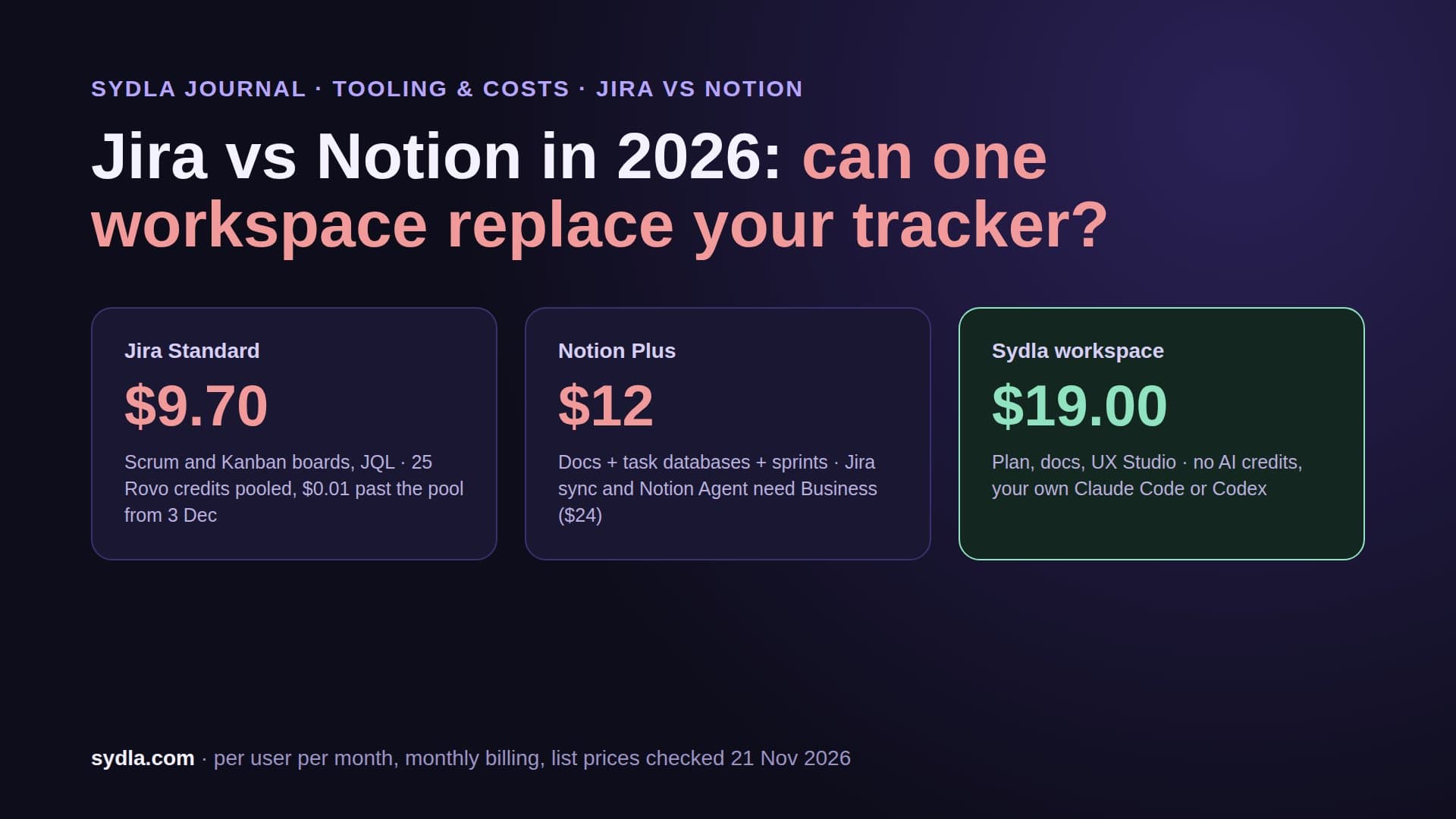
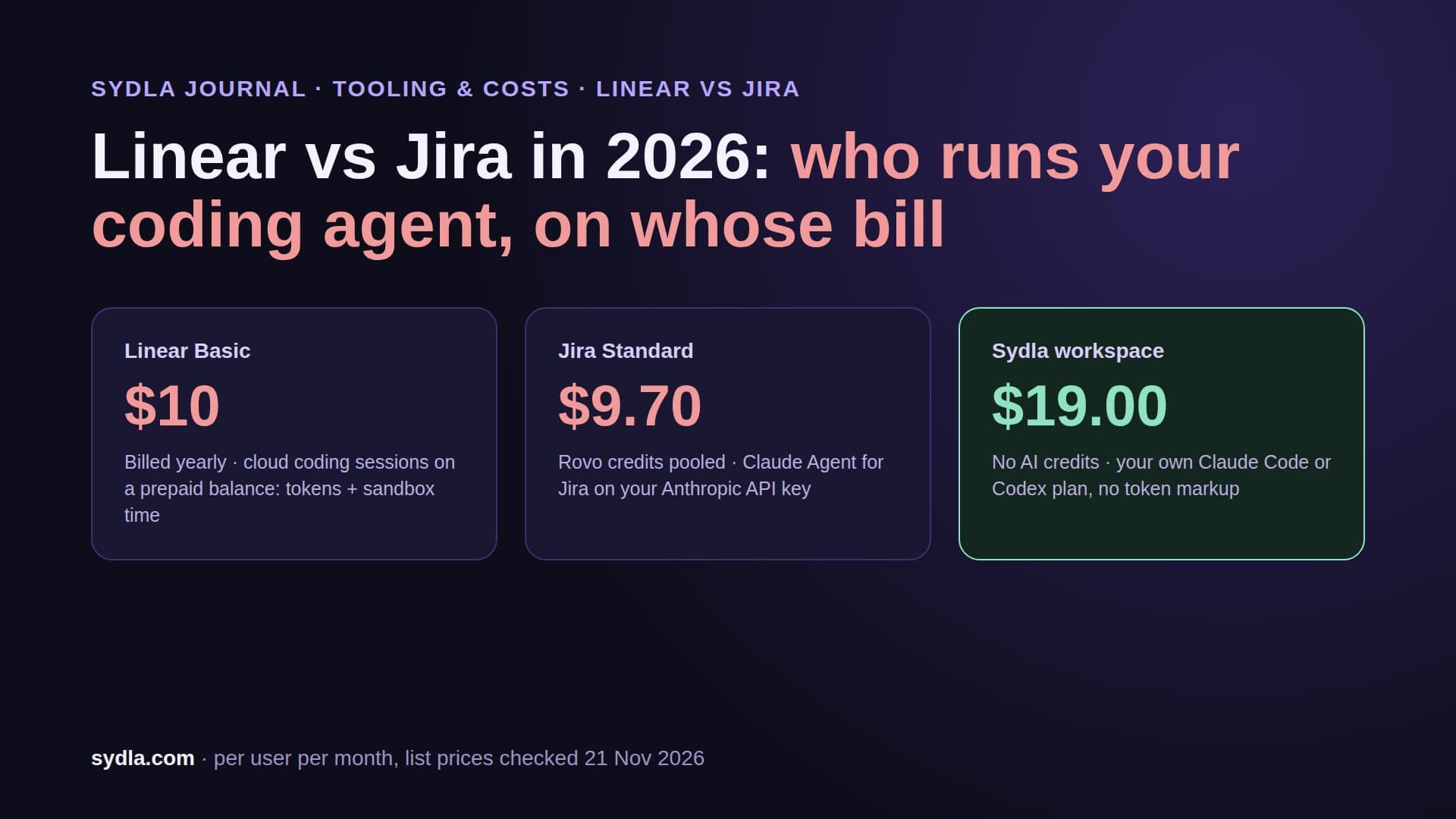
| Jira Standard | $9.70 | 25 Rovo credits per user, pooled; pay-as-you-go at $0.01 per credit from 3 December 2026 | Agents in Jira can hand a ticket to Claude Code, Cursor or Copilot; Claude runs on your Anthropic API key |
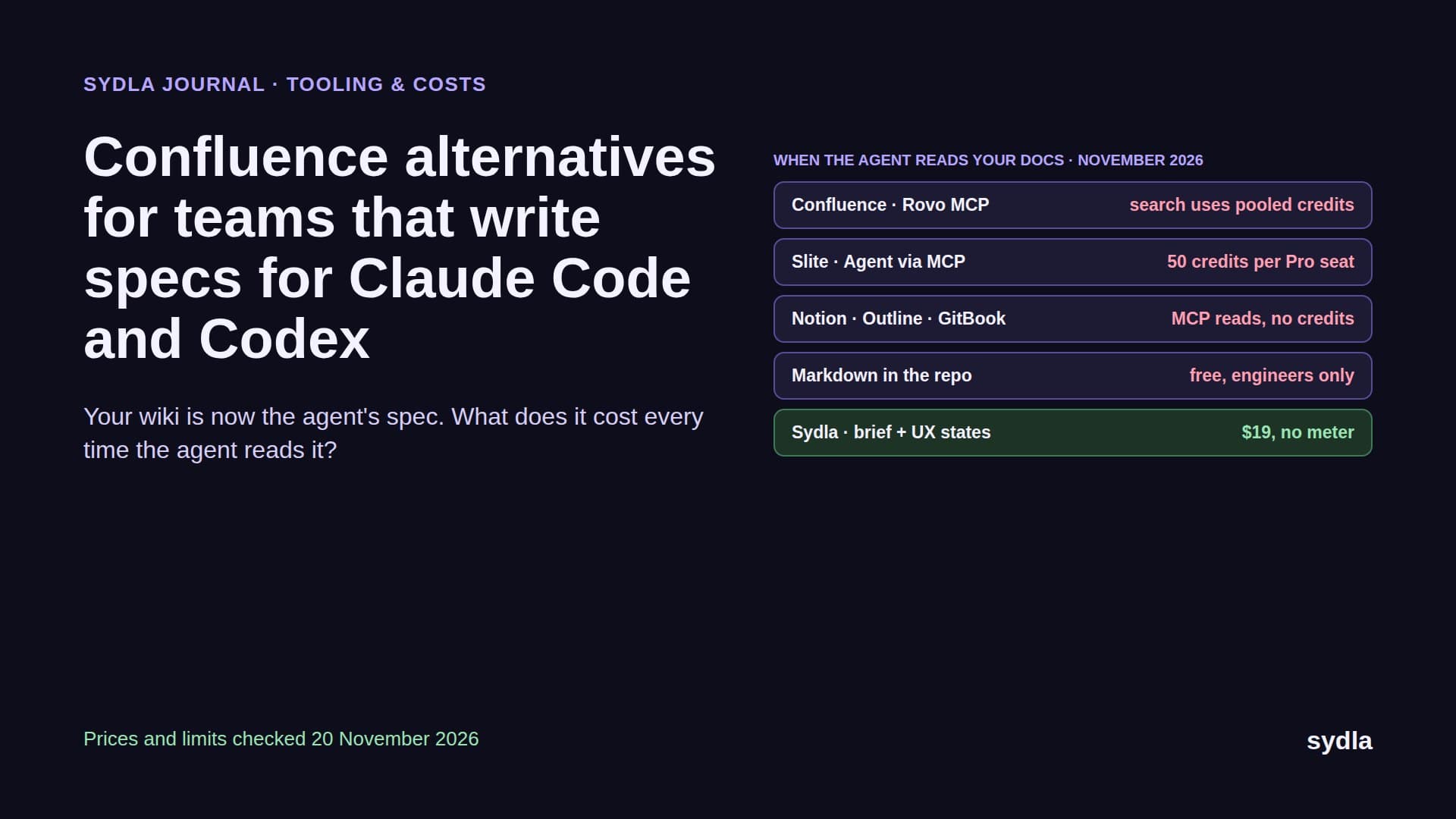
| Confluence Standard | $7.15 | Same Rovo pool; enriched MCP searches cost 1 to 10 credits each | Your agent reads pages through Rovo MCP, some reads metered |
| Notion Plus | $12.00 | Custom Agents only on Business and Enterprise; extra usage $10 per 1,000 credits | Notion MCP on all plans; agent runs stay outside Notion |
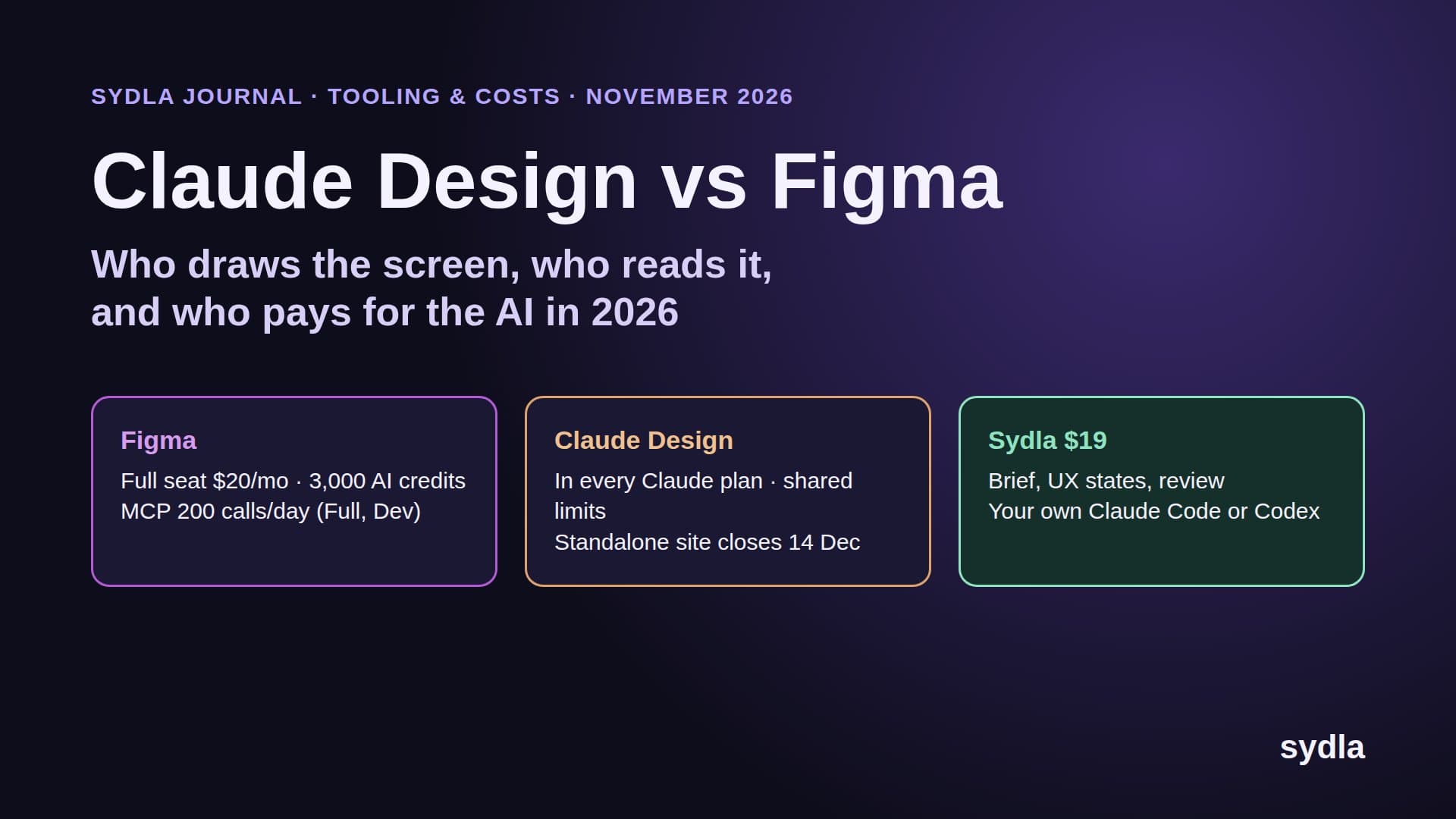
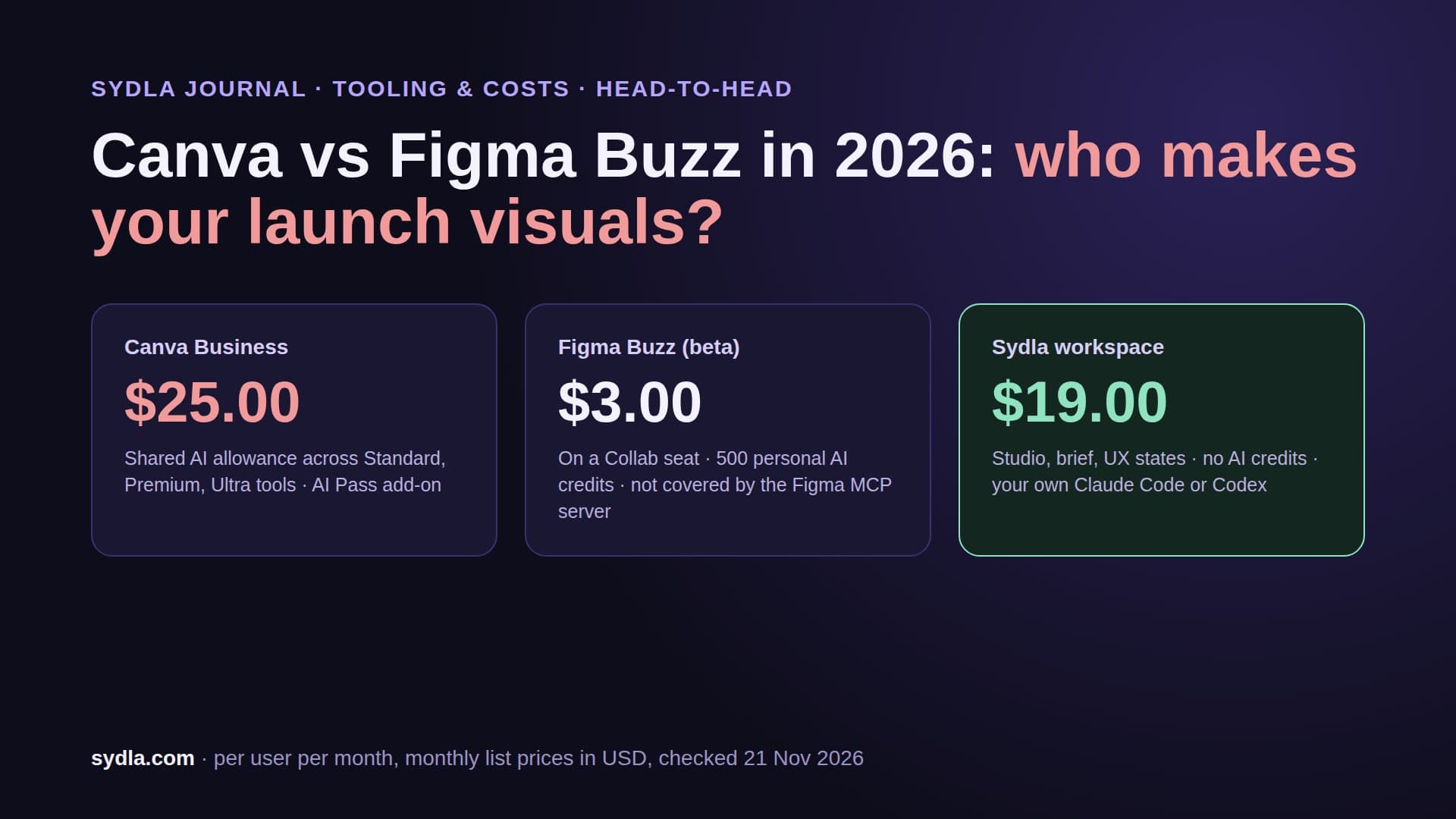
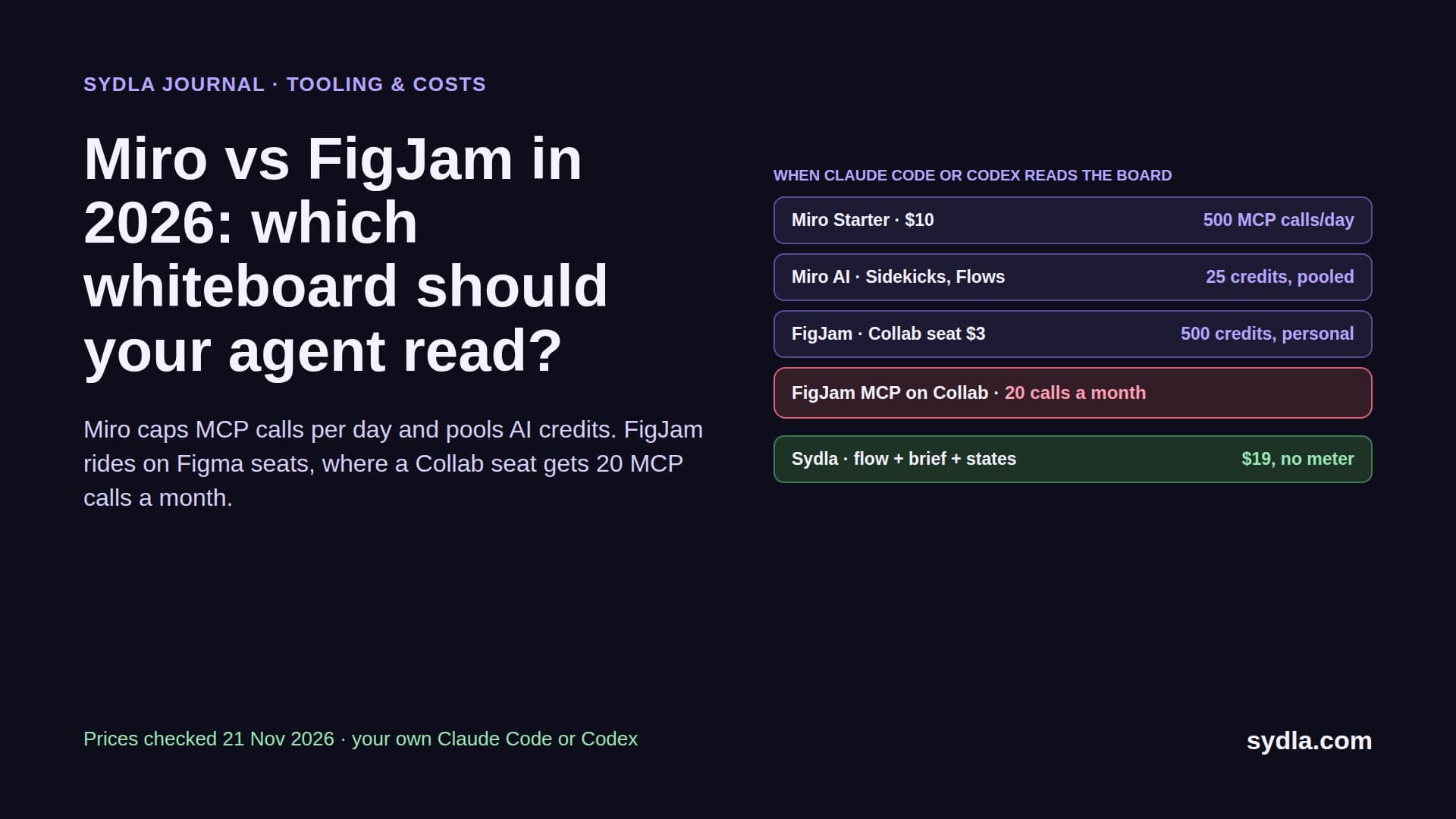
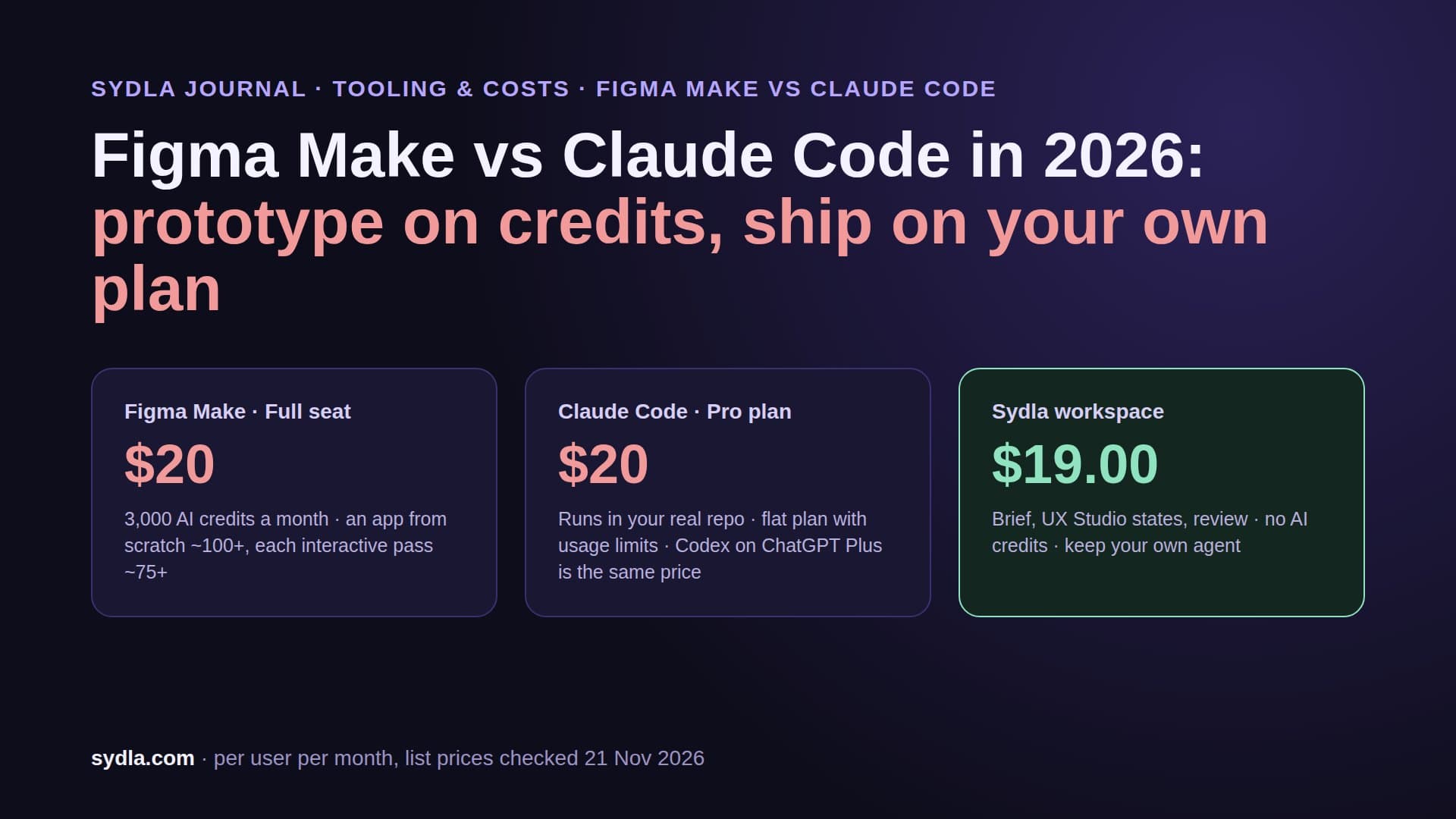
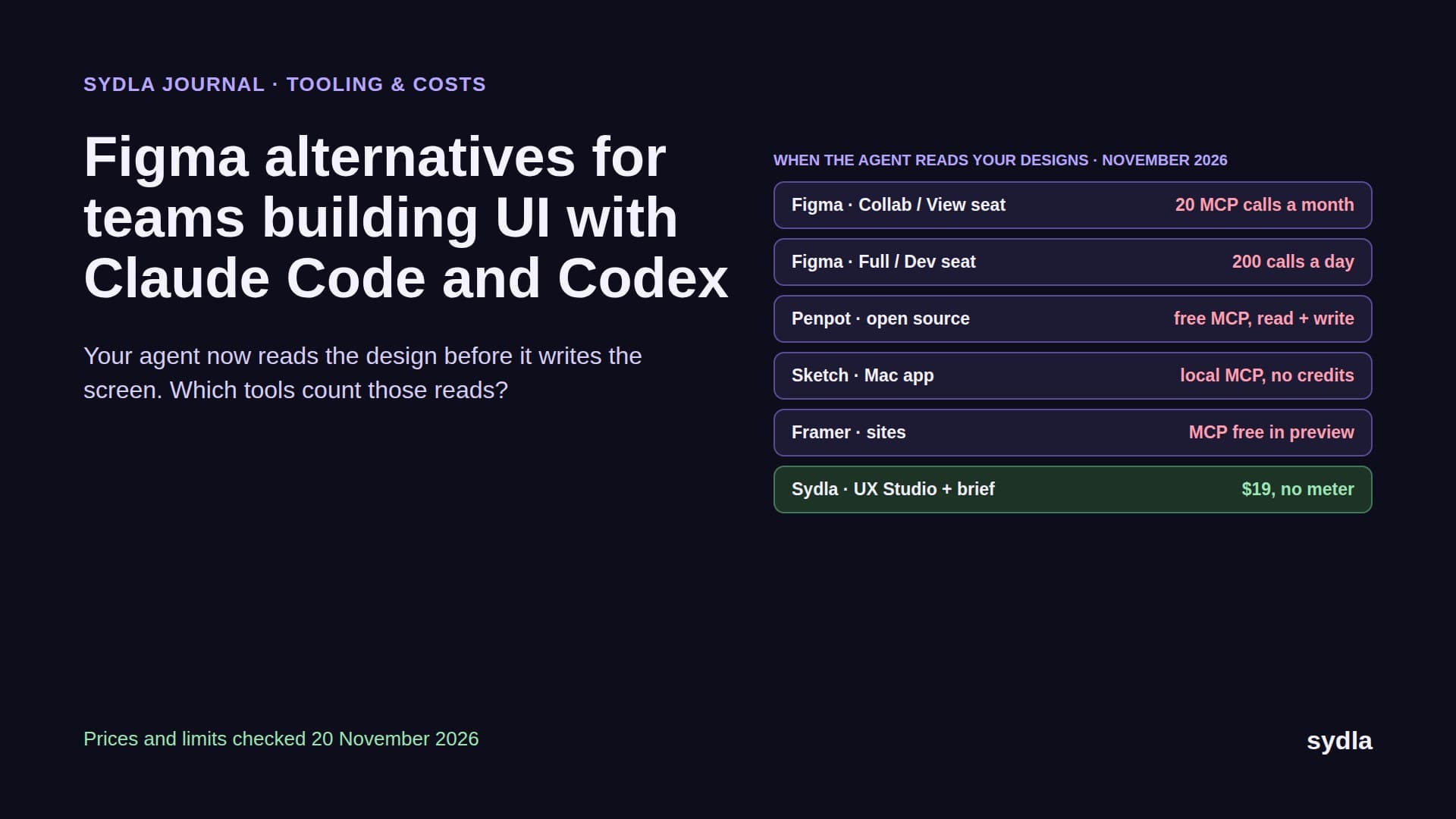
| Figma Professional Full | $20.00 | 3,000 AI credits per Full seat, per user, no rollover | MCP reads 200 a day on Full and Dev seats, 20 a month on View and Collab |
| Miro Starter | $10.00 | 25 credits per license, pooled; AI pauses for the team at zero | MCP reads spend no credits, 100 to 10,000 calls a day by plan |
| Canva Business | $25.00 | Separate AI allowance per person | Connector for chat assistants; not part of the code loop |
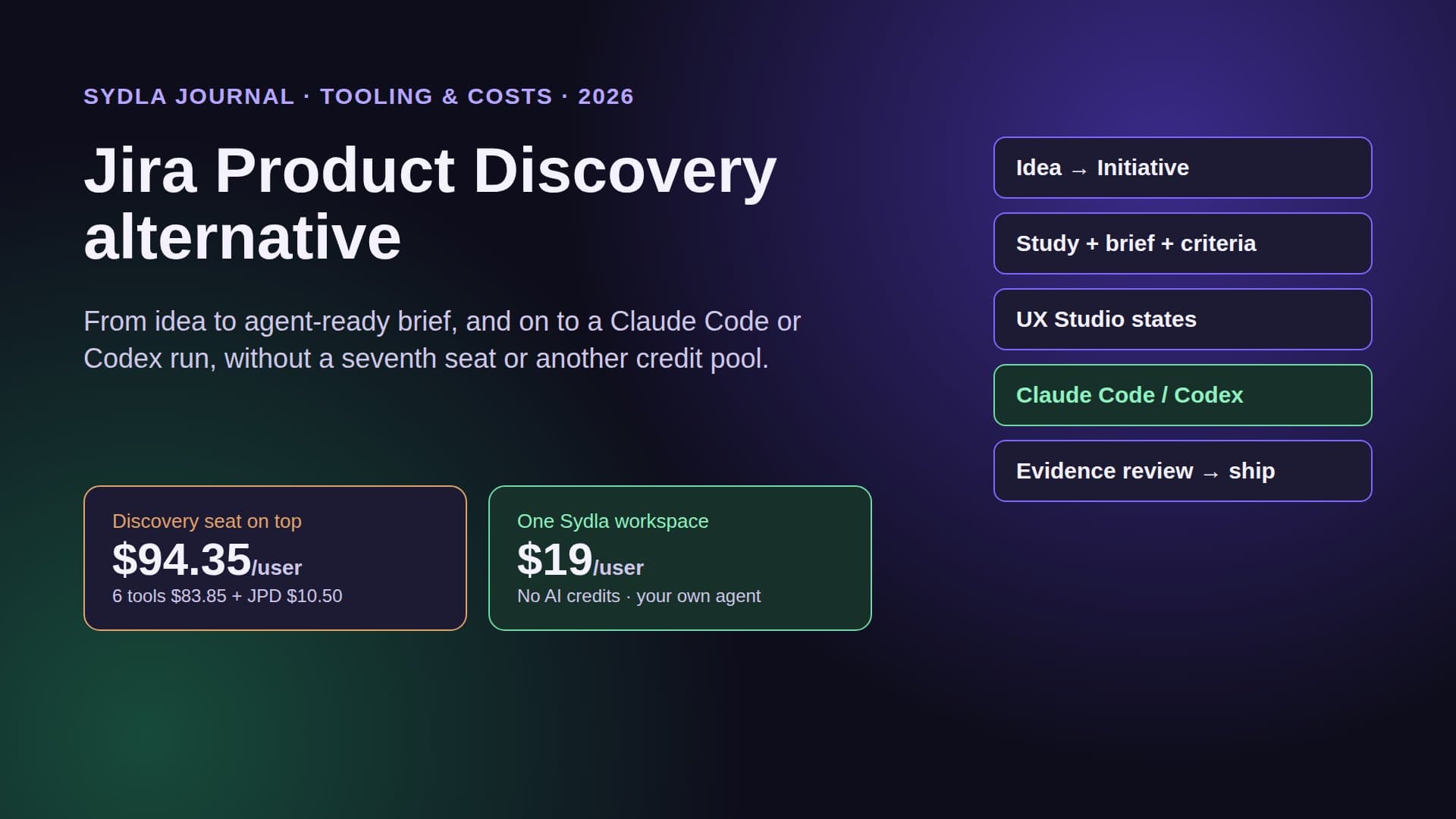
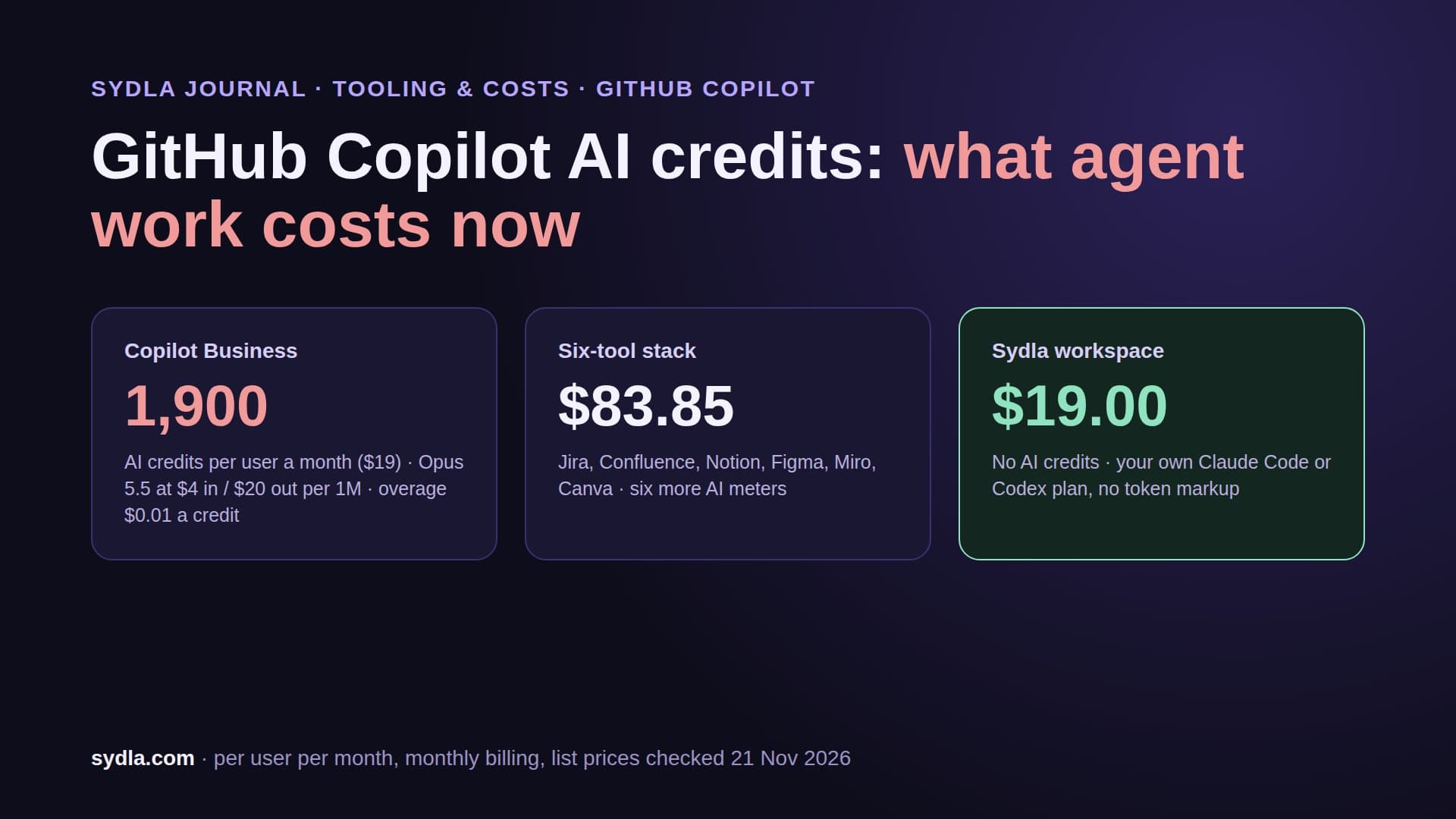
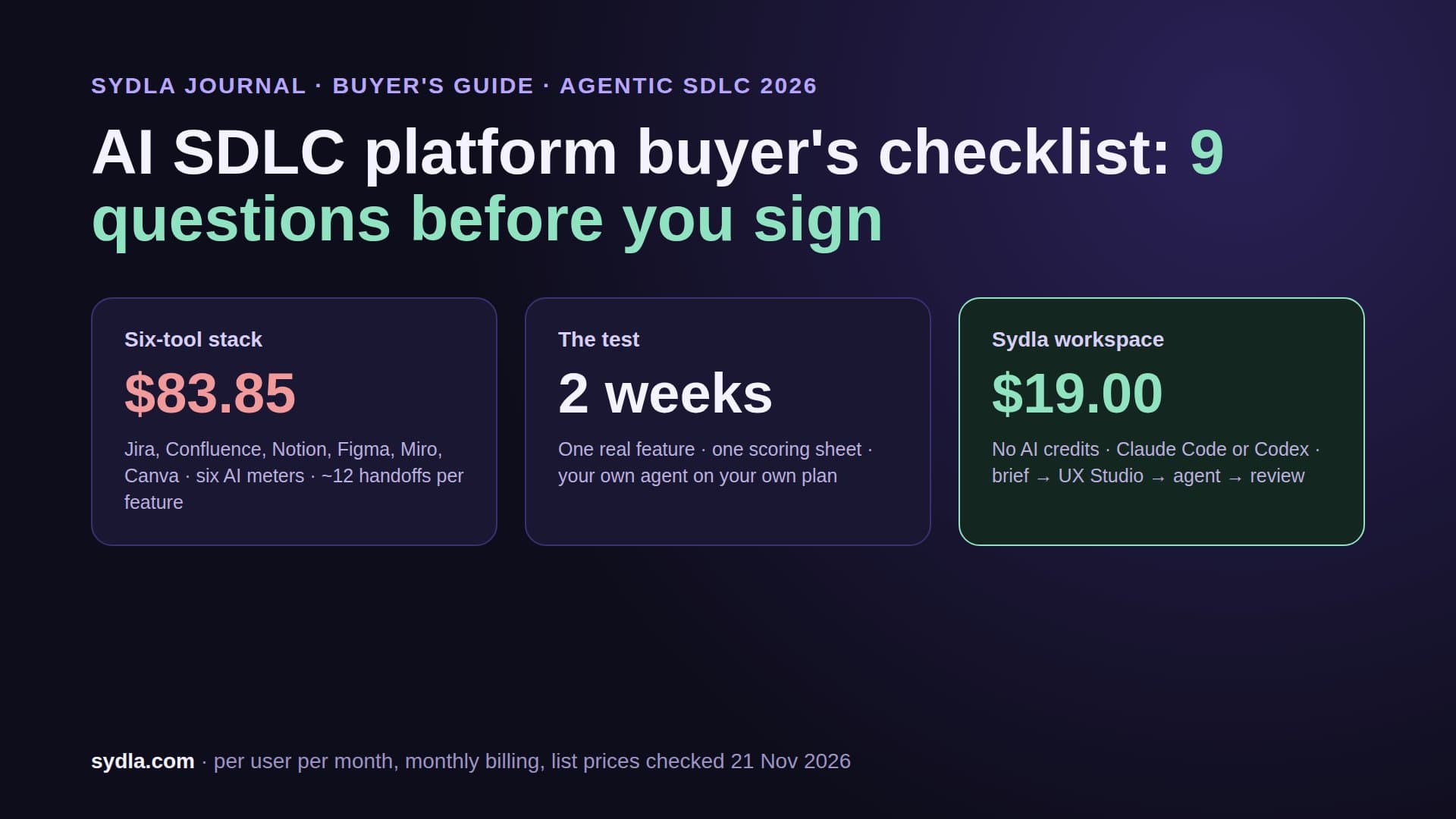
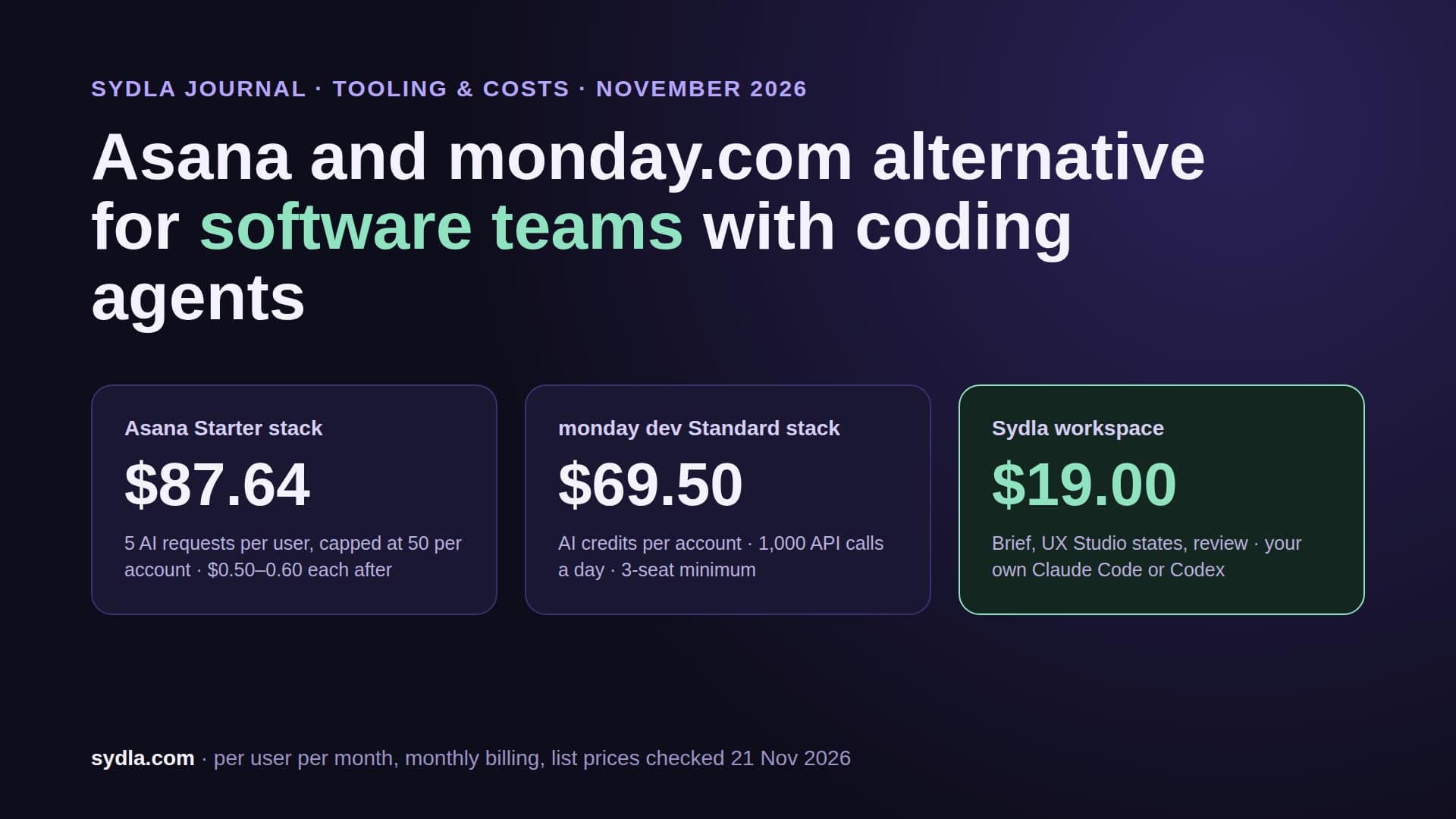
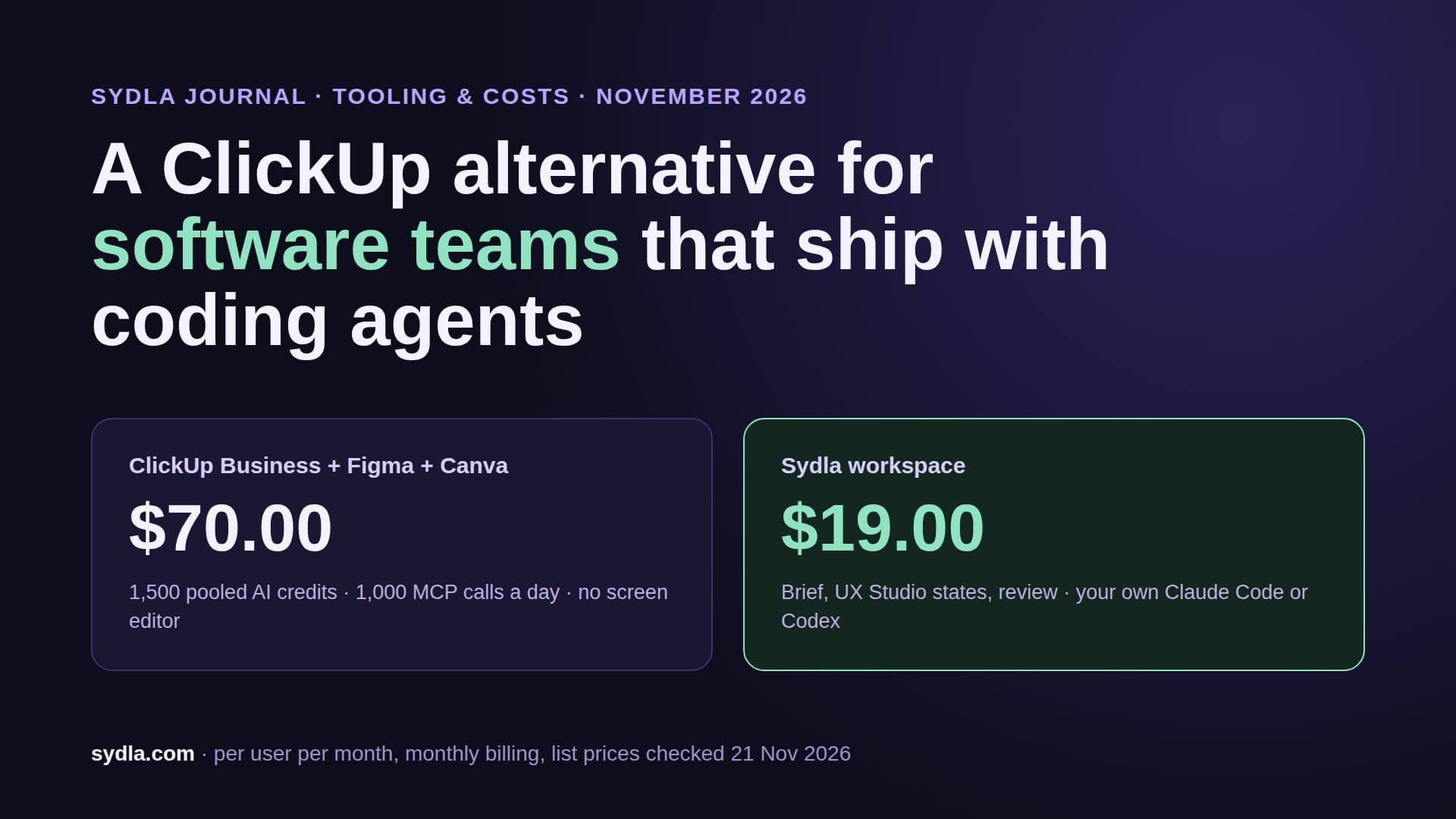
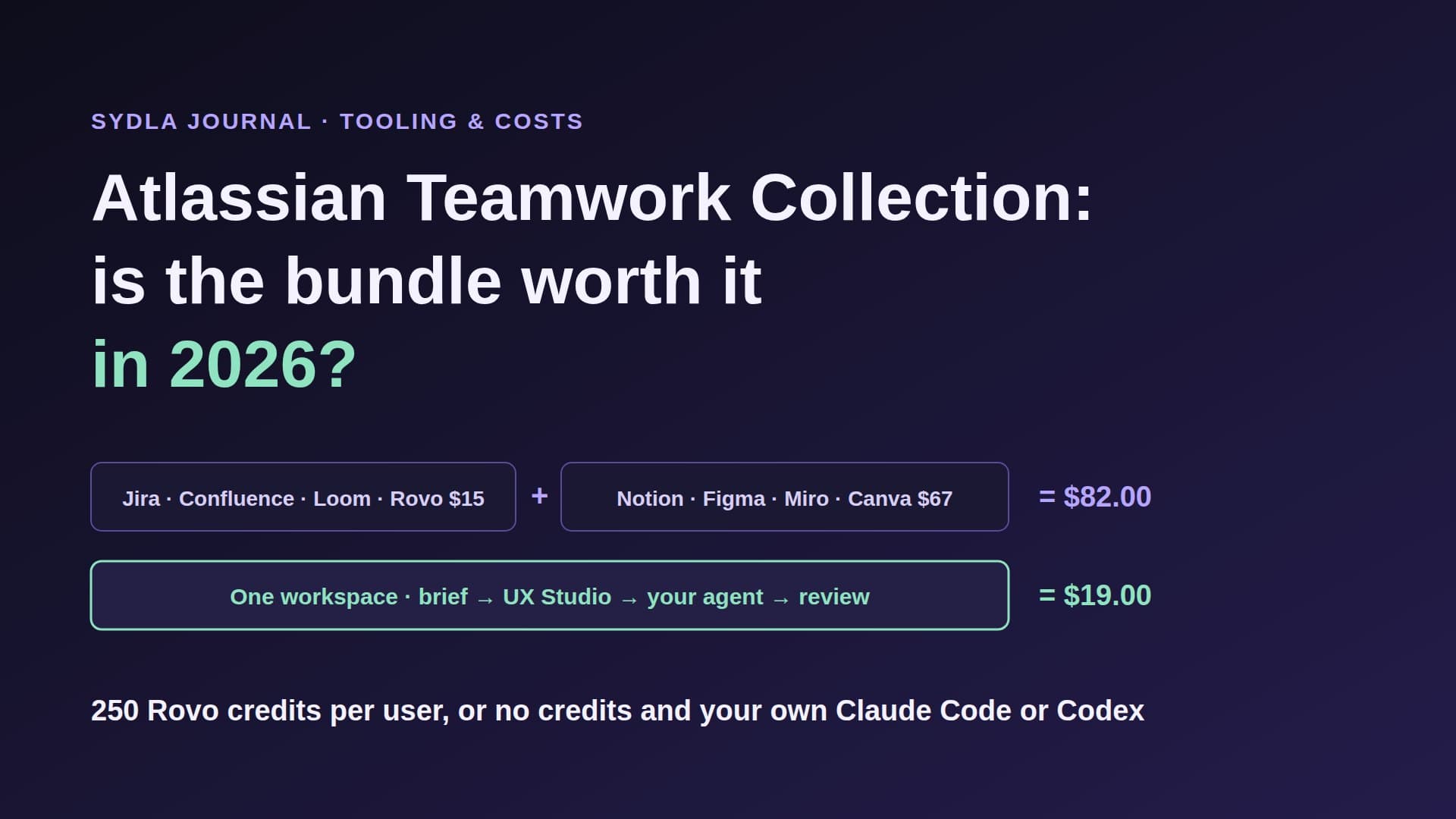
| Six-tool stack | $83.85 | Five or six meters, each with its own reset date | Five MCP connections to rebuild one context |
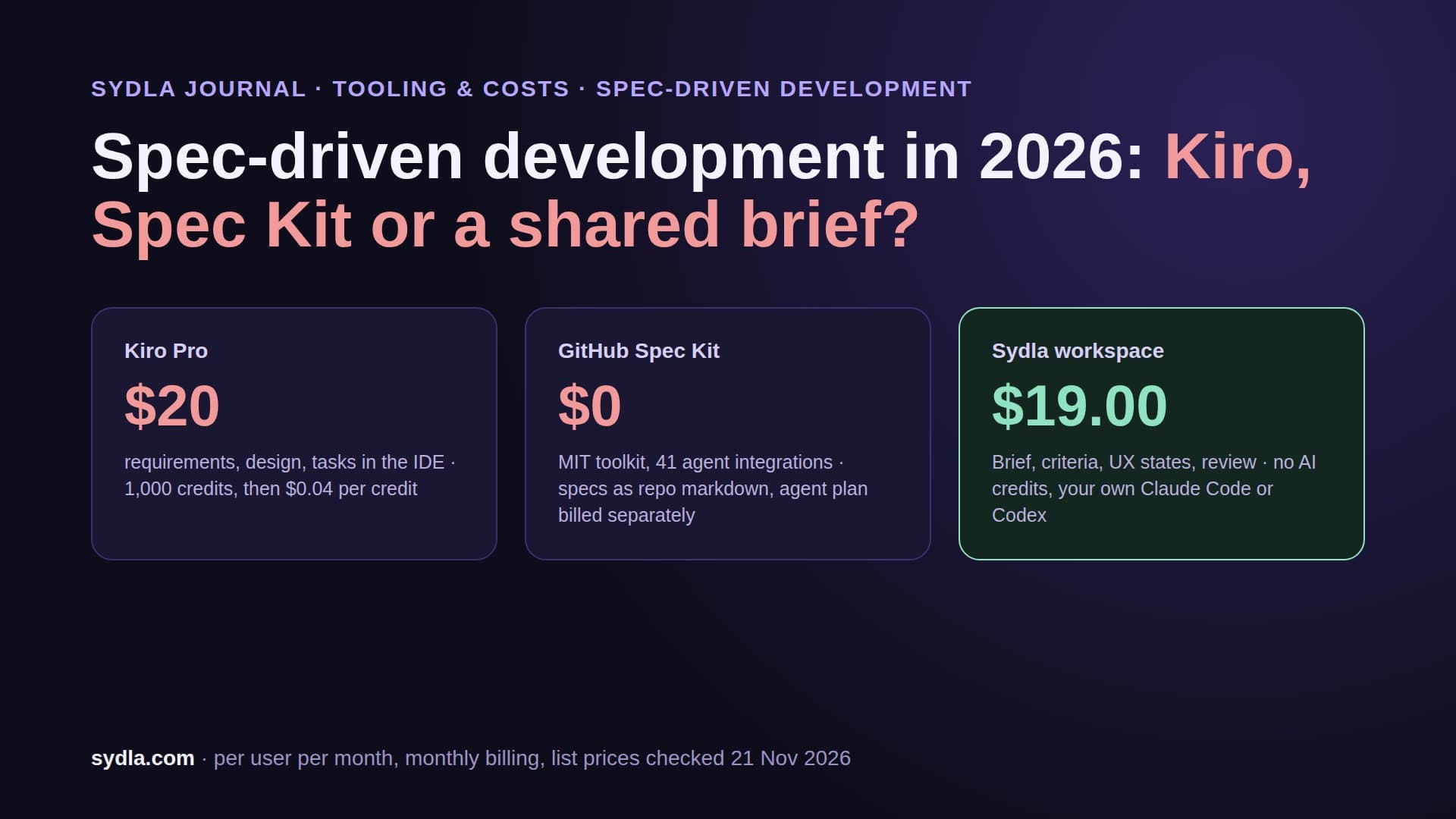
| Sydla workspace | $19.00 | No Sydla AI credits | Yes: your own Claude Code or Codex plan, no token markup, one MCP connection |
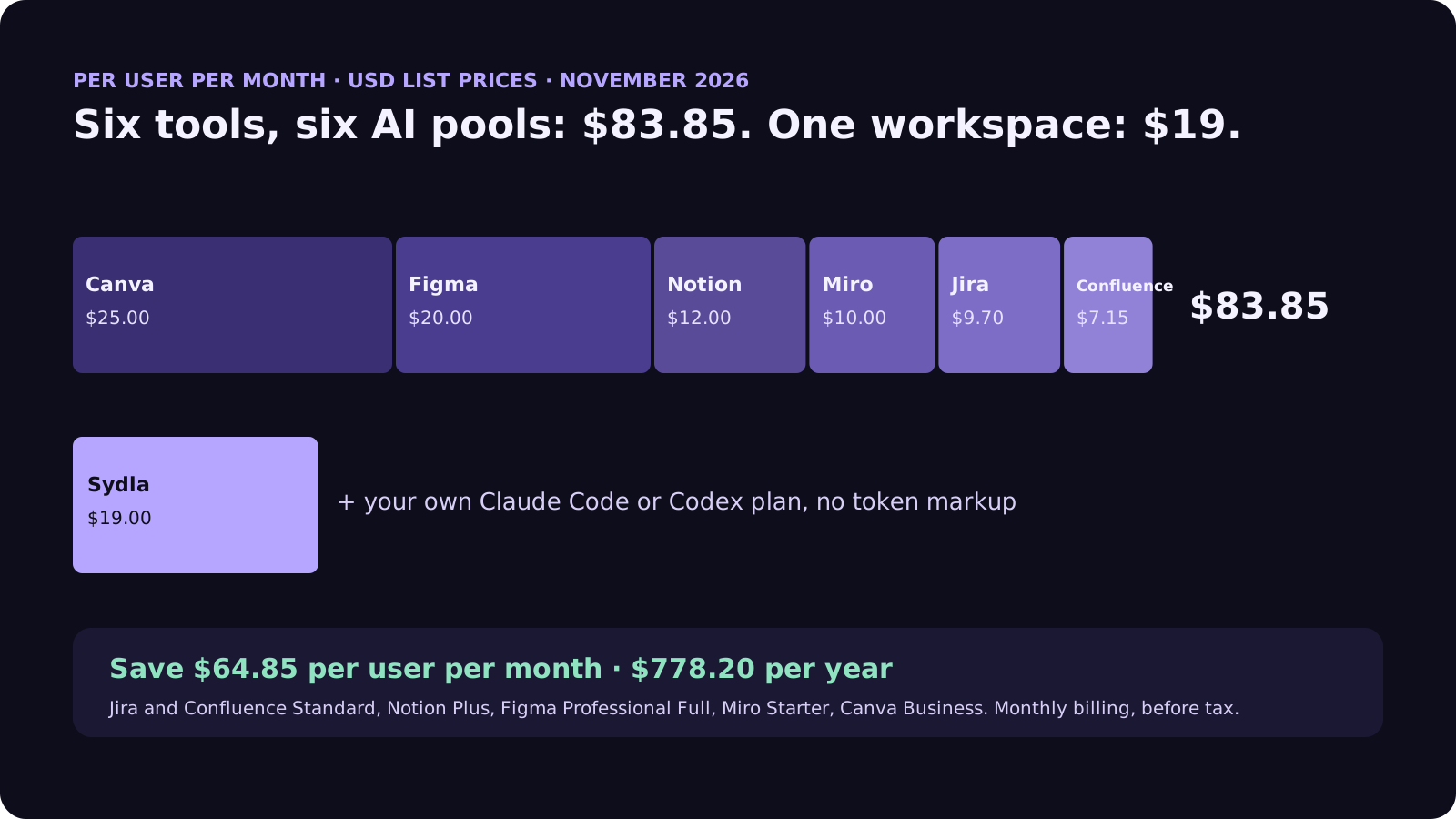
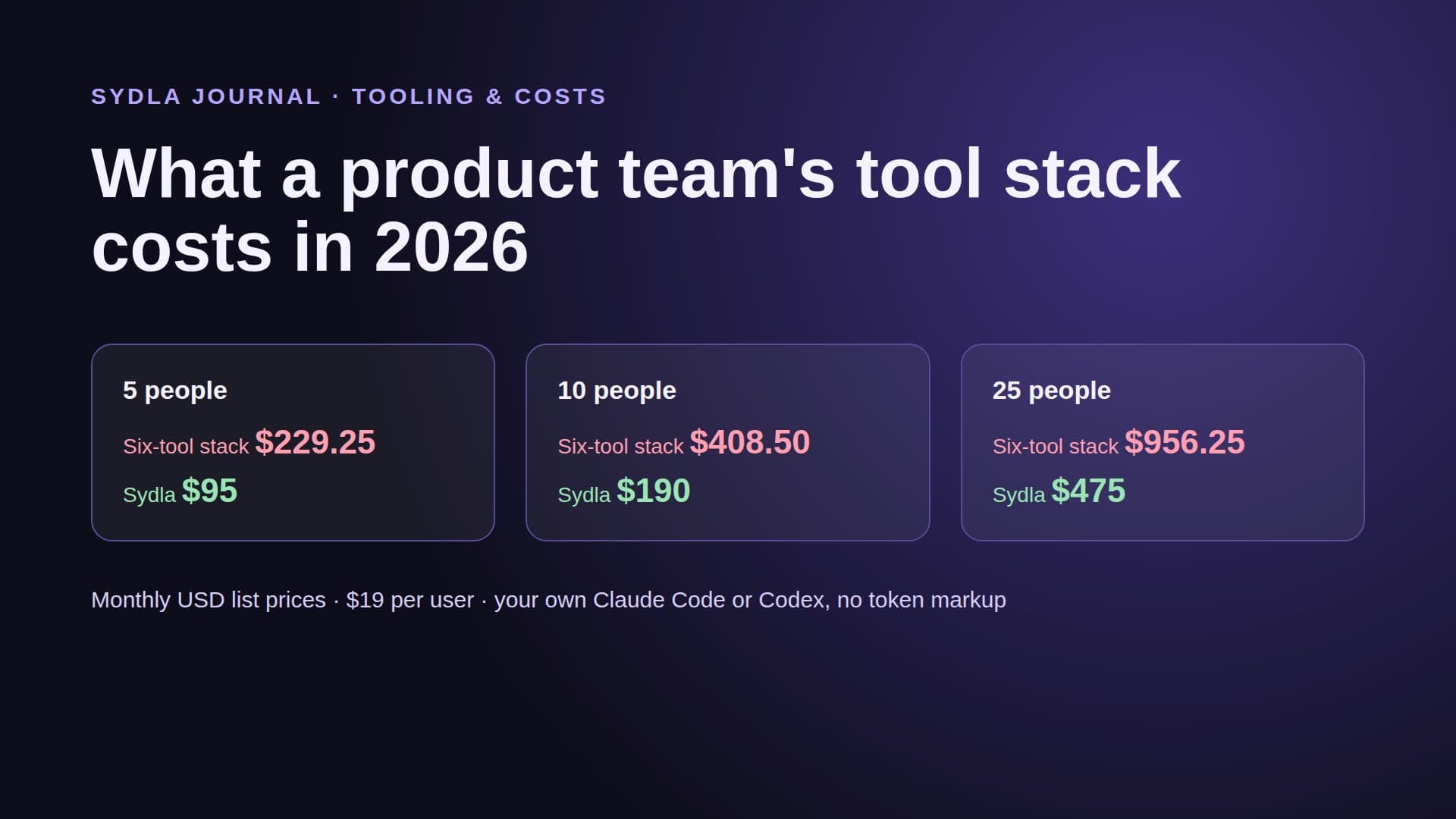
The cost gap is $64.85 per user per month, $778.20 a year per person, before anyone buys a single extra credit. Our team stack cost breakdown prices the same seats for 5, 10 and 25 people, and the comparison hub is honest about where each tool still wins.
Five questions to ask any tool that says bring your own agent
Bring your own agent has become a marketing line. These five questions tell you whether a tool means it.
- Whose account pays for the tokens? If the answer is credits in the tool's own currency, it is not your agent, whatever the page says.
- Is there a per-token fee on top of your key? Some tools charge a platform rate on every token, even when you bring the key. Ask for the number.
- Does it run the official CLI, or reimplement it? Running the claude or codex CLI you signed in to keeps you inside your plan's terms, your settings, your CLAUDE.md or AGENTS.md, and your permission rules. See our guide to CLAUDE.md and AGENTS.md for product teams.
- What can the agent read in one connection? An agent that needs five MCP servers to find the brief, the criteria and the screen states burns tokens and rate limits on the hops, not on the work. Our MCP servers guide counts those hops.
- Who decides when the work ships? The agent should be able to request a gate. Only a person should approve it.
A tool that passes all five lets the team switch agents, models or plans without changing where the work lives. That matters more each quarter, because the agent market moves faster than any tracker contract. OpenAI, for example, is winding down its contract to supply models to Cursor; teams that built their loop on one editor's model access had to rethink it.
How Sydla Desktop connects your Claude Code or Codex to the brief
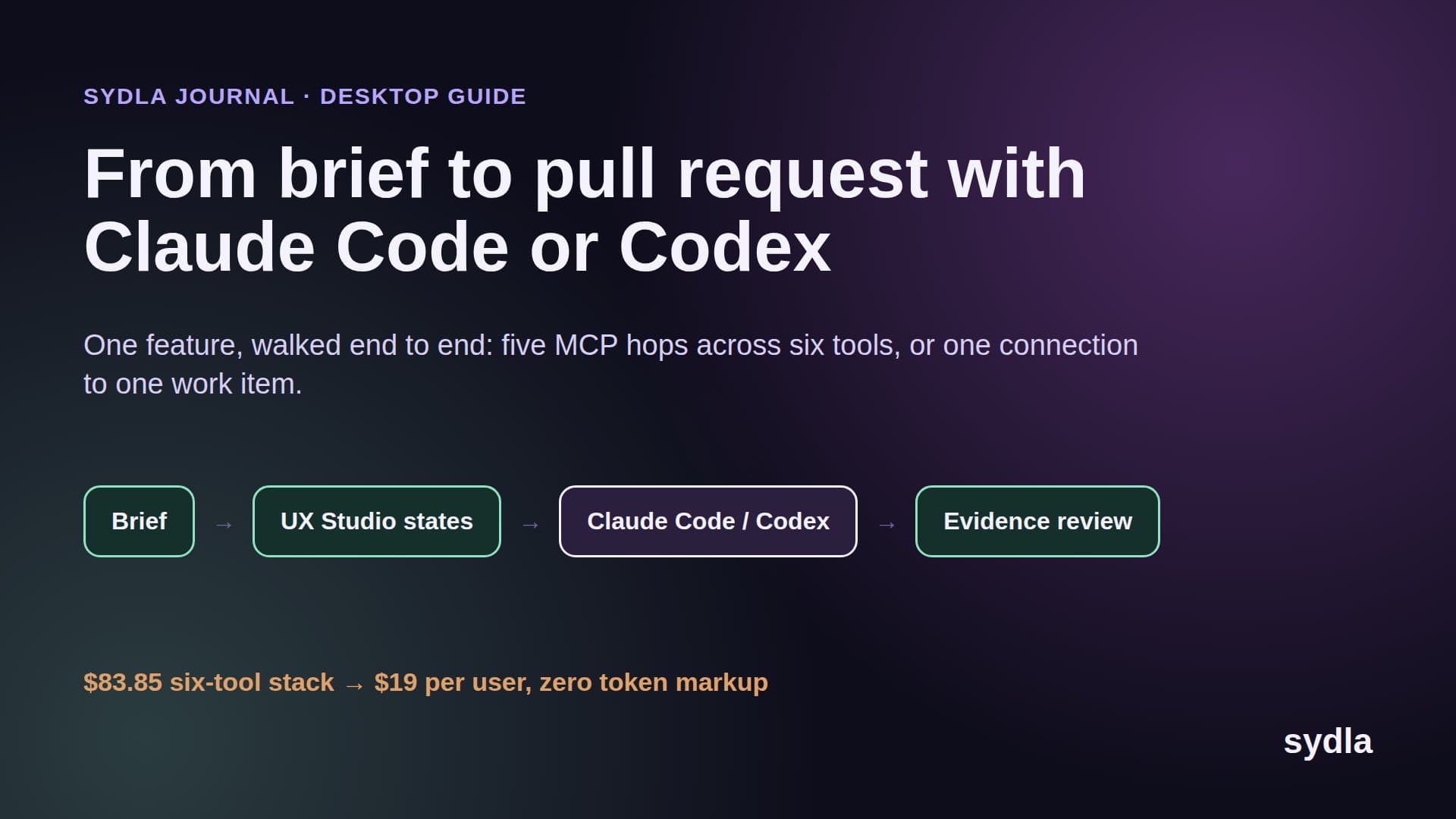
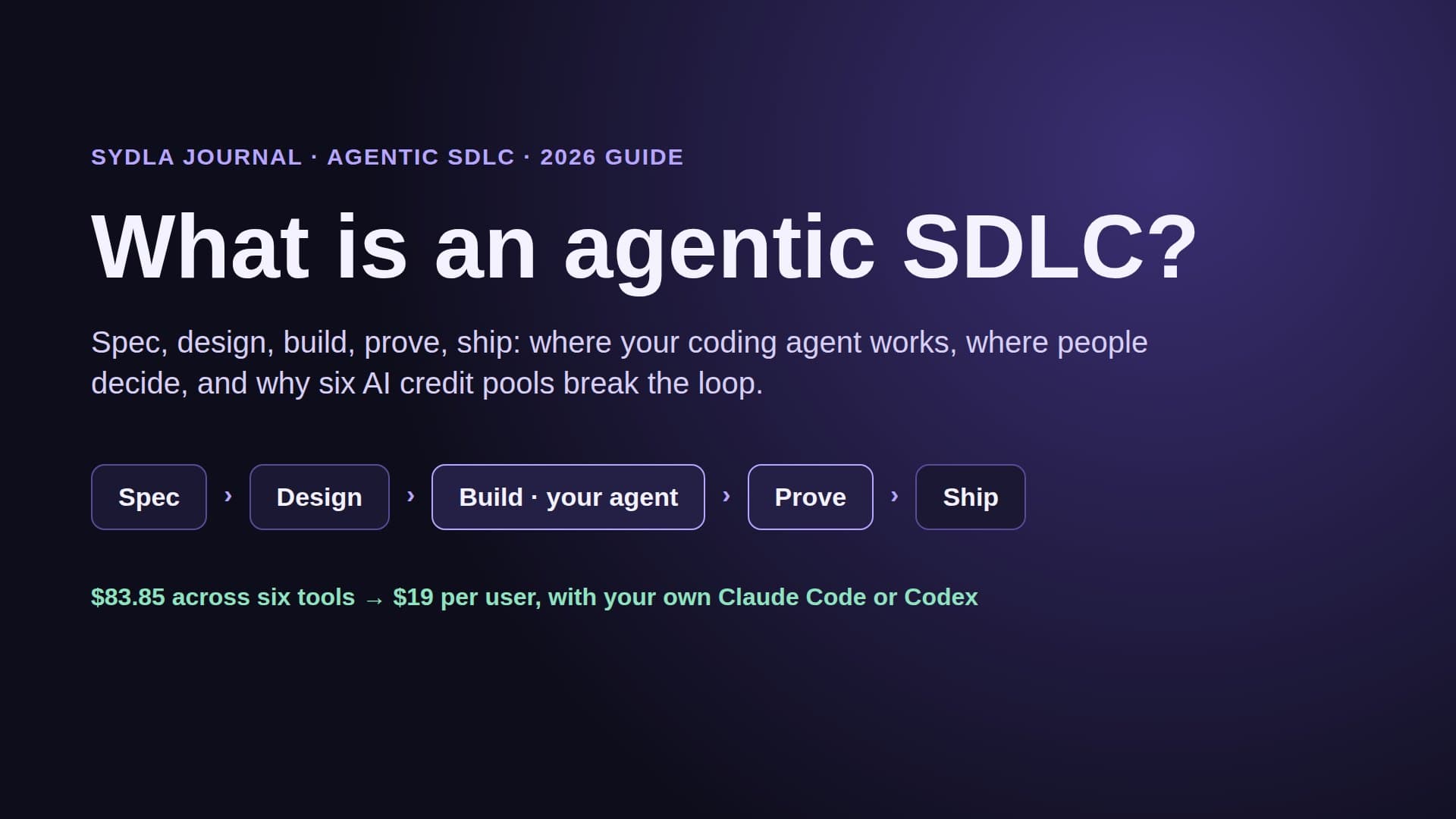
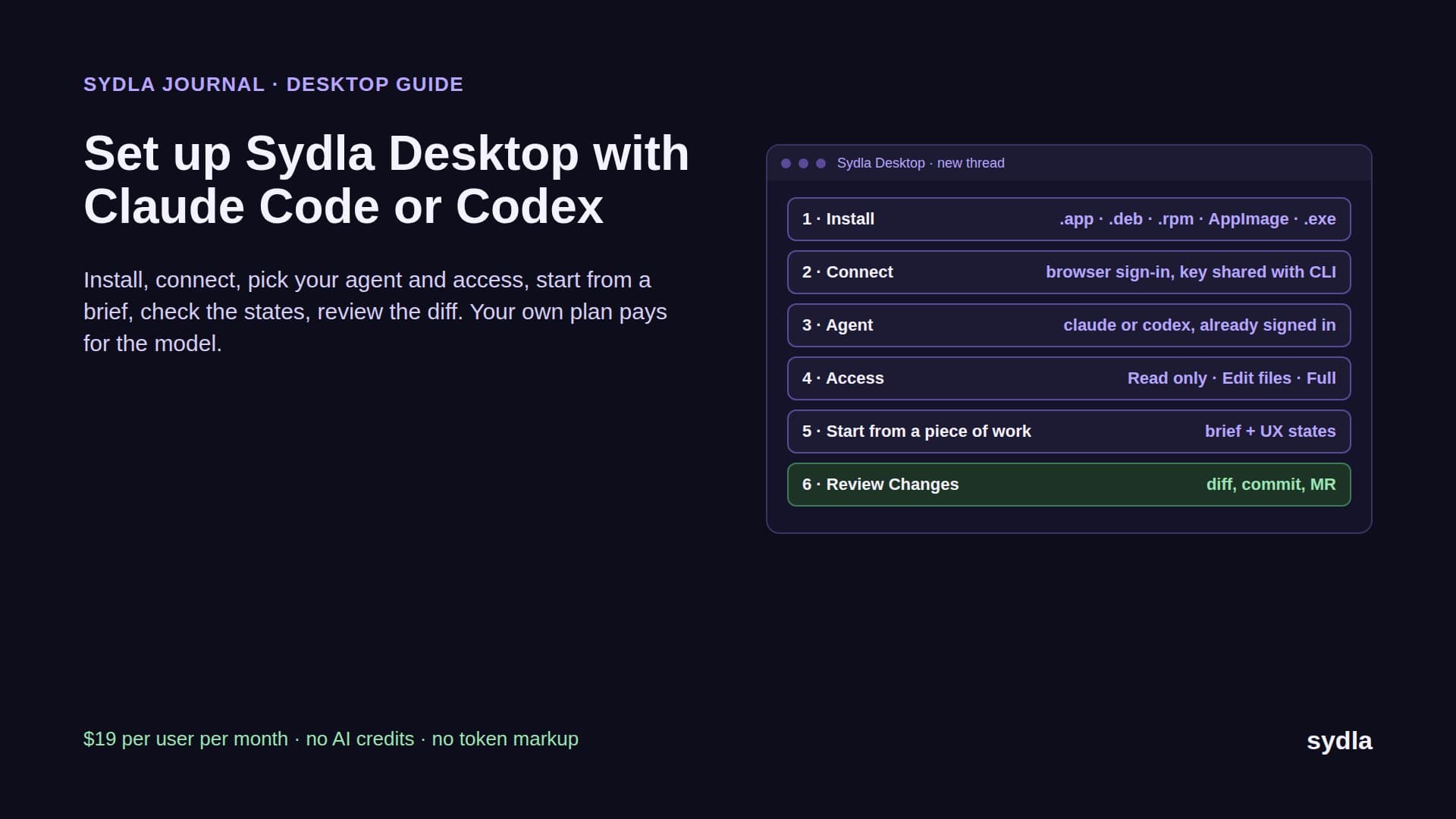
Sydla is built for the first billing path. Sydla has no AI credits and resells no tokens. Sydla Desktop runs the agent CLI already installed and signed in on the engineer's machine, and gives it the whole work item through one connection. Here is one feature, end to end.
- Write the shared brief. The product owner writes the brief and the acceptance criteria in a Sydla doc linked to the initiative. That replaces the Jira ticket, the Confluence spec and the Notion page that used to drift apart.
- Draw the states in UX Studio. The designer adds the screens with their empty, loading, error and success states and the transitions between them, then publishes a handoff. Engineers and agents read it without a design seat or a monthly MCP read quota.
- Pick the agent per thread. In Sydla Desktop the engineer opens a thread from the piece of work and chooses Claude Code or Codex and the model. Desktop runs claude or codex locally, signed in with the engineer's own Claude or ChatGPT plan, or with an API key if that is how they set up the CLI.
- Set the access level. Each thread runs Read only, Edit files or Full access. The agent's own settings and permission rules still apply, because it is the real CLI.
- Let the agent read once. The agent connects to Sydla's MCP server and reads the brief, the criteria and the UX handoff for that work item in one place. No pasting, no five logins, no per-read credit.
- Review the evidence, then ship. The agent works in a branch, runs the tests and records its result against each criterion. The engineer checks the states in Preview and the diff in Changes, then Finish and Ship asks a person to confirm the commit, merge request, merge and tag one at a time.
Because the model bill stays on each engineer's own plan, a team can mix Claude Code and Codex on the same initiative. Our Claude Code vs Codex comparison helps decide who uses which, and the cost per ticket guide shows what a typical run costs on each model at API prices, which is what you avoid paying twice.
When an API key or vendor credits are the better choice
Your own plan is not always the right answer, and we'd rather say so.
- Use an API key for automation. CI jobs, scheduled runs and shared runners should not borrow one person's plan. OpenAI recommends API keys for shared environments like CI, and Anthropic's Max, Ultra and Team plans now include monthly API credits that apply when you use a key from your linked Console organization.
- Use vendor credits for work that never reaches code. A support lead summarizing Jira Service Management tickets, or a marketer resizing a Canva campaign, is well served by the built-in agent. Our comparison of Claude Code and built-in AI agents maps who should use which.
- Keep one specialist tool if a team lives in it. A design-heavy team may keep Figma. The point is to stop paying six meters for one feature, not to win an argument about tools.
For everything between the brief and the merged pull request, the agent your engineers already pay for is the cheapest and most capable option most teams have. The pricing section has the plan: $19 per user per month and no AI credits to buy. If you are moving off the old stack, the 30-day migration plan shows what to export first.
Frequently asked questions
What does bring your own coding agent mean?
Bring your own coding agent means a tool lets you use the agent you already pay for, such as Claude Code or Codex on your own Claude or ChatGPT plan, instead of selling you its own AI credits. The tool provides the context, the work item and the review flow; your plan or your API key pays for the model, with no markup.
Can I use my Claude Pro or Max subscription with Claude Code in another app?
Yes, when the app runs the official claude CLI that you signed in to yourself. Anthropic's help center says claude -p, the Agent SDK and third-party app usage draw from your subscription limits when you are signed in with your plan. Anthropic does not allow third-party products to offer claude.ai sign-in inside their own apps without approval, so the CLI you signed in to is the supported path.
Is BYOK the same as bringing your own agent?
No. BYOK, bring your own key, means a tool bills model usage to your API key at per-token list prices, sometimes with a platform fee on top; Cursor, for example, adds $0.25 per million tokens on eligible requests. Bringing your own agent usually means running Claude Code or Codex on a plan you already pay, so there is no per-token bill from the tool at all.
How much does a Jira, Confluence, Notion, Figma, Miro and Canva stack cost per user in 2026?
At monthly list prices in November 2026 the stack costs $83.85 per user: Jira Standard $9.70, Confluence Standard $7.15, Notion Plus $12.00, Figma Professional Full $20.00, Miro Starter $10.00 and Canva Business $25.00. Each tool adds its own AI credits on top. Sydla replaces the six for $19 per user per month, a saving of $64.85 per user per month.
Does Sydla charge for AI tokens or credits?
No. Sydla has no AI credits and adds no token markup. Sydla Desktop runs the Claude Code or Codex CLI on each engineer's machine with their own Claude or ChatGPT plan, or their own API key, and connects it to the brief, acceptance criteria and UX Studio states through one Sydla MCP connection.
Real native session with Codex. Edited waiting times; 11 acceptance tests pass. No commit or push is performed.