From brief to pull request with Claude Code or Codex: one feature, end to end
Follow one small feature, invite links that expire, from the first line of the brief to a merged pull request. On a six-tool stack the coding agent makes five MCP hops through five AI meters before it writes a line. Here is the hop log, the 2026 price table, and the same run in Sydla Desktop.
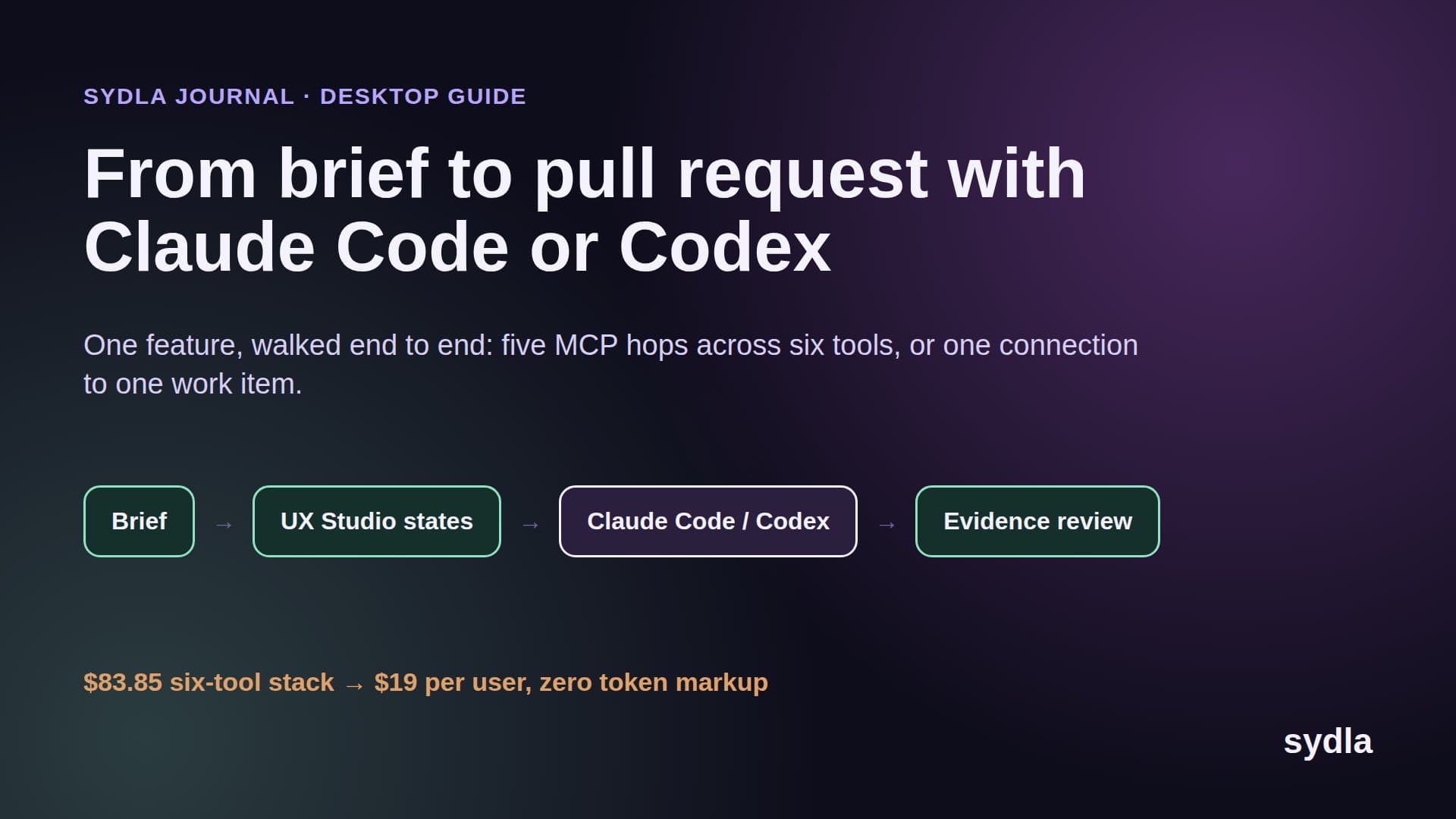
The run takes forty minutes. Getting the agent ready takes days.
Ask any team that uses Claude Code or Codex every day where the time goes, and the answer is rarely the agent. A clear ticket becomes a tested branch in under an hour. What takes days is everything before that hour: finding the spec, getting the right Figma frame, confirming which Notion decision is current, and pasting all of it into a session that forgets it the moment the thread closes.
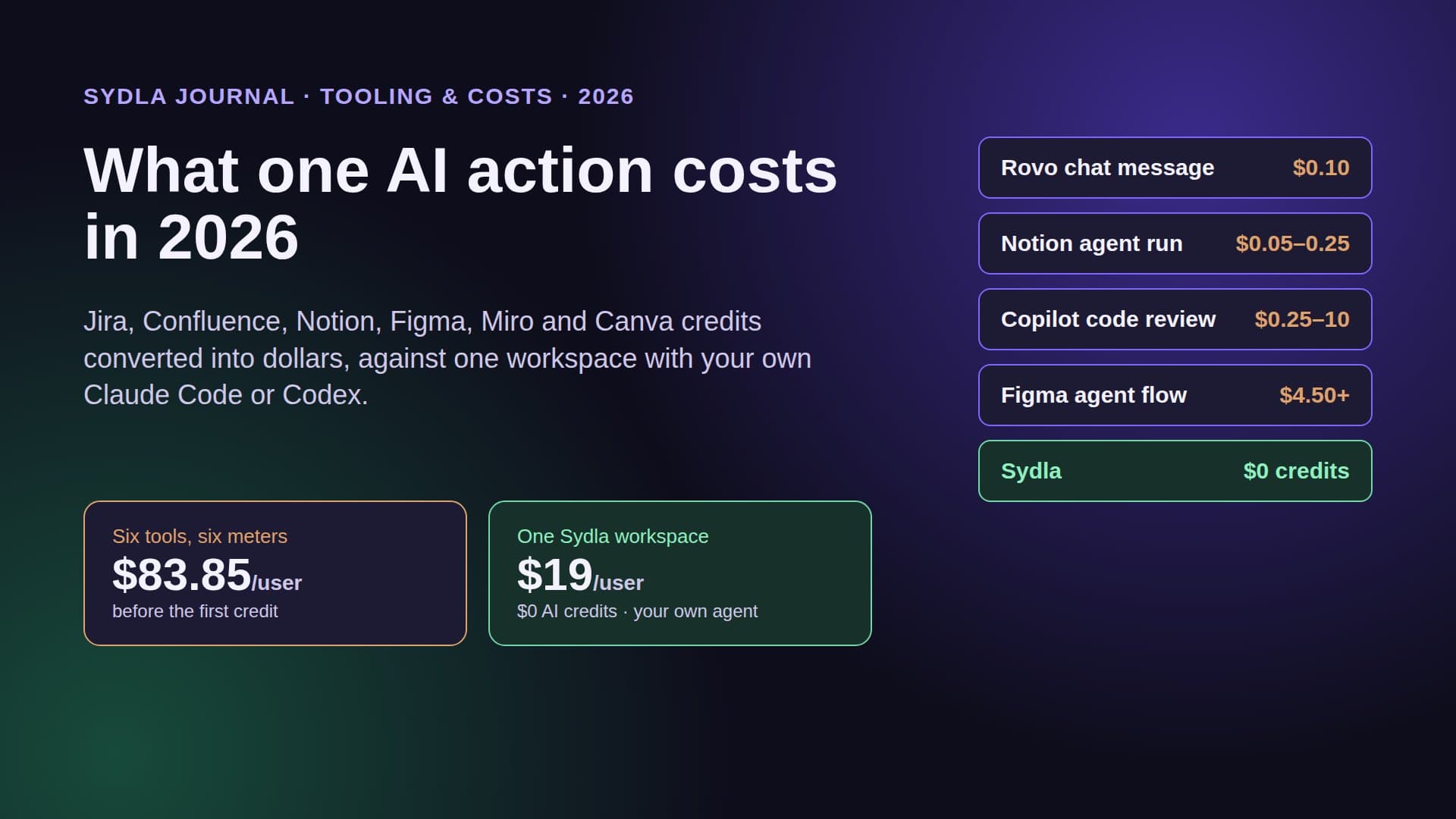
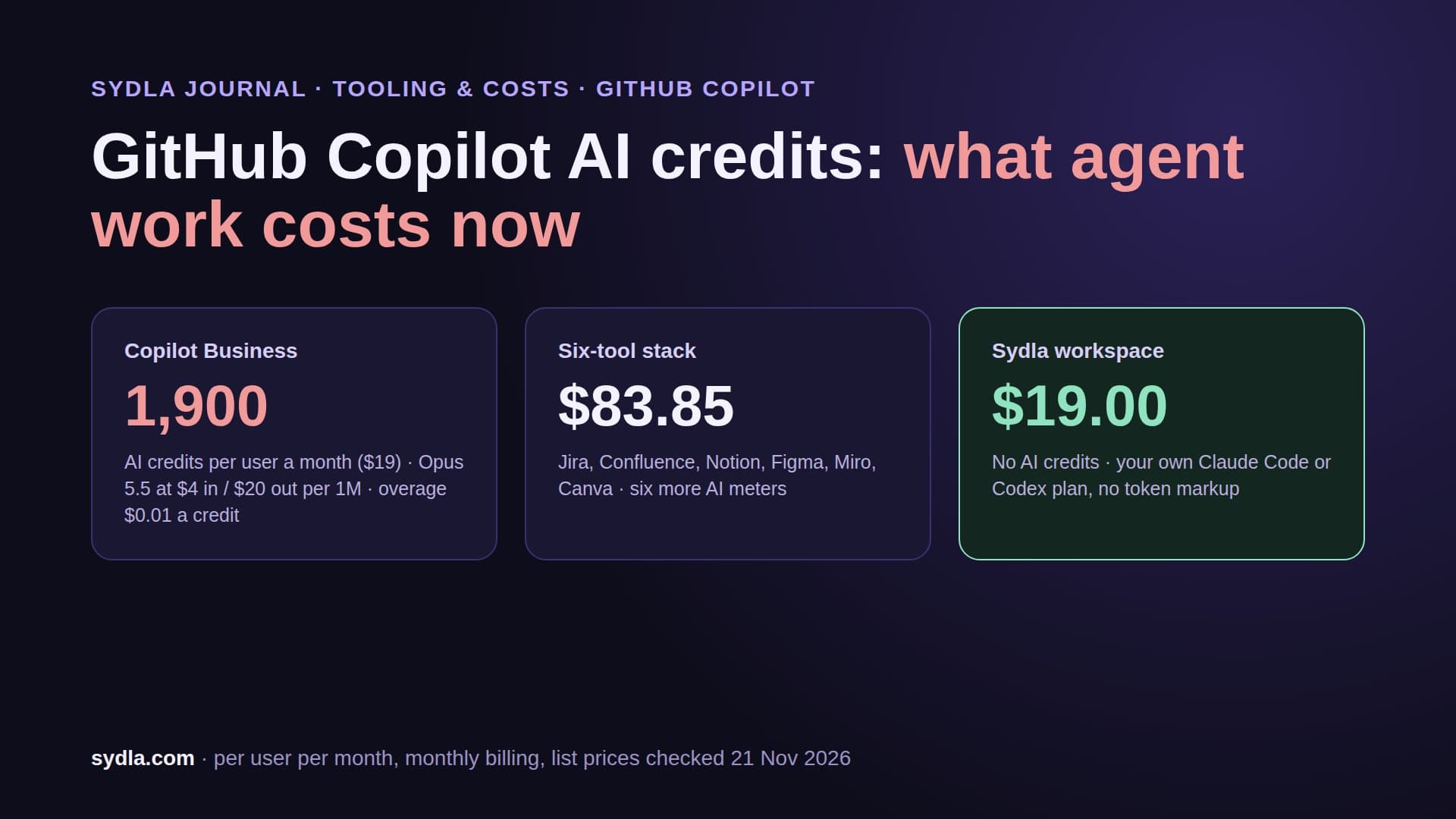
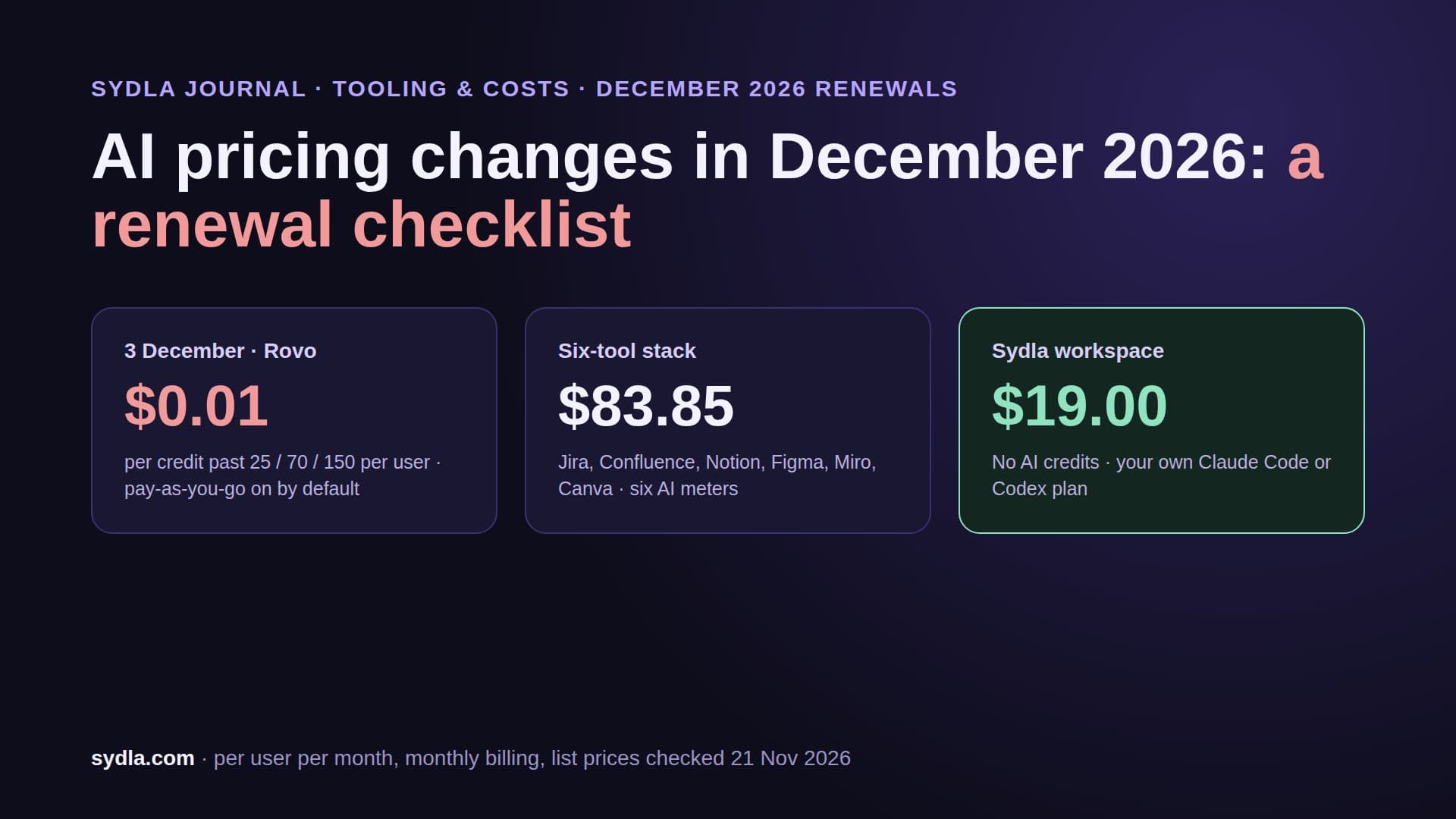
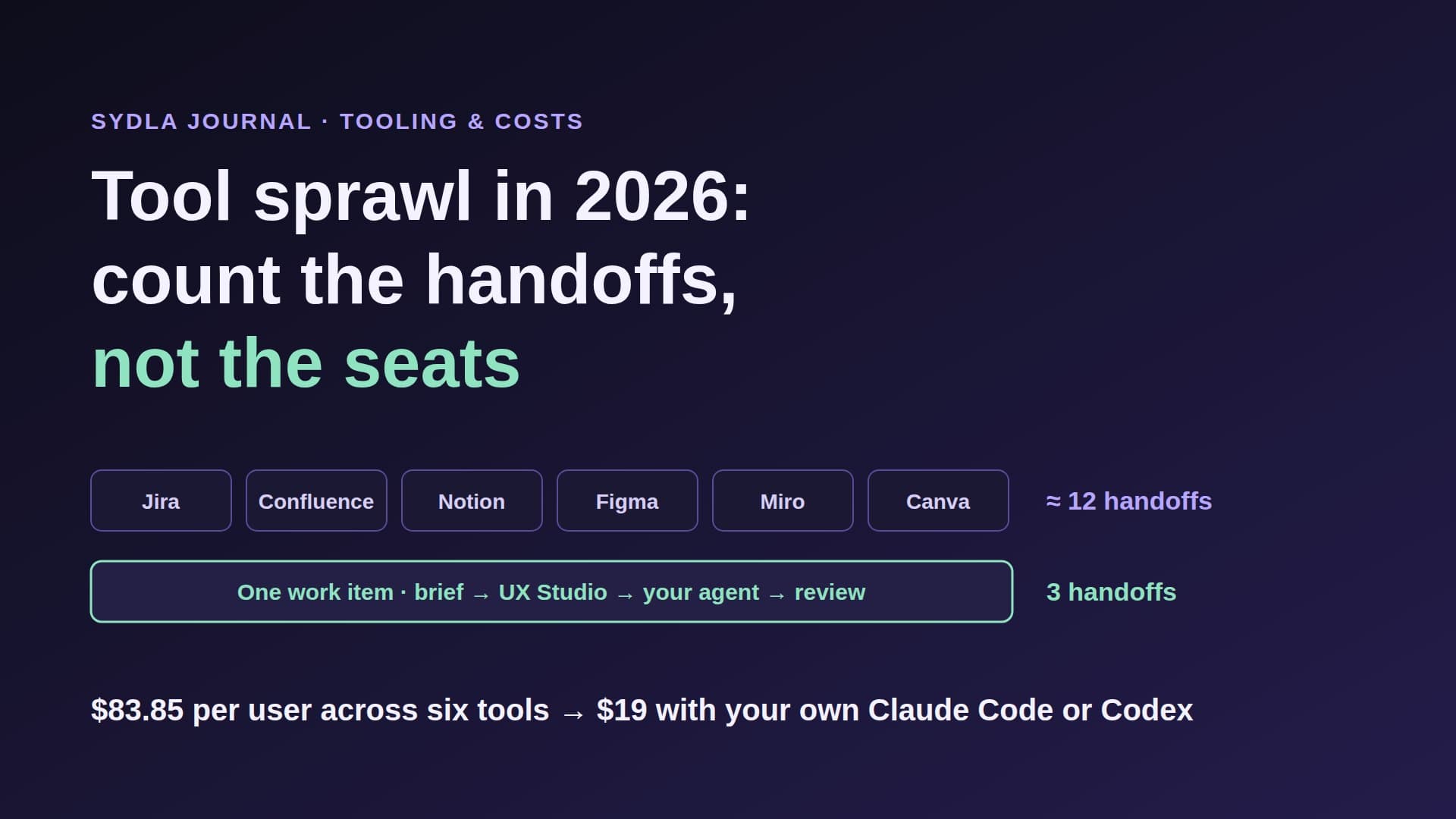
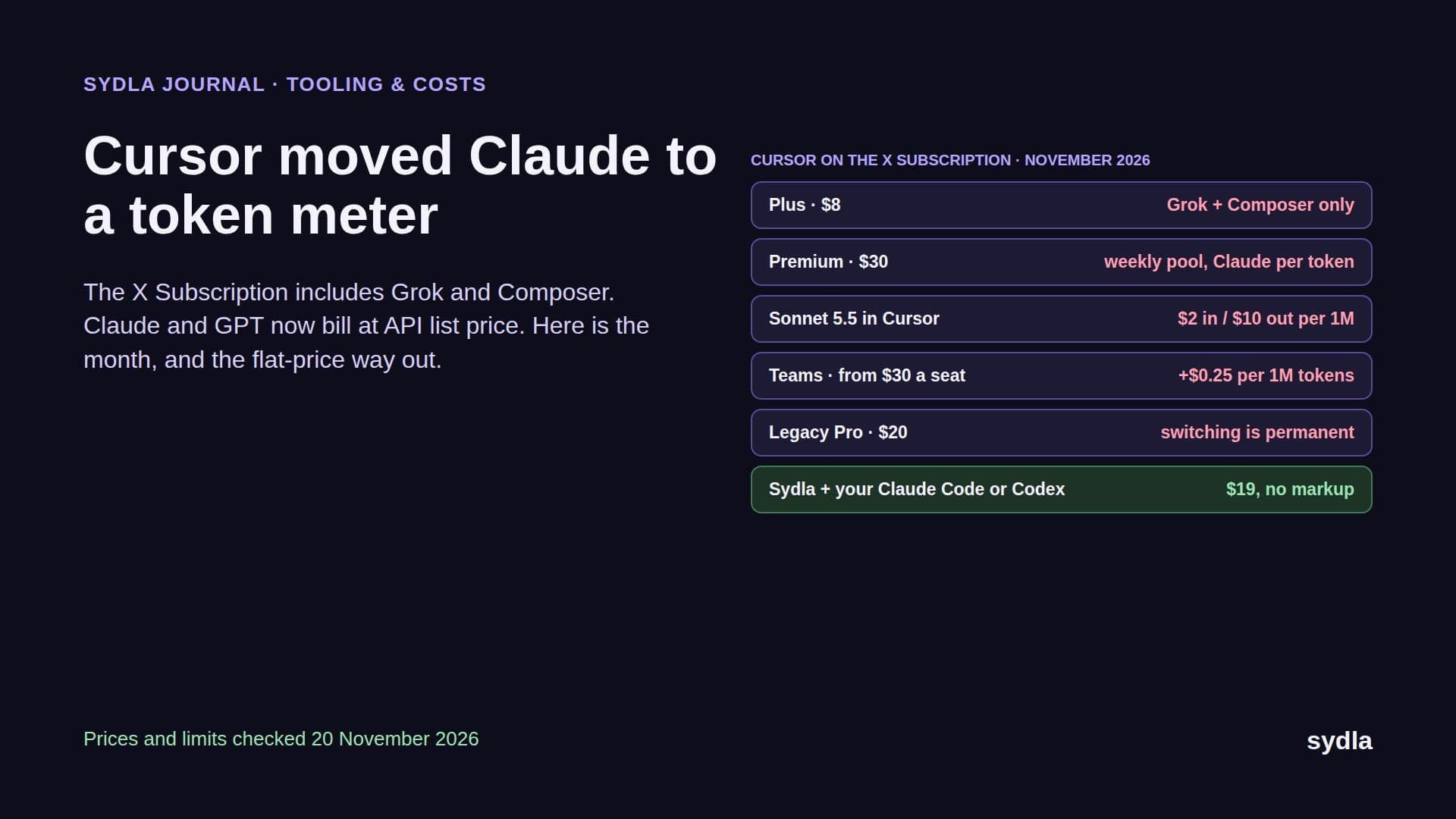
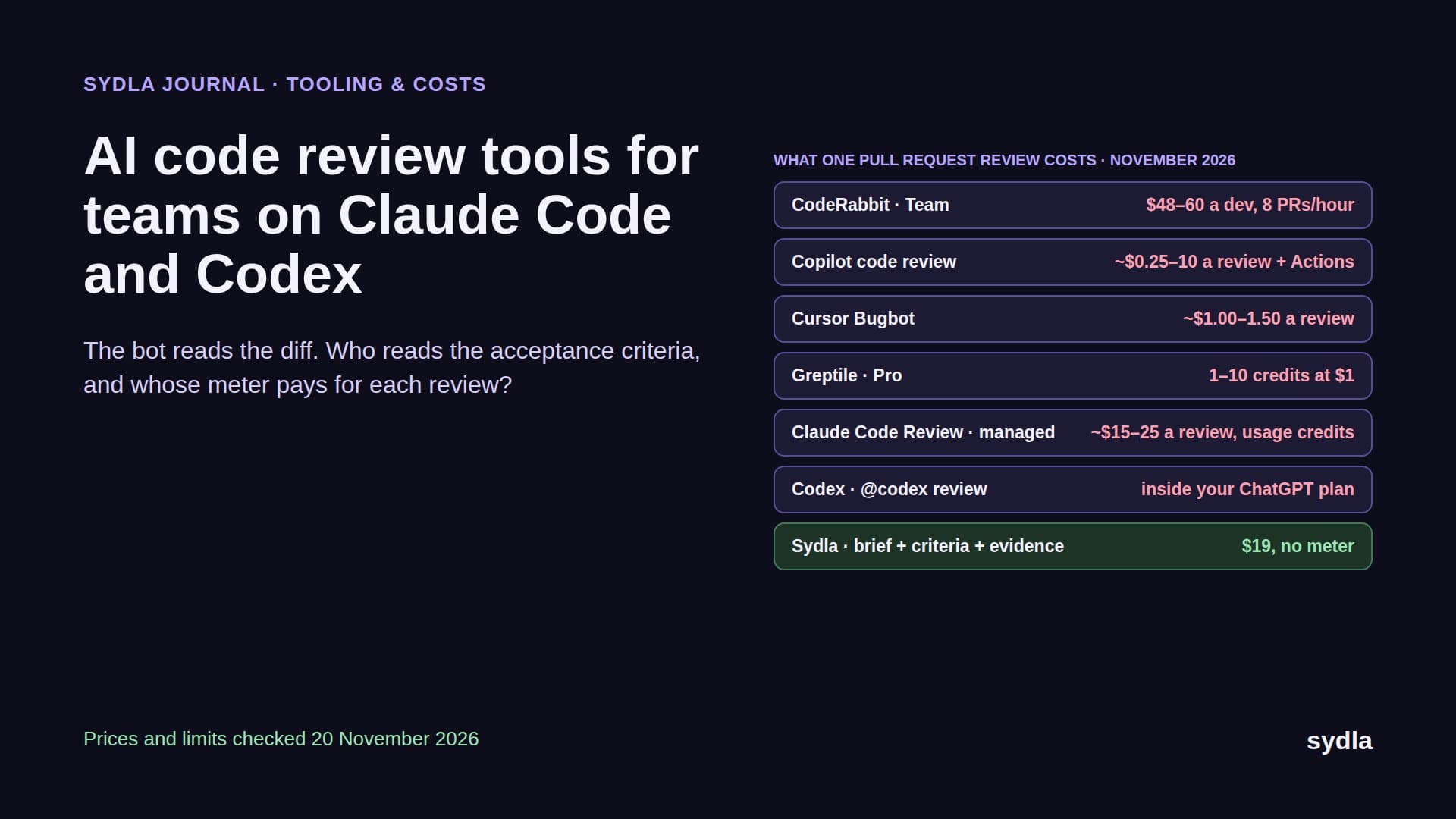
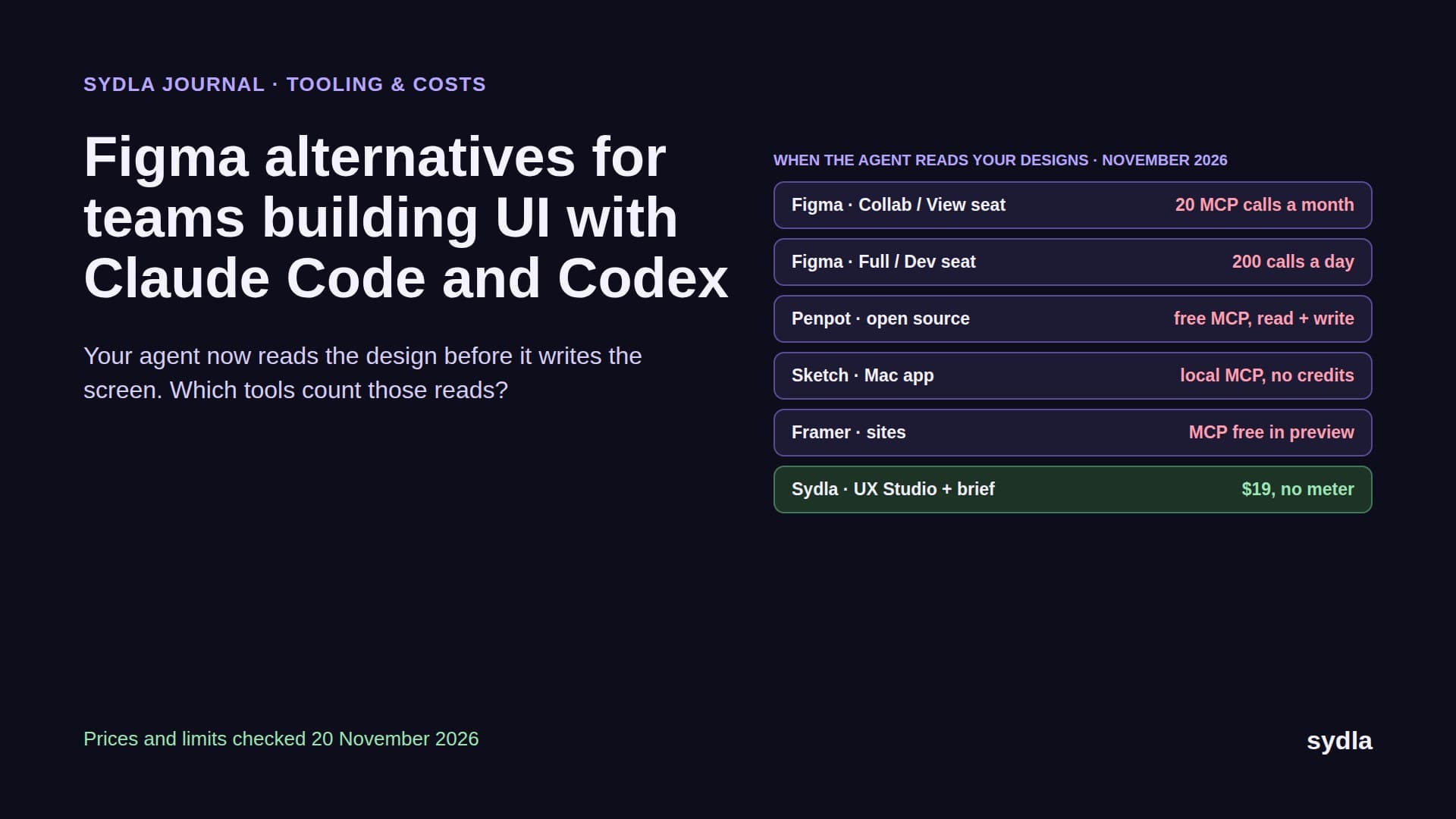
In 2026 that wait comes with a bill. Every tool in a typical product stack now has its own AI and its own MCP server, and each one meters it differently. Jira and Confluence draw on a pooled Rovo allowance that switches to pay-as-you-go on 3 December 2026. Figma gives each Full seat a private credit balance with a hard stop. Notion sells agent usage at $10 per 1,000 credits. Miro pauses AI for the whole team when its pool runs dry. We called this AI credit fatigue: six meters, six reset dates, one feature.
Rather than argue about it in the abstract, let's follow one feature from the first line of the brief to a merged pull request, twice. First on the six-tool stack most teams run, then in Sydla. This post is the walkthrough.
The feature: invite links that expire
The feature is deliberately small, because small features are where handoff overhead hurts most. A workspace admin can create an invite link for a teammate. The link should expire, and the admin should see who joined. Four acceptance criteria, written so that a test can check each one:
- AC1. An admin can create an invite link that expires after 1, 7 or 30 days, 7 by default.
- AC2. Opening an expired link shows a clear expired state with a button that asks the admin for a new link, never a generic error page.
- AC3. The members page lists pending invites with their expiry date, and an admin can revoke one.
- AC4. Every link is single use. A second sign-up with the same link sees the expired state.
The design adds four screen states: the create dialog, the pending list (empty and filled), the expired page, and the revoke confirmation. Nothing exotic. If you want the reasoning behind criteria written this way, our guide to acceptance criteria for AI coding agents covers the six rules.
Run one: the six-tool stack, hop by hop
The team runs Jira for tickets, Confluence for specs, Notion for decisions, Figma for screens, Miro for flows and Canva for launch visuals. The engineer has Claude Code on their own plan. Here is every place the agent has to go before it can start, in order:
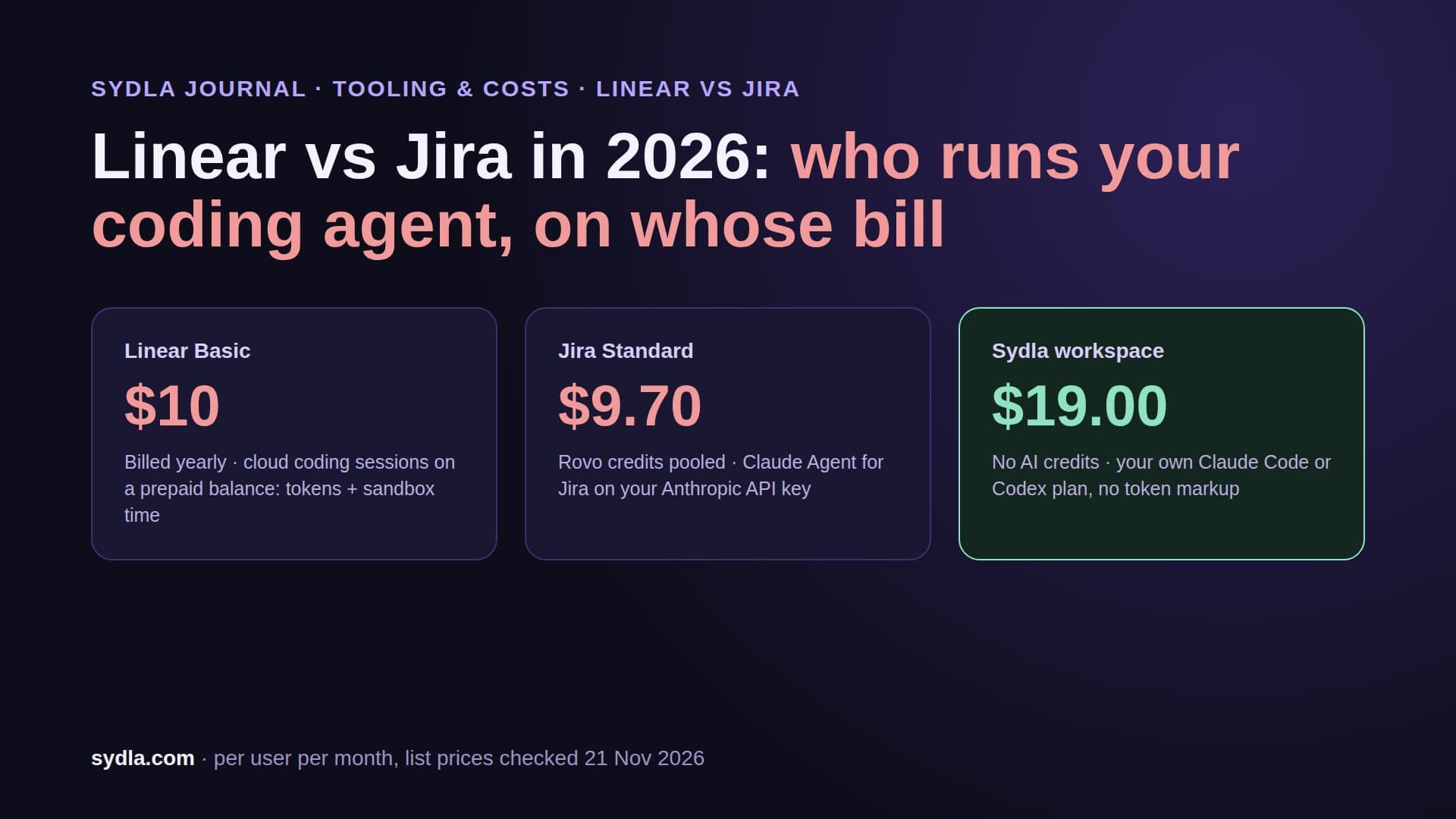
- Hop 1: Jira. The agent reads the ticket through the Atlassian MCP server. A single lookup is free, but finding the linked epic and related bugs runs enriched searches at 1 to 10 Rovo credits each, drawn from the pool the whole organisation shares.
- Hop 2: Confluence. The spec lives on a page two links away. Same server, same pool, another search. The page has an older copy of the criteria than the ticket, so the engineer has to say which one wins.
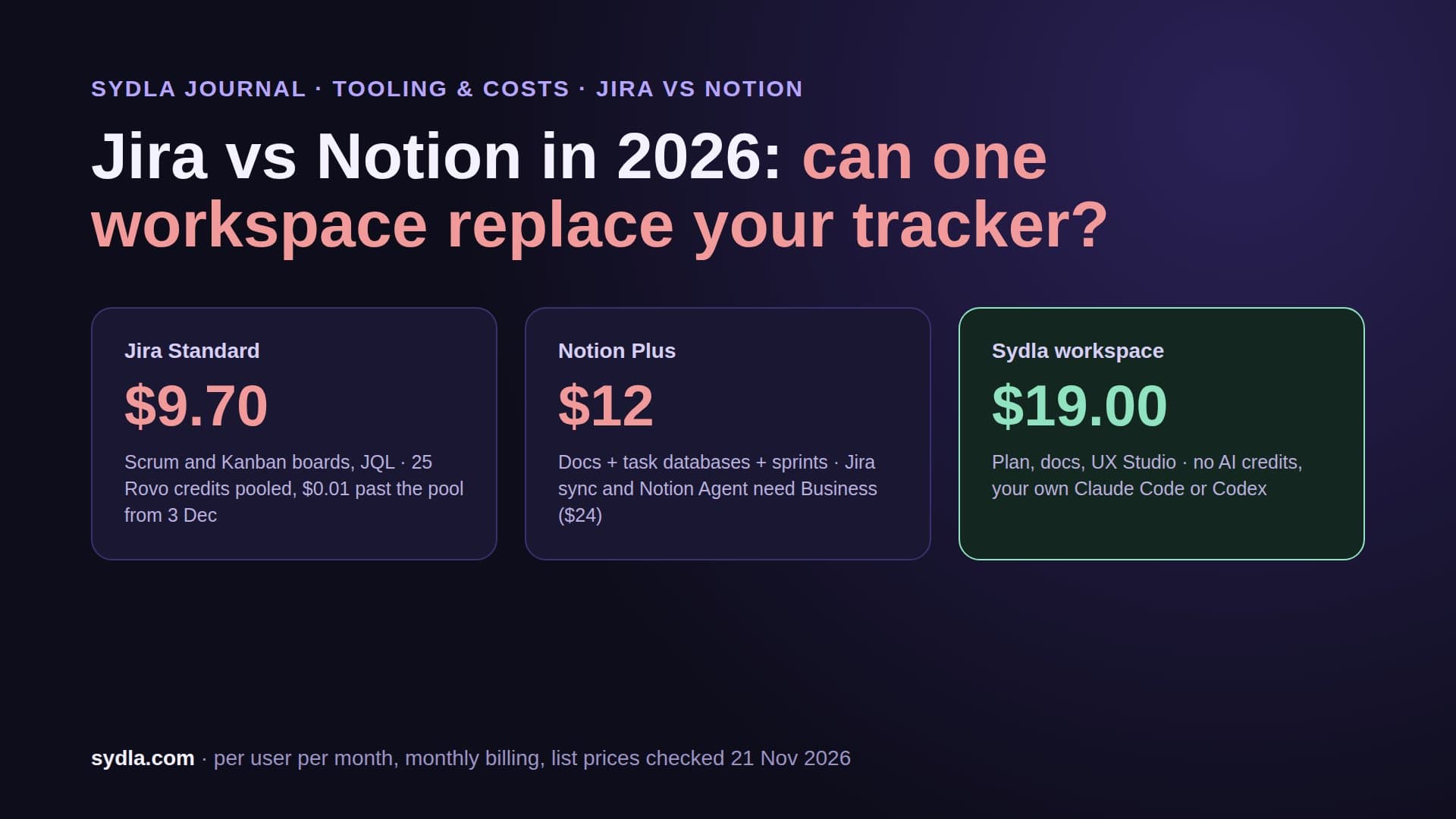
- Hop 3: Notion. The decision to make links single use was taken in a meeting and written up in Notion. That's a second MCP connection with its own login. On Plus the agent can read it, but the team can't run a Notion agent to keep the spec in sync without moving to Business.
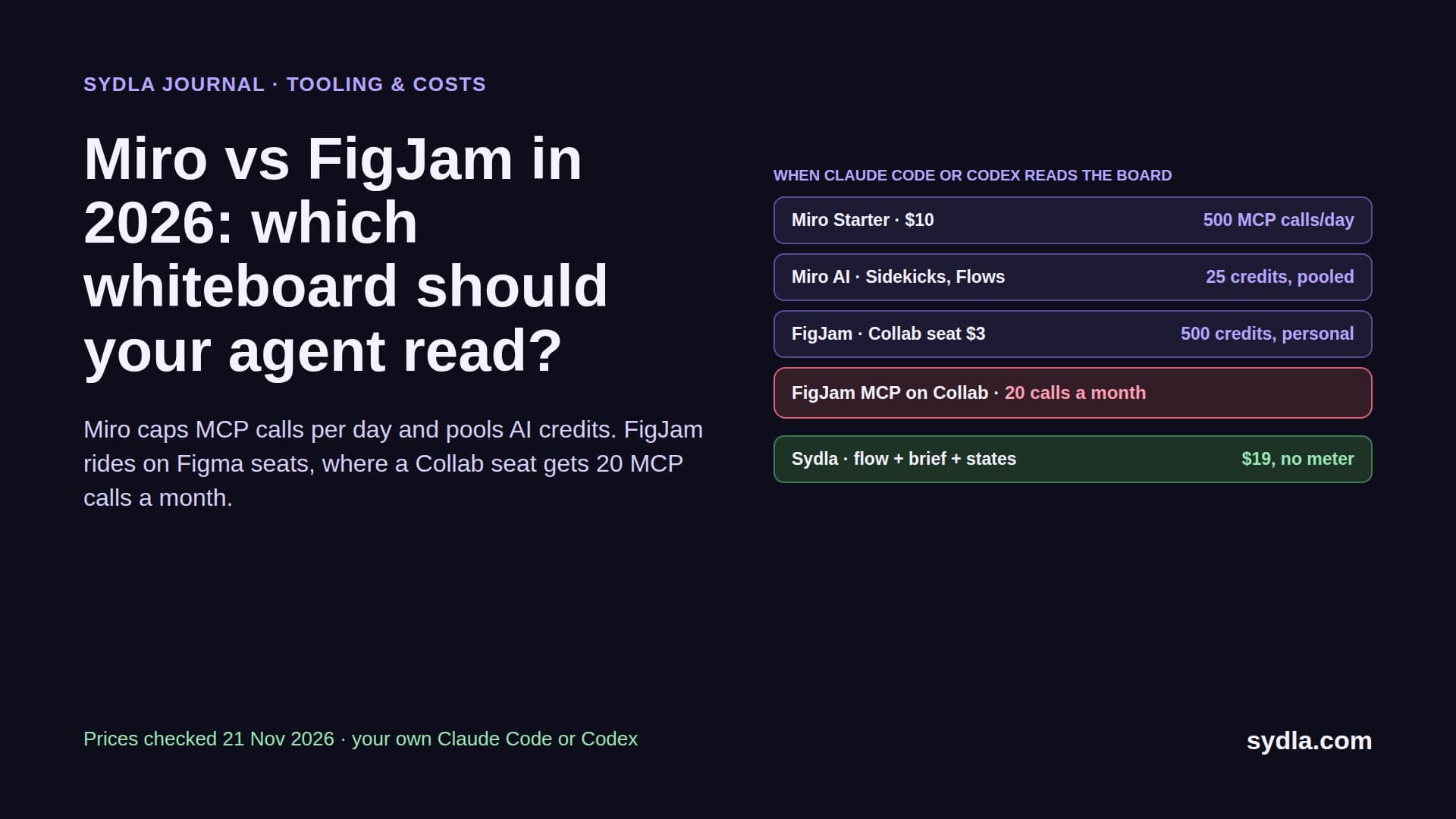
- Hop 4: Figma. The four states are frames in a file. The engineer has a Dev seat, so the MCP server allows 200 reads a day. The product owner, testing the same flow from a Collab seat, gets 20 a month. Large frames come back as sparse metadata, so the agent asks for each state separately.
- Hop 5: Miro. The invite flow, including what happens when the link is used twice, is a board. Fifth connection, fifth login, and on a Starter plan the board's AI shares 25 credits per license with everyone else.
- Outside the loop: Canva. The launch visual for the changelog is made later by hand. The agent never sees it.
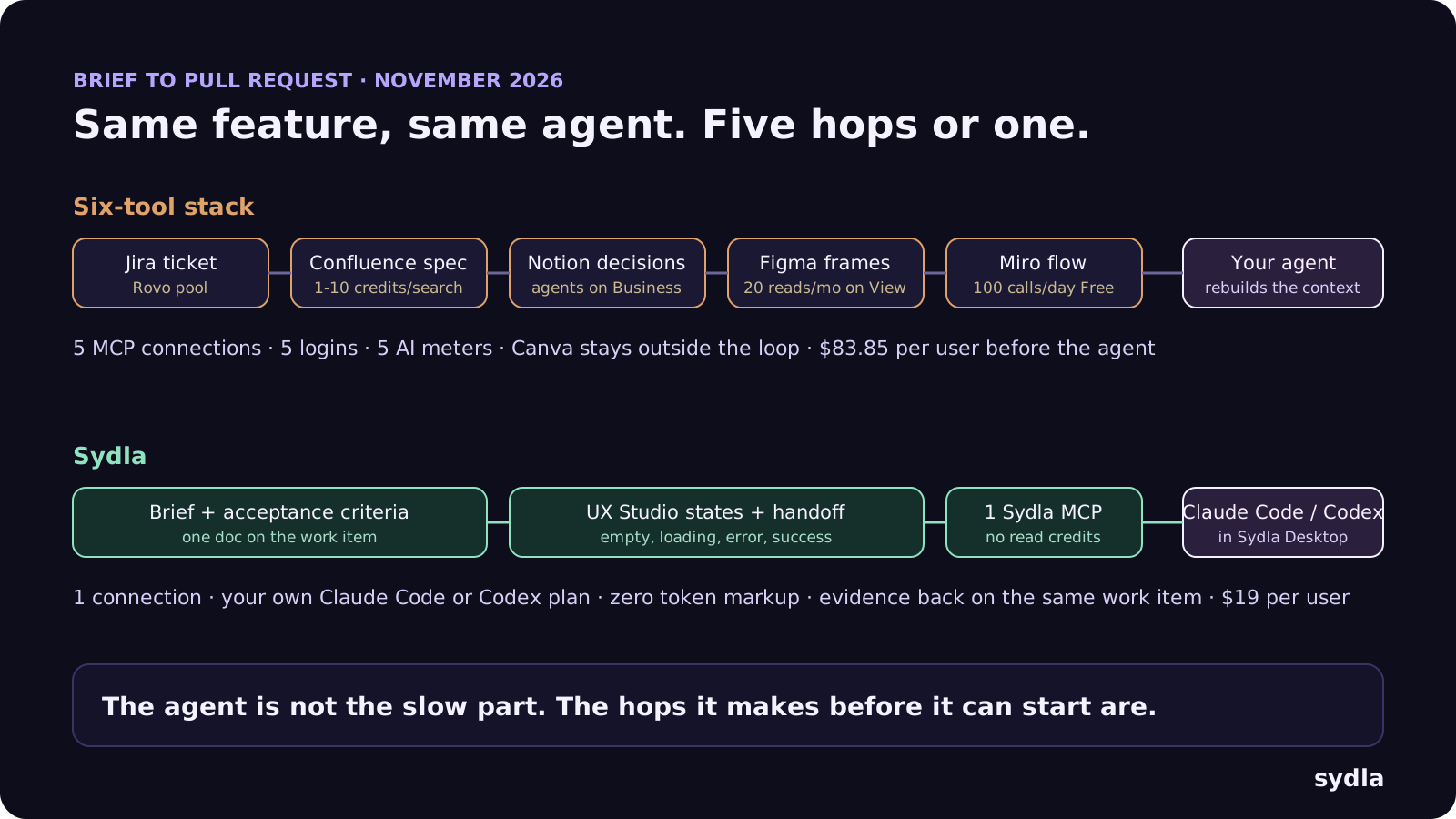
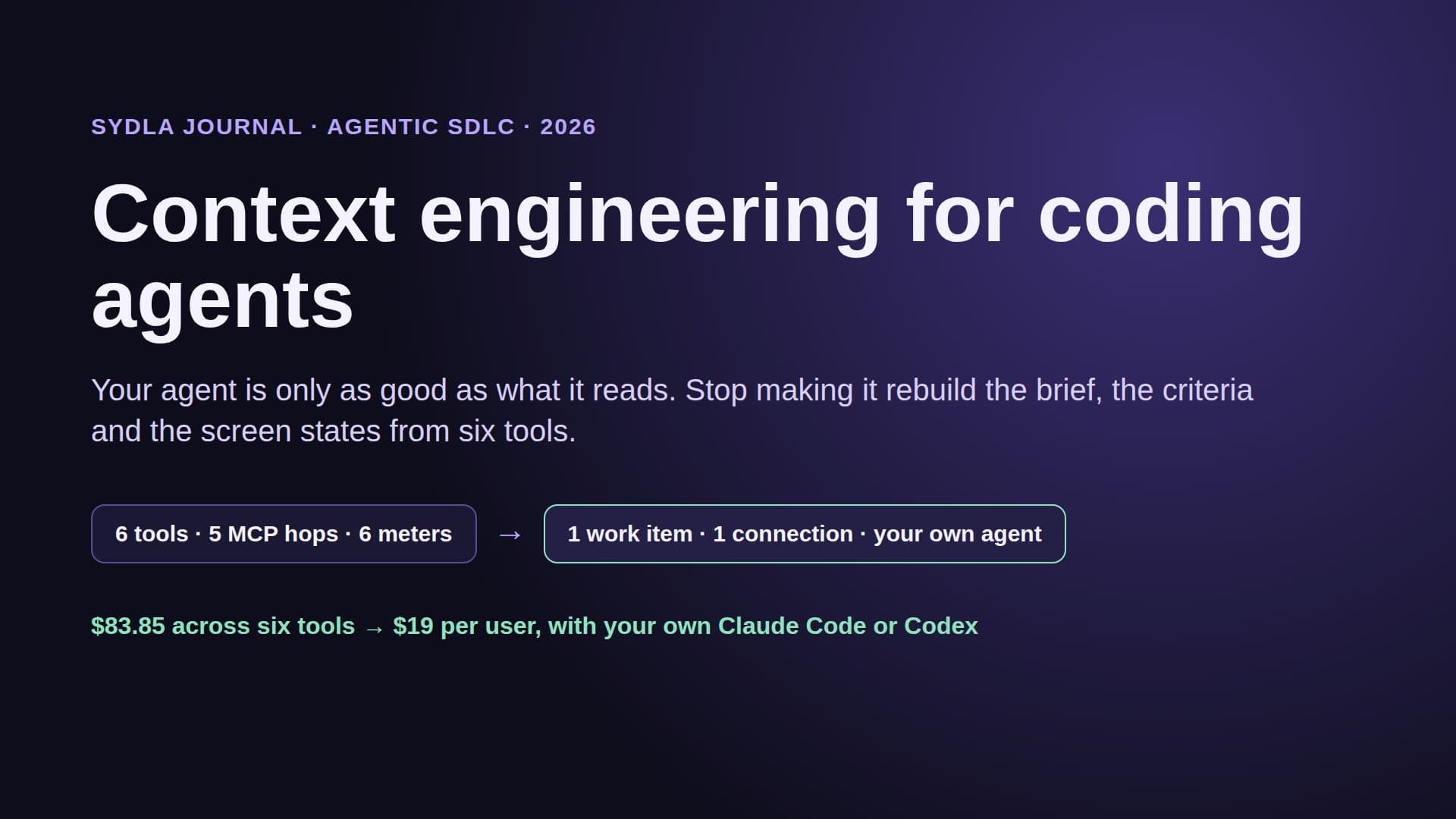
Five MCP connections, five logins, five places where the agent might read last week's version, and five allowances that reset on different days. None of them pays for the actual coding run, which still lands on the engineer's Claude or ChatGPT plan. The coding is the short part. Assembling the context, chasing which copy is current and pasting it in is what stretches a forty-minute run into days, spread across three people.
Then the review. The reviewer opens the pull request and has to reverse-engineer intent from the diff, because the criteria, the states and the decision are in three other tools. Our guide to reviewing AI-generated pull requests explains why evidence against criteria matters more than a clean diff.
What the six-tool stack costs in 2026, per seat and per meter
Here is the same stack priced at list, with the AI included on each plan and what each tool means for the brief-to-pull-request loop. Prices are monthly per user in USD before tax.
| Tool and plan | Price per user | AI credits and MCP limits in 2026 | Role in the brief-to-PR loop |
|---|---|---|---|
| Jira Standard | $9.70 | 25 Rovo credits per user, pooled with Confluence; pay-as-you-go at $0.01 per credit from 3 Dec 2026, on by default | Ticket; hop 1 |
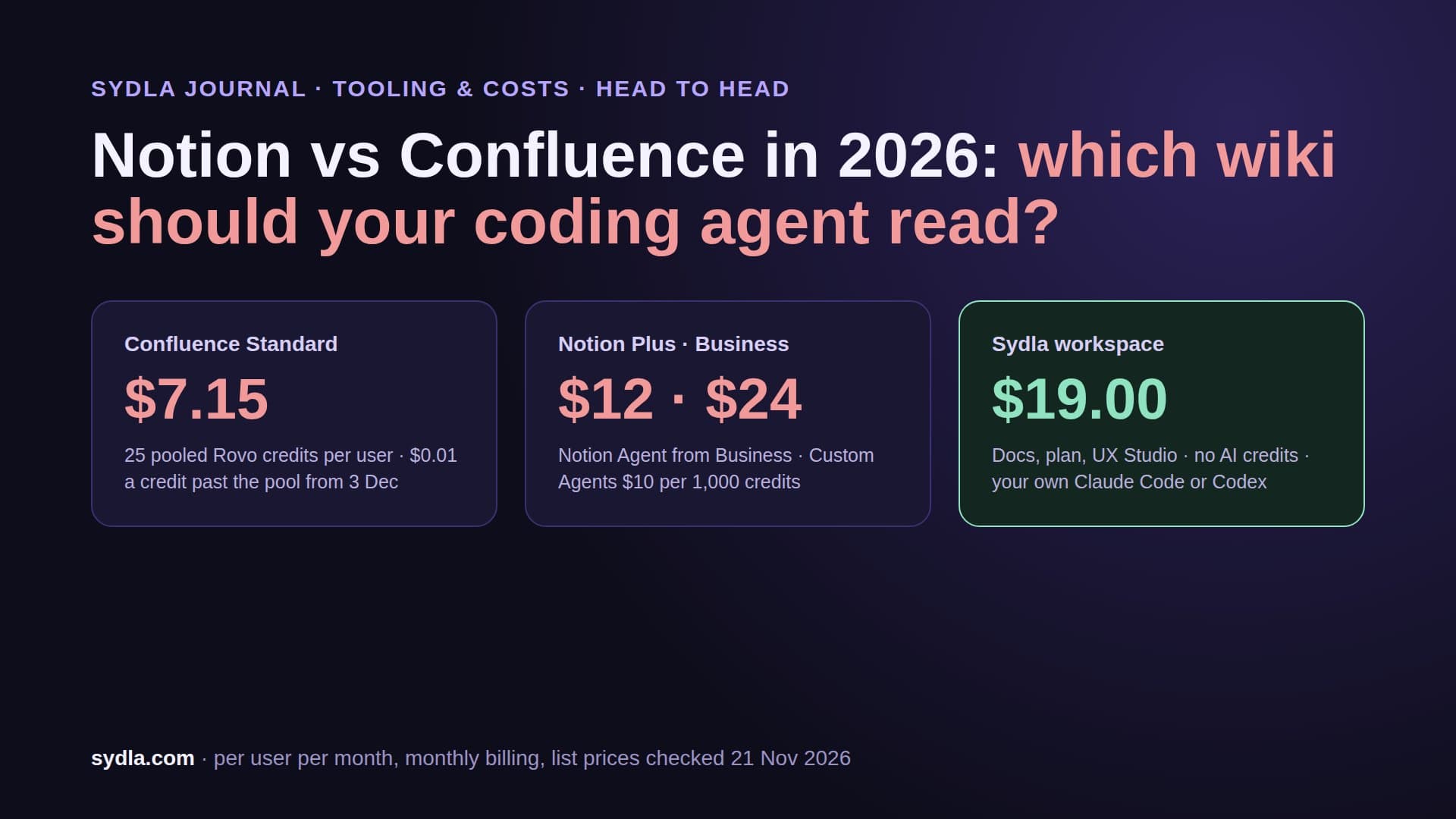
| Confluence Standard | $7.15 | Same Rovo pool; MCP enriched search 1 to 10 credits per call | Spec page; hop 2 |
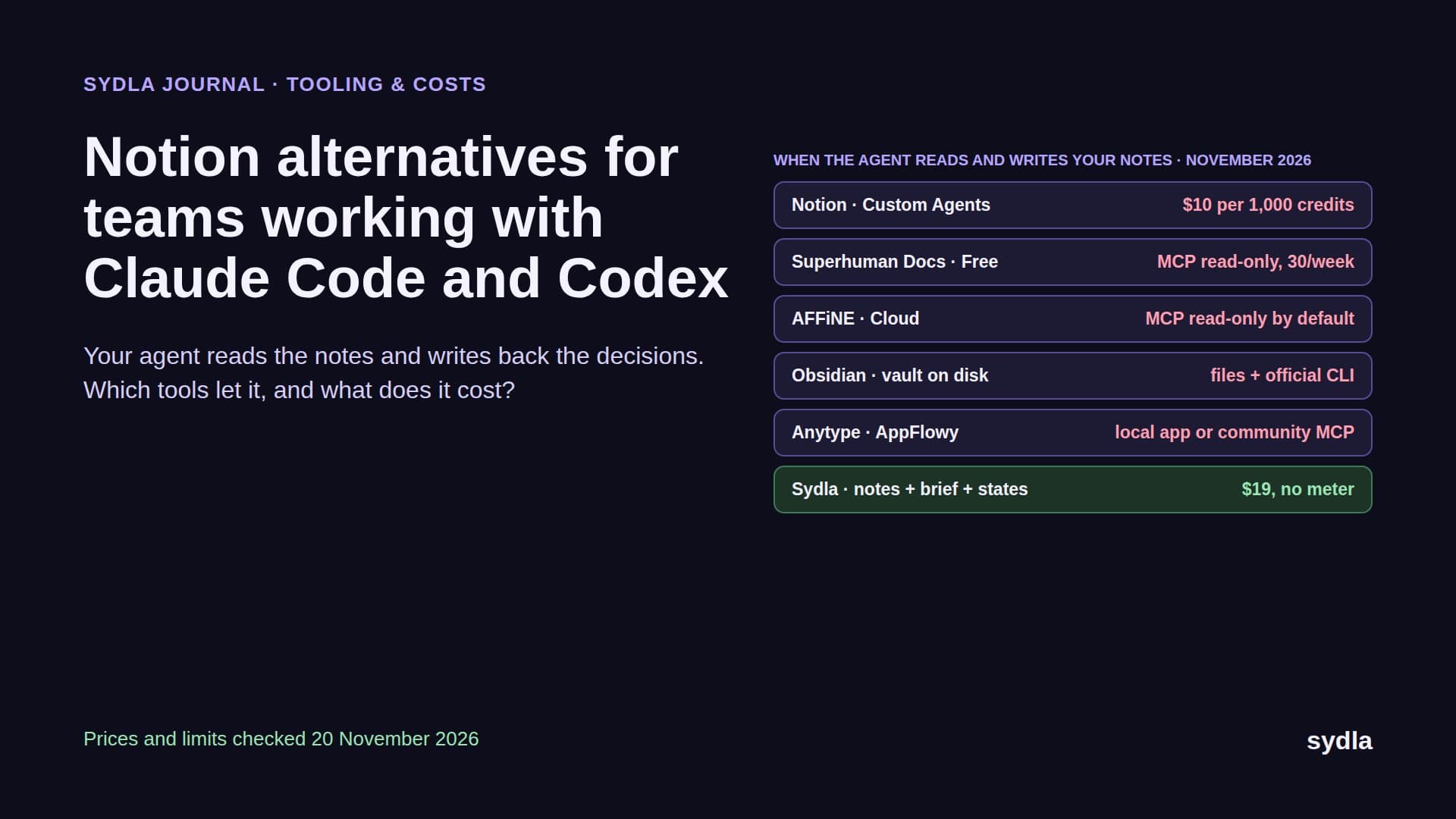
| Notion Plus | $12.00 | Custom Agents only on Business and Enterprise; extra usage $10 per 1,000 credits | Decision log; hop 3 |
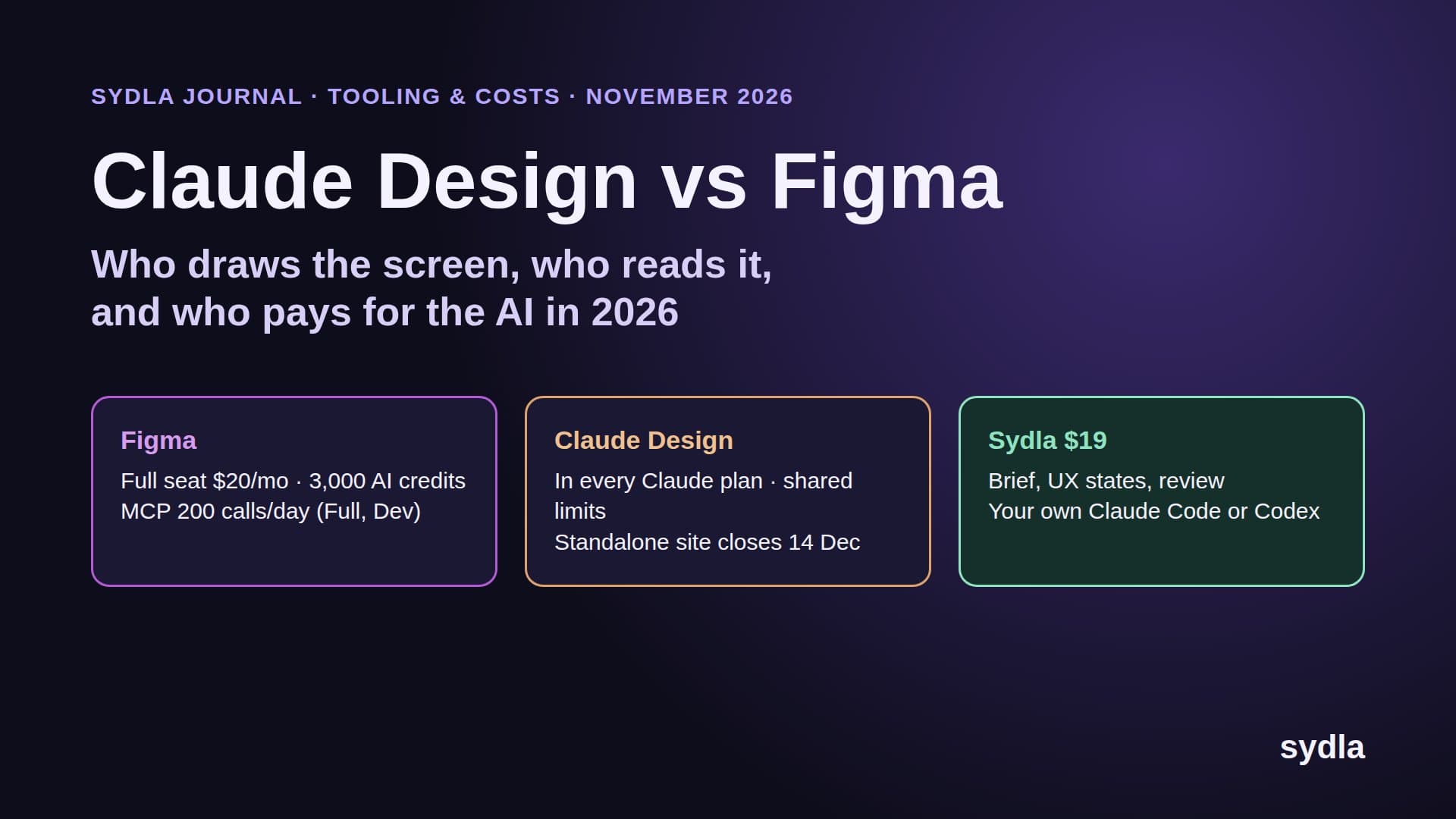
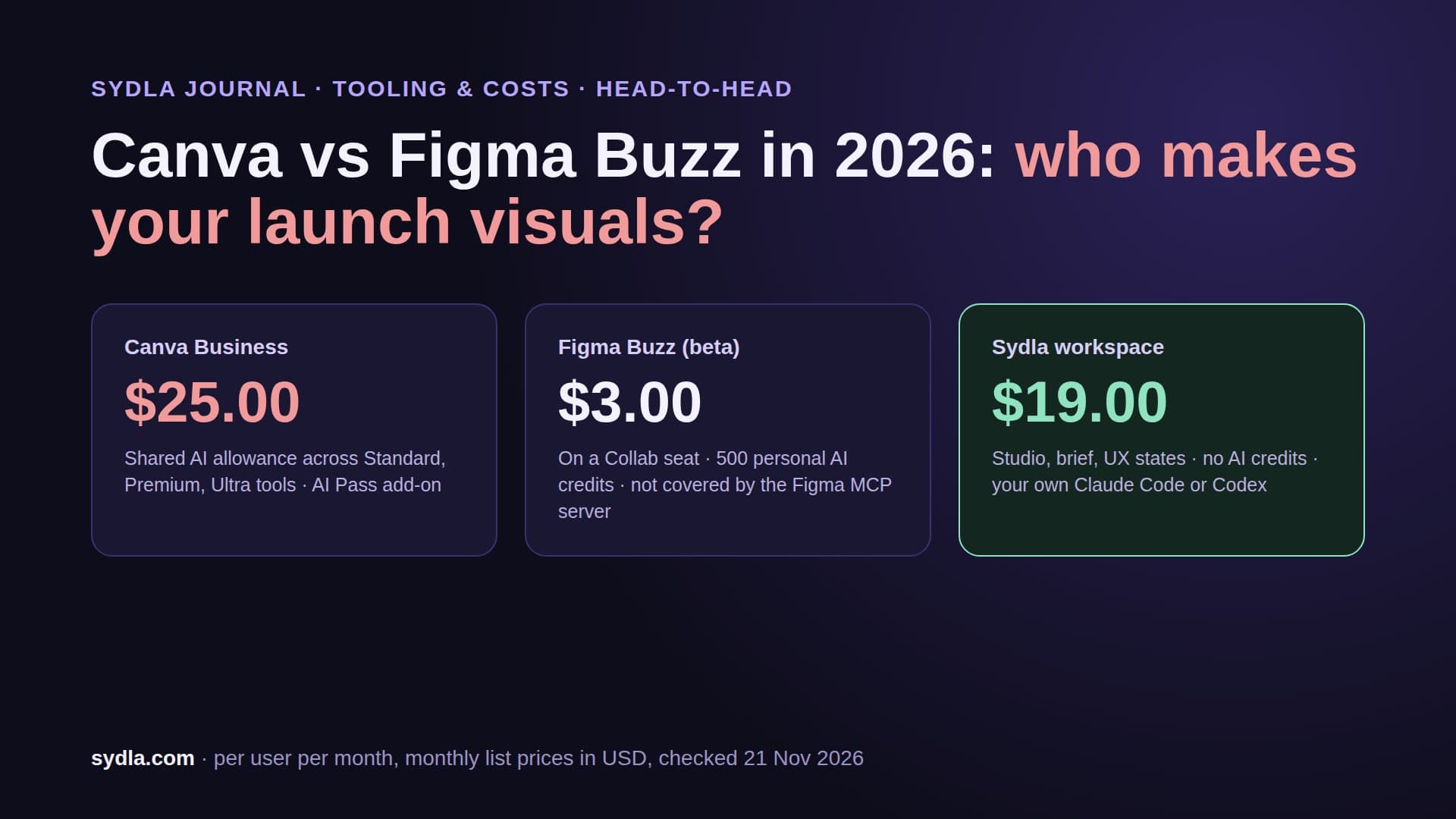
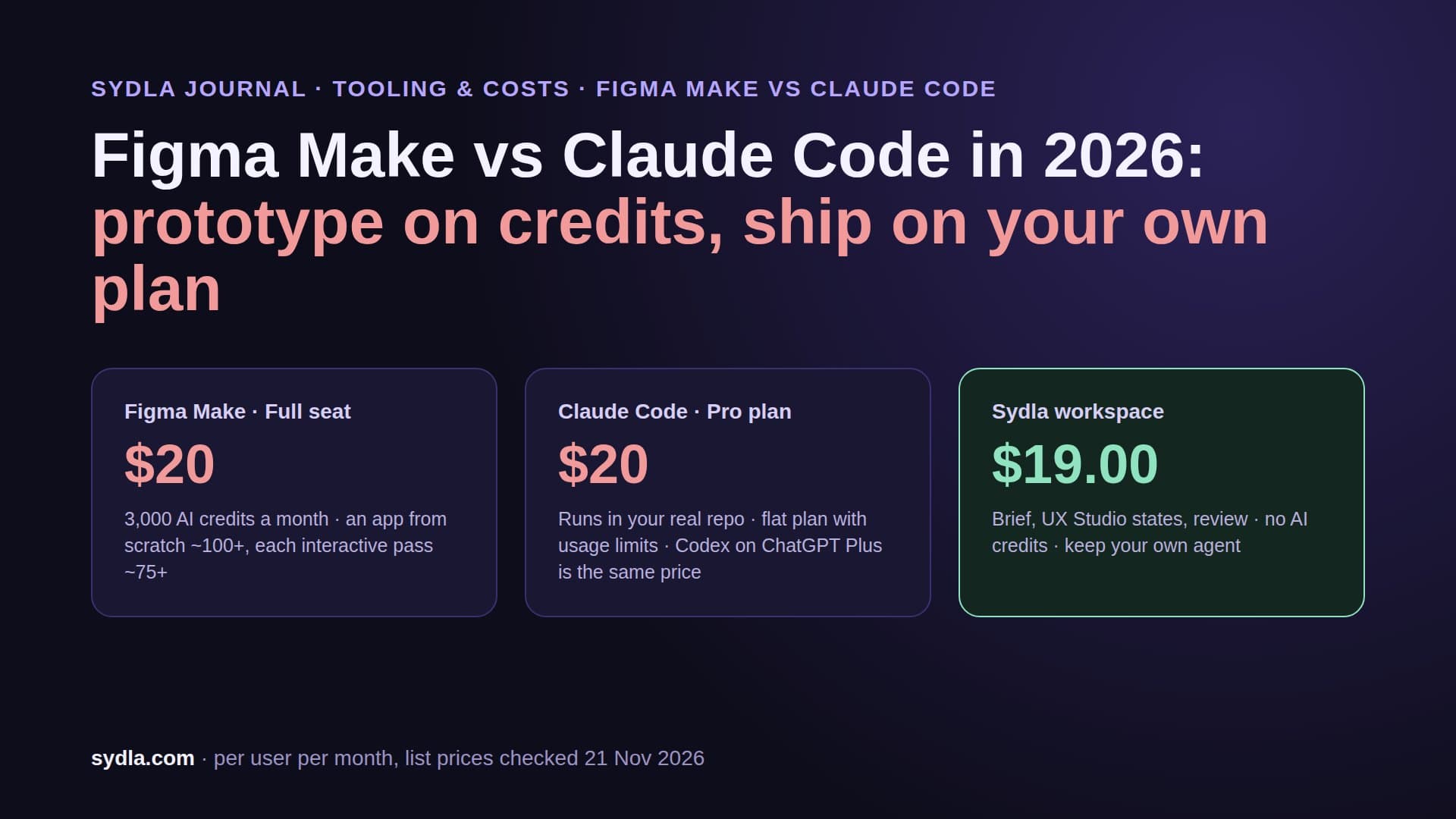
| Figma Professional Full | $20.00 | 3,000 AI credits per Full seat, not shared, hard stop; MCP 200 reads a day on Full and Dev, 20 a month on View and Collab | Screen states; hop 4 |
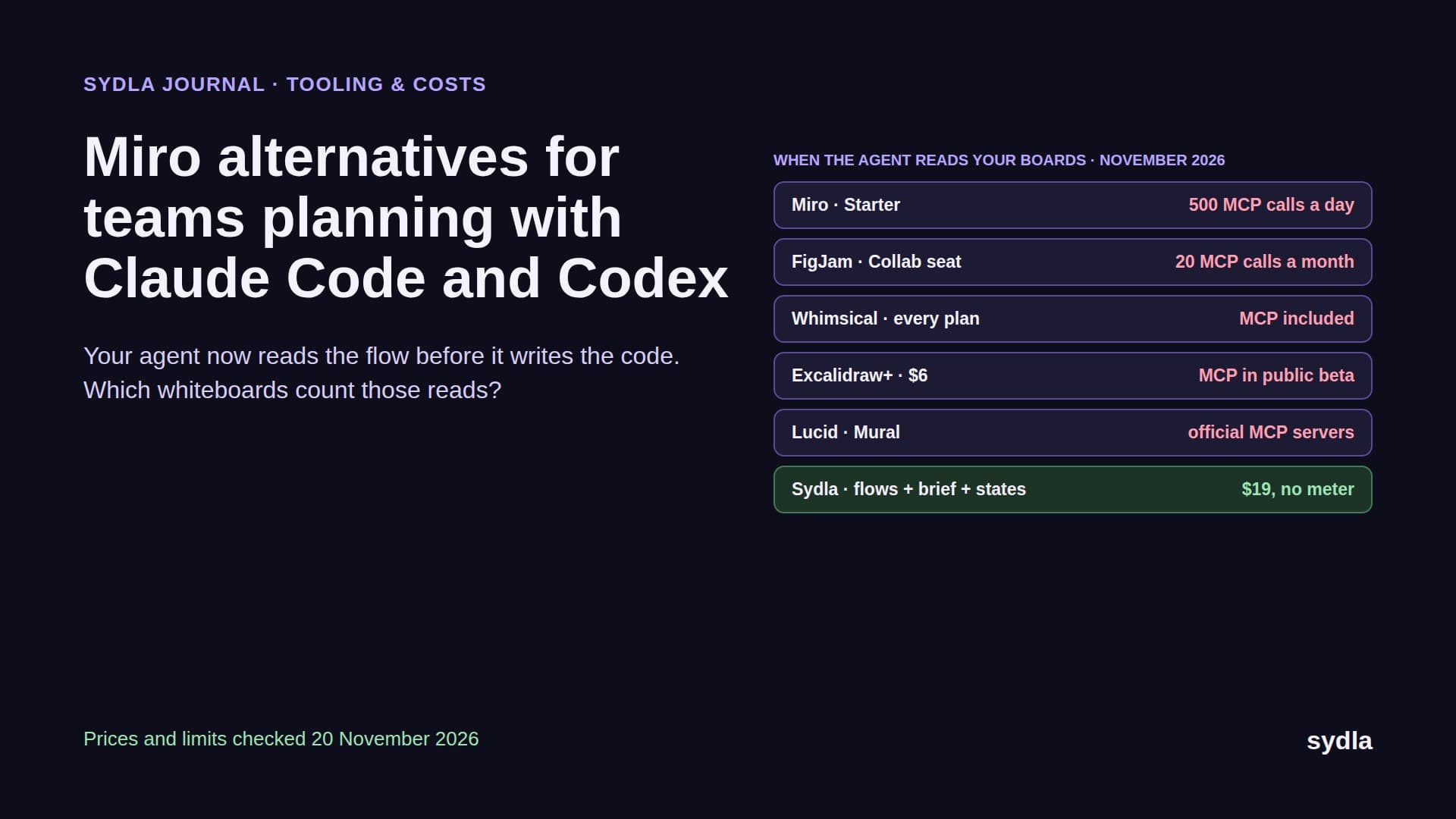
| Miro Starter | $10.00 | 25 AI credits per license, pooled, AI pauses for the team at zero; MCP 500 calls a day | User flow; hop 5 |
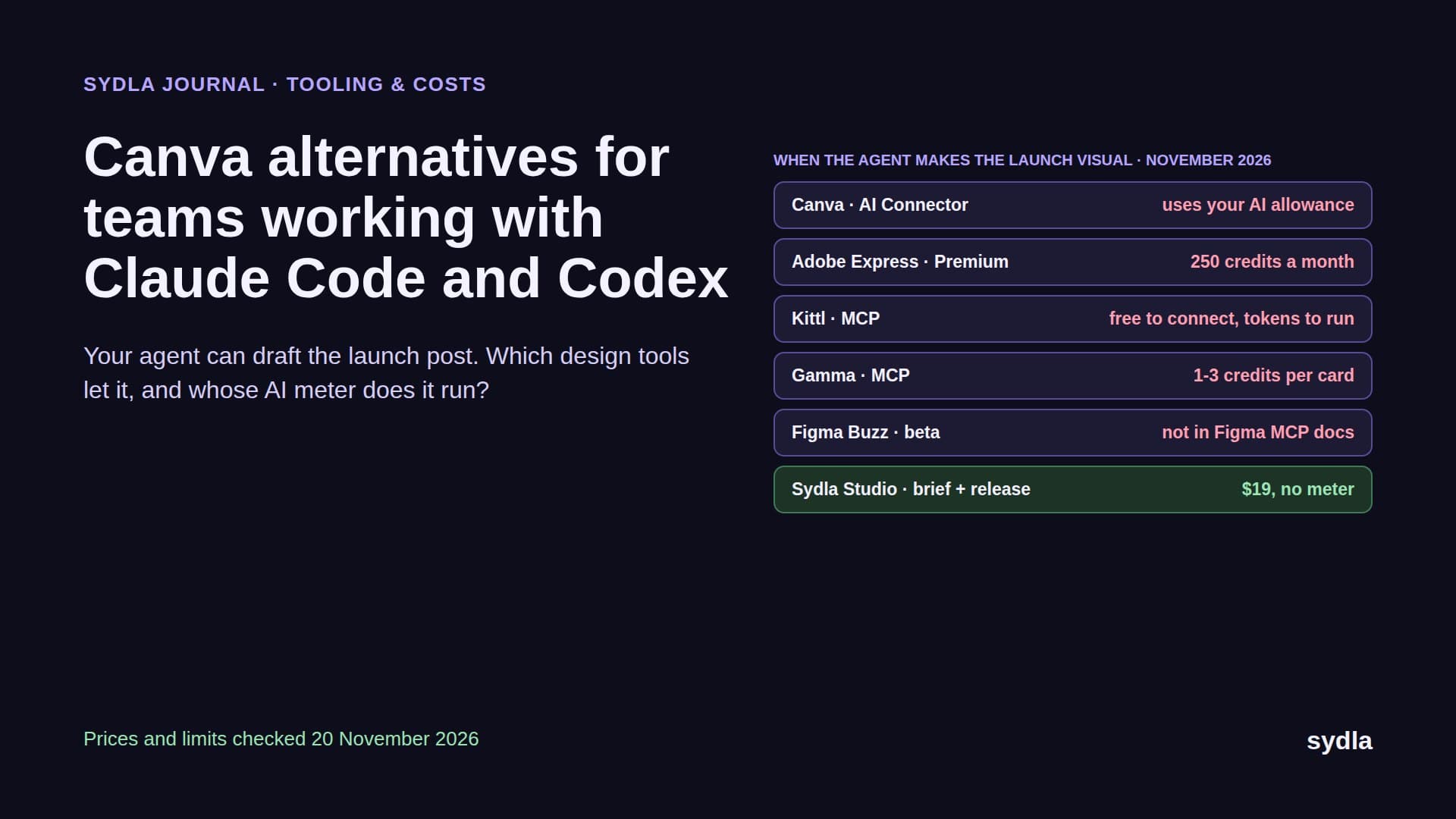
| Canva Business | $25.00 | Separate AI allowance per plan tier | Launch visual; outside the loop |
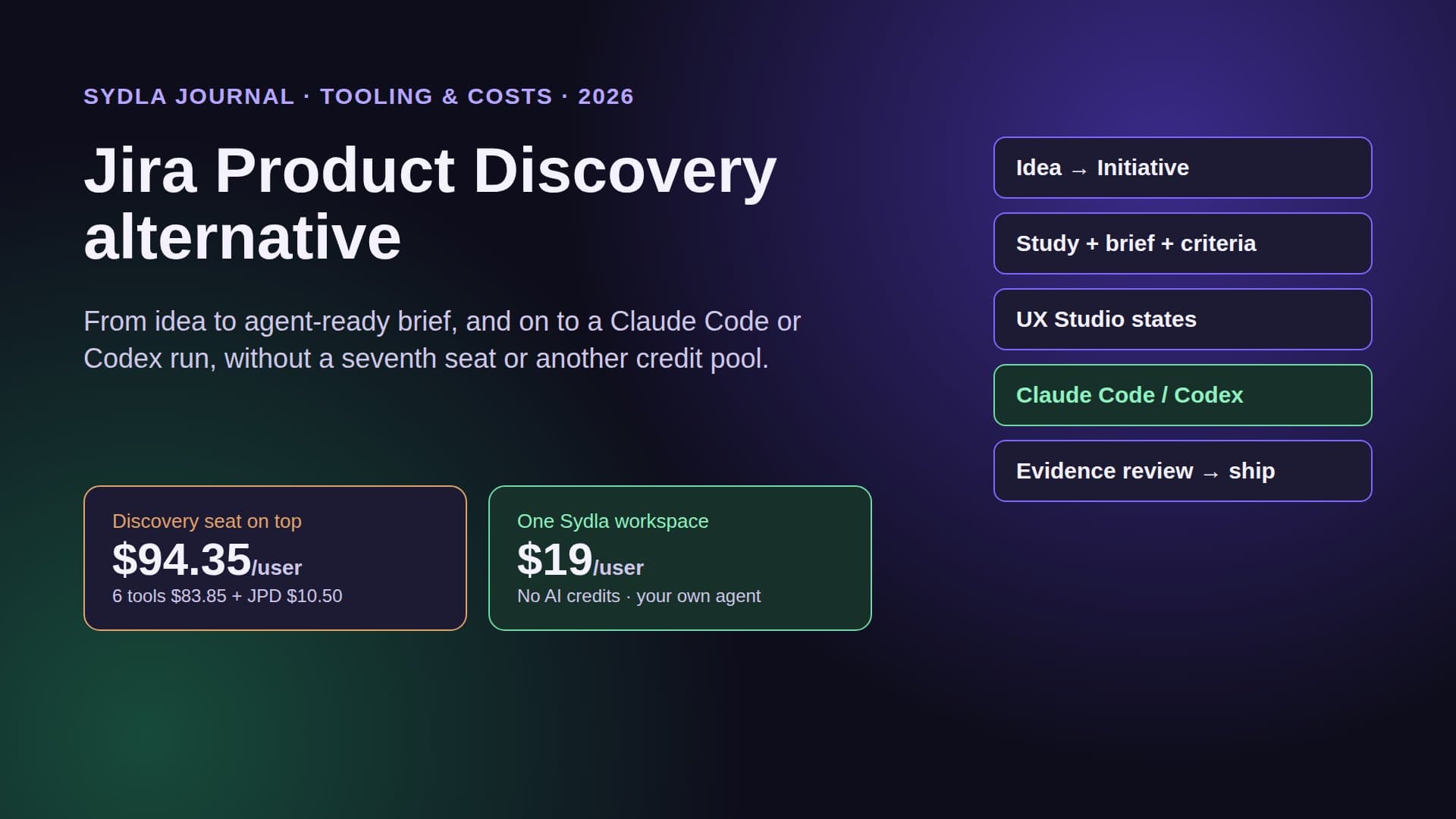
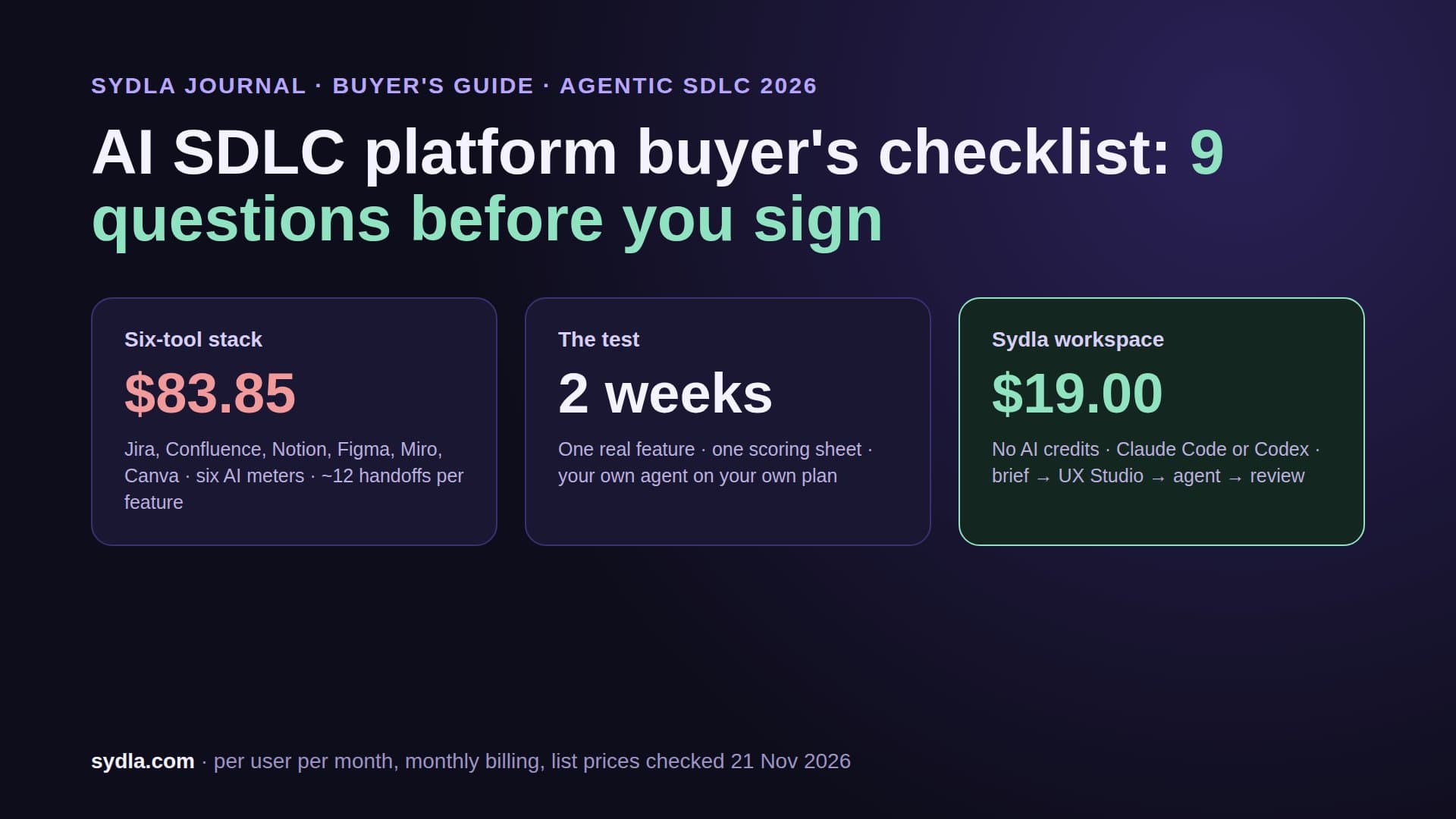
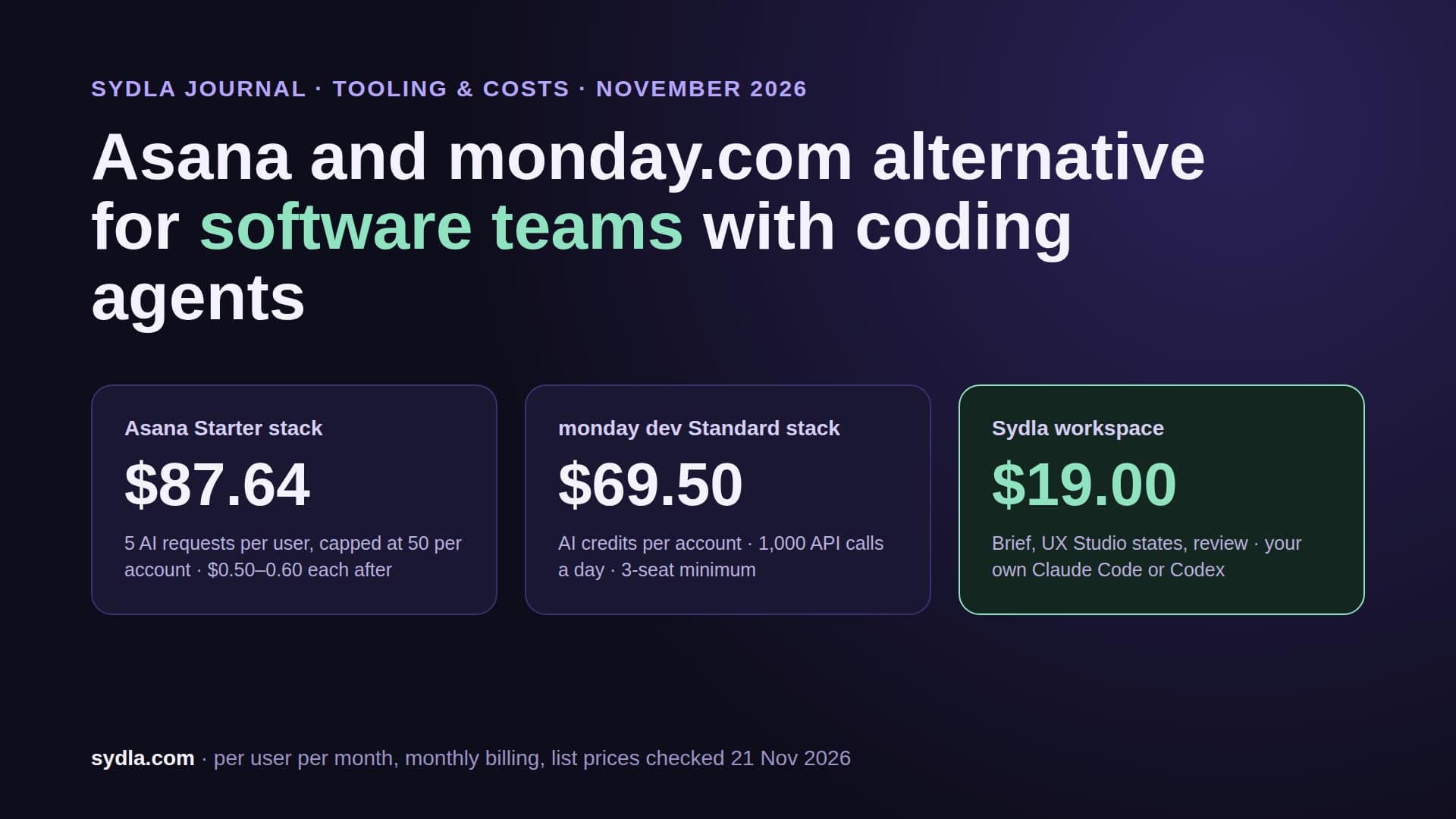
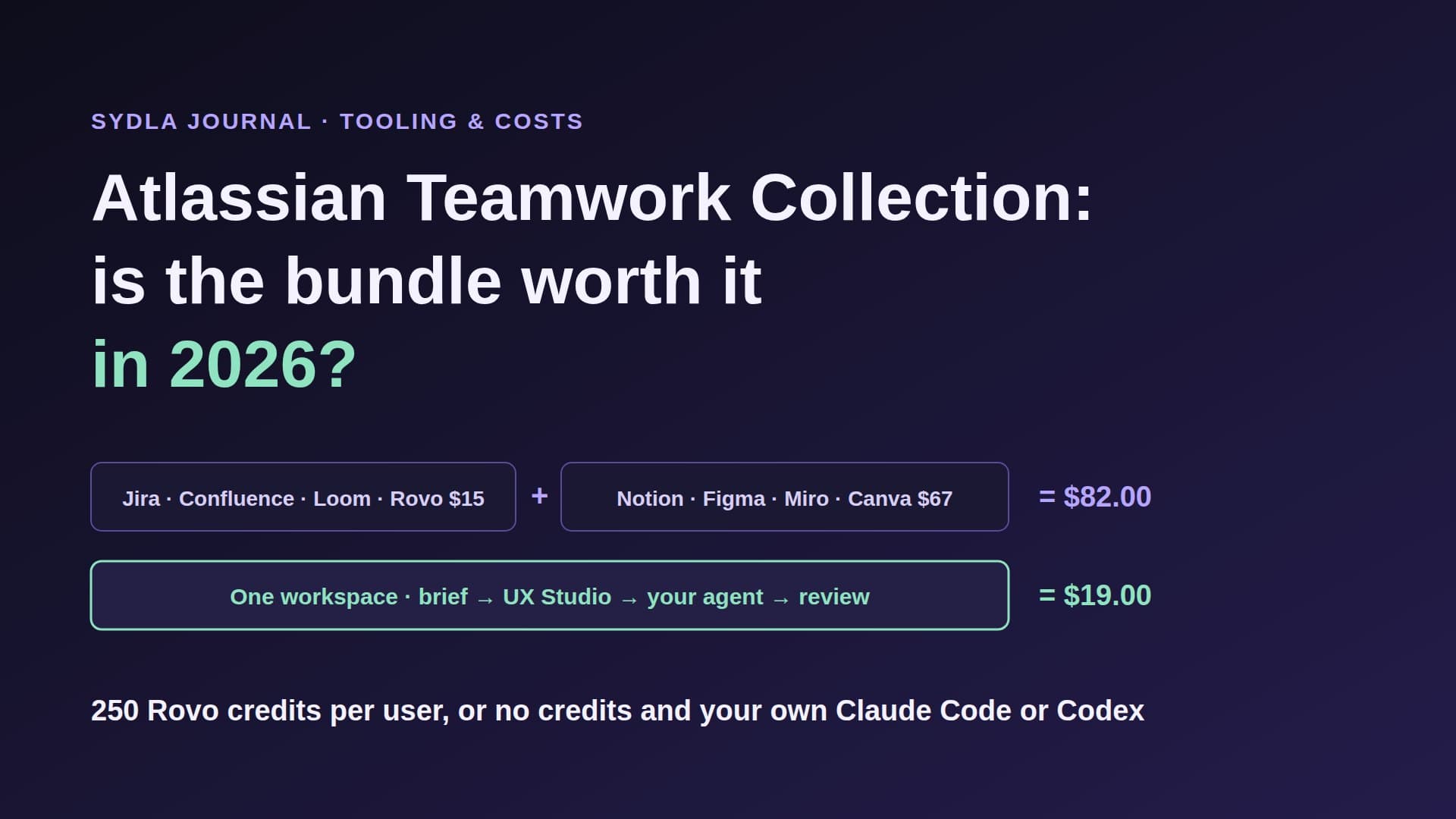
| Six-tool stack | $83.85 | Six allowances, six reset dates, plus the coding agent plan | Five MCP connections for one feature |
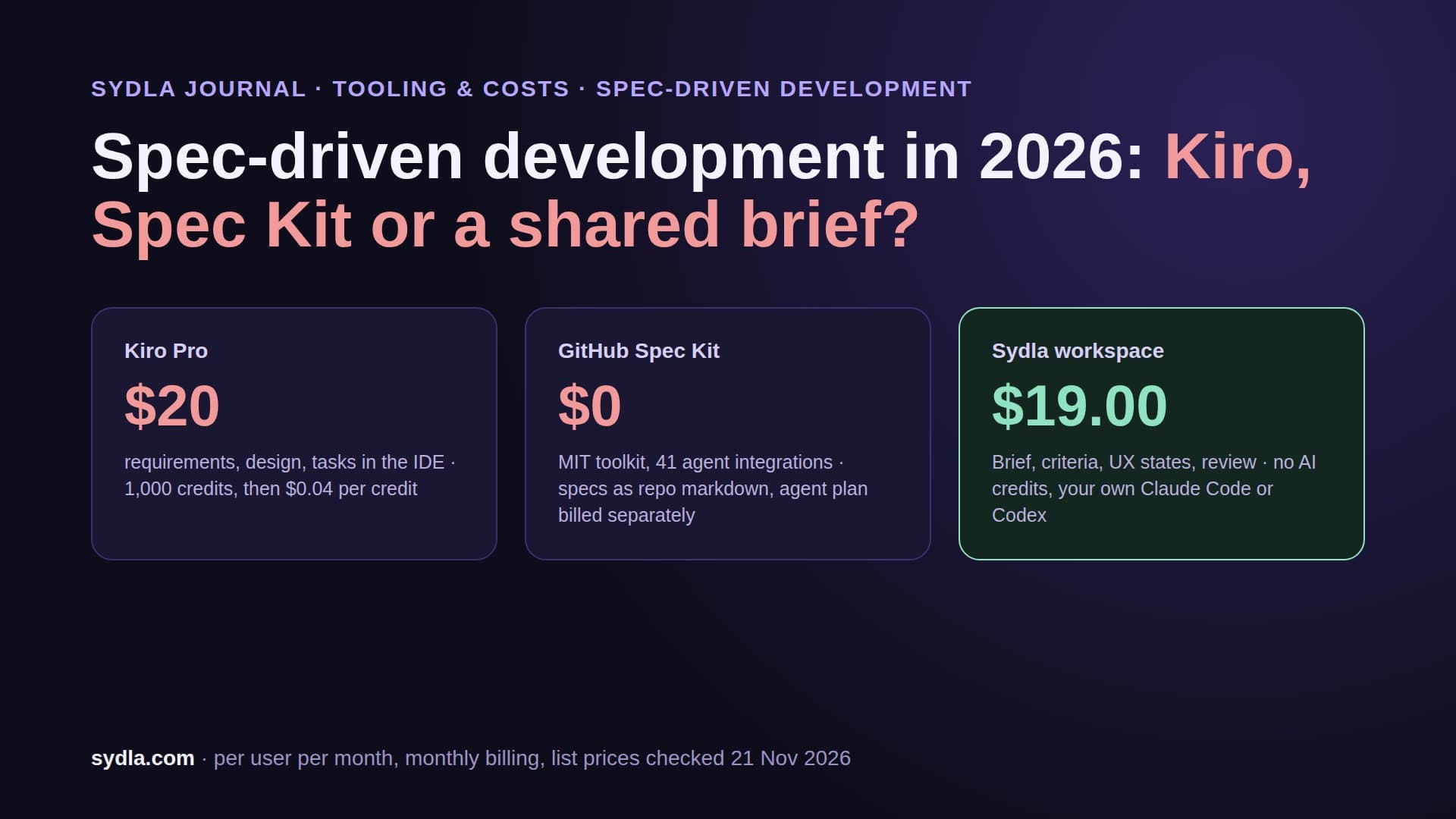
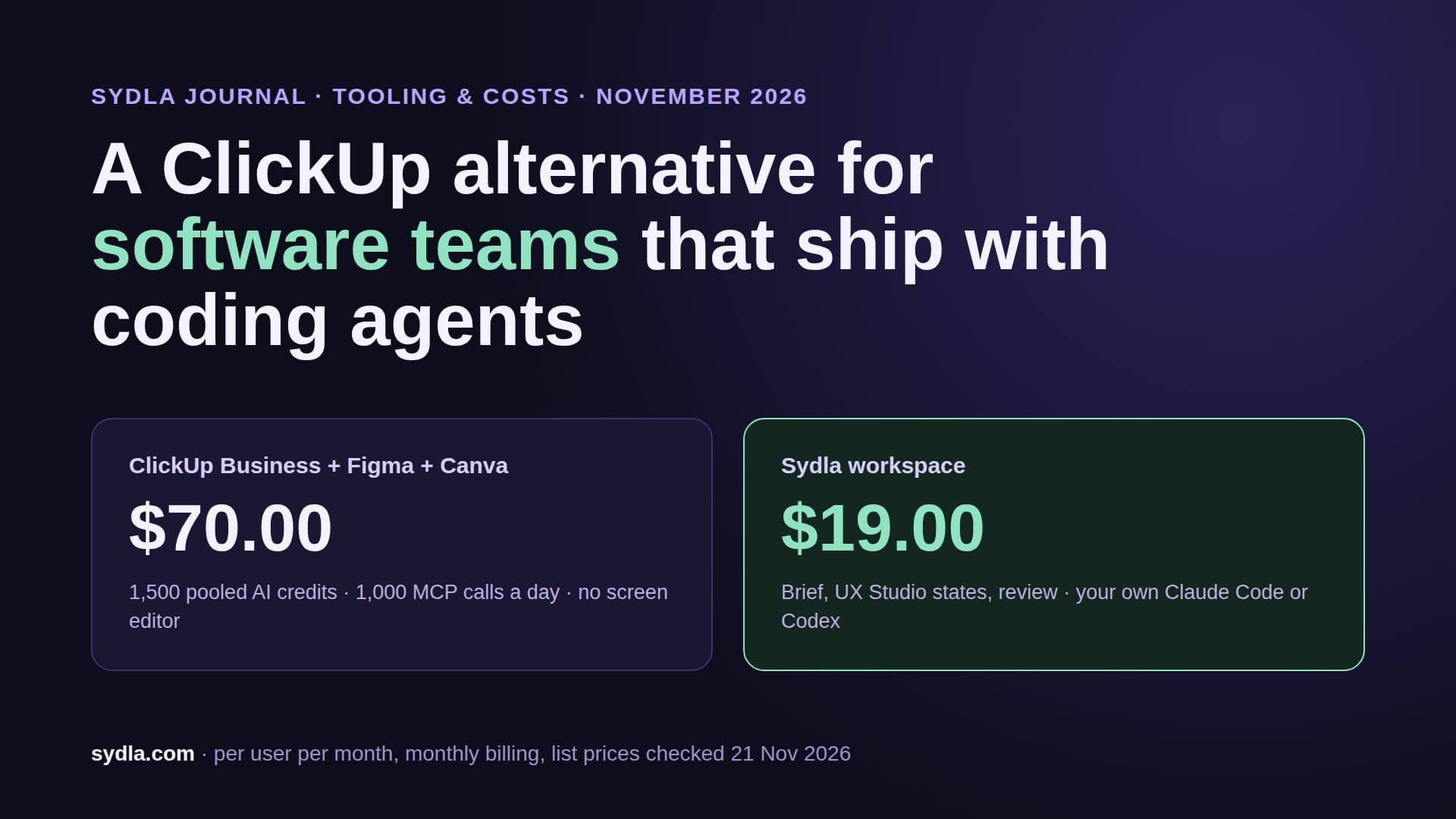
| Sydla workspace | $19.00 | No Sydla AI credits; your own Claude Code or Codex plan, zero token markup | One MCP connection to the whole work item |
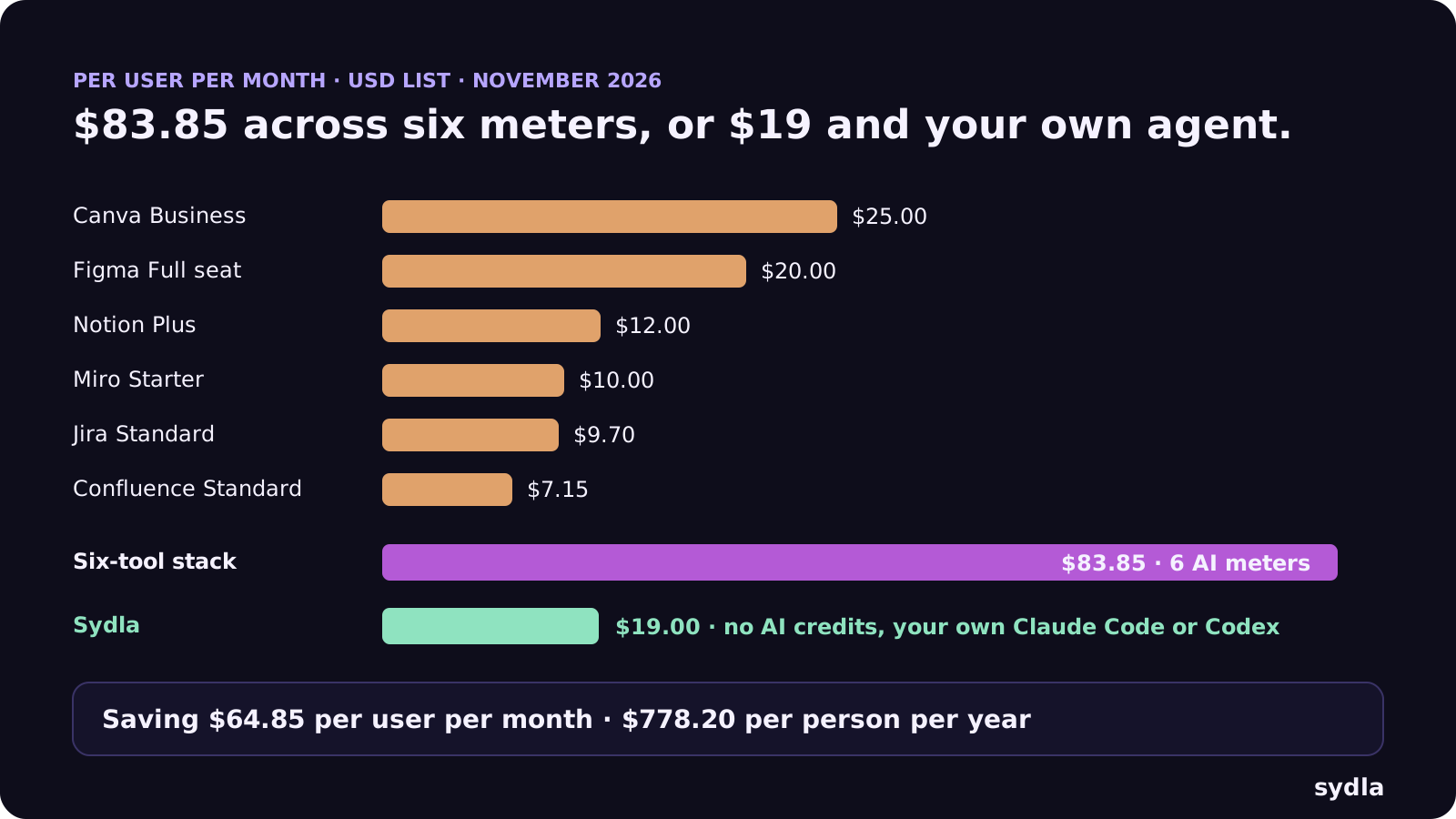
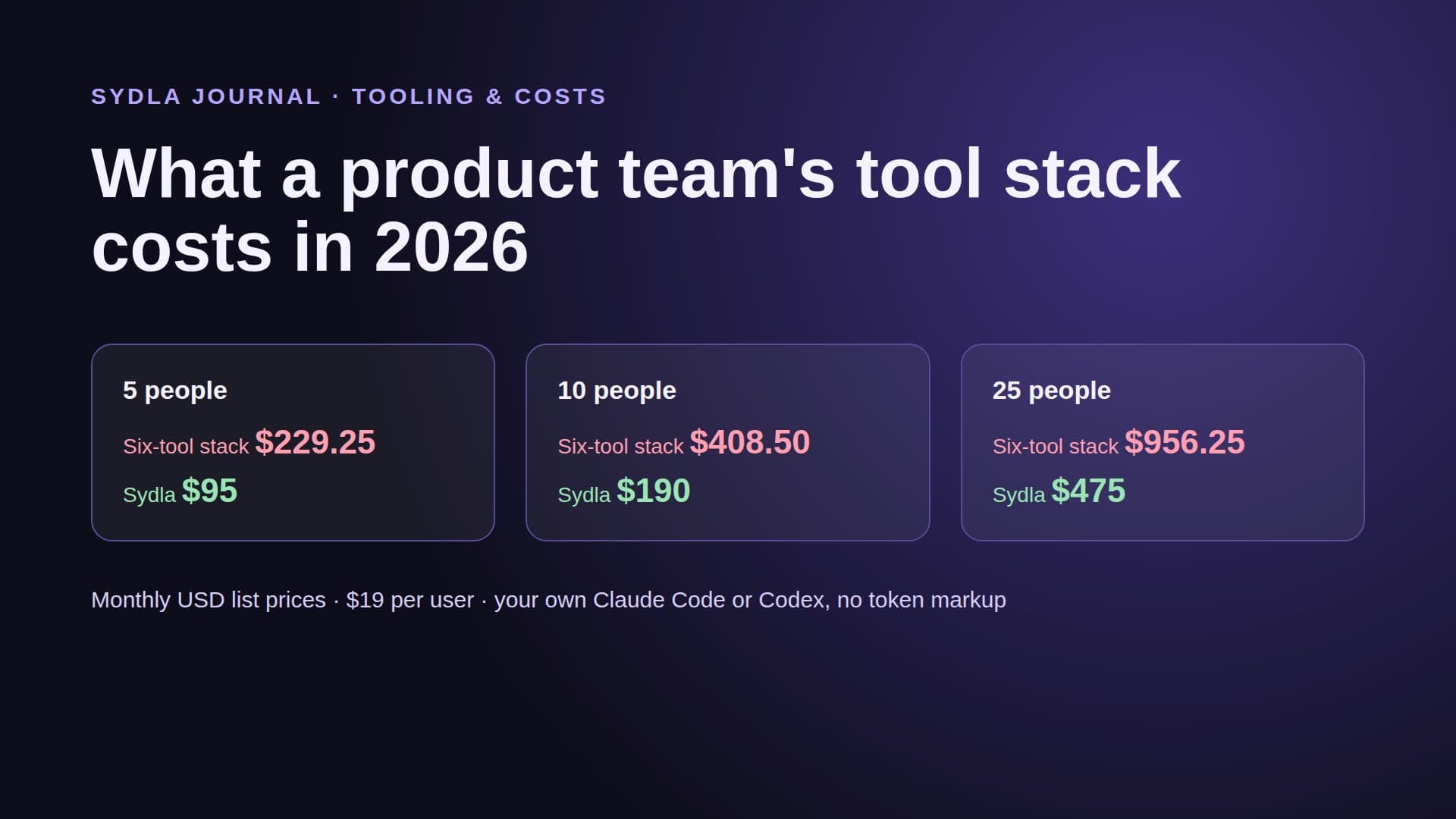
The difference is $64.85 per user per month, or $778.20 a year per person, before anyone buys a top-up. Our team stack cost breakdown prices the same mix for 5, 10 and 25 people, and the comparison hub says honestly where each tool still wins.
Run two: the same feature in Sydla Desktop
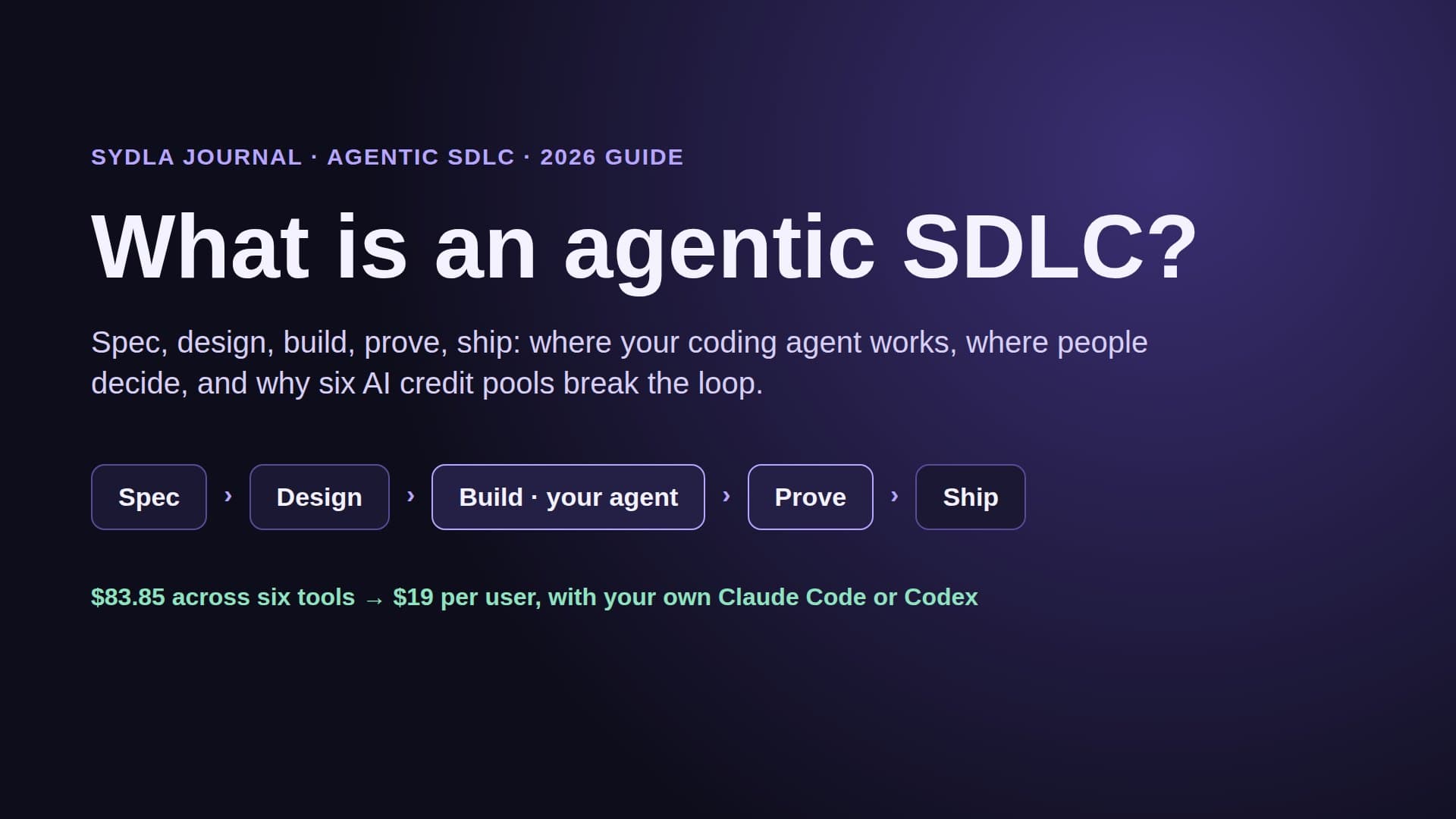
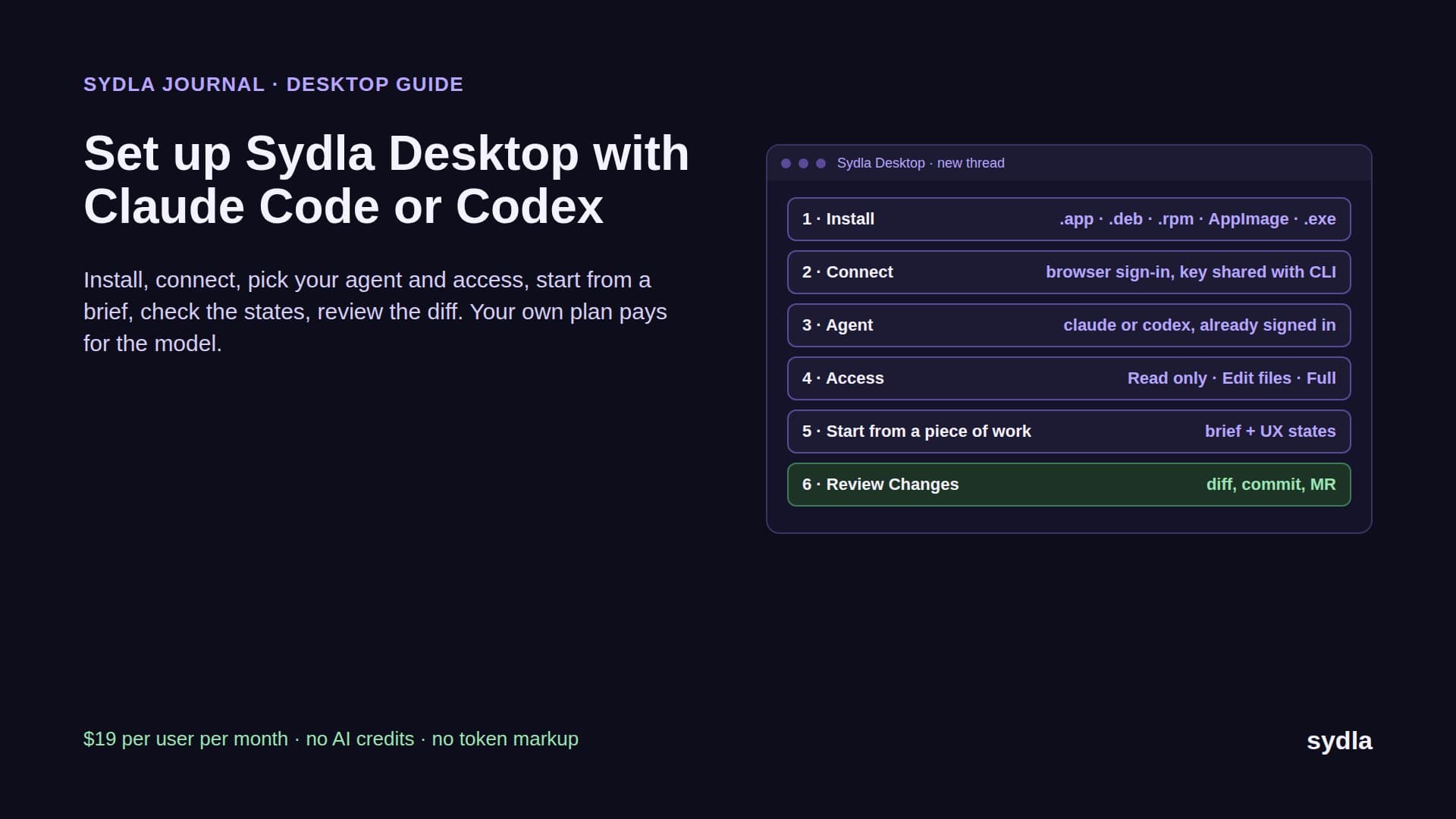
Same feature, same four criteria, same engineer with the same Claude Code plan. This time the brief, the states and the run live on one work item. Here is the run, step by step, the way it works today.
- Write the brief once. The product owner opens the initiative and writes the brief in a Sydla doc linked to it: problem, scope, non-goals, the four criteria and the single-use decision, in one place. That replaces the Jira ticket, the Confluence page and the Notion write-up that drifted apart in run one. Our PRD template for AI coding agents has the seven sections we use.
- Draw every state in UX Studio. The designer adds the create dialog, the pending list empty and filled, the expired page and the revoke confirmation, links the transitions between them, and publishes a handoff. Engineers and agents read the handoff without a design seat, and the flow that lived on a Miro board is now the transitions themselves.
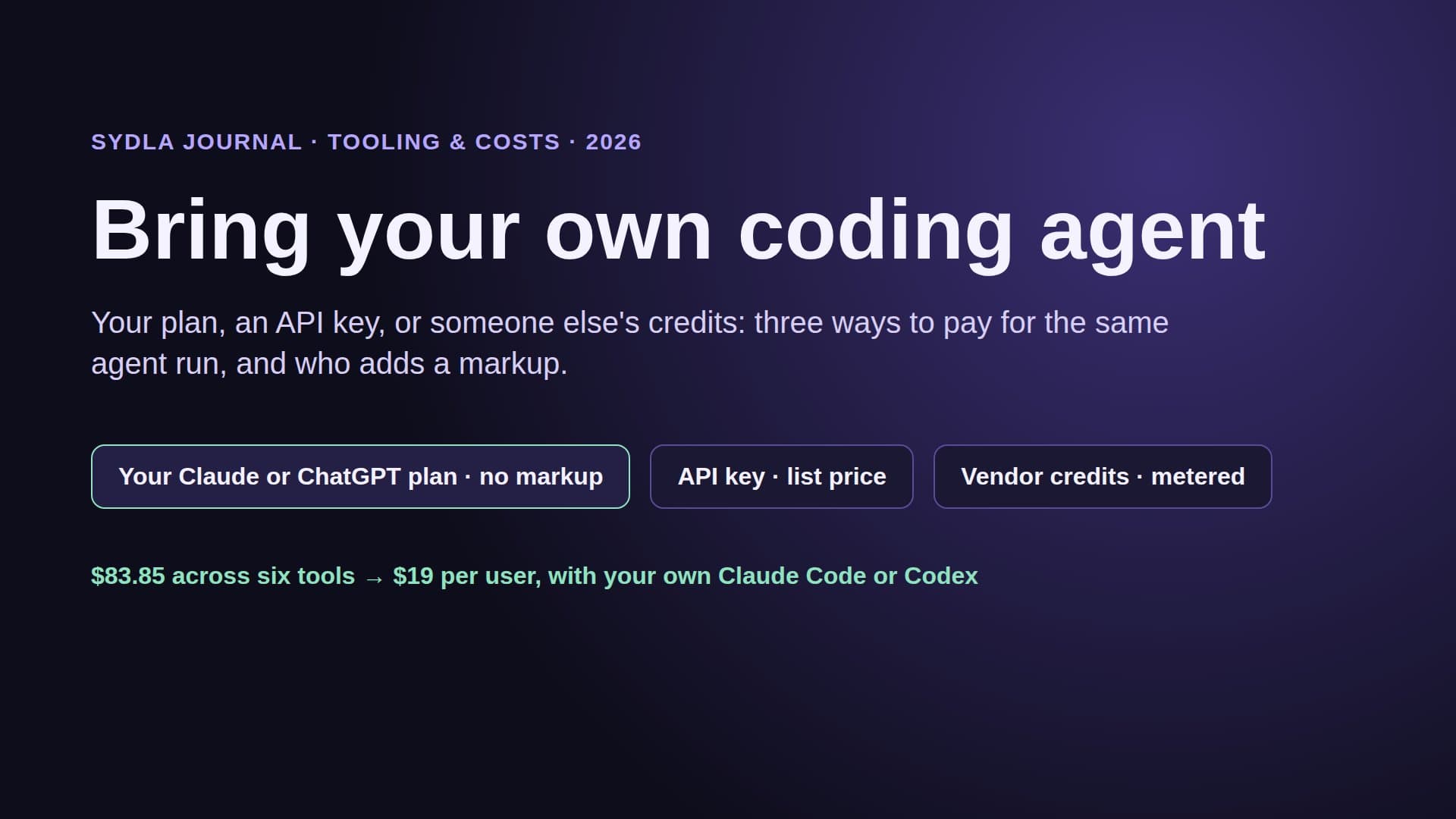
- Connect the agent once. Sydla Desktop runs the claude or codex CLI already installed and signed in on the engineer's machine, so there is no second agent subscription and no token markup. For a terminal session outside Desktop, Claude Code takes one command, claude mcp add --transport http sydla https://sydla.com/mcp with your key in an Authorization header, and Codex takes one [mcp_servers.sydla] table in config.toml with the same URL and key in http_headers.
- Start the thread from the work item. The engineer opens a thread on the piece of work, picks Claude Code or Codex and the model, and sets access to Read only, Edit files or Full access. The first message names the initiative, so the agent reads the brief, the criteria and the UX handoff through one connection. No pasting, no five logins, no per-read credit.
- Build in a branch, prove against the criteria. The agent implements the change, writes a test for each criterion (including the second sign-up for AC4), and records its result against AC1 to AC4 on the same work item. The engineer checks each state in the Preview panel next to the UX Studio state and reads the diff in Changes.
- Ship with a person. Finish and Ship asks the engineer to confirm the commit, the push, the merge request, the merge and the tag one at a time. The agent can request the ship gate; only a person approves it.
The run itself takes about as long, because it is the same agent on the same plan. What disappears is the wait before it. The reviewer opens the merge request and finds the criteria, the four states and the agent's evidence on one page, so review becomes a check against AC1 to AC4 instead of an archaeology dig. The full install, including Windows, macOS and Linux builds, is in our Sydla Desktop setup guide.
What changes for each person on the team
Removing hops is not only an engineering win. Each role gets a different part of their week back.
- Product owner: writes the brief and the criteria once, and sees the agent's evidence against them without asking for a demo.
- Designer: draws states instead of exporting screenshots, and doesn't have to buy every engineer a Full seat so the agent can read frames.
- Engineer: keeps their own Claude Code or Codex plan, model and settings. Our Claude Code vs Codex comparison helps decide which agent fits which work.
- Reviewer: reads evidence against numbered criteria in the same place as the diff.
- Whoever owns the bill: replaces six allowances with one seat price and no credit top-ups. Our cost per ticket guide shows what a run costs on each agent plan.
Some teams will keep one specialist tool, often Figma for a design-heavy product or Jira for a large programme with many teams. That is a fair call, and the per-tool comparisons for Jira, Figma and Notion say where each one still earns its seat. The point is not zero tools. The point is that the agent should reach everything it needs for one feature through one connection.
Try it on your next feature
Don't start with a pilot. Pick the next small feature on your board, something with three or four criteria and a handful of states, and run it end to end: brief, UX Studio states, your own agent in Sydla Desktop, evidence review, ship. Count the hops. If you are moving a backlog over, our 30-day migration plan shows what to export from Jira, Confluence, Notion and Figma first.
The plan is simple: $19 per user per month, every feature included, no AI credits to buy. See the pricing section, then start your workspace and keep the Claude Code and Codex accounts you already have.
Frequently asked questions
How do I go from a product brief to a pull request with Claude Code?
Write the brief with numbered acceptance criteria, define every screen state, then give Claude Code one connection to both. In Sydla, the brief, criteria and UX Studio handoff live on one work item; Sydla Desktop runs your signed-in Claude Code CLI in a thread on that item, the agent builds in a branch and records evidence against each criterion, and a person confirms the merge and tag.
Can Codex read a Sydla brief and UX states?
Yes. Sydla Desktop runs the codex CLI the same way it runs claude, per thread. Outside Desktop, add an mcp_servers.sydla table to Codex's config.toml with the Sydla MCP URL and your key in http_headers. Codex then reads the same brief, criteria and UX handoff as Claude Code.
How many MCP servers does a coding agent need for one feature?
On a typical Jira, Confluence, Notion, Figma and Miro stack, five: one per tool, each with its own login, rate limit and AI meter, and Atlassian's enriched searches cost 1 to 10 Rovo credits per call. In Sydla the agent needs one connection to the Sydla MCP server, which carries the brief, criteria and design states for the work item, with no read credits.
Does Sydla charge for AI tokens or credits?
No. Sydla costs $19 per user per month and has no AI credits. Each engineer runs their own Claude Code or Codex subscription from Sydla Desktop or a web thread, so model usage stays on their own plan with zero token markup.
How much does Sydla save compared with Jira, Confluence, Notion, Figma, Miro and Canva?
At November 2026 list prices the six-tool stack costs $83.85 per user per month: Jira $9.70, Confluence $7.15, Notion $12.00, Figma $20.00, Miro $10.00 and Canva $25.00. Sydla is $19, a saving of $64.85 per user per month or $778.20 per person per year, before any AI credit top-ups.
Real native session with Codex. Edited waiting times; 11 acceptance tests pass. No commit or push is performed.