What is an agentic SDLC? A 2026 guide for lean product teams
Everyone says agentic SDLC. Few teams can say which stage the agent owns, which gate a person signs, and which of six AI meters pays for the run. Here is the 2026 definition, the five stages, the tool stack it needs and what it costs.
The agent is fast. The lifecycle around it is not.
A coding agent in 2026 can turn a clear ticket into a tested pull request in under an hour. Then it waits. It waits for someone to paste the Confluence page it needed, for a Figma seat with enough MCP reads left this month, for a Notion workspace on the plan that allows agents, and for a reviewer who can tell whether the diff matches what the team meant.
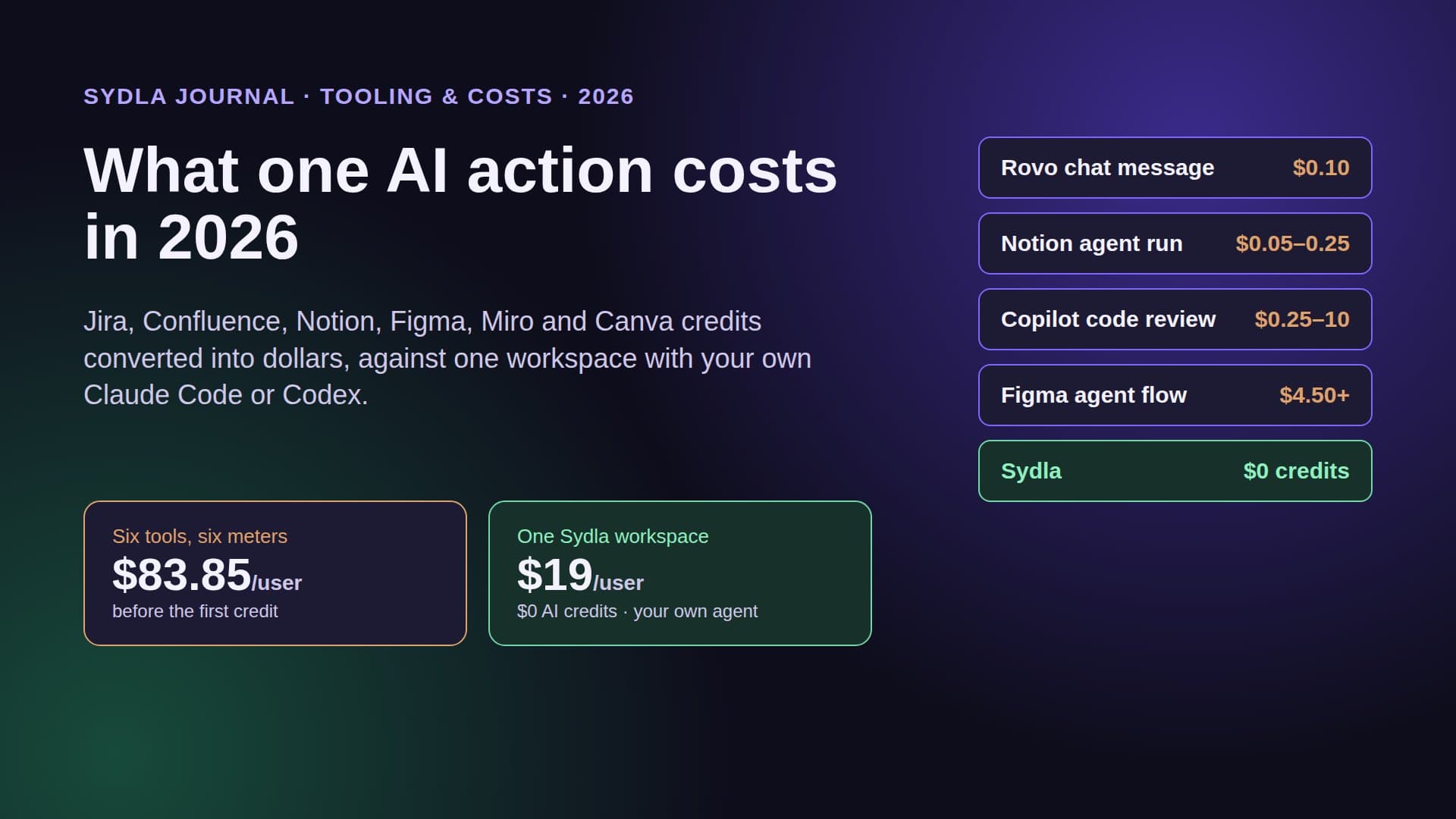
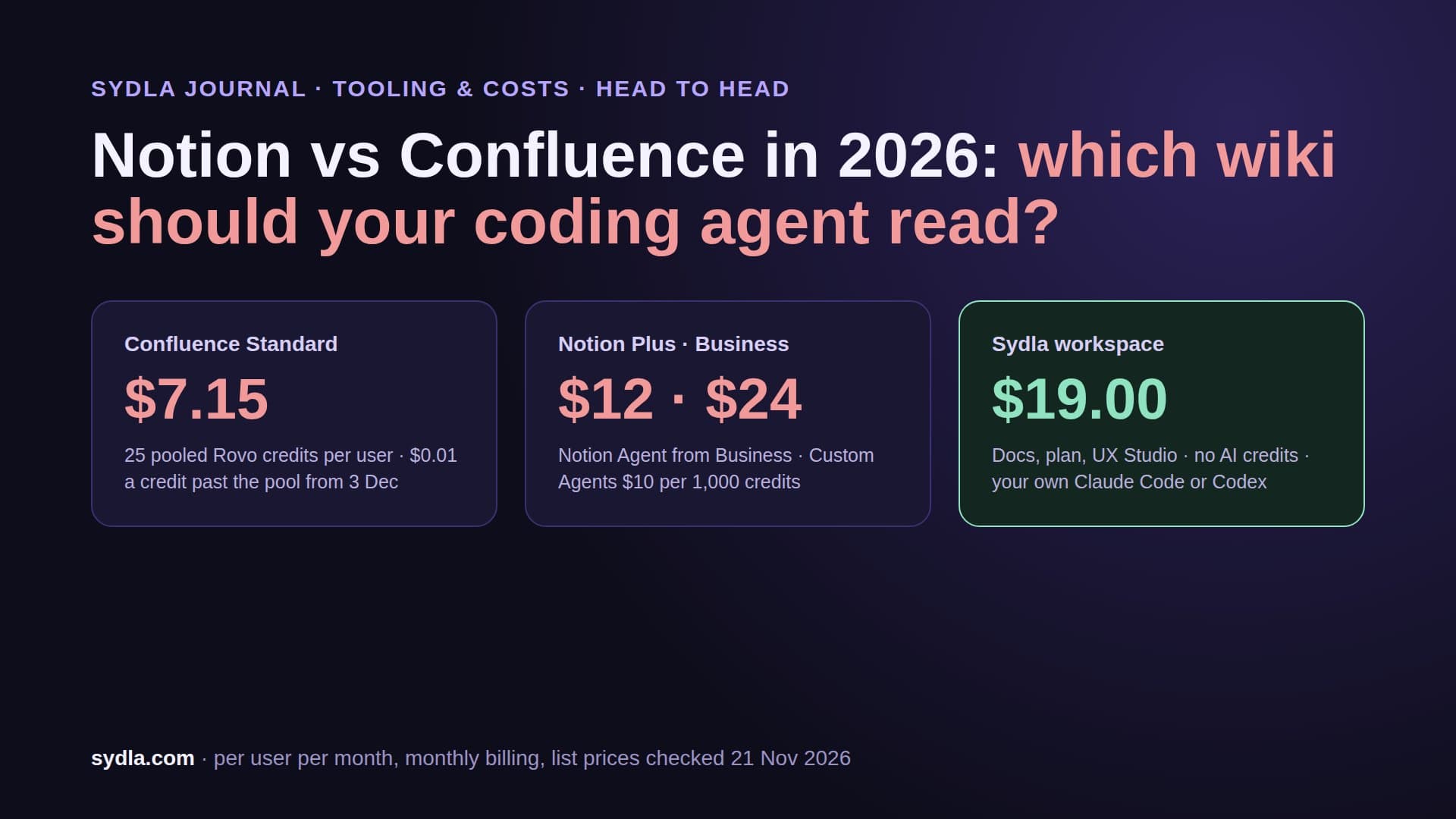
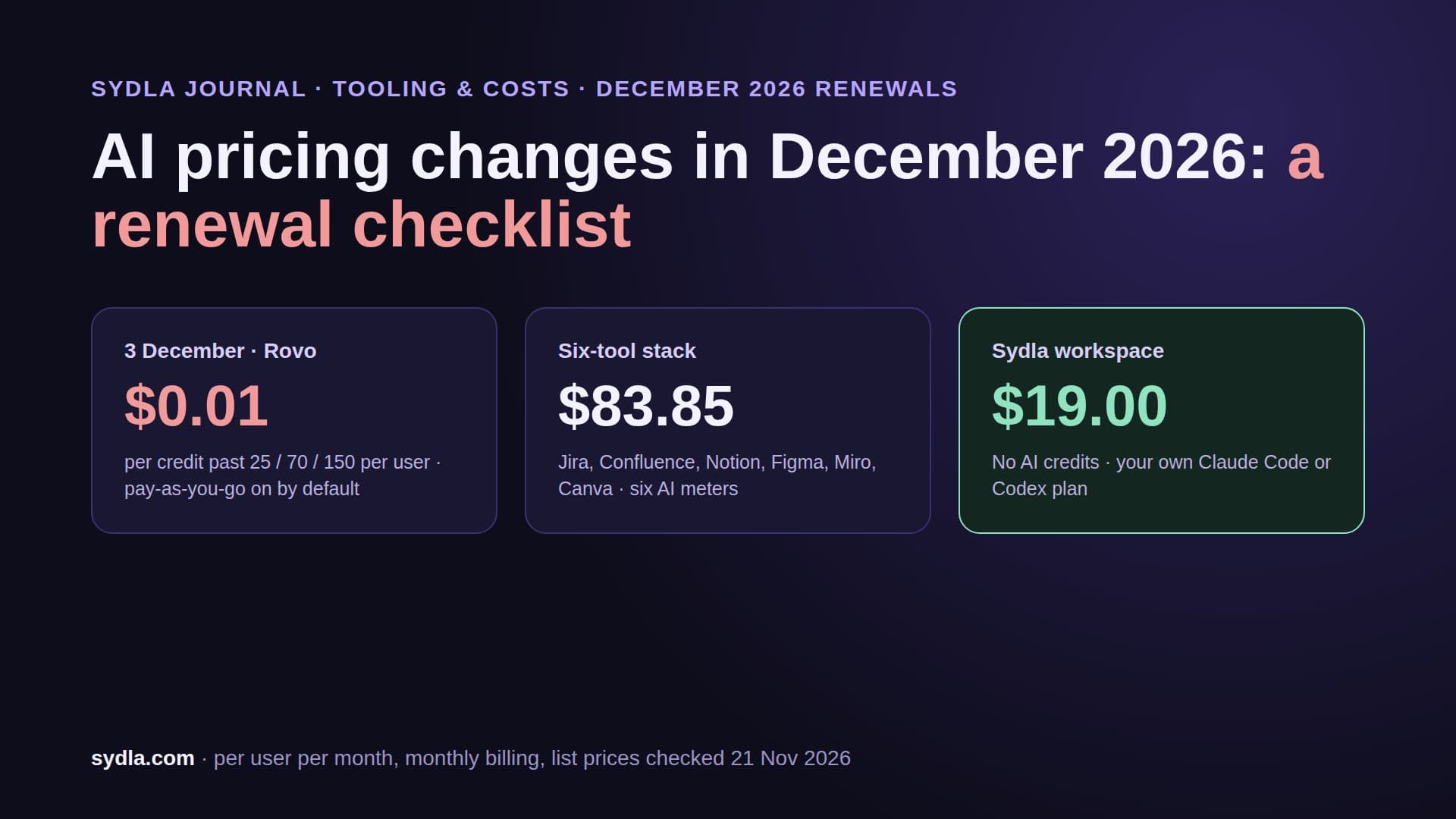
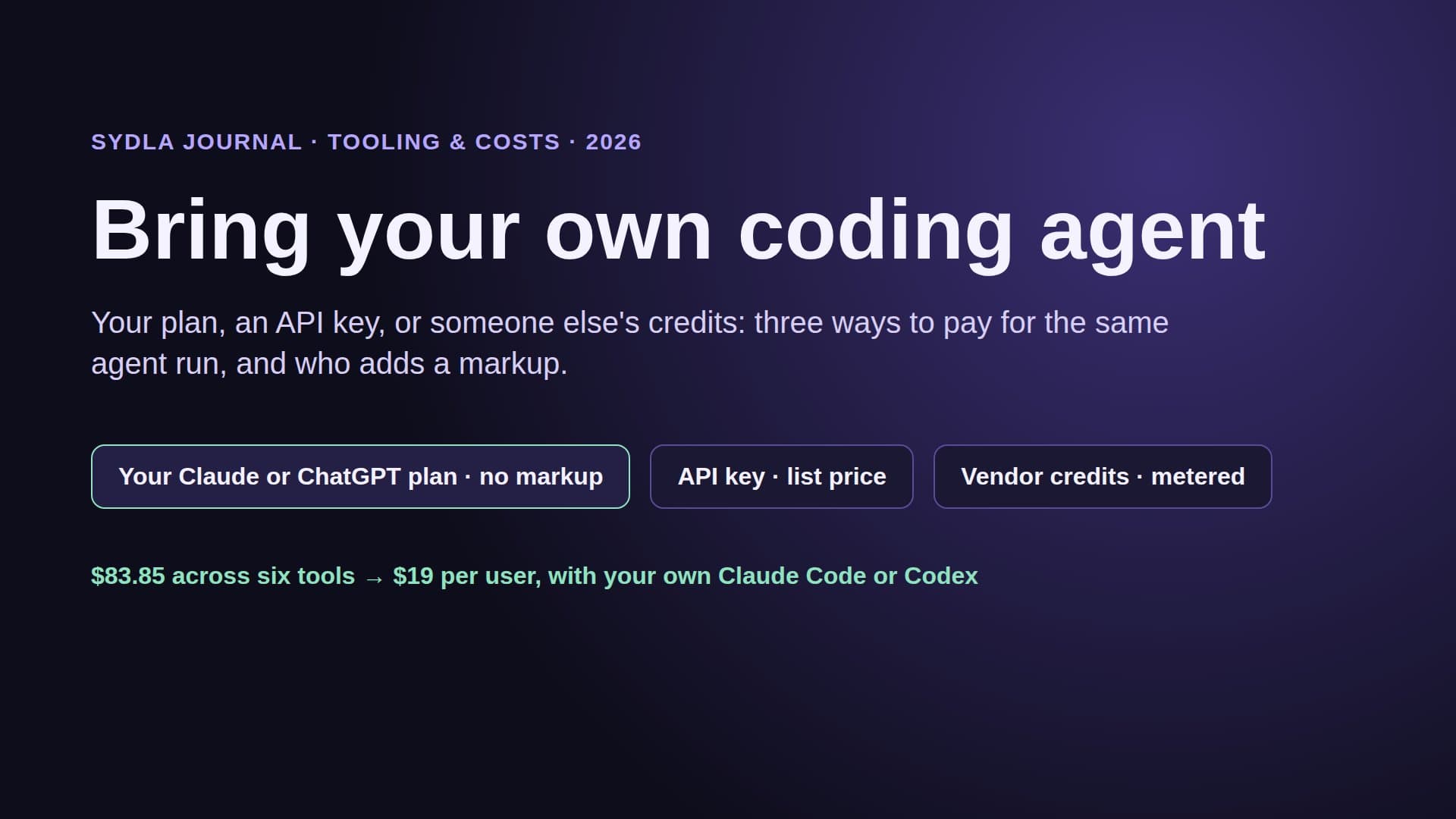
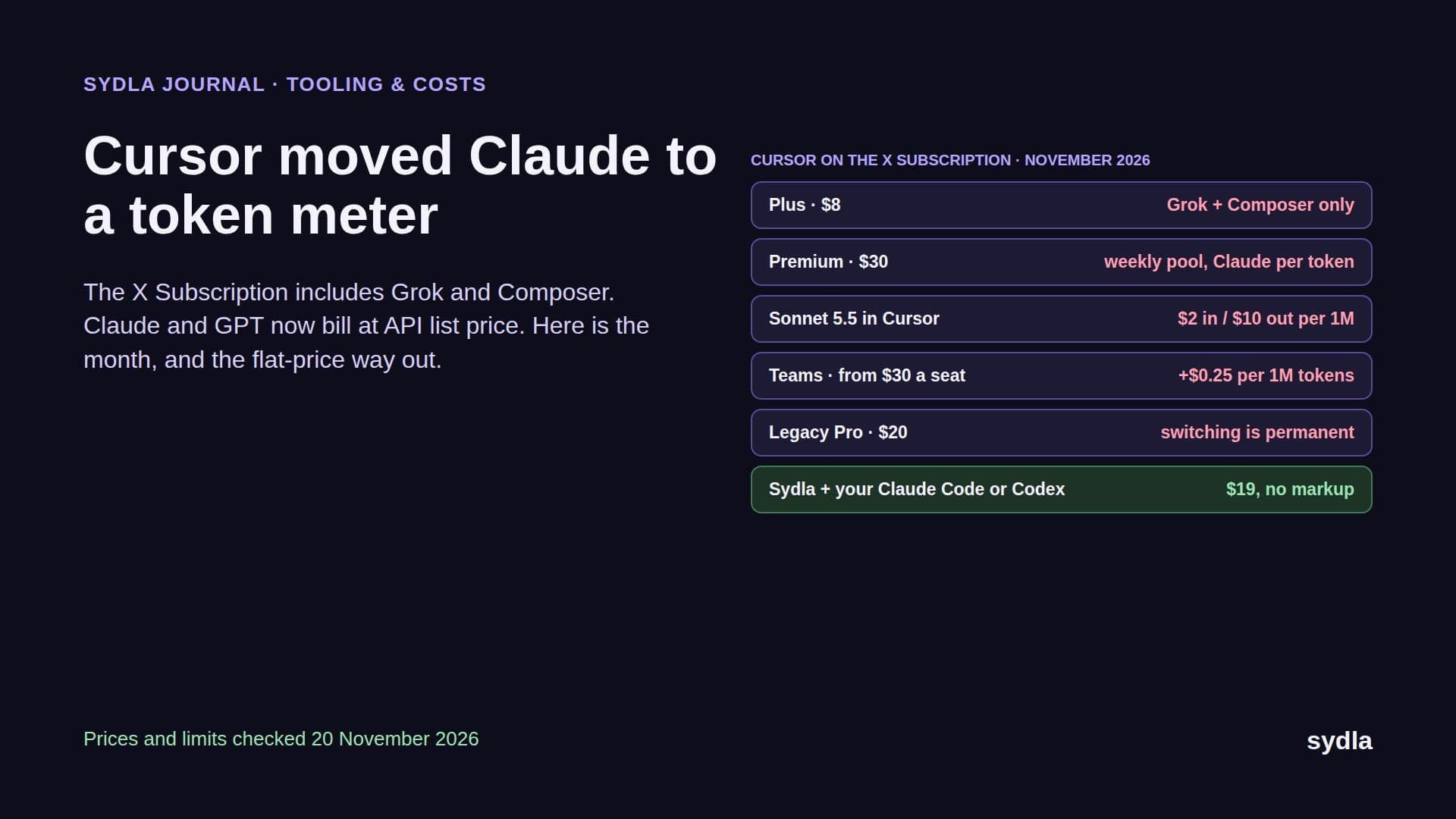
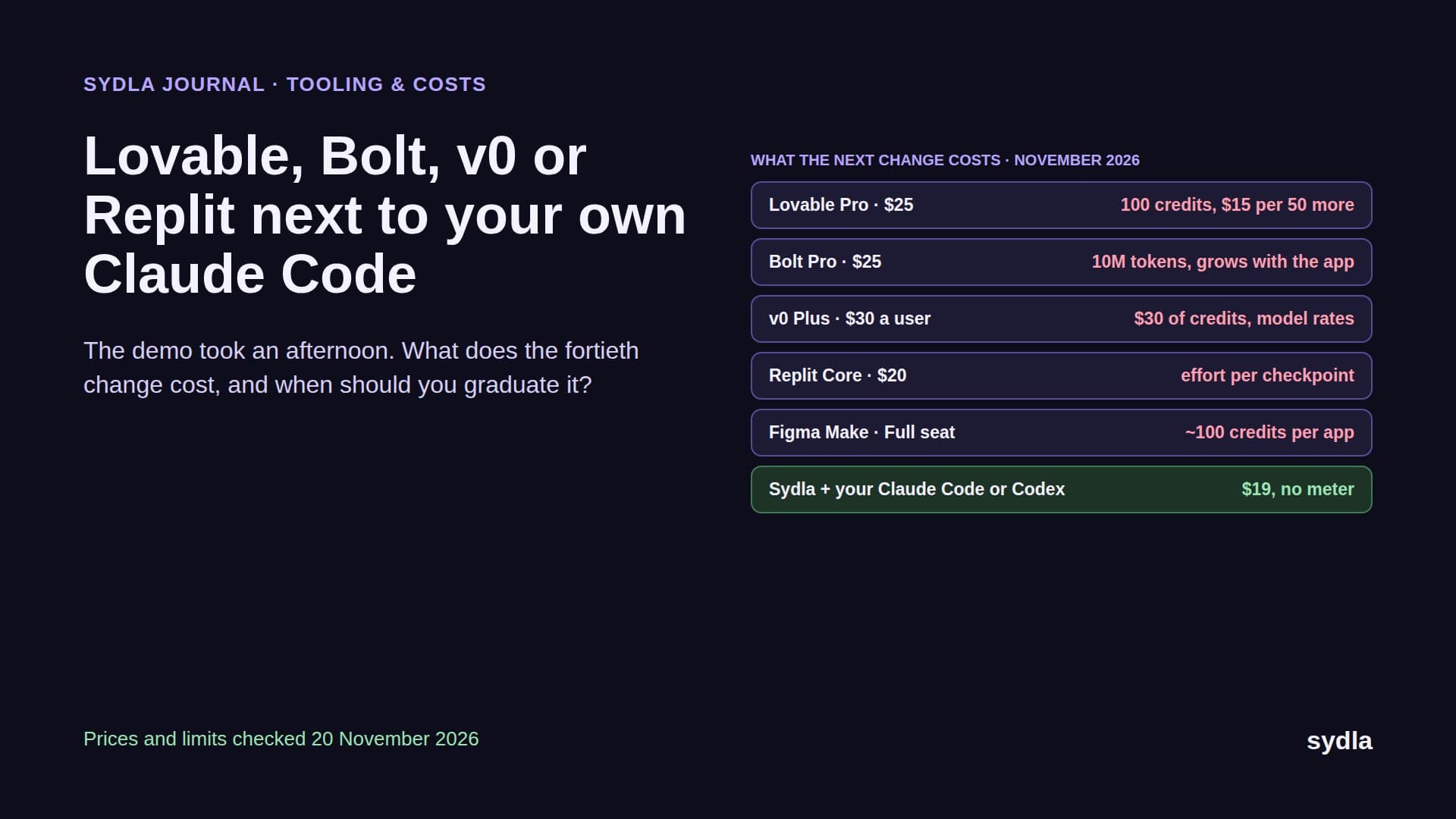
That waiting is the real cost of agentic work, and it has a second bill attached. Jira and Confluence draw on a pooled Rovo credit allowance that turns pay-as-you-go on 3 December 2026. Figma gives each Full seat its own AI credits with a hard stop. Notion sells agent usage at $10 per 1,000 credits. Miro pauses AI for the whole team when its pool is empty. Canva has its own allowance. And the engineer still pays Anthropic or OpenAI for the agent that writes the code. We called this AI credit fatigue: six meters, six reset dates, one feature.
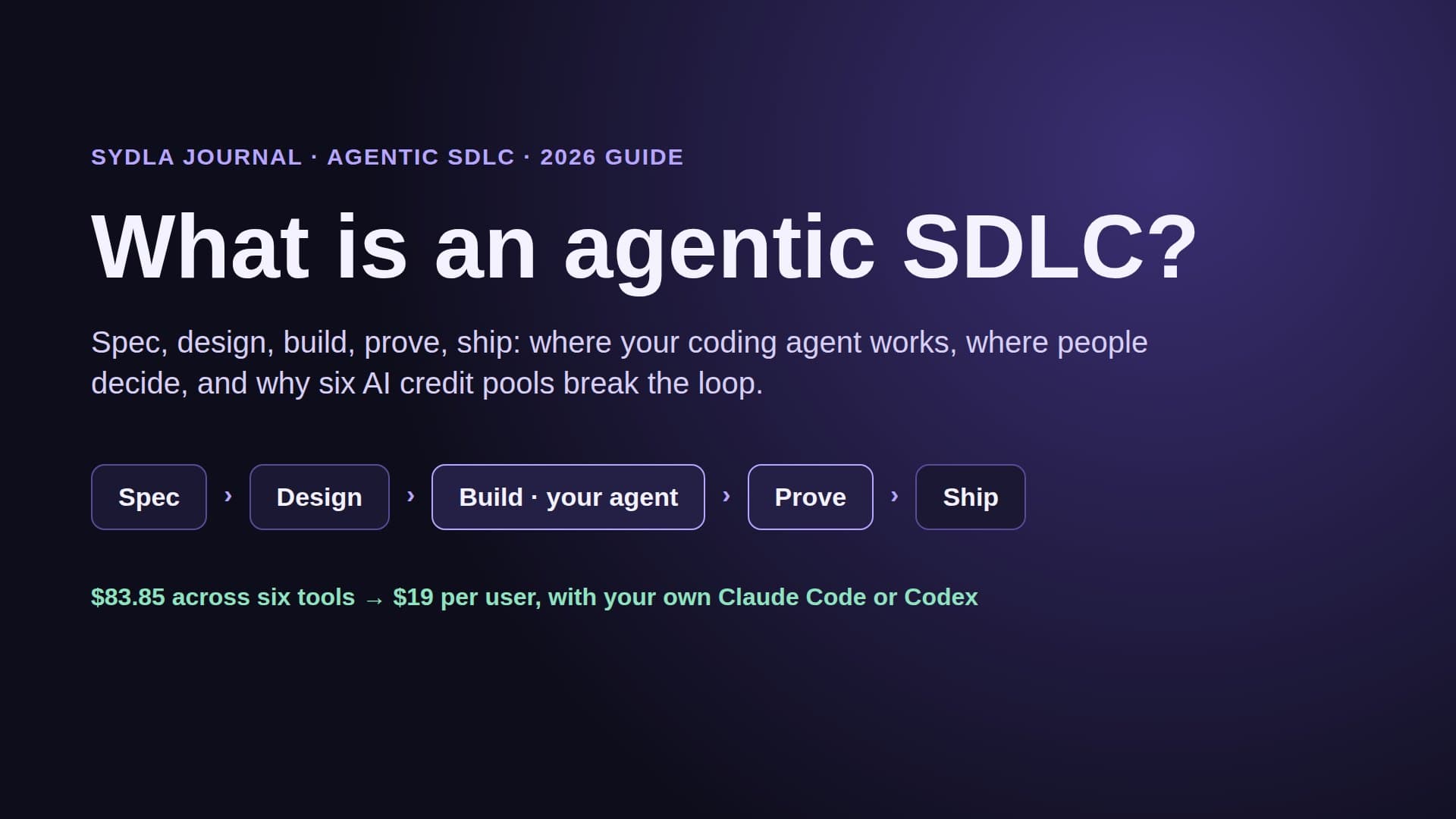
An agentic SDLC is the fix for the waiting, not just a faster editor. This guide defines it, splits it into five stages, says who owns each one, and shows what it costs to run with tools you already pay for.
What is an agentic SDLC?
An agentic SDLC is a software development lifecycle in which AI coding agents do the build and proof work for each ticket, reading one shared record of intent, design and acceptance criteria, while people own the decisions: what to build, how it should look and behave, and whether it ships.
Three things separate it from teams that simply use an AI assistant in the editor:
- The agent works from the work item, not from a chat prompt. The brief, the acceptance criteria and the screen states are written once, where the agent can read them, instead of being retyped into every session.
- The agent proves its work. A run ends with evidence against each criterion (tests, screenshots of each state, a summary of what changed and why), not just a diff.
- Gates are explicit and human. The agent may request a gate. Only a person approves the spec, accepts the design and ships the release. Recent research on agentic lifecycles puts people at exactly those points: intent, review and approval.
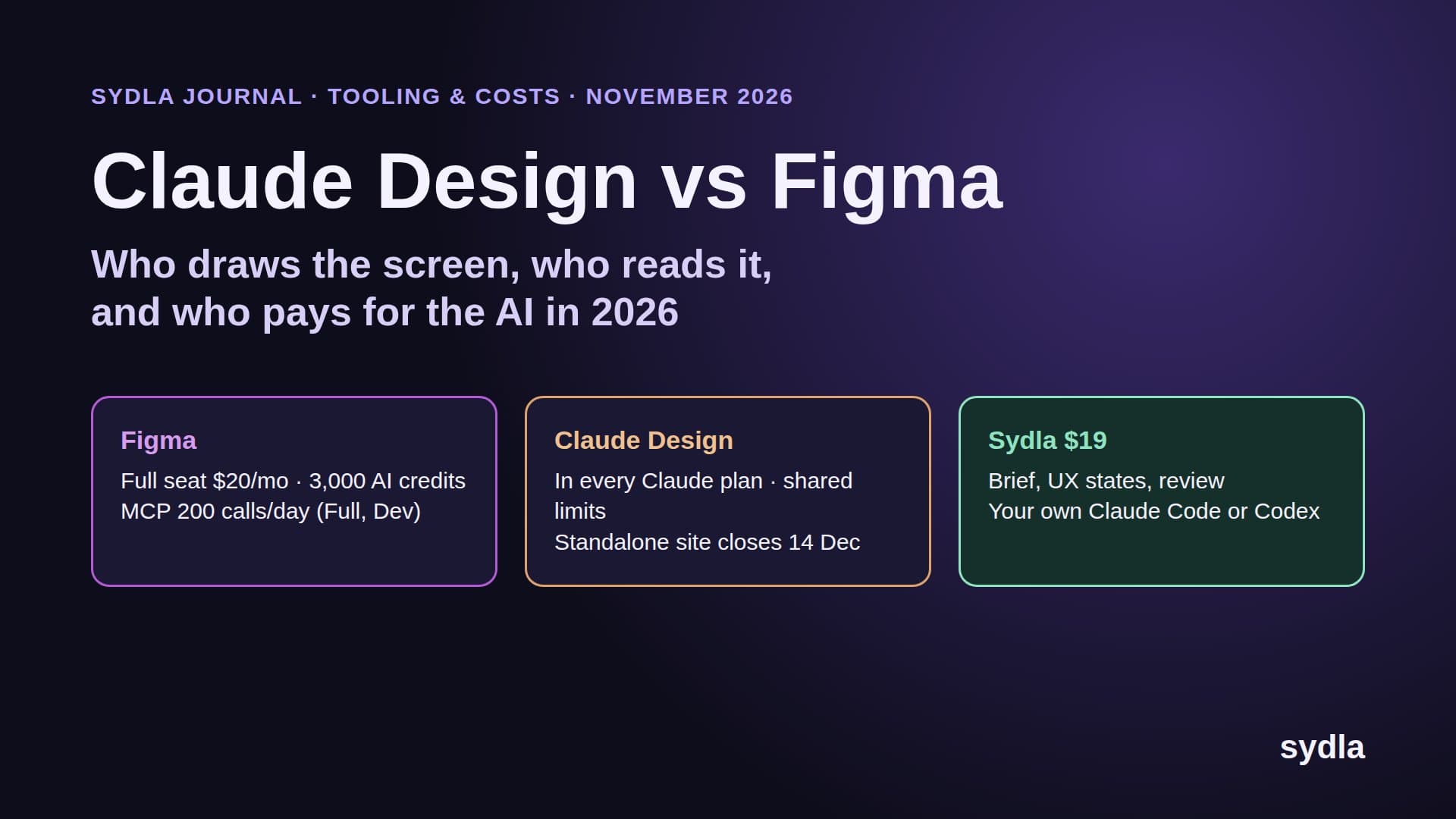
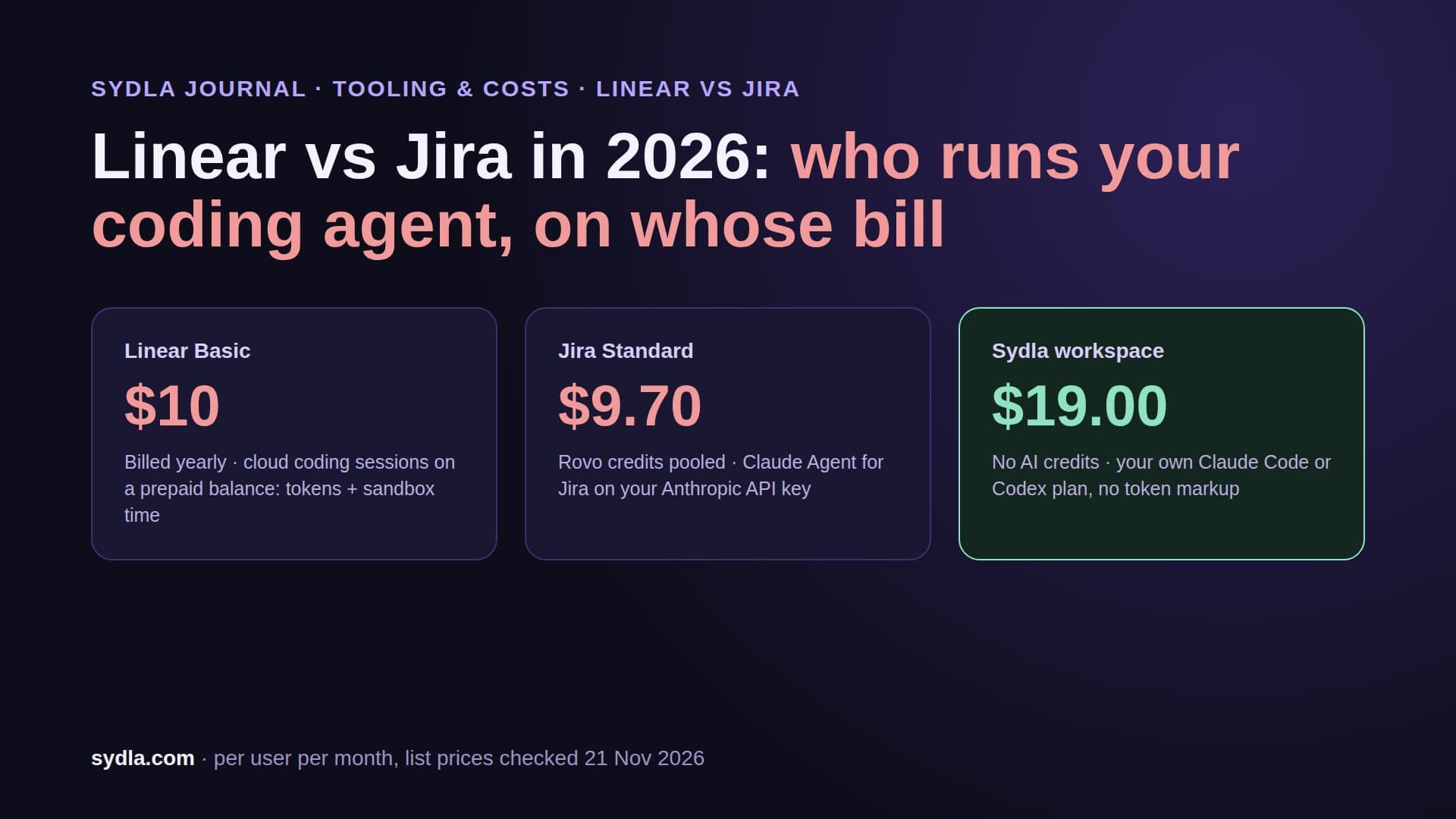
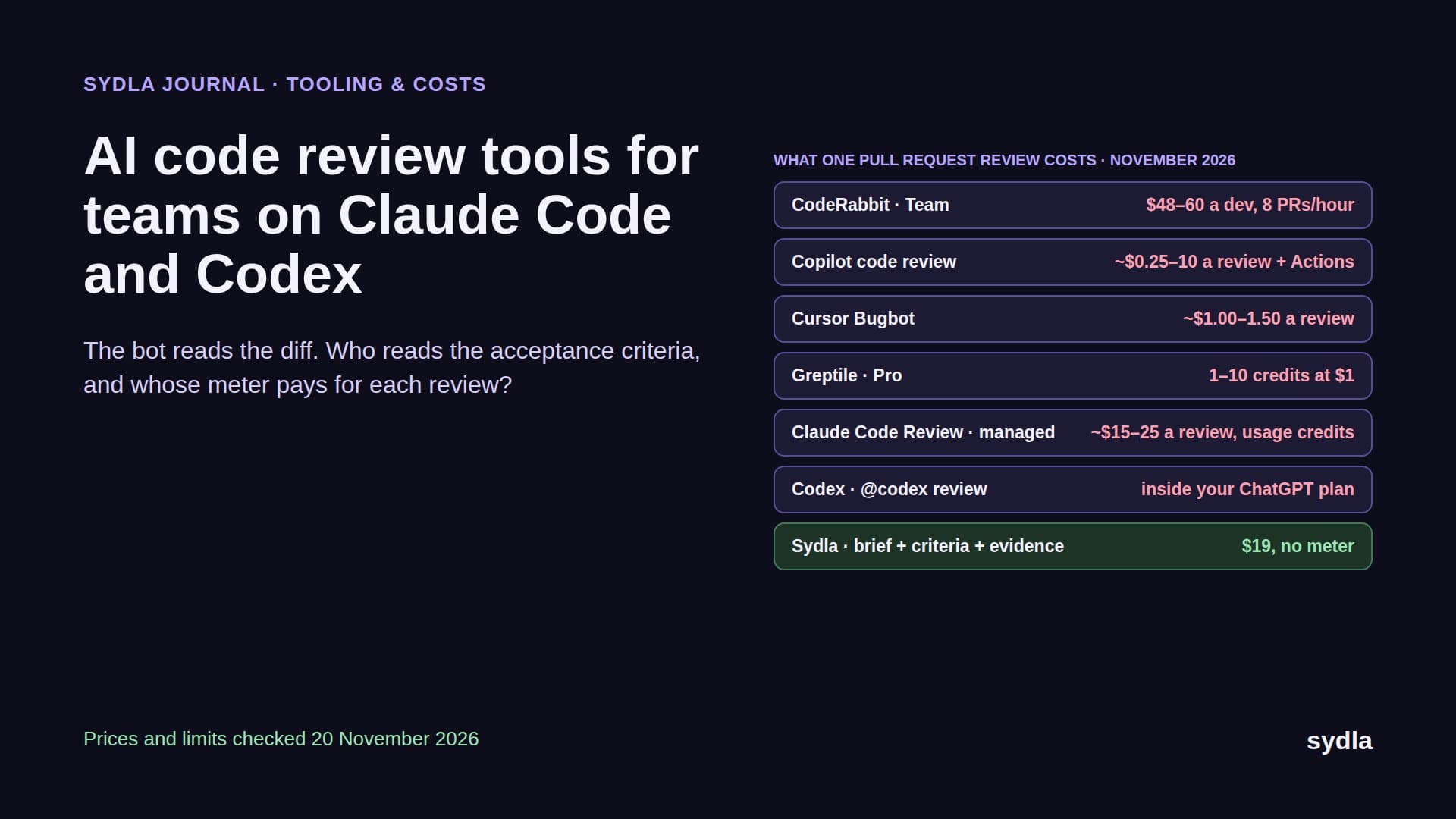
Notice what the definition doesn't say: it doesn't say the agent must be bought from your tracker vendor. The agent that does the best build work for most teams today is Claude Code or Codex, already paid for by the engineer. The lifecycle around it is what needs to change. Our comparison of Claude Code against built-in tracker agents shows why the bundled agents rarely reach the code.
The five stages, and who owns each
Classic SDLC diagrams list six or seven phases. In practice an agentic team runs five, and the useful question is not what each stage is called but who owns it.
- Spec (person). The product owner writes the problem, the scope, the non-goals and the acceptance criteria. This is the single most important input an agent gets. Our PRD template for AI coding agents has the seven sections that matter.
- Design (person). The designer draws the screens with every state an agent would otherwise invent: empty, loading, error, success, and the transitions between them. States, not screenshots, are what make design-to-code handoff work for agents.
- Build (your agent). Claude Code or Codex reads the spec, the criteria and the screen states from one connection and implements the change in a branch, inside the access level the engineer gave it.
- Prove (your agent, checked by a person). The agent runs the tests, captures each state and records its result against every criterion. A reviewer reads evidence instead of reverse-engineering intent; our guide to reviewing AI-generated pull requests covers the four passes.
- Ship (person). A person merges, tags and releases. The agent can draft the release notes from its own runs; it doesn't press the button.
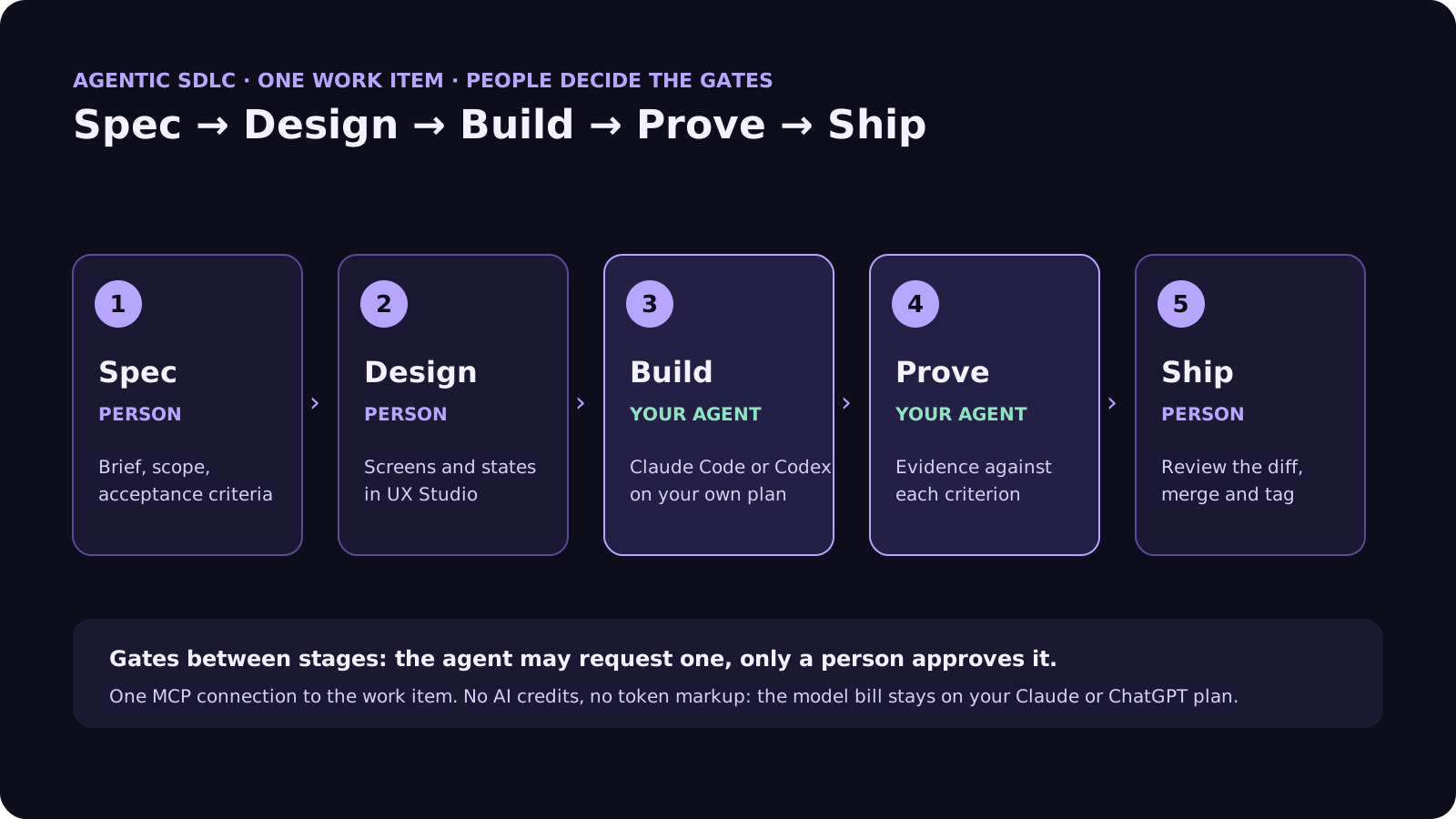
Everything that used to be called planning, grooming and handoff collapses into stages 1 and 2. Everything that used to be called coding and QA becomes stages 3 and 4. The team's time moves from typing code to writing better specs and reading better evidence.
Why a six-tool stack breaks the agentic loop
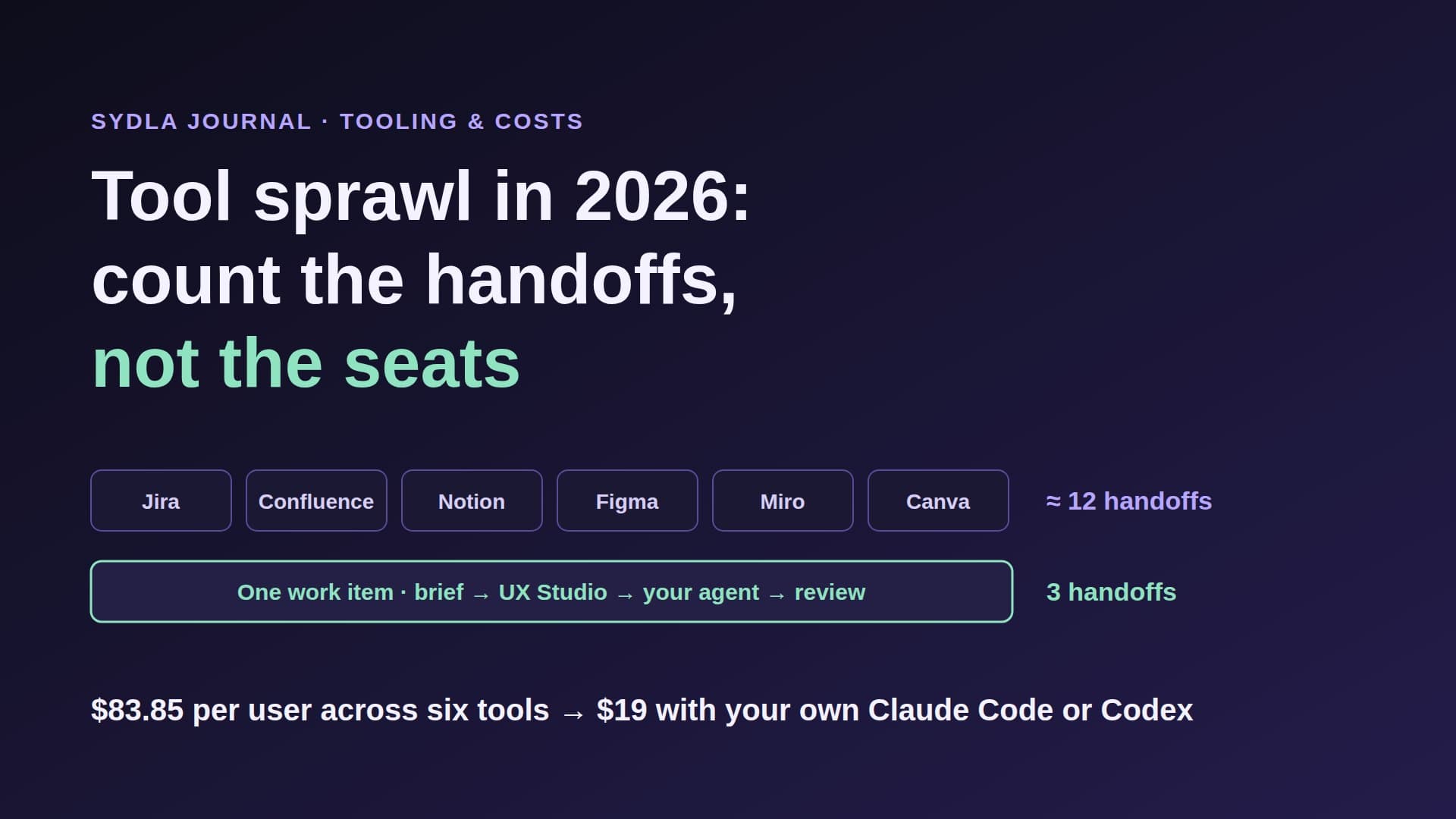
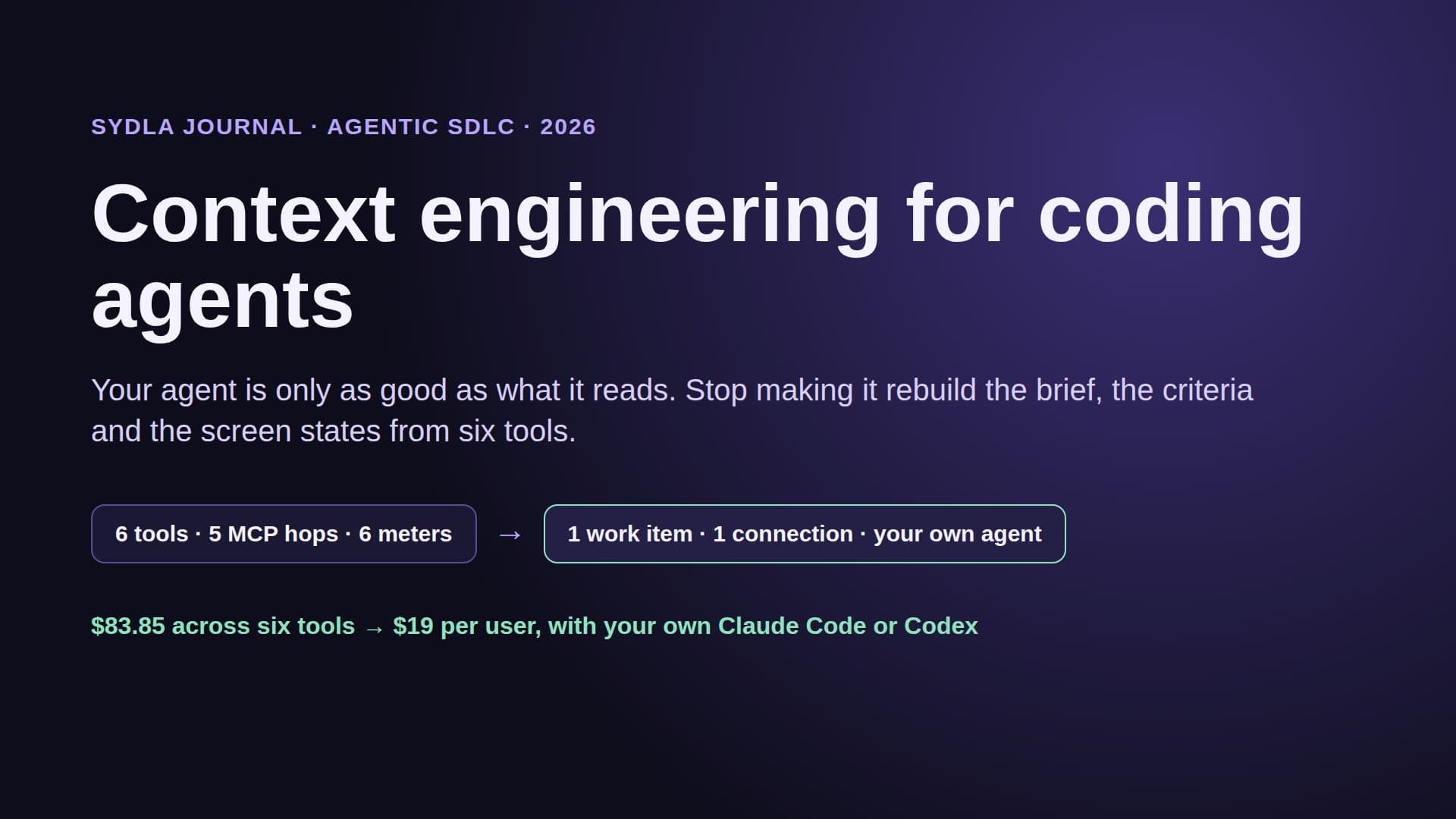
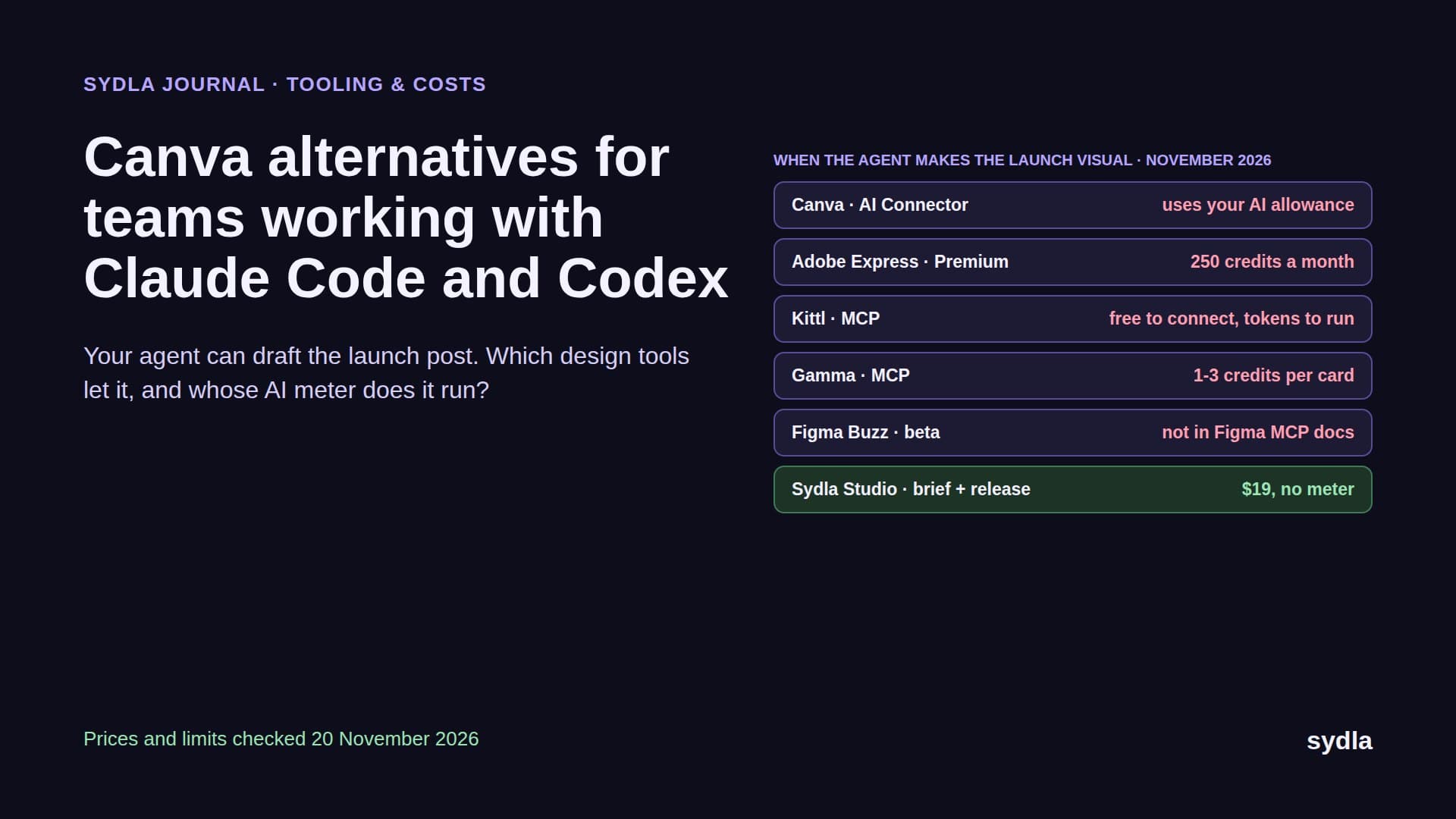
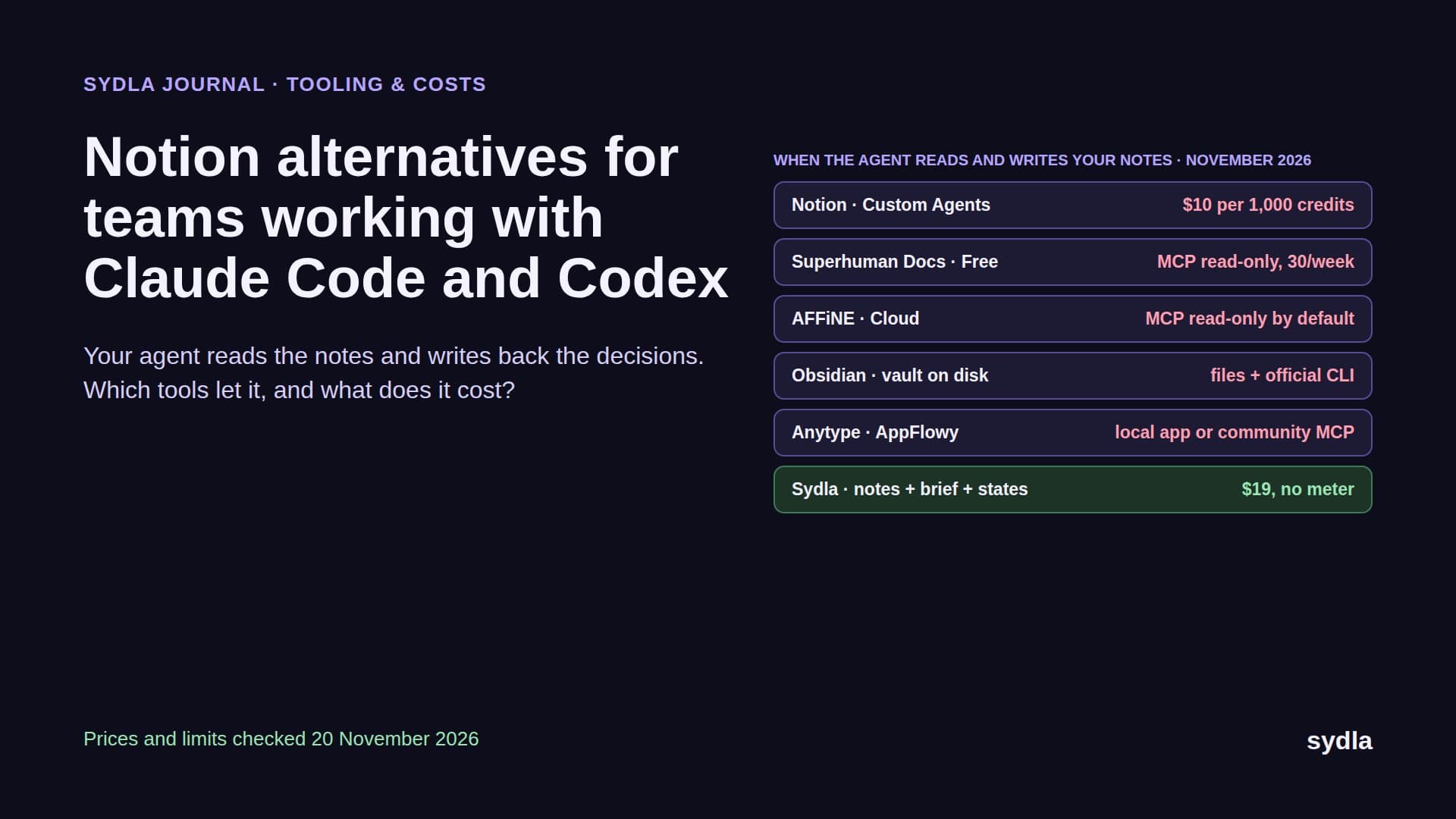
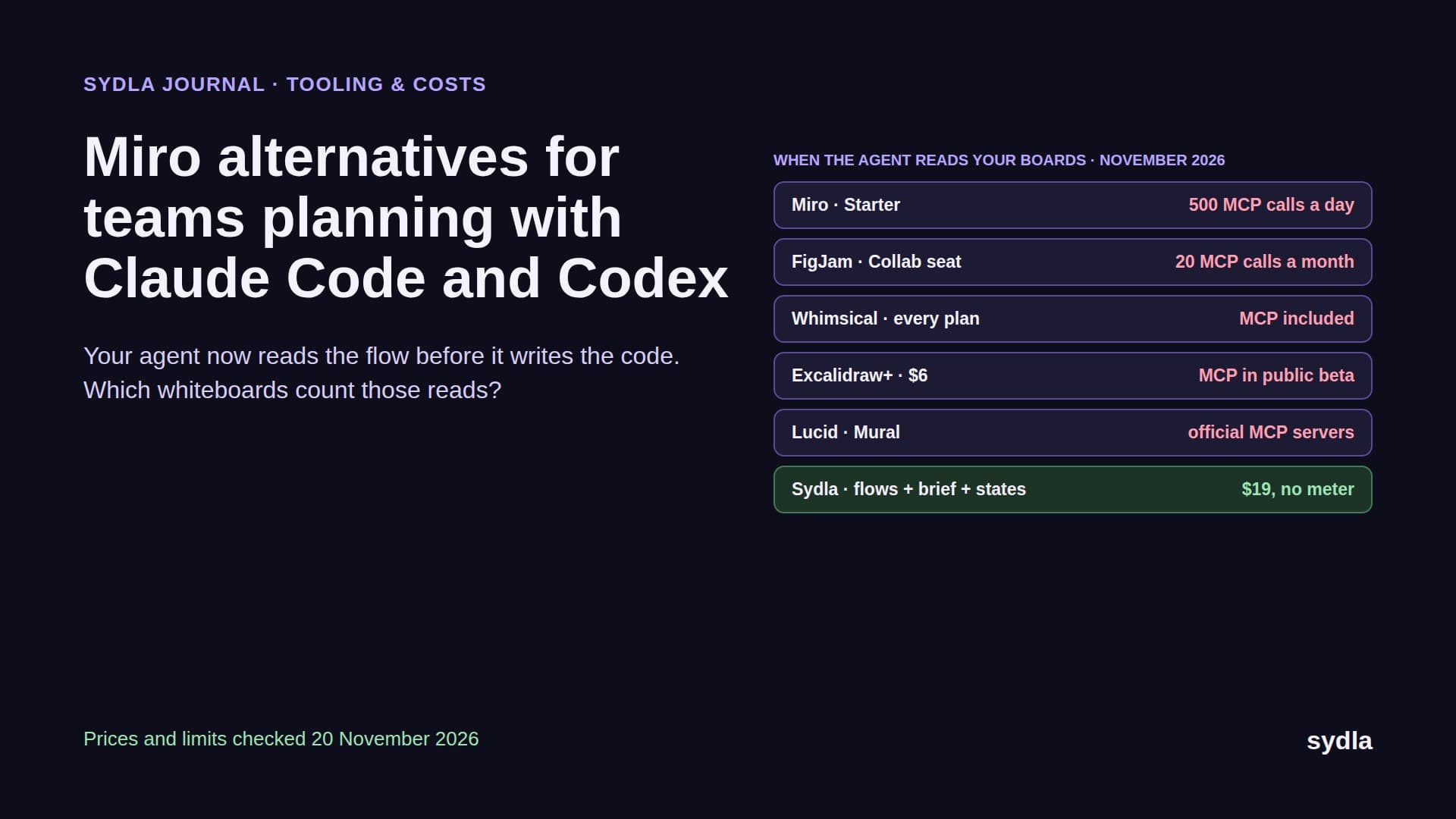
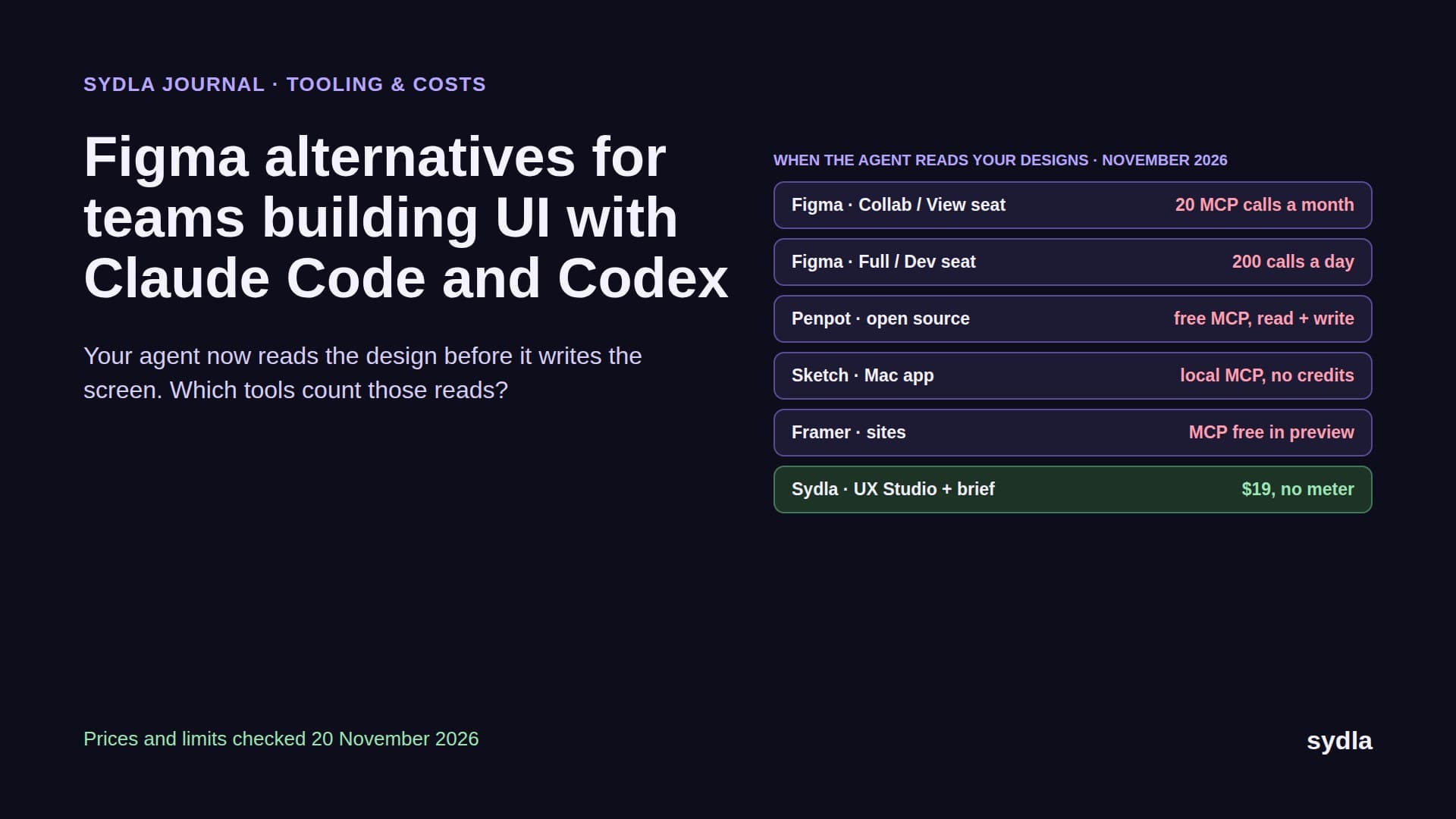
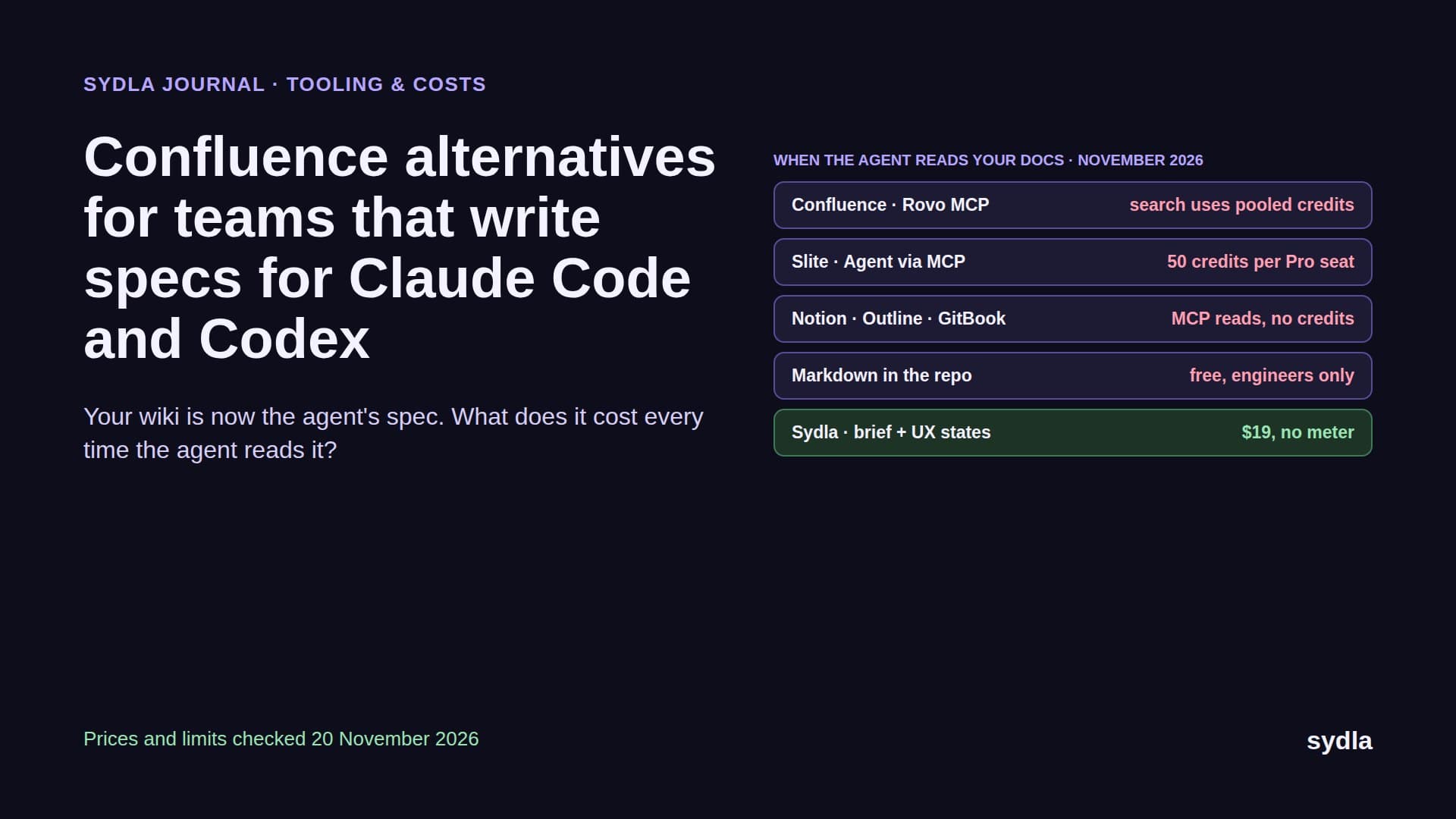
Most teams try to run this loop on the stack they already have: Jira for tickets, Confluence for specs, Notion for notes, Figma for screens, Miro for flows, Canva for launch visuals. Each tool now ships its own AI and its own MCP server. Here is what that looks like from the agent's side, and from the bill's.
| Tool and stage | Price per user | AI included and how it is metered | What the coding agent has to do |
|---|---|---|---|
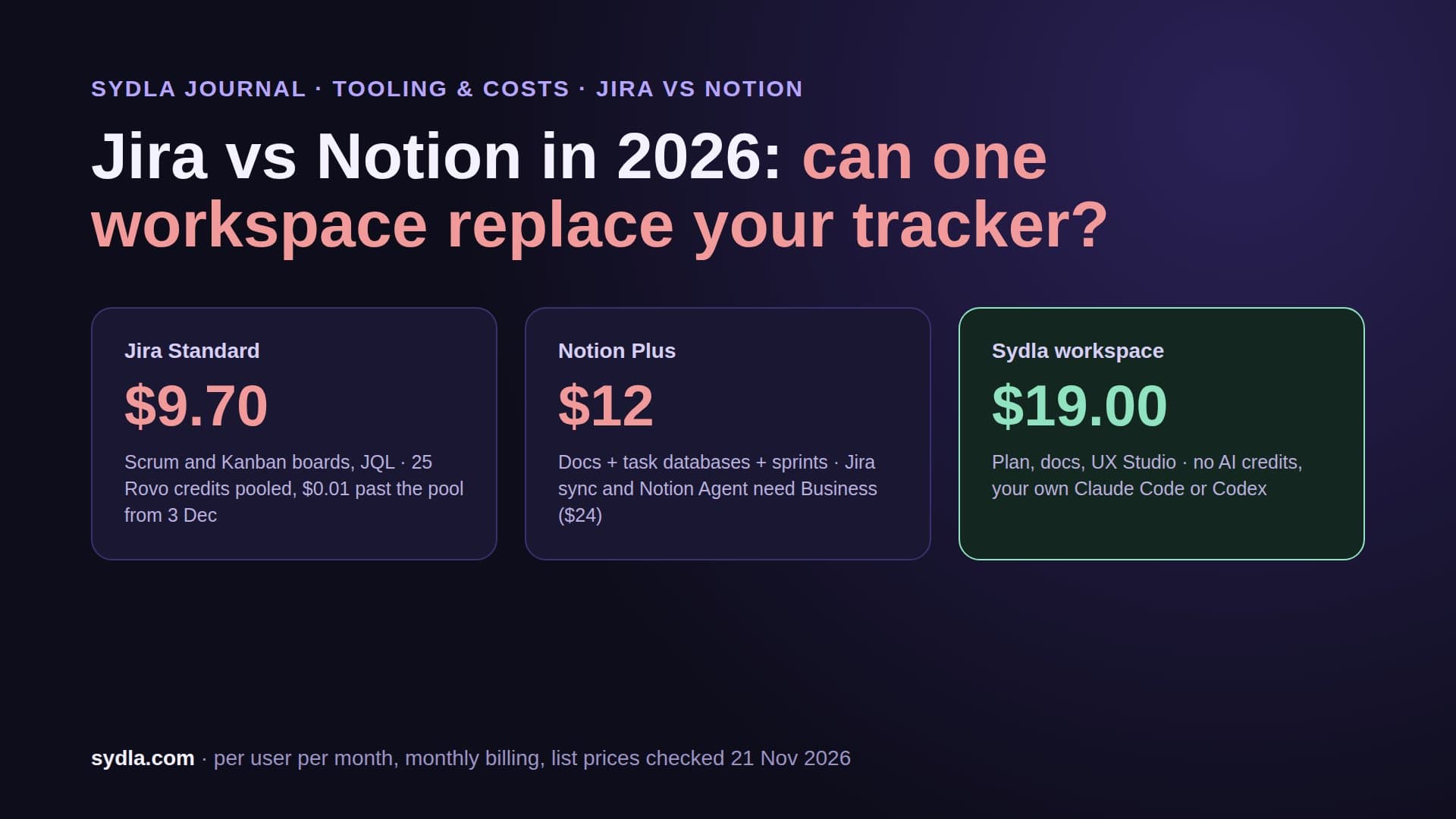
| Jira Standard · spec, plan | $9.70 | 25 Rovo credits per user, pooled with Confluence; pay-as-you-go at $0.01 per credit from 3 Dec 2026, on by default | Connect the Atlassian MCP, read the ticket |
| Confluence Standard · spec | $7.15 | Same Rovo pool; enriched search calls cost 1 to 10 credits each | Second hop for the spec page |
| Notion Plus · notes, decisions | $12.00 | No Custom Agents on Plus; Business needed, then $10 per 1,000 credits | Third hop, often a stale copy of the spec |
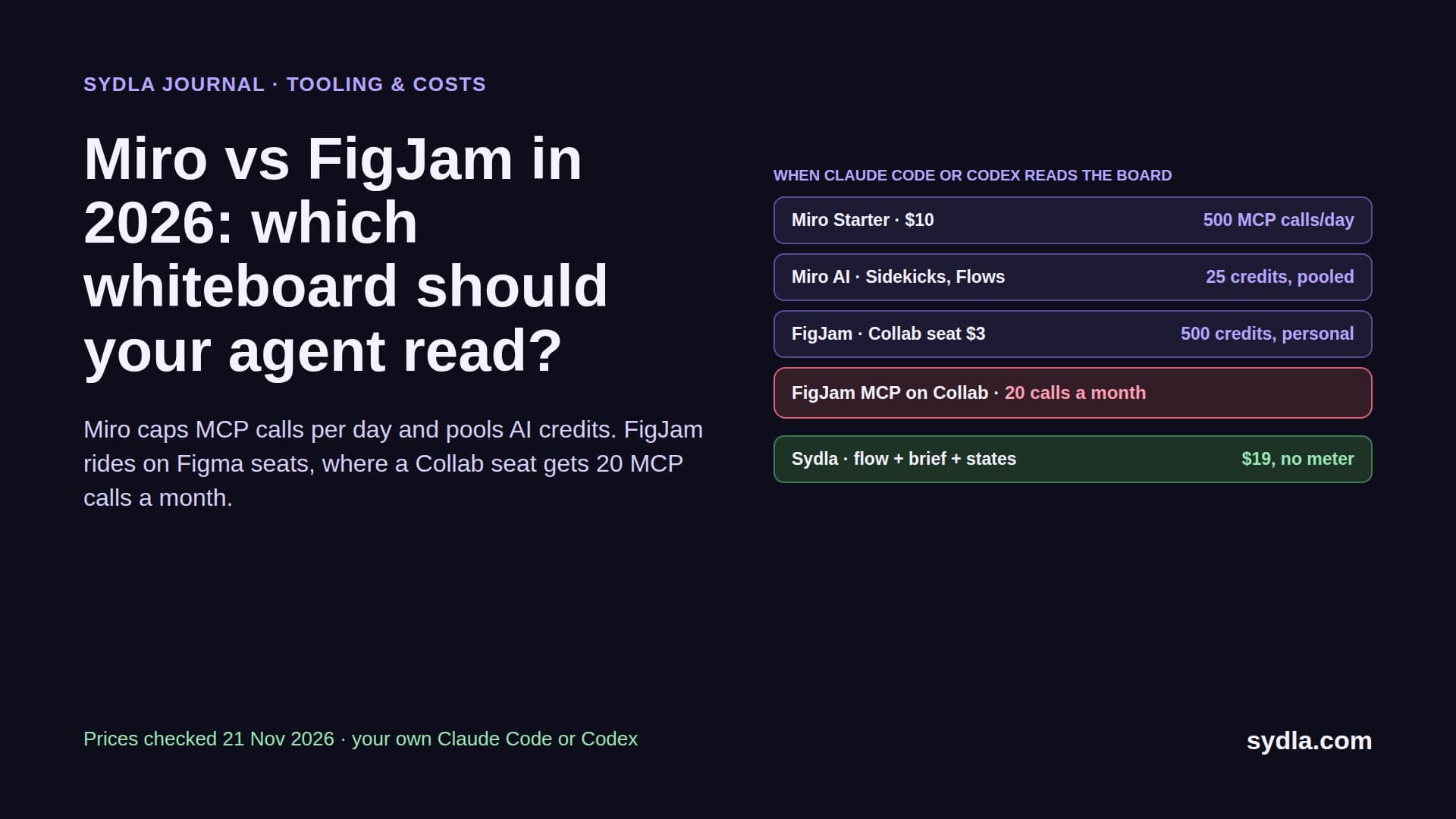
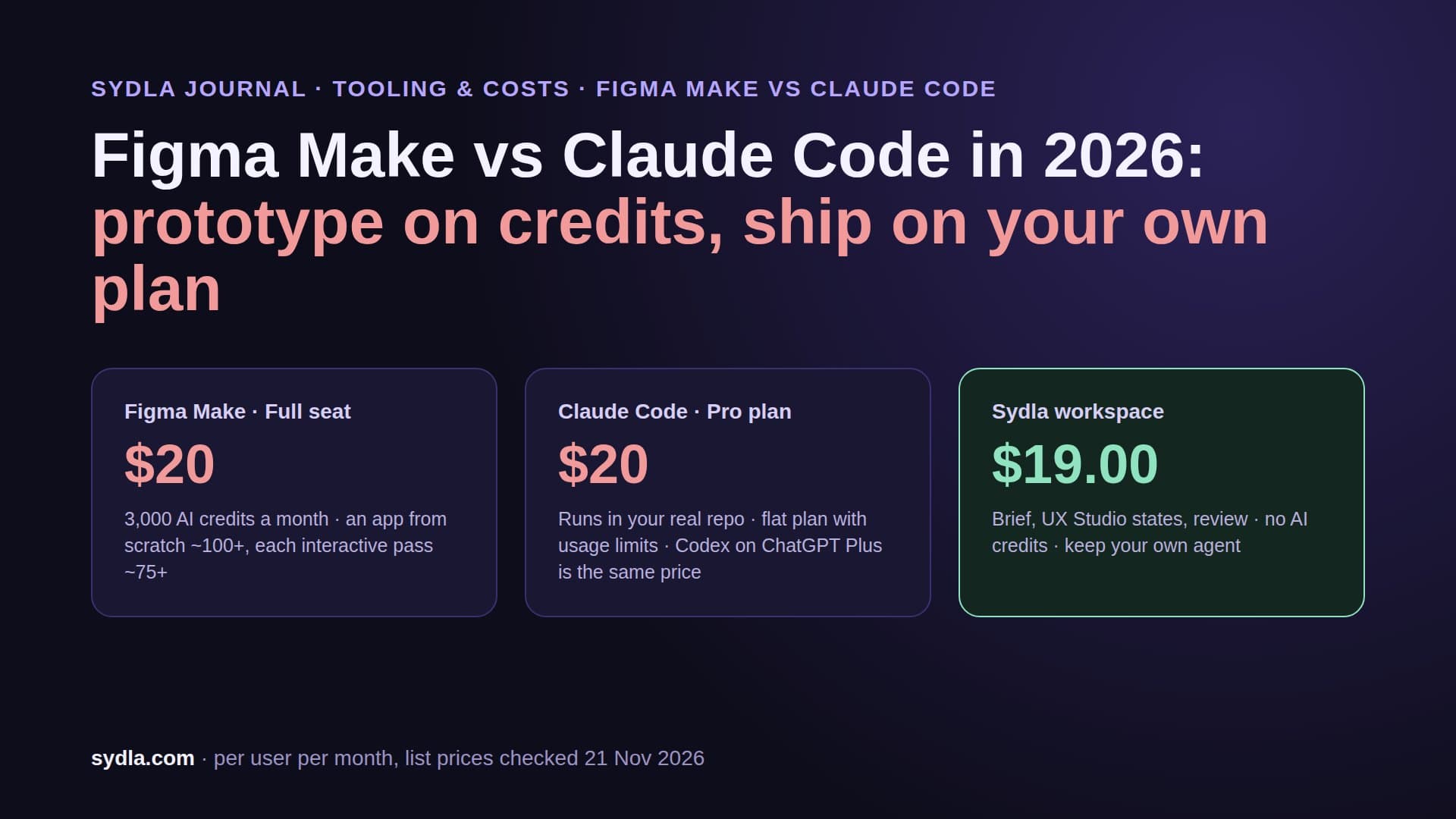
| Figma Professional Full · design | $20.00 | 3,000 AI credits per Full seat, not shared, hard stop; MCP reads 20 a month on View and Collab seats | Fourth hop, rate-limited unless the engineer has a paid seat |
| Miro Starter · flows | $10.00 | 25 credits per license, pooled; AI pauses for the whole team at zero | Fifth hop for the user flow |
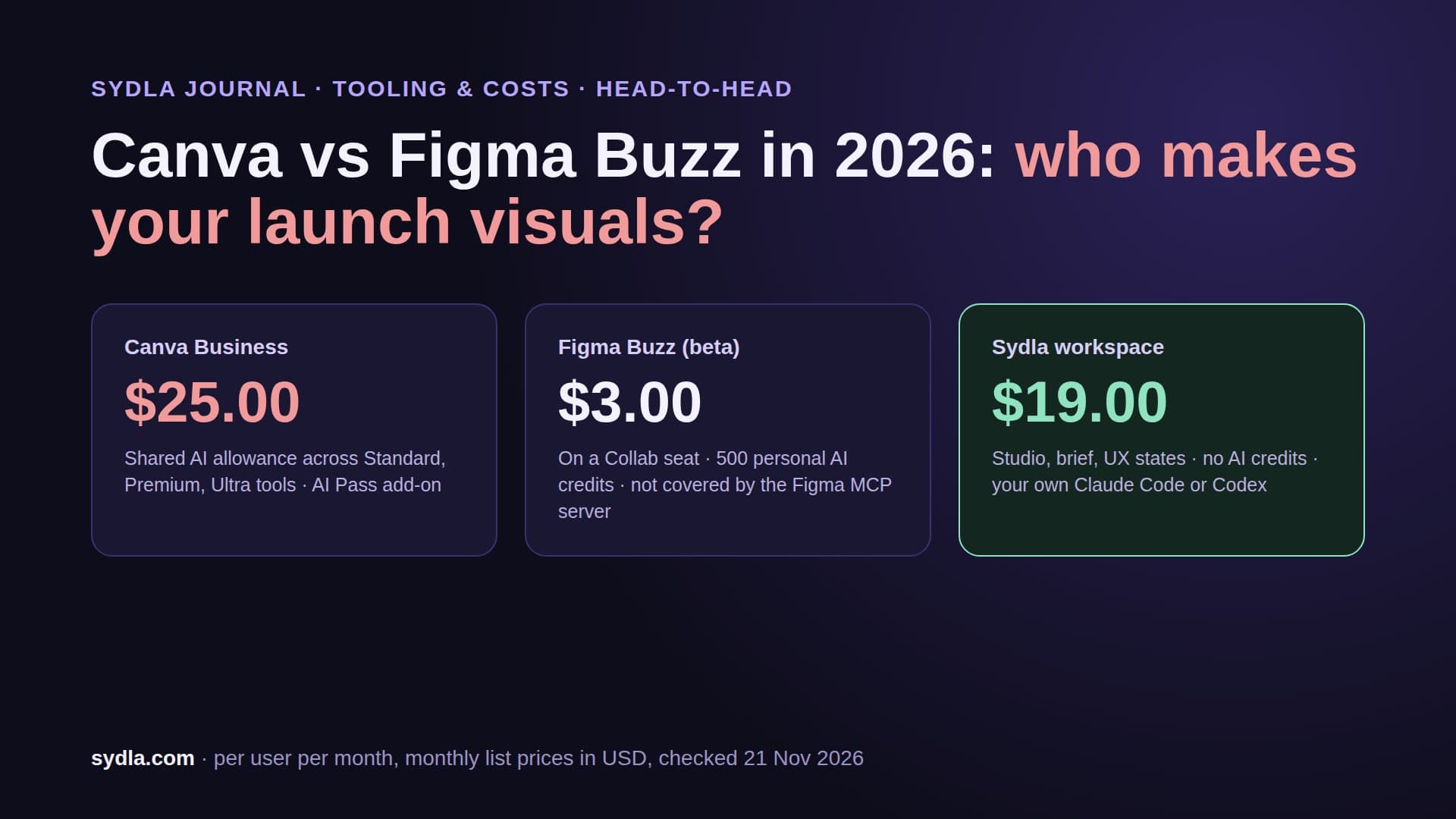
| Canva Business · launch | $25.00 | Separate personal AI allowance | Out of the loop entirely |
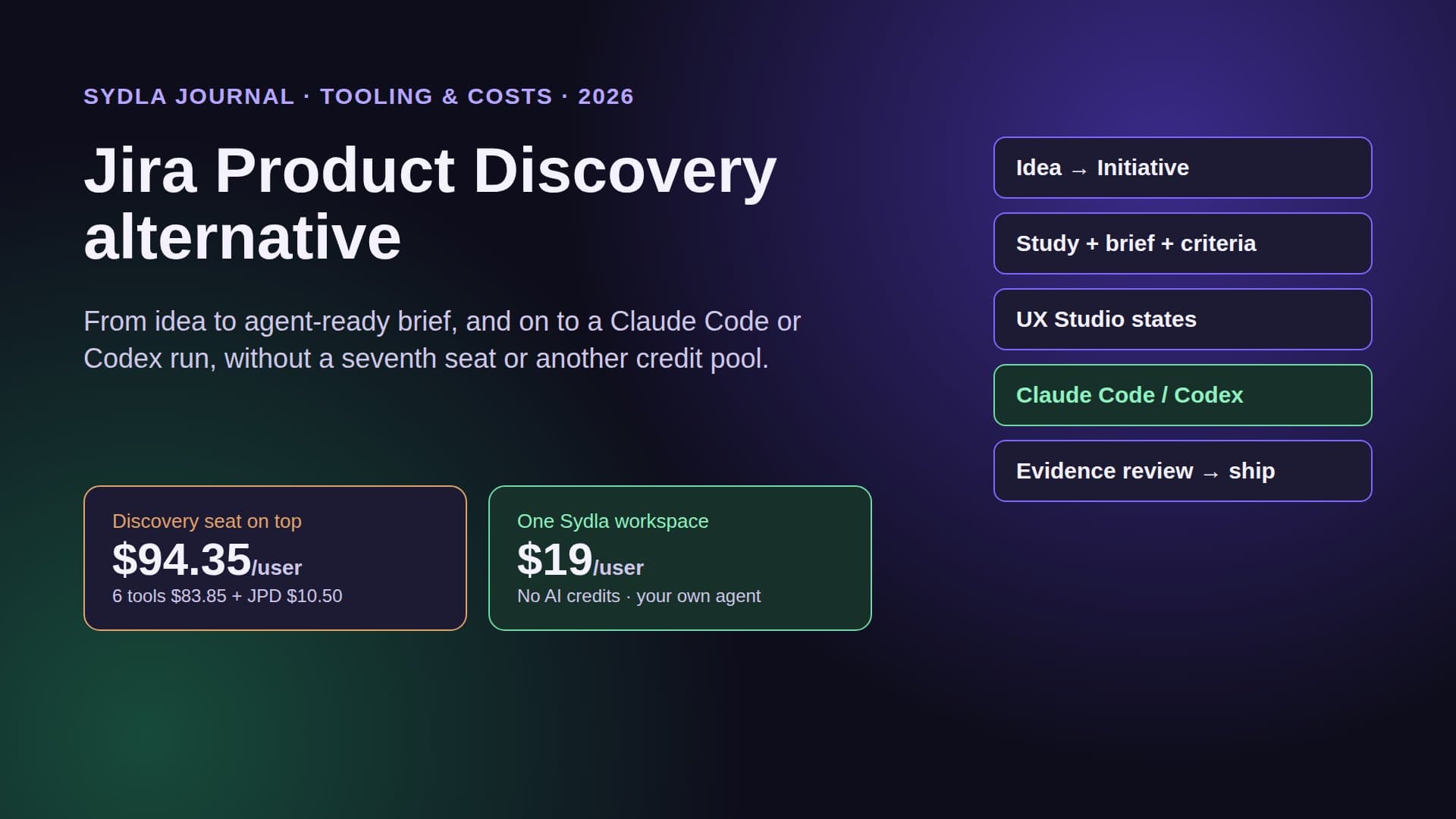
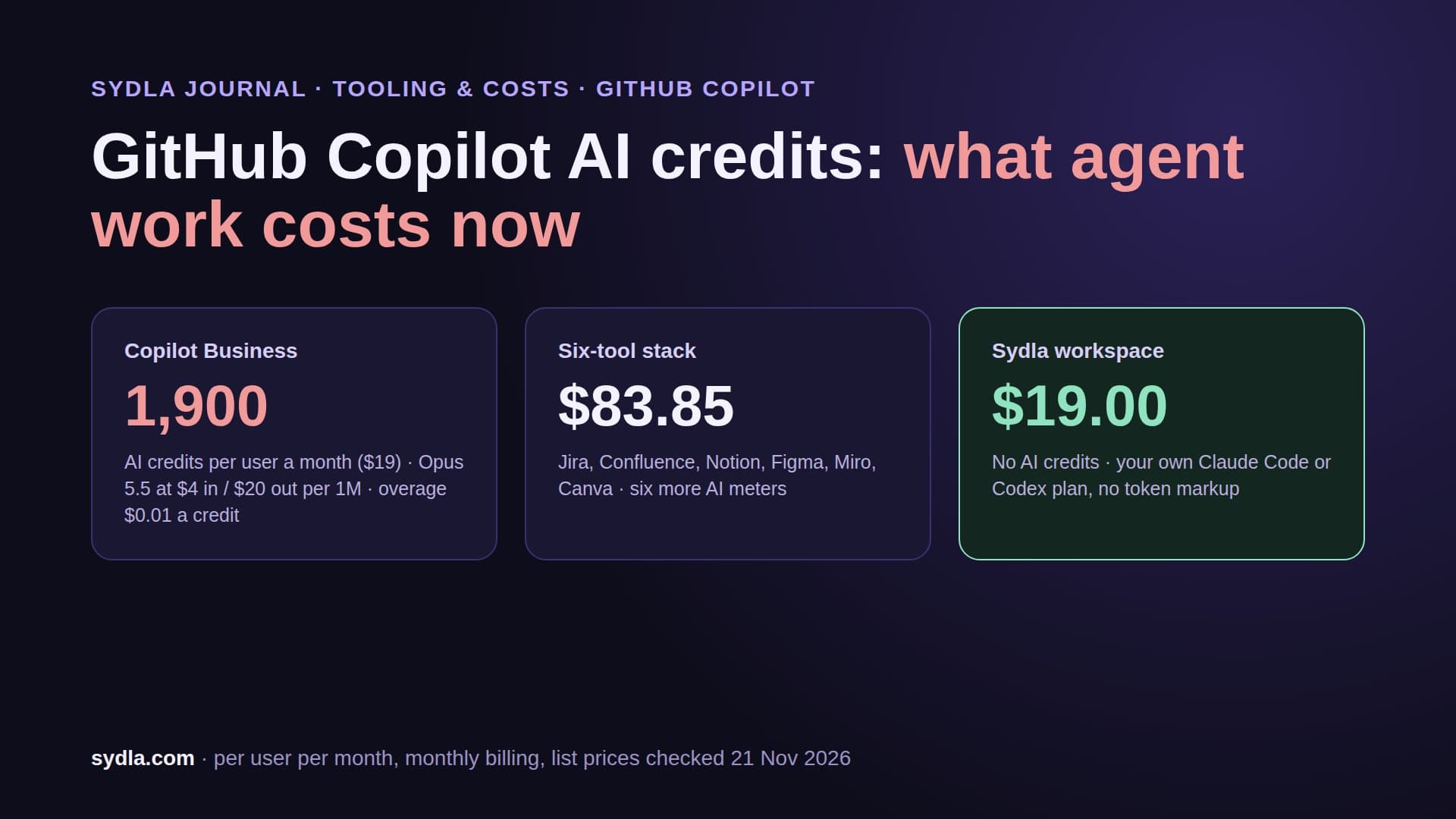
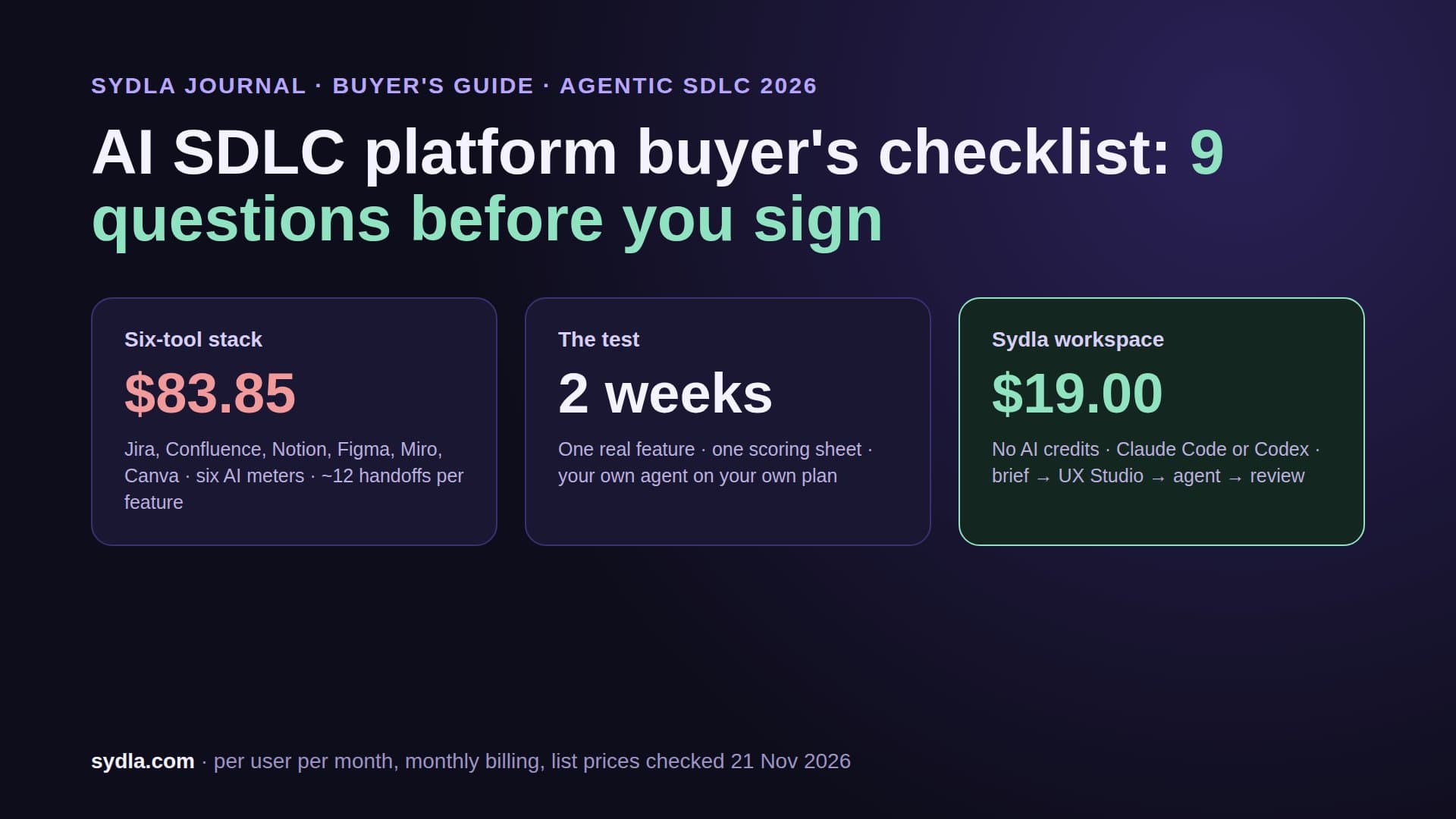
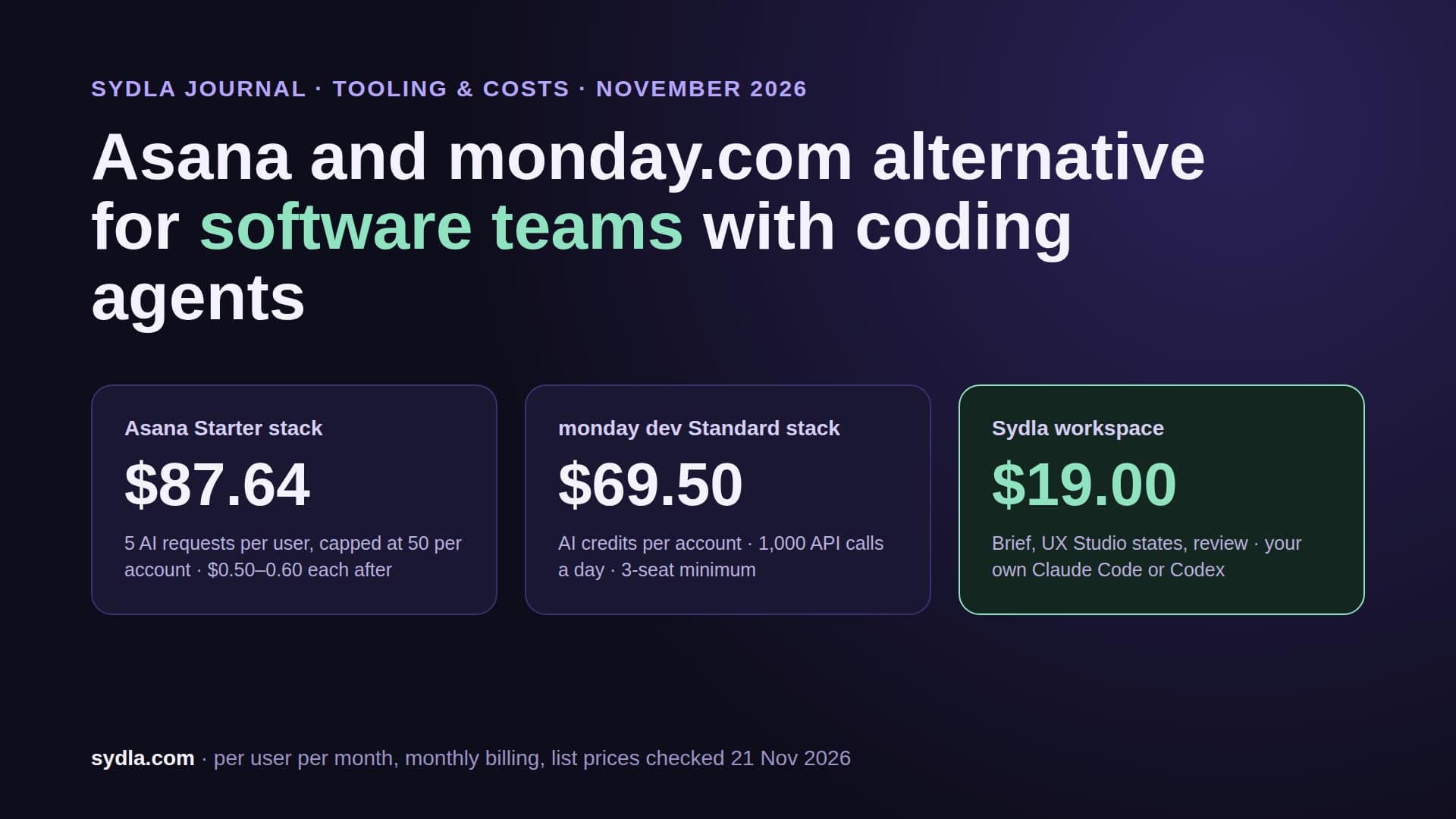
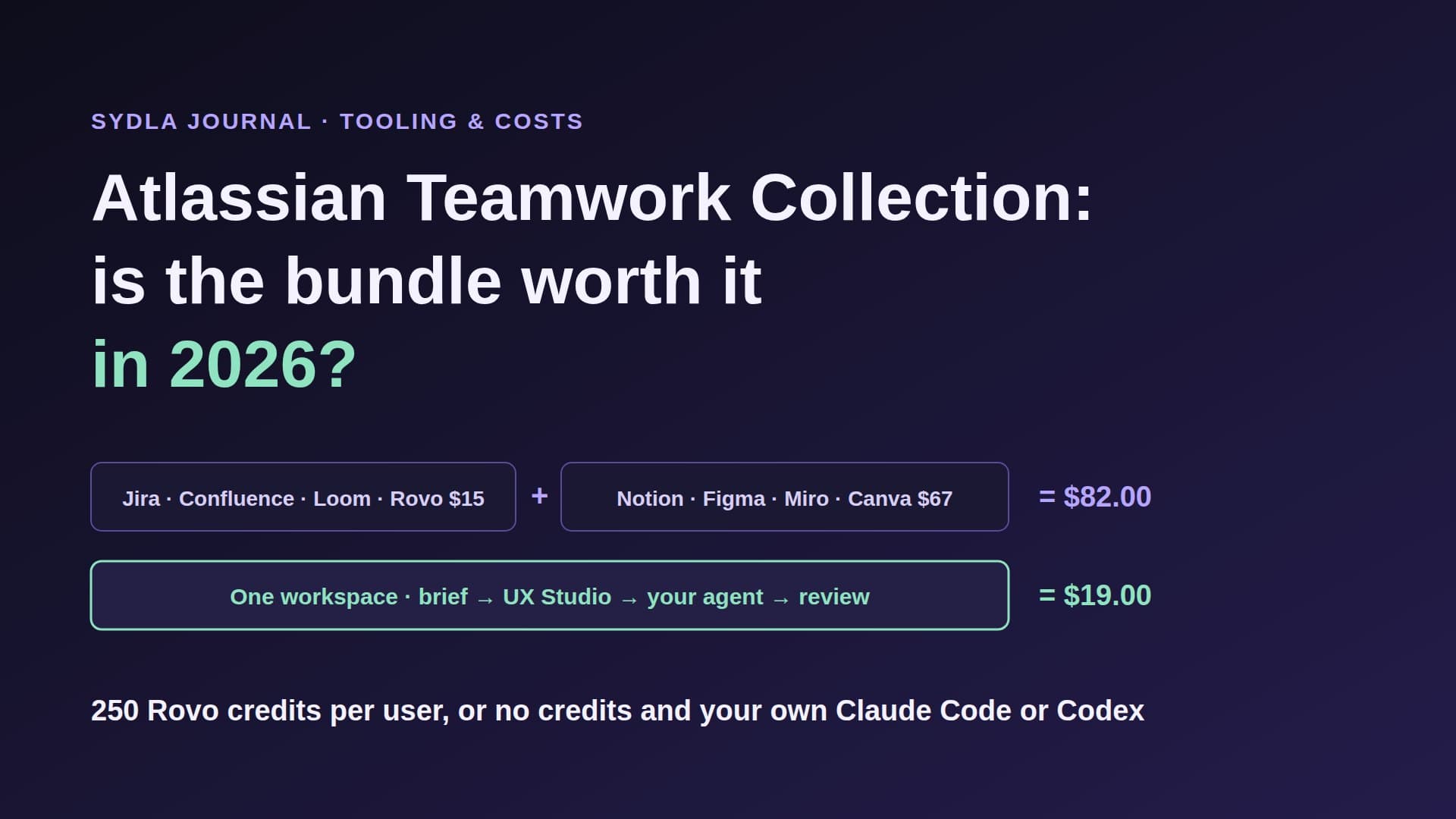
| Six-tool stack | $83.85 | Six pools, six reset dates, plus the coding agent | Five MCP connections to rebuild one context |
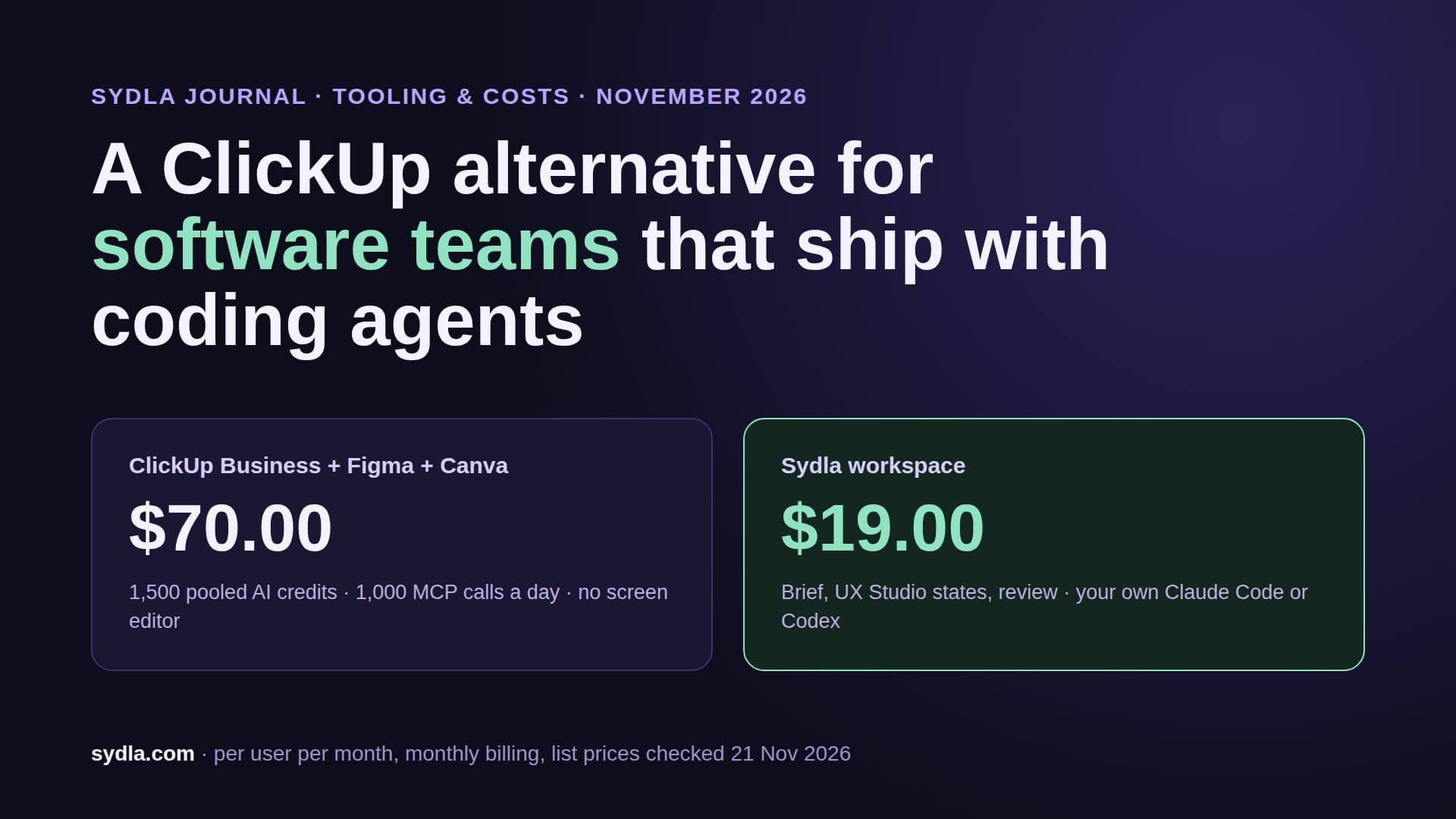
| Sydla workspace | $19.00 | No Sydla AI credits; your own Claude Code or Codex plan, no token markup | One MCP connection to the whole work item |
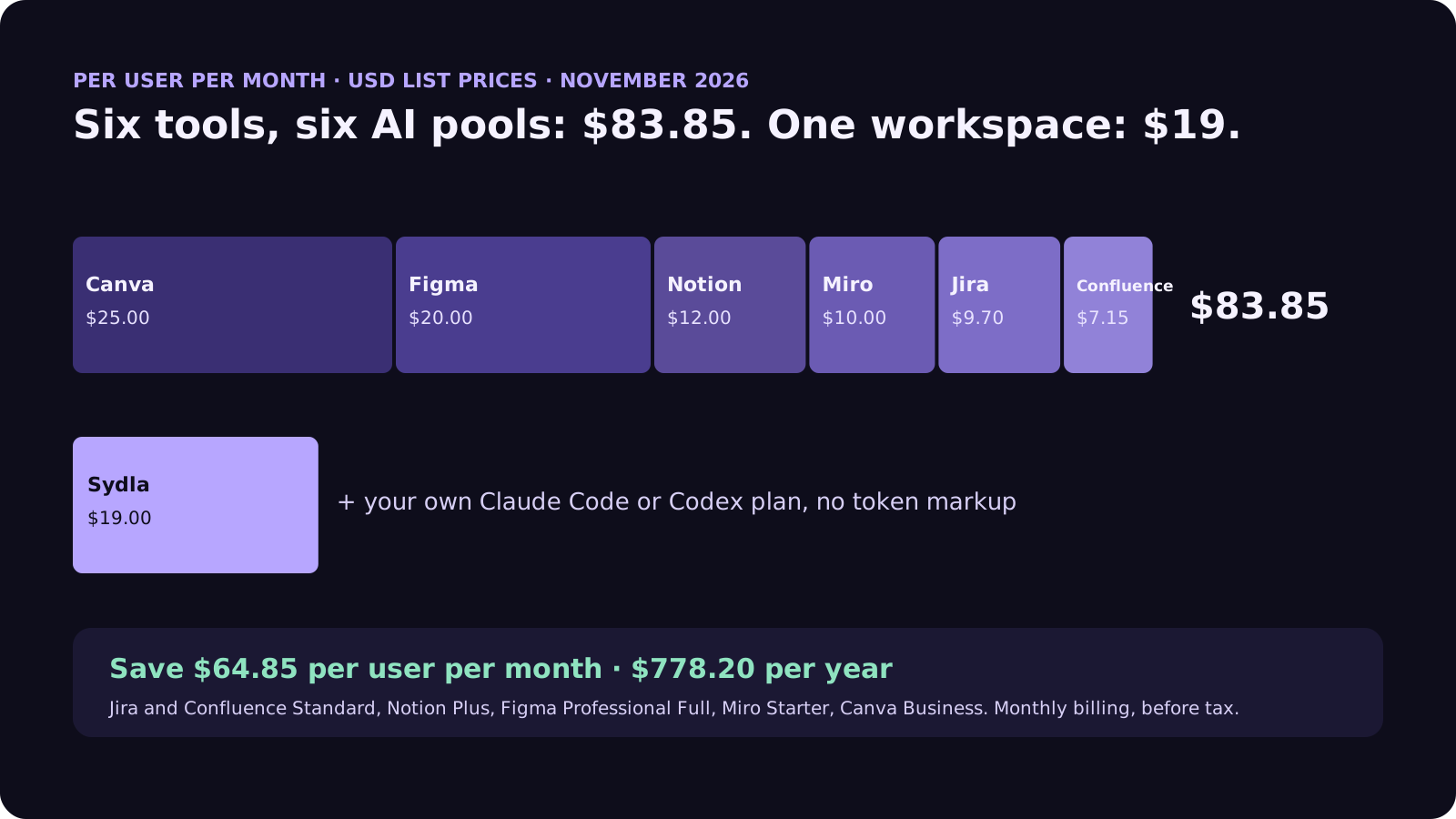
The cost gap is $64.85 per user per month, $778.20 a year per person. The context gap is harder to price. Every hop is another login, another rate limit and another chance that the agent reads last week's version of the spec. The more agentic the team becomes, the more those hops dominate the run.
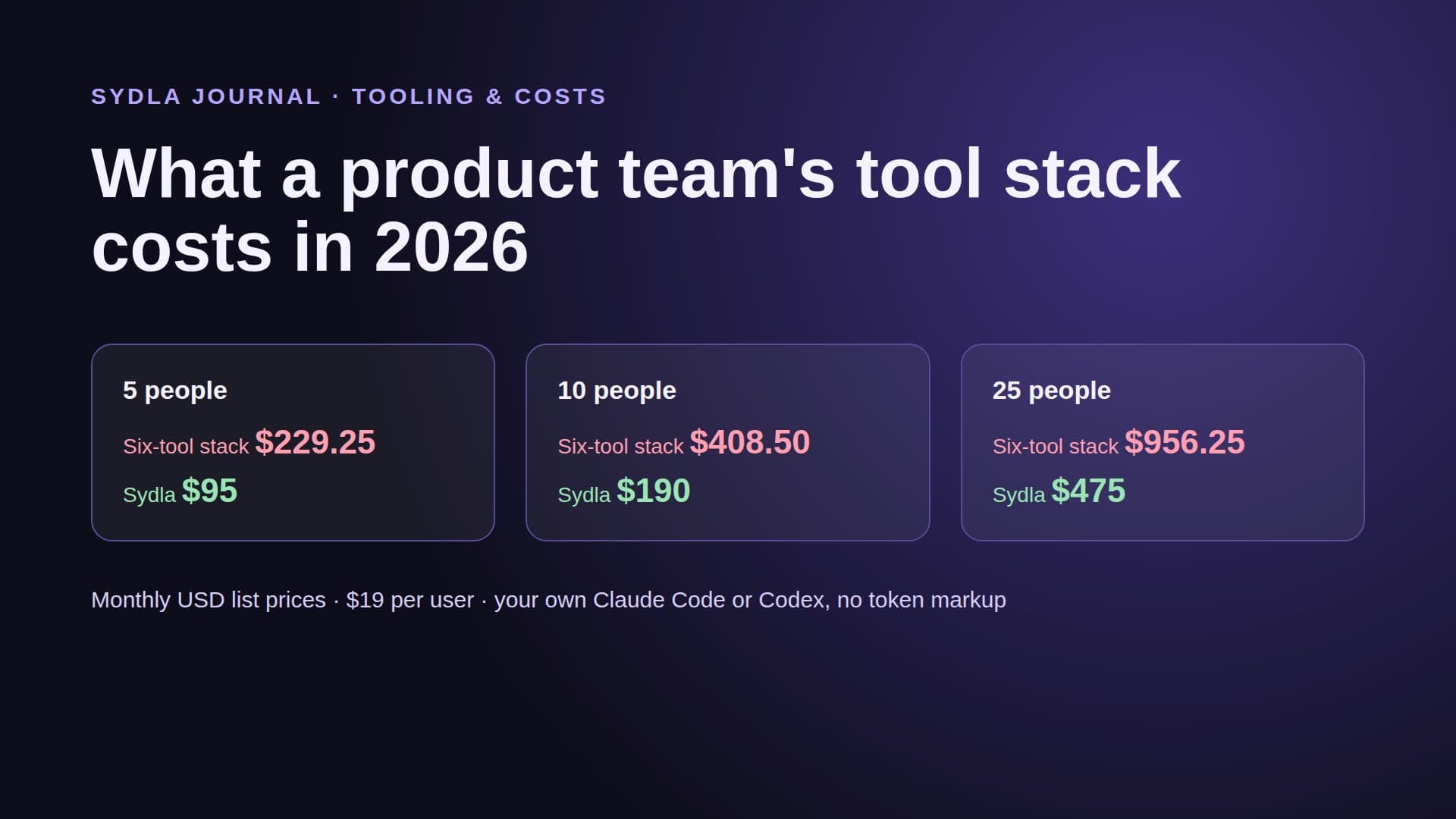
Some teams will rightly keep one specialist tool, often Figma for a design-heavy product. The comparison hub says plainly where each tool still wins, and our team stack cost breakdown prices the same stack for 5, 10 and 25 people.
How it runs in Sydla, step by step
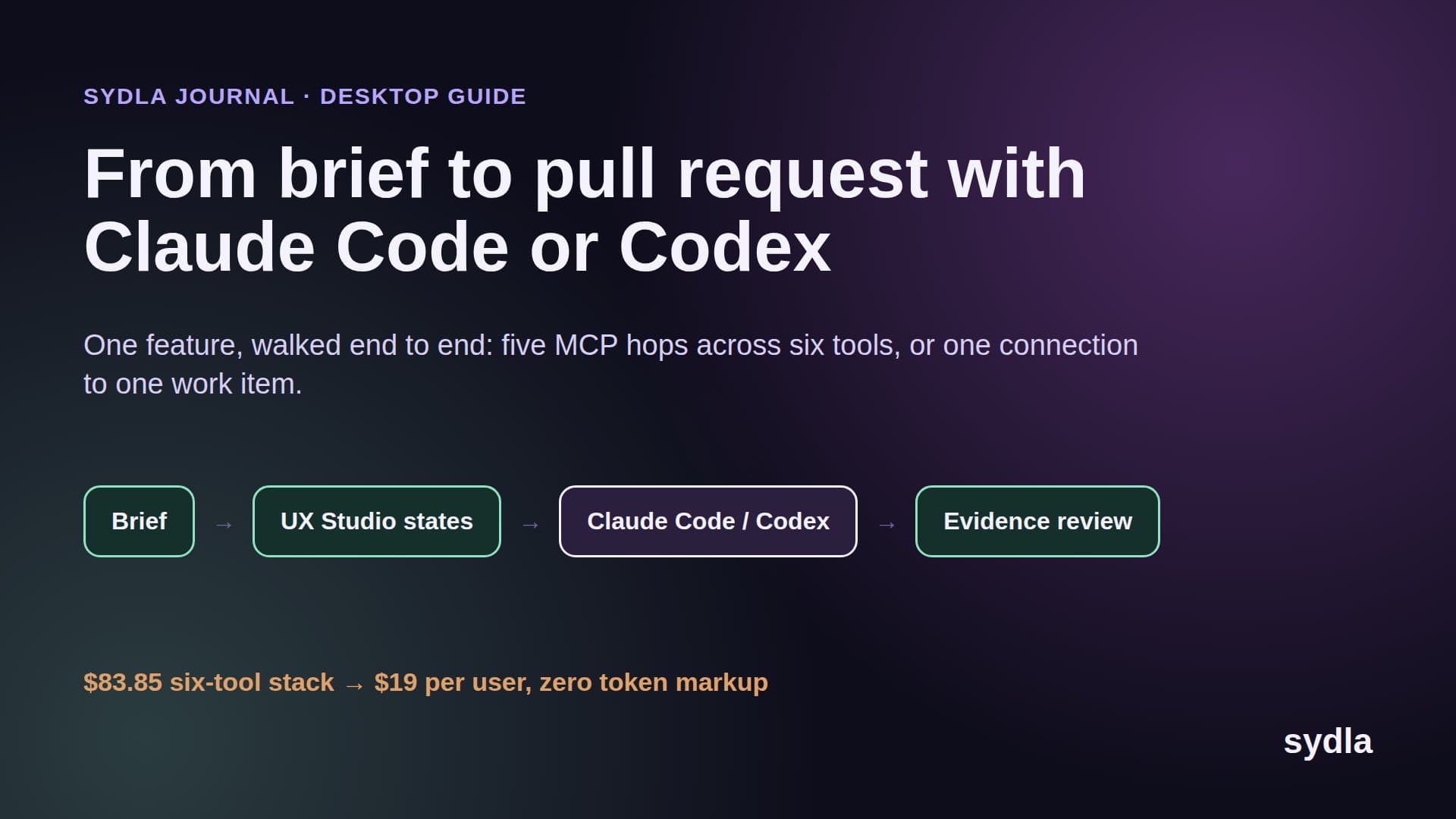
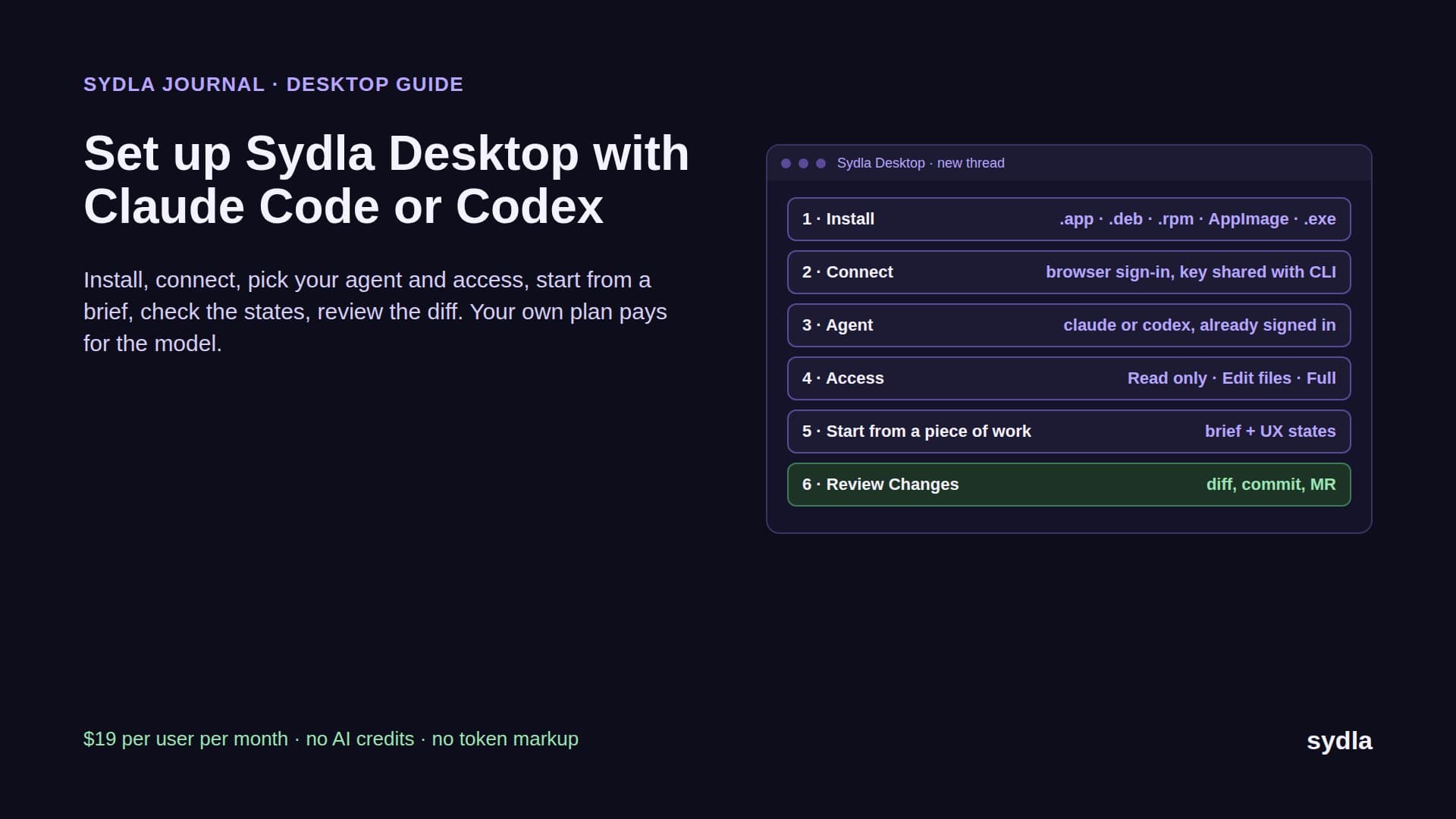
Sydla is built around the five stages above, with one work item carrying the context from spec to ship. Here is a real run, the way it works in Sydla Desktop today.
- Write the brief. The product owner creates the initiative and writes the brief and acceptance criteria in a Sydla doc linked to it. That replaces the Jira ticket, the Confluence spec and the Notion page that used to drift apart.
- Draw the states. The designer adds the screens in UX Studio with their empty, loading, error and success states and the transitions between them, then publishes a handoff. Engineers read it without a design seat.
- Open the thread in Sydla Desktop. Desktop runs the claude or codex CLI that is already installed and signed in on the engineer's machine. The engineer starts a thread from the piece of work, picks the agent and the model, and sets access for the thread to Read only, Edit files or Full access.
- Let the agent read once. The agent connects to Sydla's MCP server, one connection, and reads the brief, the criteria and the UX handoff for that work item. No pasting, no five logins, no per-read credit.
- Build and prove. The agent works in a branch, runs the tests, and records its run against each criterion. The engineer checks each state in the Preview panel and the diff in Changes.
- Ship with a person. Finish and Ship asks the engineer to confirm the commit, push, merge request, merge and tag one at a time. The agent can request the ship gate; only a person approves it.
Because the model bill stays on each engineer's own plan, a team can mix Claude Code and Codex on the same initiative. Our Claude Code vs Codex comparison helps decide who should use which, and our cost per ticket guide shows what a typical run costs on each.
Five signs your team is ready for an agentic SDLC
You don't need a transformation programme. You need five habits, and most teams already have two or three of them.
- Specs are written before work starts, with acceptance criteria a test could check.
- Designs include states, not just the happy path.
- Engineers already use Claude Code or Codex for more than autocomplete.
- Reviews ask for evidence, such as a failing test that now passes, instead of trusting the diff.
- Someone owns the tool bill and has noticed the AI top-ups growing faster than headcount.
If you tick three or more, start with one real feature, not a pilot. Our 30-day migration plan shows what to export from Jira, Confluence, Notion and Figma first, and sprint planning with AI coding agents shows how to plan around review capacity instead of story points.
The pricing section has the plan: $19 per user per month, with no AI credits to buy. Start your workspace and keep the Claude Code and Codex accounts you already have.
Frequently asked questions
What is an agentic SDLC?
An agentic SDLC is a software development lifecycle in which AI coding agents such as Claude Code or Codex do the build and proof work for each ticket, reading one shared record of the brief, acceptance criteria and design states, while people own the decisions: the spec, the design and the release. The agent may request a gate; only a person approves it.
What are the stages of an agentic SDLC?
Five stages: Spec, where a person writes the brief and acceptance criteria; Design, where a person defines screens and states; Build, where the coding agent implements the change; Prove, where the agent records tests and evidence against each criterion and a person checks it; and Ship, where a person merges and releases.
How is an agentic SDLC different from using an AI coding assistant?
An assistant helps one developer type faster inside the editor. An agentic SDLC changes the lifecycle around the agent: the agent works from a shared work item instead of a chat prompt, ends each run with evidence against acceptance criteria, and stops at gates that only people approve.
Do I need to buy AI credits to run an agentic SDLC?
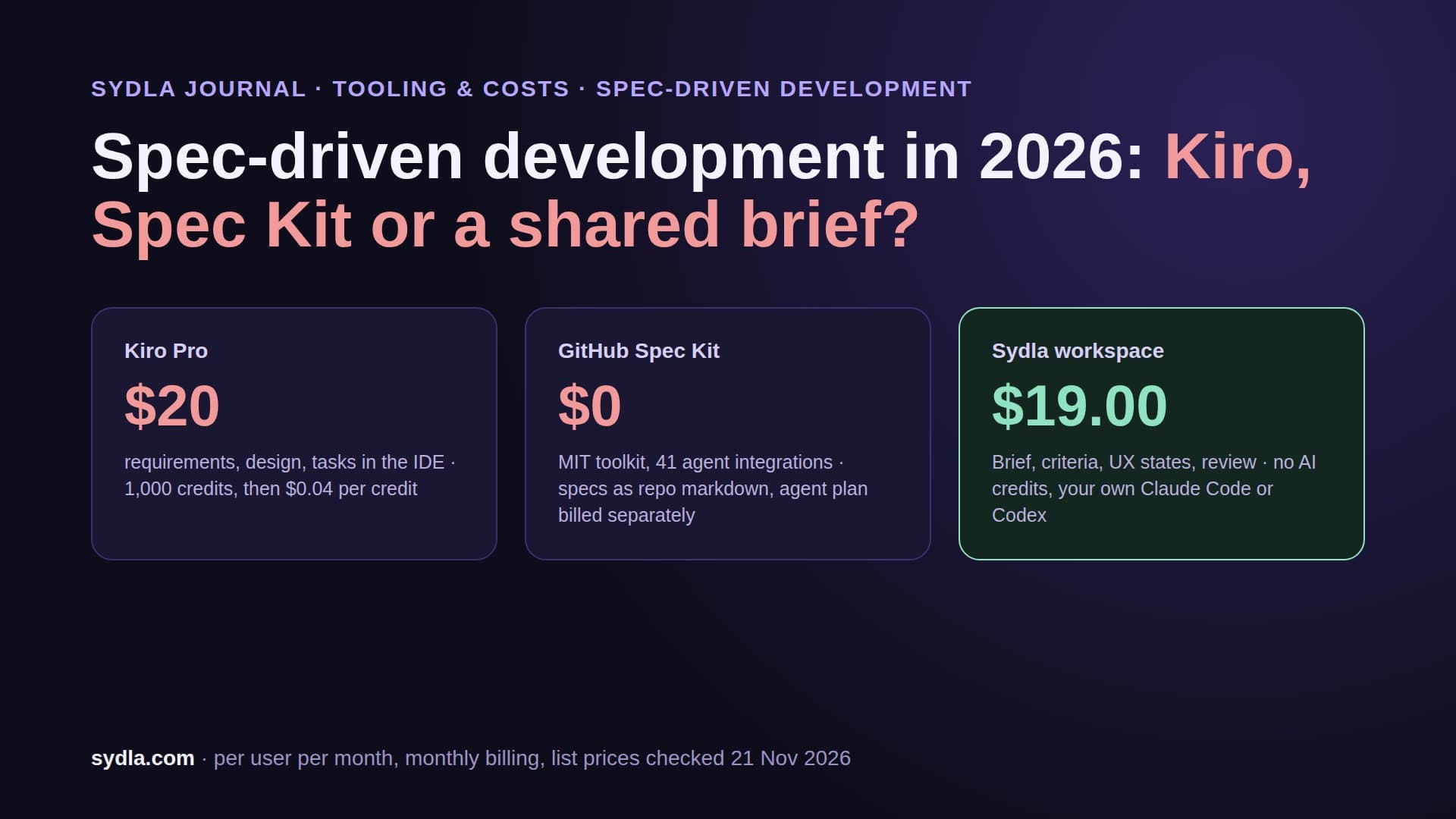
Not necessarily. Tracker and design tools meter their own agents: Atlassian Rovo bills extra credits at $0.01 each from 3 December 2026, Notion sells $10 per 1,000 credits, and Figma and Miro have per-seat or pooled credits. Sydla has no AI credits: each engineer runs their own Claude Code or Codex subscription from Sydla Desktop with no token markup, for $19 per user per month.
Can Claude Code and Codex work in the same agentic workflow?
Yes. Sydla Desktop runs whichever CLI each engineer has installed and signed in, claude or codex, per thread. Both read the same work item through one Sydla MCP connection, so two engineers on different plans work from the same brief, criteria and screen states.