ClickUp alternative for software teams in 2026: the everything app vs an AI SDLC workspace
ClickUp sells itself as the everything app, and for tasks, docs and whiteboards it often is. Software teams in 2026 need two more things it does not do: the screens and states a coding agent builds from, and a way to run Claude Code or Codex without another credit meter. Here are the prices, the MCP caps, and when a different kind of all-in-one fits better.
The everything app still leaves the agent with two missing pieces
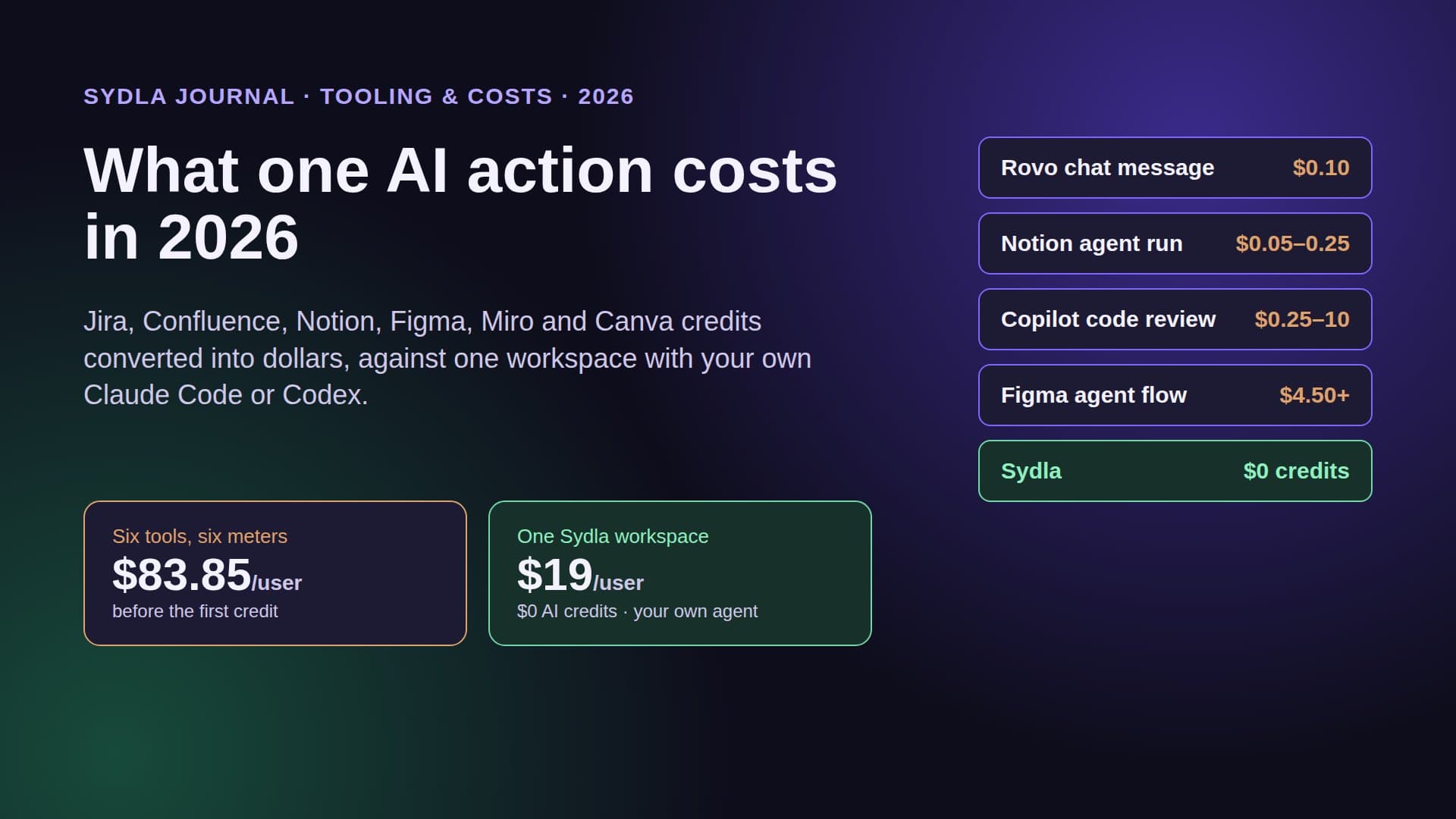
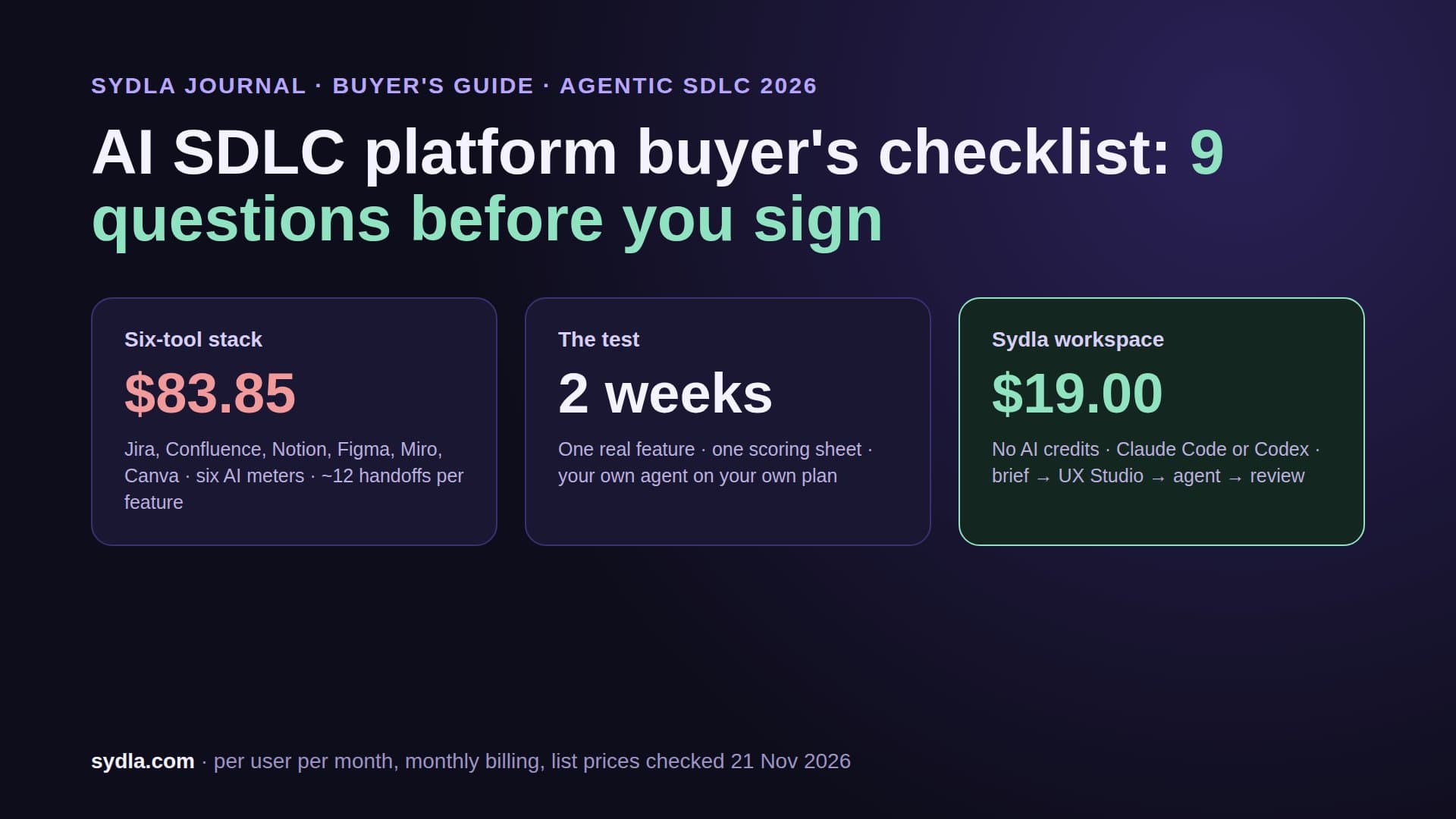
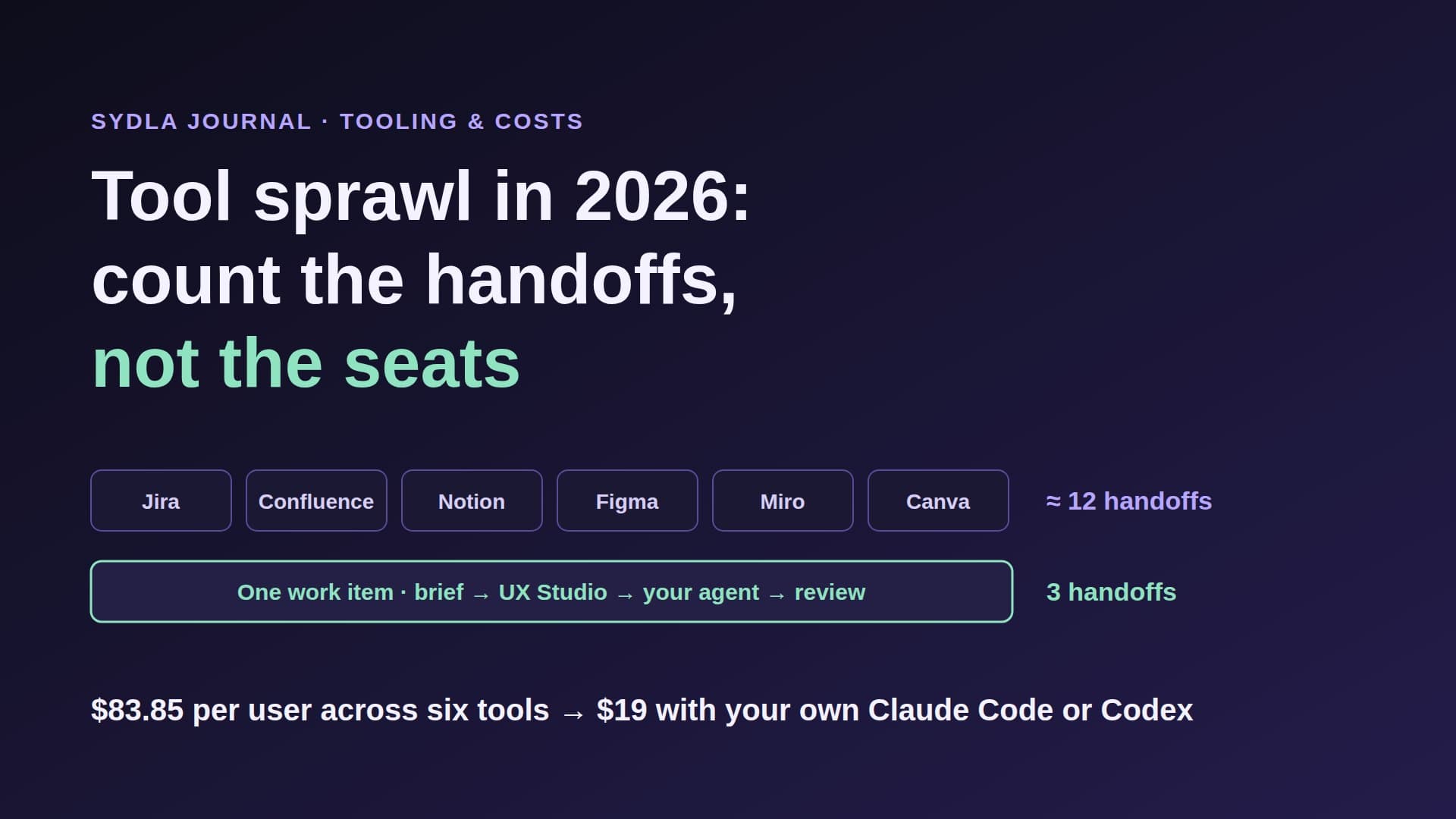
Most teams look at ClickUp for the same reason they look at Sydla: too many tools. The ticket is in Jira, the spec in Confluence, the decisions in Notion, the flow on a Miro board, the screens in Figma and the launch visual in Canva. Six seats, six renewal dates, and in 2026 six AI meters, each with its own allowance that runs out at a different time of the month.
ClickUp's answer is one app for tasks, docs, whiteboards, chat and video calls, with its Brain assistant and Super Agents on top. For a company where most people are not engineers, that answer is good. For a software team that ships with a coding agent, two pieces are still missing.
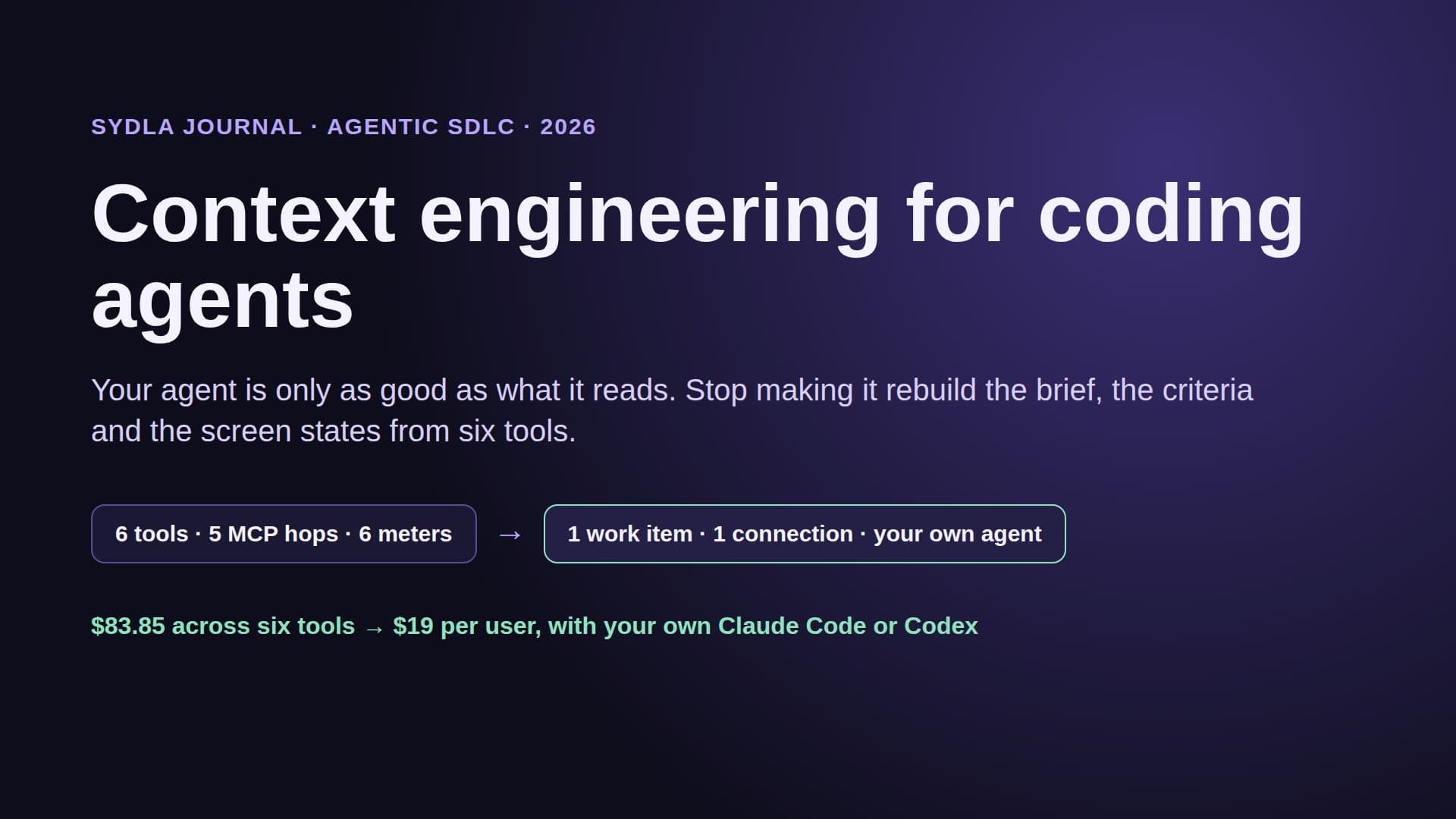
The first is design. ClickUp has no screen editor, so the empty, loading, error and success states an agent needs still live in Figma, behind a design seat and a monthly MCP quota. The second is the agent itself. Engineers already pay for Claude Code or Codex. When that agent reads ClickUp through its MCP server, it runs against a daily call cap per plan; when ClickUp's own agents do the work, they spend pooled AI credits. This guide puts numbers on both and shows what an all-in-one built around your own coding agent looks like.
What ClickUp includes in November 2026
ClickUp is a work management app that combines tasks, Docs, Whiteboards, Chat and SyncUps video calls in one workspace, with Brain for AI search and writing and Super Agents for automated work. Billing is per workspace: an upgrade applies to everyone in it. Prices below are per user per month from ClickUp's pricing page.
- Free Forever: $0, 60 MB of storage, 3 whiteboards, unlimited Docs, no AI credits.
- Core: $9 billed yearly or $12 monthly. Unlimited storage, 10 whiteboards, Chat, and 1,000 AI credits per user per month, pooled.
- Business: $17 billed yearly or $25 monthly. Unlimited whiteboards, premium models included, and 1,500 AI credits per user per month, pooled.
- Enterprise: custom pricing, 3,000 AI credits per user per month, pooled.
- MAX: $100 billed yearly or $120 monthly, 10,000 AI credits per user per month, MCP connections and unlimited Autopilot Agents.
Extra credits cost $10 per 10,000, with an optional auto top-up. According to ClickUp's AI page, chatting with Brain does not use credits; Super Agents, AI Automations, AI Fields and image generation do. ClickUp also offers cloud agents that "turn a ClickUp task into a pull request", running in ClickUp's cloud and returning the pull request in the task thread.
Does ClickUp replace the six-tool stack?
Partly. Here is the usual product stack at November 2026 list prices, what each tool meters for AI, and which of the two all-in-ones can take its place.
| Tool | Price per user | AI meter in November 2026 | Replaced by ClickUp? | Replaced by Sydla? |
|---|---|---|---|---|
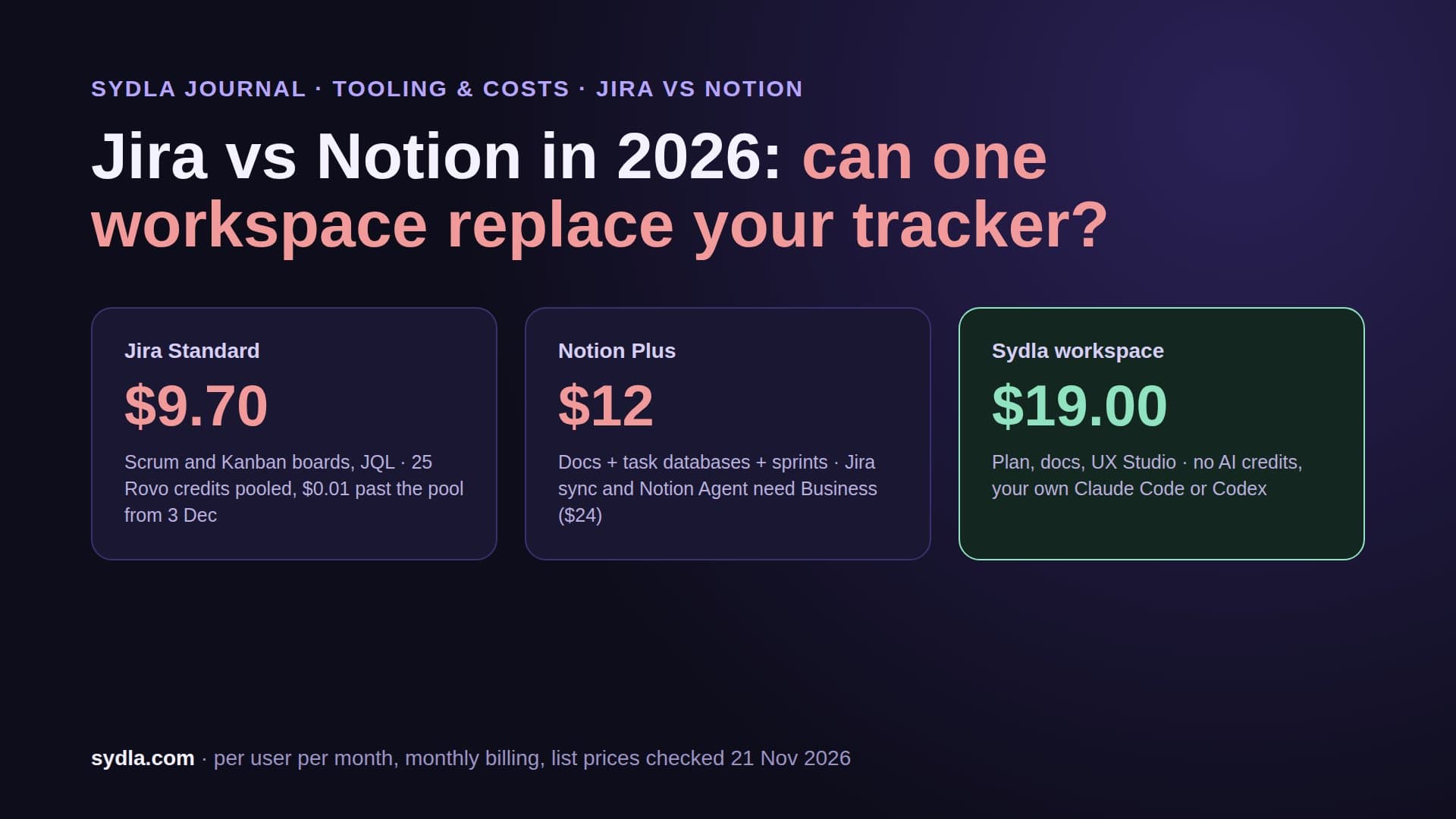
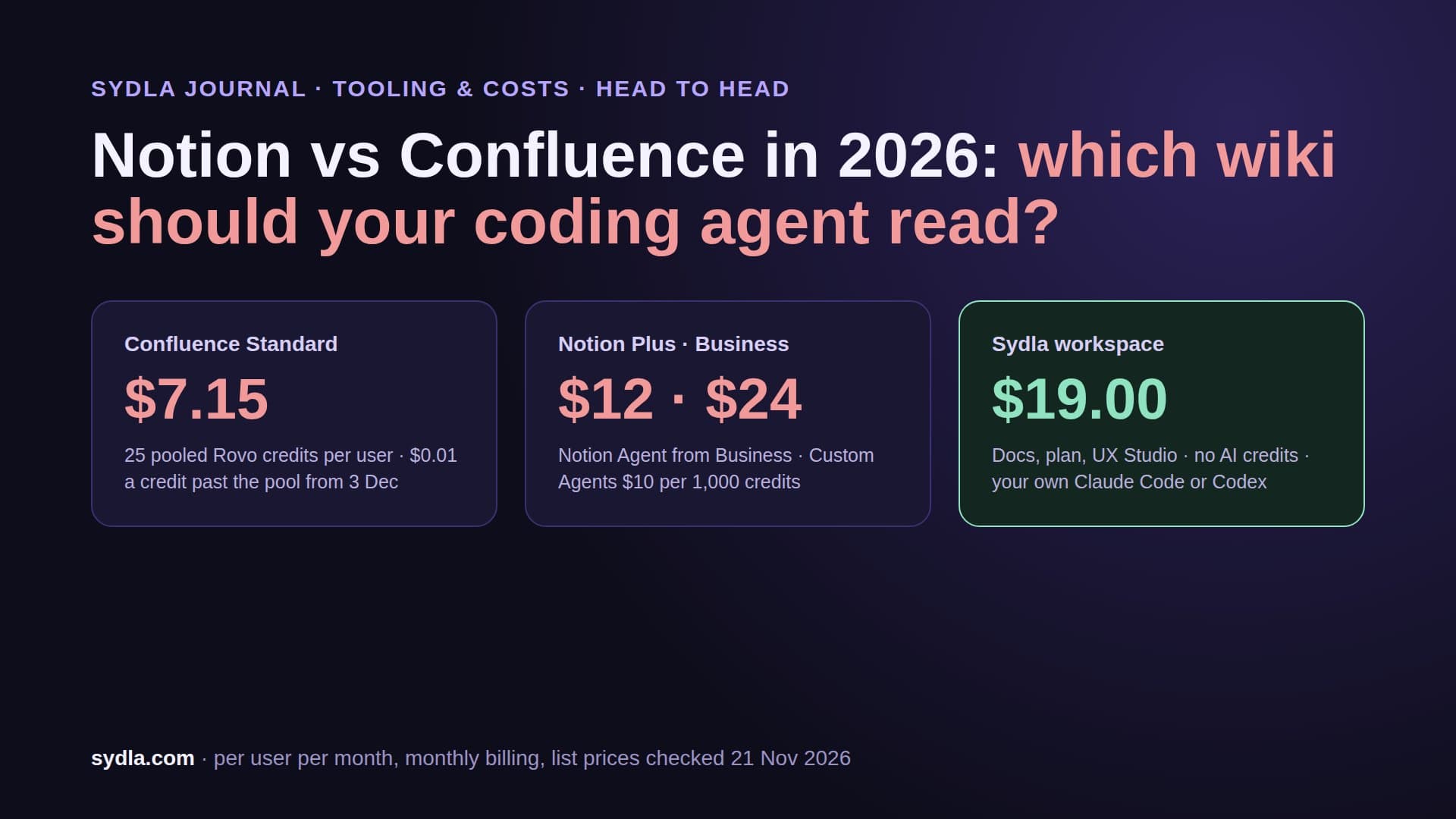
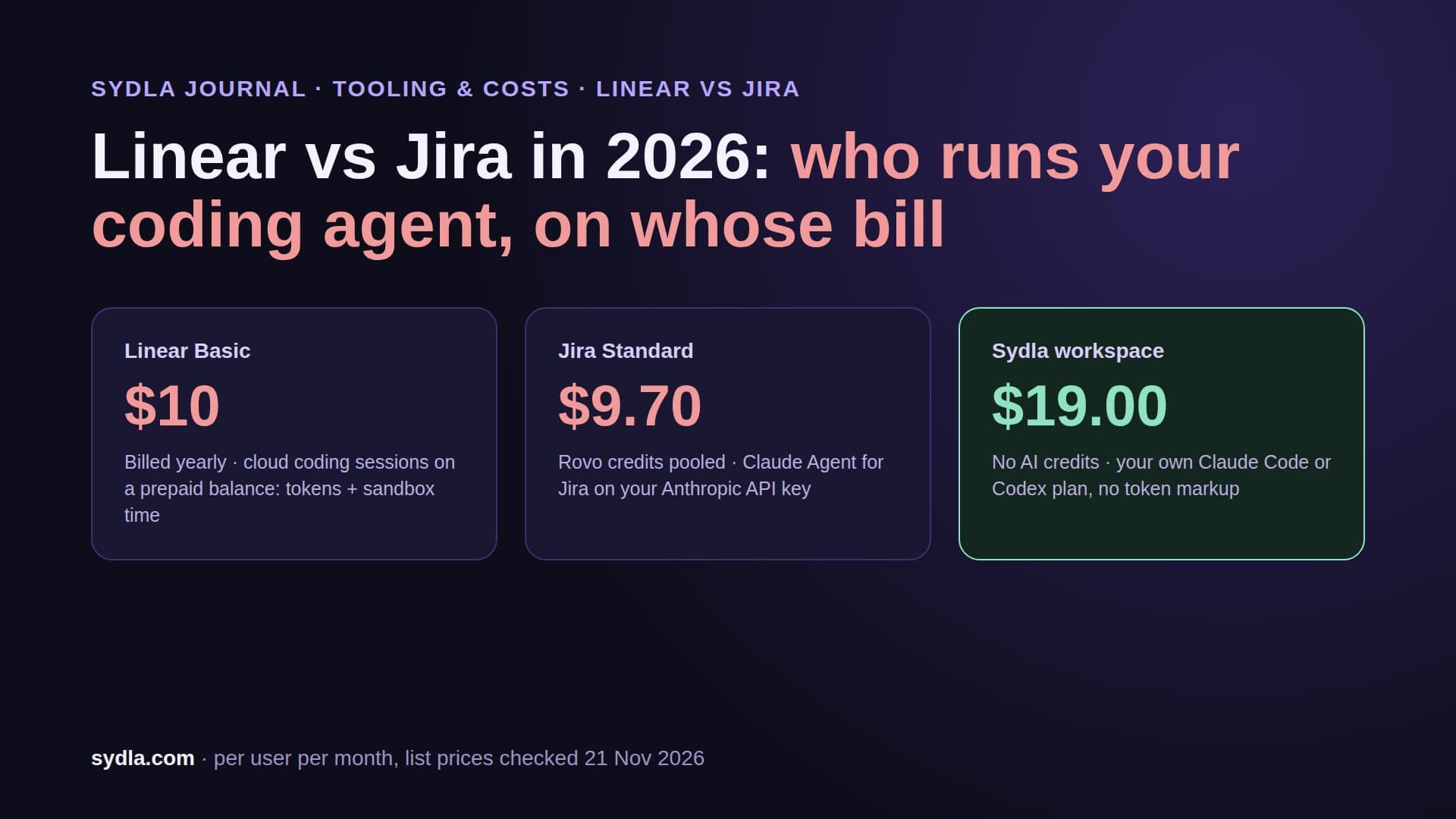
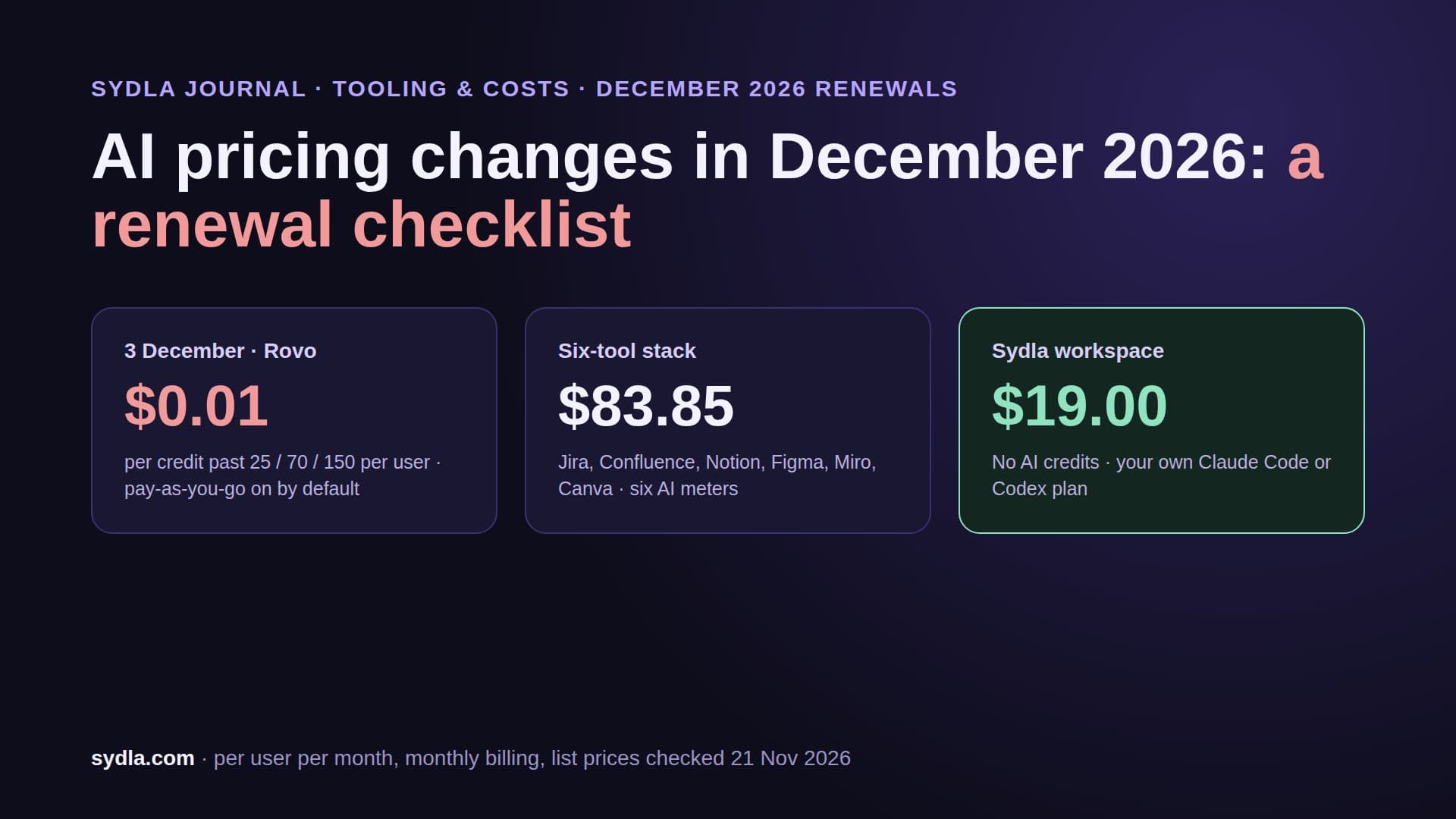
| Jira Standard | $9.70 | 25 Rovo credits per user, pooled; $0.01 per extra credit from 3 December 2026 | Yes: tasks, sprints, boards | Yes: tickets, epics, initiatives and the plan of work |
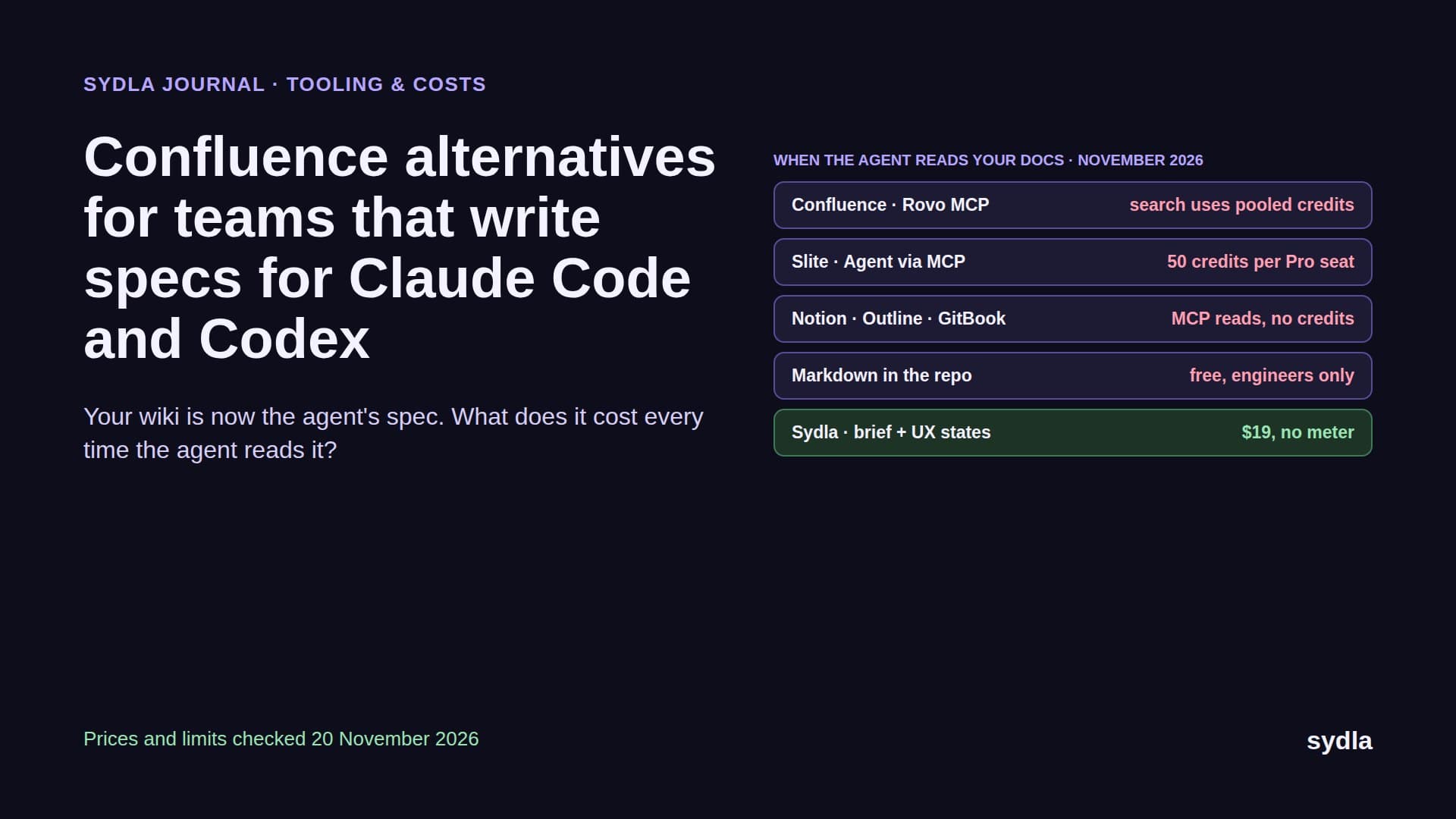
| Confluence Standard | $7.15 | 25 Rovo credits per user; enriched MCP searches cost 1 to 10 credits | Yes: Docs | Yes: doc spaces linked to work items |
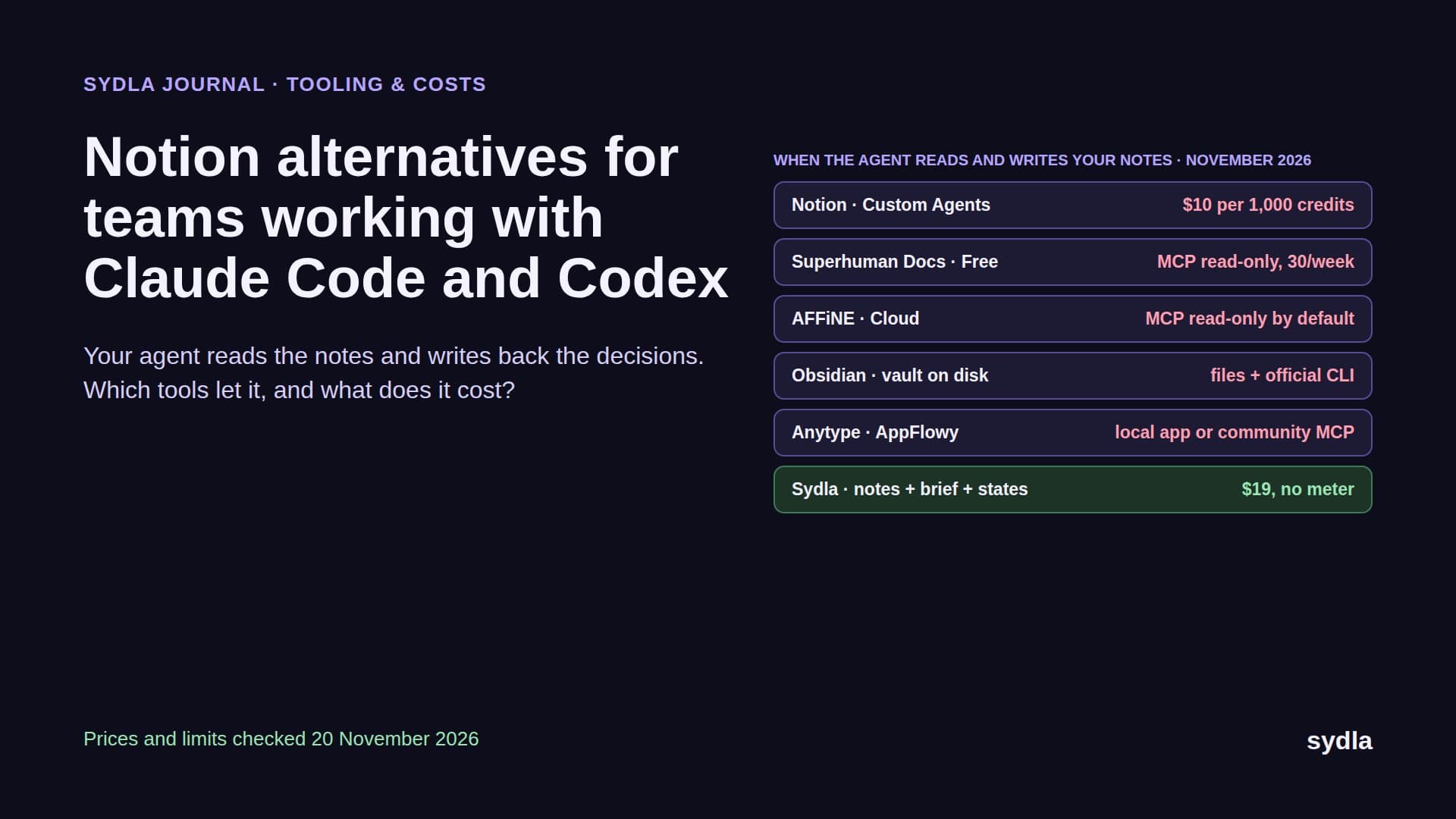
| Notion Plus | $12.00 | Custom Agents need Business; extra credits $10 per 1,000 | Yes: Docs and wikis | Yes: docs, notes and decisions |
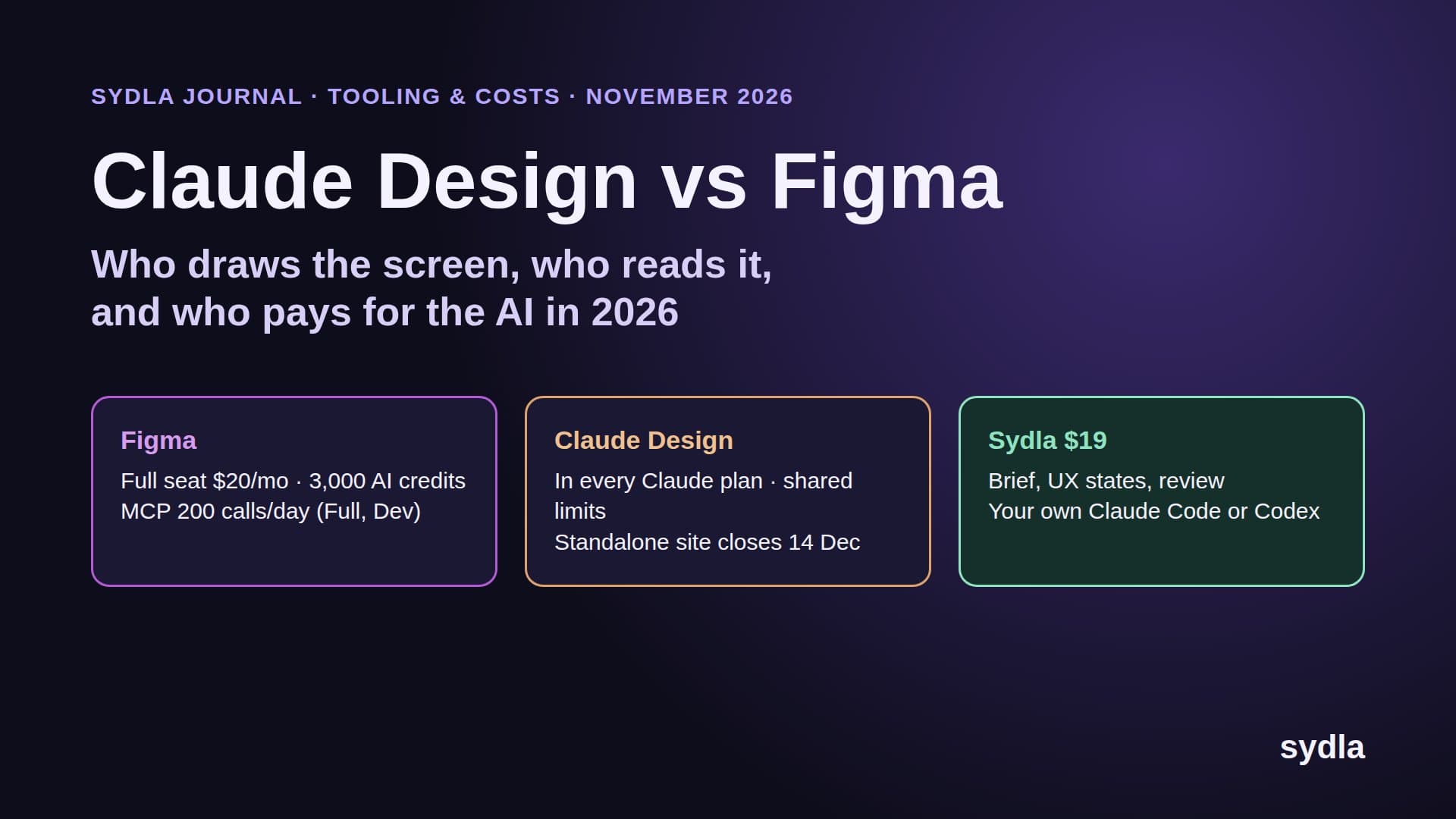
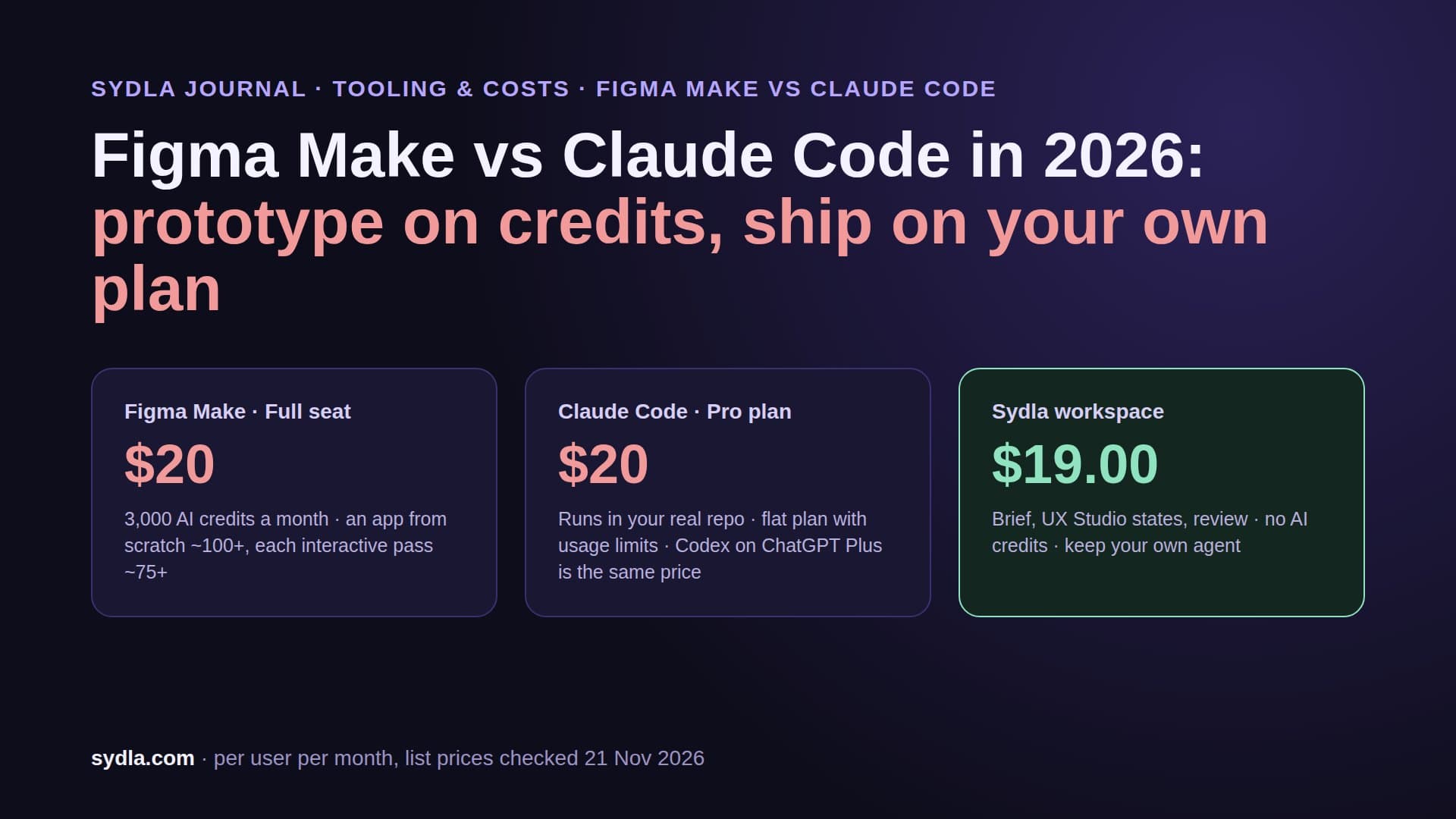
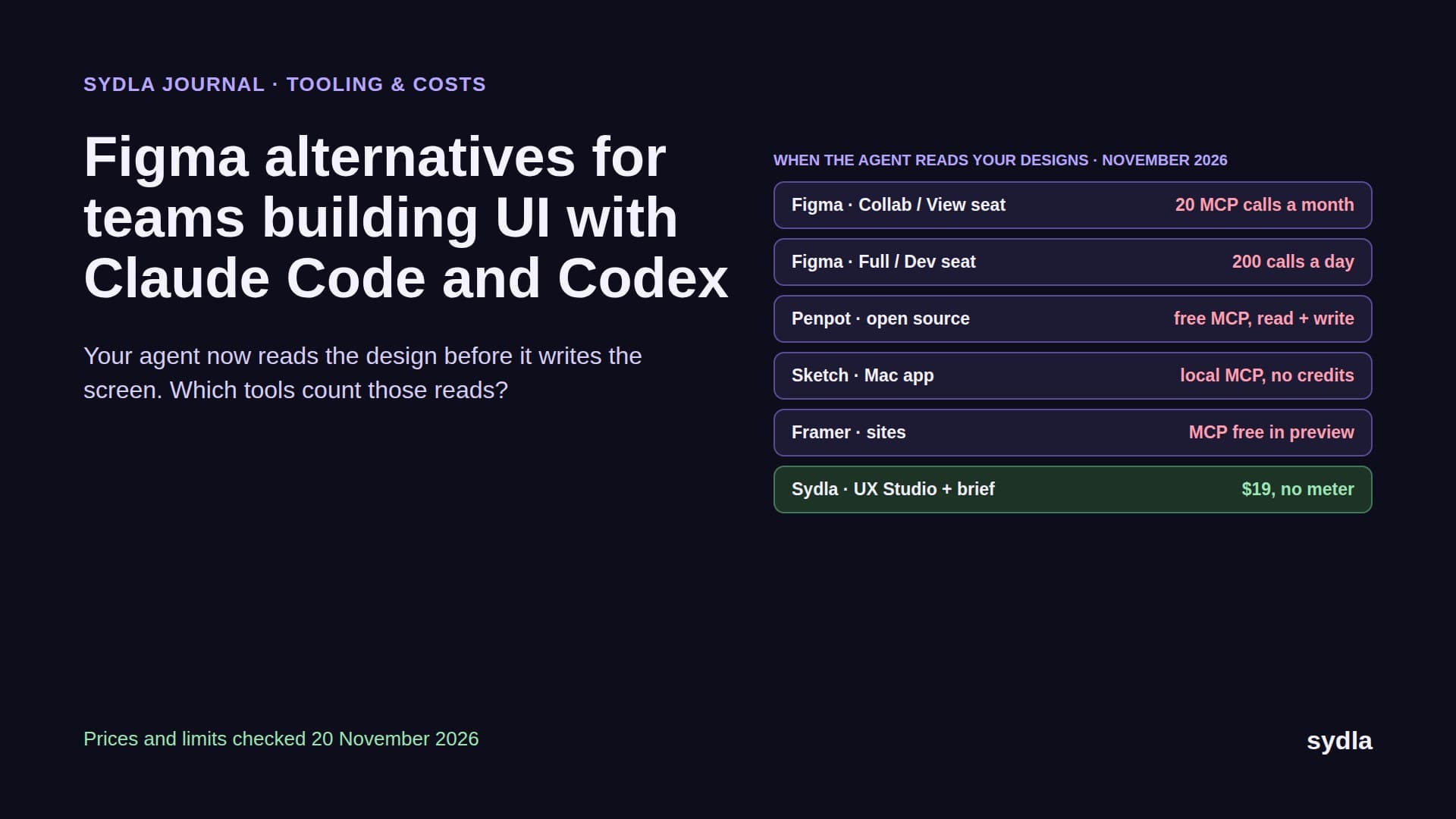
| Figma Professional Full | $20.00 | 3,000 AI credits per Full seat; MCP 200 reads a day on Full and Dev, 20 a month on View and Collab | No screen or prototype editor | Yes: UX Studio screens, states, transitions and tokens |
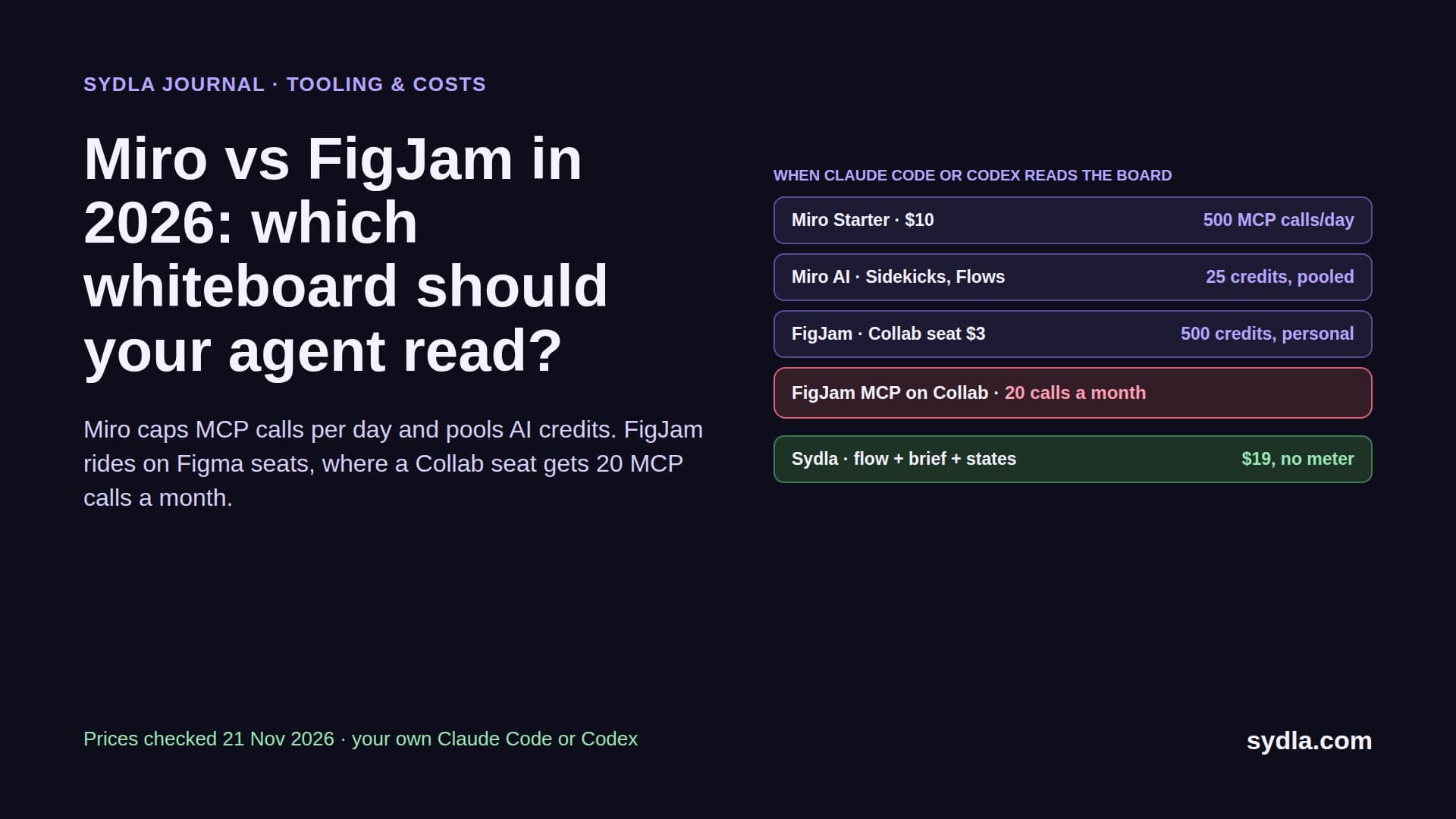
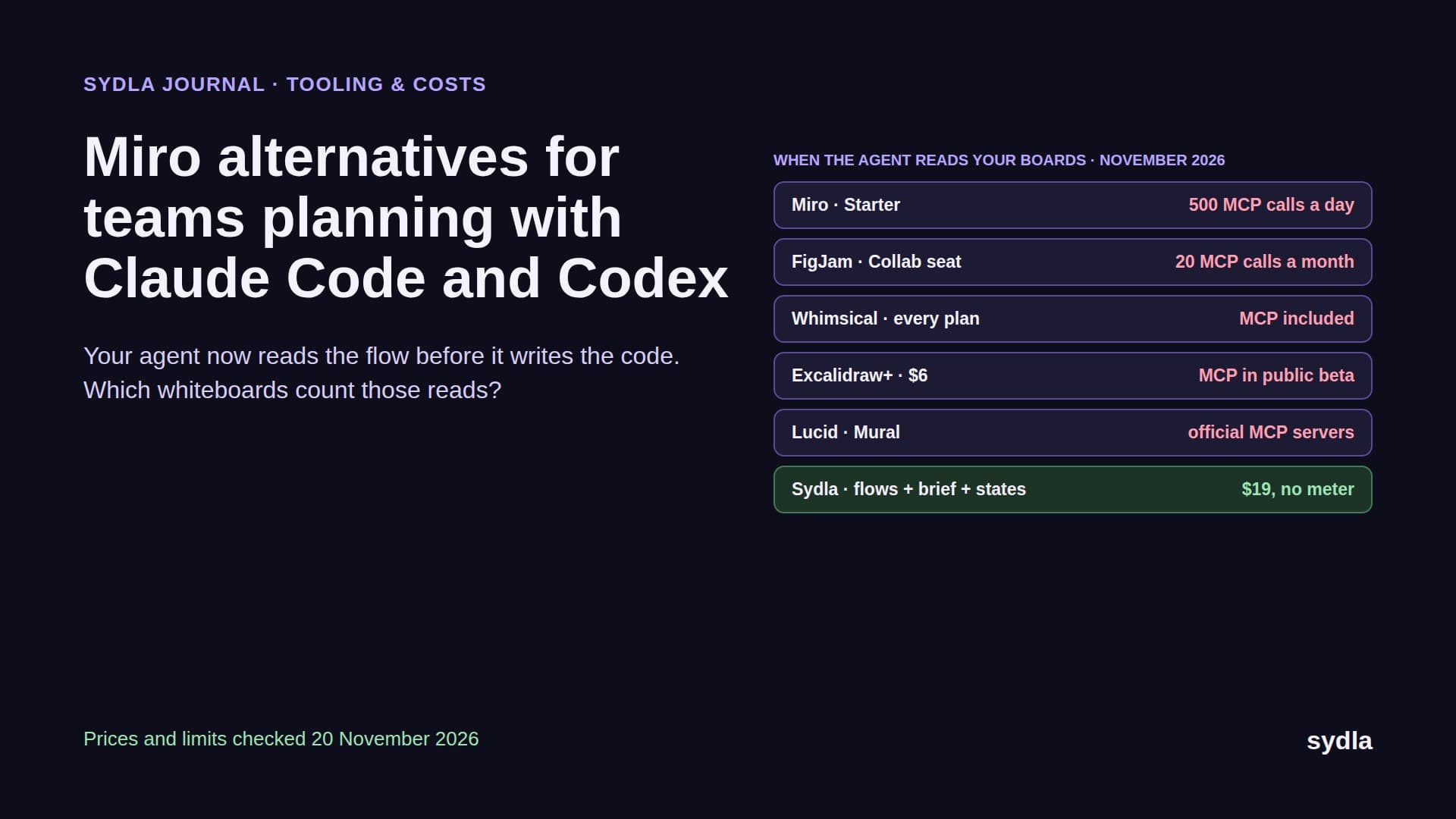
| Miro Starter | $10.00 | 25 AI credits per license, pooled; MCP 100 to 10,000 calls a day by plan | Yes: Whiteboards (unlimited on Business) | Yes for product flows: Mermaid diagrams and UX transitions |
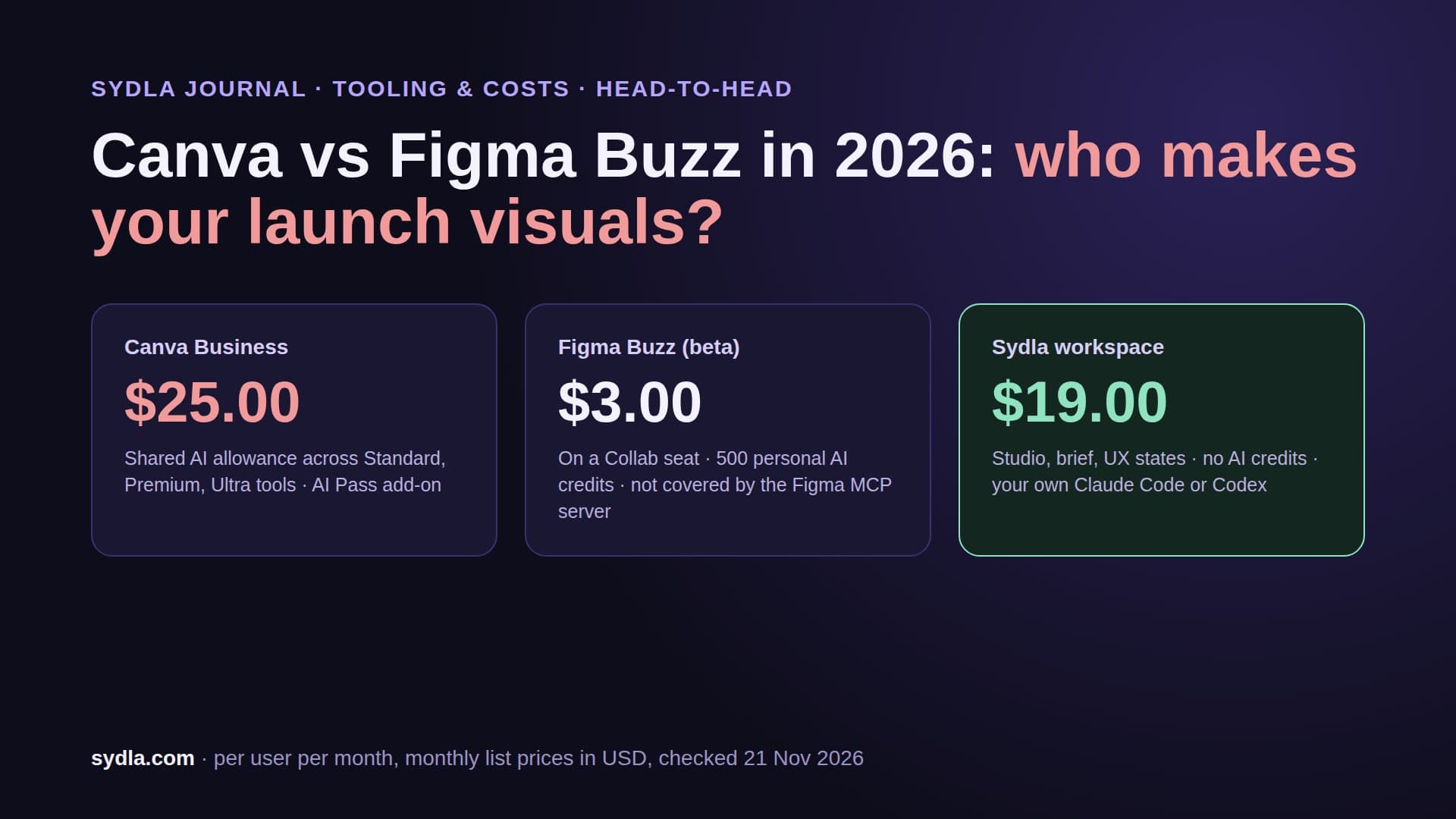
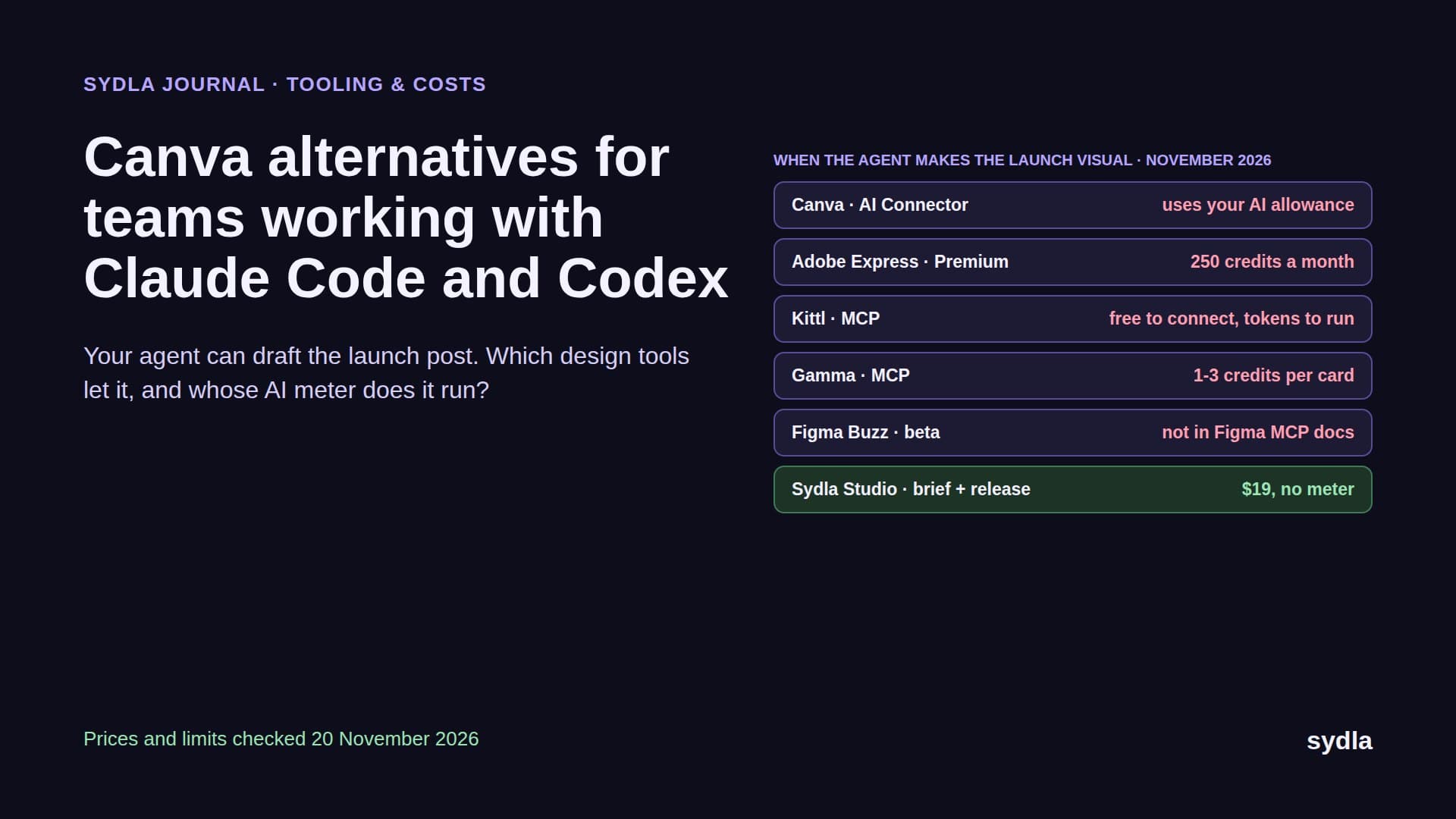
| Canva Business | $25.00 | AI usage allowance per person | No brand design editor; image generation spends credits | Yes: Sydla Studio for launch visuals with a brand kit |
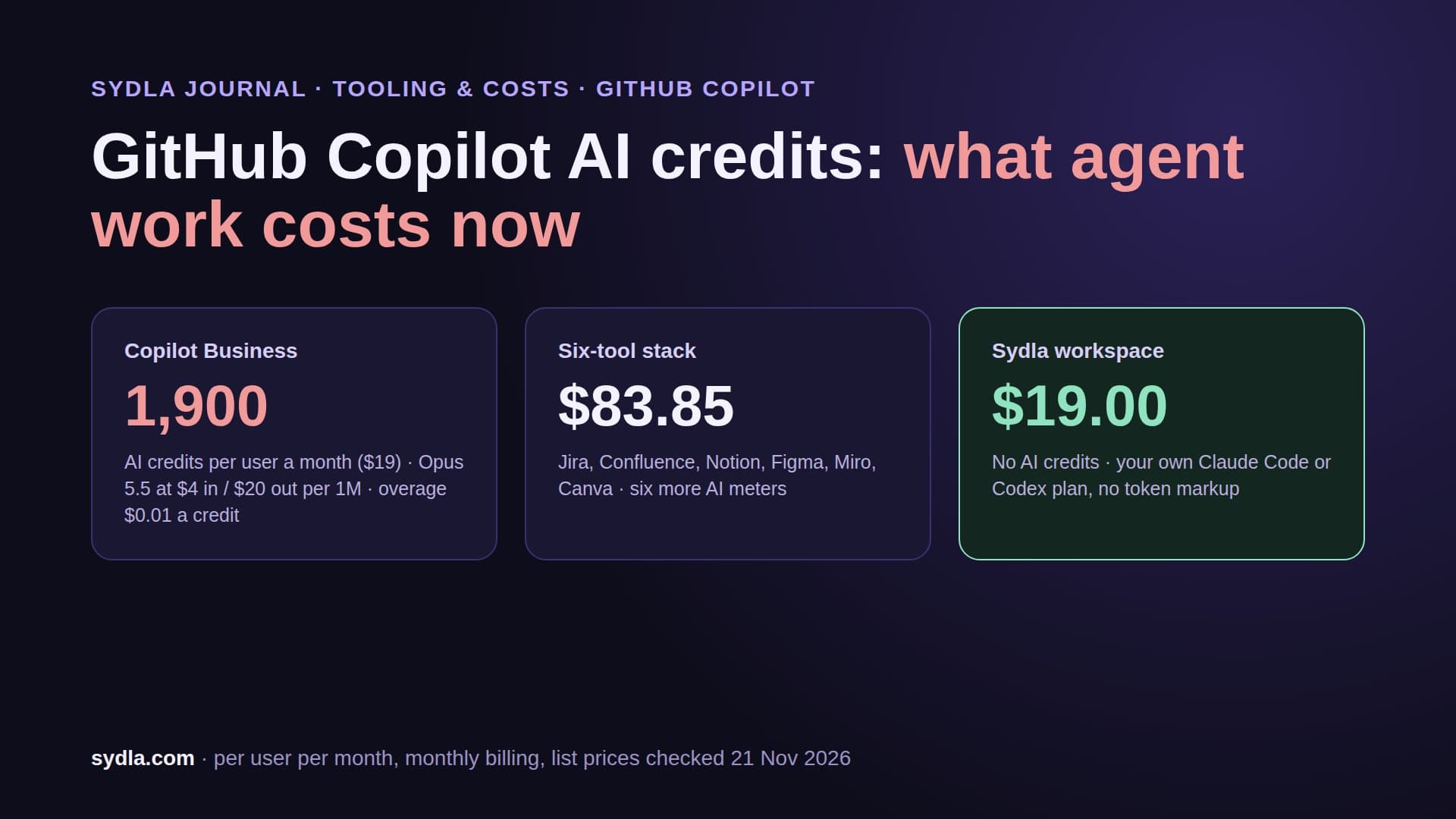
| Six-tool stack | $83.85 | Six meters, six renewal dates | ||
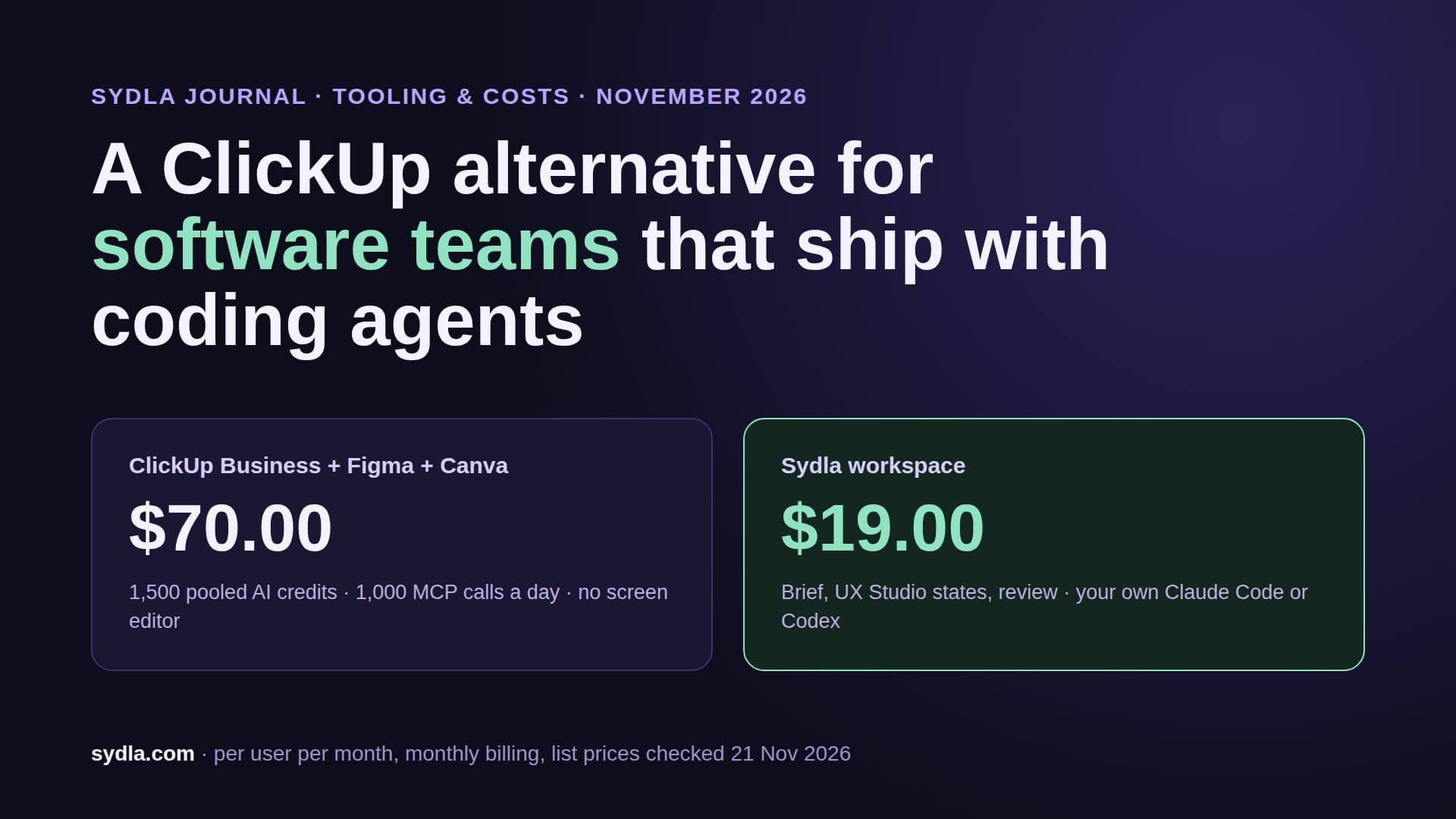
| ClickUp Business + Figma + Canva | $70.00 | Three meters: ClickUp credits, Figma credits, Canva allowance | ||
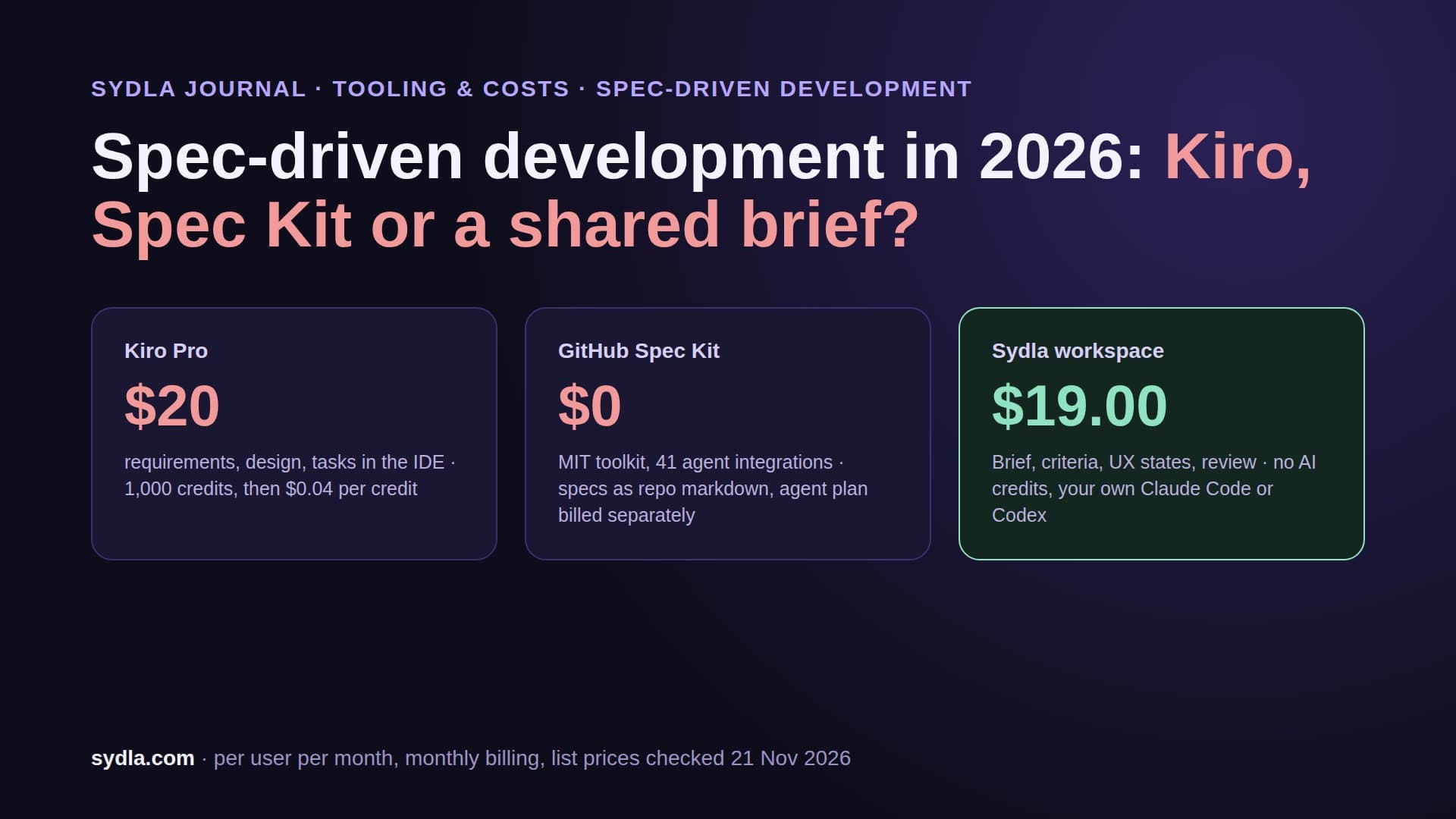
| Sydla workspace | $19.00 | No Sydla AI credits; your own Claude Code or Codex plan | One workspace, one MCP connection |
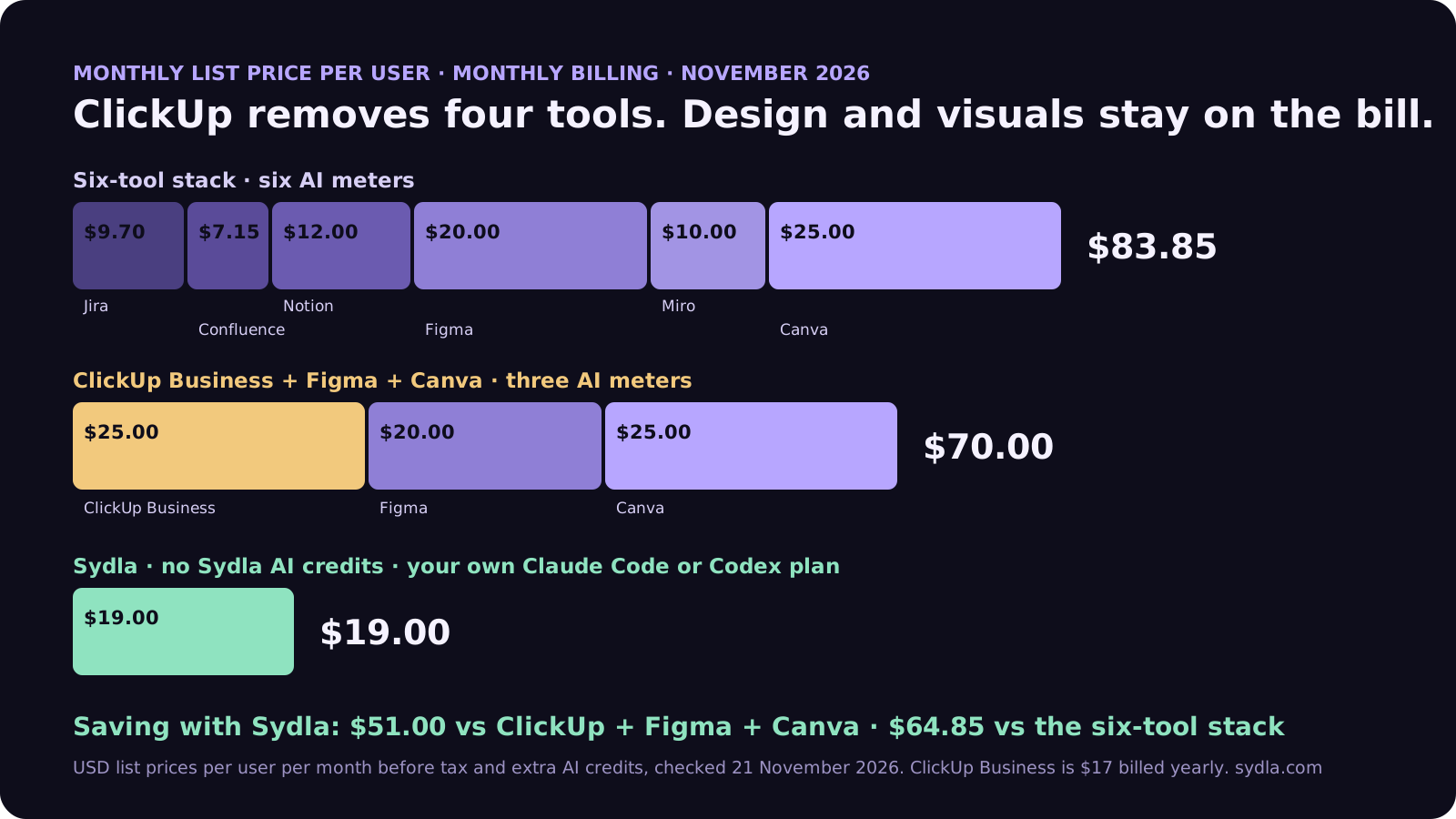
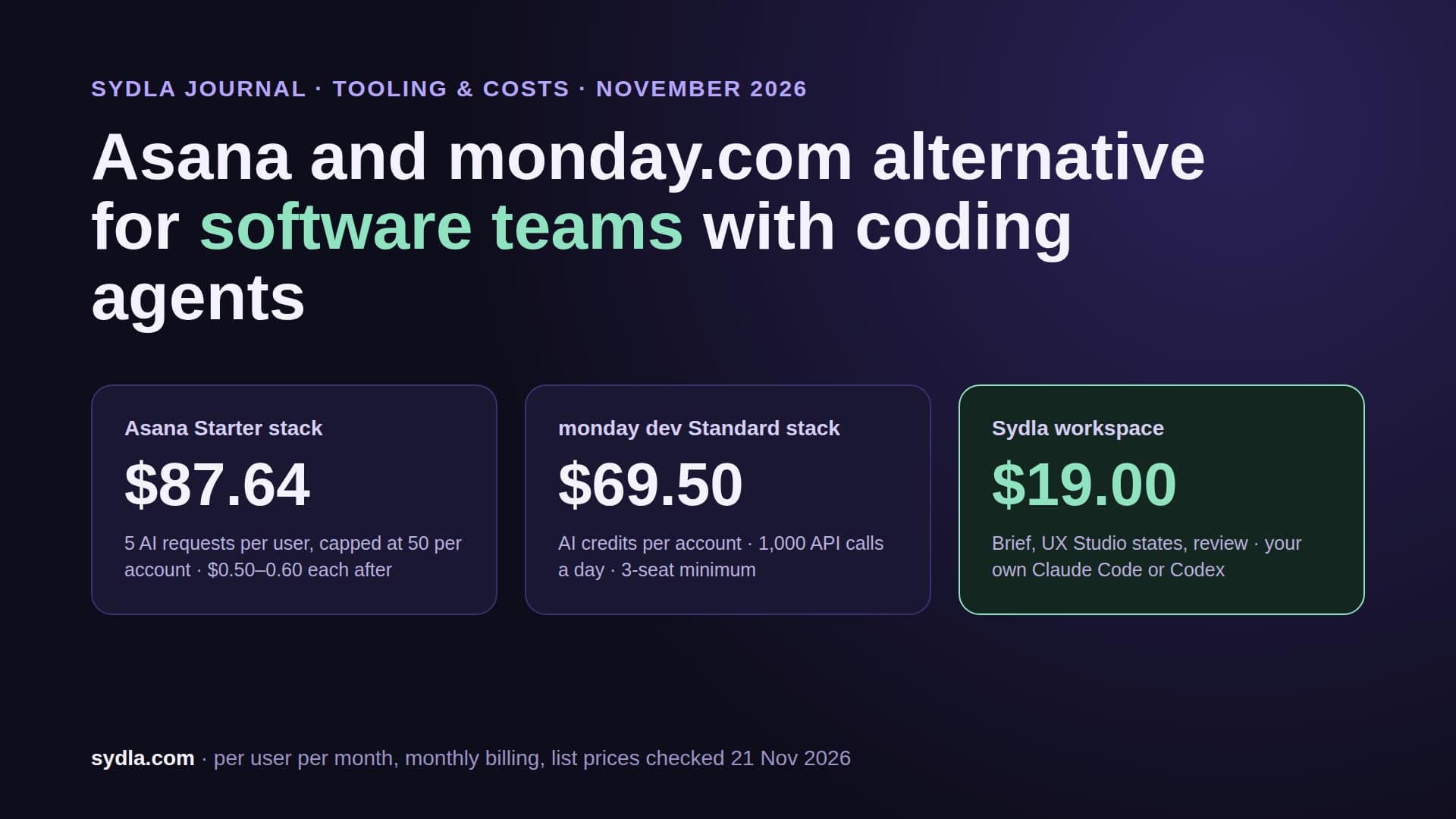
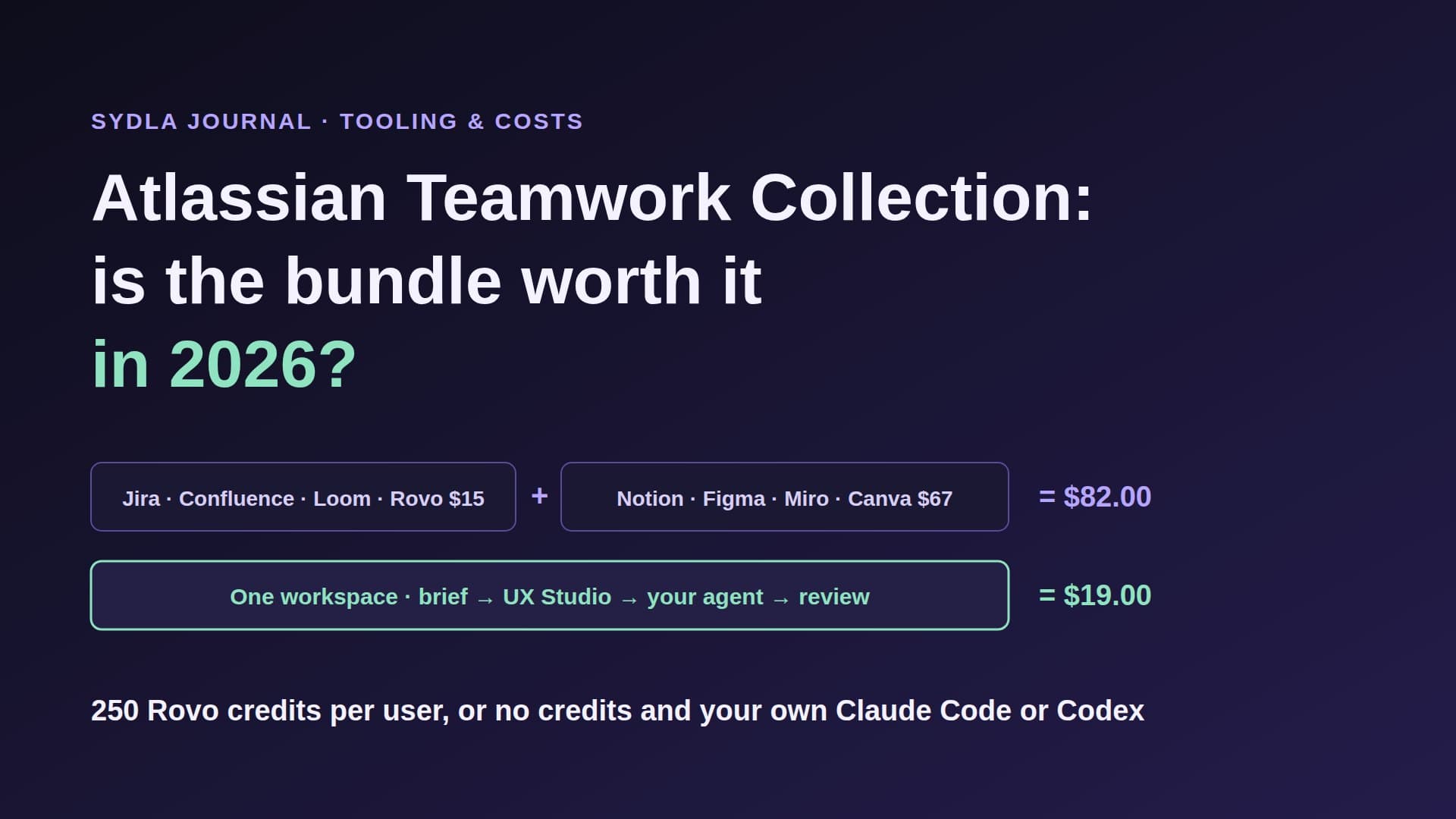
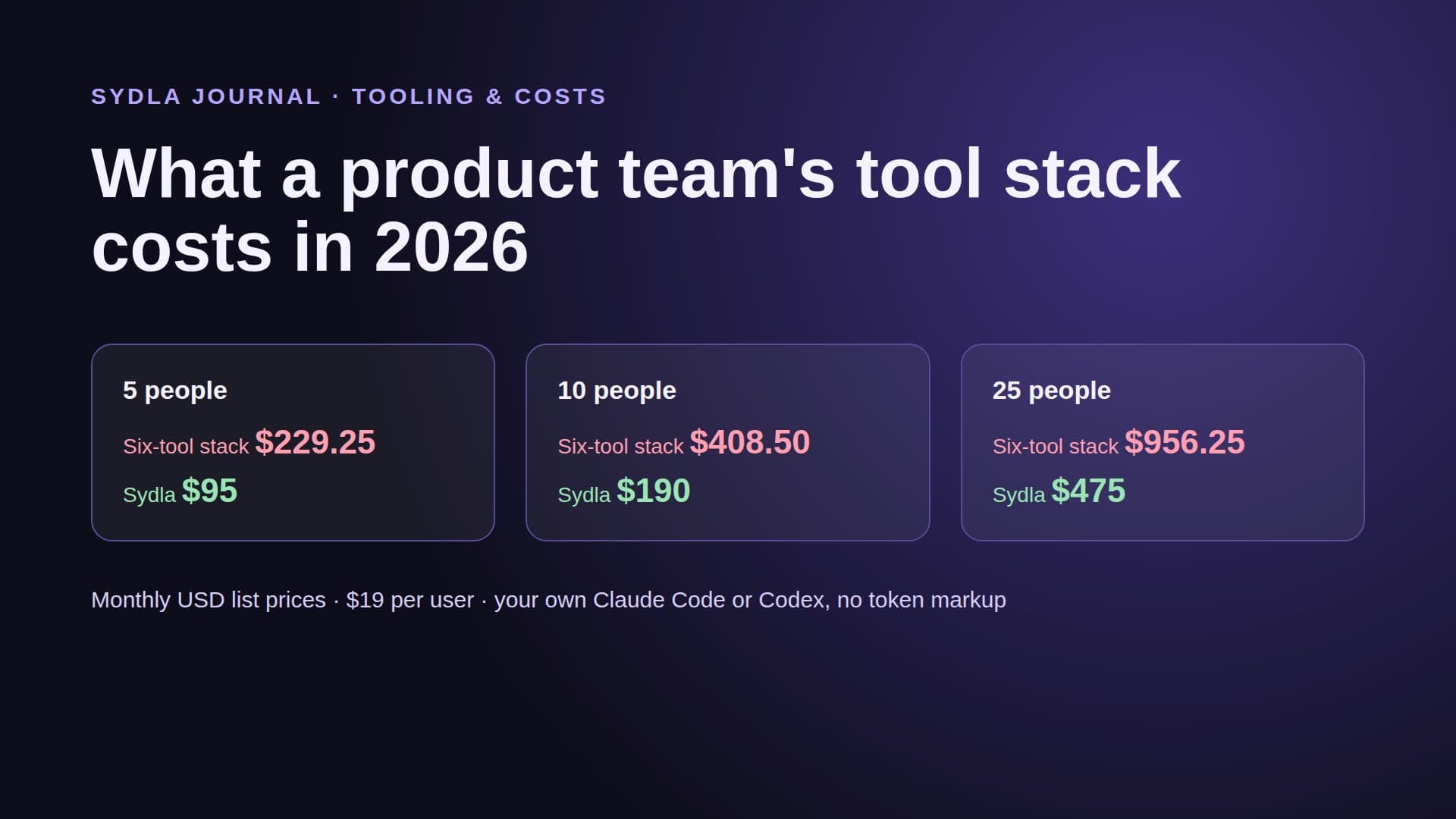
On yearly billing ClickUp Business drops to $17, which makes the ClickUp column $62.00 per user. Either way, ClickUp removes four of the six lines and keeps two. Sydla saves $51.00 per user per month against ClickUp Business plus Figma and Canva, and $64.85 against the full six-tool stack, which is $778.20 per user per year. The comparison hub shows where each incumbent still wins, and the team stack cost breakdown runs the same math for 5, 10 and 25 people.
Where the meter sits: Super Agents, MCP caps and your own agent
AI credit fatigue is not only about price. It is about not knowing which action spends what, from whose pool, until something stops working. ClickUp has two meters worth understanding before you plan agent work around it.
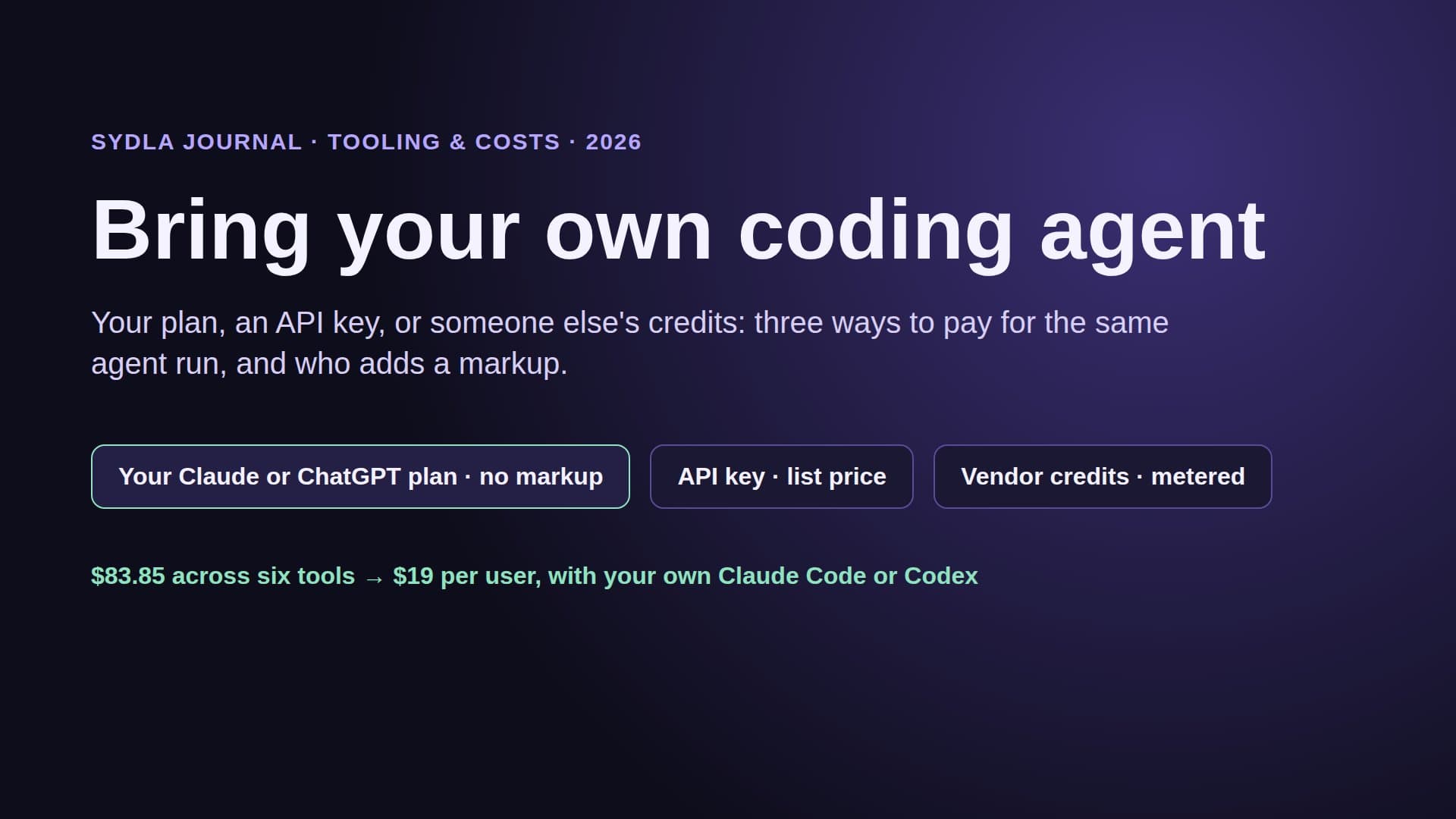
Pooled AI credits for ClickUp's own agents. A ten-person Business workspace gets 15,000 credits a month, shared. Super Agents, AI Automations and AI Fields draw from that pool; when it runs dry, everyone waits for the next month or buys more at $10 per 10,000. That price is low next to Rovo's $0.01 per credit, but the work is still on ClickUp's meter, not on the Claude or ChatGPT plan your engineers already pay for.
Daily MCP caps for the agent you bring. ClickUp's developer docs say its MCP server is available on every plan and does not use AI credits. Instead it counts tool calls per rolling 24 hours, per workspace and per client: 100 on Free, 300 on Core, 1,000 on Business, 2,500 on Business Plus and 5,000 on Enterprise. Each tool call counts as one.
Here is how fast a Business cap can go. Say an agent session to fix a bug reads the task, its comments, two linked Docs and the parent list, searches for related tasks and posts a status update: about 25 tool calls. Eight engineers each running five such sessions a day make 40 sessions, or about 1,000 calls. That is the whole Business allowance before lunch on a busy day. The session size is our assumption; the cap is ClickUp's. Check how your MCP client is counted before you rely on it.
The agentic SDLC needs states, not just tasks
An AI coding agent does its best work from a brief with clear acceptance criteria and a design it can read as data: every state of the screen, the transitions between them and the design tokens. A screenshot attached to a task leaves the agent to guess the error state. A ClickUp task with a Figma link sends it to a second tool, a second login and a second quota. We covered why in design-to-code handoff for AI coding agents.
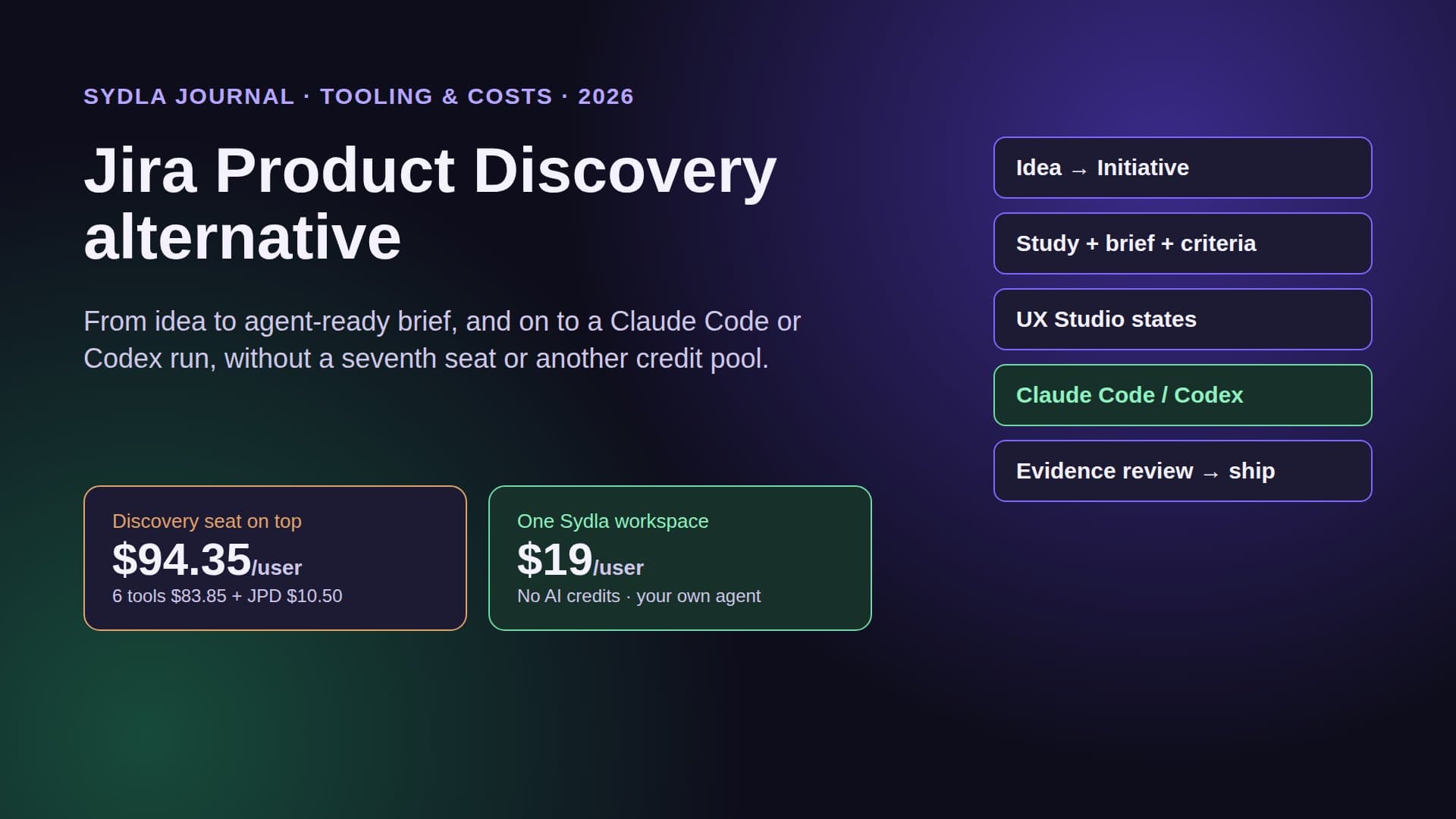
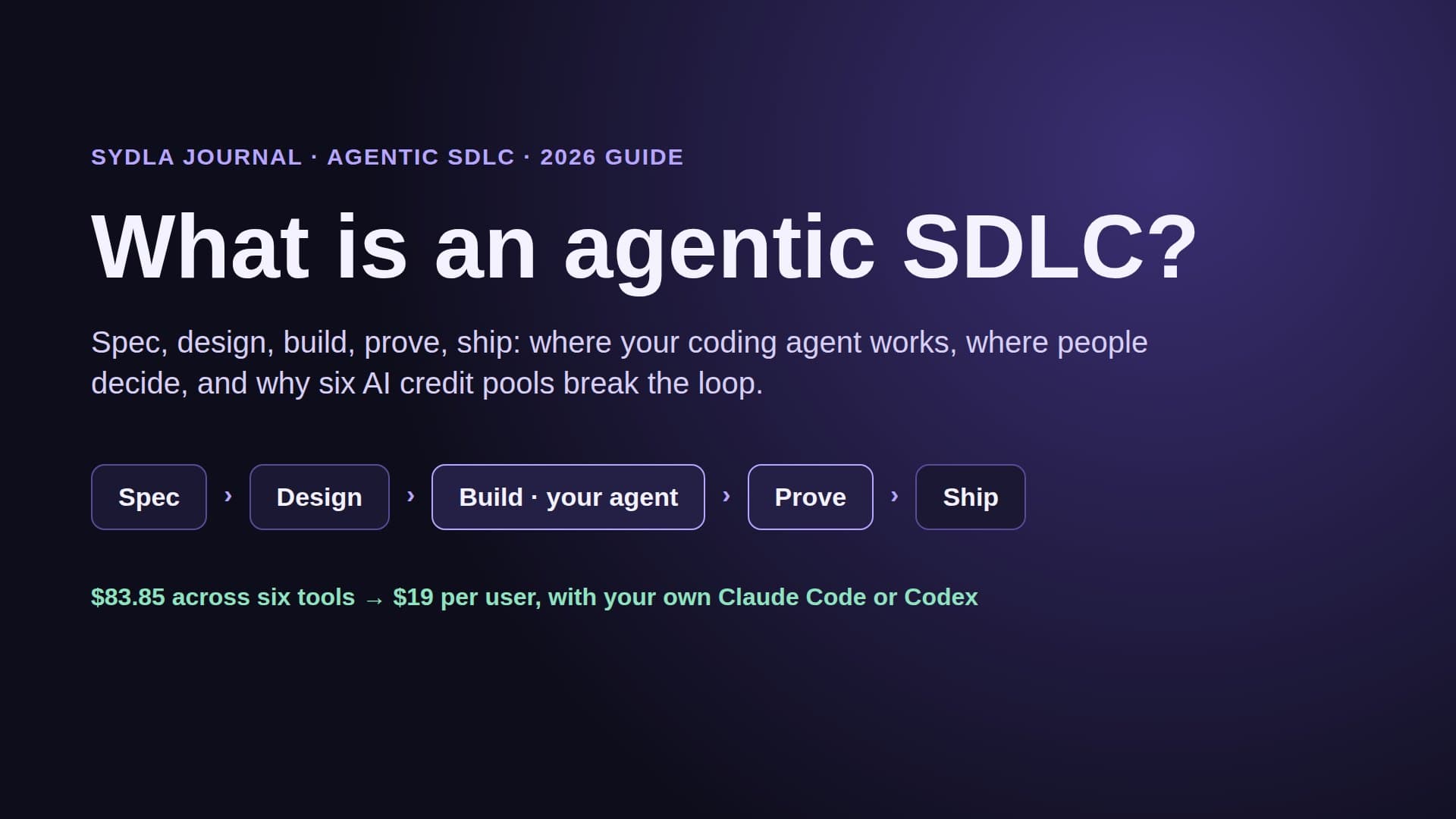
That is the gap between a work management app and an agentic SDLC workspace. ClickUp tracks the work around the software. Sydla keeps the work item, the brief, the UX states, the agent run and the review evidence in one place, so the agent reads one context and writes its proof back to the same item.
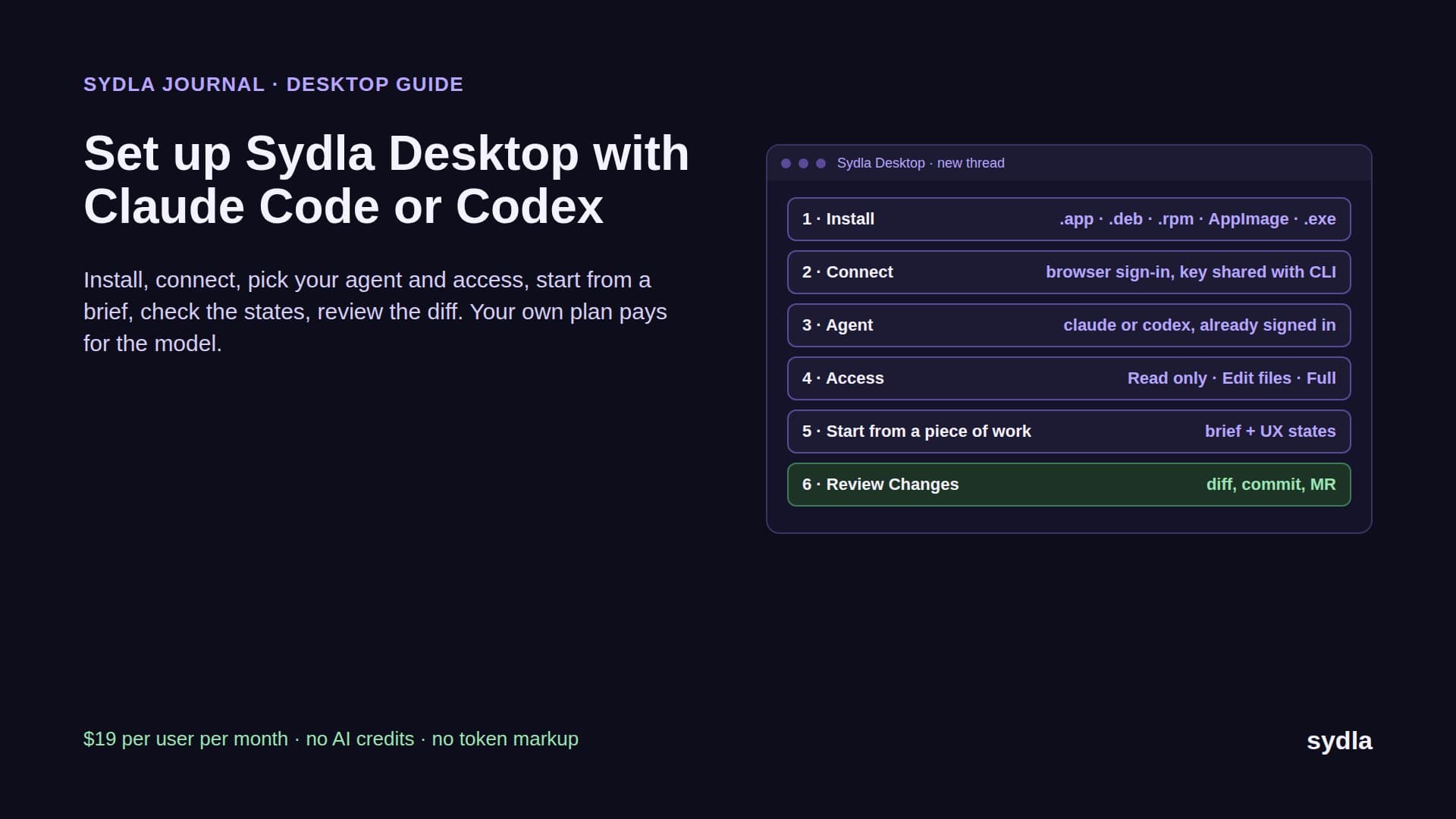
How Sydla Desktop connects Claude Code or Codex to the brief and UX Studio
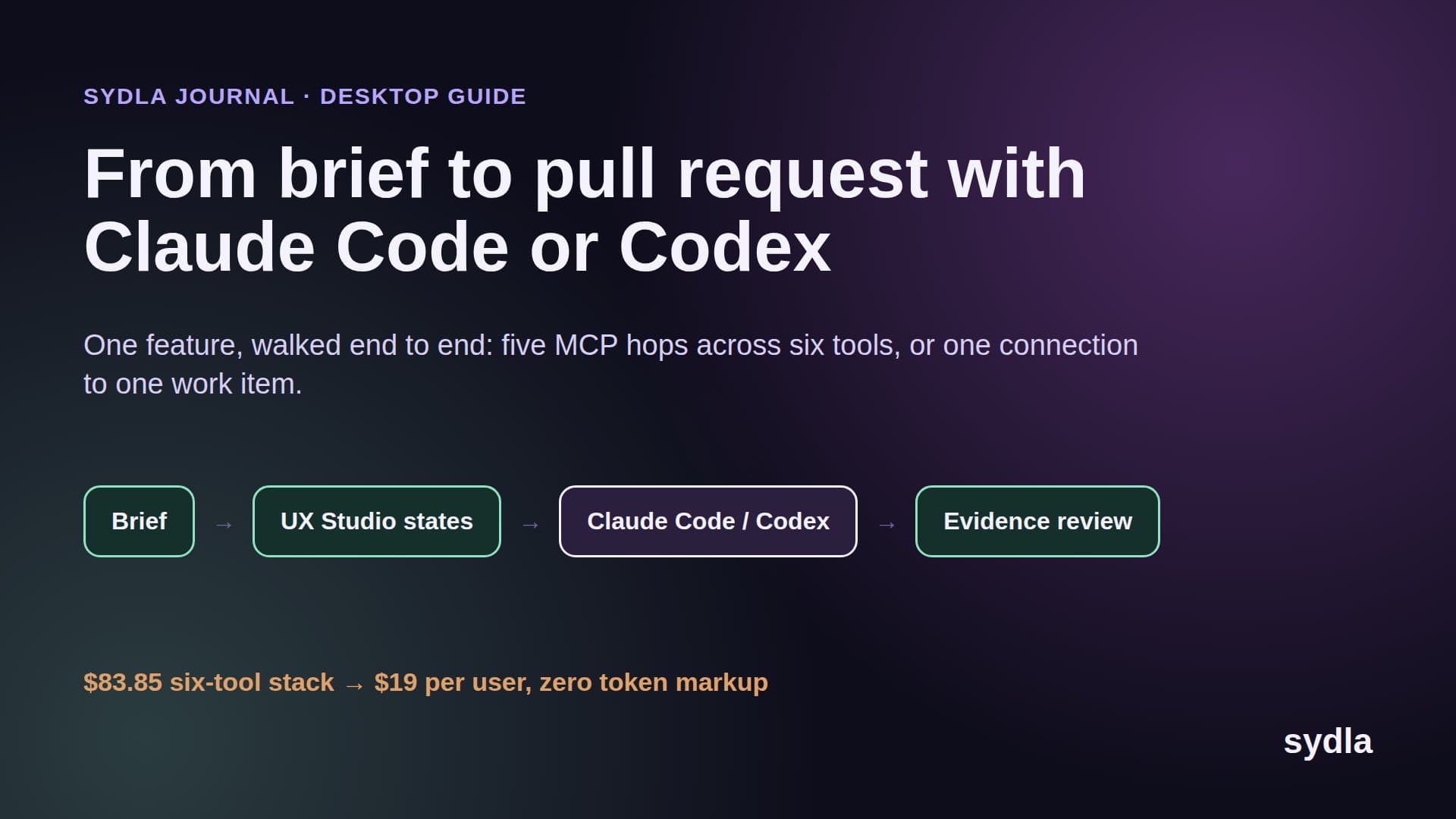
Take one small feature, letting a customer export billing history as CSV, through a single Sydla work item in Sydla Desktop.
- Write the brief once. The product owner writes problem, users, scope, non-goals and acceptance criteria in one Sydla doc linked to the initiative. There is no task in one app and a spec in another. The PRD template for AI coding agents lists the seven sections.
- Draw the states in UX Studio. The designer adds the empty, loading, error and success screens, the transitions and the tokens, then publishes a handoff. Engineers and agents read it without a design seat or a read quota.
- Start a thread in Sydla Desktop. The engineer opens the piece of work and picks Claude Code or Codex and a model. Desktop runs the claude or codex CLI already signed in on their machine, on their own plan or API key, with their CLAUDE.md or AGENTS.md. Sydla adds no token markup.
- Let the agent read through one MCP connection. It loads the initiative, the ticket, the criteria and each UX state when it needs them, with no daily call cap on the Sydla side.
- Collect evidence on the work item. As the agent works in a branch and runs the tests, it marks each acceptance criterion passed or failed with a note.
- A person reviews and ships. The reviewer checks Preview, Changes and the evidence per criterion, following our four-pass review. The agent may request a gate; only a person approves it. Finish and Ship then runs commit, merge request, merge and tag.
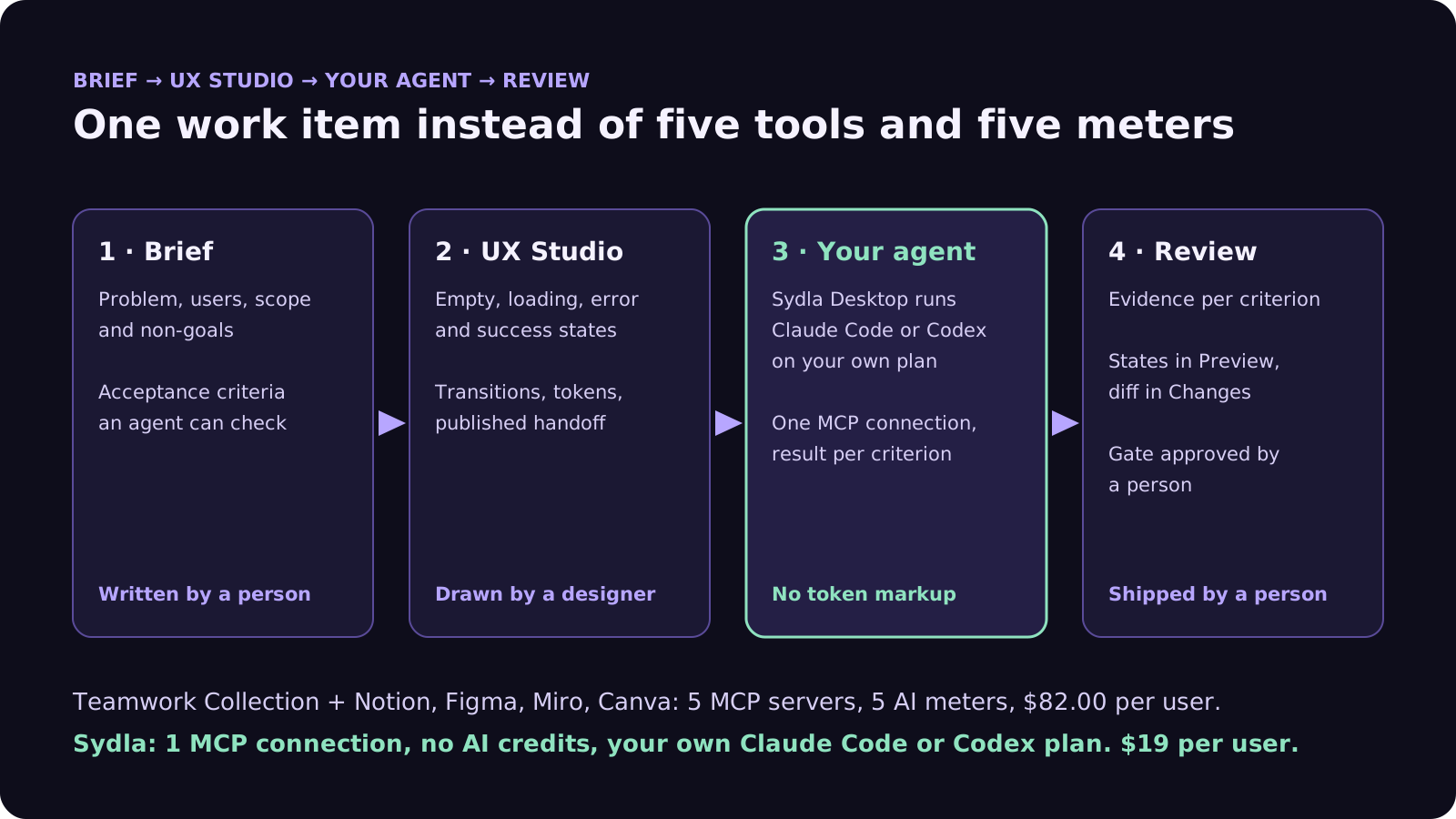
Some engineers prefer Claude Code and others Codex; both work on the same item. Our Claude Code vs Codex comparison helps split the work, and bring your own coding agent explains why paying for the run once matters.
When ClickUp is the right choice
ClickUp is a strong product, and for some teams it is the better buy.
- Most of your users are not engineers. Marketing, operations, sales and support teams get tasks, docs, chat, time tracking and calls in one app. That breadth is ClickUp's real strength.
- You do not design screens in-house. If there is no Figma seat on your bill and no product designer on the team, the missing design piece costs you nothing.
- You want ClickUp's agents to do the work. If you prefer Super Agents and ClickUp's cloud agents over running Claude Code or Codex yourself, a pooled credit allowance at $10 per 10,000 is a fair price.
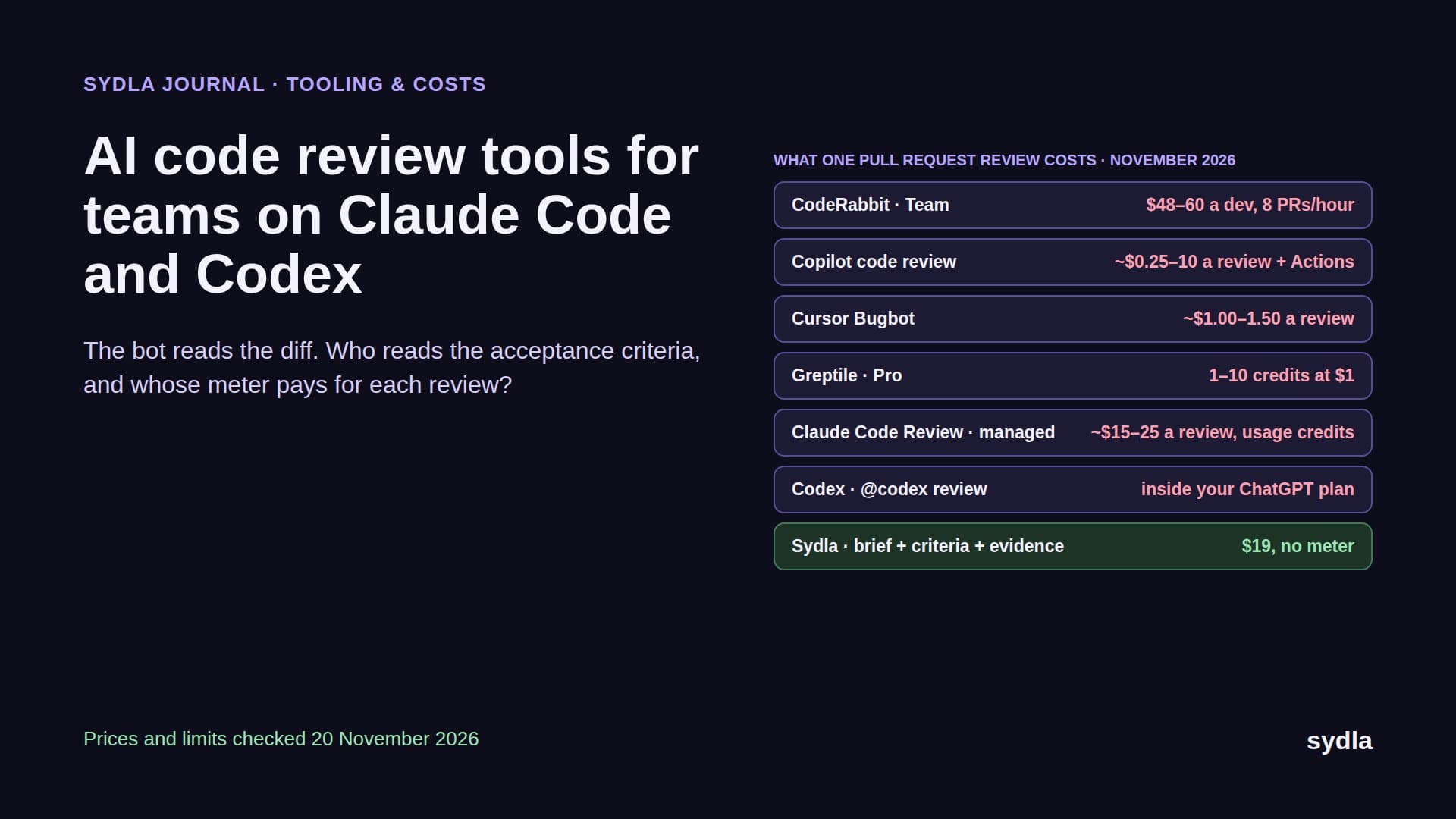
For a software team, a founding engineer or a solo founder shipping with a coding agent, the question is different: where do the brief, the states and the run evidence live, and who pays for the agent? Our Jira alternatives guide compares the trackers, the Notion alternatives guide the docs tools, and the 30-day migration plan shows what to move first. Sydla is $19 per user per month, see pricing, and you can start a workspace with the Claude Code or Codex account you already have.
Frequently asked questions
What is the best ClickUp alternative for software teams?
For a software team that ships with an AI coding agent, look for a workspace that keeps tickets, docs and UI states together and lets engineers bring their own agent. Sydla costs $19 per user per month, replaces Jira, Confluence, Notion, Figma, Miro and Canva, and runs Claude Code or Codex on each engineer's own plan through Sydla Desktop, with no AI credit meter.
How much does ClickUp cost in 2026?
In November 2026 ClickUp Free Forever is $0. Core is $9 per user per month billed yearly or $12 monthly, Business $17 yearly or $25 monthly, and MAX $100 yearly or $120 monthly. Enterprise is custom. Paid plans include a pooled AI credit allowance of 1,000, 1,500, 3,000 or 10,000 credits per user per month.
How do ClickUp AI credits work?
Each paid ClickUp plan adds a monthly allowance of AI credits per user to one pool shared by the workspace. Super Agents, AI Automations, AI Fields and image generation spend from the pool; Brain conversations do not. Extra credits cost $10 per 10,000, with an optional auto top-up.
Does the ClickUp MCP server work with Claude Code and Codex?
Yes. ClickUp's MCP server at mcp.clickup.com supports major MCP clients over OAuth and does not use AI credits. It is limited by tool calls per rolling 24 hours, per workspace and per client: 100 on Free, 300 on Core, 1,000 on Business, 2,500 on Business Plus and 5,000 on Enterprise.
Can ClickUp replace Figma and Canva?
No. ClickUp covers tasks, docs, whiteboards, chat and video calls, so it can replace Jira, Confluence, Notion and Miro for many teams. It has no screen design editor and no brand design editor, so Figma and Canva usually stay, which brings ClickUp Business plus those two tools to about $70 per user per month.