Canva vs Figma Buzz in 2026: who should make your launch visuals?
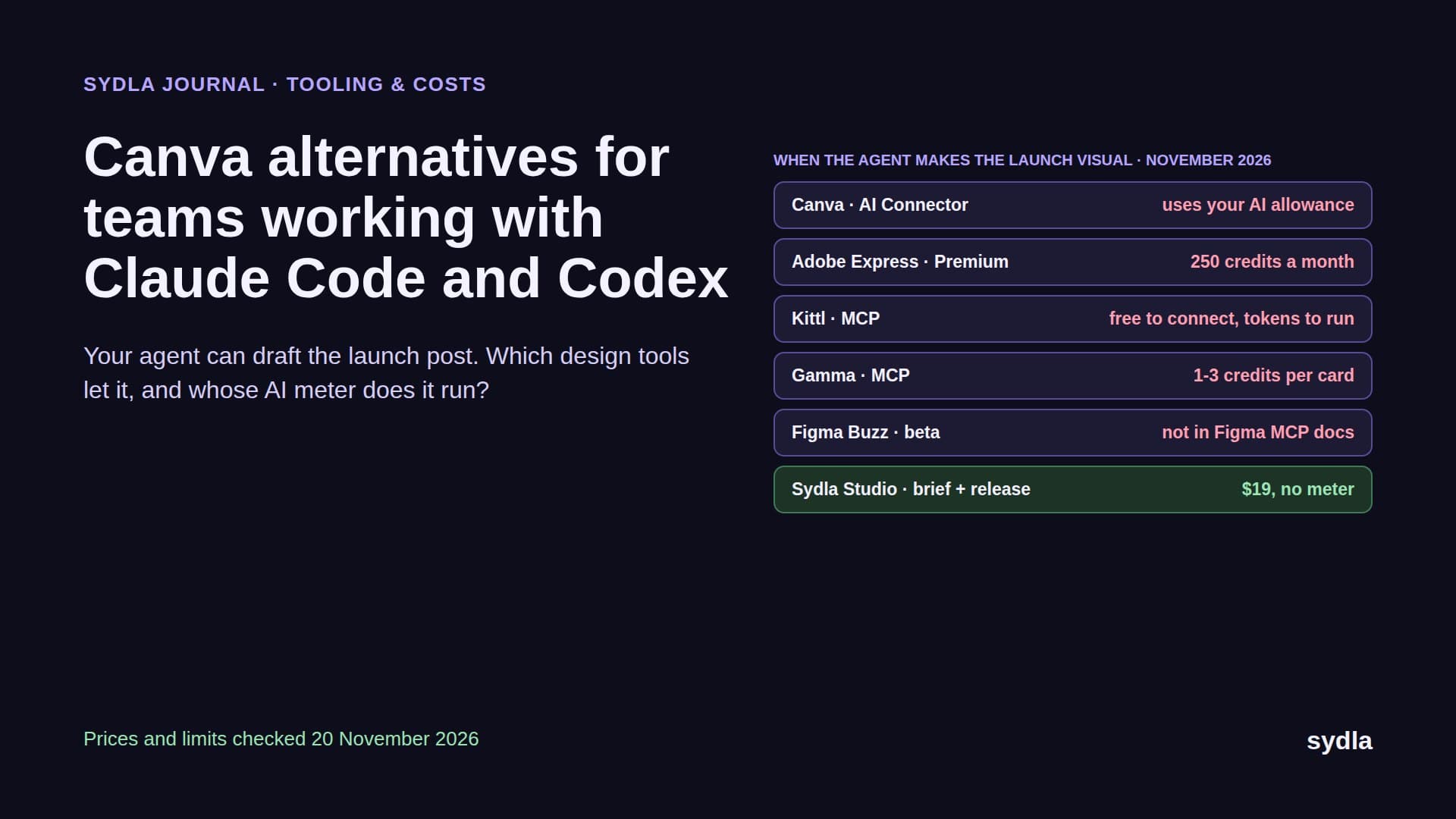
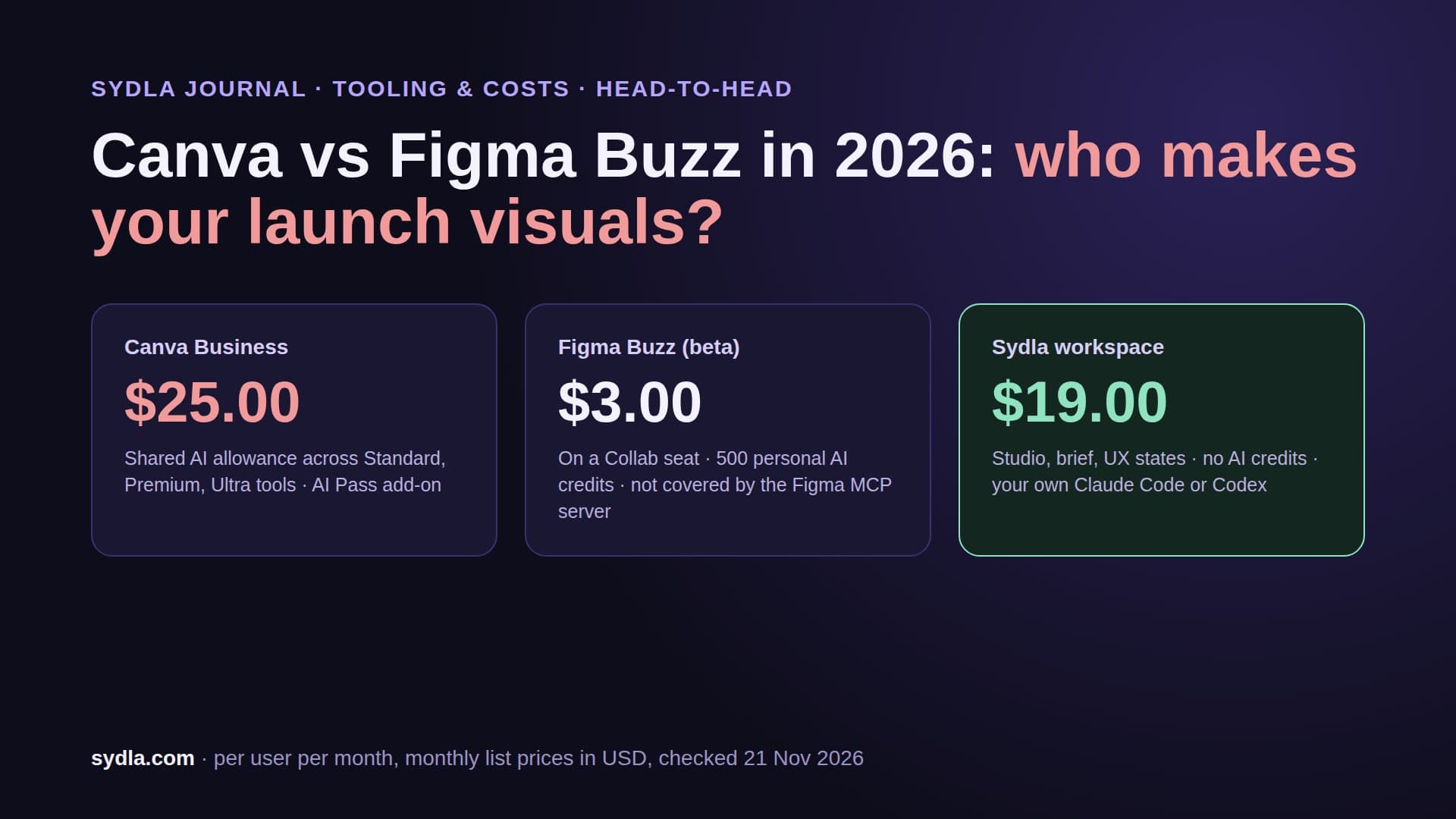
Canva is the brand tool marketers know; Figma Buzz is Figma's answer, still in beta and bundled with every seat. One meters AI with a shared monthly allowance, the other with personal seat credits, and only one lets your coding agent in. Here is the head-to-head on price, AI, brand control, agent access and fit, checked on 21 November 2026.
The launch visual is the last handoff nobody automated
A feature ships. The agent wrote the code, a person reviewed it, the release is tagged. Then someone opens a design tool, copies the feature name from a wiki page, grabs a screenshot from staging and spends an hour on a post, a carousel and a banner. For most teams that tool is Canva. Since May 2025, teams already on Figma have a second option: Figma Buzz, a brand-asset tool built into the Figma seats they already pay for.
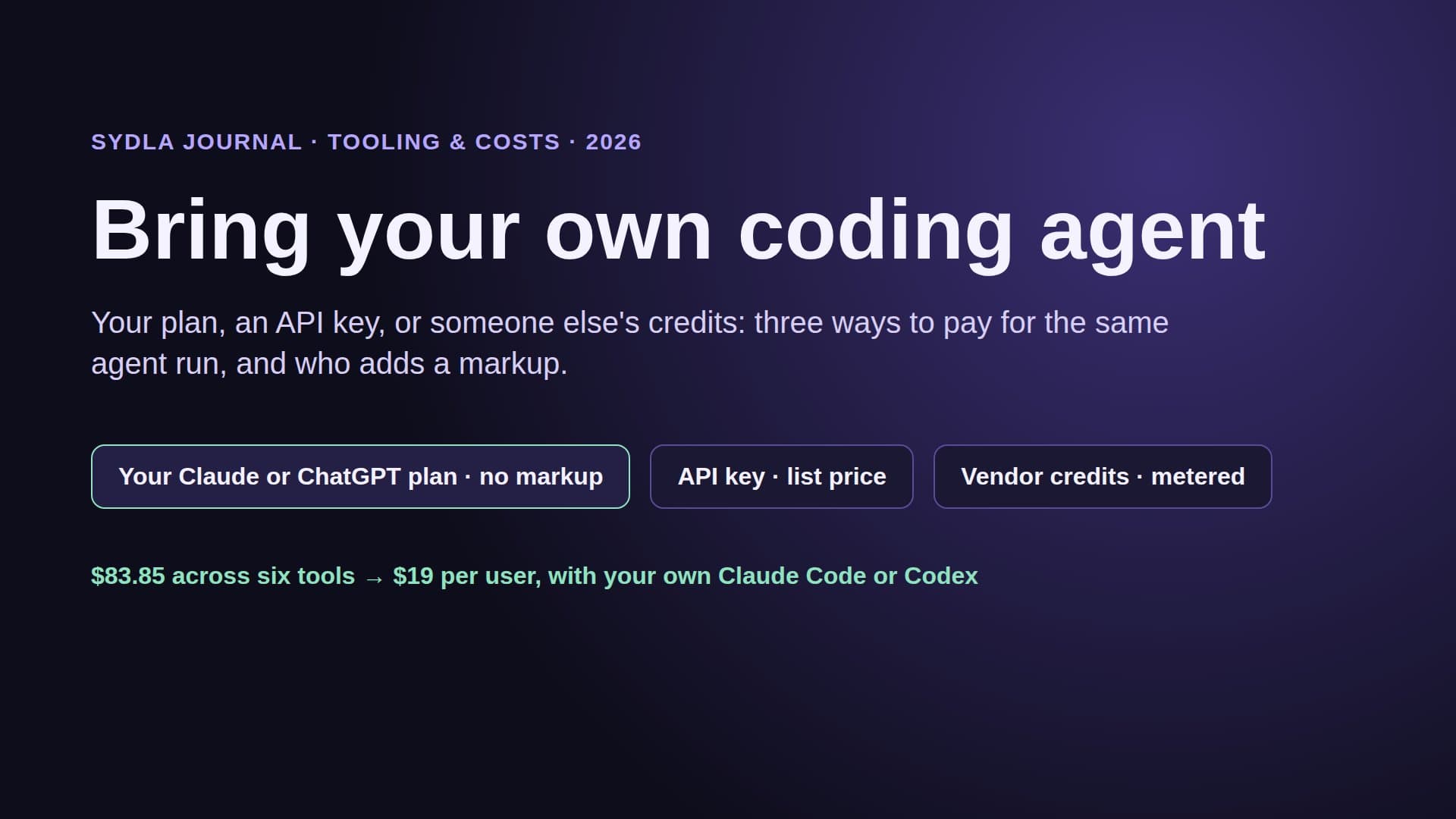
Both tools now sell AI, and both put a meter on it. Canva shares one monthly AI allowance across its Standard, Premium and Ultra tools and sells an AI Pass add-on for more. Figma charges each AI action against the credits on each person's seat. Add the meters in your tracker, wiki, docs and whiteboard and you get the AI credit fatigue many teams now budget for. Then add one more question that did not exist two years ago: can the Claude Code or Codex session that built the feature also draft its launch visual?
This guide compares Canva and Figma Buzz on the vendors' own pages, read on 21 November 2026: seat prices, AI features and meters, brand control, what an agent can do and who each tool fits. Then it shows a third option: keep the creative next to the brief, the real screens and the agent run in Sydla.
Canva vs Figma Buzz at a glance: prices and AI meters
Prices are per user per month in USD before tax, monthly billing. Canva sells its plans on their own; Canva Teams is closed to new sign-ups and Business replaced it. Figma Buzz has no price of its own: while it is in beta it comes with every Figma seat, so the cheapest way in is the $3 Collab seat.
| Plan | Seat / month | AI included | What an agent can do | Limits to know |
|---|---|---|---|---|
| Canva Free | $0 | Small monthly AI allowance; Standard AI counts against it | Canva MCP: create, edit, generate, export (standard quality) | No brand templates, no autofill |
| Canva Pro | $18 | 10x the Free allowance; Standard AI does not count | Full MCP incl. resize, autofill and brand templates | One person only |
| Canva Business | $25 | 20x the Free allowance, AI top-ups, AI Pass add-on | Same, 300 MCP requests a minute per user | Personal allowance, not pooled |
| Buzz on a Collab seat | $3 (Professional) | 500 Figma AI credits, personal | Not in the Figma MCP server's supported file types | No design mode, beta |
| Buzz on a Full seat | $20 ($16 yearly) | 3,000 credits on Professional | Same: no MCP access to Buzz files | Design mode inside Buzz needs Full |
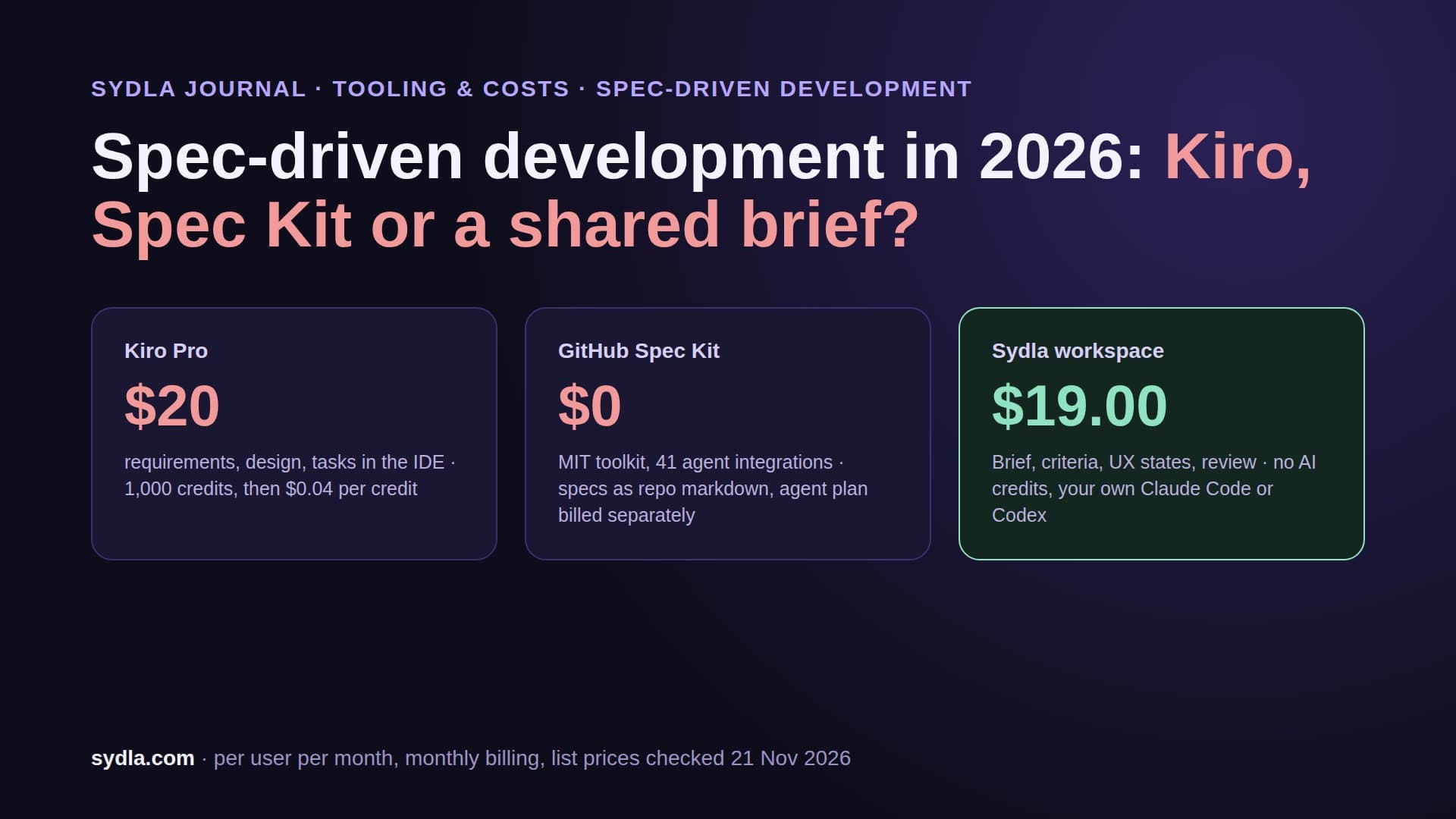
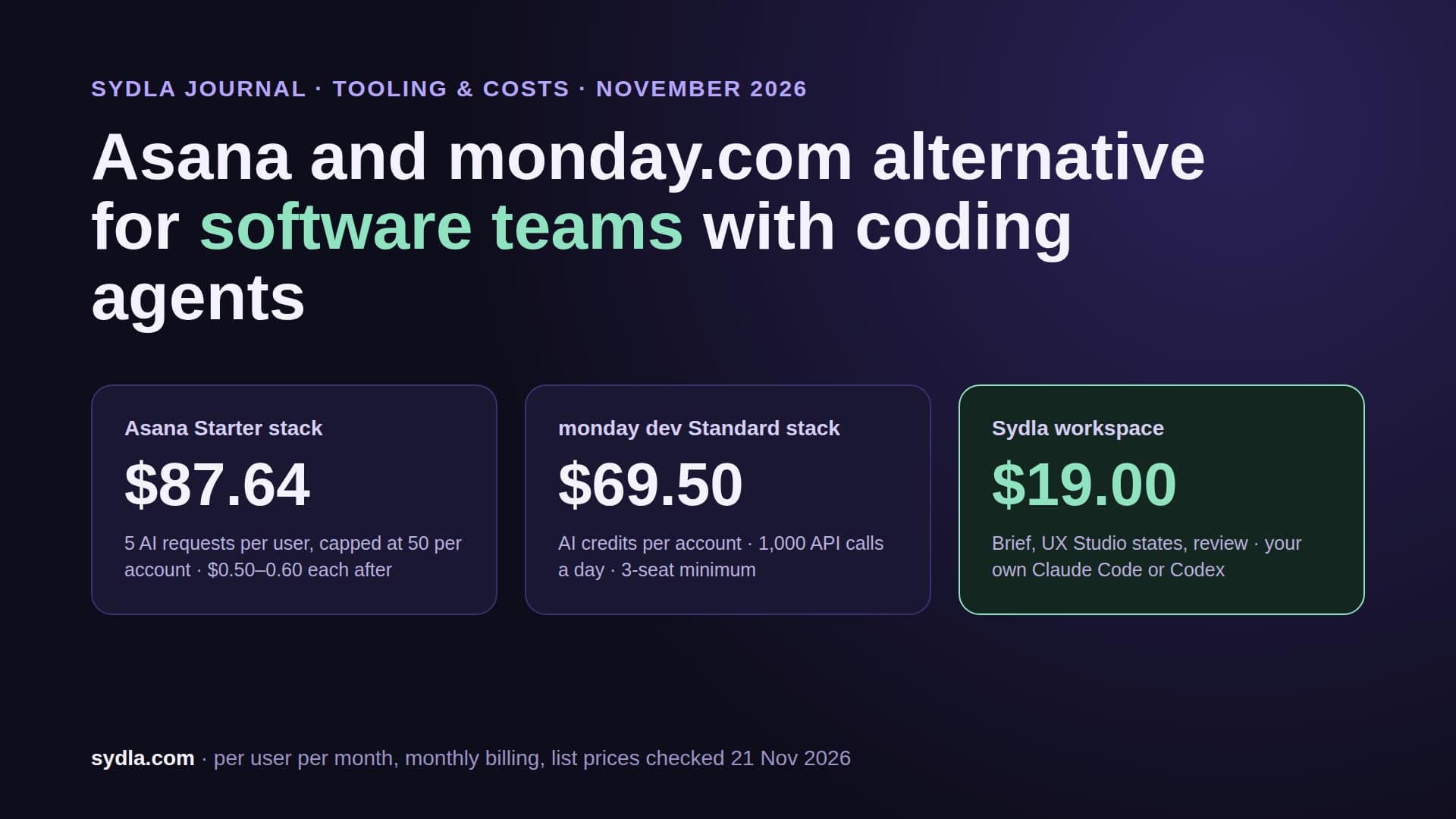
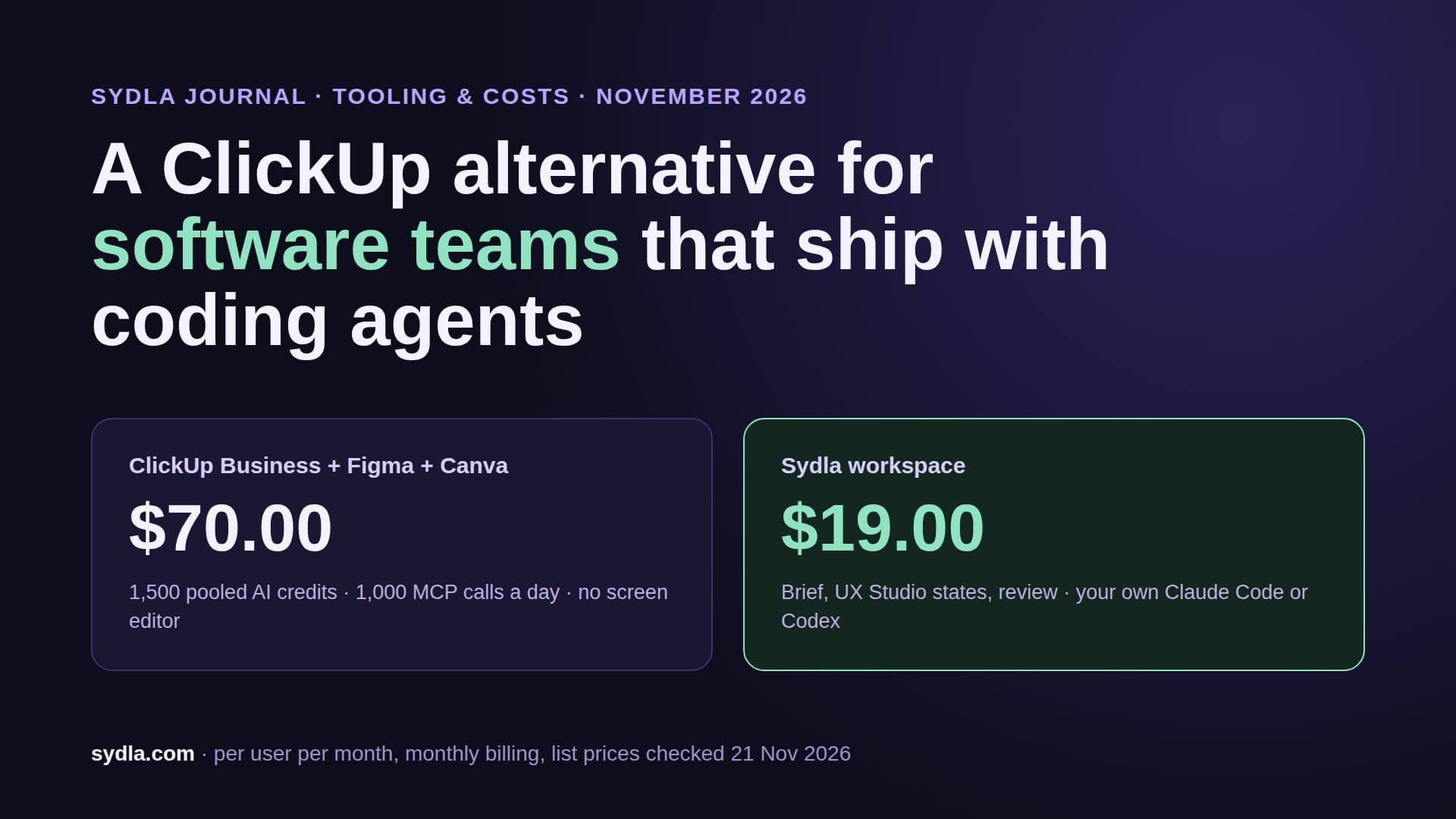
| Sydla | $19.00 | No Sydla AI credits | Your own Claude Code or Codex drafts and revises creatives through one MCP | Studio, docs, plan, UX Studio, threads |
On seats alone, Buzz is the clear winner for a team already on Figma: $3 for the people who only make visuals, nothing extra for designers and engineers. Canva costs six to eight times more per maker. The AI and agent columns reverse the picture. Canva's allowance is generous on Business and its MCP server is open on every plan. Buzz runs on personal Figma credits and, as of today, an outside agent cannot open a Buzz file at all. Our Miro and Canva credits guide and Figma AI credits guide have both rate cards in full.
AI inside the tool: Canva AI 2.0 vs Buzz image tools
Canva rebuilt its AI at Canva Create on 16 April 2026. Canva AI 2.0 runs on the Canva Design Model, designs through conversation and returns layered, editable output instead of a flat image. It reaches into Slack, Gmail, Drive, Notion, HubSpot, Atlassian and Linear, researches the web and builds small sites with Canva Code 2.0. On 22 October 2026 Canva added Canva Craft, its own image model, and on 19 November 2026 a single switch to turn generative AI off. All of it draws on one monthly allowance shared across Standard, Premium and Ultra tools. Pro gets 10 times the Free allowance, Business 20 times. Business can buy a one-month top-up, and AI Pass adds 40 times Pro's allowance for a separate fee.
Figma Buzz keeps AI narrow and close to the asset. You can make and edit images, remove backgrounds, combine images, boost resolution and rewrite, shorten or translate text. Every action spends credits from the person's own seat as of 19 November 2026: 2, 6 or 16 credits per image depending on the model, 1 to 5 to remove a background, 5 to 10 to boost resolution or erase an object. A Collab seat holds 500 credits a month, a Professional Full seat 3,000. Credits reset monthly, do not roll over and cannot be shared, so the marketer who makes forty banners in launch week runs dry while the engineer's credits sit unused.
In practice: Canva is the stronger AI tool if you want a design drafted from a sentence. Buzz is the cheaper one if your designer builds the template and marketers just swap images and words. Either way, you pay a second AI meter on top of the Claude Code or Codex plan you already have. Our comparison of built-in AI agents with your own coding agent covers why that second meter rarely pays for itself.
Brand control: Brand Kits vs locked Figma templates
Canva handles brand with Brand Kits: one on Free, five on Pro and up to 100 on Business, where brand controls, design approvals and brand templates also live. Bulk Create fills a template from a spreadsheet on paid plans, up to 300 rows. Canva's Brand Kits also travel into ChatGPT, Claude and Copilot through its MCP connector, so a design drafted outside Canva can still come out on brand.
Figma Buzz handles brand where the design system already lives. A designer pastes frames and components from Figma Design, locks the layers that must not move and publishes a template; a Professional team can publish five. Marketers edit only the unlocked fields, or switch to freeform and lose the guardrails. Bulk create maps CSV or XLSX columns to layers, one asset per row. The win is real: the template uses the same components and tokens as the product, so the banner and the app never drift apart. The catch is that someone with a Full seat has to build and maintain those templates.
Neither tool knows what actually shipped. The claim on the banner is whatever the person typed. That is the gap a coding agent can close, if it can reach the tool.
Agent access: what Claude Code and Codex can do in each tool
Canva MCP server. It is open on every Canva plan and has been self-serve for developers since 27 October 2026. In Claude Code it is one command: claude mcp add --transport http Canva https://mcp.canva.com/mcp, then approve in the browser. Codex has a Canva plugin. The agent can generate a design from a prompt (20 a minute), create, copy and merge designs, edit in transactions, generate images (10 a minute), remove backgrounds and export (20 a minute). Resize, autofill and brand templates need Pro or above, and Free exports at standard quality. The overall cap is 300 requests a minute per user. AI actions such as generating a design may spend the user's Canva AI allowance.
Figma Buzz. The Figma MCP server's tools reference lists the file types each tool supports: Design, FigJam, Slides, Make and Specs. Buzz is not on it, and a June 2026 forum request asking for Buzz support in the MCP for Claude Code has no answer from Figma. The only agent path today is the Figma app inside ChatGPT, which can start a Buzz asset that a person then finishes in Buzz, outside the EU. So Claude Code and Codex can read the design system behind a Buzz template, but not fill the template or export the asset.
That makes the choice simple if agents matter to you: Canva is the only one of the two your agent can actually work in. Our MCP servers guide counts calls tool by tool, and the Canva alternatives guide checks five more brand tools on the same test.
Worked example: a six-person product team
Take a team of six: one designer, two engineers and three people who make launch visuals, say a product manager, a marketer and a founder. The designer needs a Full seat in Figma and the engineers need Dev seats. The other three only make assets.
- Figma Professional with Buzz: 1 Full at $20 + 2 Dev at $12 + 3 Collab at $3 = $53 a month. Cheapest by far, while Buzz is in beta, with no agent access to the assets.
- Figma plus Canva Business for the three makers: $44 + 3 × $25 = $119 a month. Your agents can draft in Canva, and you keep two brand systems and two AI meters in sync.
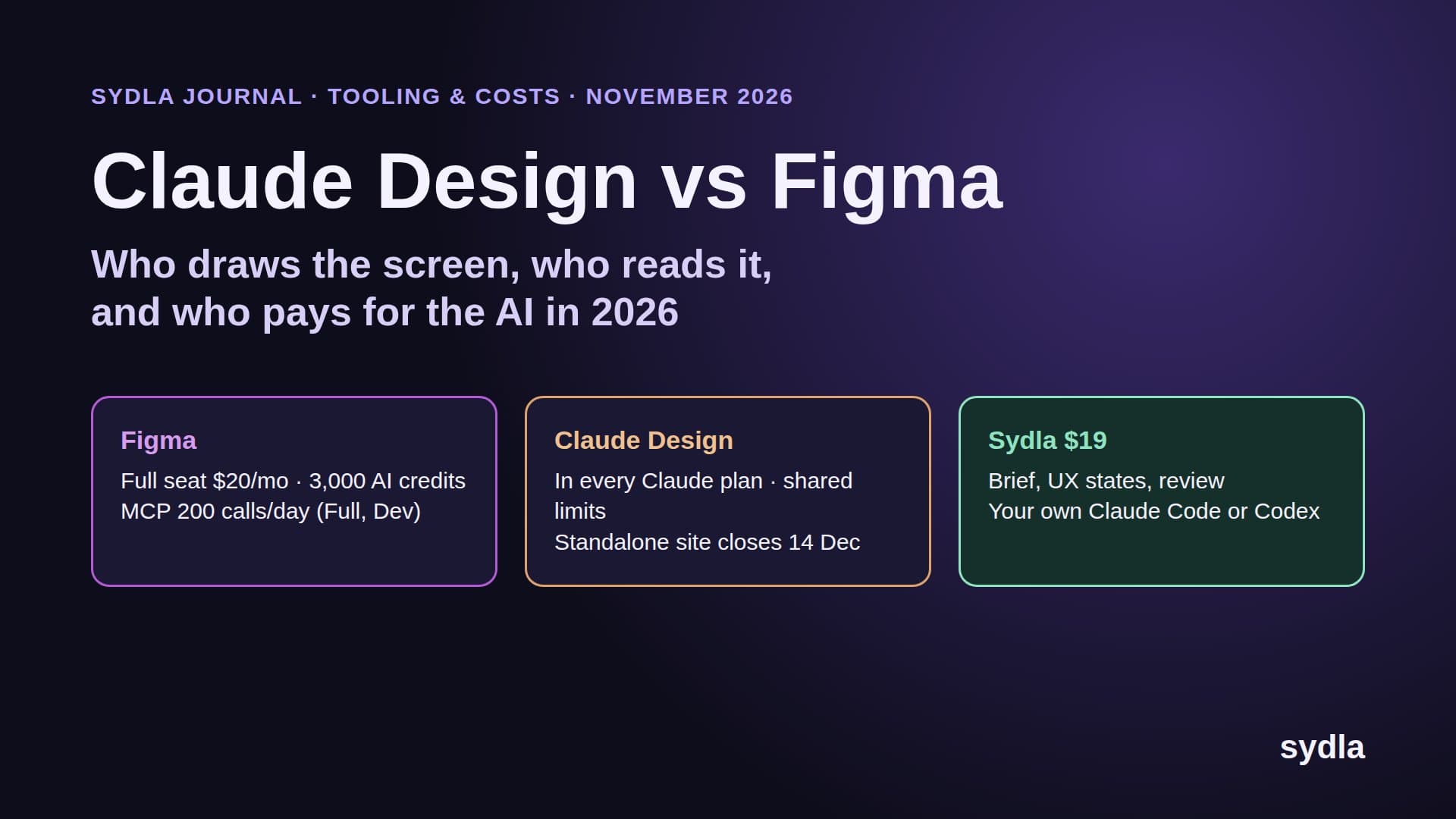
- Sydla for all six: 6 × $19 = $114 a month, which replaces Figma and Canva and also the tracker, wiki, docs and whiteboard. Your own agent drafts creatives in Sydla Studio with no AI credits.
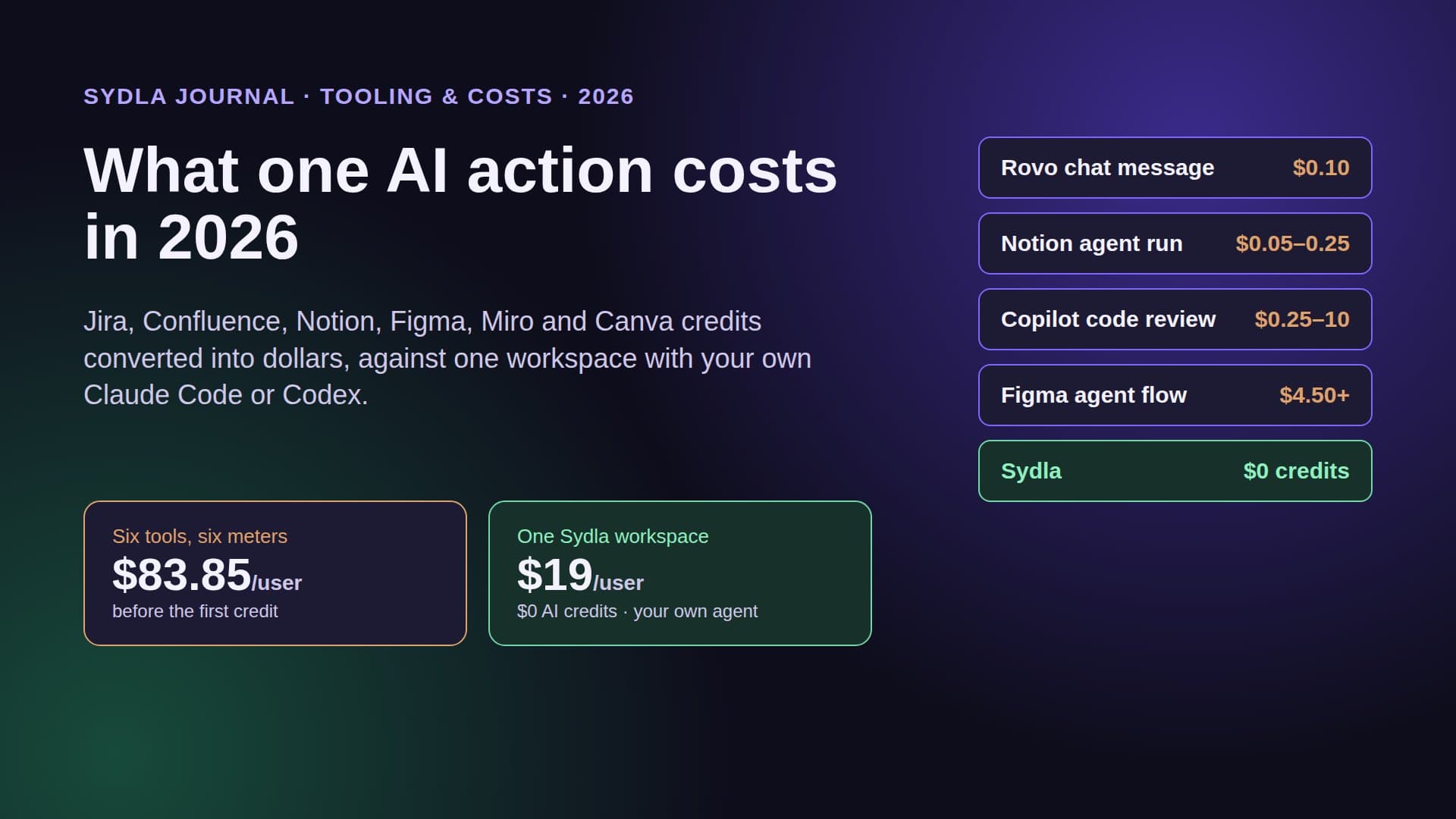
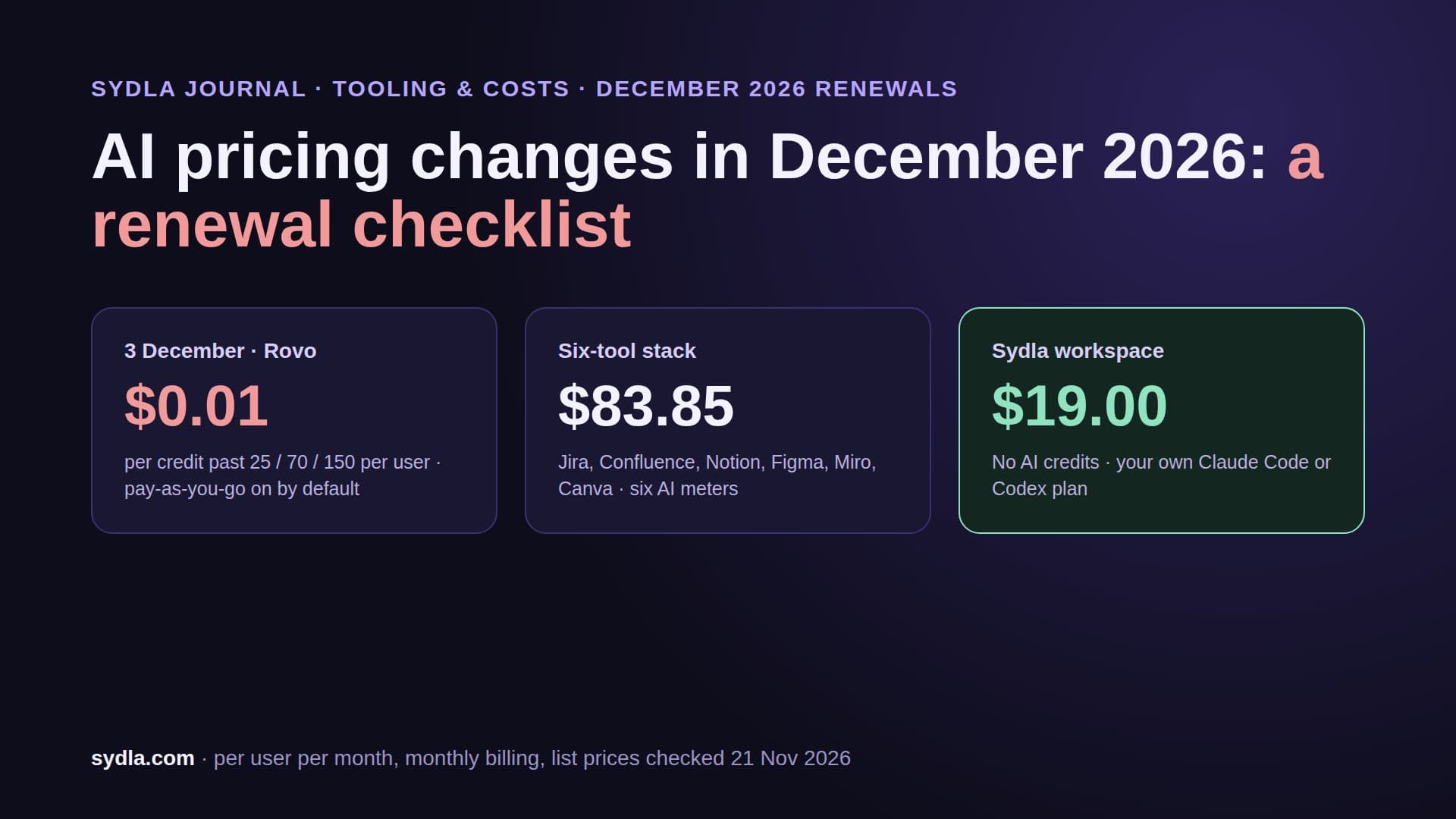
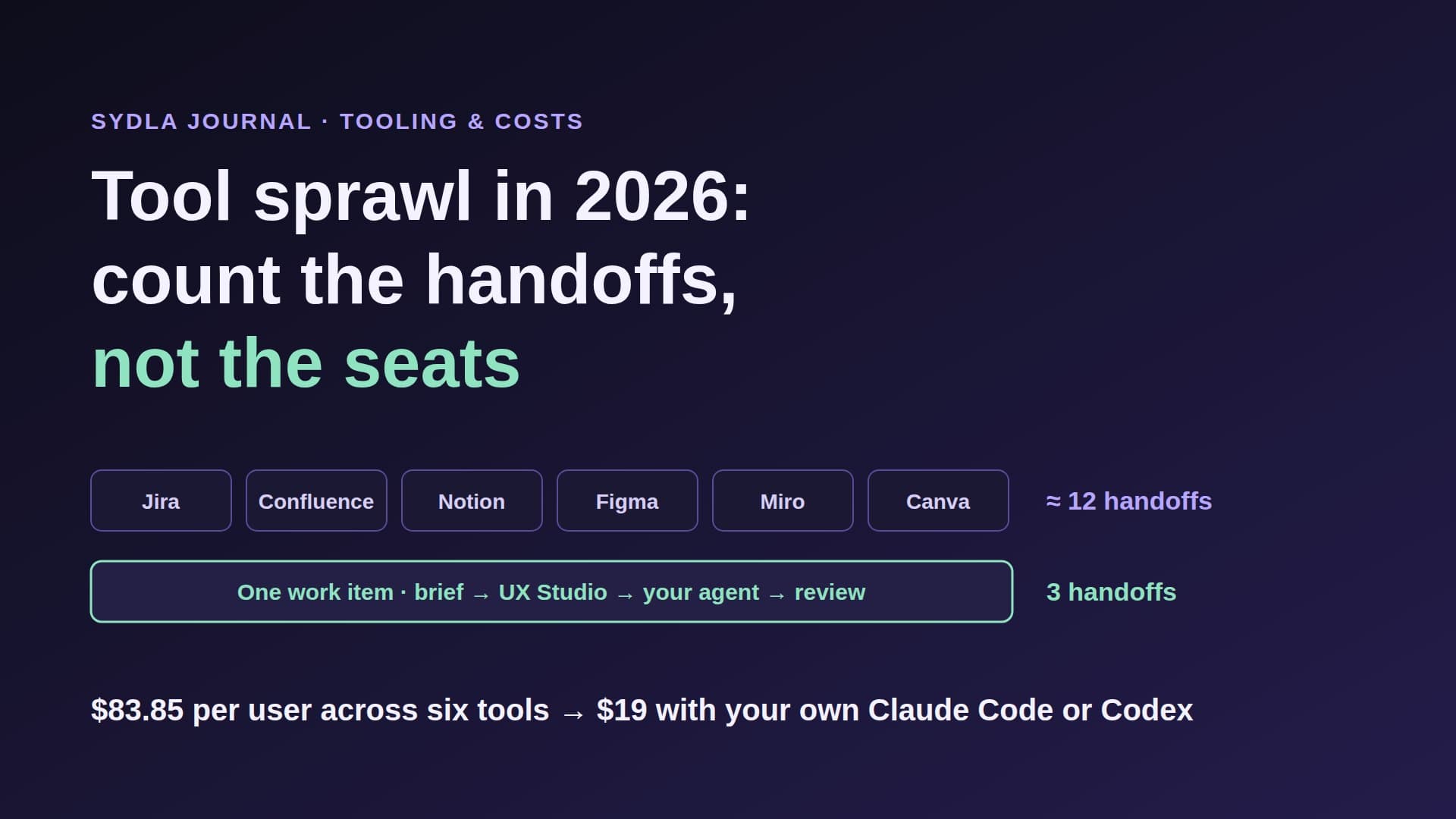
- The full six-tool stack, one seat each: 6 × $83.85 = $503.10 a month before any AI Pass, top-up or pay-as-you-go.
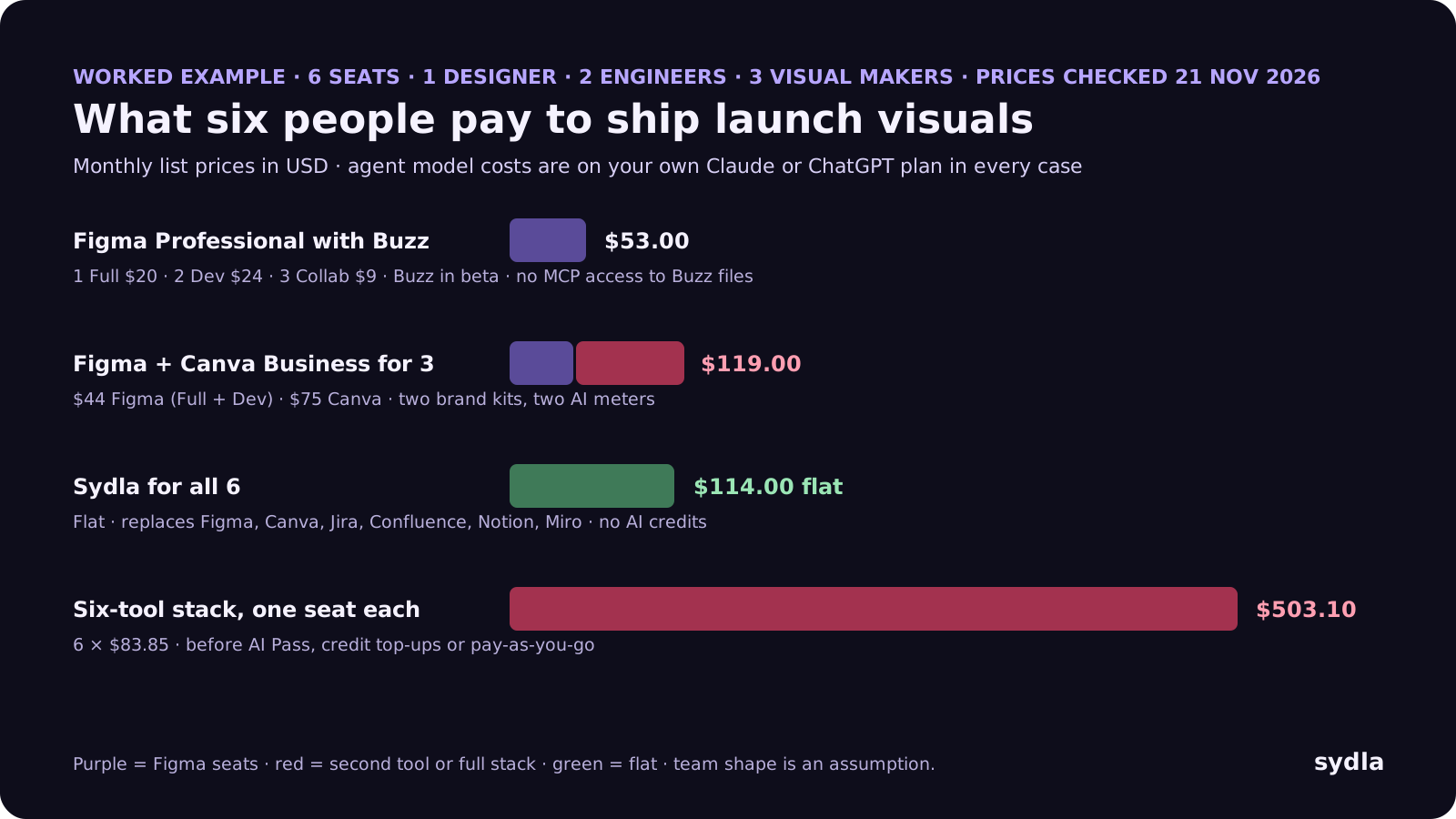
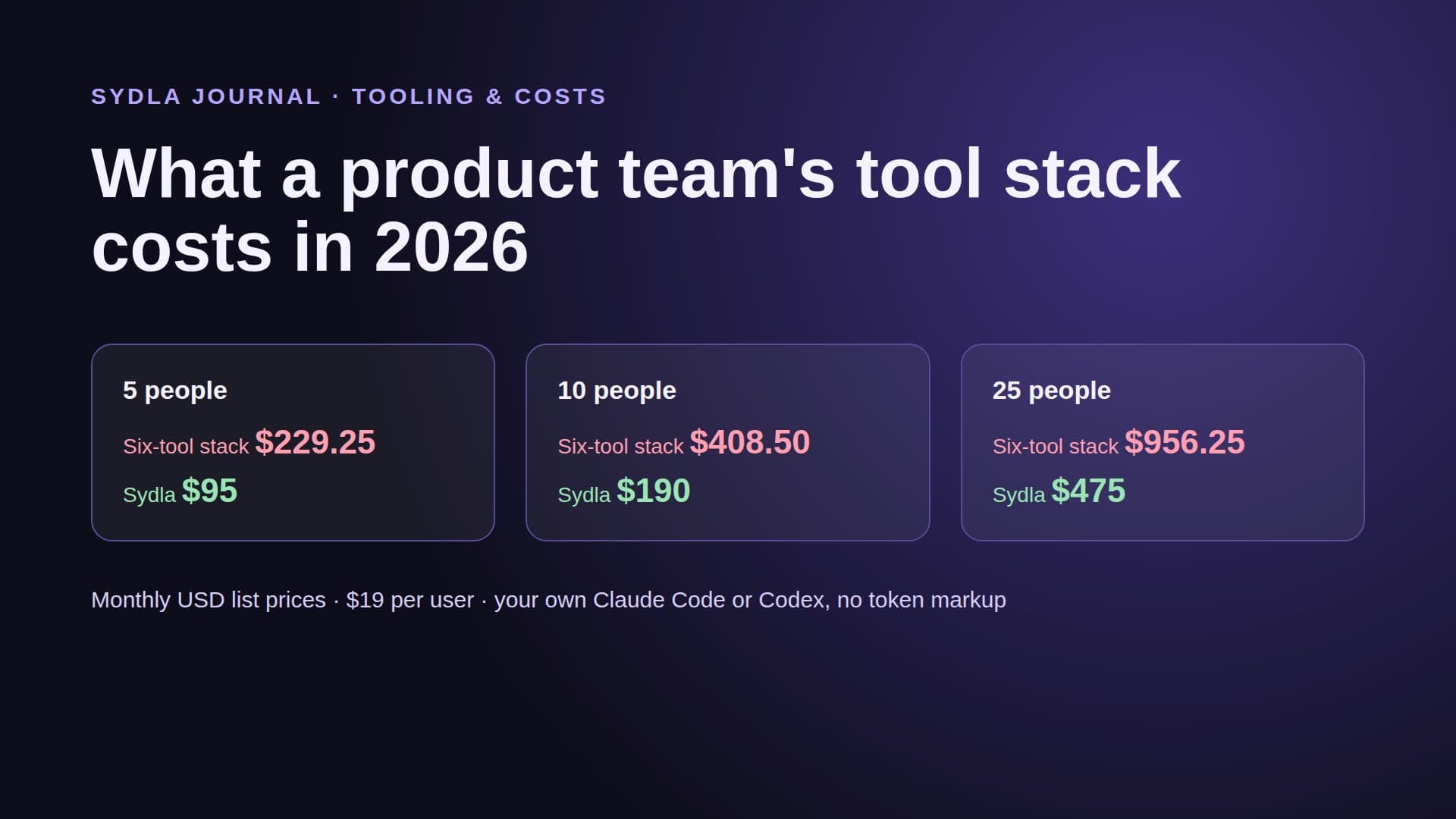
If you compare only brand tools, Buzz wins for a Figma team. If you compare the stack the visual sits in, the number that matters is $503.10 against $114. The product team stack cost guide does the same math for 5, 10 and 25 people.
Six tools, six meters: the full comparison
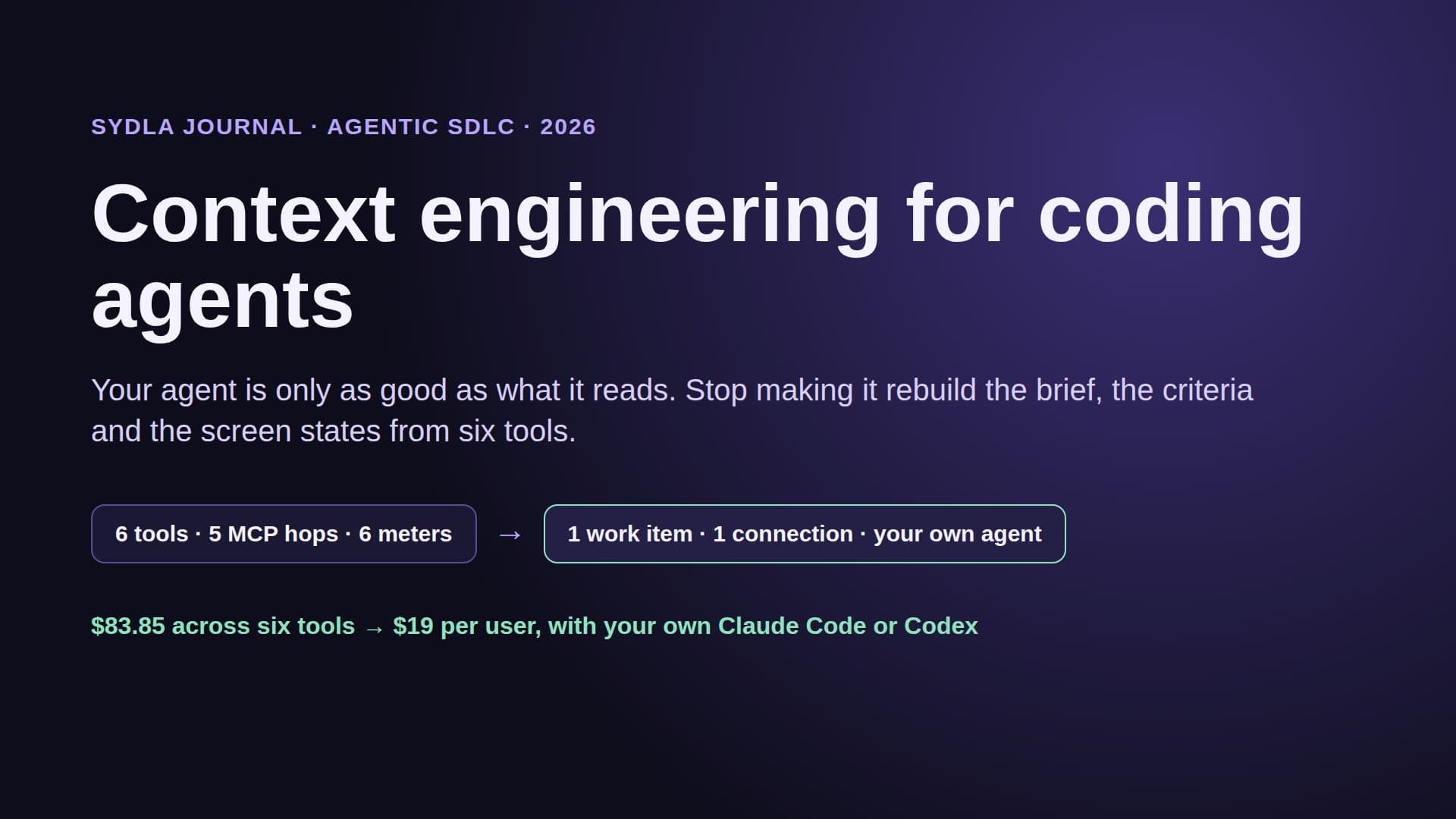
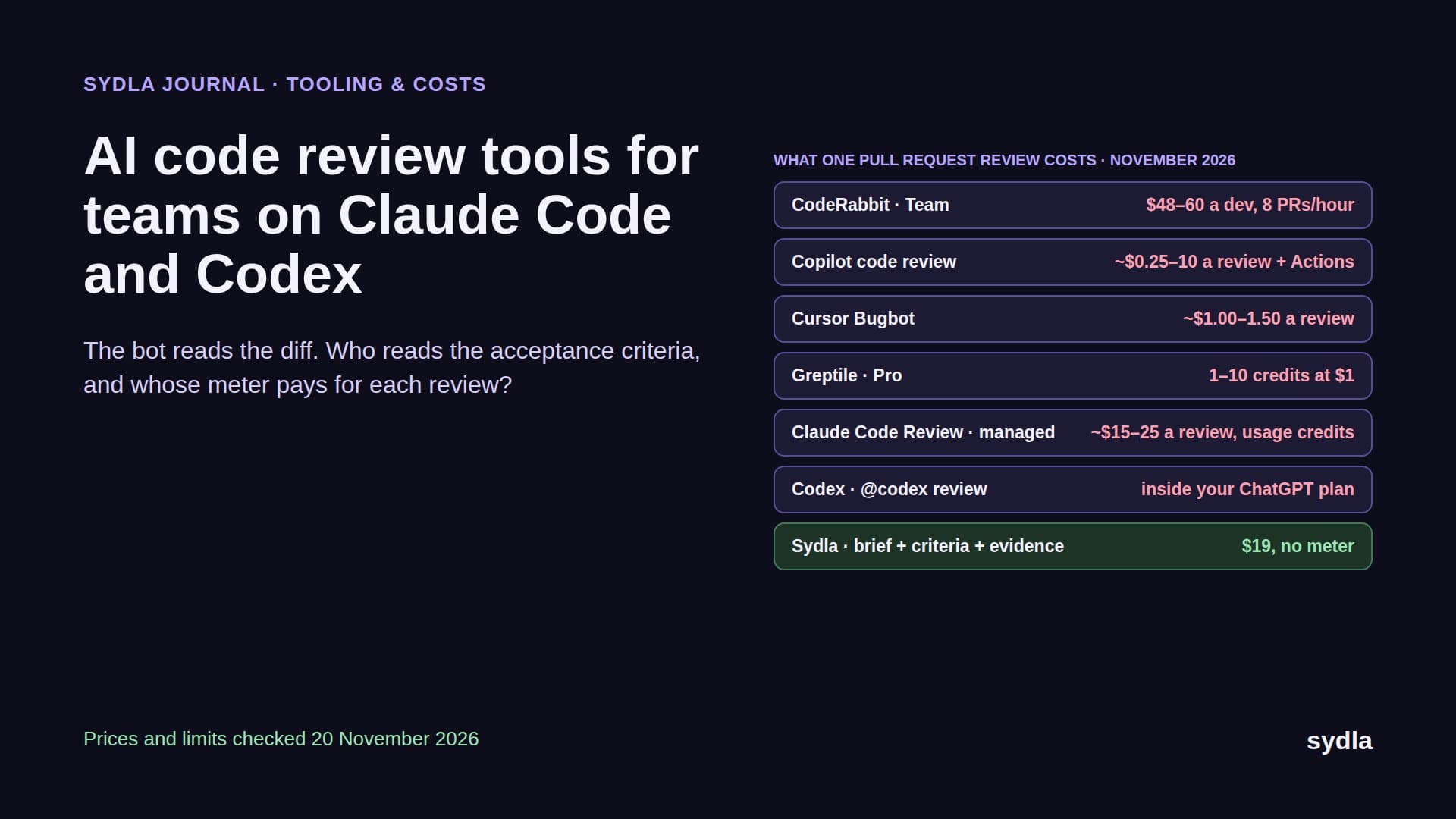
The brand tool is one of six tools most product teams pay for. Each one now ships its own AI and its own credit rule, and each one needs its own MCP connection, if it has one, before your agent sees the whole picture. Here is the 2026 picture, one paid seat each, monthly billing.
| Tool | Seat / month | AI meter | Agent handoff |
|---|---|---|---|
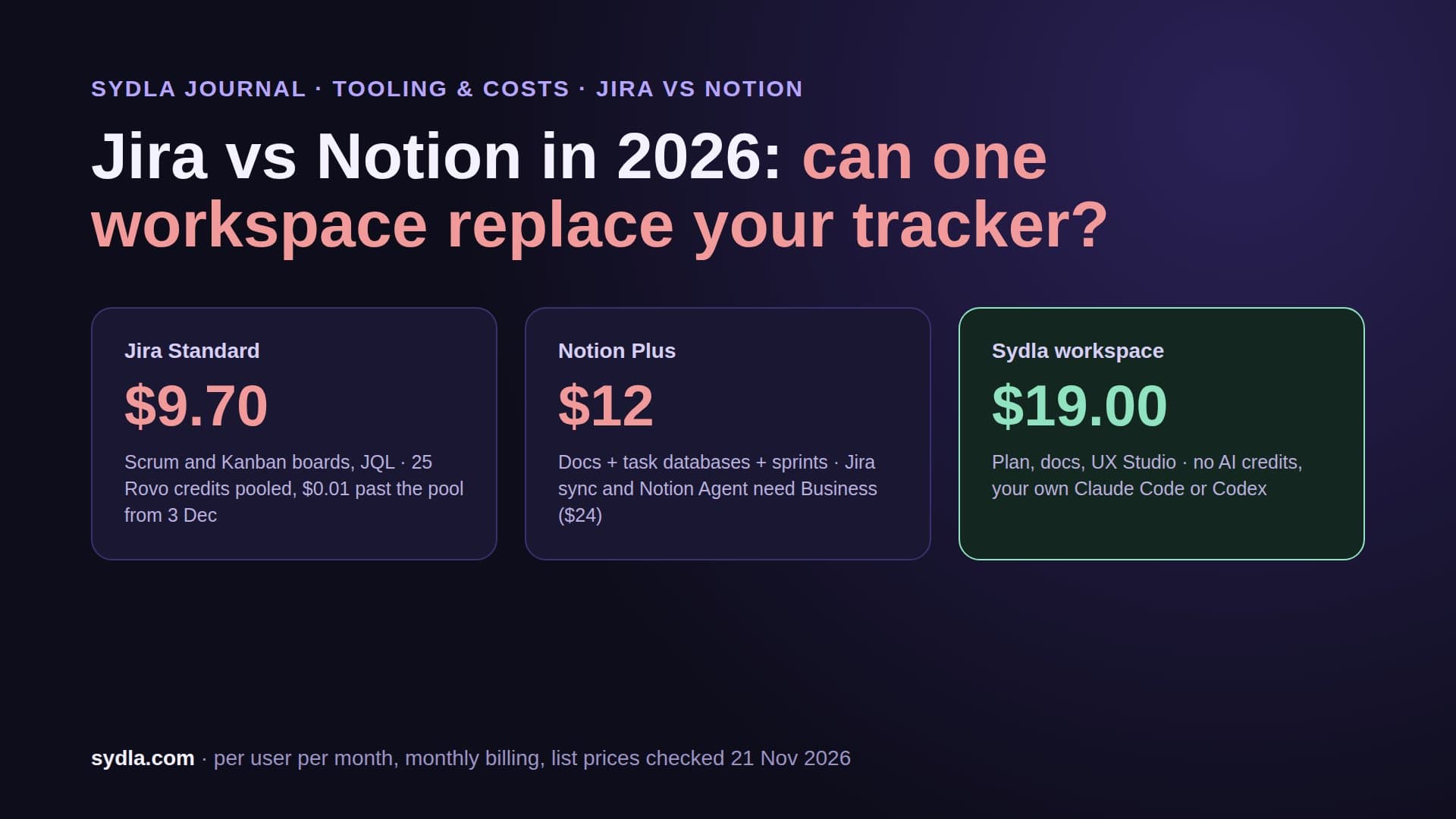
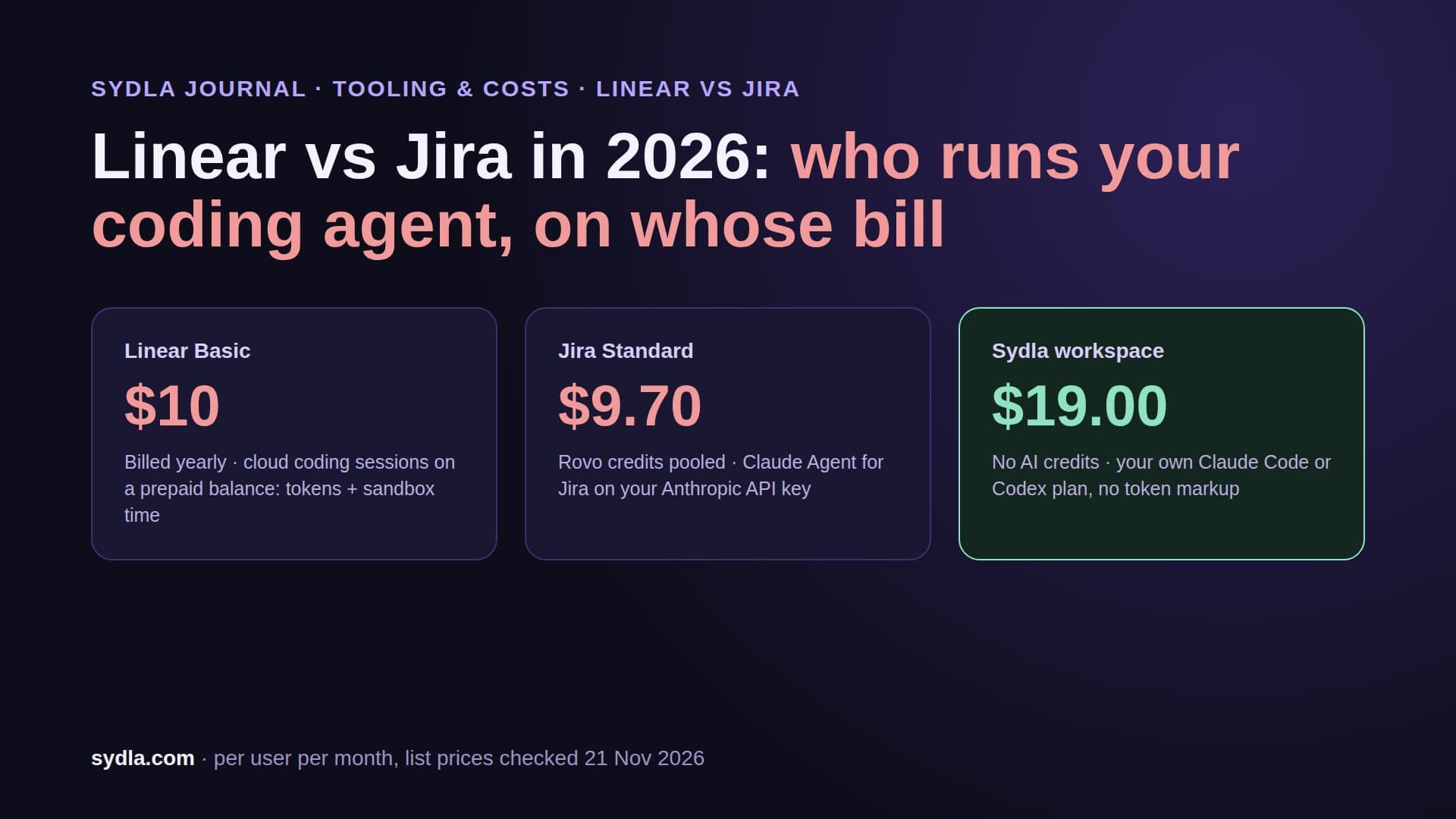
| Jira Standard | $9.70 | 25 Rovo credits per user, pooled; $0.01 a credit past the pool from 3 December 2026 | Rovo MCP, enriched calls 1-10 credits |
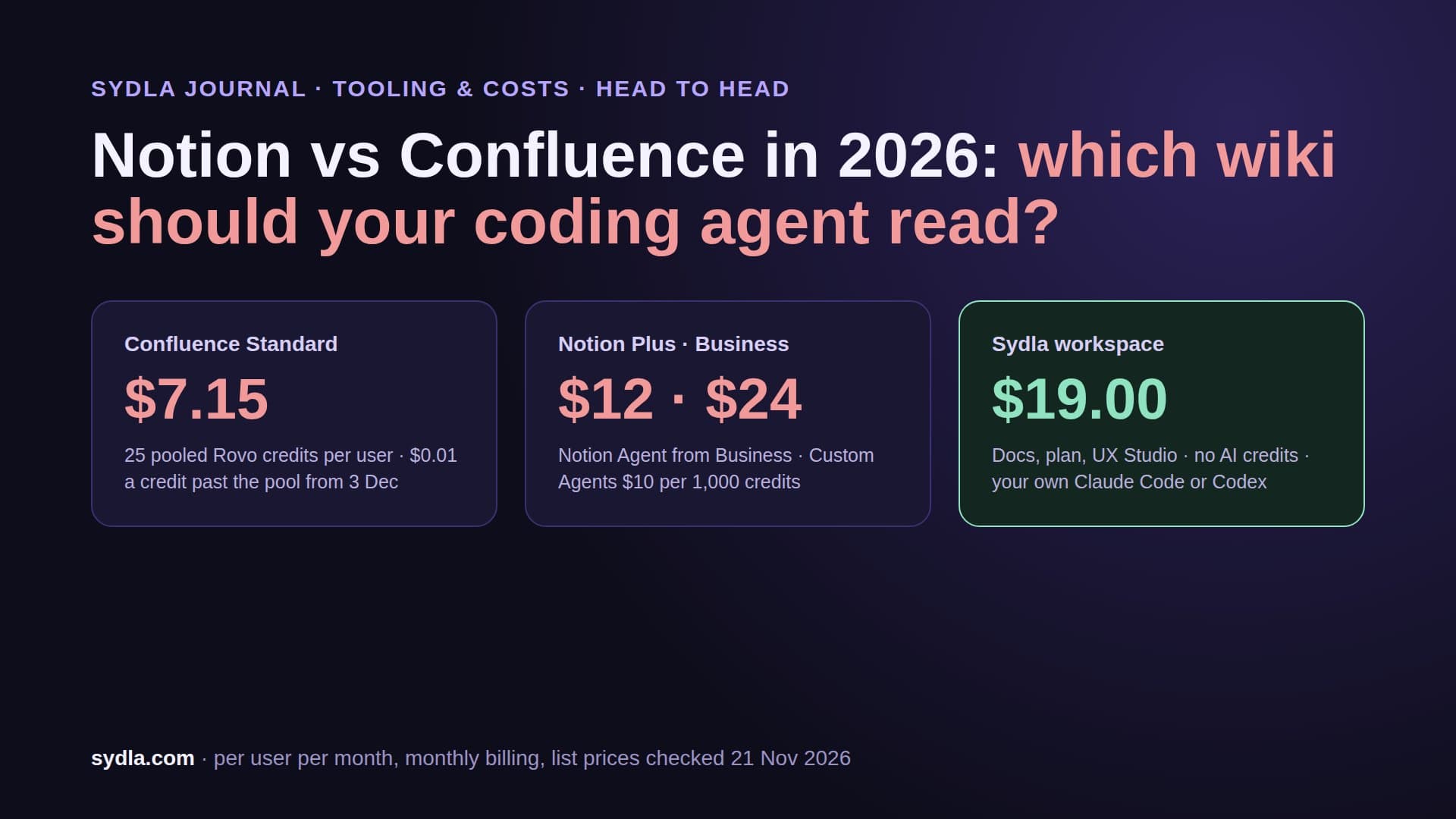
| Confluence Standard | $7.15 | Same Rovo pool and rate card | Rovo MCP, second hop for docs |
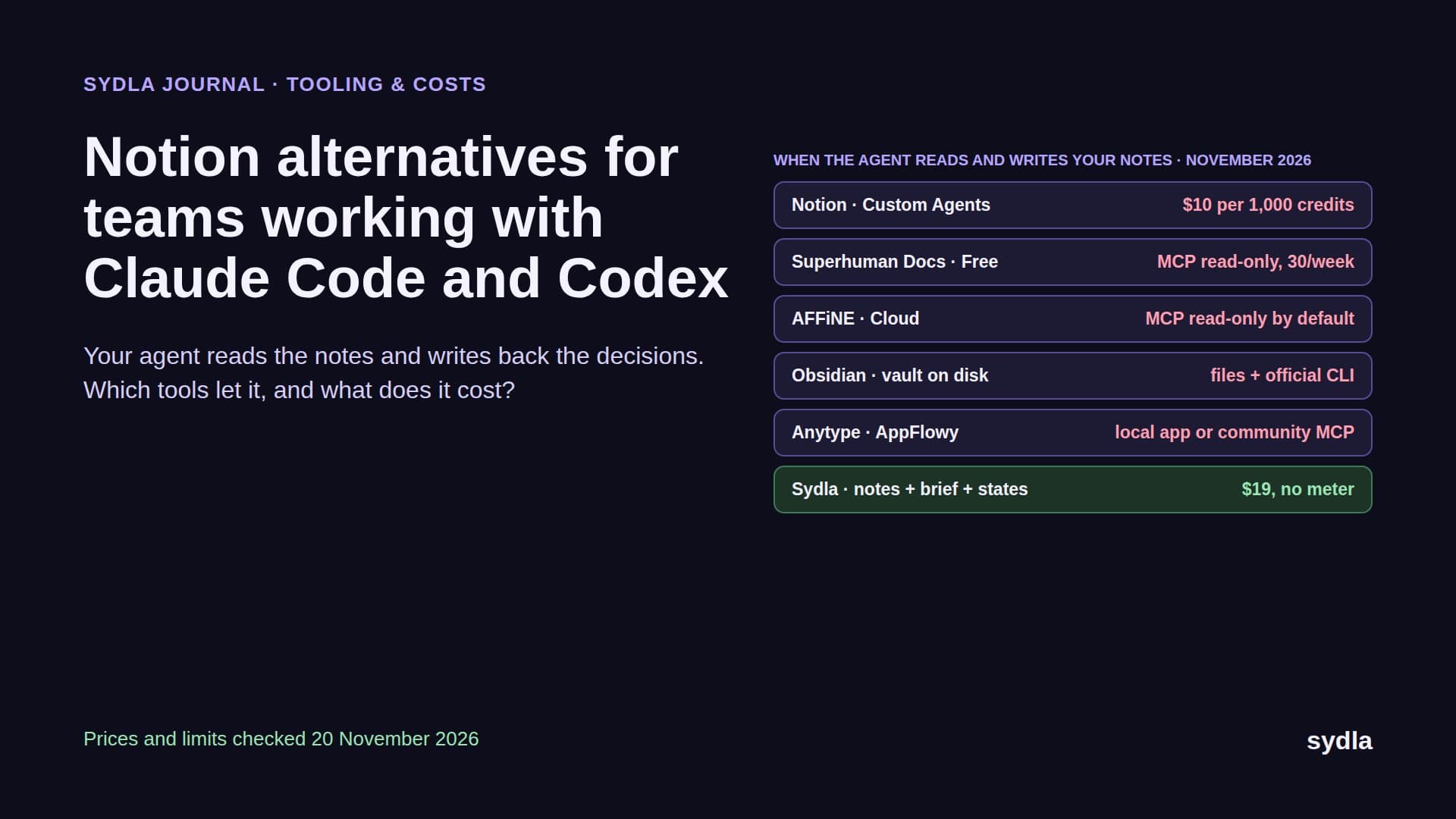
| Notion Plus | $12.00 | Notion AI trial; Custom Agents $10 per 1,000 credits on Business | Notion MCP, reads free |
| Figma Professional Full | $20.00 | 3,000 credits per Full seat, personal; Buzz included in beta | Figma MCP, 200 calls a day, no Buzz files |
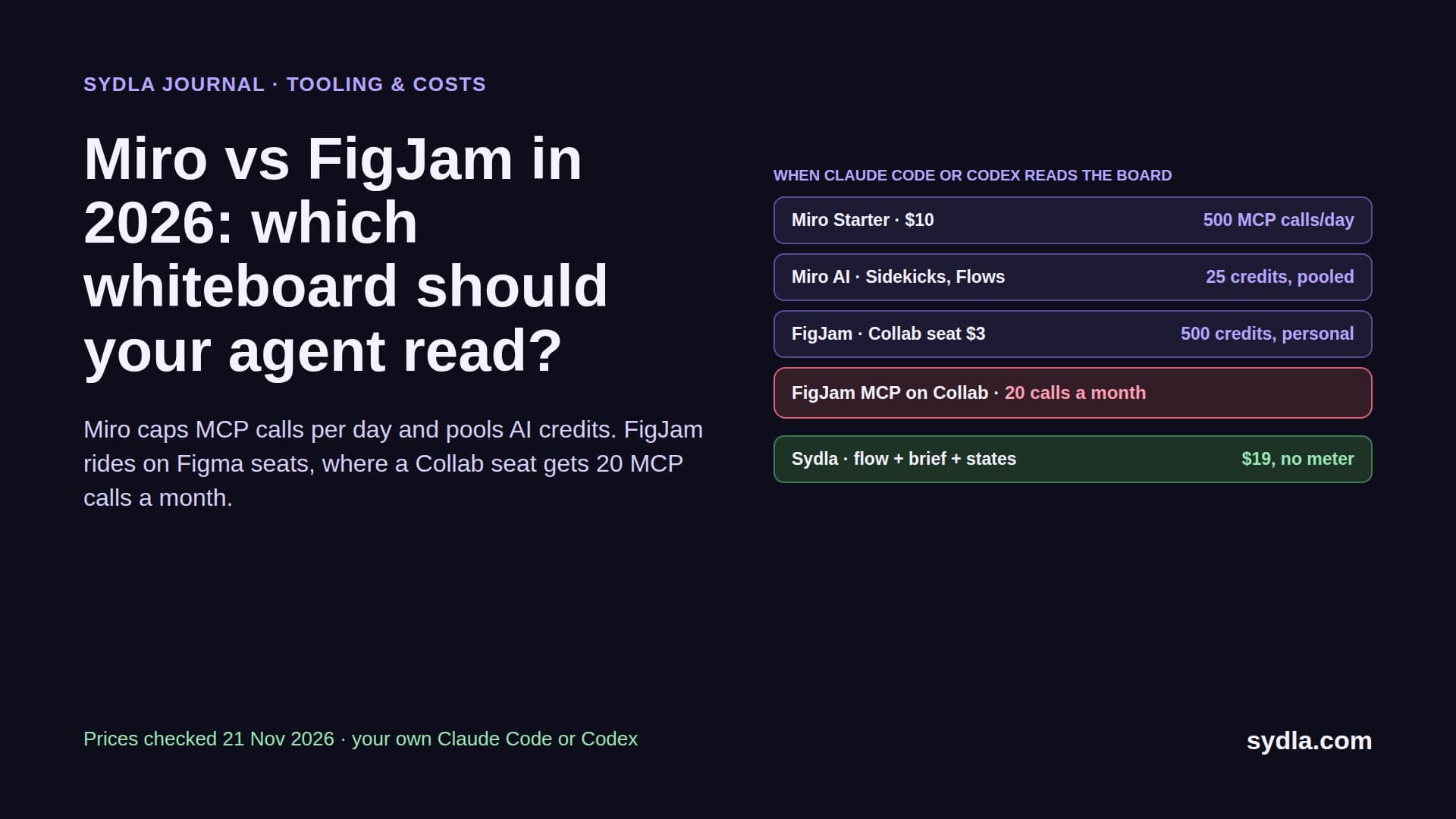
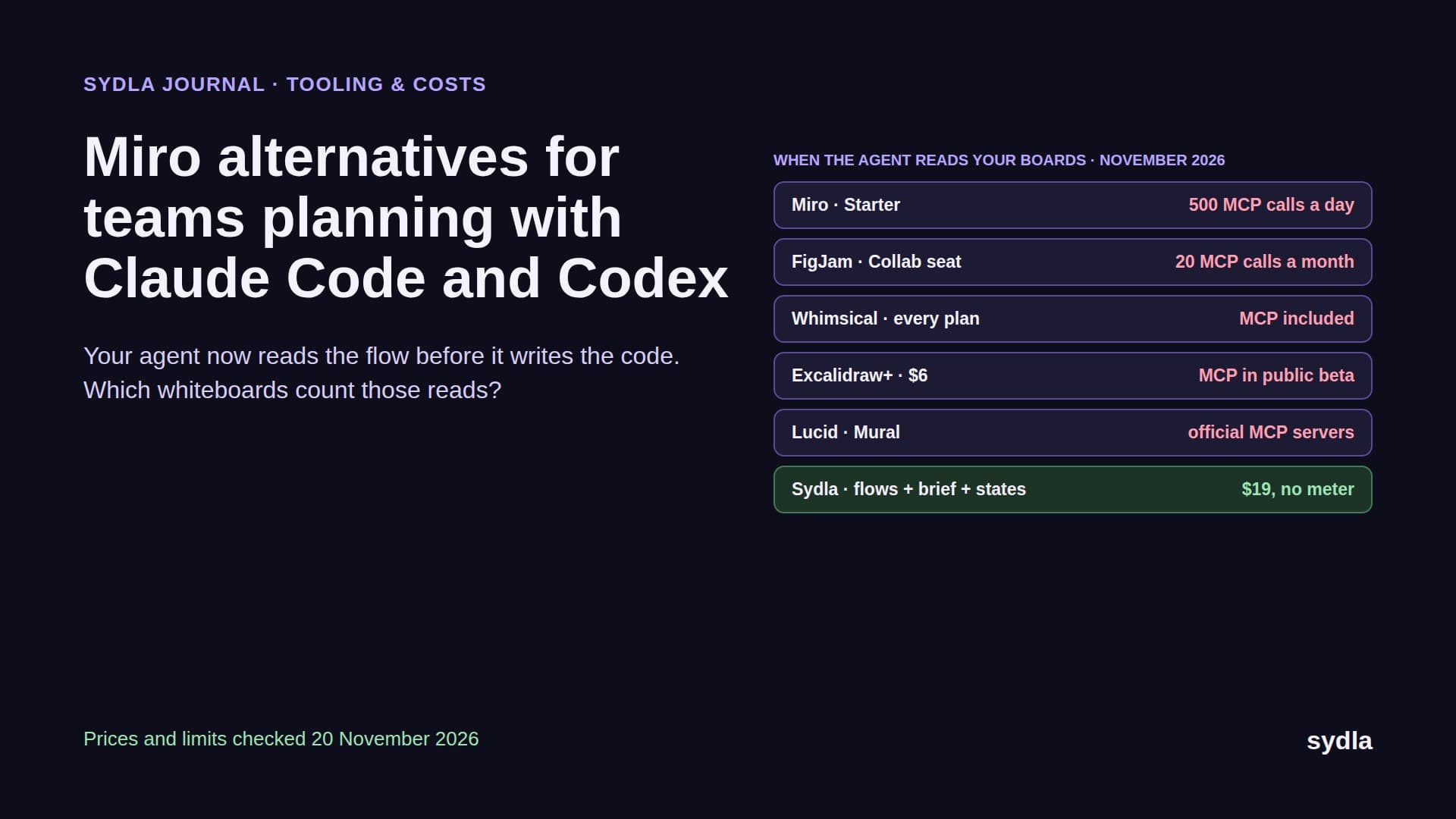
| Miro Starter | $10.00 | 25 credits per member, pooled | Miro MCP, 500 calls a day |
| Canva Business | $25.00 | Personal AI allowance, top-ups, AI Pass add-on | Canva MCP, 300 requests a minute |
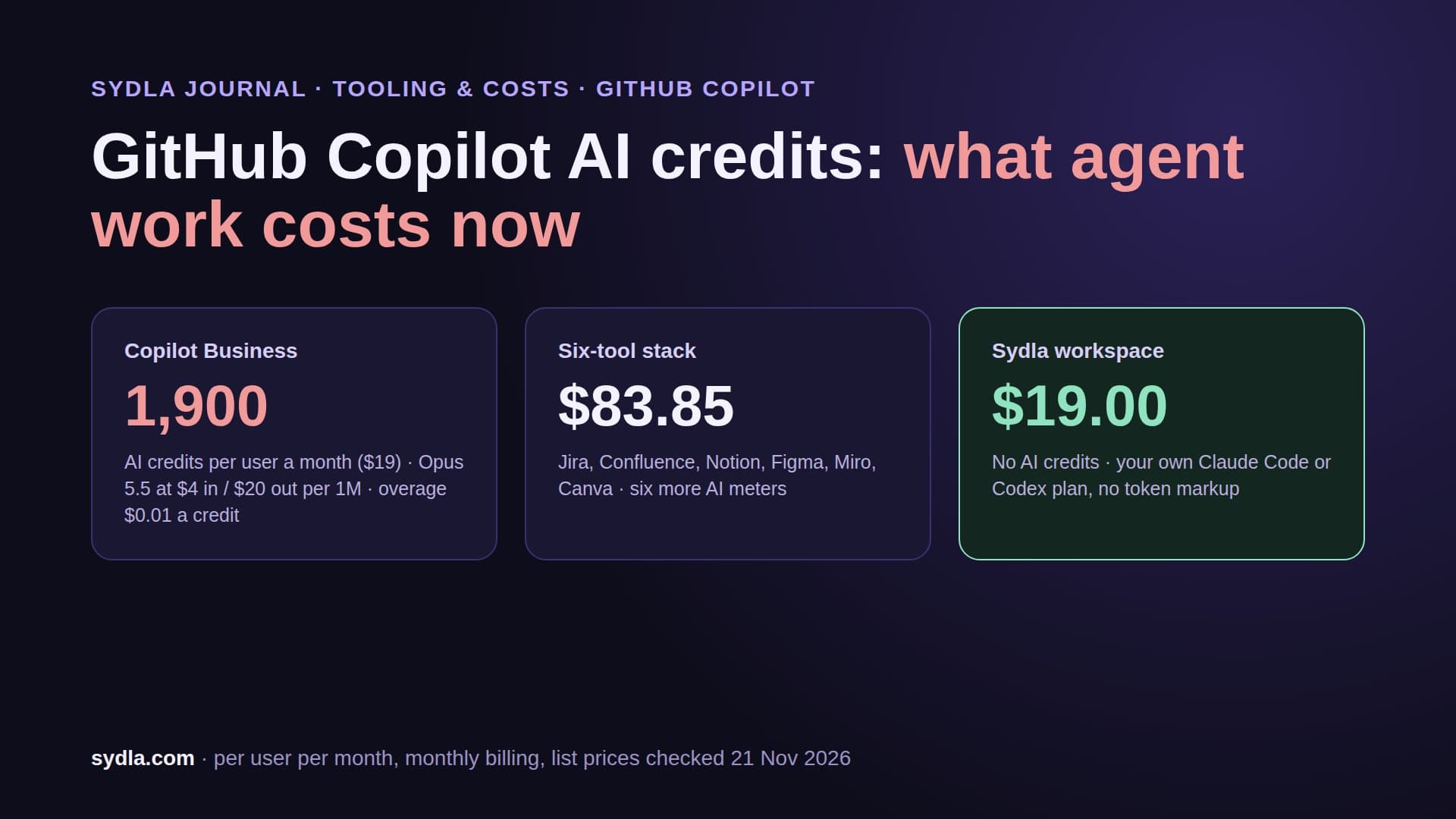
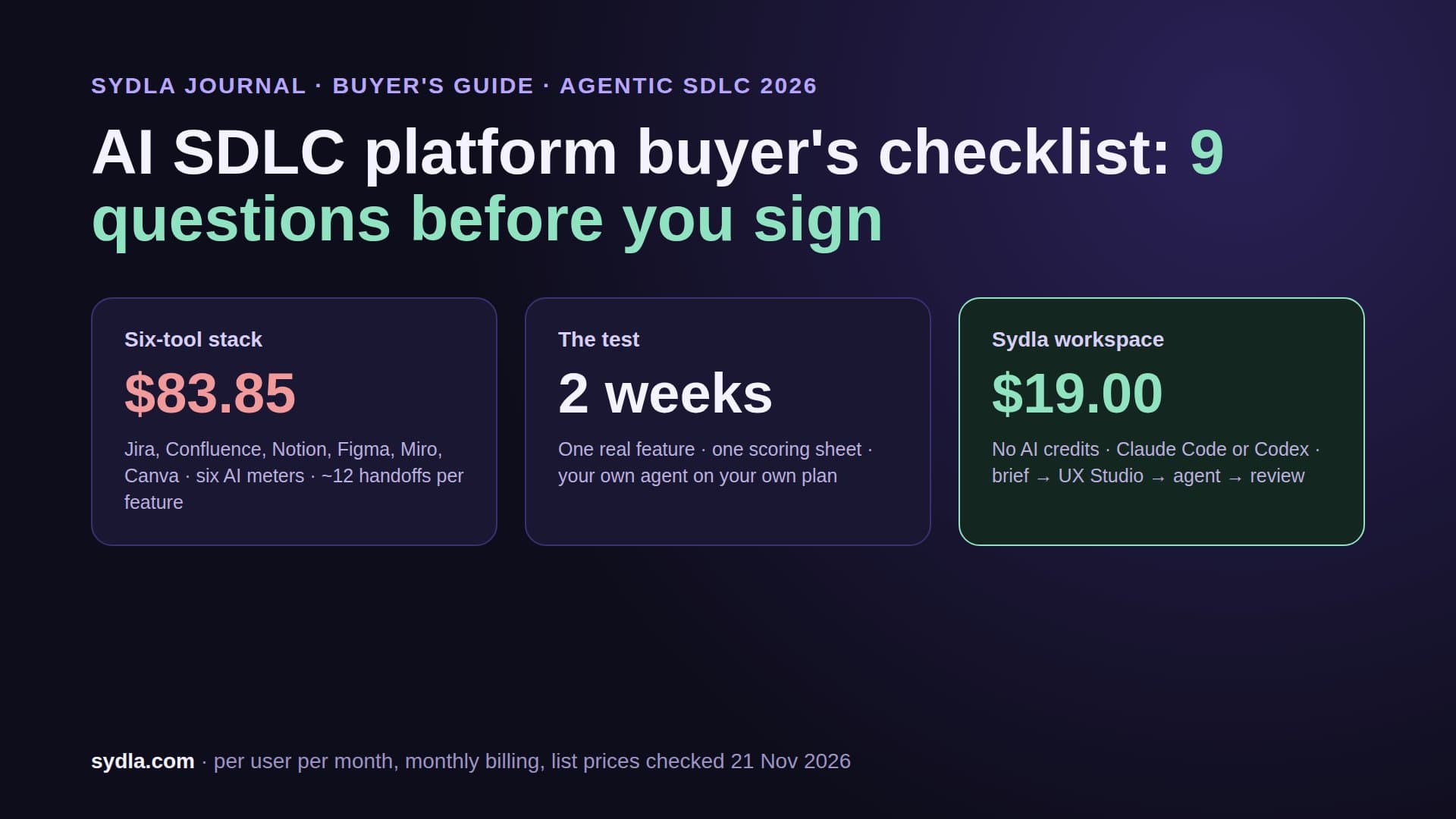
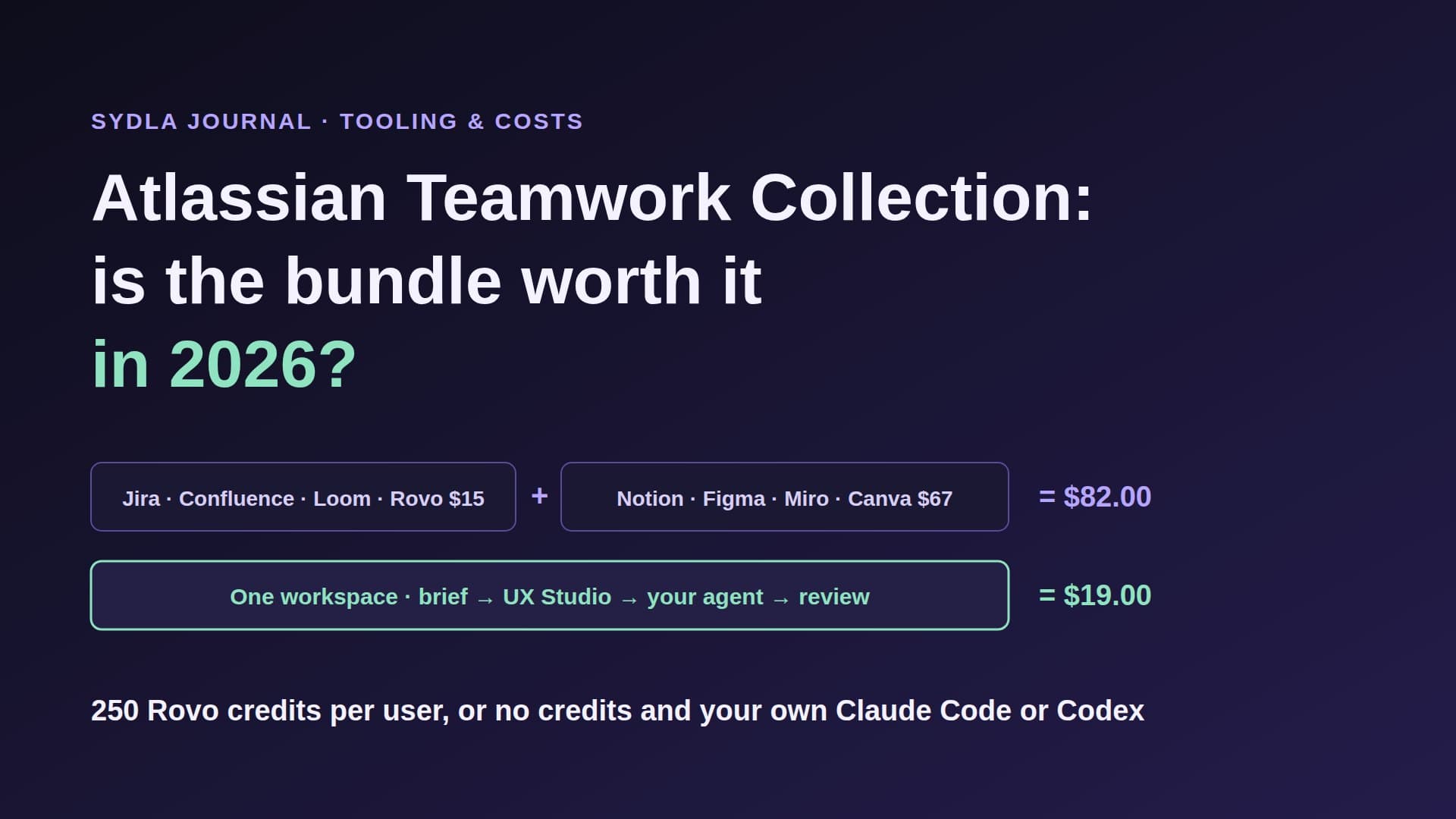
| Six-tool total | $83.85 | Six meters, six admins | Six MCP connections |
| Sydla | $19.00 | None: your own Claude Code or Codex plan, zero token markup | One Sydla MCP for plan, docs, UX states and creatives |
That is a saving of $64.85 per user per month, or $778.20 a year, before a single extra credit. See every tool side by side on the compare page, or check the plan on Sydla pricing.
How Sydla connects your agent to the brief, the screens and the creative
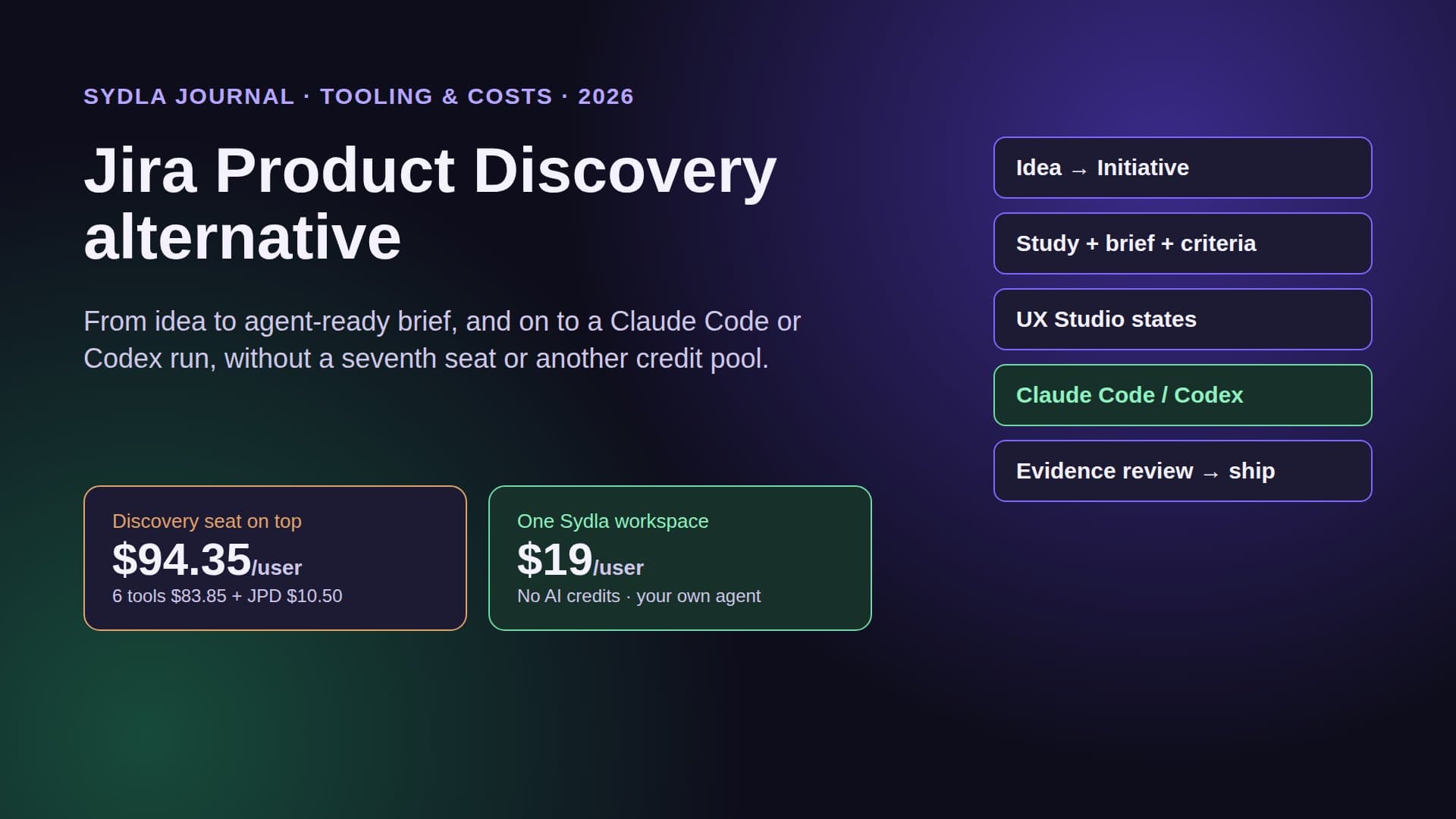
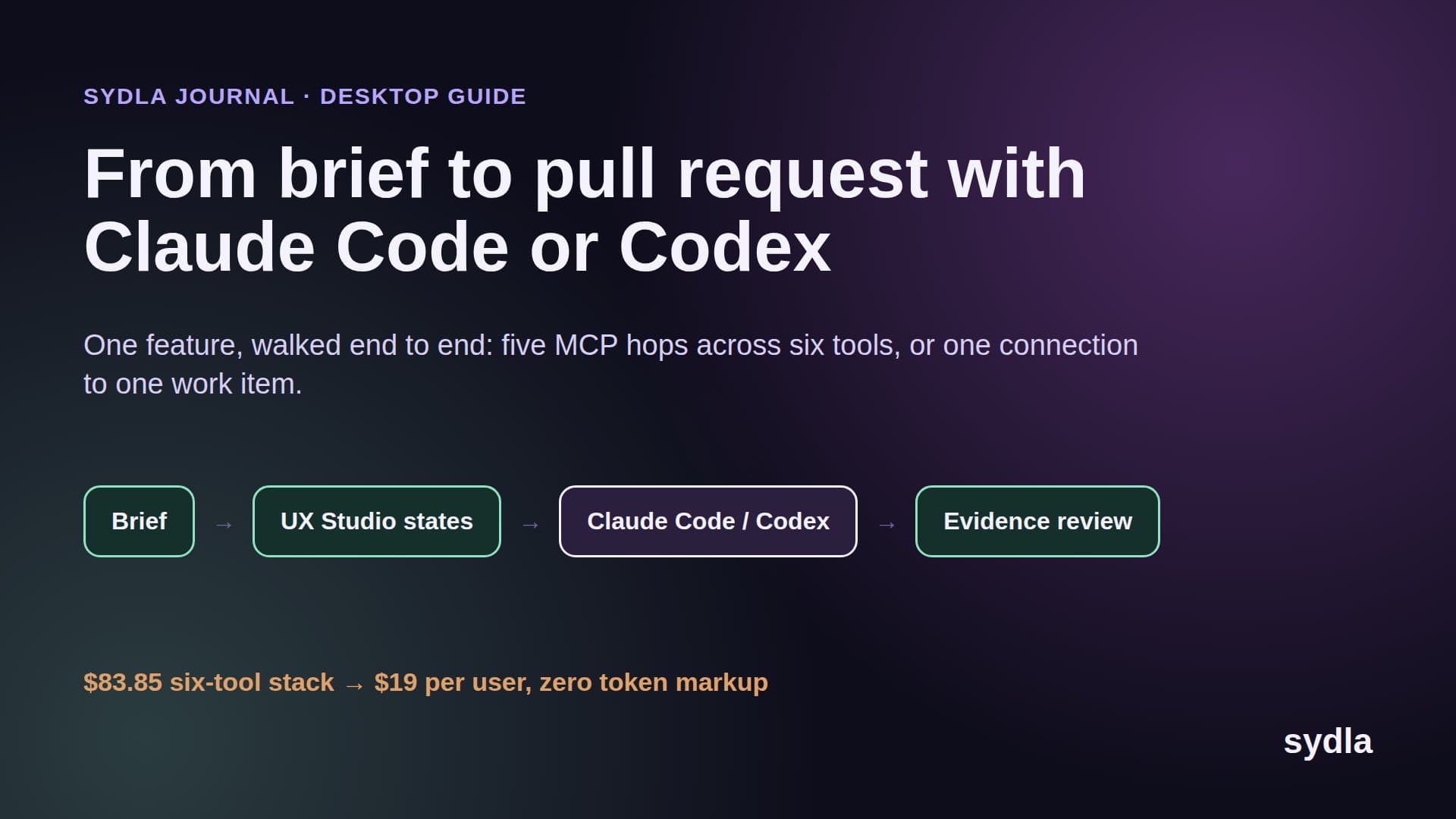
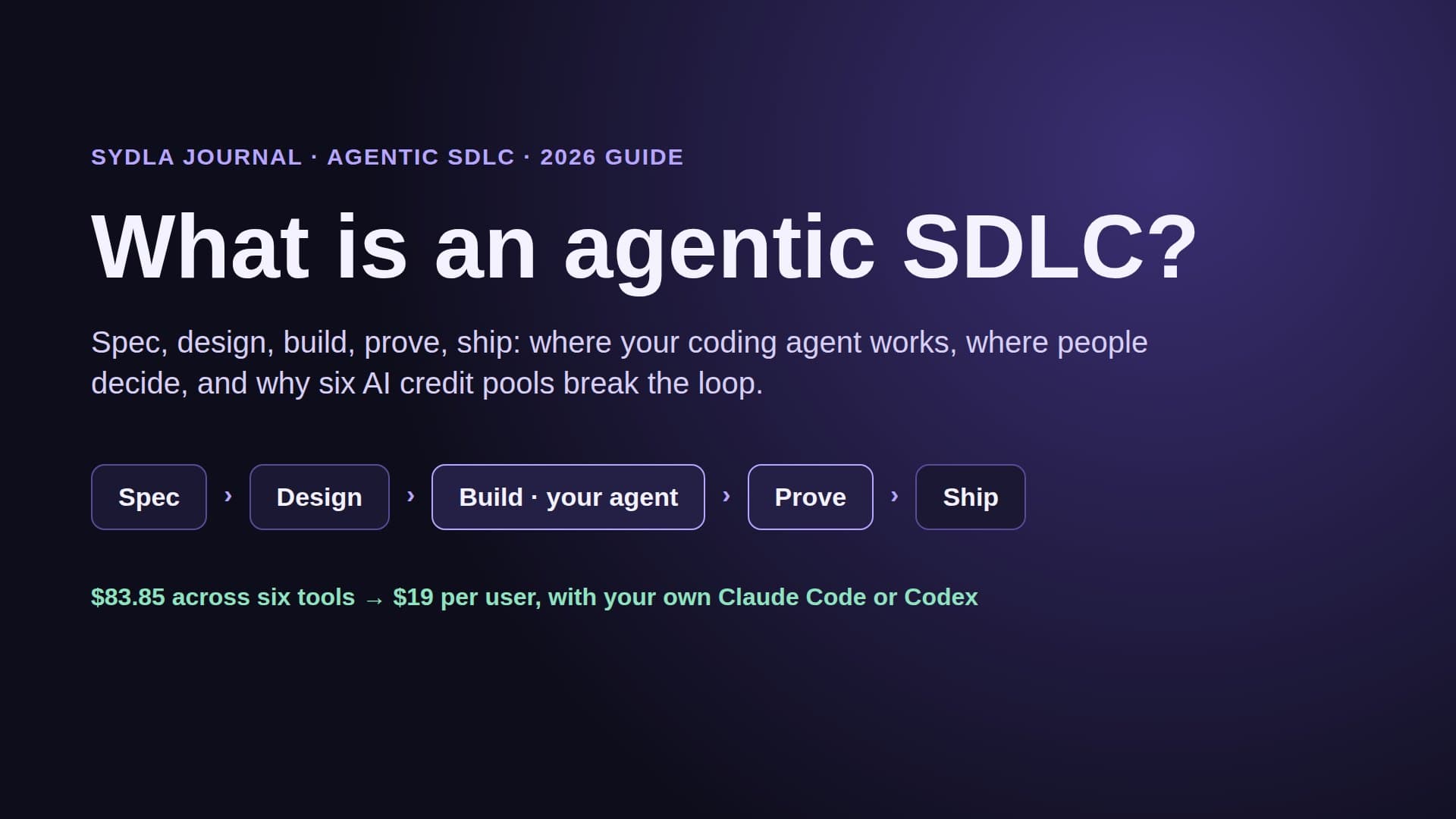
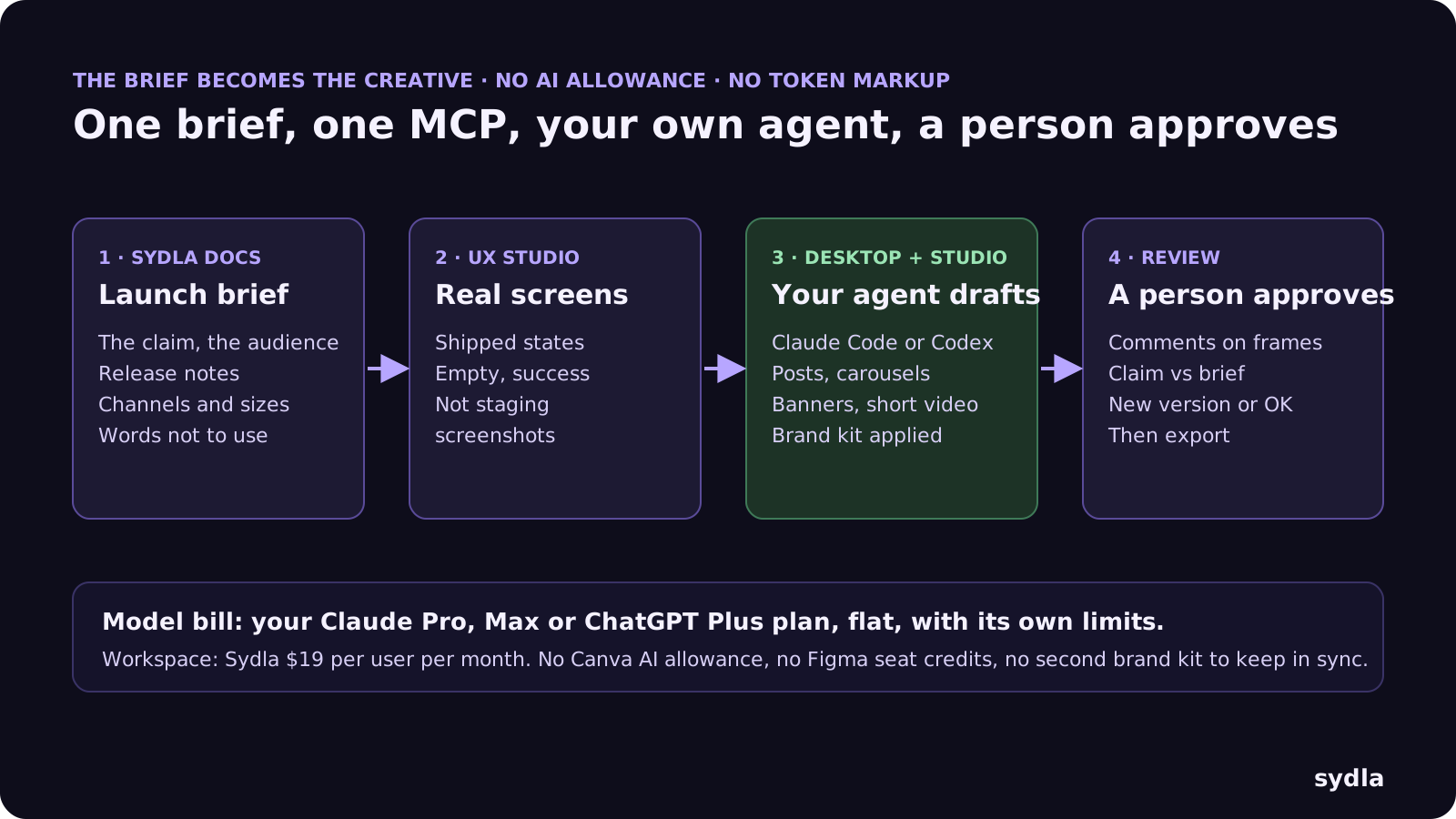
Sydla does not try to out-template Canva. It puts the launch creative on the same work item as the brief and the screens it promotes, and lets your own agent draft it with the facts in hand. Here is the loop:
- Write the launch brief. In Sydla Docs, next to the feature brief: the claim, the audience, the channels and sizes, the words you never use. The release notes the agent drafted sit on the same initiative.
- Use the real screens. The states you designed in UX Studio, empty, loading, error and success, are the screens the agent built against. They are also the screenshots the launch will use, not a staging grab. Our design-to-code handoff guide explains why states beat screenshots.
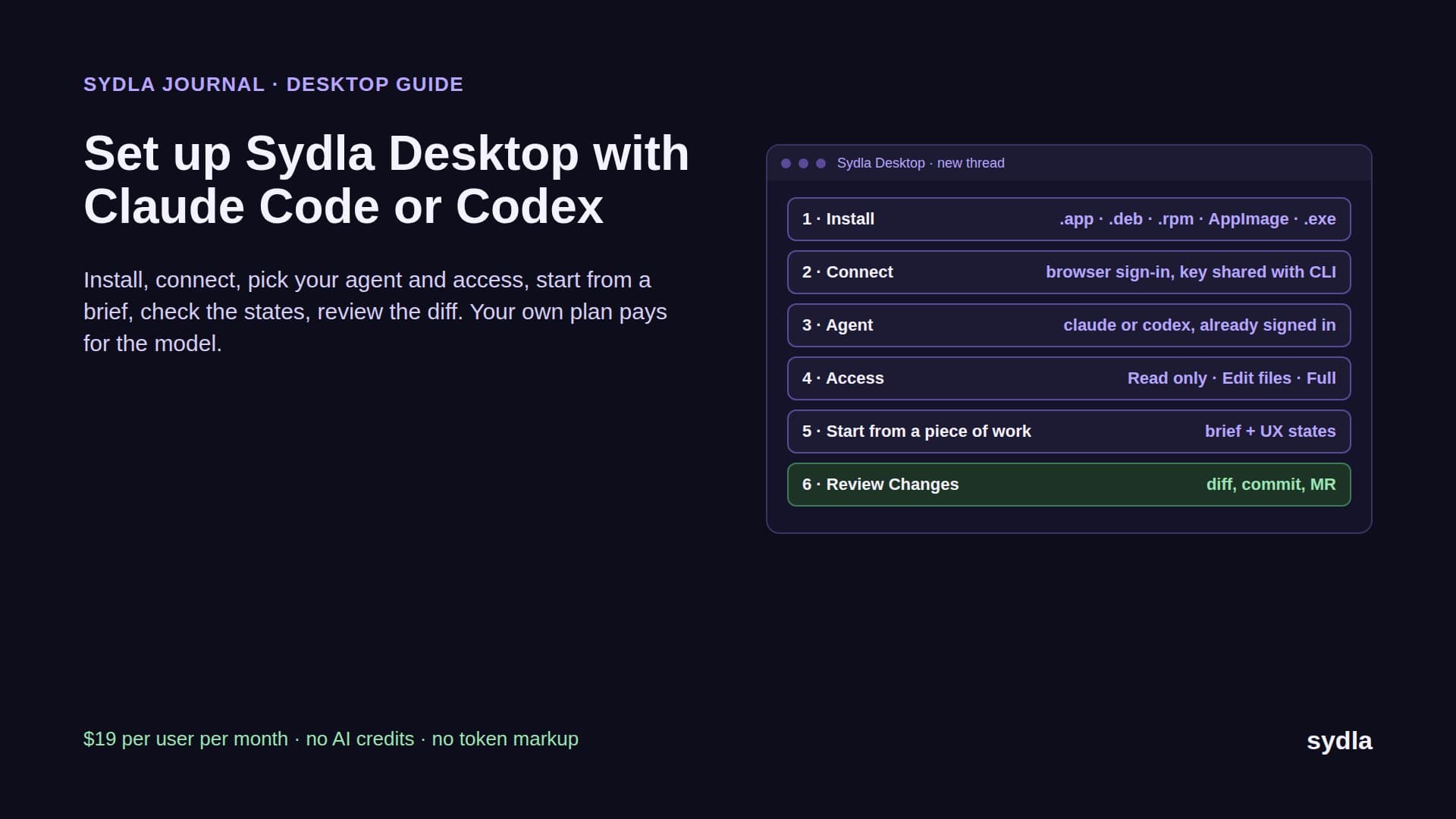
- Let your agent draft in Sydla Studio. Open a thread in Sydla Desktop, which runs the Claude Code or Codex CLI already signed in on your machine, on your own plan and limits. Through one Sydla MCP connection the agent reads the brief and the screens, then drafts a post, a carousel, a banner or a short video in Studio, with your brand kit, smart guides and keyframed motion. It can preview a video draft and check frames at given timestamps before anyone looks.
- A person reviews and approves. The agent asks for a review; a person comments on the frames, checks the claim against the brief and either asks for a new version or approves. Nothing is exported before that. A person makes the call, never the agent, the same rule as in our AI pull request review guide.
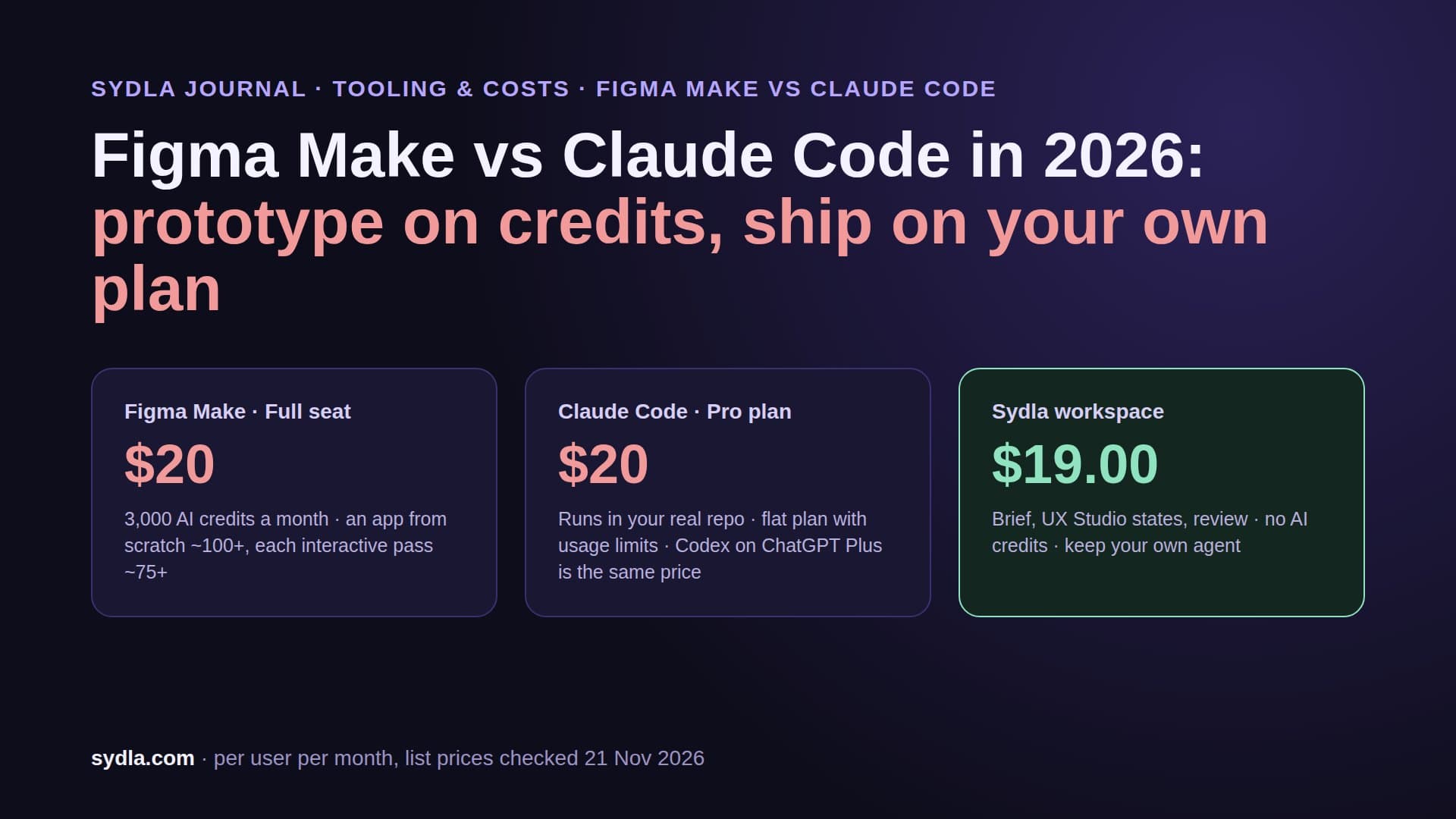
The Sydla Desktop setup guide covers installation, and Claude Code vs Codex for product teams helps you pick an agent, or both. On the design side, Figma Make vs Claude Code and Miro vs FigJam finish the head-to-head series.
Which one should you pick?
There is no single winner. It depends on who makes the visuals, where your design system lives and whether agents should help:
- Pick Canva if marketers make most visuals from scratch, you want conversational design and a big template library, or you want Claude Code and Codex to draft and export designs today. Budget for the allowance on Business and for AI Pass if you generate a lot.
- Pick Figma Buzz if your team already lives in Figma, a designer owns the templates and marketers mainly swap words and images. It is the cheapest option while in beta. Plan for two unknowns: the price after beta and when, or whether, agents get access.
- Pick Sydla if you are a solo founder, an early engineering team or a lean product team that already pays for Claude Code or Codex and wants the brief, the screens, the creative and the review in one place instead of six. The solo founder stack shows the one-person version.
Keep your agent. Drop the meters.
Canva and Figma Buzz both turned the launch visual into an AI feature, and both put a meter in front of it: a shared allowance and a paid add-on on one side, personal seat credits on the other. Only Canva lets your agent in, and neither knows what the release actually shipped.
Take the next feature you ship. Write its launch brief next to the feature brief in Sydla this week, and let your own Claude Code or Codex draft the post and the banner from the real screens. Start your $19/mo AI SDLC workspace and keep your Claude Code and Codex accounts exactly as they are.
Frequently asked questions
Is Figma Buzz cheaper than Canva in 2026?
On seats, yes, for teams already on Figma. Figma Buzz has no standalone price: while it is in beta it comes with every Figma seat, and the cheapest, a Collab seat, costs $3 a month on Professional. Canva Pro costs $18 a month for one person and Canva Business $25 per person, billed monthly; yearly billing saves from 16%. Figma has not said what Buzz will cost after the beta.
Is Figma Buzz still in beta?
Yes. Figma launched Buzz in open beta on 7 May 2025, and on 21 November 2026 Figma's pricing page, help center and AI credits article still label it beta with no end date. During the beta it is available on all seat types; using Figma Design tools inside Buzz needs a Full seat.
Can Claude Code or Codex create Canva or Figma Buzz designs?
Canva, yes. The Canva MCP server works on every Canva plan: Claude Code adds it with one command and Codex has a Canva plugin. The agent can generate, edit, resize and export designs, within 300 requests a minute per user, and AI actions may use the Canva AI allowance. Figma Buzz, no: the Figma MCP server supports Design, FigJam, Slides, Make and Specs files but not Buzz, and Figma has not announced Buzz support.
How do Canva and Figma Buzz charge for AI?
Canva shares one monthly AI allowance across its Standard, Premium and Ultra tools; Pro gets 10 times the Free allowance and Business 20 times, Business can buy top-ups, and AI Pass adds more for an extra fee. Figma Buzz spends Figma AI credits from each person's seat: 2 to 16 credits per generated or edited image and 1 to 5 to remove a background, from 500 credits a month on a Collab seat or 3,000 on a Professional Full seat, with no rollover or sharing.
Is there an alternative to Canva and Figma Buzz for teams using AI coding agents?
Sydla is an AI SDLC workspace at $19 per user per month with Sydla Studio for posts, carousels, banners and short videos, next to the brief, the plan and UX Studio screen states, with no AI credits. Your own Claude Code or Codex drafts creatives through one MCP connection and a person approves them, replacing a six-tool stack of Jira, Confluence, Notion, Figma, Miro and Canva that costs $83.85 per user per month.