Claude Design vs Figma in 2026: who draws the screen, who reads it, who pays
Claude Design now lives inside Claude, runs on the same limits as Claude Code and hands a bundle to your agent. Figma is still the canvas design teams live in, with seat credits and metered MCP reads. Here is how they compare in November 2026, what changes on 14 December, and how to get from a screen to merged code without six tools in between.
Two design tools, two meters, one missing middle
In April, Anthropic launched Claude Design: type what you want, attach a deck or point it at your codebase, and Claude draws the screens. By November it has moved into Claude itself, shares the same usage limits as Claude Code, and hands a bundle to your coding agent with one click. Inevitably, every product team now asks the same question: do we still need Figma?
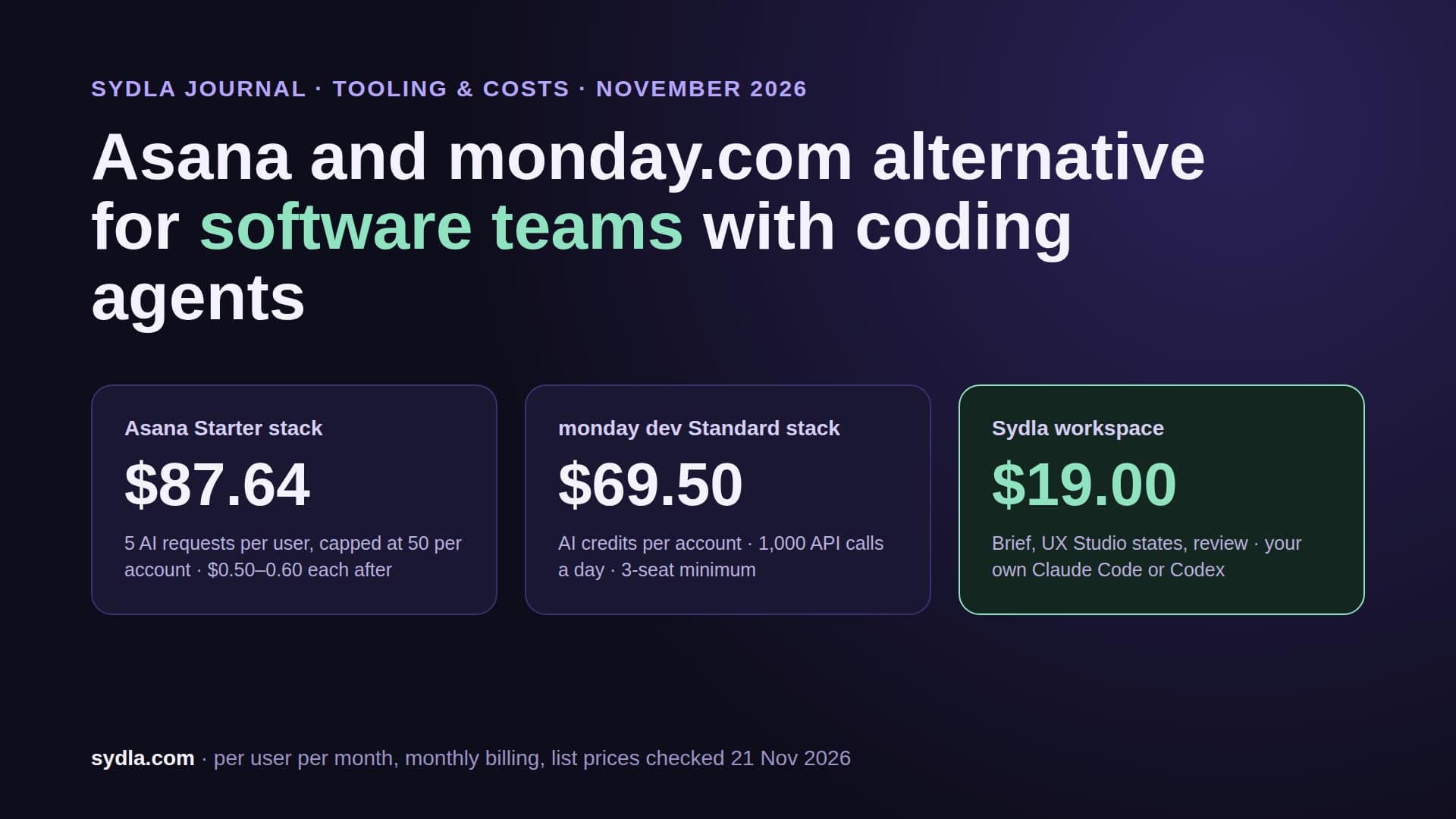
The honest answer depends less on who draws the prettier screen and more on two quieter questions. Where does the design live, so that an agent can read it? And whose meter runs when it does? Figma bills AI in seat credits and meters agent reads through its MCP server. Claude Design bills nothing extra, but every design prompt now comes out of the same pool your developers use to write code.
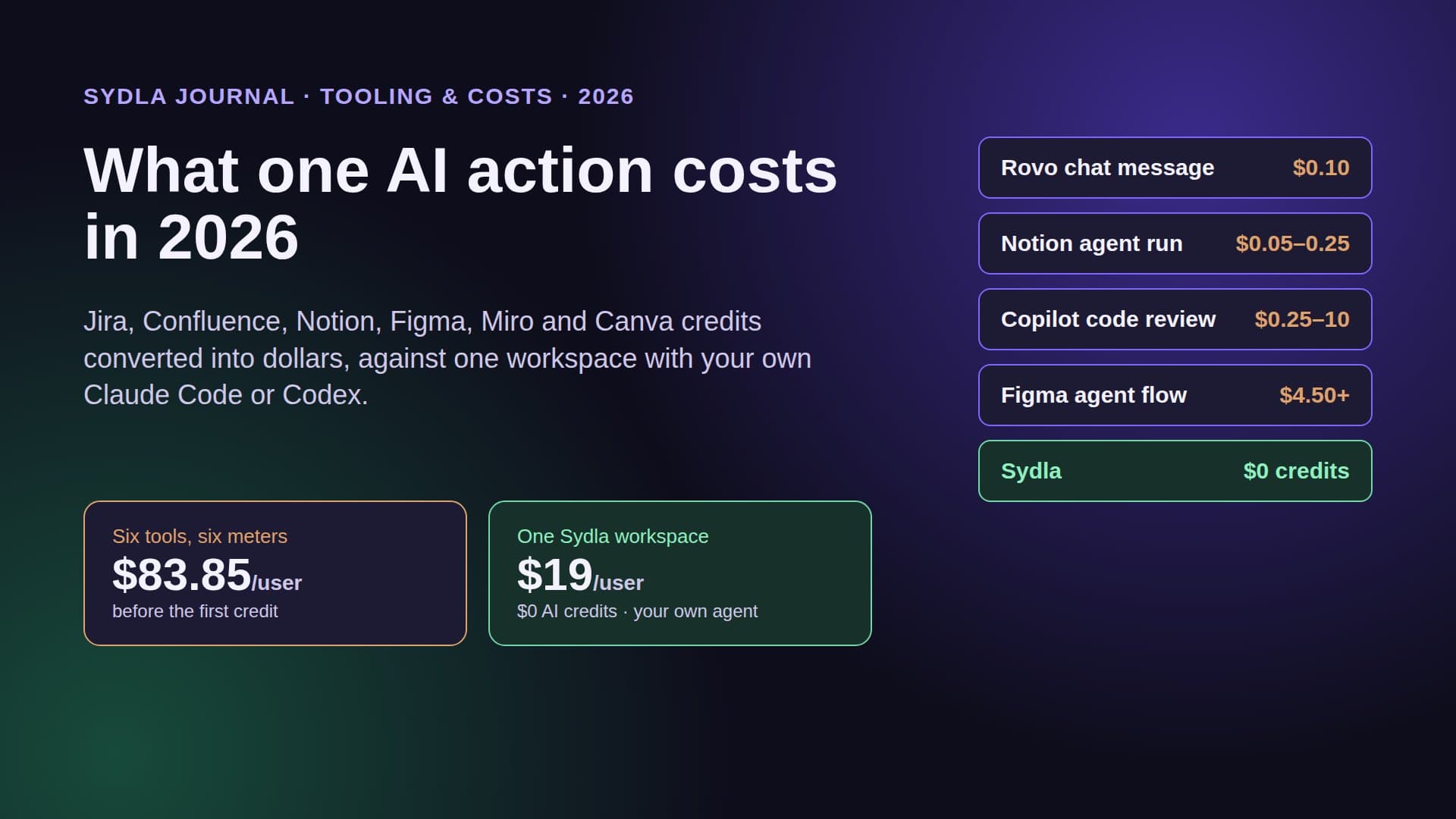
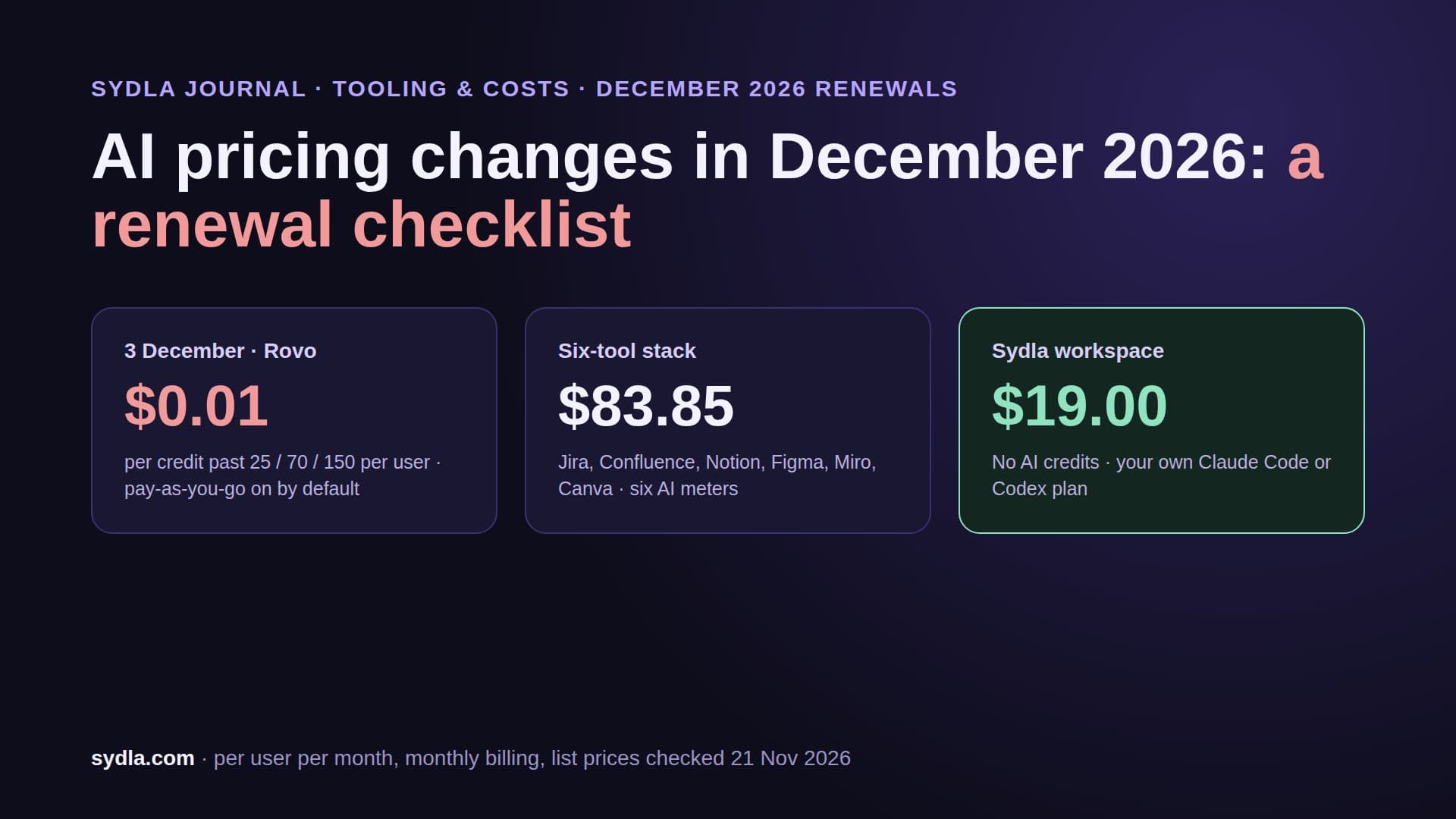
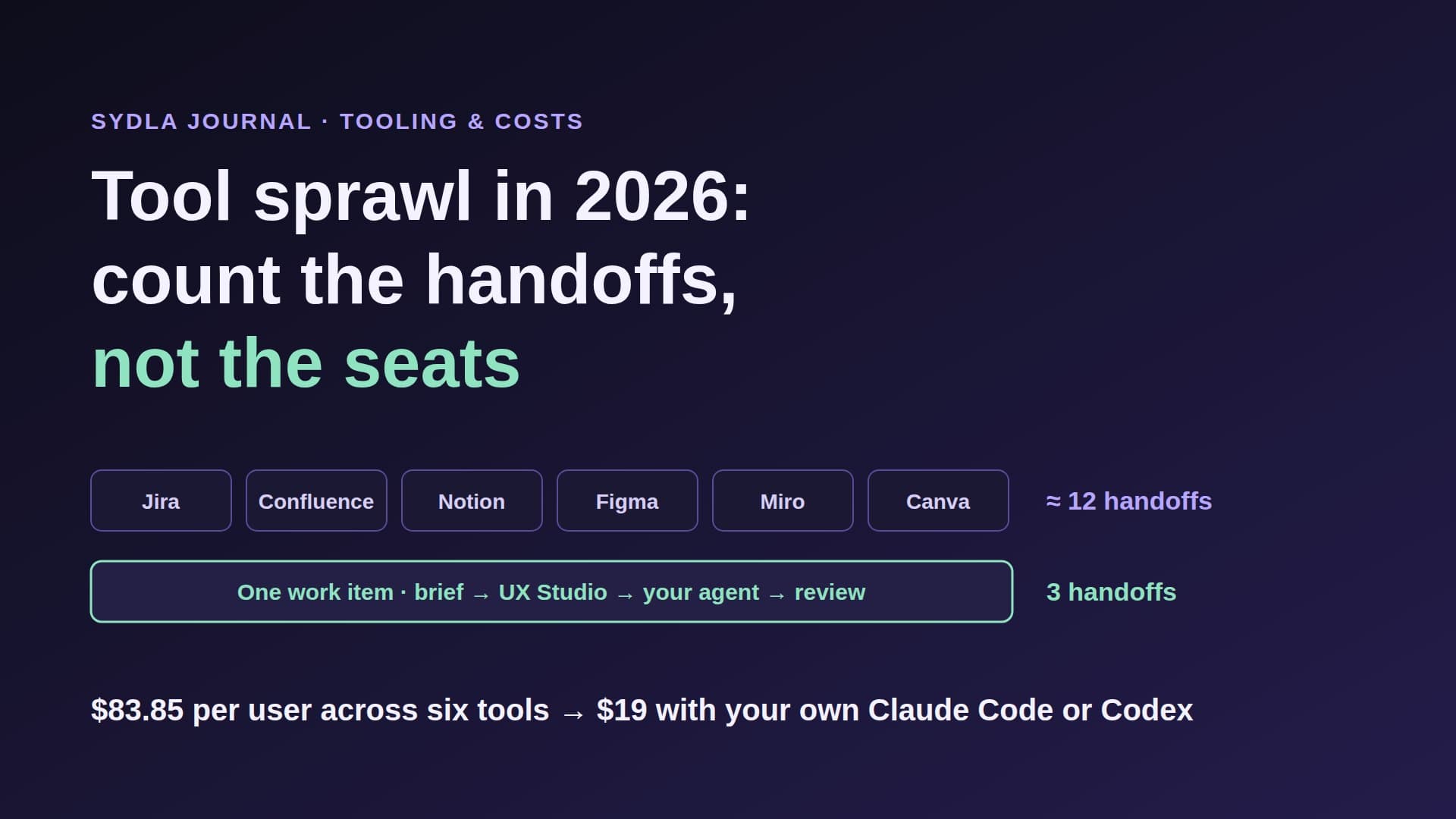
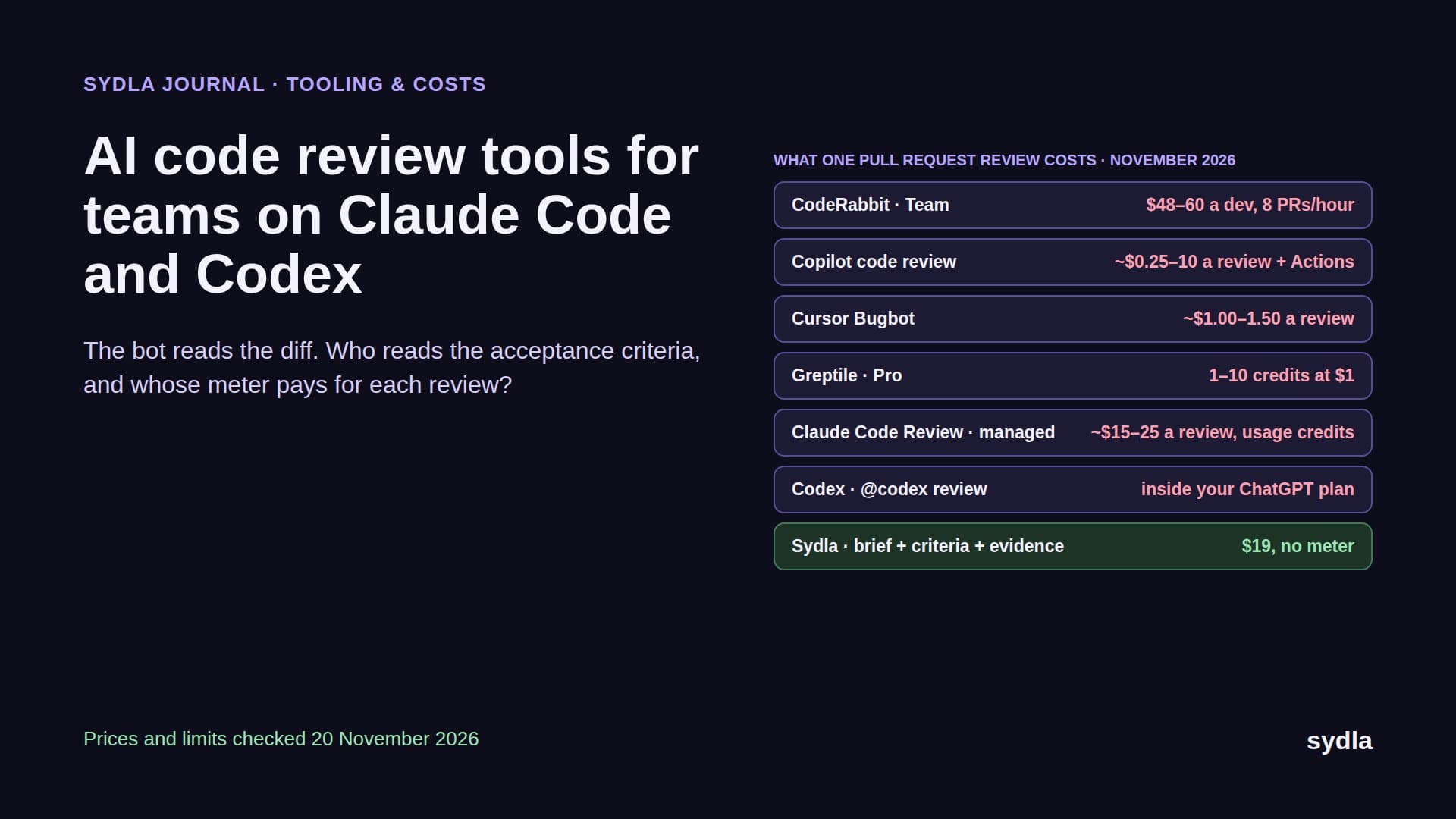
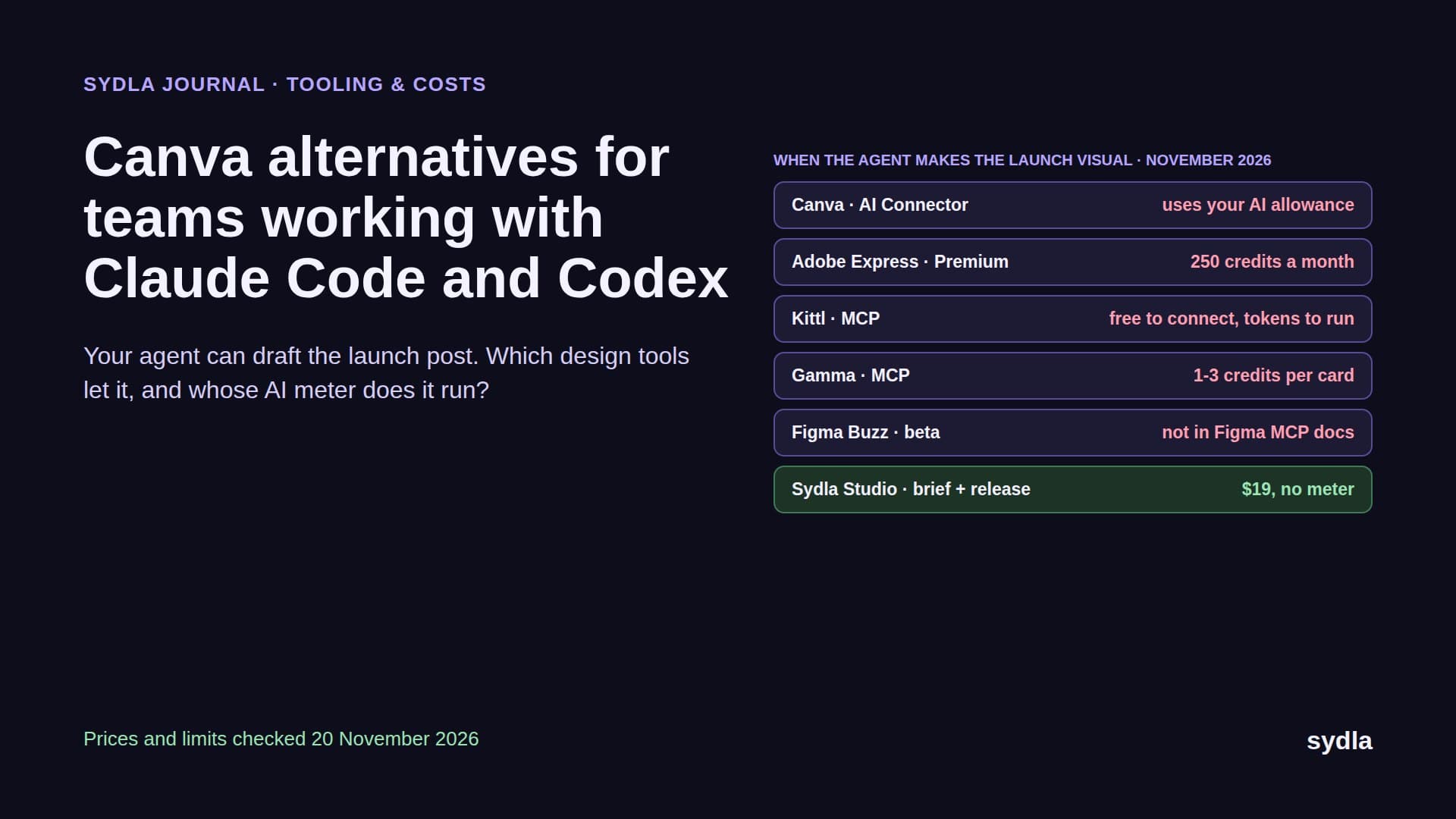
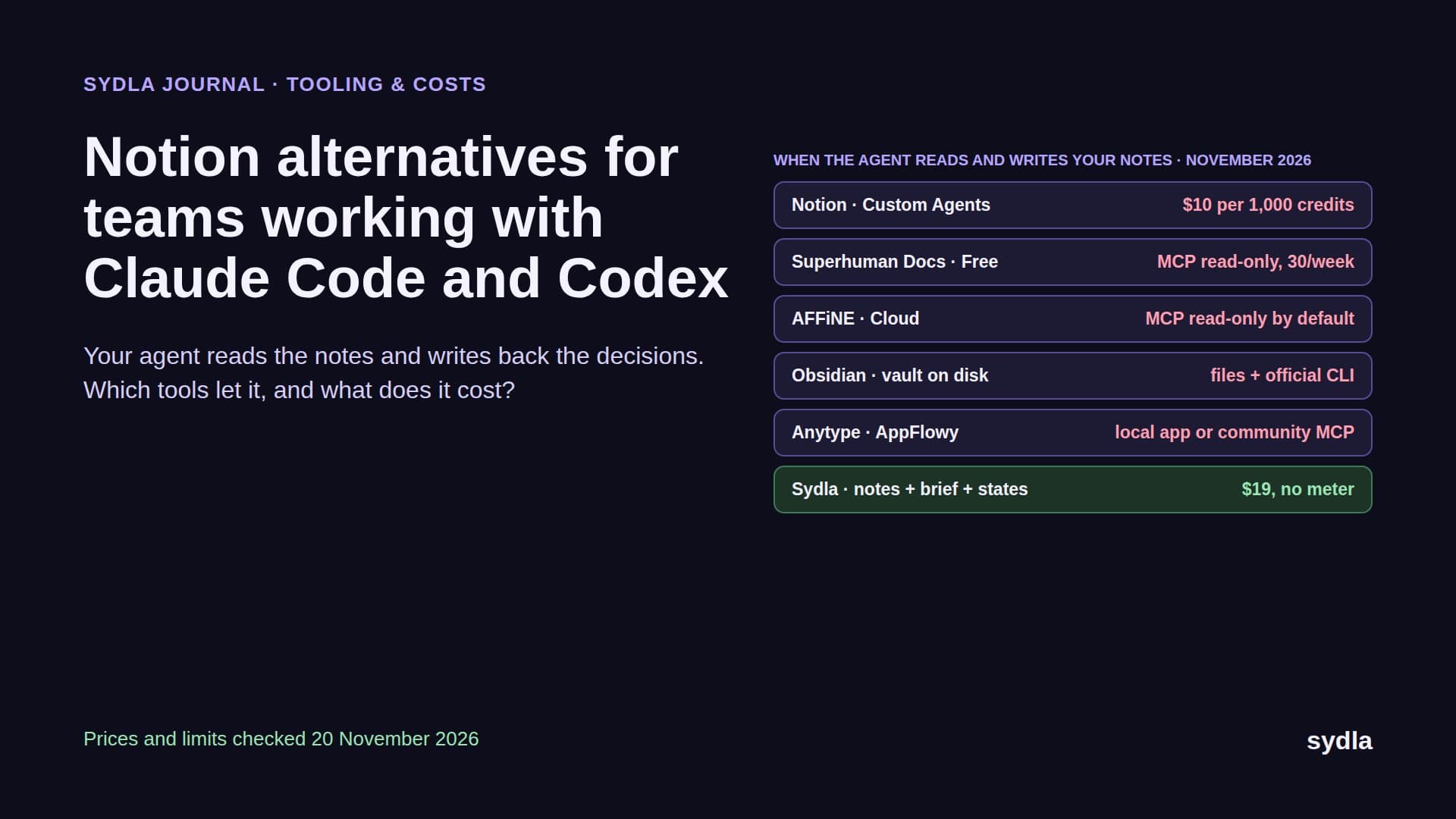
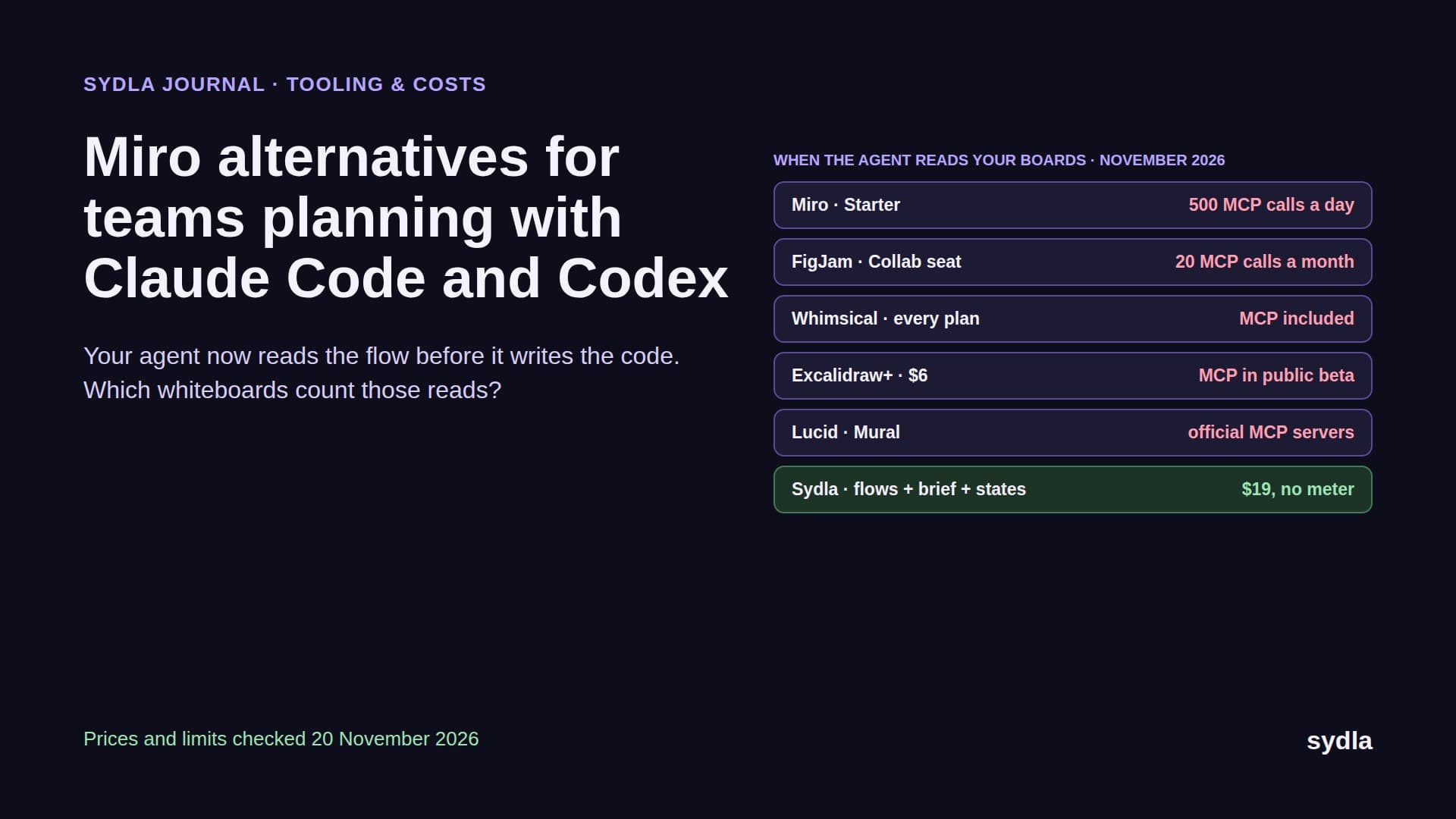
Meanwhile the work around the screen still hops across six tools: the request in Jira, the spec in Confluence or Notion, the frames in Figma, the flow on a Miro board and the launch visuals in Canva. That is AI credit fatigue with a design budget attached. This guide compares Claude Design and Figma on Anthropic and Figma pages read on 21 November 2026, then shows a workflow that keeps the brief, the states and the review in one place.
What Claude Design is in November 2026
Claude Design started on 17 April 2026 as an Anthropic Labs research preview for Pro, Max, Team and Enterprise, powered by Claude Opus 4.7. You describe a screen, a deck or a one-pager, upload images or documents, or point Claude at a codebase, and it produces a design you can refine by chat, comments and, since June, direct drag, resize and align controls.
The June update added the pieces that matter to engineering teams. Design systems can come from a GitHub repository, design files or raw uploads, and running /design-sync in Claude Code reads your React tokens and components directly. When a design is ready, you hand it off to Claude Code: the export menu offers Send to local coding agent or Send to Claude Code Web. In Claude Code itself, /design creates, edits and syncs design projects. Exports go to PDF, PPTX, Google Slides, standalone HTML or a ZIP, and connectors send work to Canva, Miro, Adobe, Gamma, Lovable, Replit, Vercel, Base44 and Wix.
Two November facts change the buying decision. First, access: Anthropic's help centre and pricing page now list Claude Design on Free, Pro, Max, Ultra, Team and Enterprise, while design systems stay a beta on paid plans. Second, location: the standalone site at claude.ai/design closes on 14 December 2026. Designs now live as artifacts inside Claude. Owners move projects one at a time, Team and Enterprise owners can move everything, and chats and comments do not come along. If your team relied on those threads for decisions, export them before the date.
The limit is the price
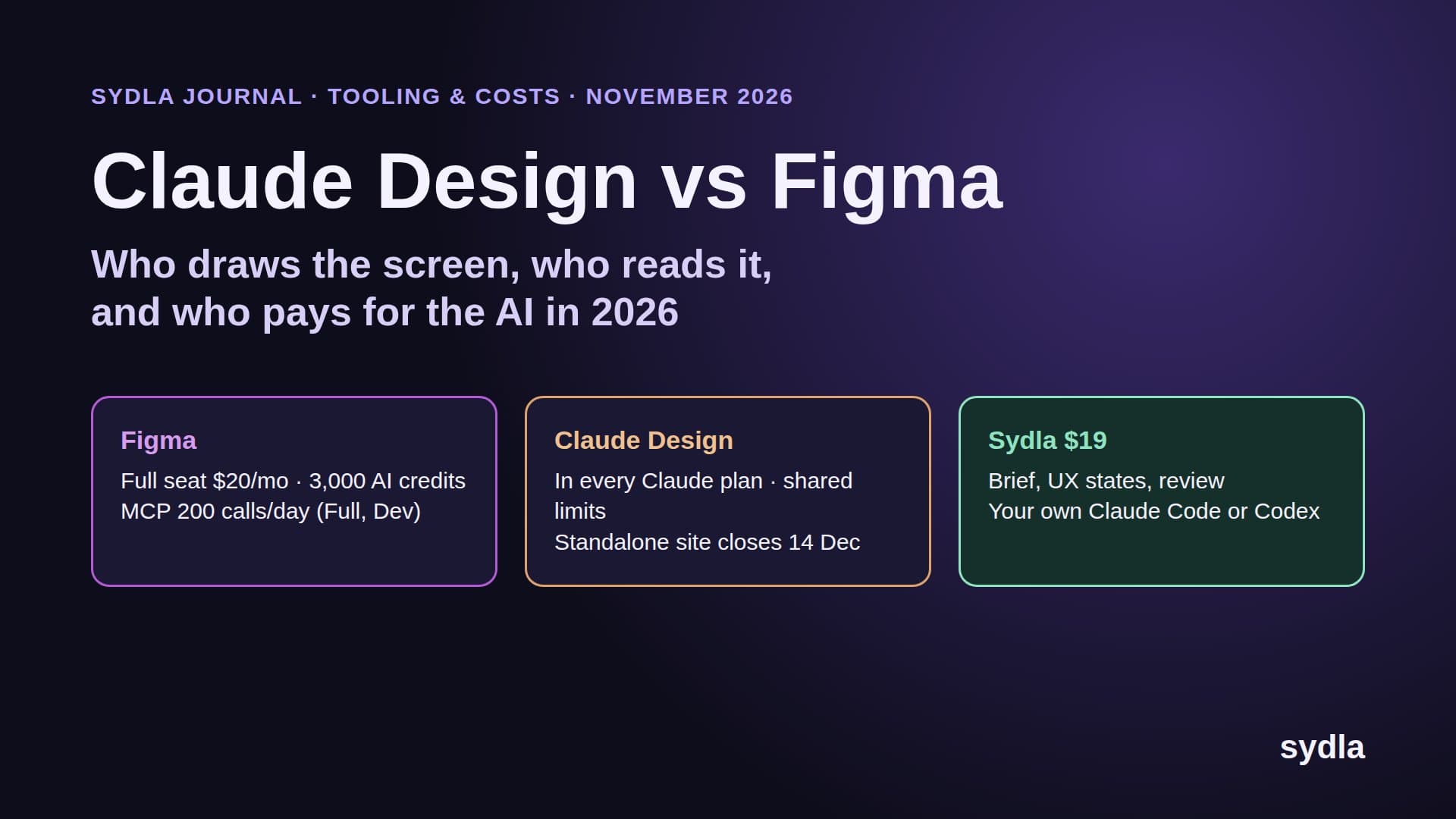
Claude Design has no price of its own. It is included in Claude at $0 Free, $20 Pro billed monthly ($17 yearly), $100 Max, $200 Ultra and $25 a Team standard seat billed monthly. What it consumes is usage. At launch it had a separate weekly allowance, and early testers famously burned through it in an afternoon. Since June, Anthropic's own words are that Claude Design counts toward the same usage limits as the rest of Claude, including Claude Code. When the pool is empty, Claude Design is unavailable until the limits reset, unless you have turned on usage credits.
That is good news and a trap. Good news, because there is no second subscription and no credit pack to buy. A trap, because a designer iterating on a dashboard and a developer running a long agent session on the same account now compete for one budget. Anthropic publishes no Claude Design specific allowance, so plan for it the way you plan agent runs: see our cost per ticket guide and bring your own coding agent for how the plans behave under load.
What Figma still does better
Figma is a professional canvas used by entire design organisations, and nothing in Claude Design replaces that yet. Precise vector editing, auto layout, variables and modes, component libraries with variants, branching, multiplayer editing, comments with a decade of plugins around them: if your designers live in the file all day, Figma remains the tool.
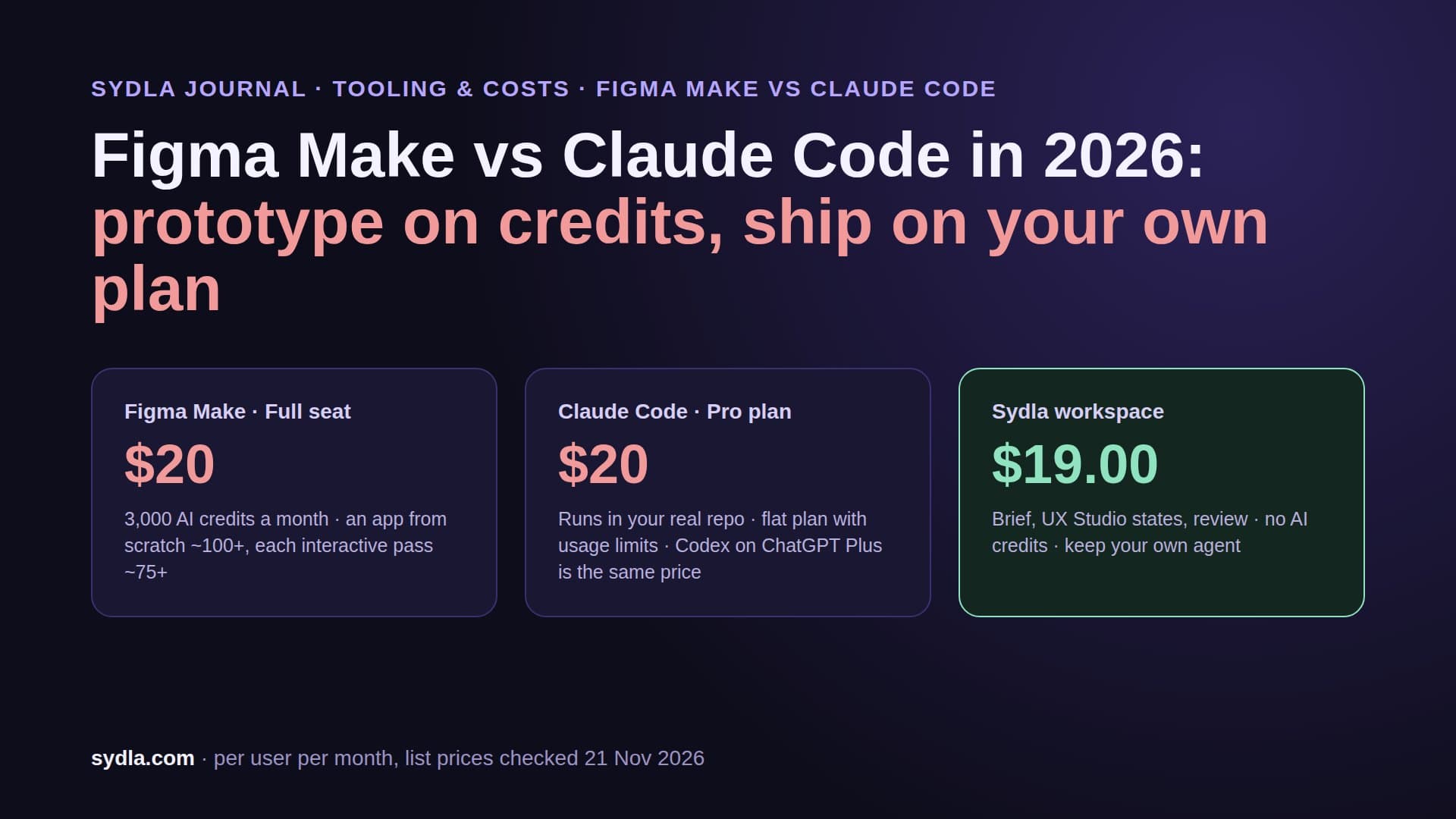
Figma's AI runs on seat credits. A Professional Full seat is $20 a month billed monthly or $16 yearly and includes 3,000 AI credits a month; Dev, Collab and View seats get 500. Credits belong to one person, reset monthly and never roll over. Our Figma AI credits guide has the full rate card, and Figma Make vs Claude Code covers its prompt-to-app tool.
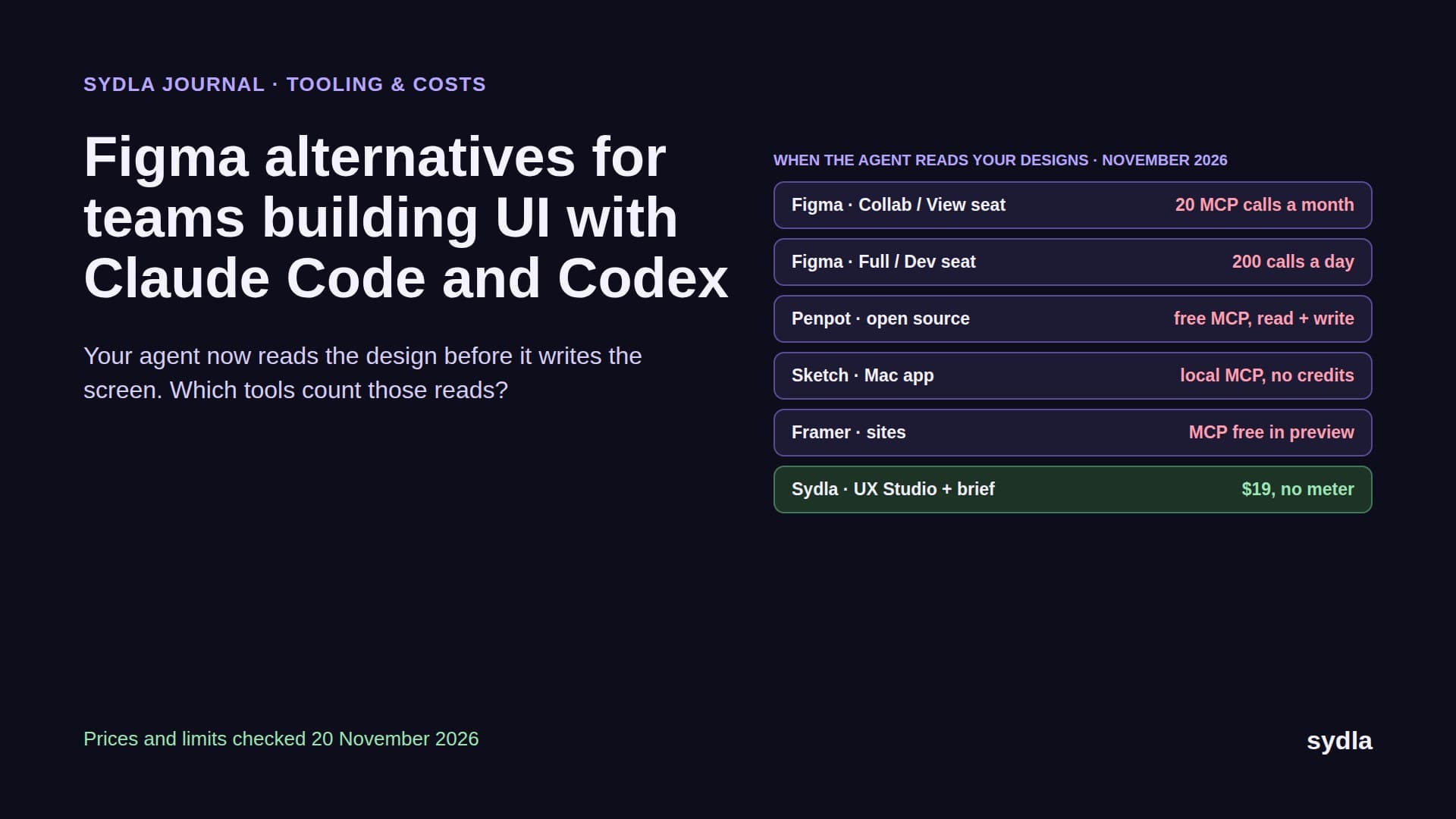
For coding agents, the number that matters is the MCP server. View and Collab seats get 20 calls a month on every plan. Full and Dev seats get 200 a day on Professional and Organization and 600 on Enterprise. Writing to the canvas is free during the beta and will become usage-based. An agent that reads ten frames per ticket hits the View seat ceiling on day two.
Claude Design vs Figma at a glance
Here is the head-to-head on the questions that decide whether a screen reaches production.
| Question | Claude Design | Figma | Sydla with your own agent |
|---|---|---|---|
| Price to start | $0 Free, $20 Pro (monthly) | $20 Full seat (monthly), $16 yearly | $19 Sydla, plus the plan you already have |
| AI billing | Shared Claude limits, same pool as Claude Code | 3,000 seat credits a month on Full, no rollover | No Sydla AI credits, no token markup |
| Agent reads | Handoff bundle to Claude Code; /design in Claude Code | MCP: 200 calls a day on Full/Dev, 20 a month on View/Collab | One Sydla MCP connection for brief, criteria and UX handoff |
| Design system | From GitHub, files or /design-sync (beta, paid plans) | Libraries, variables, modes, variants | Design tokens and standard components in UX Studio |
| Editing | Prompt first, plus drag, resize, align | Full vector canvas, auto layout, plugins | Screens and states on a shared canvas |
| Collaboration | Artifacts in Claude; chats and comments do not move on 14 Dec | Multiplayer, comments, branching | Comments, presence and versions on the work item |
| Coding agents | Claude Code only | Any agent through MCP | Claude Code or Codex, on your own plan |
| Best at | Fast first drafts from a prompt | Pixel craft for design teams | Brief to merged code with review |
The fair reading: Claude Design wins the first draft and the jump into Claude Code. Figma wins the craft and the design team. Neither one holds the ticket, the acceptance criteria or the evidence that the shipped screen matches the design. That is the gap the rest of this guide fills.
The six-tool stack around both
Claude Design or Figma is one tool. The work around the screen uses six, and each adds a seat, an AI meter and a handoff.
| Tool and plan | Seat / month | Built-in AI billing | Handoff it adds |
|---|---|---|---|
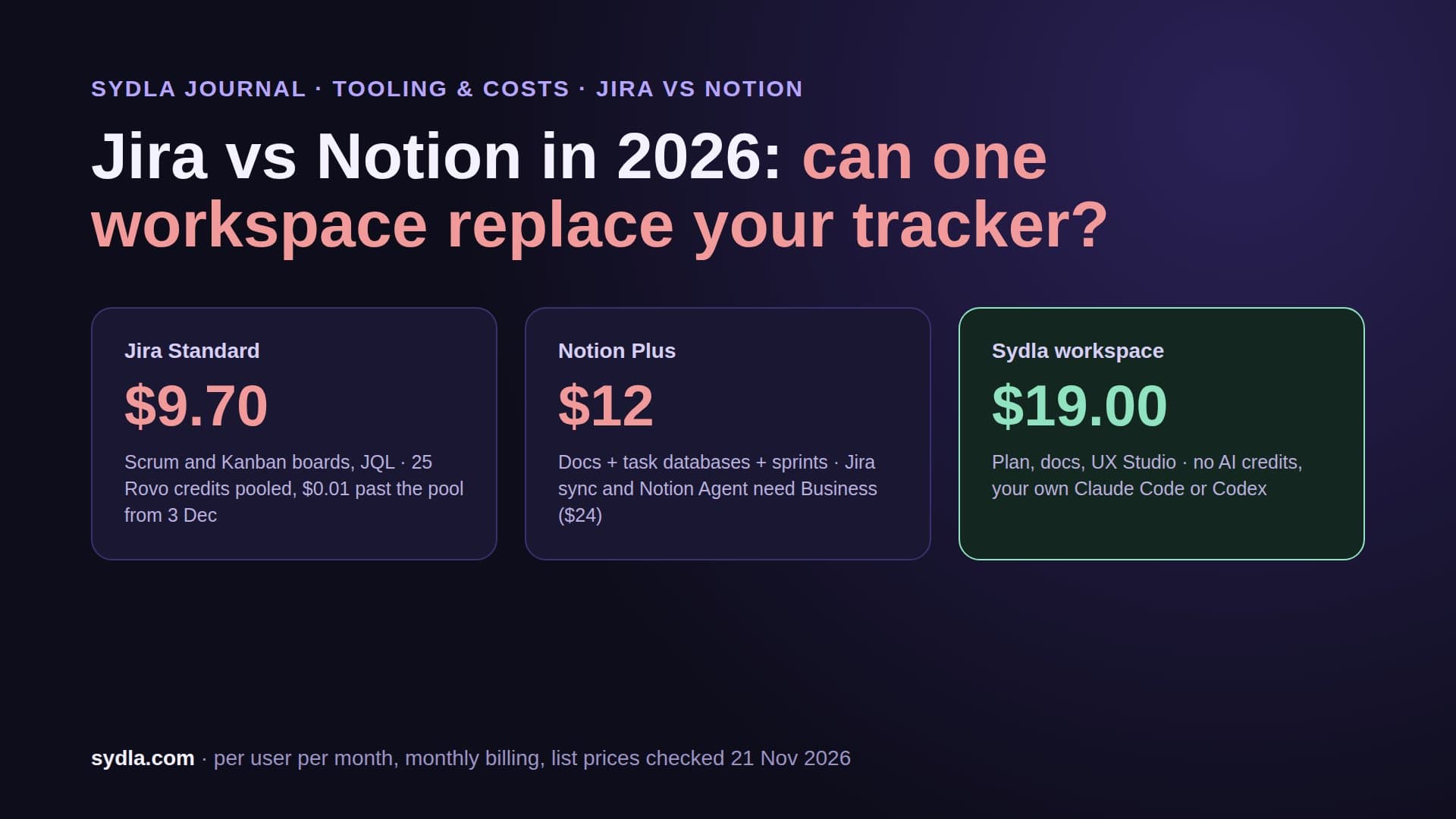
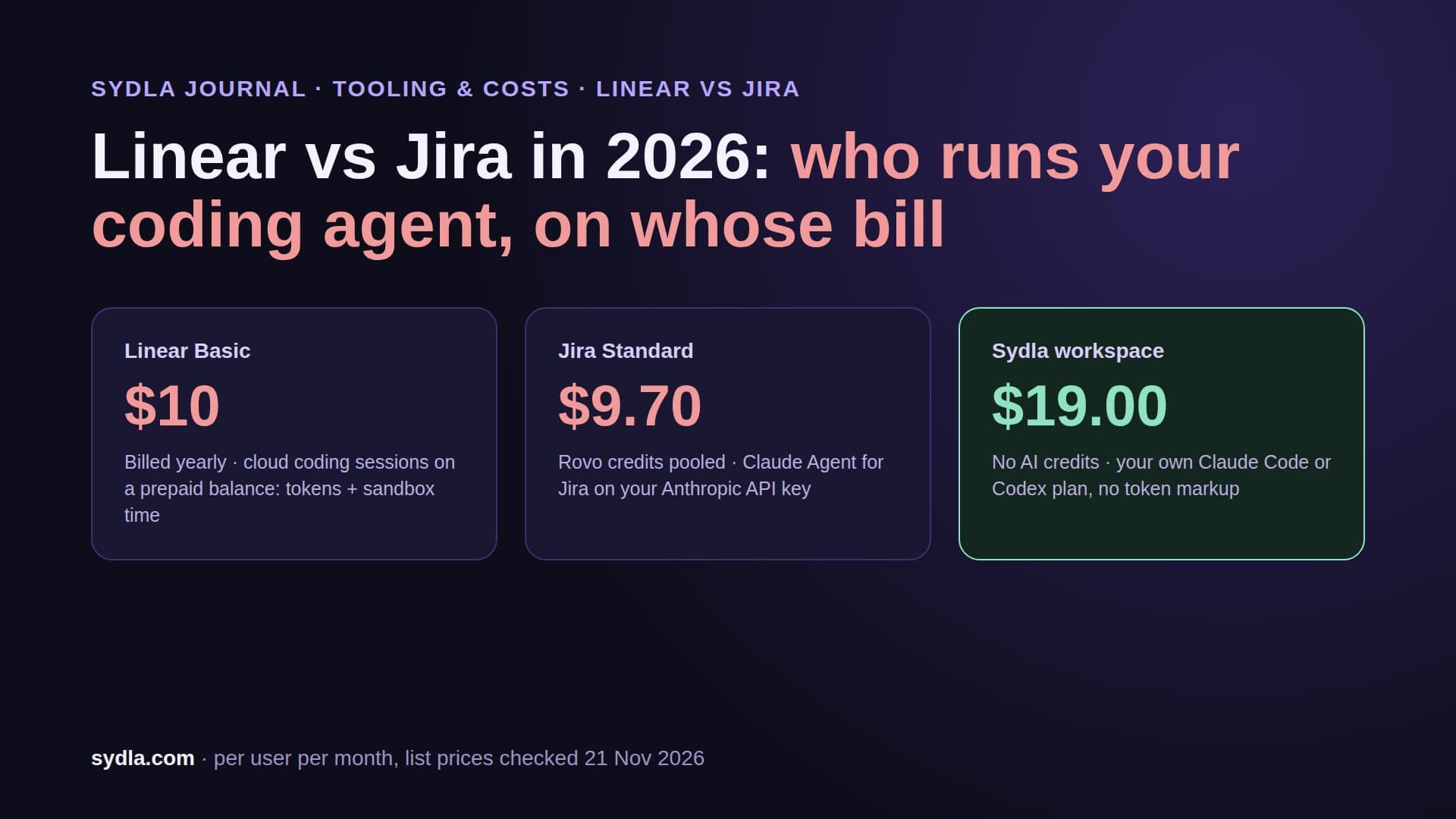
| Jira Standard | $9.70 | 25 Rovo credits per user, pooled | The request is retyped as a ticket |
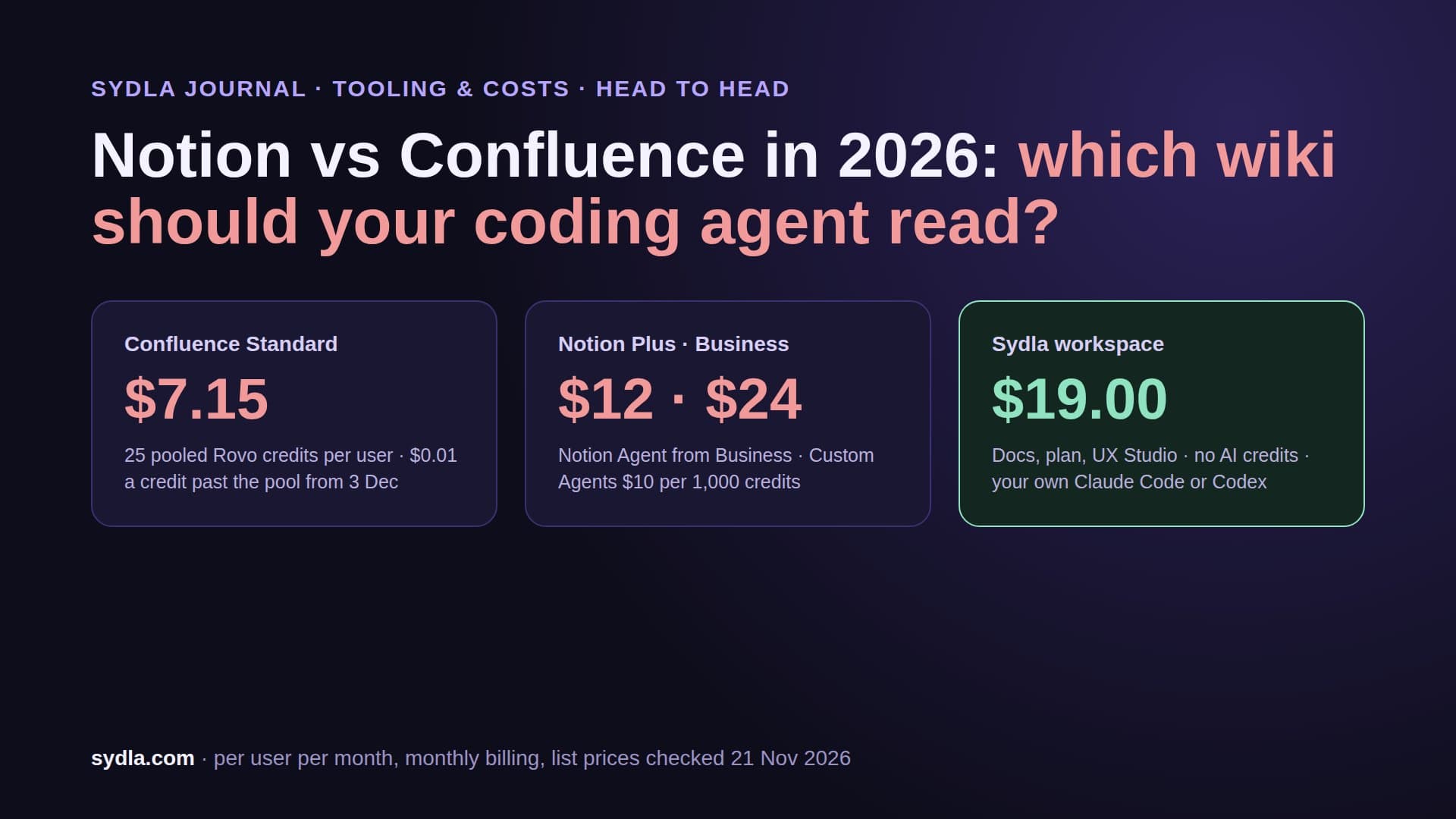
| Confluence Standard | $7.15 | Same Rovo pool; enriched MCP searches 1 to 10 credits | The ticket becomes a spec |
| Notion Plus | $12.00 | Custom Agents need Business, then $10 per 1,000 credits | Decisions stay in meeting notes |
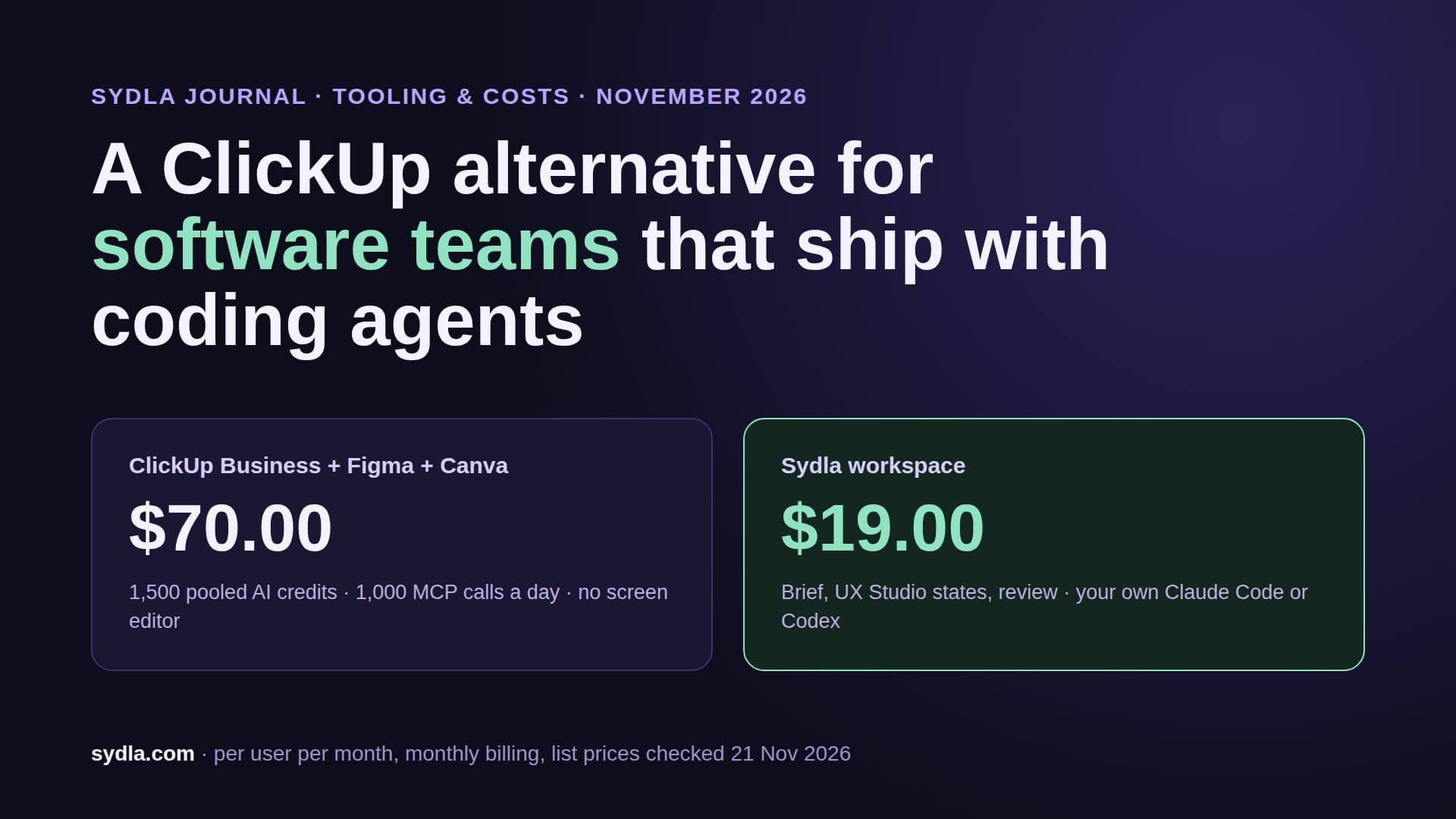
| Figma Professional, Full seat | $20.00 | 3,000 AI credits; MCP 200 calls a day | Frames are rebuilt in the repo |
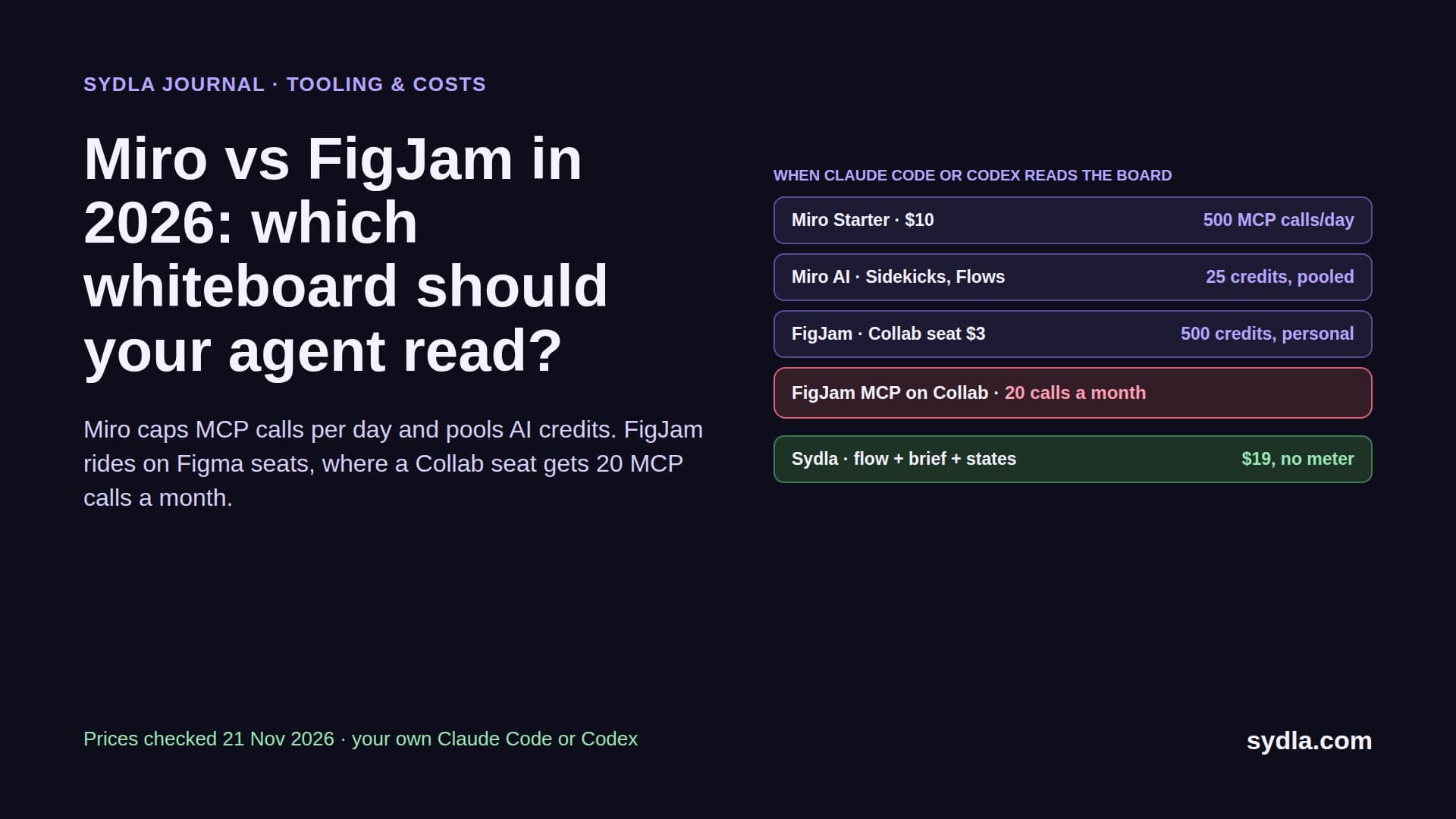
| Miro Starter | $10.00 | 25 credits per member, pooled | The flow is redrawn as frames |
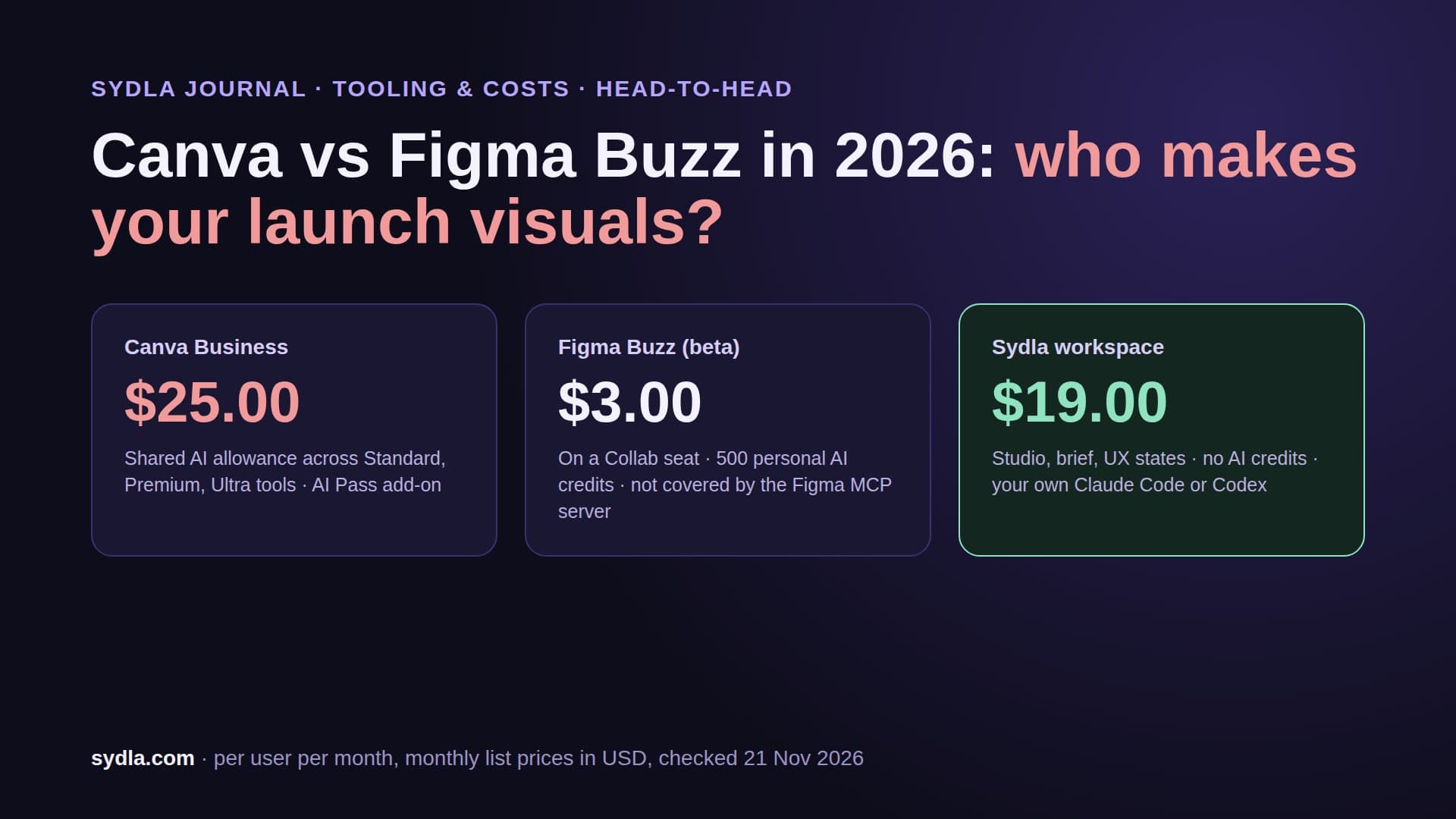
| Canva Business | $25.00 | AI allowance per plan | Screens are exported again for launch |
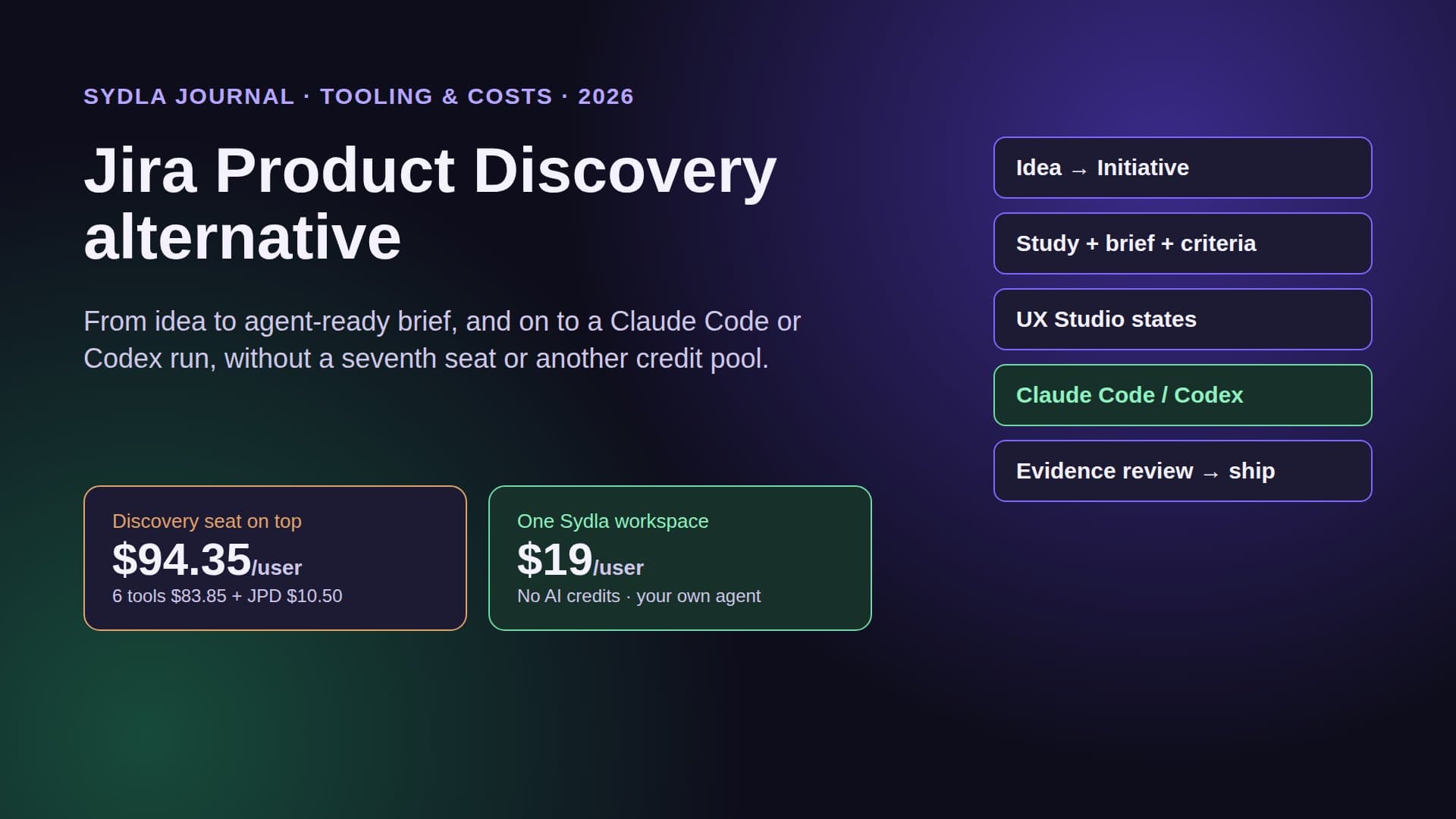
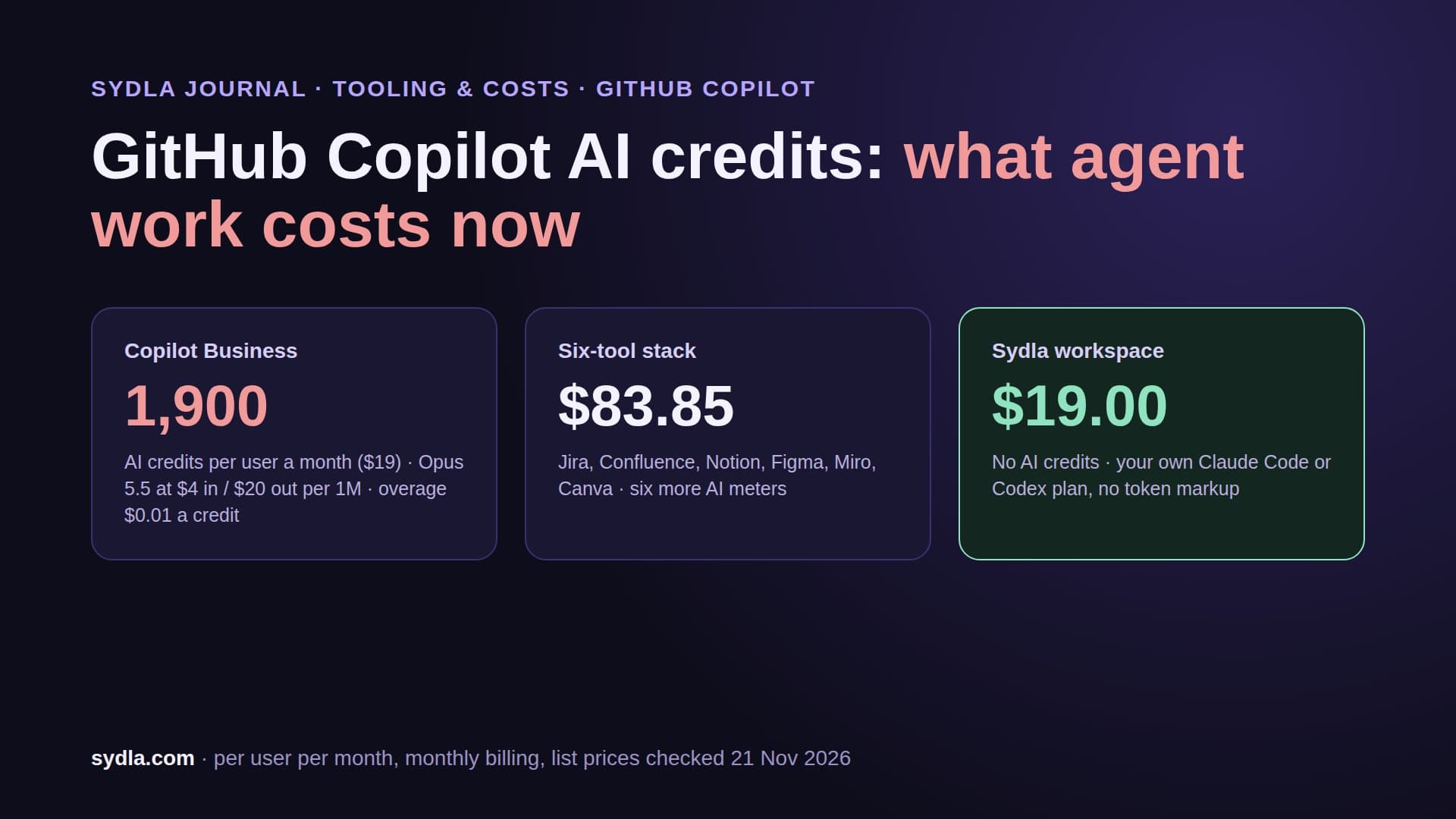
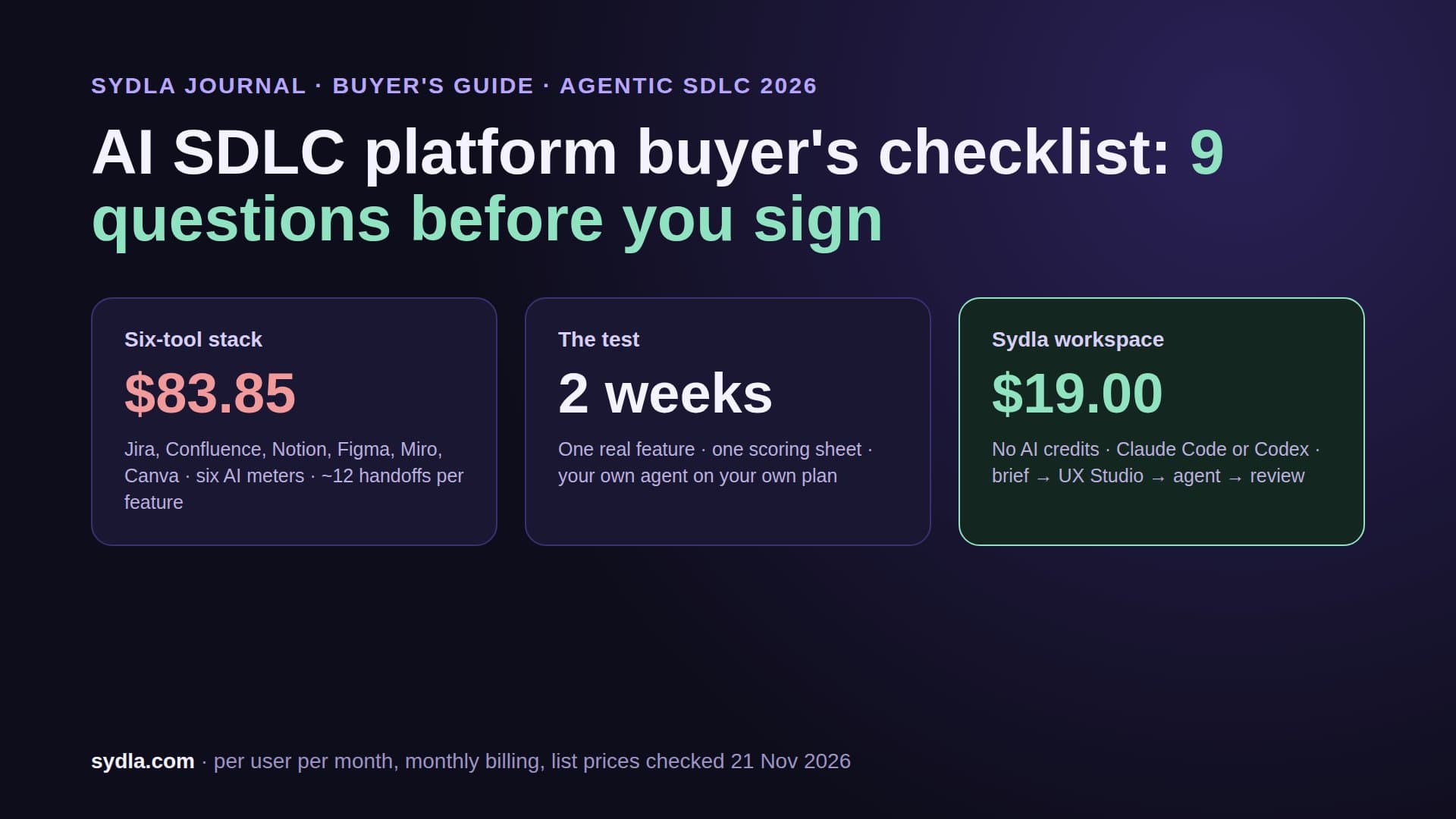
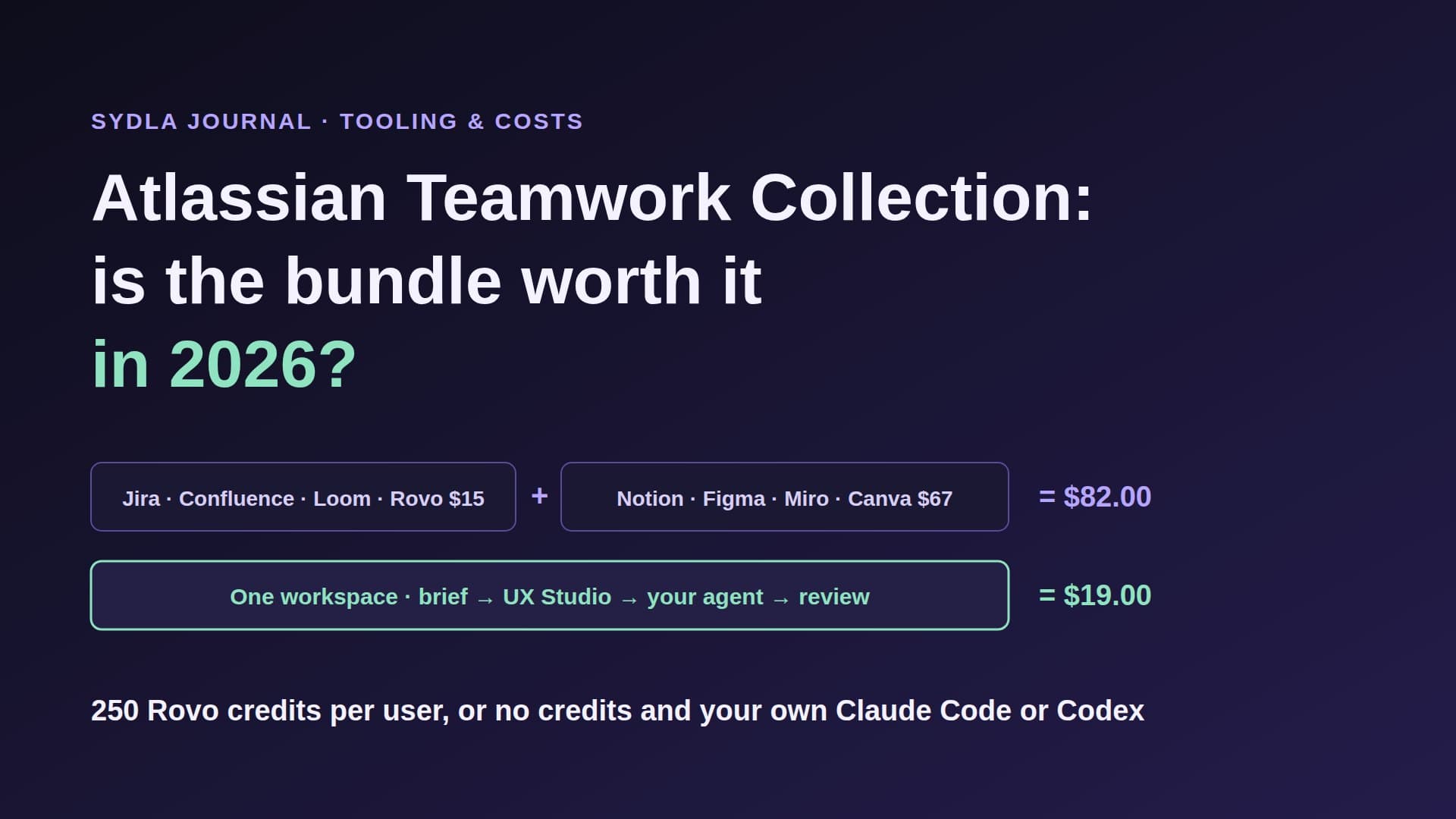
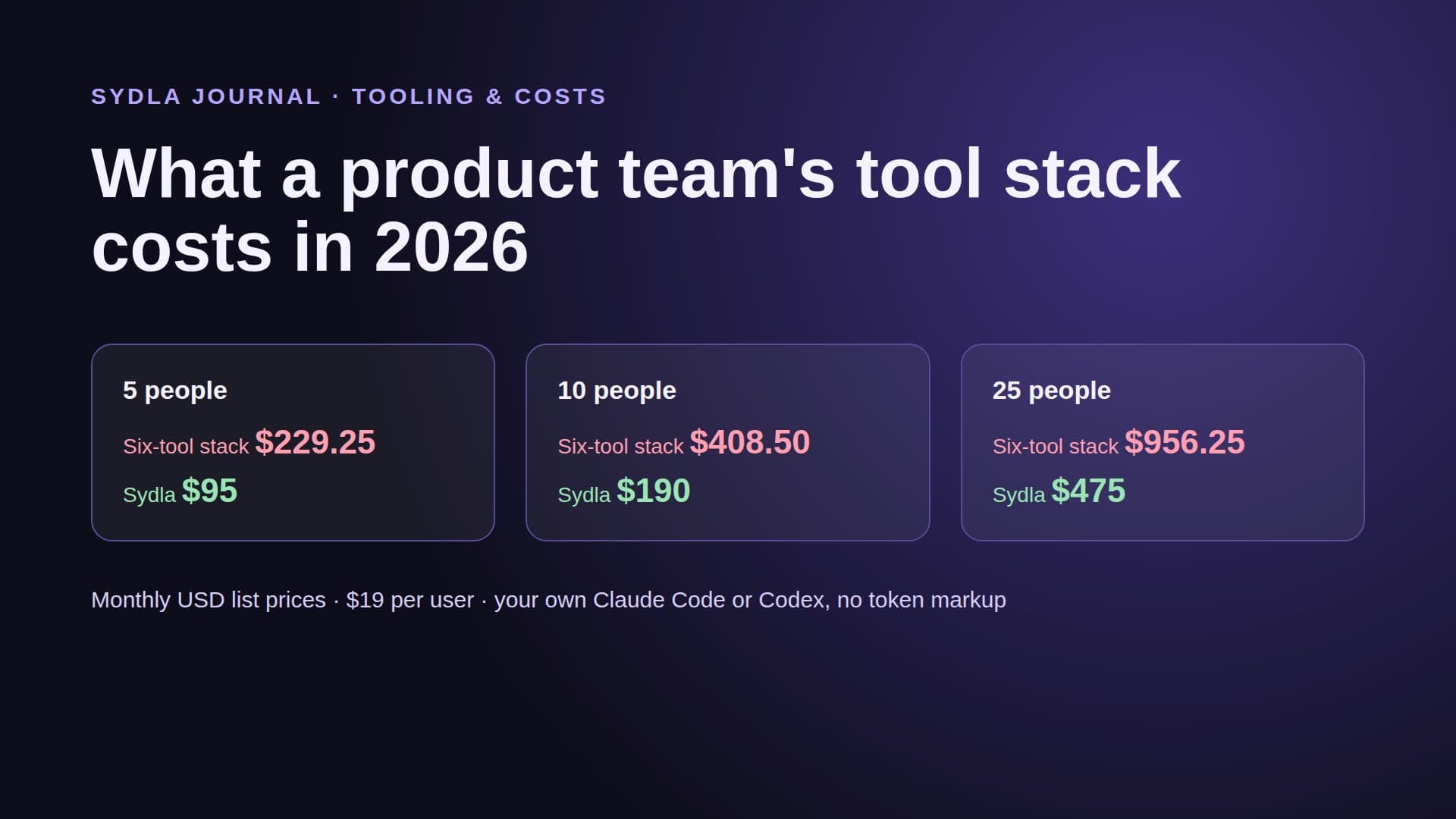
| Six-tool stack | $83.85 | Six meters, six renewal dates | About twelve handoffs per feature |
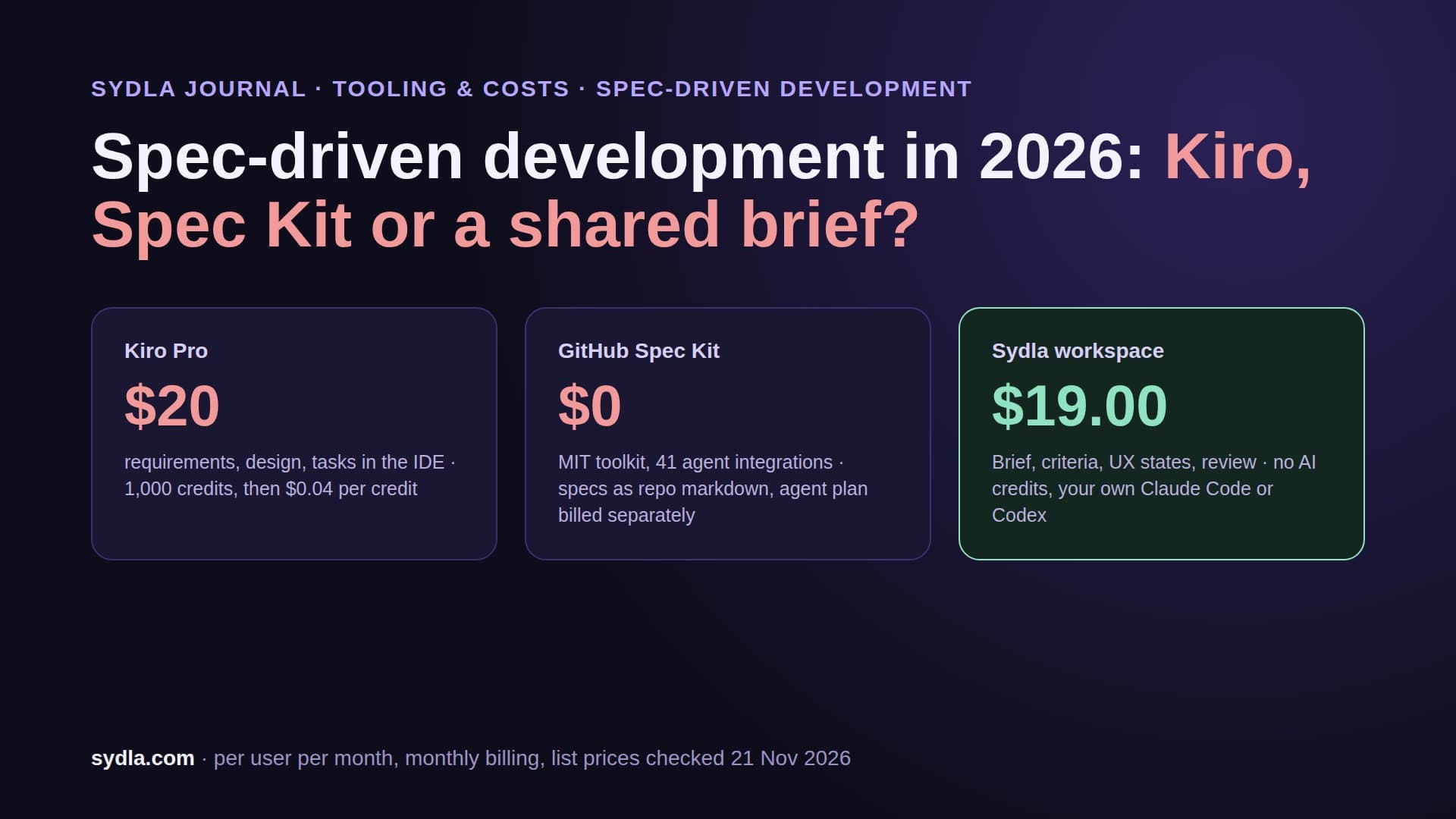
| Sydla | $19.00 | No Sydla AI credits; your own Claude Code or Codex | One work item: brief, criteria, UX states, runs, evidence |
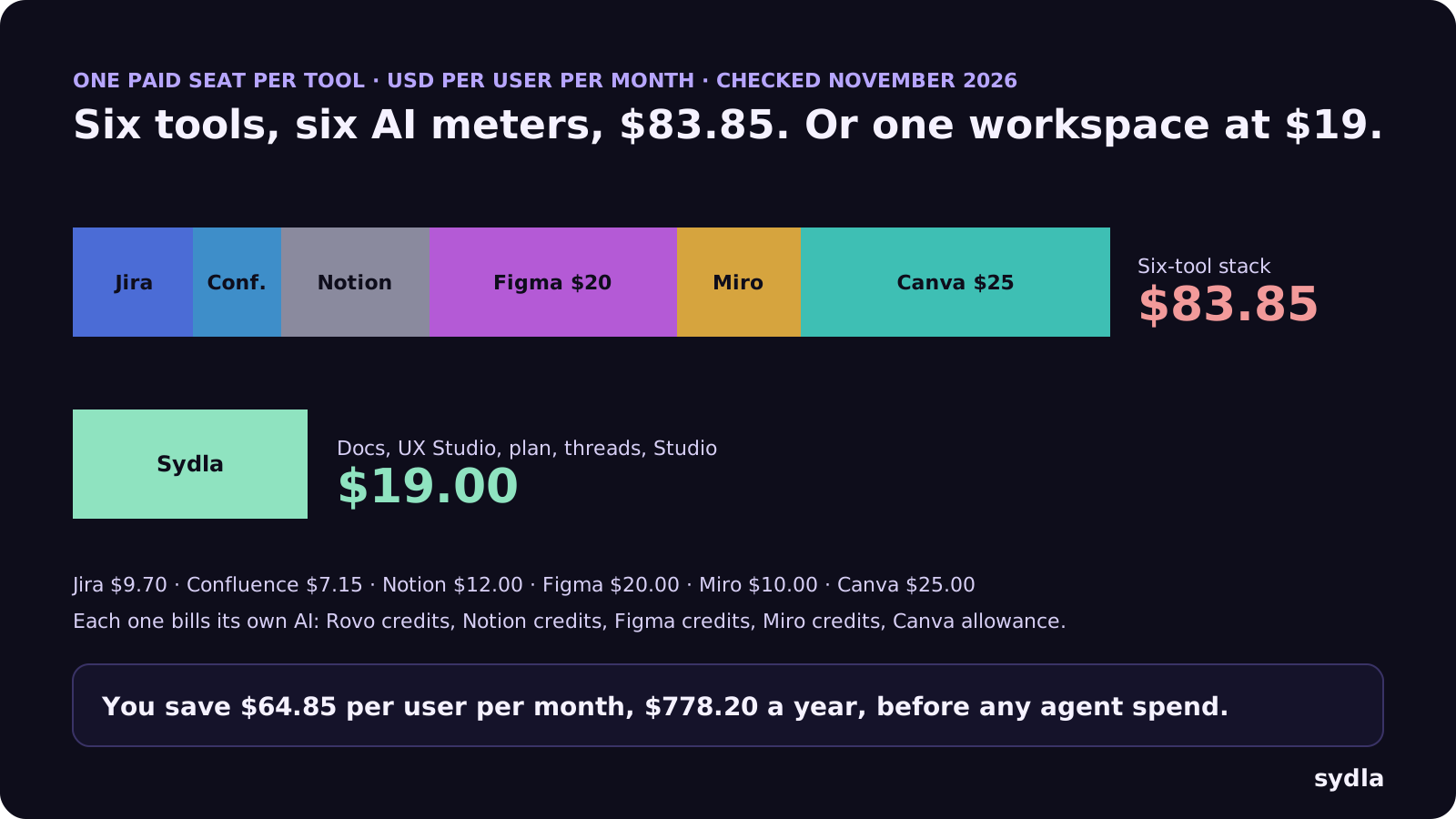
Against the stack, Sydla saves $64.85 per user per month, $778.20 a year, before any agent spend. Swapping Figma for Claude Design alone removes one seat but keeps five tools and moves design usage into your coding budget. The pricing section has the plan, and the comparison hub is honest about where each specialist tool still wins. For the wider field, see our Figma alternatives guide.
Walkthrough: from screen to merged code with Sydla Desktop
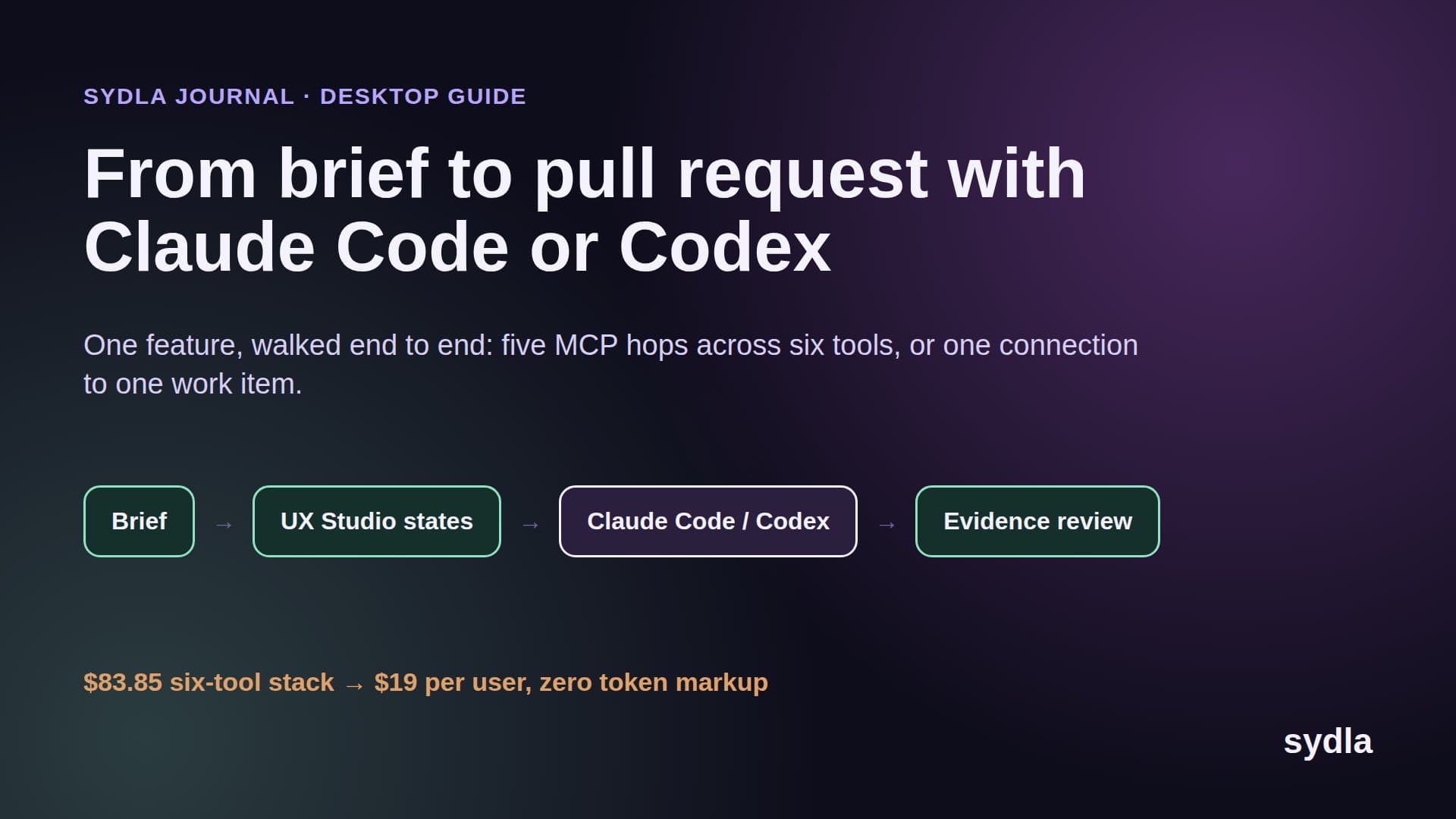
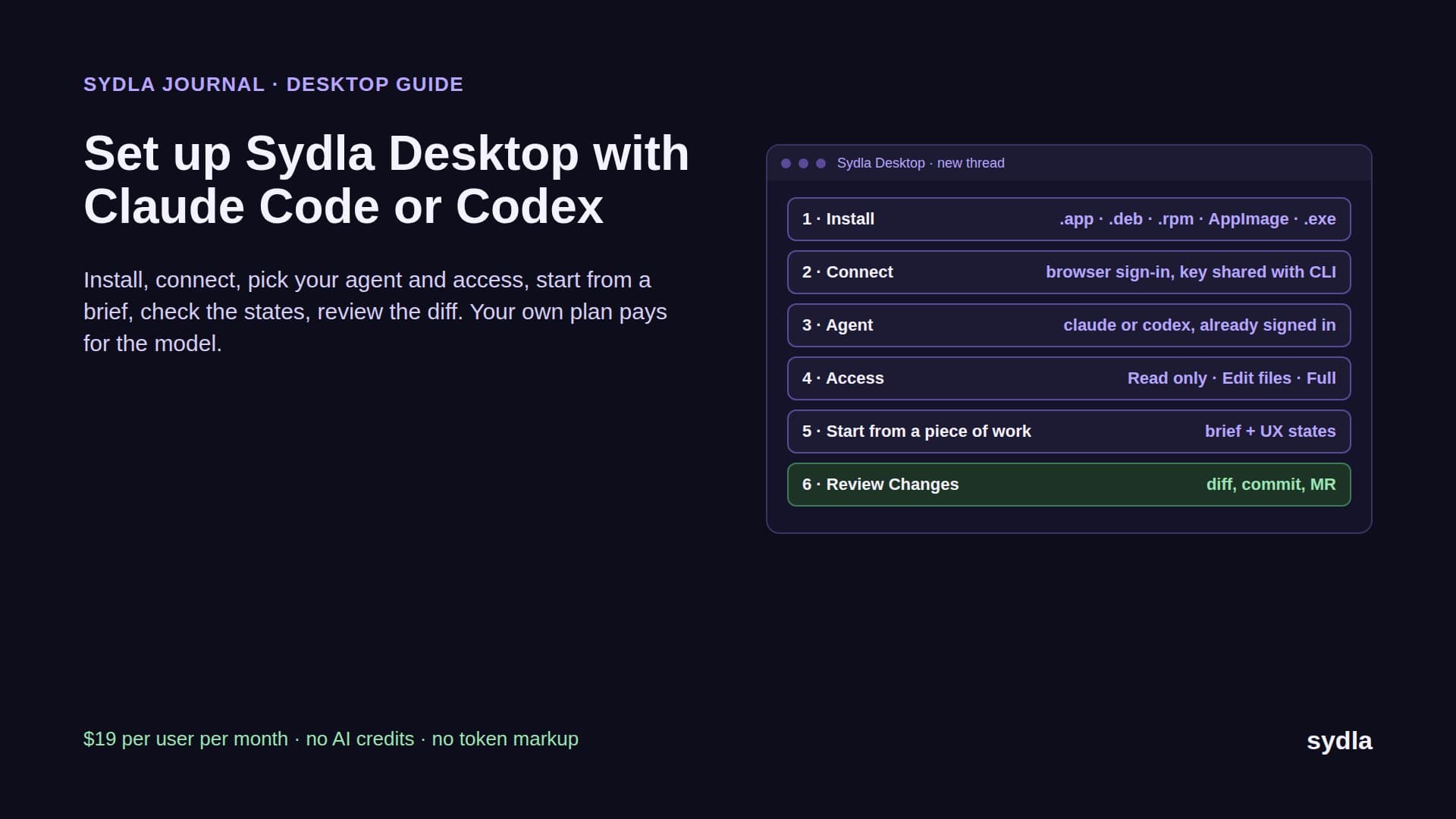
Keep whichever drawing tool your team likes for exploration. A Claude Design draft or a Figma frame is good evidence. What the agent needs is the brief, every state and a way to prove the result. Here is the loop in Sydla, with Claude Code or Codex running on your machine and your plan:
- Write the brief once. In Sydla Docs, record the goal, the users, the non-goals and numbered acceptance criteria, for example: AC2, an admin who removes a teammate sees the seat count drop and an undo for ten seconds. Link the Claude Design artifact or Figma frame as a reference, not as the spec. The PRD template for coding agents lists the seven sections that matter.
- Draw every state in UX Studio. Drafts show the happy path. Add the empty, loading, error, success and permission-denied screens with your design tokens, and publish the handoff on the same initiative. The agent reads states, not a screenshot. See design-to-code handoff.
- Open a thread in Sydla Desktop. Add your repository folder. Desktop matches its Git remote to your Sydla project, so a thread started from a piece of work opens in that folder on its own branch. It launches the Claude Code or Codex CLI already signed in on your machine, in Read only, Edit files or Full access mode.
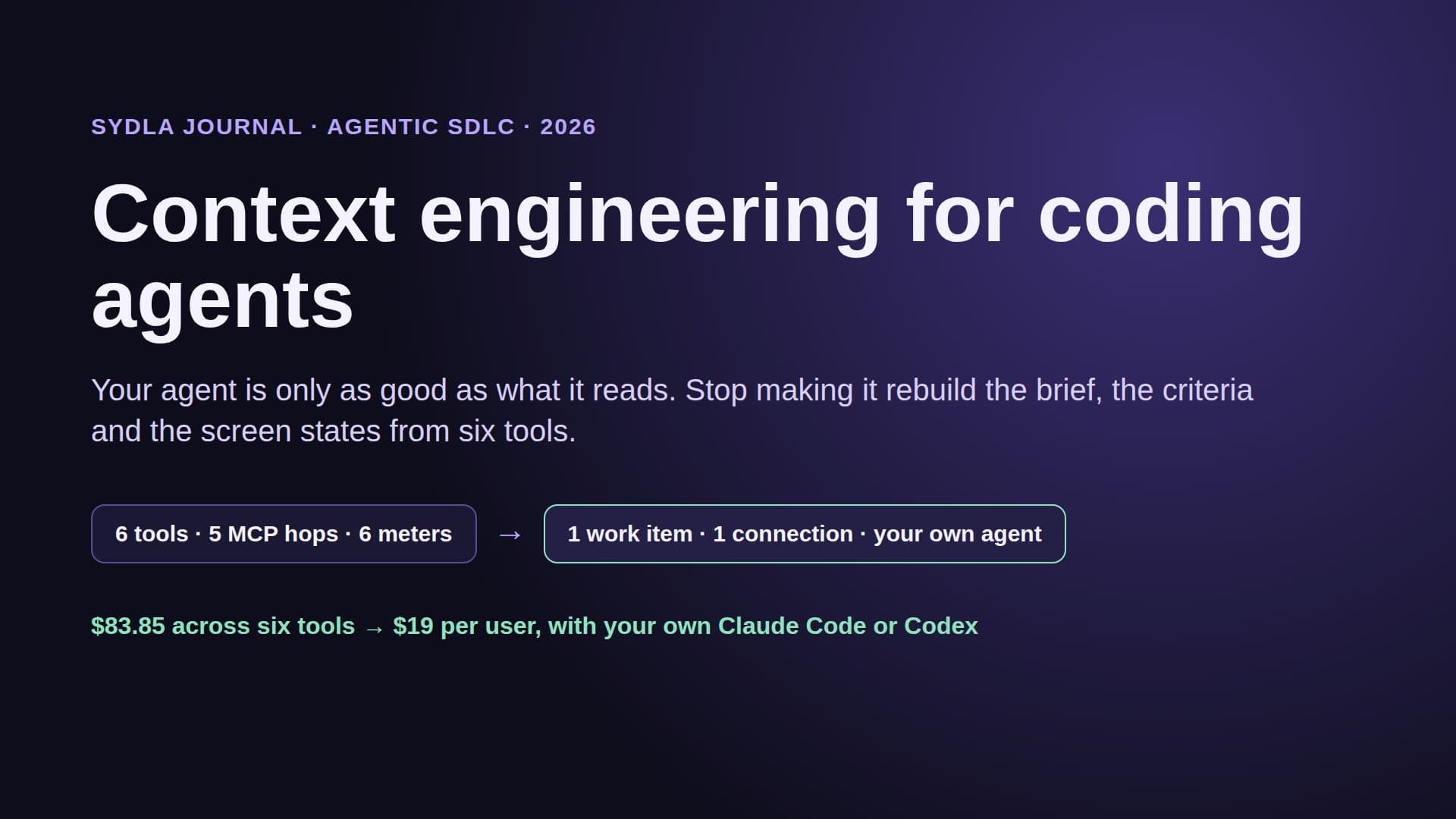
- Let the agent read the initiative. Through one Sydla MCP connection the agent opens the brief, the criteria and the UX handoff, instead of a Figma MCP quota per seat plus four other servers. It edits your real components, runs the tests and opens the dev server in a headless browser to check each state against the design.
- Review the evidence, then decide. The thread shows every command and tool call; Changes shows the diff. Check it against the criteria and the states, commit on the thread's branch and open the merge request. A person makes the gate decision, never the agent. The AI pull request review guide has the four-pass checklist.
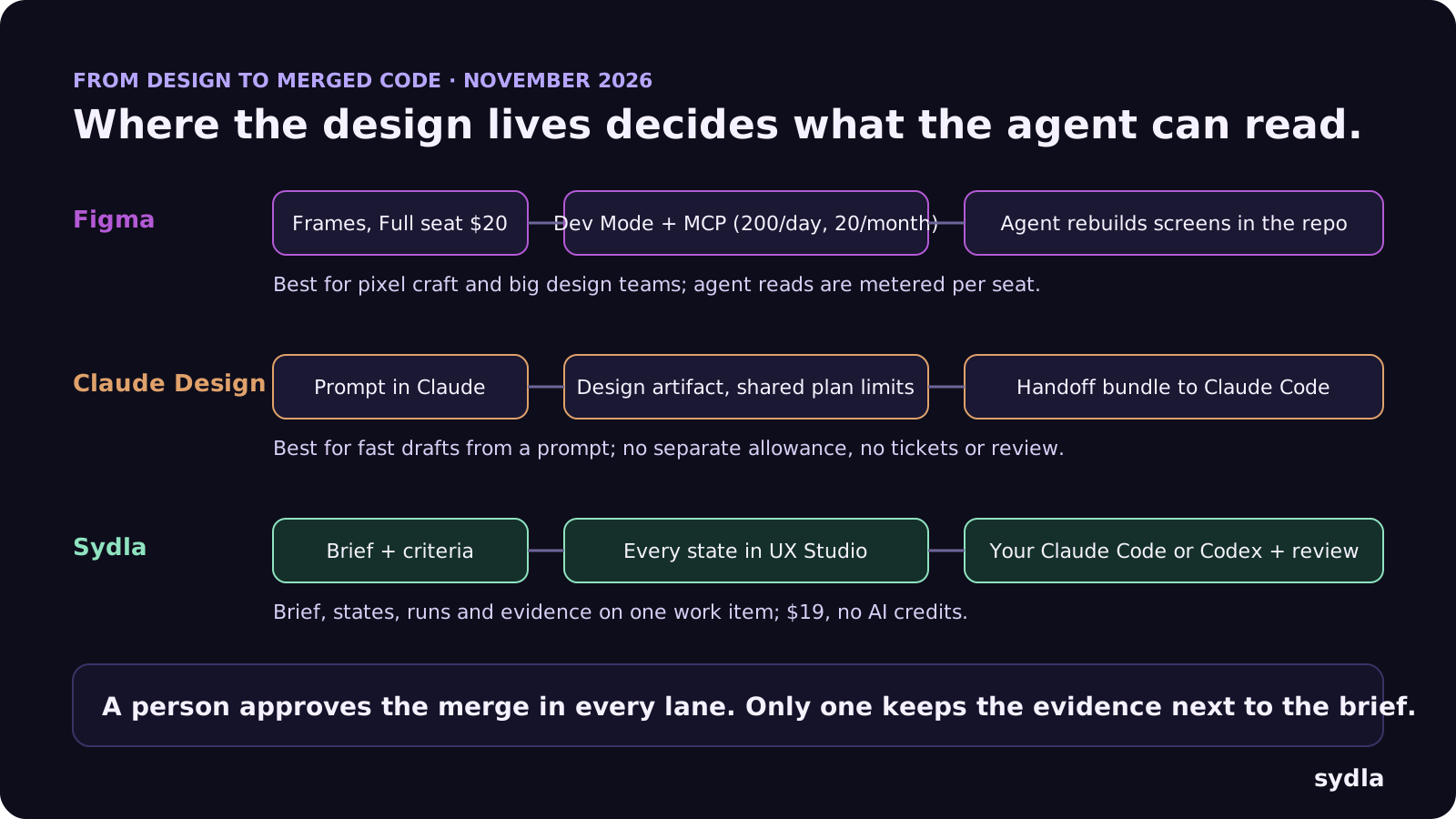
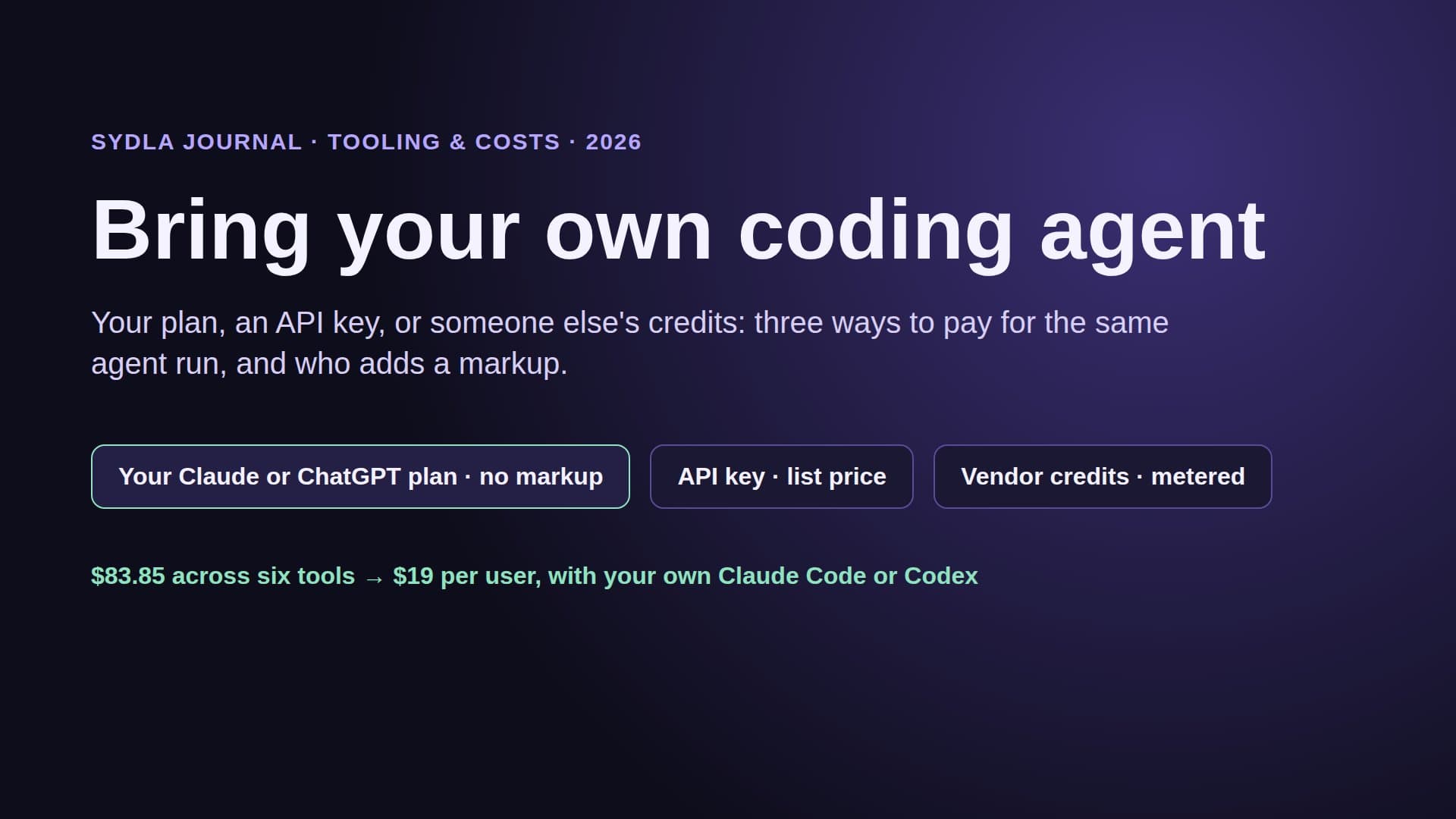
The money changes at step three: the model bill is your Claude or ChatGPT plan, flat, and Sydla adds no meter. Codex users are not left out, which matters because Claude Design hands off to Claude Code only. The Sydla Desktop setup guide covers installation in about ten minutes.
Which one should you use?
They answer different questions, so pick by the question you have:
- Use Claude Design when you already pay for Claude, need a credible first draft, deck or landing page fast, and build with Claude Code. Watch the shared limits, and move your projects before 14 December.
- Use Figma when designers spend their day in the canvas, you run a large component library with variants and modes, or several agents need to read the same files through MCP. Budget the credits and give agent users a Full or Dev seat.
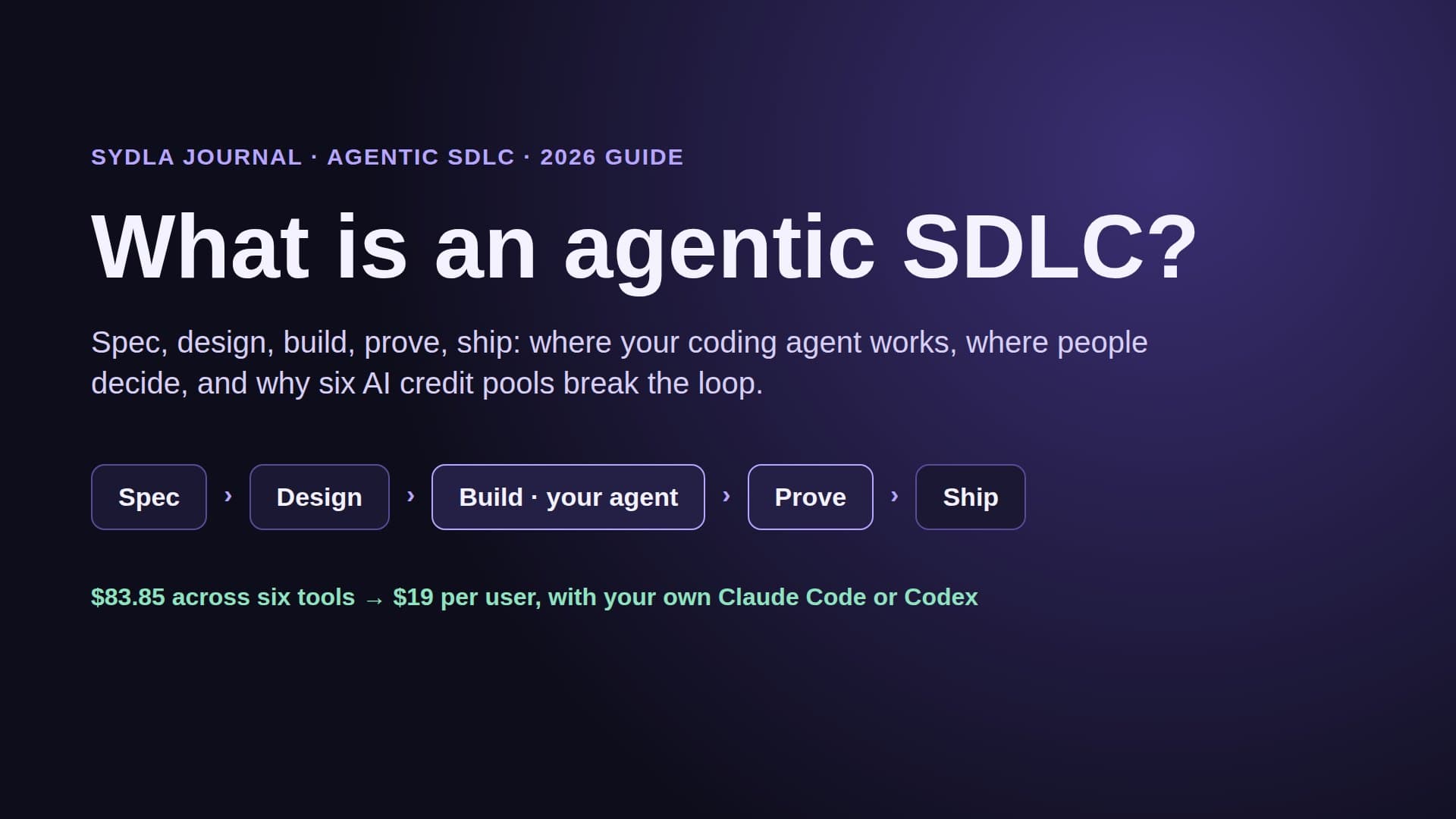
- Use Sydla around either when you want the brief, the states, the plan and the review in one place instead of six, and the freedom to run Claude Code or Codex on your own plan. That is most solo founders, founding engineers and lean product teams. The solo founder stack shows the one-person version, and what is an agentic SDLC explains the five stages.
Draw anywhere. Ship from one place.
Claude Design made first drafts nearly free, as long as your Claude limits last. Figma kept the craft and metered the agent reads. What still costs the most is everything between the screen and the merge: a spec retyped, states forgotten, a review with no evidence.
Take the next screen on your roadmap. Write its brief and states in Sydla this week, open a Desktop thread and let your own Claude Code or Codex build it in the real repository. Start your $19/mo AI SDLC workspace and keep your Claude Code and Codex accounts exactly as they are.
Frequently asked questions
Is Claude Design free?
Claude Design has no separate price. As of November 2026 it is included on Claude Free, Pro ($20 a month, $17 yearly), Max ($100), Ultra ($200), Team and Enterprise. It uses the same usage limits as the rest of Claude, including Claude Code, and stops until the limits reset unless usage credits are turned on. Design systems are a beta on paid plans only.
Does Claude Design replace Figma?
Not for most design teams. Claude Design is fastest for prompt-driven first drafts and hands off to Claude Code. Figma still leads on precise vector editing, component libraries with variants and modes, multiplayer collaboration, plugins and MCP access for any coding agent. Many teams draft in Claude Design and keep Figma for production design.
What happens to standalone Claude Design on 14 December 2026?
Anthropic closes the standalone site at claude.ai/design on 14 December 2026. Designs now live as artifacts inside Claude. Owners move projects one at a time, Team and Enterprise owners can move everything, the old copy becomes read-only, and chats and comments do not move. A project archive download is free and does not count toward usage limits.
How do I hand off from Claude Design to Claude Code?
Use Handoff to Claude Code in the export menu and choose Send to local coding agent or Send to Claude Code Web. Claude packages the design into a handoff bundle. In Claude Code, /design creates, edits and syncs design projects, and /design-sync pulls your React tokens and components into Claude Design.
How many Figma MCP calls does a coding agent get?
Figma's MCP server allows 20 calls a month on View and Collab seats on every plan, and 200 calls a day on Full and Dev seats on Professional and Organization, 600 on Enterprise. Writing to the canvas is free during the beta and is planned to become usage-based. In Sydla, agents read the brief, criteria and UX handoff through one MCP connection with no AI credits.