Miro vs FigJam in 2026: which whiteboard should your coding agent read?
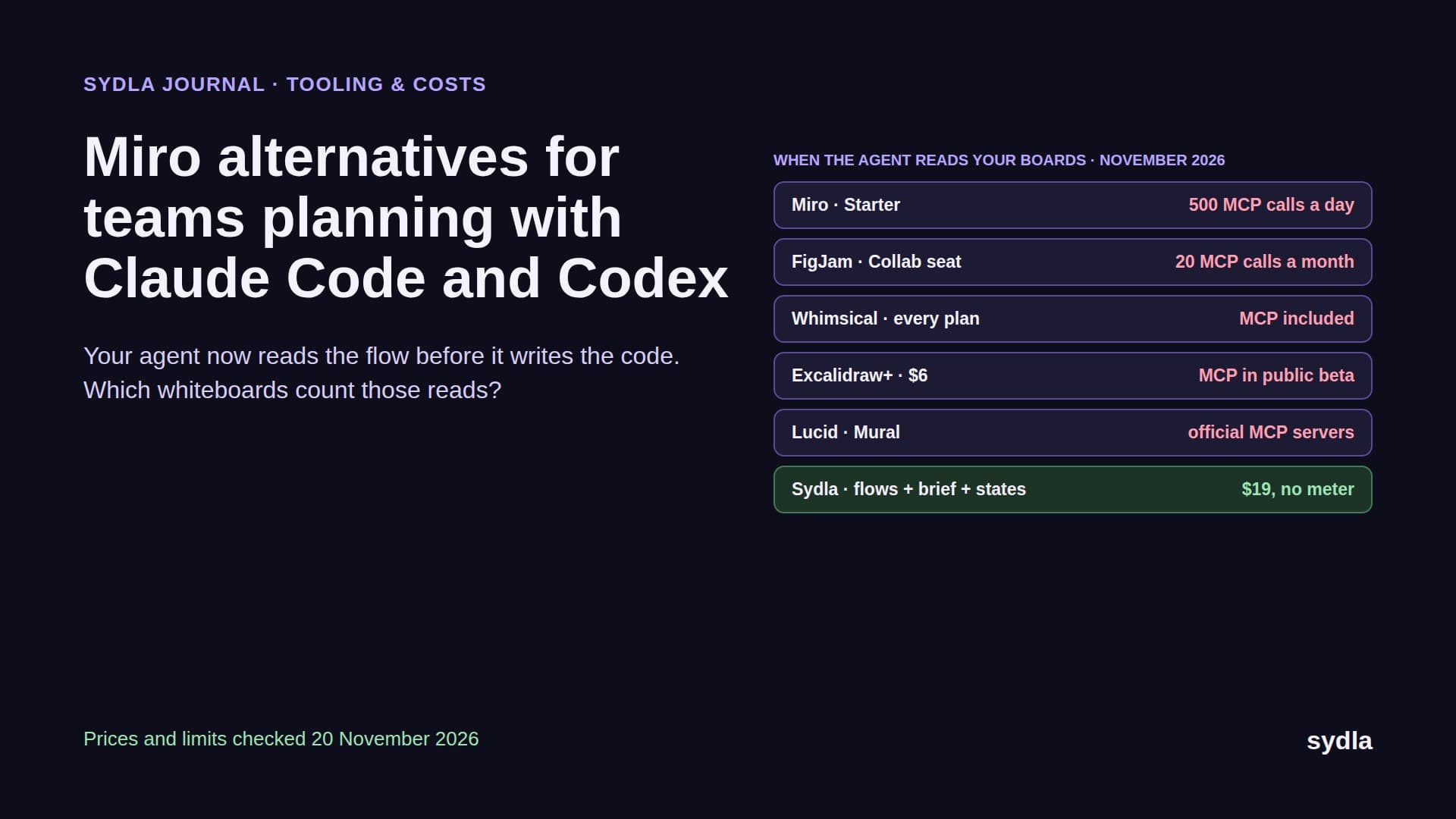
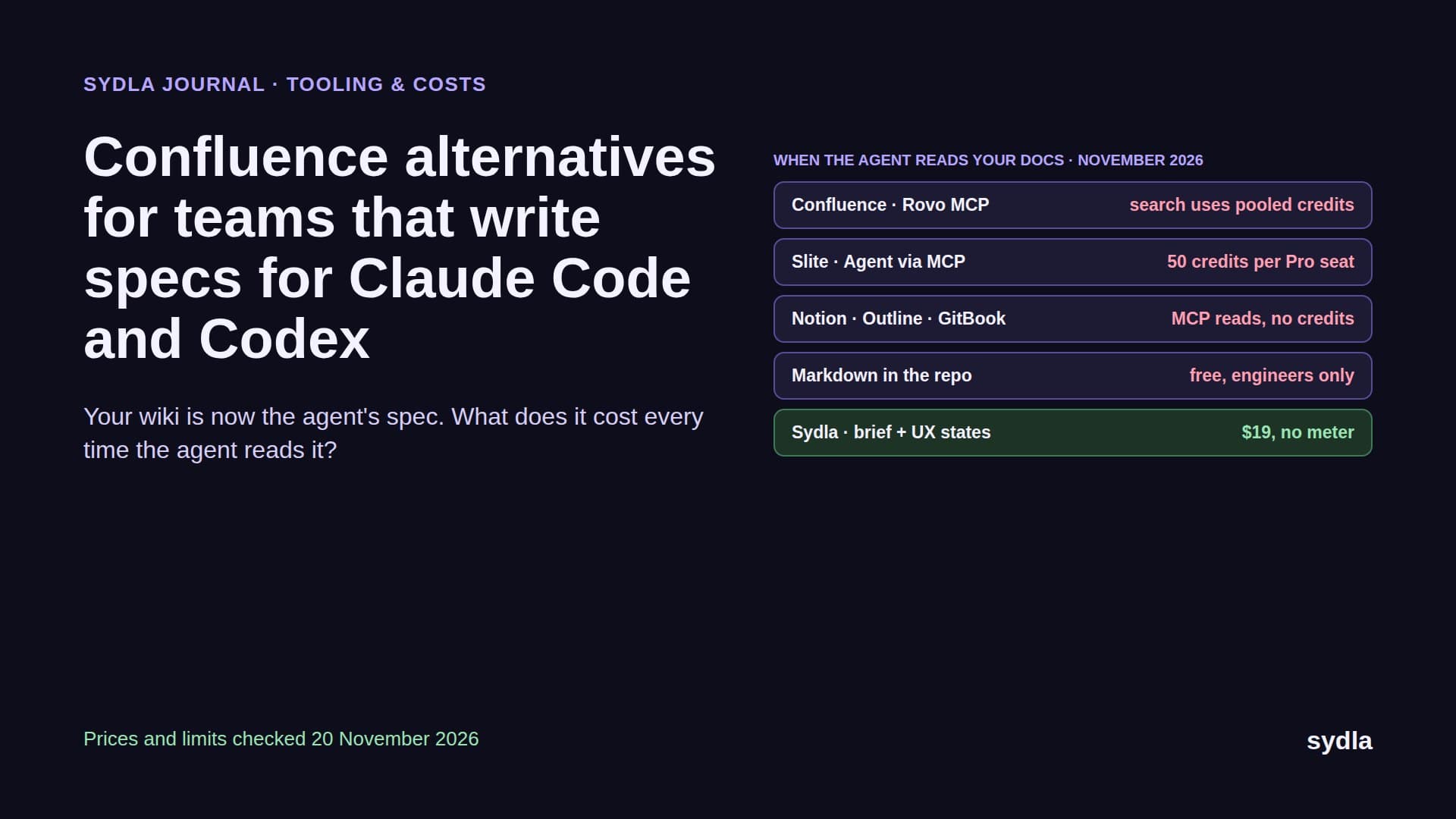
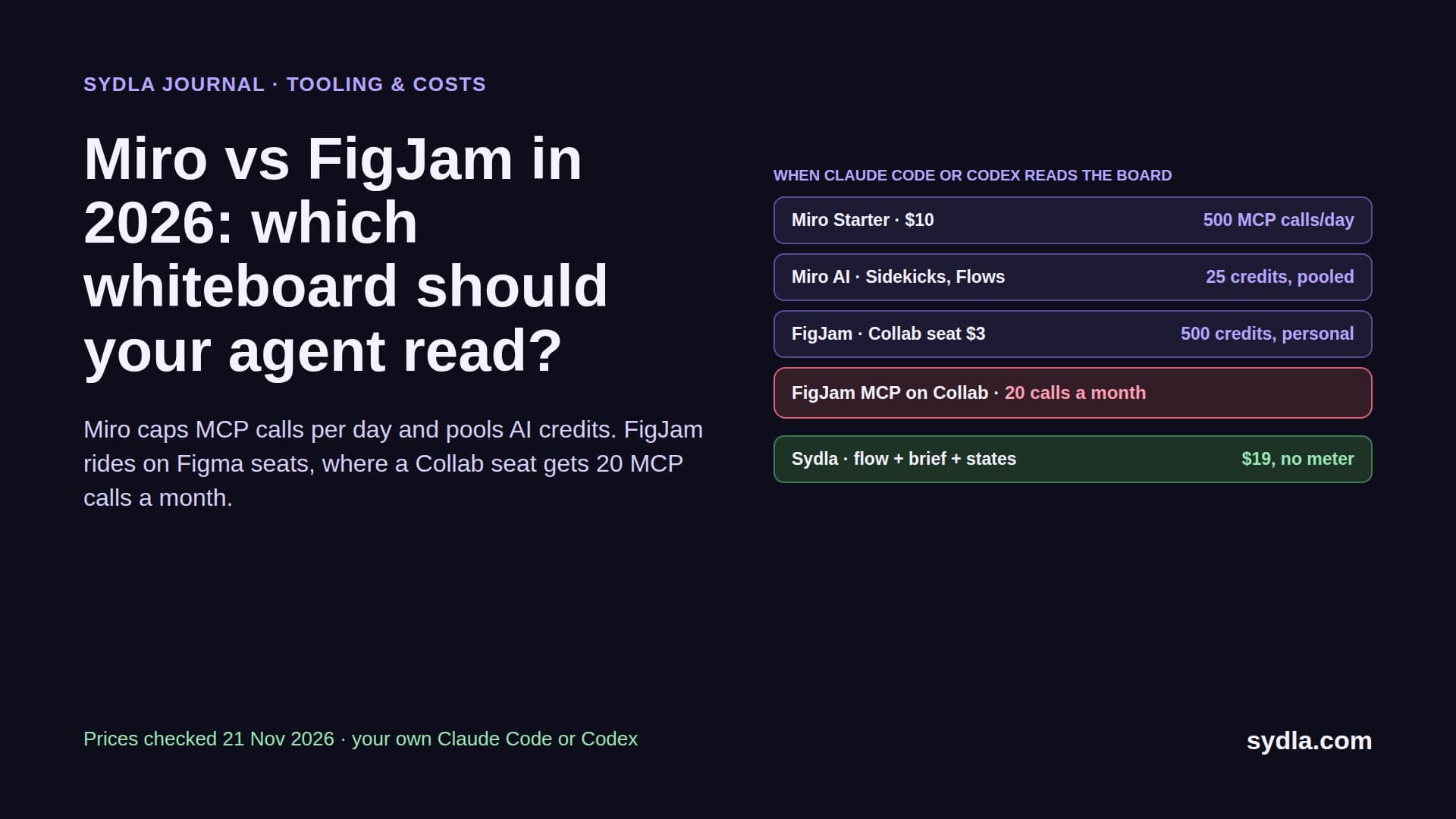
The whiteboard is where flows, retros and architecture sketches live, and now your coding agent reads it too. Miro caps MCP calls per day and pools AI credits; FigJam rides on Figma seats, where a Collab seat gets 20 MCP calls a month. Here is the head-to-head on price, AI, agent access and fit, checked on 21 November 2026.
Your whiteboard got a new reader
For years, Miro vs FigJam was a question for workshop people. Miro was the big infinite canvas for every team in the company; FigJam was the friendly board that lived next to your Figma files. In 2026 a coding agent joined the meeting. Before Claude Code or Codex builds a checkout flow, it wants the user flow, the edge cases from the retro and the architecture sketch, and those live on a board.
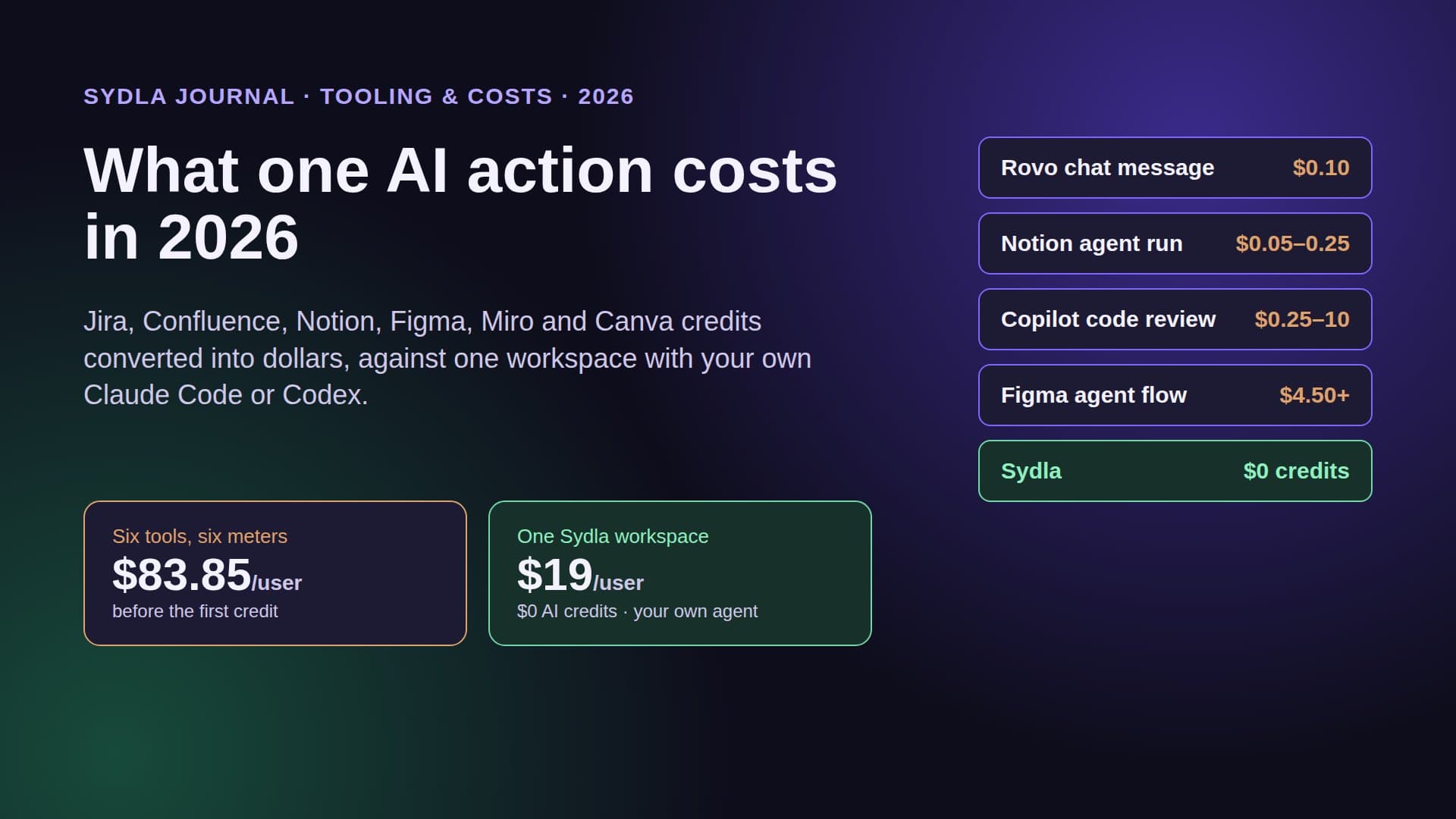
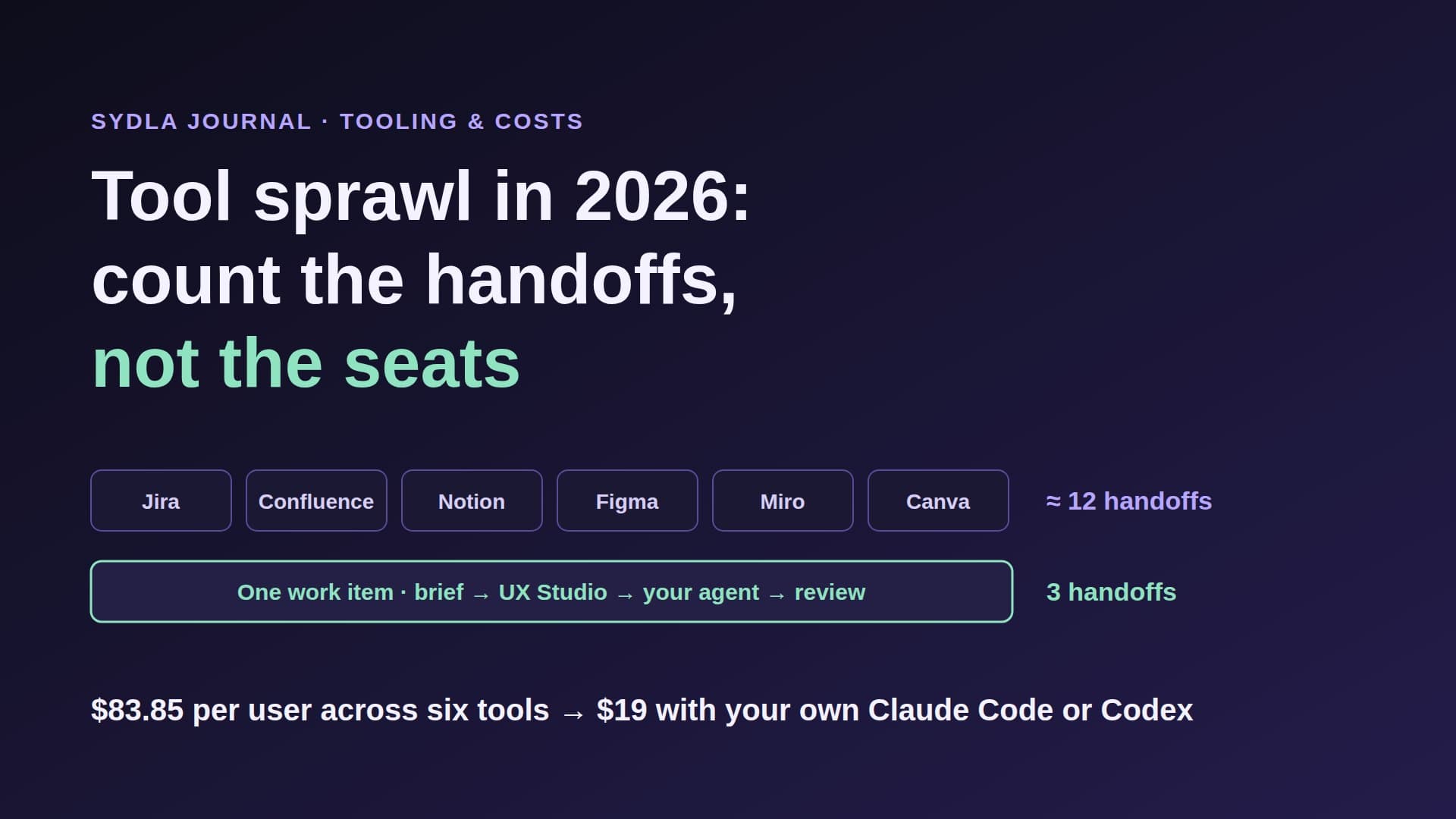
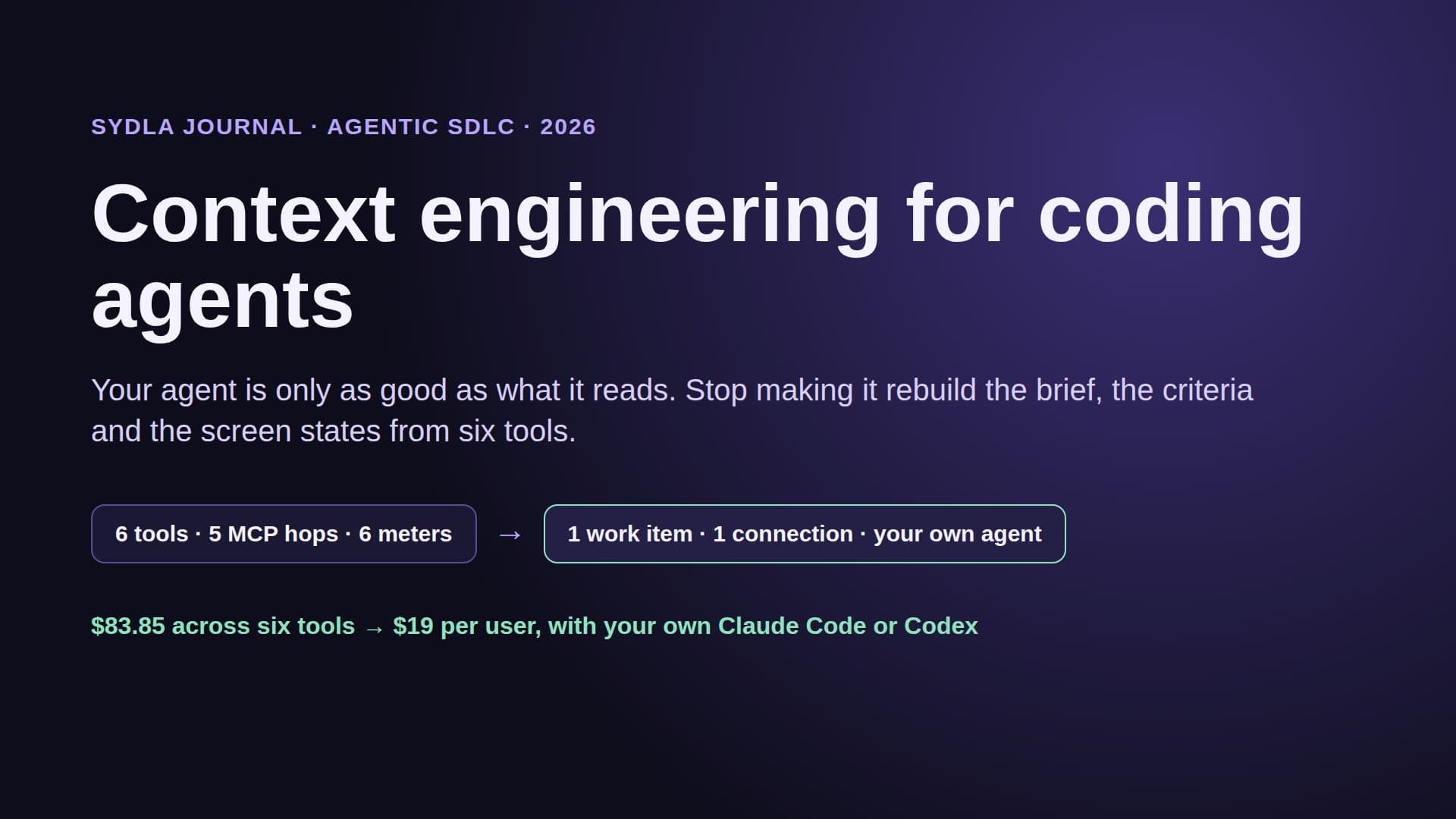
Both vendors answered with MCP servers and AI agents, and both attached a meter. Miro counts MCP tool calls per day and spends pooled AI credits on Sidekicks and Flows. FigJam goes through the Figma MCP server, which limits calls by seat, and its AI runs on Figma's per-seat credits. Add the meters on your tracker, wiki, design tool and brand tool and you get the AI credit fatigue many teams now budget for, plus six MCP hops before an agent has the full picture.
This guide compares Miro and FigJam on the vendors' own pages, read on 21 November 2026: seat prices, AI features and credits, what an agent can read and write, and who each tool fits. Then it shows a third option: keep the flow next to the brief, the screen states and the agent run in Sydla.
Miro vs FigJam at a glance: prices and AI meters
Prices are per user per month in USD before tax. Miro sells whiteboard seats on their own. FigJam has no standalone price: Figma says it does not sell products individually, so FigJam comes with every Figma seat. The cheapest way in is the Collab seat.
| Plan | Seat / month | AI included | What an agent read costs | Limits to know |
|---|---|---|---|---|
| Miro Free | $0 | Limited AI trial (the FAQ says 10 credits) | 100 MCP calls a day | 3 editable boards, no guest role |
| Miro Starter | $10 ($8 yearly) | 25 AI credits per member, pooled | 500 MCP calls a day; reads free, Summarize Board spends credits | Credits reset monthly, AI pauses for everyone at zero |
| Miro Business | $20 yearly | 50 AI credits per member, pooled | 2,000 MCP calls a day | Extra credit packages for admins |
| FigJam on Figma Starter | $0 | 500 AI credits a month, 150 a day | 20 MCP calls a month | Unlimited drafts, no paid seats |
| FigJam on a Collab seat | $3 (Professional) | 500 AI credits per seat, personal | 20 MCP calls a month; writing outside your drafts needs a Full seat | View and comment only in Design files |
| FigJam on a Dev or Full seat | $12 Dev, $20 Full ($16 yearly) | 500 on Dev, 3,000 on Full | 200 MCP calls a day, 10 a minute | Credits do not roll over or share |
| Sydla | $19.00 | No Sydla AI credits | Your own Claude Code or Codex reads flows, docs and states through one MCP, no quota | Plan, docs, UX Studio, whiteboards, threads |
On seats alone, FigJam wins: a team already on Figma pays $3 per Collab seat, or nothing extra on Dev and Full seats. The AI and MCP columns tell a different story. Miro's pool is small but shared, and its MCP cap is generous per day. FigJam's credits are personal, and its cheapest seat gets 20 MCP calls a month, which one planning session can use up. Our Miro and Canva credits guide and Figma AI credits guide have both rate cards in full.
AI on the board: Sidekicks and Flows vs FigJam AI
Miro rebuilt its AI around two ideas. Sidekicks are AI agents that build out boards and take action in other tools. Flows are visual, multi-step AI workflows where you pick a model for each step and share the flow across the organisation. Both spend Miro AI credits: 2 per Sidekick action, more for prompt-based flows, 1 per sticky note, 5 per diagram or table, 5 per prototype screen. Credits are pooled across the team, reset monthly and do not roll over. When the pool is empty, AI pauses for everyone until the refresh.
FigJam keeps the basics free. Summarize stickies, cluster stickies and update visual cost no credits as of 19 November 2026. Making templates and diagrams costs 2 to 24 credits a prompt. The Figma agent, which works across Figma files and FigJam boards, costs more: about 50 credits to summarize a brainstorm, 80 to generate a four-section board and 180 for a mobile login flow diagram. Credits sit on each seat, 500 a month on Collab and Dev, 3,000 on a Professional Full seat, and nobody can lend theirs to a colleague.
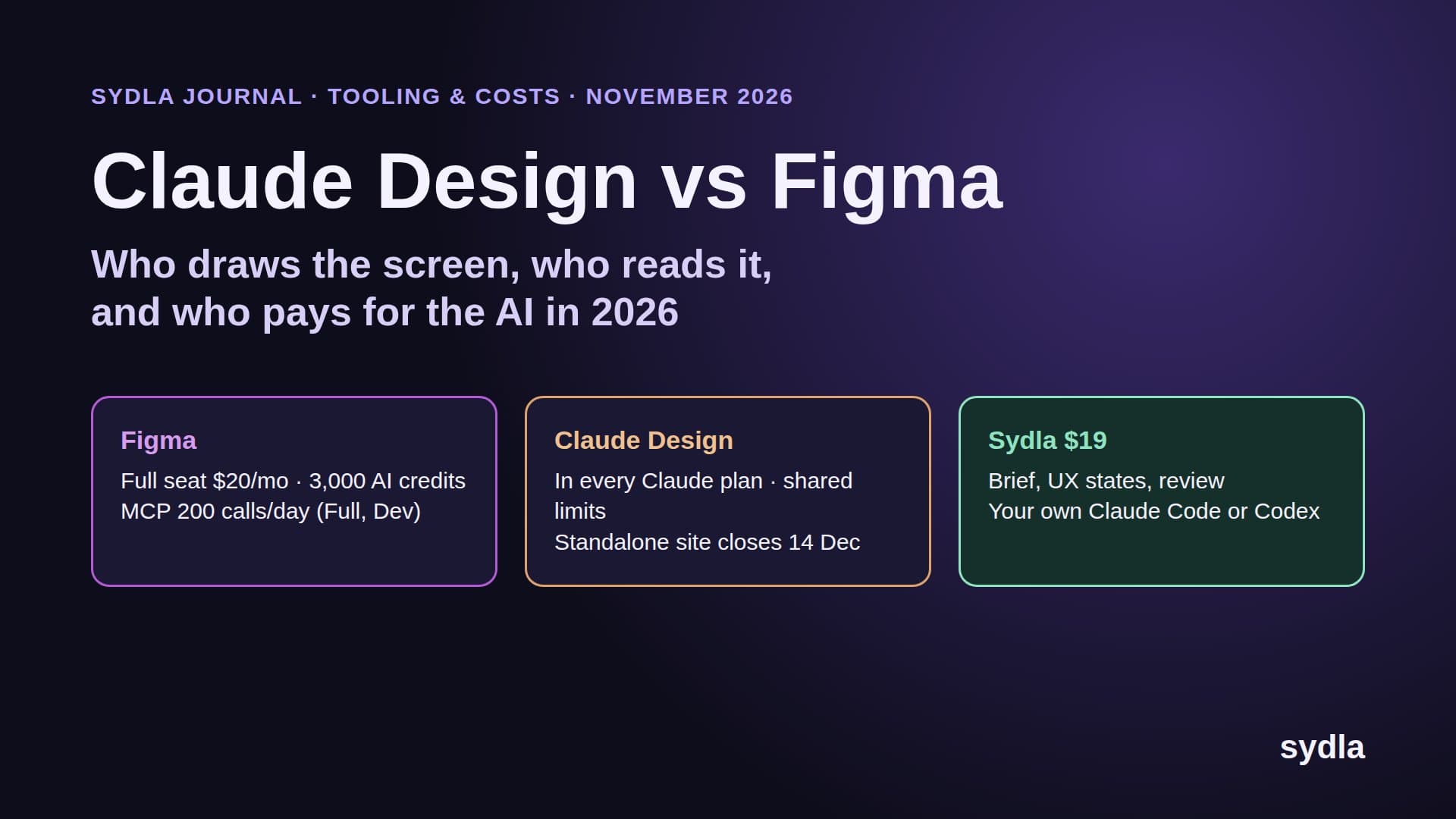
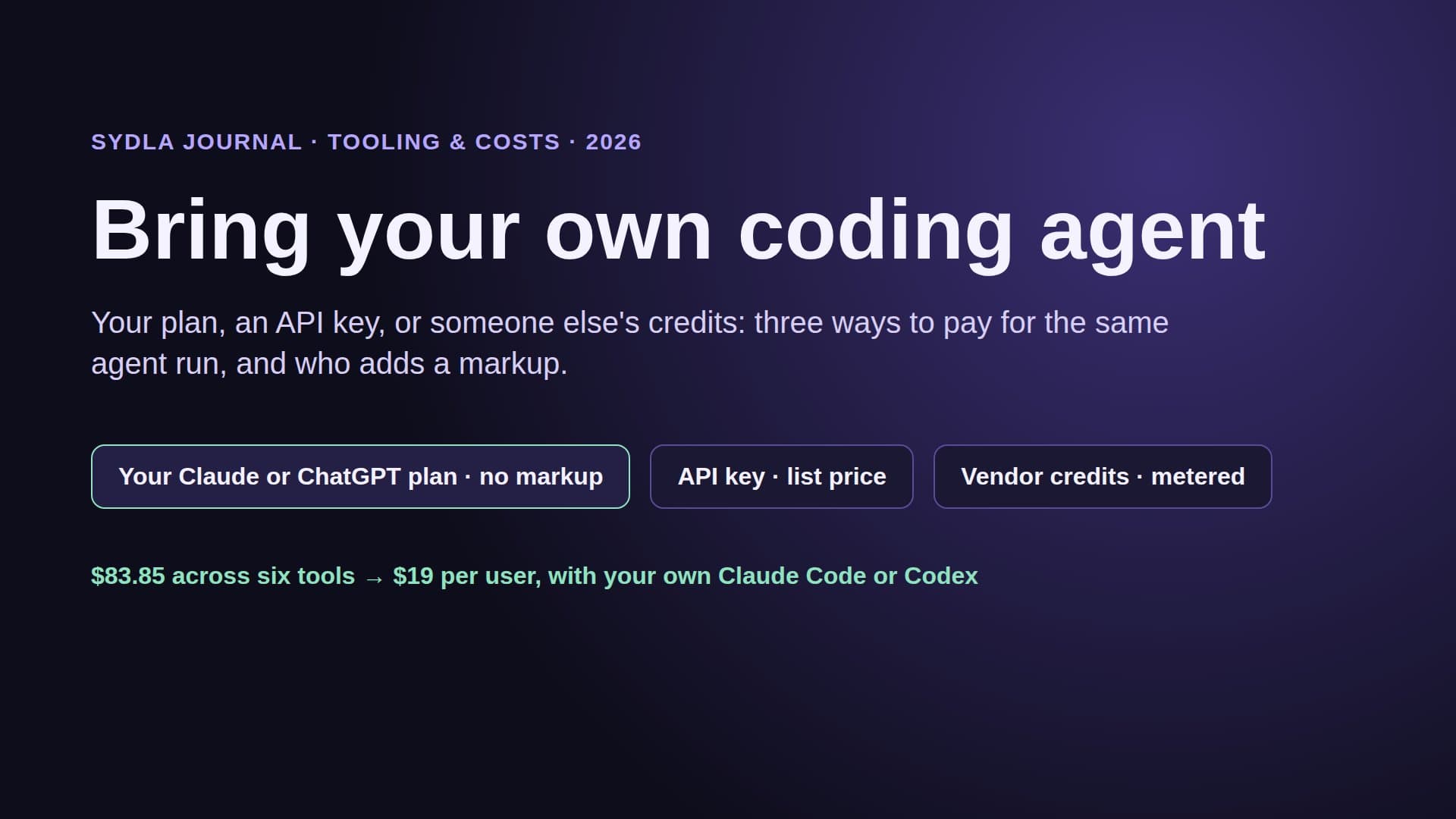
In practice: Miro suits a team that runs many shared AI sessions on the same boards and can live with a common pool. FigJam suits teams that mostly sticky-note, cluster and summarize, where the free actions cover the work. Either way, you are paying a second AI meter next to the Claude Code or Codex plan you already have. Our comparison of built-in AI agents with your own coding agent covers why that second meter rarely pays for itself.
Agent access: what Claude Code and Codex can do on each board
Miro MCP server. It works on every Miro plan, even Free, uses OAuth 2.1 and respects board permissions. Claude Code, Codex, Cursor, Gemini CLI and VS Code are listed clients, and Claude Code installs it from the official plugin marketplace. The agent can summarize and search boards, build boards, generate diagrams and act on comments. Every tool call counts towards a daily allowance: 100 on Free, 500 on Starter, 2,000 on Business and 10,000 on Enterprise, reset at midnight UTC. Reads spend no AI credits; Summarize Board does. Below Enterprise there is no usage view, so you find the cap when the agent hits it.
FigJam through the Figma MCP server. Since 28 April 2026 the server has a get_figjam tool that pulls board context into your coding environment, an extended generate_diagram tool for architecture and ER diagrams, and a figma-use-figjam skill that reads and writes boards. Claude Code and Codex are named clients. Limits follow the seat: a View or Collab seat gets up to 20 calls a month on every plan; Full and Dev seats get 200 a day on Professional. Writing to the canvas is free during the beta, will become usage-based, and needs a Full seat to write outside your drafts.
The seat rule matters more than it looks. The people who own the board, the product manager and the QA lead, usually sit on cheap Collab seats. If their agent plans from FigJam, it runs out of calls in a day. Put agent work on Dev or Full seats, or keep the flow where the agent already reads the brief. Our MCP servers guide counts calls tool by tool, and context engineering for coding agents explains why fewer, better reads beat many board searches.
Worked example: an eight-person product team
Take a team of eight: one designer, three engineers, a product manager, a QA lead, an engineering manager and a marketer. Everyone uses the whiteboard. The designer needs a Full seat in Figma; the engineers need Dev seats; the other four need only FigJam, so they take Collab seats.
- Figma Professional with FigJam: 1 Full at $20 + 3 Dev at $12 + 4 Collab at $3 = $68 a month. Engineers get 200 MCP calls a day each; the four board owners get 20 a month each.
- Figma plus Miro Starter for all eight: $68 + 8 × $10 = $148 a month. You gain a 200-credit shared AI pool and 500 MCP calls a day, and pay for two boards' worth of habits.
- Sydla for all eight: 8 × $19 = $152 a month, which replaces Figma and Miro and also the tracker, wiki, docs and brand tool. Flows live in UX Studio transitions and Mermaid diagrams in docs, next to the brief, with no AI credits.
- The full six-tool stack, one seat each: 8 × $83.85 = $670.80 a month before any extra credits.
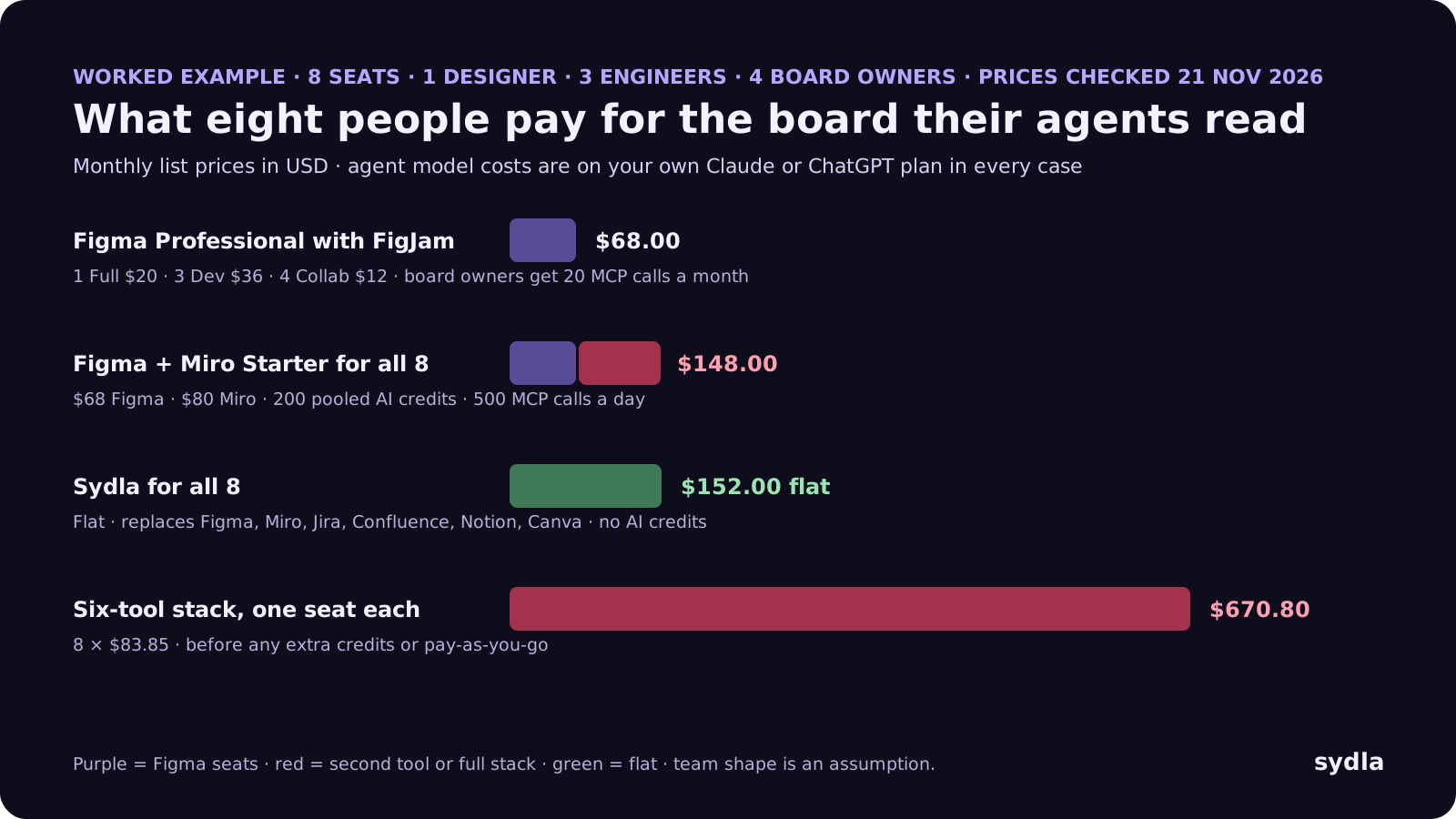
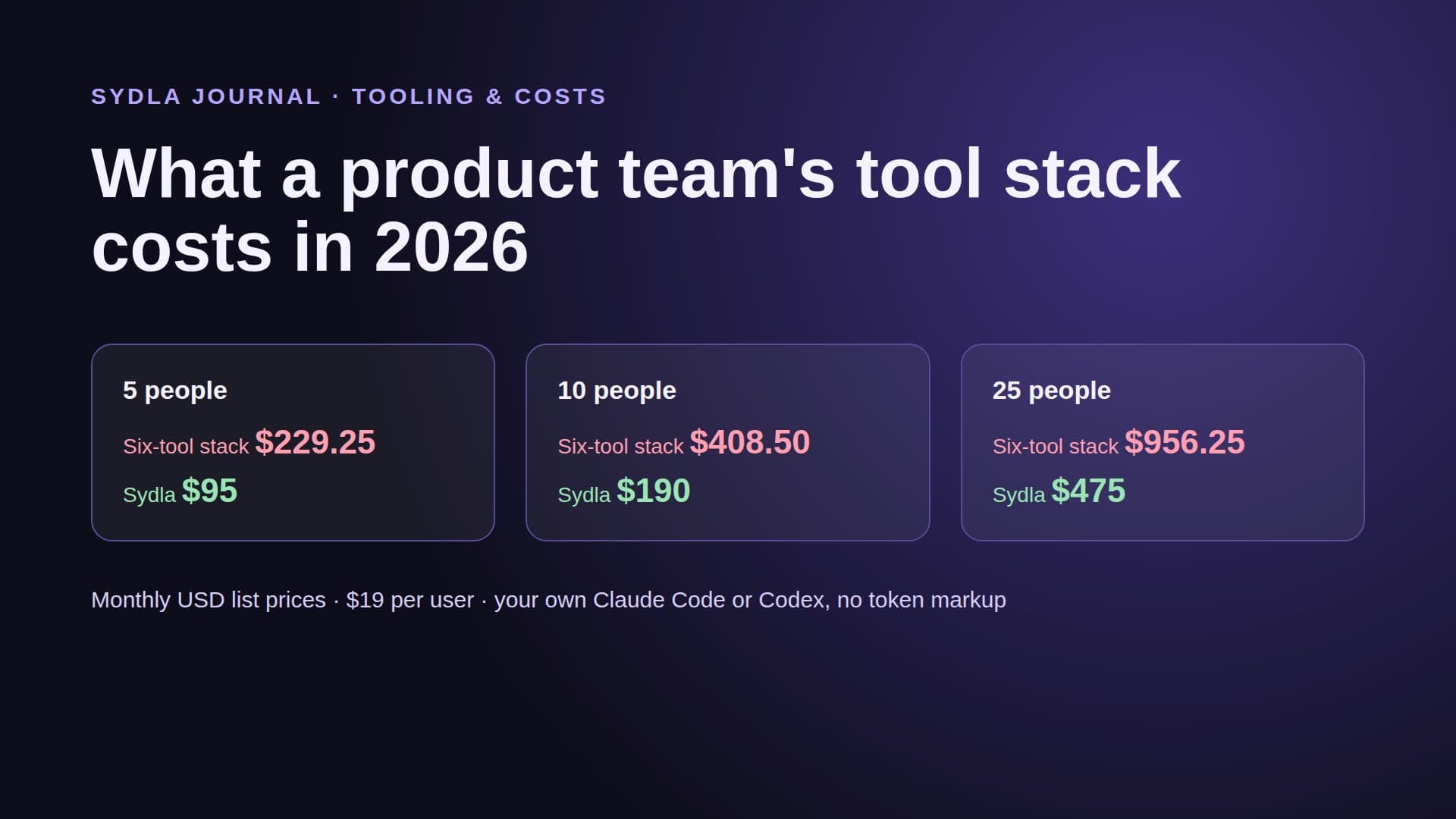
If you compare only whiteboards, FigJam is the cheapest answer for a team already on Figma. If you compare the stack the board sits in, the number that matters is $670.80 against $152. The product team stack cost guide does the same math for 5, 10 and 25 people.
Six tools, six meters: the full comparison
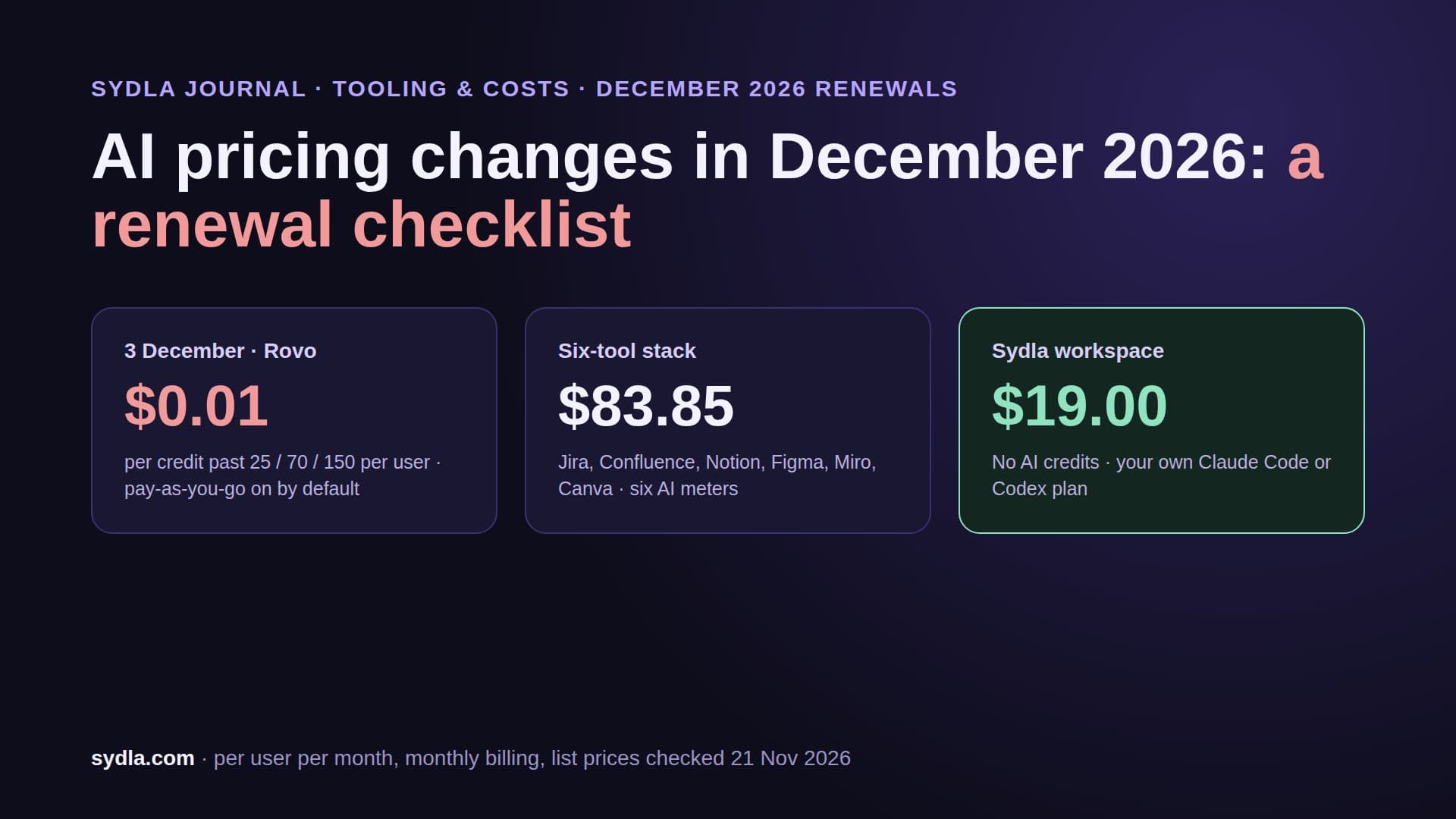
The whiteboard is one of six tools most product teams pay for. Each one now ships its own AI and its own credit rule, and each one needs its own MCP connection before your agent sees the whole picture. Here is the 2026 picture, one paid seat each, monthly billing.
| Tool | Seat / month | AI meter | Agent handoff |
|---|---|---|---|
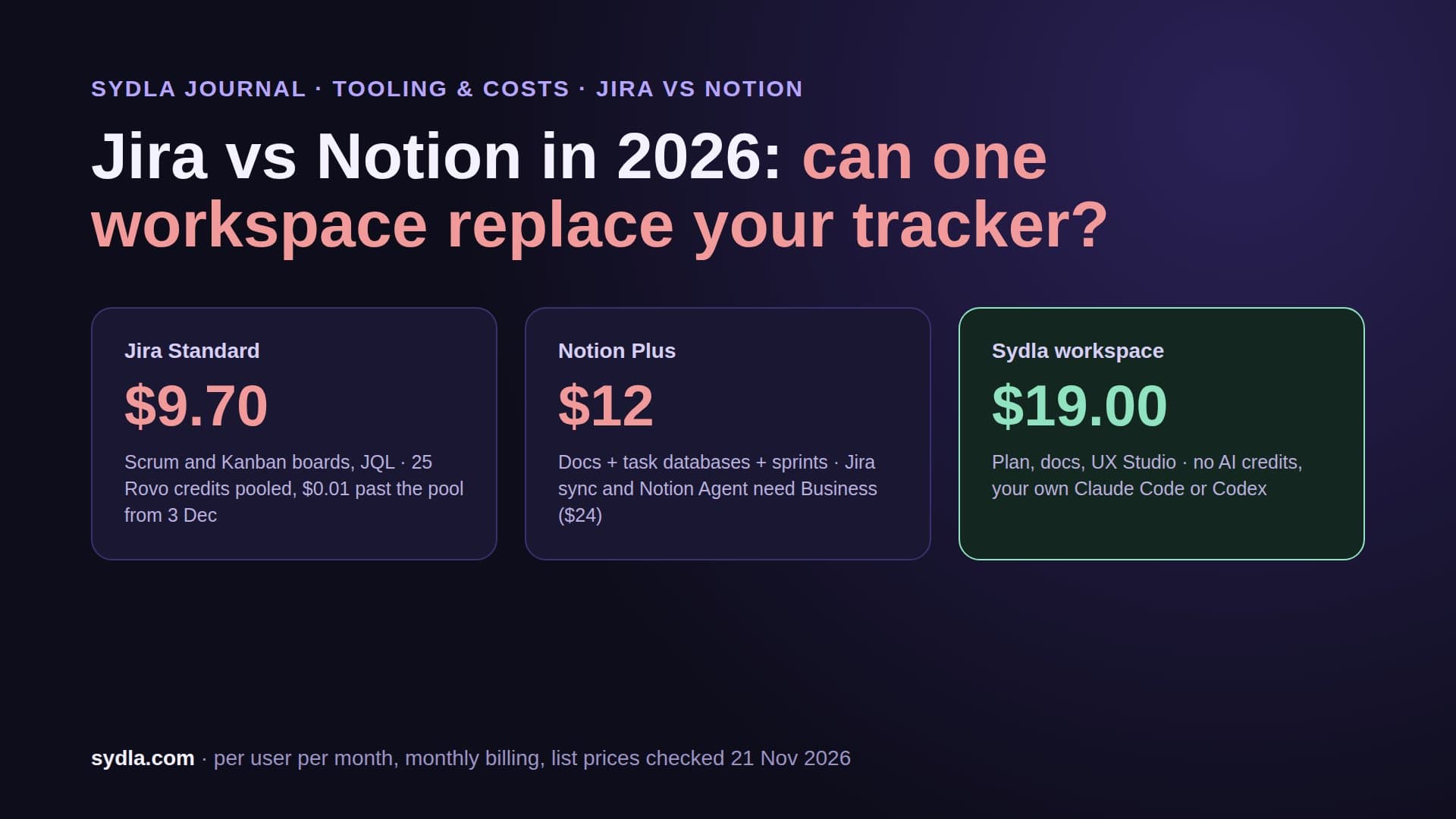
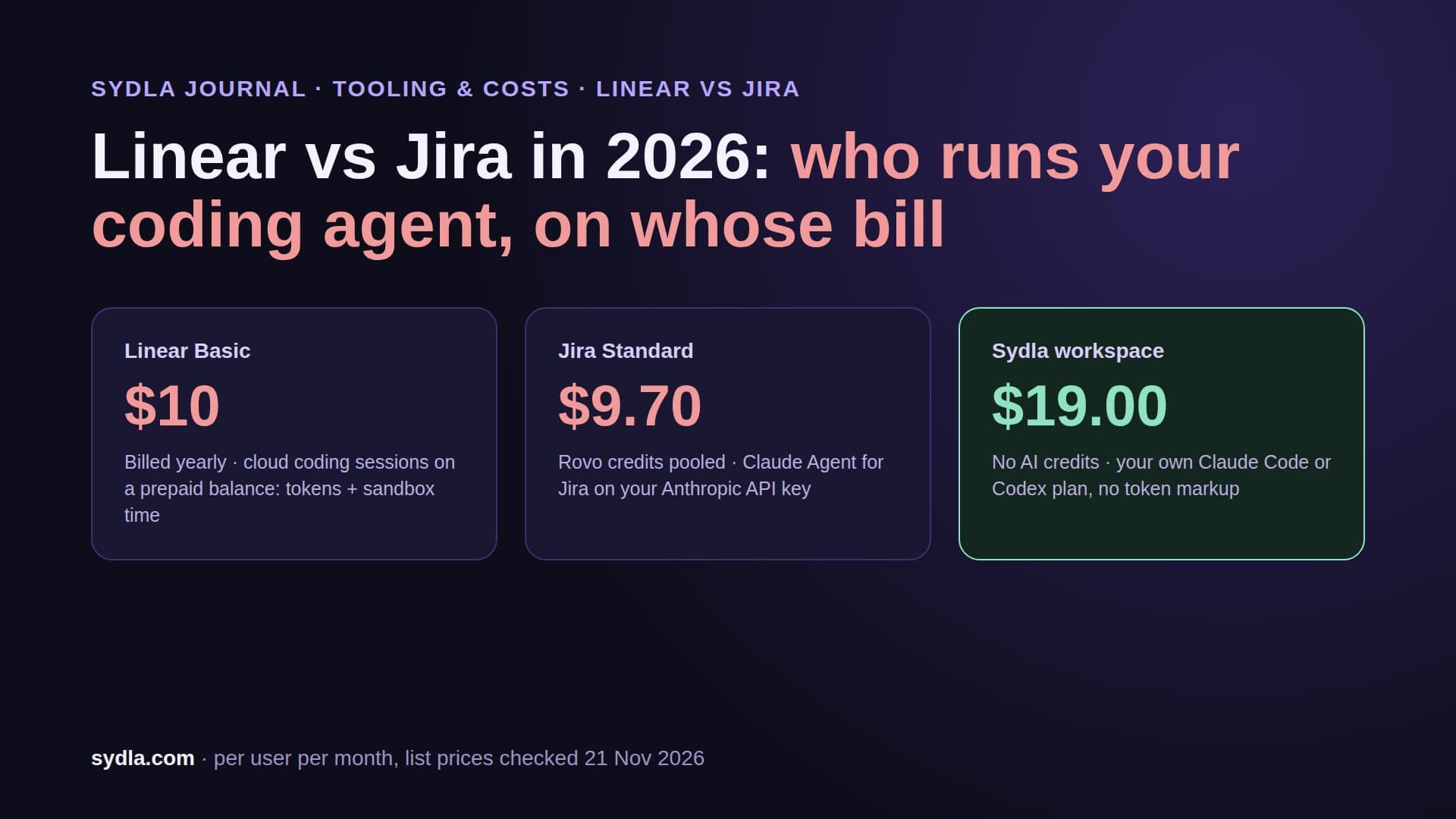
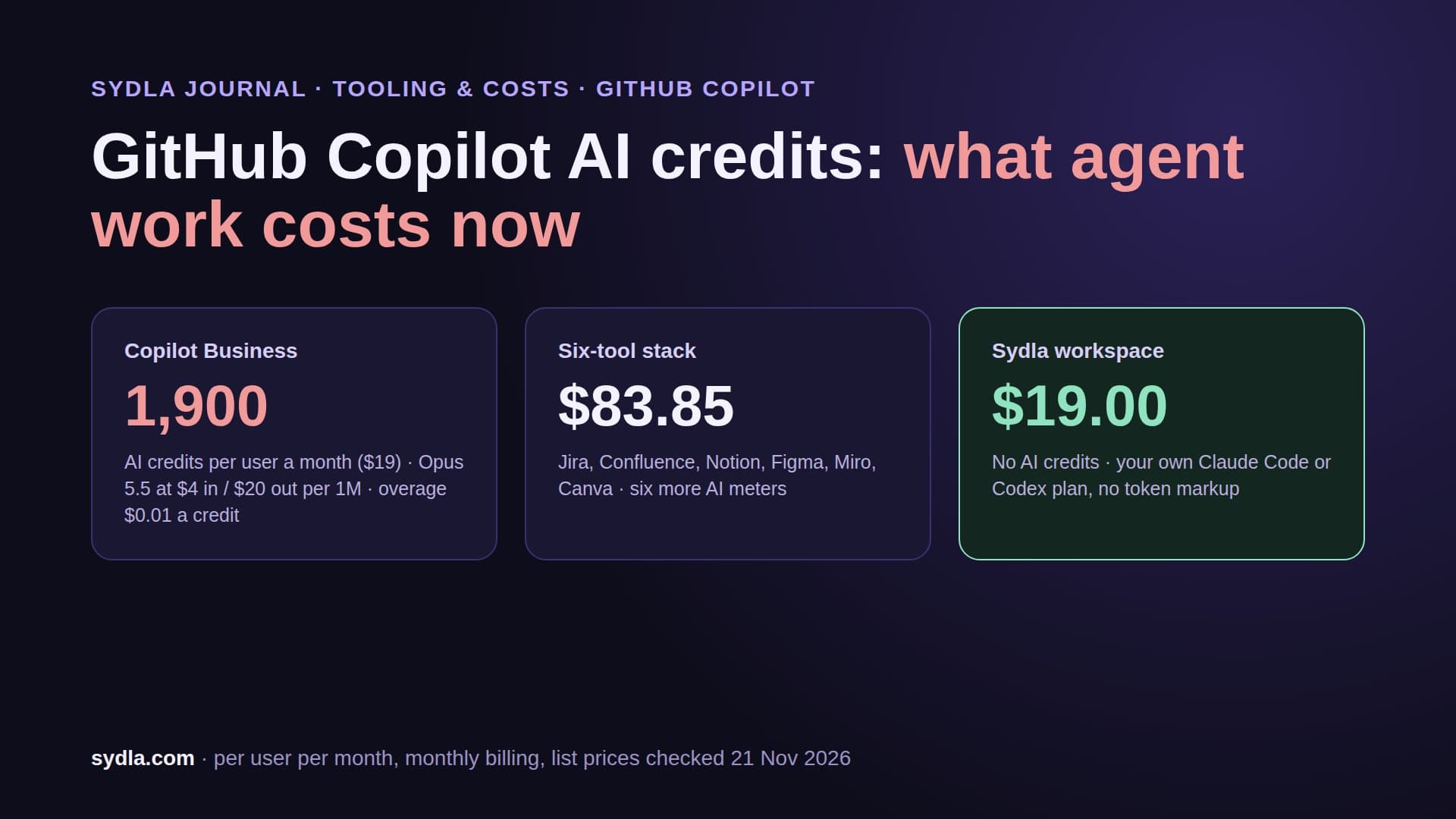
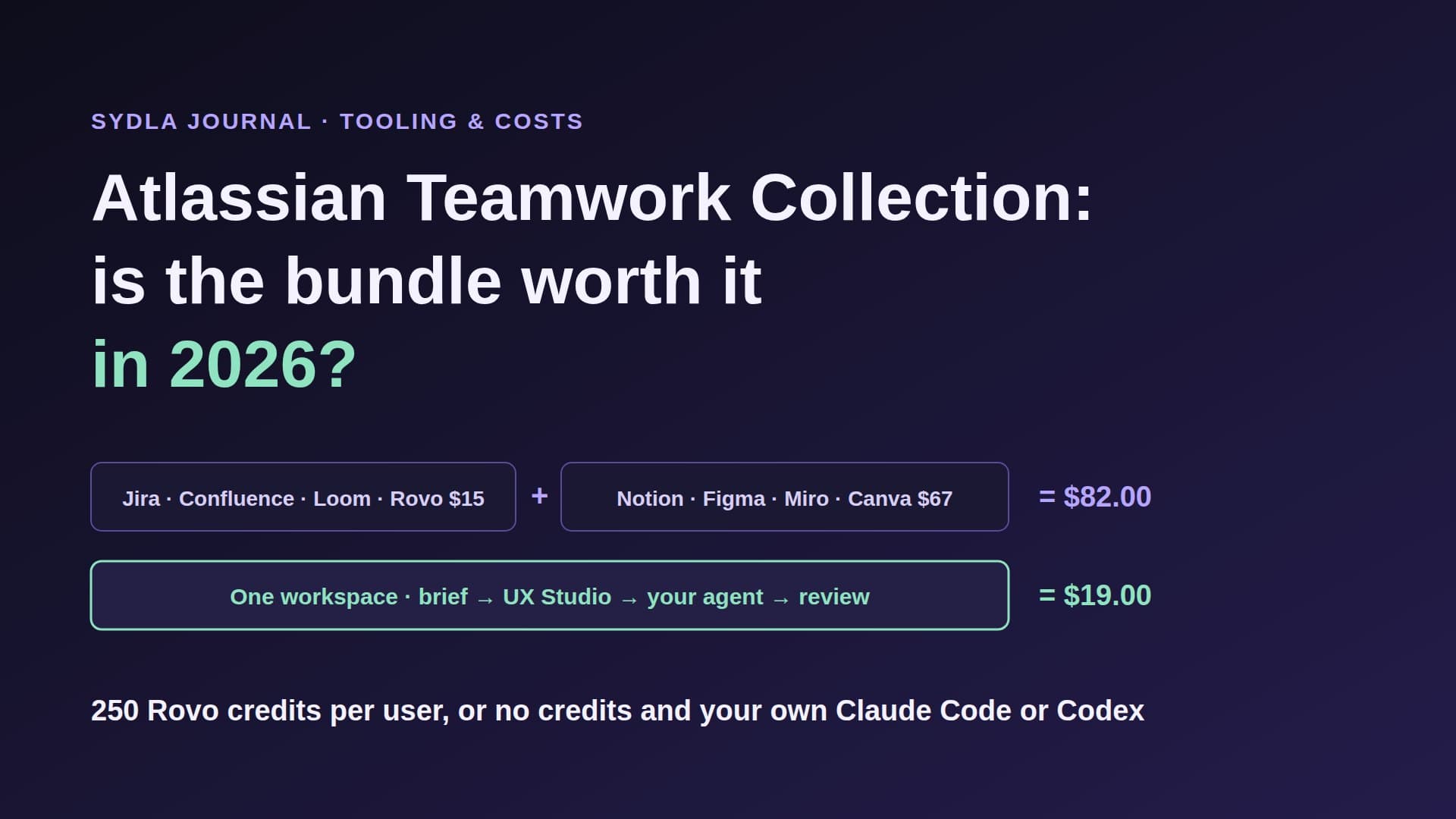
| Jira Standard | $9.70 | 25 Rovo credits per user, pooled; $0.01 a credit past the pool from 3 December 2026 | Rovo MCP, enriched calls 1-10 credits |
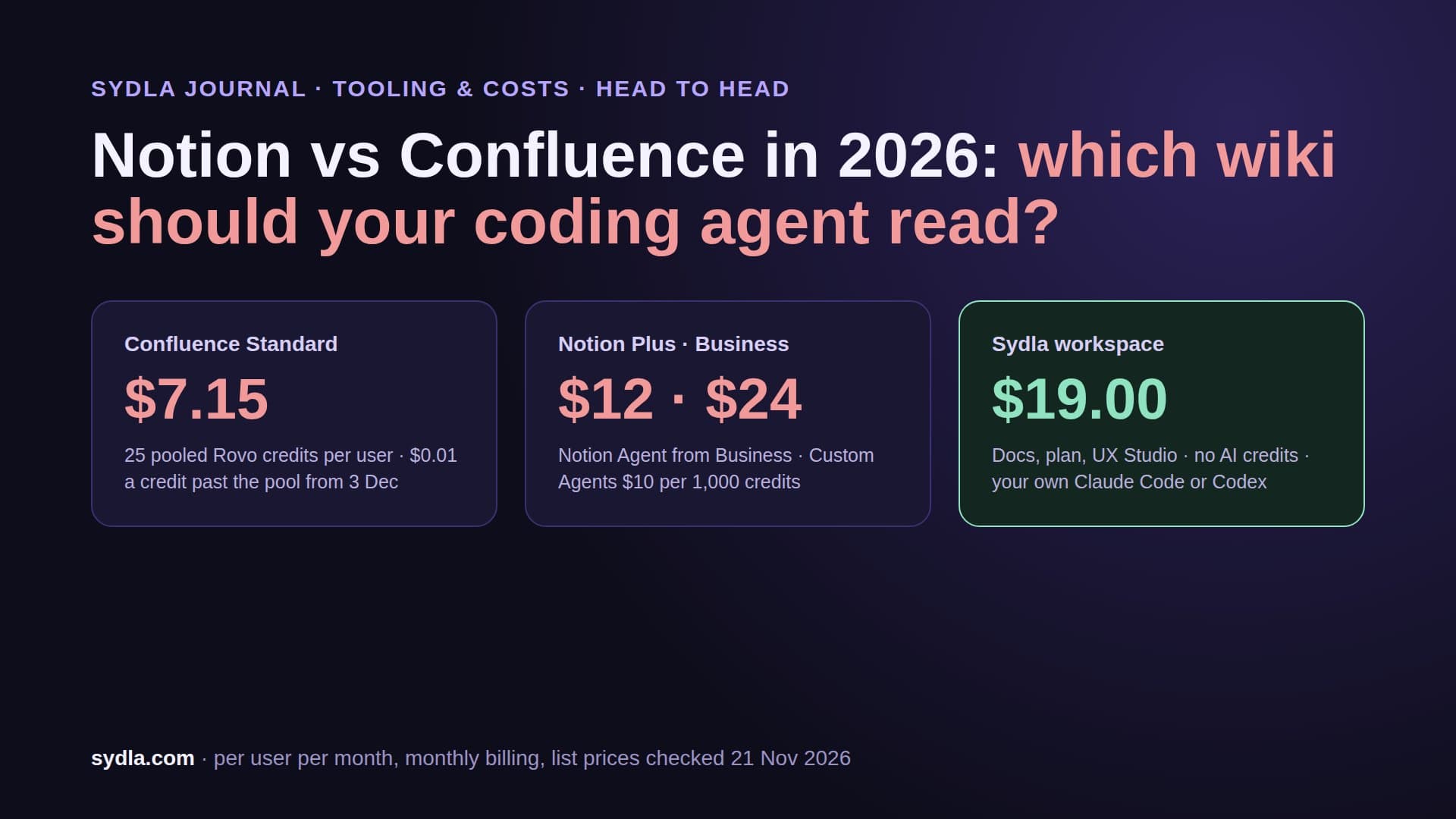
| Confluence Standard | $7.15 | Same Rovo pool and rate card | Rovo MCP, second hop for docs |
| Notion Plus | $12.00 | Notion AI trial; Custom Agents $10 per 1,000 credits on Business | Notion MCP, reads free |
| Figma Professional Full | $20.00 | 3,000 credits per Full seat, personal | Figma MCP, 200 calls a day |
| Miro Starter | $10.00 | 25 credits per member, pooled | Miro MCP, 500 calls a day |
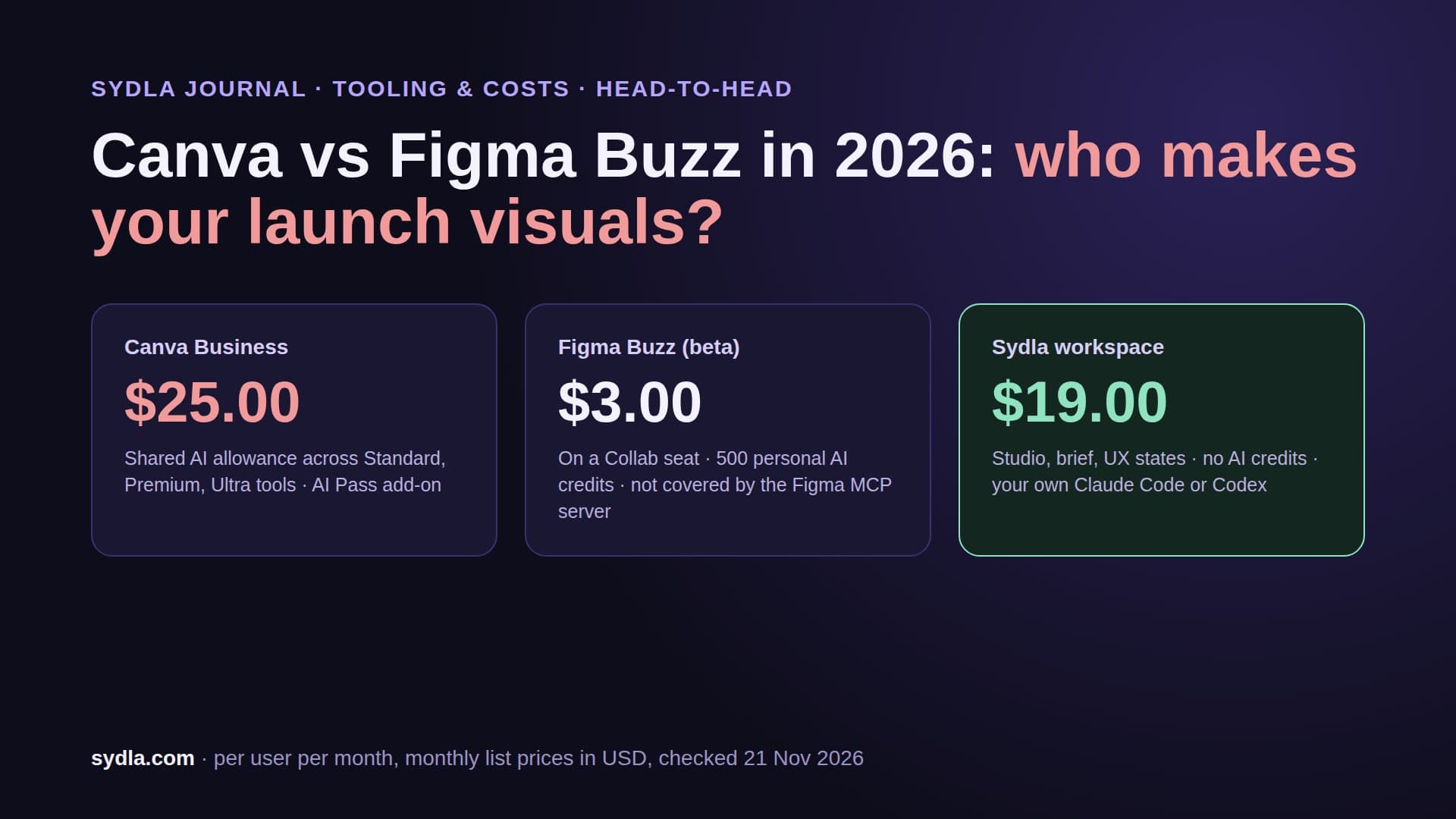
| Canva Business | $25.00 | Personal AI allowance, top-ups on Business | Canva AI connector |
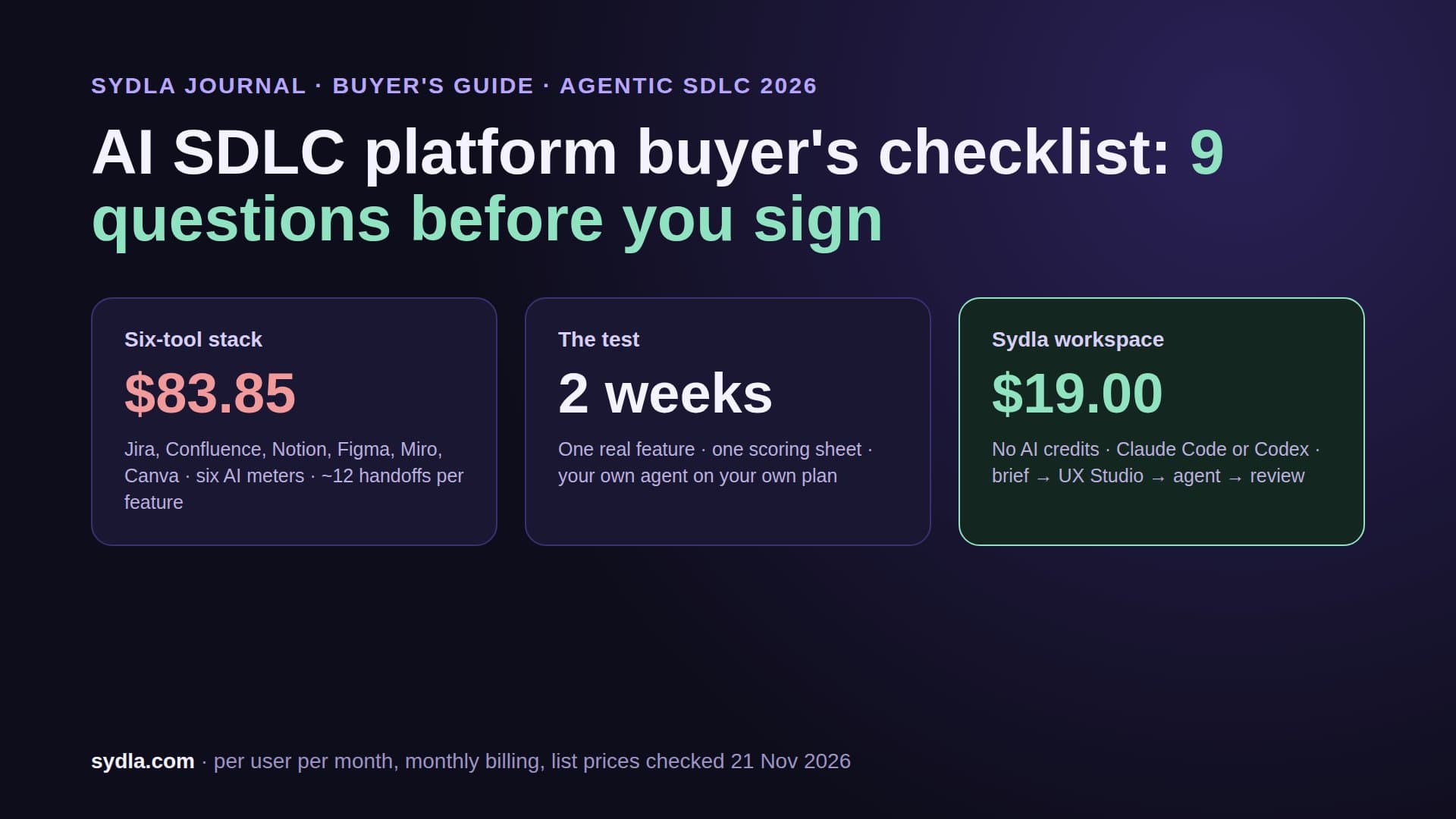
| Six-tool total | $83.85 | Six meters, six admins | Six MCP connections |
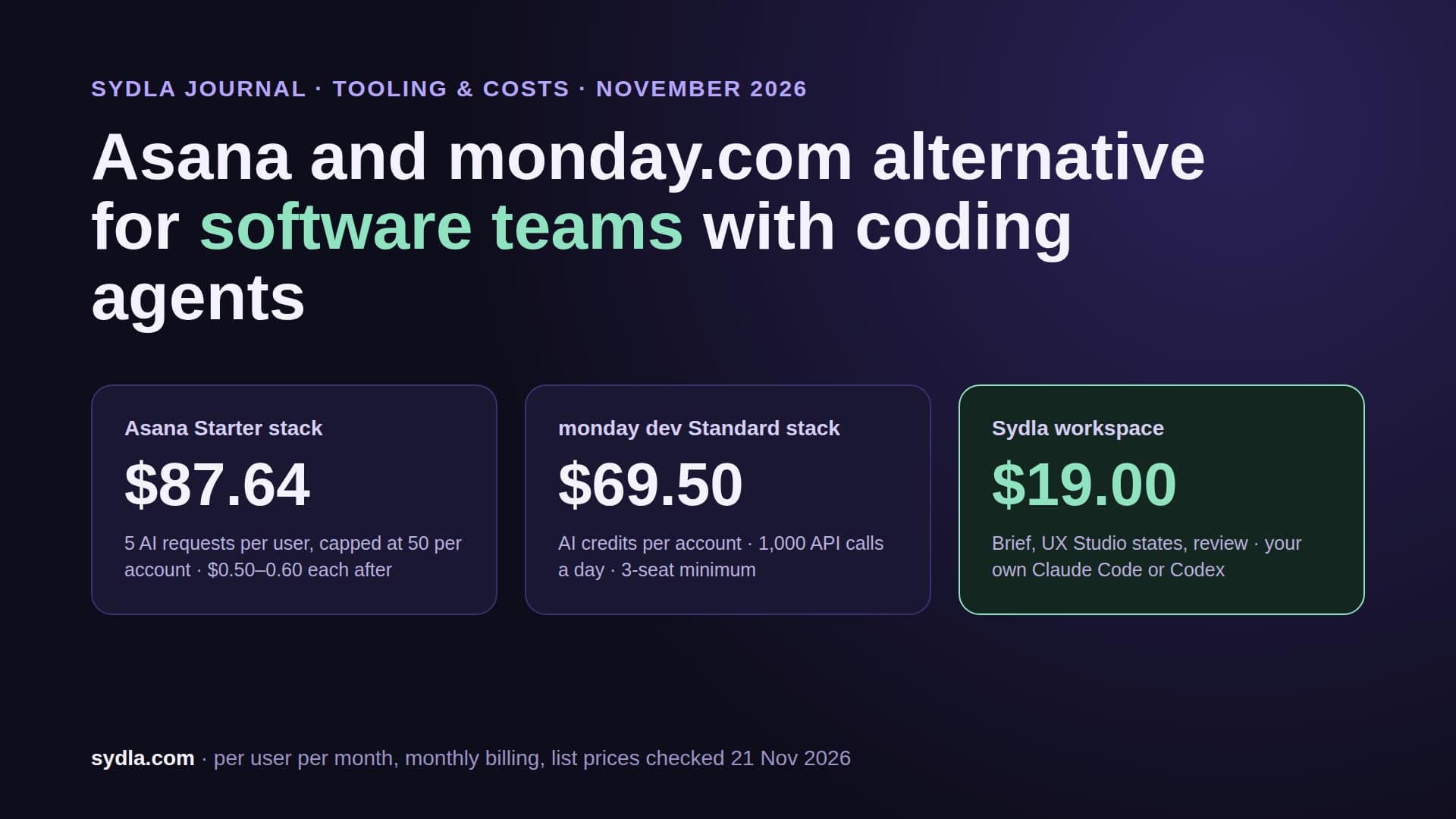
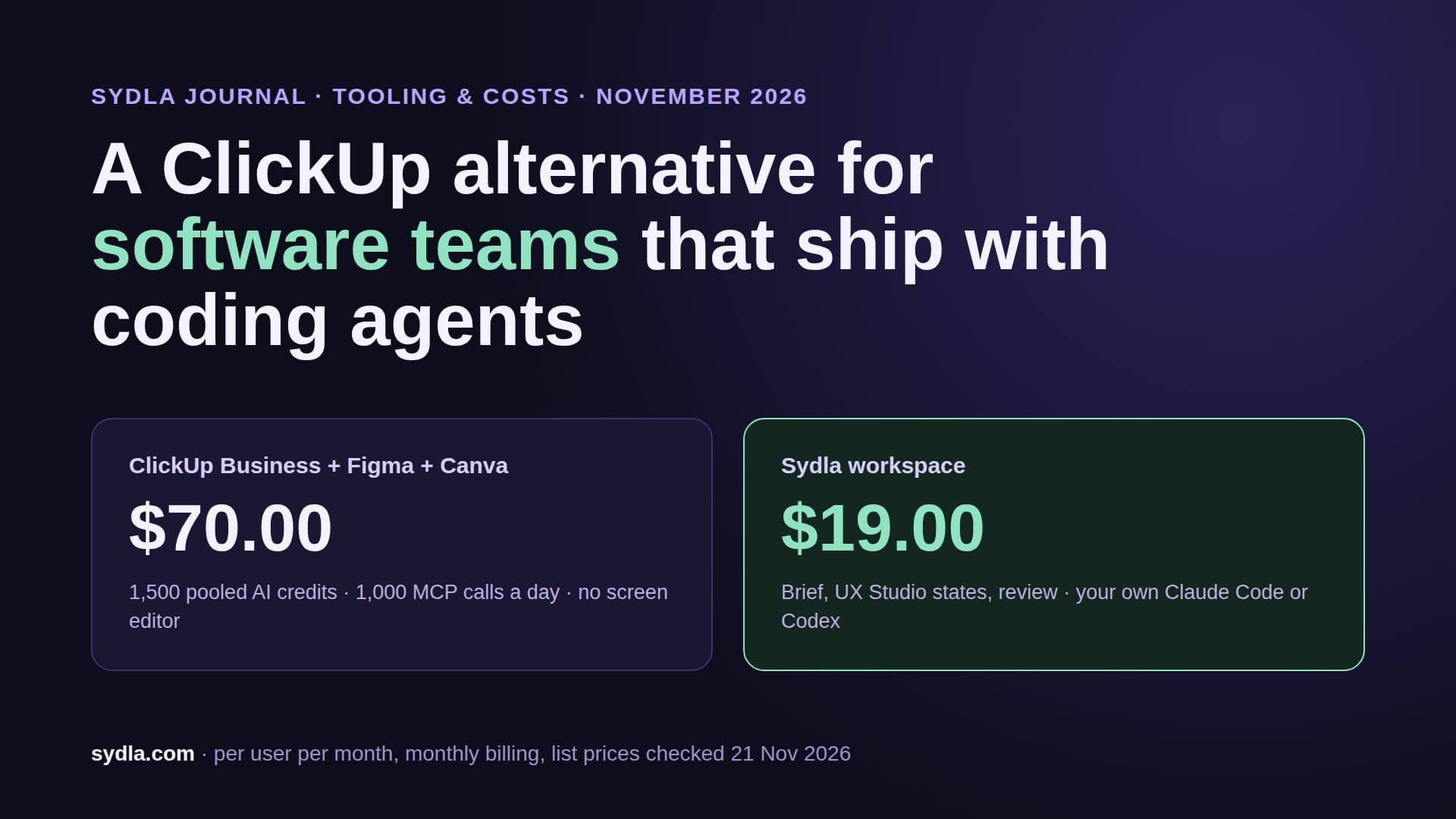
| Sydla | $19.00 | None: your own Claude Code or Codex plan, zero token markup | One Sydla MCP for plan, docs, flows and UX states |
That is a saving of $64.85 per user per month, or $778.20 a year, before a single extra credit. See every tool side by side on the compare page, or check the plan on Sydla pricing.
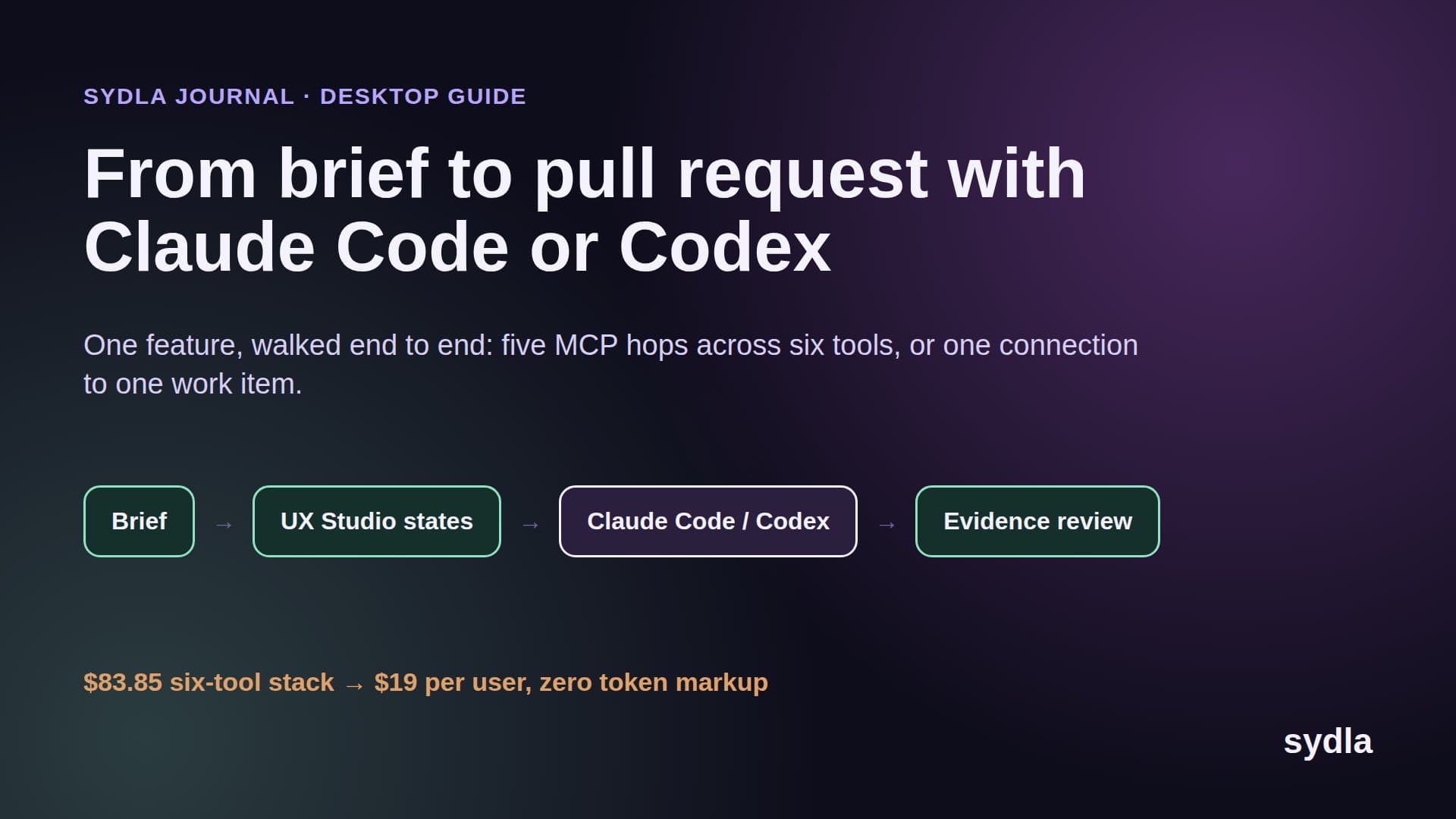
How Sydla Desktop connects your agent to the flow, brief and states
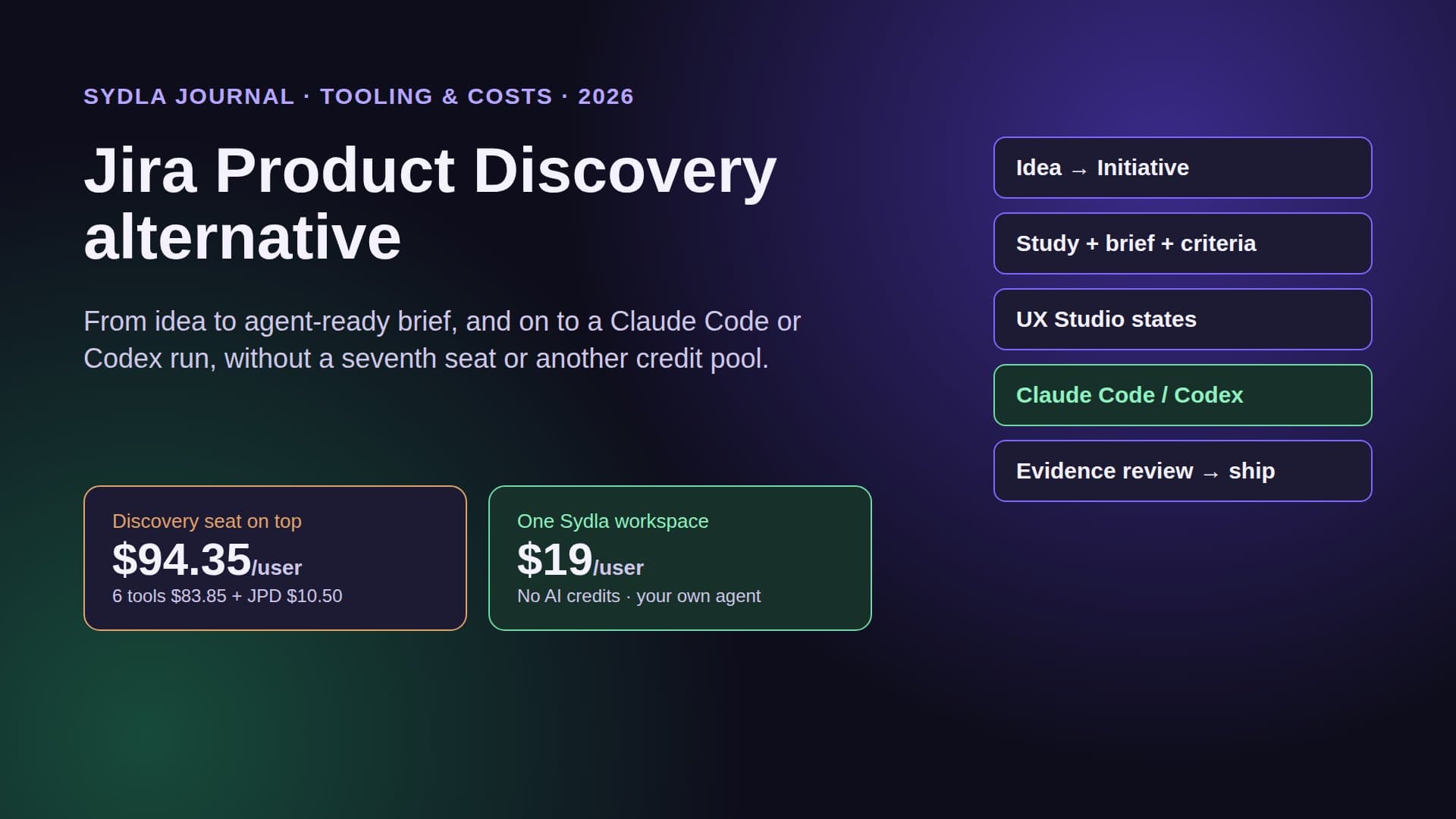
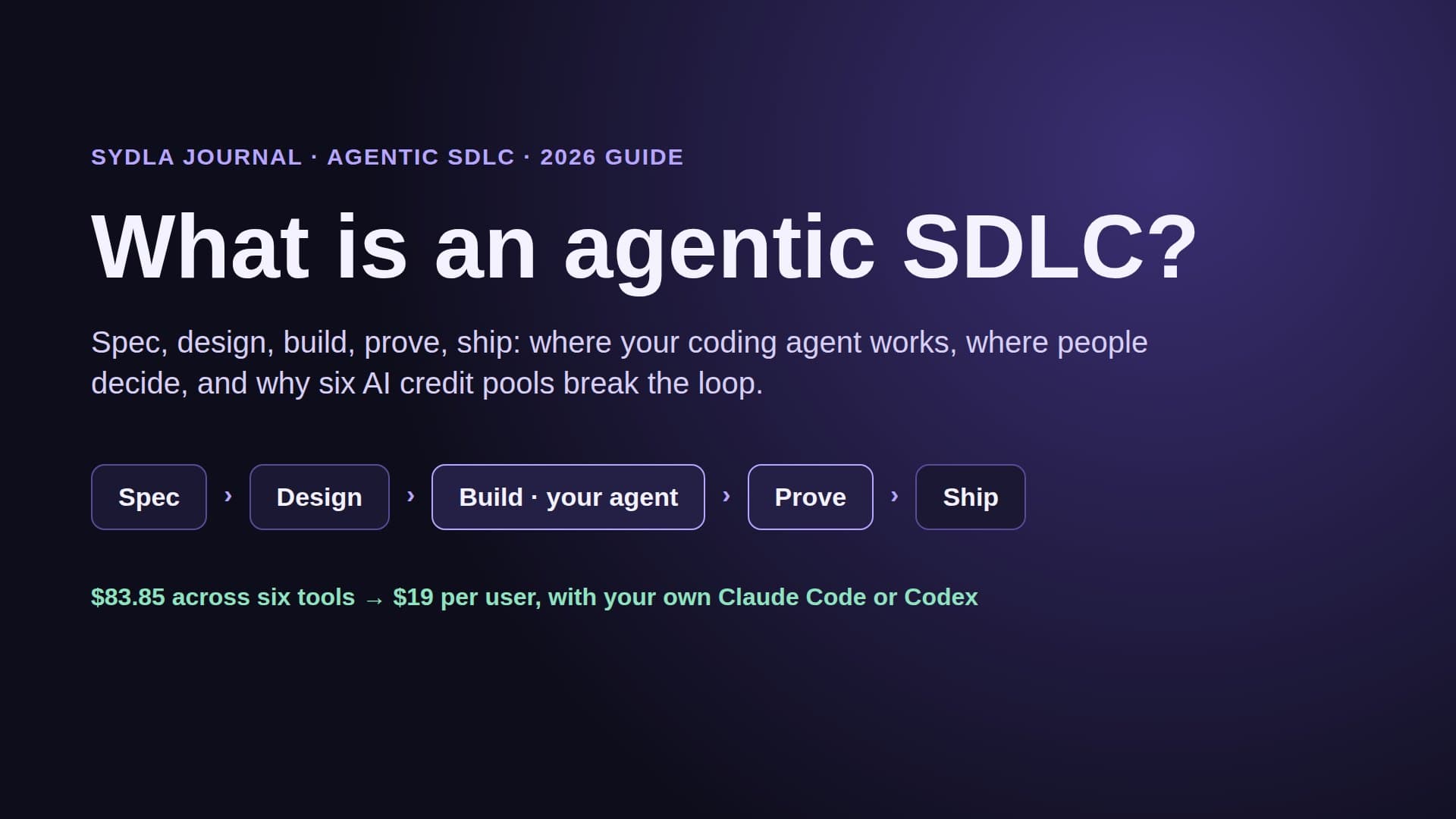
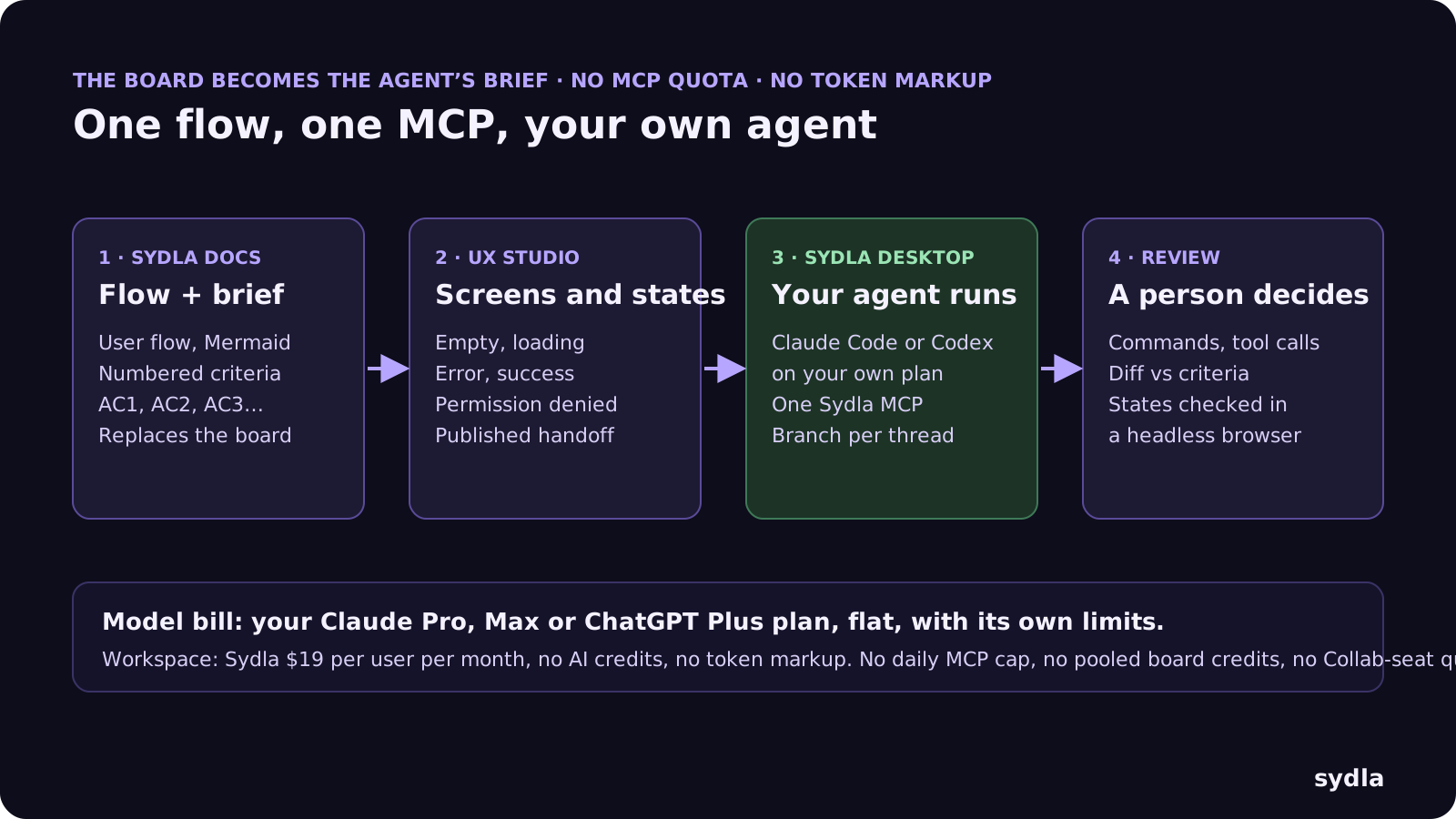
Sydla does not try to out-whiteboard Miro. It puts the parts of the board an agent needs, the flow and the decisions, on the same work item as the brief and the screen states, and lets your own agent read them in one call. Here is the loop:
- Write the brief with the flow inside it. In Sydla Docs, write the goal, users and numbered acceptance criteria. Draw the user flow as a Mermaid diagram on the same page, or as transitions between screens in UX Studio. No board export, no screenshot pasted into a ticket.
- Design the states in UX Studio. For each screen, add the states the agent must build: empty, loading, error, success, permission denied. Publish the handoff so the agent reads structure, not pixels. Our design-to-code handoff guide explains why states beat screenshots.
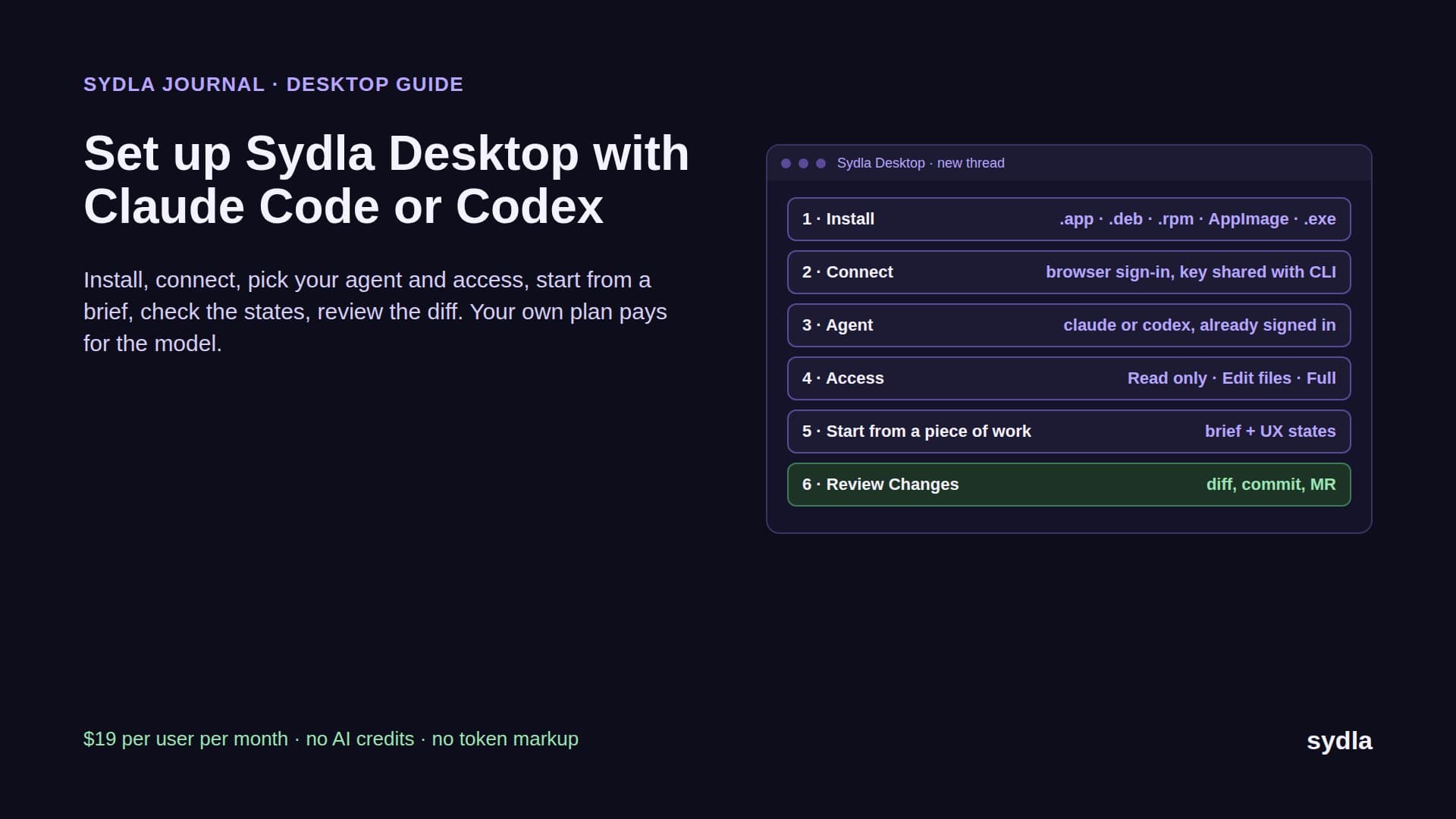
- Open a thread in Sydla Desktop. Desktop runs the Claude Code or Codex CLI already signed in on your machine, on your own plan and limits, in Read only, Edit files or Full access mode. It clones the repository on demand and gives the thread its own branch.
- Let the agent read the initiative. Through one Sydla MCP connection the agent opens the brief, the flow, the criteria and the UX handoff by reference. No daily call cap, no Collab-seat quota, no pooled credits. It edits, runs the tests and opens the dev server in its own headless browser to check each state.
- Review the evidence, then decide. The thread shows every command and tool call; Changes shows the diff. Check it against the criteria and the states, commit on the thread's branch and open the merge request. A person makes the gate decision, never the agent. The AI pull request review guide has the four-pass checklist.
The Sydla Desktop setup guide covers installation, and Claude Code vs Codex for product teams helps you pick an agent, or both. If you are leaving Miro altogether, the Miro alternatives guide compares five more boards.
Which one should you pick?
There is no single winner. It depends on where your designs live, who owns the board and how often your agents read it:
- Pick Miro if the whole company workshops on boards, you run big cross-team sessions, or you want Sidekicks and Flows with a model per step. Budget for the pooled credits pausing mid-month, and check the daily MCP cap before you wire several agents to it.
- Pick FigJam if your screens already live in Figma and most board work is stickies, clustering and summaries, which are free. Put anyone whose agent reads the board on a Dev or Full seat, and plan for canvas writes becoming paid after the beta.
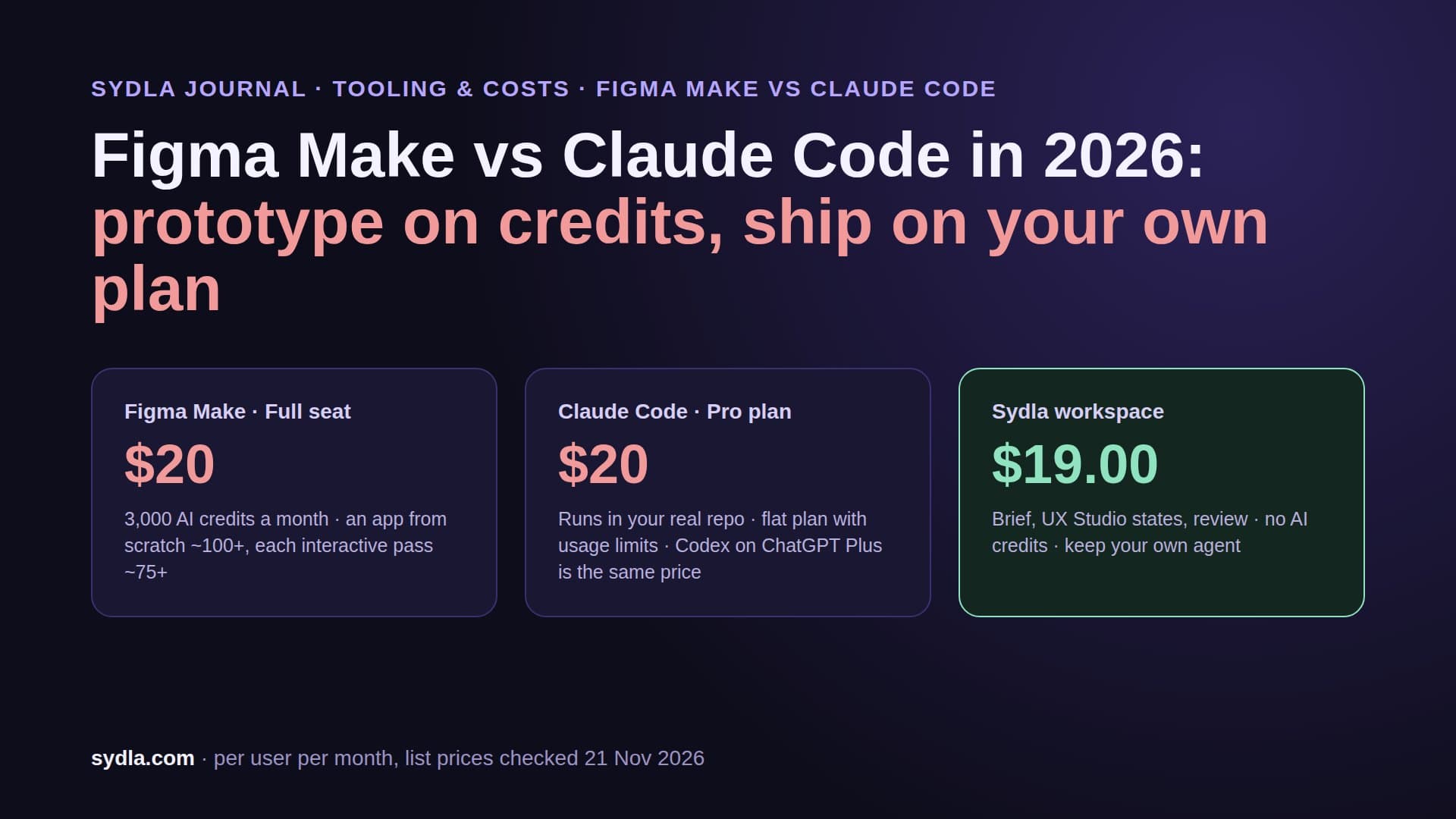
- Pick Sydla if you are a solo founder, an early engineering team or a lean product team that already pays for Claude Code or Codex and wants the flow, the brief, the states and the evidence in one place instead of six. The solo founder stack shows the one-person version, and Figma Make vs Claude Code covers the prototyping side.
Keep your agent. Drop the meters.
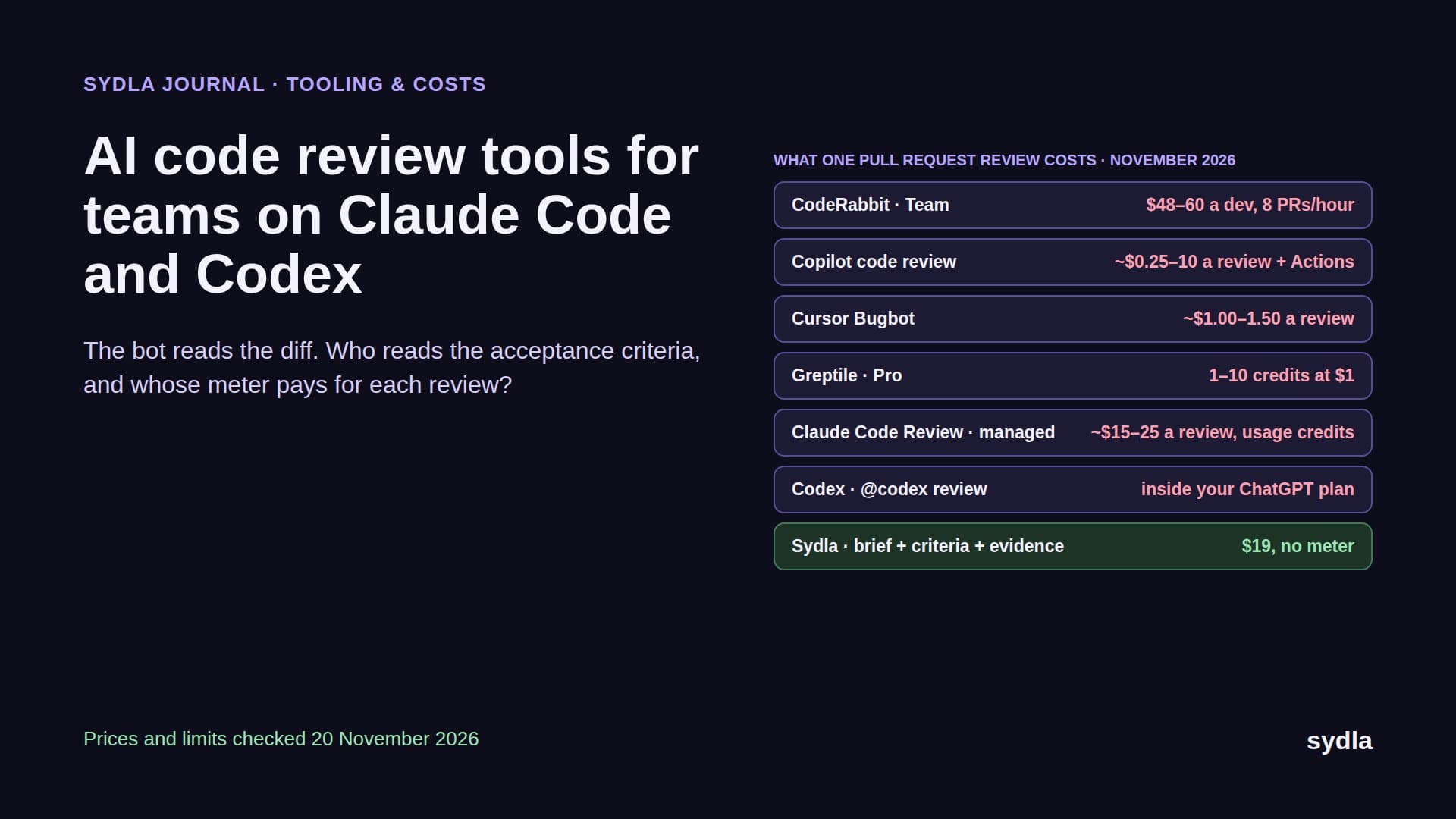
Miro and FigJam both became something your agent reads, and both put a meter in front of it: a daily call cap and a shared pool on one side, personal credits and a 20-call Collab seat on the other. Neither gives the agent the acceptance criteria it must meet or the evidence a reviewer needs.
Take the next flow you were going to sketch on a board. Draw it next to its brief in Sydla this week, add the states, open a Desktop thread and let your own Claude Code or Codex build it. Start your $19/mo AI SDLC workspace and keep your Claude Code and Codex accounts exactly as they are.
Frequently asked questions
Is FigJam cheaper than Miro in 2026?
On seats, yes, for teams already on Figma. FigJam has no standalone price and comes with every Figma seat; a Collab seat costs $3 a month on Professional. Miro Starter costs $10 per member monthly or $8 billed yearly, and Business $20 billed yearly. The AI and agent limits differ: Miro pools 25 or 50 AI credits per member and allows 500 or 2,000 MCP calls a day, while a FigJam Collab seat gets 500 personal AI credits and 20 MCP calls a month.
Can Claude Code read Miro and FigJam boards?
Yes. The Miro MCP server works on every Miro plan and lets Claude Code or Codex summarize, search and build boards, generate diagrams and act on comments, within 100 to 10,000 tool calls a day by plan. FigJam boards are reachable through the Figma MCP server's get_figjam tool and the figma-use-figjam skill since 28 April 2026; View and Collab seats get 20 calls a month, Full and Dev seats 200 a day on Professional.
Do Miro and FigJam AI features use credits?
Miro AI uses credits pooled across the team: 1 per sticky note, 2 per Sidekick action, 5 per diagram, table or prototype screen; credits reset monthly and AI pauses for everyone at zero. In FigJam, summarizing and clustering stickies is free, making templates and diagrams costs 2 to 24 credits a prompt, and the Figma agent costs about 50 to 180 credits per task from each user's own seat allowance.
What are Miro Sidekicks and Flows?
Sidekicks are Miro's AI agents: they build out boards and take action in other tools such as Jira and Slack. Flows are visual, multi-step AI workflows on the board, where you choose a model for each step and share the flow across your organisation. Both spend Miro AI credits from the team's monthly pool.
Is there an alternative to Miro and FigJam for teams using AI coding agents?
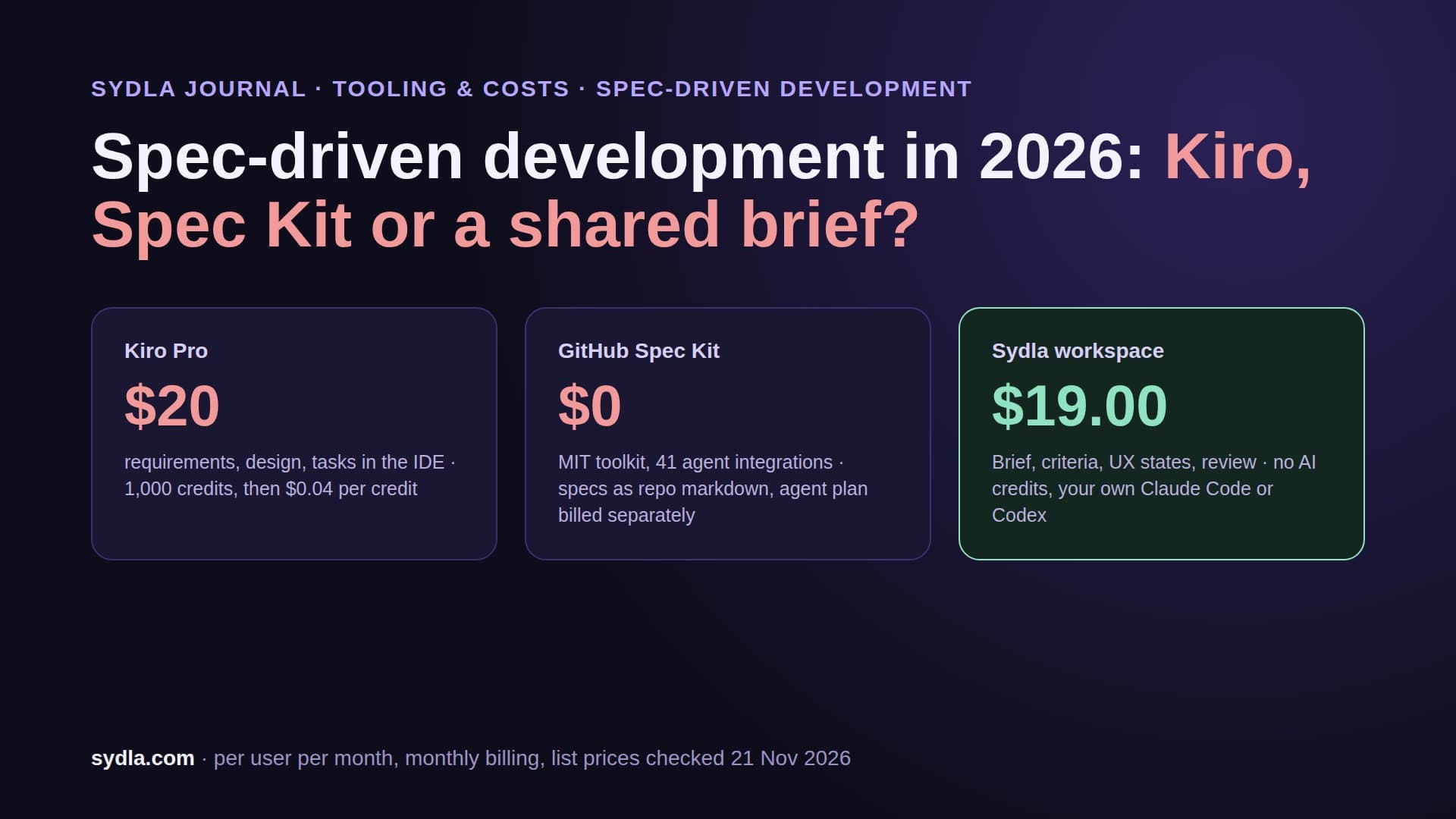
Sydla is an AI SDLC workspace at $19 per user per month that keeps user flows, docs, the plan and UX Studio screen states on one work item with no AI credits. Sydla Desktop runs your own Claude Code or Codex CLI on your plan and reads the brief, flow and states through one MCP connection, replacing a six-tool stack of Jira, Confluence, Notion, Figma, Miro and Canva that costs $83.85 per user per month.