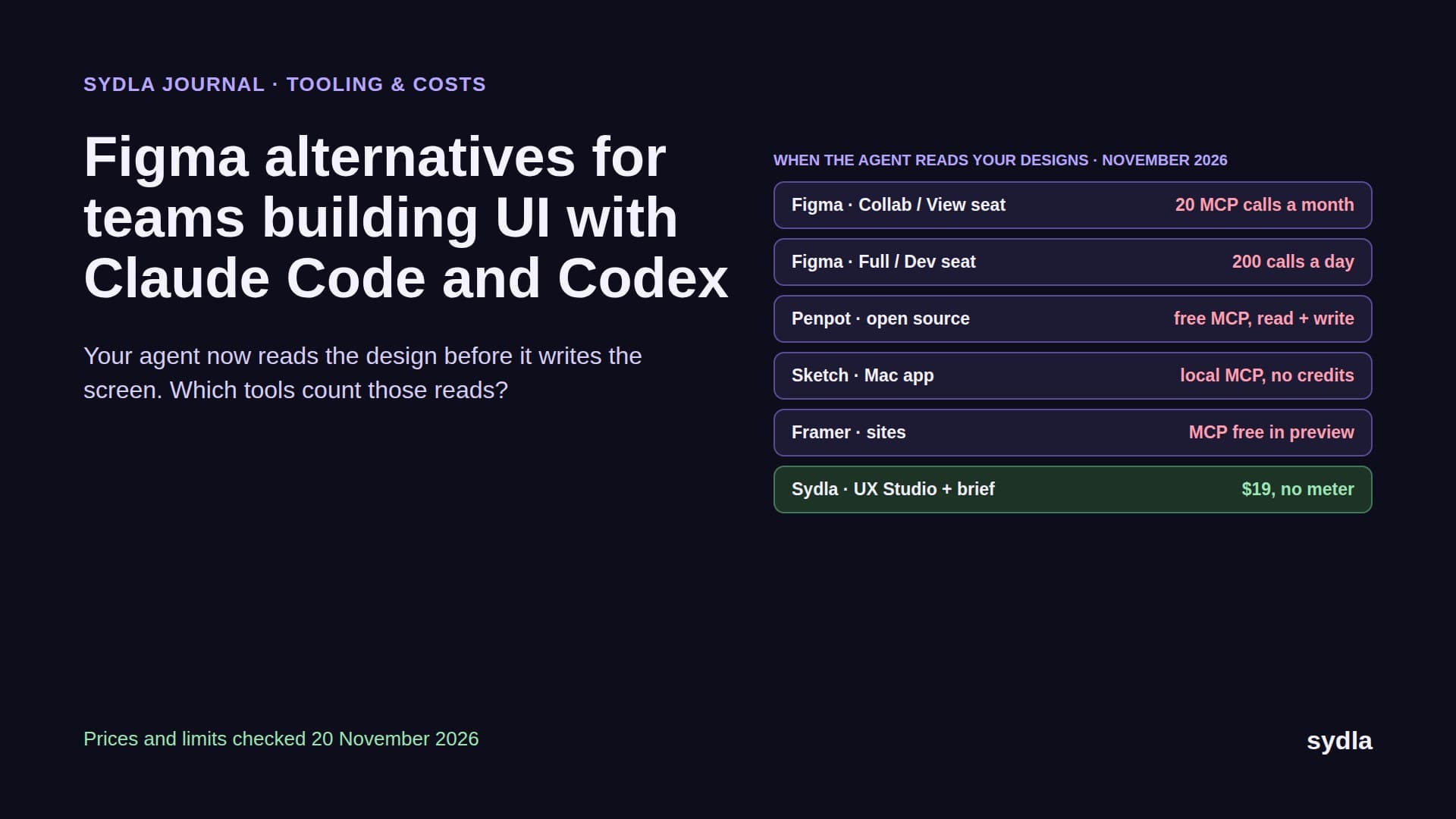
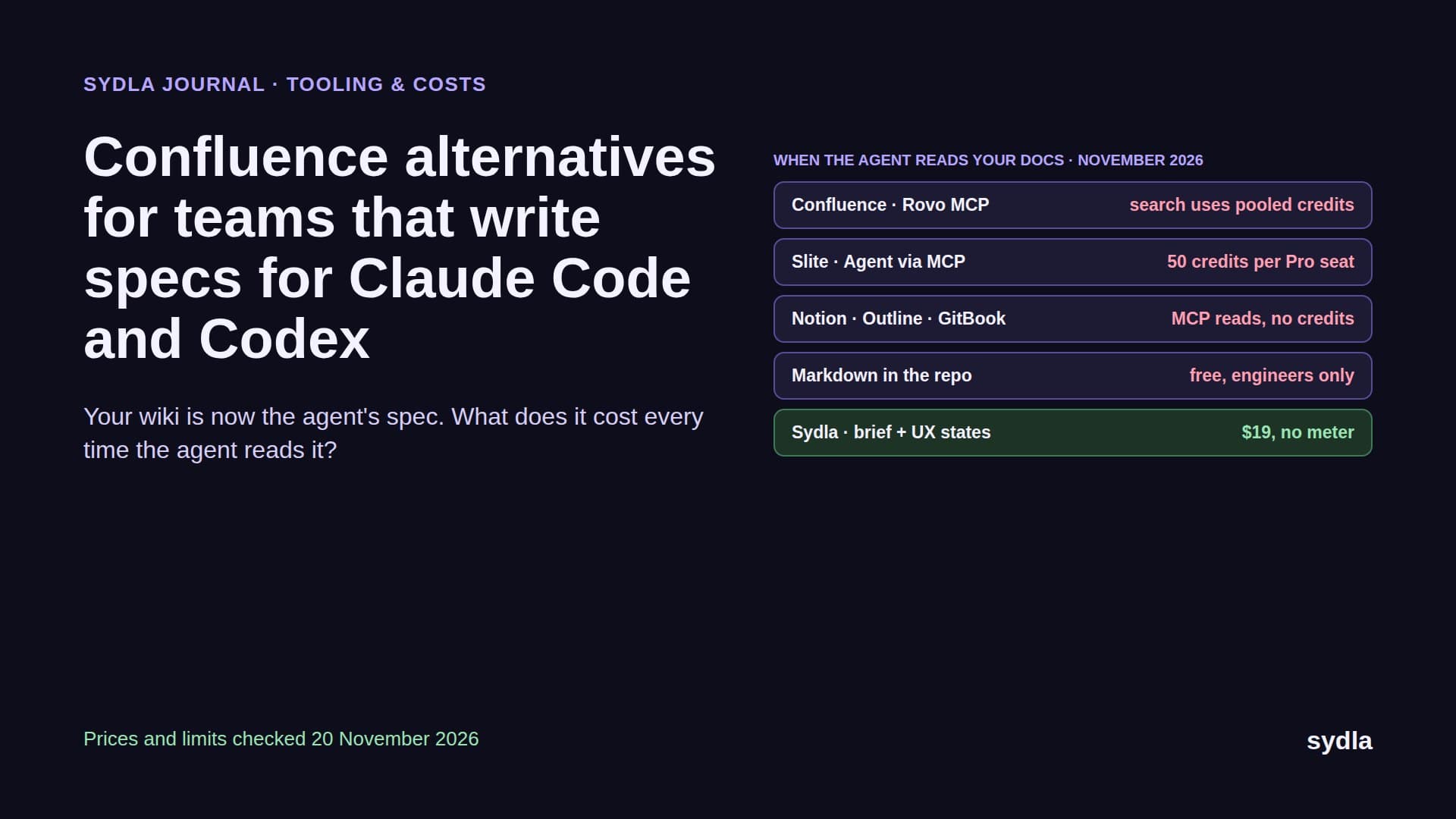
What one AI action costs in 2026: Jira, Notion, Figma, Miro and Canva credits in dollars
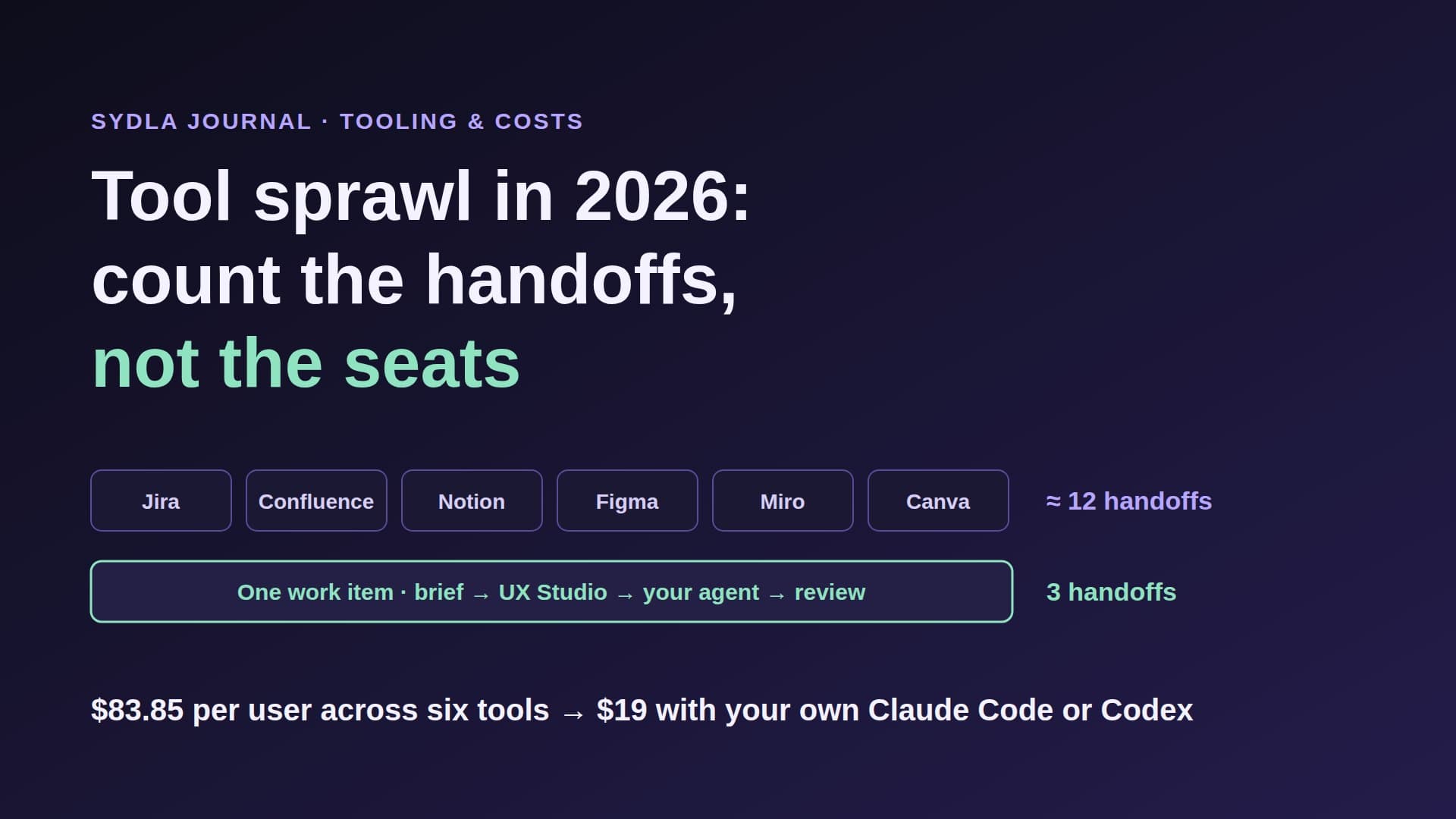
Every tool in the product stack now bills AI in its own credit, with its own pool and reset date. We converted the 2026 rate cards for Jira, Confluence, Notion, Figma, Miro, Canva and Copilot into dollars per action, priced one feature end to end, and show how a $19 workspace with your own Claude Code or Codex plan avoids the meters.
Six currencies, one feature
A product team that builds one feature in 2026 spends AI in six currencies. Rovo credits in Jira and Confluence. Notion credits. Figma AI credits. Miro credits. A Canva allowance with no published number. And, on top, the coding agent plan that actually writes the code. Each one has its own pool, its own reset date and its own rule for what happens at zero. We have called this AI credit fatigue.
The hard part is that none of these credits is worth the same. A Rovo credit is one cent. A Figma credit is about a cent and a half once you buy add-ons. A Miro credit has no public price at all. So a question that sounds simple, how much does it cost when someone asks the AI to do something, has no answer on any pricing page.
This post answers it. We took the rate cards each vendor published, checked between 18 and 21 November 2026, and converted them into dollars per action. Then we priced one small feature from brief to pull request, and compared it with Sydla, where the workspace charges no AI credits and the run happens on your own Claude Code or Codex plan.
How we converted credits into dollars
Three rules kept the numbers honest. First, we only used rates the vendors publish themselves: help-center rate cards, pricing pages and billing FAQs. Second, where a vendor sells credits, we used the price of the next credit you would buy after your included allowance is gone, because that is the price you pay at the margin. Third, where a vendor does not publish a price or a count, we say so instead of guessing.
Included allowances still matter, so the table below shows them too. But allowances are small and pooled, and on most plans they run out in the first weeks of the month for a team that uses AI every day. After that, every action has a price, or it stops.
AI credit prices per action, compared
Here is one row per tool, at monthly USD list prices before tax. The second column is the seat price. The third converts the vendor's own credit rates into dollars per typical action.
| Tool and plan | Seat price | What one AI action costs | Included allowance and what happens at zero |
|---|---|---|---|
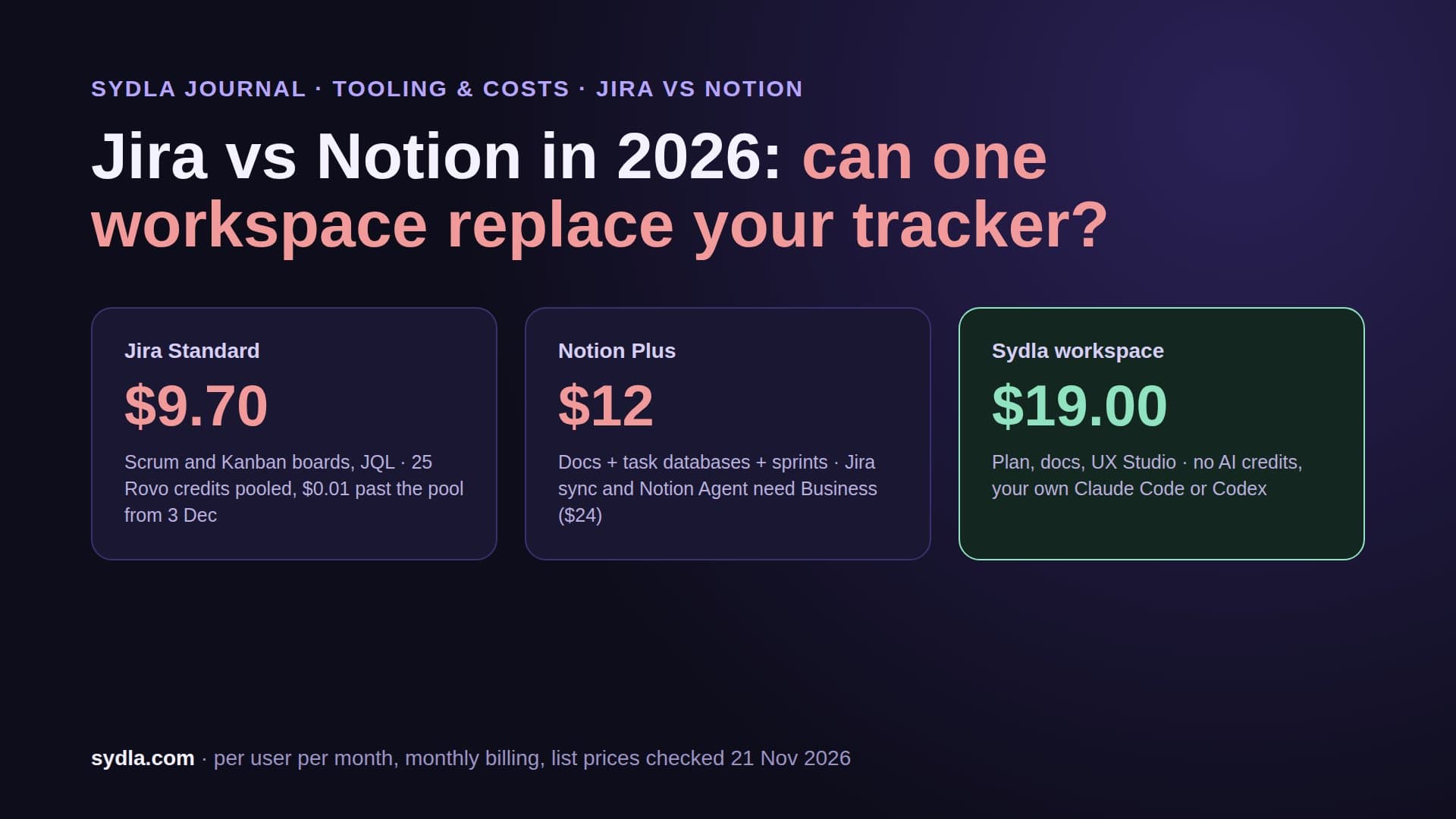
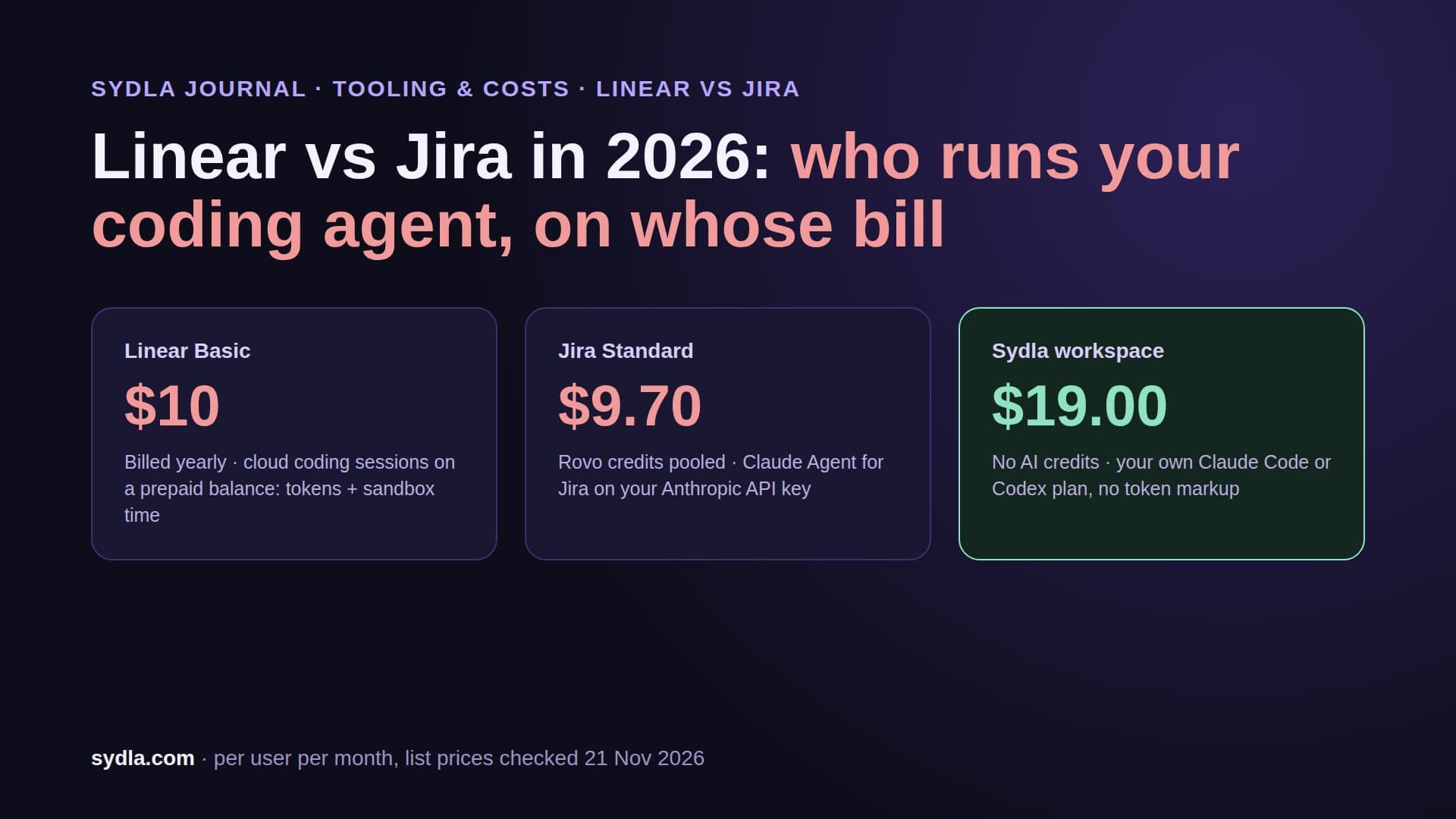
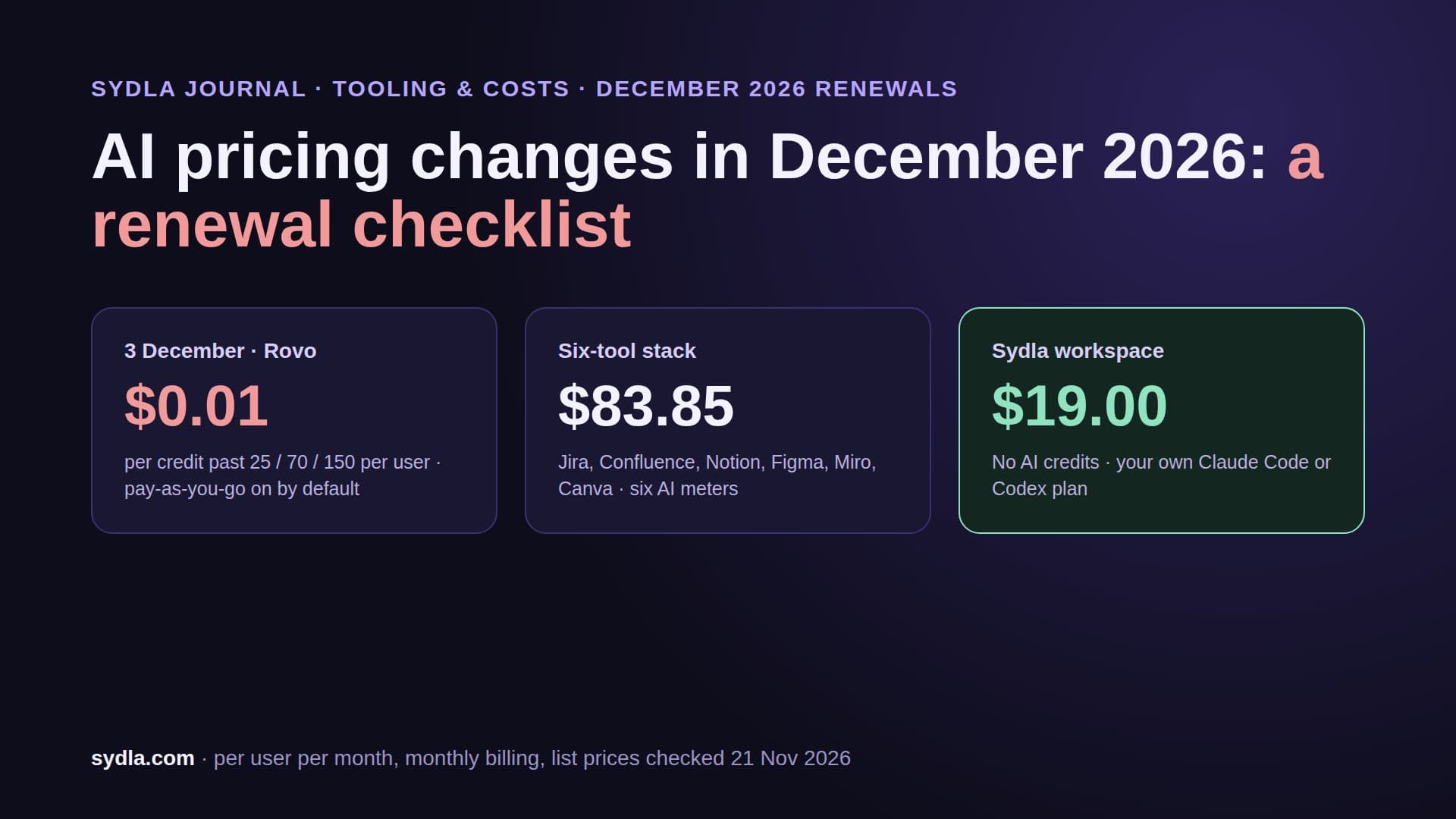
| Jira Standard | $9.70 | Rovo chat message 10 credits = $0.10; enriched MCP search 1 to 10 credits = $0.01 to $0.10 per call | 25 credits per user, pooled org-wide; pay-as-you-go at $0.01 per credit from 3 Dec 2026, on by default |
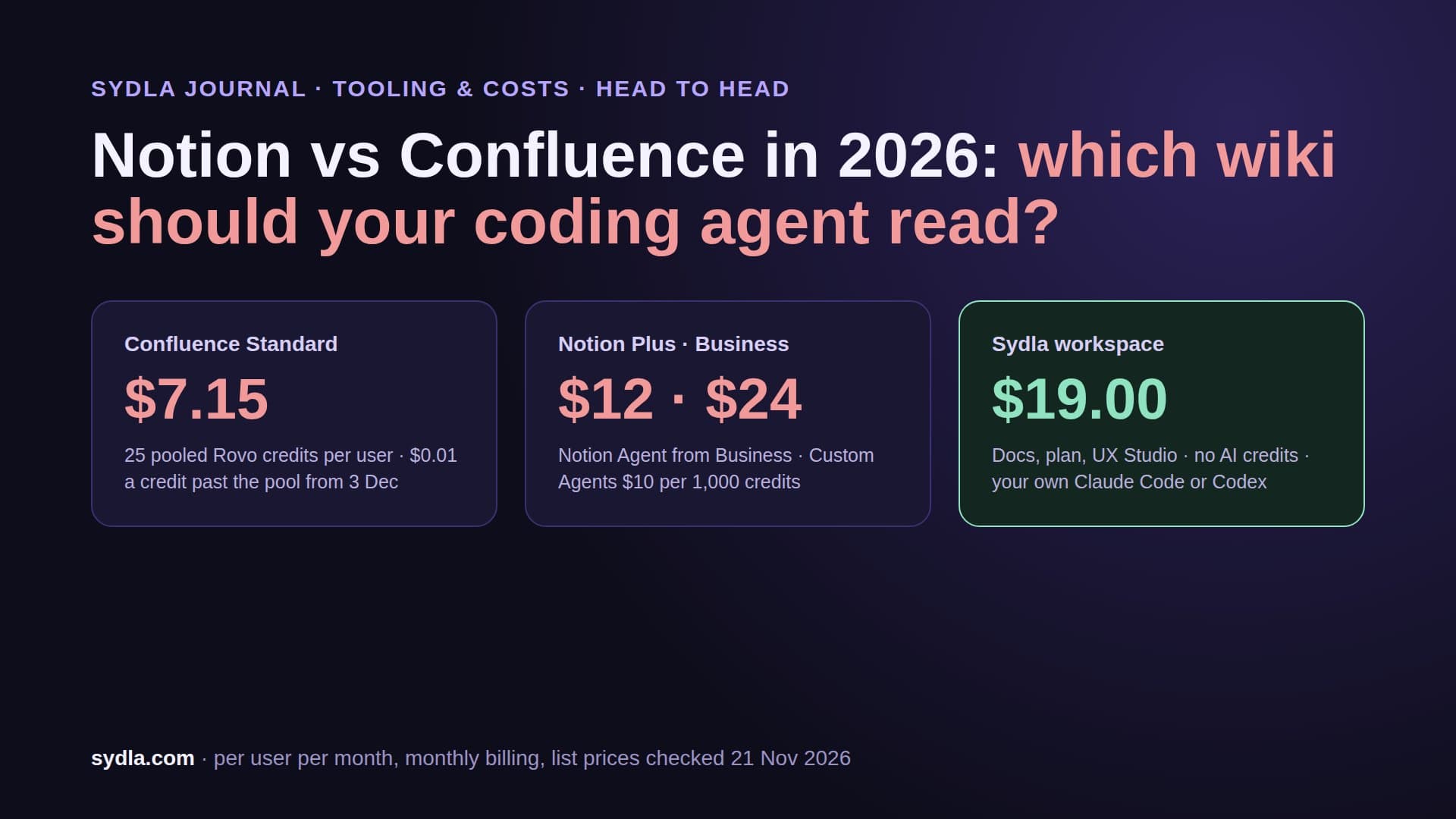
| Confluence Standard | $7.15 | Same Rovo rate card: $0.10 per chat message, up to $0.10 per enriched agent read | Same pool as Jira; single-product MCP lookups and writes are free |
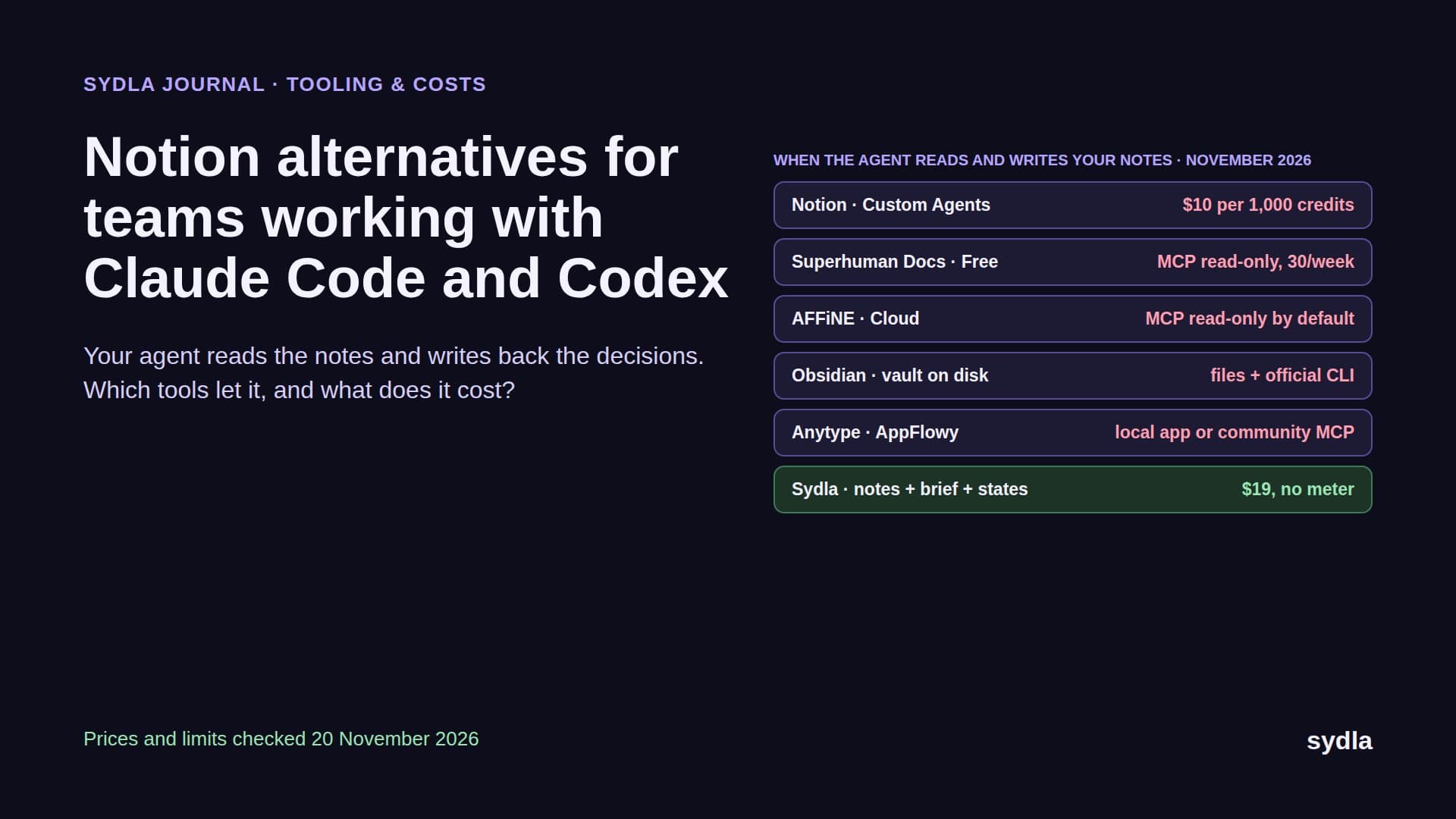
| Notion Plus | $12.00 | Simple agent task about 5 credits = $0.05, medium $0.10, complex $0.25 | 500 Select credits per member; extra credits $10 per 1,000 on Business and Enterprise only; agents pause at zero |
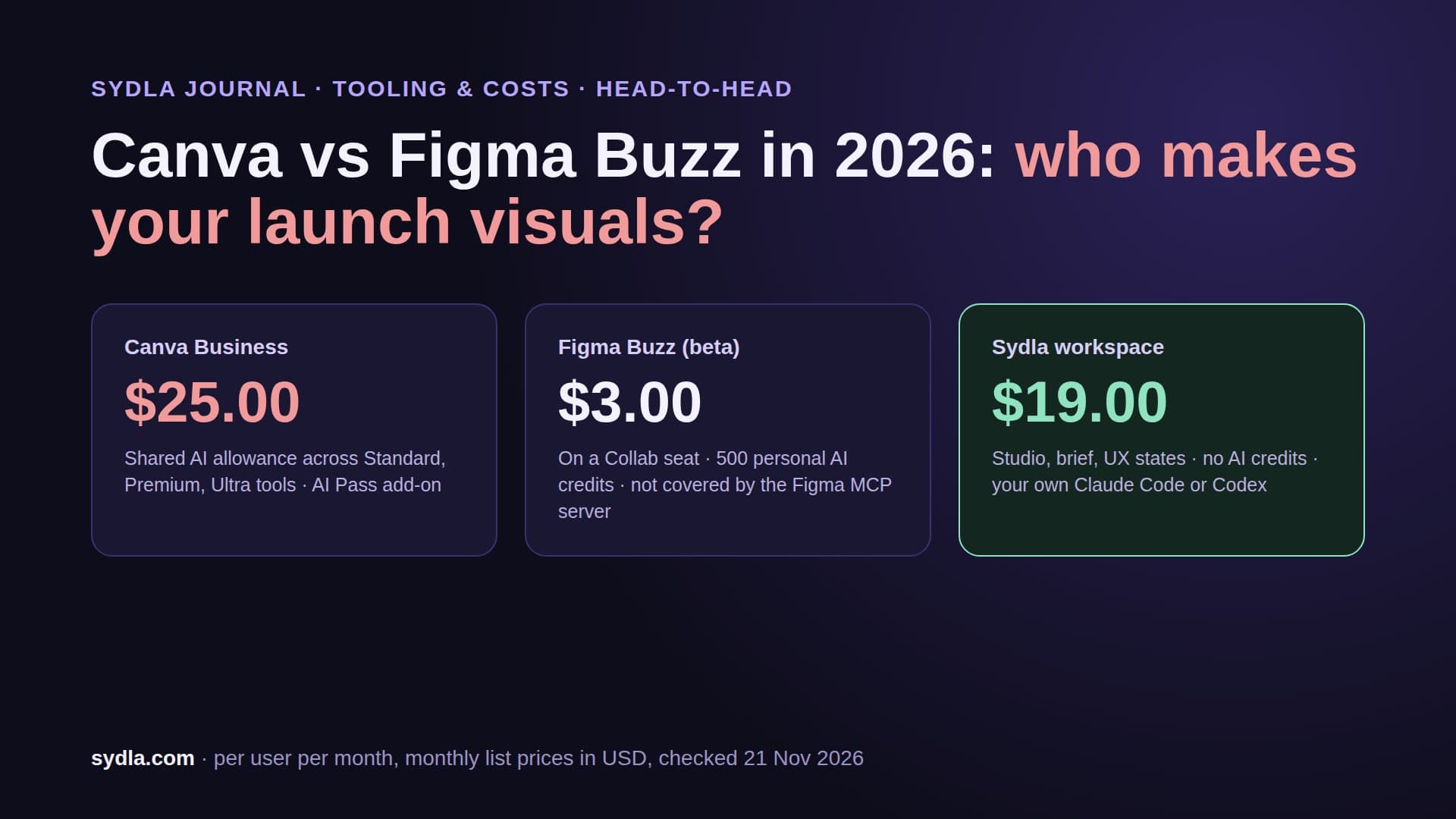
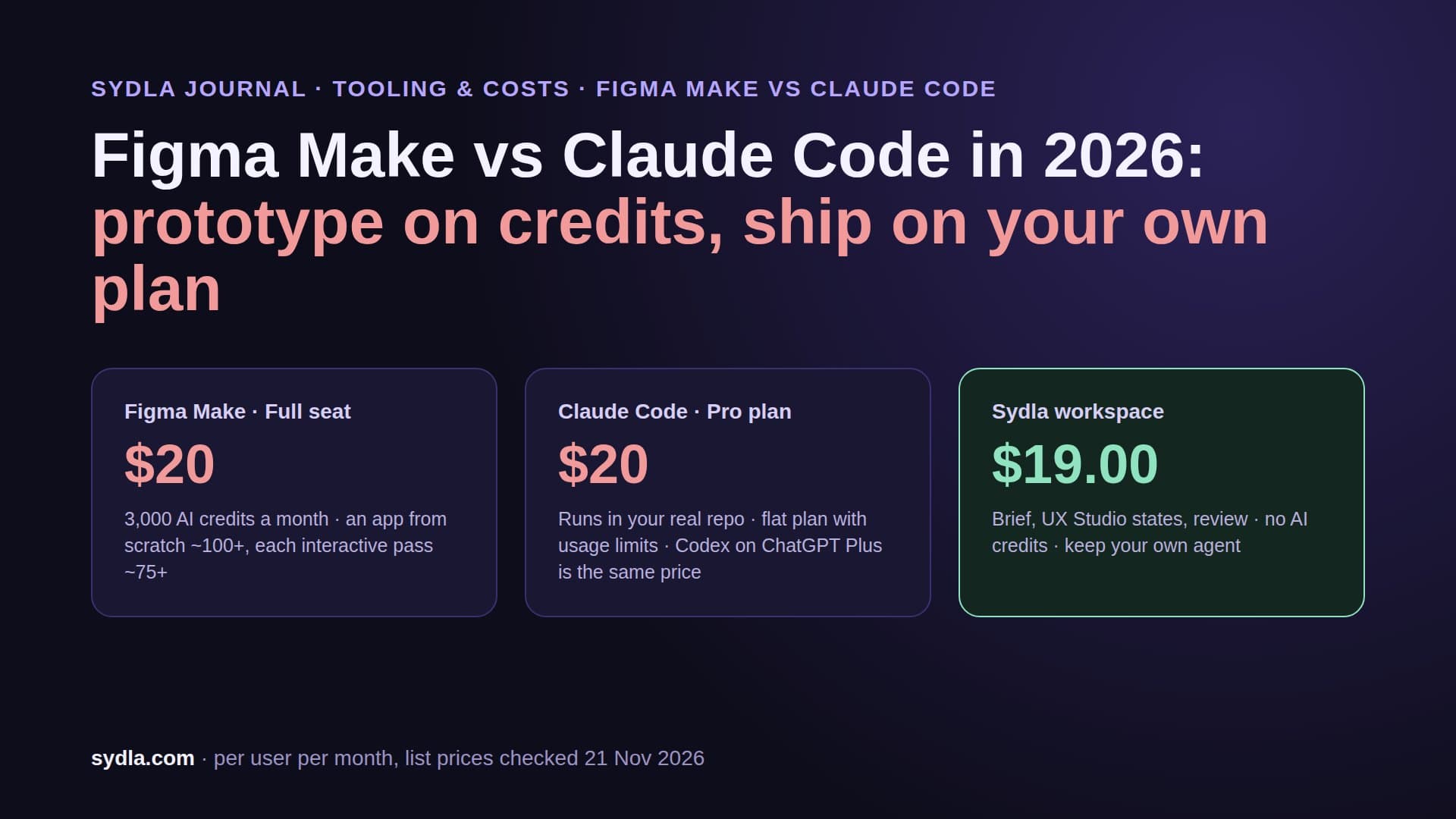
| Figma Professional Full | $20.00 | About $0.015 per credit: Make app 100+ = $1.50+, agent five-screen flow 300+ = $4.50+, code layers 250+ = $3.75+ | 3,000 credits per Full seat, not shared; at zero the user cannot finish AI actions |
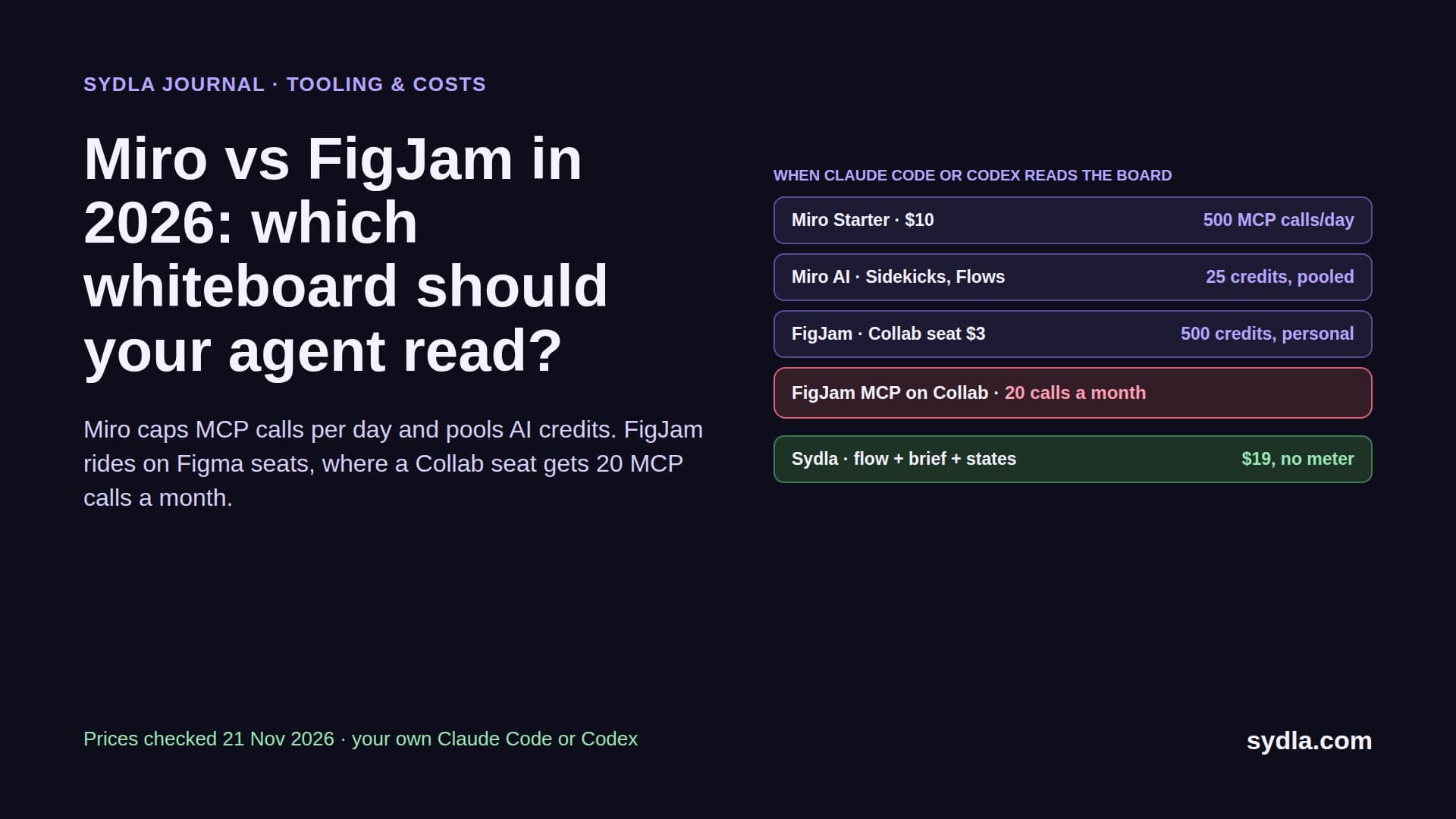
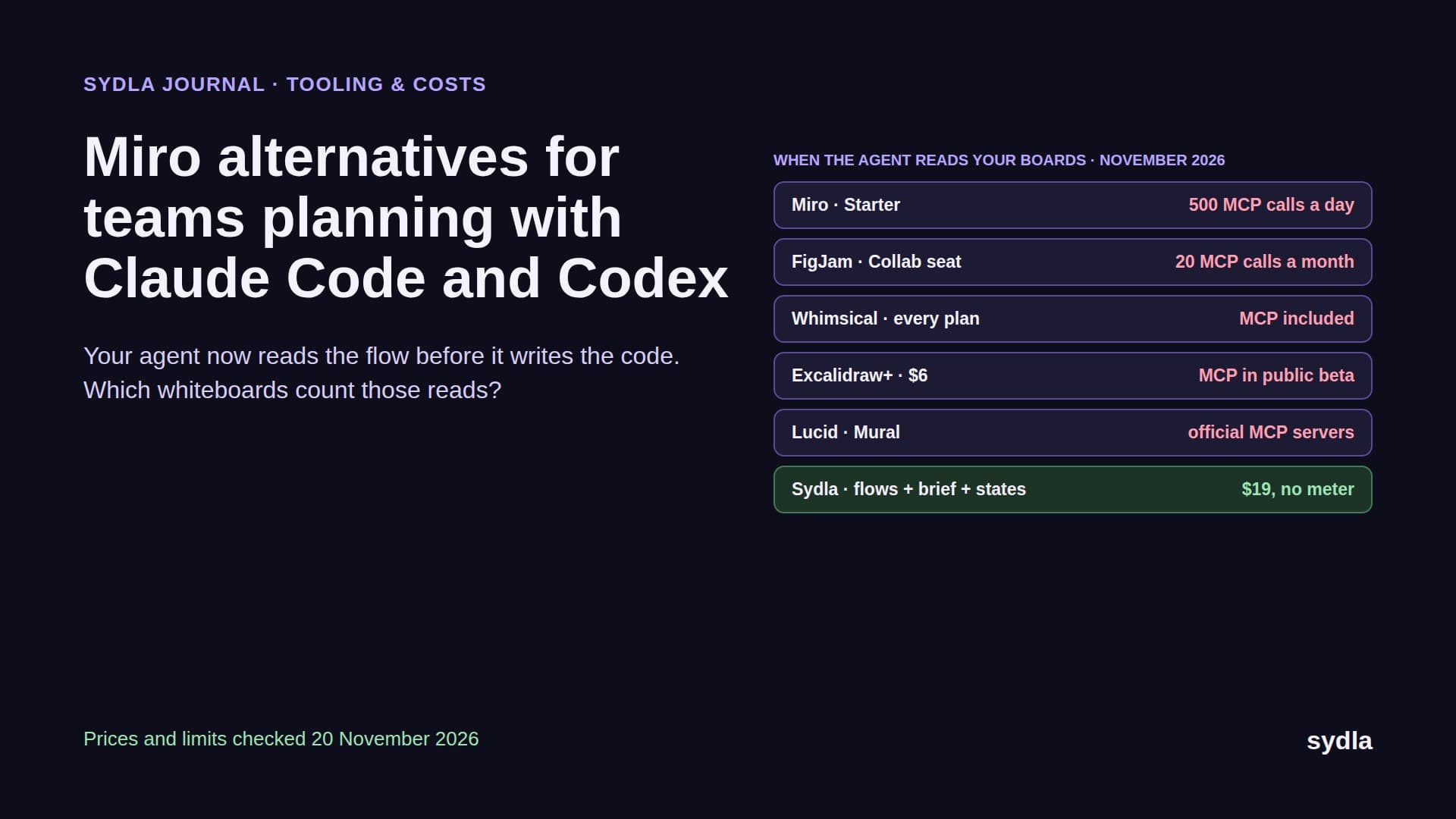
| Miro Starter | $10.00 | Diagram 5 credits, image 3, doc 2, sticky 1; bundle price not public | 25 credits per license, pooled; AI pauses for the whole team at zero |
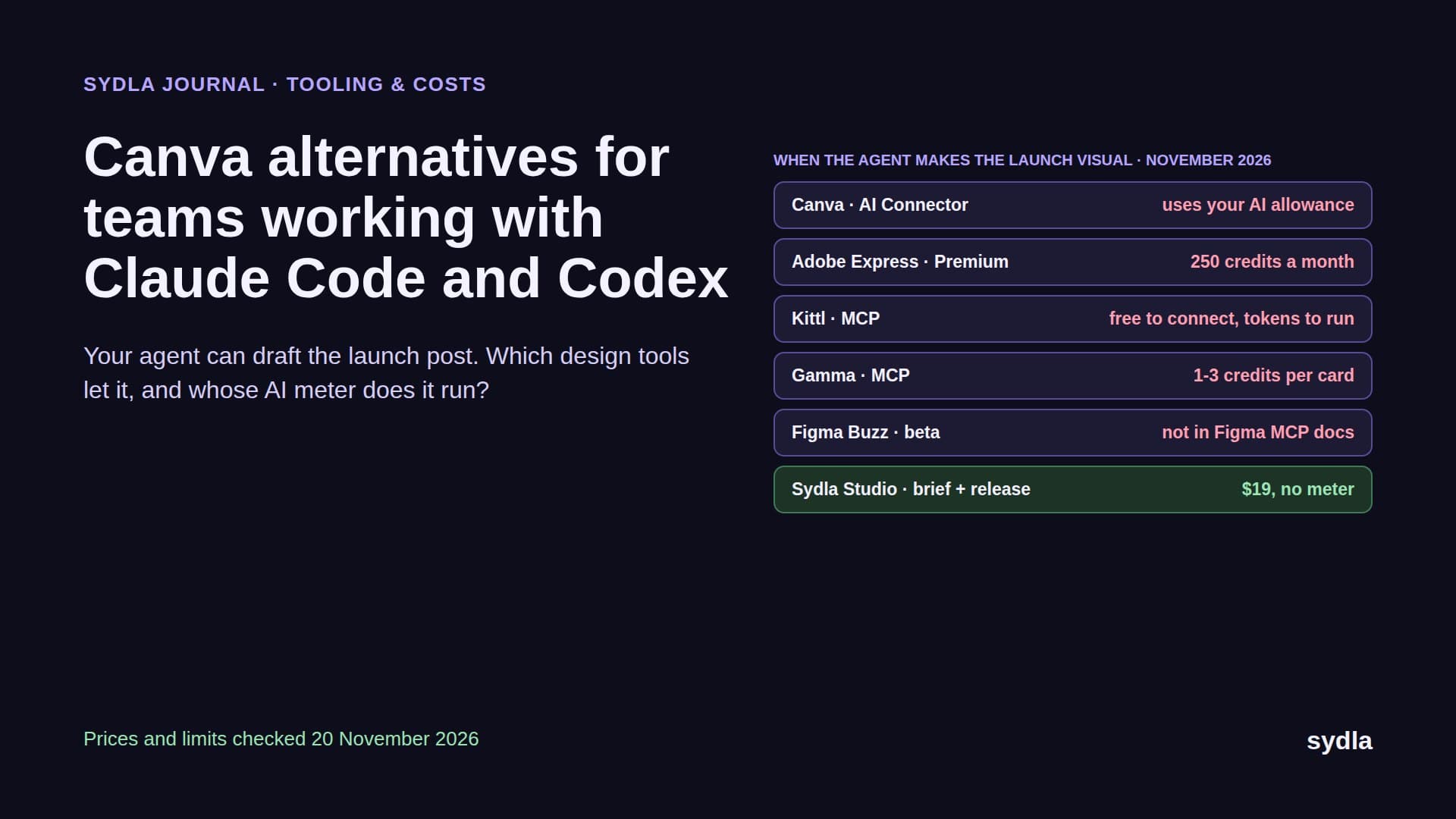
| Canva Business | $25.00 | Not published; allowance tiers Standard, Premium and Ultra | Personal allowance, 20x Free; top-ups Business only, priced in-product; AI Pass $100 per person |
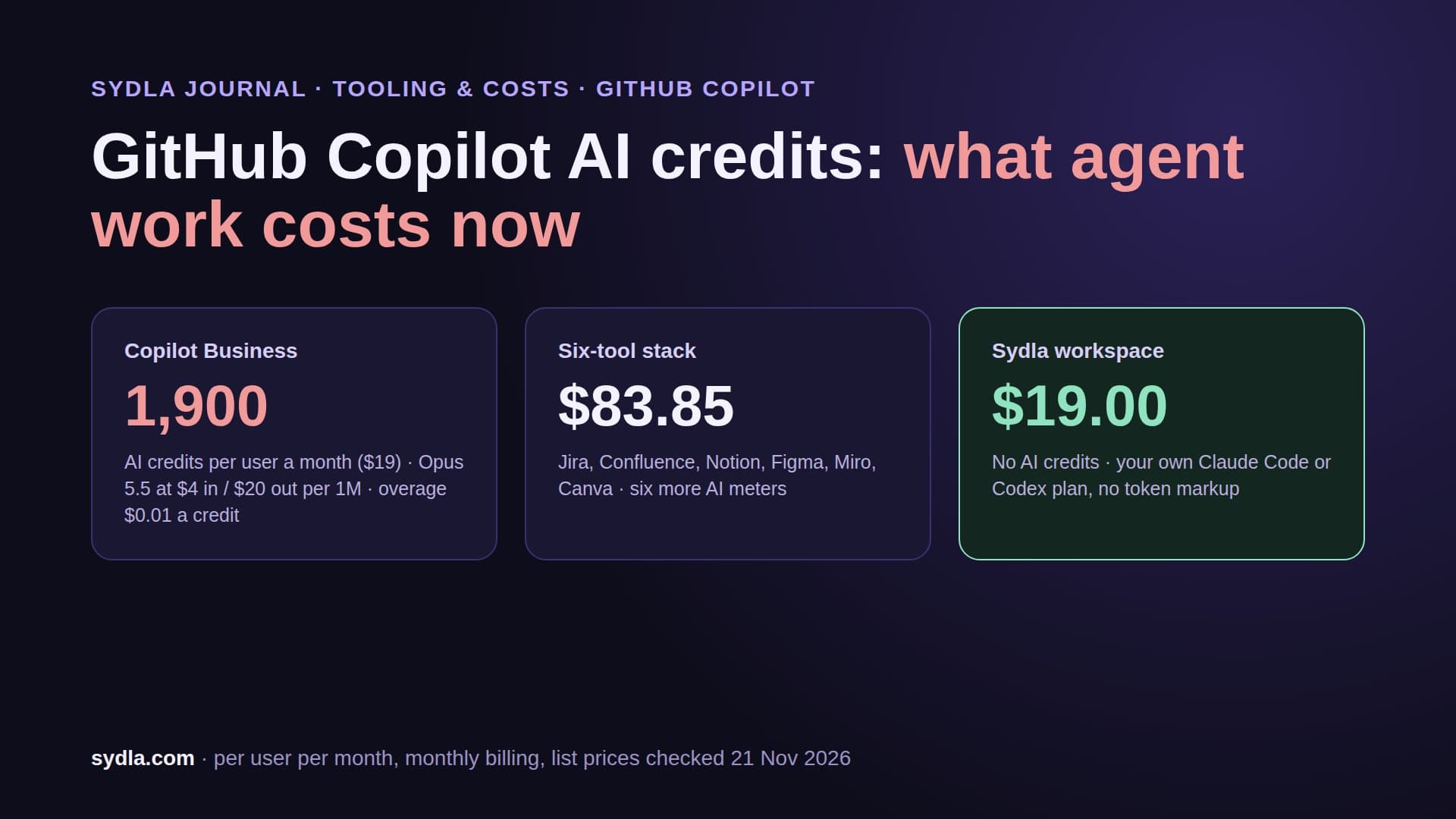
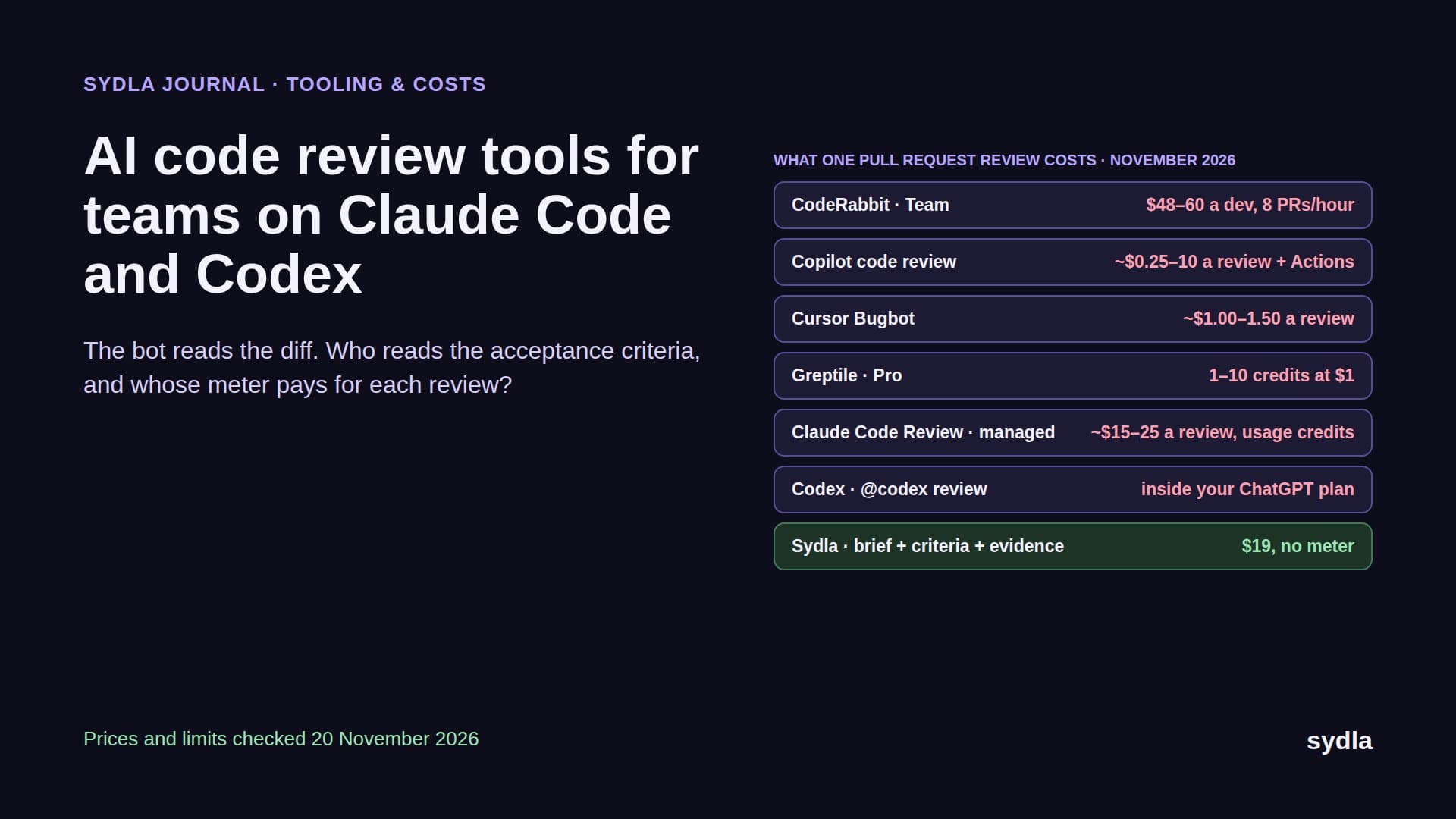
| GitHub Copilot | $19.00 | 1 credit = $0.01; code review about $0.25, $1.50 or $10 per review plus Actions minutes | 1,900 credits per Business user, pooled; paid usage on by default |
| Sydla workspace | $19.00 | $0 in Sydla credits; the run uses your own Claude or ChatGPT plan, zero token markup | No Sydla AI meter; your agent plan's own limits apply |
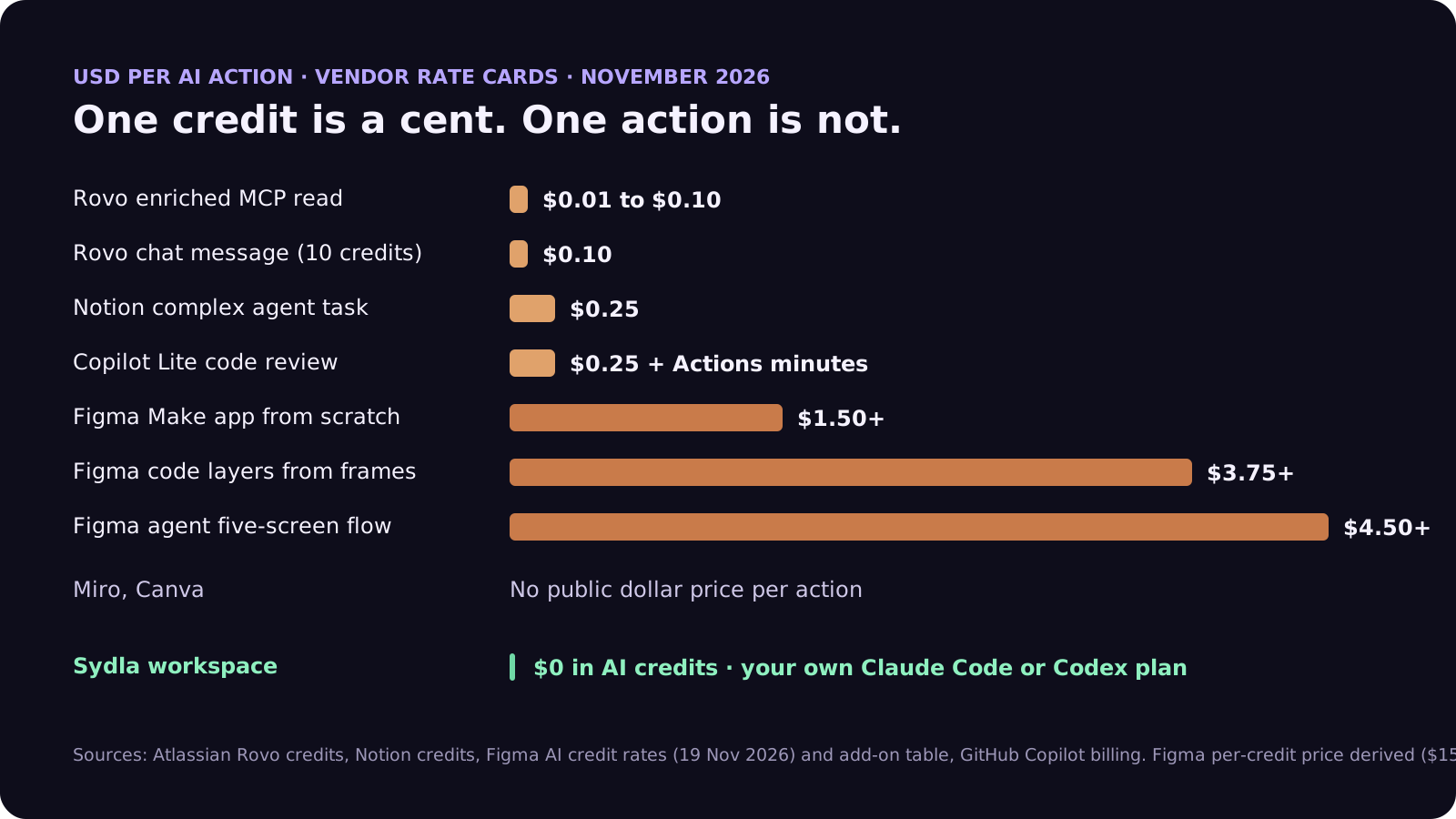
Two things stand out. The cheapest unit, a Rovo or Notion credit at one cent, hides how many credits an action burns: a single Rovo chat message is ten of them, so a 10-person Jira Standard team's 250 pooled credits cover about 25 chat messages for the whole team each month. And the most expensive actions are the design ones, where one Figma agent flow costs more than a month of a Miro seat. Our per-vendor guides go deeper: Rovo credits, Figma AI credits, Notion credits and Miro and Canva credits.
Priced end to end: one feature, six meters
Rates per action only matter once you count actions. So we priced one small feature, an invite link that expires, the way a lean team builds it with AI help in each tool. The counts are our assumptions, not measurements; the prices are arithmetic on the rates above, after included allowances are used up.
- Brief and decisions in Confluence: 15 Rovo chat messages to draft and tighten the spec, $1.50.
- Agent reads through the Rovo MCP server: 30 enriched search calls at an average of 5 credits while the coding agent looks for context, $1.50.
- Research notes in Notion: 4 medium agent runs to summarise interviews and route follow-ups, $0.40.
- Screens in Figma: one agent five-screen flow and one code-layers pass, $4.50 plus $3.75, $8.25.
- Workshop board in Miro: 2 diagrams and a board summary, about 12 credits, no public dollar price.
- Launch visual in Canva: a handful of AI edits from the allowance, no public dollar price.
- Review: one Copilot Balanced code review, $1.50 plus Actions minutes.
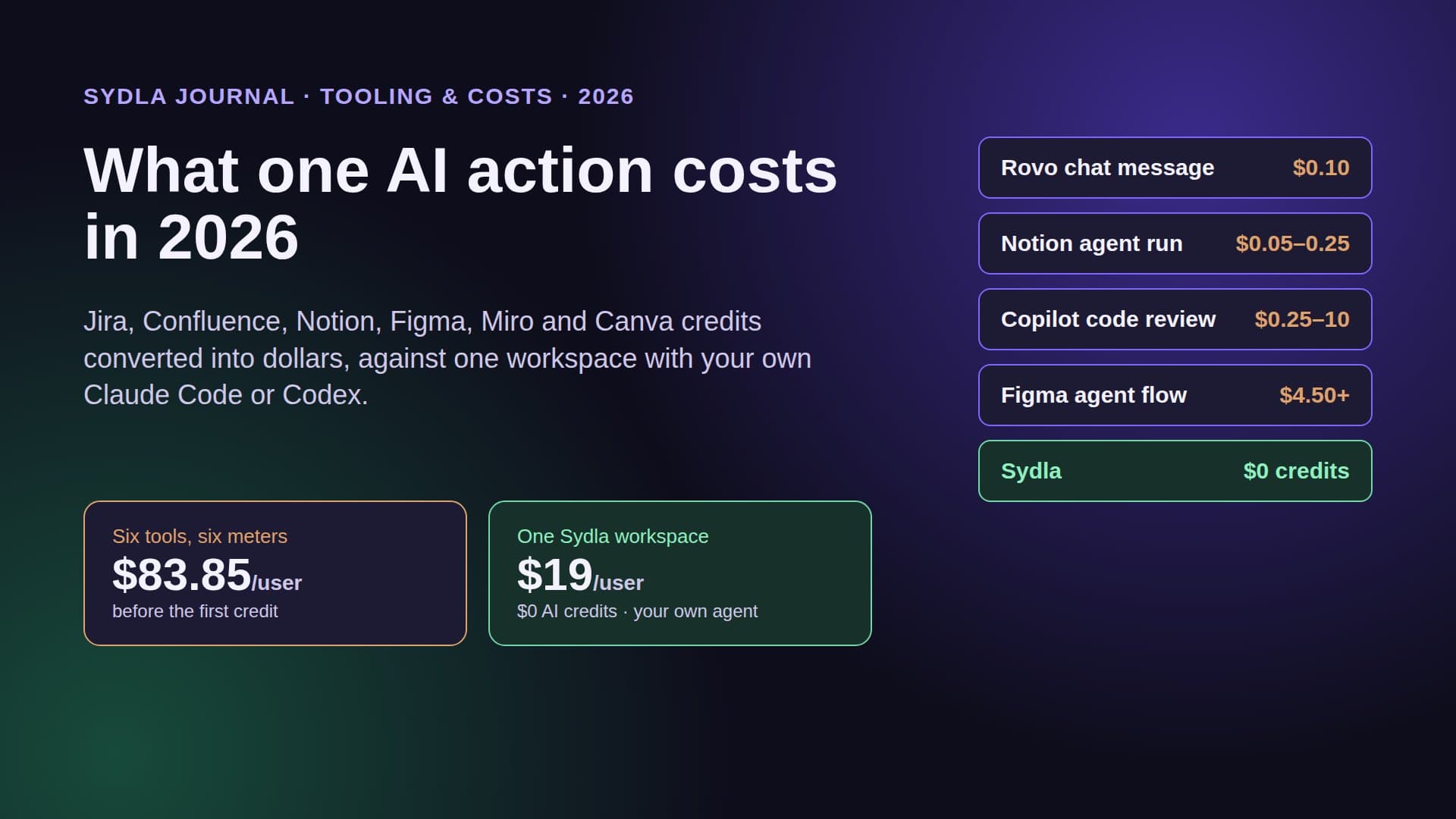
That is about $13.15 of priced AI for one feature, before Miro, Canva and the coding agent itself, which still runs on a Claude or ChatGPT plan you pay for separately. At eight features a month, a team adds around $105 of metered AI to seat prices that already total $83.85 per user. None of these meters bought a single line of code.
The money is only half the cost. Each meter has a different reset day, a different alert threshold and a different behaviour at zero: Miro pauses everyone, Figma stops one user, Rovo keeps going and bills you. Someone on the team ends up watching six dashboards.
Why the meters stack up for agent-driven teams
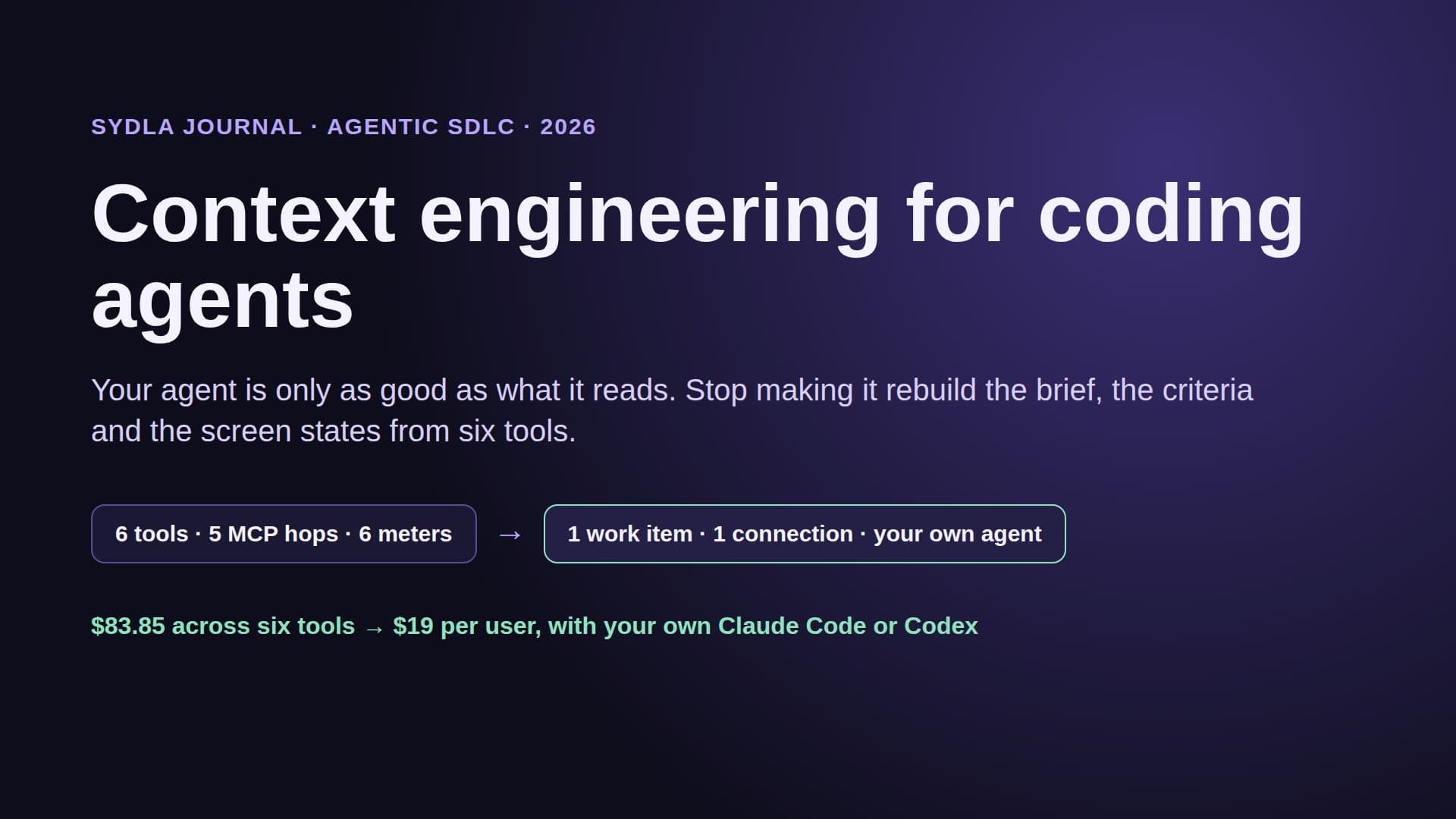
Built-in AI made sense when people were the only ones asking. In 2026 the busiest reader of your tickets, specs and screens is a coding agent. When Claude Code or Codex reaches into Jira, Confluence, Notion or Figma through their MCP servers, the expensive reads are often the ones it needs most: enriched search across products, design context on a large frame, a summary of a board. Those reads land on the tool's meter, not on the agent's plan.
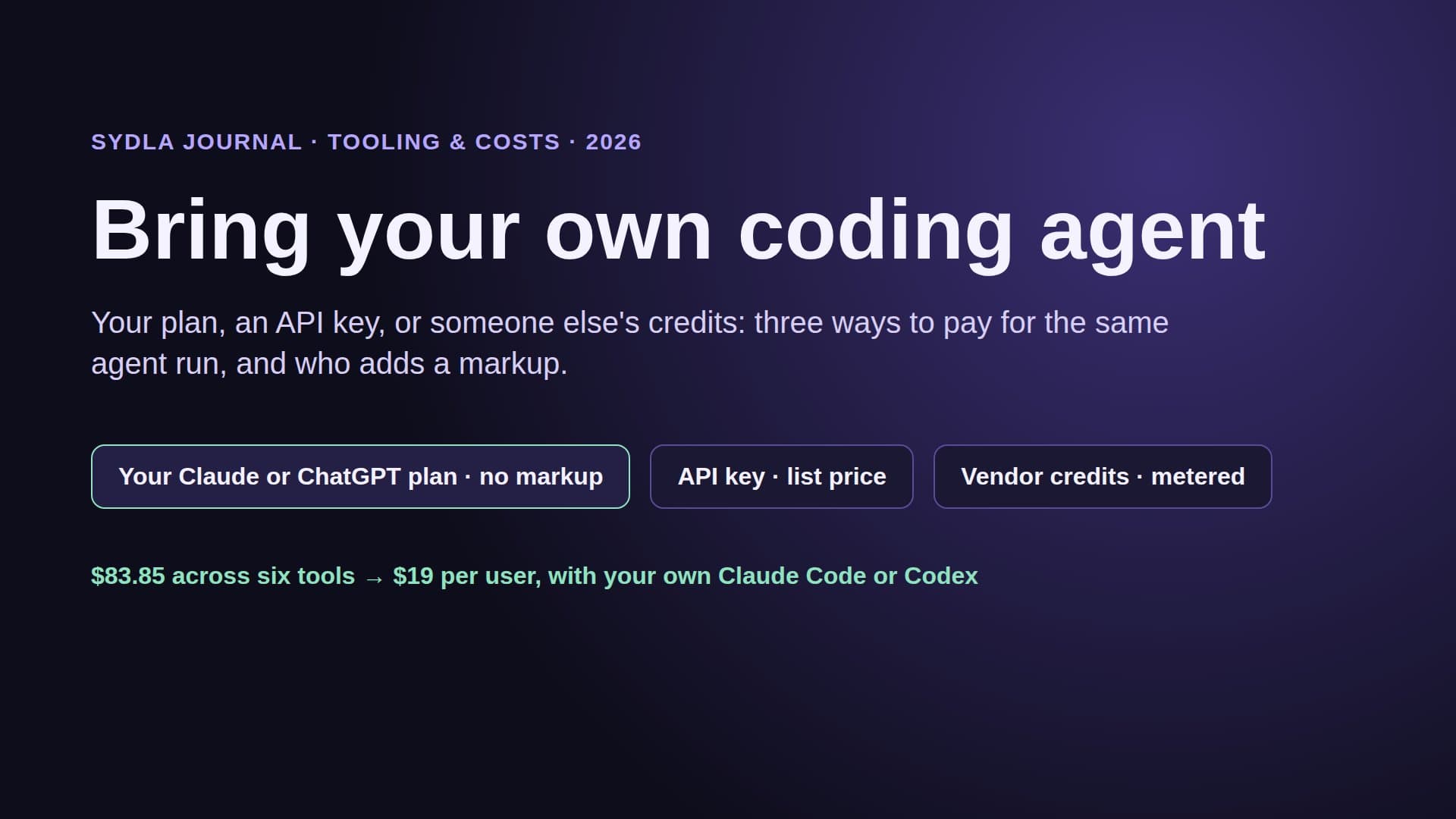
So a team pays twice for the same work: once in the agent plan that does the thinking, and again in the credits of every tool the agent has to read. Our bring your own coding agent guide compares the three ways to pay for a run, and the GitHub Copilot credits guide shows the same pattern in the code host.
Zero markup: brief to review in one workspace
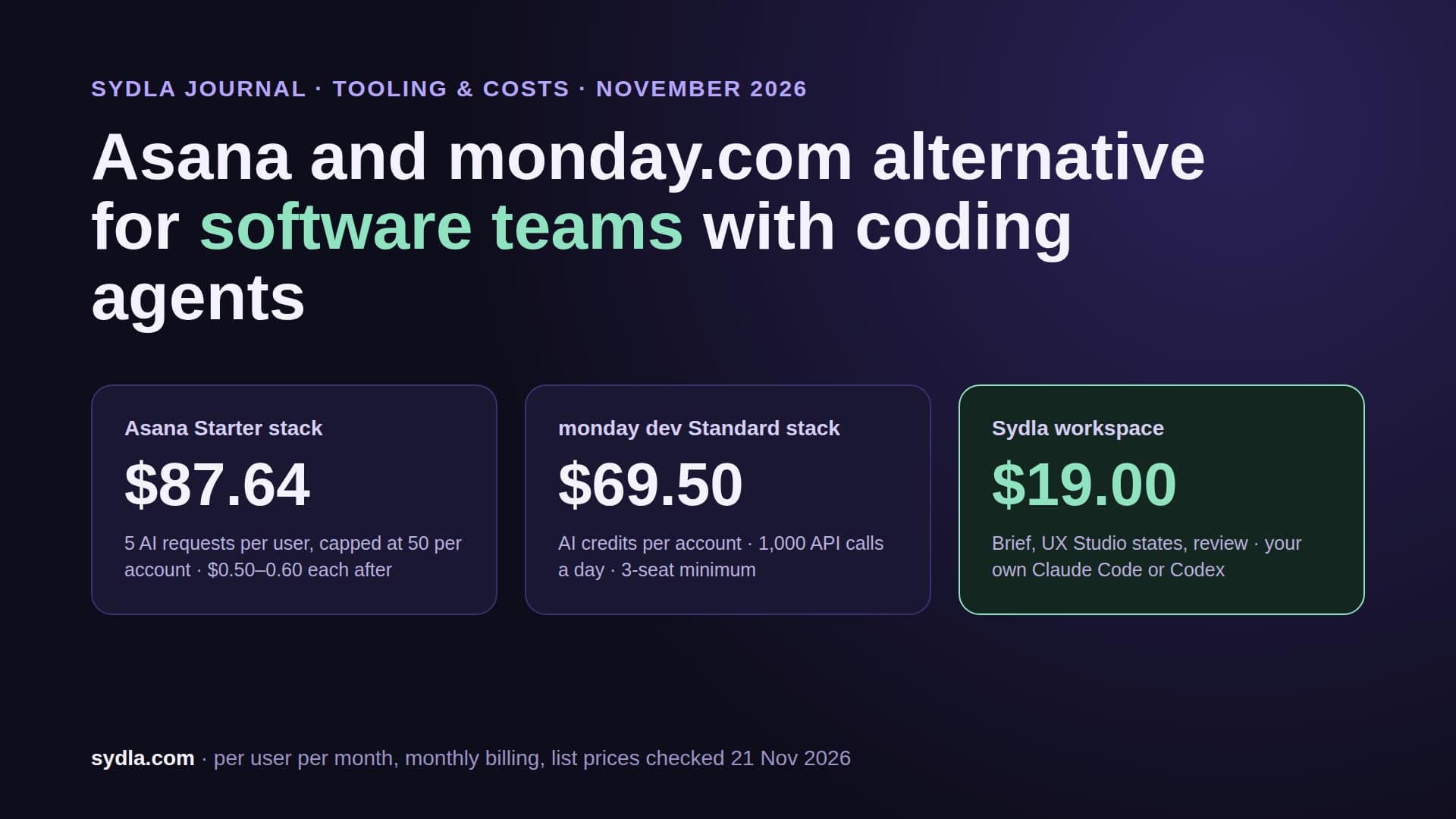
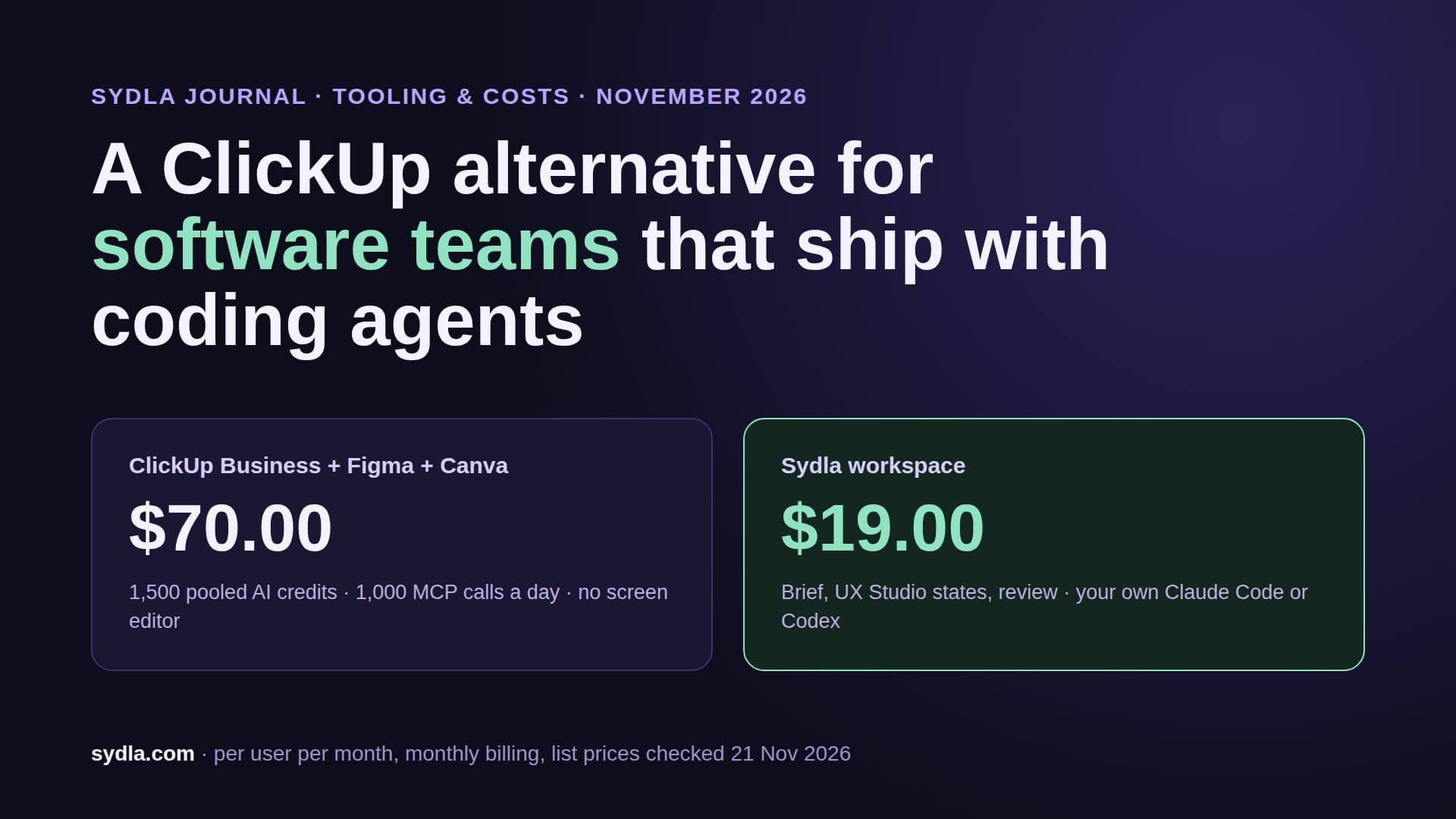
Sydla takes a different route. The workspace replaces the six tools: tickets with numbered criteria, versioned documents, UX Studio screens and states, and boards. It charges no AI credits at all. The AI work is done by the coding agent you already pay for, at your plan's price, with no Sydla markup on tokens.
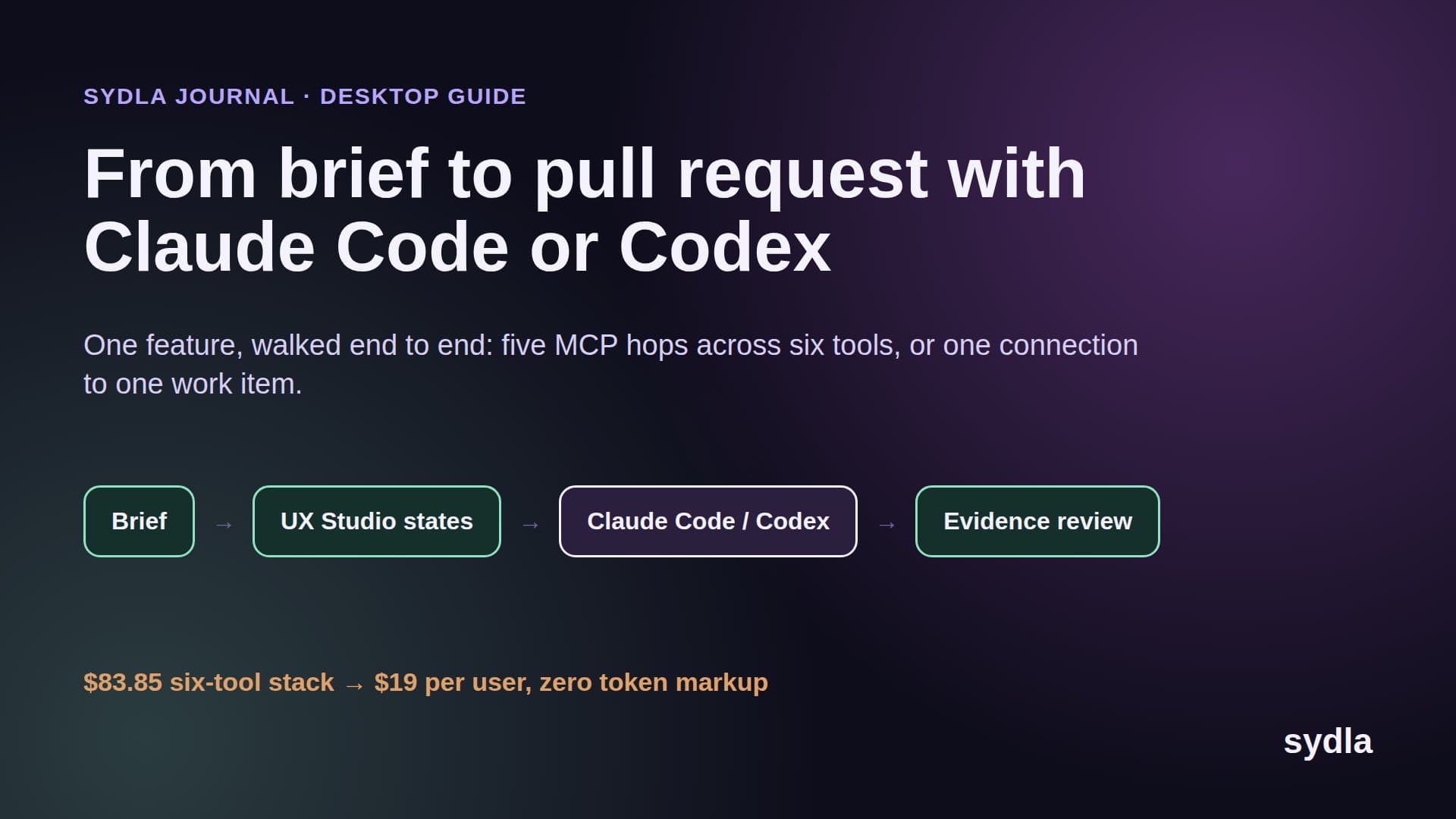
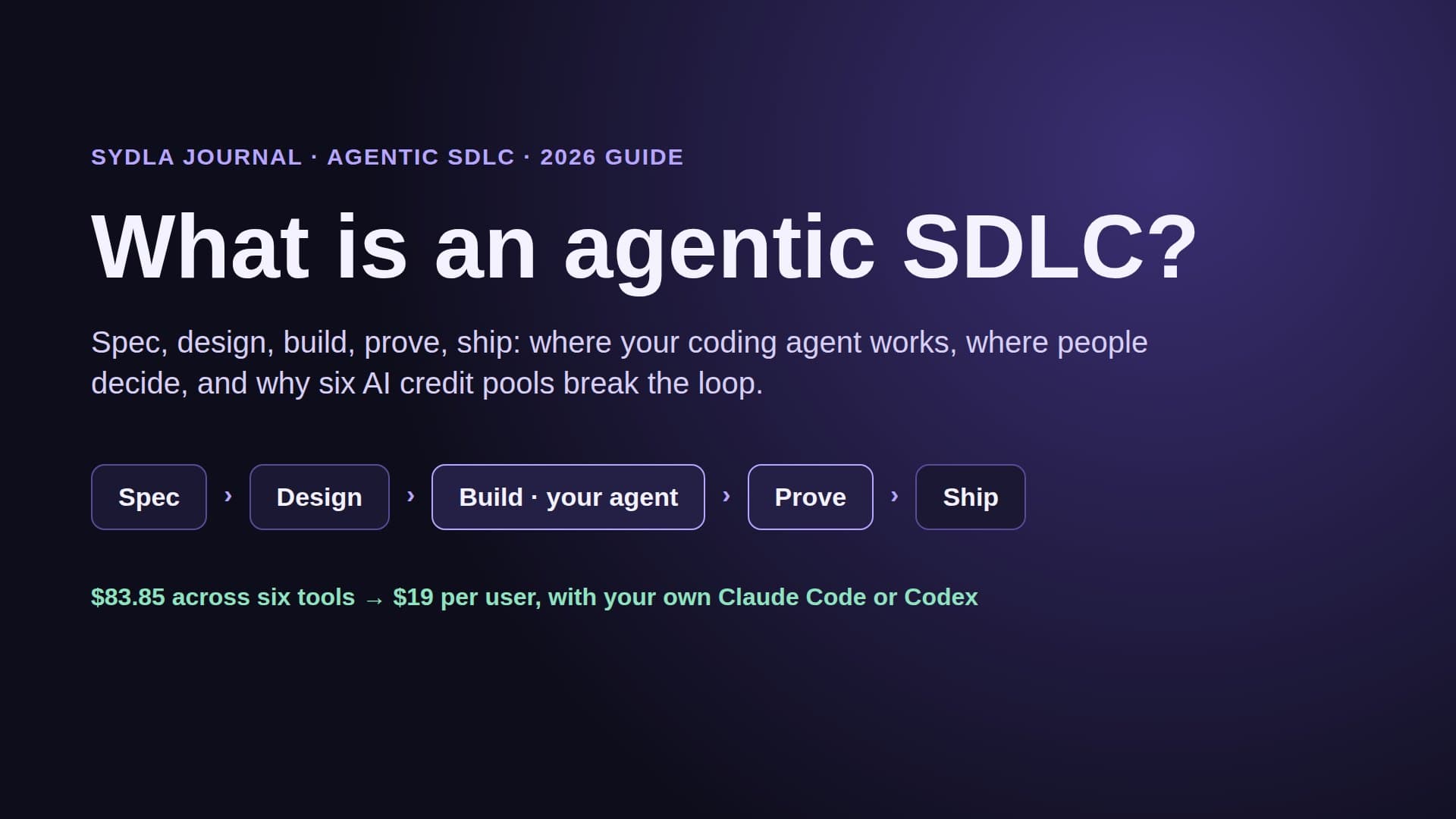
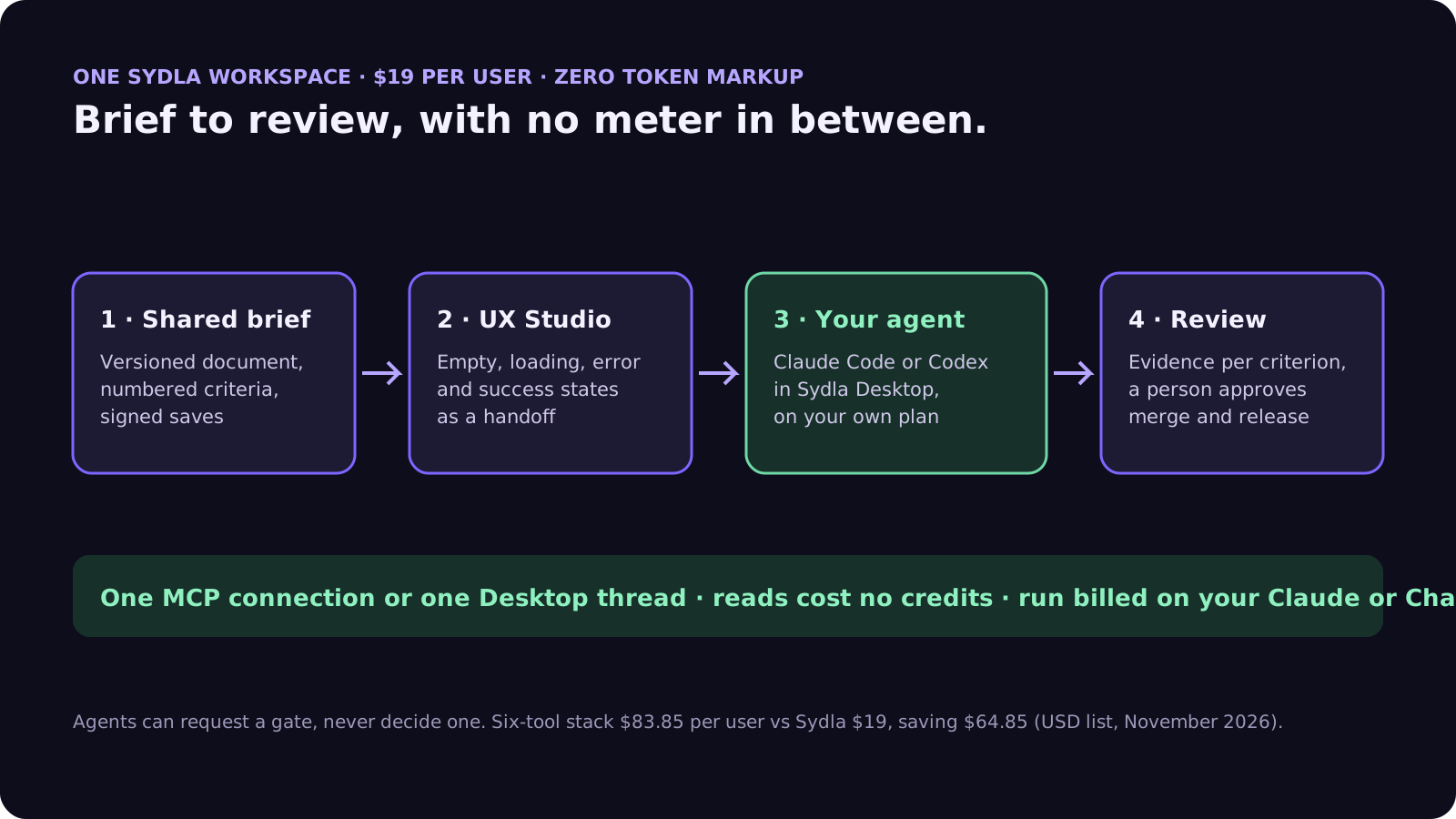
One feature runs through four stops in the same place:
- Shared brief. The brief and its decisions are versioned documents linked to the initiative, signed by whoever saved them, a person or an agent.
- UX Studio states. Empty, loading, error and success states sit next to the ticket and travel with it as a handoff, not a frame link to read through a rate-limited server.
- Your agent implements. Sydla Desktop runs your signed-in Claude Code or Codex in a thread on the ticket. The agent works on a branch against the numbered criteria.
- Evidence-backed review. The agent records evidence for each criterion; a person reviews it next to the diff and approves the merge and release gates. Agents can request a gate, never decide one.
Technical walkthrough: connect Claude Code or Codex
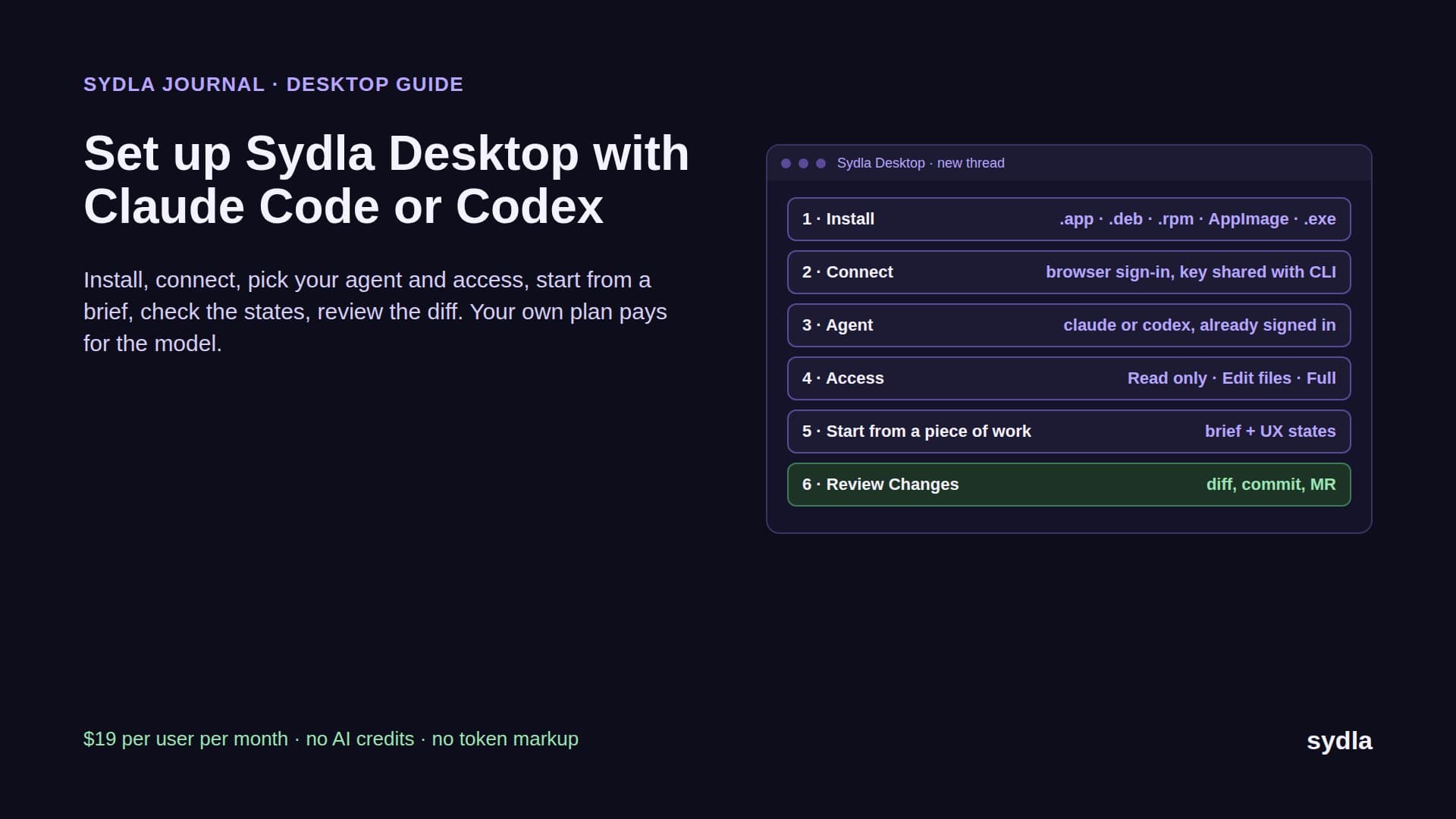
In Sydla Desktop there is nothing to configure per tool. Sign in, open the ticket, start a thread and choose claude or codex. Desktop uses the CLI you already have signed in, so the model, the limits and the bill stay on your Claude or ChatGPT plan. Each thread has an access level, Read only, Edit files or Full access, with a Preview panel and a Changes view next to the conversation. Finish and Ship asks you to confirm the commit, push, merge request, merge and tag one at a time. The Desktop setup guide covers installers for macOS, Windows and Linux.
Outside Desktop, the same context is one MCP connection away. For Claude Code, add the Sydla server once with claude mcp add, using the HTTP transport and the sydla.com/mcp URL. For Codex, add an mcp_servers.sydla table to config.toml with the same URL and your key in http_headers. The agent can then read the brief, the criteria and the UX Studio handoff for its ticket, and write its notes and run record back. Reads cost no credits, because there are none.
A first prompt stays short, since the context is not in the prompt: read the work item, list the criteria you will test, build on a branch and record evidence for each one. Our brief-to-pull-request walkthrough follows one feature through the whole loop.
When built-in AI credits are still worth it
Fairness matters here. If most of your AI use is people chatting inside one tool, and the team rarely runs coding agents, the included allowances may be enough and the meters never bite. Large Atlassian or Figma estates also get value from admin controls, audit trails and spending caps that a smaller tool does not try to match. The comparison hub shows, tool by tool, where each still earns its place.
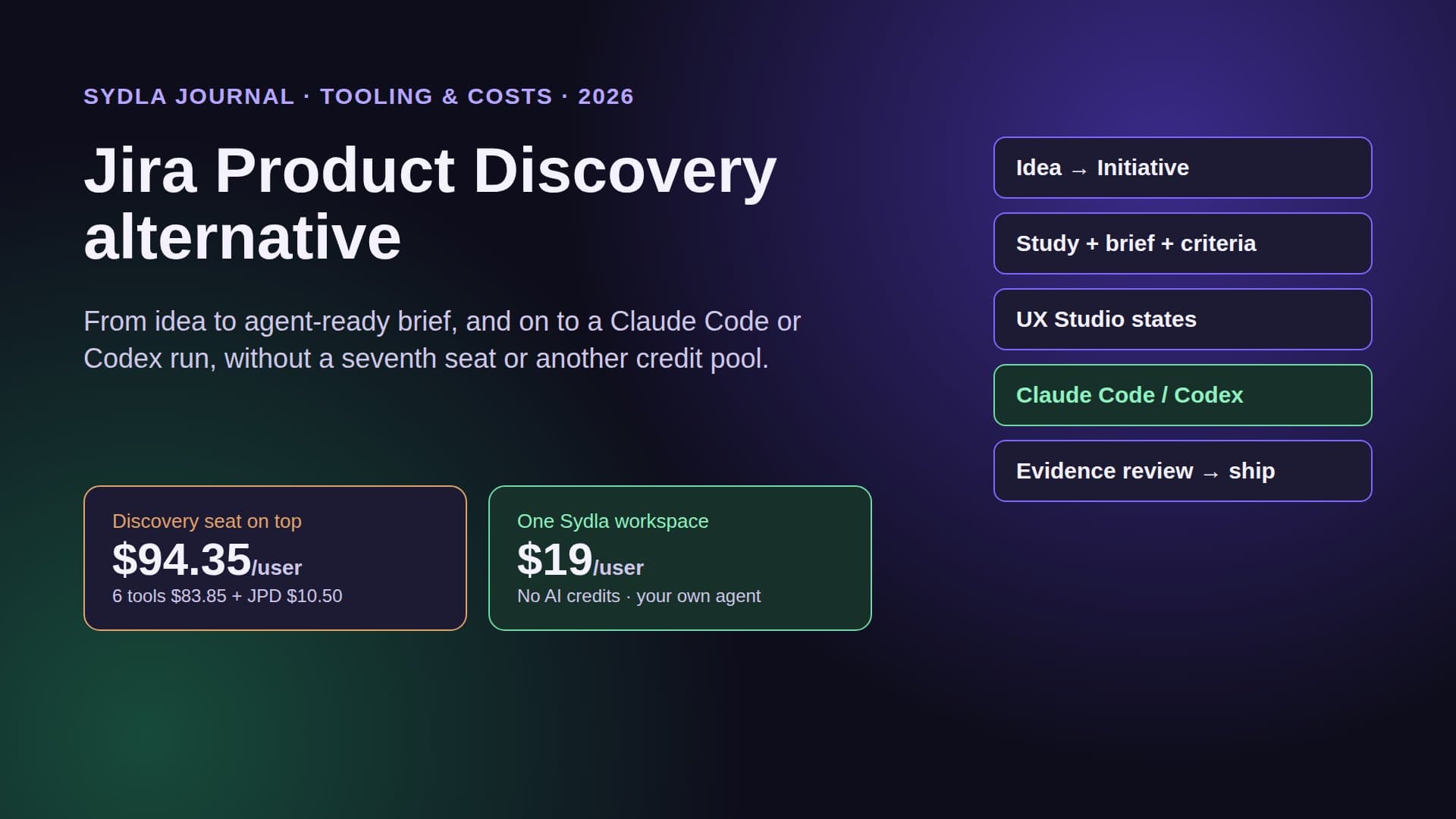
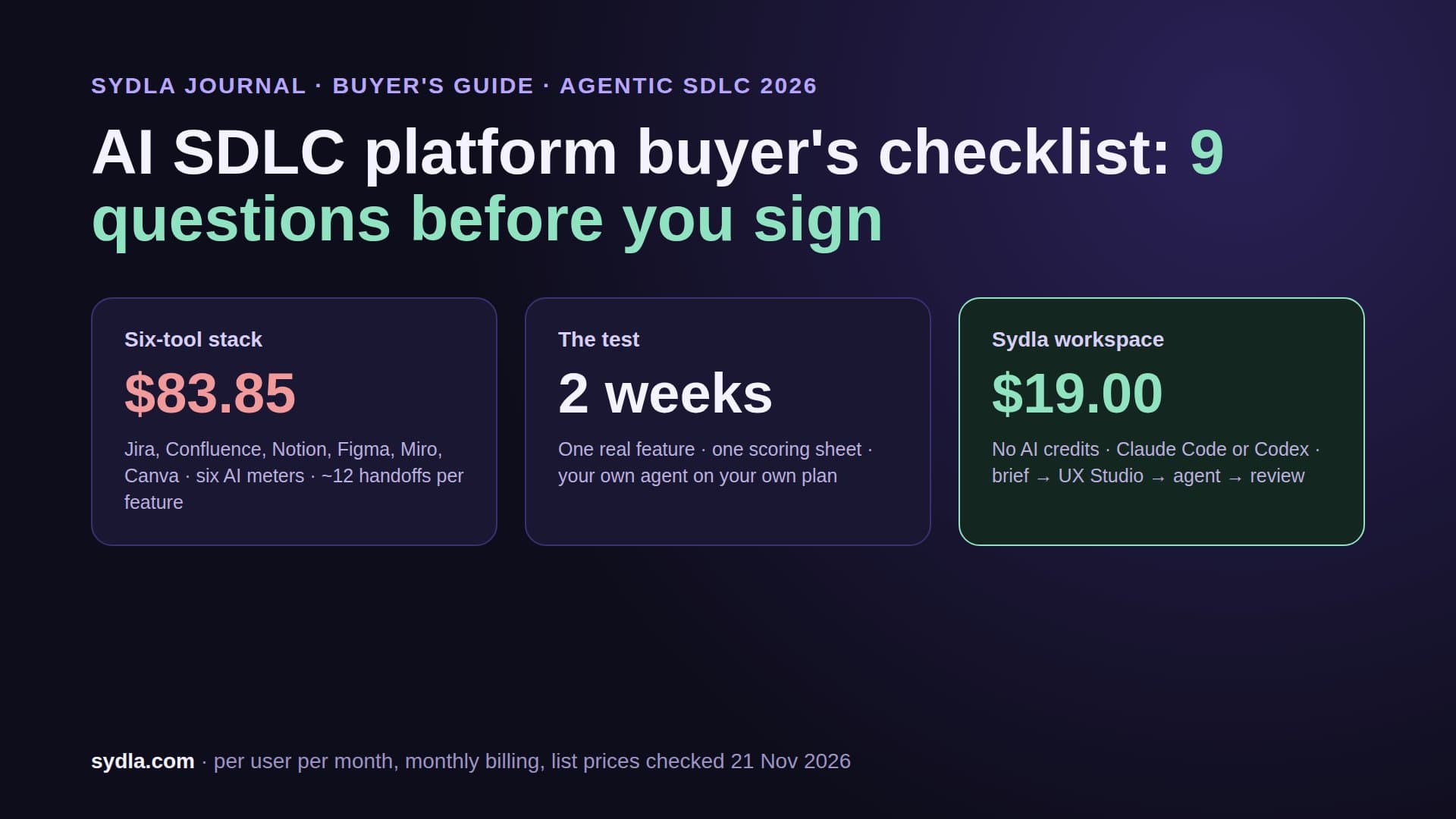
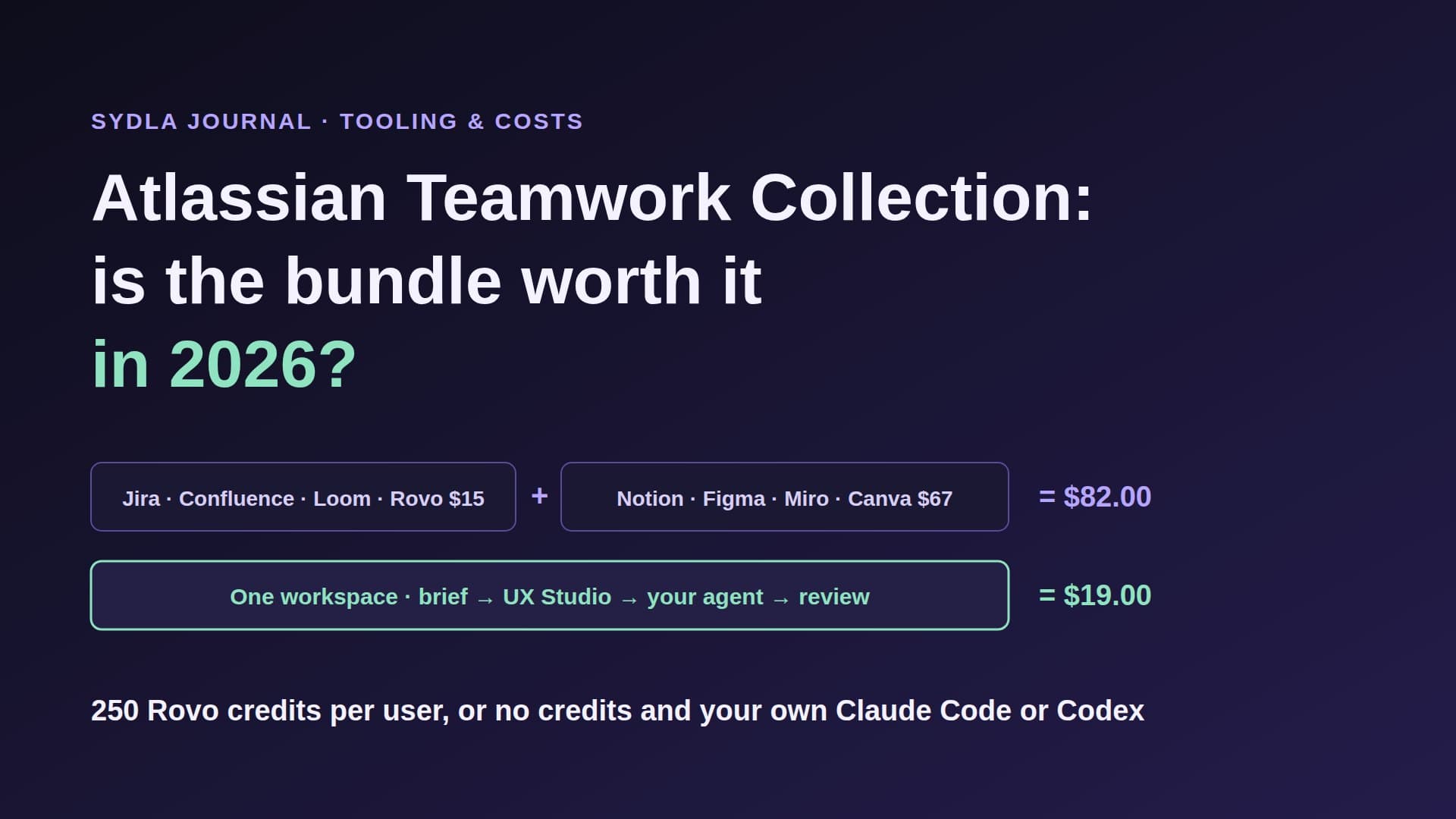
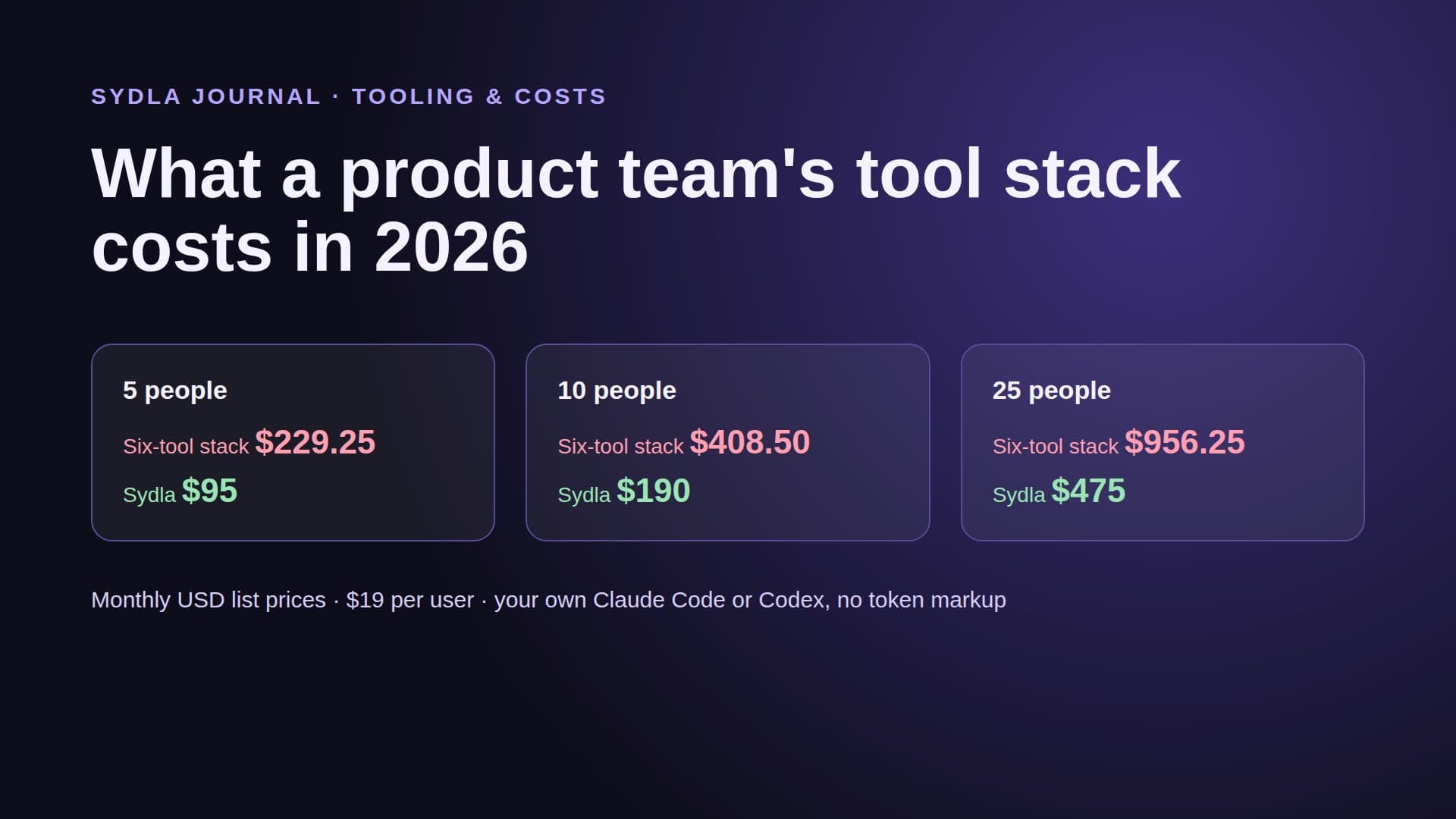
For solopreneurs, founding engineers and lean product teams that ship with Claude Code or Codex every day, the numbers point the other way. The six-tool stack costs $83.85 per user before a single credit. Sydla costs $19, a saving of $64.85 per user per month, and its AI meter reads zero.
Price your own month
Take last month's work. Count the AI actions in each tool, multiply by the rates in the table, and add the seat prices. Then compare it with one workspace and the agent plan you already have.
Sydla is $19 per user per month, every feature included, no AI credits to buy. See the pricing section, then start your workspace and keep your Claude Code and Codex accounts.
Frequently asked questions
How much does one Rovo AI action cost in 2026?
Rovo credits cost $0.01 each on pay-as-you-go from 3 December 2026. A Rovo Chat message or basic agent run is a Basic event at 10 credits, so $0.10. Rovo MCP enriched search and context calls cost 1 to 10 credits each, $0.01 to $0.10, while single-product lookups and writes are free. Jira and Confluence Standard include 25 credits per user a month, pooled.
How much does a Figma AI credit cost?
Figma does not sell single credits. Since 25 August 2026, Professional add-ons carry twice the credits at the same price, so 10,000 credits cost $150 pay as you go or $120 a month, about $0.012 to $0.015 per credit. At that rate a Make app from scratch (100+ credits) is $1.50 or more and an agent five-screen flow (300+) is $4.50 or more.
How much do Notion AI credits cost?
Notion sells extra credits at $10 per 1,000, one cent each, on Business and Enterprise only. Notion says a simple agent task uses about 5 credits, a medium one 10 and a complex one 25, so $0.05 to $0.25 per run. Each member gets 1,500 Standard and 500 Select credits a month, with no rollover or pooling.
Do Miro and Canva publish a price per AI action?
Not in dollars. Miro publishes a rate card in credits, for example 5 for a diagram, 3 for an image and 1 for a sticky note, with 25 pooled credits per Starter license, but bundle prices are not public. Canva publishes allowance tiers and multipliers, Pro 10x and Business 20x Free, but no absolute counts; Business top-ups are priced in-product.
Is there an SDLC workspace with no AI credits?
Yes. Sydla replaces Jira, Confluence, Notion, Figma, Miro and Canva for $19 per user per month and charges no AI credits. You bring your own Claude Code or Codex plan, and the agent reads the brief, criteria and UX Studio states through Sydla Desktop or one MCP connection, with zero token markup. The six-tool stack costs $83.85 per user, so the saving is $64.85.