Architecture decision records for AI coding agents: a 2026 guide for Claude Code and Codex
Your coding agent forgets every decision the moment the session ends, and the reason behind it lives in a Confluence page it cannot see. Architecture decision records fix that, if you write them for an agent: short, with a status it can obey, linked to the work item it is building.
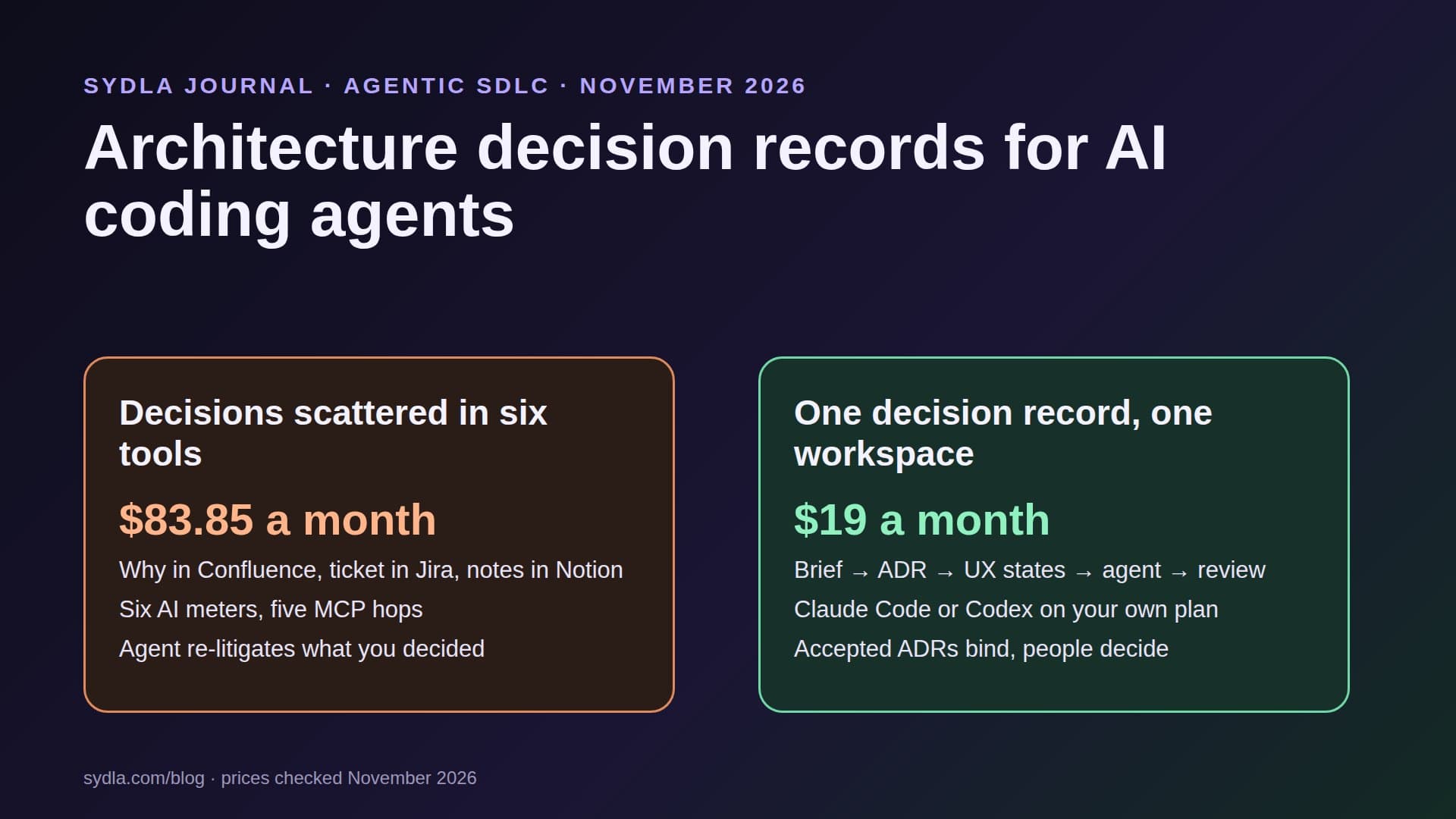
Your agent keeps undoing decisions you already made
Every product team has had this week. In March you decided invoices are generated asynchronously, because the PDF service times out on large accounts. In November your coding agent is asked to fix a slow invoice page, and it helpfully moves generation back into the request. The tests pass. The decision, and the incident that produced it, are in a Confluence page, a Jira comment and a Notion meeting note the agent never opened.
Agents do not have memory between sessions. Whatever is not in the repository, the prompt or a tool the agent can reach is, for the agent, not true. In 2026 that is made worse by AI credit fatigue: the why lives in Confluence, the ticket in Jira, the discussion in Notion, the options on a Miro board and the screens in Figma, each behind its own MCP server and its own AI meter. Our first article on AI credit fatigue describes the pattern.
Architecture decision records, ADRs, are the oldest cheap fix for this problem. Martin Fowler updated his guidance in March 2026, and in October 2026 an O'Reilly Radar piece by Duncan Davidson put it bluntly: coding agents love decision records. They also misuse them in a specific way, and that is what this guide is about.
What an ADR is, and why agents need a different one
An ADR is a short document that records one decision: the context, the options considered, what was chosen and the consequences. Michael Nygard coined the format in 2011. Fowler's 2026 guidance is still the core: about one page, a status that is proposed, accepted or superseded, and an accepted record is never edited to mean something new. If the decision changes, you write a new ADR that supersedes the old one and link the two.
Agents change two things. First, they read ADRs literally. Davidson describes an agent that kept an outdated storage abstraction alive because an accepted ADR still called it mandatory. A person would have asked. The agent obeyed. Second, agents write long. Ask one to update a decision and it will preserve the whole debate inside the record. So an ADR for an agent needs explicit status rules, a short body and a named person who accepts it.
Where decisions live in a six-tool stack, and what it costs
Here is where one architectural decision is typically scattered, and what each tool charges before the agent even reads it. Monthly list prices per user, in USD before tax:
| Tool and plan | Seat / month | AI meter | Piece of the decision it holds | In Sydla |
|---|---|---|---|---|
| Jira Standard | $9.70 | Rovo: 25 credits per user per month, pooled per site | The ticket that triggered it | Work item with acceptance criteria |
| Confluence Standard | $7.15 | Same Rovo pool; enriched MCP search spends credits | The ADR or DACI page | Decision record linked to the item |
| Notion Plus | $12.00 | Custom Agents need Business or Enterprise; $10 per 1,000 credits | Meeting notes and the debate | Notes on the same document |
| Figma Professional, Full seat | $20.00 | 3,000 AI credits; MCP 200 calls per day | Screens the decision shapes | UX Studio screens and states |
| Miro Starter | $10.00 | Per-team credit pool, resets on renewal | The options diagram | Workflow board next to the record |
| Canva Business | $25.00 | Shared AI allowance | The release announcement | Studio creatives |
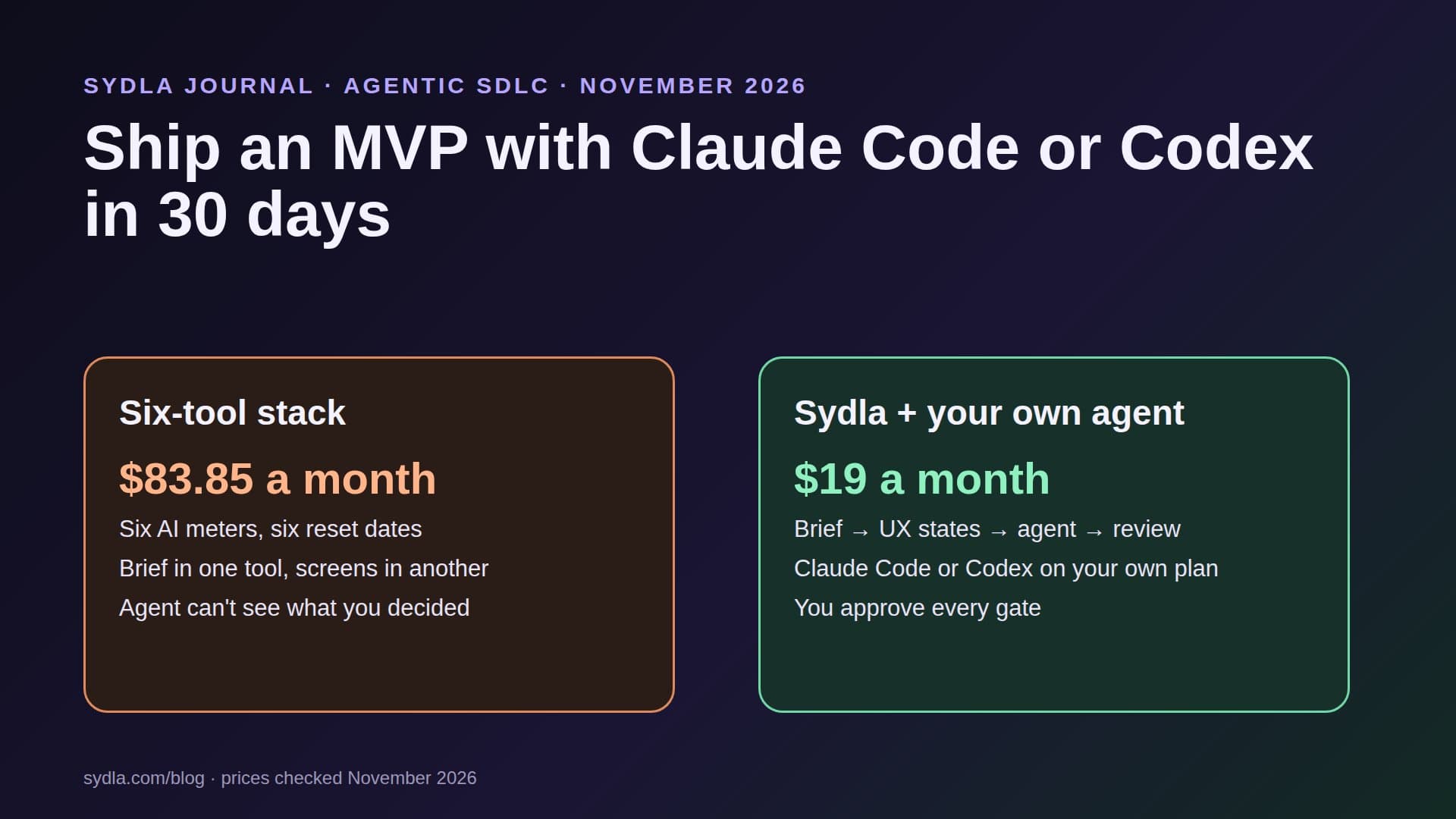
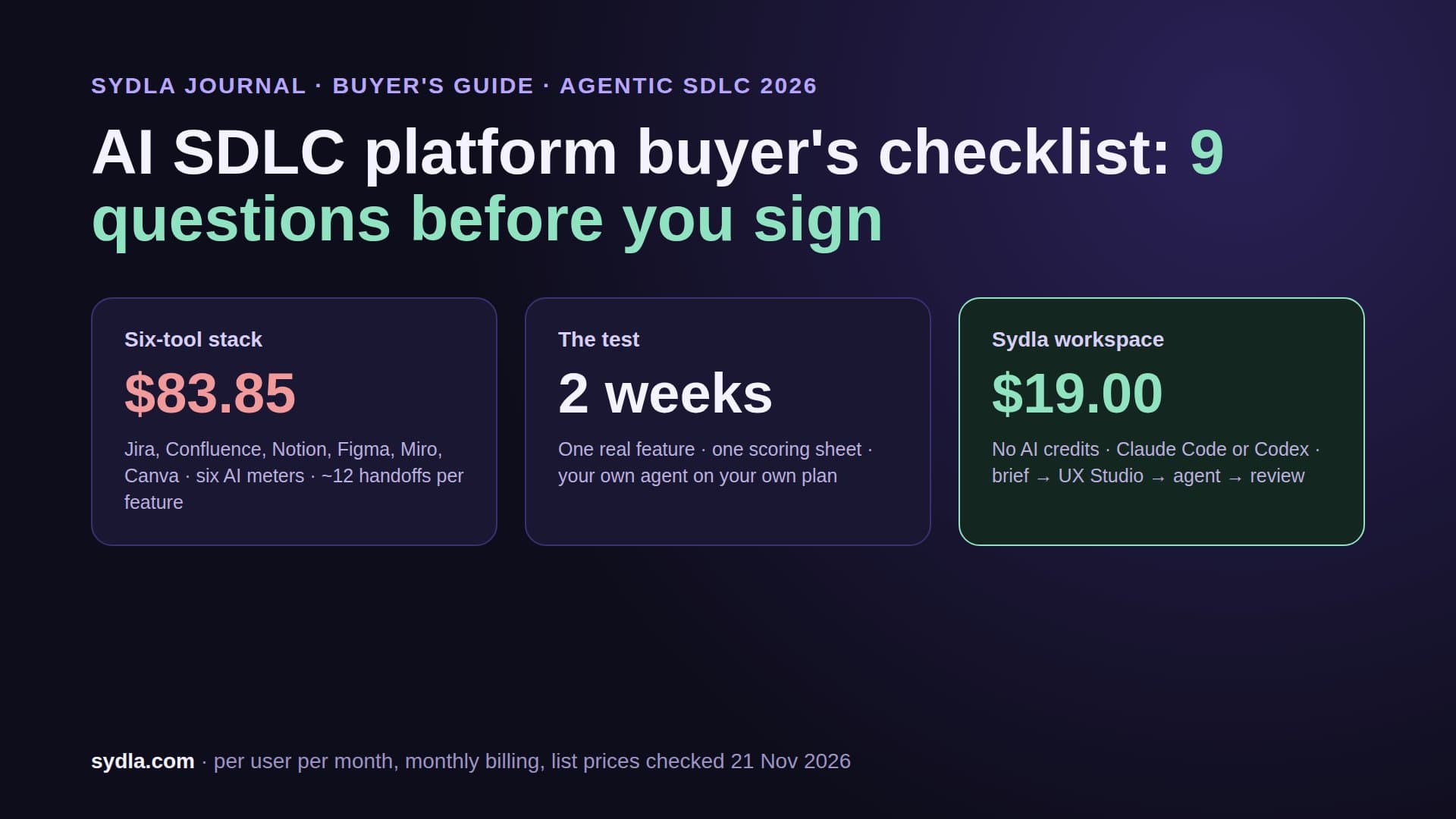
| Six-tool total | $83.85 | Six meters, five MCP connections | One decision, five places | One connection |
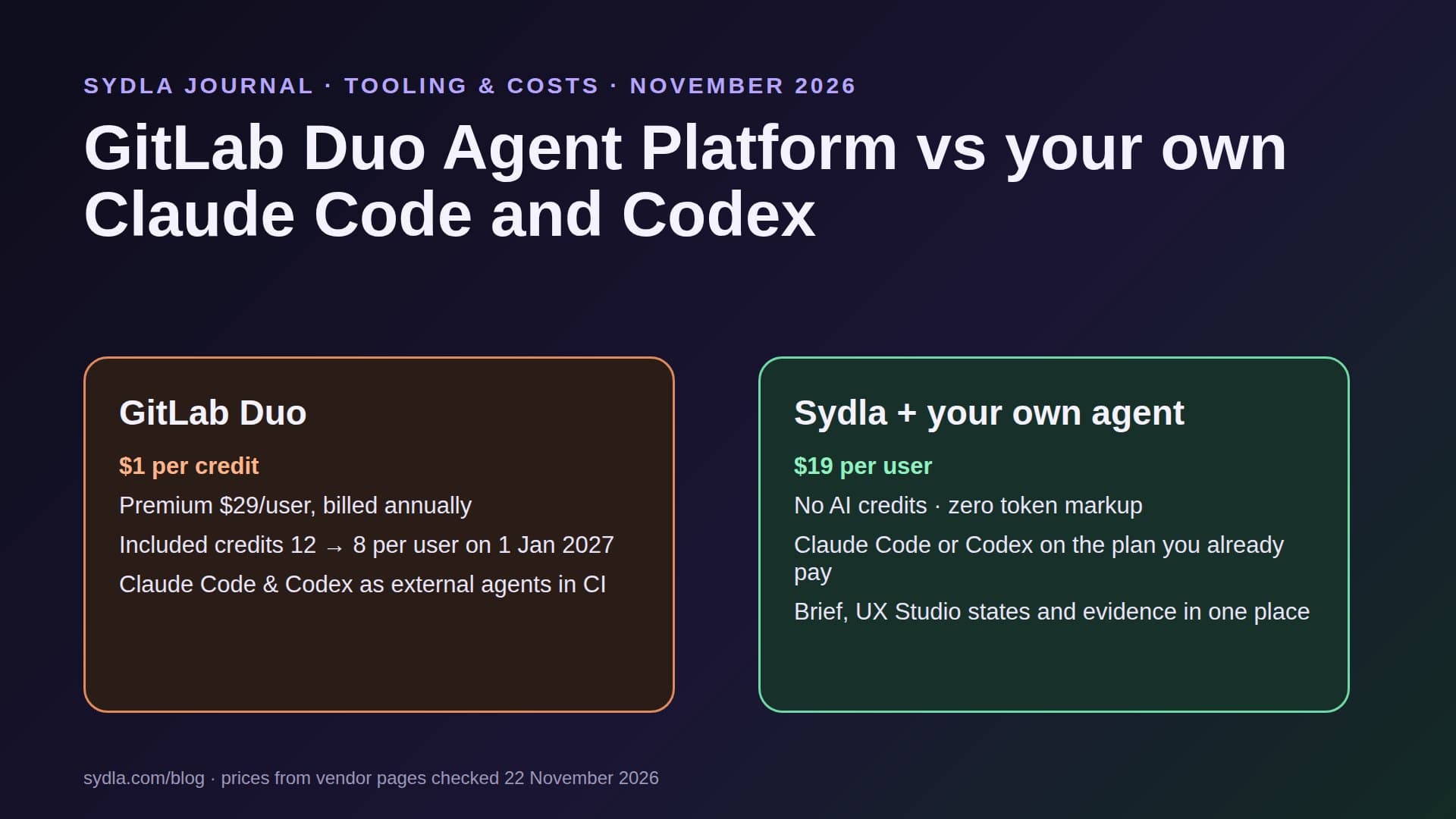
| Sydla | $19.00 | No Sydla AI credits: your own Claude Code or Codex | All of it, linked | Saves $64.85 per month |
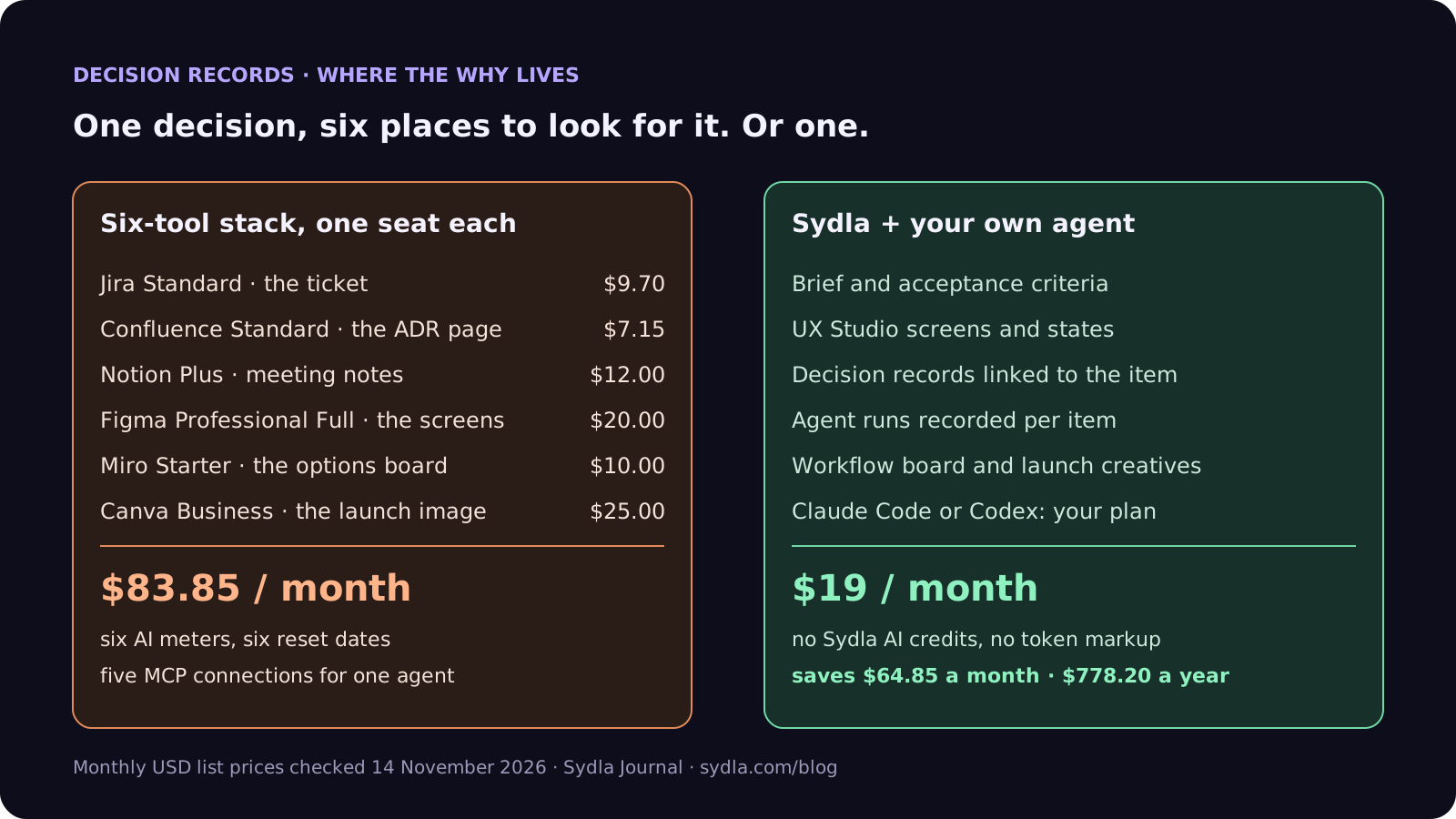
The money is only half of it. Each hop is a place the agent can fail to look. A decision that needs three MCP calls across two credit pools to reassemble will, sooner or later, not be reassembled. The full comparison and the Confluence alternatives guide go tool by tool.
A 7-field ADR template your agent can follow
This template is a trimmed version of MADR 4.0, the most widely used Markdown ADR format, with two fields added for agents. Keep it under one page:
- 1. Title and number. ADR-0007: Generate invoices asynchronously. One decision per record, numbered in order, never reused.
- 2. Status and date. Proposed, accepted, rejected or superseded by ADR-00xx, plus the date and the person who accepted it. This is the field the agent obeys.
- 3. Context. Three to five sentences: the forces, the incident or the constraint. Link the ticket, do not paste it.
- 4. Options considered. Two to four real options with one line of pros and cons each. Agents use this to avoid proposing an option you already rejected.
- 5. Decision. One paragraph, in the active voice: we will, we will not.
- 6. Consequences and confirmation. What gets easier, what gets harder, and how to check that code follows the decision, for example a test, a lint rule or an architecture check. MADR calls this Confirmation, and it is the field that turns an ADR into something a reviewer can verify.
- 7. Scope and re-evaluation trigger. Which modules the decision governs, and what would make it worth revisiting, for example "PDF service p95 under 2 seconds". Fowler recommends recording confidence and the trigger. For agents, it is the line that gives permission to question the record without ignoring it.
This sits next to the other two documents an agent needs: the brief and the acceptance criteria. Our PRD template for AI coding agents covers the brief, and the acceptance criteria guide covers the criteria.
Status rules: the three lines that matter most
Put these rules in the instructions your agent loads on every session: CLAUDE.md for Claude Code, AGENTS.md for Codex. They are adapted from the rules Davidson published:
- Accepted ADRs are binding. Do not write code that contradicts one. If a task seems to need it, stop and propose a new ADR instead.
- Proposed ADRs are context, not law. Read them, mention them in the plan, do not treat them as settled.
- Superseded and rejected ADRs do not govern current work. They explain history. Follow the link to the record that replaced them.
Two more rules keep the archive usable. An agent may draft an ADR and set it to proposed, but only a person sets it to accepted. And an agent never edits the decision paragraph of an accepted ADR: it writes a new record that supersedes it, in the same pull request as the code that needs it.
Keep the instruction file short and point to the records rather than pasting them. Claude Code supports imports in CLAUDE.md, and Codex reads AGENTS.md files up to a default 32 KiB budget, so fifty pasted ADRs will crowd out everything else. Our CLAUDE.md vs AGENTS.md guide explains load order and limits, and context engineering for coding agents explains why less context is often better.
Mid-article check: decisions, brief and screens for $19
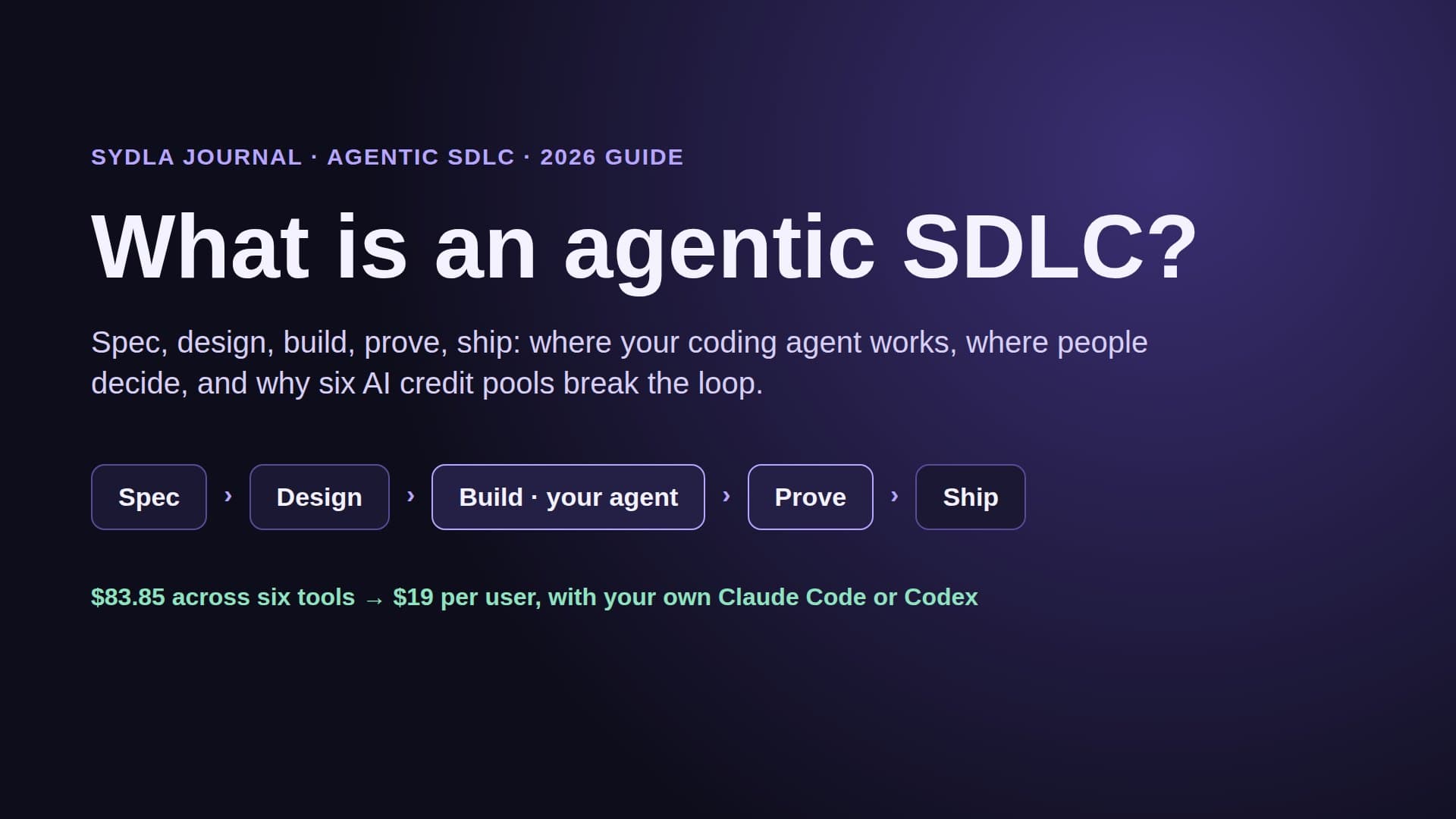
Decision records, briefs, acceptance criteria, UX states, agent runs and launch visuals in one workspace for $19 per month instead of $83.85. That is $64.85 saved every month, and one MCP connection for your agent instead of five.
How it works in Sydla Desktop with Claude Code or Codex
In Sydla a decision record is a document in the project's docs space, linked to the work items and UX screens it governs. Your agent reaches all of it through one MCP server, with the coding agent you already pay for.
- Connect once. Sydla Desktop launches the claude or codex CLI that is already installed and signed in on your machine, so runs bill to your own Anthropic or OpenAI plan with no token markup. Outside Desktop, Claude Code connects with claude mcp add --transport http sydla https://sydla.com/mcp, and Codex with an mcp_servers entry in config.toml. The Desktop setup guide takes about ten minutes.
- Start from the work item. The agent reads the brief, the criteria, the linked UX states and every decision record linked to the item. It does not search a wiki for them, so nothing depends on a lucky query.
- Draft, do not decide. If the task needs a new decision, the agent drafts an ADR as proposed, links it to the item and requests a gate. A person accepts or rejects it. The agent never decides a gate.
- Record the run. Each run records what changed, which tests ran, the result per criterion, the model and the time, so a reviewer can see whether the confirmation from the ADR actually ran.
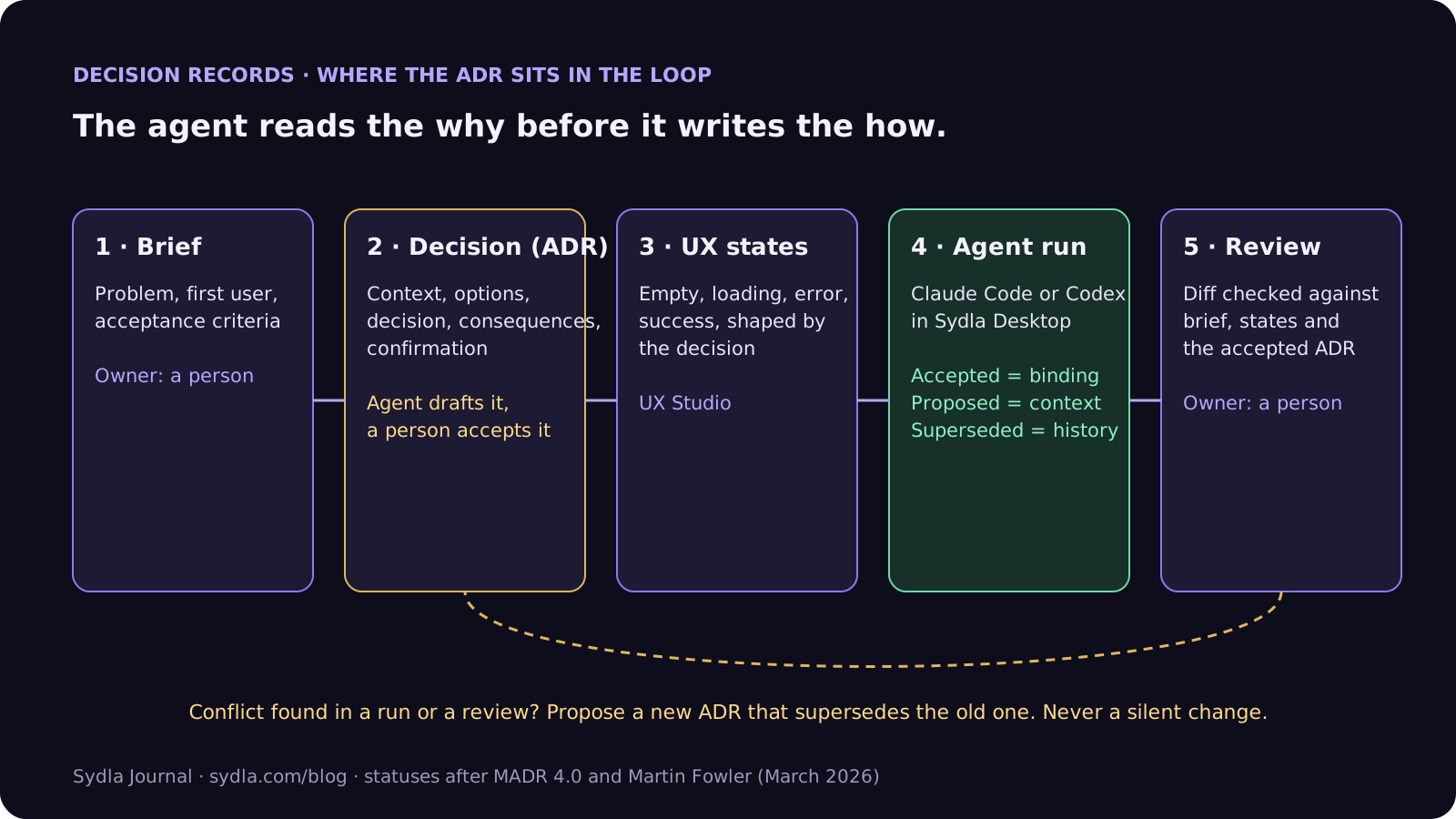
In practice, one decision record linked to ten work items is read ten times by ten runs, and none of those reads spends a credit on a sixth tool. Brief to pull request follows one feature through the same loop end to end.
Review: check the diff against the decision
An ADR that nobody checks in review is a suggestion. Add one pass to the review you already do:
- Which ADRs does this diff touch? The run lists the linked records; the reviewer checks there is no obvious one missing.
- Did the confirmation run? If the ADR says "an architecture test forbids synchronous calls to the PDF service", the test must be in the run evidence.
- Is any contradiction explicit? A change that breaks an accepted ADR must come with a new ADR that supersedes it, accepted by a person, in the same change. No new record, no merge.
- Is the record still one page? Ask the agent to cut the debate into the linked notes and keep the decision short.
Our guide to reviewing AI-generated pull requests has the full four-pass method, and the audit trail guide shows how the same records answer an auditor's "who decided this?"
Worked example: ADR-0007, invoices generated asynchronously
An illustrative record, as the agent would see it linked to the slow-invoice-page ticket:
- Status: accepted on 12 March 2026 by the engineering lead.
- Context: the PDF service times out above 400 line items; synchronous generation caused the 9 March incident.
- Options: synchronous with a longer timeout (rejected, blocks workers); background job with polling (chosen); pre-rendering at month end (rejected, stale data).
- Decision: we generate invoice PDFs in a background job and the page shows a generating state until the file is ready.
- Confirmation: an architecture test fails if the invoice controller calls the PDF client directly. UX Studio has the generating and failed states.
- Re-evaluation trigger: PDF service p95 under 2 seconds for 30 days.
With that record linked, the November ticket goes differently. The agent reads ADR-0007 as binding, makes the page faster by caching the invoice list instead, and the run shows the architecture test passing. If it really believed synchronous generation was now right, it would cite the trigger and draft ADR-0019 as proposed, and a person would decide. That is the point of keeping decisions in one workspace with the brief and the screens. Check pricing, or start a workspace and keep your Claude Code or Codex account.
Frequently asked questions
What is an architecture decision record (ADR)?
An architecture decision record is a short document, about one page, that records a single significant decision: its context, the options considered, the decision and its consequences. It has a status, usually proposed, accepted, rejected or superseded. An accepted ADR is not edited later; if the decision changes, a new ADR supersedes it.
How do I make Claude Code or Codex follow my ADRs?
Keep the ADRs where the agent can read them, in the repository or in a workspace it reaches over MCP, and add three status rules to CLAUDE.md or AGENTS.md: accepted ADRs are binding, proposed ADRs are context, and superseded ADRs do not govern current work. Link the relevant ADRs to each work item so the agent reads them before it plans.
Should an AI coding agent write ADRs?
An agent can draft an ADR with the status proposed, because it often spots the decision while it plans. A person should accept it. Ask the agent to keep the record to one page and move the debate into linked notes, because agents tend to preserve every argument inside the record.
What is the best ADR template in 2026?
MADR 4.0 is the most widely used Markdown template: context and problem statement, decision drivers, considered options, decision outcome with consequences and confirmation, and pros and cons. For agents, add a scope line saying which modules the decision governs and a re-evaluation trigger that says when it is fair to question it.
How much does Sydla cost compared with Jira, Confluence, Notion, Figma, Miro and Canva?
Sydla costs $19 per user per month. One paid seat each of Jira Standard, Confluence Standard, Notion Plus, Figma Professional Full, Miro Starter and Canva Business costs $83.85 per user per month, so the saving is $64.85 per user per month. You bring your own Claude Code or Codex account, and Sydla adds no AI credits or token markup.