How to ship an MVP with Claude Code or Codex in 30 days (2026 playbook)
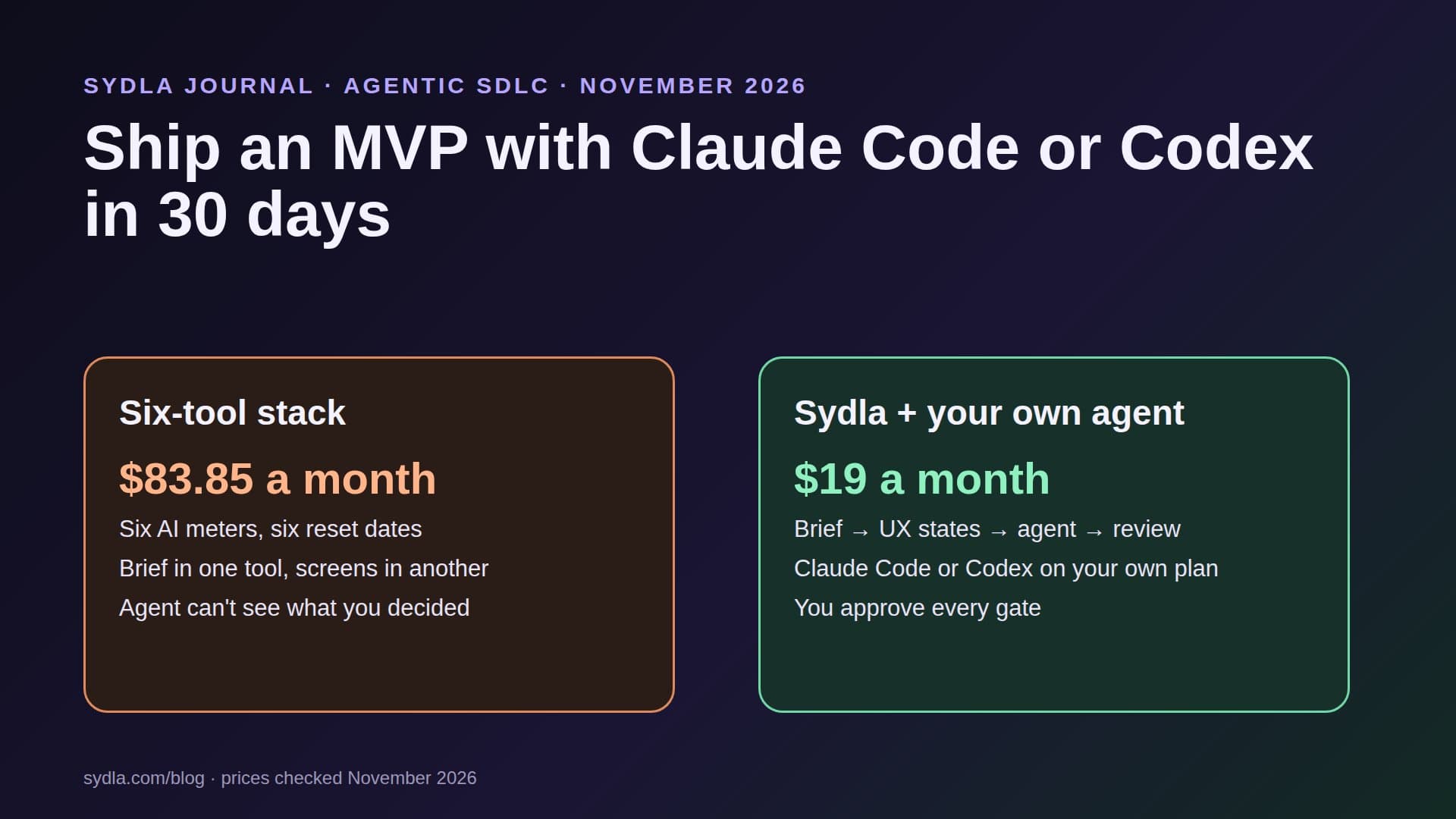
Most MVPs in 2026 don't stall on code. They stall on day nine, when the founder has six tabs open, three AI meters at zero and an agent that cannot see the brief. Here is a four-week playbook that keeps the brief, the screens and the agent in one place, with the Claude Code or Codex plan you already pay for.
Day nine is where MVPs die
Week one of an MVP always feels fast. You write a note about the problem, sketch three screens, open Claude Code or Codex in an empty repository and watch a login page appear in four minutes. The agent is not the bottleneck any more. In 2026, for a solo founder or a two-person founding team, it almost never is.
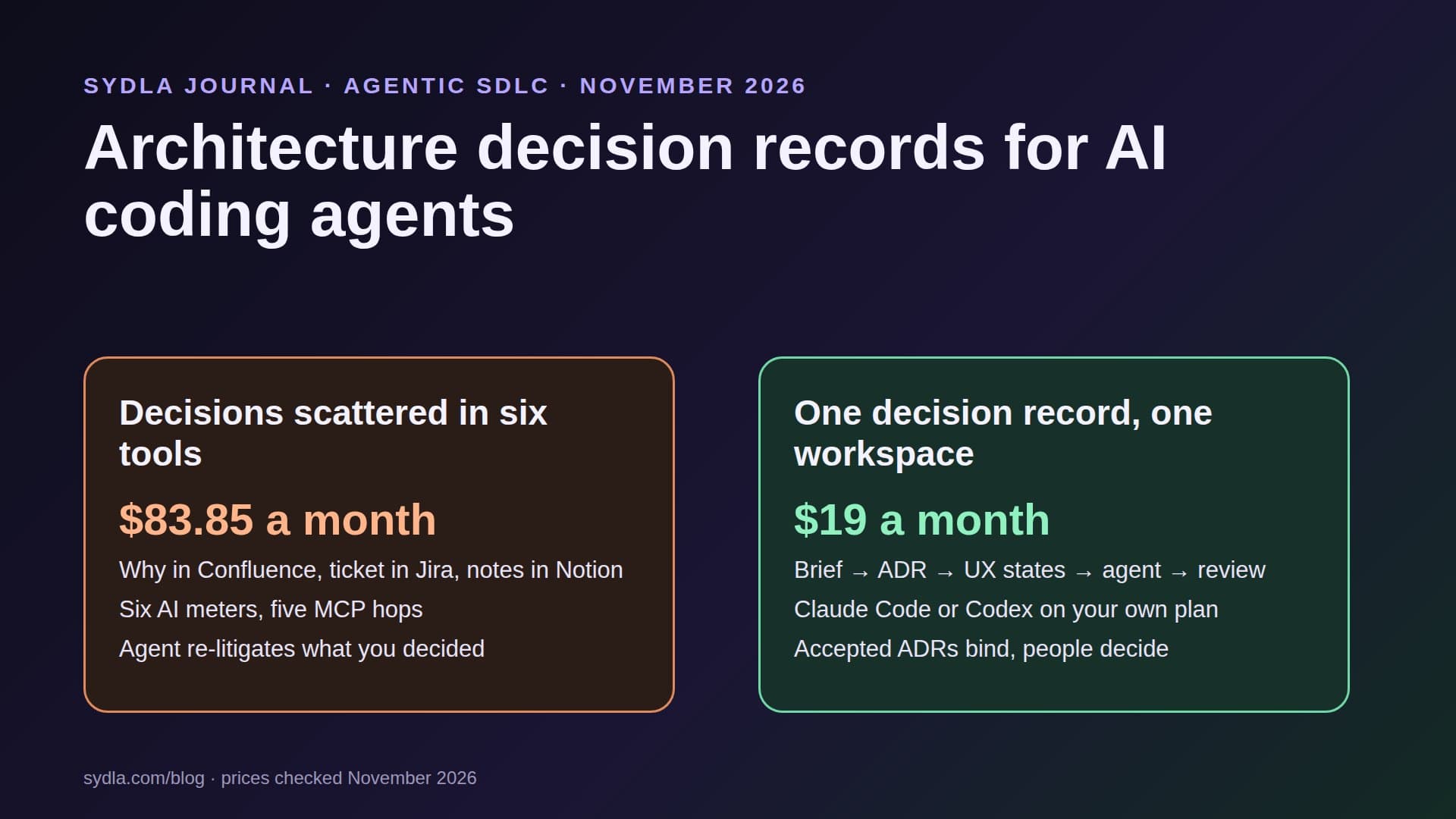
Day nine is different. The brief lives in Notion, the backlog in Jira, the screens in Figma, the user journey on a Miro board and the launch image is still a blank Canva page. Your agent can reach some of those through MCP servers, one connection and one token at a time, and each tool's own AI runs on its own allowance. Figma Make stops at the daily cap. Rovo's pooled credits are gone. Notion's agent is not on your plan at all. We call this AI credit fatigue, and our first article on it explains the pattern.
This playbook is the opposite approach: four weeks, four artefacts, one workspace, and the coding agent you already pay for doing the building. It is written for solopreneurs, indie hackers and founding engineers, and it assumes you can read a pull request. If you want the tool-by-tool cost view first, read the solo founder software stack in 2026.
What the MVP month costs in a six-tool stack
Here is the month as most founders actually run it: one paid seat in each tool, because the free tiers now stop at the AI limit rather than at a feature. Monthly list prices in USD, before tax:
| Tool and plan | Seat / month | AI allowance for one founder | What the MVP uses it for | In Sydla |
|---|---|---|---|---|
| Jira Standard | $9.70 | Rovo: 25 credits per user per month, pooled per site | Backlog of MVP tickets | Work items with acceptance criteria |
| Confluence Standard | $7.15 | Same Rovo pool | Spec and decisions | Documents linked to the work item |
| Notion Plus | $12.00 | Custom Agents need Business or Enterprise; extra at $10 per 1,000 credits | The one-page brief | The brief, read by your agent over MCP |
| Figma Professional, Full seat | $20.00 | 3,000 AI credits per month; Starter is 500 with a 150 daily cap | Screens and states | UX Studio screens and states |
| Miro Starter | $10.00 | Per-team credit pool that resets on renewal | User journey | Workflow board next to the screens |
| Canva Business | $25.00 | Shared AI allowance; AI Pass sold separately | Launch image and social cards | Studio creatives for the launch |
| Six-tool total | $83.85 | Six meters, six reset dates | Five MCP connections for one agent | One connection |
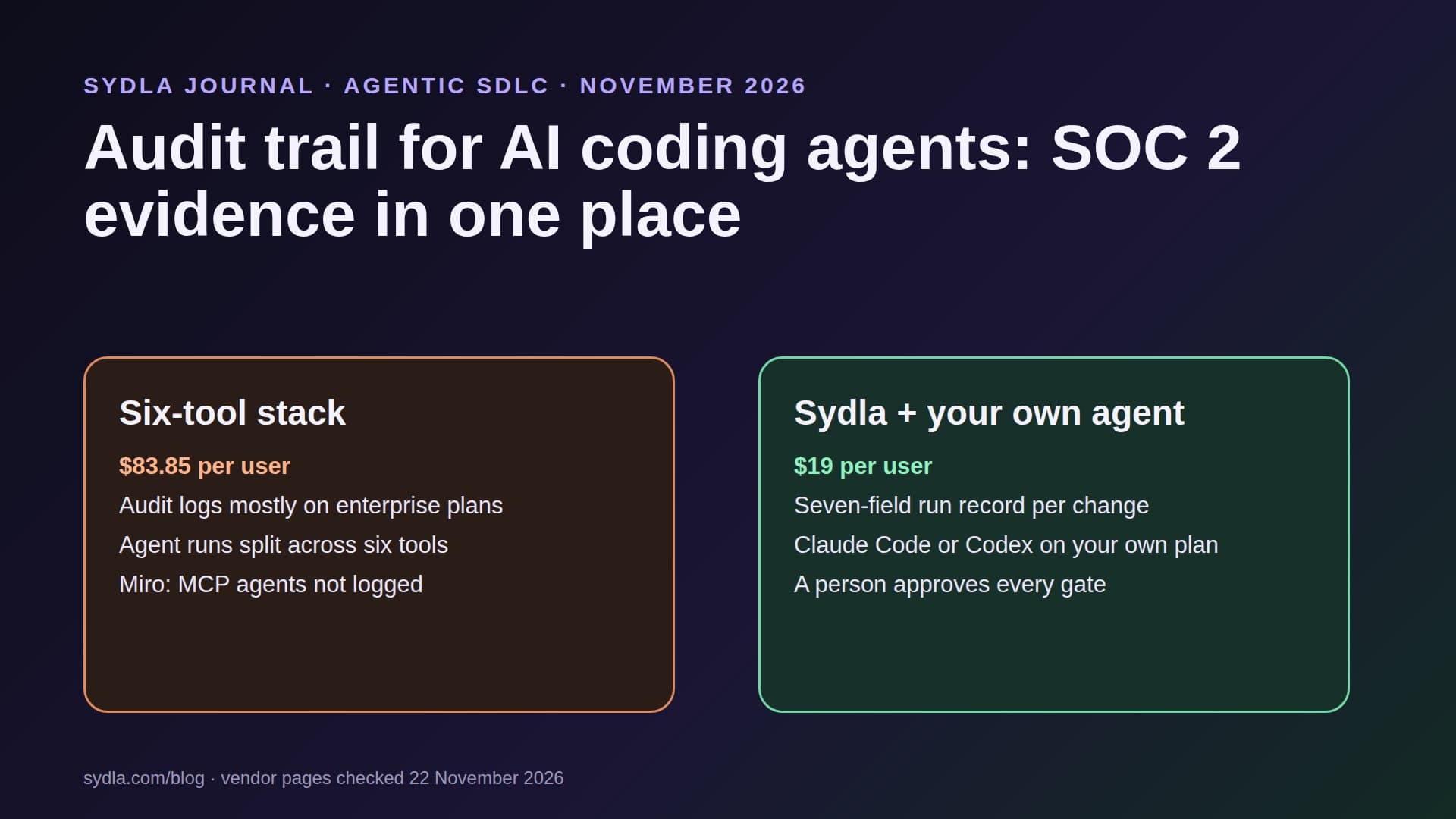
| Sydla | $19.00 | No Sydla AI credits: your own Claude Code or Codex | All of the above | Saves $64.85 per month |
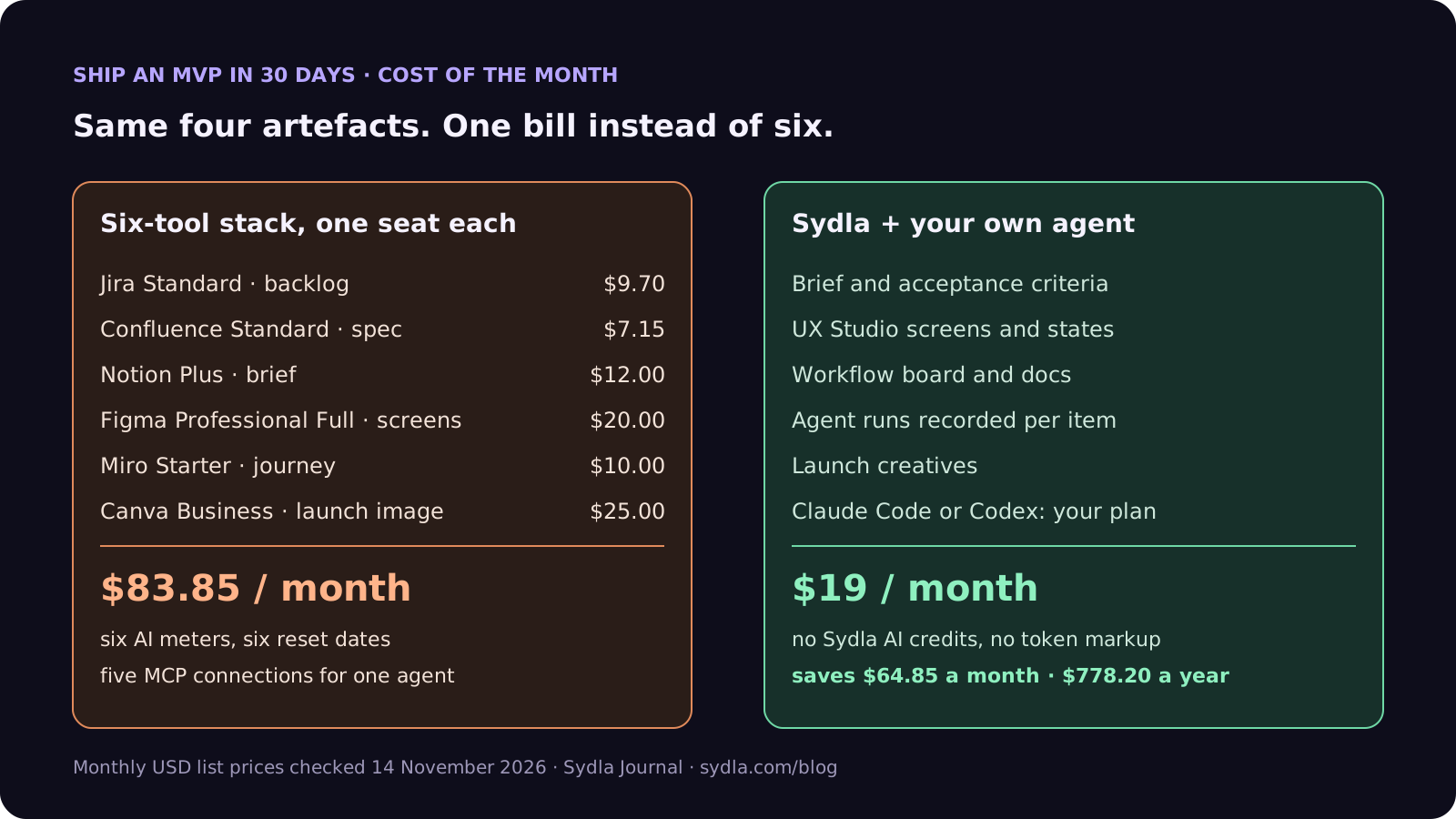
Add your coding agent on top in both columns: Claude Pro at $20 a month includes Claude Code, and ChatGPT Plus at $20 includes Codex. That agent is the one actually writing your product. The question is whether it can see what you decided, or whether you paste it in by hand every morning. The full comparison has the tool-by-tool detail.
Week 1: a one-page MVP brief your agent can read
An agent builds exactly what the brief says, and an MVP brief that says too much is the most expensive mistake in this playbook. Keep it to one page and seven fields:
- 1. Problem, in one sentence. Who has it and when. "Freelance designers lose track of which client approved which version."
- 2. The first user. A real person or a named segment you can message this week, not a persona.
- 3. The one job. The single thing the MVP must do end to end. Everything else is week five.
- 4. Three to five acceptance criteria. Testable statements, for example "AC2: a client can approve a version from a link without an account." Our acceptance criteria guide has the rules.
- 5. The cut list. What you will not build: teams, roles, billing tiers, dark mode, an admin panel. Write it down, because your agent will offer to build all of it.
- 6. One success signal. What you will measure in week four, for example five approved versions from real clients.
- 7. Launch date. Day 30. Put it on the brief so every run is measured against it.
In Sydla the brief is a document linked to a work item, and each acceptance criterion is a criterion on that item that a run can pass or fail. Our PRD template for AI coding agents is the longer version once you have a team.
Week 2: screens as states, not pictures
The fastest MVPs are the ones with the fewest screens. Aim for four to six, and design each one in every state it can be in, because those states are what your agent will forget:
- Empty. The first thing your first user sees. It is also the screen most MVPs never design.
- Loading. Especially for anything an agent wires to a slow API.
- Error. What the user sees when the link has expired or the upload fails.
- Success. The state you would put in the launch screenshot.
In UX Studio each screen carries its states and transitions, and your agent reads the handoff through the same MCP connection as the brief, so it builds the error state because the error state exists. Our design handoff guide explains why states beat static mockups, and Figma Make vs Claude Code covers when a prototype tool still helps.
Halfway check: the same month for $19
Brief, criteria, UX states, agent runs, review and launch visuals in one workspace for $19 per month instead of $83.85. That is $64.85 saved every month, and no second AI meter between you and day 30.
Week 3: build with your own agent in Sydla Desktop
This is the week the agent earns its plan. The difference from a blank chat is that it starts from the work item, not from your memory.
- Connect once. Sydla Desktop launches the claude or codex CLI already installed and signed in on your machine, so you keep your own Anthropic or OpenAI account, with no second subscription and no token markup. Outside Desktop, Claude Code takes one command, claude mcp add --transport http sydla https://sydla.com/mcp with your key in an Authorization header, and Codex takes one [mcp_servers.sydla] table in config.toml with the same URL and key in http_headers.
- One work item per run. Ask the agent to pick up AC1: it reads the brief, the criterion and the UX states for that screen, plans, then writes code in your repository. Start in Claude Code plan mode or a Codex read-only sandbox for the first run of each item, then let it edit.
- Tests before the next criterion. The agent writes a failing test for the criterion, makes it pass and records the run on the work item: what changed, tests run, result per criterion, model and time. Our testing guide covers the red-first rule.
- Ask for a gate, never pass one. When all criteria pass, the agent requests a review gate. You decide it.
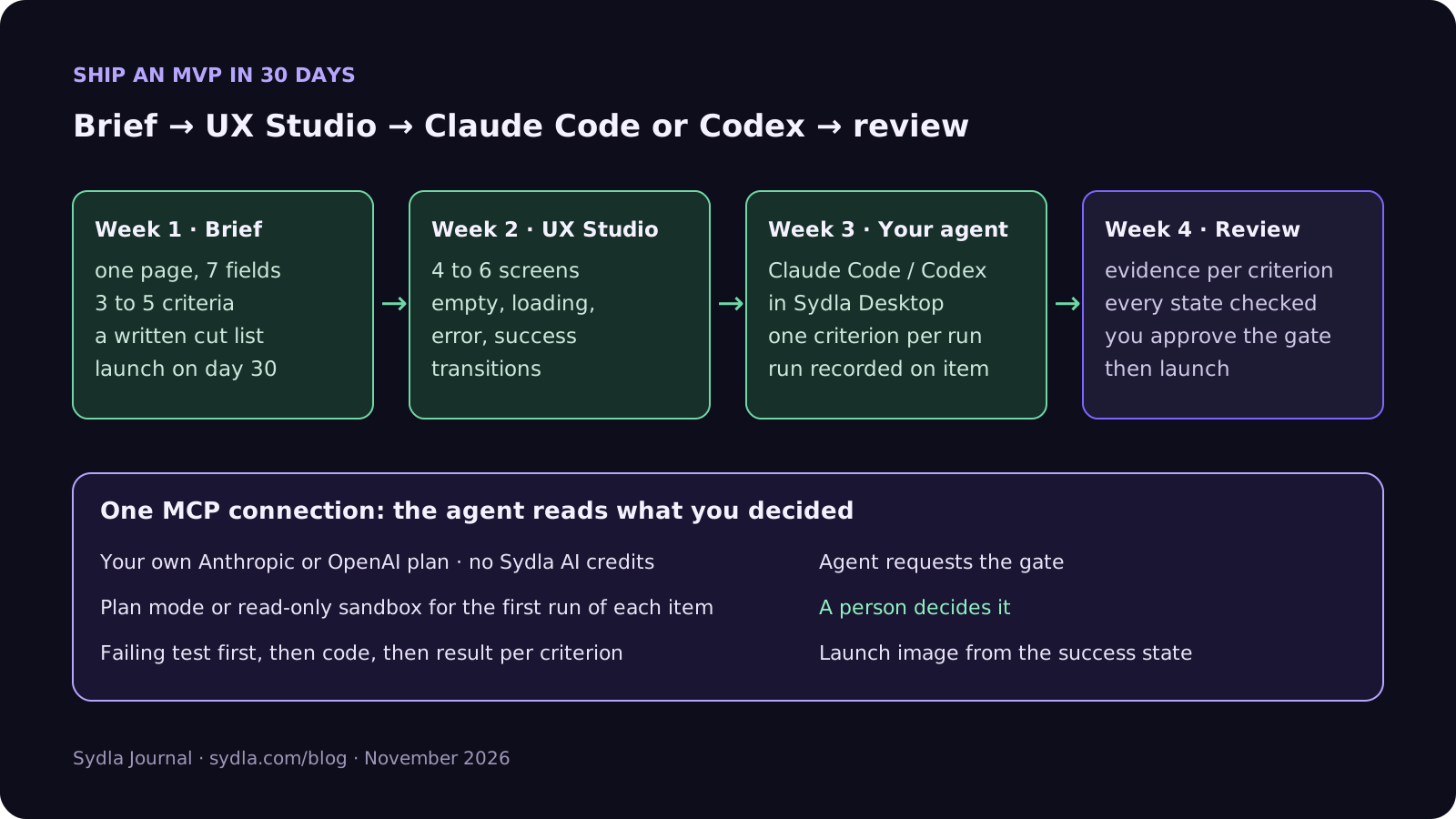
The Desktop setup guide walks through the first connection in about ten minutes, and brief to pull request follows one feature through the same loop in detail.
Budget the agent, not the credits
On a subscription, the agent's cost is quota rather than dollars, and quota is still a budget. Claude Pro and Max share one five-hour session limit and a weekly limit between Claude chat and Claude Code; Codex on ChatGPT Plus shares its allowance between local messages and cloud tasks, and OpenAI restored the five-hour window for Plus on 25 August 2026. Neither vendor publishes exact numbers, so plan around habits instead:
- Small items burn less. A run scoped to one acceptance criterion reads less context than "build the app". A vague brief is the fastest way to empty a weekly limit.
- Keep exploration out of the build session. Brainstorm in chat on a different day from heavy build days, since both count against the same limit on Claude plans.
- Upgrade for the one heavy week. If week three needs more, Claude Max at $100 or a higher ChatGPT plan for a single month is still cheaper than a year of seats you stop using after launch.
- Write the cost on the run. Model and time per run on the work item tell you after the MVP which kind of task was expensive. Our cost per ticket guide works through the numbers.
Week 4: review with evidence, then launch
An MVP does not need a release process. It does need one person, you, reading the evidence before strangers see it. Four passes, in order:
- Criteria. Every acceptance criterion has a passing test or a screenshot recorded on its run. No evidence, no tick.
- States. Click through every screen in every state from week two, on a phone as well as a laptop.
- Security basics. Secrets out of the repository, auth on every route, no customer data in logs. Our security review guide is the checklist.
- The diff itself. Read the pull request as if a contractor wrote it. Our review guide has the four-pass method.
Then launch: the launch image and social cards come from the same workspace, built from the success state you designed in week two, so the screenshot on launch day matches the product. Day 31 starts with the cut list.
A 30-day MVP, condensed
An illustrative example of the four artefacts for the version-approval product from week one:
- Brief: one page, four criteria, a cut list of nine features, success signal five client approvals, launch on day 30.
- UX states: five screens (upload, version list, share link, client approval, done), twenty states in total.
- Runs: one work item per criterion, each run recorded with tests, result per criterion, model and time; the first run of each item in plan mode.
- Review and launch: four-pass review, gate approved by the founder, launch image built from the done state.
Nothing here needs a sixth tool. When the second person joins, they get the same brief, the same states and the same run history on day one. That is the real return on keeping the MVP in one workspace: it is also your onboarding document. Check pricing for the plan details.
Frequently asked questions
Can you build an MVP with Claude Code or Codex alone?
You can write the code with either agent alone, but an MVP also needs a brief, acceptance criteria, screen states and a review. Without them the agent builds what each prompt says rather than what the product needs. Keep those artefacts somewhere your agent can read over MCP, one acceptance criterion per run.
How long does it take to ship an MVP with an AI coding agent?
A focused MVP with one core job, three to five acceptance criteria and four to six screens fits in about 30 days for one founder: week one for the brief, week two for screen states, week three for agent build runs and week four for review and launch. The scope, not the coding speed, sets the timeline.
Which Claude or ChatGPT plan do I need to build an MVP?
Claude Code is included from Claude Pro at $20 a month, with Max at $100 and Ultra at $200 for heavier use. Codex is included in ChatGPT Plus at $20. Both have five-hour and weekly limits that the vendors do not publish as exact numbers, so scope runs small and upgrade for a single heavy month if needed.
What should an MVP brief for an AI coding agent contain?
Seven fields: the problem in one sentence, the first real user, the one job the MVP must do, three to five testable acceptance criteria, a cut list of what you will not build, one success signal and the launch date. The cut list matters most, because agents will happily build features you did not ask for.
How much does Sydla cost compared with Jira, Confluence, Notion, Figma, Miro and Canva?
Sydla costs $19 per user per month. One paid seat each of Jira Standard, Confluence Standard, Notion Plus, Figma Professional Full, Miro Starter and Canva Business costs $83.85 per user per month, so the saving is $64.85 per user per month. You bring your own Claude Code or Codex account, so Sydla adds no AI credits and no token markup.