GDPR erasure requests with AI coding agents in 2026: find every copy across six tools, agent logs and AI meters
A customer asks you to delete their data. In 2026 that data is no longer just in your database: it sits in tickets, design files, board stickies, AI provider logs and coding agent transcripts on laptops. Here is a seven-field erasure ticket, how to let Claude Code or Codex search for copies without deleting anything, and what each tool's AI keeps.
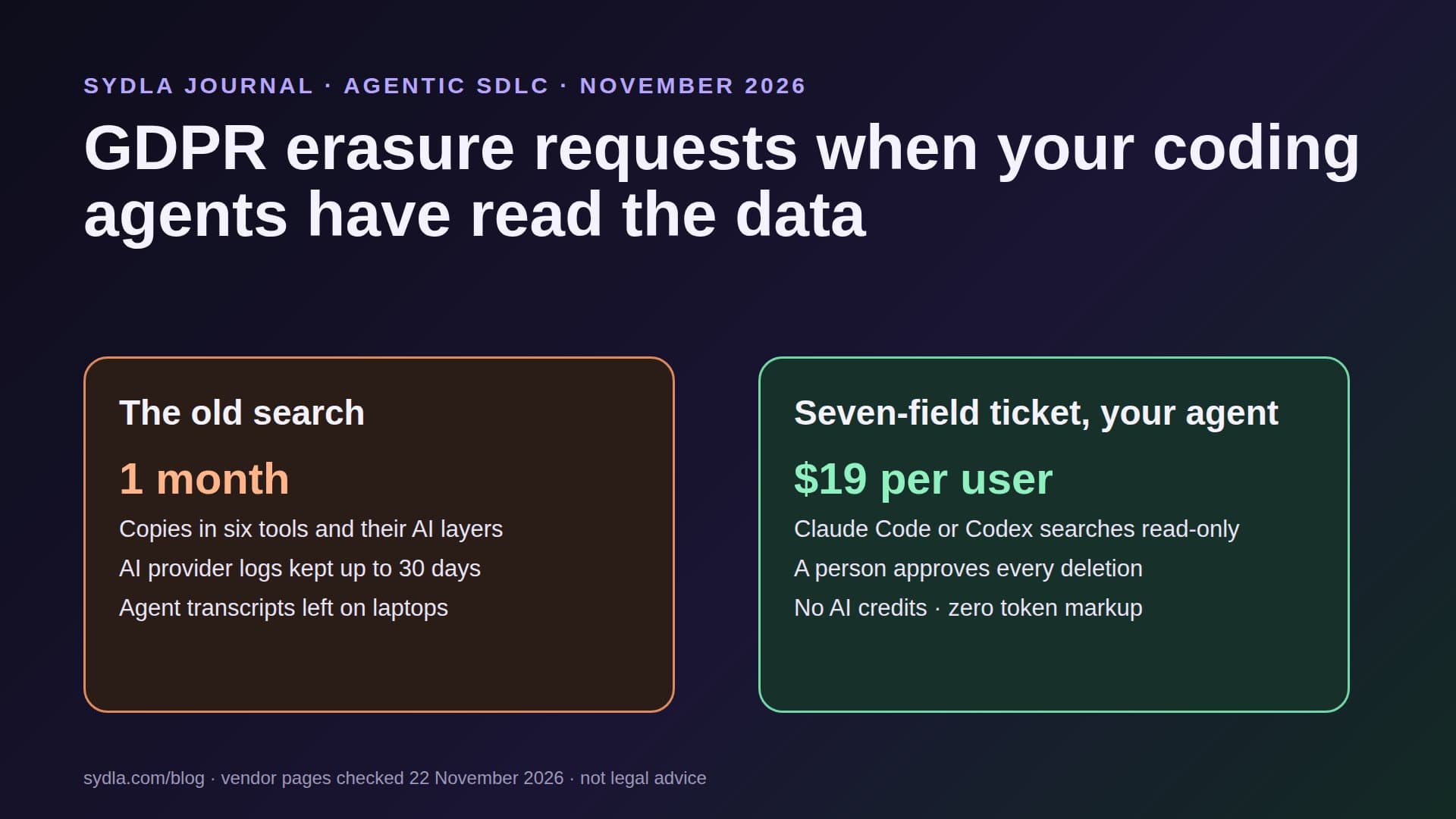
Tuesday, 10:12: "please delete everything you hold about me"
The email is two lines long. A former customer wants their personal data erased. Under the GDPR you have one month to answer, and the clock started when the email arrived.
Five years ago this was a database query and a note to support. In 2026 the same person also appears in a bug ticket in Jira with a pasted stack trace, in a research summary in Confluence, in interview notes in Notion, in a screenshot of their account page in Figma, on a sticky note from a journey-mapping session in Miro and in a case study draft in Canva. And since last spring, your coding agents have read some of those pages while fixing the bug.
Every one of those tools now has its own AI layer, its own credit meter and its own retention rule for prompts. We call the meter part AI credit fatigue; our first article on it explains the pattern. This guide covers the privacy side: where AI copies of personal data end up, a seven-field erasure ticket that includes them, and how to let your own coding agent find the copies without giving it the power to delete anything.
What the law asks, in four lines
This is not legal advice, and your data protection officer has the last word. The parts of the GDPR that shape the workflow are short:
- Article 17, right to erasure. A person can ask you to delete their personal data, and you must do so without undue delay when one of the grounds applies, for example they withdraw consent or the data is no longer needed.
- Article 17(3), exceptions. You may keep data you need for a legal obligation, such as invoices for tax law, or for legal claims. Keeping something is a decision a person records, not a default.
- Article 12(3), the deadline. Answer within one month of the request. You can extend by two further months for complex or numerous requests, but you must tell the person within the first month and say why.
- Article 19, recipients. Tell every recipient you disclosed the data to, unless that is impossible or takes disproportionate effort. AI providers acting as your processors are part of that map.
Where AI copies of personal data live in November 2026
The question for each tool is not only whether it stores the page, but what its AI keeps after reading it. Here is what each vendor says on its own pages:
| Tool and plan | Seat / month | What the AI layer keeps | What it means for an erasure |
|---|---|---|---|
| Jira Standard with Rovo | $9.70 | Third-party LLM partners (OpenAI, Anthropic, Google) under zero data retention agreements; no training on your data | Delete the issue, comments and attachments; Rovo answers are regenerated from what is left |
| Confluence Standard with Rovo | $7.15 | Same Rovo terms and pooled credits | Check page history and attachments, not only the latest version |
| Notion Plus | $12.00 | AI providers keep data 30 days or fewer on Free, Plus and Business; zero retention for most models on Enterprise | Deleted pages stay restorable for 30 days; search embeddings are deleted within 60 days |
| Figma Professional, Full seat | $20.00 | Content training on by default for Starter and Professional; off on Organization and Enterprise | Screenshots with real names, plus version history; check the team's training setting |
| Miro Starter | $10.00 | Only Free plan AI interactions (prompts, selected content, outputs) are used to improve Miro AI, pseudonymized; admins can switch it off | Stickies and frames from research sessions; free guests on paid plans are excluded |
| Canva Business | $25.00 | Business and Enterprise content is not used to improve AI features; Free and Pro follow each user's Privacy Settings | Case study drafts and customer quotes in designs |
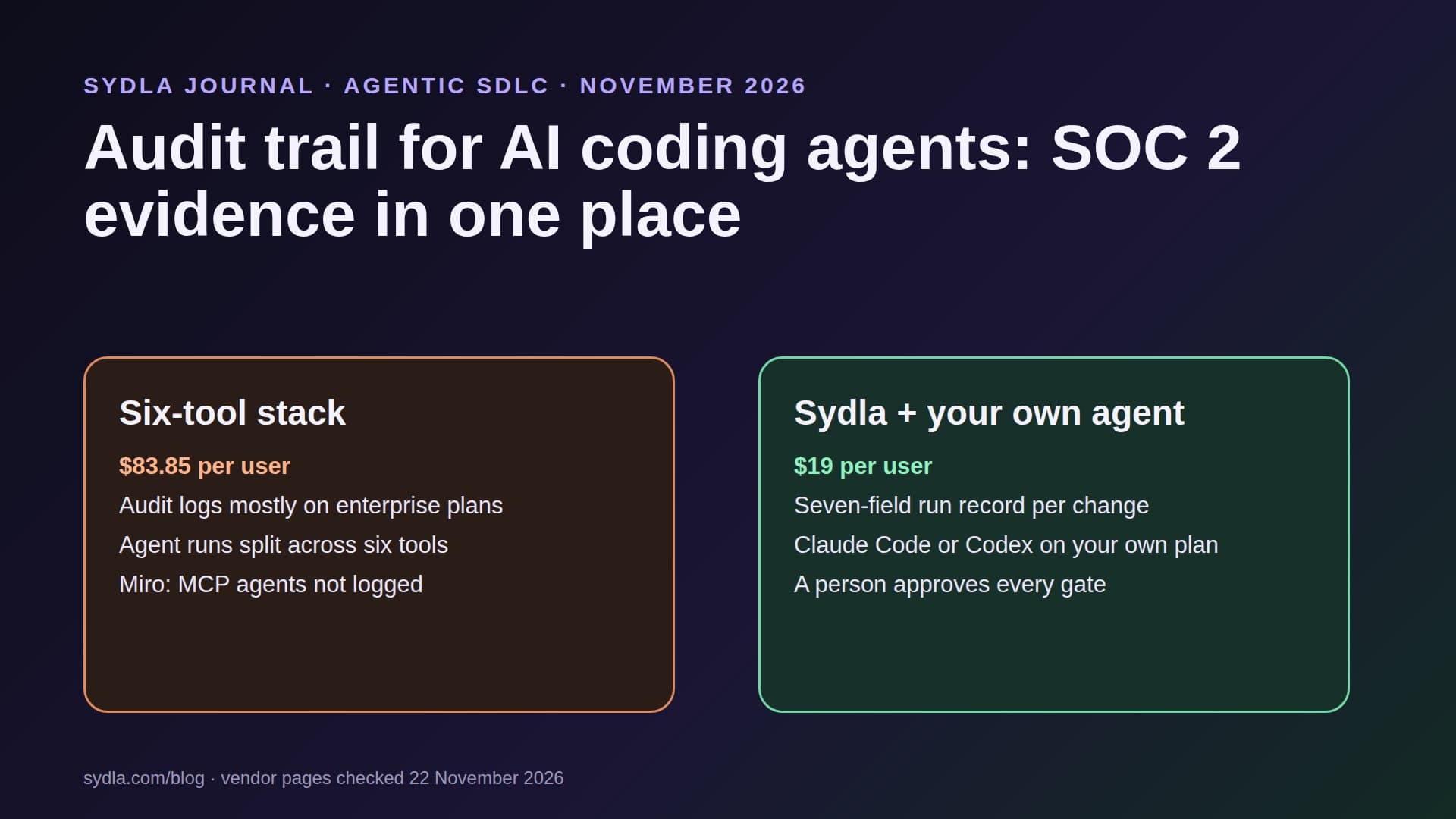
| Six-tool total | $83.85 | Six AI layers, six retention rules | Six places to search, six deletion paths |
| Sydla | $19.00 | No AI layer of its own: your Claude Code or Codex account and its retention terms | Brief, research, UX states and agent runs on one work item |
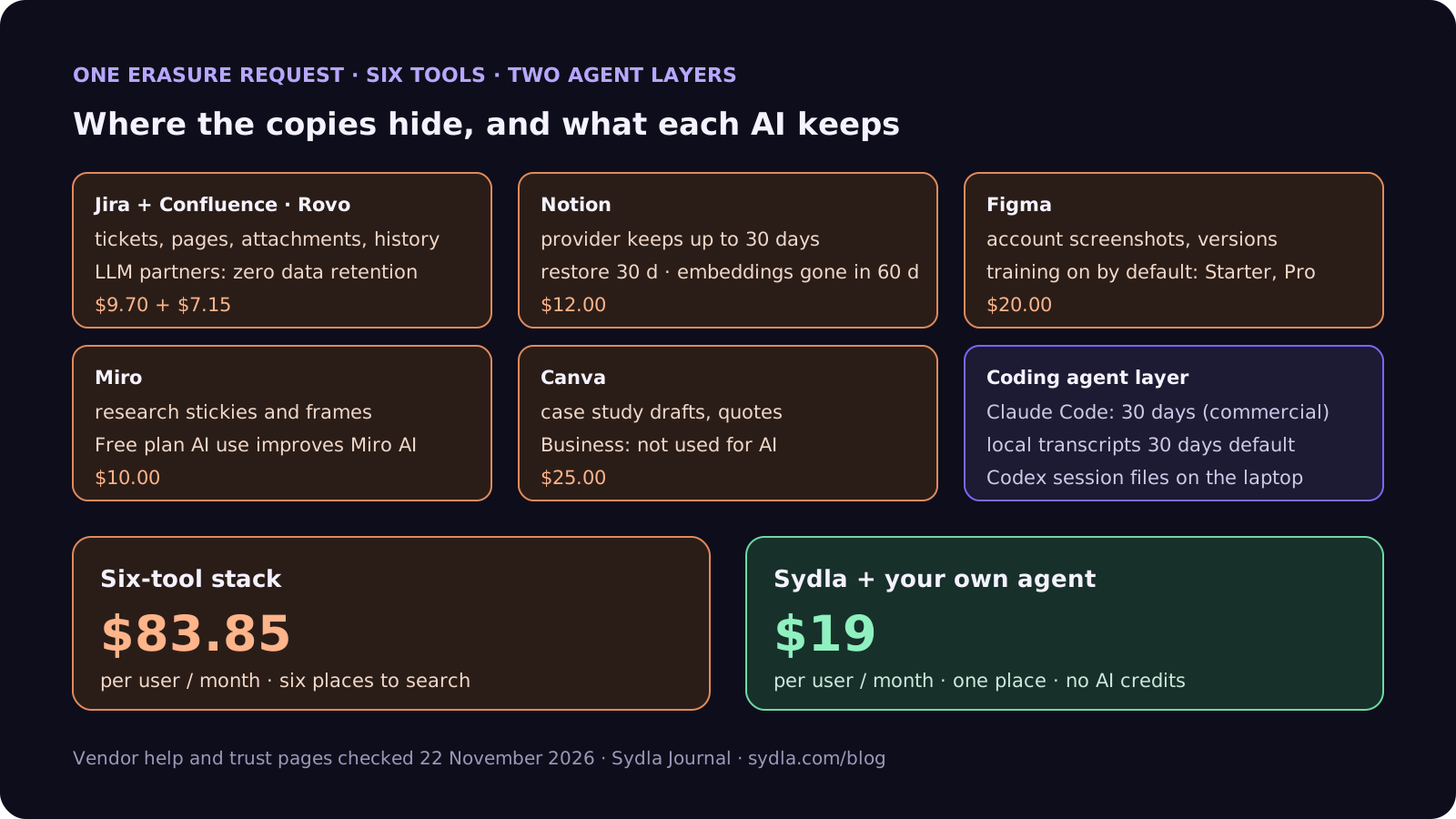
Two rows matter more than they look. Notion's 30-day restore window and 60-day embedding deletion mean that a deletion today is not complete for up to two months, so say so in your answer. And Figma's training setting is per team on Starter and Professional: if nobody switched it off, a screenshot with a customer's name may already have been used for training, which is worth recording in your processing records.
The layer most data maps miss: your coding agents
When a coding agent reads a ticket with a pasted customer record, that record now exists in at least two more places:
- On the provider's servers. Anthropic keeps Claude Code data for 30 days on commercial plans (Team, Enterprise, API). On consumer plans it is 30 days, or 5 years if the user allowed data use for model improvement. Zero data retention is available for Claude Code on Claude for Enterprise, switched on per organization. OpenAI excludes ChatGPT Business workspace data, including Codex, from training by default; retention follows your data processing addendum.
- On the developer's laptop. Claude Code stores session transcripts in plain text in the .claude/projects folder of the user's home directory for 30 days by default; the cleanupPeriodDays setting changes that. Codex keeps its session files in the .codex folder. These are copies your data map almost certainly does not list.
- In feedback reports. Claude Code transcripts sent with /feedback, /bug or /share are kept for 5 years. A transcript with a customer's address in it should never be sent that way.
Three rules close most of this gap. Use business plans, not personal ones, for any agent that can read customer data. Lower the local transcript period on shared or support laptops. And keep real personal data out of tickets in the first place: link to the record in your admin tool instead of pasting it. Our guide to PII in logs covers the logging side of the same rule.
Step 1: the seven-field erasure ticket
Treat each request as a work item with an owner and a due date, not as an email thread. Seven fields:
- 1. Request and identity. When it arrived, how you verified the person, and a pseudonymous reference to use everywhere else. Never put the person's name in the ticket title.
- 2. Deadline. One month from receipt, and the date by which you must announce an extension if you need one.
- 3. Data map. Every system that may hold the data: product database, backups, the six tools, AI providers, agent transcripts, email, analytics.
- 4. Search plan. Which identifiers to search for (email, customer ID, name, phone), in which systems, and who or what runs each search.
- 5. Keep list. What you will not delete and the legal ground for each item, such as invoices kept for tax law. A person signs this field.
- 6. Proof of deletion. For each system, what was deleted, by whom, when, and what is still pending, such as a 30-day restore window or backup rotation.
- 7. Reply and recipients. The answer sent to the person, and the processors and recipients you told.
Fields 3, 4 and 6 are where an agent helps. Fields 1, 5 and 7 are decisions, and they stay with people.
Step 2: let your coding agent search, never delete
Searching six tools for every spelling of one email address is slow for people and fast for an agent. Give it the search and nothing else:
- Read-only connections. Connect Jira, Confluence, Notion, Figma and Miro through their MCP servers or APIs with read-only tokens. No admin scopes, no delete permissions, no production database client.
- Read-only session. Run Claude Code in plan mode, so it can read and propose but not edit, or Codex with its sandbox set to read-only. Use a business account and a short local transcript period for this session.
- Search by reference. Give the agent the identifiers in a local file, not in the chat history of a shared thread, and ask for results as links plus a one-line description, not copies of the content.
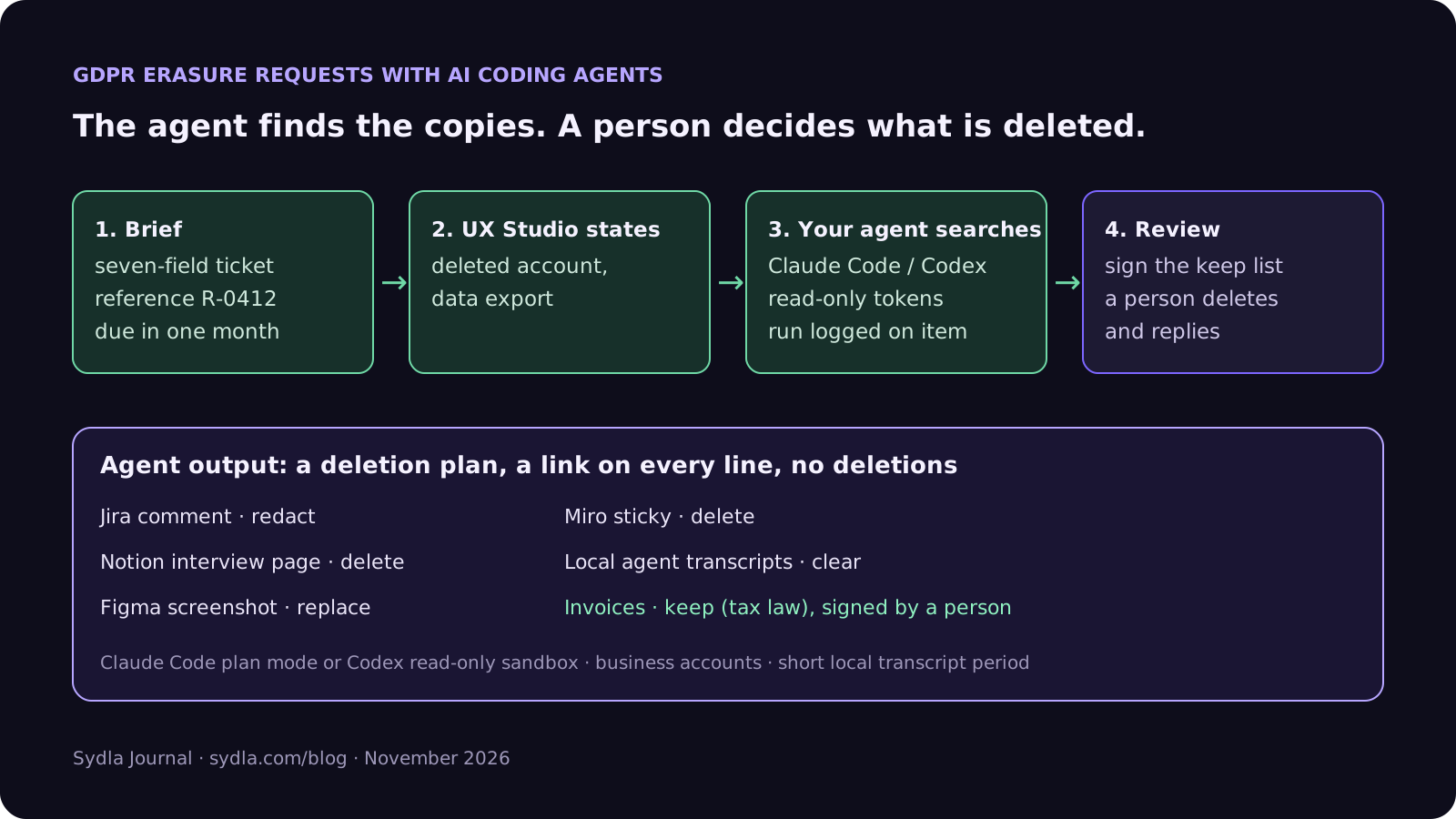
- A deletion plan, not deletions. The output is a list: system, link, what it holds, proposed action (delete, redact, keep with reason). A person reviews it, fills the keep list and runs or approves each deletion.
- Treat what it reads as untrusted. Tickets and pages can contain text written by anyone. Our prompt injection guide explains why an agent must not act on instructions it finds there.
Because the search runs on the Claude or ChatGPT plan you already pay for, it does not spend Rovo credits, Notion credits or Miro credits. Our bring your own coding agent guide explains how those plans are billed, and our security review guide covers the access rules in more depth.
Fewer places to search, one bill for the agent
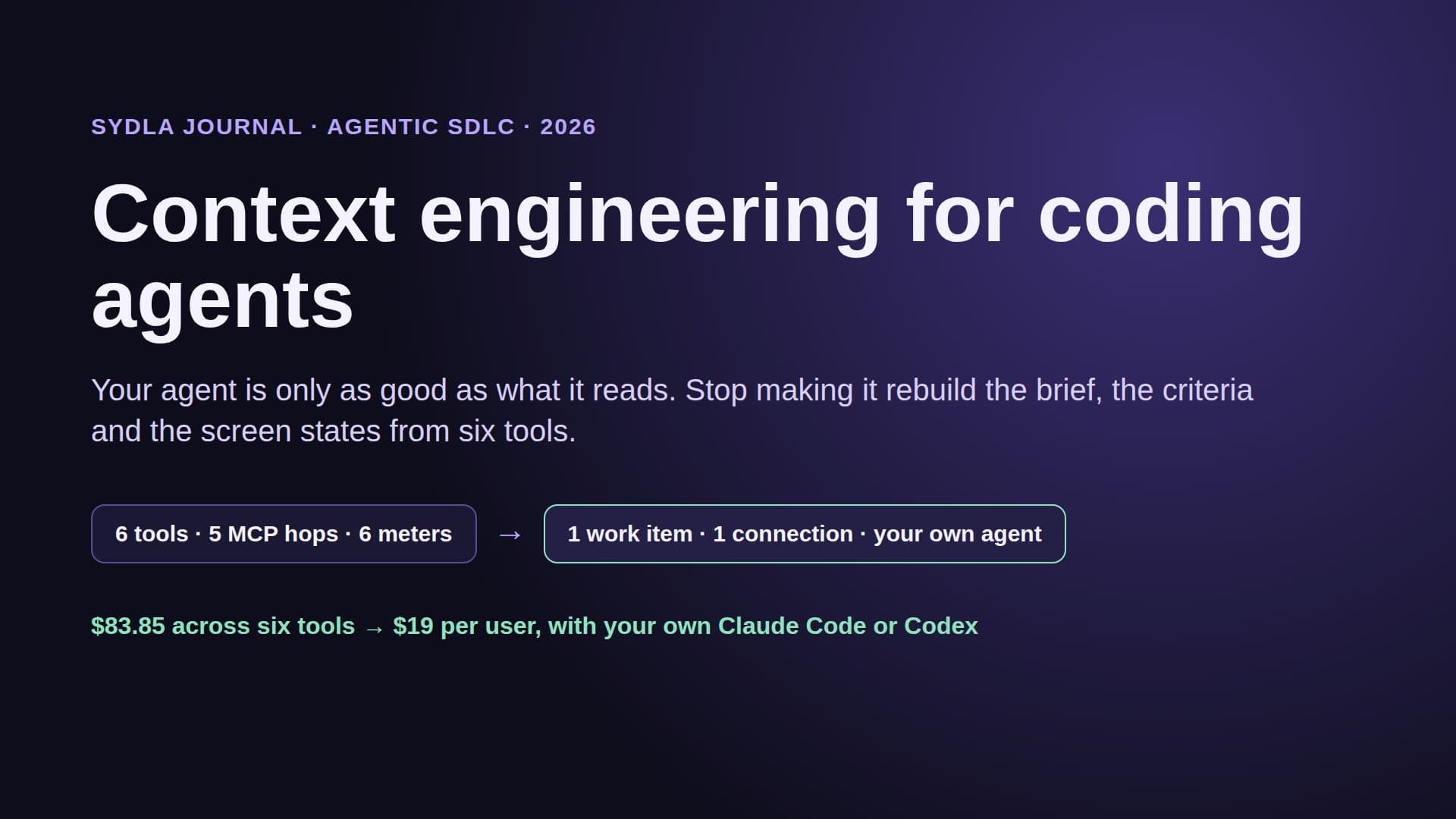
Keep the brief, the research, the UX states and every agent run in one workspace, and let your own coding agent search it through one connection, for $19 per month instead of $83.85. That is $64.85 saved per user, every month, and one place to search instead of six when the next erasure request arrives.
Walkthrough: brief, UX Studio, your agent in Sydla Desktop, review
Here is how an erasure request runs in Sydla, with the coding agent you already pay for.
- Brief on the work item. The request becomes a Sydla work item with the seven fields, the deadline and a person who owns it. Agents may request a gate; a person approves it.
- States in UX Studio. If the request shows a product gap, such as no self-service export or a deleted-account screen that still shows a name, design those states in UX Studio first so the fix is built against them. Our design handoff guide explains why states beat screenshots.
- Run in Sydla Desktop with your own agent. Sydla Desktop launches the Claude Code or Codex CLI on your machine, signed in with your own Anthropic or OpenAI account, so the retention terms are the ones on your plan. The agent reads the work item through the Sydla MCP server, searches your other tools with read-only tokens and records its deletion plan and cost on the work item. There are no Sydla AI credits and no token markup.
- Review and reply. A person checks the plan, signs the keep list, approves each deletion and records the proof in field 6. If code has to change, the pull request goes through the usual review; our four-pass review checklist covers it.
The Desktop setup guide shows how to connect Claude Code or Codex in about ten minutes, and the comparison overview covers how Sydla stands against each of the six tools.
A filled-in example: request R-0412
Here is a condensed ticket for the request in the opening. The details are illustrative:
- Request and identity: received Tuesday 10:12, identity confirmed by a reply from the account's email address, reference R-0412.
- Deadline: answer due in one month; no extension expected.
- Data map: product database and backups, Jira, Confluence, Notion, Figma, Miro, Canva, Anthropic (Team plan), two developer laptops that ran Claude Code on the bug ticket.
- Search plan: email, customer ID and full name; the agent searched the six tools read-only in 4 minutes and returned 11 links.
- Keep list: three invoices kept for tax law, signed by the finance lead.
- Proof of deletion: account deleted; Jira comment redacted; Notion interview page deleted (restorable for 30 days, then gone); Figma screenshot replaced with placeholder data; Miro sticky removed; local agent transcripts cleared on both laptops; backups age out in 35 days.
- Reply and recipients: answer sent on day 6, listing what was deleted, what was kept and why, and when the remaining copies expire.
The agent found the Figma screenshot and the Miro sticky, which nobody had remembered. A person made every decision. Next time, the bug ticket will link to the customer record instead of pasting it.
Frequently asked questions
How long do I have to answer a GDPR erasure request?
Article 12(3) of the GDPR says one month from receipt of the request. You can extend by two further months for complex or numerous requests, but you must tell the person within the first month and explain why. Some copies, such as backups or a 30-day restore window, may expire after you answer; say when.
Does Claude Code keep the data my agent reads?
On Anthropic's commercial plans (Team, Enterprise and API) Claude Code data is kept for 30 days. On consumer plans it is 30 days, or 5 years if the user allowed data use for model improvement. Zero data retention is available for Claude Code on Claude for Enterprise, enabled per organization. Separately, Claude Code keeps session transcripts on the local machine for 30 days by default, adjustable with the cleanupPeriodDays setting.
Do Rovo, Notion AI, Figma, Miro and Canva train on my data?
As of 22 November 2026: Atlassian says Rovo's LLM partners work under zero data retention and do not train on your data. Notion says neither it nor its AI providers train on customer data by default. Figma's content training is on by default for Starter and Professional teams and off on Organization and Enterprise. Miro uses Free plan AI interactions, pseudonymized, to improve Miro AI but says it does not train models with them. Canva does not use Business or Enterprise content to improve AI features.
Can an AI coding agent handle a data subject request?
It can do the search. Connect it to your tools with read-only tokens, run it in a read-only mode such as Claude Code plan mode or Codex's read-only sandbox, and ask for a deletion plan with a link on every line. Identity checks, the keep list, each deletion and the reply stay with people.
How much does Sydla cost compared with Jira, Confluence, Notion, Figma, Miro and Canva?
Sydla costs $19 per user per month. One paid seat each of Jira Standard, Confluence Standard, Notion Plus, Figma Professional Full, Miro Starter and Canva Business costs $83.85 per user per month, so the saving is $64.85 per user per month. You bring your own Claude Code or Codex account, so Sydla adds no AI credits and no token markup.