On-call handover with AI coding agents in 2026: the shift note, Opsgenie's April 2027 shutdown and who pays for the AI
Coding agents now open pull requests overnight and incident tools put AI responders in the escalation policy, yet most shift handovers still cover only what people did. Here is a six-field handover note that includes agent runs, how to let Claude Code or Codex draft it read-only, and what on-call tools charge for AI as Opsgenie shuts down on 5 April 2027.
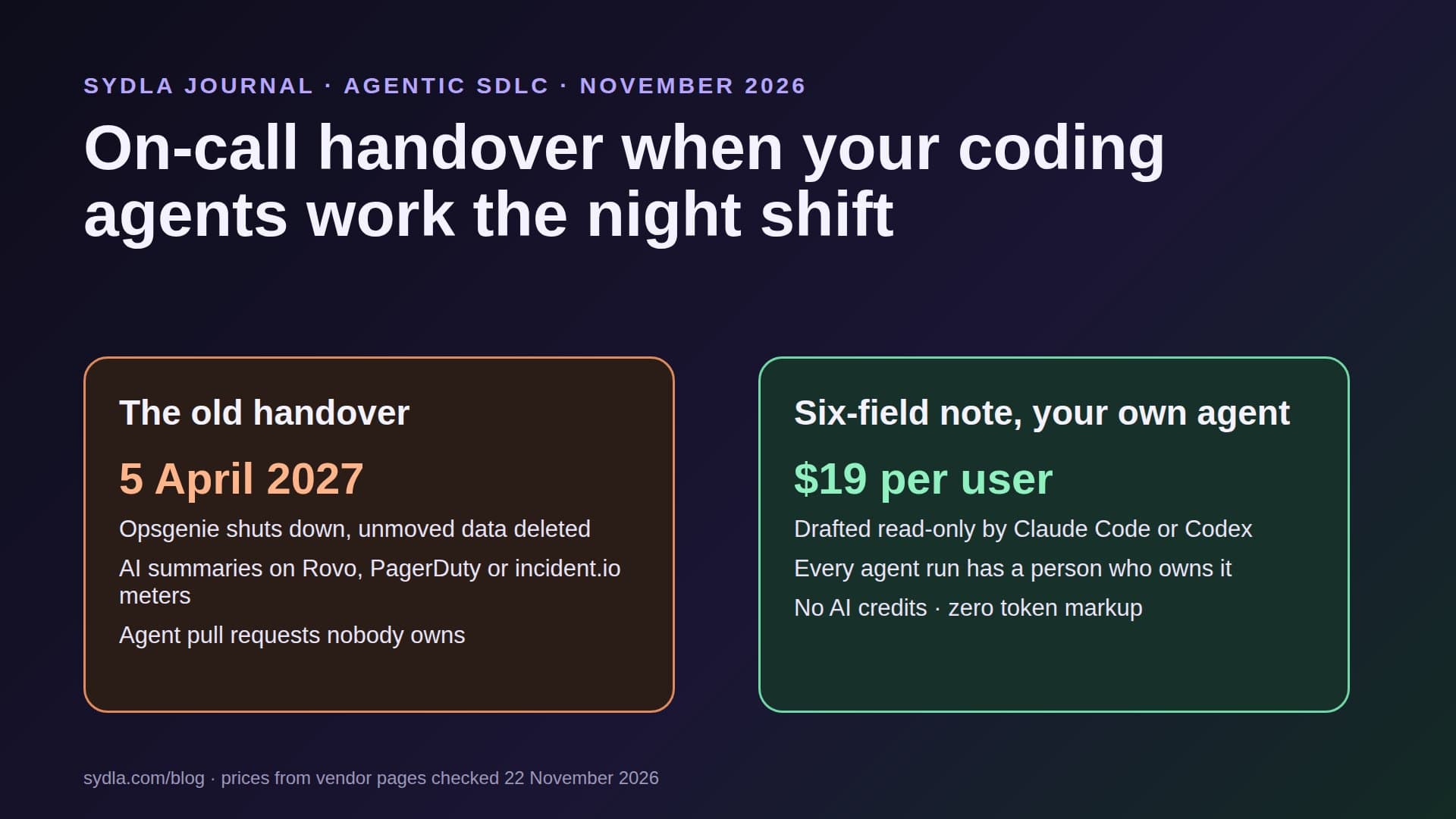
Monday, 09:00: the pager changes hands, the agents do not
The weekend on-call engineer hands over. Fourteen alerts, one real incident, one silenced disk warning. The note covers all of that. It does not mention that two coding agents opened pull requests on Saturday night, that one of them is waiting for a review on the payment retry path, or that a Codex run was stopped halfway through a migration because the laptop went to sleep.
In 2026 that gap is normal. PagerDuty now ships Paige, an SRE agent that sits in your escalation policy as a virtual responder. incident.io sells an AI SRE that opens pull requests. Jira Service Management drafts incident reviews with Rovo. And your own Claude Code or Codex keeps working on tickets between shifts. Work no longer stops when the person on call goes to bed, but most handover templates were written for people only.
There is also a bill. Each of those AI layers runs on its own meter, and the context the next shift needs is spread across the ticket in Jira, the runbook in Confluence, on-call notes in Notion, screens in Figma, the service map on Miro and the status graphic in Canva. That is six context hops for an agent, and up to six credit meters for the team. We call it AI credit fatigue, and our first article on it explains the pattern.
This guide gives you a six-field handover note that includes agent runs, shows how to let your own coding agent draft it read-only, and compares what on-call tools charge for AI before Opsgenie shuts down on 5 April 2027.
What changed for on-call in 2026
Four changes matter for the handover:
- Opsgenie has an end date. Atlassian's migration page says existing customers can use Opsgenie until 5 April 2027. After that the product is shut down and any data not moved is deleted. Schedules, escalation policies and incident workflows move to Jira Service Management with an automated tool.
- On-call is now part of Jira Service Management. Alerts, on-call schedules and an incident template are on the Free plan for three agents. AI-driven alert grouping and post-incident review drafts are Premium features, paid in Rovo credits.
- AI responders joined the rotation. PagerDuty introduced Paige on 3 November 2026 with Scribe, Shift and Insights agents. Paige can brief late joiners, but the post does not describe a shift handover, and autonomous resolution is still listed as coming soon.
- Agents fix by pull request. incident.io says the only change its Investigations product can make to your systems is a pull request a person reviews and merges. Claude Code and Codex work the same way in most teams. So the handover now has to carry open agent pull requests, not just open incidents.
What on-call tools charge for AI in November 2026
If Opsgenie is ending for you, these are the three common destinations. Prices are monthly USD list prices per user or per agent, from the vendors' own pages:
| Tool and plan | Price | On-call and AI included | Handover support |
|---|---|---|---|
| Jira Service Management Free | $0, 3 agents | Alerts, on-call schedules, incident template; no Rovo agents | Write it yourself |
| Jira Service Management Standard | $21.50 per agent | Rovo agents, search and chat; 250 Rovo credits per user | Rovo summaries on credits |
| Jira Service Management Premium | $55.28 per agent | Alert grouping, incident creation, review drafts; 700 Rovo credits | Rovo summaries on credits |
| PagerDuty Professional | $21 annual, $25 monthly | AI through PagerDuty Advance, sold separately | Hand-off reports not included |
| PagerDuty Starter platform | $2,800 per year | 5 seats plus 5 bonus, 1,000 AI Actions | Hand-off reports included |
| incident.io Team | $19, plus $10 on-call | No AI agent or Scribe | Write it yourself |
| incident.io Pro | $25, plus $20 on-call | AI agent and Scribe; Investigations as an add-on | Incident summaries |
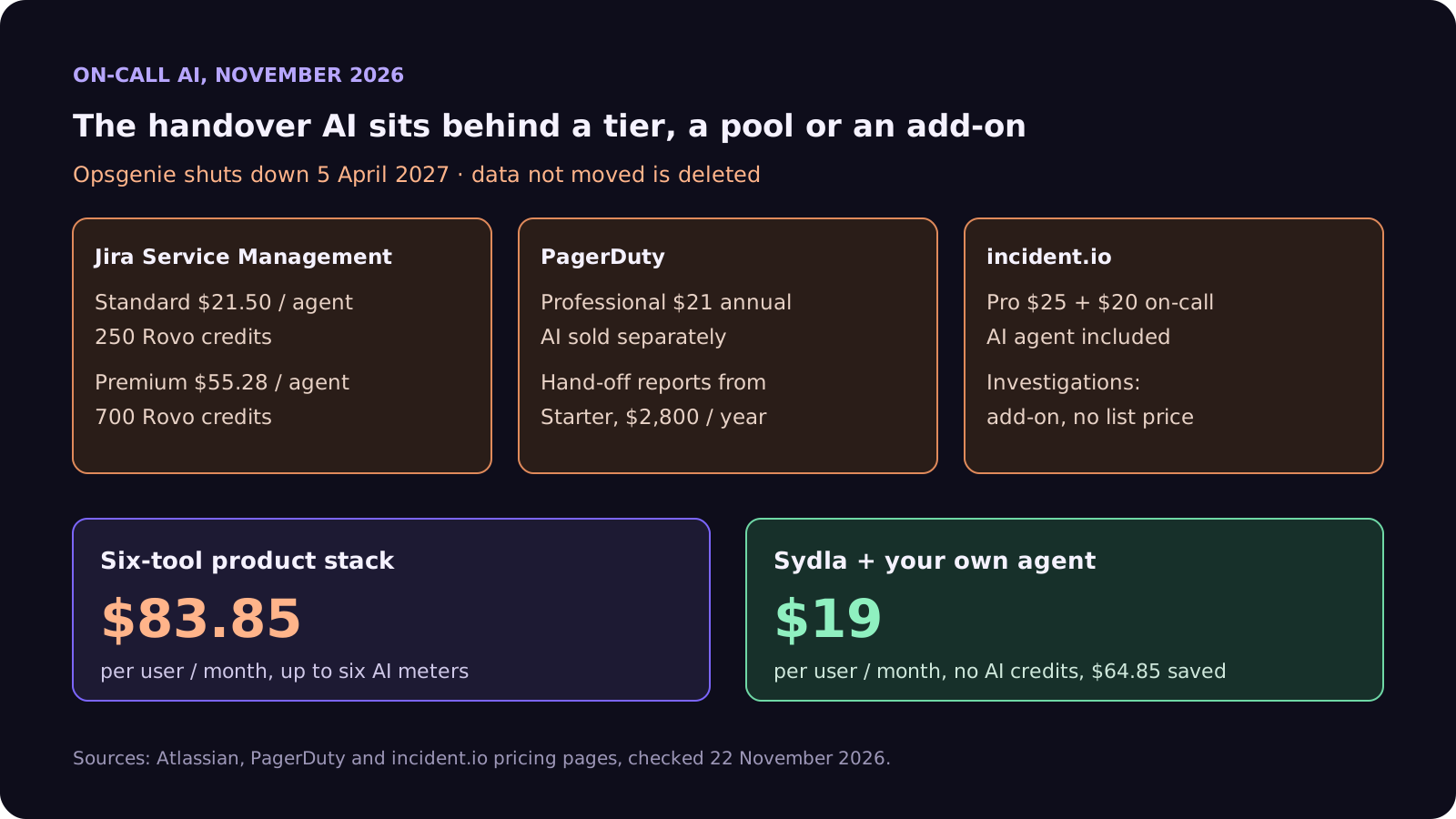
Notice the pattern: the AI that could draft a handover sits behind a higher tier, a credit pool or an add-on, and it reads only what lives inside that tool. None of these plans knows which brief an agent was working from or what its acceptance criteria said. That context lives in the product tools, which is the stack the next table prices.
Step 1: the six-field handover note
Keep it short enough to read in two minutes. Every field is a list of links, not a story:
- 1. Open incidents. Status, who owns each one, and the next step with a time.
- 2. Noisy and silenced alerts. What you muted, why, and when the mute expires. A silenced alert nobody remembers is the next incident.
- 3. Agent work in flight. Every coding agent run that is open or paused: the work item, the branch, the person who owns it, what it was doing and what it needs next. Include open pull requests written by agents and waiting for review.
- 4. Risky changes and freezes. Deploys in the last 24 hours, feature flags at partial rollout, database migrations between expand and contract.
- 5. Follow-ups owed. Tickets promised to customers or to other teams, with due dates.
- 6. What I would watch. One or two sentences in your own words. This is the field no tool can write for you.
Field 3 is the new one. The rule we use: no agent run crosses a shift without a person who owns it. Either the incoming engineer adopts it, or it is paused with a note that says what is safe to resume. An orphaned agent pull request on a payment path is worse than no pull request at all.
Step 2: let your coding agent draft it, read-only
Fields 1 to 5 are tedious for people and easy for an agent with read access. Run the draft as a separate, read-only session at the end of the shift:
- Read tools only. Connect the alerting, error tracking and deploy history through MCP servers or CLIs with read-only tokens. No deploy keys and no production database client in the agent's environment.
- Claude Code. Run it headless with claude -p in plan mode, so it can read and propose but not edit, and add a PreToolUse hook that blocks any write outside the notes folder.
- Codex. Run codex exec with the sandbox set to read-only, so the agent can inspect files but cannot edit them.
- Cite every line. Ask for a link on each item: the alert, the deploy, the pull request, the agent run. A person checks the lines that matter and writes field 6.
- Treat alert text as untrusted. Log lines and customer tickets can carry text written by anyone. Our prompt injection guide explains why the agent must never act on instructions it reads there.
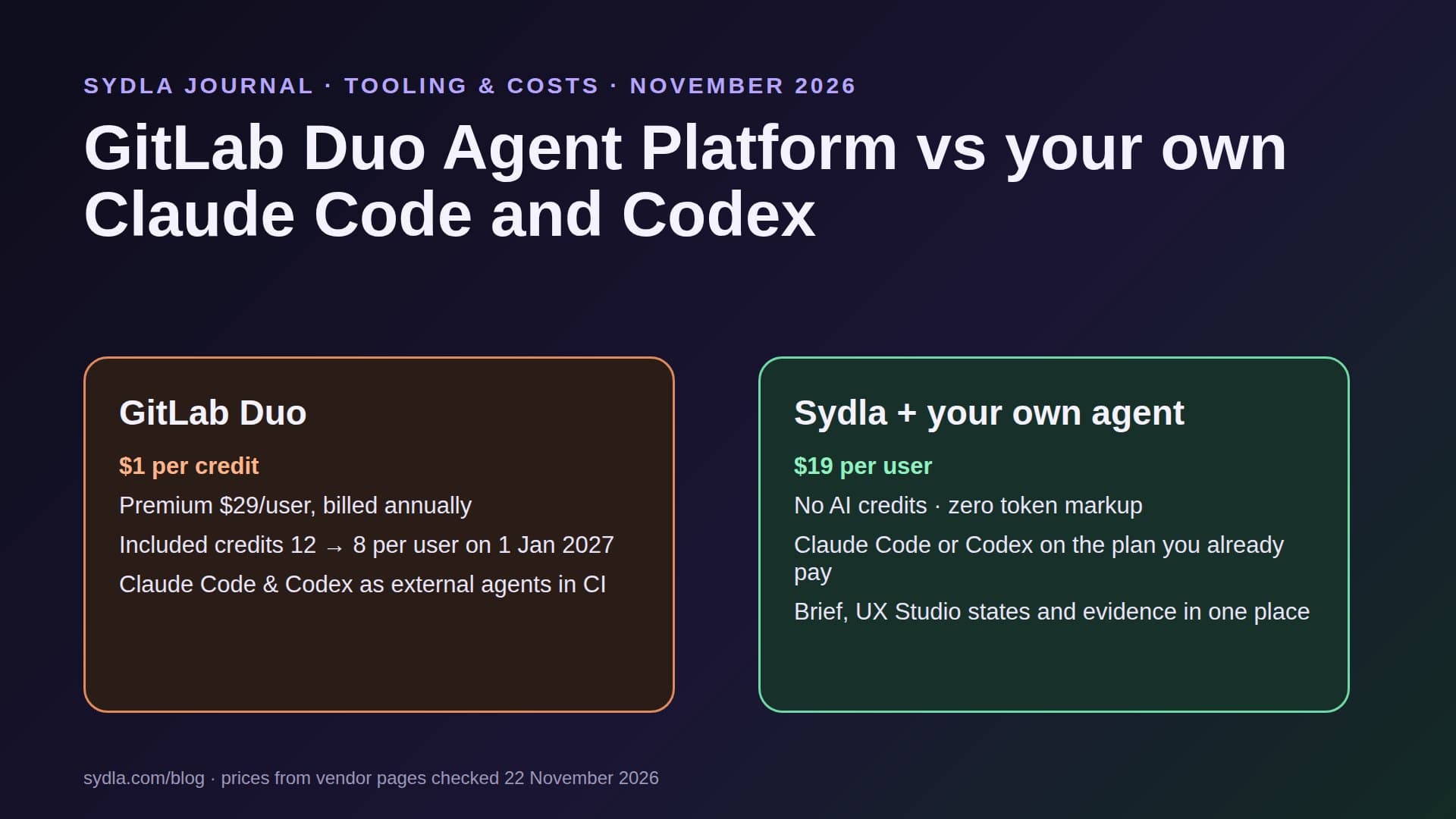
Because this runs on the Claude or ChatGPT plan you already pay for, the draft does not spend Rovo credits, PagerDuty AI Actions or an incident.io add-on. Our bring your own coding agent guide covers how those plans are billed.
Where on-call context lives, and what the stack costs
The handover note links out. Here is where those links usually point, and what each seat costs:
| Tool and plan | Seat / month | AI layer and limits | On-call context usually kept there |
|---|---|---|---|
| Jira Standard | $9.70 | Rovo, 25 credits per user per month on Standard, $0.01 per extra credit from 3 Dec 2026 | Tickets behind agent pull requests |
| Confluence Standard | $7.15 | Same pooled Rovo credits | Runbooks, past handovers |
| Notion Plus | $12.00 | Custom Agents on credits, Business and Enterprise only | Rotation notes, service owners |
| Figma Professional, Full seat | $20.00 | 3,000 AI credits per Full seat; MCP reads 200 per day | Error and degraded screen states |
| Miro Starter | $10.00 | Create with AI on pooled Miro credits | Service dependency map |
| Canva Business | $25.00 | Canva AI usage per member | Status page graphics |
| Six-tool total | $83.85 | Up to six meters, six MCP servers | One handover, six places to search |
| Sydla | $19.00 | None: your own Claude Code or Codex plan pays for the model | Brief, criteria, UX states, agent runs and review on one work item |
Sydla does not replace your pager. Keep Jira Service Management, PagerDuty or incident.io for alerts and escalation. Sydla replaces the six places the next shift has to search. The comparison overview covers each tool and the pricing section lists the source for every price.
Hand over agent work without a second AI bill
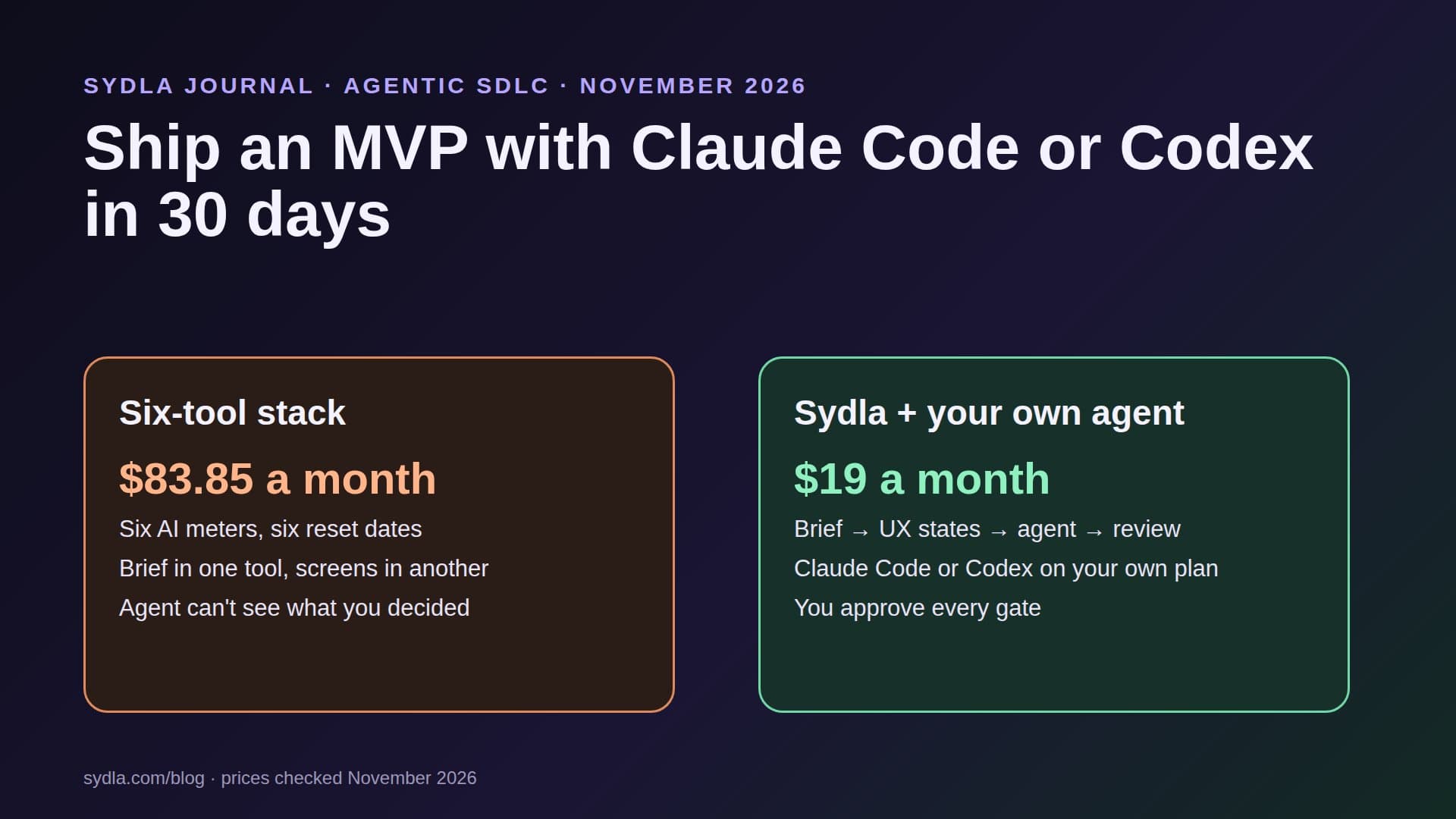
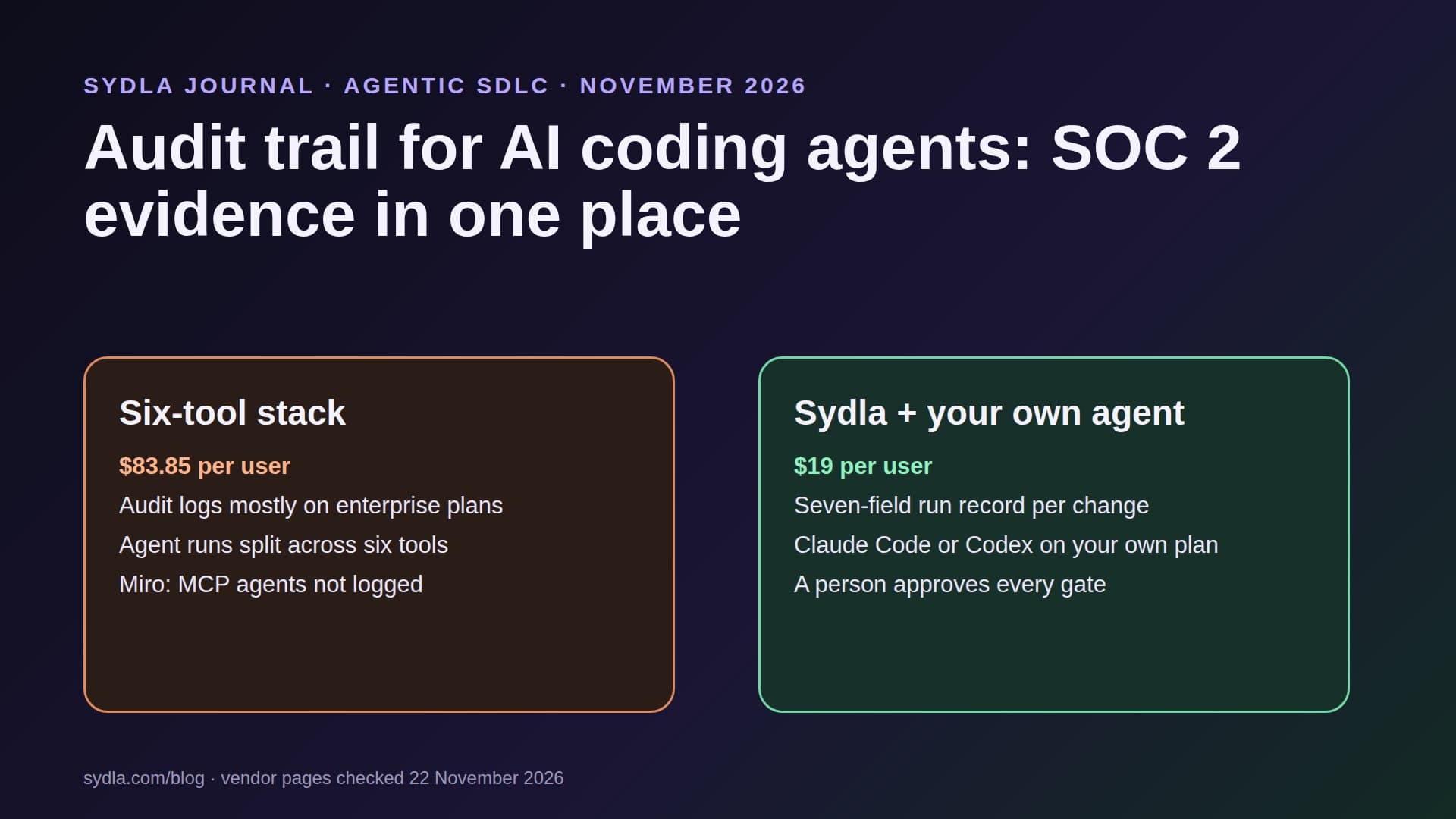
Keep the brief, the criteria, the UX states and every agent run on one work item, and let your own coding agent read them through one connection, for $19 per month instead of $83.85. That is $64.85 saved per user, every month, with no credit meter running while the agent drafts the handover.
Walkthrough: brief, UX Studio, your agent in Sydla Desktop, review
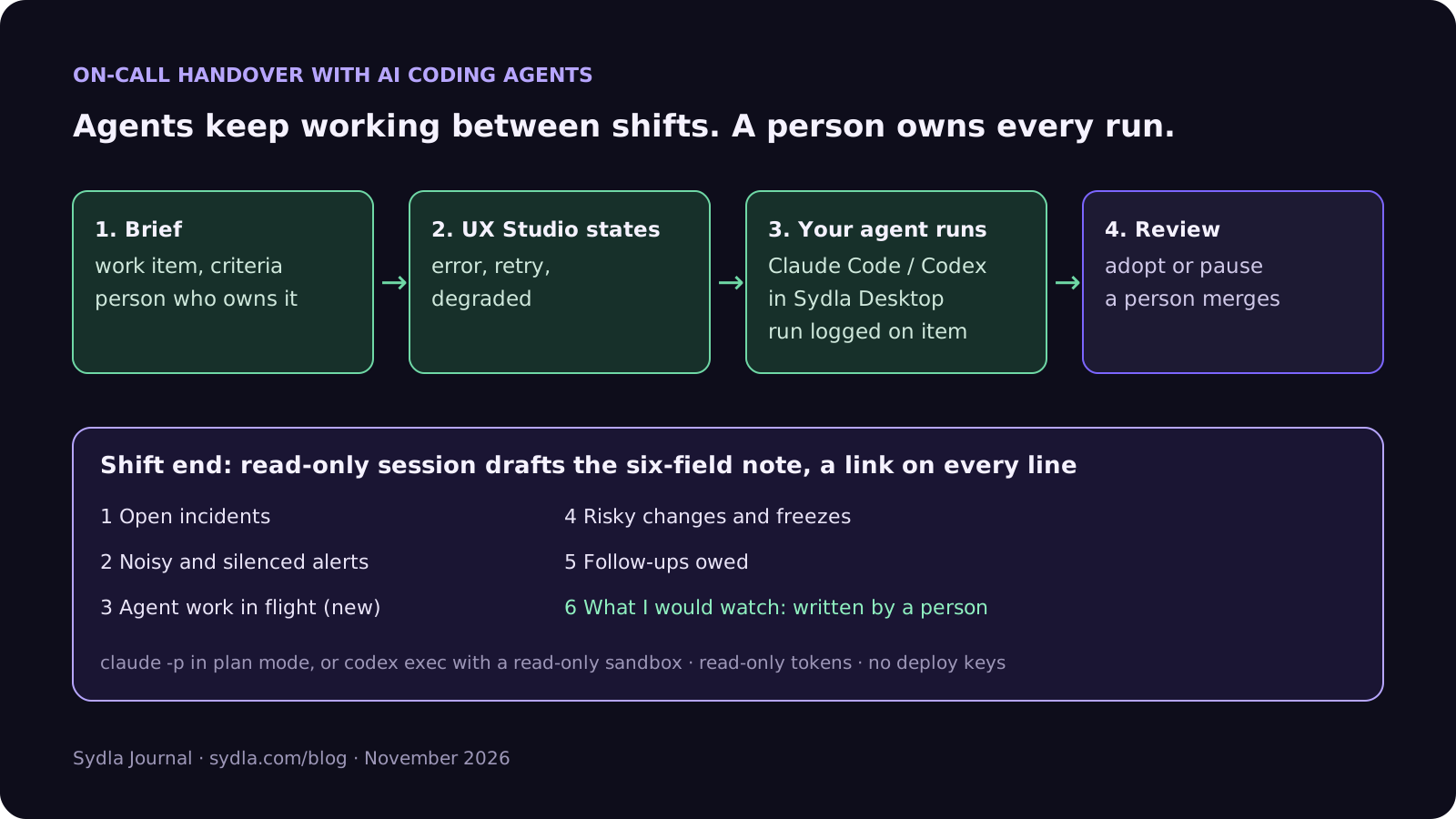
Here is how agent work crosses a shift in Sydla, with the coding agent you already pay for.
- Brief on the work item. Every agent run starts from a Sydla work item with a brief, numbered acceptance criteria and a person who owns it. When the shift changes, field 3 of the note is a list of work items, not a memory exercise.
- States in UX Studio. If the change touches what users see during a failure, the error, retry and degraded states are designed in UX Studio first. The incoming engineer can see what the agent was asked to build. Our design handoff guide explains why states beat screenshots.
- Run in Sydla Desktop with your own agent. Sydla Desktop launches the Claude Code or Codex CLI on your machine, signed in with your own Anthropic or OpenAI account. Each run is recorded on its work item with its cost and evidence. At the end of the shift, a read-only session reads the work items through the Sydla MCP server, plus your alerting tool's MCP server, and drafts the handover note. There are no Sydla AI credits and no token markup.
- Review and adopt. The incoming engineer adopts or pauses each run and writes field 6. Agents may request a gate, but a person approves it and a person merges every pull request. Our four-pass review checklist covers what to check on a pull request you did not watch being written.
If the shift had an incident, the same work item links to the postmortem. Our incident postmortem guide picks up from there, and the Desktop setup guide shows how to connect Claude Code or Codex in about ten minutes.
A filled-in example: Saturday to Monday
Here is a condensed handover note for the weekend in the opening. The service and figures are illustrative:
- Open incidents: none open. Saturday 21:40 checkout latency incident resolved at 22:15 by rollback; postmortem work item created, owned by Priya, due Wednesday.
- Noisy and silenced alerts: disk warning on the report worker muted until Monday 12:00; cleanup job ticket linked. Search latency alert fired 9 times, all under 2 seconds; threshold review ticket linked.
- Agent work in flight: (a) Claude Code pull request on the payment retry path, tests green, acceptance criteria 1 to 3 checked, criterion 4 (at most one charge per order) still needs a reviewer, owned by Sam; (b) Codex run on the orders table migration paused after the expand step, safe to resume, contract step not started, owned by Lea.
- Risky changes and freezes: new checkout flag at 10% rollout; do not raise it until the retry pull request is merged.
- Follow-ups owed: reply to the customer who reported the latency, due Monday 17:00.
- What I would watch: the retry pull request. It looks right, but it touches money, and criterion 4 is the one that matters.
The agent drafted the first five fields in under a minute, each with a link. The person on call wrote the last line, which is the one the incoming engineer read twice. Our feature flag guide and database migration guide cover the two risky changes in that note.
Frequently asked questions
What should an on-call handover note include?
Six fields work well: open incidents with an owner and next step, noisy and silenced alerts with when each mute expires, agent work in flight (open or paused coding agent runs and agent pull requests waiting for review, each with a person who owns it), risky changes and freezes, follow-ups owed with due dates, and one or two sentences on what the outgoing engineer would watch.
When does Opsgenie shut down?
Atlassian says existing customers can use Opsgenie until 5 April 2027. After that date Opsgenie is shut down, the product is no longer accessible, and any data that has not been moved is deleted. Atlassian offers an automated migration of schedules, escalation policies and incident workflows to Jira Service Management.
Can an AI coding agent write the on-call handover?
It can draft most of it. Run Claude Code headless in plan mode, or Codex with the sandbox set to read-only, connected to your alerting, error tracking and deploy history with read-only tokens, and ask for a link on every line. A person checks the important lines and writes what to watch, because that judgement is the point of a handover.
How much do on-call tools charge for AI in 2026?
As of 22 November 2026, Jira Service Management Standard is $21.50 per agent per month with 250 Rovo credits per user, and Premium $55.28 with 700. PagerDuty Professional is $21 per user per month billed annually, with AI sold separately, and hand-off reports start on the $2,800 per year Starter platform. incident.io Pro is $25 plus $20 for on-call, with its AI agent included and Investigations as an add-on.
How much does Sydla cost compared with Jira, Confluence, Notion, Figma, Miro and Canva?
Sydla costs $19 per user per month. One paid seat each of Jira Standard, Confluence Standard, Notion Plus, Figma Professional Full, Miro Starter and Canva Business costs $83.85 per user per month, so the saving is $64.85 per user per month. You bring your own Claude Code or Codex account, so Sydla adds no AI credits and no token markup.