Audit trail for AI coding agents in 2026: SOC 2 change evidence without enterprise-tier audit logs
Your auditor picks a pull request and asks who asked for it, what the agent was allowed to do, what it read, how it was tested and who approved it. In most six-tool stacks the answer is scattered across tools whose audit logs only exist on enterprise plans. Here is a seven-field run record that answers in one place, with your own Claude Code or Codex.
Audit week: "show me who approved this change"
Your SOC 2 auditor samples twenty-five changes from the last quarter. Change number eleven is a pull request written by Claude Code. The question is the same one they ask about every change: who asked for it, how was it tested, who approved it and when did it ship?
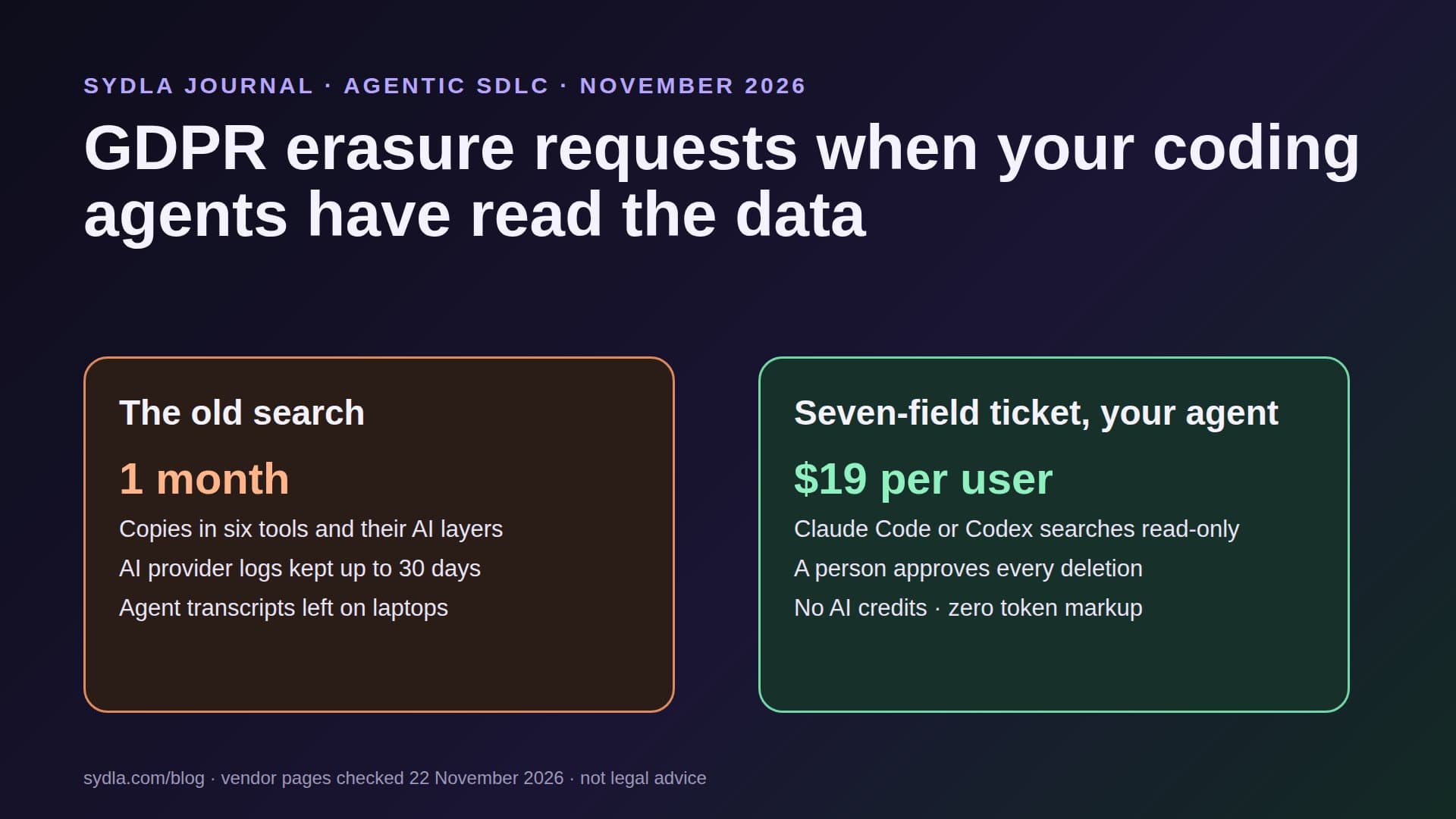
For a change written by a person, the answer has been the ticket, the pull request and the deploy log for years. For a change written by an agent there are three more questions: what was the agent allowed to do, what did it read, and which person checked its work? In a six-tool stack the answers sit in Jira, Confluence, Notion, Figma, Miro and Canva, each with its own AI layer, its own credit meter and, as we found, its own idea of what an audit log is.
We call the meter side AI credit fatigue; our first article on it explains the pattern. This guide covers the evidence side: what auditors look for in an agent-written change, which plans of each tool actually log agent activity, and a seven-field run record that answers change number eleven in one place.
What auditors ask, in four lines
This is not audit advice; your auditor and your control owners have the last word. Three frameworks shape the evidence teams are asked for in 2026:
- SOC 2, CC8.1 change management. The Trust Services Criteria expect changes to be authorized, designed, documented, tested, approved and implemented. An agent can do the designing, the documenting and much of the testing. Authorizing and approving stay with people, and the evidence must show it.
- SOC 2, CC7.2 monitoring. You monitor system components for anomalies. An agent that runs shell commands on a laptop with production credentials is a component; its tool calls belong in your monitoring.
- EU AI Act, Article 12 record-keeping. High-risk AI systems must automatically record events over their lifetime. After the Digital Omnibus (Regulation (EU) 2026/1744, in force 27 July 2026), these rules apply from 2 December 2027 for Annex III systems and 2 August 2028 for Annex I. A coding agent is usually not high-risk, but if you build a high-risk product with one, expect your buyers to ask how the code was made.
- What changes in 2027. The AICPA's standards committee published exposure drafts of proposed 2027 Trust Services Criteria on 16 November 2026. Read them before your next audit cycle rather than after.
Which plans actually log agent activity in November 2026
The question for each tool is not whether it has an audit log, but whether the plan you pay for has one, and whether it records what an AI or an external agent did. Here is what each vendor says on its own pages:
| Tool and plan | Seat / month | Audit log on this plan | What it records about AI and agents |
|---|---|---|---|
| Jira Standard with Rovo | $9.70 | Organization log kept 180 days without Atlassian Guard; Jira app logs need Guard plus Premium, or Enterprise | Rovo admin and user logs and the Rovo MCP user log are on all plans |
| Confluence Standard with Rovo | $7.15 | Same organization log; CSV export of up to 10,000 activities from the last 180 days | Same Rovo logs; page-level app logs need Guard plus Premium, or Enterprise |
| Notion Plus | $12.00 | None: the audit log is on the Enterprise plan only, kept up to 365 days | On Enterprise, Custom Agent edits are attributed to the agent, but not what it did during a run |
| Figma Professional, Full seat | $20.00 | None: activity logs do not track Starter or Professional teams | On Organization and Enterprise: AI settings and credit events; prompts only with the Governance+ add-on, kept 30 days |
| Miro Starter | $10.00 | None: audit logs and SIEM integration are on Enterprise only | AI interaction logs in beta with the Enterprise Guard add-on; agents calling the Miro MCP server are not logged |
| Canva Business | $25.00 | Audit controls are sold with Canva Enterprise (contact sales) | No agent activity log found on Business |
| Six-tool total | $83.85 | Four of six tools: no audit log on these plans | Agent runs split across six tools, none with the full run |
| Sydla | $19.00 | Work item history, gates and recorded runs in the one plan | Your own Claude Code or Codex: what it was asked, allowed, changed and cost, on one work item |
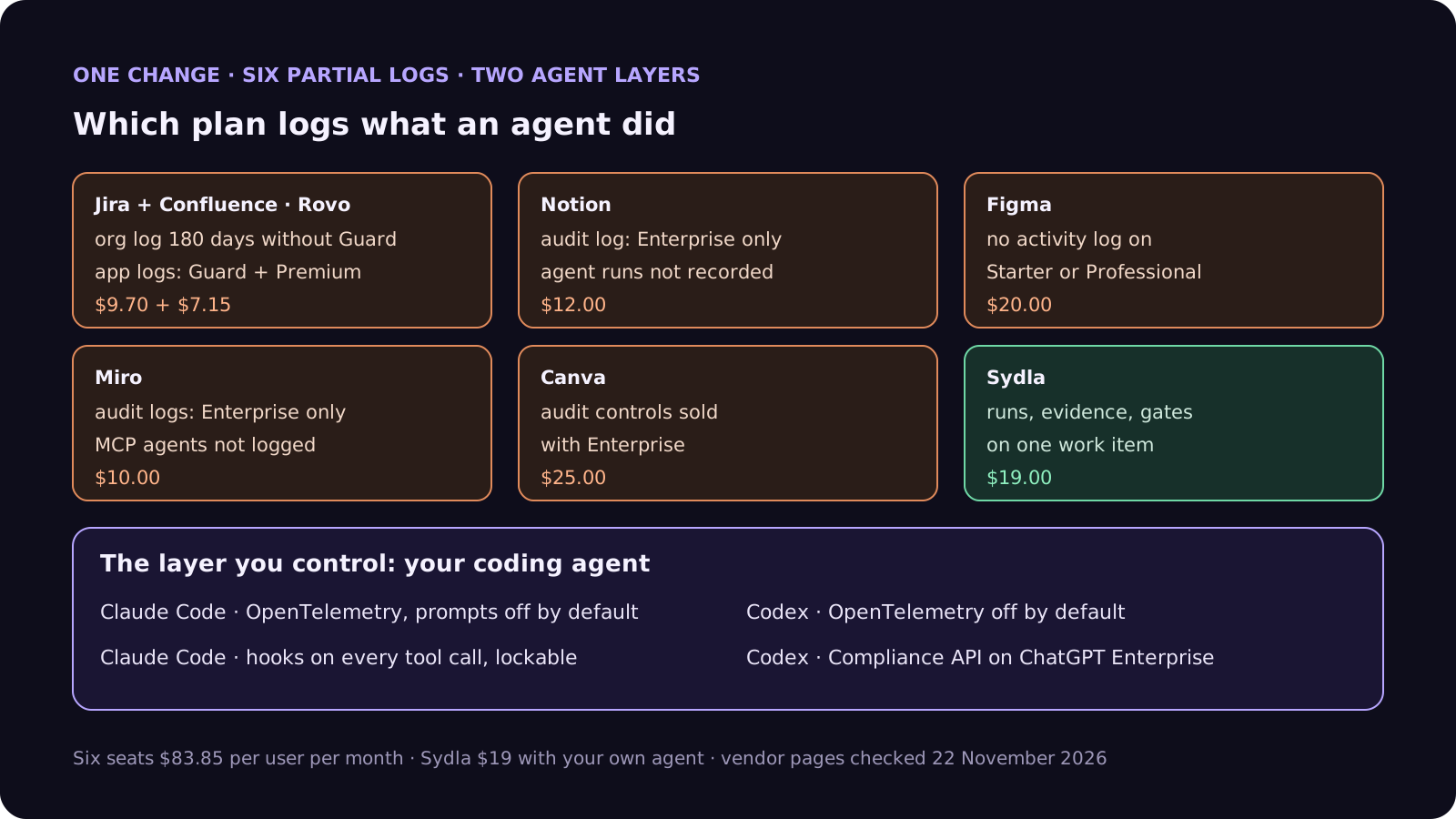
Two rows matter more than they look. Miro says plainly that interactions from external agents calling its MCP server are not logged, so when your Claude Code reads a board, Miro has no record of it. And Notion's Enterprise log attributes agent edits to the agent but, in its own words, does not record what the agent did during a run. The record of the run has to live somewhere you control.
The layer you control: your coding agent's own logs
The good news is that the agents themselves are easier to audit than the tools around them, if you switch it on:
- Claude Code: OpenTelemetry. Set CLAUDE_CODE_ENABLE_TELEMETRY to 1 and point OTEL_LOGS_EXPORTER at your collector. Events include each prompt, tool decision and tool result. Prompt text is off by default (OTEL_LOG_USER_PROMPTS) and tool parameters are off by default (OTEL_LOG_TOOL_DETAILS), which is the right default: turn on only what your auditor needs. Put these in managed settings, not in the repository; the repository settings file ignores exporter variables on purpose.
- Claude Code: hooks. PreToolUse runs before every tool call and can block it; PostToolUse and PostToolUseFailure run after. A small hook that appends each call to a log, locked with allowManagedHooksOnly in managed settings, gives you a record a developer cannot quietly switch off.
- Codex: OpenTelemetry and the Compliance API. In the user's Codex config file, the otel section is off by default (exporter none) and prompt text is redacted (log_user_prompt false); admins can enforce both with requirements.toml. On ChatGPT Enterprise, the Compliance API gives an append-only log stream, but OpenAI notes that local OpenTelemetry events are not a complete record of every local command.
- Commits. GitHub's Copilot cloud agent sets the pattern worth copying: commits authored by the agent, the requester as co-author and a link to the session log in every commit message. You can ask Claude Code or Codex to do the same through your repository instructions.
Logs answer what the agent did. They do not answer why it was asked, what it was allowed to touch or who approved the result. That is the work item's job, and it is where most stacks fall apart.
Step 1: the seven-field run record
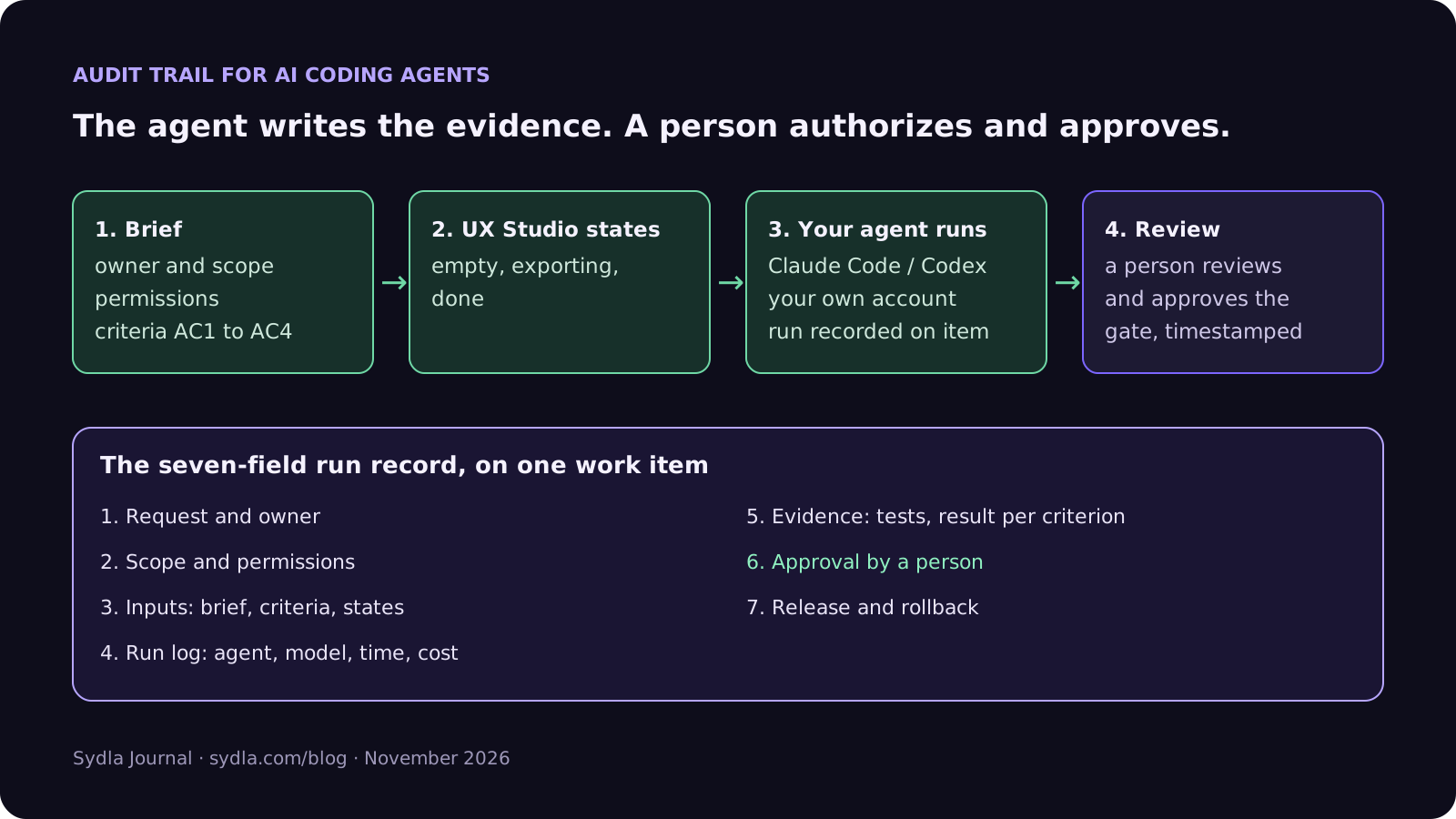
Treat every agent run as part of a change with one record that an auditor can read without opening six tools. Seven fields:
- 1. Request and owner. The work item, who asked for it and who owns the change. Authorization starts here.
- 2. Scope and permissions. What the agent may touch: repository, branches, permission mode (for example Claude Code plan mode first, Codex workspace-write sandbox), MCP servers with read-only tokens, no production secrets.
- 3. Inputs. The brief, acceptance criteria and UX states the agent was given, by link and version, so you can show what it was told.
- 4. Run log. Agent, model, start and end time, tool calls or a link to the telemetry, and cost. One line per run, several runs per change.
- 5. Evidence. Tests added or run, results per acceptance criterion, screenshots of each state. Red first where it matters.
- 6. Approval. The person who reviewed the pull request and the person who approved the release gate, with timestamps. The agent may request a gate; it never decides one.
- 7. Release and rollback. The release it shipped in, the deploy log link and how to roll it back.
Fields 3, 4 and 5 are where the agent does the work and produces the evidence. Fields 1, 2 and 6 are decisions, and they stay with people. Our acceptance criteria guide covers field 3 and our four-pass review checklist covers field 6.
Step 2: make the agent write its own evidence
The cheapest audit evidence is the evidence nobody has to collect afterwards. Ask the agent to produce it as part of the run:
- Start from the work item, not a chat. The agent reads the brief and criteria through one connection, so field 3 is a link, not a copy-paste nobody can date.
- Record the run where the change lives. At the end of each run the agent writes a short note on the work item: what it changed, which tests it ran, the result per criterion, model and cost.
- Ask for a gate, never pass one. The agent requests review when the evidence is complete. A person approves or sends it back, and the approval is timestamped.
- Keep secrets out of the record. Prompts can contain customer data or keys. Leave prompt text off in telemetry unless you need it, and follow our guide to PII in logs.
- Treat what it reads as untrusted. A ticket can contain instructions written by anyone; our prompt injection guide explains why the agent must not act on them, and our security review guide covers access rules.
Because the run uses the Claude or ChatGPT plan you already pay for, writing this evidence does not spend Rovo, Notion, Figma or Miro credits. Our bring your own coding agent guide explains how those plans are billed.
One record per change, one bill for the agent
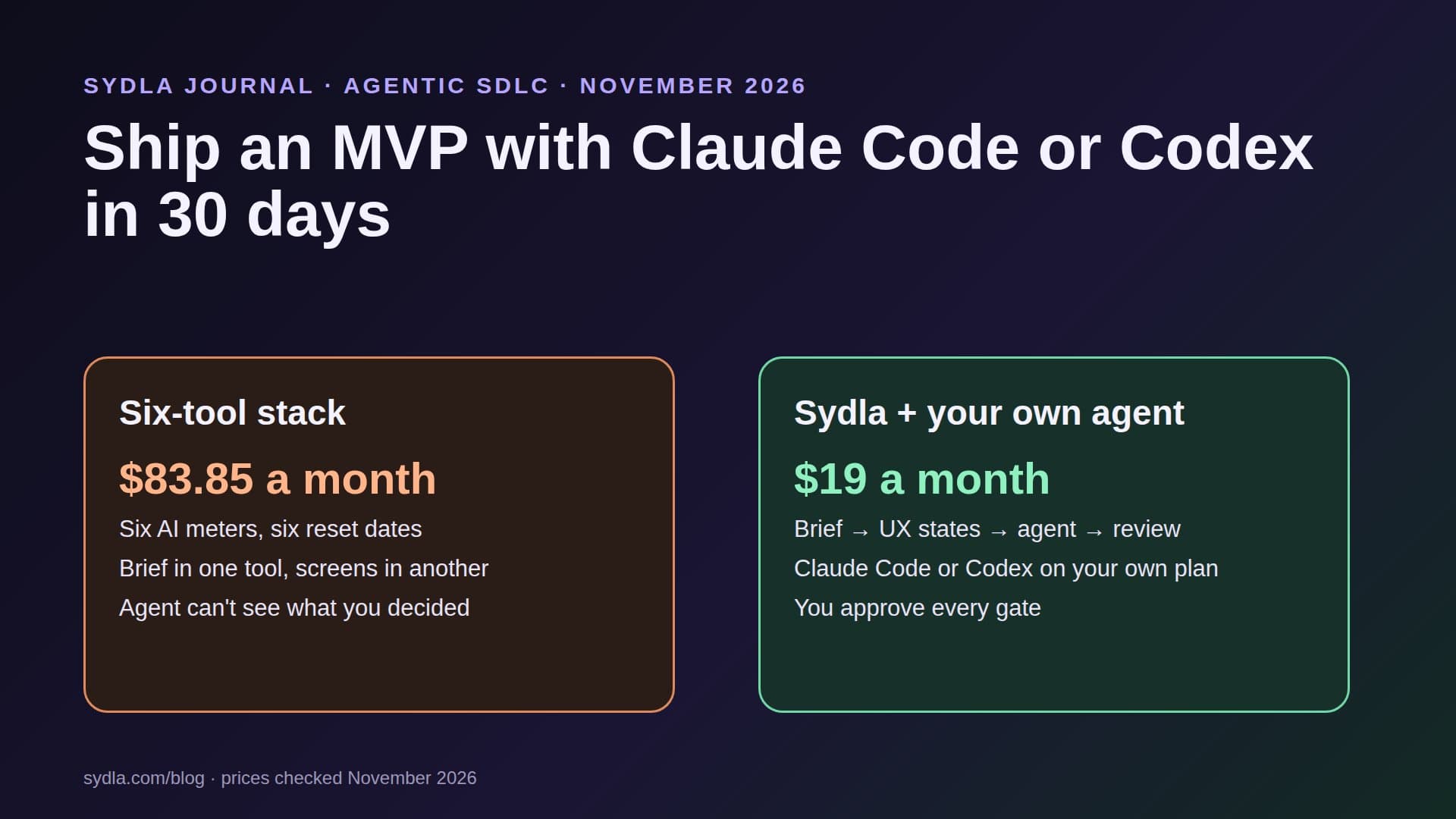
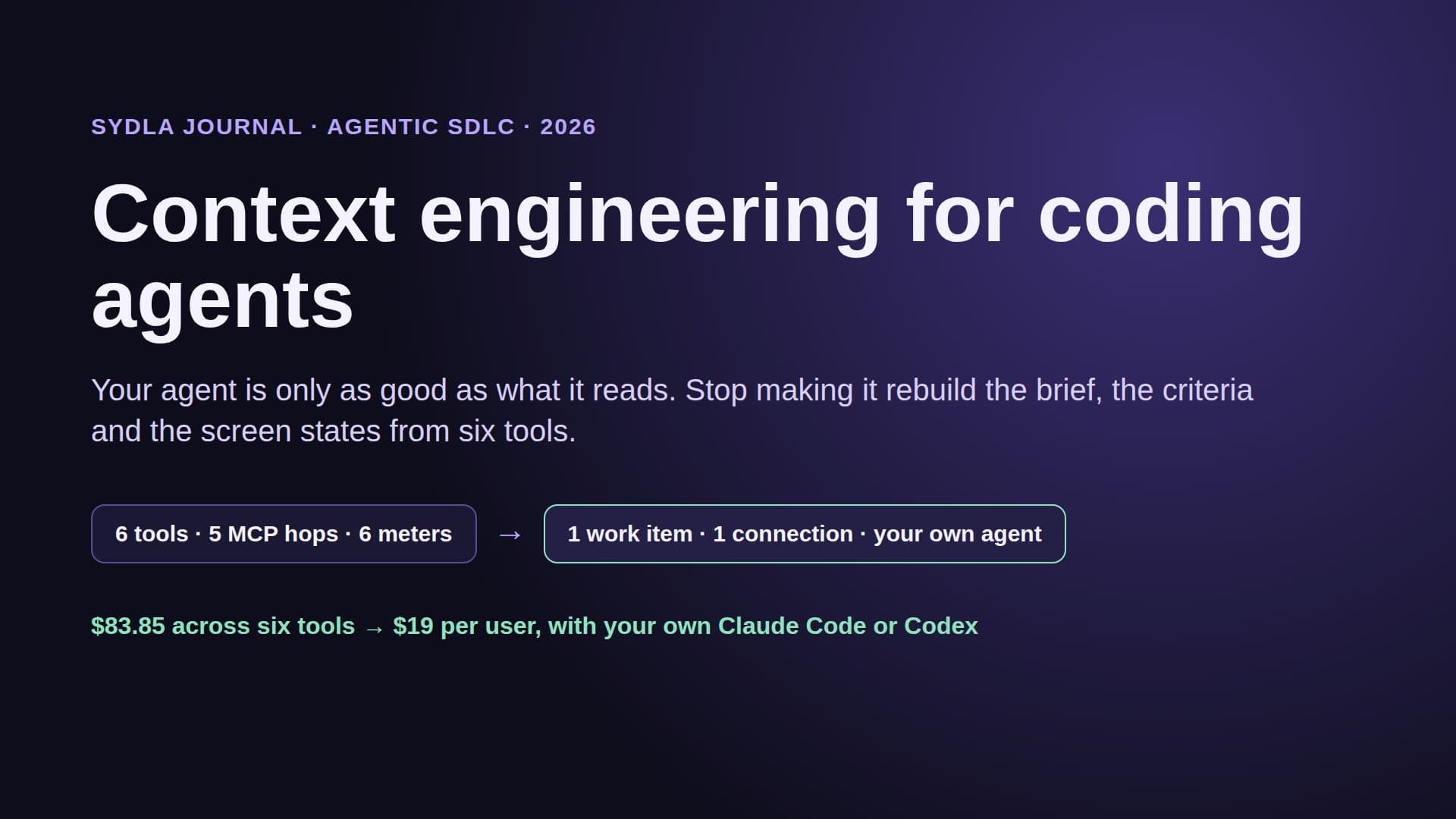
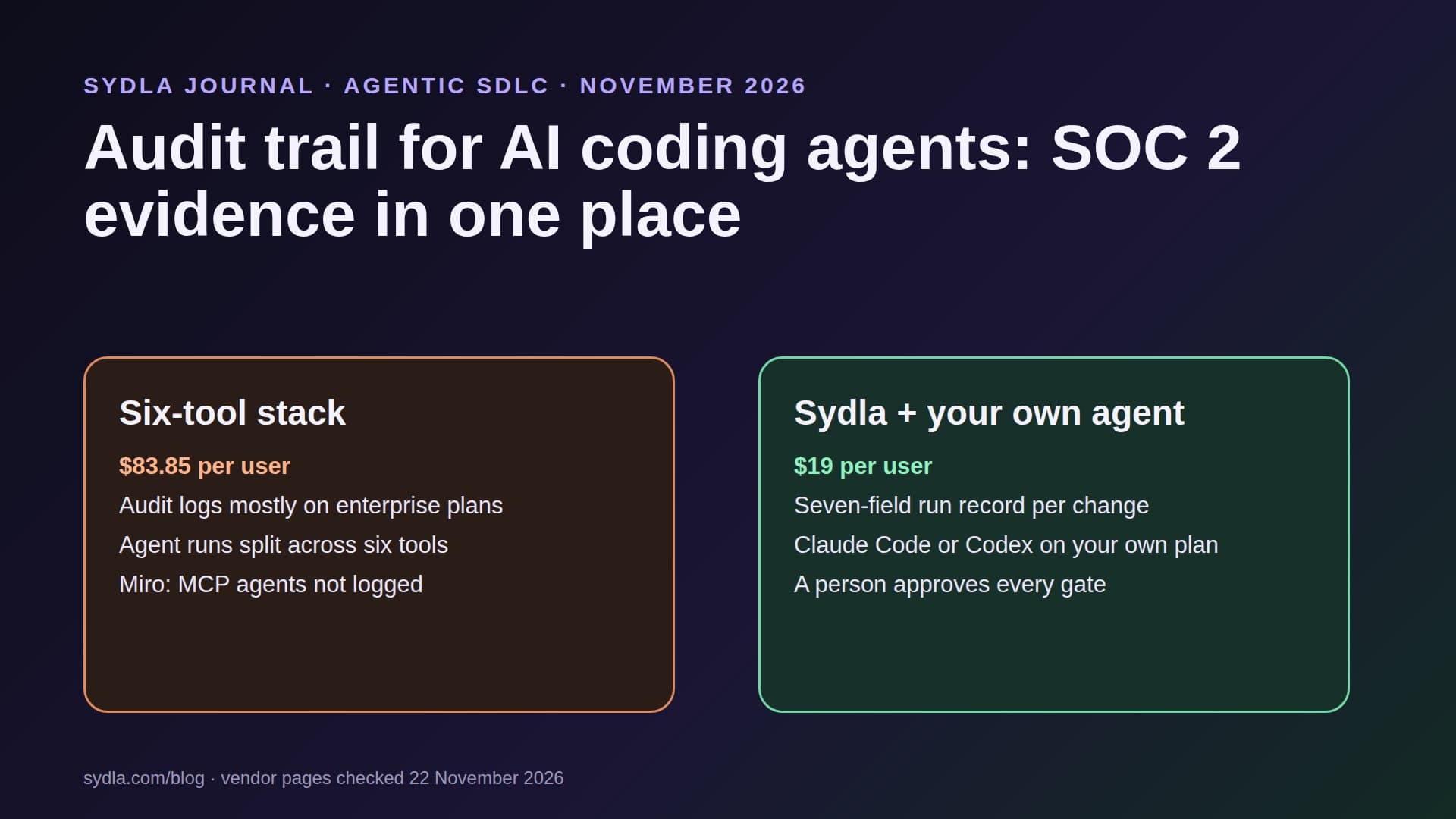
Keep the brief, the UX states, every agent run and every approval on one work item, with your own coding agent, for $19 per month instead of $83.85. That is $64.85 saved per user, every month, and no enterprise tier needed to answer an auditor's question.
Walkthrough: brief, UX Studio, your agent in Sydla Desktop, review
Here is how change number eleven runs in Sydla, with the coding agent you already pay for.
- Brief on the work item. The change starts as a Sydla work item with an owner, scope, permissions and acceptance criteria. That covers fields 1 to 3 before any code is written.
- States in UX Studio. If the change touches the interface, each state (empty, loading, error, success) is designed in UX Studio, so the evidence in field 5 can show every one. Our design handoff guide explains why states beat screenshots.
- Run in Sydla Desktop with your own agent. Sydla Desktop launches the Claude Code or Codex CLI on your machine, signed in with your own Anthropic or OpenAI account. The agent reads the work item through the Sydla MCP server, works in your repository, records each run with its tests, result per criterion and cost on the work item, and requests a gate when it is done. There are no Sydla AI credits and no token markup; your own telemetry and hooks keep working as configured.
- Review and release. A person reviews the pull request and approves the gate; the release is linked to the work item. When the auditor samples the change, one link shows request, permissions, inputs, runs, evidence, approvals and release.
The Desktop setup guide shows how to connect Claude Code or Codex in about ten minutes, the comparison overview covers how Sydla stands against each of the six tools, and pricing has the details of the $19 plan.
A filled-in example: change CHG-0211
Here is a condensed run record for change number eleven. The details are illustrative:
- Request and owner: work item "Invoice export as CSV", requested by the finance lead, owned by a backend engineer.
- Scope and permissions: billing service repository, feature branch only; Claude Code in plan mode for the first run, then accept-edits; read-only MCP access to the workspace; no production credentials on the machine.
- Inputs: brief version 3, acceptance criteria AC1 to AC4, three UX Studio states (empty, exporting, done).
- Run log: two runs, 41 and 18 minutes, 212 tool calls exported to the team's OpenTelemetry collector, cost recorded on the item.
- Evidence: six new tests, red then green; AC1 to AC4 passed; screenshots of the three states.
- Approval: pull request reviewed by a second engineer; release gate approved by the owner, both timestamped.
- Release and rollback: shipped in the Thursday release, rollback by reverting one commit behind a feature flag.
The auditor needed one link instead of a screen share across six tools, and asked no follow-up questions about change eleven. That is the whole point.
Frequently asked questions
How do you audit changes made by AI coding agents for SOC 2?
Treat each agent run as part of a normal change: a work item that authorizes it, the permissions the agent had, the inputs it was given, a run log, test evidence, a person's approval and the release. SOC 2 CC8.1 expects changes to be authorized, tested and approved; the agent can produce the evidence, but people authorize and approve.
Does Claude Code have an audit log?
Claude Code can export OpenTelemetry events, including prompts, tool decisions and tool results, when CLAUDE_CODE_ENABLE_TELEMETRY is set. Prompt text and tool parameters are off by default. Hooks such as PreToolUse and PostToolUse run on every tool call and can write your own log; managed settings can lock them so developers cannot switch them off.
Which Jira, Notion, Figma and Miro plans include an audit log?
As of 22 November 2026: Atlassian keeps an organization audit log for 180 days without Atlassian Guard, and Rovo logs are on all plans, but Jira and Confluence app logs need Guard plus Premium, or Enterprise. Notion's audit log is Enterprise only. Figma's activity logs are on Organization, Government and Enterprise plans, not Starter or Professional. Miro's audit logs are Enterprise only.
Does the EU AI Act require logging for coding agents?
Article 12 requires automatic logging for high-risk AI systems. After the Digital Omnibus, those rules apply from 2 December 2027 for Annex III systems and 2 August 2028 for Annex I. A coding agent used to write software is usually not high-risk itself, but keeping a run record is good practice and buyers of high-risk products may ask for it.
How much does Sydla cost compared with Jira, Confluence, Notion, Figma, Miro and Canva?
Sydla costs $19 per user per month. One paid seat each of Jira Standard, Confluence Standard, Notion Plus, Figma Professional Full, Miro Starter and Canva Business costs $83.85 per user per month, so the saving is $64.85 per user per month. You bring your own Claude Code or Codex account, so Sydla adds no AI credits and no token markup.