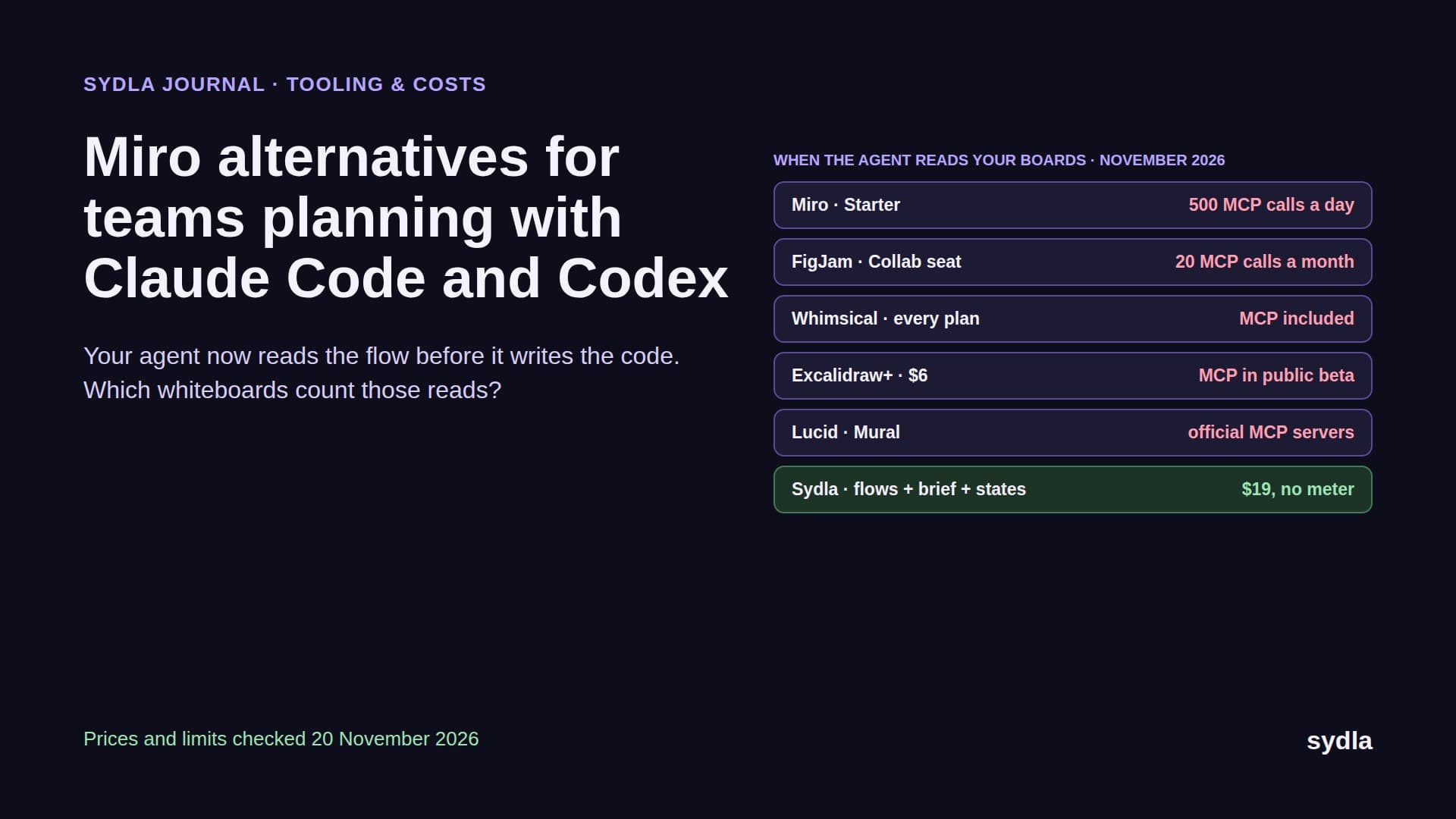
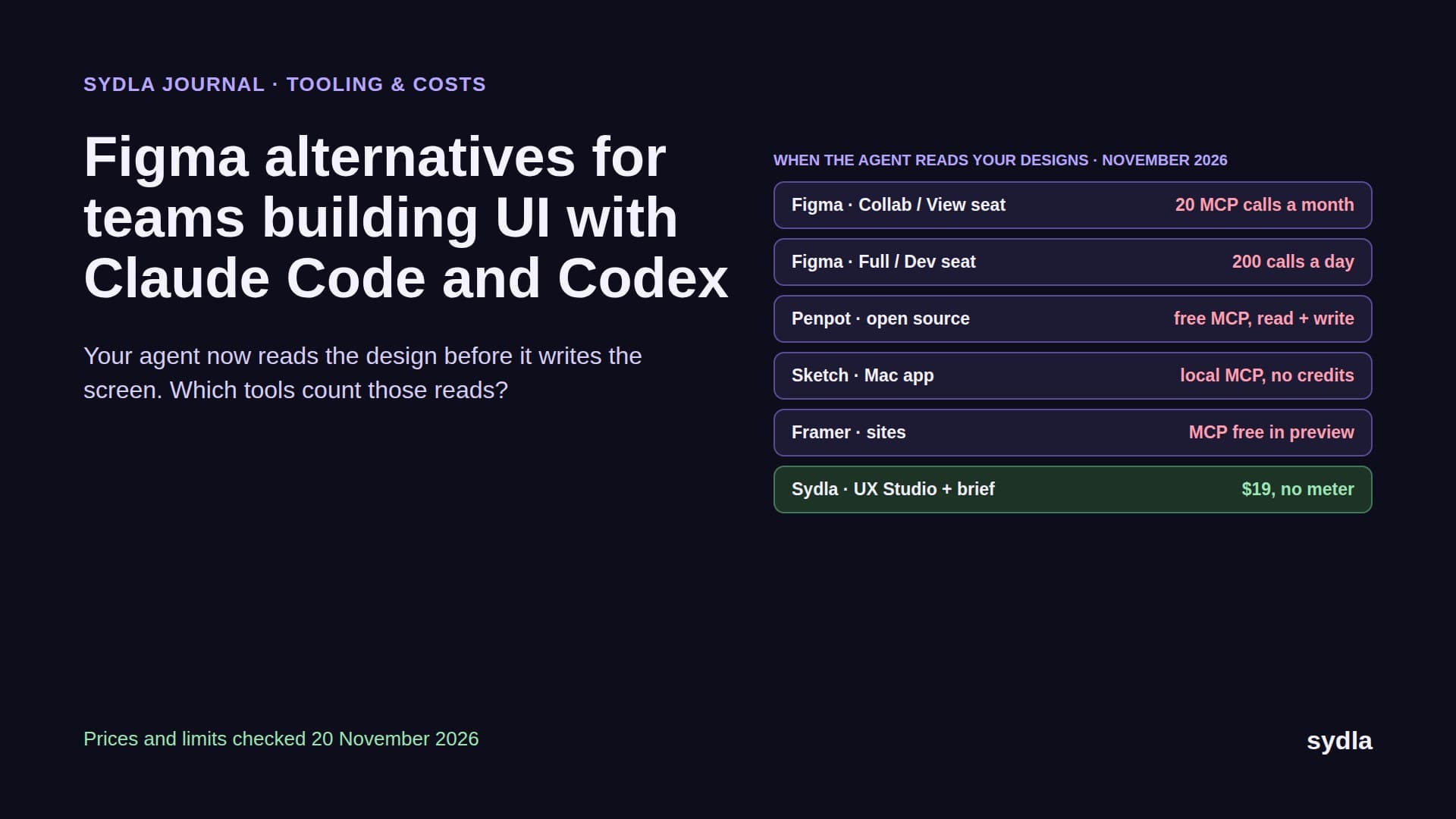
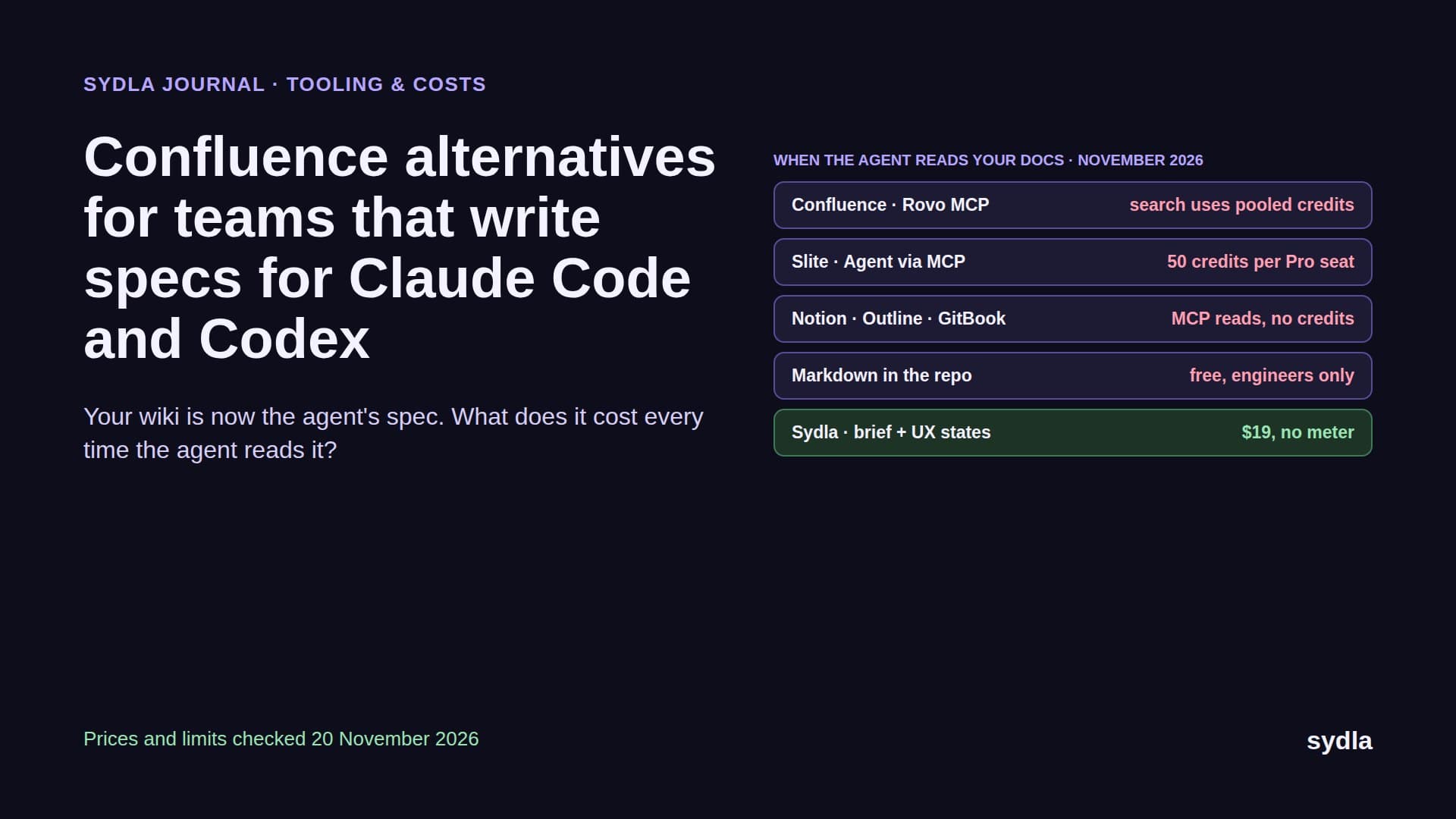
Jira and Figma integration in 2026: what syncs, what breaks, and what your coding agent still can't see
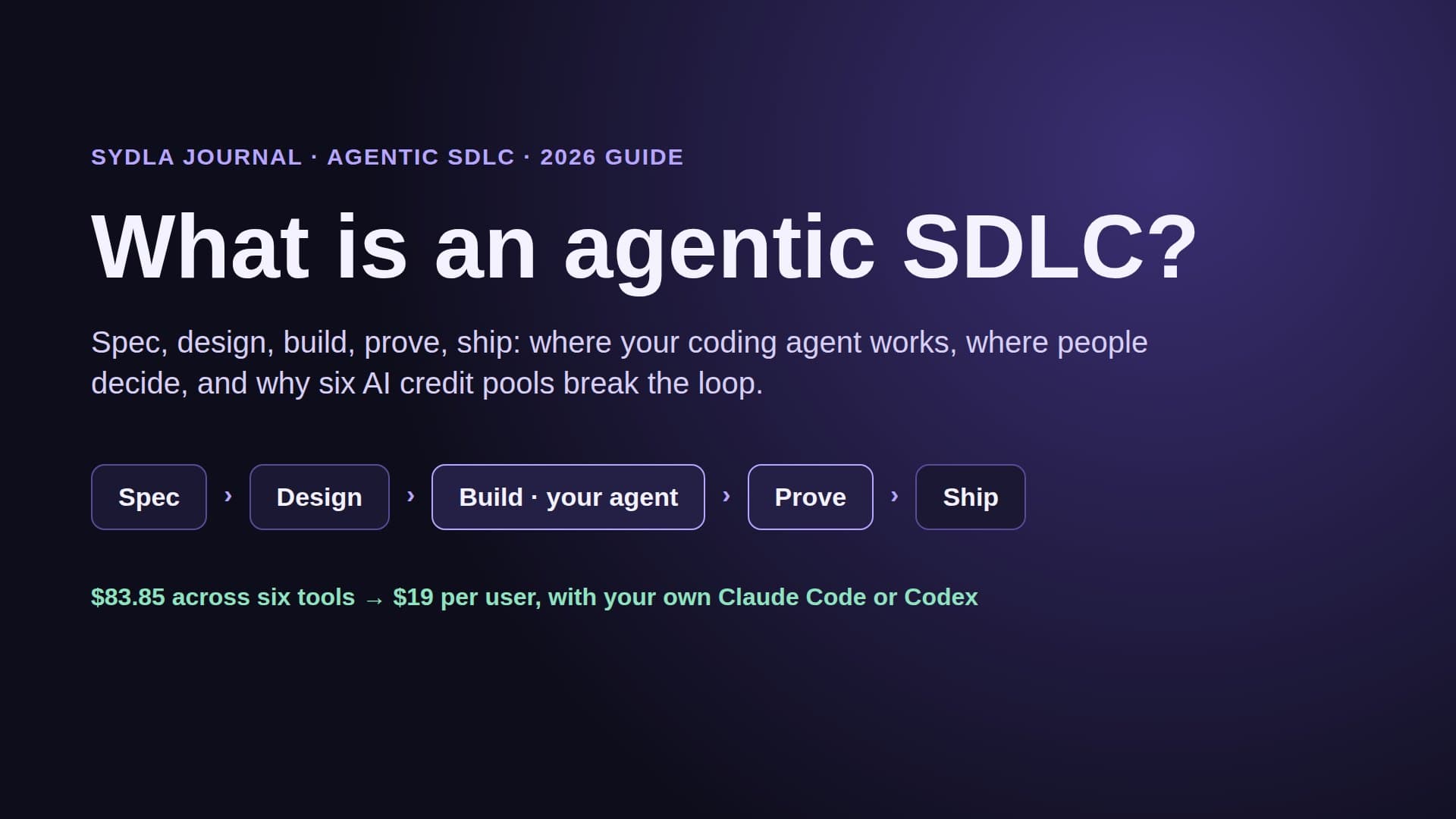
The free Figma for Jira app shows two statuses on a ticket: Design updated and Ready for dev. We read the 2026 docs, the Marketplace listing and the Connect end-of-support timeline, mapped every link a six-tool stack needs, and show what a coding agent actually gets from a linked design compared with one workspace where the brief, the states and the run live together.
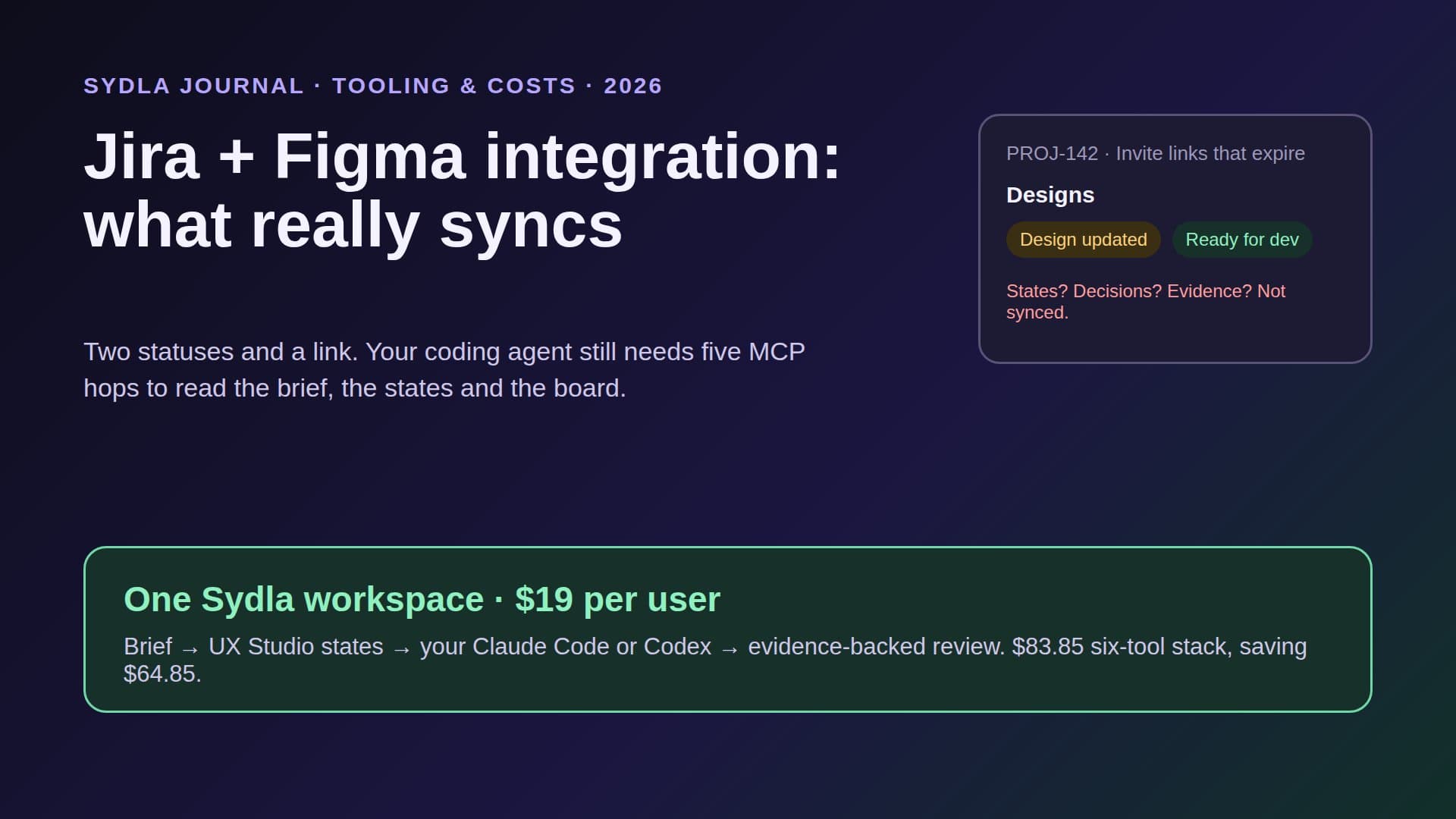
Two statuses and a link
Search for a Jira Figma integration and you land on one app: Figma for Jira, free on the Atlassian Marketplace, built by Figma and, in Figma's words, co-owned by Figma and Atlassian. Install it and every Jira issue gets a Designs section. Paste a Figma link and the ticket shows a live preview plus two statuses: Design updated, when the file changed since you last opened the issue, and Ready for dev, which mirrors the file's Dev Mode status.
That is genuinely useful. It is also the whole sync. The ticket does not learn which screens changed, which states exist, or whether the empty and error states were ever designed. The acceptance criteria stay in Jira, the spec stays in Confluence or Notion, the workshop stays in Miro, and the launch visual stays in Canva. In 2026 the busiest reader of all of that is not a person. It is Claude Code or Codex, and the integration was not built for it.
This guide covers what each piece of the Jira and Figma integration does today, where teams report it breaking, what an AI coding agent can and cannot reach through it, and when it is simpler to put the brief, the design states and the run in one workspace.
What the Jira and Figma integration does in 2026
Figma's help center describes three pieces. They are often confused, so here they are side by side.
- Figma for Jira app (in Jira). Adds the Designs section to issues, previews linked files, and shows the two statuses. Figma says the app adds file-level webhooks automatically, so status appears in near real time with no admin setup.
- Jira plugin (in Figma). Works in Design Mode and Dev Mode. You can import or link Jira issues to a page or a layer, see linked issues next to the design, and create a new issue from a frame. Linked issues also appear as Dev resources in Dev Mode.
- Jira widget (in Figma and FigJam). Pulls projects and issues onto the canvas. In FigJam it turns sticky notes into issues, which is handy at the end of a planning workshop.
Access follows both sides: the person needs permission to view the Figma file and access to the Jira issue, and live embeds respect the file's sharing settings. Embeds cannot be added in Jira Align or Jira Service Desk. Atlassian adds Jira automation rules and JQL on top, so a team can, for example, list issues with linked designs.
Where teams say it breaks
The Marketplace listing, checked on 21 November 2026, shows version 1.0.16-AC for Jira Cloud, released on 19 August 2025, with 47,718 installs and a 3.6 out of 5 rating from 191 reviews. Read the reviews and community threads and four patterns repeat.
- Design updated needs everyone to close the file. Figma's own help page says that for the tag to appear, all active users must first close any browser tabs that have the linked file open. On a busy design file, that is rarely true.
- Only one useful state. Ready for dev is synced, but there is no done or approved state to drive an automation when the design is signed off. A review from April 2026 calls this out.
- Links that stop showing. A Jira community thread from May 2026 reports linked designs not displaying in the issue view; the workaround was pasting the Figma URL as a plain web link. Figma's fix for older links is Sync, or unlinking and relinking.
- Platform uncertainty. Atlassian Connect enters end of support in Q4 2026: Connect apps keep working, but in Atlassian's words it means use at your own risk. A Figma forum thread from 9 September 2026 reports the app flagged Legacy in the Atlassian admin with no update available. Figma had not confirmed a roadmap in that thread, so treat it as a user report and check your own admin page.
None of this makes the app bad. It makes it a link with a status light, maintained by two vendors, on a platform in transition. That is fine for a person who will click through. It is thin context for an agent that has to build the screen.
The integration tax across six tools
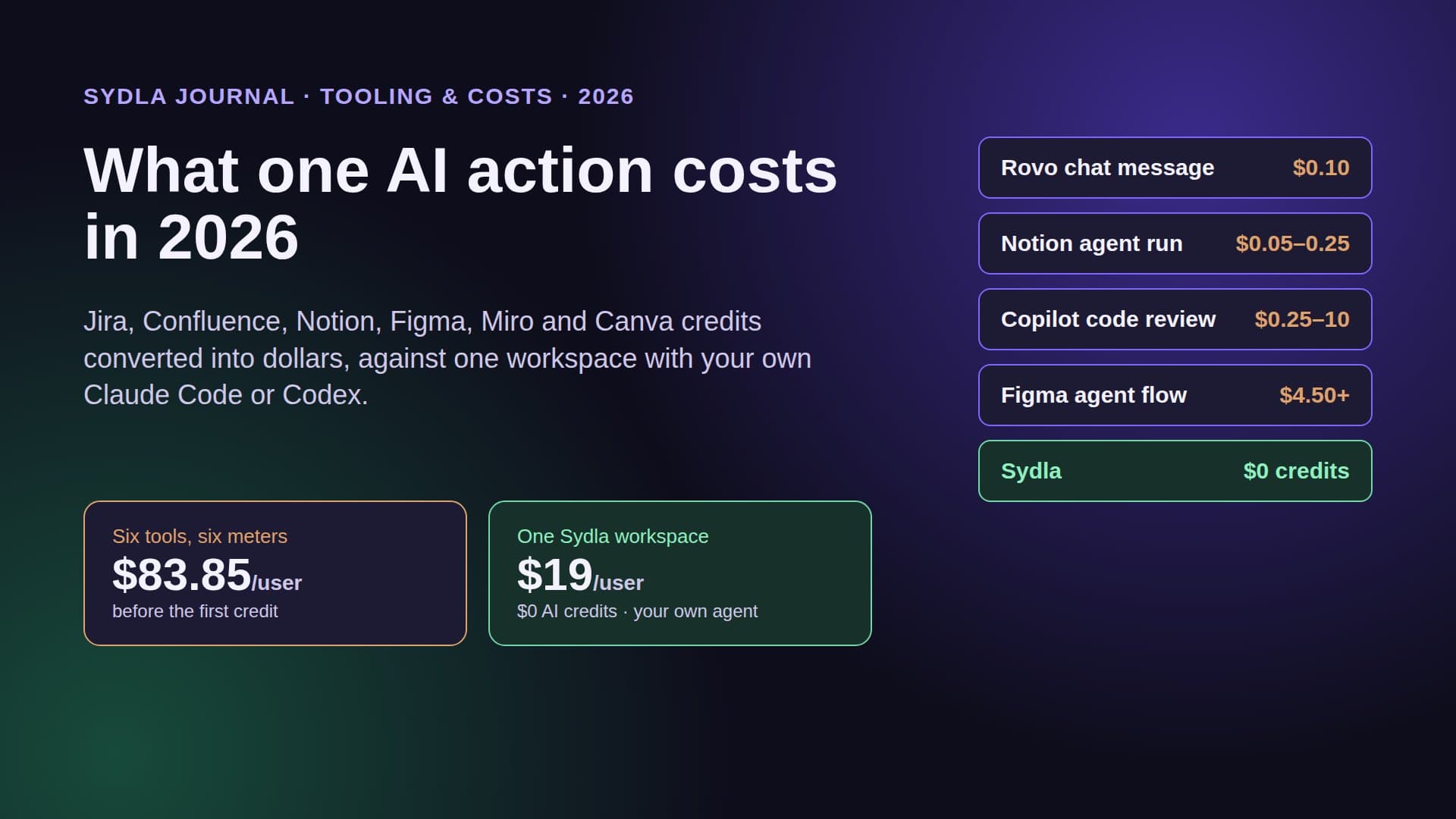
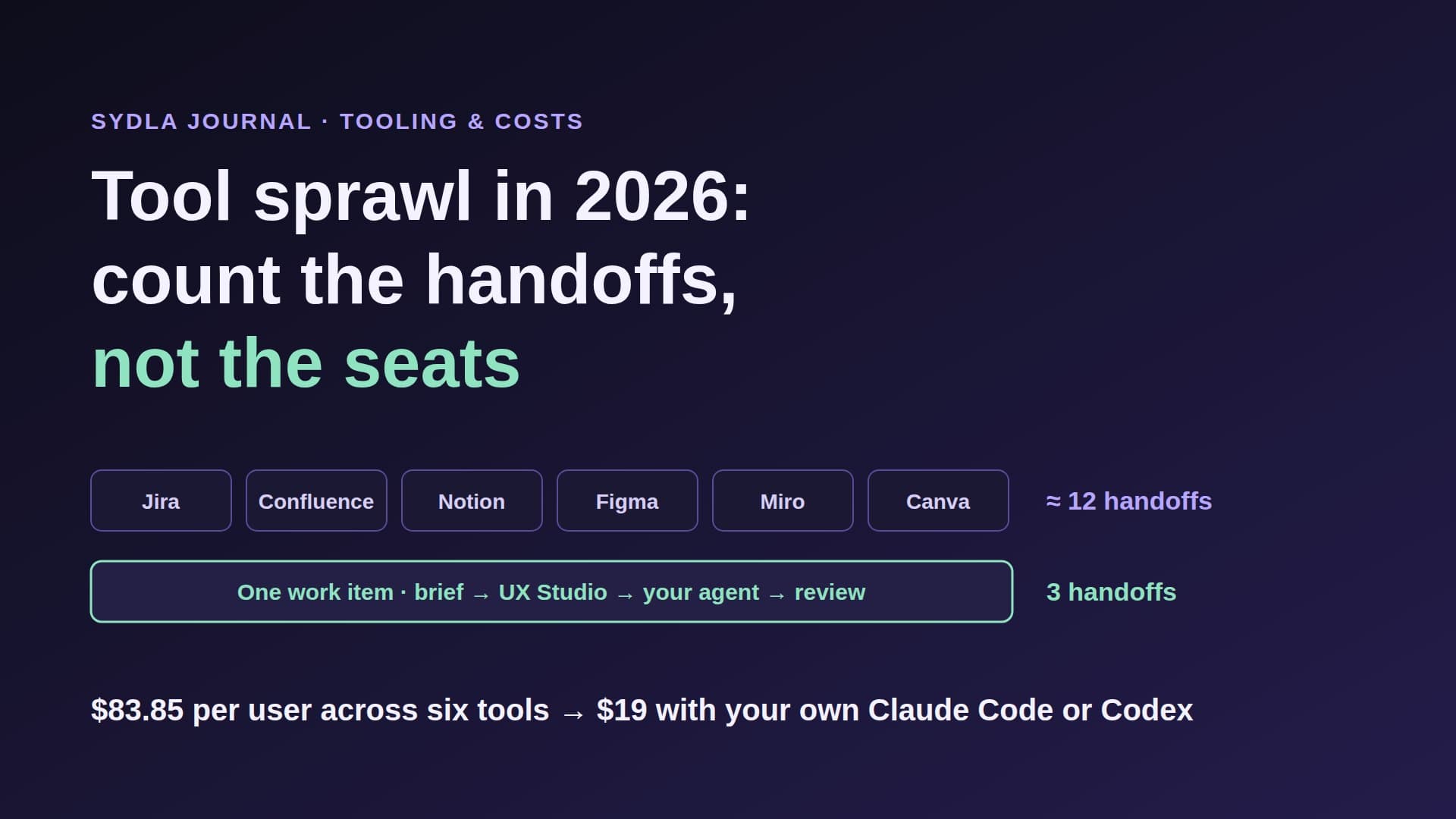
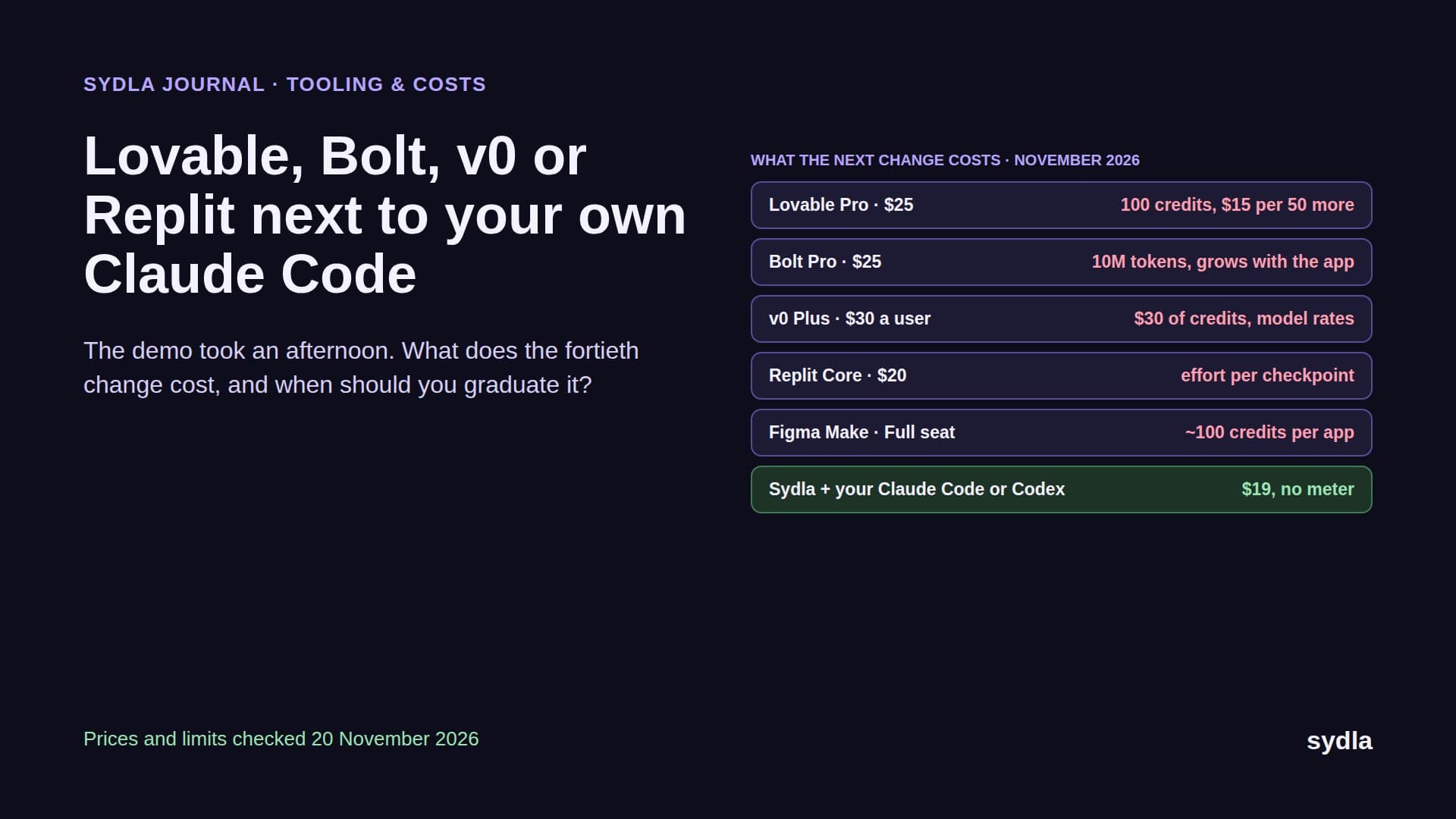
Jira and Figma are only one pair. A typical lean product stack in 2026 has six tools, and each pair either has an integration to install and maintain or a link someone pastes by hand. Here is what each tool costs per seat, what links it to the others, and what a coding agent has to do to read it.
| Tool | Seat price | Main link to the rest of the stack | What a coding agent needs to read it |
|---|---|---|---|
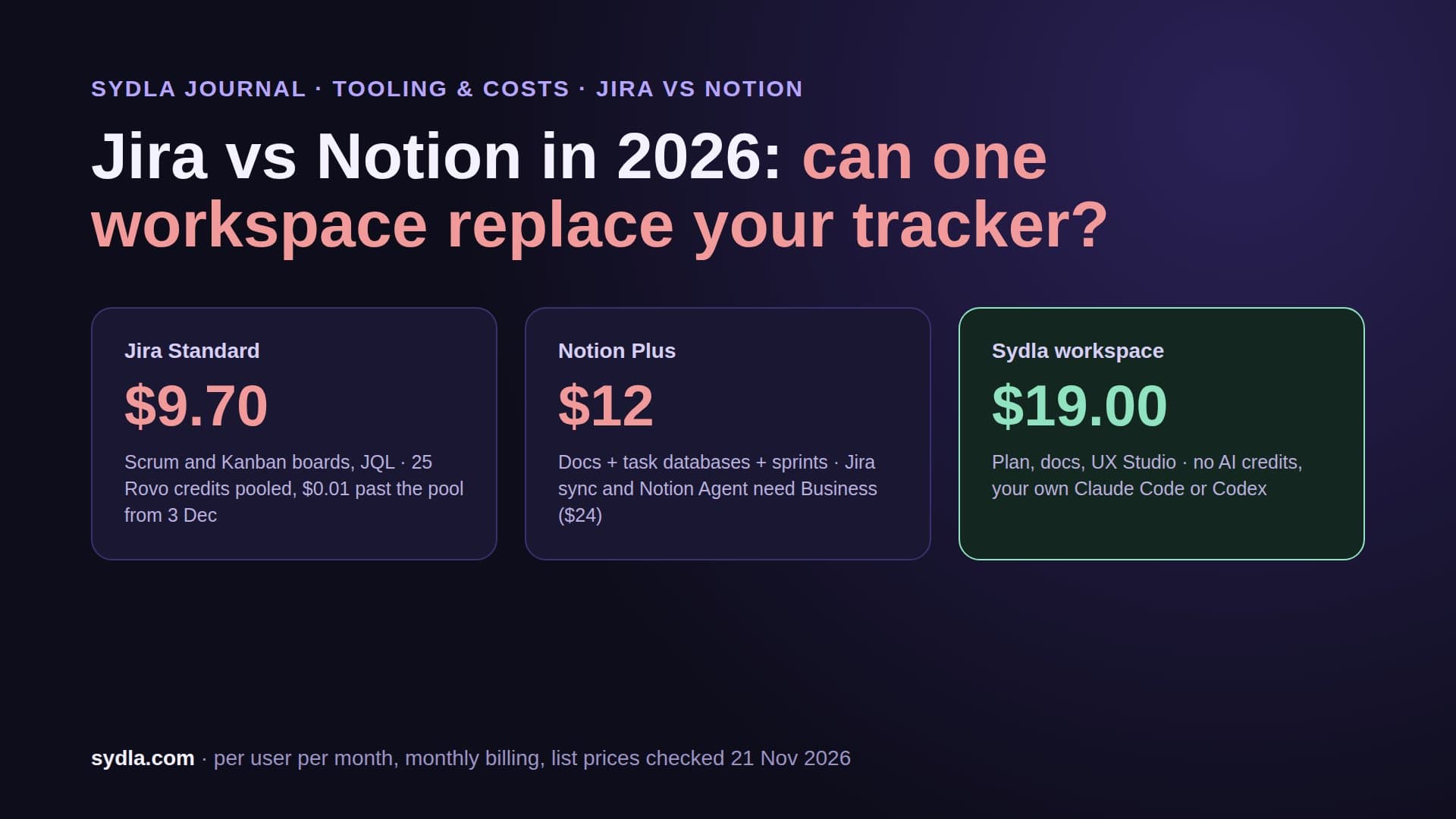
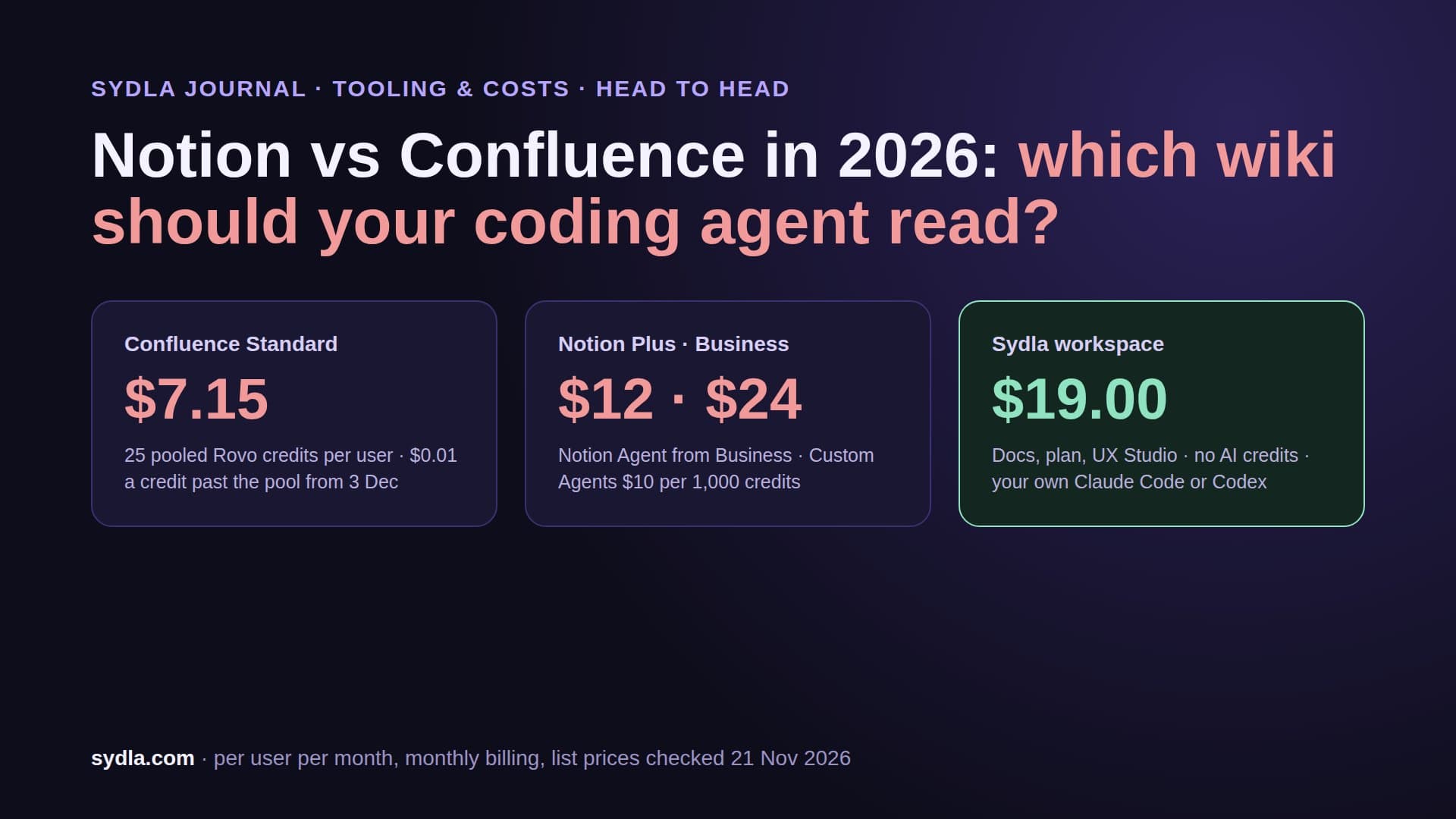
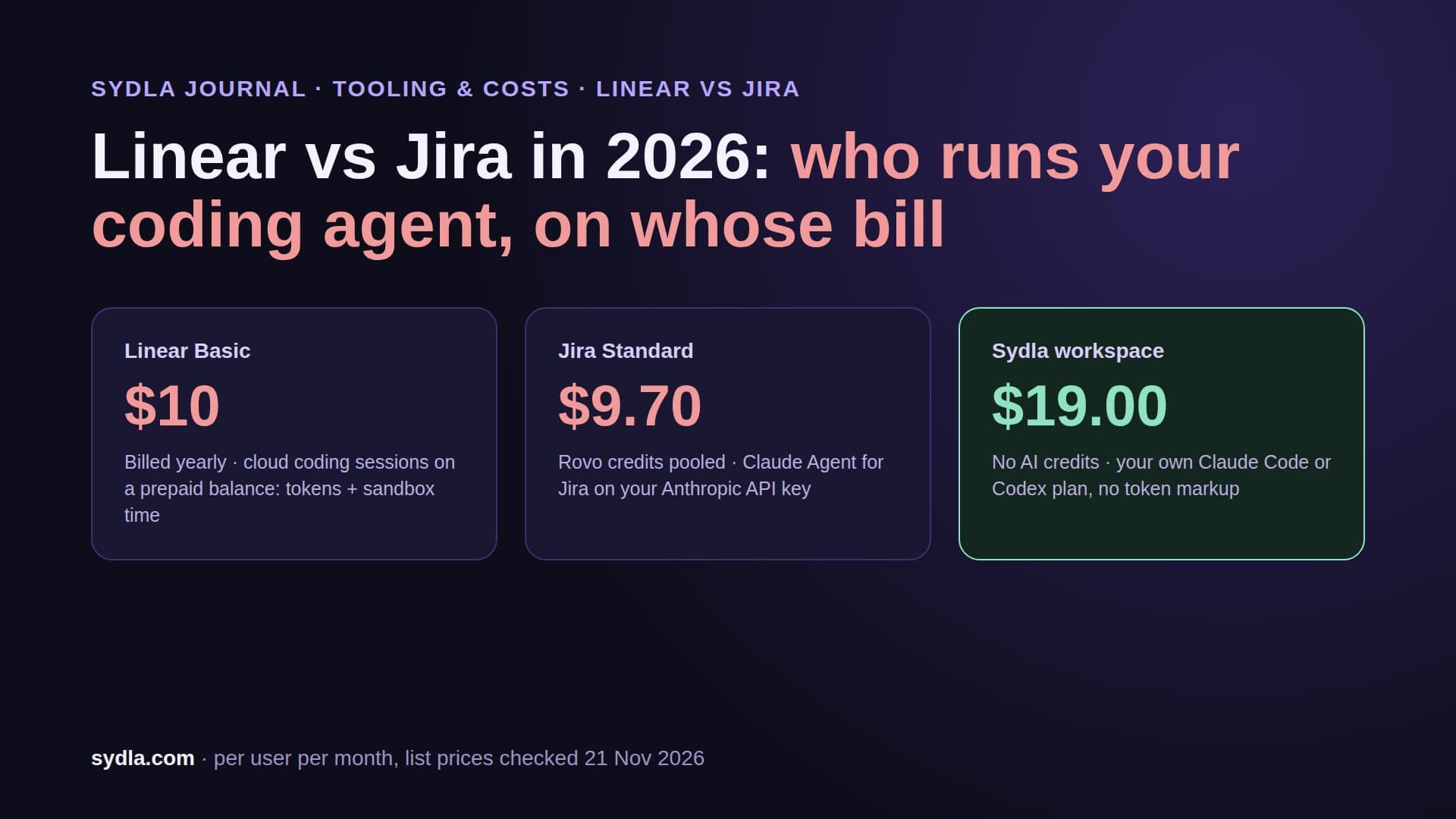
| Jira Standard | $9.70 | Figma for Jira app (free, two statuses); Confluence and Notion links | Rovo MCP server; enriched searches 1 to 10 Rovo credits per call |
| Confluence Standard | $7.15 | Figma Smart Links and embeds; Rovo Figma connector indexes design files and Smart Links | Same Rovo MCP server and credit pool; Rovo answers 10 credits per message |
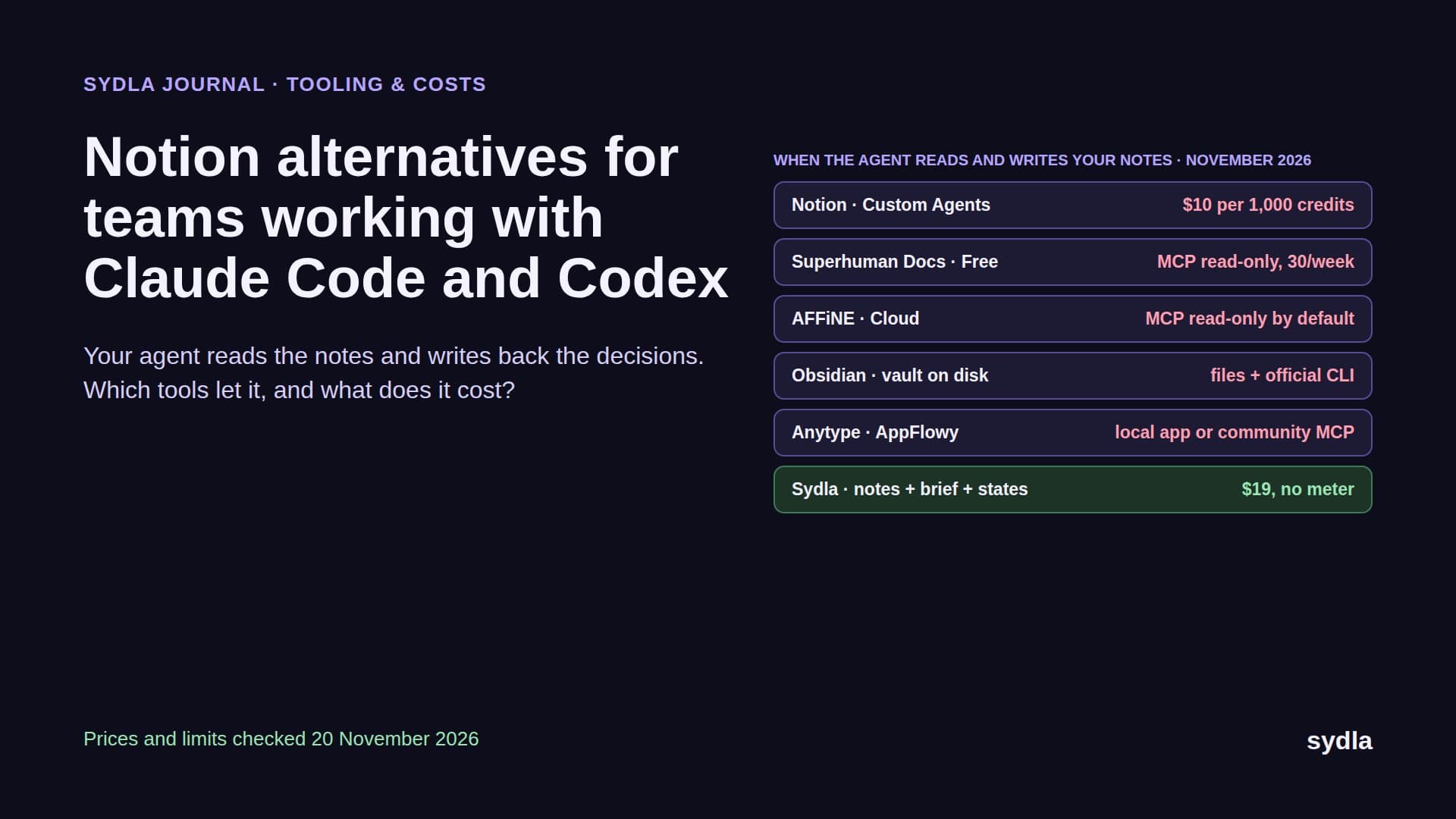
| Notion Plus | $12.00 | Generic embed via Iframely; login-gated embeds do not render in the desktop or mobile apps | Notion MCP server, one more connection |
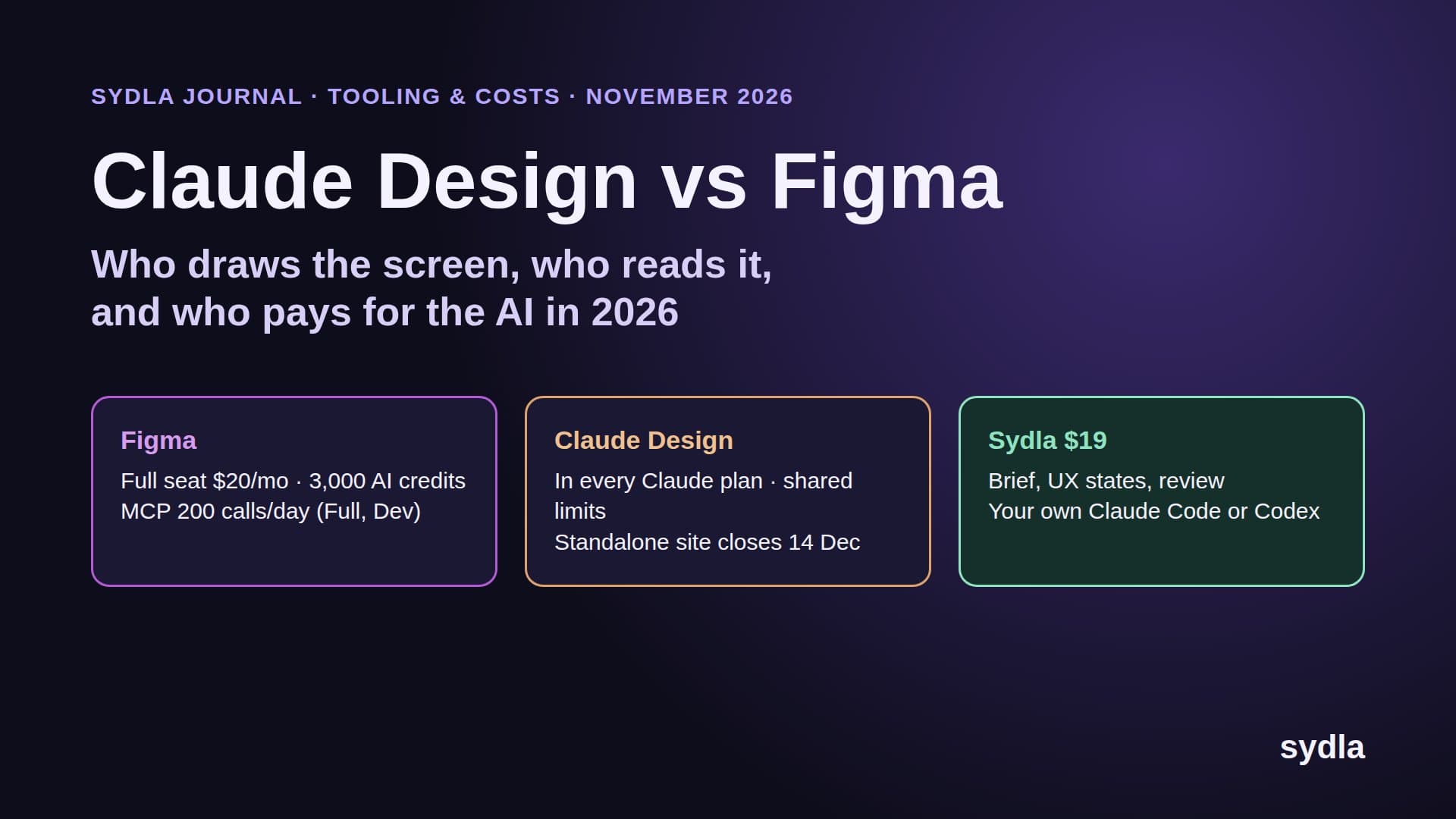
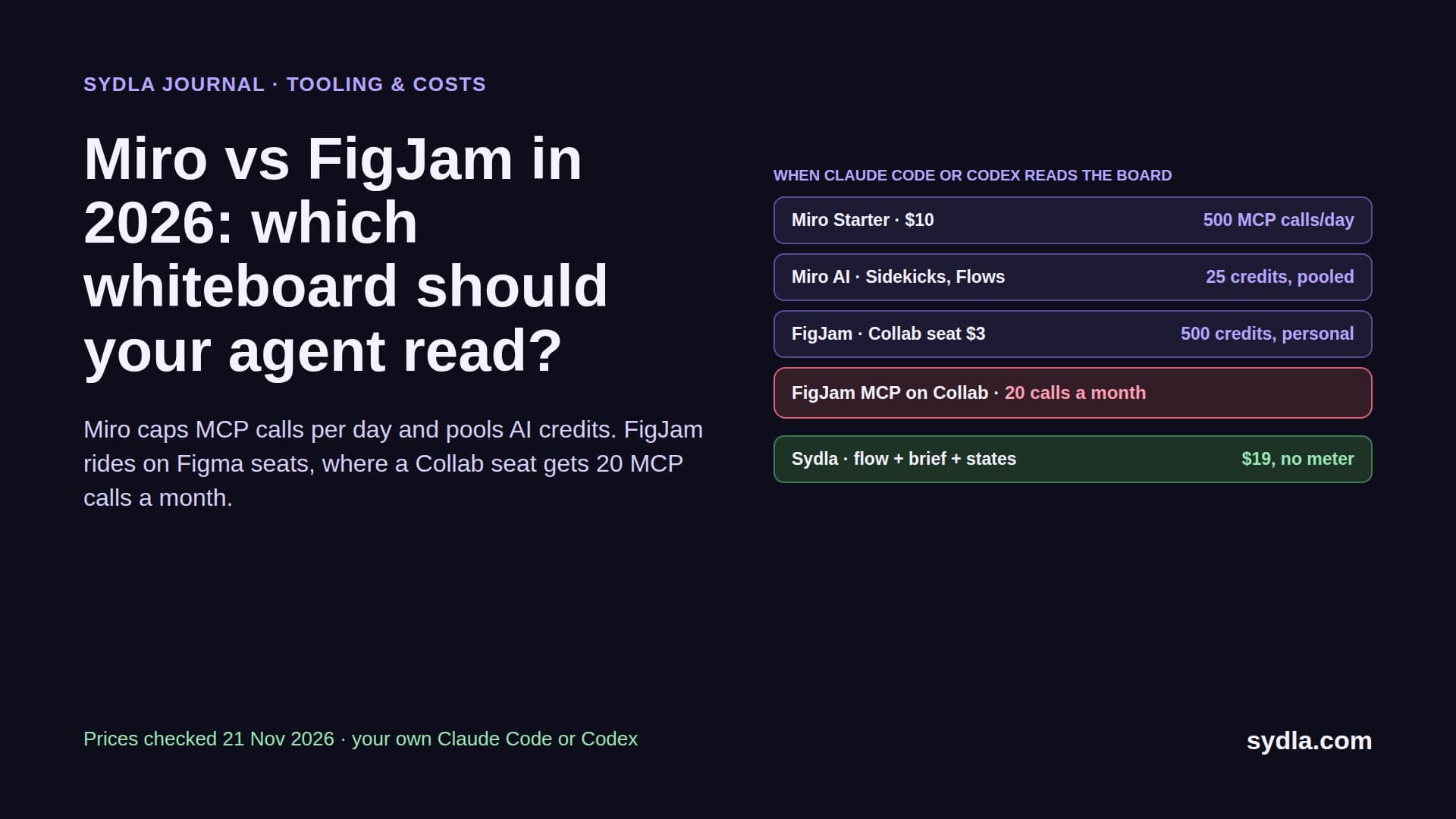
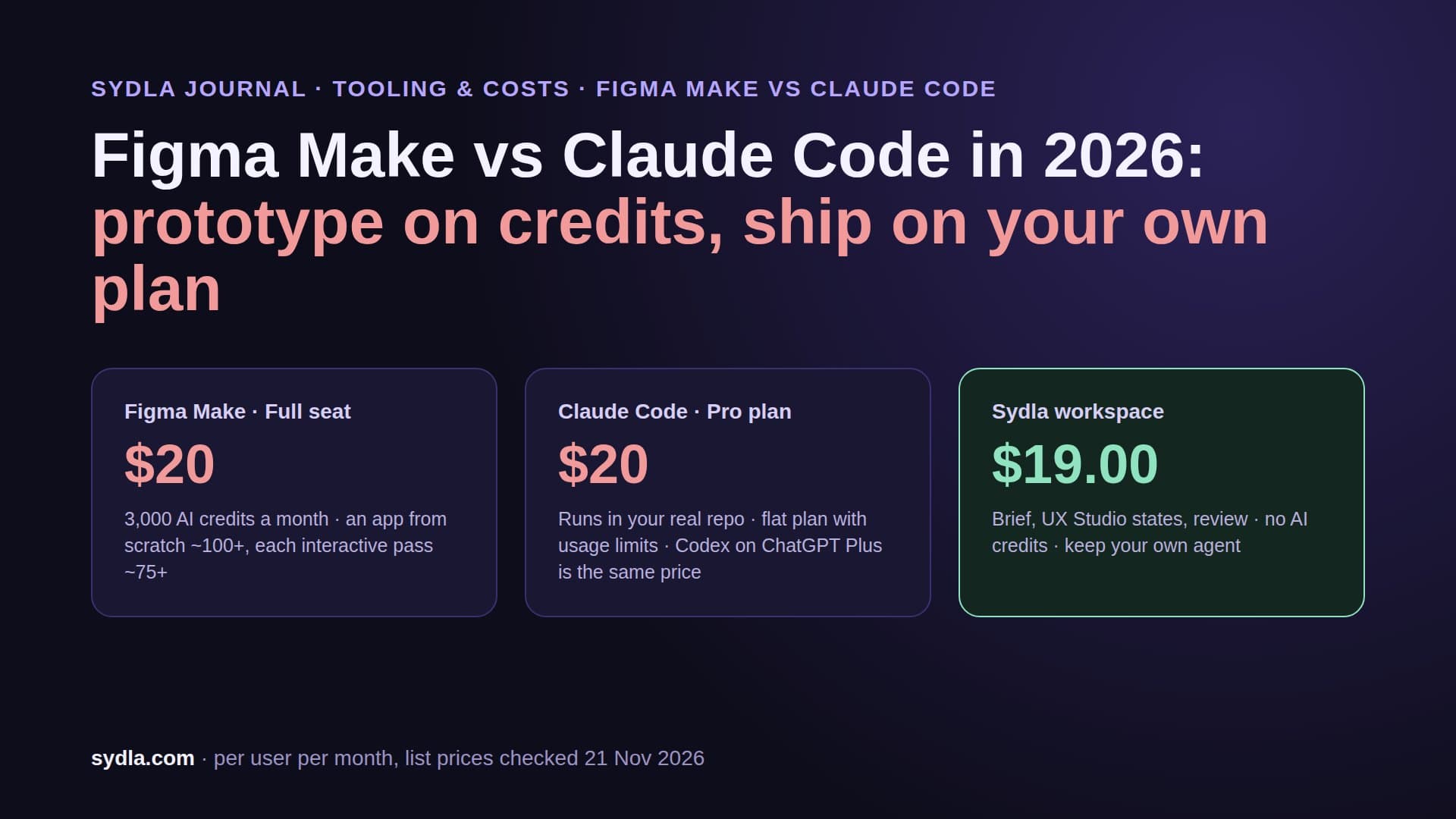
| Figma Professional Full | $20.00 | Jira plugin, Jira widget, Dev resources | Figma MCP server: 200 calls a day on Full or Dev, 20 a month on View or Collab |
| Miro Starter | $10.00 | Jira cards on the board | Miro MCP server, daily call limits by plan |
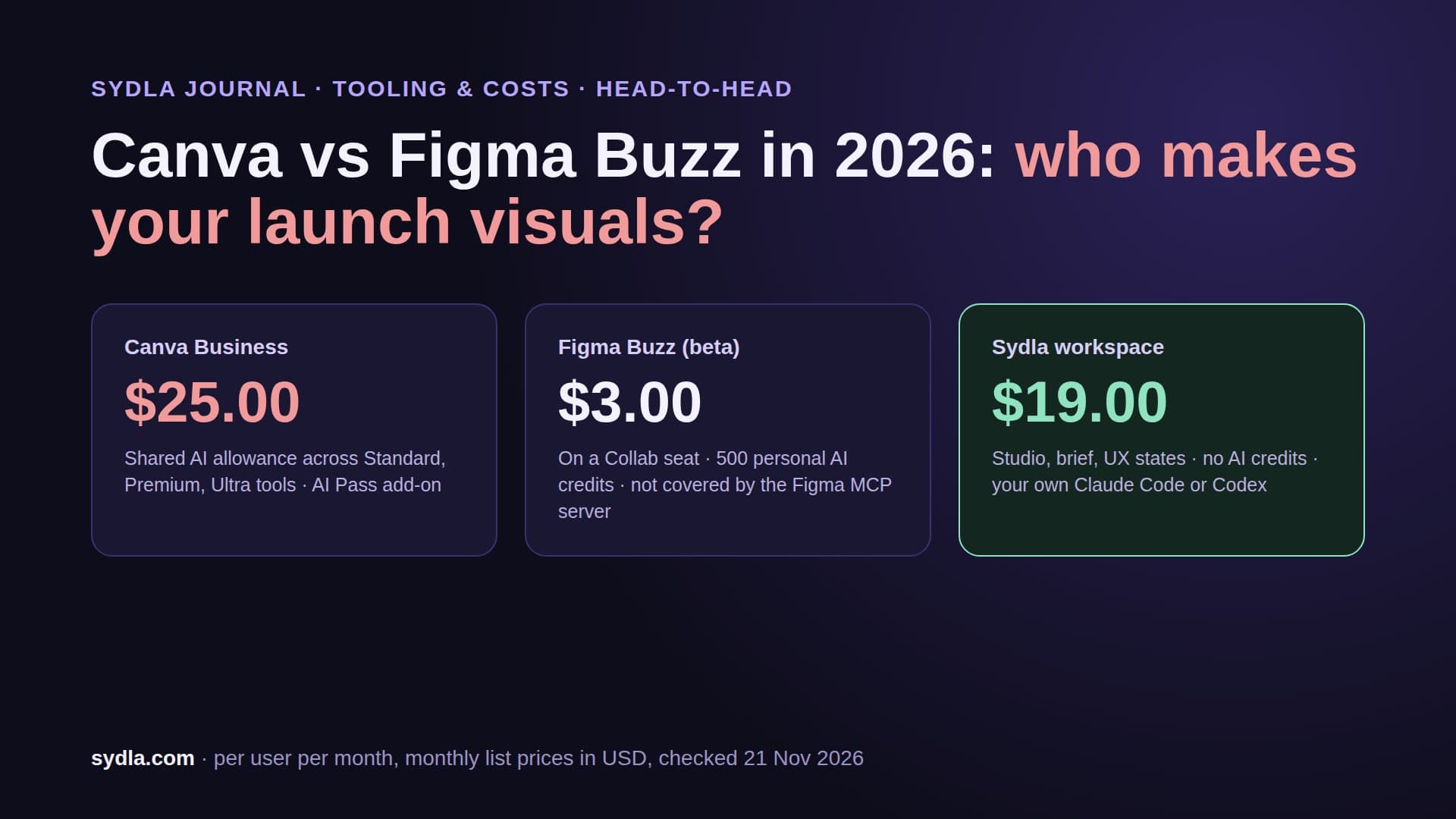
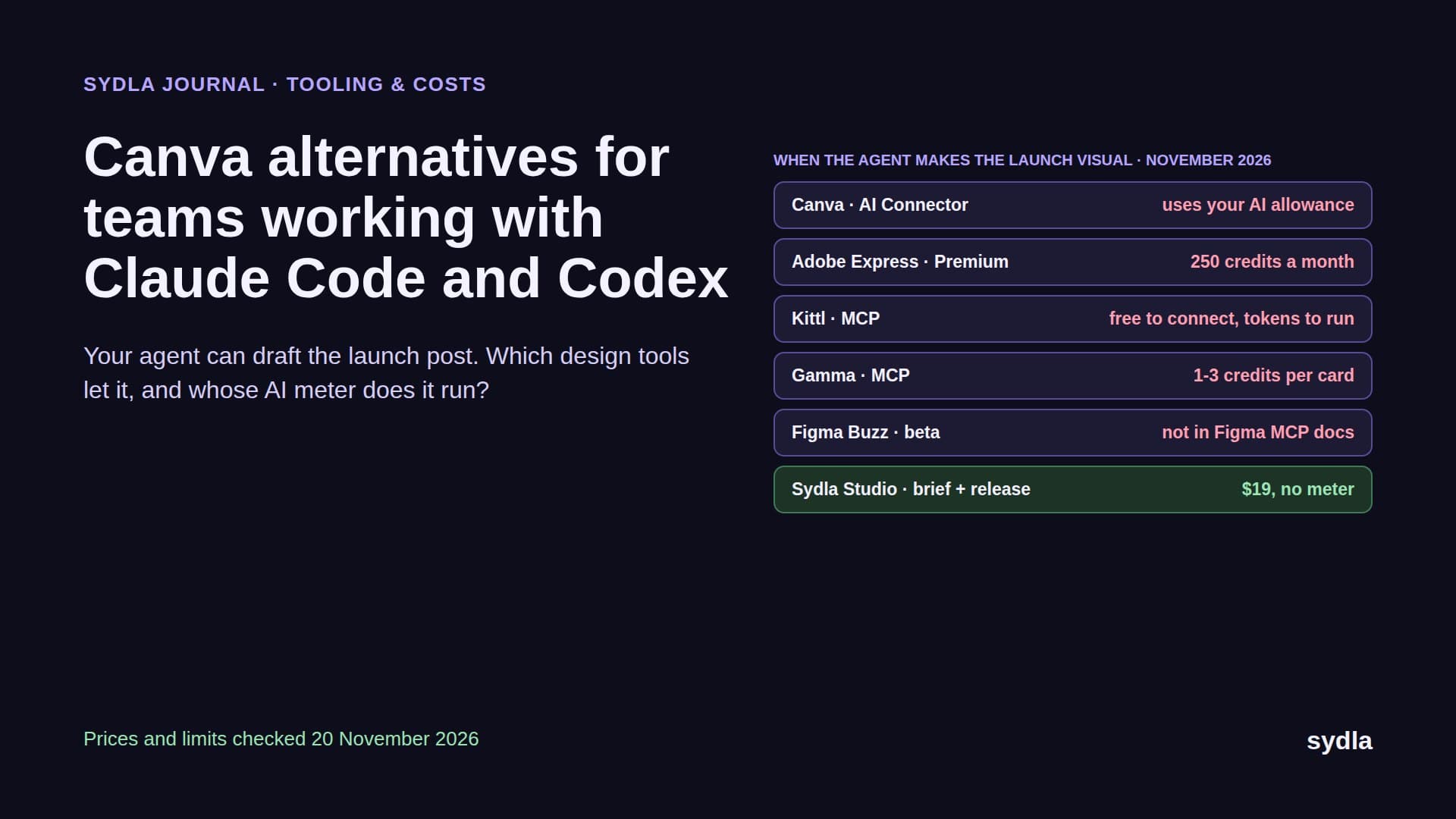
| Canva Business | $25.00 | Links pasted into tickets and docs | Canva connector, outside the build loop |
| Sydla workspace | $19.00 | Nothing to integrate: tickets, documents, UX Studio states and boards share one model | One MCP connection or a Sydla Desktop thread; no AI credits |
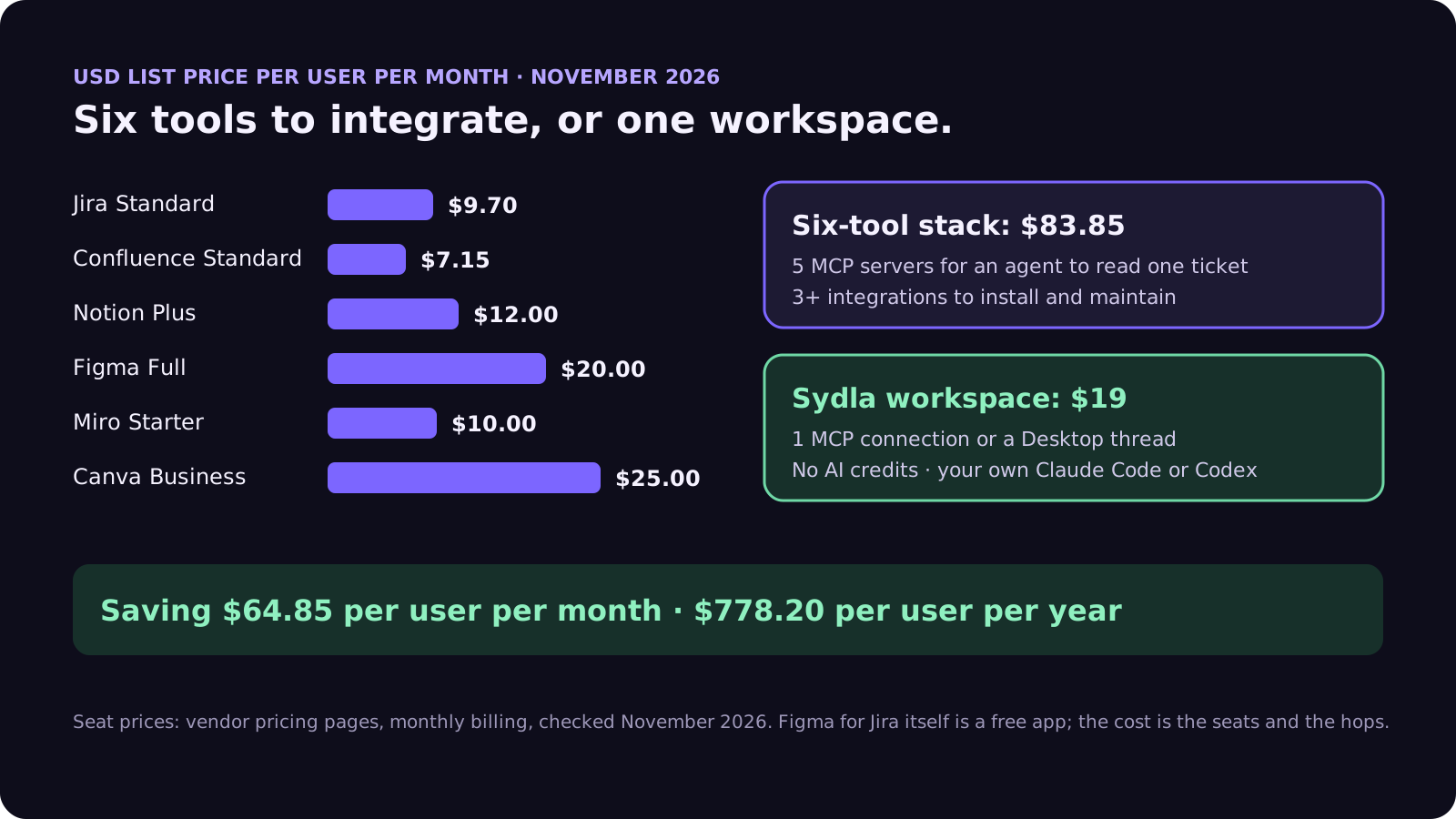
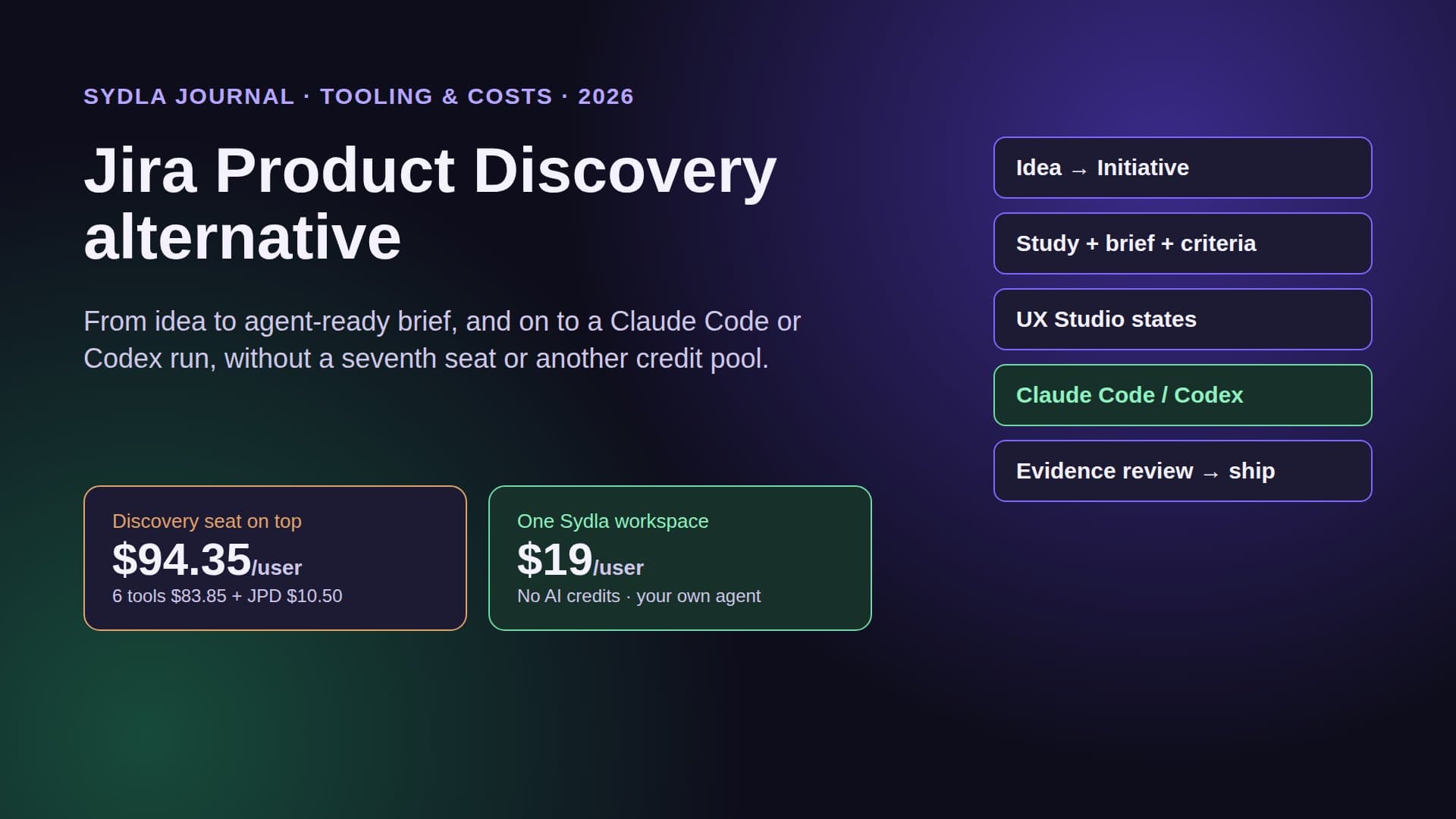
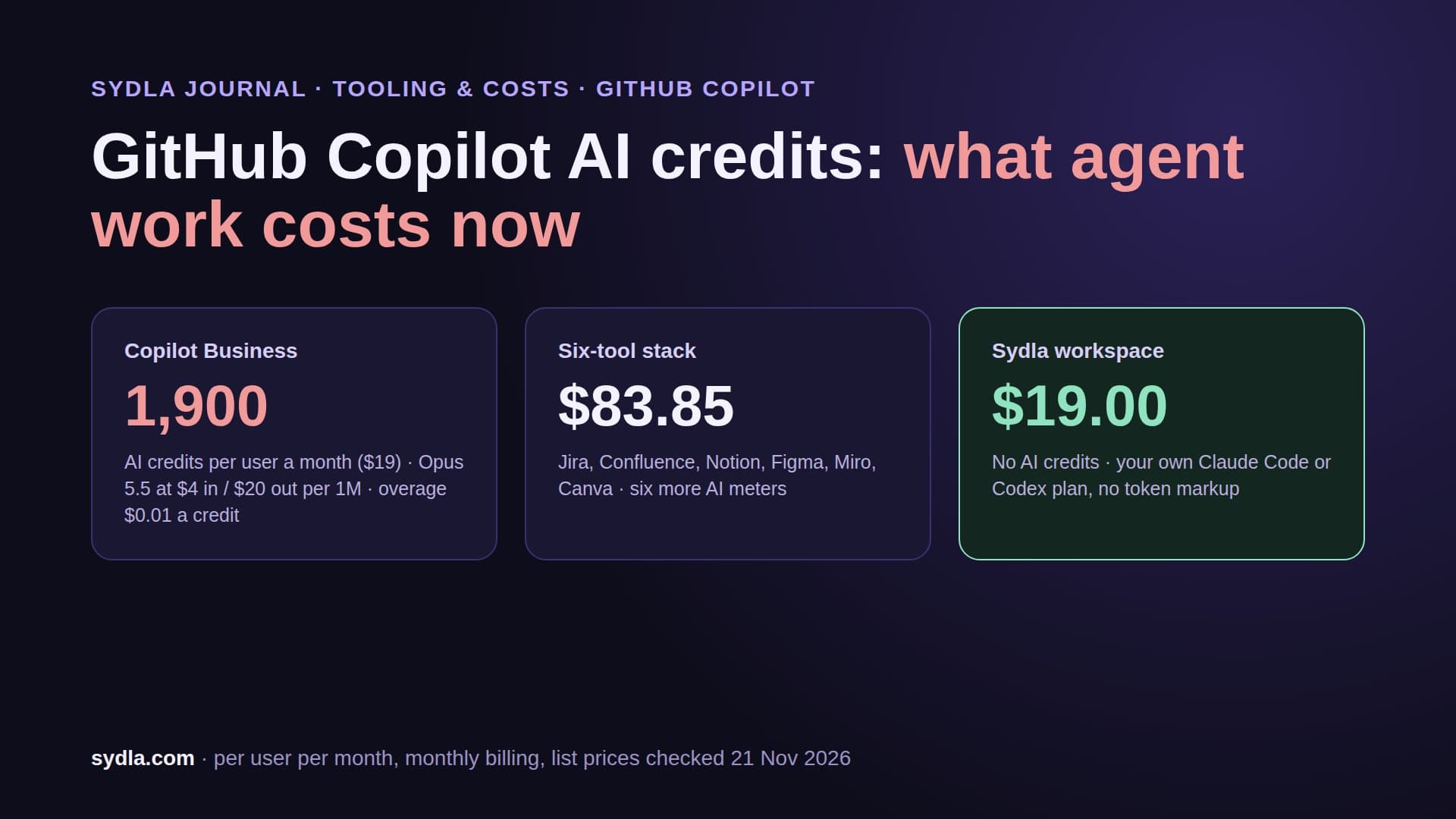
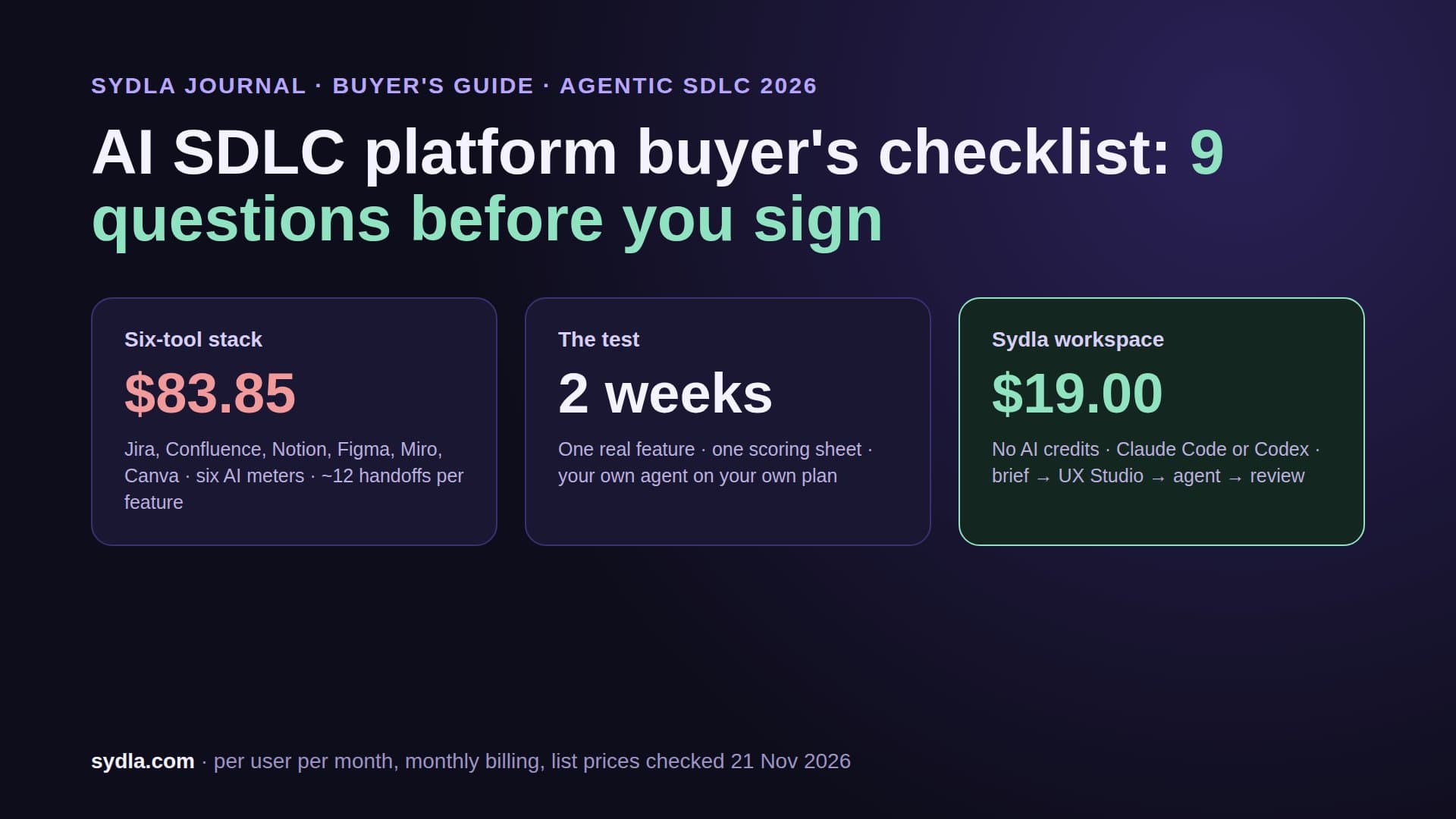
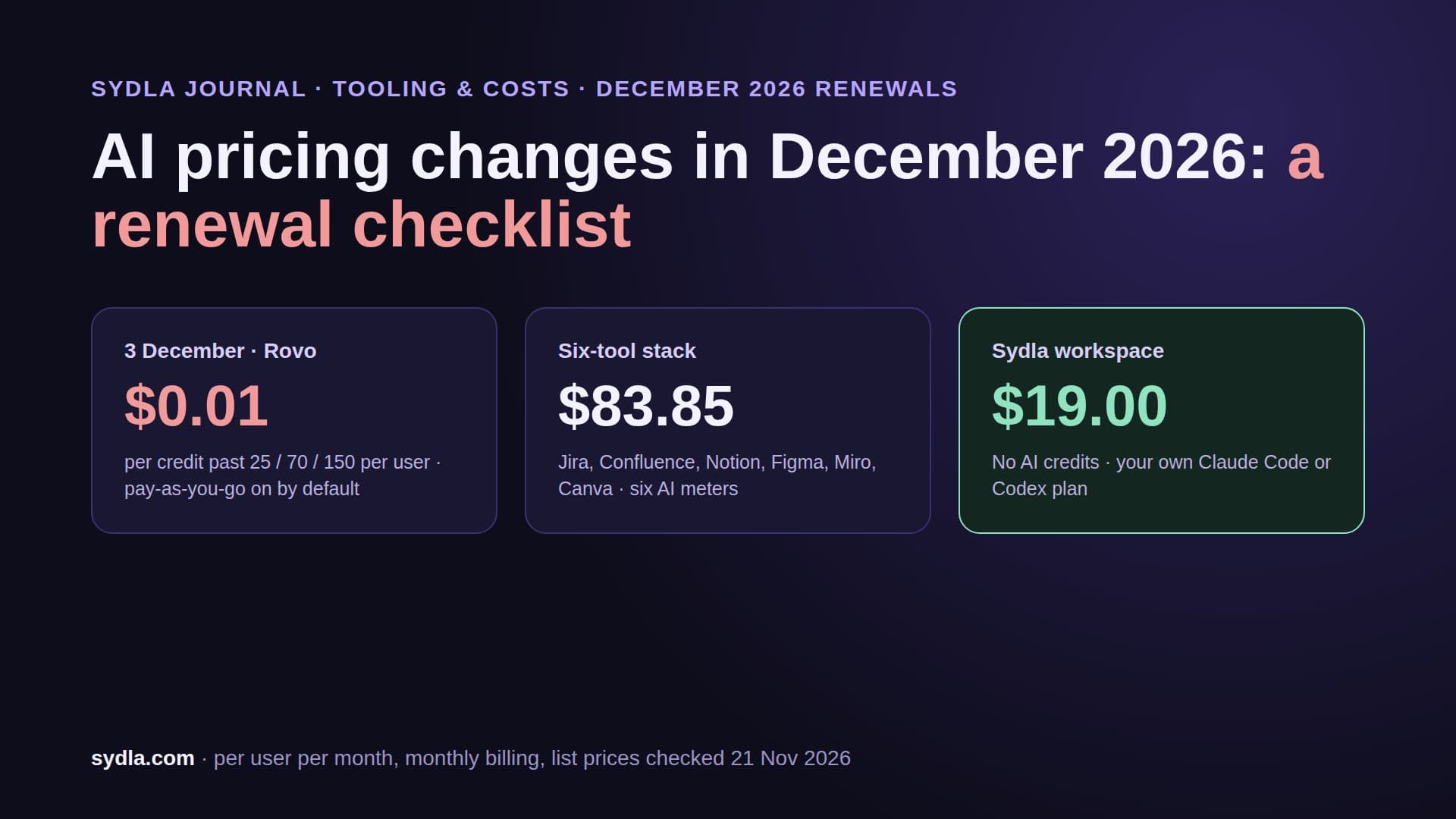
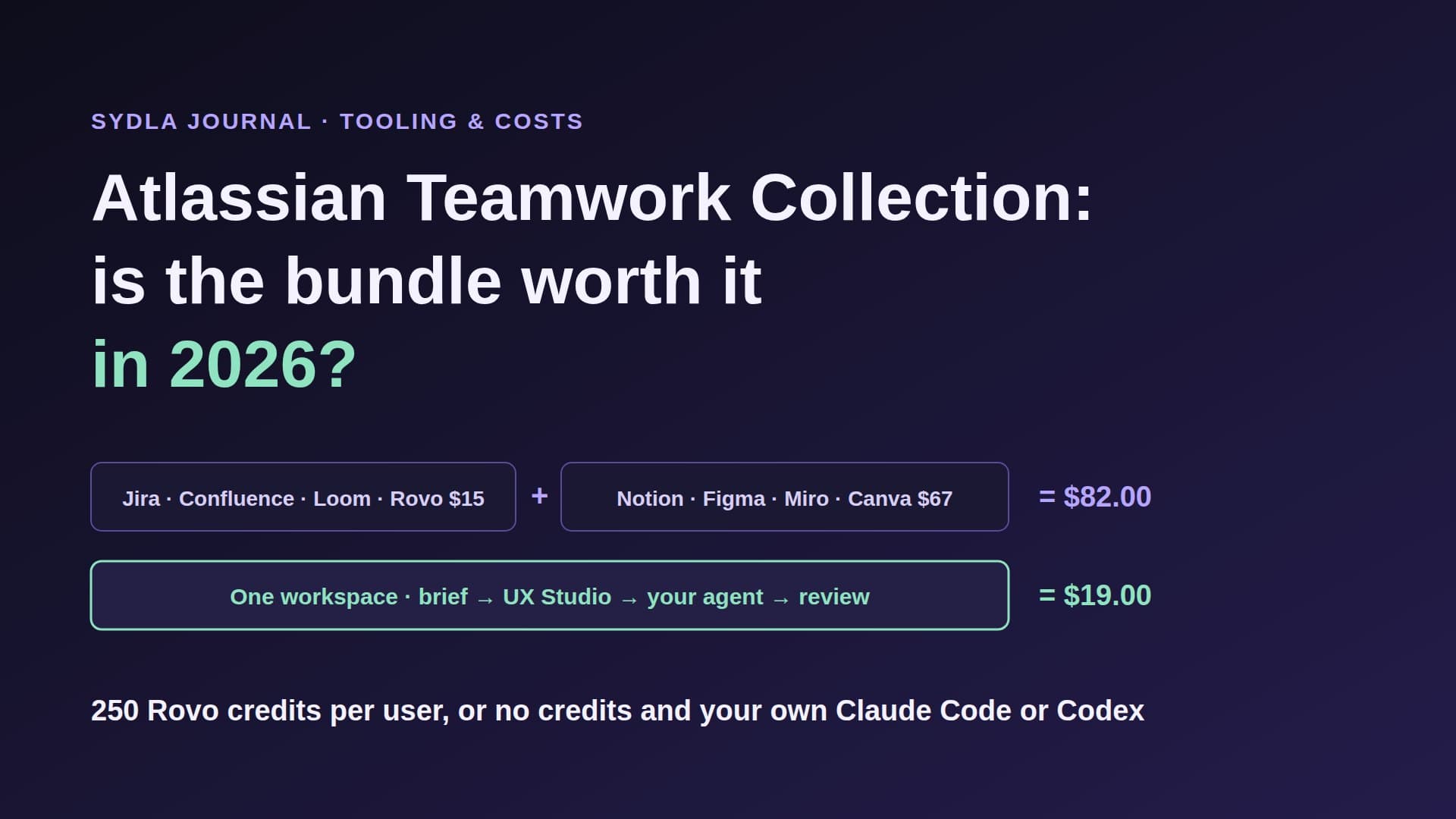
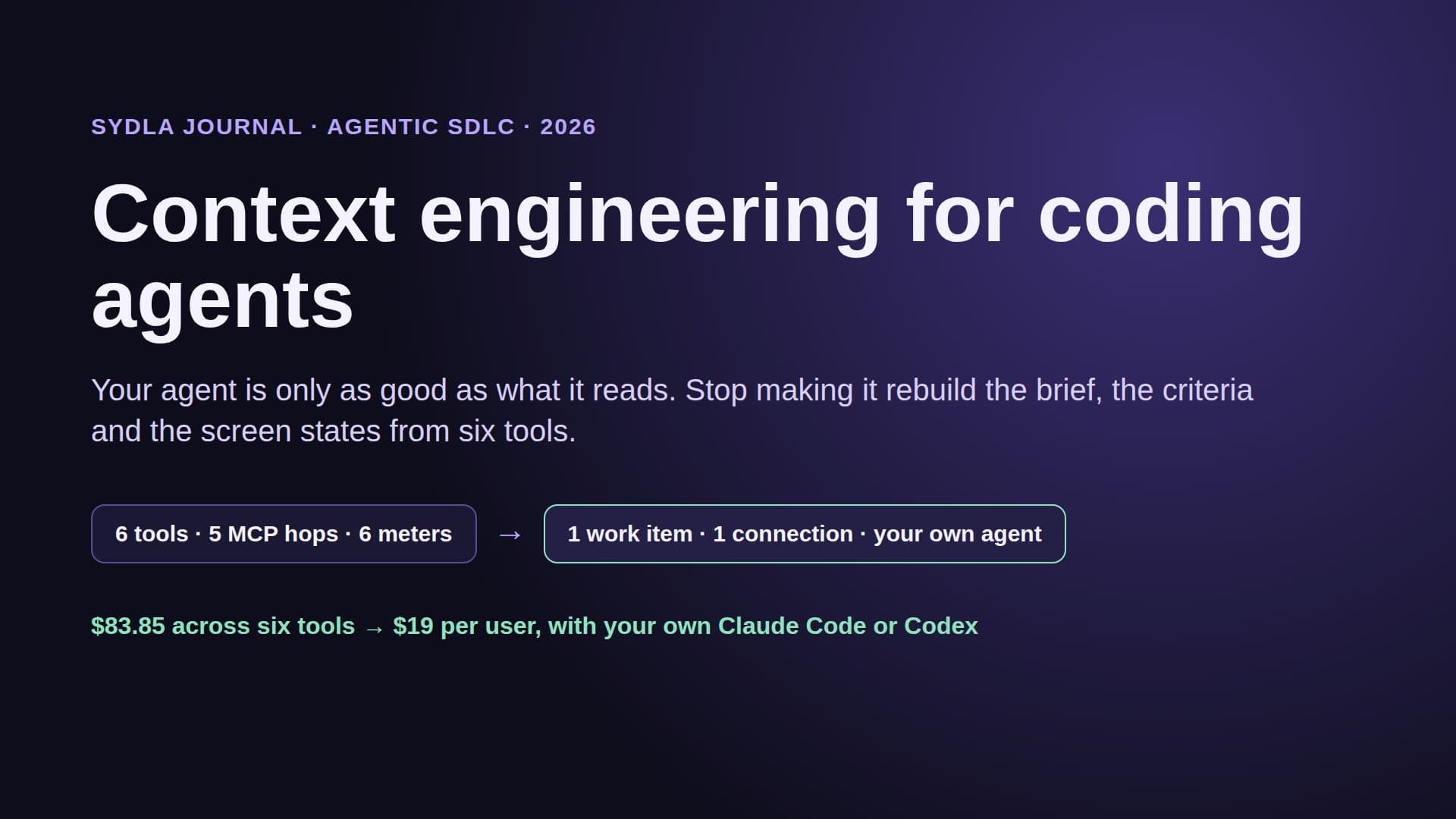
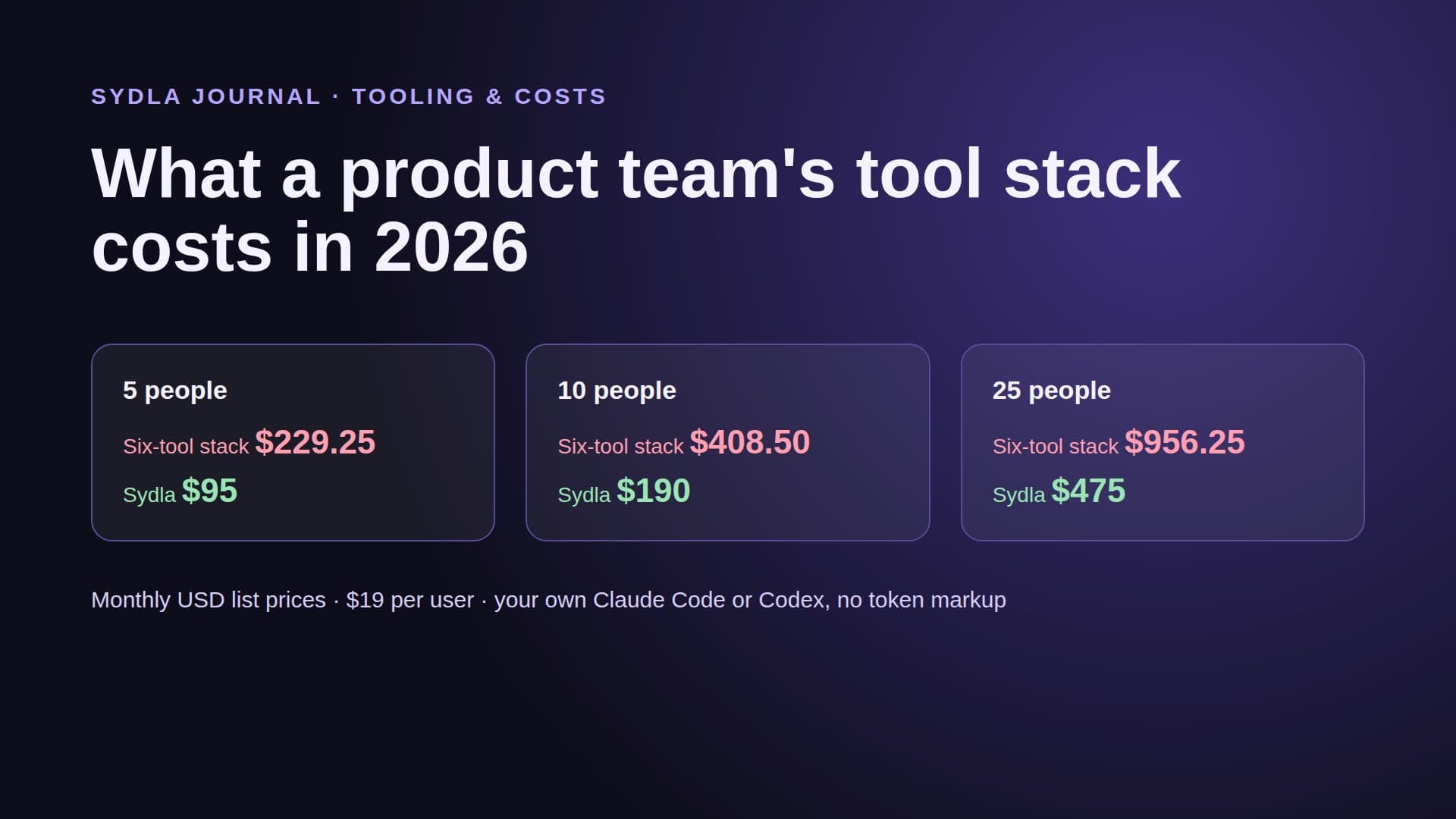
Add the seats and the stack is $83.85 per user per month before a single AI credit, against $19 for Sydla, a saving of $64.85. The bigger cost is the hop count: to understand one ticket, an agent may call five different MCP servers, each with its own limits and its own meter. Our MCP servers guide lists those limits, and the tool sprawl audit shows how to count the handoffs in your own team.
What your coding agent sees through a Jira and Figma link
Picture a ticket, invite links that expire, with four acceptance criteria and a linked Figma file showing Ready for dev. You hand it to Claude Code. Here is what reaches the agent.
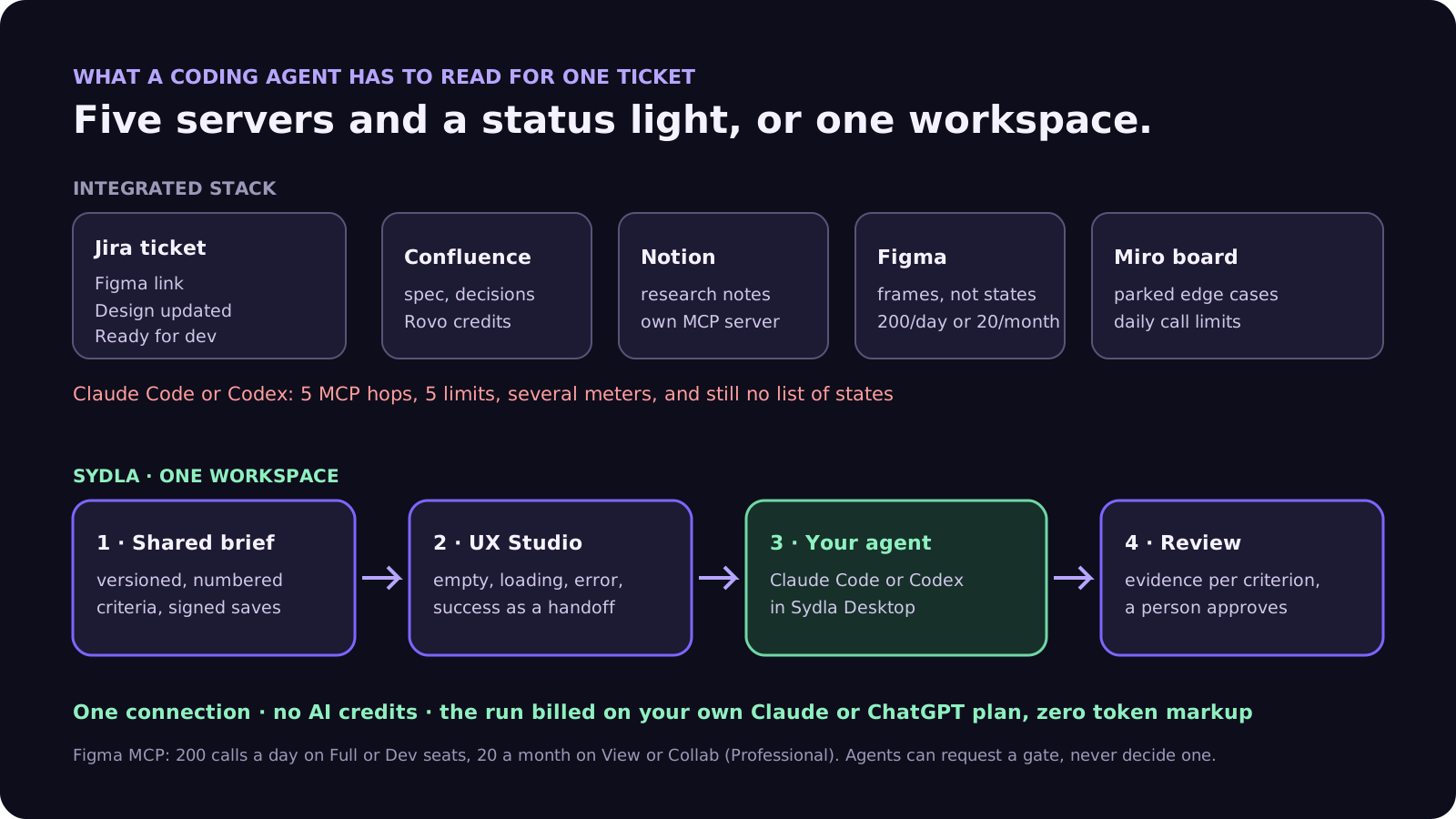
From Jira, through the Rovo MCP server, it gets the summary, the criteria and the Figma URL. The URL is a pointer, not a design. To read the frames, the agent calls the Figma MCP server, which on a View or Collab seat allows 20 calls a month, and on a Full or Dev seat 200 a day. On a large file, the design context it returns can be sparse metadata rather than the exact layout, which is why our design-to-code handoff guide recommends handing over states, not screenshots.
What the agent does not get from the integration: which states were designed and which were skipped, the decision in the Confluence page about why links expire after seven days, the edge cases a workshop parked on a Miro board, and any proof format the reviewer expects. Ready for dev tells it the designer is done. It does not tell it what done means.
So the agent either asks, guesses, or reads four more tools. Asking is slow. Guessing produces a pull request that passes the happy path and misses the error state. Reading four more tools costs credits and context window. That is the integration tax, paid on every ticket.
One workspace instead of an integration
Sydla removes the pair-by-pair integrations by not splitting the work in the first place. A ticket, its brief, its UX Studio screens and states, and its run record are the same object graph, so nothing has to sync.
- Shared brief. The brief and its decisions are versioned documents linked to the initiative. Each save is signed by whoever made it, a person or an agent.
- UX Studio states. Empty, loading, error and success states are designed next to the ticket and published as a handoff. The agent reads the states and tokens directly instead of interpreting a frame link.
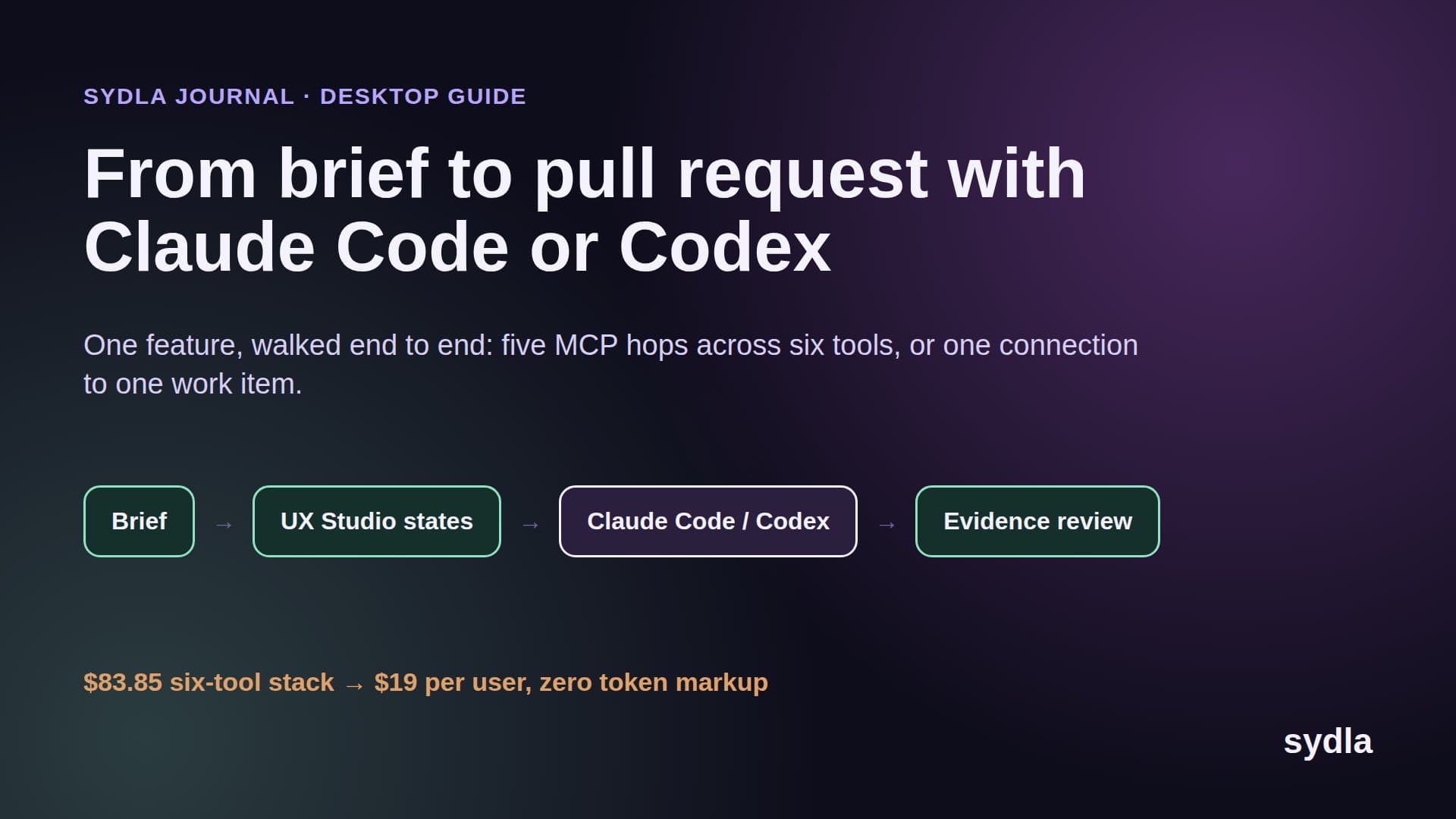
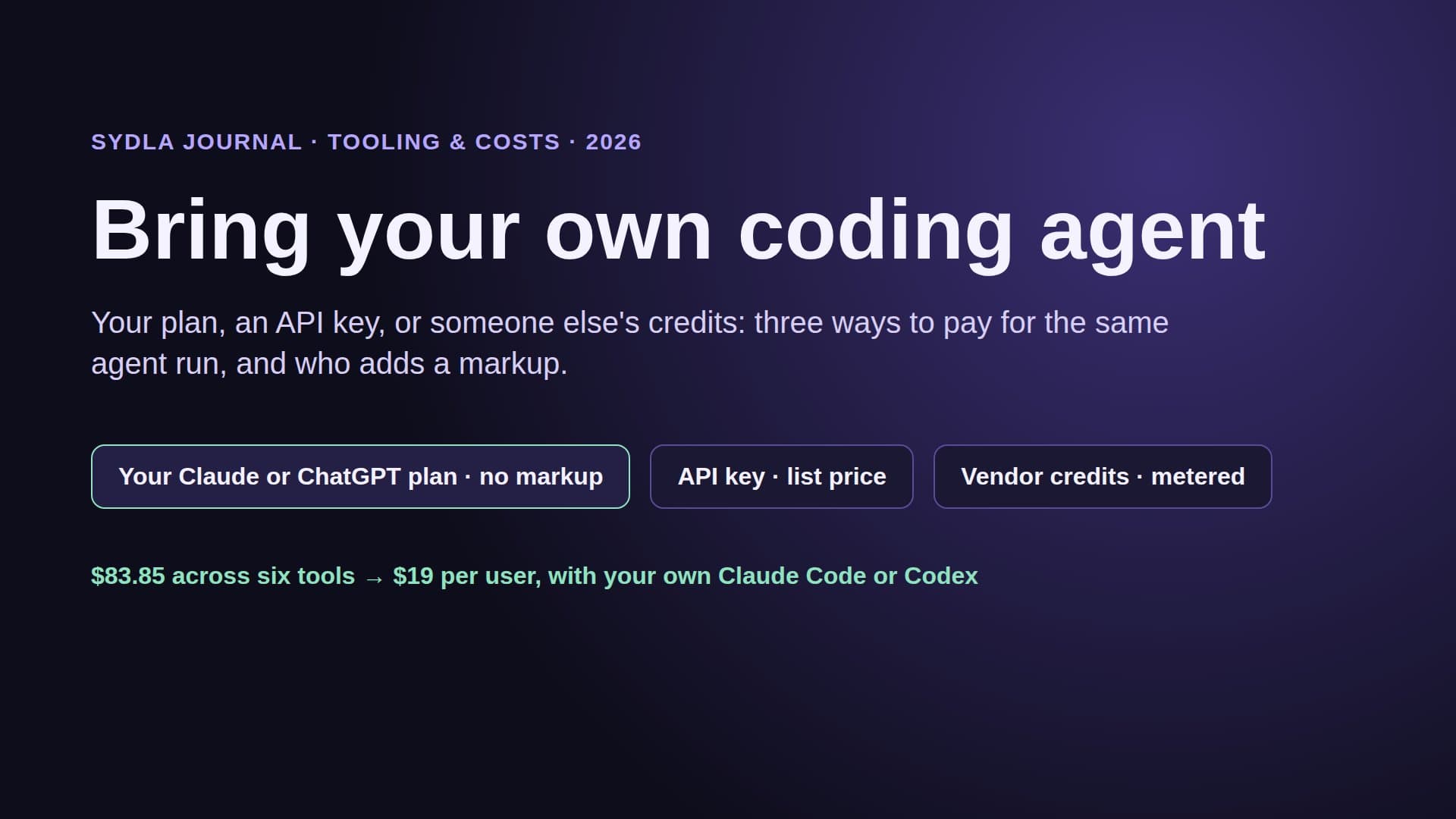
- Your agent implements. Sydla Desktop runs your signed-in Claude Code or Codex in a thread on the ticket, on a branch, against the numbered criteria. The run uses your own Claude or ChatGPT plan with zero token markup.
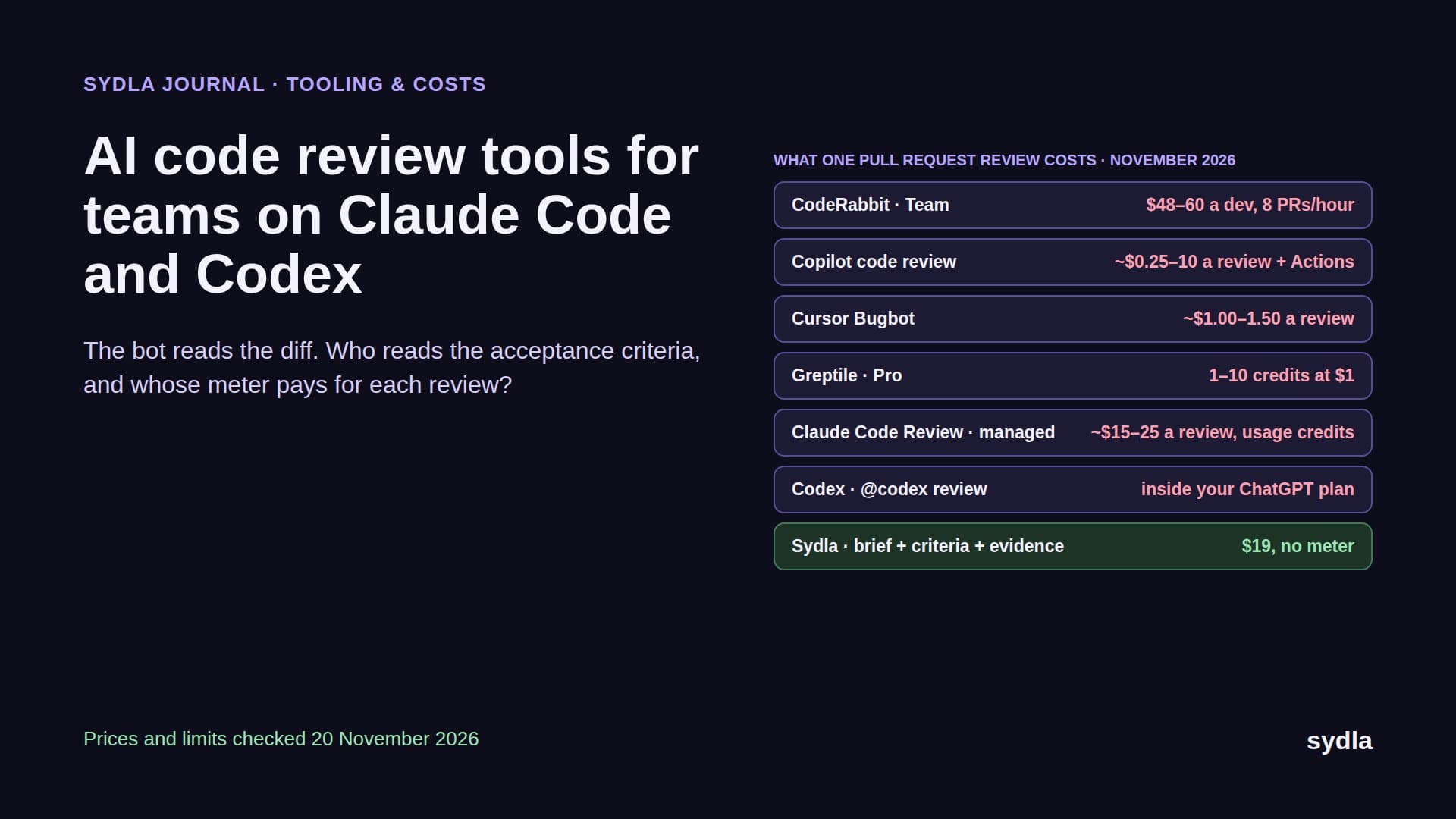
- Evidence-backed review. The agent records evidence for each criterion. A person reviews it next to the diff and approves the merge and release gates; agents can request a gate, never decide one.
The status a Jira and Figma integration approximates with two tags becomes the actual state of the work: which criteria have evidence, which screens are published, which gate is waiting. Our brief-to-pull-request walkthrough follows one feature through that loop.
Technical walkthrough: connect Claude Code or Codex to the brief and states
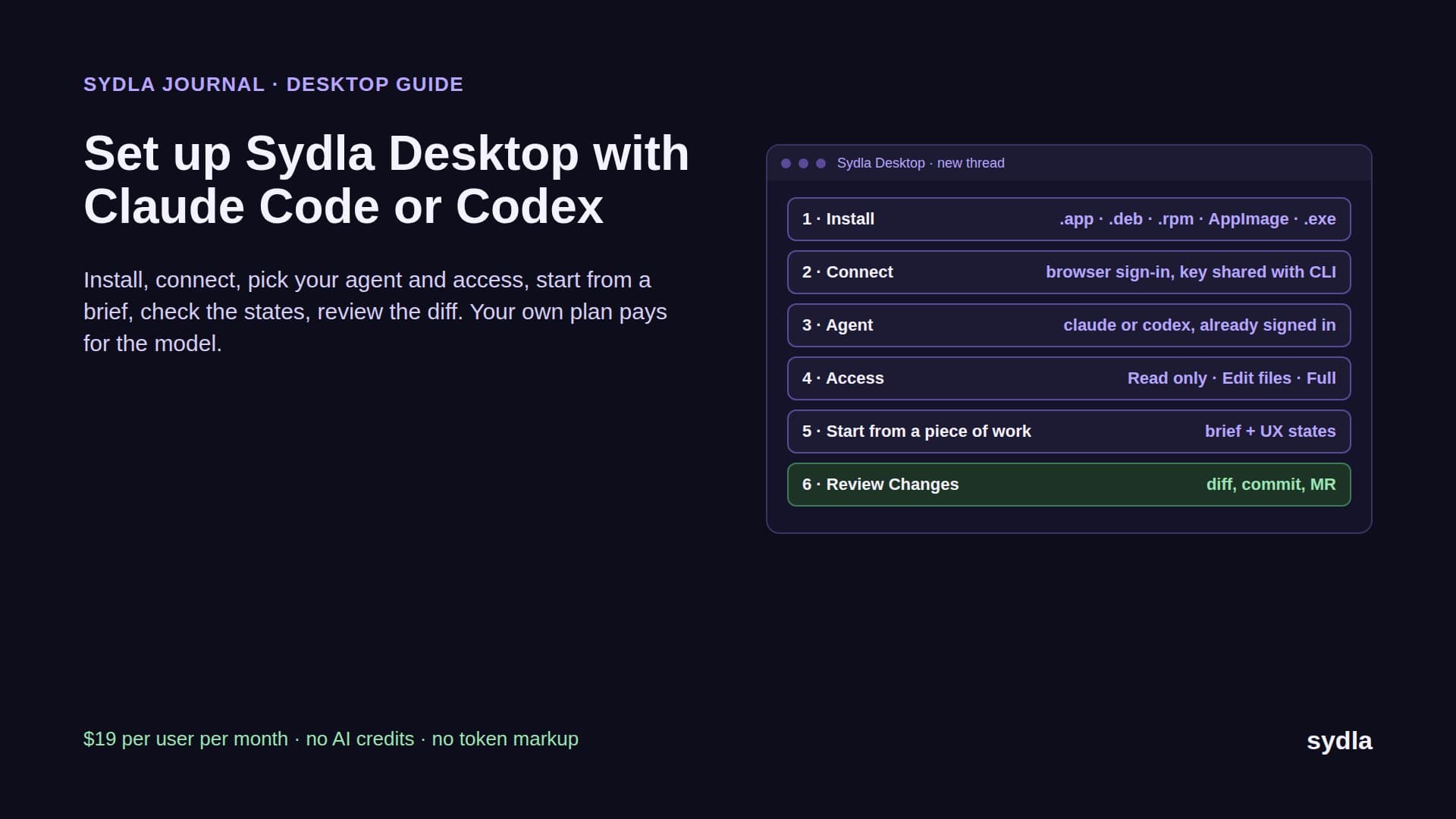
In Sydla Desktop there is no integration to install. Sign in, open the ticket, start a thread and pick claude or codex. Desktop uses the CLI you already have signed in, so the model, the limits and the bill stay on your plan. Each thread has an access level, Read only, Edit files or Full access, with a Preview panel and a Changes view beside the conversation. Finish and Ship asks you to confirm the commit, push, merge request, merge and tag one step at a time. The Desktop setup guide covers the installers for macOS, Windows and Linux.
Outside Desktop, the same context is one MCP connection away. For Claude Code, add the Sydla server once with claude mcp add, using the HTTP transport and the sydla.com/mcp URL. For Codex, add an mcp_servers.sydla table to config.toml with the same URL and your key in http_headers. From then on, the agent can read the work item, its criteria, the linked brief and the UX Studio handoff, and write notes and a run record back, all through one server with no credit meter.
The first prompt stays short because the context is not in the prompt: read the work item, list the criteria and the states you will build, work on a branch, and record evidence for each criterion. Compare that with the integrated stack, where the same prompt has to tell the agent which of five servers holds which part of the answer.
When the Jira and Figma integration is enough
Be fair to the incumbents. If your team already runs on Jira and Figma, designers and developers are different people who talk every day, and coding agents are an occasional helper, the free Figma for Jira app does its job: a preview, a status light and one click to the file. Large estates also get admin controls, audit trails and Marketplace depth that a younger tool does not try to match. Before you rely on it long term, check the app's status in your Atlassian admin given the Connect timeline.
The calculation changes for solopreneurs, founding engineers and lean product teams where an agent builds most tickets. There, the gaps the integration leaves, states, decisions and evidence, are exactly what the agent needs. Our Figma alternatives guide and Jira alternatives guide compare the options tool by tool, and the comparison hub sums them up.
Try it on one ticket
Take the next ticket that has a Figma link. Count the tools your agent would need to read to build it properly, and the integrations that keep them in step. Then run the same ticket in one workspace with your own agent.
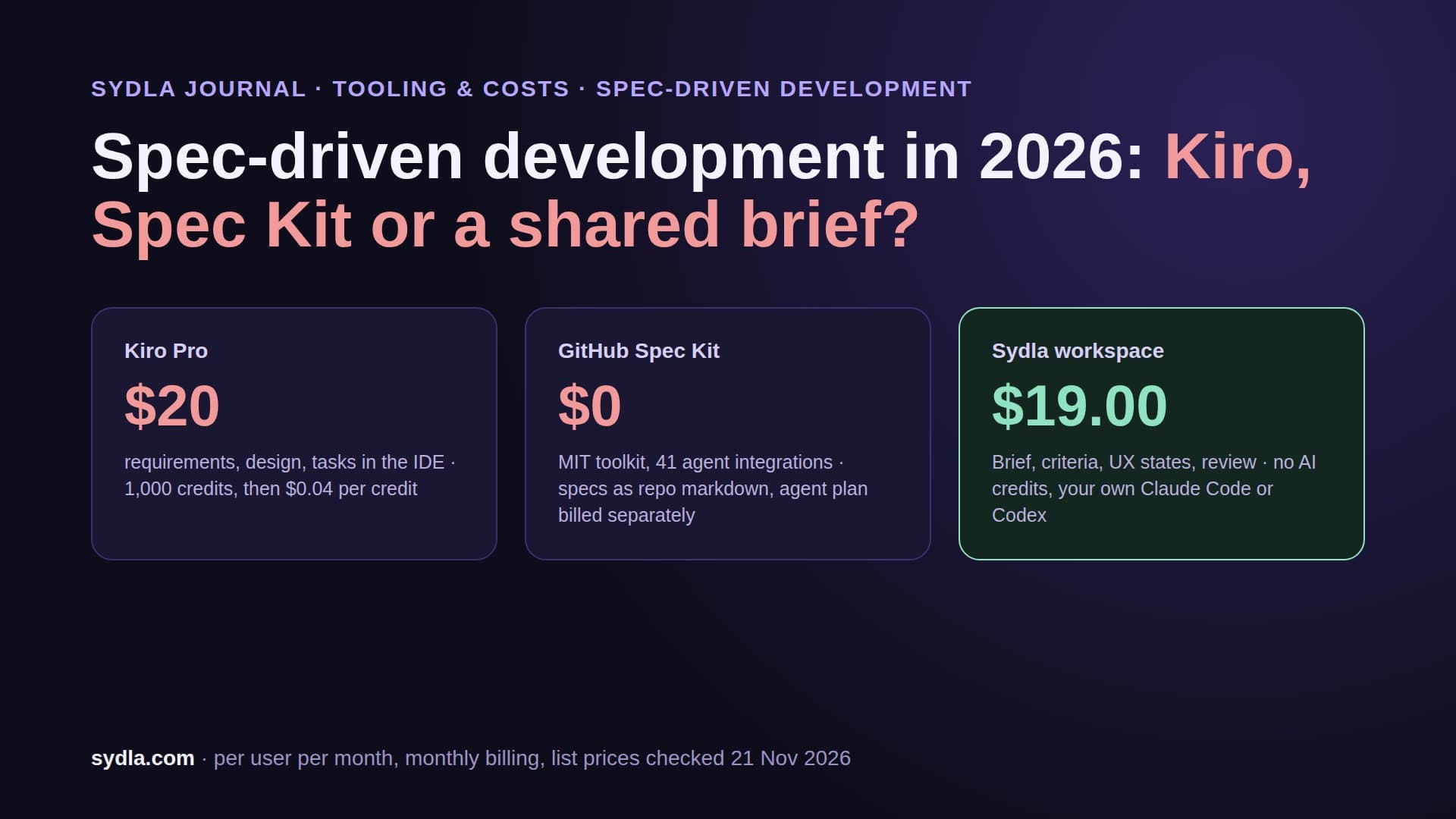
Sydla is $19 per user per month with every feature included and no AI credits to buy. See the pricing section, then start your workspace and keep your Claude Code and Codex accounts.
Frequently asked questions
Is the Figma for Jira integration free?
Yes. Figma for Jira is a free app on the Atlassian Marketplace, built by Figma. You still need a Jira Cloud plan and a Figma seat with access to the linked file. On 21 November 2026 the listing showed version 1.0.16-AC, released 19 August 2025, with 47,718 installs.
What does Figma for Jira sync?
It adds a Designs section with a live preview to Jira issues and syncs two statuses. Design updated means the linked file changed since you last viewed the issue, and only appears once active users close tabs with the file open. Ready for dev mirrors the file's Dev Mode status. Figma's app adds file-level webhooks automatically.
Can Rovo or a coding agent read a Figma file linked in Jira?
Partly. The Rovo Figma connector indexes Figma design files and Smart Links for search, and Rovo answers spend Rovo credits. A coding agent like Claude Code gets the Figma URL from the Jira ticket, then needs the Figma MCP server to read frames: 200 calls a day on a Full or Dev seat, 20 a month on View or Collab.
Will Figma for Jira stop working when Atlassian Connect ends?
Atlassian says Connect enters end of support in Q4 2026 and installed Connect apps keep working, but at your own risk. A Figma forum thread from September 2026 reports the app flagged Legacy in the Atlassian admin. Figma had not confirmed a migration there, so check your admin page and Figma's help center.
Is there an alternative to integrating Jira and Figma?
Yes. Sydla replaces Jira, Confluence, Notion, Figma, Miro and Canva in one workspace for $19 per user per month, against $83.85 for the six tools. Tickets, briefs and UX Studio states live together, so nothing needs to sync, and your own Claude Code or Codex reads them through Sydla Desktop or one MCP connection with zero token markup.