Jira Automation coding agents in 2026: Claude, Copilot, Cursor and the Delivery agent, and who pays for each run
Jira Automation can now hand a work item to Claude, GitHub Copilot or Cursor when a status changes, and the Jira Delivery agent writes your standups on a schedule. We read Atlassian's support pages, the Claude Agent for Jira listing and the Rovo credits page to show what each run needs, what context it gets, and which bill it lands on.
The ticket moves to Ready, and an agent starts coding
Atlassian spent 2026 turning Jira into a launcher for coding agents. In June, Claude Agent for Jira arrived on the Marketplace. In July, Jira Automation gained native action steps for Claude, GitHub Copilot and Cursor, and the Jira Delivery agent started writing standups and stakeholder updates on its own. The pitch is simple: move a work item to Ready for dev, and a pull request comes back.
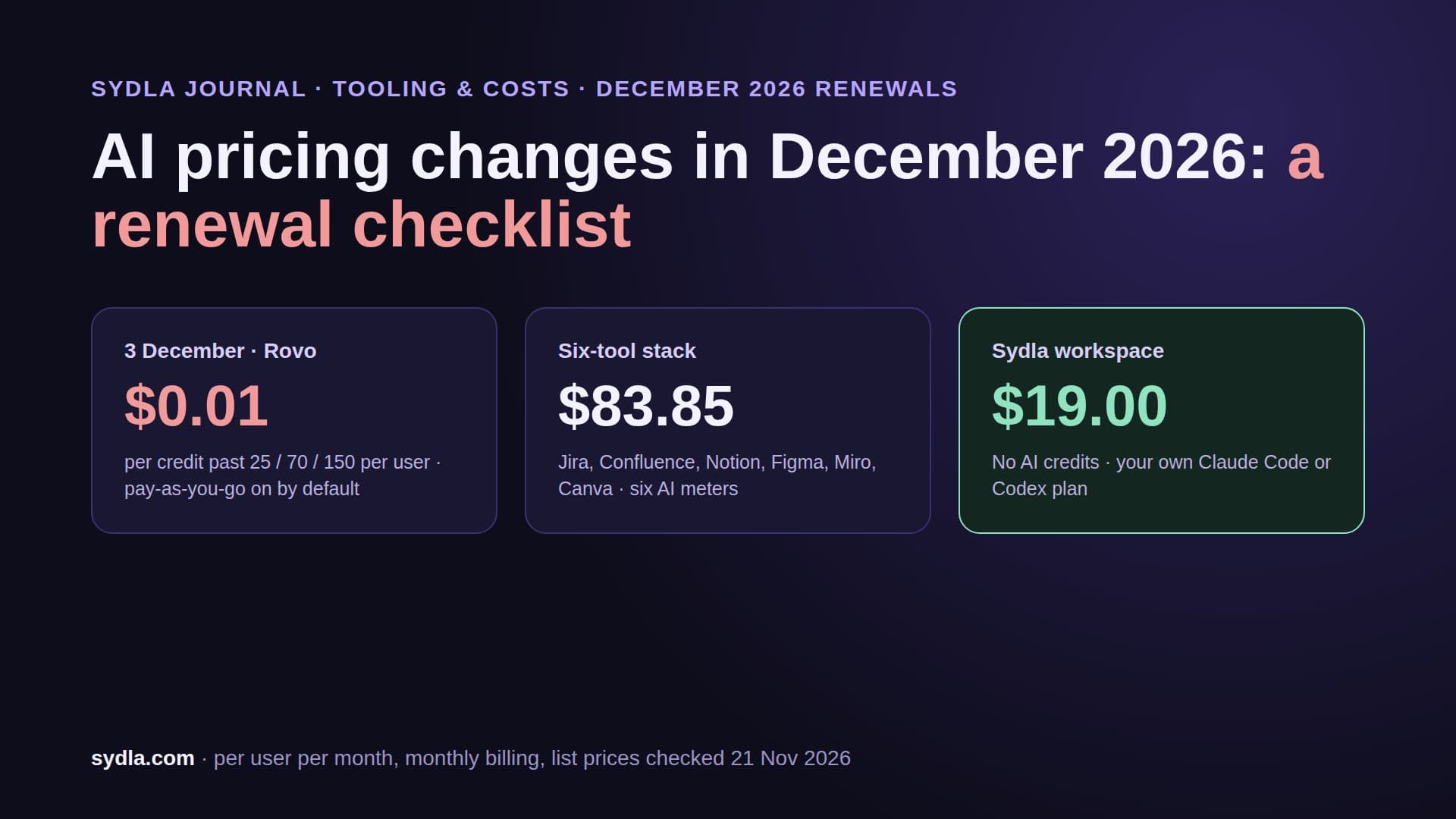
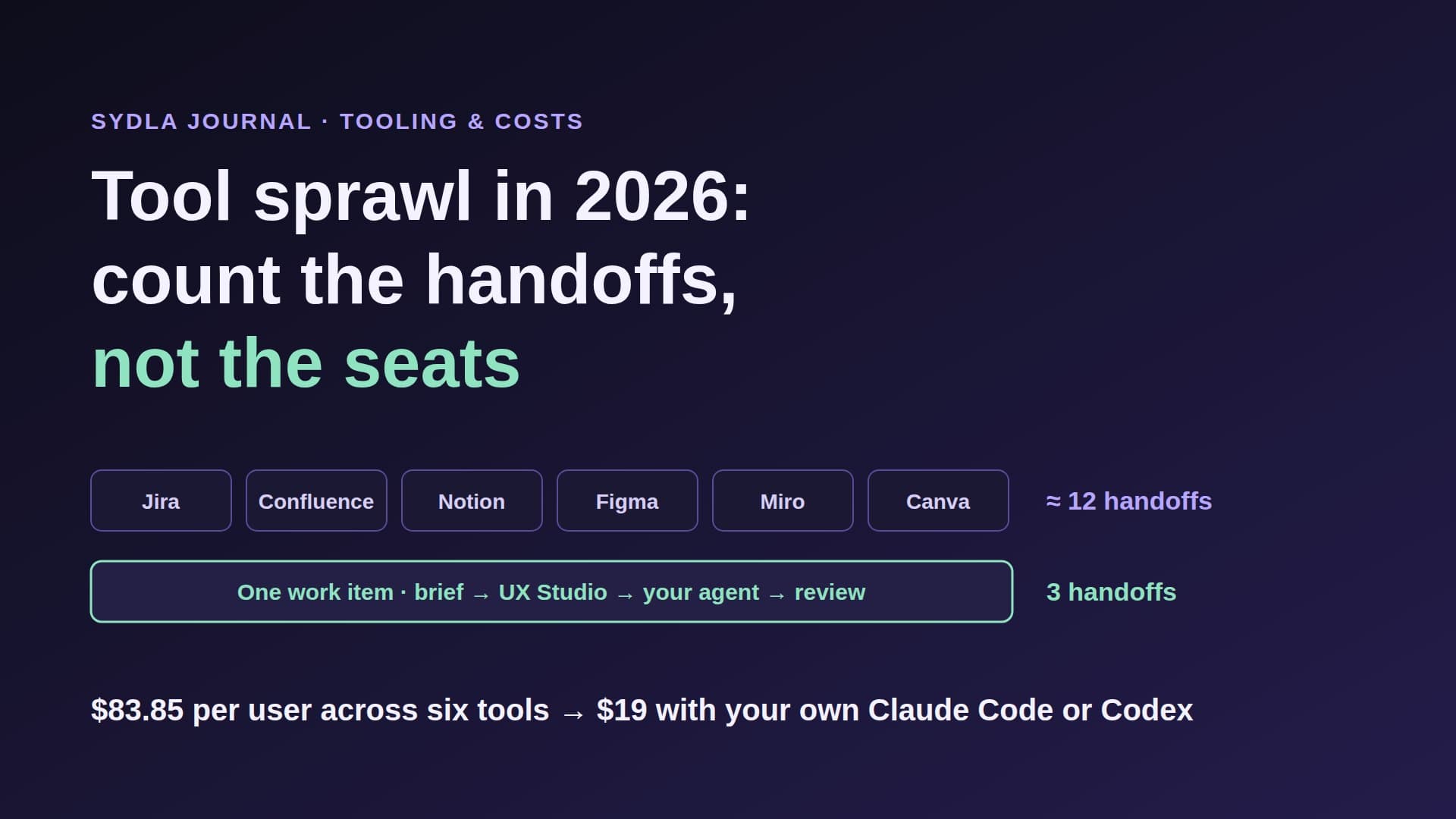
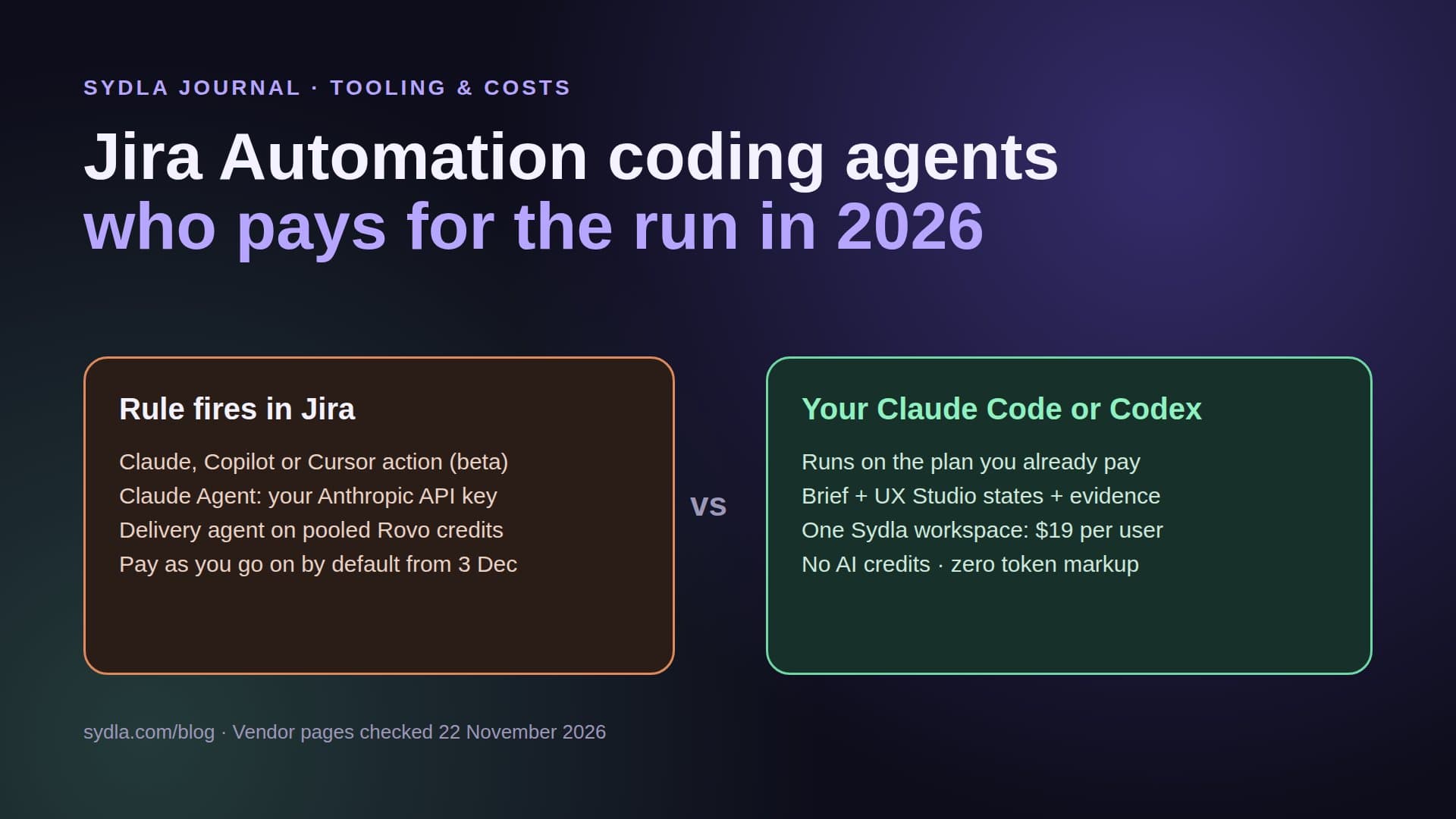
It is a good pitch. It also adds new meters to a stack that already has six. The rule runs in Jira, the coding agent bills on its own vendor account, the Delivery agent spends pooled Rovo credits, and from 3 December 2026 Rovo usage past the pool is billed at $0.01 a credit with pay as you go switched on by default. Meanwhile the context the agent needs still lives in Confluence, Notion, Figma and Miro, each one more MCP hop away. That is AI credit fatigue in its 2026 form: not one expensive tool, but many small meters and many partial views.
This guide explains what each Jira agent path needs, what it actually reads, and whose bill each run lands on, using Atlassian's support pages, release notes and Marketplace listing checked on 22 November 2026.
Three ways Jira starts an agent in November 2026
There are three different things behind the phrase agents in Jira, and they are billed and governed differently.
- Coding agent actions in Jira Automation (beta). A rule can call Claude, GitHub Copilot or Cursor as an action step. Atlassian's support page says the experience is in beta and only supports work item and field-based triggers, such as a status change or a label; scheduled triggers are not available yet, even though the July announcement mentions them. You need Bitbucket Cloud or GitHub Cloud connected, AI features enabled for the space, and Jira admin rights. Atlassian's blog says the actions are available on every paid Jira plan with Rovo enabled.
- Claude Agent for Jira. A free Marketplace app, version 3.10.0 as of 6 November 2026, built on Anthropic's Claude Managed Agents. Assign a work item to Claude and it works in a sandbox on Anthropic's infrastructure, pushes a branch and opens a draft pull request from a GitHub service account. It needs Jira Cloud with Rovo, an Anthropic account with Managed Agents enabled, an Anthropic API key, and a GitHub personal access token. GitHub is the only repository host named.
- The Jira Delivery agent. Not a coding agent. It reads Jira work, flags delivery risks, helps plan sprints and writes standup and stakeholder updates to Confluence or Slack. Three templates ship with it: Daily Standup, Delivery Health Check and Stakeholder Status Summary. It needs Confluence on the site and Rovo enabled, and setup is per space. It can prepare changes, which you review before they are applied.
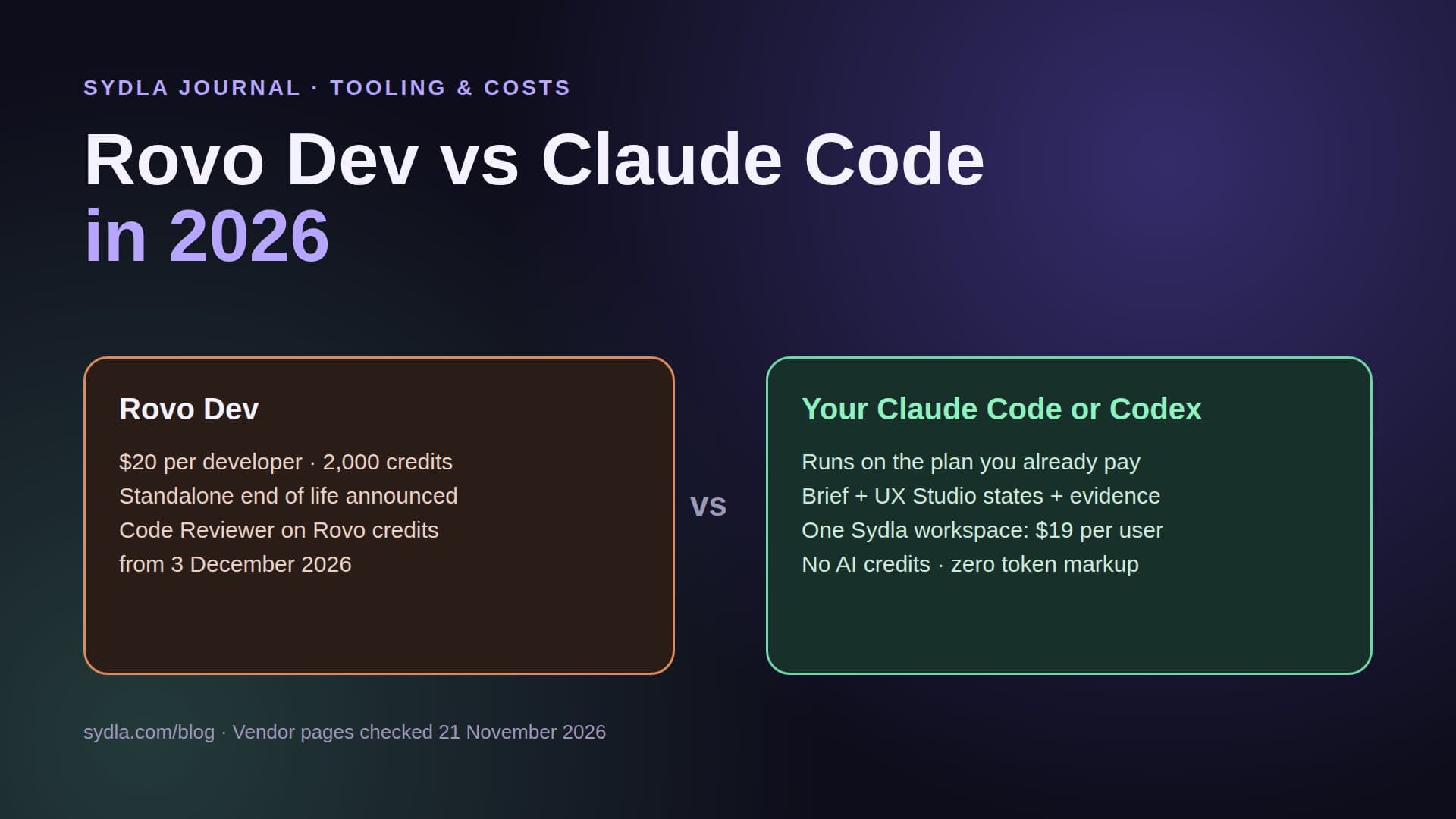
Next to these sits the Open in coding tool button from June, which hands a work item to a local Claude Code, Codex, Cursor, Copilot, Rovo Dev CLI or VS Code session. We covered it in our Rovo Dev vs Claude Code guide. It is the only path where the run uses the plan on your own machine.
Who pays for a triggered run
Atlassian's pages are precise about requirements and quiet about cost. Here is what each source says, and where you have to fill the gap yourself.
- The rule itself runs in Jira Automation, which has its own monthly rule-run limits by plan. Every invocation lands in the automation audit log.
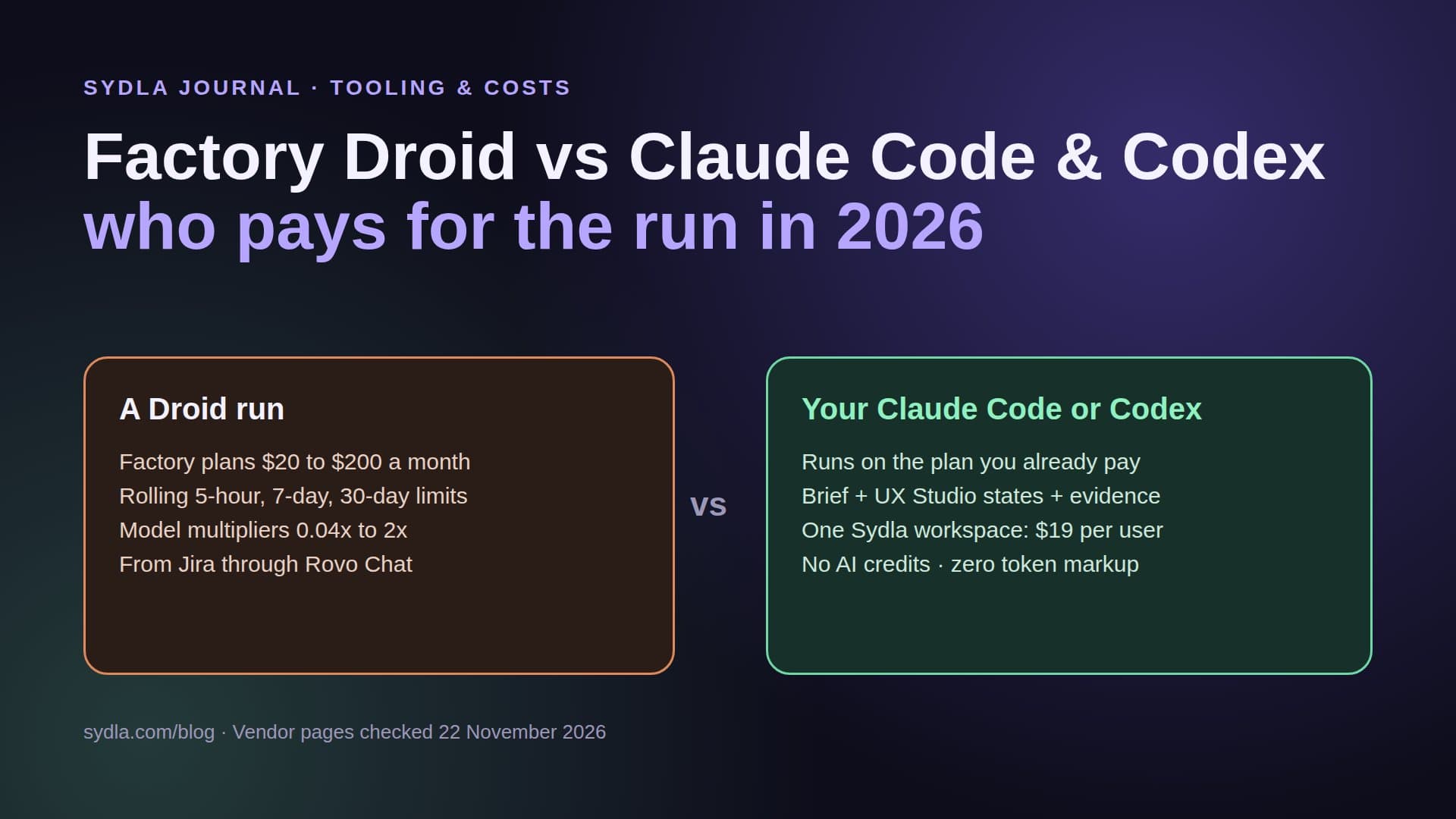
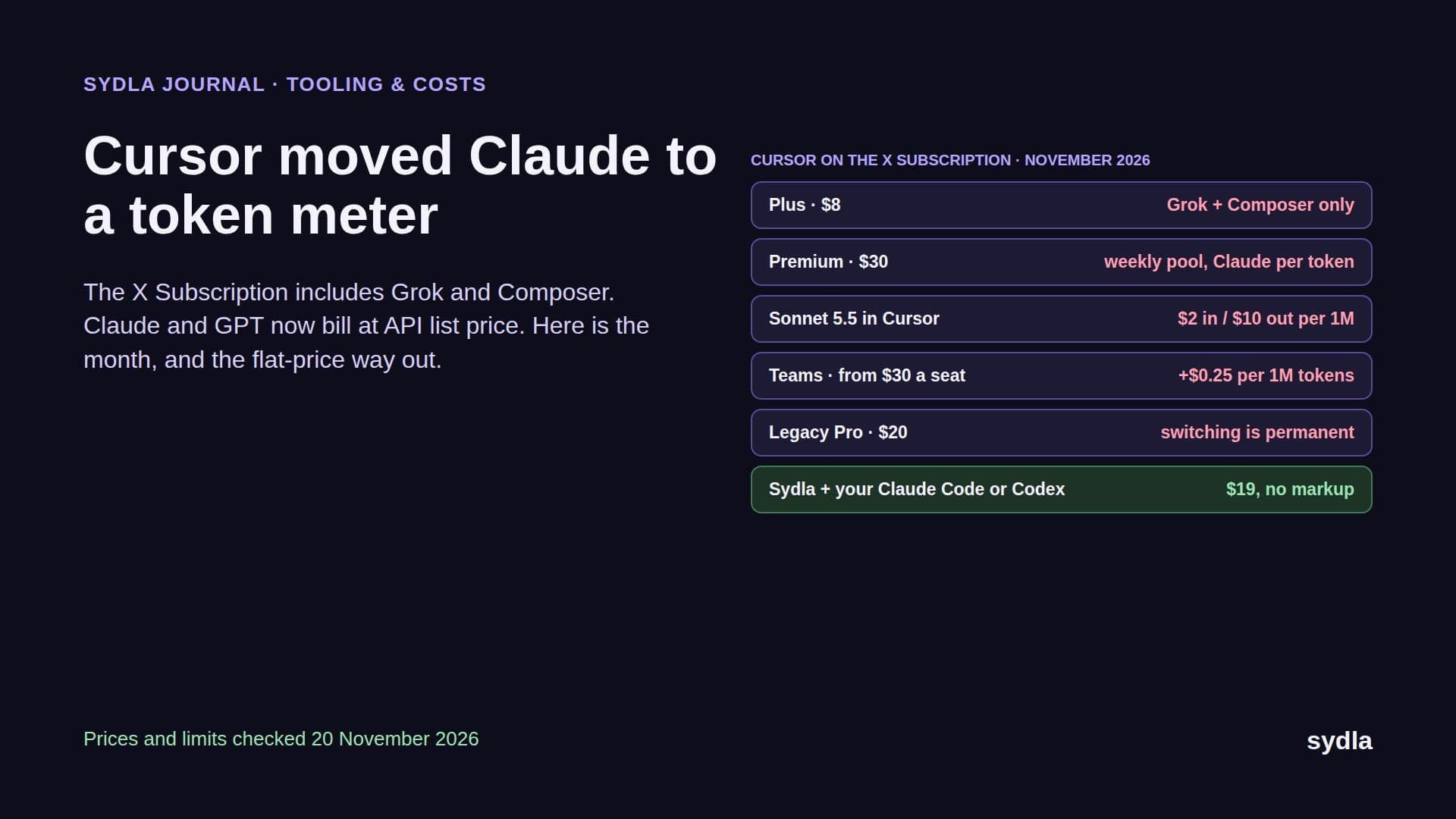
- The coding agent runs on the vendor's side. For Claude Agent for Jira, Atlassian says use is subject to your organization's agreement with Anthropic, and the app asks for an Anthropic API key. Our reading: those runs are billed by Anthropic as API usage, not drawn from the Claude Pro, Max or Ultra plan your engineers use for Claude Code. Copilot and Cursor runs likewise depend on those vendors' own plans and usage rules.
- Atlassian's own agents spend Rovo credits. The Rovo credits page lists Agents in Jira and the Jira Coding Agent as Premium features at variable credits per billable event, and basic chat at 10 credits per message. Jira brings 25 credits per user per month on Standard, 70 on Premium and 150 on Enterprise, pooled across the organization with no rollover.
- Beta features are a moving target. The same page says AI features in beta do not currently count against the Rovo allowance unless stated otherwise. That will change when they leave beta, so budget for it now rather than after the first invoice.
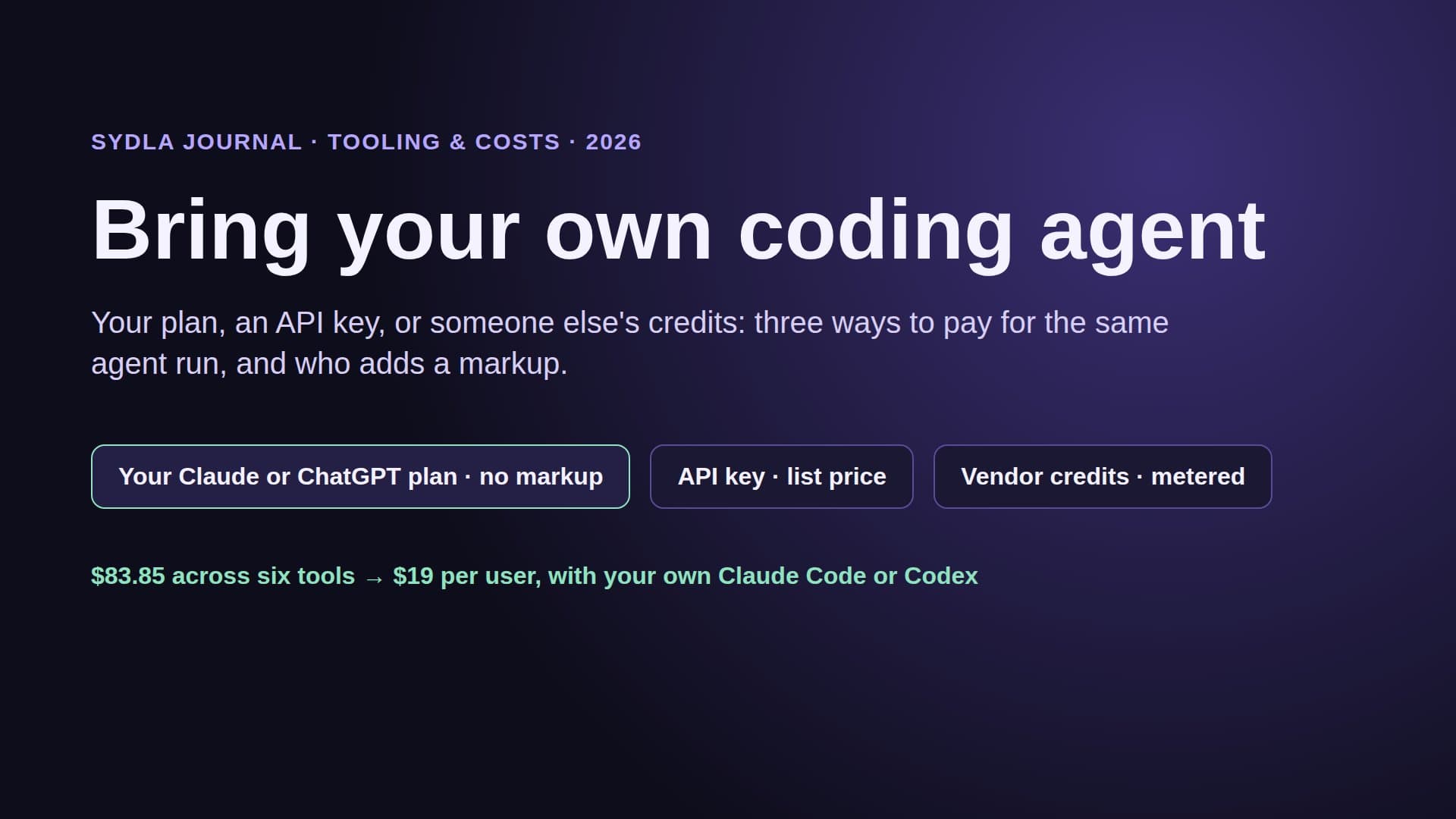
The practical consequence is that a busy team can be paying three meters for one ticket: the Anthropic API for the coding run, Rovo credits for the Delivery agent summary and any Rovo chat around it, and the engineer's own Claude or ChatGPT plan for the follow-up fixes done locally. Our Rovo credits guide walks through the pool, and the AI credit cost per action guide converts each meter to dollars.
The 2026 stack around the rule
A Jira rule only automates the start of the run. The brief, the screens, the workshop notes and the launch visual still sit in five other tools, each with its own seat and its own AI meter.
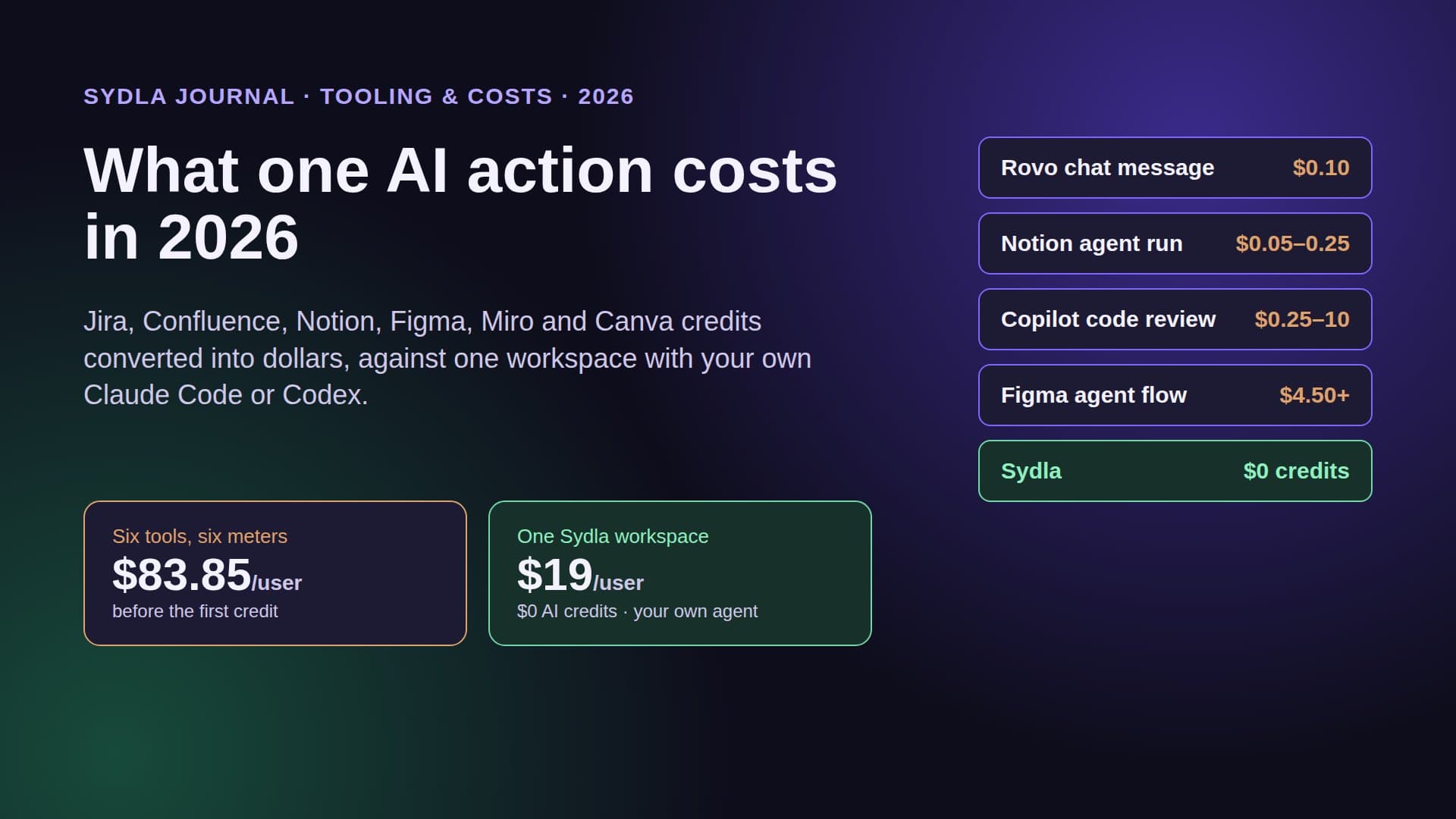
| Tool | Seat price | Bundled AI and its limit | Handoff to the coding agent |
|---|---|---|---|
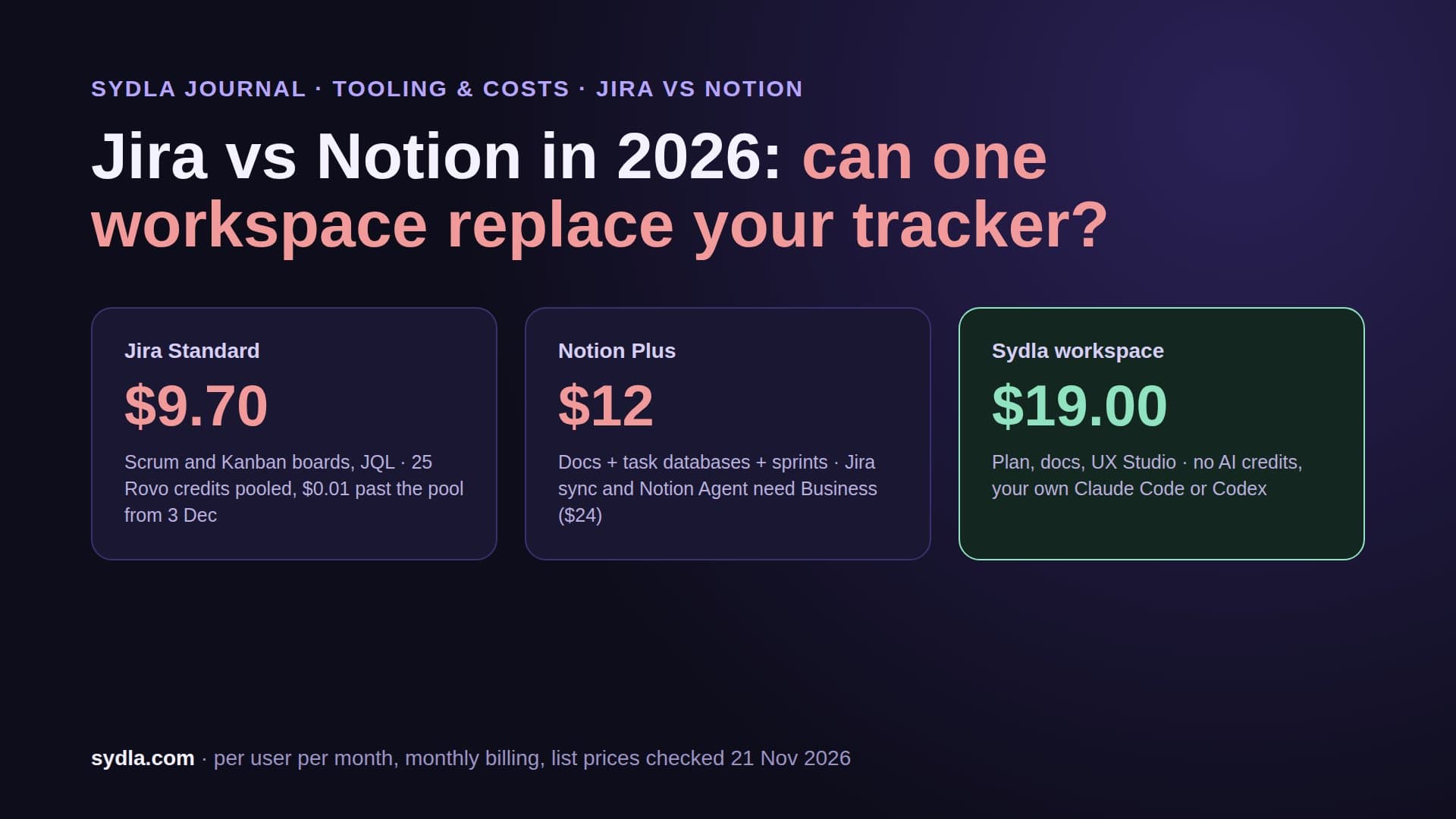
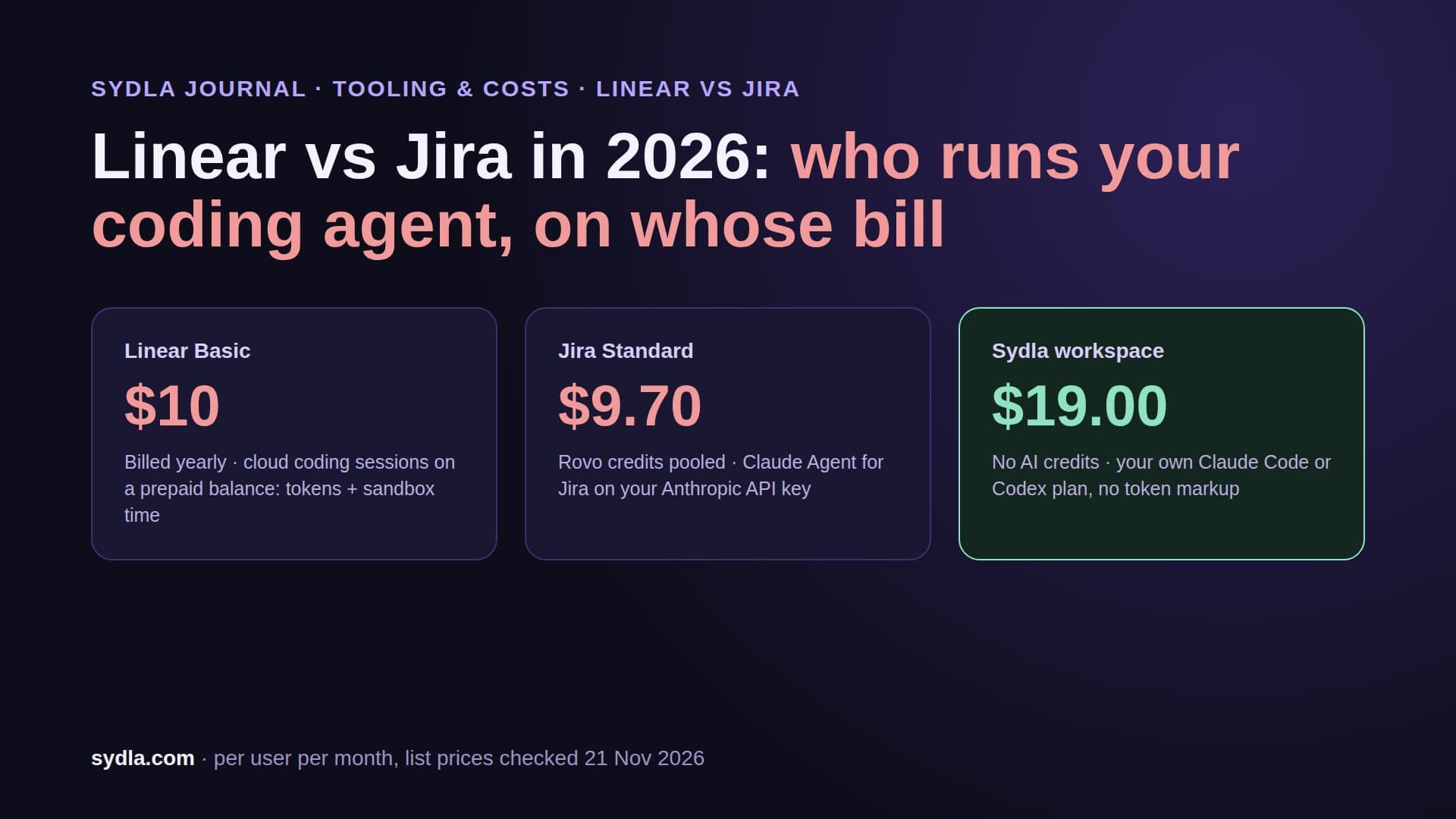
| Jira Standard | $9.70 | Rovo: 25 credits per user per month, pooled; PAYG $0.01 per credit from 3 Dec 2026, on by default | Automation actions for Claude, Copilot, Cursor (beta); Open in coding tool |
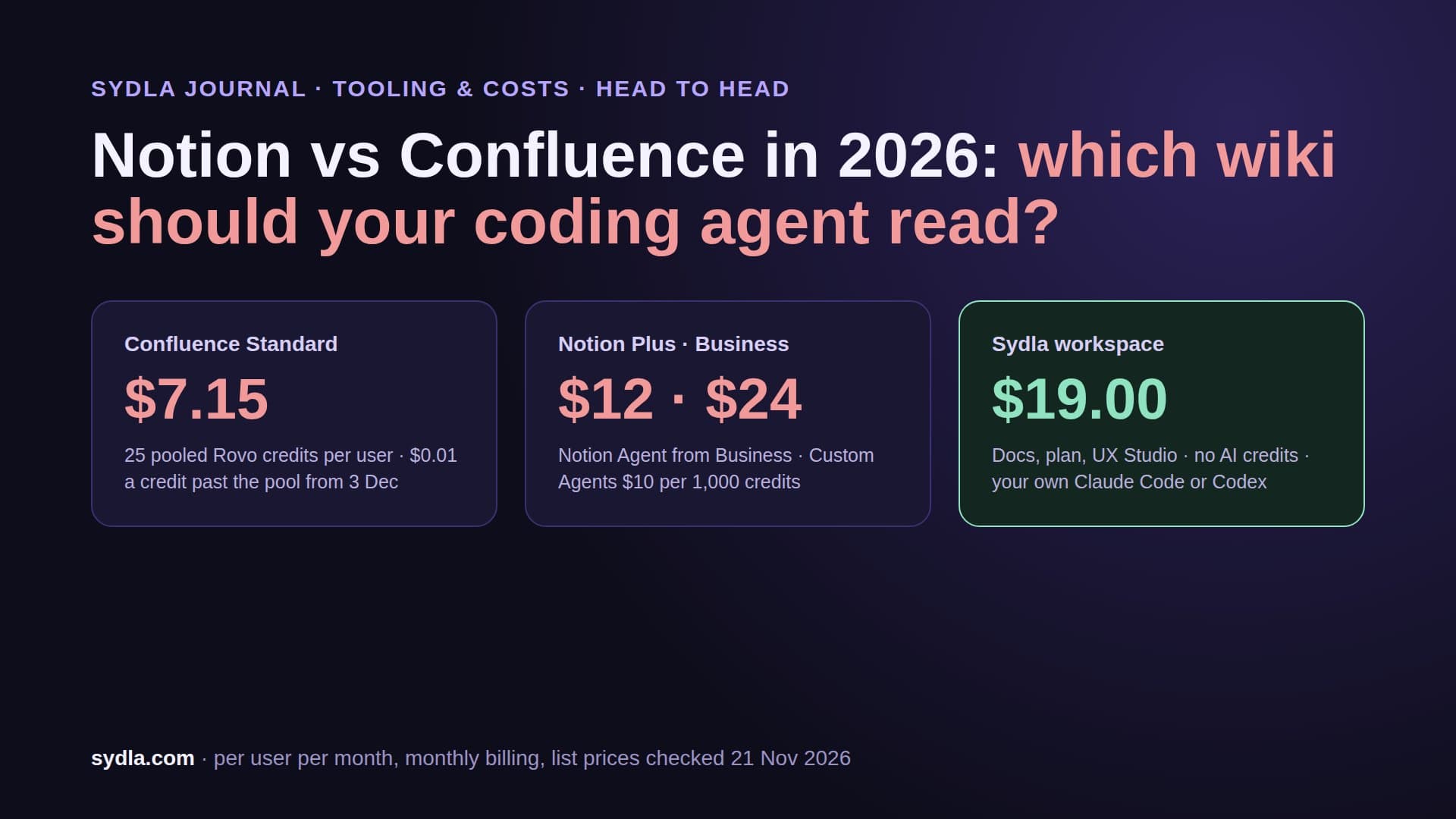
| Confluence Standard | $7.15 | Same Rovo pool, 25 credits per user | Rovo MCP; enriched calls 1 to 10 credits |
| Notion Plus | $12.00 | Custom Agents on Business and Enterprise; extra credits $10 per 1,000 | Notion MCP server |
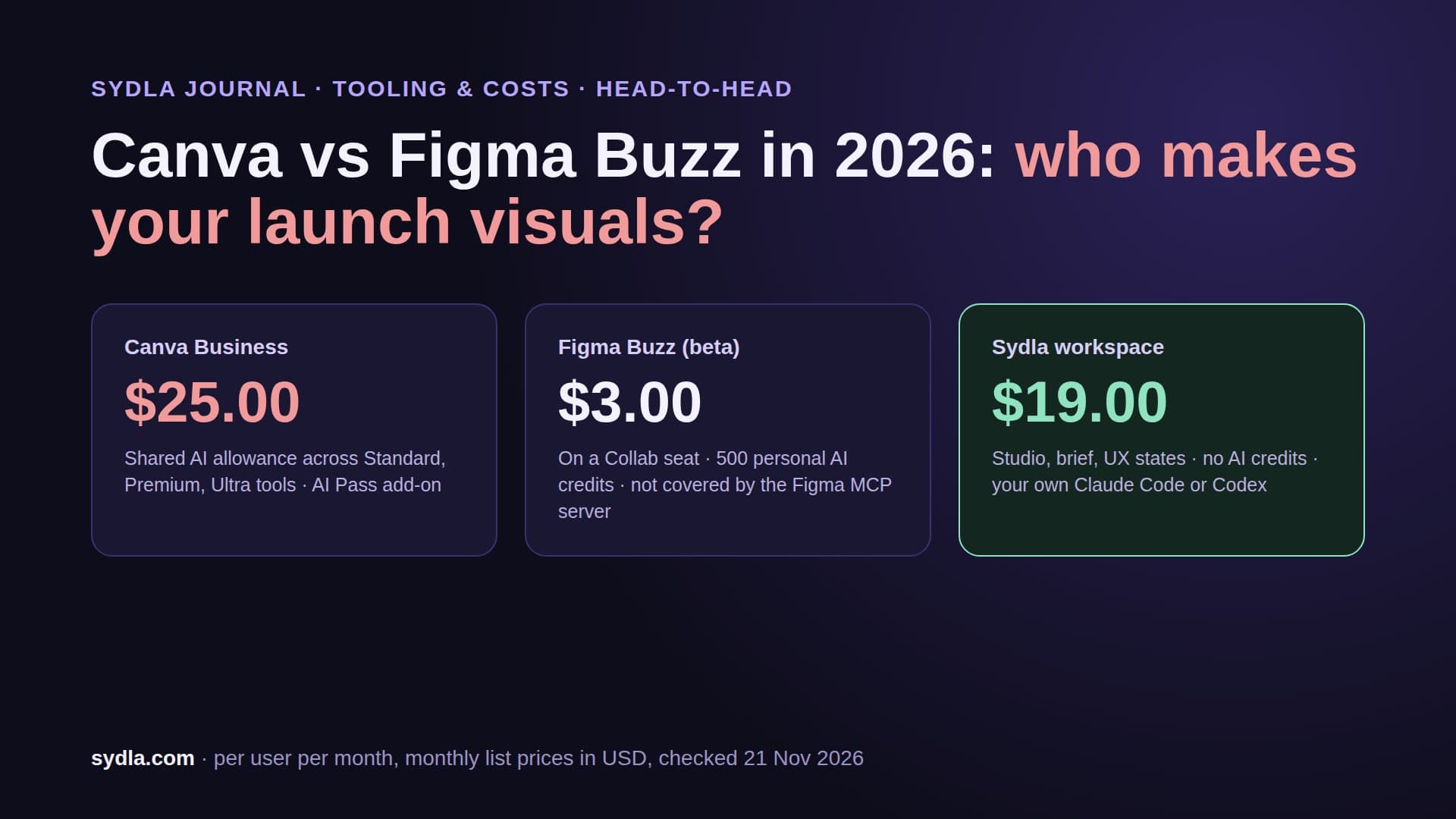
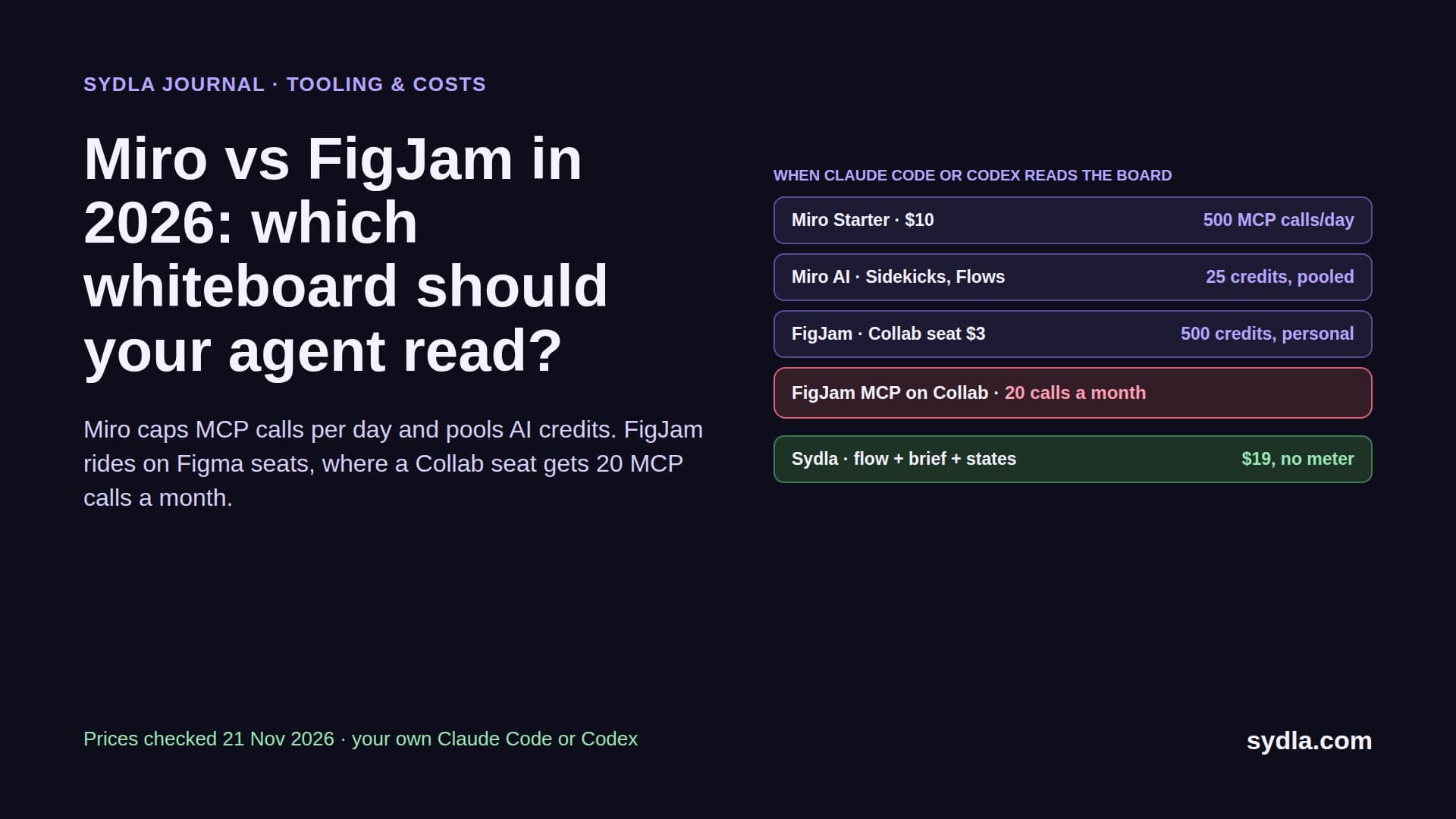
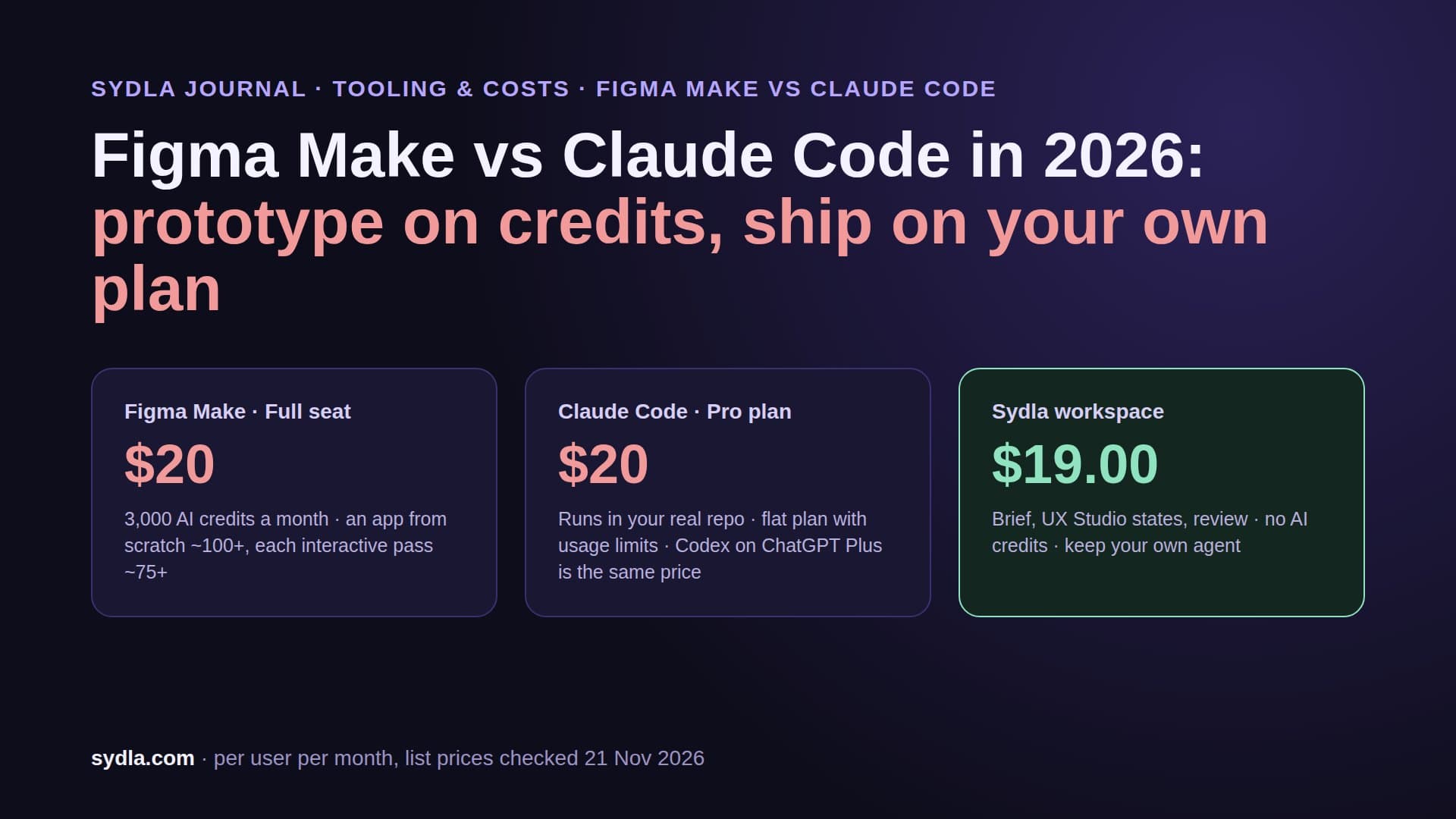
| Figma Professional Full | $20.00 | 3,000 AI credits per Full seat, per user, no rollover | Figma MCP: 200 calls a day on Full or Dev, 20 a month on View or Collab |
| Miro Starter | $10.00 | 25 AI credits per license, pooled per team | Miro MCP: daily call limits by plan |
| Canva Business | $25.00 | Personal AI allowance per member, not pooled | Outside the build loop |
| Sydla workspace | $19.00 | No AI credits: bring your own Claude Code or Codex, zero token markup | One MCP connection or a Sydla Desktop thread |
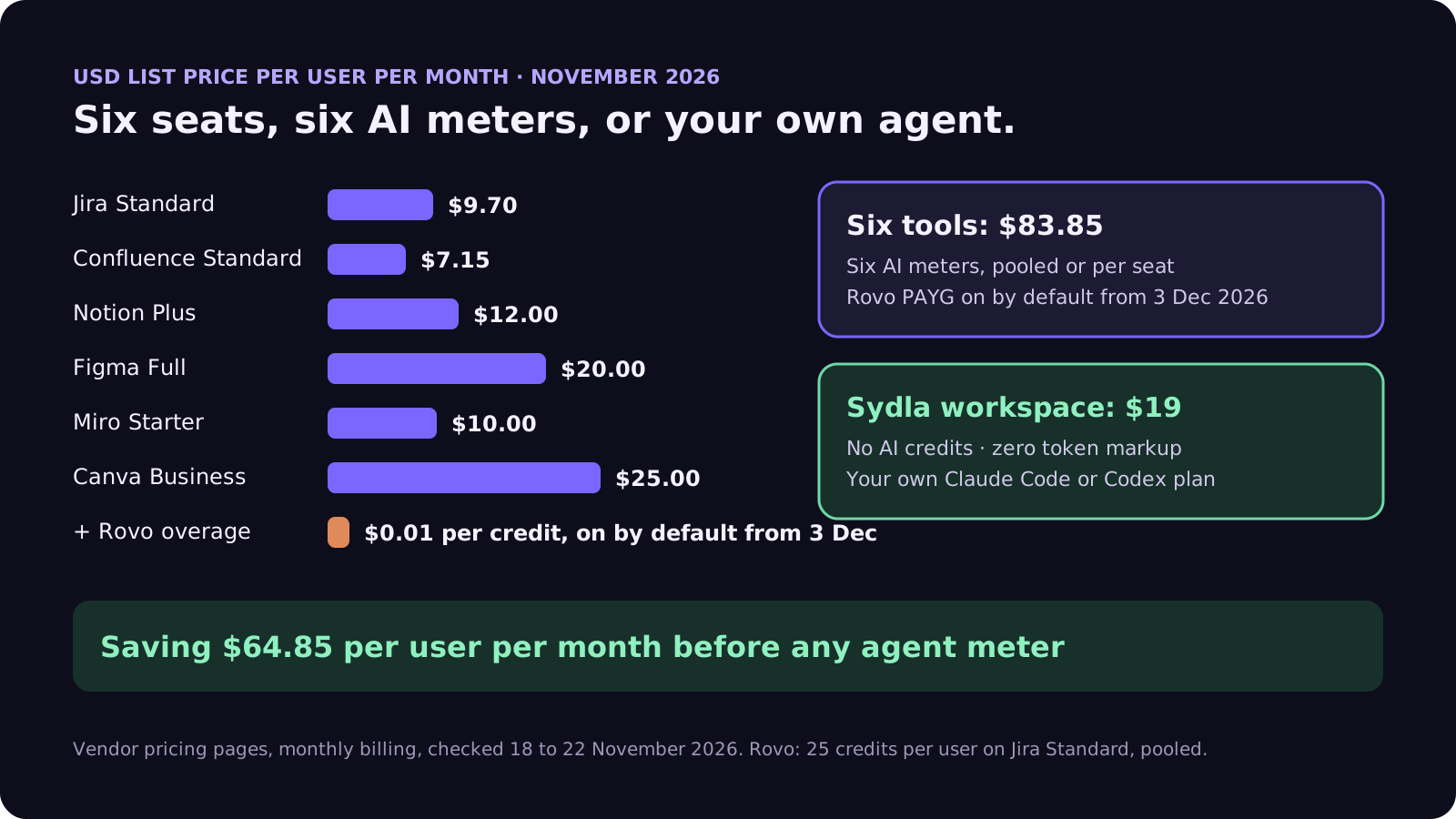
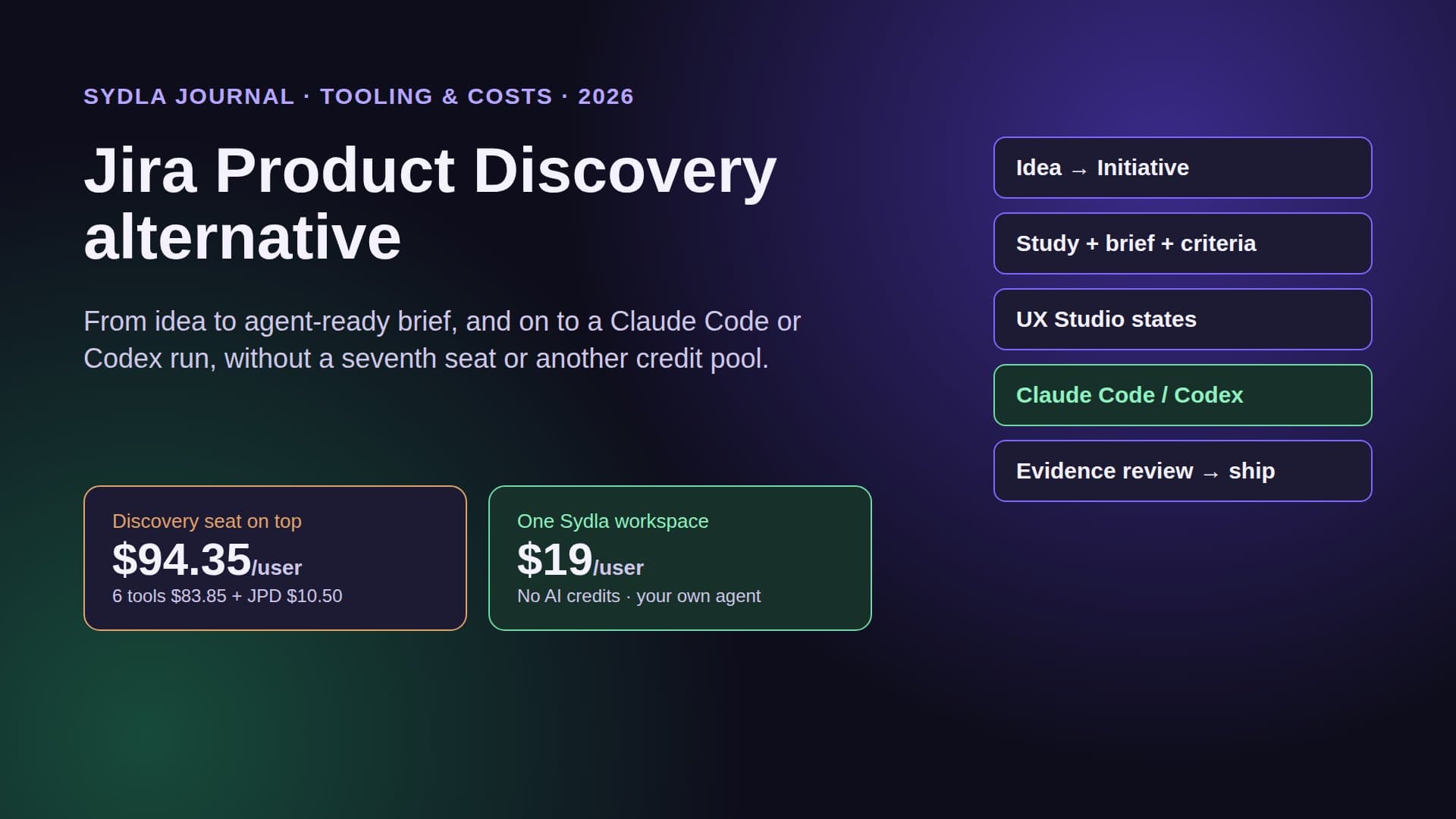
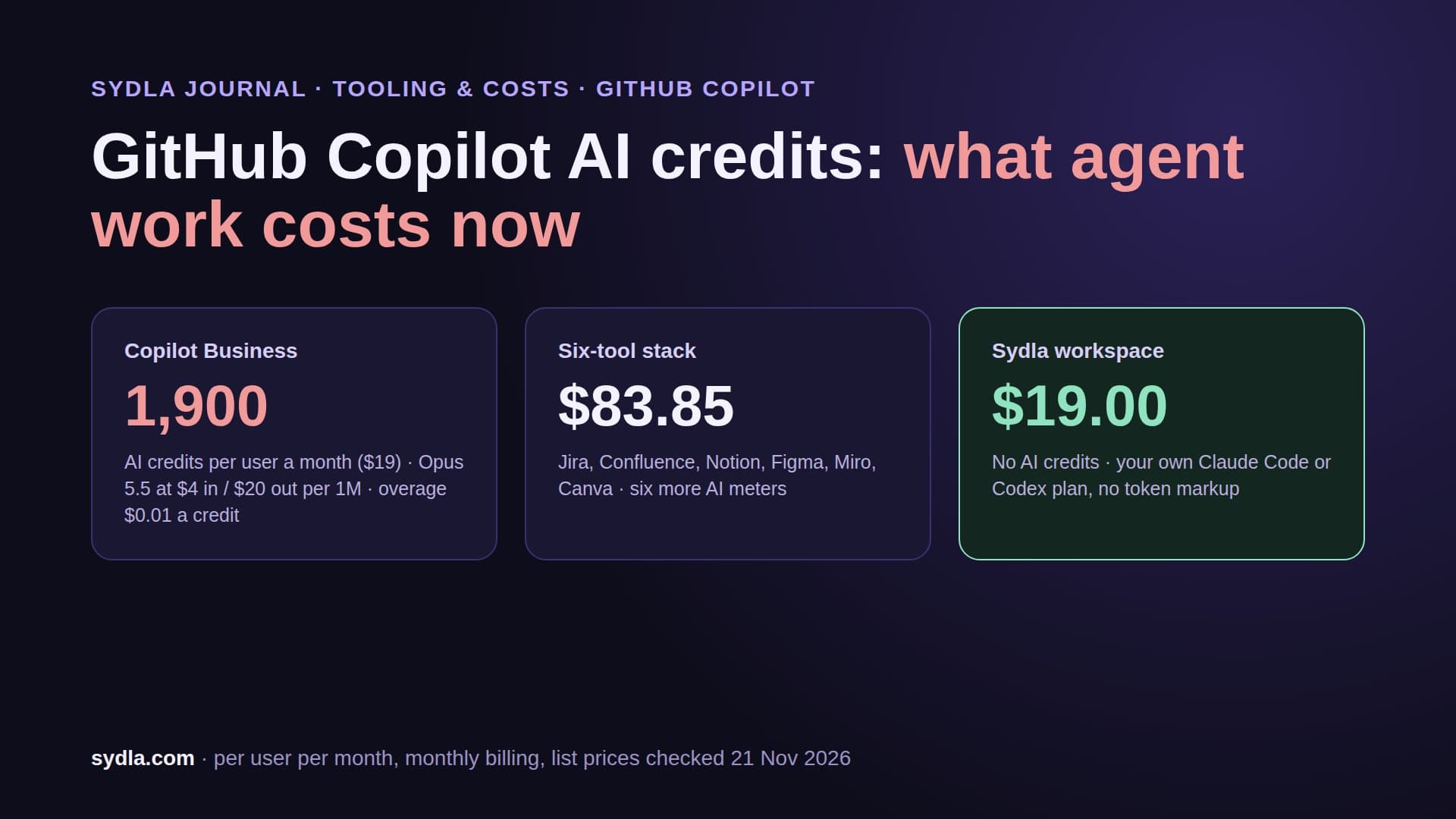
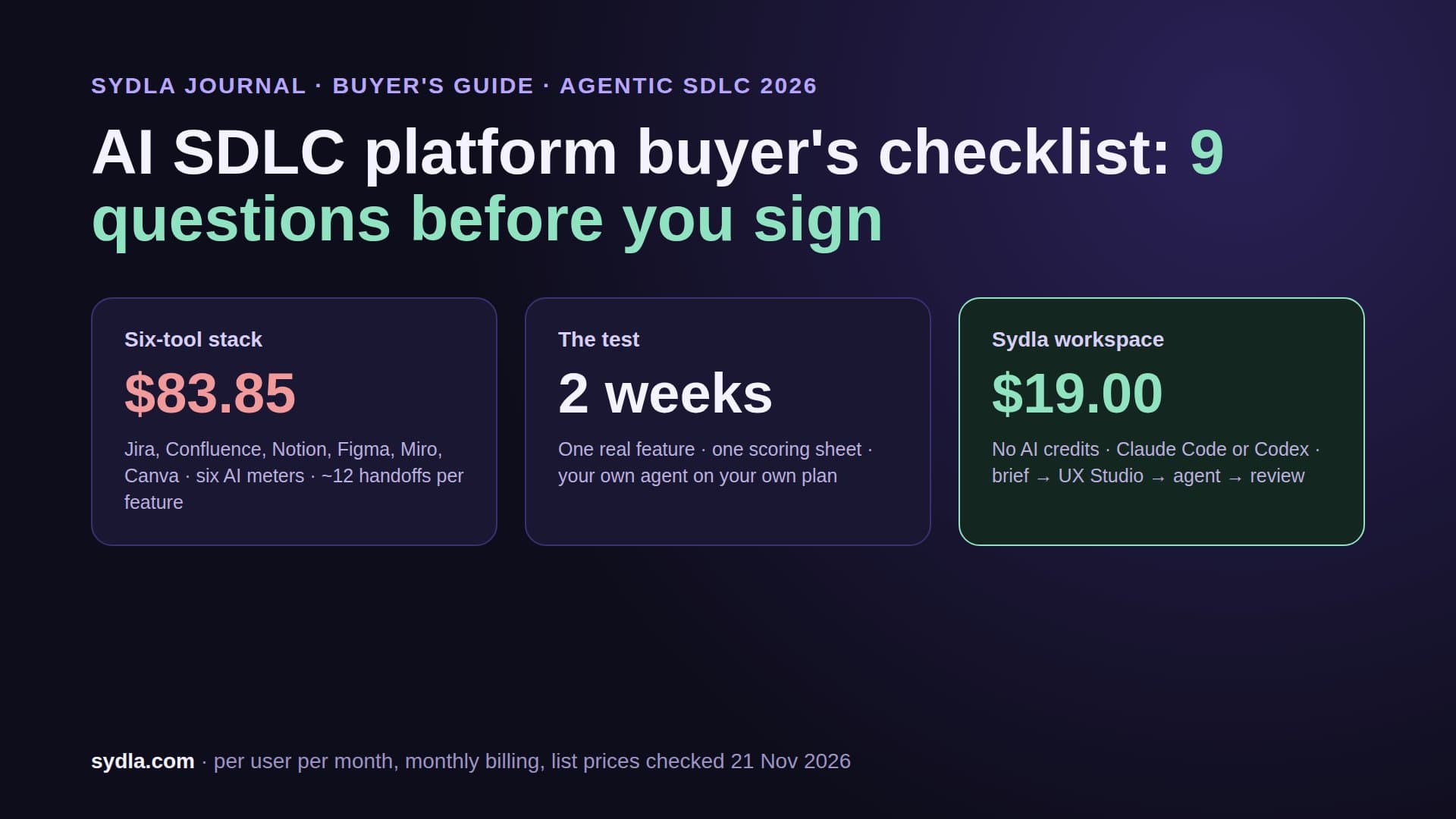
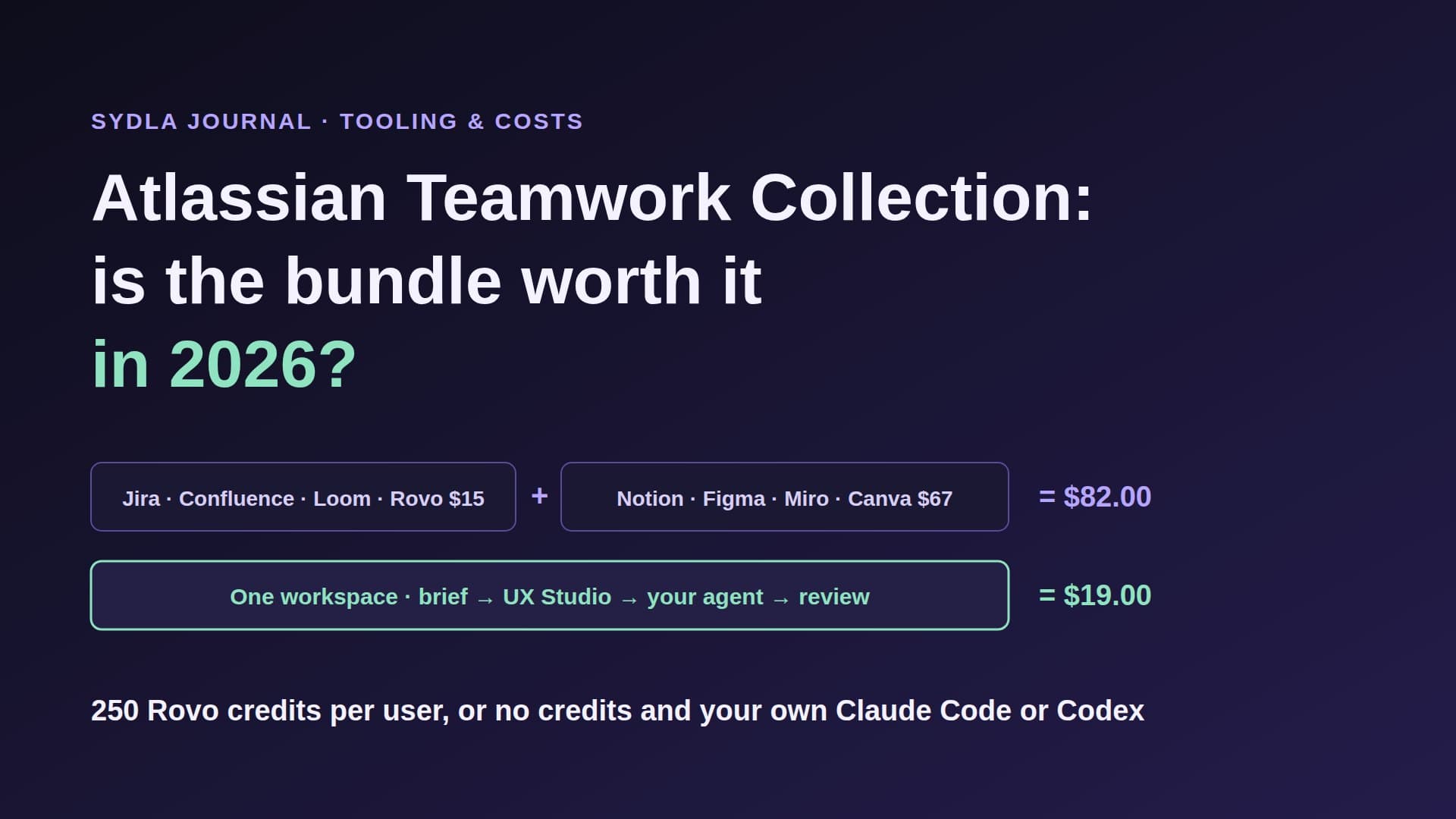
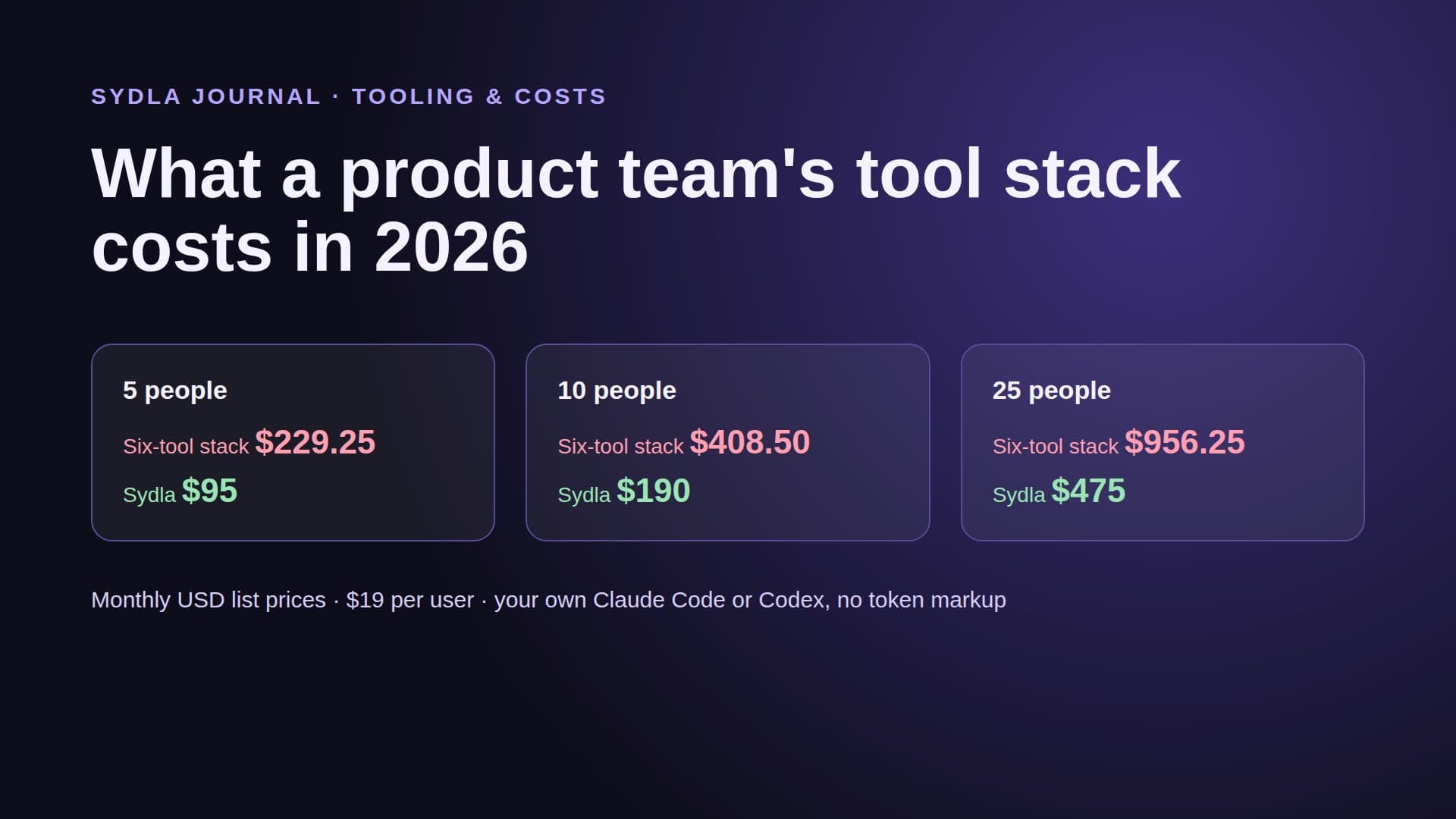
The six tools come to $83.85 per user per month before any overage, against $19 for Sydla, a saving of $64.85. A triggered coding run adds its own vendor bill on top. The breakdown by team size is in our stack cost guide, and the comparison overview covers each tool one by one.
What the triggered agent actually reads
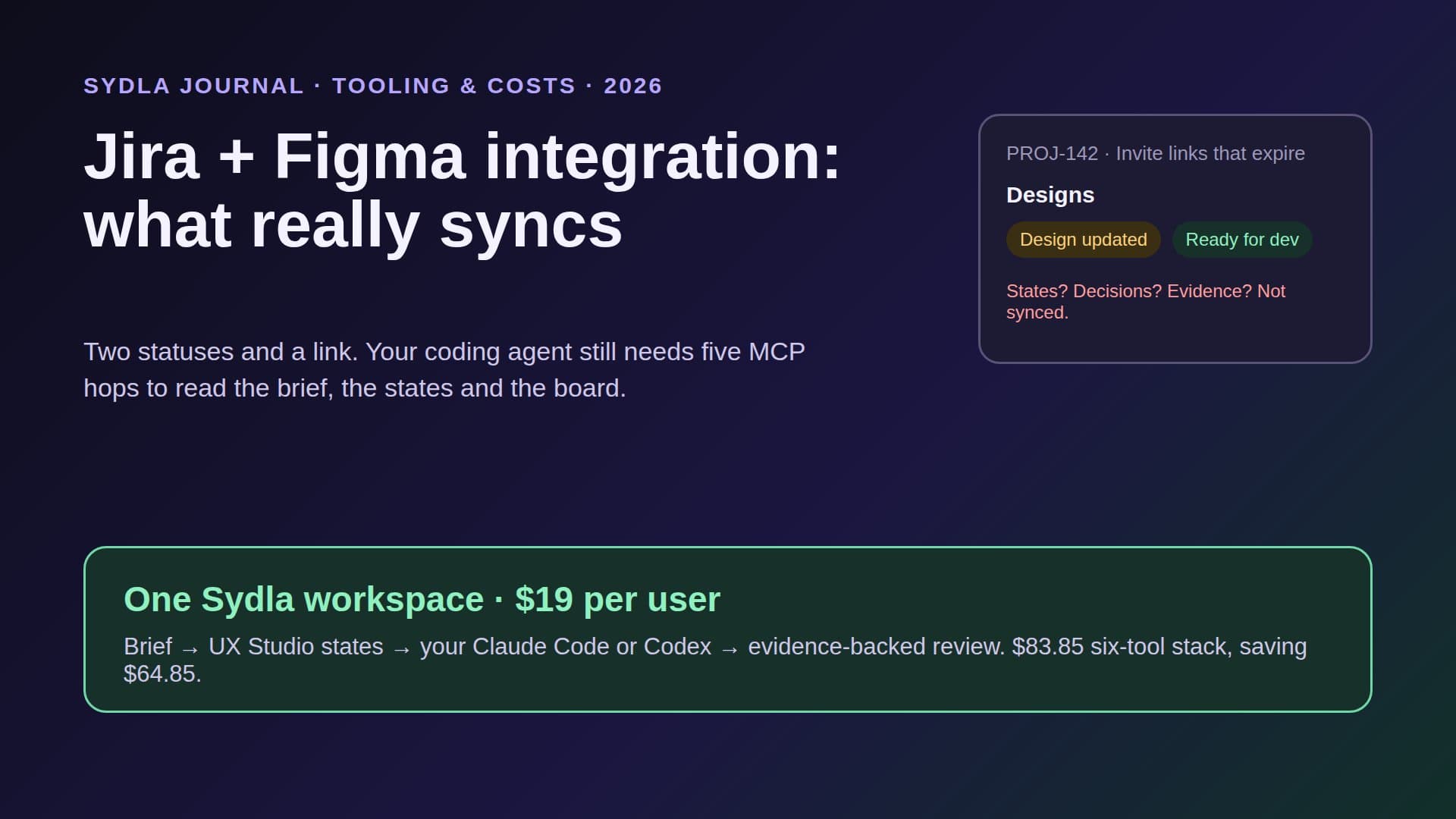
Context decides whether the pull request is reviewable. Atlassian's pages are specific here. Claude Agent for Jira sends the work item summary, the description and the linked repository reference to Anthropic, and a comment that mentions the agent becomes extra instructions. The announcement adds acceptance criteria and relevant standards when they are on the work item. Confluence pages and Figma files are not named for the managed agent.
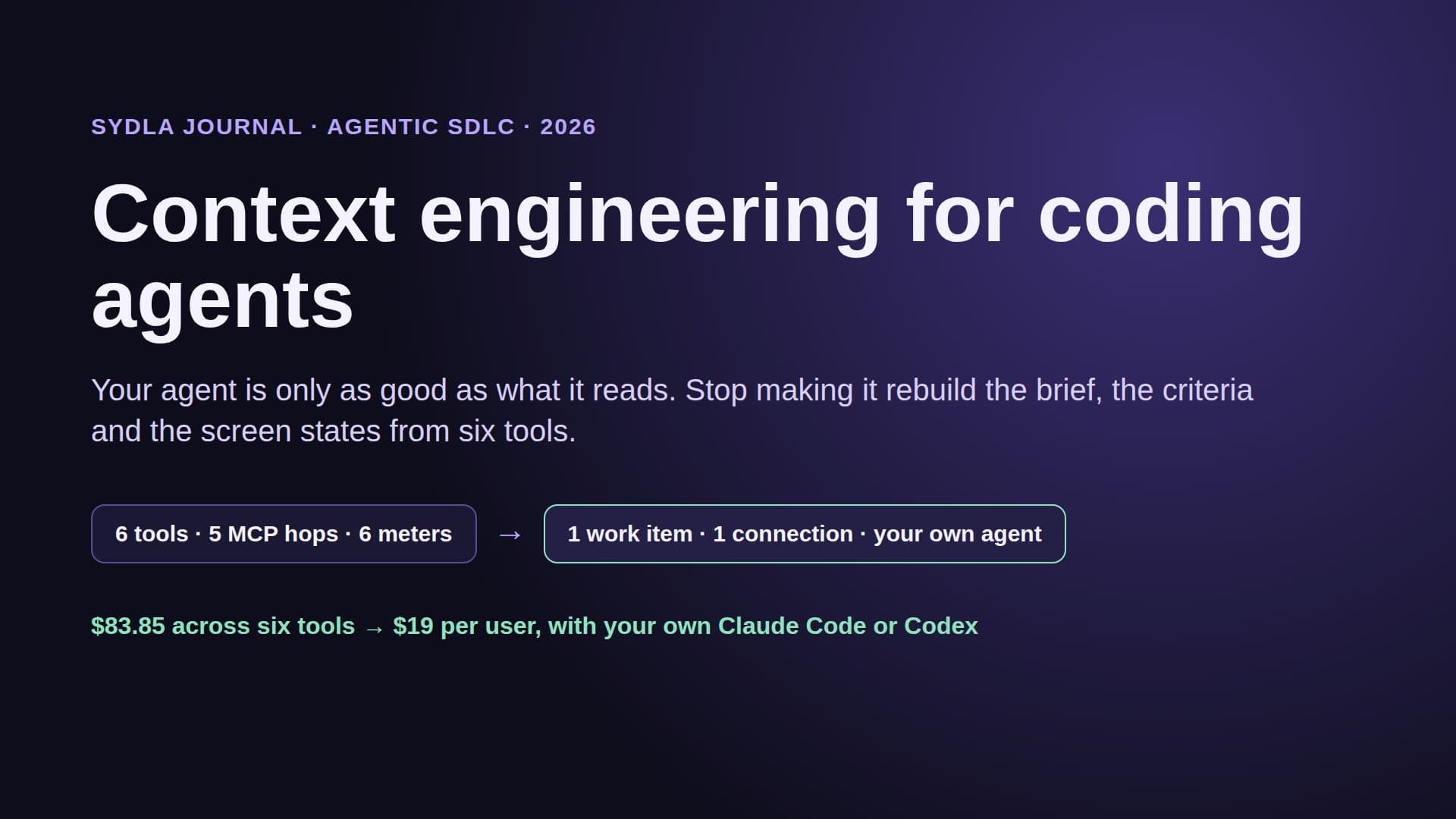
So the run is only as good as the ticket text. The empty, loading and error states drawn in Figma, the decision made last week on a Miro board, the spec section in Notion and the evidence format your reviewer expects are not in the prompt unless someone pasted them into the description. A rule that fires on every status change will fire on thin tickets too, and each one is a paid run that ends in a draft pull request someone has to read.
There are also governance details worth reading before you enable it. The Claude Agent setup page says Zero Data Retention is not supported, because Managed Agents keep session state, and that agents in Jira are not available in HIPAA or FedRAMP instances. Repository access is whatever the GitHub token allows, and Atlassian suggests starting with a small test repository. Our prompt injection guide explains why a ticket written by anyone with comment access is untrusted input to a coding agent.
Technical walkthrough: your own agent on a shared brief and UX Studio states
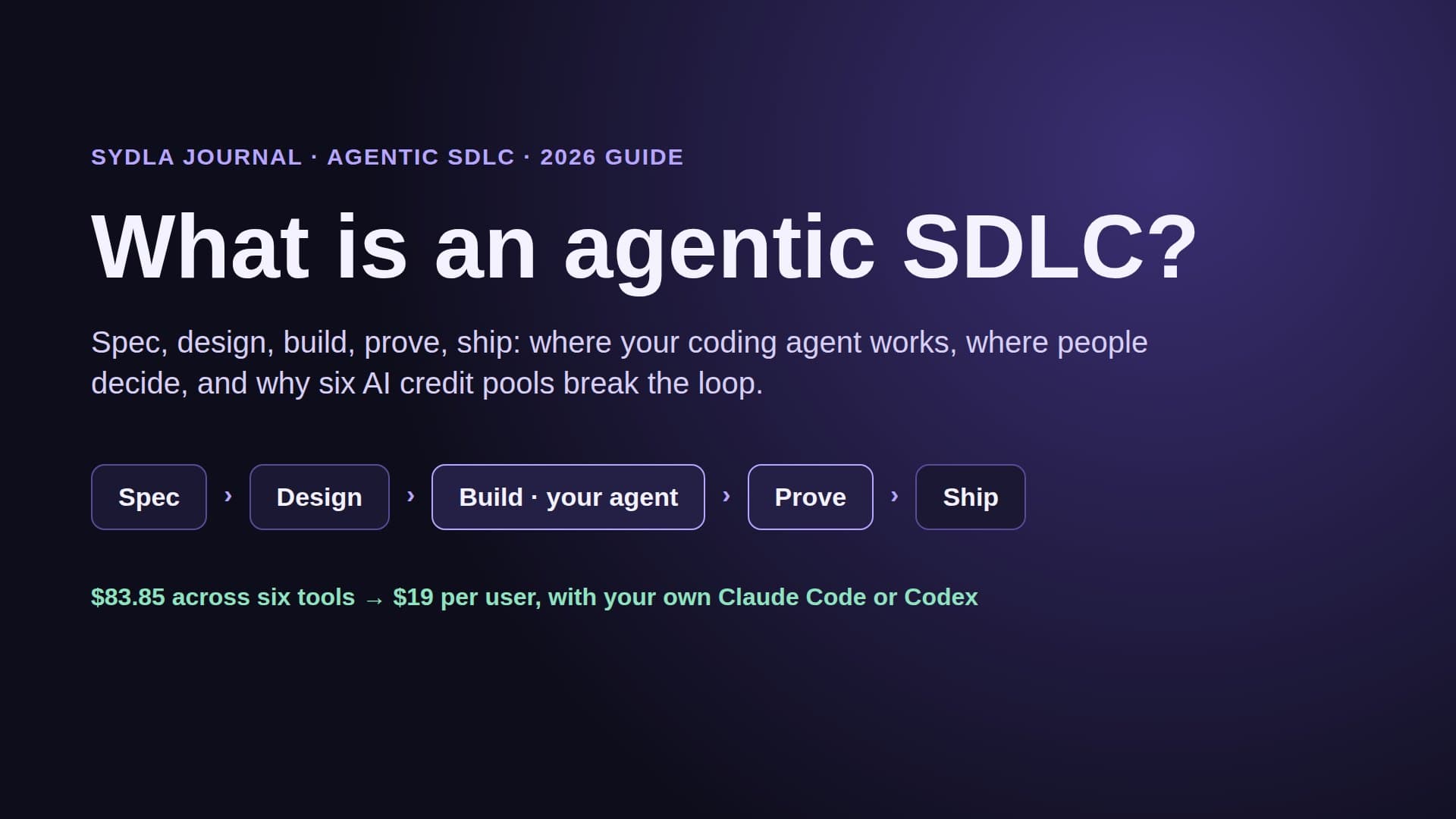
Sydla takes the other route. Instead of a rule in one tool waking an agent that bills somewhere else, the context lives in one workspace and the agent you already pay for reads it, on your machine, on your plan.
- Brief. The ticket sits in an initiative with a versioned brief, numbered acceptance criteria and a done-means line. Each save is signed by its author, a person or an agent.
- UX Studio. The screens and their states, empty, loading, error and success, are designed next to the ticket and published as a handoff with tokens and a URL per state, not a frame link.
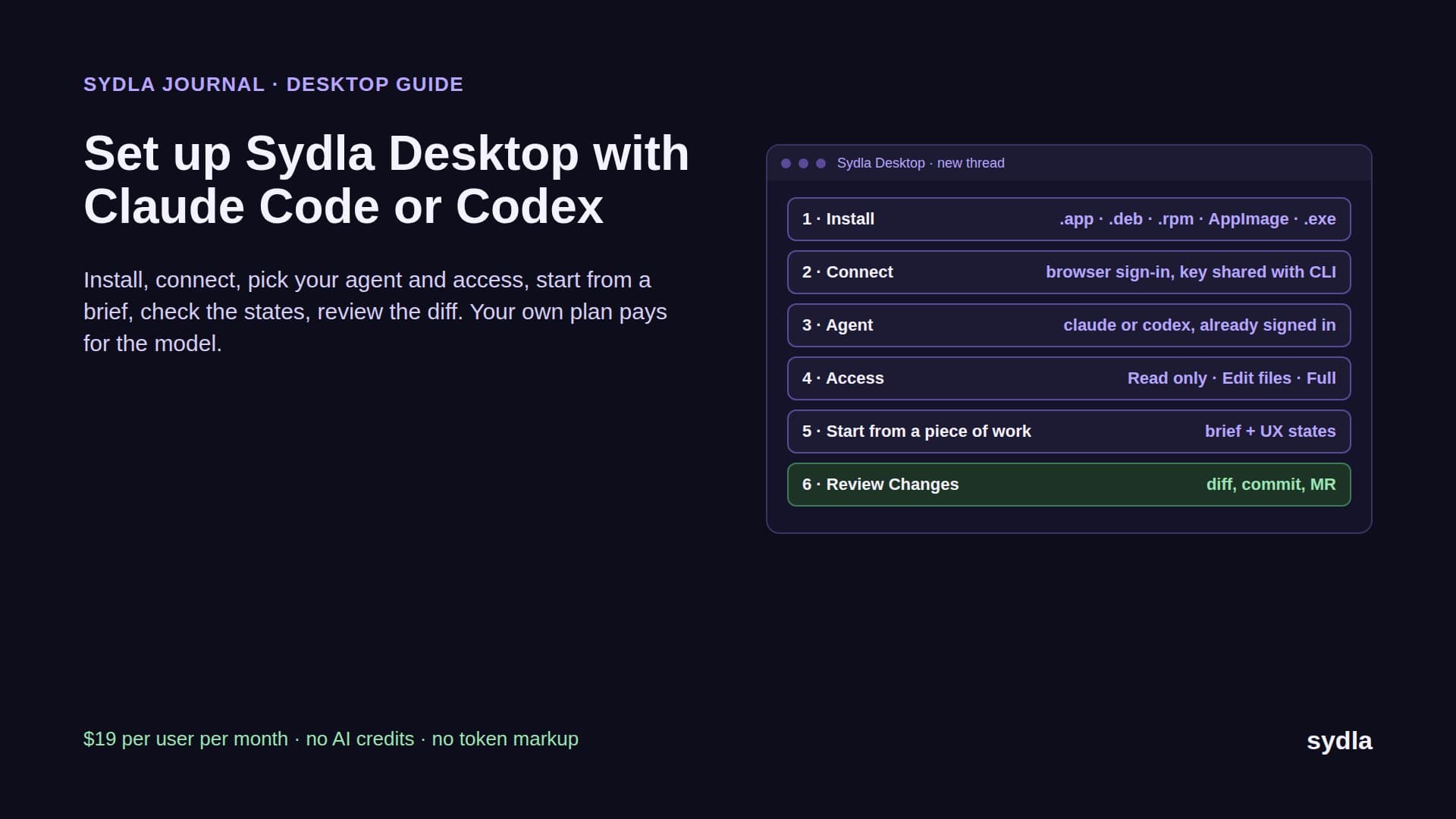
- Run. In Sydla Desktop you open the ticket, start a thread and pick claude or codex. Desktop drives the CLI you are already signed in to, so the model, the limits and the bill stay on your Claude or ChatGPT plan. Each thread has an access level, Read only, Edit files or Full access, with a Preview panel and a Changes view beside the conversation.
- Review. The agent records evidence against each criterion: test output, screenshots of each state, the diff. A person reviews it and decides the merge and release gates. An agent can request a gate but never approve one.
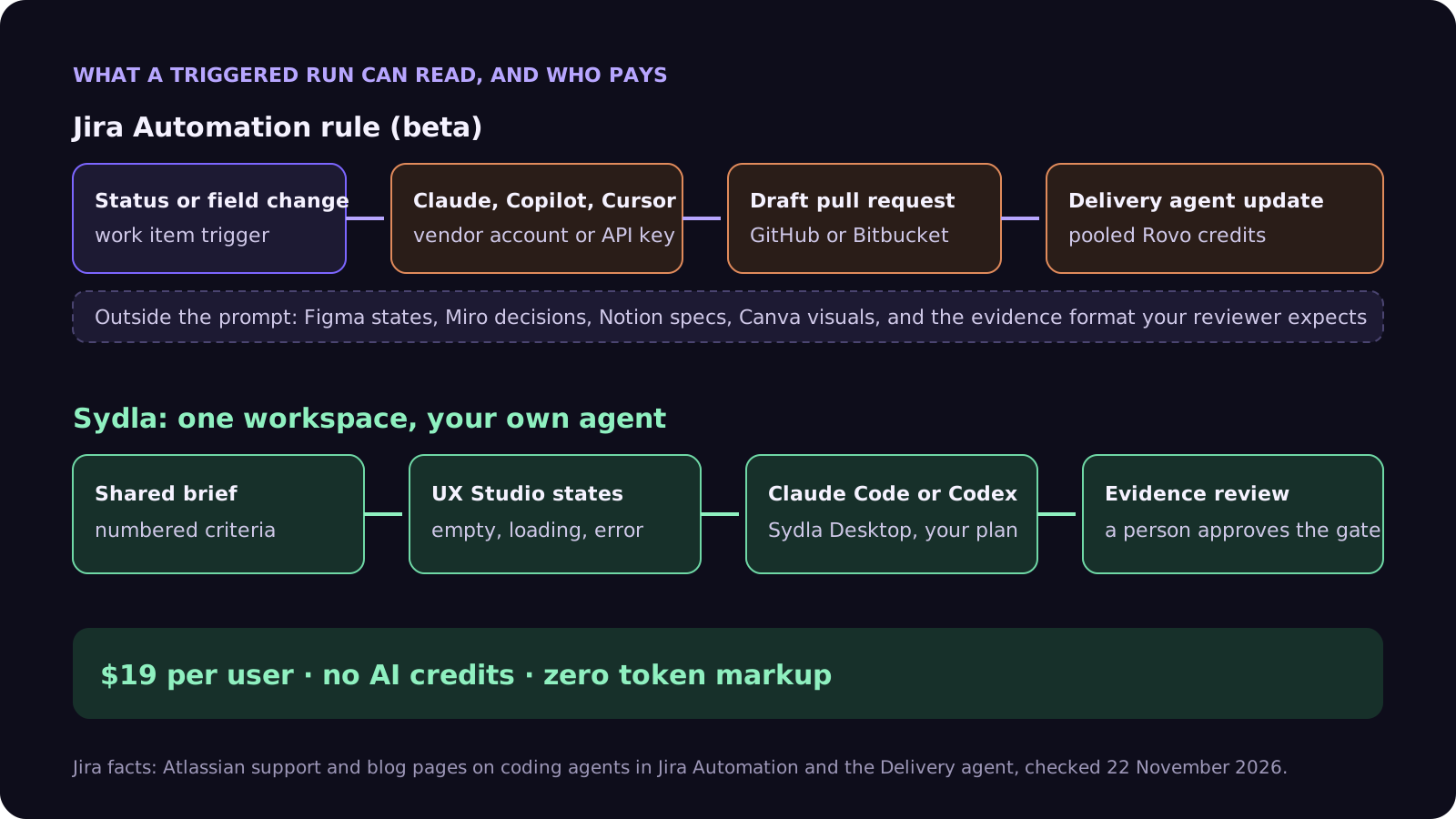
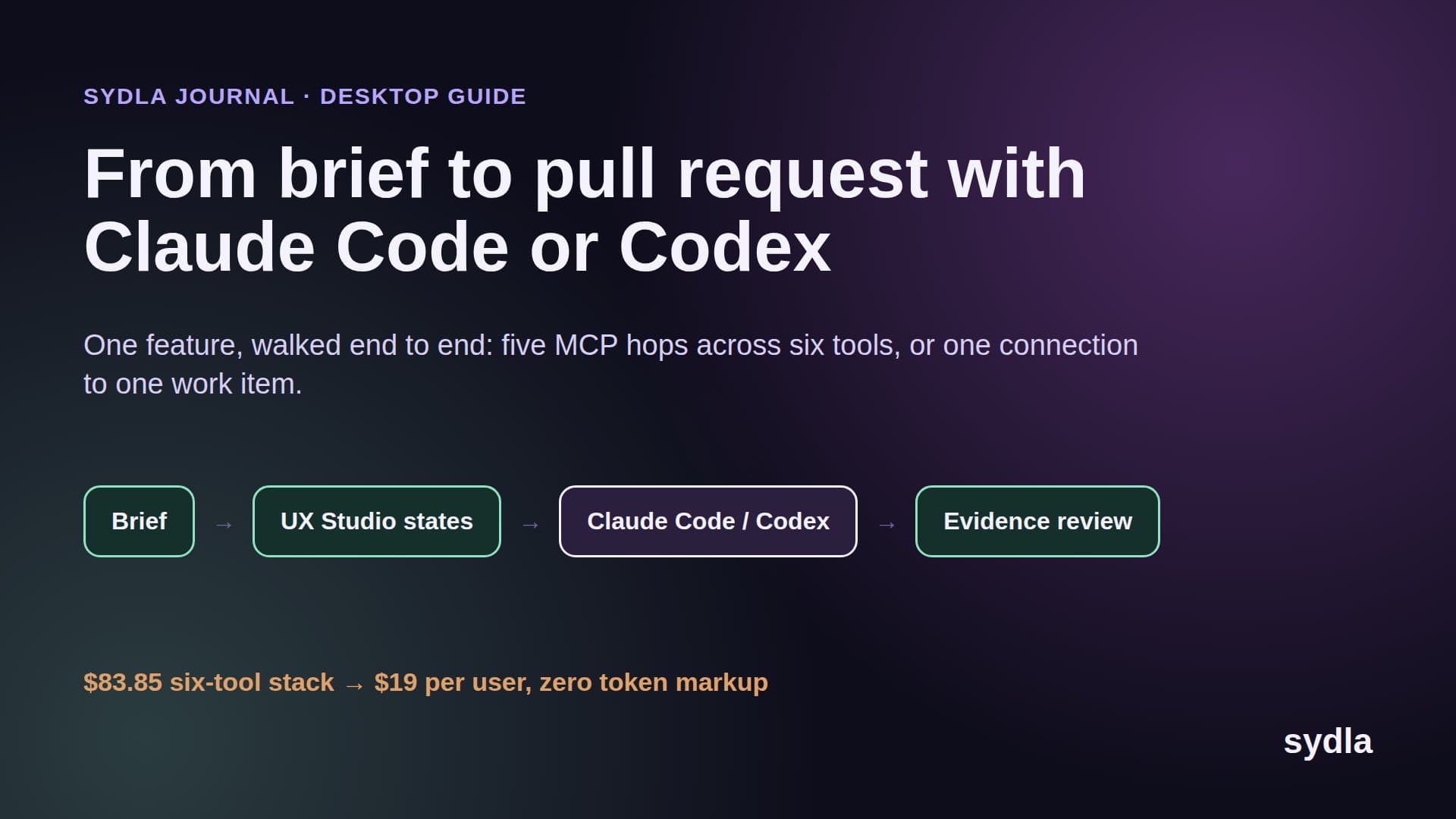
Outside Desktop, the same context is one MCP connection away. For Claude Code, add the Sydla server once with claude mcp add using the HTTP transport and the sydla.com/mcp URL. For Codex, add an mcp_servers.sydla table to config.toml with the same URL and your key in the headers. The first prompt stays short: read the work item, list the criteria and states you will build, work on a branch, and record evidence per criterion. The Desktop setup guide has every step, and our brief to pull request walkthrough follows one feature end to end.
When a Jira rule is the right tool
Be fair to Atlassian. If your company runs on Jira, Confluence and GitHub, your tickets are already well written, and you want small, repeatable fixes such as dependency bumps, flaky test triage or copy changes to start without a person in the loop, a rule that hands a labelled ticket to Claude or Copilot is genuinely useful. The audit log is good, the trigger is explicit, and the output is a draft pull request, not a merge.
The Delivery agent is useful too, for a different job: it saves a lead from writing the same standup and stakeholder summary every week. Just watch its credit use once your pool is shared with chat and coding agents, and decide your pay-as-you-go setting before 3 December.
A rule is the wrong tool when the hard part is context, not starting the run. Feature work with designed states, open product questions and a reviewer who needs evidence is where lean teams lose time. For them, the question is not which agent the tracker can wake, but where the agent reads the work from. Our Claude Code vs built-in AI agents guide compares the two models in depth, and the Jira alternatives guide looks at other trackers.
A five-step check before you turn on agent rules
Whichever way you lean, run this check before agent rules reach every project.
- Decide pay as you go. It is on by default from 3 December 2026. Set a spending cap, or switch it off if a paused Rovo feature is better than a surprise bill.
- Name the bill for each agent. Write down which account pays for Claude, Copilot and Cursor runs, and put a spending limit on the Anthropic API key used by Claude Agent for Jira.
- Gate the trigger. Fire on an explicit label or field, such as agent-ready, not on every status change, so thin tickets do not become paid runs.
- Fill the ticket first. Criteria, states, out-of-bounds files and what done means belong in the work item, because that is all the managed agent reads. Our acceptance criteria guide has a template.
- Measure the hops. Count the tools a person opened to review each agent pull request. If that number is high, the cost is the stack, not the agent, and our 30-day migration plan shows how to move only what is alive.
Try it on your next ticket
Sydla is $19 per user per month with every feature included and no AI credits to buy. Your Claude Code or Codex plan does the coding, and the brief, the states and the evidence live with the ticket. See the pricing section, read how Sydla works, then start your workspace and keep your Claude Code and Codex accounts.
Frequently asked questions
Can Jira Automation trigger Claude, Copilot or Cursor?
Yes, in beta. Jira Automation has native action steps for Claude, GitHub Copilot and Cursor, available on paid Jira plans with Rovo enabled. Atlassian's support page says the beta supports only work item and field-based triggers, not scheduled ones, and needs Bitbucket Cloud or GitHub Cloud connected. The agent opens a pull request you review in the repository, and every run is in the automation audit log.
How is Claude Agent for Jira billed?
Atlassian does not publish a price. The app is free on the Marketplace, but it runs on Anthropic's Claude Managed Agents with your Anthropic API key, and use is subject to your organization's agreement with Anthropic. In practice that means Anthropic API billing for each run, separate from the Claude Pro, Max or Ultra plan your engineers use for Claude Code.
What is the Jira Delivery agent?
It is a built-in Rovo agent that reads Jira work, flags delivery risks, helps plan sprints and writes standup and stakeholder updates to Confluence or Slack. It ships with Daily Standup, Delivery Health Check and Stakeholder Status Summary templates, needs Confluence and Rovo on the site, is set up per space, and spends Rovo credits from the shared pool.
Do Jira coding agents use Rovo credits?
Atlassian's own agents do: Agents in Jira and the Jira Coding Agent are Premium features billed in variable credits per event, from a pool of 25, 70 or 150 credits per user per month on Standard, Premium or Enterprise, with pay as you go at $0.01 per credit on by default from 3 December 2026. Beta features do not currently count unless stated otherwise. Third-party agents bill on their own vendor accounts.
Is there a cheaper way to run Claude Code or Codex on Jira-style tickets?
Yes. Sydla replaces Jira, Confluence, Notion, Figma, Miro and Canva in one $19 per user workspace, against $83.85 for the six tools, and runs your own Claude Code or Codex through Sydla Desktop or one MCP connection with zero token markup. The agent reads the brief, acceptance criteria and UX Studio states in one place and records evidence for a person to review.